
Charlie Sorrel writes reviews and how-tos. Follow Charlie on Twitter at @mistercharlie, and at micro.blog on @mistercharlie
By Charlie Sorrel •
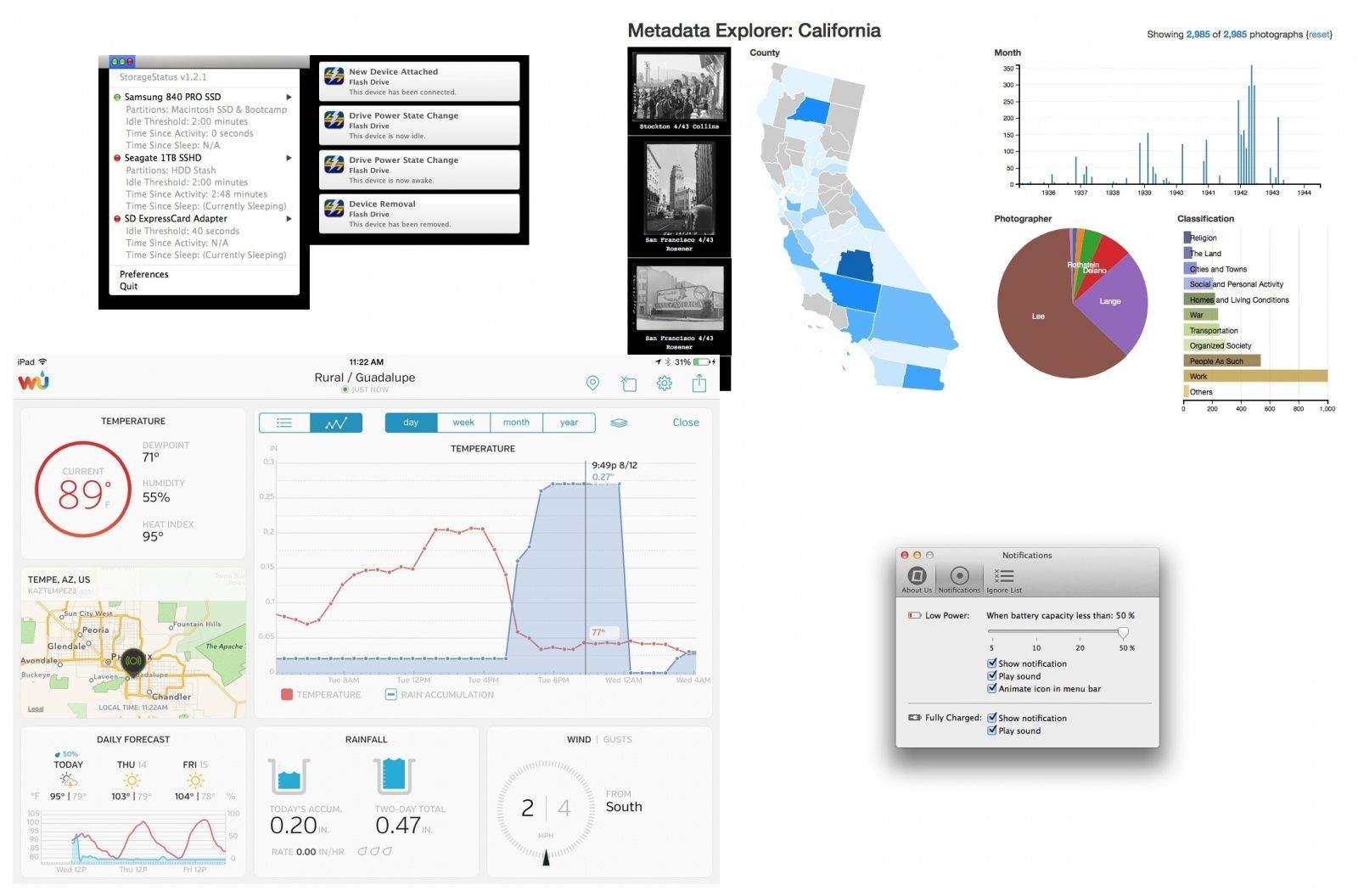
Widget, widgets, widgets. Boy, have we got some widgets for you. And text. Plain text. Plain old text, turned into a calculator. And widgets. Did I mention those? Weather widgets. Battery widgets. And yes, text widgets.
Read all about these new widgets and other new apps in this week's App Watch.
Charlie Sorrel writes reviews and how-tos. Follow Charlie on Twitter at @mistercharlie, and at micro.blog on @mistercharlie


Our daily roundup of Apple news, reviews and how-tos. Plus the best Apple tweets, fun polls and inspiring Steve Jobs bons mots. Our readers say: "Love what you do" -- Christi Cardenas. "Absolutely love the content!" -- Harshita Arora. "Genuinely one of the highlights of my inbox" -- Lee Barnett.
No posts found
A daily blast of Apple news, reviews, how-tos and deals, delivered straight to your inbox.
Thank you! You’ll be hearing from us soon.
3 responses to “App Watch: Plain old text and widgets (lots of widgets)”
App Watch or Watch Apps? A confusing distinction today…
Alternative to PlainTextMenu native on Mac: simply paste using shift + alt + cmd + v and paste will be without any formatting.
ha! just scrolled down to post the same thing … yup, save yourself a buck and a bunch of mouse movements