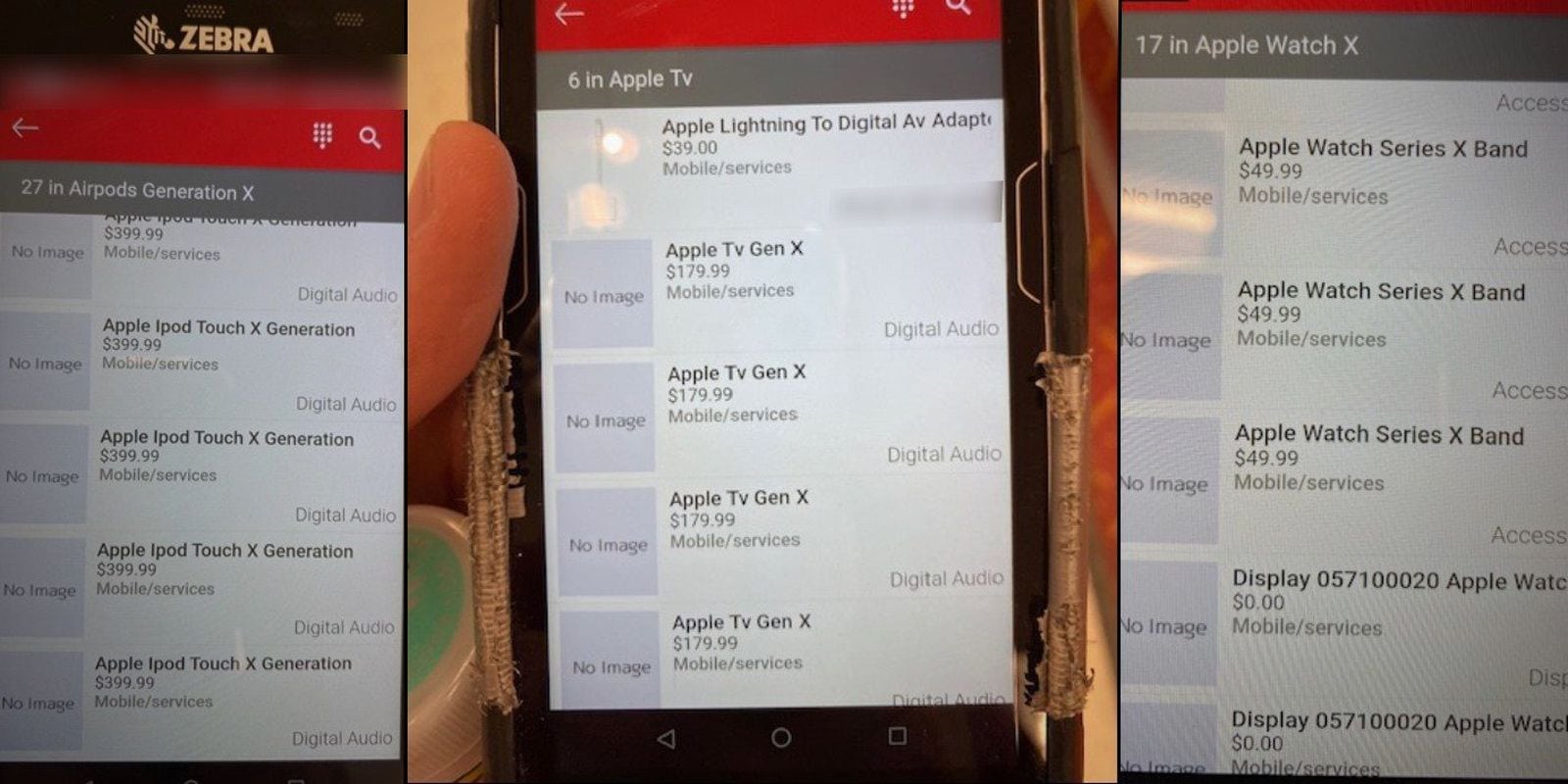
Are these soon-to-be-released Apple products, supposedly uncovered by Target employees? Photo: 9to5Mac
Unnamed Target retail store employees are sharing details of what some believe are soon-to-be-released Apple updates using purported images of product listings from the companies retail inventory system.
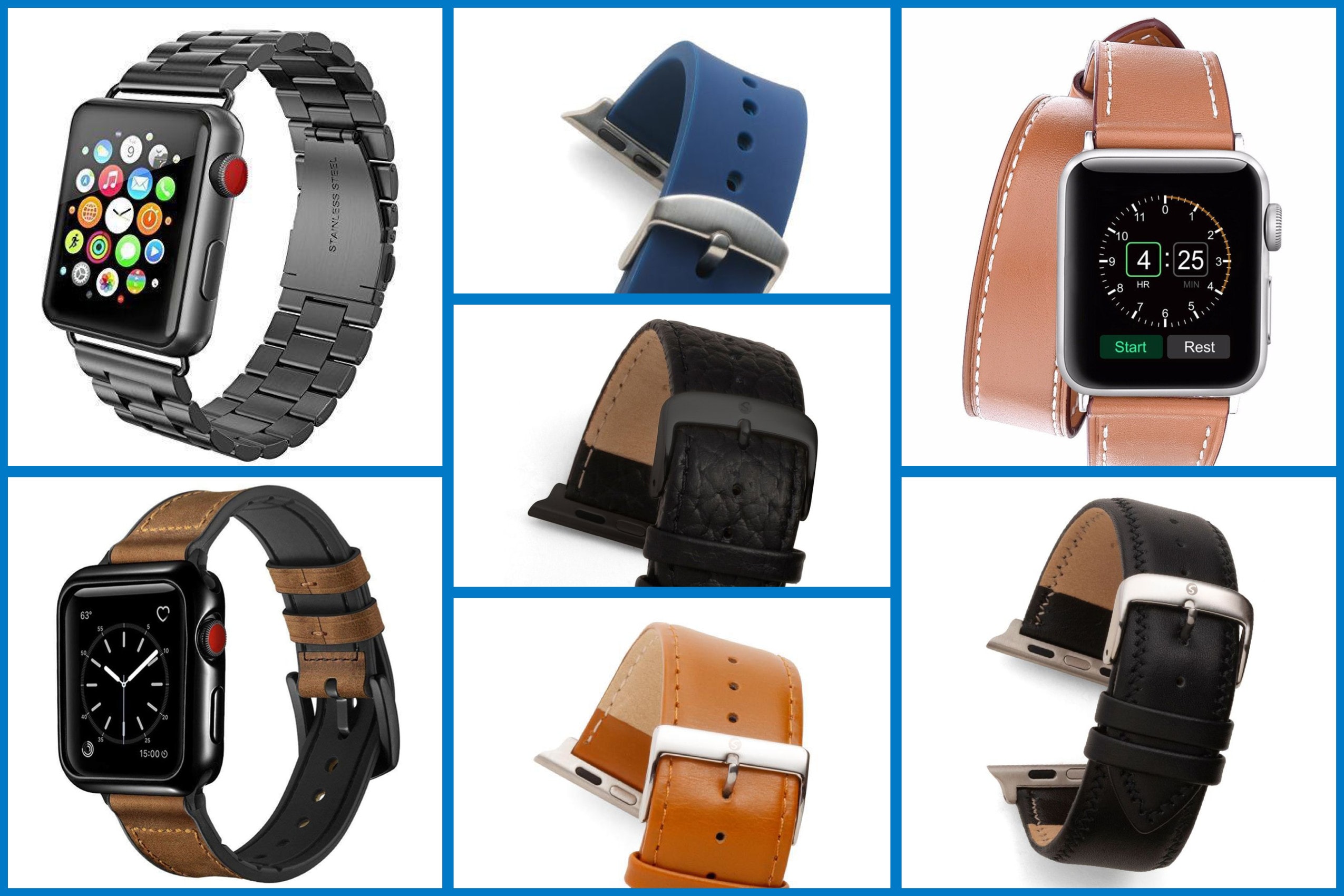
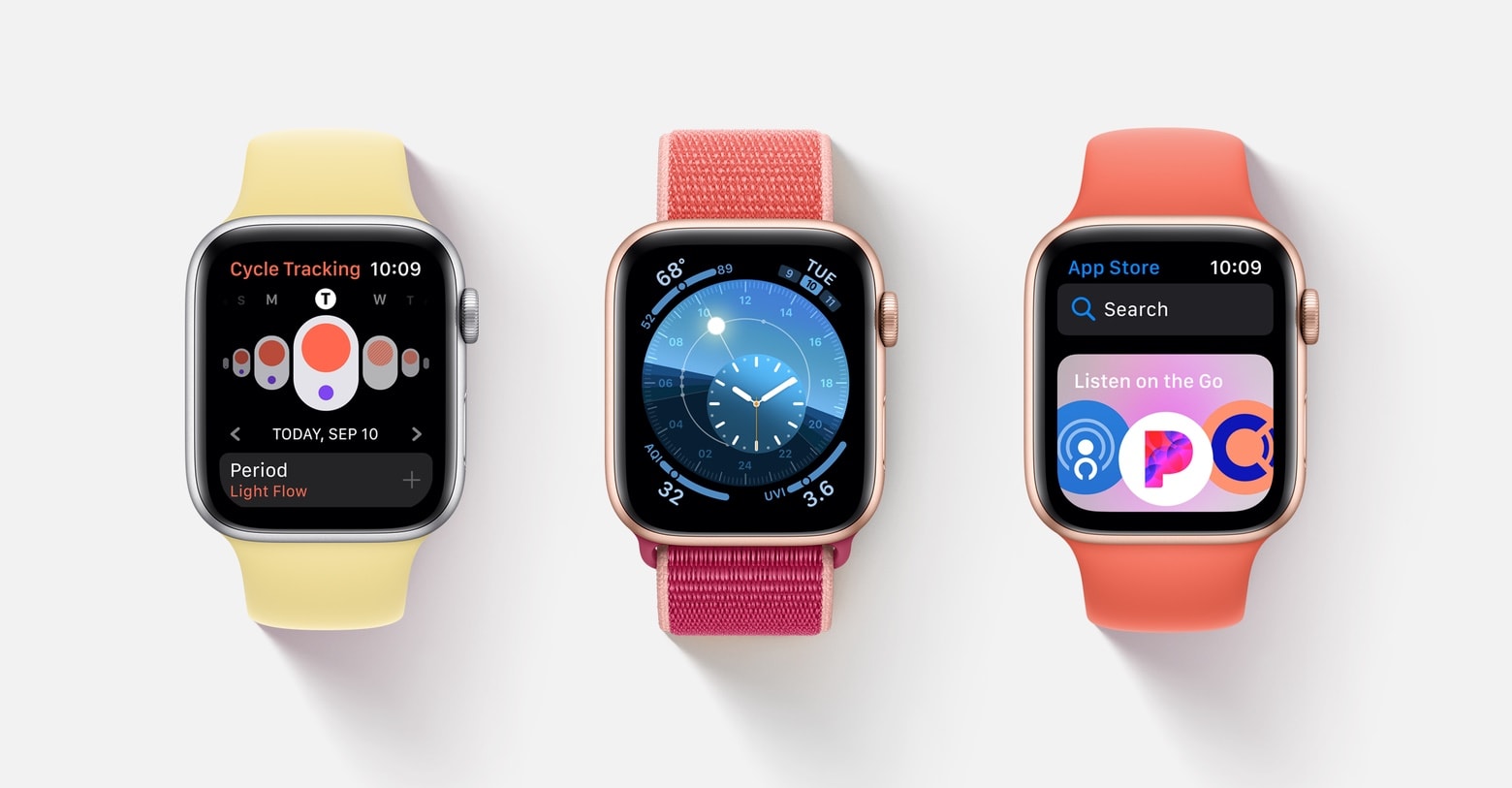
The supposed new products include Apple AirPods X Generation, a 10.5-inch iPad, a new generation Apple TV, a new iPod touch and a series of new Apple Watch bands.
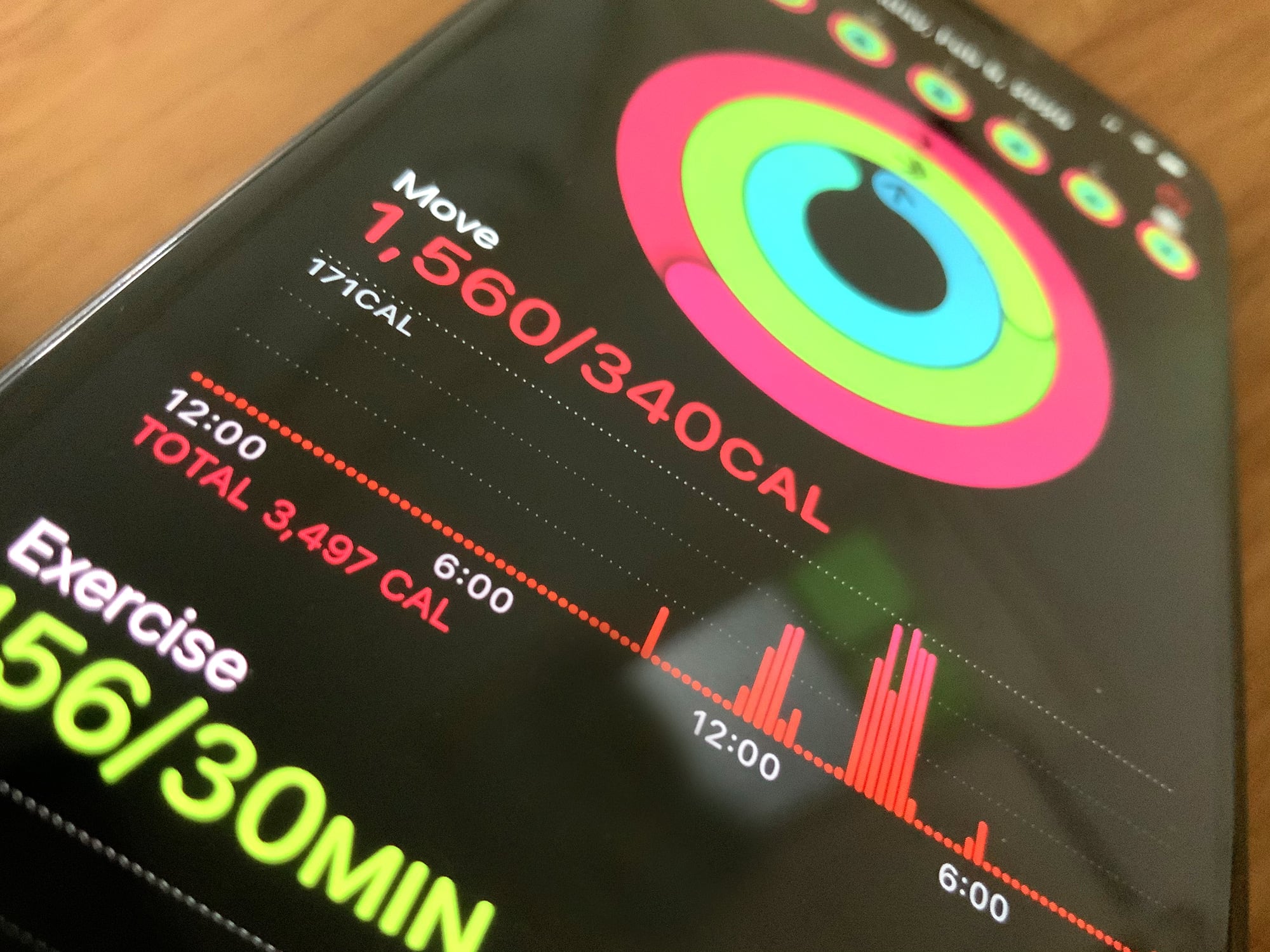
Active calories versus total calories: What’s the difference? Photo: Graham Bower/Cult of Mac
While most workout gadgets estimate all the calories you burn during the day, Apple Watch does something different. It uses a metric called Active Calories, which is always lower than Total Calories. And that’s actually a good thing. Here’s why.
Unless you hate yourself, or you have an uncommonly close relationship with Siri, anytime you need to reply to a message on your Apple Watch, you pull out your iPhone. Scribble, the watch’s laborious handwriting-recognition input, is fine for very short replies, but it takes so long for anything else that it makes T9 text input look appealing.
But what if there was some kind of iPhone-esque Scribble autocomplete? What if I told you that this hidden feature is already there, and that you just never noticed it? Prepare to have your mind blown.
Apple is shifting a portion of AirPods, iPad and Apple Watch production from China to Taiwan as the tech giant continues to deal with coronavirus-related delays in China.
The virus, called COVID-19, has forced Apple to diversity on the fly its China-reliant production model. Much of the country remains quarantined and restricted in travel, and Apple assembly and supply partners are unable to operate at full capacity.
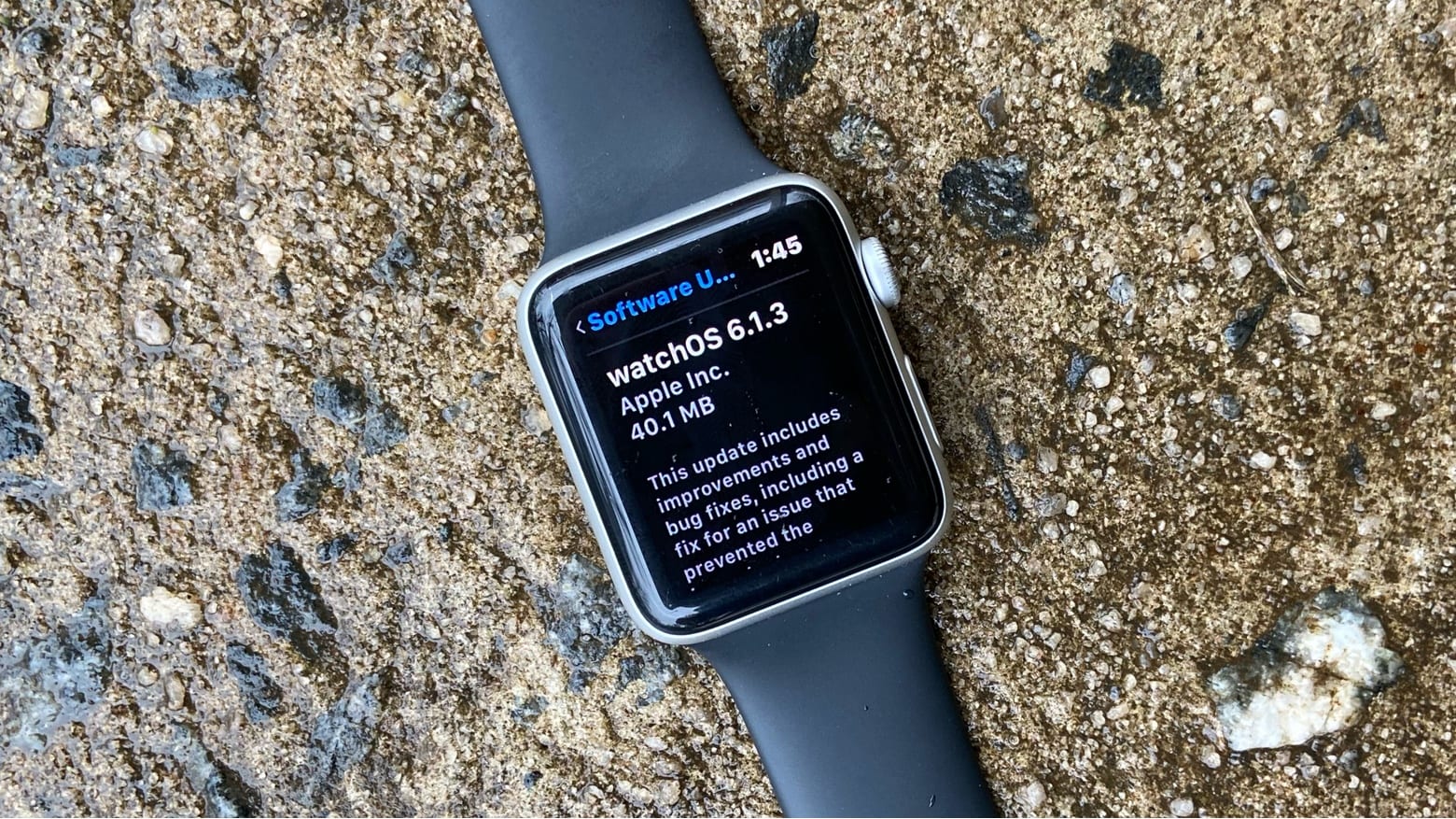
If you live in Iceland, you need watchOS 6.1.3 right now. Photo: Ed Hardy/Cult of Mac
The newly-released watchOS 6.1.3 fixes a significant bug, but only for the residents of Iceland. Still, Apple thinks it’s important enough to put out a software update primarily for this reason.
Shop the latest lineup today. Photo: Speidel/Cult of Mac
See in spring in style with these hot new Apple Watch bands from Speidel.
We’ve got stunning double tours, traditional leather straps, and premium stainless steel bracelets — all available today on the Cult of Mac Store. Prices start at just $19.95.
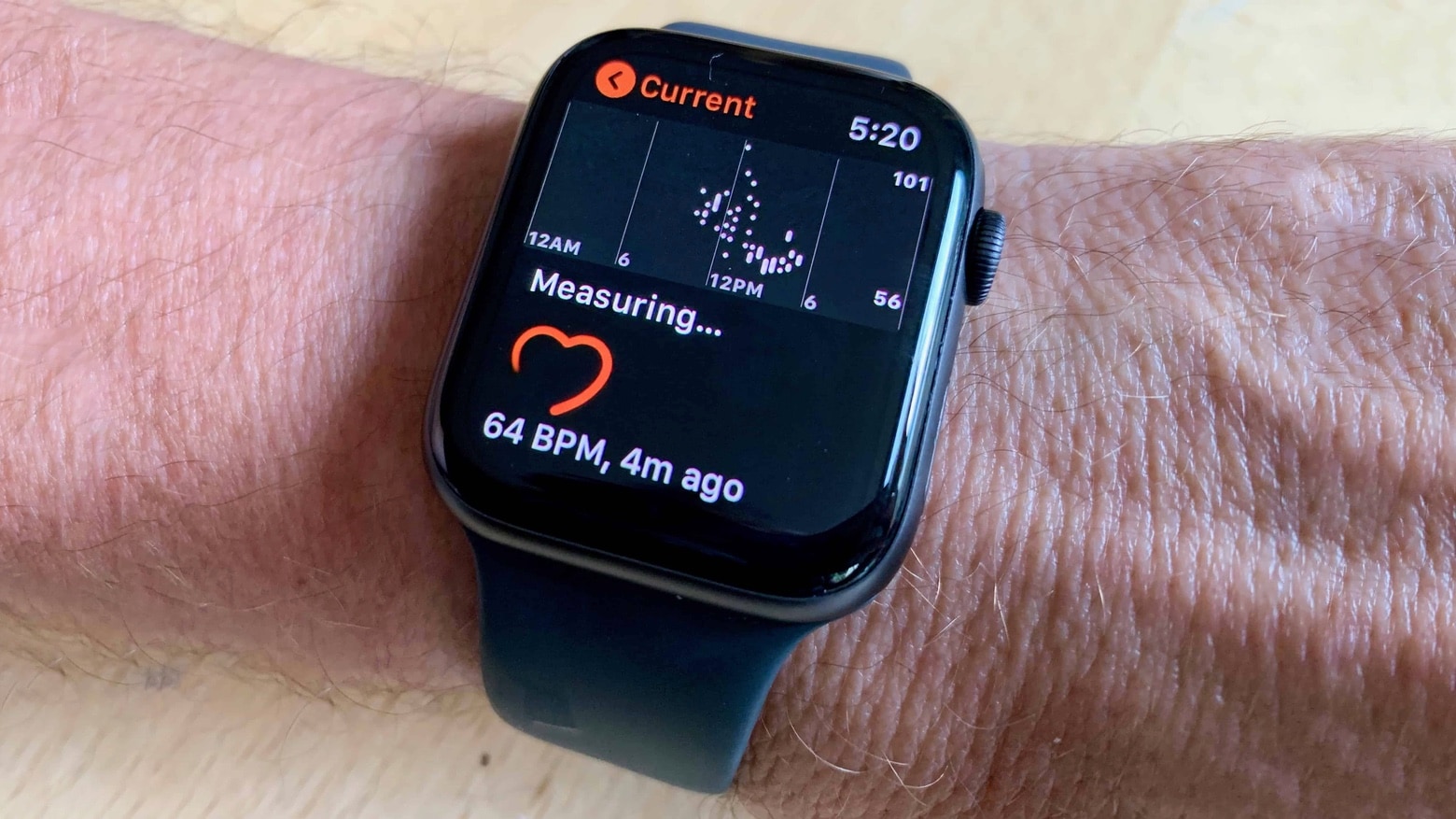
An Apple Watch can constantly watch for problems with your heart. Photo: Leander Kahney/Cult of Mac
A 13-year-old Oklahoma boy sent a frightened text to his mother after his Apple Watch showed his heart rate was at 190 beats per minute while he was sitting still. But thanks to this warning — and a lengthy operation — he’s back to playing sports.
It could be one of many new faces. Photo: Ian Fuchs/Cult of Mac
The newest update to Pandora for Apple Watch gives you the ability to stream music without being connected to your iPhone.
The feature takes advantage of changes made in watchOS 6, which rolled out last fall, that allow third-party apps to stream audio on Apple Watch. Of course, you’ll need a device with LTE connectivity to enjoy it.
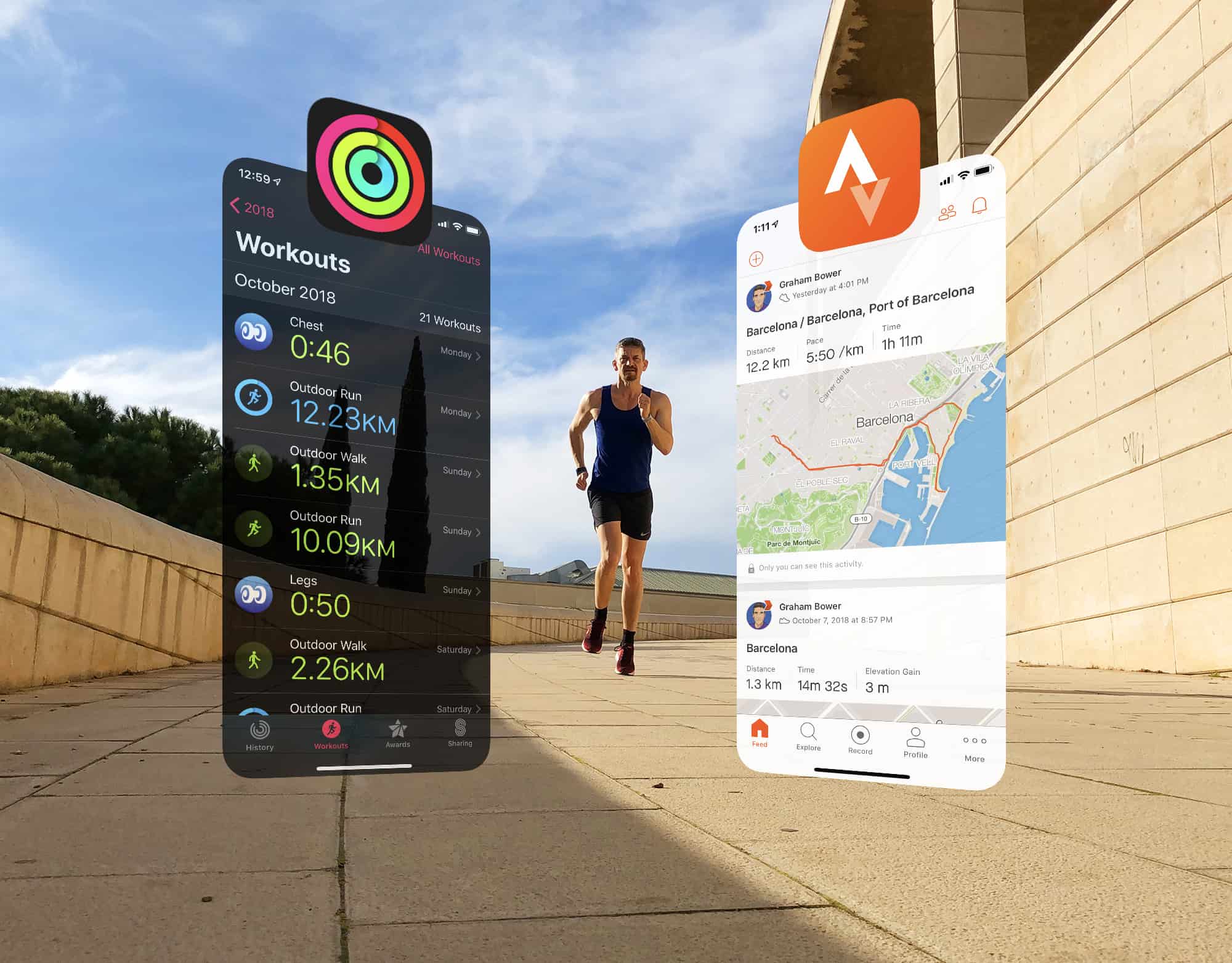
Strava is ready to play nice with Apple Photo: Graham Bower/Cult of Mac
Strava is a brilliant app for sharing your workouts and analyzing your fitness activity. But its Apple Watch app is not so great. That’s why I prefer to use Apple’s built-in Workout app and then view my data afterward on the Strava website.
The trouble is, up until now, the only way to do that was by relying on third-party apps such as HealthFit, which provide the missing link that syncs Apple’s workouts with Strava.
Strava has been promising to come up with a solution for years. And this week, the company finally delivered. It’s a huge step in the right direction, but I won’t be deleting HealthFit just yet. Here’s why.
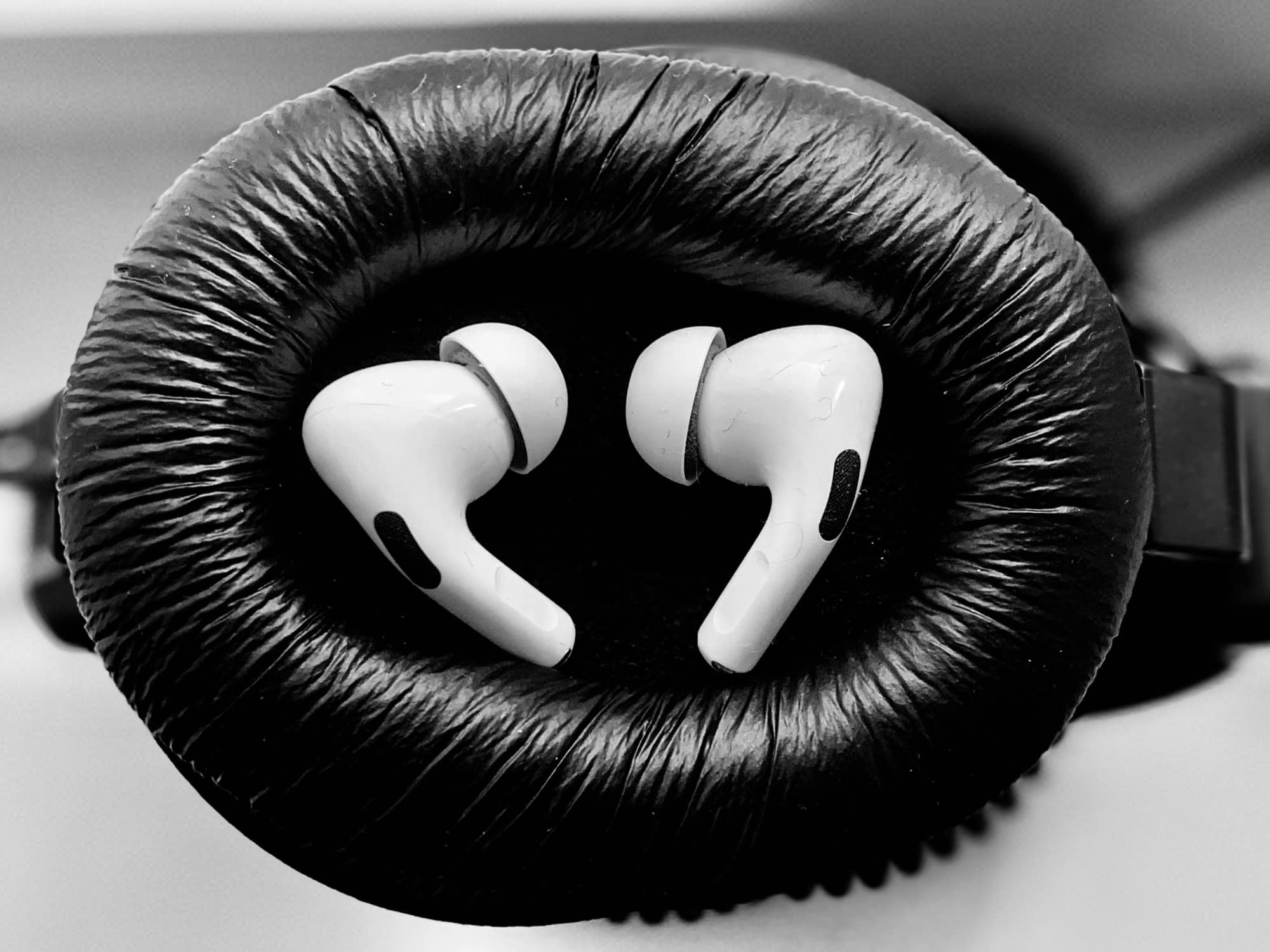
AirPods Pro and Transparency Mode make for fine hearing aids. Photo: Charlie Sorrel/Cult of Mac
Apple could be planning to introduce more affordable AirPods Pro buds. A new report claims Cupertino is in talks with suppliers in Taiwan over “AirPods Pro Lite,” which are expected to debut later this year.
It is believed Apple is also planning to shift production of other devices — including iPad, Apple Watch, and iMac — to Taiwan as the coronavirus epidemic continues to cause problems in China.
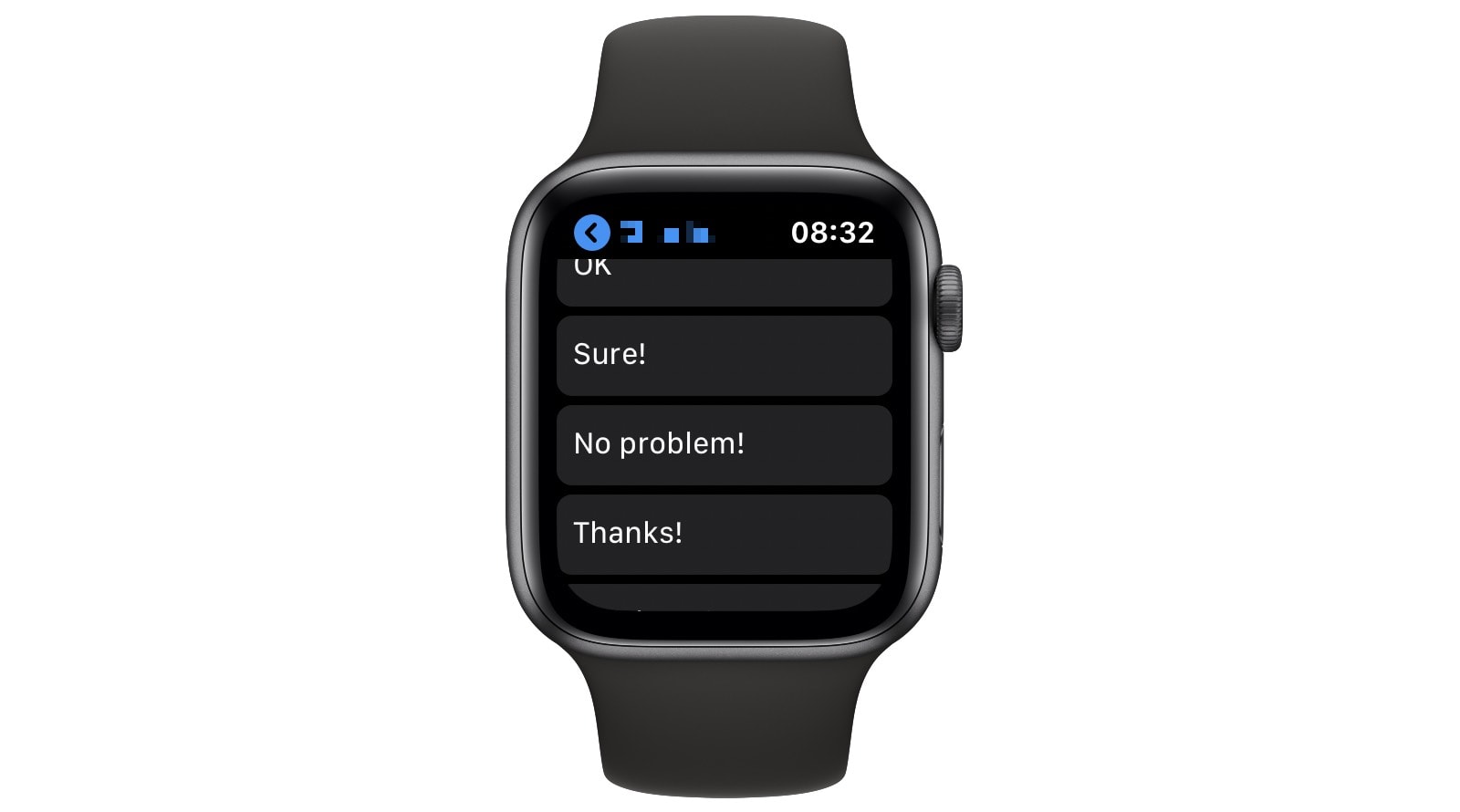
Change the lame smart replies on your Apple Watch. Image: Apple
You know when you reply to a message on your Apple Watch, and it’s such a pain to write it out a letter at a time or to dictate your reply (only to have Siri mishear you)? The alternative is to use one of Apple Watch’s canned responses. Unfortunately, they all sound like your account got hacked, or that you don’t care about the sender enough to come up with a proper reply.
However, you can customize those replies to make them much more useful. And with one clever trick, you can make Apple Watch smart replies sound just like you really wrote them.
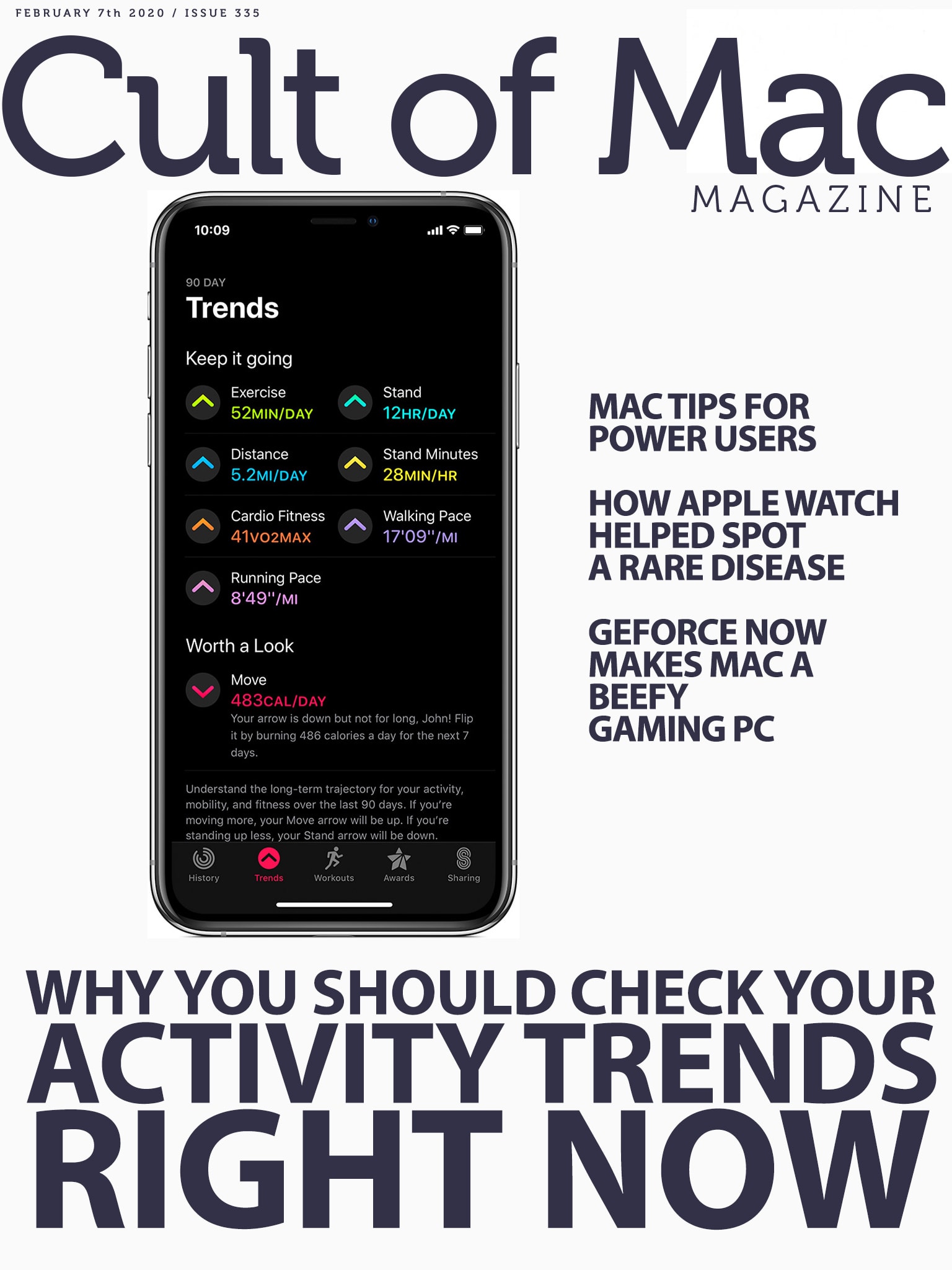
Find out how to decipher the data hiding behind the Activity app's new tab. Cover: Leander Kahney/Cult of Mac
A new feature in the Activity app offers deep insights into progress you’re making on your personal fitness goals. Find out how to check your Activity Trends and decipher all that delicious workout data your Apple Watch is squirreling away.
Strava is ready to play nice with Apple Photo: Graham Bower/Cult of Mac
Before iOS 13, if you wanted to sync Apple Watch workout data with Strava, you had an excellent option: a brilliant third-party fitness app called HealthFit. Unfortunately, Apple’s strict new rules in iOS 13 broke the app’s syncing functionality, leaving Apple Watch-wearing members of the fitness social network in the cold.
Luckily, today’s HealthFit update brings the welcome return of this Strava-syncing capability. Cult of Mac has been testing a beta version of HealthFit 5.2.6 and can confirm that it works really well again. Strava sync is back and better than ever. Here’s what the new-and-improved fitness app can do for you.
Brady Ogle loves his Apple Watch for many reasons. Photo: Brady Ogle
Brady Ogle knew something was wrong with his body. It took the Apple Watch to confirm it.
24 hours after New Year’s Day, Ogle reported for work like any other workday at an AT&T store in Granbury, Texas, just south of Dallas. For the preceding three months, the 30-year-old hadn’t been feeling well. He visited his doctor but was told he might be suffering from a mild case of indigestion and to simply manage it from home with a proper diet.
Still, his symptoms kept preying on his mind. Something was wrong. He could feel it.
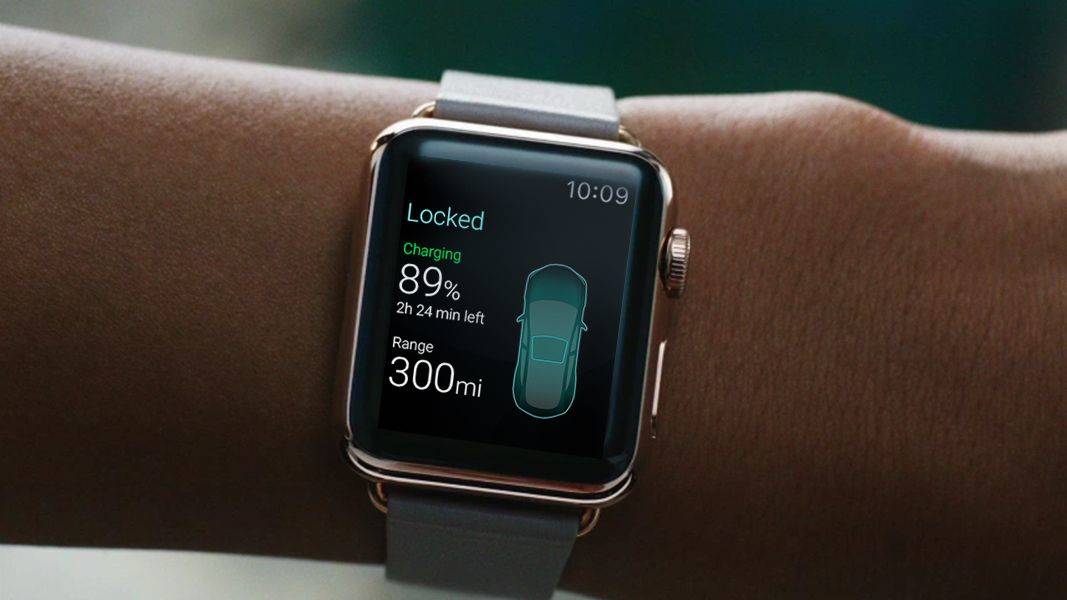
A concept design for an Apple Watch app designed to communicate with a Tesla. Photo: Eleks Labs
Apple reportedly added code to iPhone and Apple Watch to let these devices function as car keys, giving users one less thing to constantly carry around.
The company began work on such a feature years ago, and supposedly how has finally reached the point where it’s building the feature into iOS and watchOS.
Apple Watch shipments grew 36% YoY in 2019. Photo: Ian Fuchs/Cult of Mac
A dramatic increase in Apple Watch sales in 2019 brought shipments up 36% year over year, according to a market research firm. The total of number of Apple wearables shipped last year was 45% higher than the entire Switch watch industry.
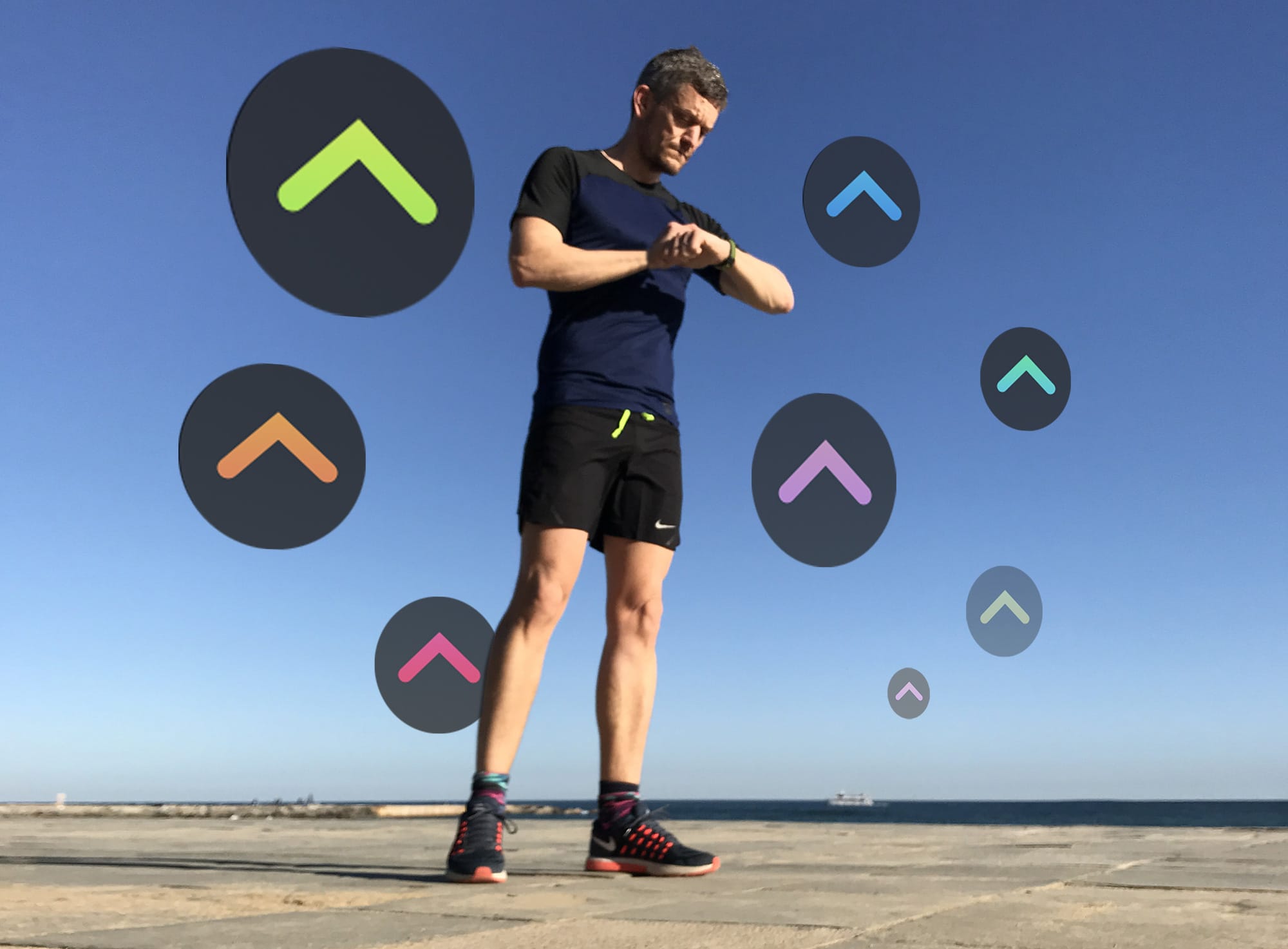
The only way is up. Are your Activity Trends pointing in the right direction? Photo: Graham Bower/Cult of Mac
Apple Watch has always tracked your daily physical activity with its three iconic Activity rings. That’s great if you just want to focus on hitting your daily goals. But what if you want to see your progress over time?
iOS 13 solves this with Activity Trends, an all-new tab you’ll find in the Activity app on your iPhone. It provides an indispensable snapshot of how you’ve been doing. Trouble is, it takes 90 days to collect all your trend data. Which means if you checked when you first upgraded to iOS 13, there probably wasn’t much to see.
The good news is that it’s now well over 90 days since Apple released iOS 13. So your Apple Watch Activity Trends should finally be visible. Here’s how to make sense of them.
Upgrading to the Series 5 just got a bit cheaper. Photo: Apple
Apple is trying to entice people with an old Apple Watch to upgrade to a newer model with some new trade-in deals.
As part of its promotion for Heart Month, Apple increased the trade-in value for the Apple Watch Series 2 and will give you $100 off the purchase of an Apple Watch Series 5. Other models also received a trade-in value bump, but Apple Watch Series 4 owners might want to hold onto their units for a while longer.
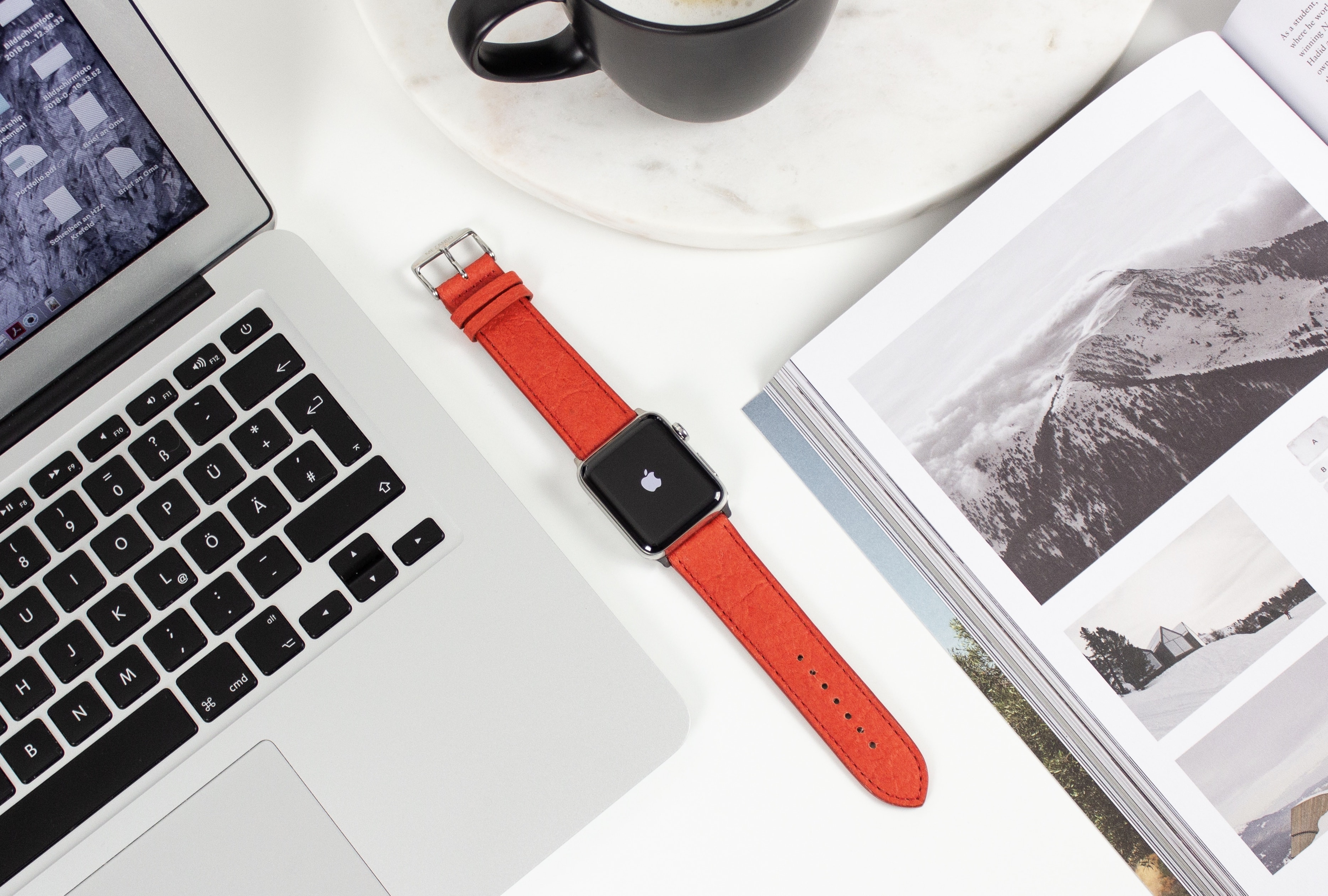
Piñatex makes beautifully brilliant Apple Watch bands. Photo: Mezando
Get fruity with one of Mezando’s magnificent Apple Watch bands. Made from pineapple leaves, they’re super-sustainable and available in a range of styles and color options.
They offer all the charm and durability of a leather strap, but without the obvious drawbacks.
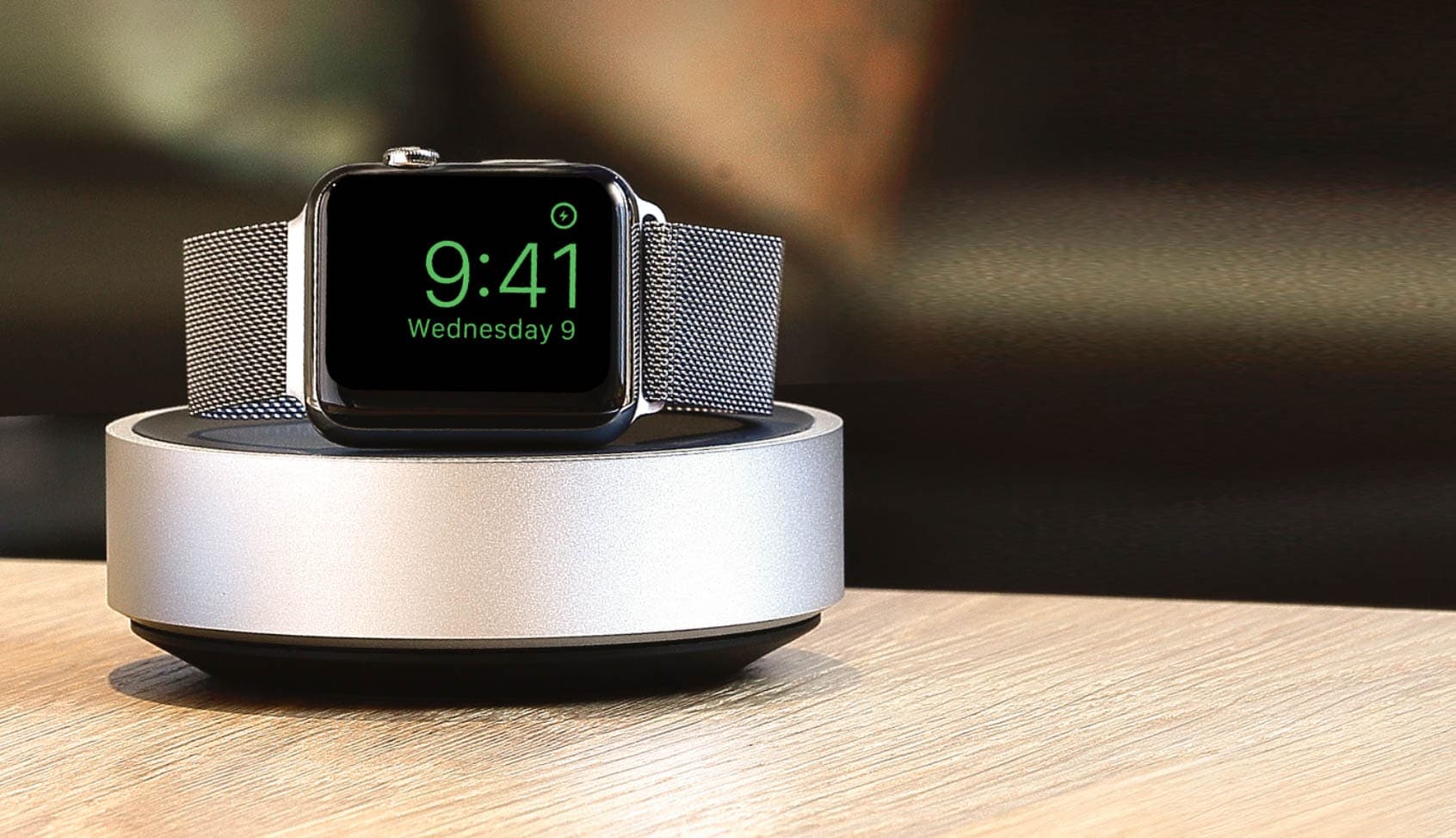
You’ll find iPhone cases and screen protectors, Apple Watch charging stands, and portable battery packs all reduced to some of their lowest prices to date. Prices start at just $7.95!
But be quick — this sale must end tomorrow, January 31.
The first Apple earnings report of 2020 was a smashing success that shattered most of Apple’s previous records. Thanks to shockingly strong iPhone sales and a surging wearables business that is bigger than the Mac and the iPad, Apple managed to surpass even the most optimistic expectations.
Apple CEO Tim Cook held a call with investors after the numbers came out to dive deeper into the impressive quarterly results. Cook dished on everything from the success of Apple TV+ and problems with AirPods Pro supplies to the Wuhan coronavirus affecting China. If you didn’t get a chance to join the call, don’t worry, Cult of Mac has you covered with all the need-to-know info.
Screen Time has become an important tool for parents. Photo: Apple
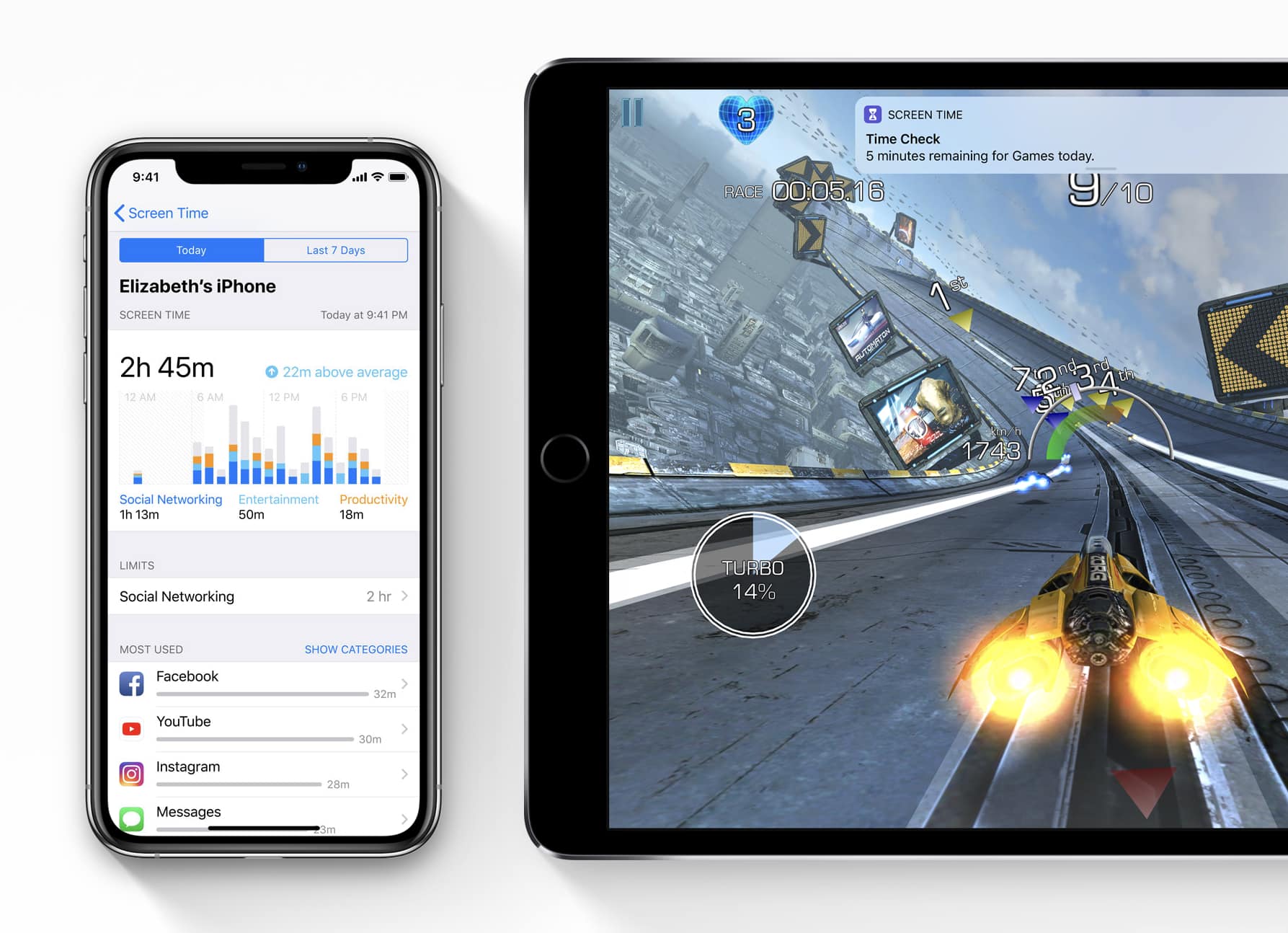
Apple just dumped a truckload of new software updates on customers this morning, including the crucial iOS 13.3.1 update that brings an important fix to Screen Time.
Along with iOS 13.3.1, Apple also released macOS 10.15.3, tvOS 13.3.1, and watchOS 6.1.2. All four of the new updates are fairly minor and mostly focus on under-the-hood improvements.
Find out how to never ever know the actual time with this great tip. Photo: Jon Tyson/Unsplash
Did you know you can force the Apple Watch to display the wrong time? You can. In fact, you can make it add up to 59 minutes to the actual time, and show that bogus data on the main display.
It’s either the most useless setting on the Apple Watch or the most useful, depending on your point of view. Here’s how to make your Apple Watch tell the wrong time.
Start using Apple Pay with Curve today. Photo: Curve
Curve, the all-in-one card service, is finally rolling out Apple Pay support to customers across Europe.
Payments can be made using Apple Watch and iPhone for the first time. And the same great benefits you’re used to getting from your Curve card, including cash back on purchases, still apply.