Apple’s biggest copycat nuisance, Xiaomi, is at again.
The Chinese tech firm, known for its design knockoffs of Apple products, will roll out a new wearable device next week that, by the looks of a teaser ad, resembles the Apple Watch.

Apple’s biggest copycat nuisance, Xiaomi, is at again.
The Chinese tech firm, known for its design knockoffs of Apple products, will roll out a new wearable device next week that, by the looks of a teaser ad, resembles the Apple Watch.

Maybe you like to keep your iPhone and Apple Watch in English, but you also like to dictate notes and messages in your mother tongue. Or perhaps you want to dictate your notes in English, but send iMessages to your family in Spanish. Or maybe your Apple Watch is just screwed up, and keeps trying to take dictation in a language you don’t speak.
Whatever the reason, it is easy to change the Apple Watch dictation language. Plus, you also can specify a different language for each and every app. Let’s see how.
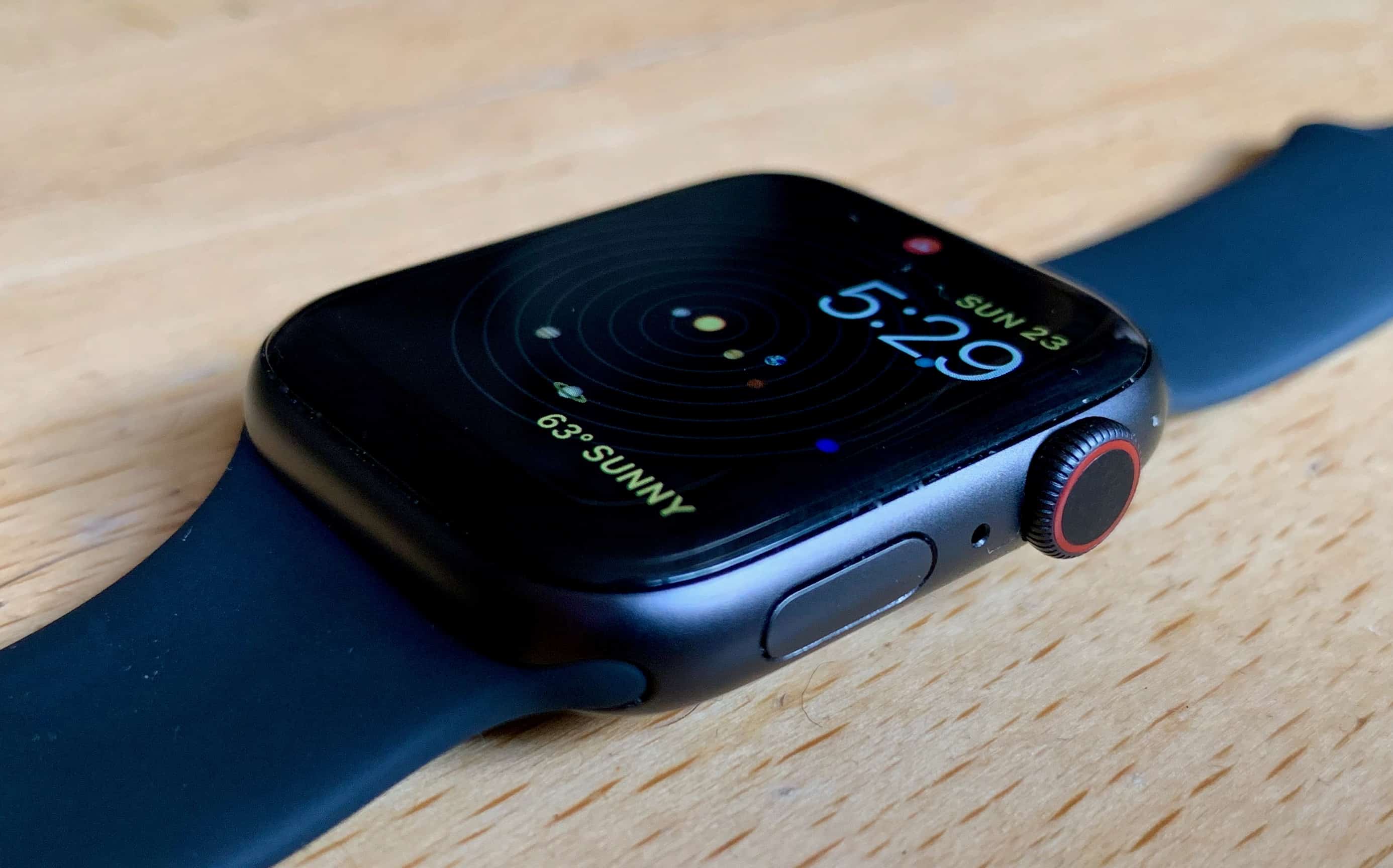
A woman’s Apple Watch may have helped save her from an assault from a would-be rapist, a recent court case revealed.
The woman, whose identity has not been released, was in her apartment in Calgary when criminal John Joseph Macindoe broke in. He had a bag containing implements for use in a sexual assault. However, the would-be victim used her Apple Watch to send an emergency SOS message.
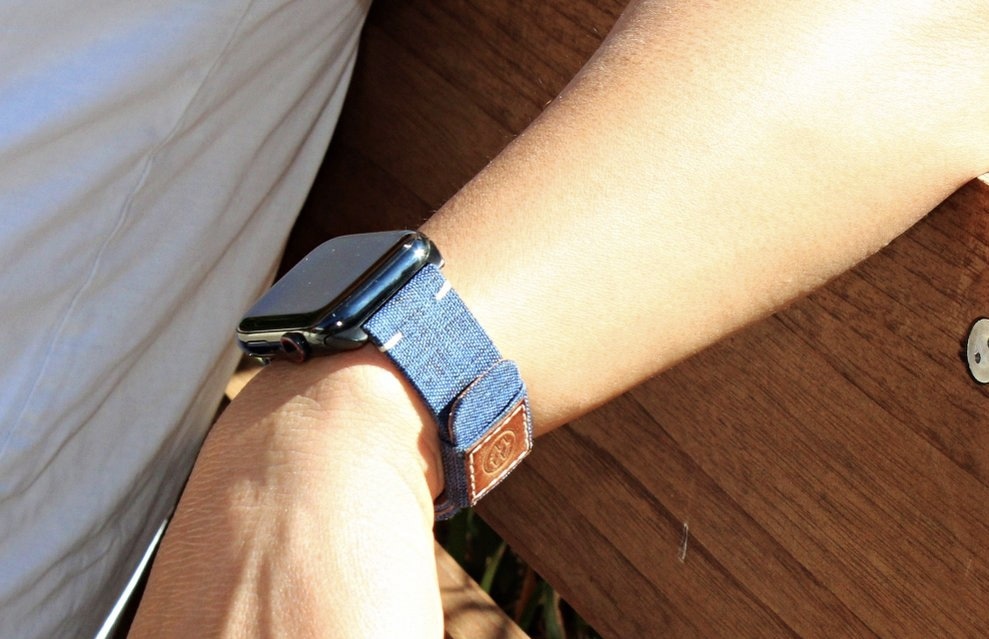
No one considers canvas to be an obviously attractive material. Not unless you have an unhealthy relationship with tents. But pair it with leather and slap it on an Apple Watch and, boy, does it look good.
Case in point: Monowear’s terrific Urban Canvas band. It’s immensely durable, comfortable all day long, and surprisingly beautiful. And it costs just $38.
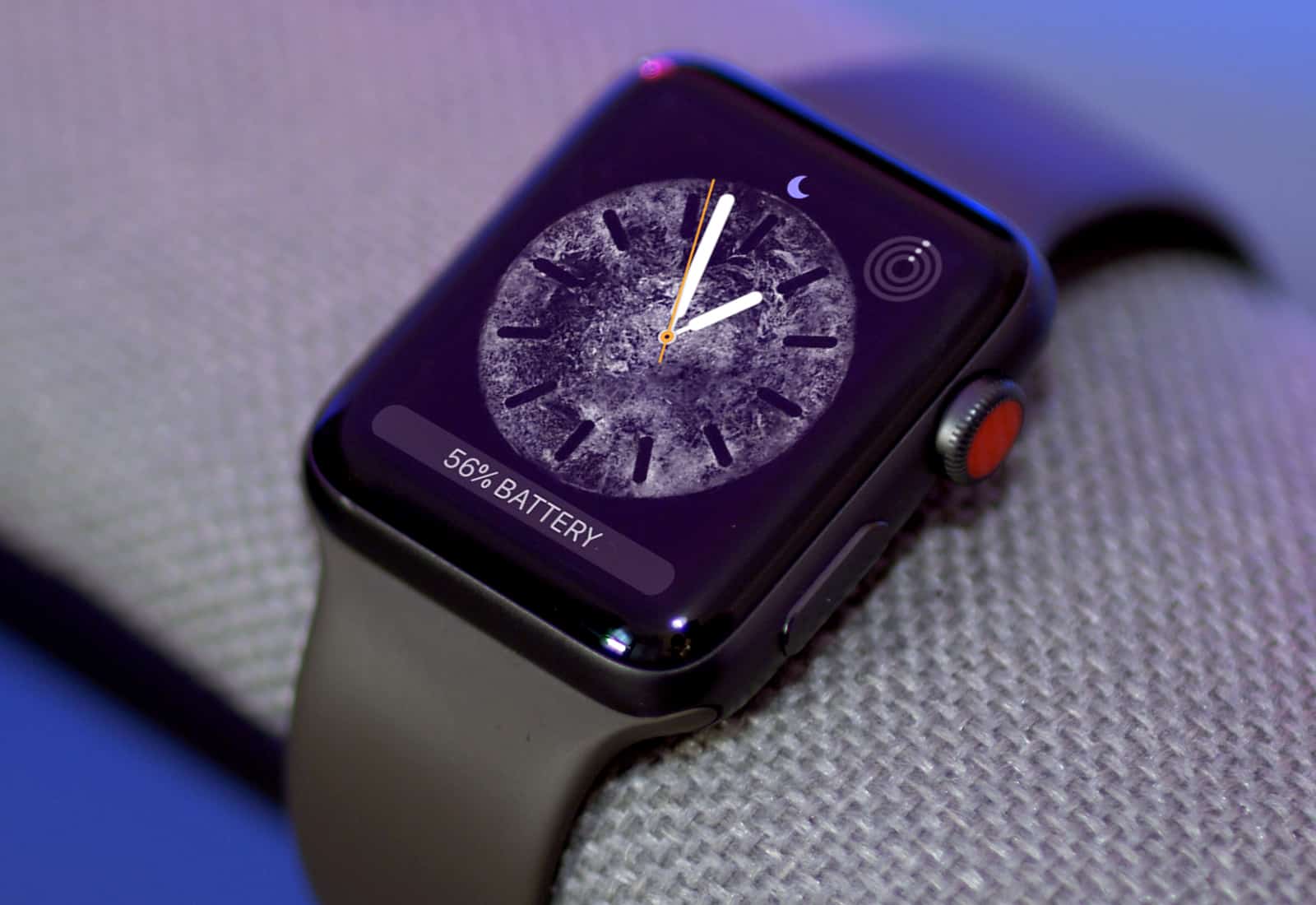
Apple Watch might go through a big change behind the scenes. Until now, this wearable has been assembled mostly by Quanta, but that’s reportedly going to change next year. No less than three companies are going to take on the job.
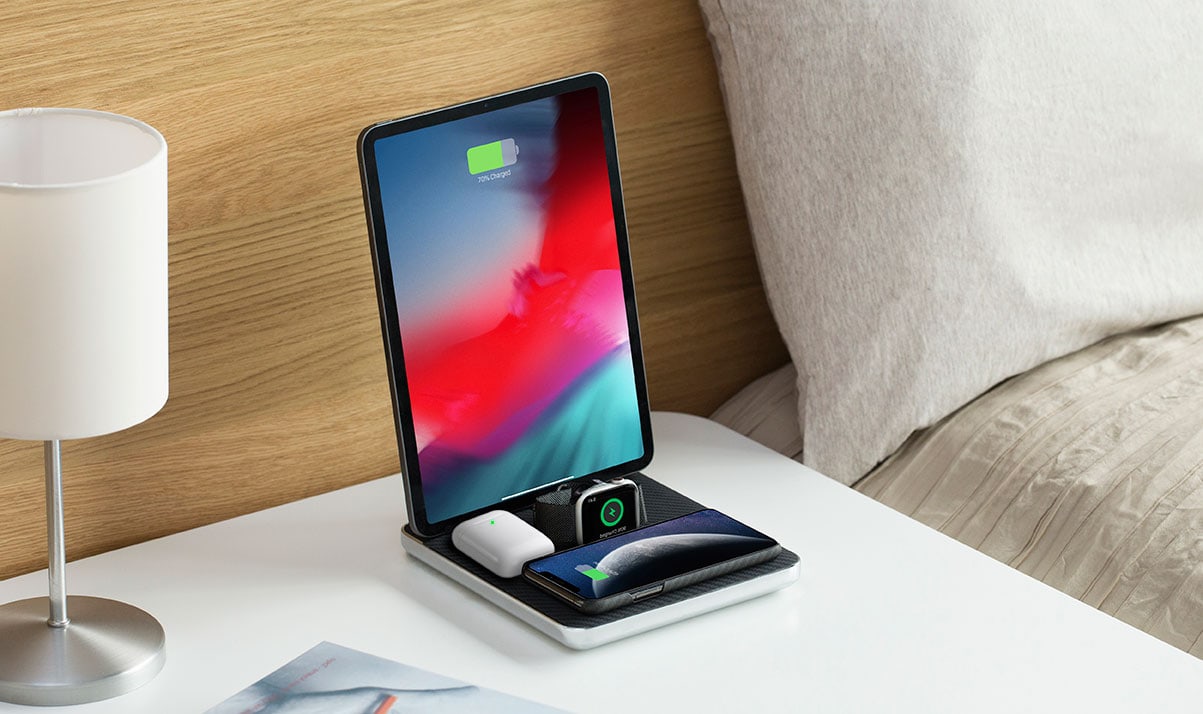
Apple’s effort to give its multi-device users a reliable charging pad failed. But other companies have stepped up to bring an all-in-one wireless charger and one currently on Kickstarter looks promising.
The Air Quad from Pitaka provides dedicated charging positions for the iPad, iPhone, AirPods and Apple Watch.

In watchOS 6, your Apple Watch can monitor the noise levels around you, and warn you when things get too loud. This is an essential tool to help people who work in noisy environments avoid hearing damage, but it’s also a handy safeguard against excessive noise for anyone.
Here’s how to set up Apple Watch noise alerts.

Apple Watch Series 5 is here with its first always-on display and a built-in digital compass. Apple will charge you $399+ for your very own — but we’re giving one away for free!
Enter the Cult of Mac giveaway today for a chance to win a brand-new Sport model in the color and size of your choice.
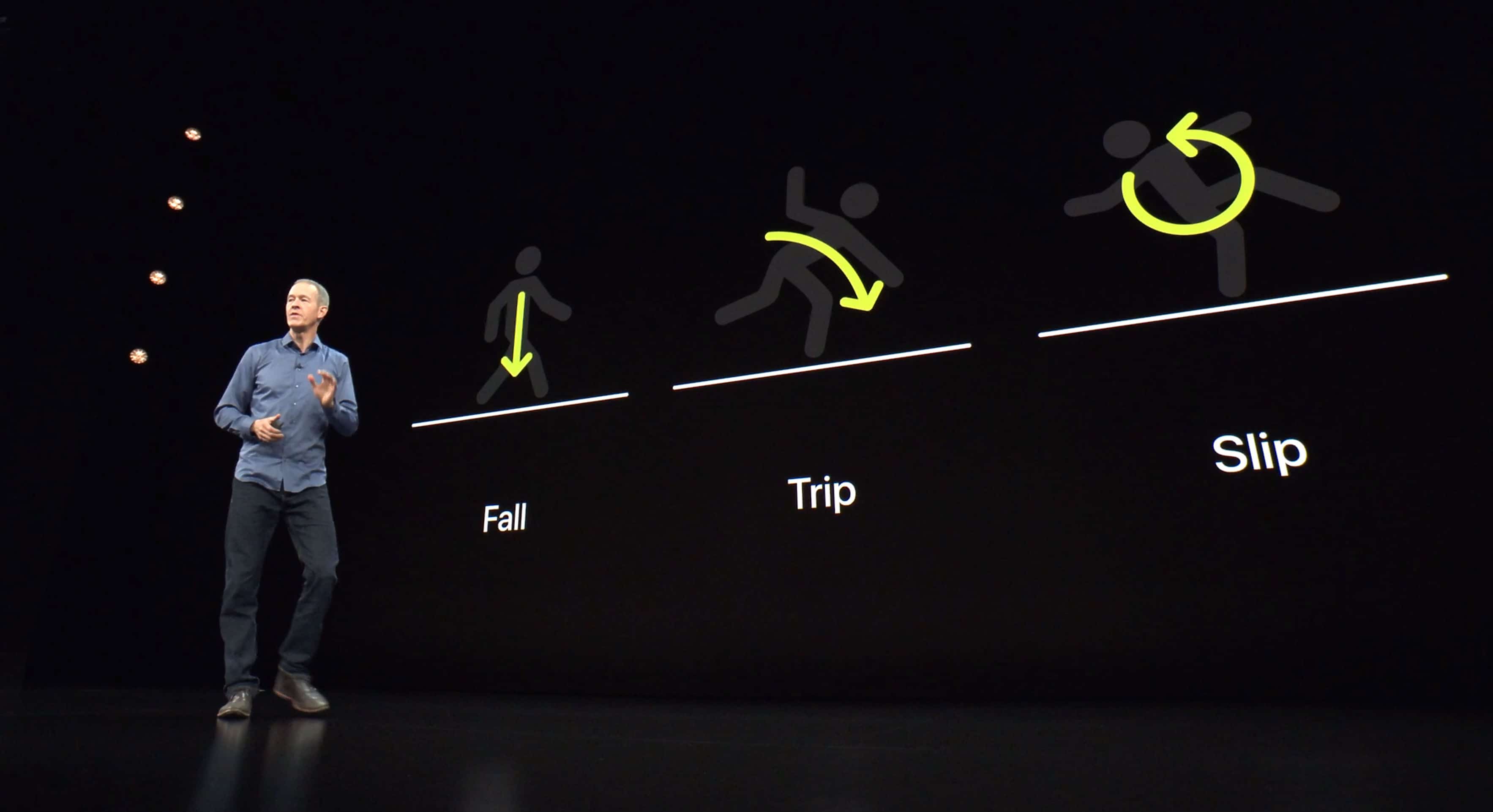
A New Jersey hiker went off trail, fell down a cliff, and fractured his back. Fortunately, his Apple Watch called 911 for him.
He says his wearable’s hard-fall detection helped save his life.
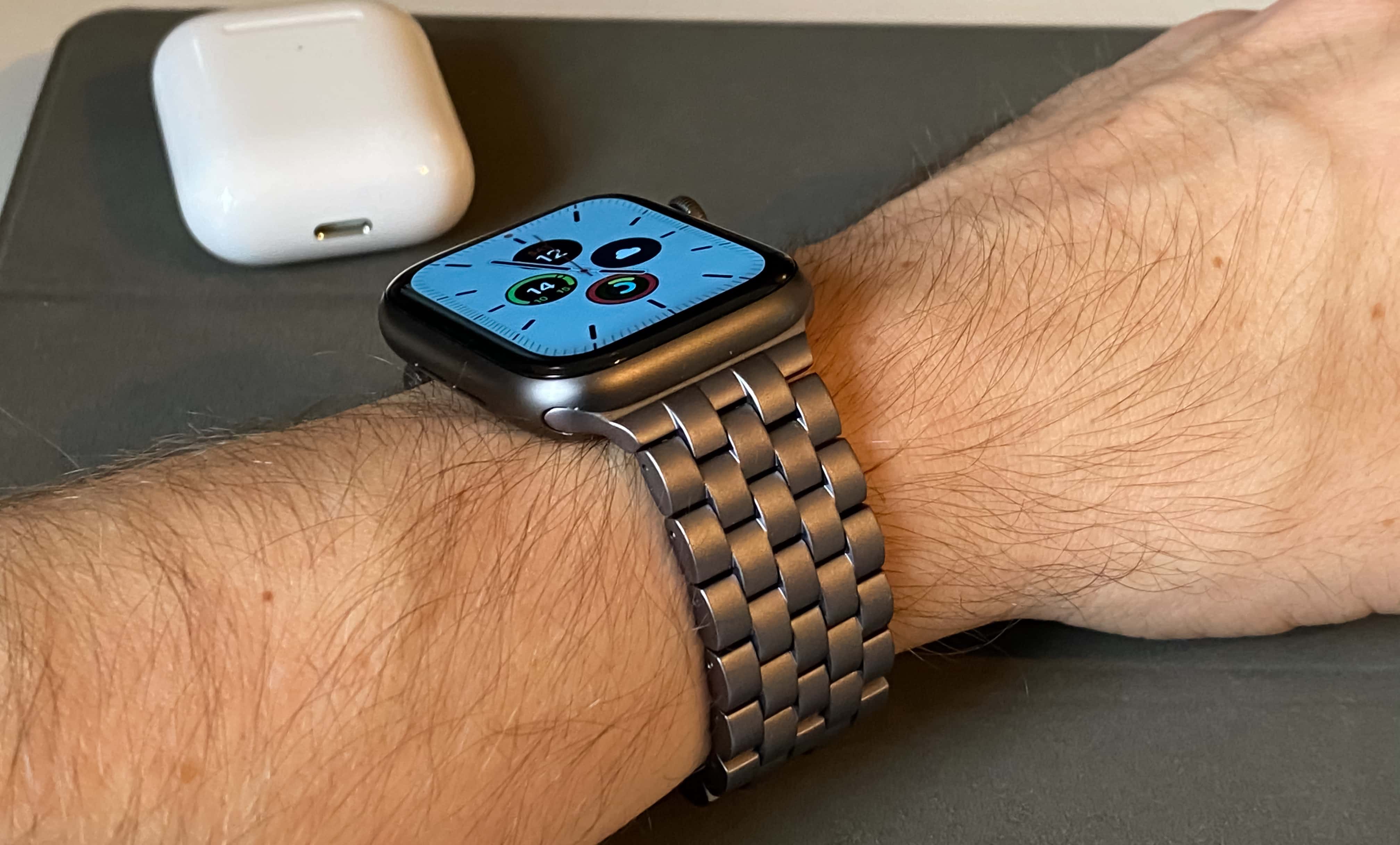
Juuk’s awesome new Qrono is my favorite metal band for Apple Watch. I just reviewed the cosmic gray model and I absolutely love it. And now you can get yours in several new color options.
Find brun, obsidian, and silver in the Cult of Mac Store today.
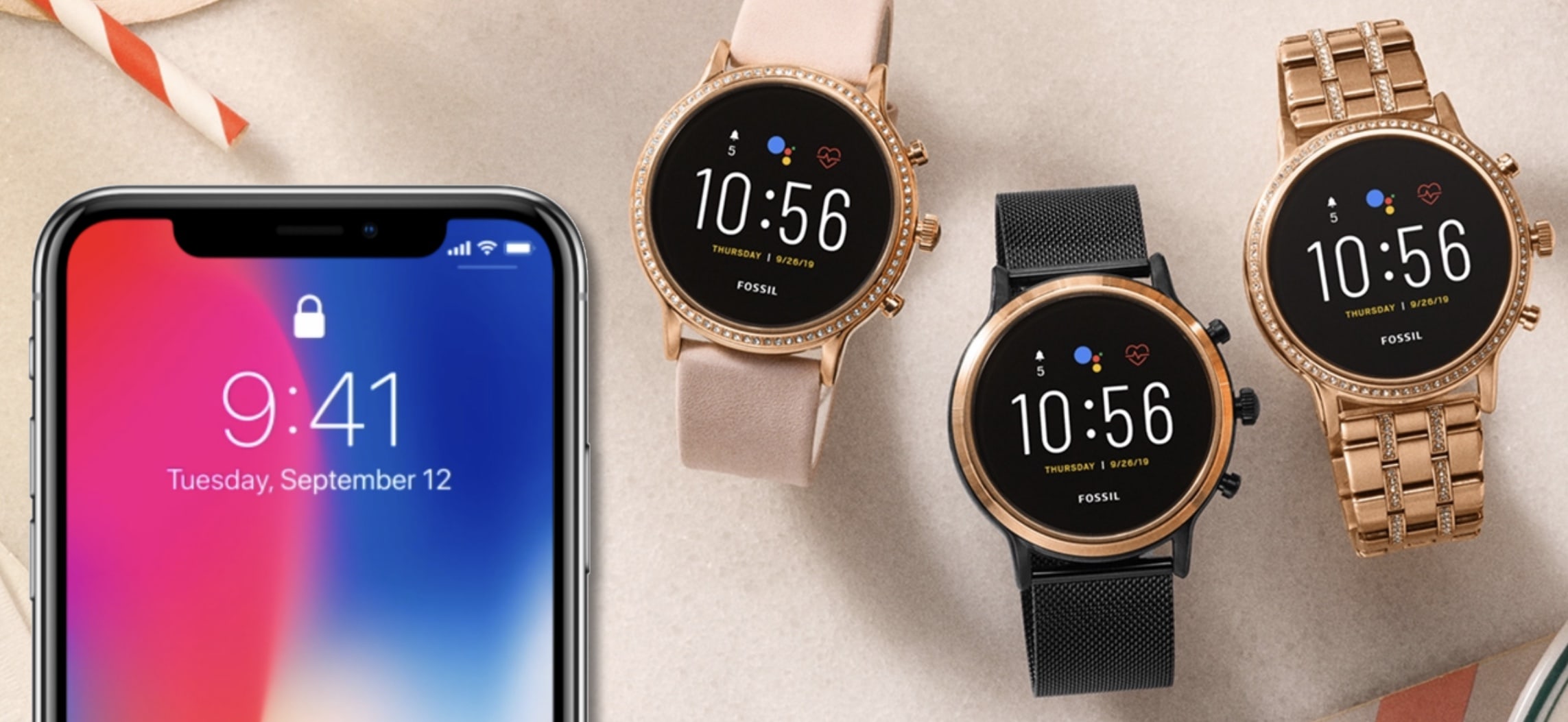
Apple Watch is no longer the only option if you want a smartwatch that can handle calls through your iPhone. An update to Fossil’s Gen 5 brings the same functionality to Wear OS for the first time.
But it probably won’t end up on other Wear OS watches.
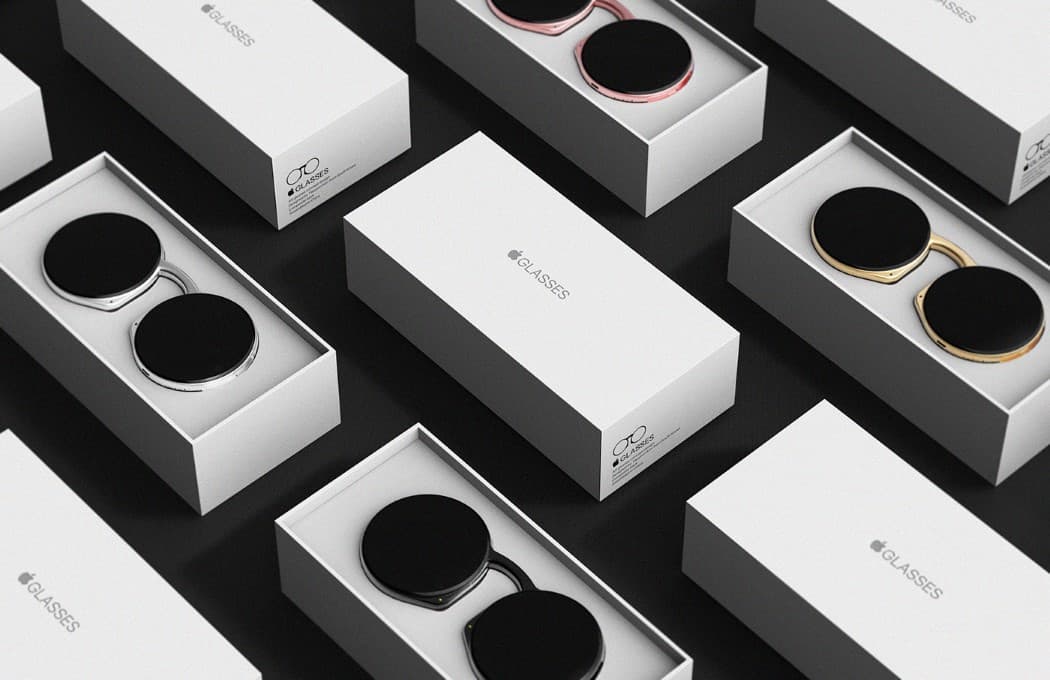
2020 will be the year Apple unveils its “most impressive hardware in some time,” according to a new report.
Alongside big upgrades for iPhone, Apple Watch and Mac, Cupertino also is expected to deliver its first augmented reality glasses. And they could kick-start an AR revolution.
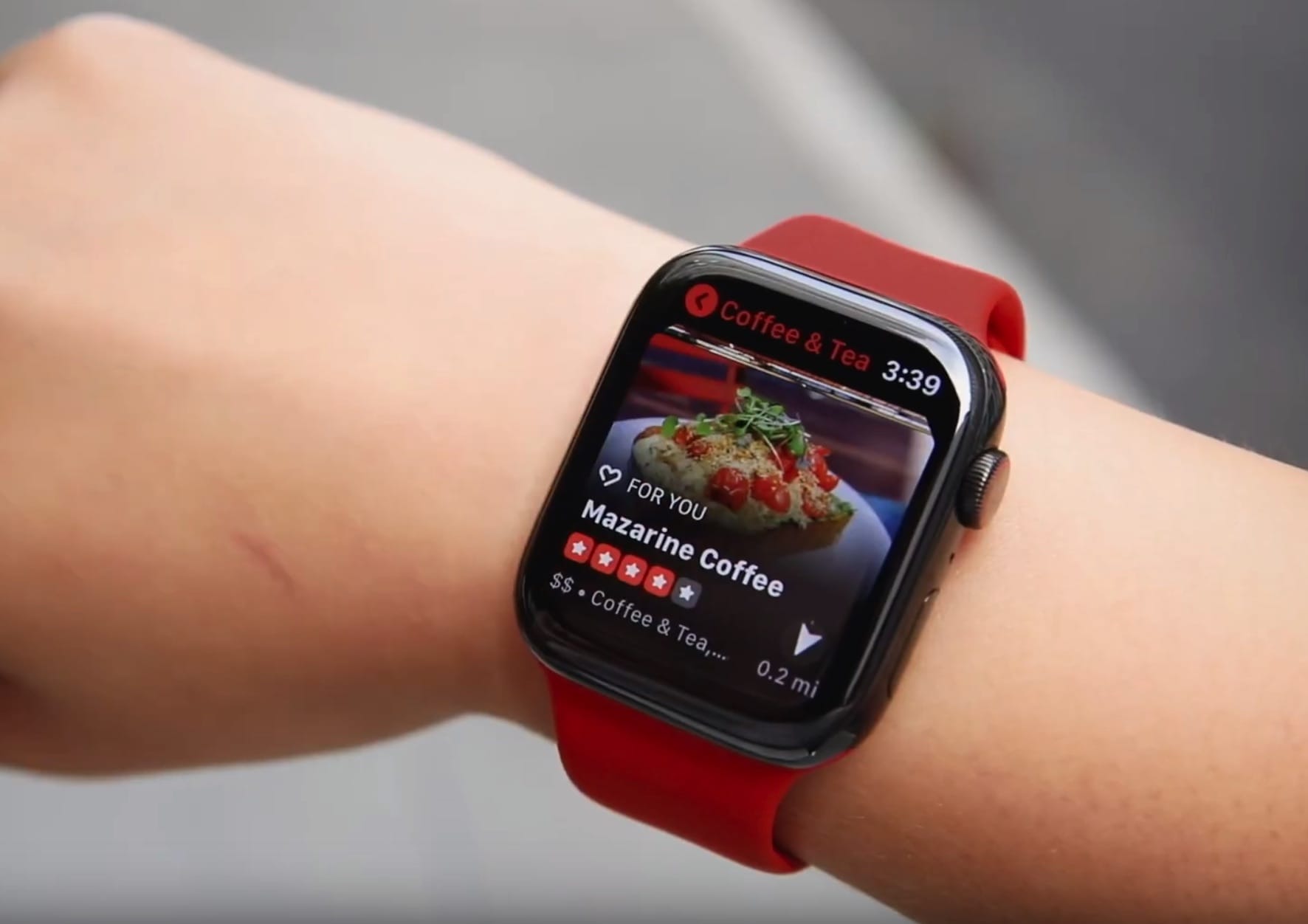
Yelp has updated its Apple Watch app to make use of the Apple Watch Series 5’s in-built compass feature.
The compass is now able to point users in the direction of local businesses. Depending on where you’re facing, the app will tell users have far they are from places they may want to visit.
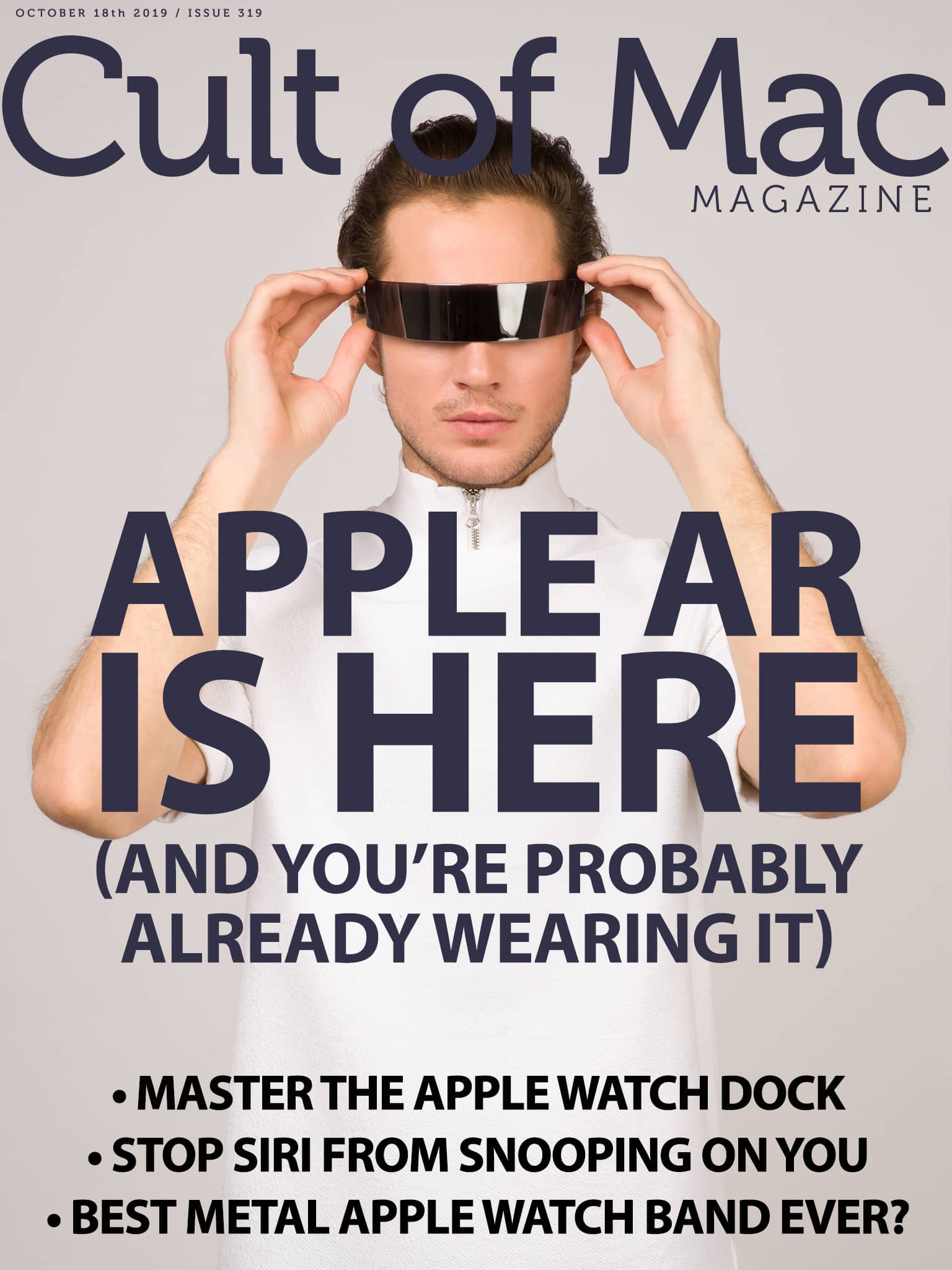
Who needs Apple AR glasses? The era of Apple augmented reality is already here. You just might not have noticed it. Here’s a look at where we are — and where we might be headed.
Get that glimpse of the present/future, along with Apple how-tos and product reviews (including our take on one of the best metal Apple Watch bands yet), in this week’s issue of Cult of Mac Magazine. Grab your free download from the iOS App Store. Or hit the links below to read this week’s best Apple news, reviews and how-tos in your browser.
Plus, don’t miss your chance to enter our Apple Watch Series 5 giveaway. It ends soon!
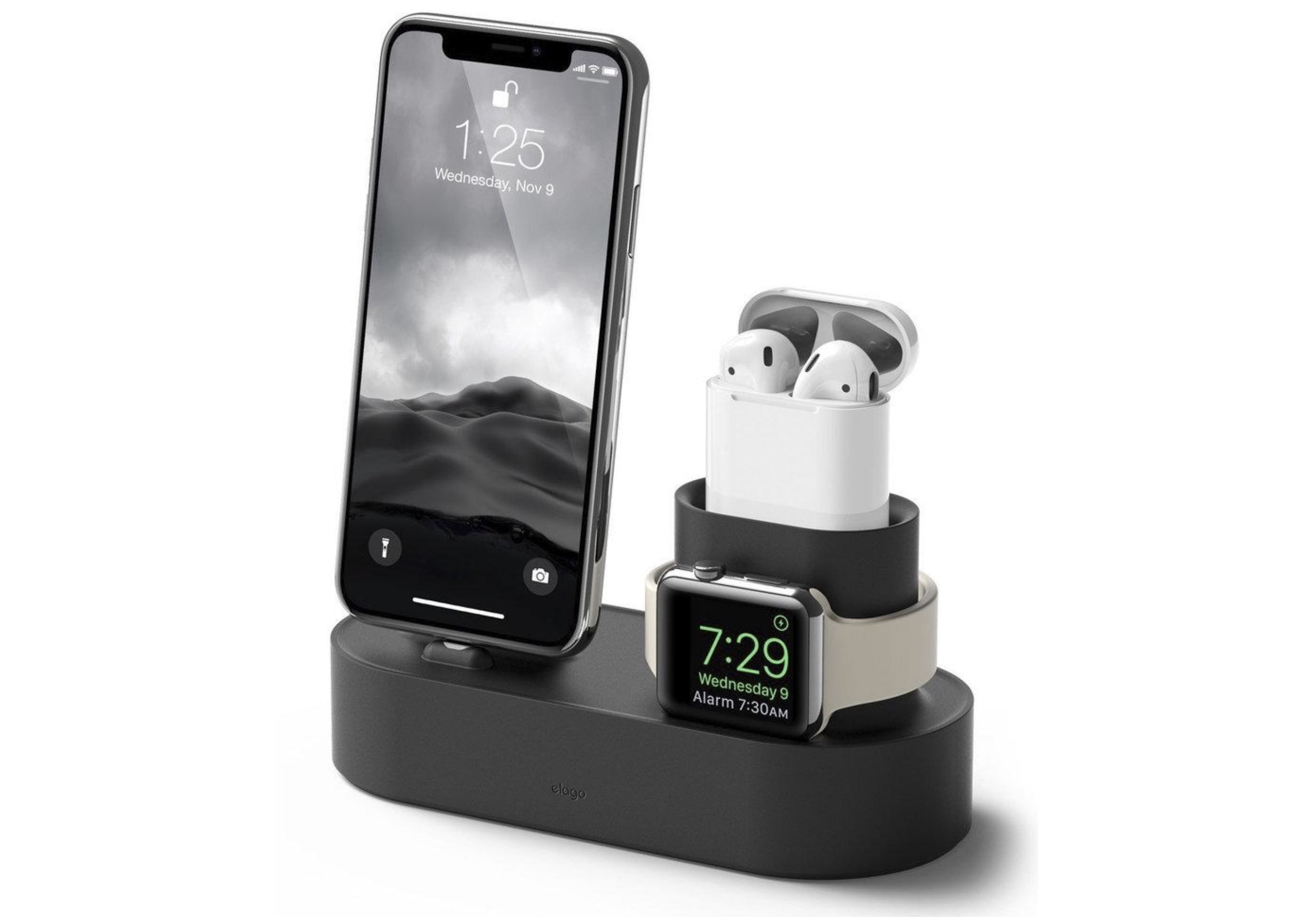
If you need a charging hub that you can take with you everywhere, you want one that’s going to survive every trip. And you want one that charges all your devices simultaneously.
What you really want is the Elago 3-in-1 charging hub. It tops up your iPhone, Apple Watch, and AirPods — and it’s virtually unbreakable. It’s also a steal at just $30 with free shipping.

“Apple is all-in on augmented reality. But where will it lead?” That’s a pretty standard view of Apple’s experiments with visual AR, aka overlaying virtual objects onto the real world, via the iPhone’s camera and screen.
But Apple is already providing a fully immersive AR overlay onto the real world, to millions of users — only it isn’t using a screen. AirPods are augmented reality. They are also a part of a new computing paradigm that Apple snuck into the world without telling anybody. This paradigm currently consists of AirPods, iPhone, Apple Watch and the HomePod. And it is as discreet and low-key as it is important.
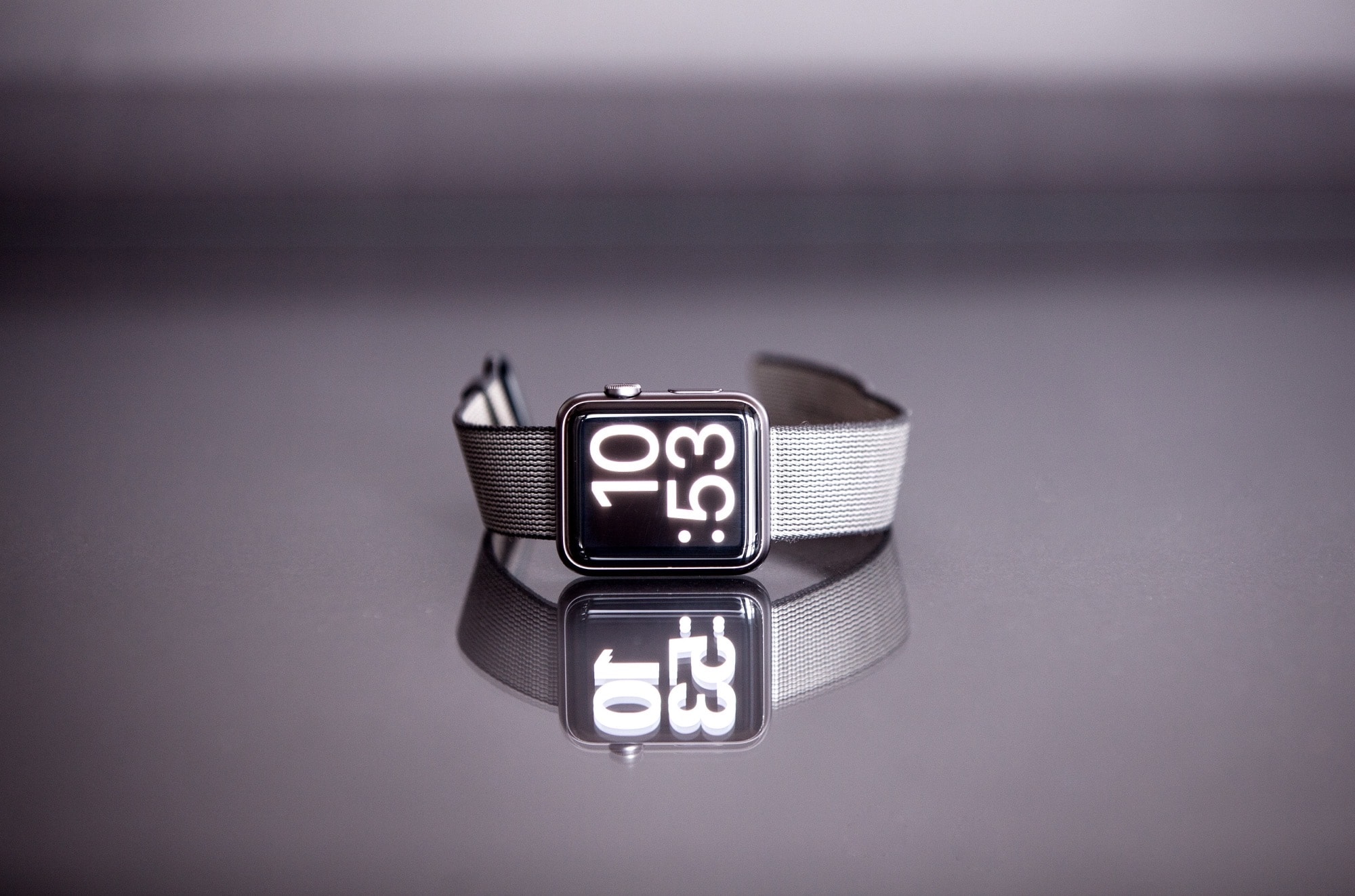
You know how you can double-press the side button on your Apple Watch, and then wave it over a contactless terminal to pay with your credit card? Wouldn’t it be great if you could do the same with your Mac login password? Instead of having to type your password to authenticate yourself, you’d be able to double-tap the Apple Watch’s side button to do it instantly.
Well, now you can do exactly this — if you’re running macOS Catalina.
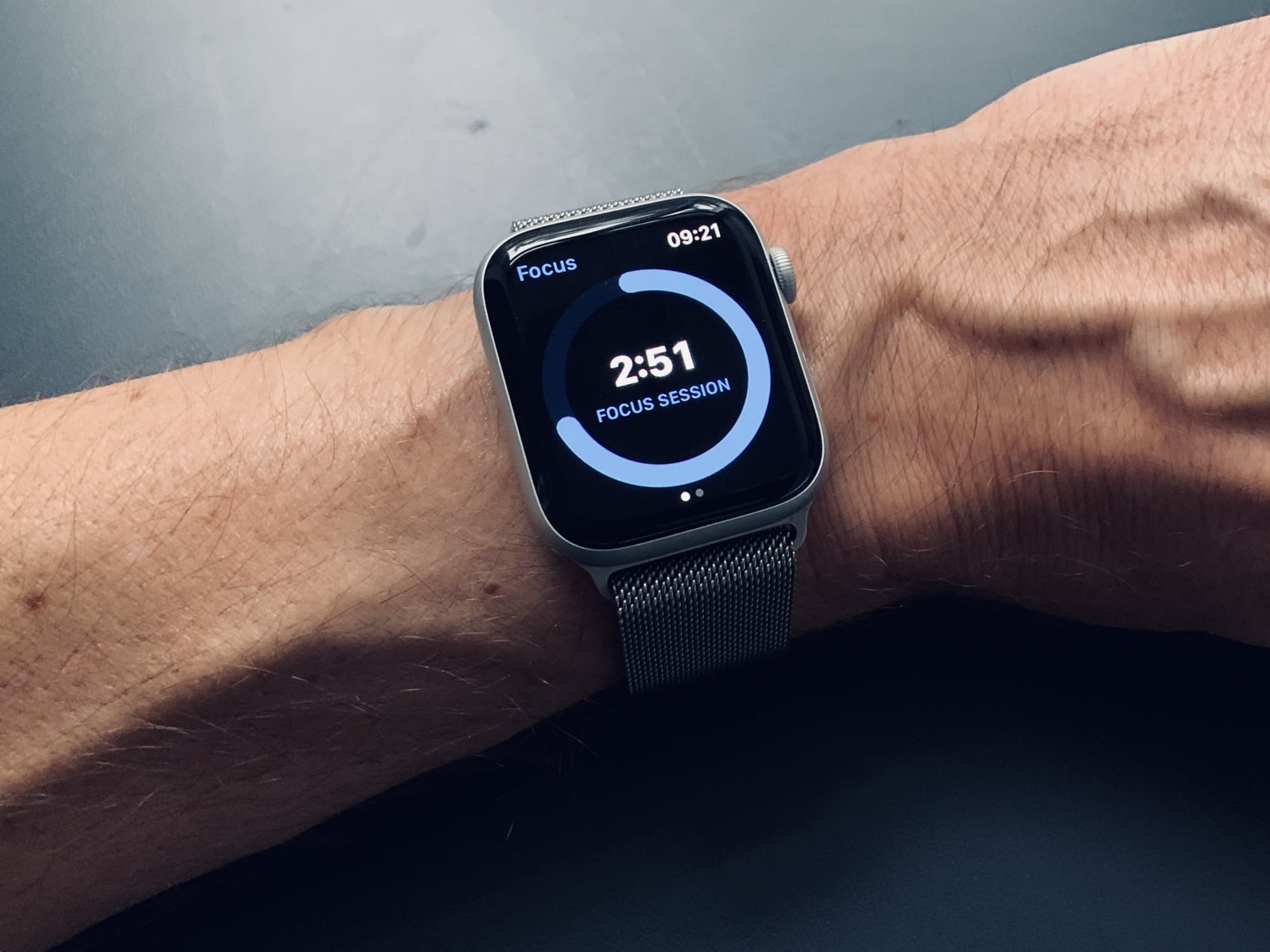
There are two buttons on the Apple Watch. You can press the Digital Crown, and you can press the side button. If you press the side button when your watch is displaying its watch face, then you’ll pop up the Dock. But what, exactly, is the Apple Watch Dock?
Just like the docks on macOS and iOS, it provides quick access to your most-used apps. But the Apple Watch Dock doesn’t work like the docks on Apple’s other devices. Here’s how to use it — and how to customize it.
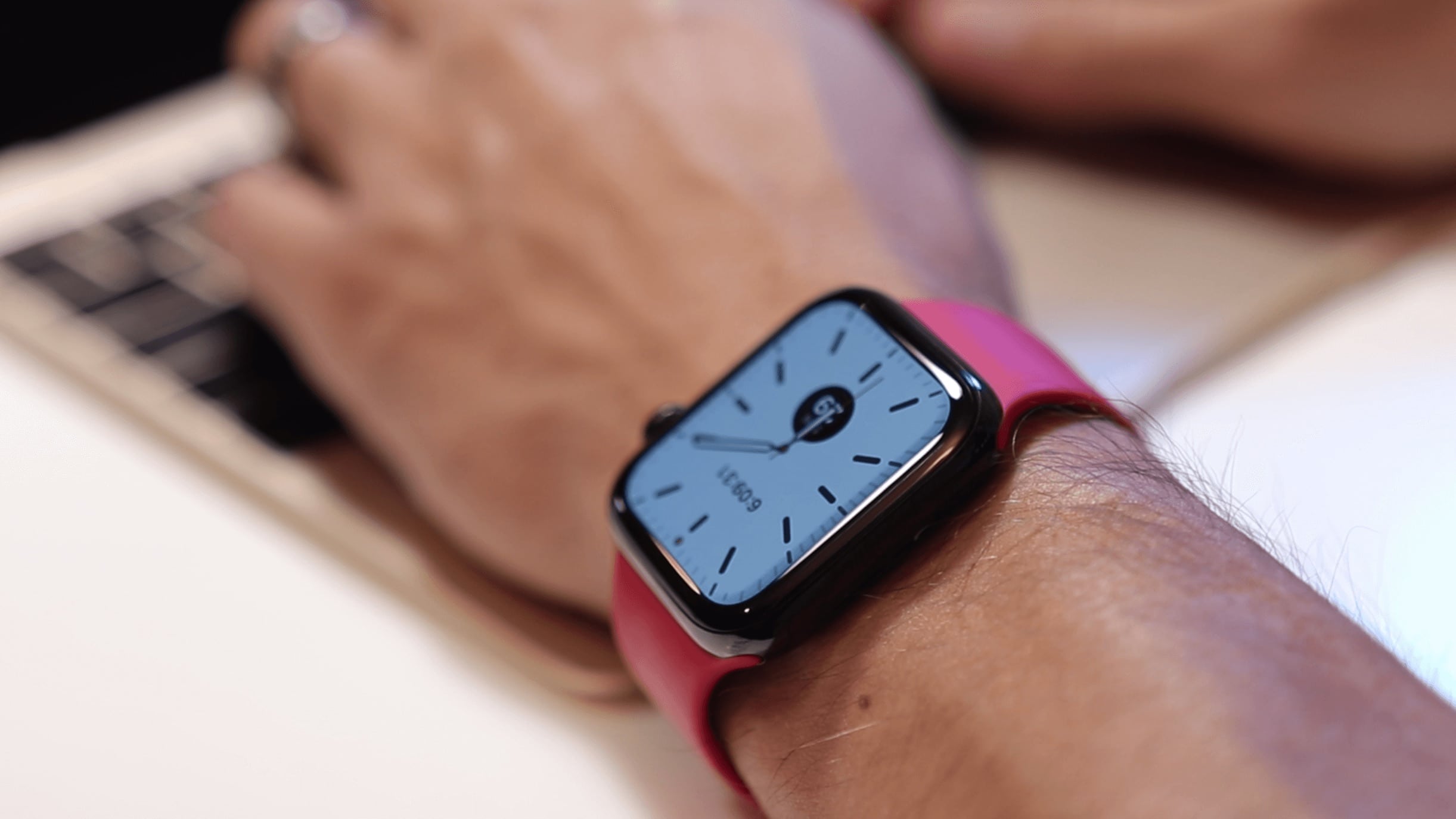
Quanta Computer could stop making Apple Watches and give its dedicated assembly facility the boot sometime next year, according to sources in China.
It is believed the company currently has “profit concerns” with Watch manufacturing.

One of the defining characteristics of digital watches in the 1980s was the hourly chime. Every morning during school assembly, 9 o’clock would arrive, and with it a chorus of chimes, like electronic tweety birds at dawn. The double beeps filled the school hall. The teachers had long since given up trying to make us turn them off.
Now, you can experience the same thing with your Apple Watch. You can even make the chime sound like a real little birdie!
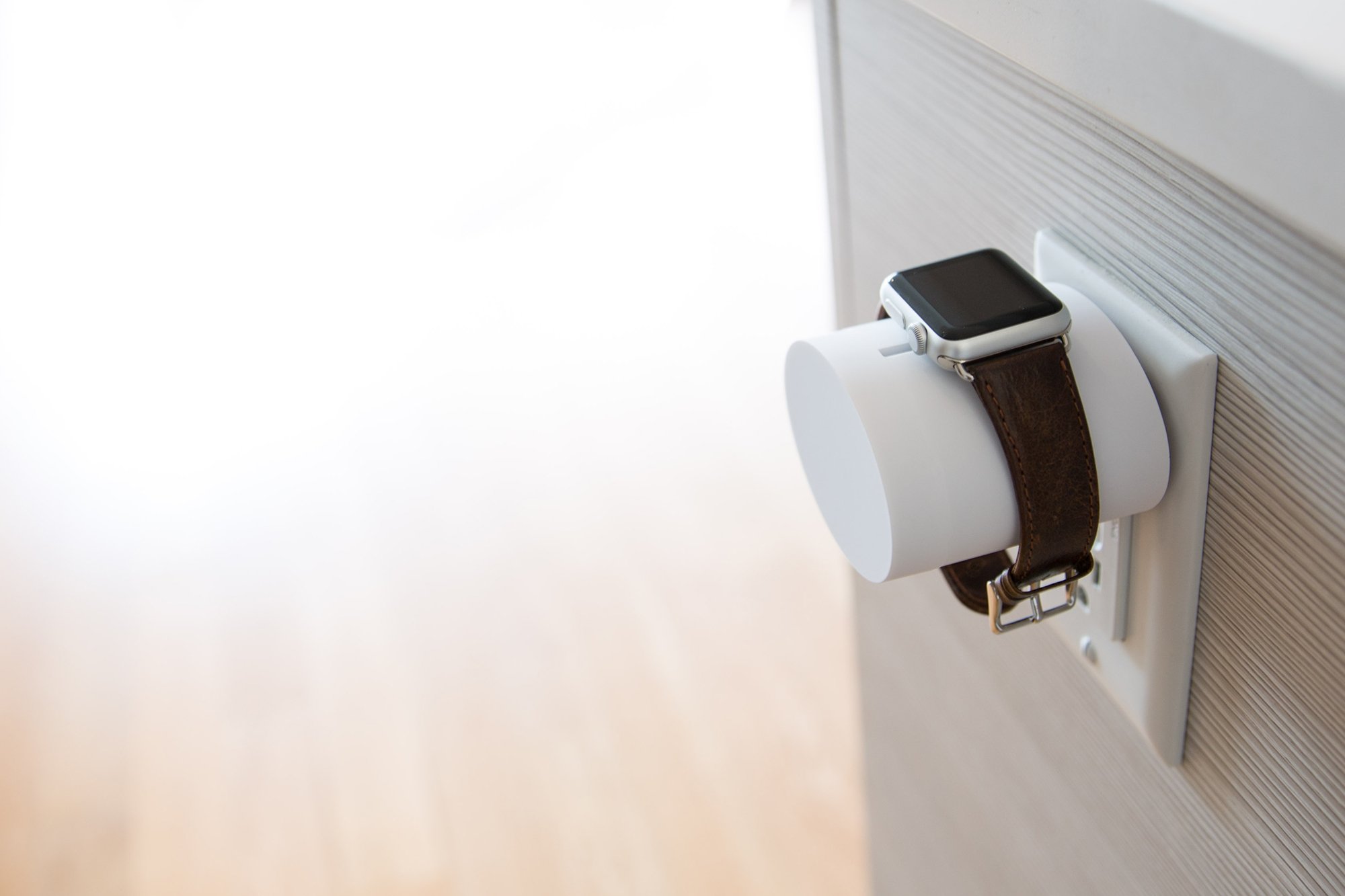
Frequent travelers need an Apple Watch stand that’s lightweight, compact, and always ready to go. And they don’t get much better than the terrific Wall Charging Stand from Wiplabs.
It should be an essential part of your carry wherever you go.
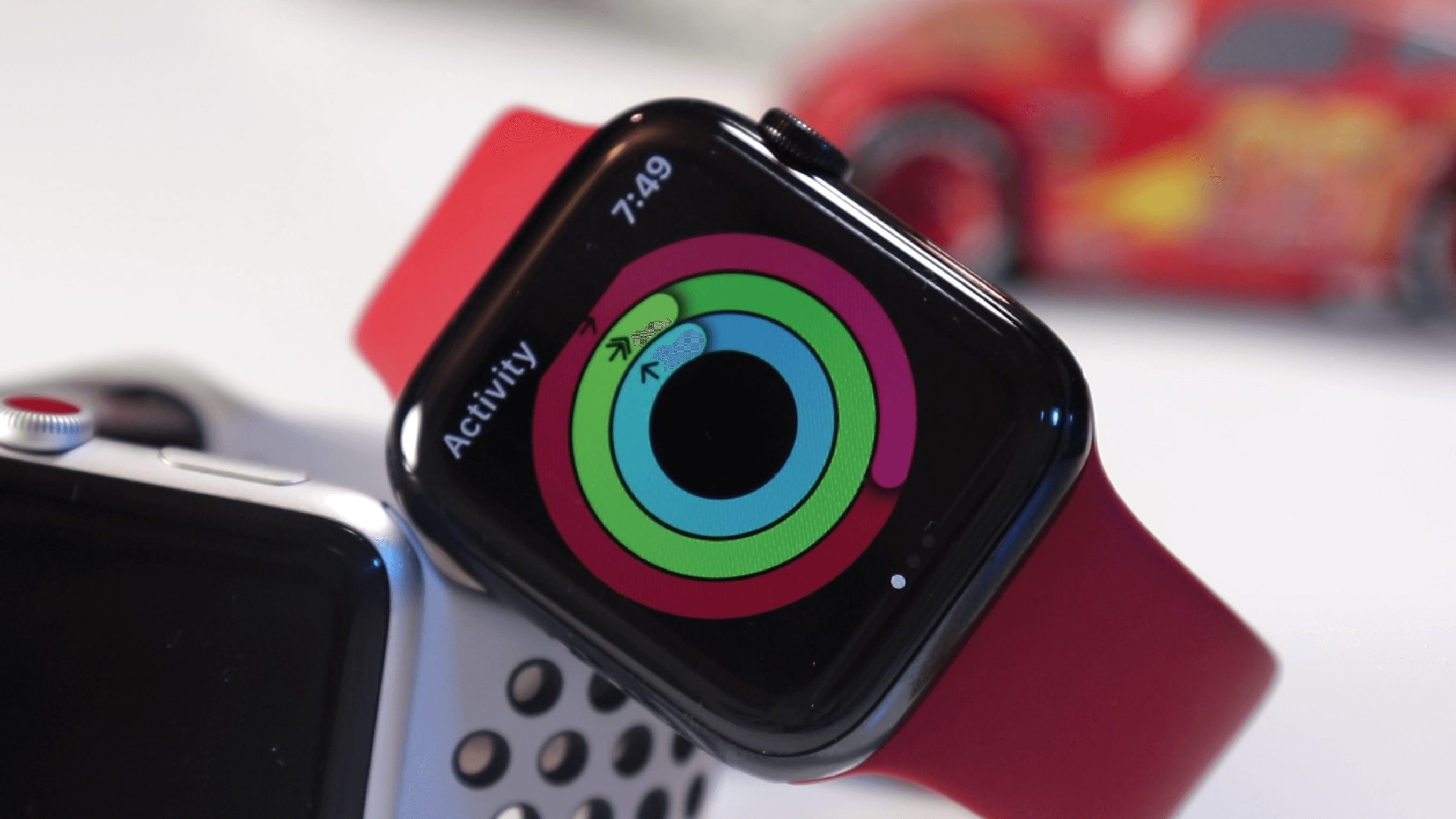
Seniors-focused health insurance startup Devoted Health is offering members valuable cash off the price of an Apple Watch. Devoted claims to be the first Medicare Advantage plan to do so.
The firm will help users buy the devices buy the device by contributing up to $150. Apple is also reportedly in talks with “a number” of other health insurers to carry Apple Watch.
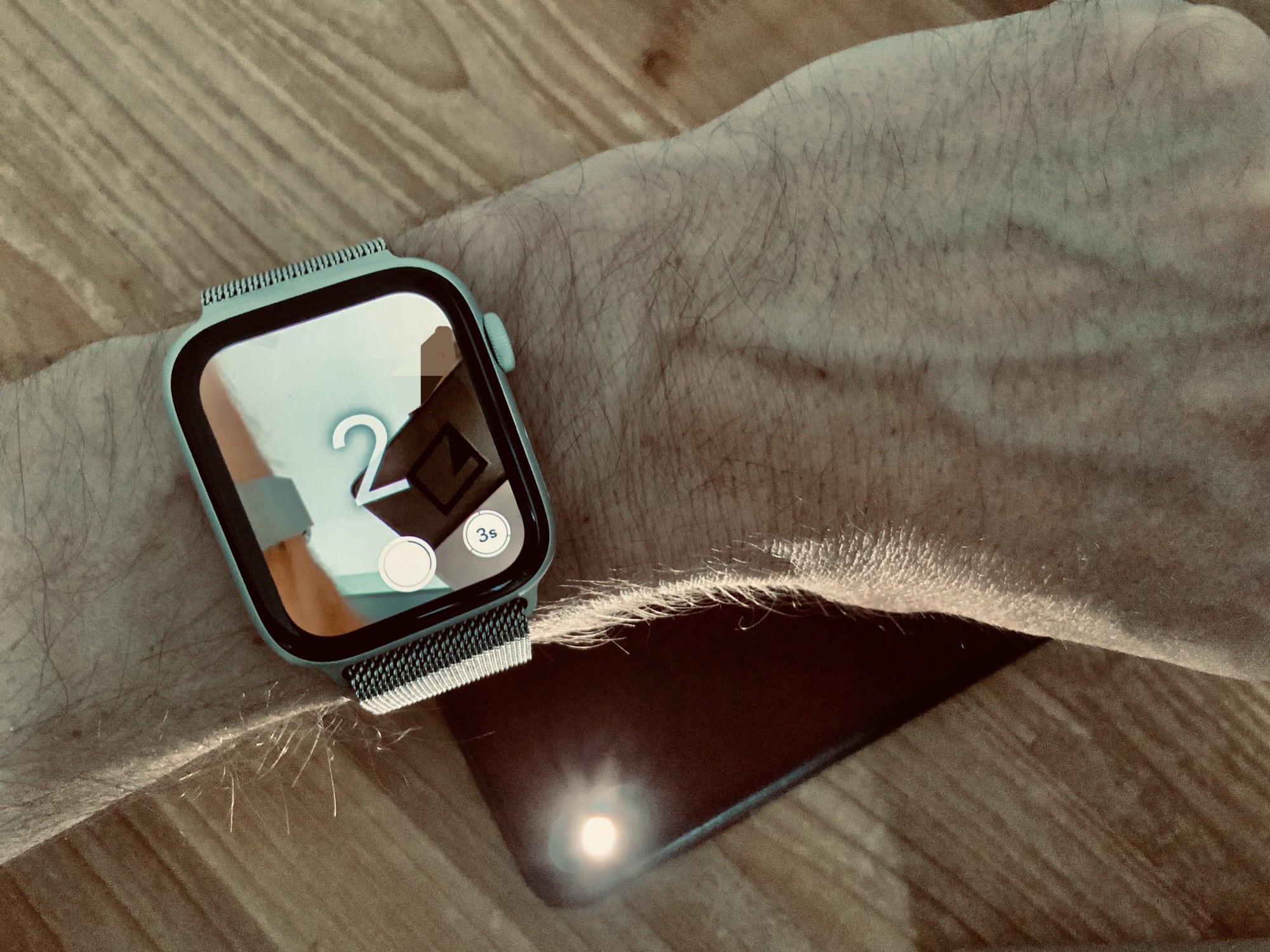
The Apple Watch is an amazing fitness tracker, and a pretty good notification device. But it has other tricks — tricks that you maybe didn’t know about, or didn’t realize would be quite as useful as they are. One is the Camera app. The Apple Watch doesn’t have its own camera, but it does give you remote control of your iPhone’s camera.
This lets you trigger the camera’s shutter, or record a video, from anywhere in range of your iPhone’s Bluetooth radio. Why? Group self-portraits, without having to set the timer and run back to your friends in time to smile. Videos: I used the video camera function just this week to record my progress for my guitar teacher. Like I said, it might be more useful than you’d expect.
Here’s how to use the Apple Watch camera remote.
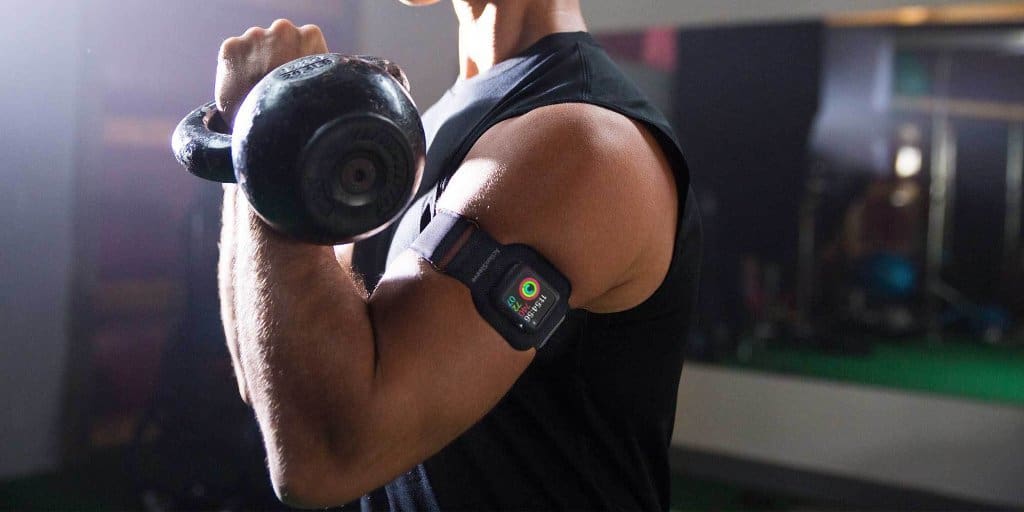
Ben Roethlisberger was hit with a fine for wearing an Apple Watch on the sidelines of the Steelers’ game last week. It’s against NFL rules for players or coaches to use devices that can transmit electronic messages unless they have been pre-approved.
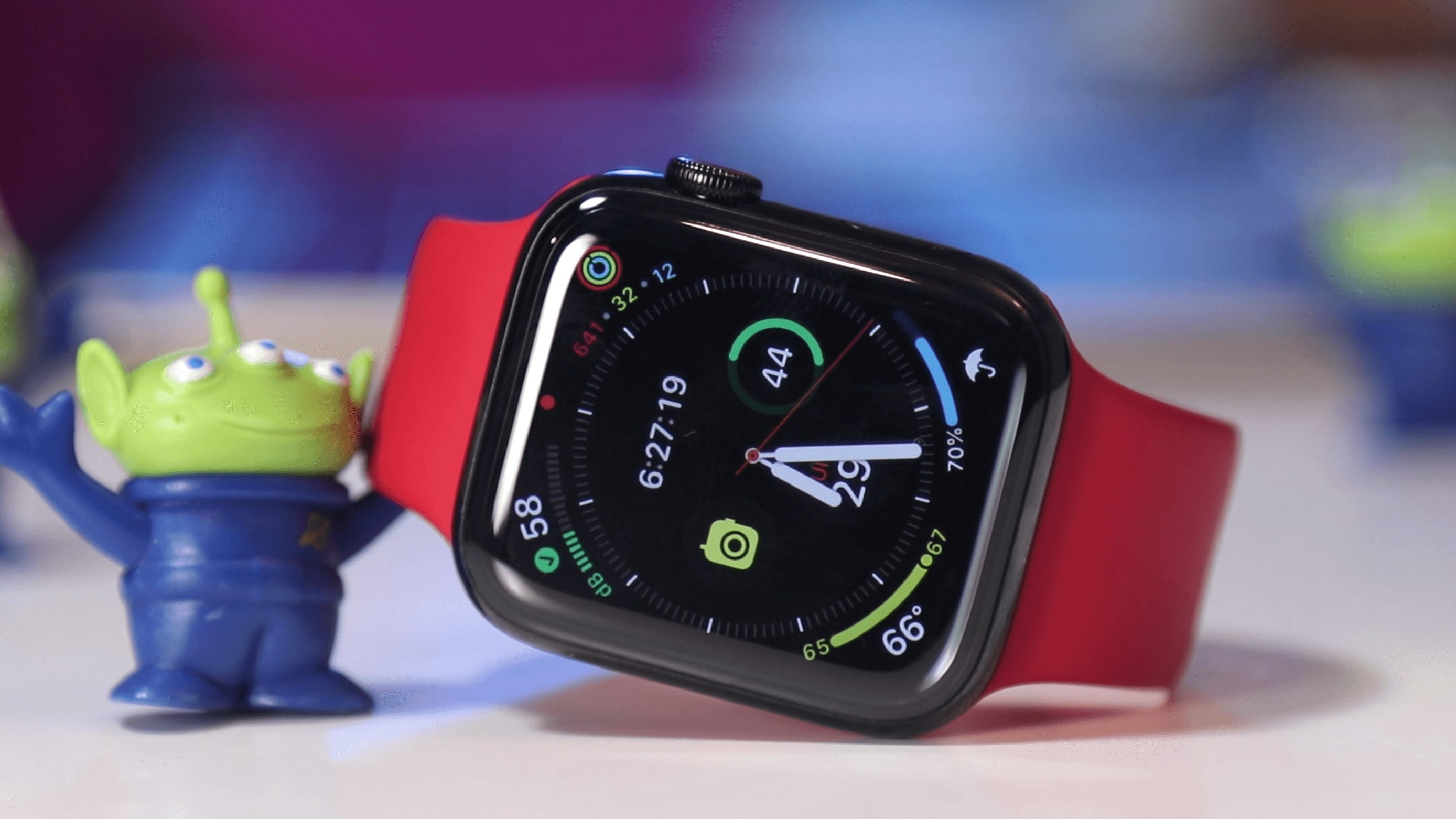
References to an unreleased Sleep app for Apple Watch have been inadvertently leaked on the App Store. It’s further evidence of Apple’s plans to bring sleep tracking to its popular wearable.