Mobile menu toggle

apps - page 47

Five Apps To Take Your iPad Art From Boring To Beautiful

By

procreate

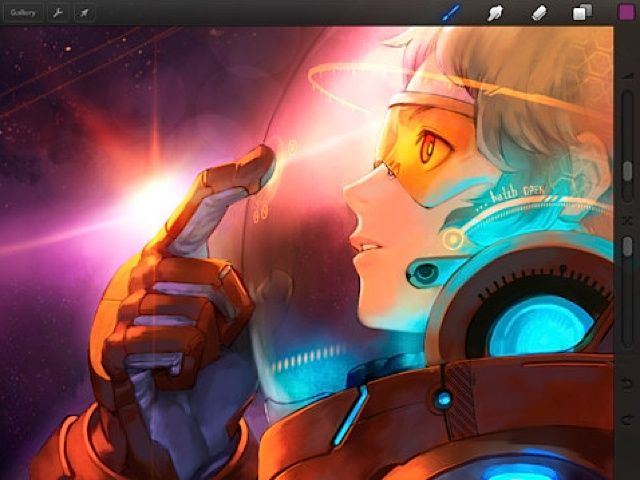
If your iPad doodles are a little primitive, there are a few apps that can get you canvasing the art greats from Caravaggio to Picasso and creating some deft original strokes of your own.

So says Sumit Vishwakarma in a talk for Macworld/iWorld 2013, adding that if you’re willing to forgo one cinnamon latte at Starbuck’s, that money spent in apps will take your work to the next level.

Vishwakarma is an iPad art advocate whose work has been featured at the first Mobile Art Festival in Los Angeles, the Apple flagship store in San Francisco, and the Mobile Creativity & Innovation Symposium. He also teaches free workshops to promote iPad art and animation to kids, teens and adults.

Here are his top picks:
CleanMyMac 2 Will Scrub All The Useless Files Off Your Harddrive [Macworld 2013]

By

cleanmymac2

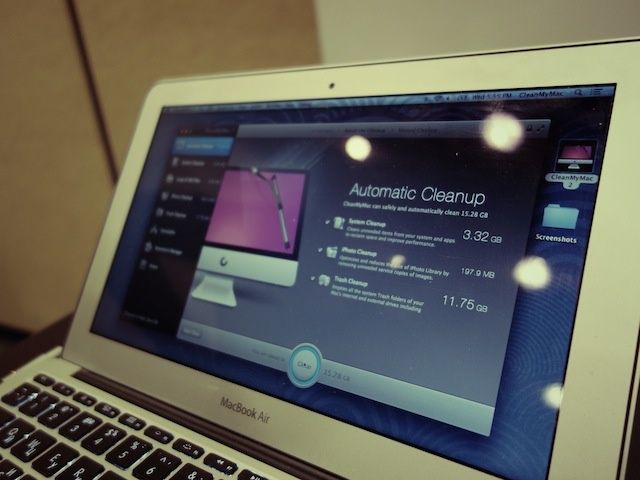
macworldbugSAN FRANCISCO, MACWORLD/iWORLD 2013 – Maintaining a Mac is a lot easier than a PC but it still requires some work. After a few years of use, your hard drive space starts to shrink and finding the right files to delete isn’t always obvious.

MacPaw is releasing a new app to help people free up more space on their Macs. It’s called CleanMyMac 2 and it will dive deep into your harddrive to clean out all the crap you don’t need.

Mastering Writing Kit, iOS’s Best Word Processor [Feature]

By

1359391233.jpg

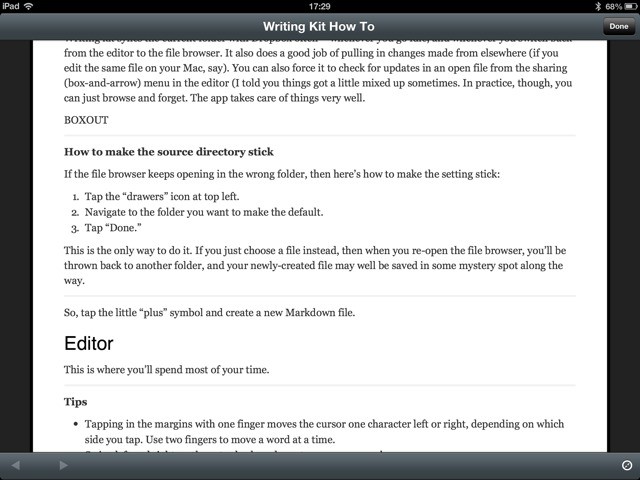
Writing Kit is one of the best text editors on the iPad (and iPhone), but it can be a little confusing at first. It’s made for people who write for a living, and specifically for those who write for the web. To this end, Writing Kit contains not only a world-class Markdown-friendly text editor, but a web browser, quick-research tools and connections to an embarrassment of other web services.

Once you get used to it, Writing Kit will quickly become your writing app of choice. With that in mind, here’s a guide to help you make the most of it.

Don’t Miss A Movie Stinger Ever Again With Anything After

By

Anything After

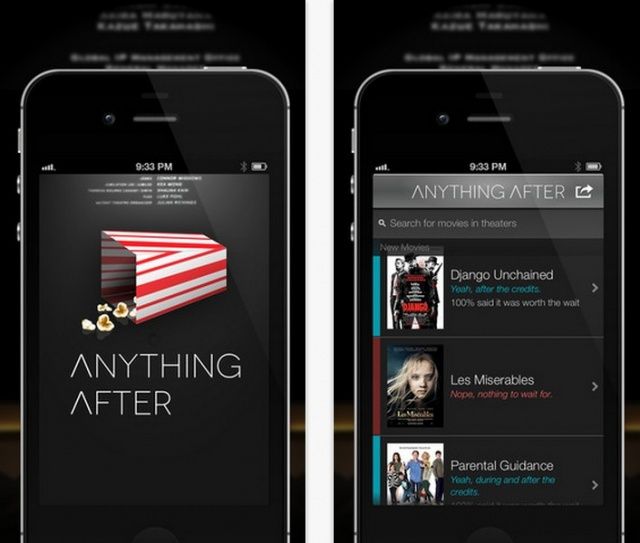
Are you the kind of person who jumps up at the end of a movie, skipping the credits to get to the parking lot (or restroom – thanks, giant soda tub) before everyone else? If so, you’ve probably missed some pretty neat after credit experiences, called stingers. These are extra little bits of movie, teasers, or even bloopers, that are shown after the credits roll to reward the die-hard movie goers for their patience. The recent run of Marvel movies, for example, all teased the eventual Avengers movie at the end of Captain America, The Hulk, and Iron Man. If you left early, you’d have missed it.

Luckily, now, there’s an app to make sure you never do, and, conversely, you don’t sit around for an entire credit roll for no reason.

How Should Apple React To Porn On Twitter’s Vine App?

By

Vine porn

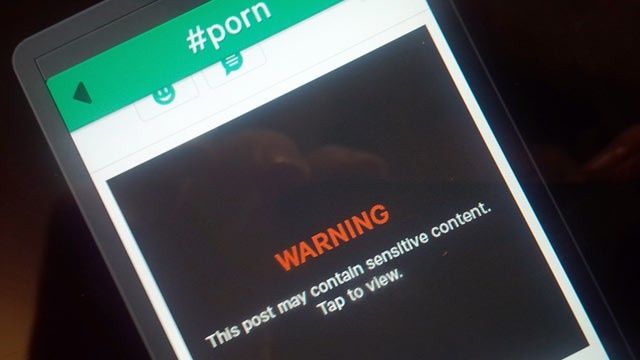
You’ve probably seen quite a few headlines today about Twitter’s new Vine iPhone app displaying pornography. Vine went live in the App Store last week, and the video sharing service has garnered quite a bit of attention due to its parent company, Twitter.

Vine was made an Editors’ Choice by Apple in the App Store, but the app has been de-promoted following all the porn hubbub. Apple has yet to give an official comment on the issue or pull Vine from the App Store completely.

What does all this mean for Vine, and more importantly, the App Store’s policies on porn?

Hack Your iOS Device Without Jailbreaking [How-To]

By

You don't have to jailbreak to give your iPhone a little extra personality.

Jailbreaking your iPhone gives you the ability to tweak and customize nearly every facet of iOS, but new jailbreaks are few and far between these days. For example, there still hasn’t been a full jailbreak for iOS 6 from last summer, although one is on the distant horizon.

People jailbreak their iPhones for all sorts of reasons, whether it be free tethering, themes, or quick access to settings. The most common reason to jailbreak is actually more of a philosophy. There are millions of iPhone owners out there who want to be able to have greater control over their iOS experience. What if you want to hide stock apps you don’t use, or even just get rid of your carrier logo?

Fortunately, you can actually do those last two things on a non-jailbroken iPhone with relative ease, and here’s how:

Cyclemeter Adds iPad Support

By

1359109699.jpg

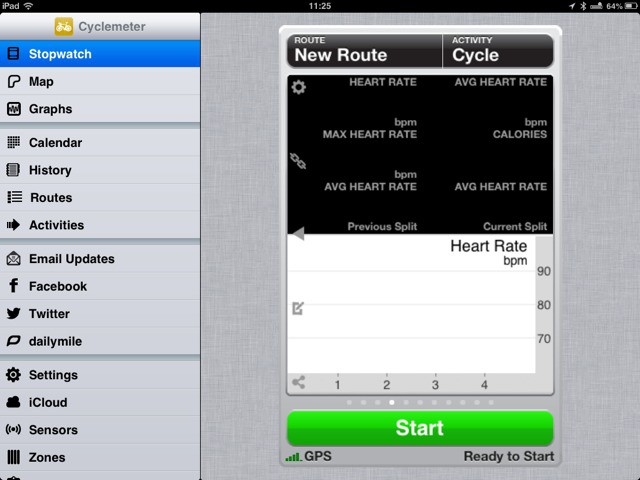
Cyclemeter, long my favorite iPhone app for tracking and recording my rides using GPS, has been updated to support the iPad. This makes it — as far as I know anyway — the only app which will natively turn your iPad mini into a dash-mounted in-flight computer for your bike.

Apple’s Monstrous Mega-Earnings And Must-Have Mac Apps On Our Newest CultCast

By

new-cultcast-site-promo-pic.jpg

You should probably check if your cash is still in your wallet… ’cause according to Apple’s recent earnings call, they just made all the money. We put some perspective on just how huge Apple’s Q1 cash hoard was on our all-new CultCast, then expertly deconstruct Tim Cook’s cryptic words about new and unannounced products.

But wait, there’s more! From iOS 7, to bigger-screen iPhones, to our favorite Mac apps, we answer your Facebook questions in our newest segment, CultCast Q&A.

Get a fun weekly dose of all things Apple! Subscribe to The CultCast now on iTunes, or easily stream new and previous episodes via Apple’s free Podcasts App.

Alt Photo, A Great Film-Emulator For iPhone, Goes Free

By

1358279868.jpg

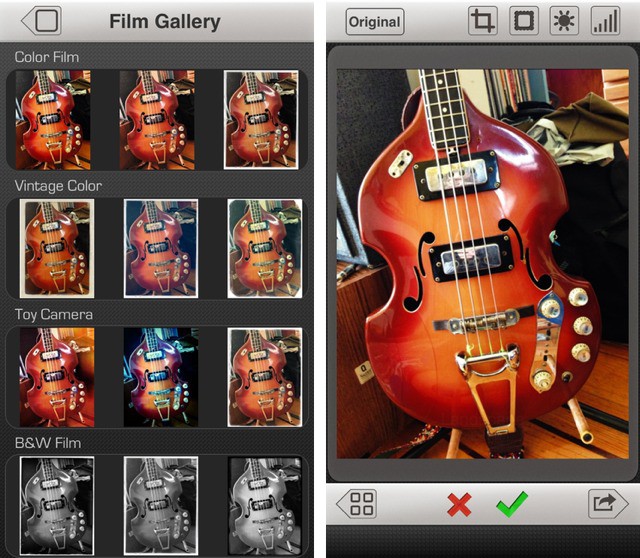
Alien Skin makes the human-like disguises that the lizard creatures in “V” used to pass themselves off as humans, and… Kidding! Alien Skin makes high-end Photoshop plugins and Mac photo-processing software. It also makes an iPhone app called Alt Photo, which distills the features of its desktop app Exposure into an iPhone-sized package.

And now it is free.

View And Edit Photo Metadata On Your iPhone With EXIF-fi

By

1358196116.jpg

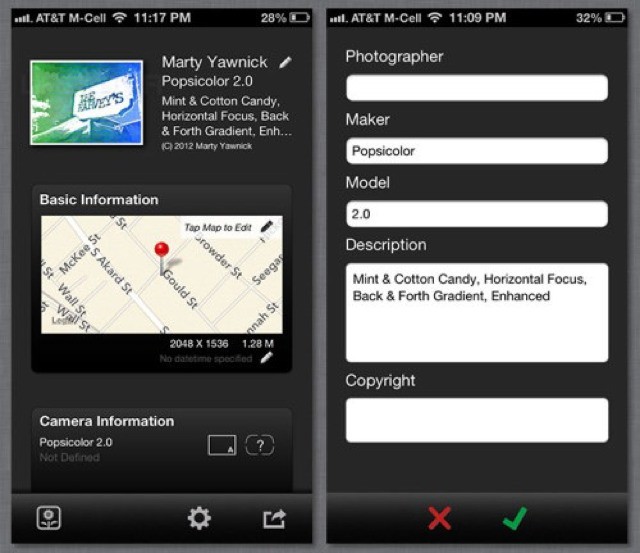
EXIF data: It’s the unsung hero of iPhoneography, and digital photography in general. It’s where location data is stored so you can see your pictures on a map. It remembers when you took that photo, what ISO you used, along with all kinds of other handy data (focal length, flash on or off, even the white balance setting you used).

But on iOS, the EXIF data is mostly hidden from you. But with EXIF-fi, you can not only read it but edit it.

PureShot Squeezes Every Last Drop Of Quality From Your iPhone’s Camera

By

1358195376.jpg

I have far too many photo apps on my iPhone and iPad, but I only ever use one of them to shoot pictures – the built-in camera app. Why? Because it is fast and good. It captures the best the sensor has to offer, and it is accessible right from the lock screen.

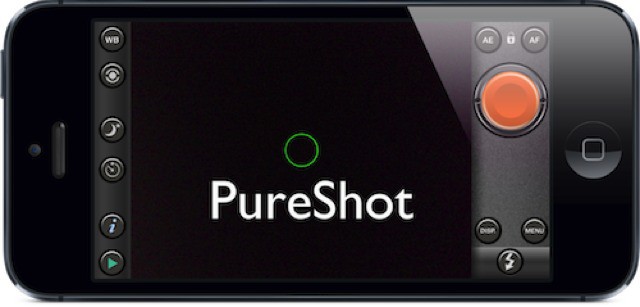
But there is a new app which might tempt me away. It’s called PureShot, and it is pretty great.

This Week’s Must-Have iOS Apps: PodDJ, Swipe, 1 Second Everyday & More [Roundup]

By

Screen Shot 2013-01-13 at 09.55.01

This week’s must-have apps roundup begins with PodDJ, the first iOS app from Pod2g, the mastermind behind a number of hugely popular jailbreaks for iPhone, iPad, and iPod touch. We also have a terrific app called 1 Second Everyday, which will help you put together a movie that includes one second from every day for the rest of your life; a handy timer app for iPad, and more.

Reduce Is An Awesome Photo-Resizer For iOS

By

1357928831.jpg

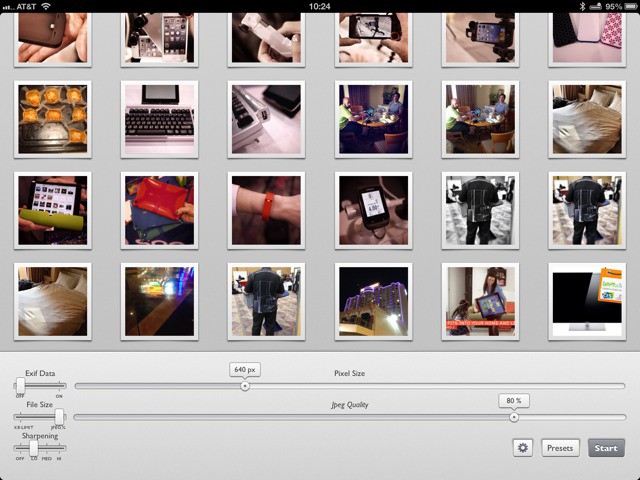
Reduce is a slick and polished universal app which puts your photos on a diet. It’s aimed at photographers, but will be great for anyone who needs to shrink a lot of images, and who doesn’t hate themselves. Why? Because Reduce is the first such app I’ve tried that doesn’t make me tear my hair out.

Olloclip Shows Off Super-Clever iPhone Camera Case [CES 2013]

By

1357691215.jpg

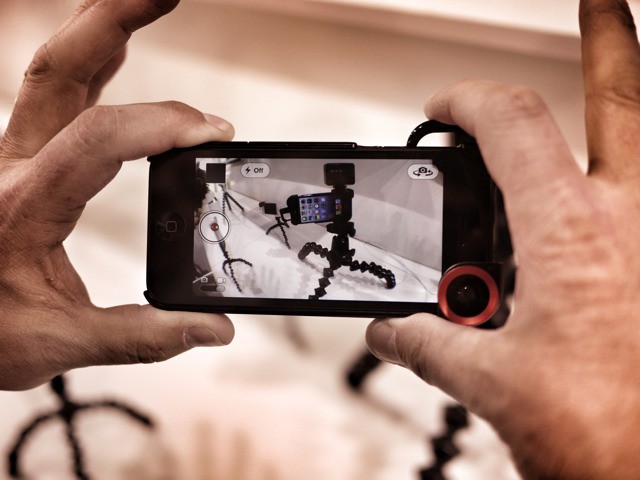
CES 2013 bug LAS VEGAS, CES 2013 – I, like many of you, love my Olloclip. And while I don’t often use an iPhone case, when I do, I hate having to peel it off just to pop on the super-convenient accessory lens.

Thankfully, Olloclip has weathered the ordeal that was the iPhone 5 launch, and is now back to making cool new stuff. The latest is a case with a slide-open corner for use with the Olloclip. But it packs some really clever extra gimmicks.