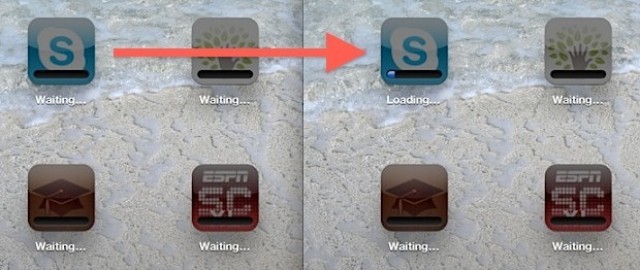
Yesterday, we showed you how to fix apps that get stuck “waiting” as you downloaded everything to your newly-restored iPad. That’s fine and all, but what if you really, really need to check your RSS reader of choice to read the latest Cult of Mac stories? With this incredibly simple tip, you can just tell the iPad to download that app right away.
Double-Tap To Download ‘Waiting’ iOS Apps Right Away [iOS Tips]