David Snow, an expert on Apple hardware and software, writes on a variety of technological and cultural topics for Cult of Mac. They include Apple news, technology buying guides, and features about computer setups and Apple TV shows and movies.
With 30 years of experience covering technology and other subjects, he has written and edited for numerous print and online publications, including CMP Media, TechTV.com, CNET, Wired News, Red Herring magazine, Law.com, The National Law Journal and Law Technology News magazine. Among other roles, he served as executive editor of the Law.com network of websites and editorial director, technology, for ALM Media.
Snow graduated with a B.A. from Syracuse University with majors in magazine journalism and psychology. While there, he worked as a reporter for The Daily Orange newspaper and associate editor of Equal Time magazine.
Founder of the blog At the Waterline, he can be reached on X (formerly Twitter) via @atthewaterline and on Mastodon via @dsnow.
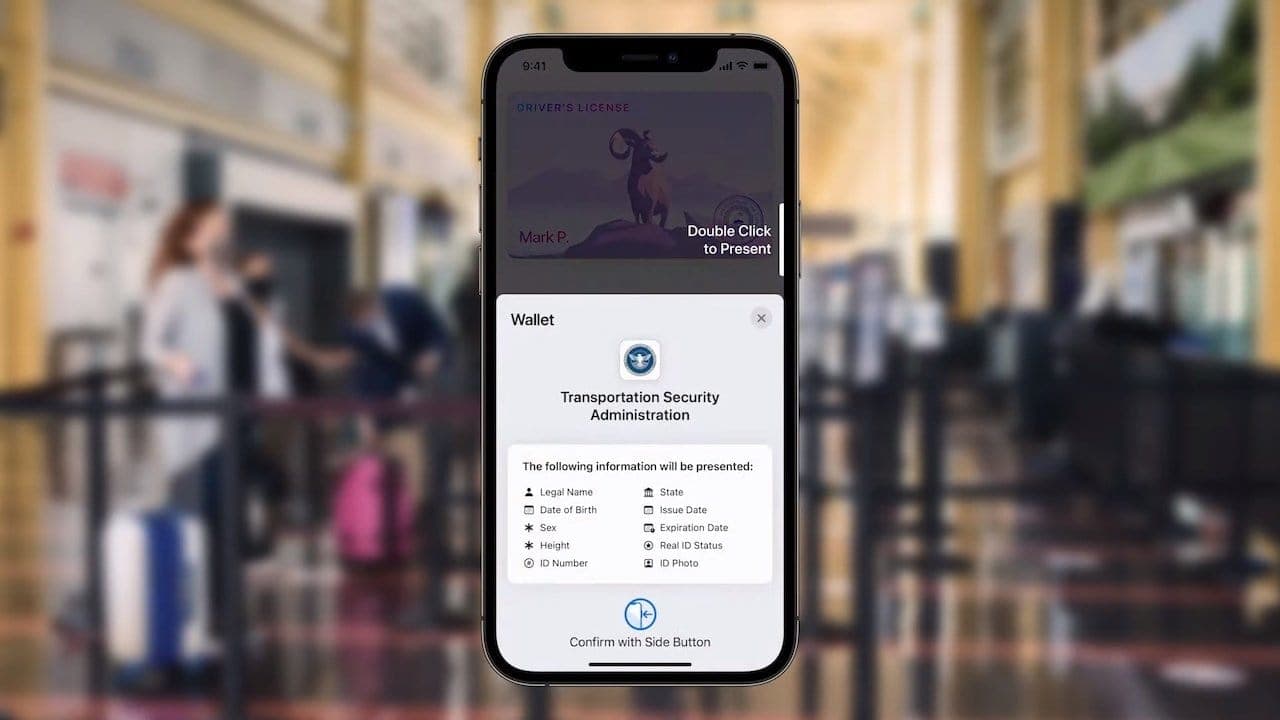
Apple said the iOS 15 feature allowing you to add a driver's license or state ID to Wallet is delayed until early 2022. Photo: Apple
Apple noted on its website that a planned iOS 15 and watchOS 8 feature letting users add a driver’s license or state ID to an iPhone and Apple Watch in participating U.S. states is delayed until early 2022. Previously, the Cupertino tech giant pegged late 2021 for the launch.
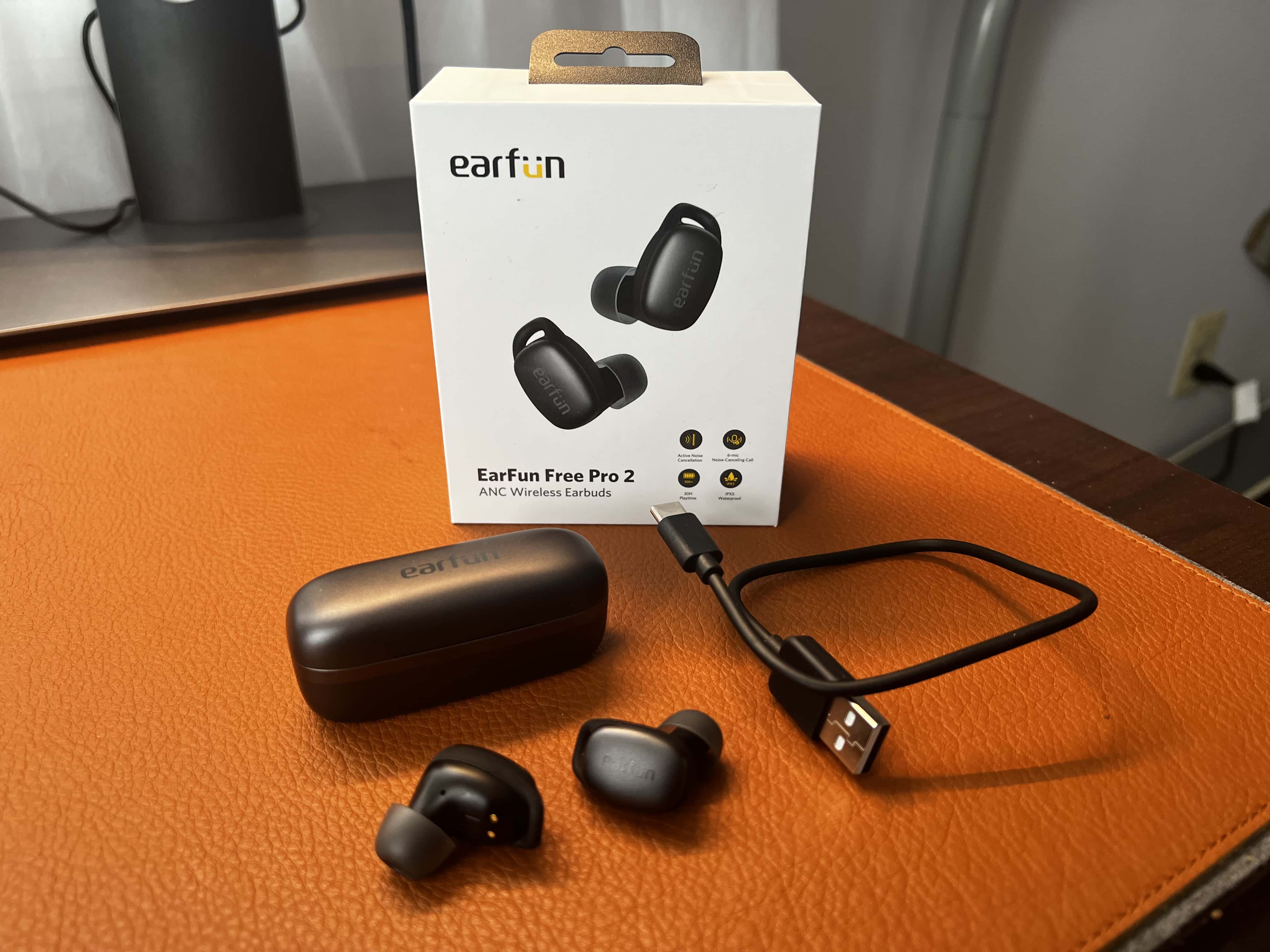
EarFun's Free Pro 2 wireless ANC earbuds offer a comfortable fit and good sound at an affordable price point. Photo: David Snow/Cult of Mac
In my recent review of Earfun’s Air Pro 2 wireless active noise cancellation (ANC) earbuds, I said they packed good enough features — sound quality, active noise cancellation, comfortable fit — to be worth their affordable price tag. With the new EarFun Free Pro 2 wireless ANC earbuds, that’s even more the case. Especially because the same high quality comes in an even smaller package.
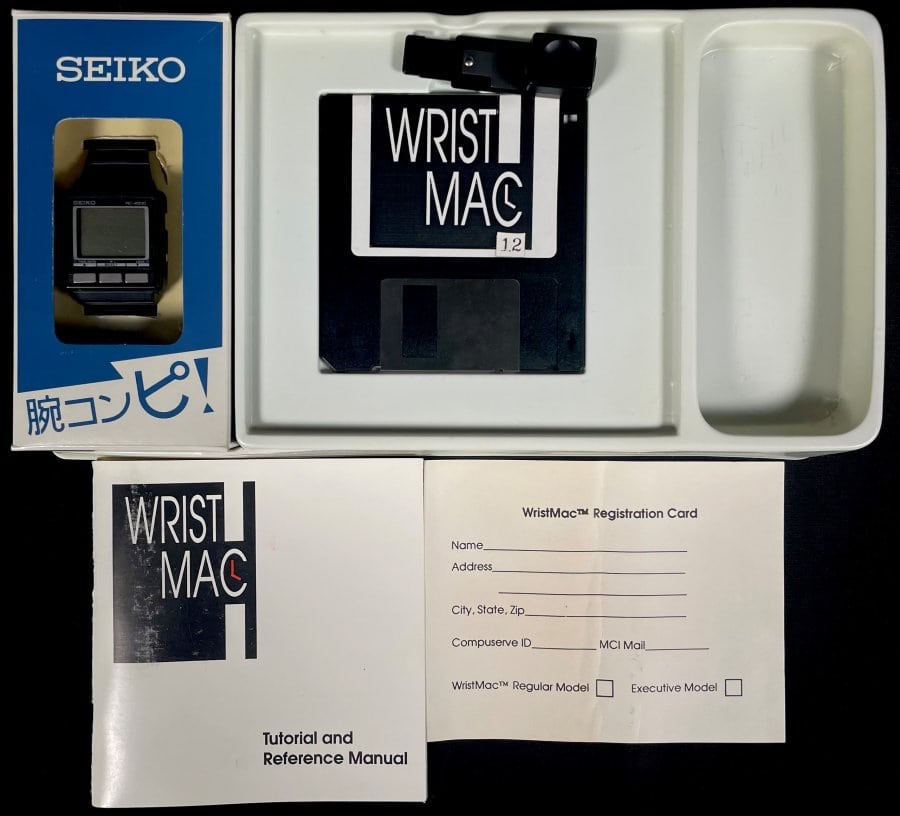
Here's your chance to have your very own Seiko WristMac, a piece of wearable tech history. Photo: ComicConnect
An exceedingly rare wearable from 1988 called a “WristMac” is currently on auction at ComicConnect. Seiko and partner company Ex Machina made this ancestor of the smart watch, not Apple, but it could connect to a Macintosh and perform certain functions — and a version of it even did so on a Space Shuttle mission. It’s expected to fetch anywhere between $25,000 and $100,000.
We’ll have to see it if goes that high. Bidding started on Monday at $1. It stood Tuesday at $950 with 30 bids in. The auction runs through December 18.
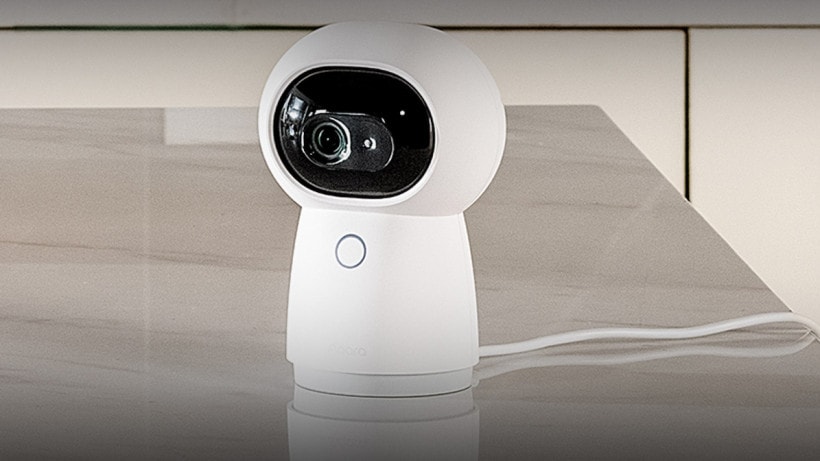
The new Aqara G3 is a 2K smart security camera and Zigbee controller. Photo: Aqara
Smart home equipment provider Aqara rolled out a new security camera that works as a Zigbee 3.0 home-automation hub while supporting HomeKit and HomeKit Secure Video. The new G3 camera features 2K resolution, the ability to pan and tilt, and facial and gesture recognition.
The new camera serves as an upgrade to Aquara Camera Hub G2H, adding 2K video recording and more.
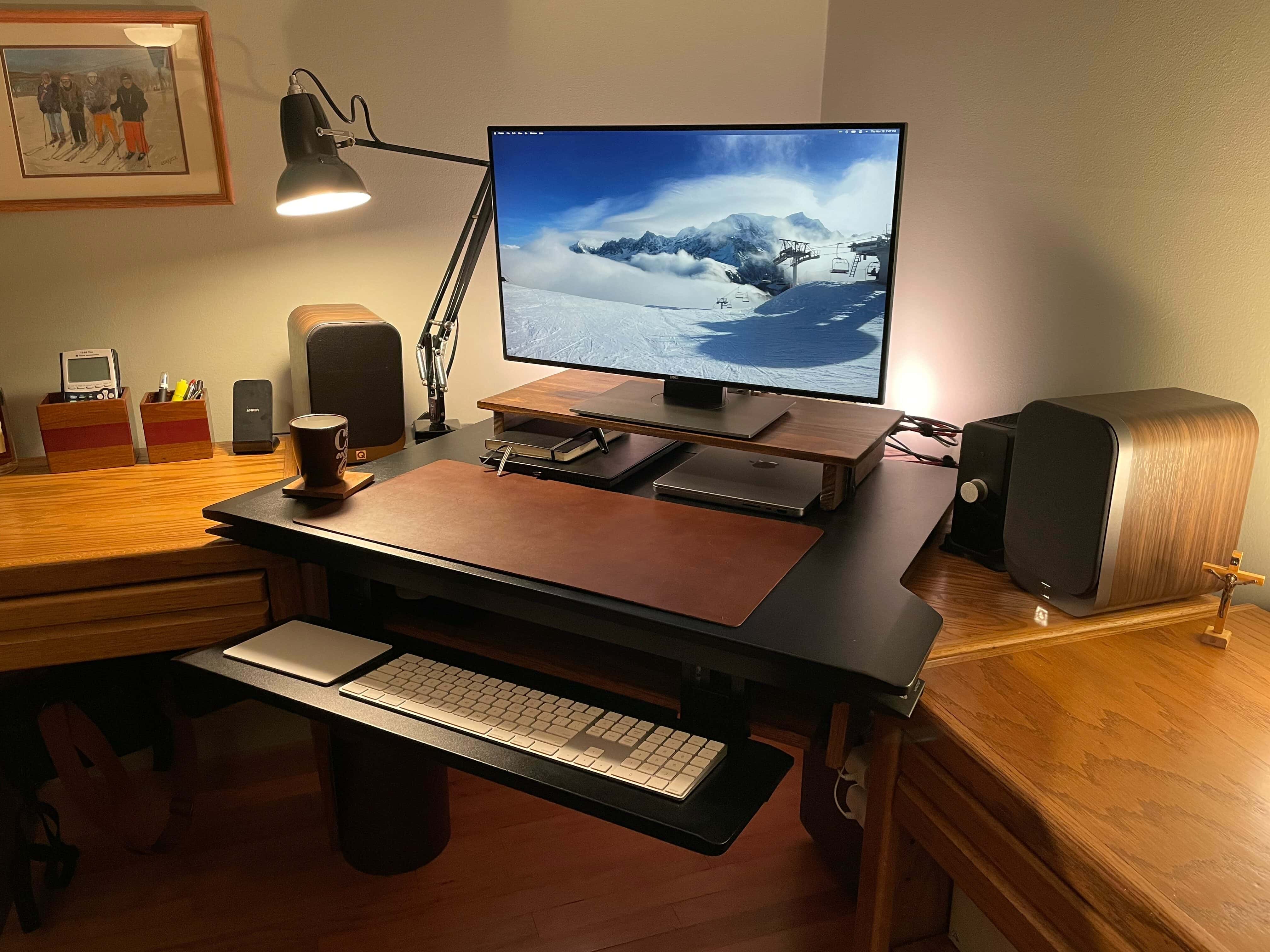
This M1 Pro MacBook setup uses a 27-inch Dell monitor and a pumped-up audio rig. Photo: Andrew Michletz
Andrew, a customer service experience manager for an internet service provider in Minneapolis, shared his computer setup with Cult of Mac after a big revamp. He replaced a 27-inch 2017 iMac with a 14-inch 2021 M1 Pro MacBook, which he runs alongside his work laptop, a Lenovo ThinkPad T480S. He uses his Apple gear mostly for photo editing and music production.
“With work from home, I needed the ability to use the screen with both my personal computer and my work device,” Andrew told Cult of Mac (he requested we use only his first name). “I had been running Windows on the iMac via Boot Camp and using Miracast to wirelessly extend to the iMac screen from my ThinkPad. When it worked it was great, but it became unreliable over time, and I decided that a monitor with multiple inputs are the way to go.”
Andrew said the Miracast connection with the iMac became unreliable when he got a mesh network. It would sometimes work great, but often fail to connect, despite rigorous troubleshooting. So it was time to do a little shopping.
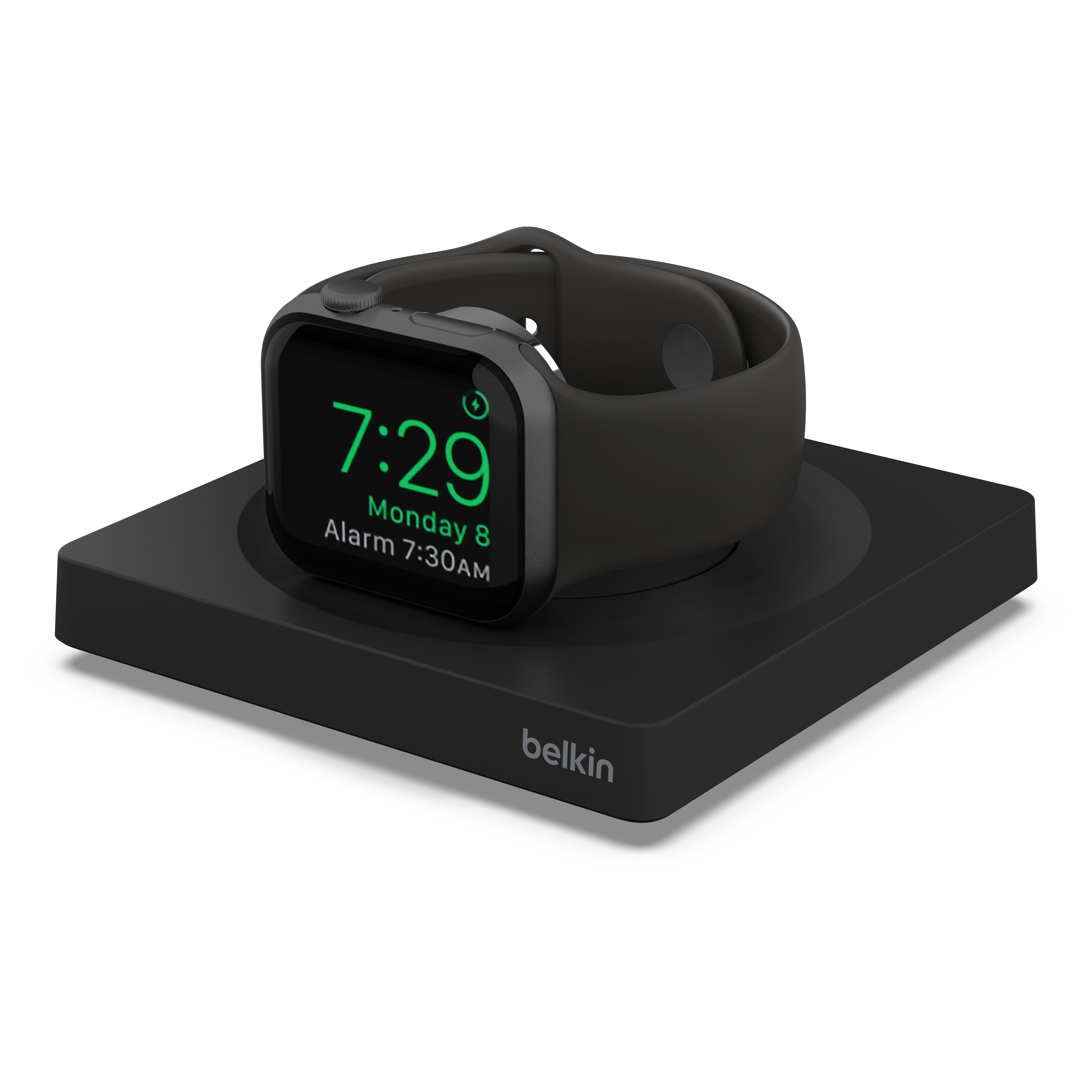
The new Belkin Boost Charge Pro is a portable Apple Watch charger. Photo: Belkin
On Thursday, accessories maker Belkin introduced its new Boost Charge Pro Portable Fast Charger for Apple Watch, one of the first third-party releases to support the fast charging speeds of the Apple Watch 7.
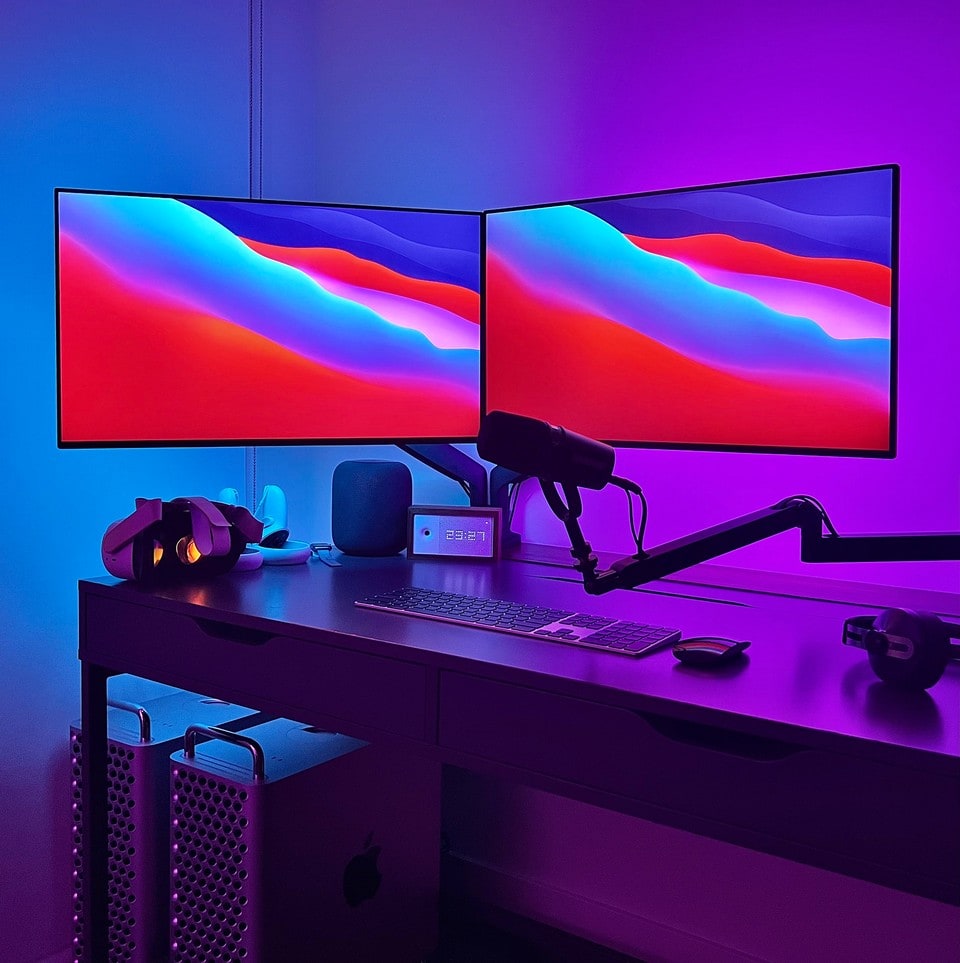
Cool wash: Note the two Mac Pro machines at lower left. Photo: typealias@Reddit.com
You see a lot of people busting on each other for “flexing,” or bragging, about their computer setups shown in social media posts. We came across a doozy today with a dual-display setup bathed in a cool wash of color. But it’s not really about the double luxe displays; lots of people have that. It’s about the two expensive Mac Pros tucked under the desk.
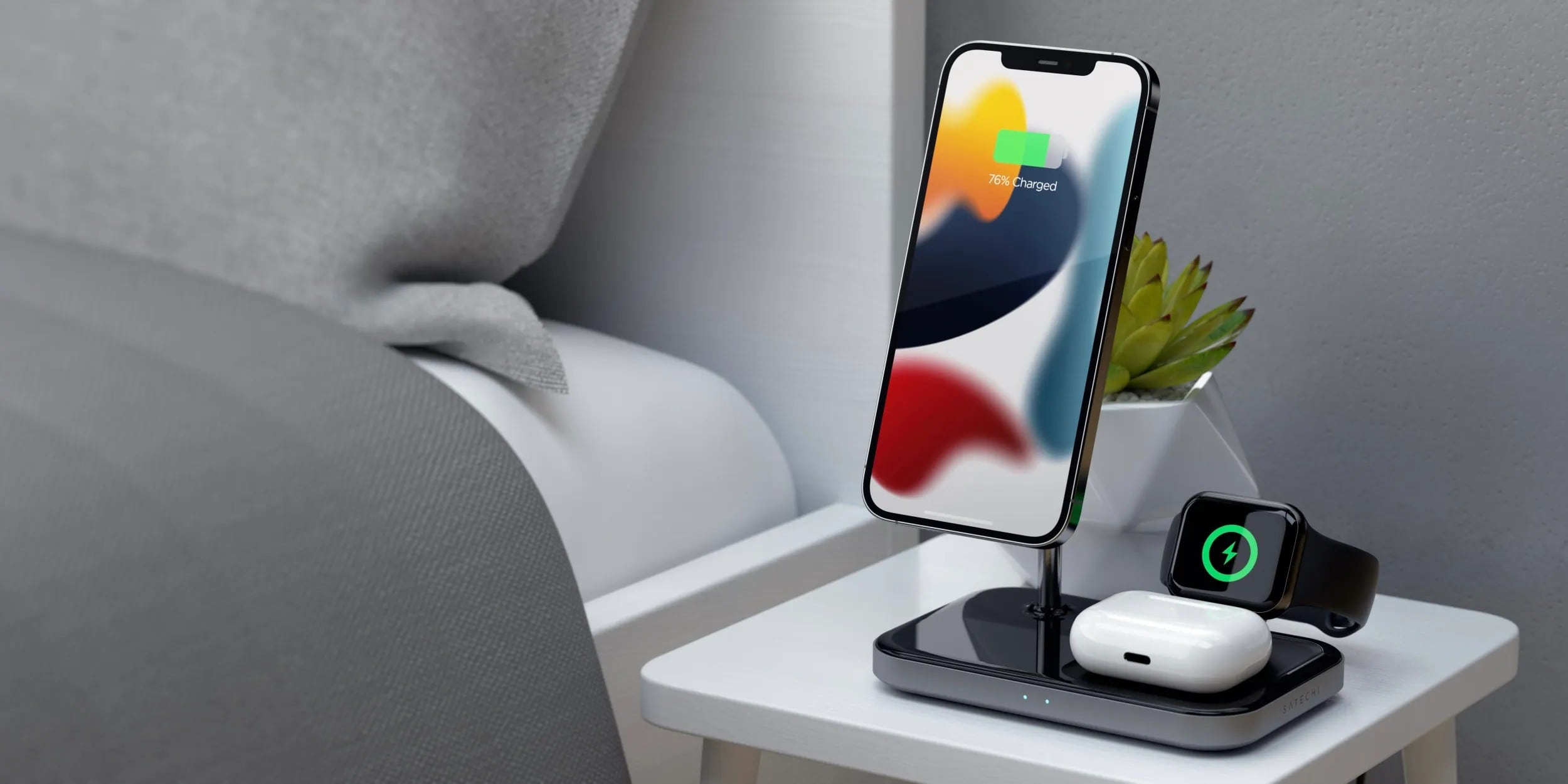
The new Satechi 3-in-1 Magnetic Wireless Charger features a black finish and steel-and-aluminum construction. Photo: Satechi
Satechi rolled out a new 3-in-1 MagSafe-compatible charger on Thursday to help users power up their iPhones, AirPods and Apple Watches. The sleek black Satechi 3-in-1 Magnetic Wireless Charger features a hands-free, adjustable, MagSafe-compatible mount for your phone, plus solid steel-and-aluminum construction.
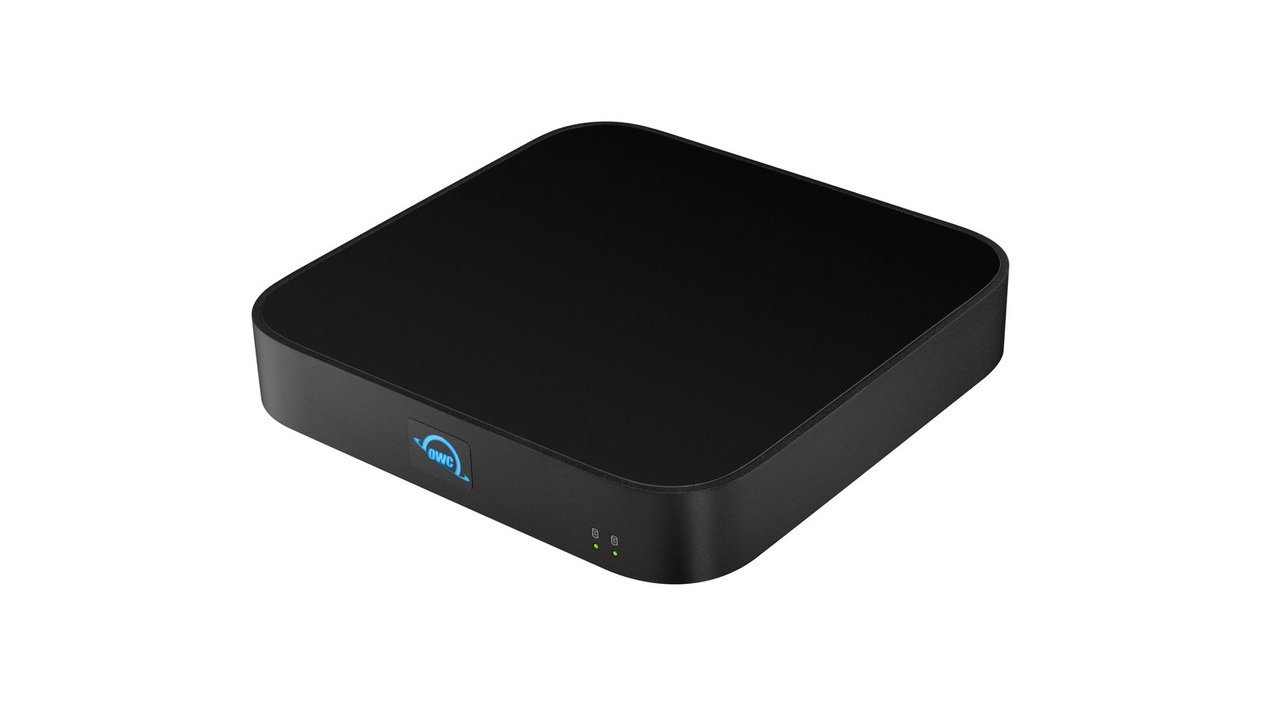
The new OWC miniStack gives your Mac mini (or any Mac) three Thunderbolt 4 ports and additional storage options. Photo: OWC
The new OWC miniStack STX hub stacks seamlessly with a Mac mini, adding storage capacity and a trio of Thunderbolt 4 ports. But it can be used to expand connectivity and add storage space to any Mac or iPad.
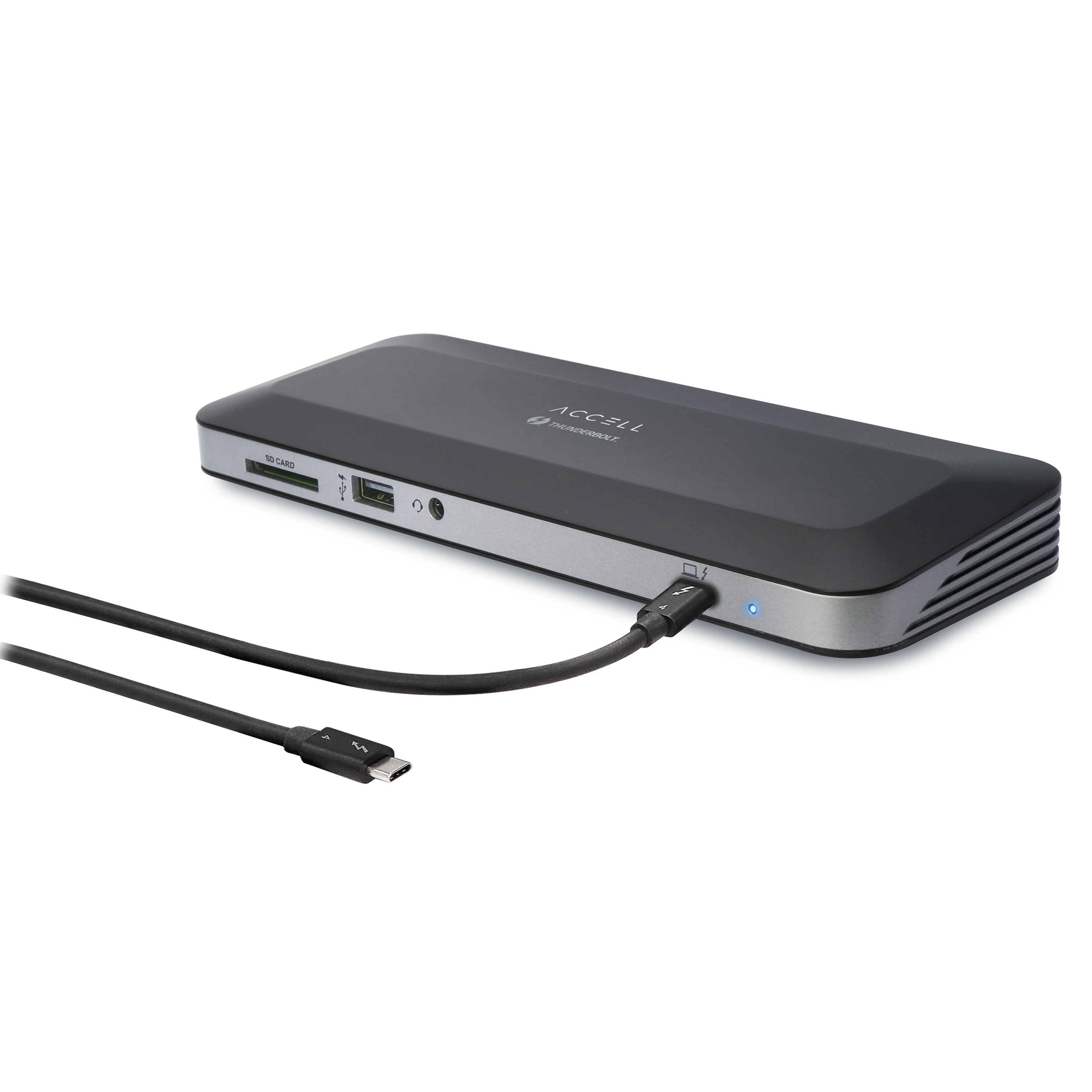
The new Access Thunderbolt 4 Docking Station expands your laptop or desktop's connectivity. Photo: Accell
Accell launched its newest Thunderbolt 4 Docking Station on Wednesday. The company said the Intel-certified hub provides high speed data transfer, dual 4K or 8K external display capability and 96W of power delivery (PD) to quickly charge multiple peripherals.
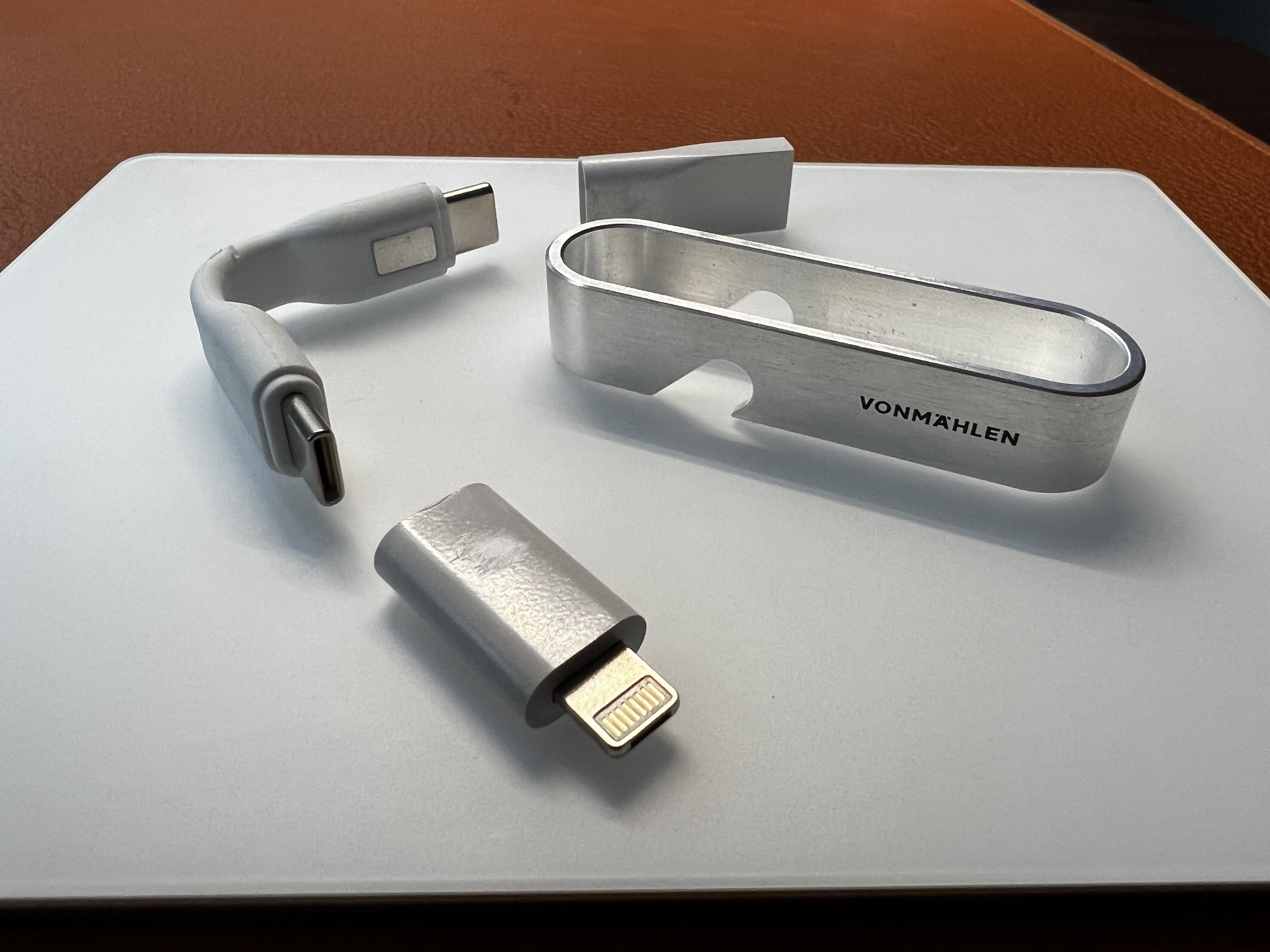
The High Six features USB-C, USB-A and Lightning connectors. Photo: David Snow/Cult of Mac
If you want to be a helpful elf after the holidays — always ready to help charge up people’s devices and open their bottled beverages — you can be. Just carry the nifty little Vonmählen High Six 6-in-1 keychain charging cable in your pocket, with or without keys.
The review sample I received didn’t look flawless or work exactly as advertised, but the company said it will address some issues before it commences shipping the High Six in January 2022, as described below.
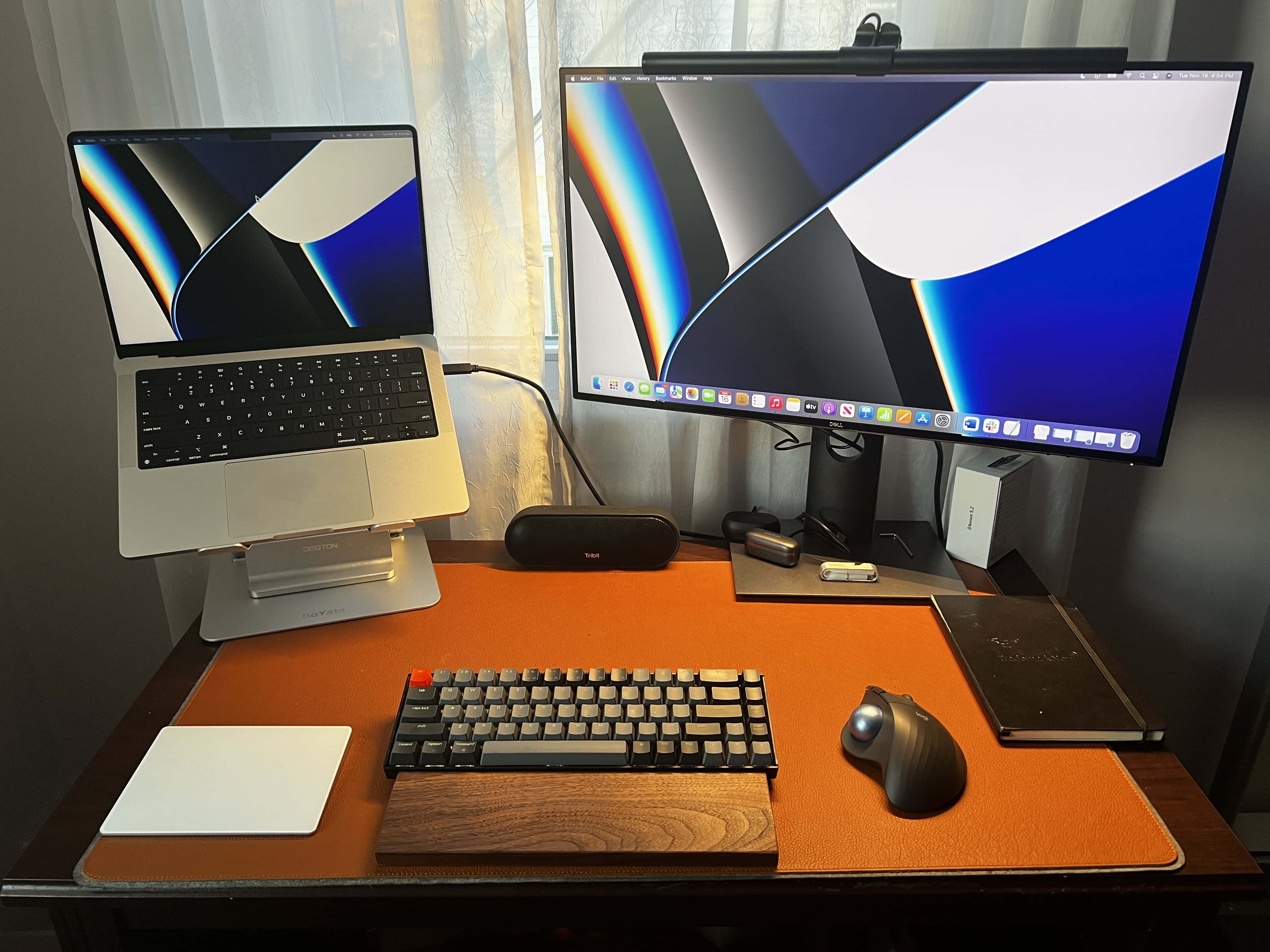
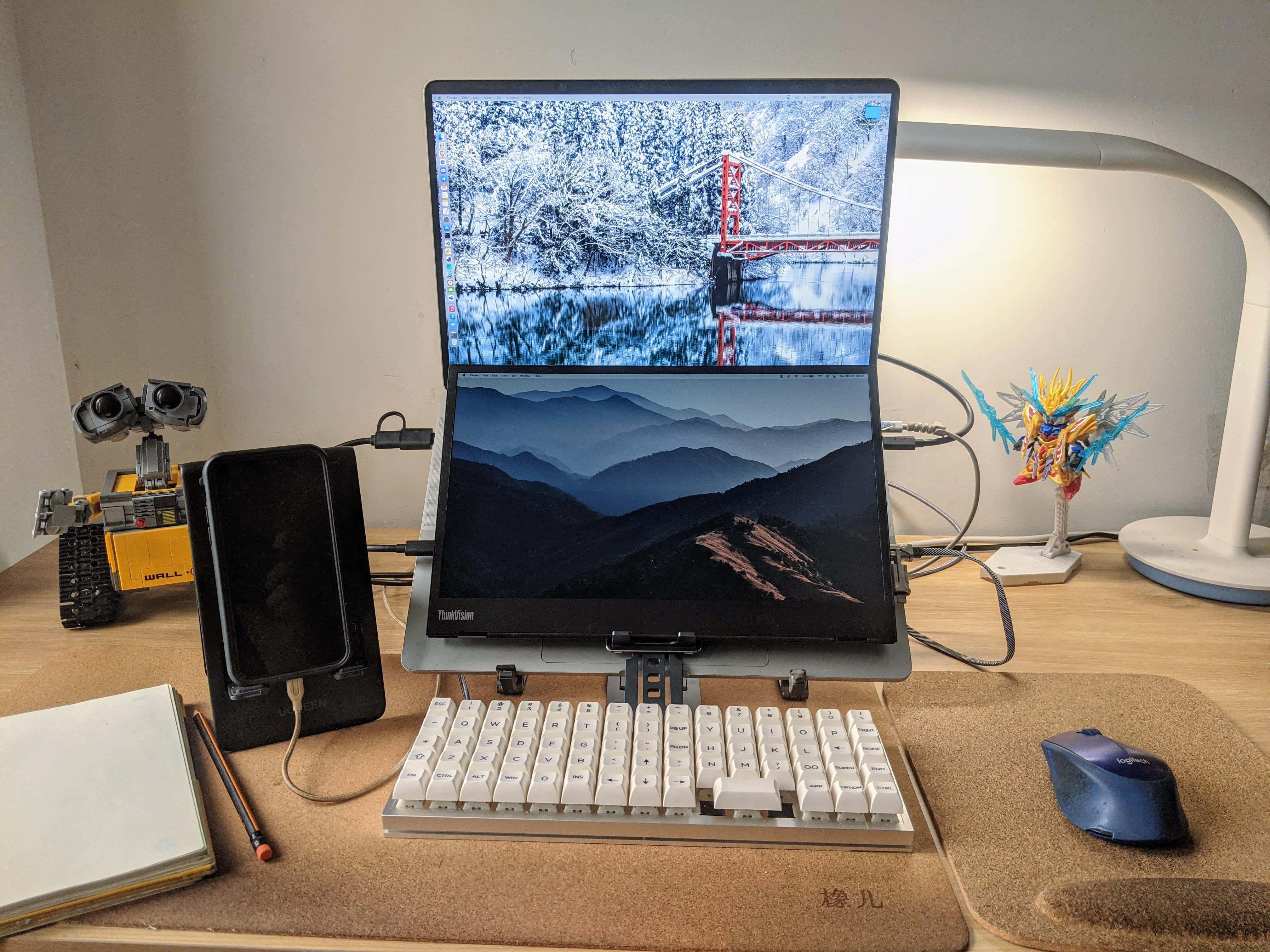
In round 2, I experiment with an open laptop stand, a mechanical keyboard with a wrist rest, a Magic Trackpad 2, an ergonomic mouse with a trackball and a monitor light bar. Photo: David Snow/Cult of Mac
I wrote recently about the shameful squalor of my previous “setup” — basically a borrowed PC laptop perched on a pile of junk — and my effort to build something worthwhile around a gleaming new 14-inch M1 Pro MacBook. Well, like a lot of people in the throes of building a computer setup, I found that second-guessing haunted me into buying a whole lot of alternative gear.
You know, for testing purposes. Trial and error. Not because of my apparent shopping addiction. Or not much, anyway.
Apple Home Services chief Sam Jadallah left his post after less than three years. Photo: Apple
Apple hired Sam Jadallah in February 2019 to lead its smart home initiatives as head of the Home Services department. Last week, he posted word of his departure on LinkedIn.
Neither Jadallah nor Apple has given a reason for the departure. After two years and nine months on the job, Jadallah wrote:
That’s a wrap with Apple. I’m so grateful for the friendships that will endure and the opportunity to shape and create new capabilities for people and homes around the world. As a corporate exec, investor and entrepreneur, it was a treat to be an entrepreneur within Apple and to create products at scale.
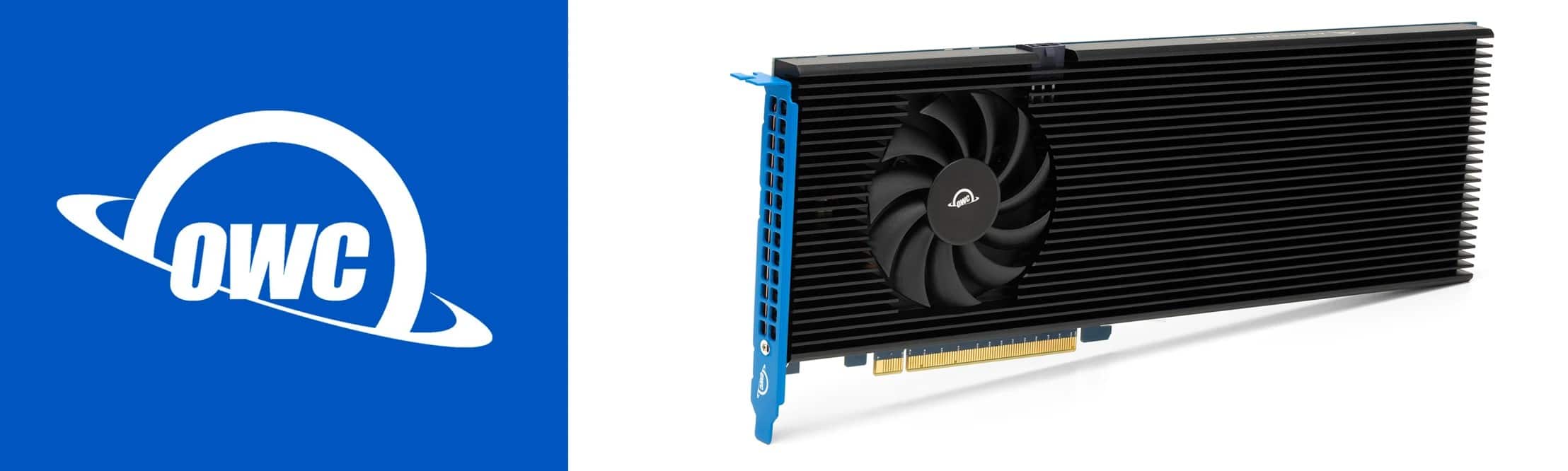
Memory and storage provider OWC rolled out its new Accelsior 8M2 PCIe solid state drive (SSD), calling it the “world’s fastest and highest capacity” storage system of its kind for your 2019 Mac Pro, or any Windows, Linux or PCIe expansion system.
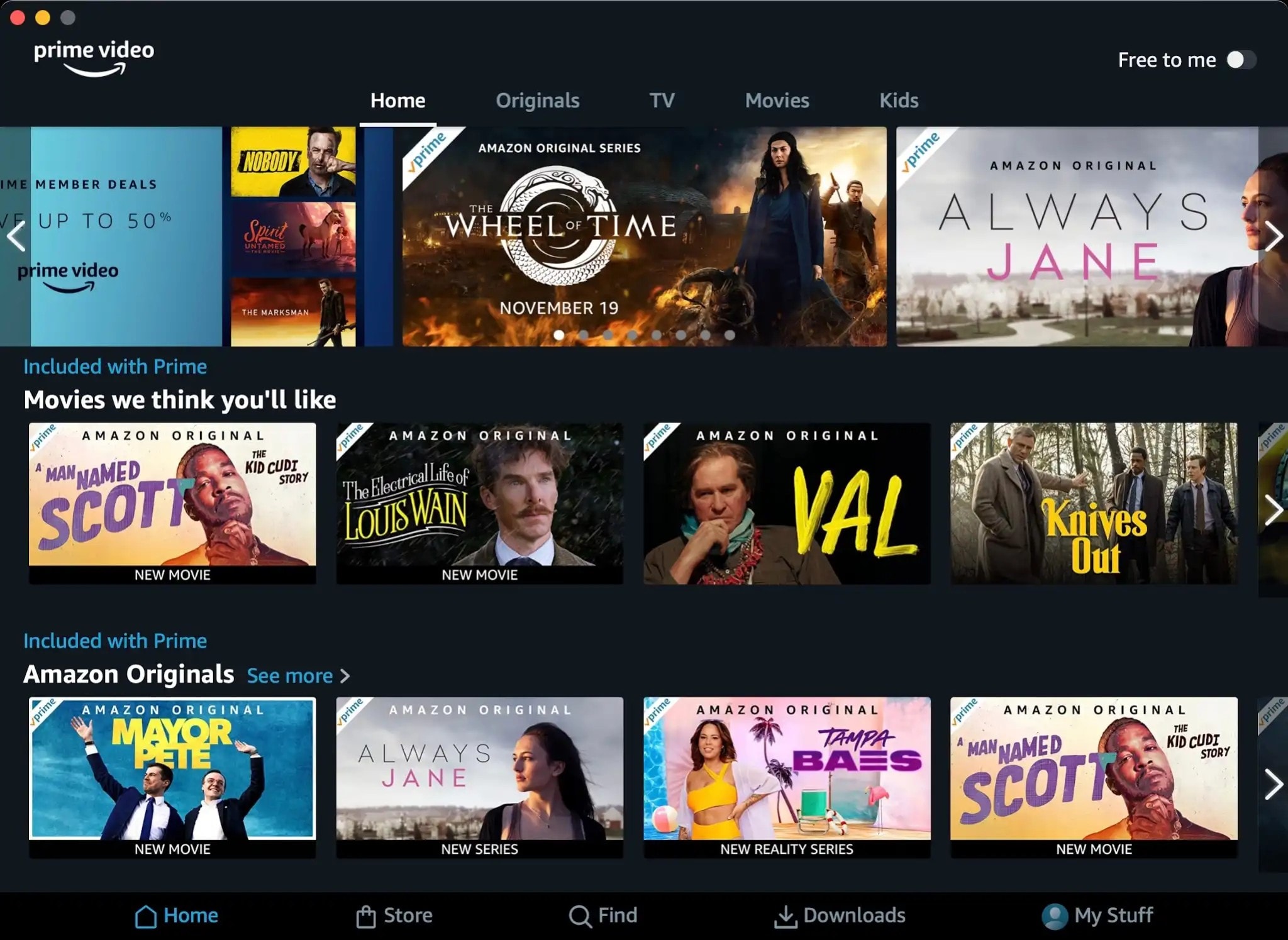
The new Amazon Prime Video app for Mac means you don't have to use a browser for viewing. Photo: Amazon
Amazon introduced a native macOS app for its Amazon Prime Video service Monday, offering another option for Mac owners who previously relied on a browser to watch. They can get the app in the App Store.
The new Mac app provides access to all Amazon Prime streaming content. Prime Video subscribers can use the app to stream content or download content on Macs for offline viewing.
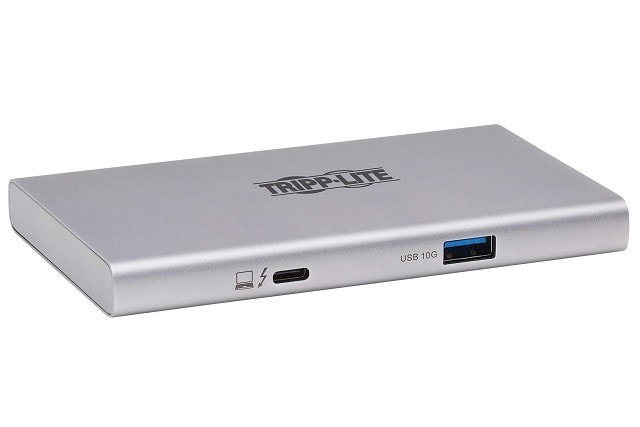
Tripp Lite's new Thunderbolt 4 hub supports dual 4K displays. Photo: Tripp Lite
Tripp Lite, known for its power strips and surge protectors, released its new Thunderbolt 4 hub, the MTB4-Hub3-01. Capable of 8K video support, it can run two 4K displays in addition to other devices and power your computer.
A portable monitor is mounted over the MacBook Pro's keyboard and an ortholinear-layout keyboard is the main input device. Photo: inperiuscici@Reddit.com
We see a lot of dual- and multi-display workstations here at Setups Central, but we can’t recall seeing a “dual-display laptop” or a “laptop monitor stack.” Those are terms we made up for a second portable display mounted under a laptop’s screen and on top of its keyboard, as in today’s featured setup.
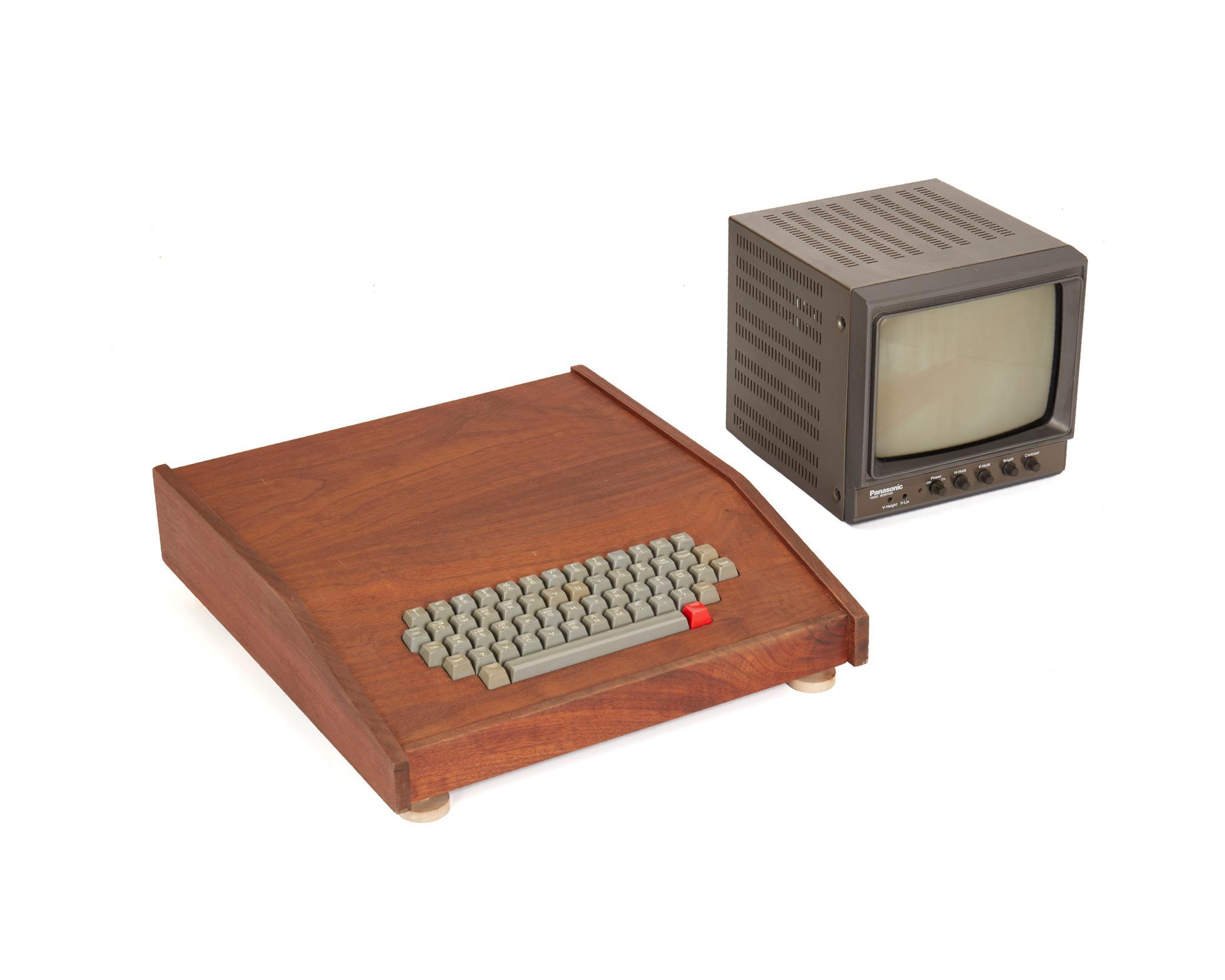
Only six known examples features the koa wood case. Photo: John Moran Auctioneers
Lots of Apple fans know the company’s first product was the Apple-1 personal computer. Steve Wozniak and Steve Jobs initially put the machines together in a garage in 1976. Now one unit in their early run of 200, known as the “Chaffey College Apple-1” because its first owner taught there, has sold at auction for $500,000.
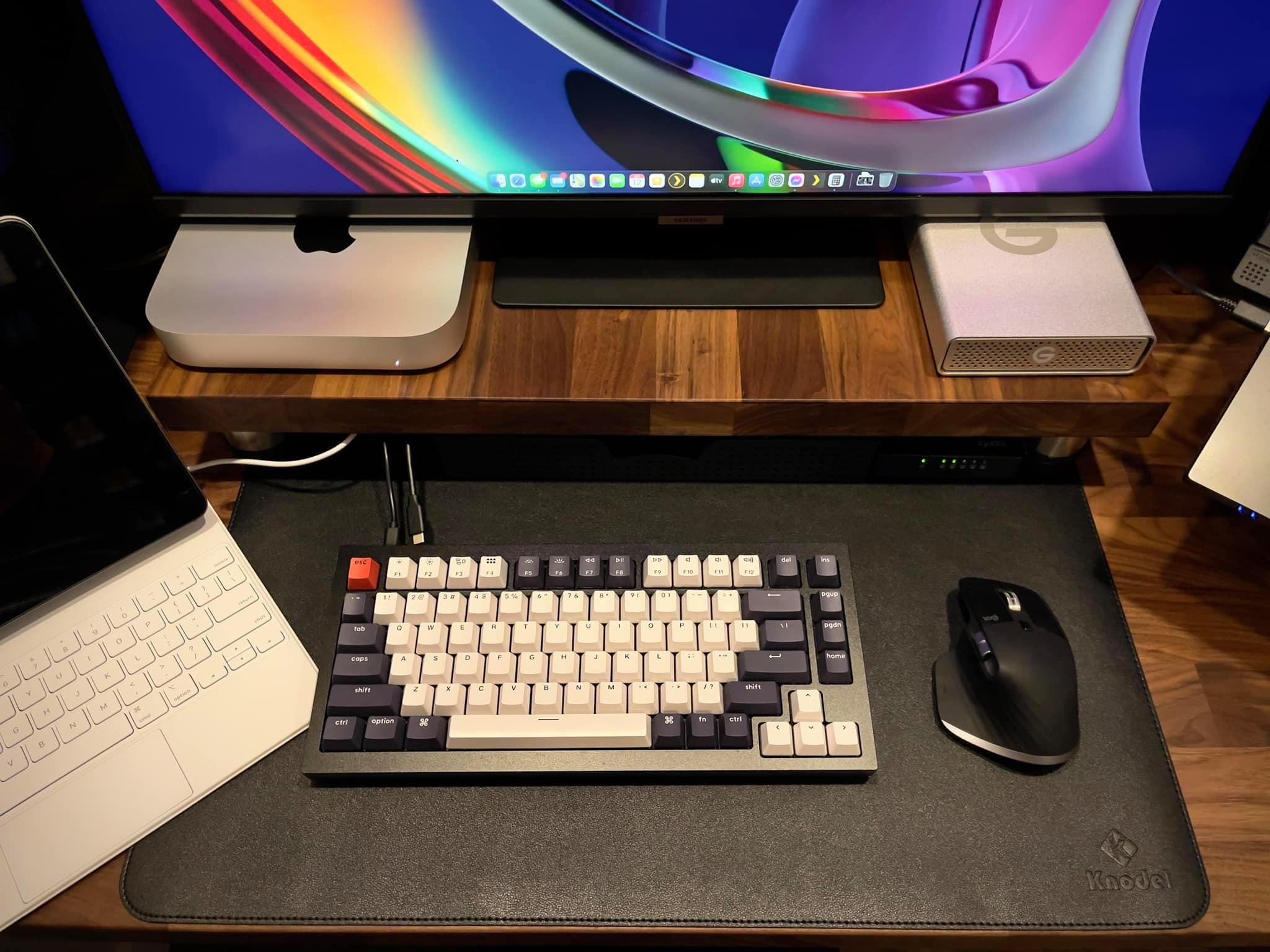
The M1 Mac mini is paired with a 32-inch Samsung 4K monitor, a Keychron Q1 mechanical keyboard and a Logitech MX Master 3 mouse. Photo: PJ Flordeliz
Sometimes you see a workstation and you can pretty much tell by the gear what its owner does for a living. Today’s featured setup has an M1 Mac mini, a 12.9-inch M1 iPad Pro and an Acer laptop, plus a custom mechanical keyboard, a network switch and a huge external hard drive. That led me to guess the person might be a IT staffer or a software developer. And I was right.
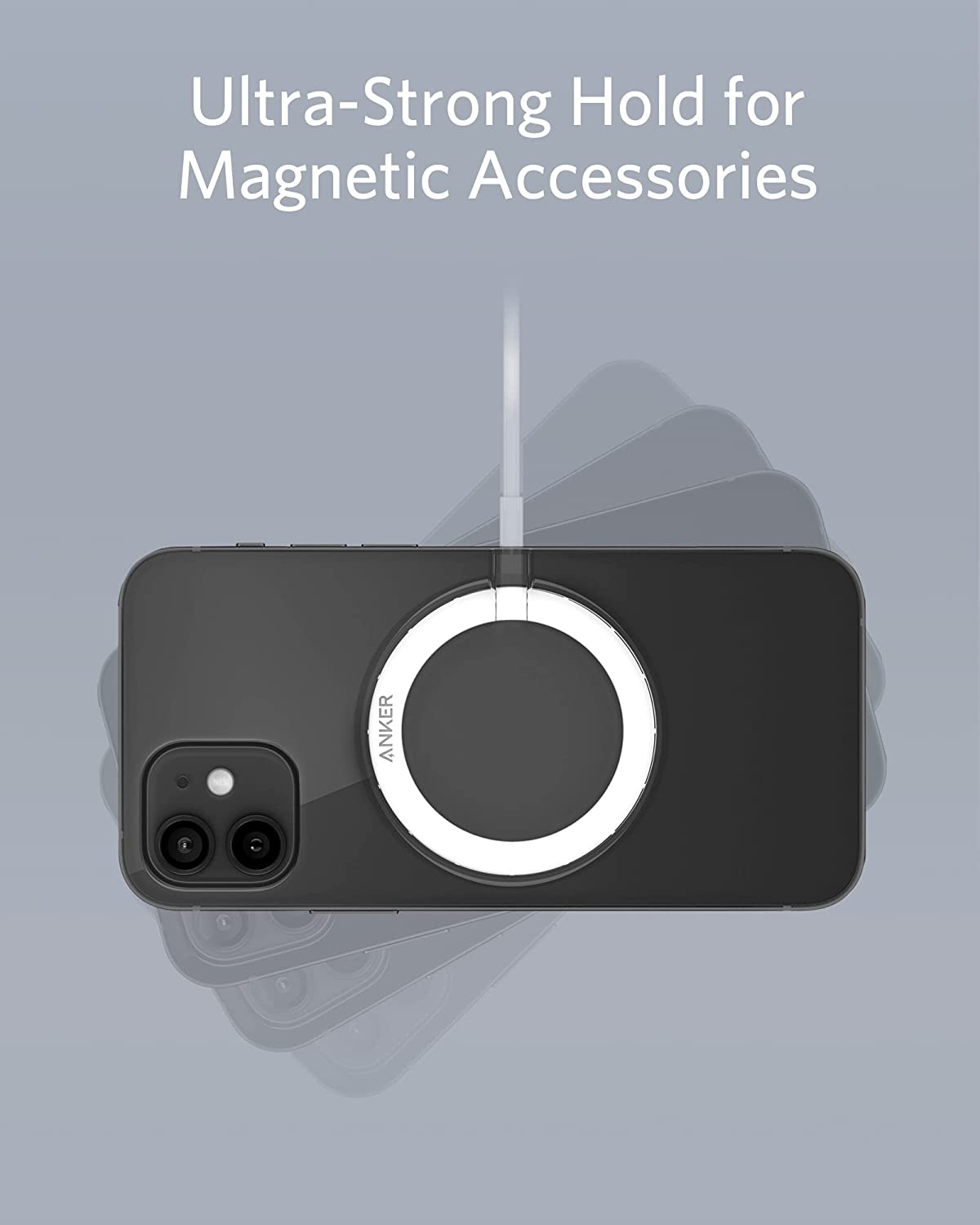
The Anker 310 Magnetic Ring turns your regular iPhone 12 or 13 case into a MagSafe-compatible one for $8. Photo: Anker
Is your regular iPhone 12 or 13 case keeping you from enjoying Apple’s MagSafe technology? Anker now offers an inexpensive fix for your case — the Anker 310 Magnetic Ring — so you don’t have to buy a new, MagSafe-compatible one. The ring is $8, whereas a new case would probably cost you well over $20.
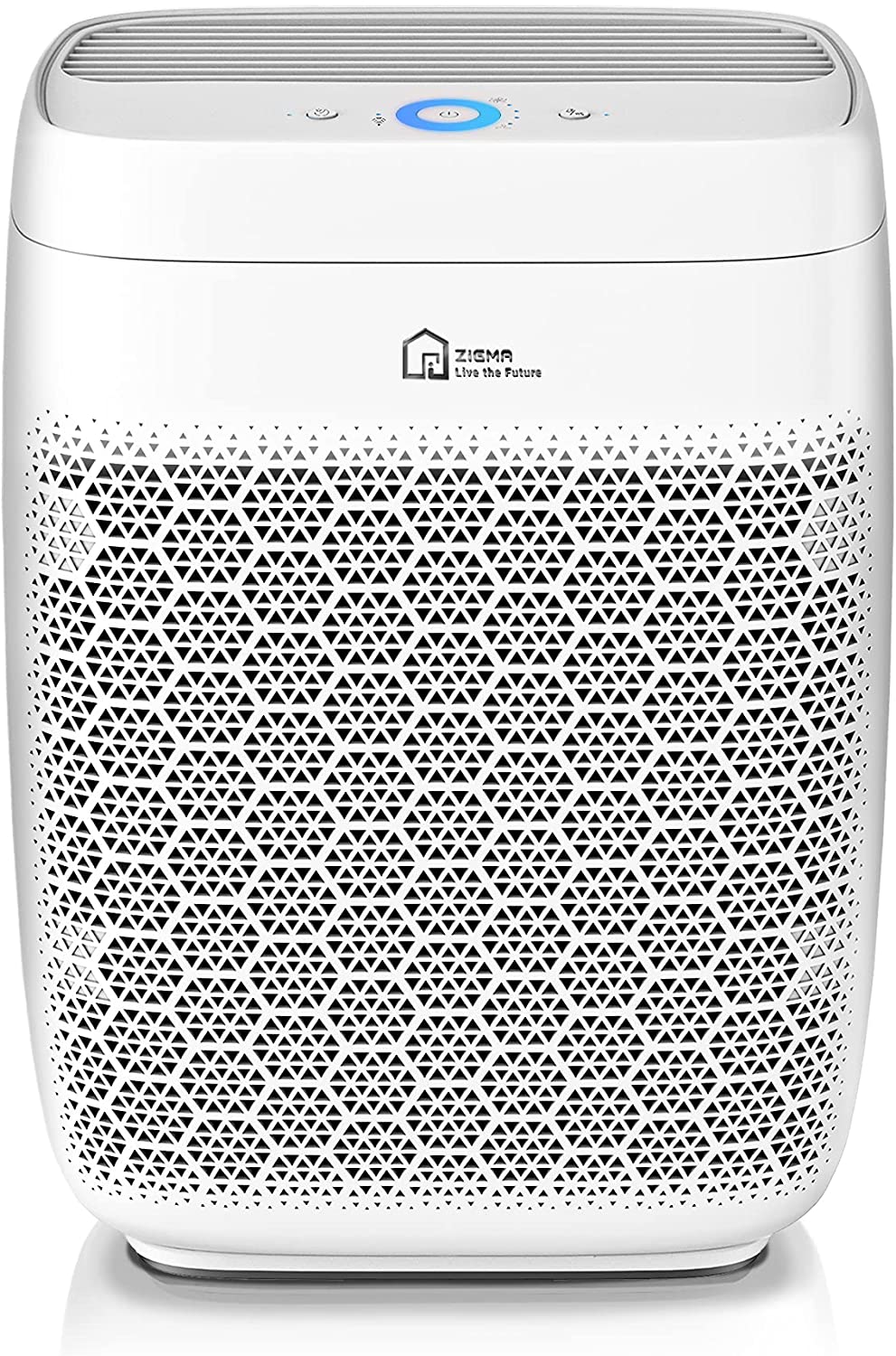
You can control the new Zigma Aerio 300 Wi-Fi Air Purifier with the Siri voice assistant. Photo: Zigma
Smart home technology provider Zigma launched its Smart Aerio 300 Wi-Fi Air Purifier. The company said the device can analyze air in a home or office in three minutes and clean air in spaces up to 1,580 square feet in an hour.
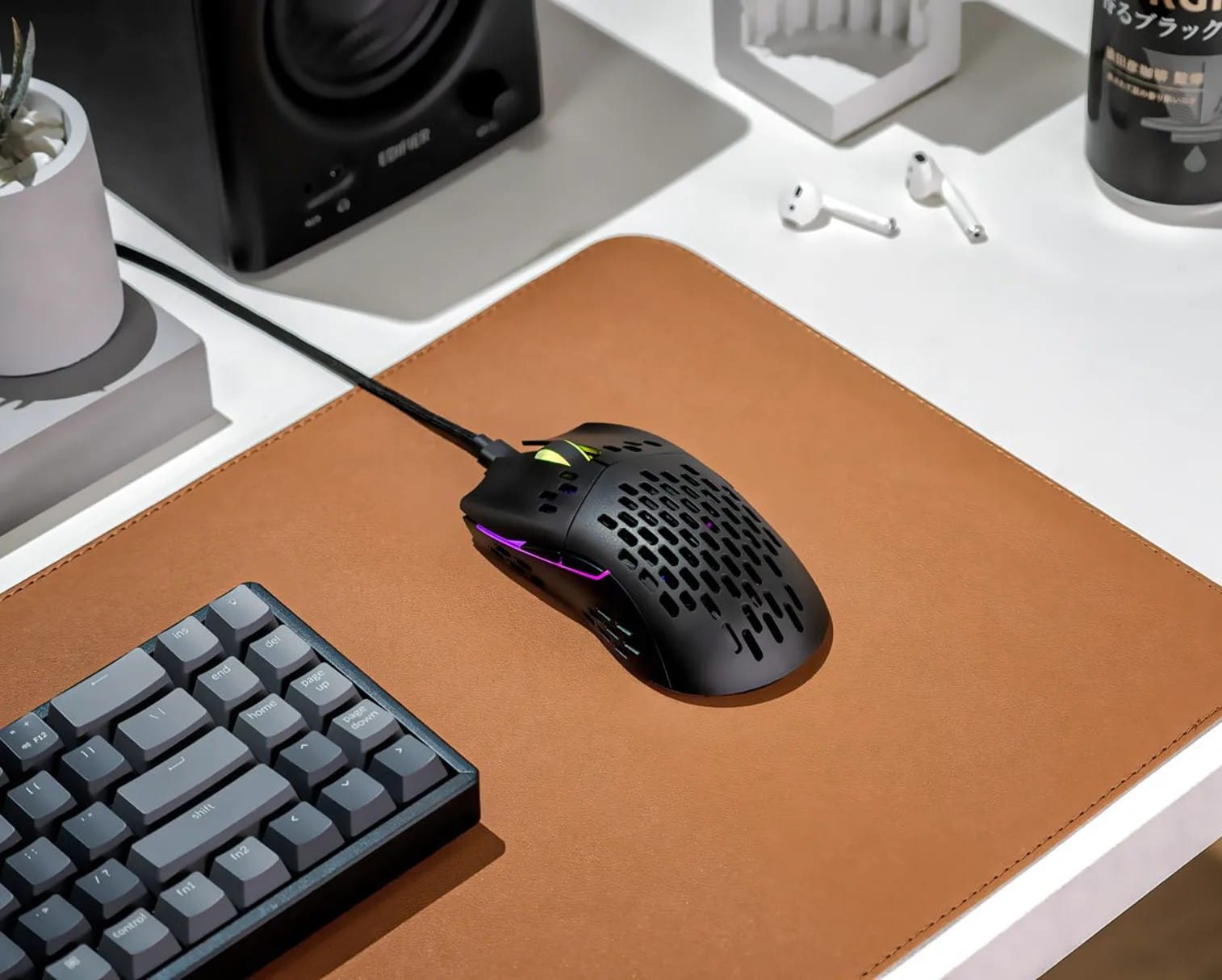
The new Keychron M1 Mouse is billed as slim, lightweight and customizable. Photo: Keychron
Over the past several years, Keychron has gained justifiable fame for its affordable mechanical keyboards, which appeal to a variety of users. Now it plans to release its first mouse, the M1 (not to be confused with Apple’s world-beating Silicon chipset).
Keychron said its M1 mouse comes with the “strongest, most competitive grade” sensor chip available — as well as a raft of RGB light effects.
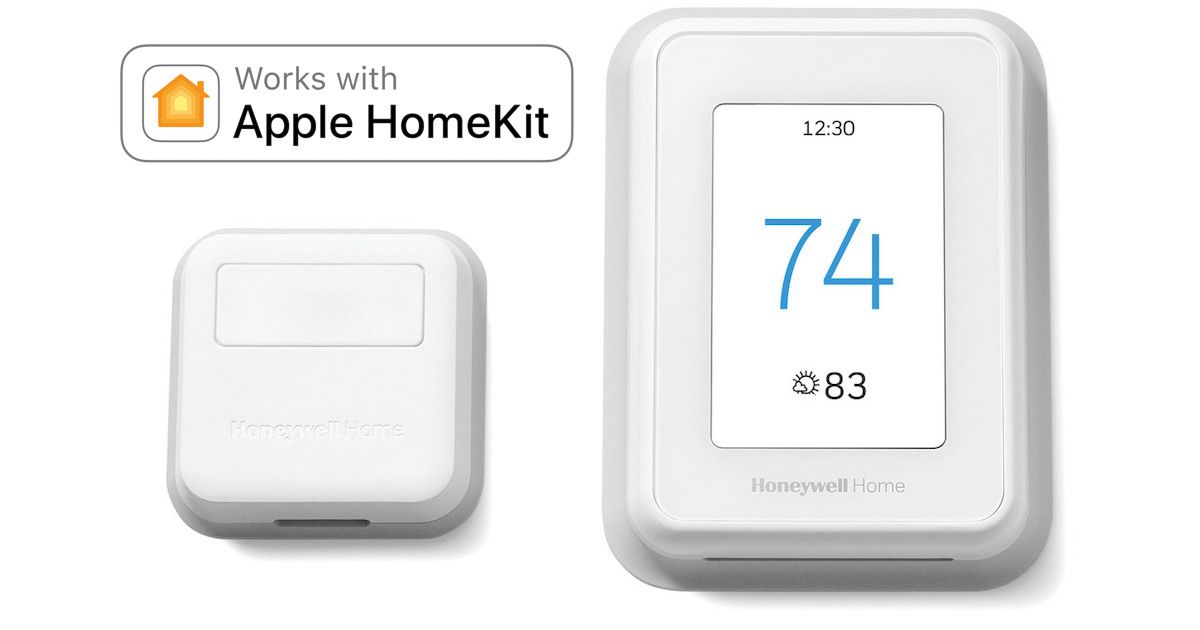
The Honeywell Home T9 Smart Thermostat now works with HomeKit and Siri. Photo: Residio
After a couple of years of promises, one of the first consumer smart thermostats to support remote temperature and humidity sensors, the Honeywell Home T9, finally features support for Apple HomeKit and Siri voice control.
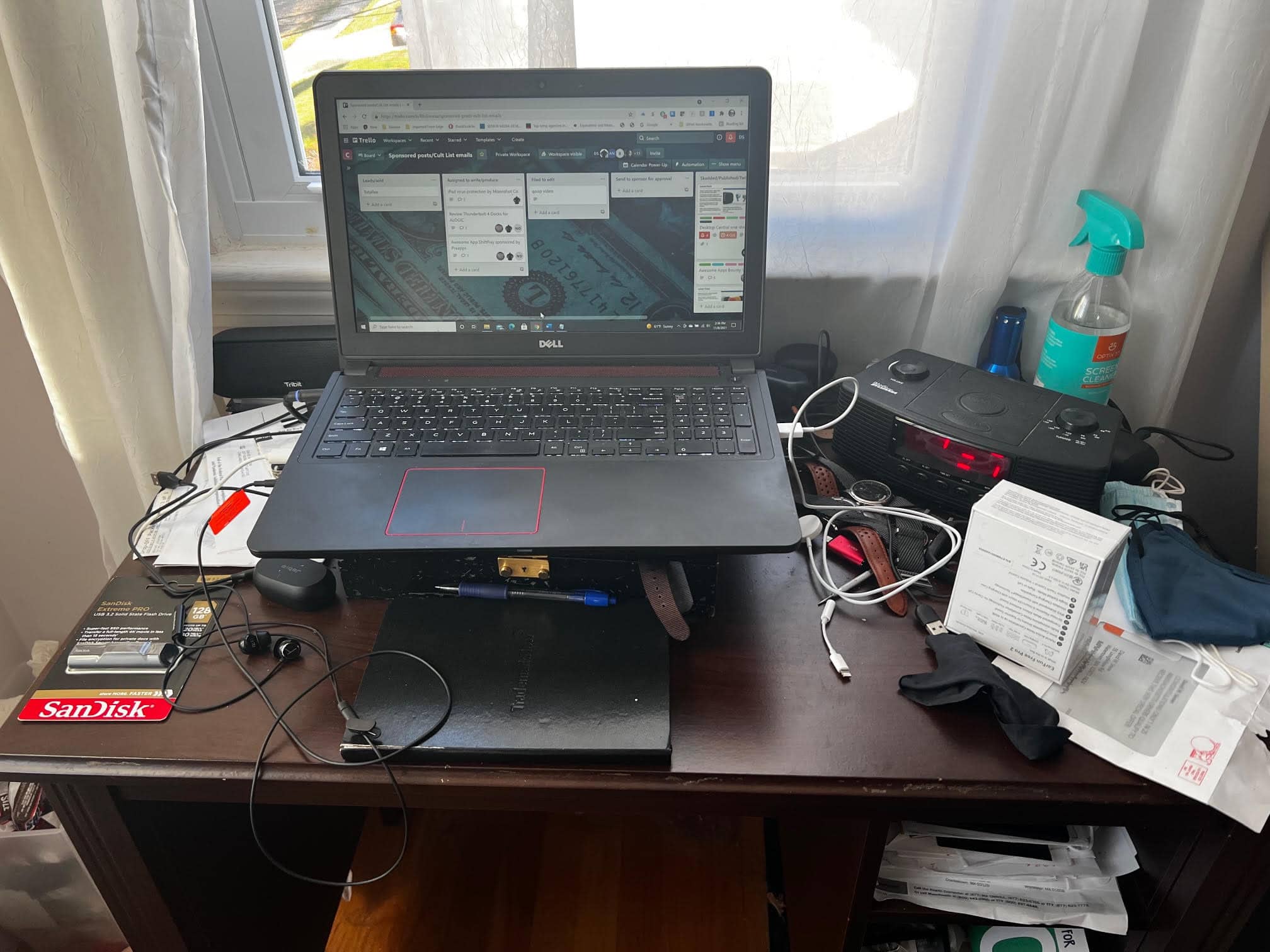
BEFORE: A fine Dell Inspiron laptop perched atop a mess. Photo: David Snow/Cult of Mac
Not long ago I sold, gave away or trashed most of my possessions and moved across the U.S. Soon after arrival, I found my computer unresponsive. The ol’ HP Pavilion laptop stopped powering on reliably. So I borrowed a perfectly good Dell laptop from my brother and kept on writing, mainly for Cult of Mac. I just happened to be “between Macs” at the time. But now I have a brand new 14-inch M1 Pro MacBook.
Thanks to the swanky new Apple laptop plus a few other bits and pieces I quickly acquired, as of today I no longer wallow in a PC laptop pigsty (yeah, the photo above is genuine, though I swear it wasn’t always quite that messy). I’ve got a proper Mac computer setup for the first time in a while.
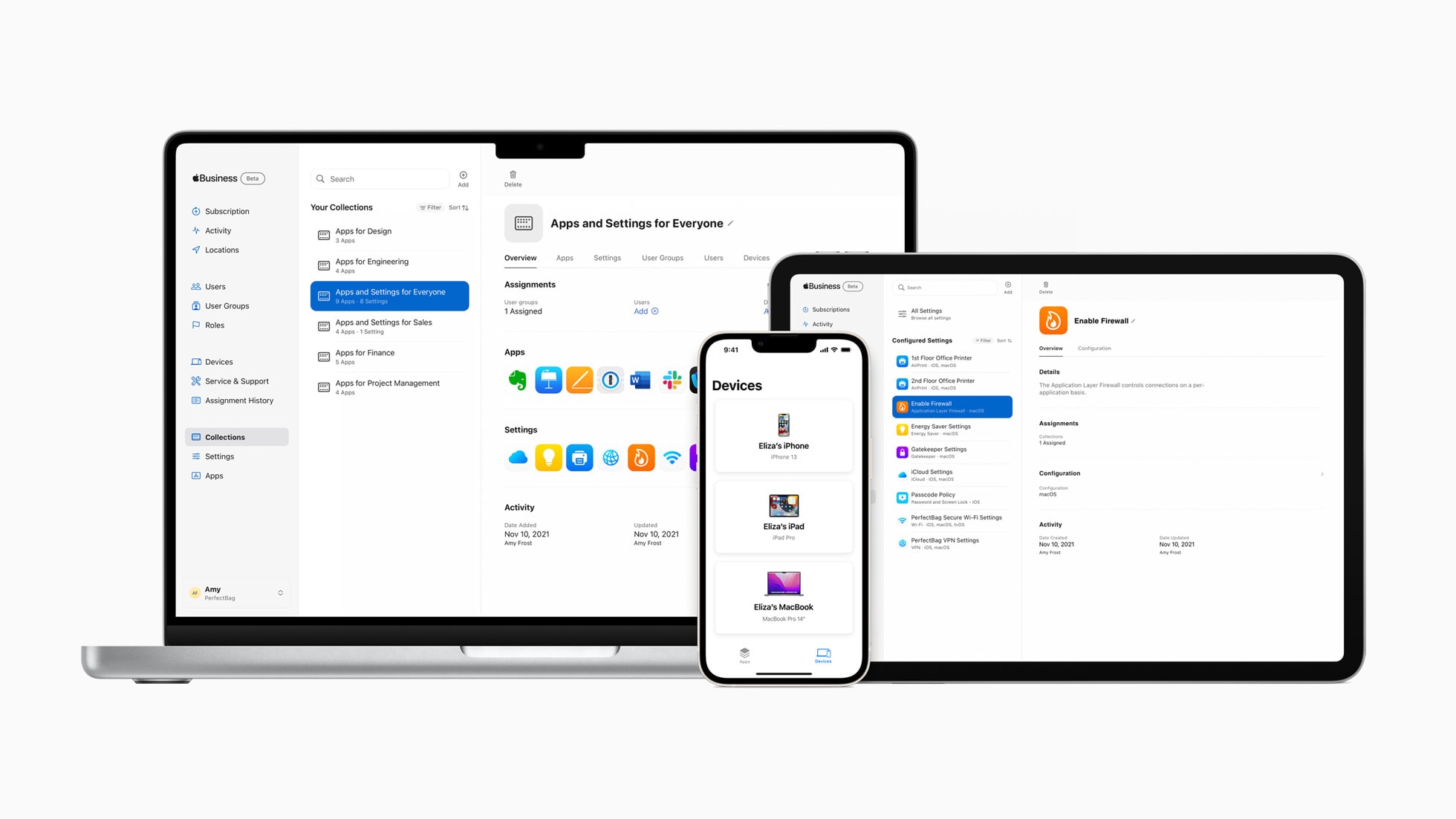
The new Apple Business Essentials service brings device management, support and storage into one subscription for small businesses. Photo: Apple
Apple launched a new service aimed at small businesses Wednesday. Now in beta, Apple Business Essentials bundles device management, Apple support and iCloud storage into flexible subscription plans for companies with up to 500 employees.
Cupertino also unveiled an app for the service that enables employees to install apps for work and request support.
Apple’s entrance into comprehensive small business tech services by subscription could spell trouble for companies already in the space, such as Jamf and Hexnode.