Mobile menu toggle

iOS - page 55

Keep Your Jailbreak And iOS Settings Separate, Where They Belong [Jailbreak]

By

PreferenceOrganizer

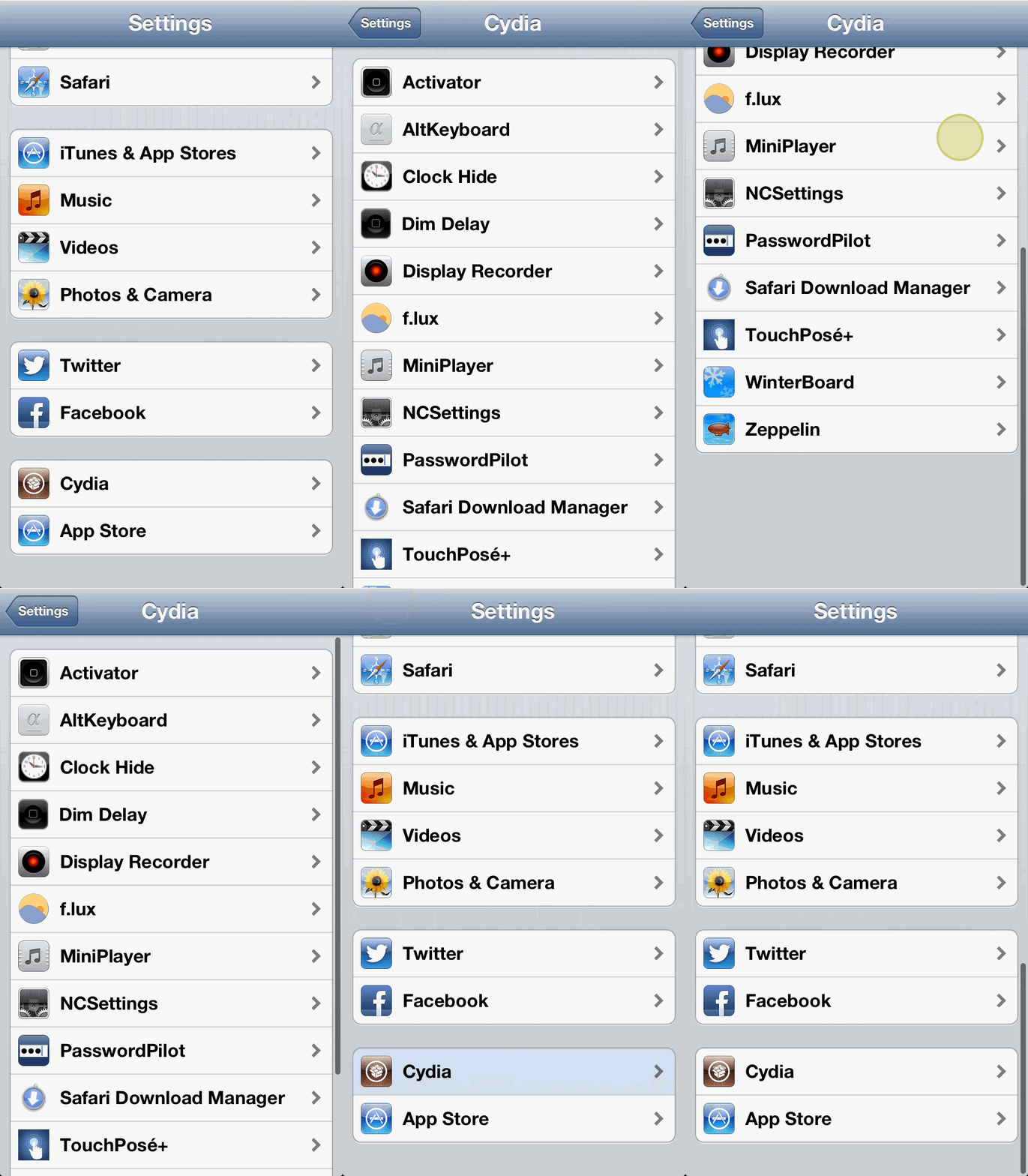
If you’ve got a jailbroken iPhone, it can be a little bit confusing to manage the settings of your various tweaks. Sometimes they are in an app, sometimes they are in ‘Settings’ and even when they are where you expect them to be, they can often be buried.

PreferenceOrganizer is a new Cydia tweak that keeps your default iOS settings and jailbreak settings separate, like you’d expect them to be. Unfortunately, though, you might have to jump through a hoop or two to set it up.

Tim Cook: We’re Not Against Porting Apps To Android, But We Still Won’t Do It

By

post-229076-image-e9fb27987e4c232e4060b2f4906ea4dd-jpg

During a Q&A session at D11 last night, Tim Cook was asked whether Apple would ever port any of its apps to rival platforms like Android or Windows Phone. His response was somewhat surprising; Cook said that Apple wasn’t against porting apps and services to other platforms — if it made sense.

The only problem is, Cook doesn’t believe that it does make sense.

Create and Manage Evernote Reminders On Your iPhone Or iPad [iOS Tips]

By

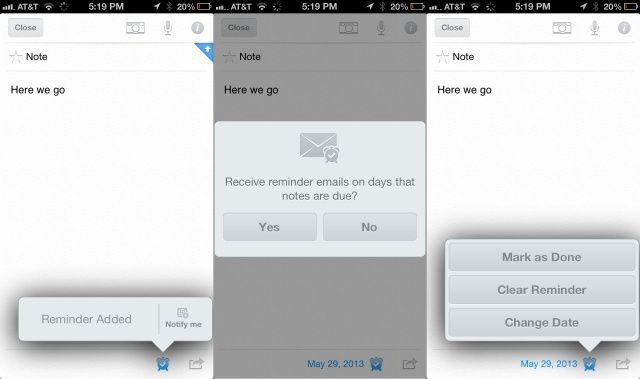
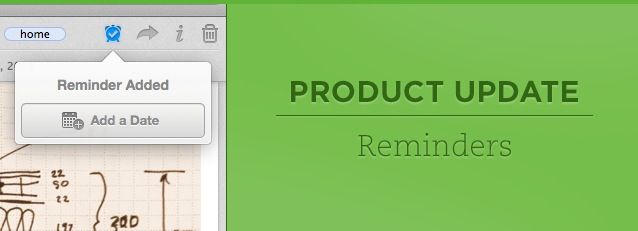
Evernote Reminders

I really enjoy Apple’s own Reminders app, especially as it integrates with Siri. Recently, however, Evernote has added its own Reminder system. As I use Evernote for a ton of my daily tasks, I thought it might be something to try out.

If you’re looking to remind yourself of the things you keep in Evernote, or are just looking for an alternative to the Reminders app in iOS, here’s how to create and manage them in Evernote for iOS.

Dark Sky For iOS Turns 3.0

By

dark_sky-screen_big_0

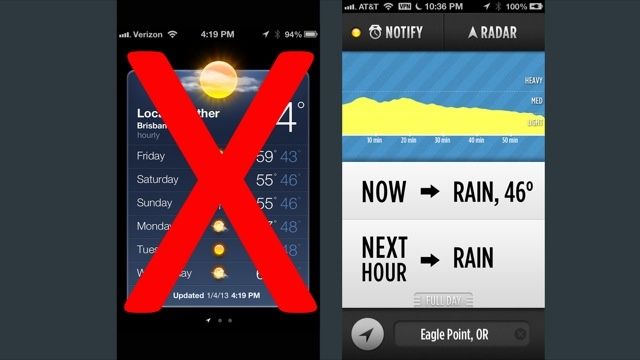
Dark Sky, our favorite micro-weather app for iOS, has just gotten a beautiful update to the big three-point-oh. Dark Sky’s just as simple as it ever was, but gives you a little more information about weather farther than an hour away, the ability to submit a personal weather support and meteorological data for our friends over in the U.K. Neat!

Verizon Cloud Backup App Comes To iOS

By

Verizon-Cloud

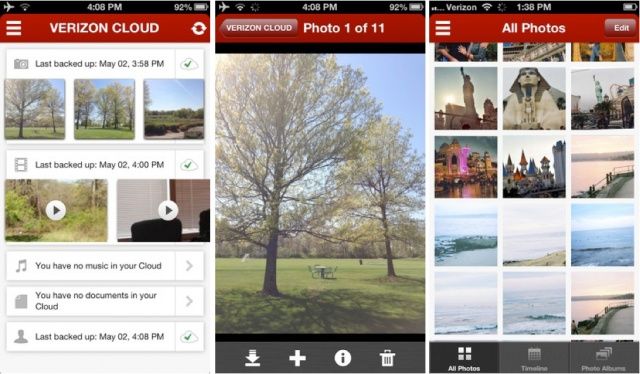
Verizon Cloud, a new backup service that first came to Android last month, is now available on iOS. The app allows you to backup your photos and videos to the cloud, and access contacts, documents, and music that you’ve stored in the cloud using your PC.

Mailbox Is Now Available On Your iPad

By

Screen Shot 2013-05-23 at 13.30.54

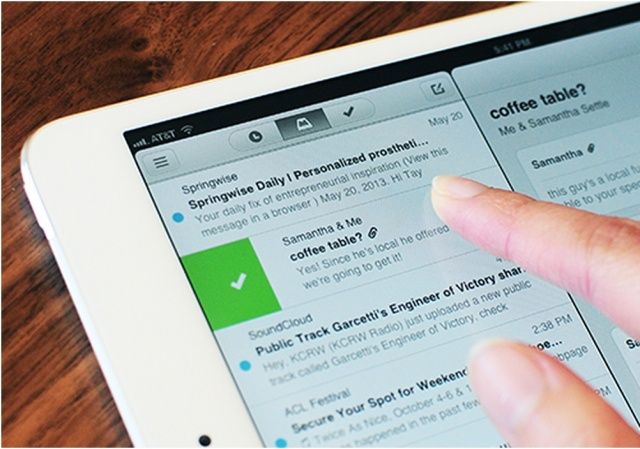
Mailbox, the hugely popular third-party Gmail client for iOS that has changed the way we manage our emails, is now available on the iPad. The update comes just over three months after Mailbox made its debut on the iPhone, and you’ll be pleased to know that you no longer have to wait in line to use it.

Rdio App For iOS Updated With New ‘Find People’ Feature

By

rdioupdate


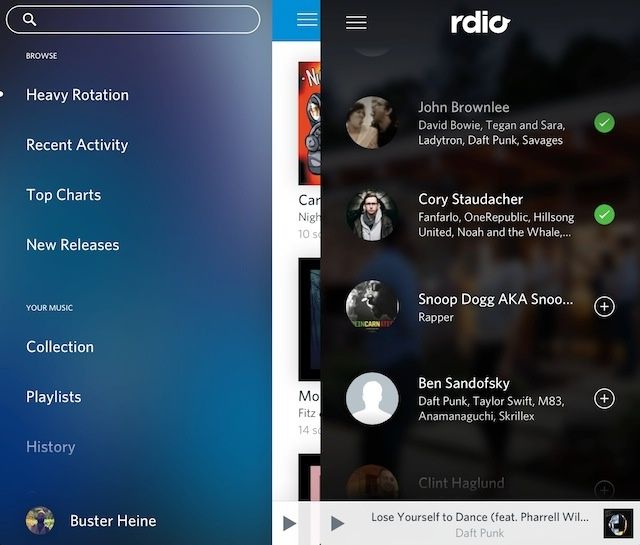
Rdio just updated its music streaming app for iOS today to version 2.2. The new update includes a new ‘Find People’ feature that makes it easier for users to find their friends as well as providing recommendations of other artists to follow.

Also included in the update are some UI improvements, most noticeably to the menu on the left side of the app. The app comes with a new Labels feature too that lets you search for a record label to find top albums and artists.

Here are the full release notes:

Google Brings New Voice Search Features To Chrome

By

Google-voice-search

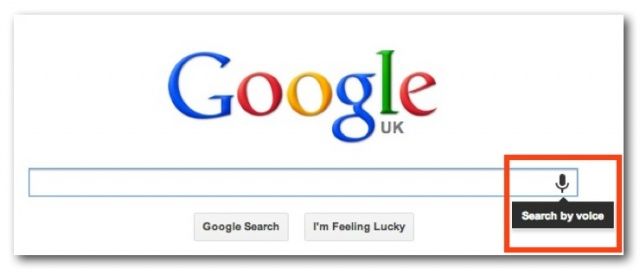
Google has brought the new voice search features announced at Google I/O last week to its Google Chrome web browser for desktops. The latest version of the app (version 27) puts a little microphone icon alongside the search bar on Google.com which lets you find the things you’re looking for without touching your keyboard.

Third-Party App Brings Google’s All Access Music Streaming Service To iPhone

By

0520_gmusic_1200-660x440

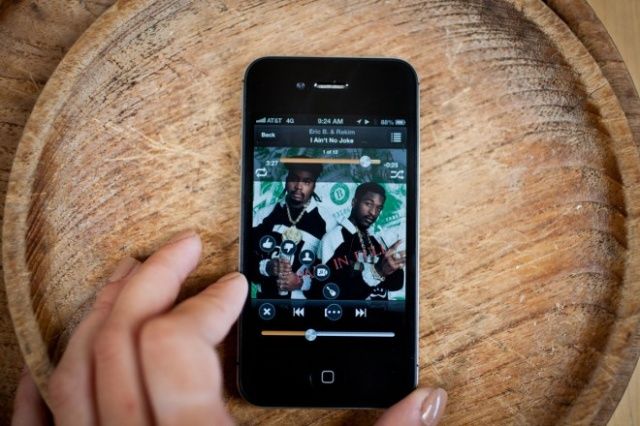
Given that Google shows a lot of support for iOS with a number of popular apps, it’s quite a surprise that its new All Access music streaming service is only available on Android. That may change in the future, but for now, there is a third-party app that’ll let you use your All Access subscription on your iPhone.

It’s called gMusic, and it’s actually been around for just under 18 months. Until now, the app allowed users to access all the music they had uploaded to Google Music on their iPhone, but the app’s developer just submitted an update that’ll let you enjoy All Access, too.

Get A Clean iOS Install Without Losing Your Jailbreak With Semi-Restore [Jailbreak]

By

iPod-setup

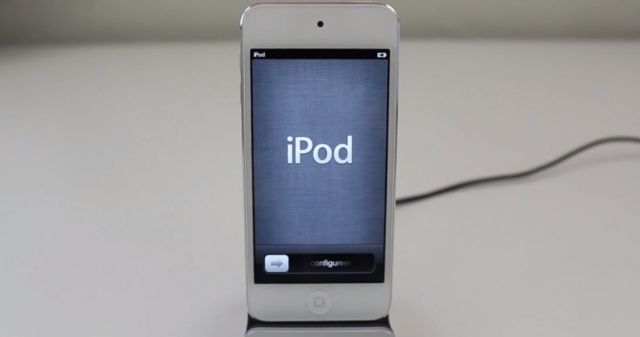
If you jailbreak your iOS devices, there usually comes a point where you get stuck on an older firmware because the latest one hasn’t yet been hacked by the jailbreak community. When this time comes, it’s almost impossible to restore your device and start with a clean OS without losing your jailbreak.

But not anymore. A new app called Semi-Restore provides you with a clean install of your current firmware without updating your device and killing your jailbreak.

Hacked AT&T Carrier Update Promises Faster Data Speeds On iOS

By

AT&T might finally get its comeuppance for throttling data. Photo: Apple.

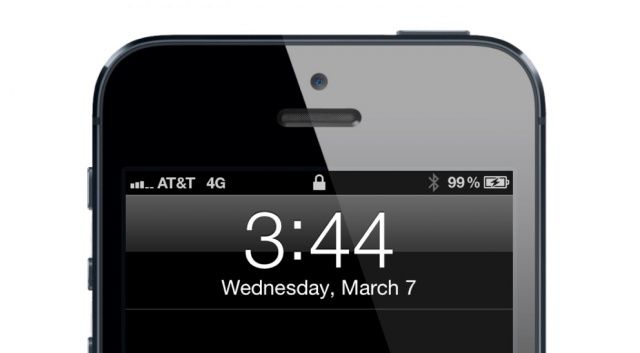
Earlier this month, a hacked carrier update for the T-Mobile iPhone 5 that brought increased data speeds was released by Joe Brown and Sky Zangas, two developers behind iTweakiOS. Now the duo have released a similar hack for AT&T devices, only this time, it’s not just for the iPhone.

The hacked carrier update also supports the iPad and promises to improve data performance on both LTE and HSPA+.

Five More Ways To Master Siri On Your iPhone And iPad [Feature]

By

Siri couldn't be more excited about the Apple Watch. Photo: Apple
No, I mean, "Green eggs and ham!"

When Siri was updated along with iOS 6, we showed you a bunch of ways to use Apple’s personal digital assistant the right way, like using punctuation and finding out the weather.

Yet time marches ever onward, and we’ve compiled yet another five tips and tricks to help you master Siri, whether you’re looking to create a secure password or just pass the time with a few laughs. Enjoy! Discover even more secret siri commands to improve your Siri experience here.