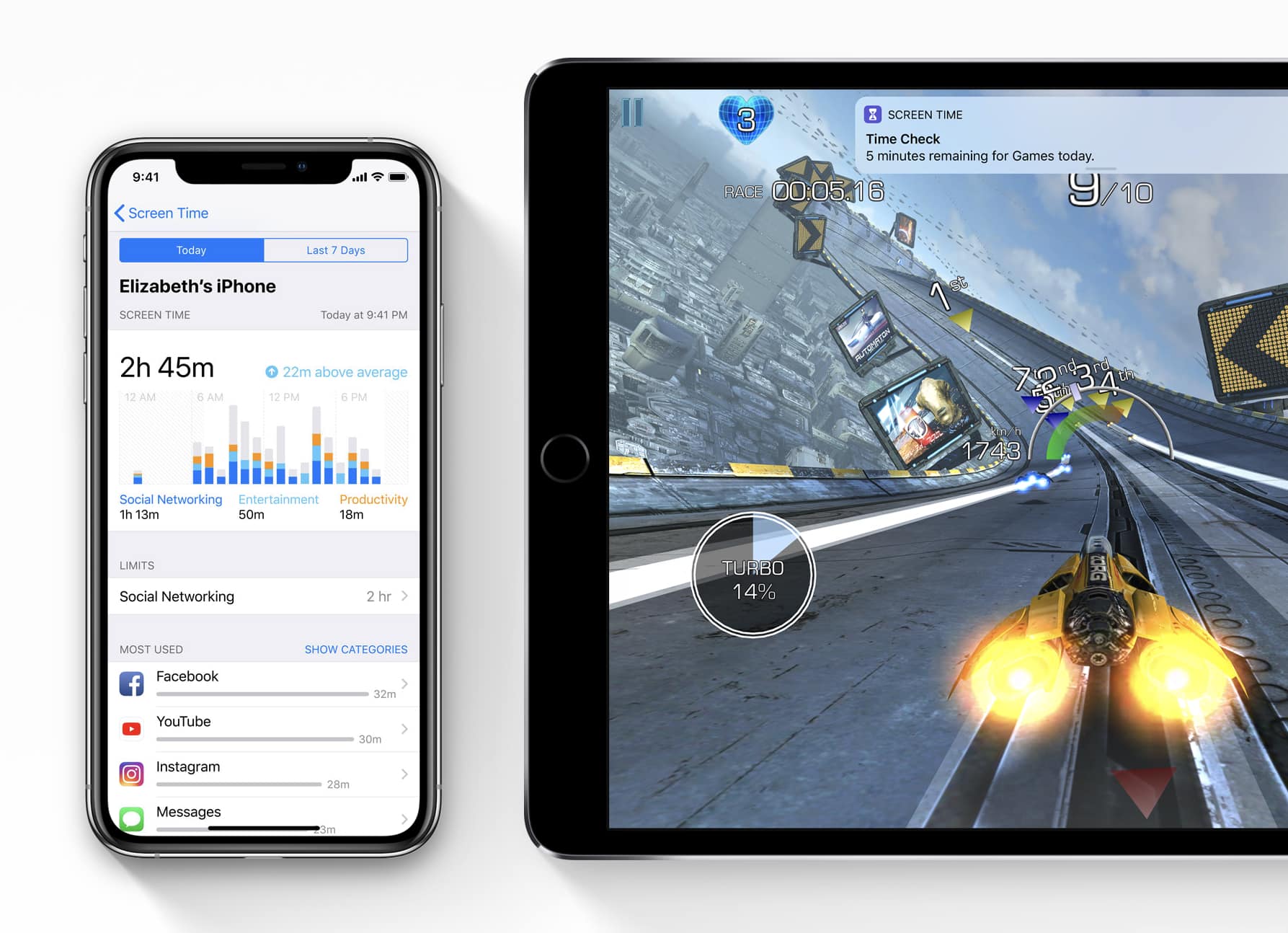
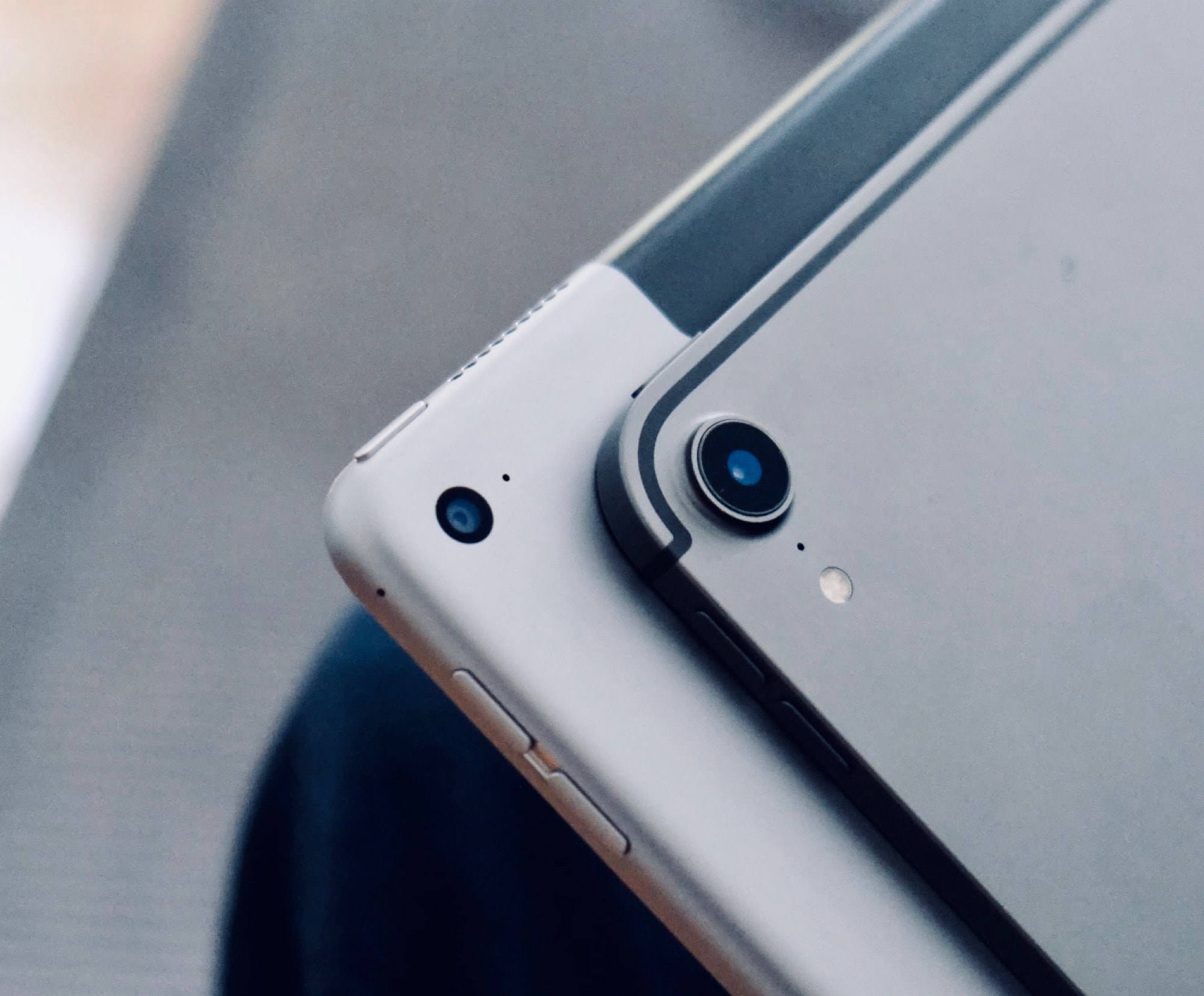
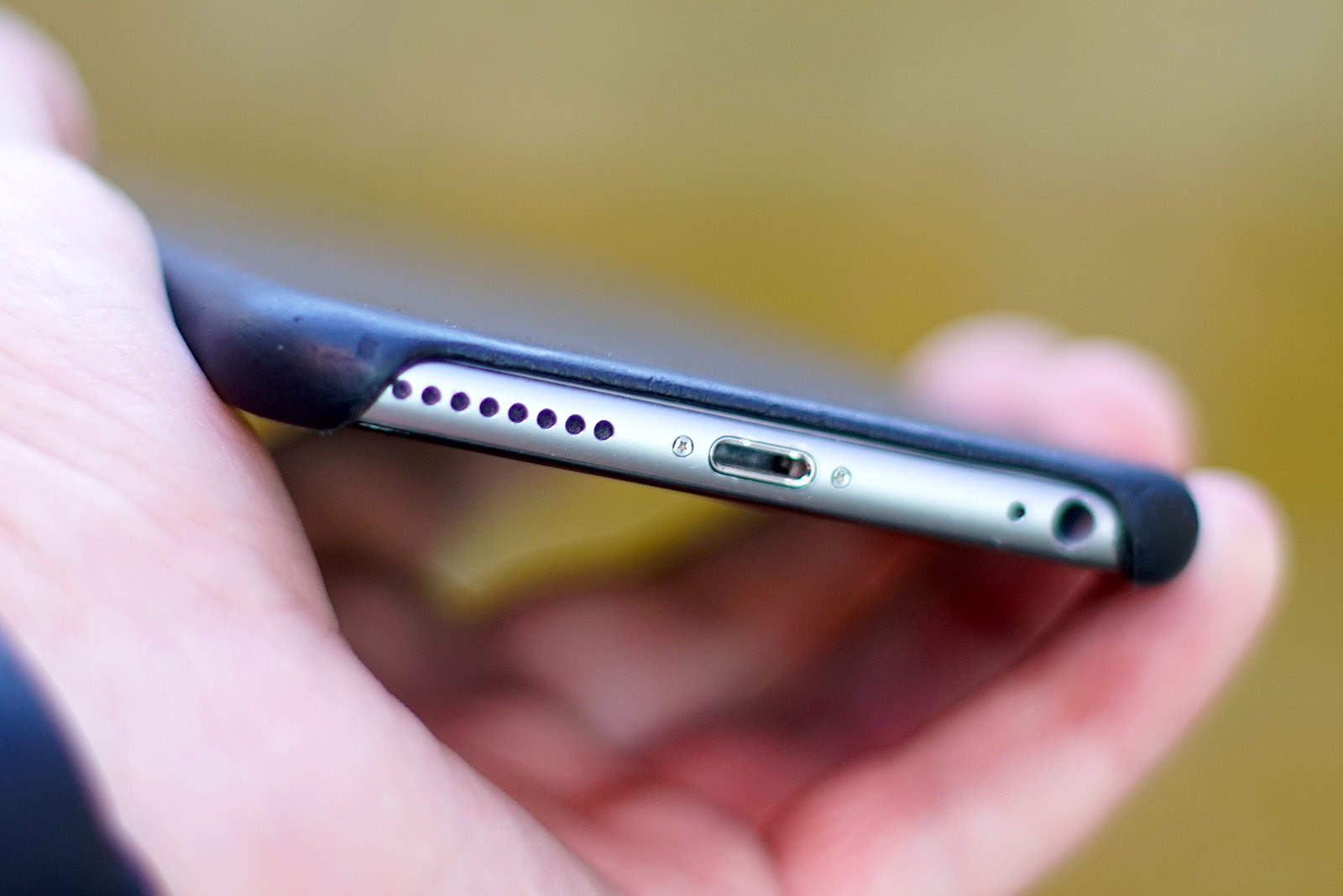
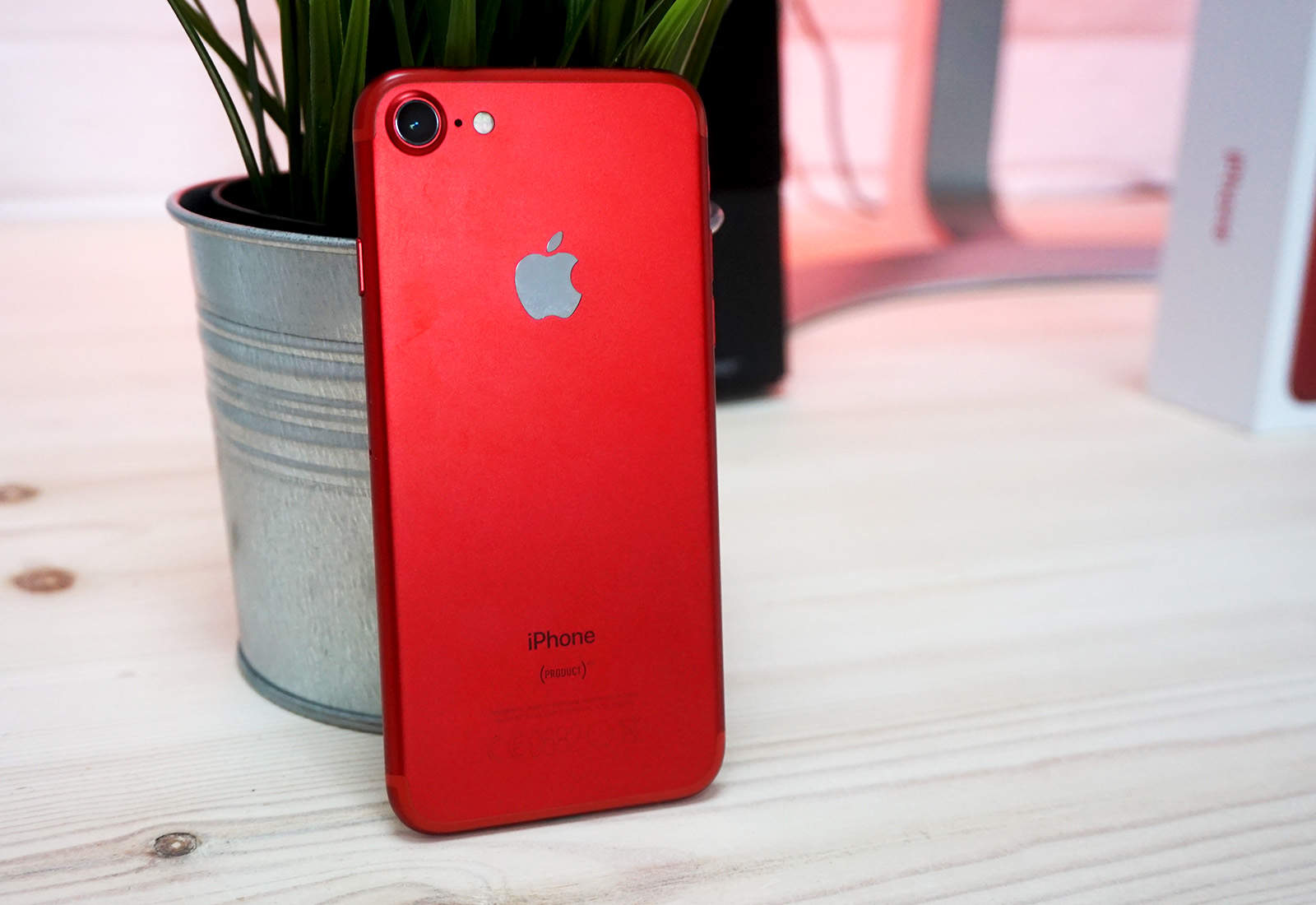
Screen Time has become an important tool for parents. Photo: Apple
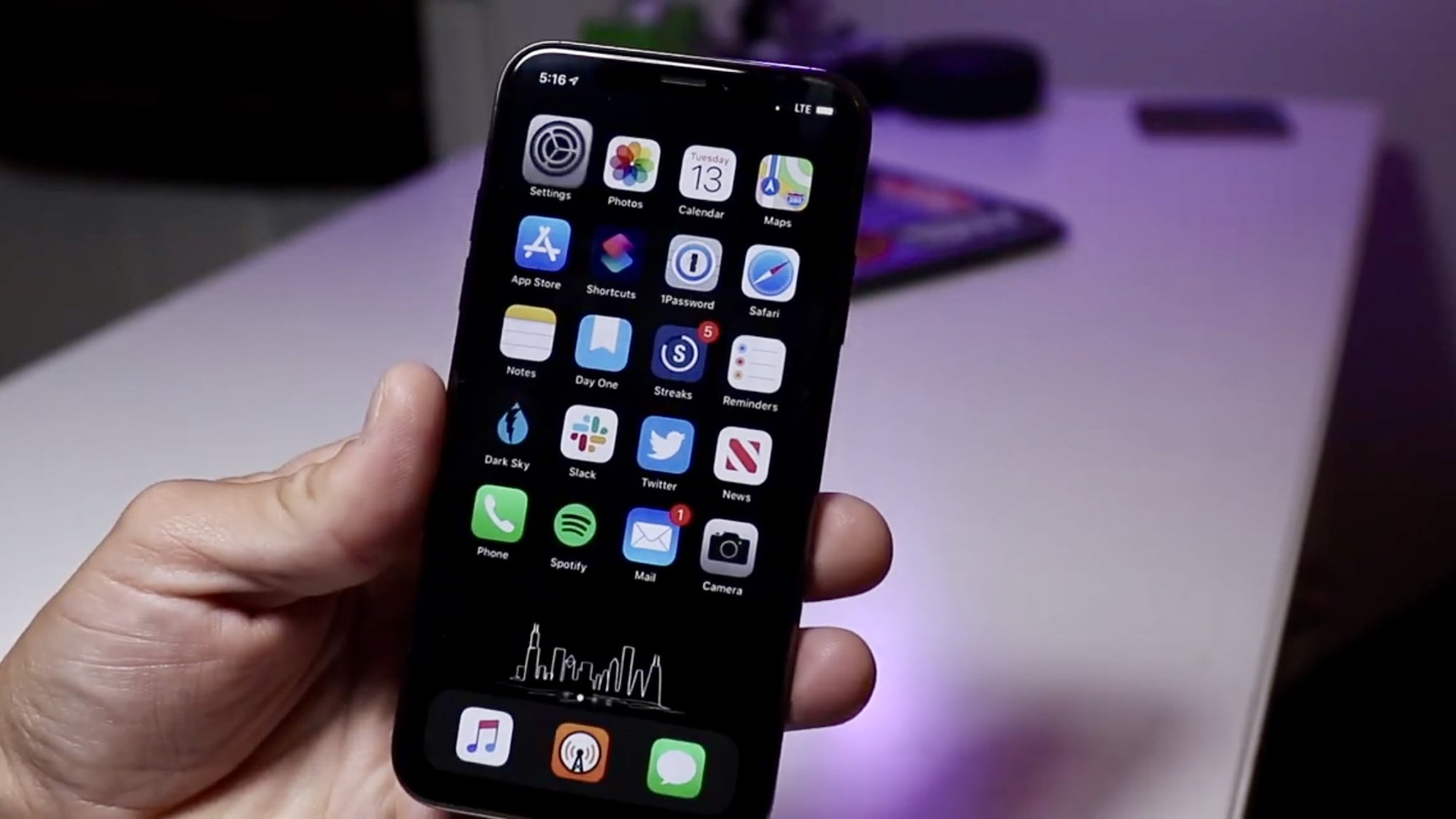
Apple just dumped a truckload of new software updates on customers this morning, including the crucial iOS 13.3.1 update that brings an important fix to Screen Time.
Along with iOS 13.3.1, Apple also released macOS 10.15.3, tvOS 13.3.1, and watchOS 6.1.2. All four of the new updates are fairly minor and mostly focus on under-the-hood improvements.
The iPad changed mobile computing forever. Photo: Andrea Nepori
There were tablet computers before the iPad, but they were thick plastic laptops with the screens reversed, with awful, bendy TFT screens. The first iPad seems thick and clunky now, compared to the latest ultra-thin iPads Pro, but at the time it felt like a slice of the future.
When Steve Jobs introduced the iPad a decade ago today, some critics wrote it off as “just a big iPhone.” The only thing was, a lot of people really wanted a big iPhone. And ultimately, the iPad changed mobile computing as we know it.
I couldn’t find any good cat pictures in my photo library. Photo: Charlie Sorrel/Cult of Mac
Do you want to overlay captions onto your Instagram photos? Of course you do. How else can express your inner poet, while simultaneously re-creating the worst of history’s inspirational posters? Where would humanity be without the “Hang in there, baby” cat poster? Doomed, that’s where.
Today we’re going to see how to add captions to any photo, without using an app. I won’t even force you to use a Siri Shortcut (although that’s a good option). And, of course, you don’t ever have to post the result to Instagram.
New regulations could force Apple to ditch Lightning cables in Europe. Photo: Ste Smith/Cult of Mac
Apple today argued against the European Union’s demands for standardized charging cables for smartphones and other devices.
New regulations being considered by the EU could force Apple to ditch the iPhone’s familiar Lightning connector for an industry-wide alternative. Apple said the move “stifles innovation” and hurt smartphone buyers.
“Apple stands for innovation and deeply cares about the customer experience,” Apple said in a statement to Cult of Mac. “We believe regulation that forces conformity across the type of connector built into all smartphones stifles innovation rather than encouraging it, and would harm consumers in Europe and the economy as a whole.”
You surely know about the iPhone’s Low Power Mode already, but did you know there’s also a Low Data Mode? Just like the battery-saving setting, Low Data Mode cuts back on data usage, only connecting to the internet for essential data or when you explicitly request a connection. In practice, your active usage won’t be affected much. It’s all the background stuff that gets cut off.
Here’s how to set up Low Data Mode on your iPhone or iPad.
75 computers, a bunch of Newton MessagePads, and more. Photo: Jimmy Grewal
A large white room filled with row upon row of just about every Apple computer you can imagine, all in pristine condition. On the walls are framed copies of Apple’s black-and-white “Think Different” ads. Sunlight streams through the large windows, giving everything a warm glow.
Is this heaven? The world’s greatest Apple Store? Nope, it’s Dubai, actually. Home to Jimmy Grewal, a collector of vintage Apple computers and one of the most impressive collections you’re likely to find anywhere.
On the iPhone and iPad, you can capture any image you see just by grabbing a screenshot. Pretty much everyone knows the power+home button, or power+volume-up button combo that snaps a screenshot and saves it to your photo library. You can even crop the image before saving it, to remove surrounding distractions. But what about video? Or music? Is it possible to take a “screenshot” of the music playing on your iPhone? Find out how to play music while recording video iPhone with this helpful guide. Or capture a YouTube video? Yes it is. In fact, you can even “screenshot” a video, and then extract the music from within. Here’s how: with screen recording.
The hardest part of returning a MacBook is removing the stickers. Photo: Charlie Sorrel/Cult of Mac
Did you get a MacBook, iPhone, or iPad this holiday season? Are you going to return it? The good news is that, even if the gift was purchased back in November, you can still return it thanks to Apple’s generous holiday return policy. But if you’ve already set things up and used the iDevice of the Mac, then you need to wipe your data off before you return it. Here’s how.
Cult of Mac pays real cash for your old Apple devices. Photo: Ste Smith/Cult of Mac
If you were lucky enough to get new Apple devices for the holidays, it’s time to start thinking about what you’ll do with your old ones. They’re likely still worth a pretty penny, and Cult of Mac can help you get the best price.
Cult of Mac pays real cash and we won’t leave you waiting weeks for your money. Get a quote today to find out how much your old Apple devices are really worth.
Hexnode helps you get on top of mobile device management for better network security. Images: Hexnode
This network security post is presented by Hexnode.
More than 40% of cyberattacks victimize small businesses, at an average cost of $200,000 per incident, experts say. And yet only 14% of companies are prepared to defend themselves with robust network security, according to Accenture. If your business isn’t addressing network vulnerabilities and mobile device management (MDM) with help from a provider like Hexnode, you could be in big trouble.
In macOS Catalina, iTunes has been replaced by separate apps, but none of those new apps takes on the tasks of syncing your music, books, photos and other data to your iPhone, iPod touch or iPad. That responsibility now falls upon the Finder.
So, does this means you can plug in your iPad and drag and drop all your apps’ files between it and your Mac? Of course not. In fact, apart from this functionality now being in the Finder, not much has changed at all.
Elcomsoft claims its iOS Forensic Toolkit can now extract certain pieces of data from an iOS device before it has been unlocked.
Almost all of the data stored on an iPhone or iPad is securely encrypted after a reboot or restart — until a passcode has been entered. But the little bit that isn’t, which includes keychain records, can now be obtained.
Get ready for some iPhone trivia! Image: Killian Bell/Cult of Mac
Even if you’re a die-hard Apple fan, there’s still plenty you most likely don’t know about the company’s most popular product. And, whether you want to wow your Apple-loving in-laws over the holidays or just feel the need to fill your brain with some iPhone facts, we’ve got you covered.
Here are 10 things you (probably) don’t know about the iPhone.
Have you upgraded yet? Photo: Ian Fuchs/Cult of Mac
Apple today made its first iOS 13.3.1 and macOS 10.15.3 betas available to developers.
The minor updates don’t have patch notes yet. But they likely fix a serious flaw in Communication Limits, which can allow messages to be received from unauthorized contacts, among other bugs.
New betas are also available for HomePod, iPad, and Apple TV.
You've never played a game quite like this. Photo:
Apple Arcade recently added yet another title to its massive library of games and it’s one of the trippiest games we’ve played.
Manifold Garden puts players in an Escheresque world where repeating geometry is used to make you question the very laws of physics. Your task is to solve puzzles to restore vegetation to the barren landscape. The weird geography makes you feel like you just took a high dose of LSD making all the puzzles that much harder.
The iPad's natural home, apparently. Photo: Charlie Sorrel/Cult of Mac
Steve Jobs’ on-stage iPad pitch to customers saw him relaxing in a luxury chair. His brief to Apple engineers actually building the iPad? “I want a single piece of glass I can use to read email on the toilet.”
That’s according to Imran Chaudhri, a 21-year Apple veteran, now chairman and president of Humane. Chaudhri was responding to a recent article about the iPad’s origins which appeared in the New York Times.
iPad obviously makes the list (but Apple Pencil doesn't). Photo: Apple
Time magazine’s pick of the “10 best gadgets of the 2010s” is out, and perhaps unsurprisingly, three of them are Apple products.
iPad, Apple Watch, and AirPods were all chosen as some of the “most important and influential gadgets” of the decade. Other products include the Nintendo Switch, Tesla Model S, and the Amazon Echo.
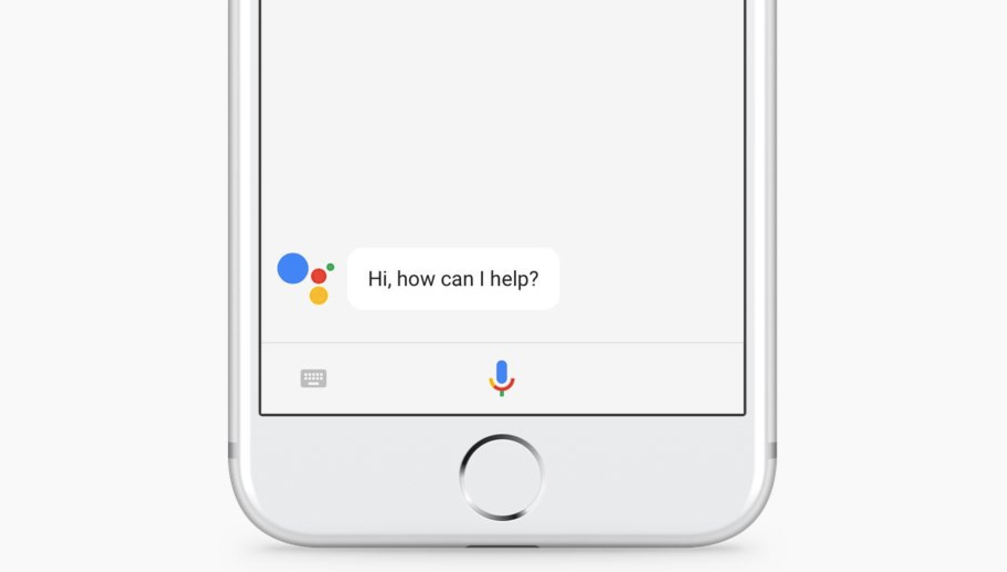
One of the most useful travel features from Google Assistant is ready for the iPhone.
After bringing its real-time translation feature to Assistant-enabled smart displays and speakers earlier this year, Google is finally adding to the feature to the Google Assistant app on Android and iOS today.
Merry Christmas from the iPad magician. Screenshot: Simon Pierro/YouTube
Instead of writing to Santa Claus, a 10-year-old boy named Aiden sent a message to iPad magician Simon Pierro asking for a few Christmas-themed magic tricks in a YouTube video.
Pierro not only came through with Aiden’s request, but he also used the kid’s drawing of Olaf, the snowman character from Disney’s Frozen, in his unique iPad magic.
That's good news for Apple and its customers. Photo: White House
Apple has been given a welcome reprieve on tariffs for the iPhone, iPad and Mac after President Donald Trump agreed to a limited trade deal with China on Thursday.
The phase one agreement means rolling back existing tariff rates on Chinese goods and canceling new tariff rates that would have gone into effect Sunday.
Buttons. Who doesn't love them? Photo: Diomari/Unsplash CC
It may have nothing to do with Jony Ive leaving the company, but Apple has been adding buttons back to its devices. It’s a slow start, but hopefully it’s the beginning of a trend. The new 16-inch MacBook Pro added an Escape key, and a separate power button (you can press the Touch ID button). Plus, the recently introduced iPhone 11 battery case added a dedicated camera button.
After what seems like decades of removing useful hardware features, is Apple finally seeing the error of its ways? And, if so, what buttons would we like to see next? Let’s take a look at the current lay of the land.
iOS 13.3 helps parents reign in their kids’ iPhone addiction. Photo: Apple
The last major iOS 13 update of 2019 is finally ready for your downloading pleasure.
After weeks of beta testing with developers, Apple released iOS 13.3 and iPadOS 13.3 to the public today. The update contains a bunch of critical bug fixes to along with some new Screen Time controls for parents.
Just in time for the all-new Mac Pro. Photo: Apple
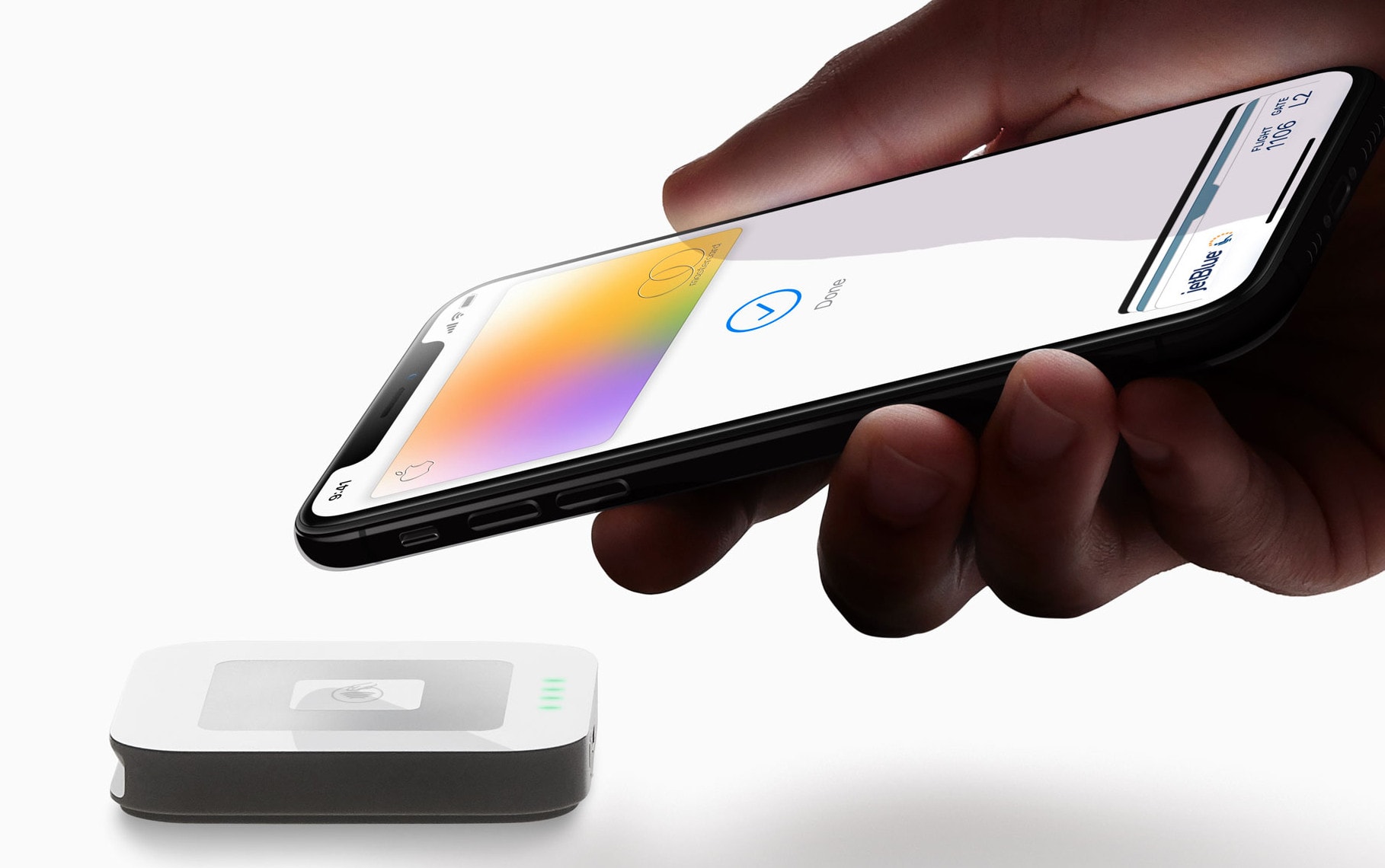
Apple Card customers can enjoy 6% daily cash back on Apple purchases over the holidays.
Apple’s newest promotion arrives just in time for the all-new Mac Pro and Pro Display XDR, which go on sale today. But it applies to any Apple Store purchases — online and in-store — made through December 31.