 The Reply button in the iPhone version of Apple Mail does a whole lot more than let you reply to messages. For some reason, Apple packed it with unrelated options.
Here’s everything lying hidden behind that simple button.
The Reply button in the iPhone version of Apple Mail does a whole lot more than let you reply to messages. For some reason, Apple packed it with unrelated options.
Here’s everything lying hidden behind that simple button.
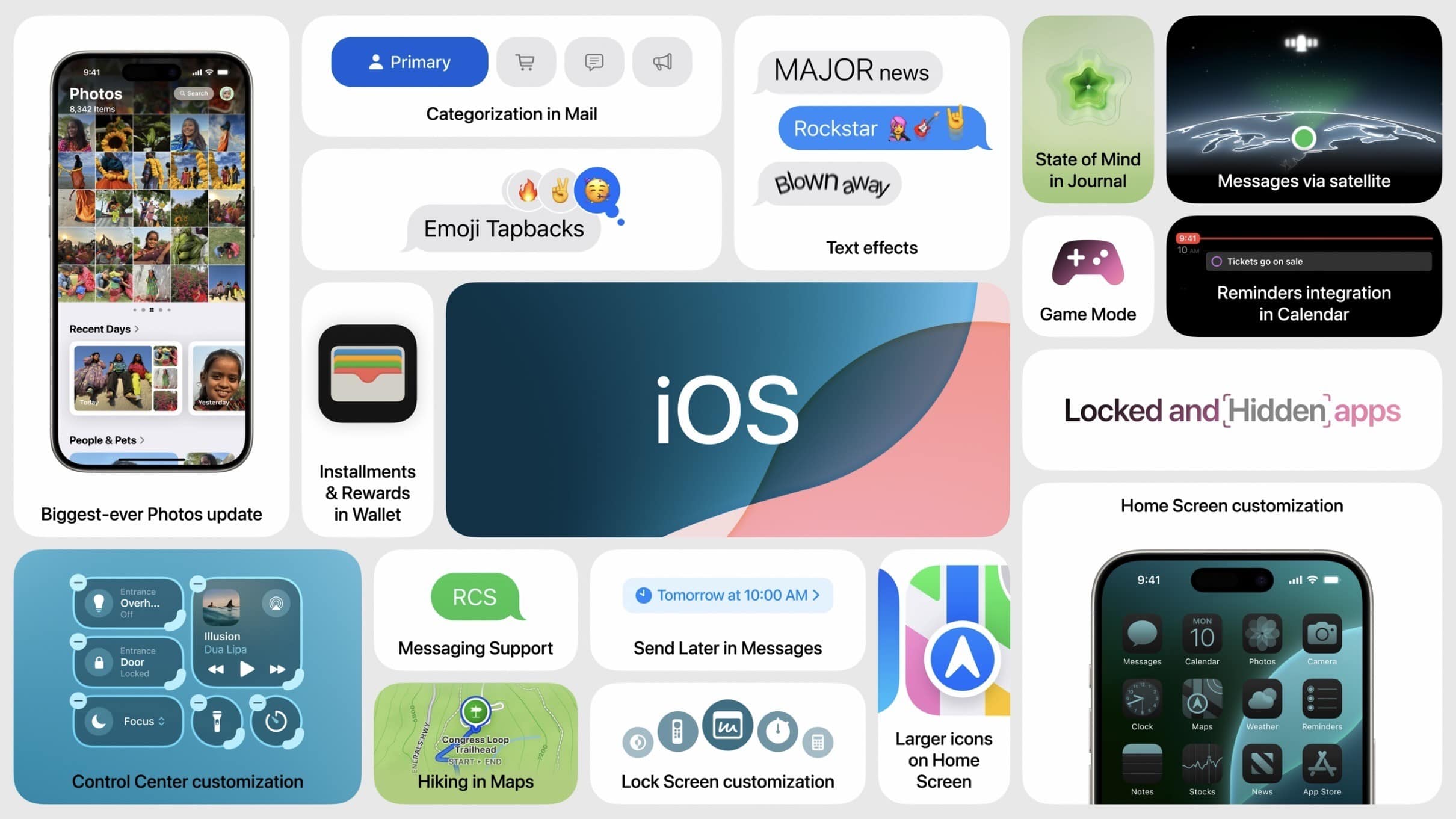
After spending a few days trying out all the new features in iOS 18, I think it really is one of the biggest updates in a long time. However, hands-on testing shows there’s a lot that needs cleaned up before September, when it’s expected to ship.
The new customizable iPhone Home Screen opens a wide world of possibilities — but you’ll have to wait for third-party apps to update their icons to really make it sing. I’m impressed with the level of customization in Control Center, too, though it’s understandably pretty buggy in this first developer beta. The new Photos app is proving controversial, and I think there are some obvious areas it could be improved, but I like where it’s going overall.
I think there’s a lot to look forward to in iOS 18.
iOS 18 will enable your iPhone to show the time even when the battery has run dry. This improvement relies on the Power Reserve function of new iPhones to work.
Thanks to Power Reserve, your iPhone is findable offline, and the NFC chip also works for Express Card functionality.

In iOS 17, you can use Apple’s Reminders app as a grocery list app on your iPhone. It automatically sorts items you add into common sections, which proves incredibly helpful when you go shopping. Just open the Reminders app, and you can easily see if you’ve got everything you need as you’re making your way through the store.
I’ll show you how to use it, including how to share your Reminders app grocery list with someone else so you can both add items and check them off the same list.

 June 12, 2007: With iPhone frenzy hitting a fever pitch in the buildup to the device’s launch, journalist Walt Mossberg sends the Apple world into a tizzy by whipping out a prerelease unit during a speech. The Wall Street Journal columnist is one of a handful of tech writers given early access to Apple’s revolutionary smartphone so he can put it through its paces for a review.
Speaking at The Chronicle of Higher Education’s Presidents Forum, Mossberg says he isn’t sure whether he’ll give the iPhone a thumbs up. Worried doubters immediately fear Apple is about to drop a dud.
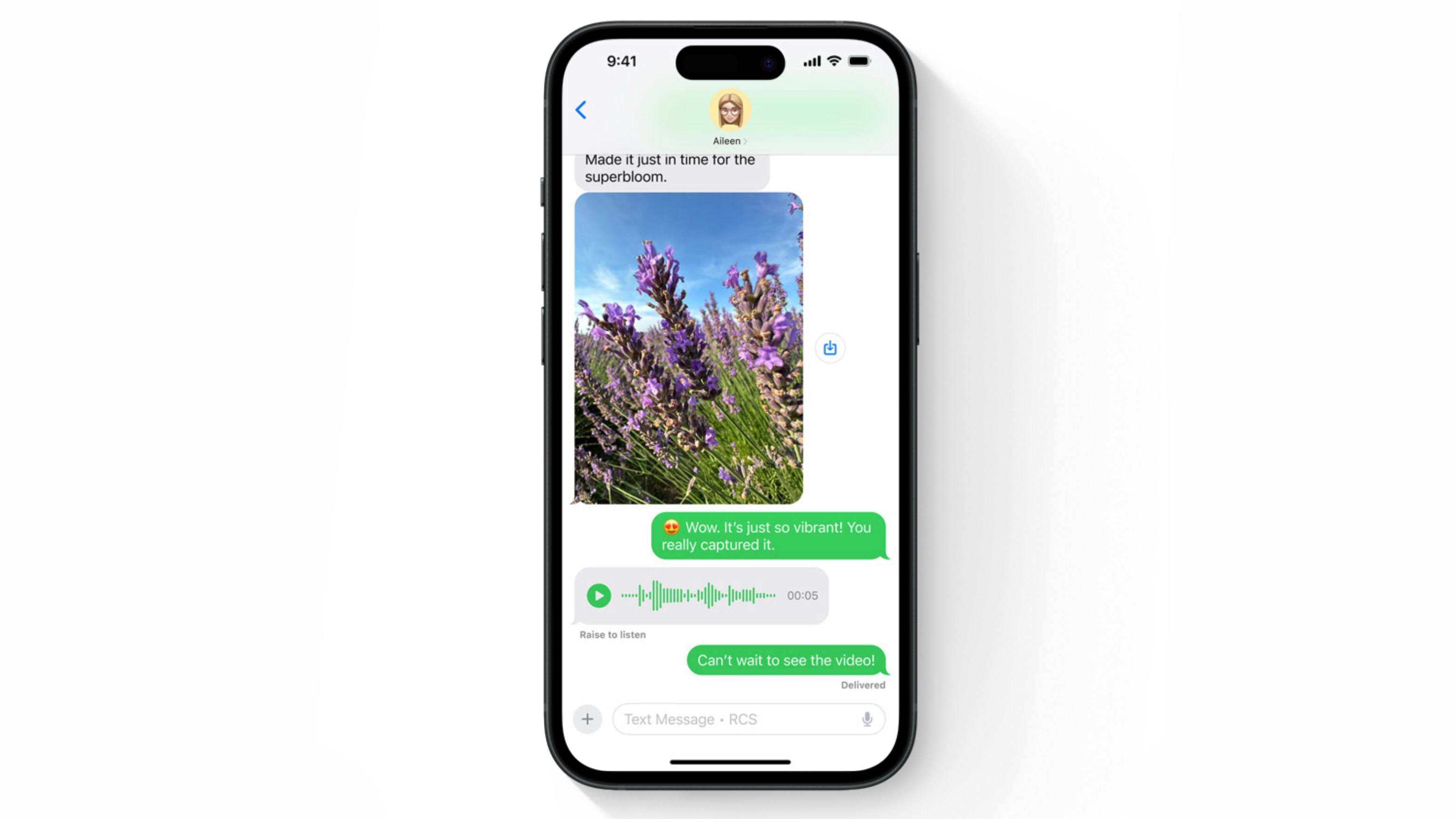
Apple previewed support for RCS messaging in the iOS 18 Messages app at WWDC24. Adding Rich Communication Services will bring enhanced texting between iPhone and Android users, with features not possible before.
It’s a change Apple dragged its feet on for many years. Along with RCS support, Apple is also introducing new features like polls for iMessage, enhancing group chat interactions. Learn more about these changes.

We found more precious nuggets in new software releases from WWDC24: new wallpapers for Apple devices. They include Mac versions that reference old-school icons, iPad landscape and portrait wallpapers in various colors, and similar pretty images for iPhone.
“This new dynamic wallpaper floats over old Macintosh iconography, Control Panel, and applications like the Calculator and MacWrite, Apple’s early word processor,” Basic Apple Guy said of the new-old Mac wallpaper he found.
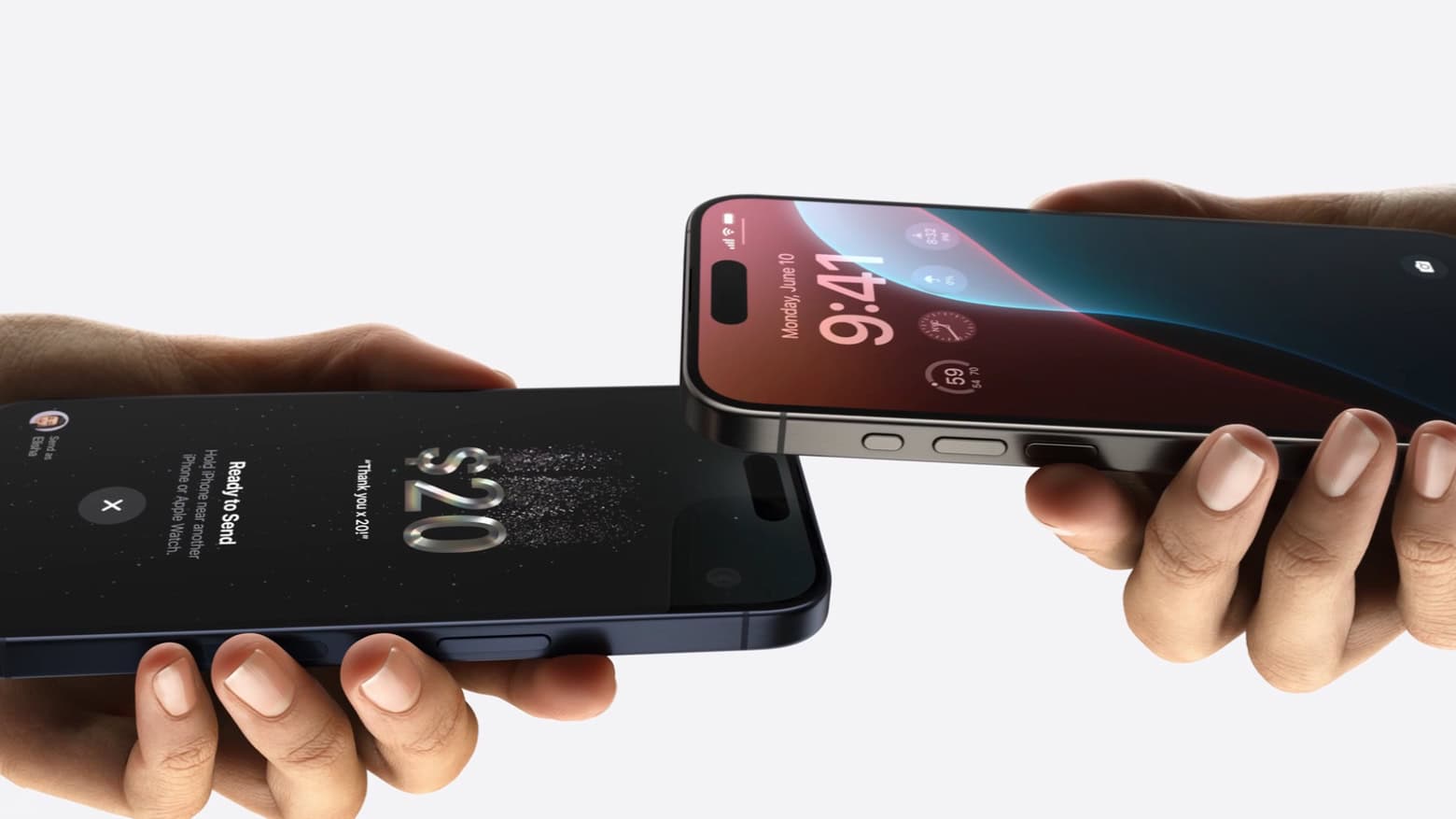
Sending money to another iPhone user is about to get as simple as holding the two handsets near each other. The upcoming feature is called Tap to Cash.
It’s a private and secure payment system. The two users don’t even need to exchange phone numbers.
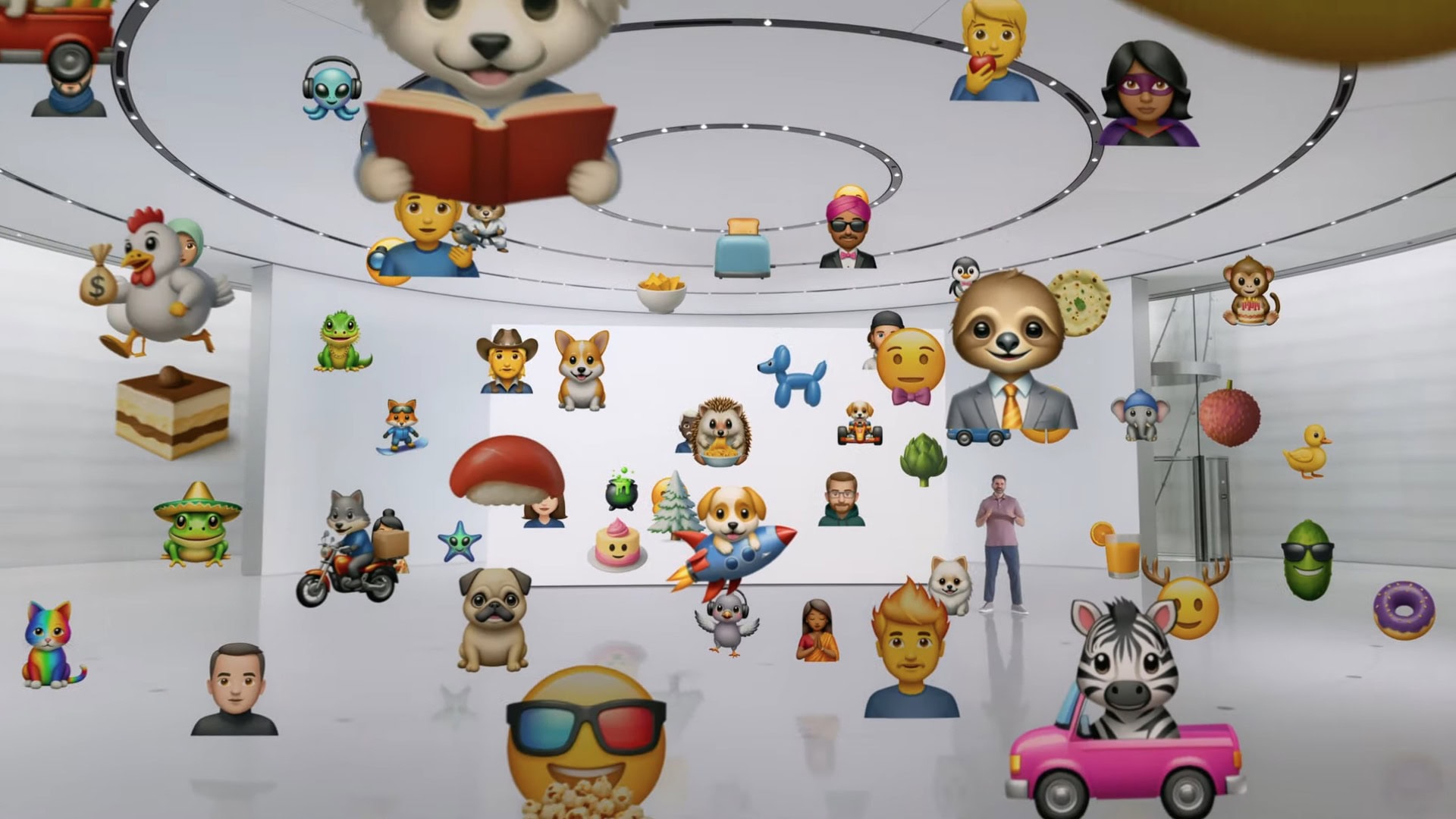
In iOS 18, you’ll be able to use the power of Apple Intelligence to generate fun, relevant images in your Messages conversations. You can create brand new emoji and personalized artwork.
Apple calls the features Genmoji and Image Playground. “The Image Playground is going to make everyday conversations a whole lot more fun,” said Cyrus Irani, Apple’s Director of Human Interface.
With the Photos app, you can more easily search through the content of your photos and videos, and build custom memory videos without pilfering through your library by hand.
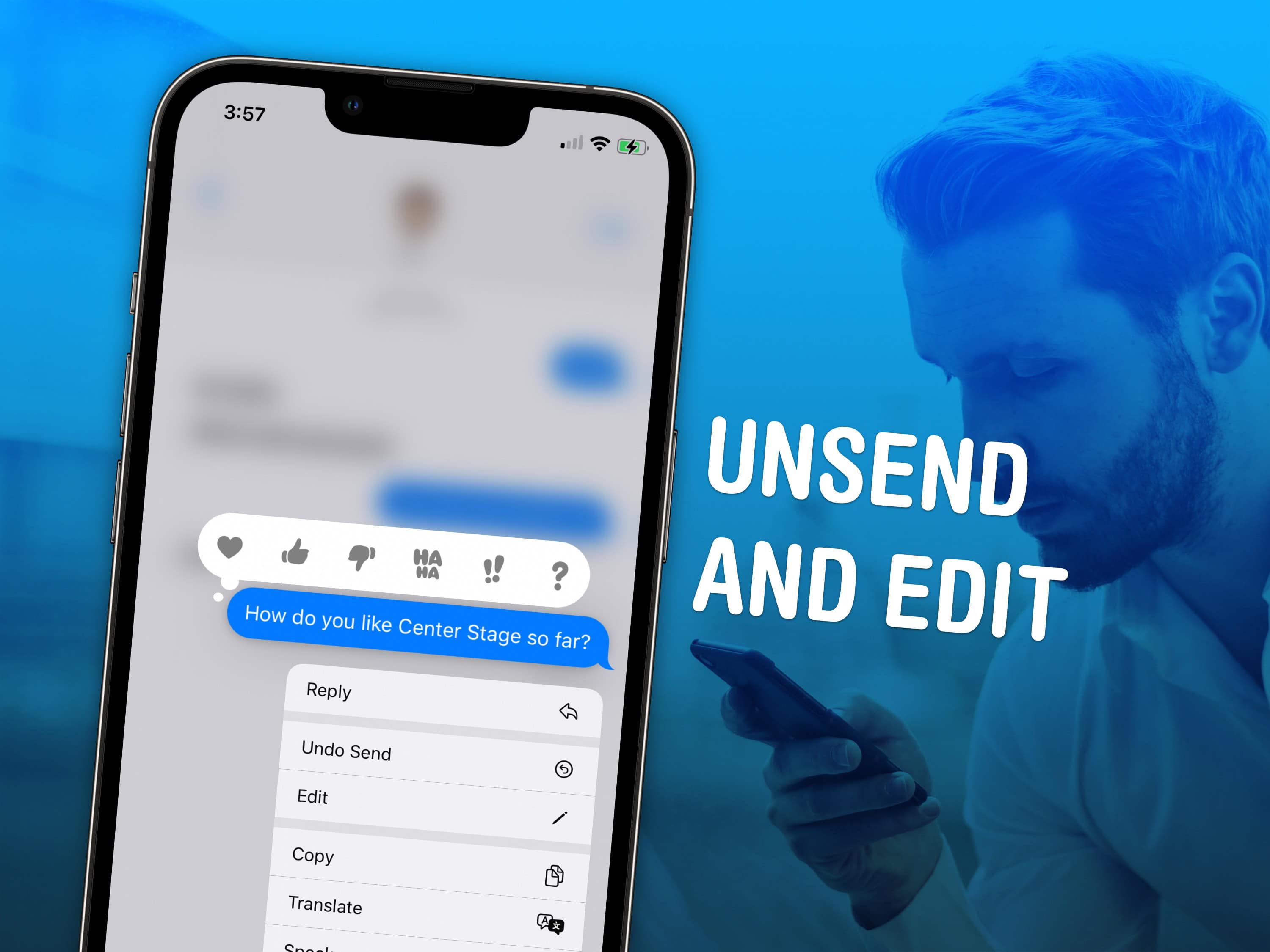
Knowing how to unsend an iMessage can help you out of a pickle if you accidentally shoot off a text to the wrong person. You also can edit a message after it’s sent to fix a grave typo you didn’t catch. Like if you accidentally text your mom “Finally got laid today!” when you meant to type “paid.”
Keep reading to see how to unsend or edit an iMessage on your iPhone, or watch our quick video tutorial.
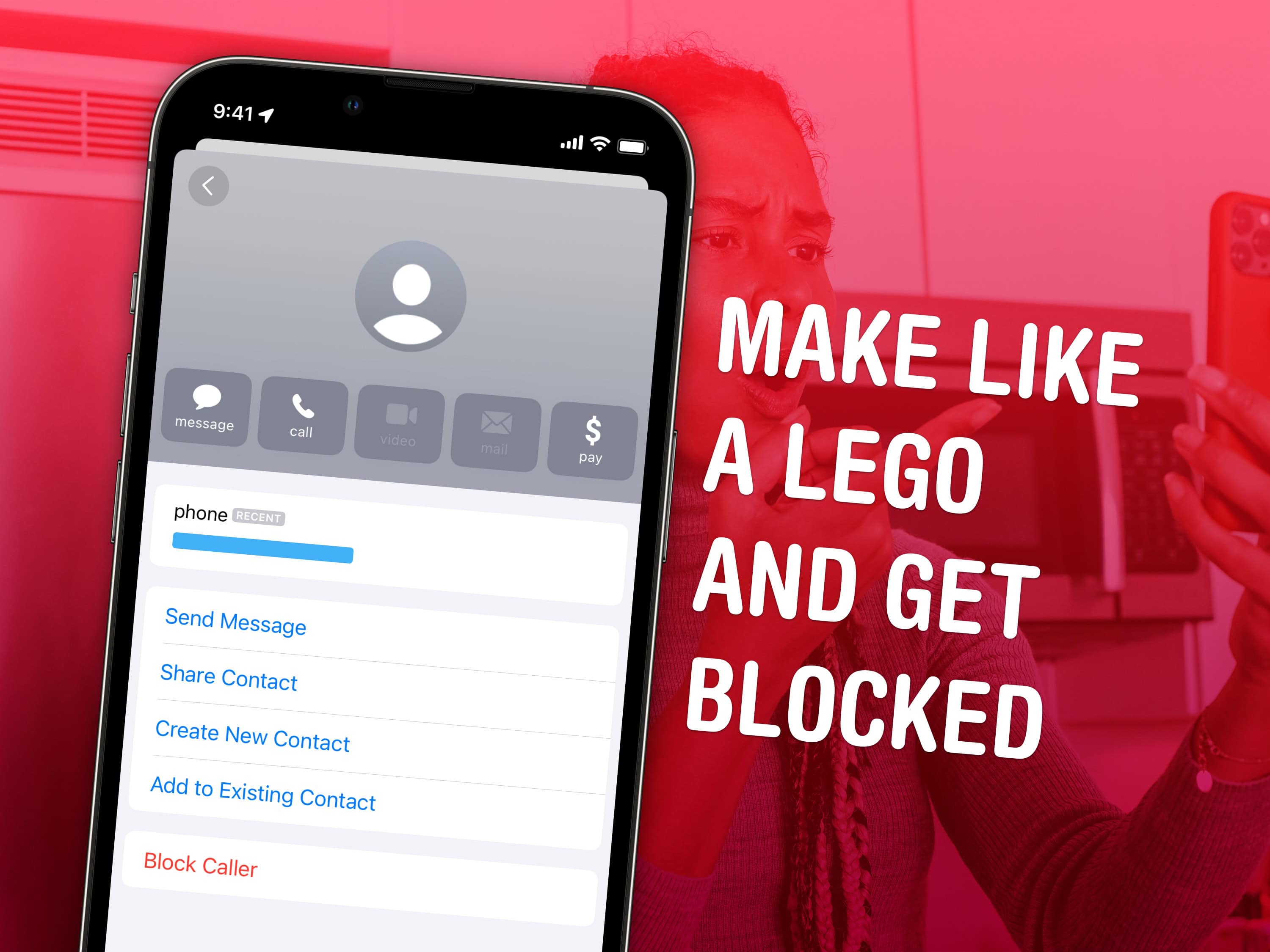
Spam calls and text messages seem absolutely relentless these days — you’ll want to know how to block a number on your iPhone to keep your sanity. Luckily, it’s easy. There are a variety of ways you can stop unwanted calls. You can block an incoming phone call or text message. And you can send unknown callers directly to Live Voicemail.
If you’re blocking a person in your contacts list, it doesn’t matter which app you block them from — Messages, Phone, Contacts, Mail, Settings — they will be blocked everywhere. Here’s how to block calls from unknown numbers on iPhone and generally keep spammers at bay.
Apple just made a major change to its standard warranty terms for the iPhone and Apple Watch. Going forward, the company will no longer cover a single hairline crack under its warranty.
Instead, users must pay for the repair or claim accidental damage under their AppleCare plan.
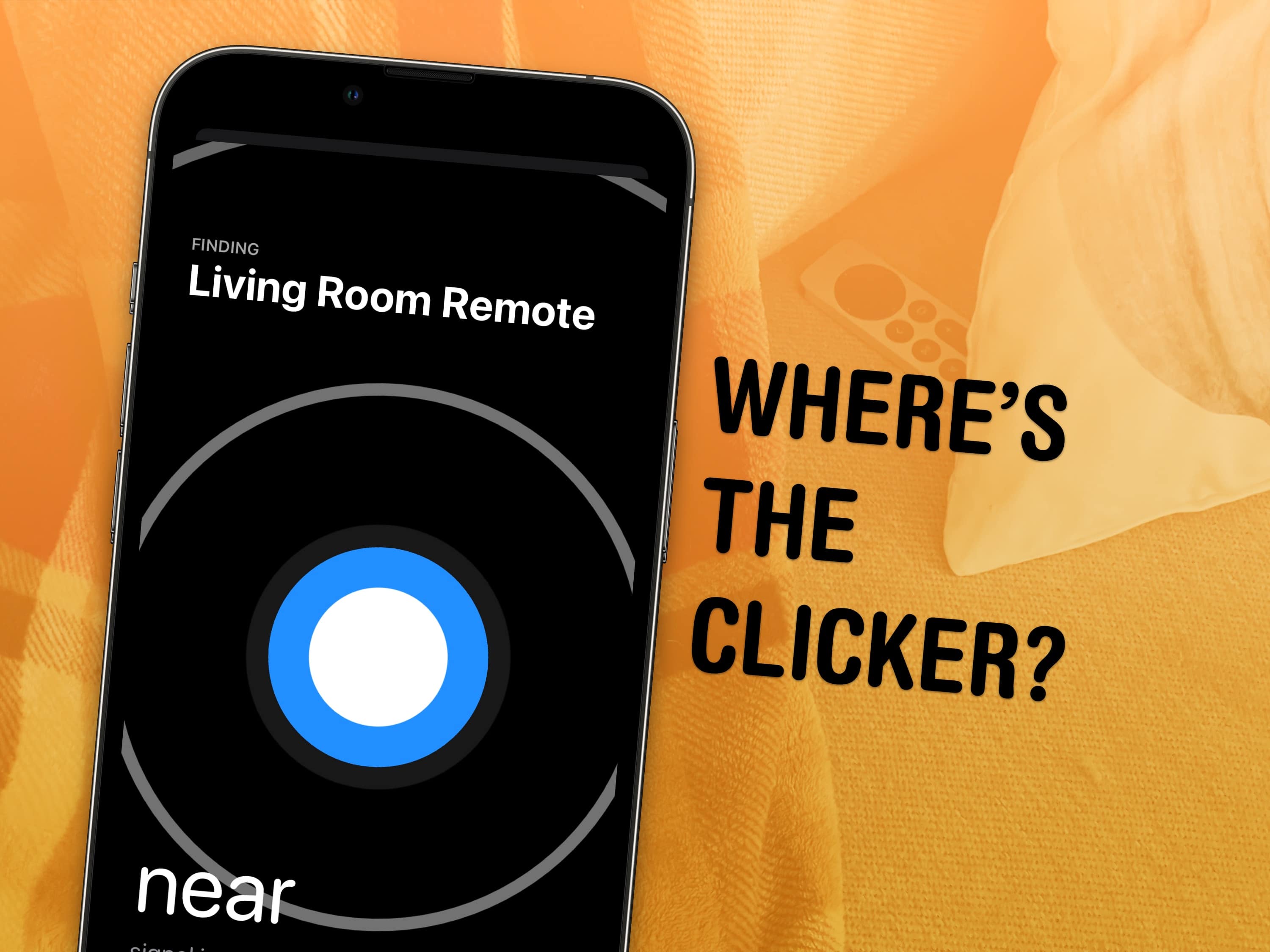
Whether it’s wedged between the cushions or kicked far under the couch, a handy-dandy feature in iOS 17 and tvOS 17 lets you find your lost Apple TV remote using your iPhone.
Sure, you can take the L and simply use your iPhone or Apple Watch to control your Apple TV. But I like having the physical remote on hand, too.
The mind races when one imagines how many hours of human life might have been saved if everyone had this feature 30 years ago. Let me show you how to find your AWOL Apple TV remote with your iPhone.
If you want to know the fastest and easiest way to send someone photos, videos, files and so, so much more, you should know how to AirDrop. There’s no need to send an iMessage — Apple’s slick AirDrop feature will immediately send and open the content on someone else’s iPhone (or other Apple device). There’s no middle step.
AirDrop works iPhone-to-iPhone, iPhone-to-Mac, iPhone-to-iPad, Vision Pro-to-Mac — any combination and permutation of two Apple devices. And if you’re both running iOS 17, there’s a convenient AirDrop superpower you should definitely know about. Keep reading to find out everything you need to know about how to take advantage of AirDrop.
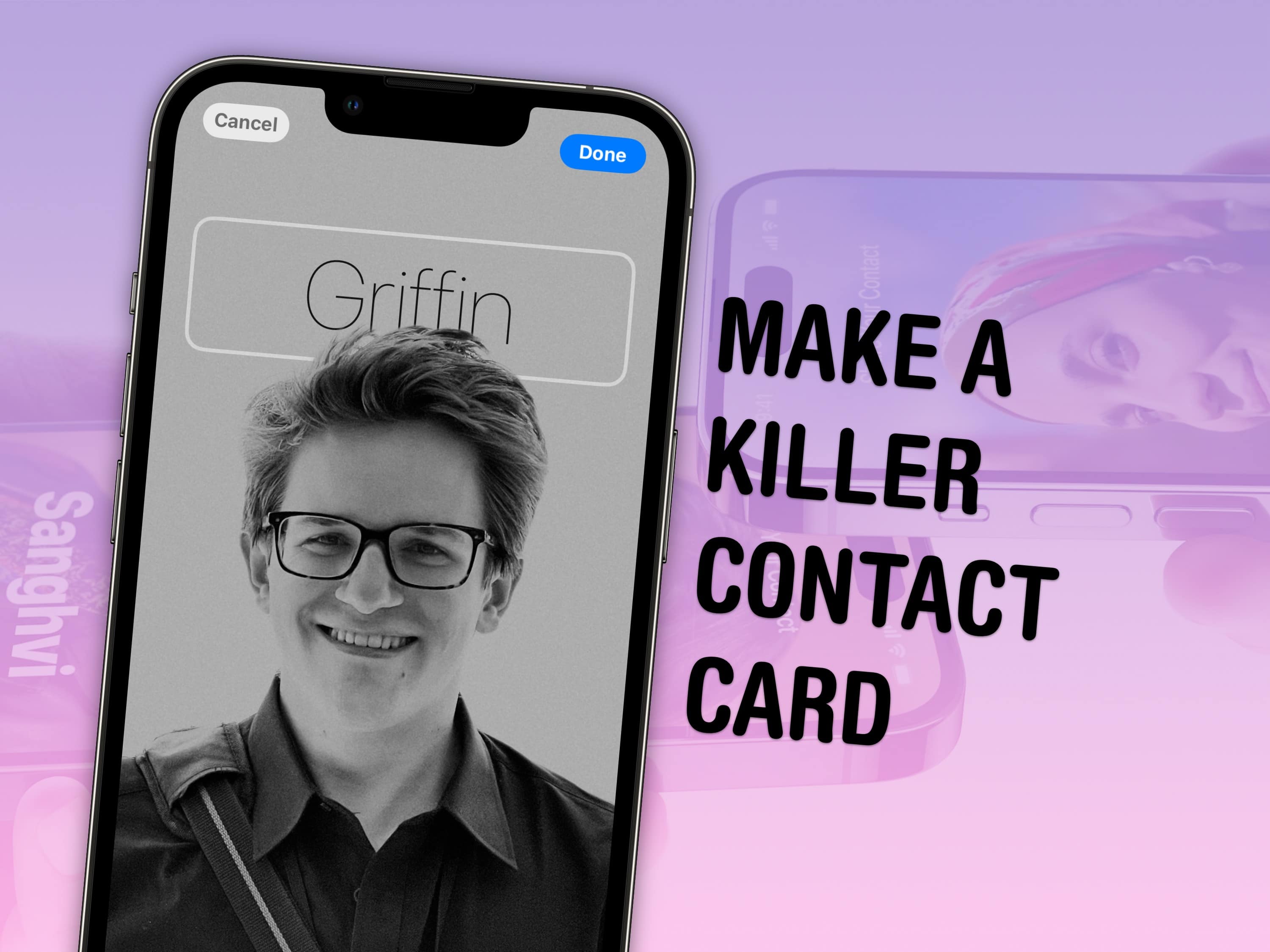
Contact posters let you customize how your Apple contact card looks to other people. If you call someone — and they have your contact info in their address book — your customized contact poster will appear on their screen. If you’re running iOS 17 and don’t know how to create a Contact Poster, let us show you how. (The process might look familiar if you’ve set up a custom Lock Screen.)
Done right, contact posters look great — way better than the old thumbnail images that preceded them. Plus, it’s really easy to turn an ordinary picture into a gorgeous-looking contact poster. And once you set it up, everyone with your matching phone number and/or Apple ID will see your chosen contact picture and personalized contact poster.
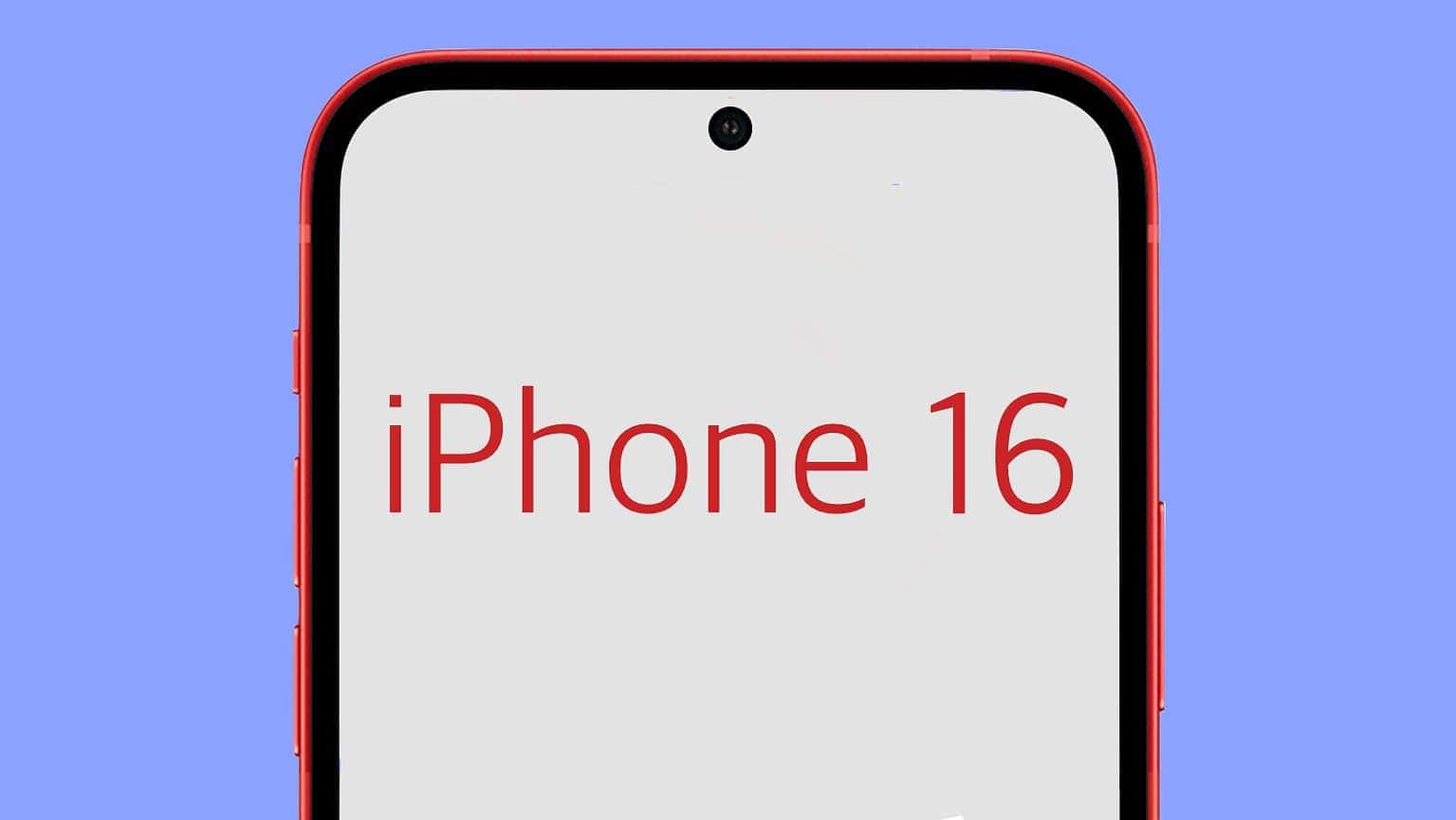
The iPhone 16 Pro could sport the world’s slimmest bezels on a smartphone. Its borders will apparently measure just 1.2mm, with the iPhone 16 Pro Max having even slimmer bezels at 1.15mm.
The slimmer bezels should help offset the size increase due to Apple using larger displays on its 2024 iPhones.
This week on Cult of Mac’s podcast: In the near future, your iPhone might look as wild and unique as you want it to. Home Screen customization options, rumored to arrive in iOS 18, could bring a new level of personality to iPhones. And then there’s the AI-generated emoji we’ve been hearing about.
Hold onto your hats, iPhone owners. Things are about to get weird!
Also on The CultCast:
Listen to this week’s episode of The CultCast in the Podcasts app or your favorite podcast app. (Be sure to subscribe and leave us a review if you like it!) Or watch the video live stream, embedded below.
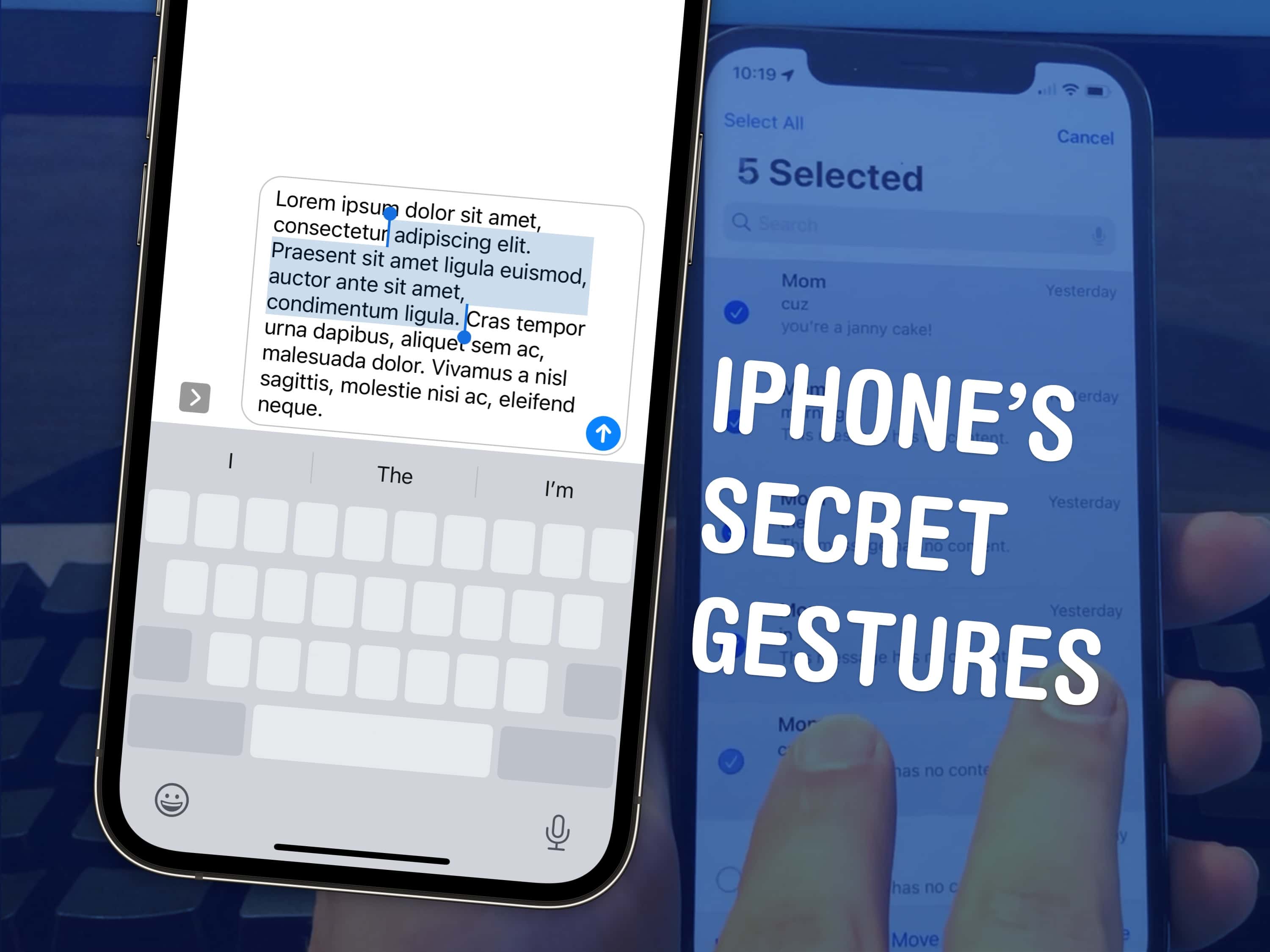
There are a few hidden gestures on your iPhone that you absolutely need to know. You’re typing out a long text on your iPhone and you need to go back to fix a typo. Tapping on the screen to move the cursor feels like a shot in the dark — but there’s a secret gesture to move around and select text.
Here are three top iPhone tips. Also in this article: how to select and delete a bunch of emails, text messages, anything in a list at once; and the secret gestures that undo and redo. Like, for example, if you accidentally delete a bunch of emails.
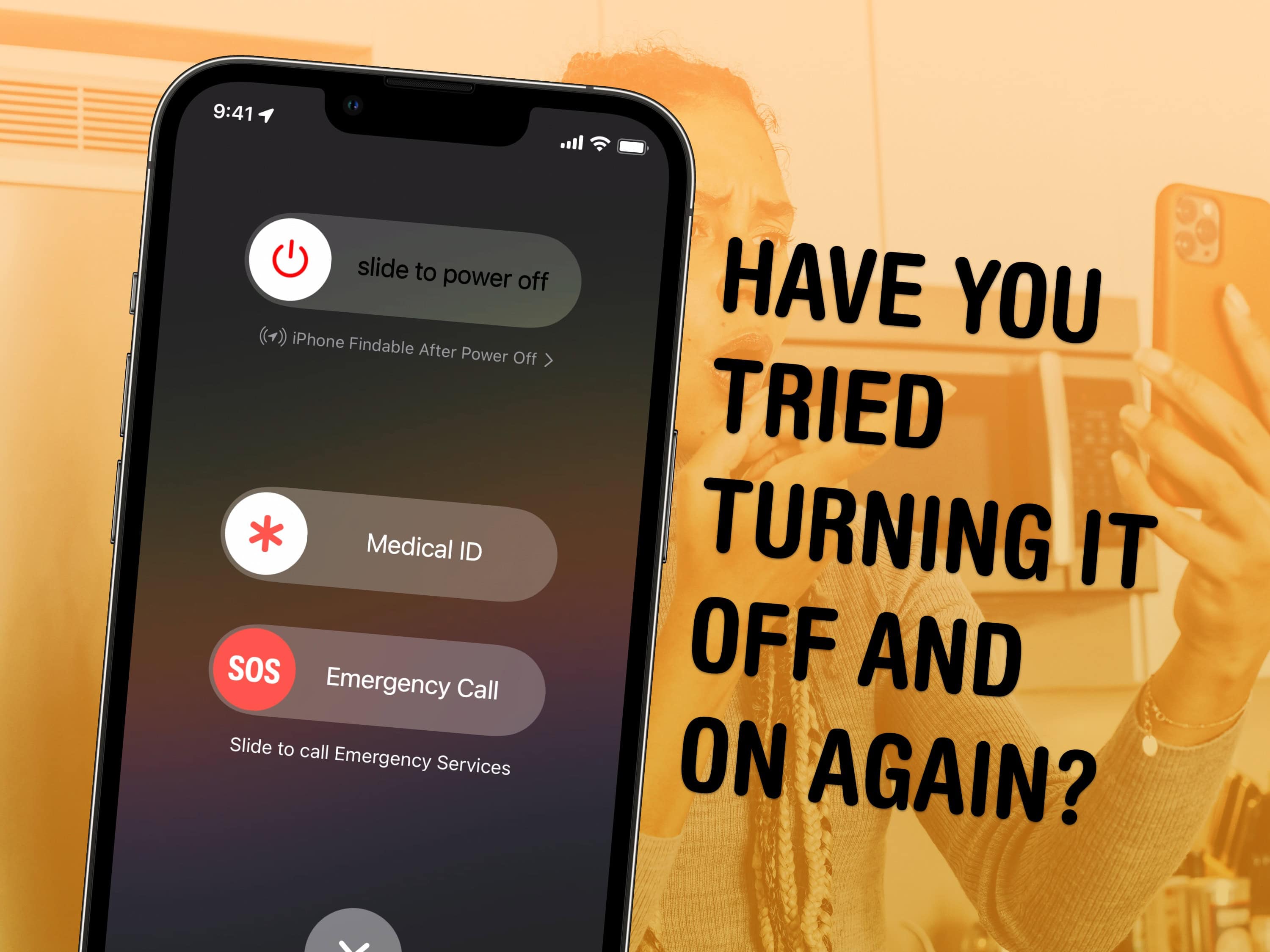
If your iPhone is ever having odd technical problems, the first thing you should try is a good old restart — you’ll be surprised how many problems can be fixed by simply restarting.
Restarting your iPhone is just like restarting a computer. All of the apps and software will be reset, and you shouldn’t lose any saved data.
If an app you’re using is acting up, you can always force-quit it and open it again to reset it. But if there’s a deeper underlying problem with your phone’s software, like if Bluetooth accessories aren’t working or phone calls suddenly won’t connect, you should restart it.
Here’s how.
As a part of its AI upgrade, Siri in iOS 18 will reportedly enable control of individual apps through your voice. Apple has supposedly upgraded its voice assistant’s underlying architecture using LLMs to achieve this.
Additionally, Apple will process many basic AI tasks on-device in iOS 18 for faster response and a better user experience.

Popular tech influencer Marques Brownlee shared a series of posts on X (formerly Twitter) Wednesday from his visit to Apple labs that do durability testing like iPhone water testing. You’ve probably never seen iPhones this wet. And you’ve probably never subjected yours to such punishment.
Along the way, he fit in an interesting video chat with Apple hardware honcho John Ternus about product reliability versus repairability, below.
In one of the largest surveys on tinnitus so far, University of Michigan researchers participating in the Apple Hearing Study released data and insights Tuesday that could help lead to future treatment.
Tinnitus is the perception of sound, often ringing, that others do not hear.
“The Apple Hearing Study gives us an opportunity that was not possible before to improve our understanding of tinnitus across demographics, aiding current scientific knowledge that can ultimately improve management of tinnitus,” said Rick Neitzel, a University of Michigan School of Public Health professor of environmental health sciences.
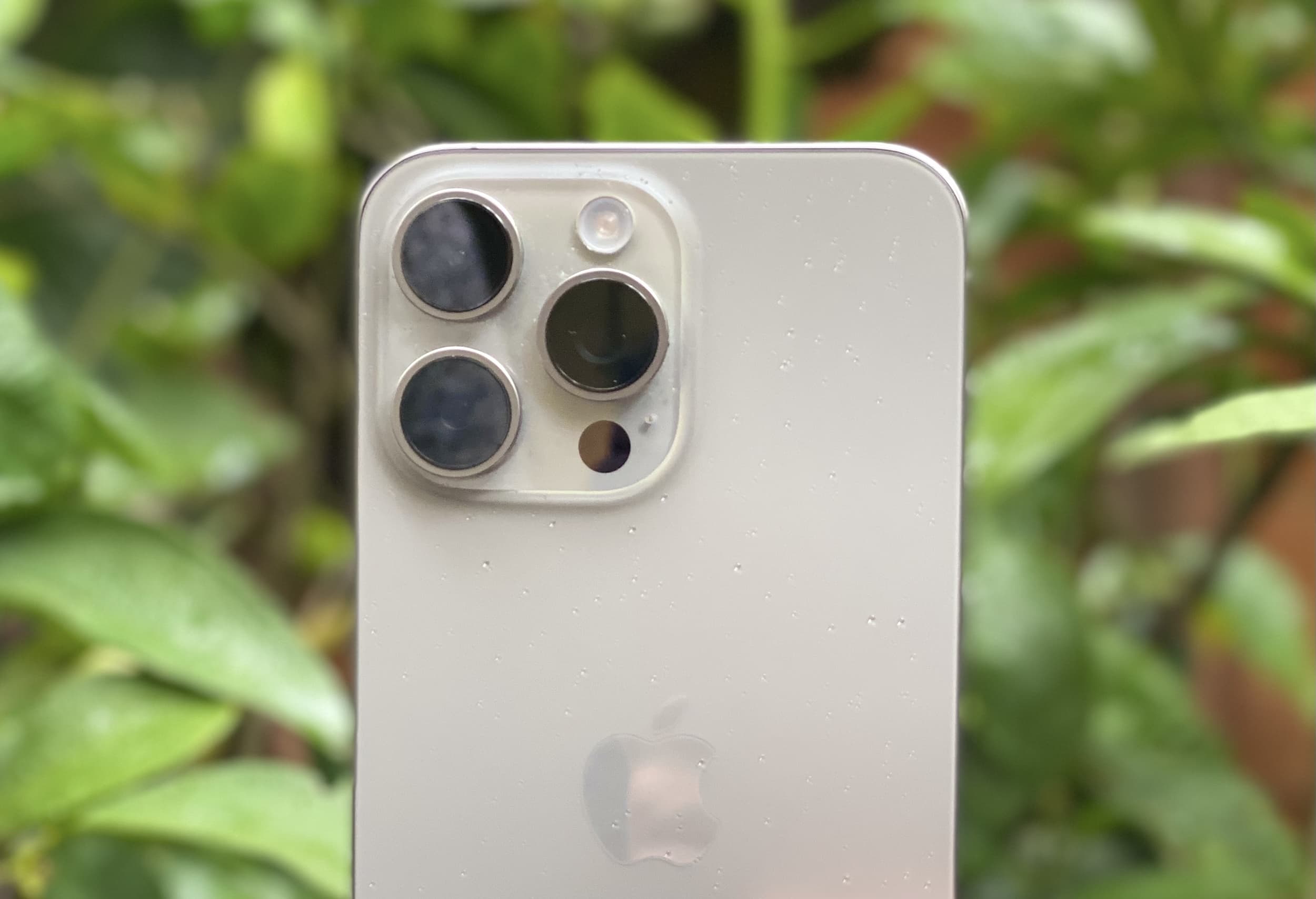
iPhone shipments apparently bounced back sharply in China in recent months. Apple reportedly saw a 52% increase in shipments following heavy discounts by third-party retailers.
Since the beginning of 2024, Apple has seen a double-digit decline in iPhone demand in China. A resurgent Huawei also made things difficult for Apple, as the Chinese company registered a sales growth of 69.9% in the first quarter.
iOS 18 reportedly will let iPhone users change app icon colors on the Home Screen. Plus, they would be able to put the icons anywhere they want.
Since iOS’ inception, app icons on iPhone’s Home Screen have snapped to a grid, much to the dismay of some users. However, Apple could finally tweak this behavior with iOS 18.
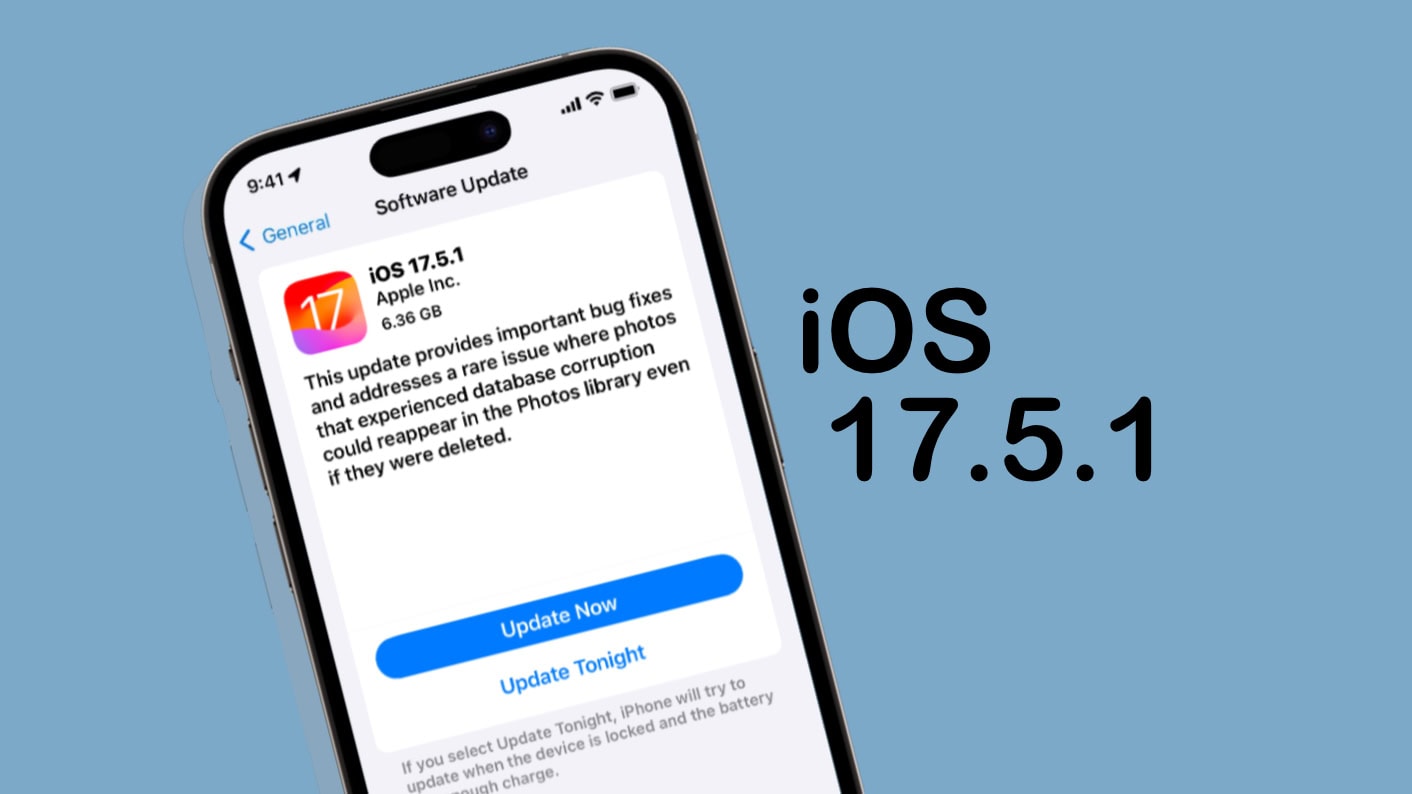
iOS 17.5.1 went out Monday to patch a nasty bug that could make images completely deleted from an iPhone reappear later. Multiple times. It’s was a problem with a lot of potential for embarrassment.
Tablet users got iPadOS 17.5.1 to fix the same bug. And Tuesday brought tvOS 17.5.1 to fix the problem on Apple TV.