Apple isn’t ready to relax just because the September iPhone event is done. An Apple October event is almost certainly planned with new MacBooks and iPads. And maybe more.
Here’s everything we’re expecting to be on the agenda.
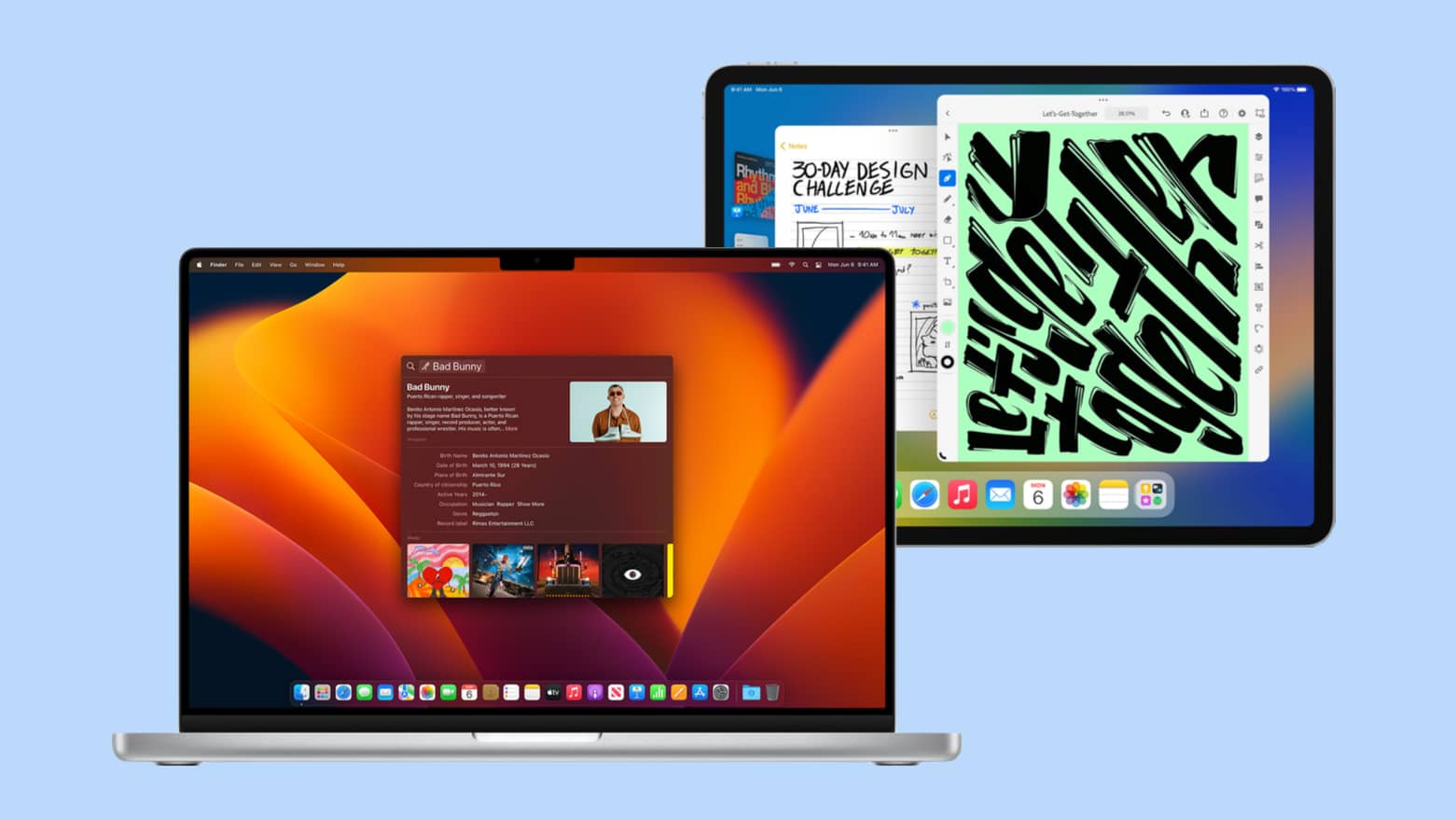
Apple isn’t ready to relax just because the September iPhone event is done. An Apple October event is almost certainly planned with new MacBooks and iPads. And maybe more.
Here’s everything we’re expecting to be on the agenda.
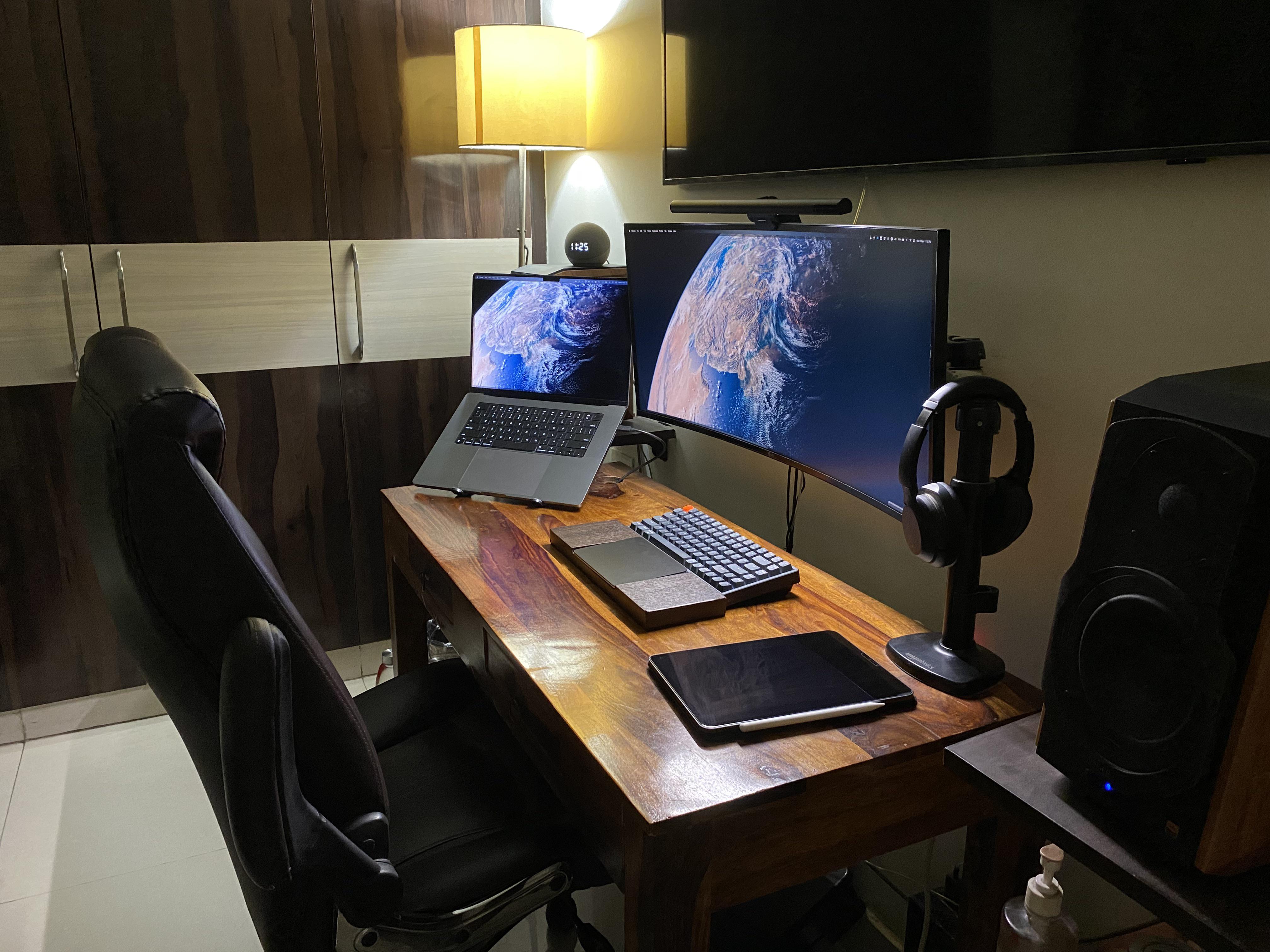
Today’s featured computer setup displays an innovation we’ve seen from time to time, but not as often as we’d expect. It’s a custom keyboard wrist rest built to fit a Magic Trackpad or other trackpad in its middle section.
This one’s on the tall side, suitable for a mechanical keyboard. The developer who had it made to his specifications finds it — and the Magic Trackpad 2 — more than adequate for his needs.

The long-anticipated Apple early fall event is just around the corner. On September 7, executives will take to the stage at Apple Park to unveil an array of new products.
Here’s everything we’re expecting at the “Far Out” event, plus the devices we’ll likely have to wait until later in the year to see.
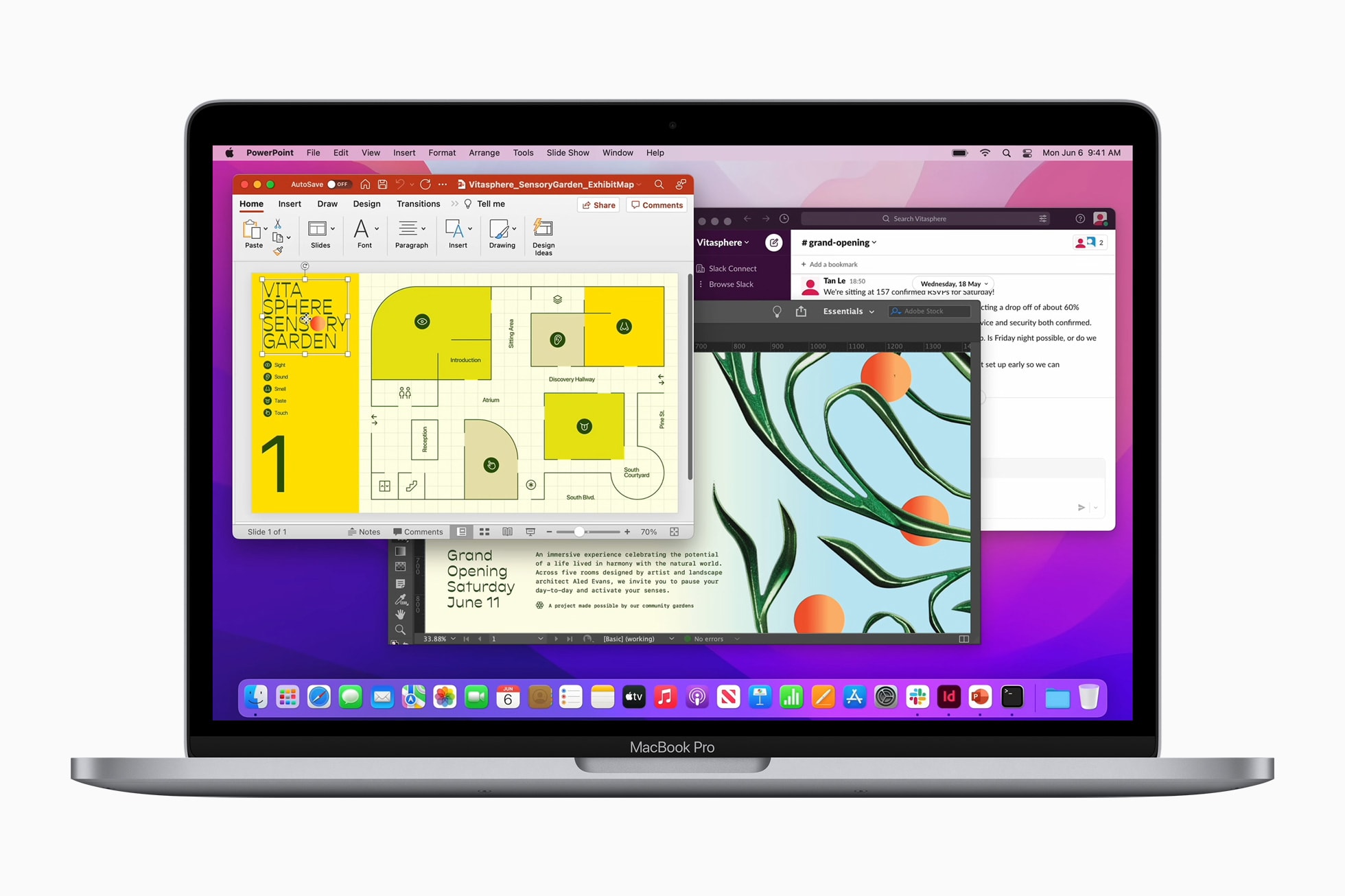
You can score Apple’s M2 MacBook Pro with a whopping $200 discount on Amazon right now. The entry-level variant is off by $150, while the 512GB storage configuration is $200 down from its MSRP.
Since its launch, this is among the lowest prices we have tracked for the M2 MacBook Pro.
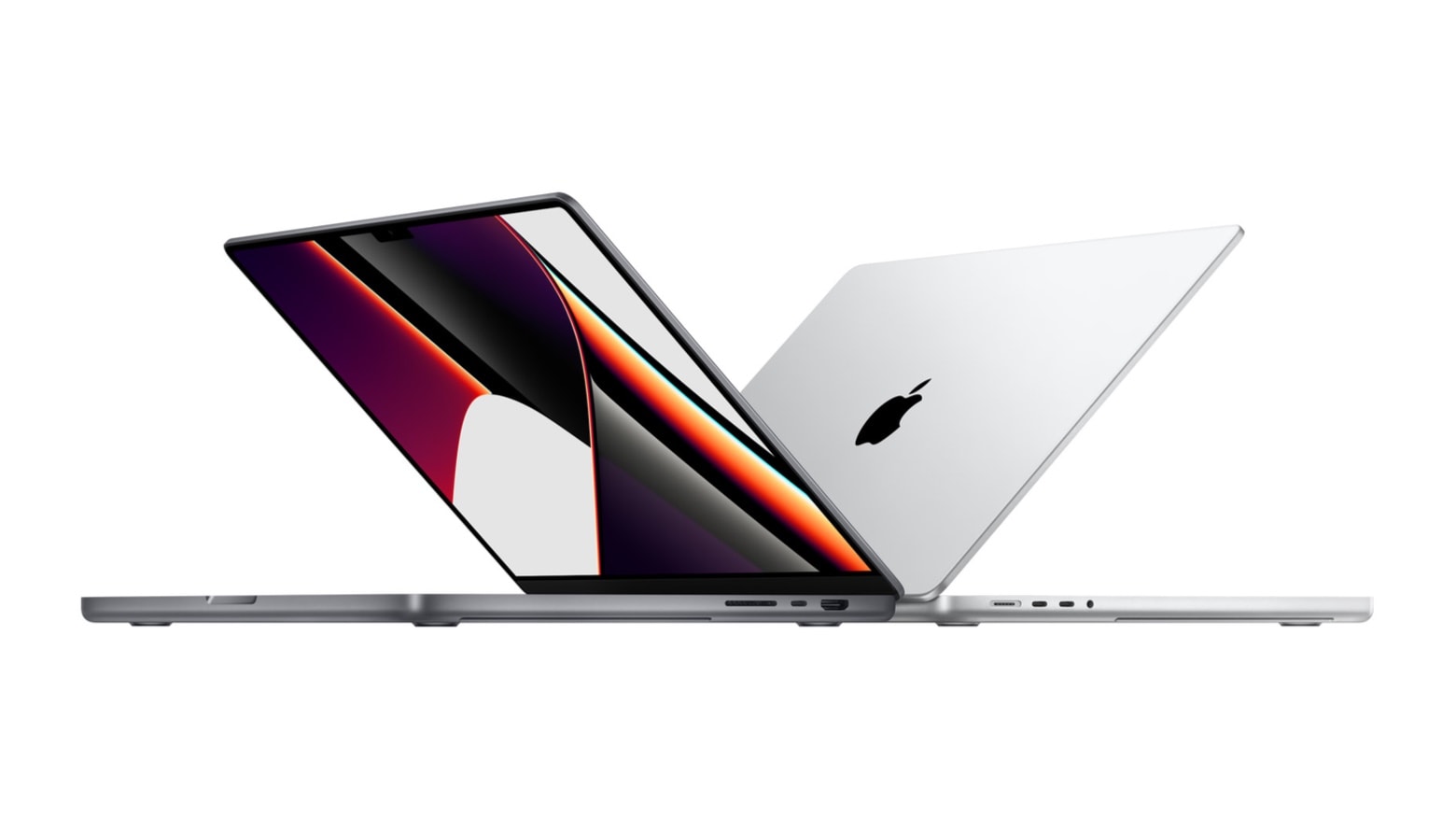
Apple’s powerful yet portable M1 Max 16-inch MacBook Pro is discounted by a hefty $400 on Amazon. This is the lowest price the machine has been available for in the last month.
Given the fantastic deal, it is unlikely to last for long.
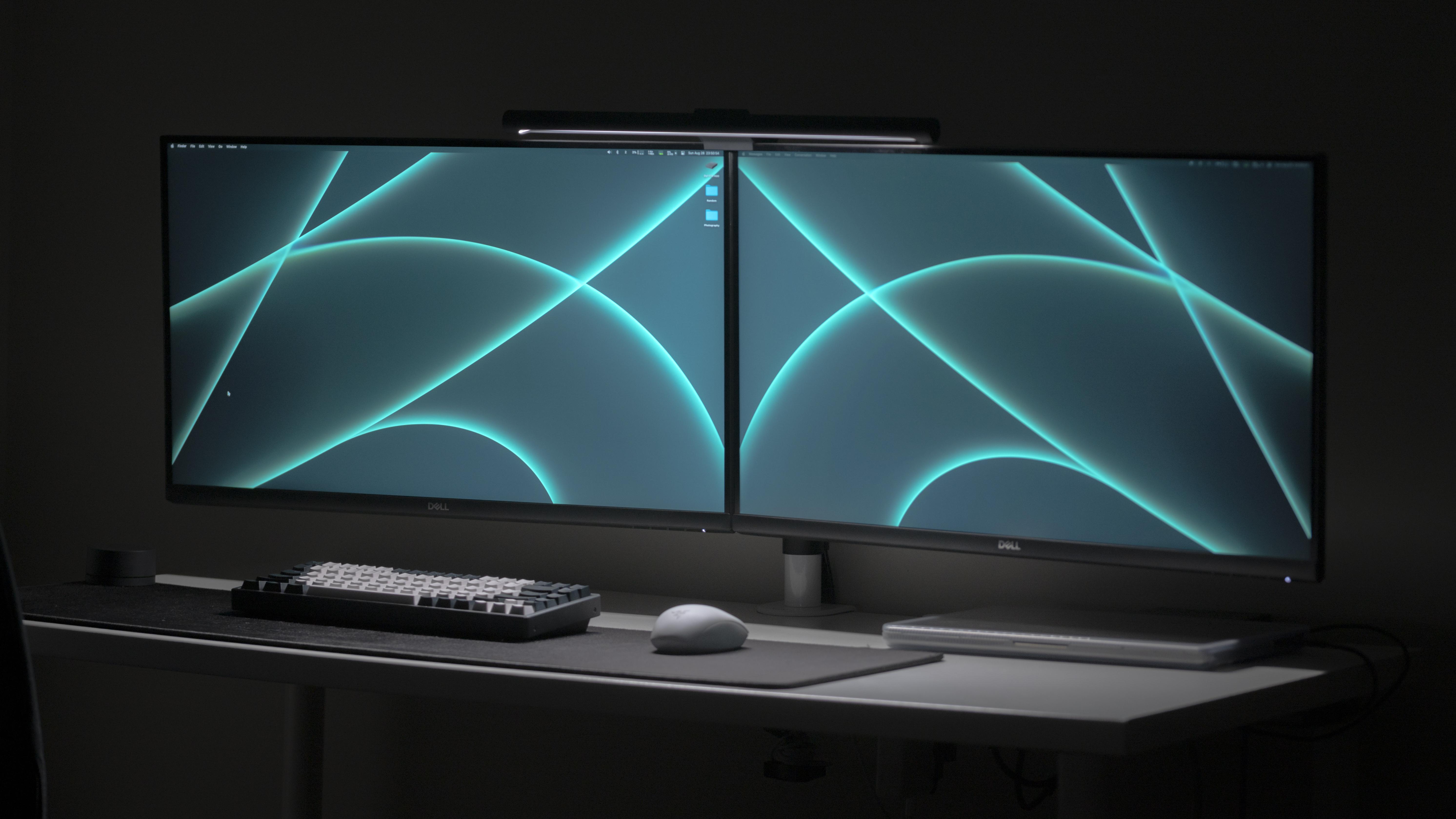
When you look at a lot of computer setups showcased on social media, it’s not difficult to see that many of them are staged. They’re so well put together and photographed, you just can’t see normal slobs owning them.
But sometimes the internet tricks you with a surprisingly slick photograph of a real person’s setup. That seems to be the case in today’s featured dual-display MacBook Pro setup, photographs in a cool-gray wash.
“This looks like a render advertising the mouse or something,” one commenter said. “Tron vibes,” added another, referring to the 1982 sci-fi film known for its then-cutting-edge computer animation.
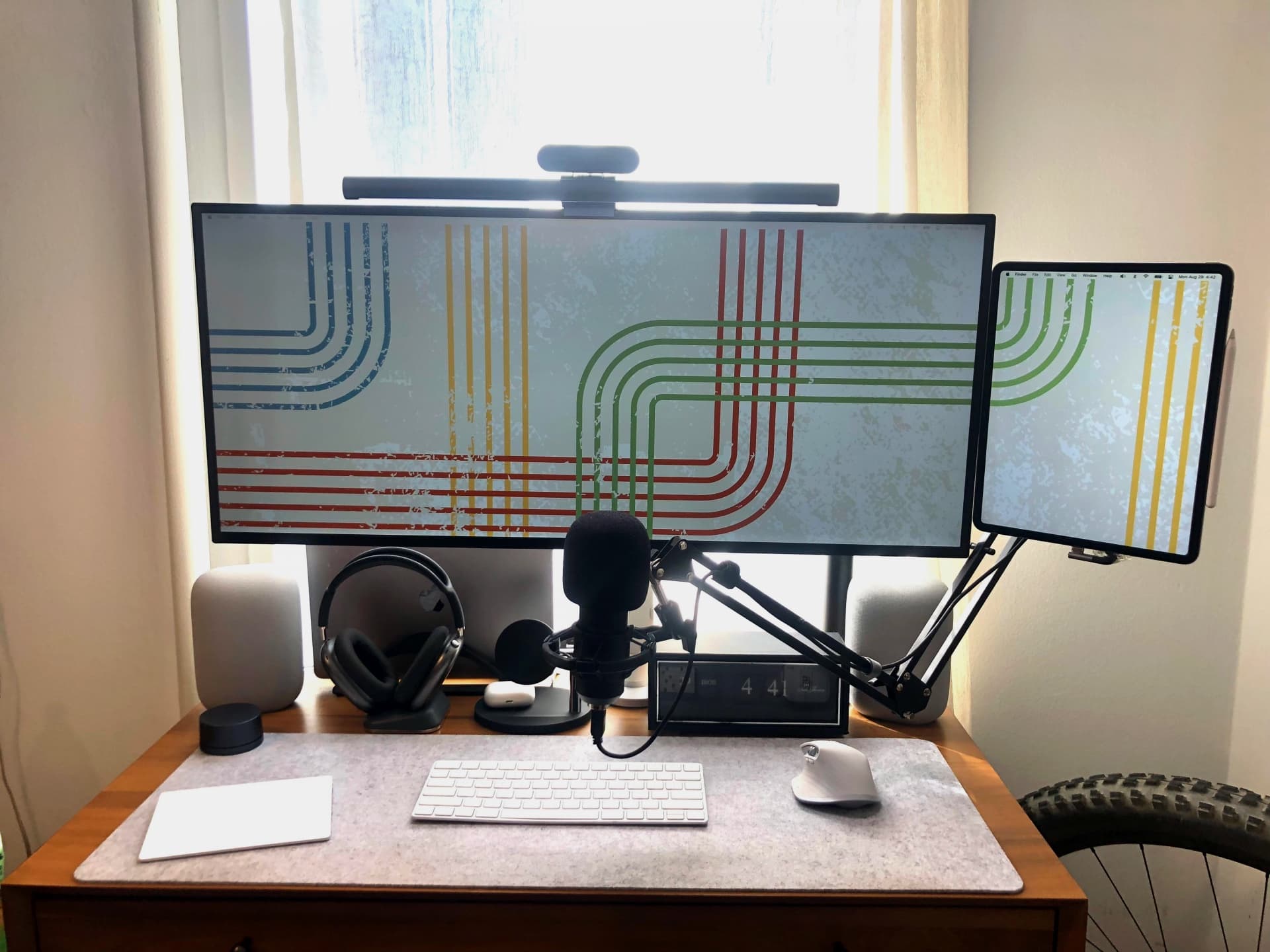
Apple has said many times it won’t produce a touch-screen Mac because that’s what iPads are for. But Sidecar functionality can make an iPad a touch-screen extension of a Mac, where you can drag and drop elements and work with them using Apple Pencil or your fingertips.
Today’s featured MacBook Pro setup mounts a big 5K display and an iPad Pro right next to each other. In the photograph, you can see the desktop wallpaper running right onto the tablet’s display through Sidecar (more on that below).
And who doesn’t love an all-Apple audio arsenal? This setup rocks paired OG HomePods, AirPods Max on a cool charging stand and AirPods, too.
Looking to buy a new 14-inch or 16-inch MacBook Pro? Amazon has discounted both Macs by a whopping $400 and is selling them at their lowest price ever.
Amazon is unlikely to offer the deal for long, so grab the model you want as soon as possible.
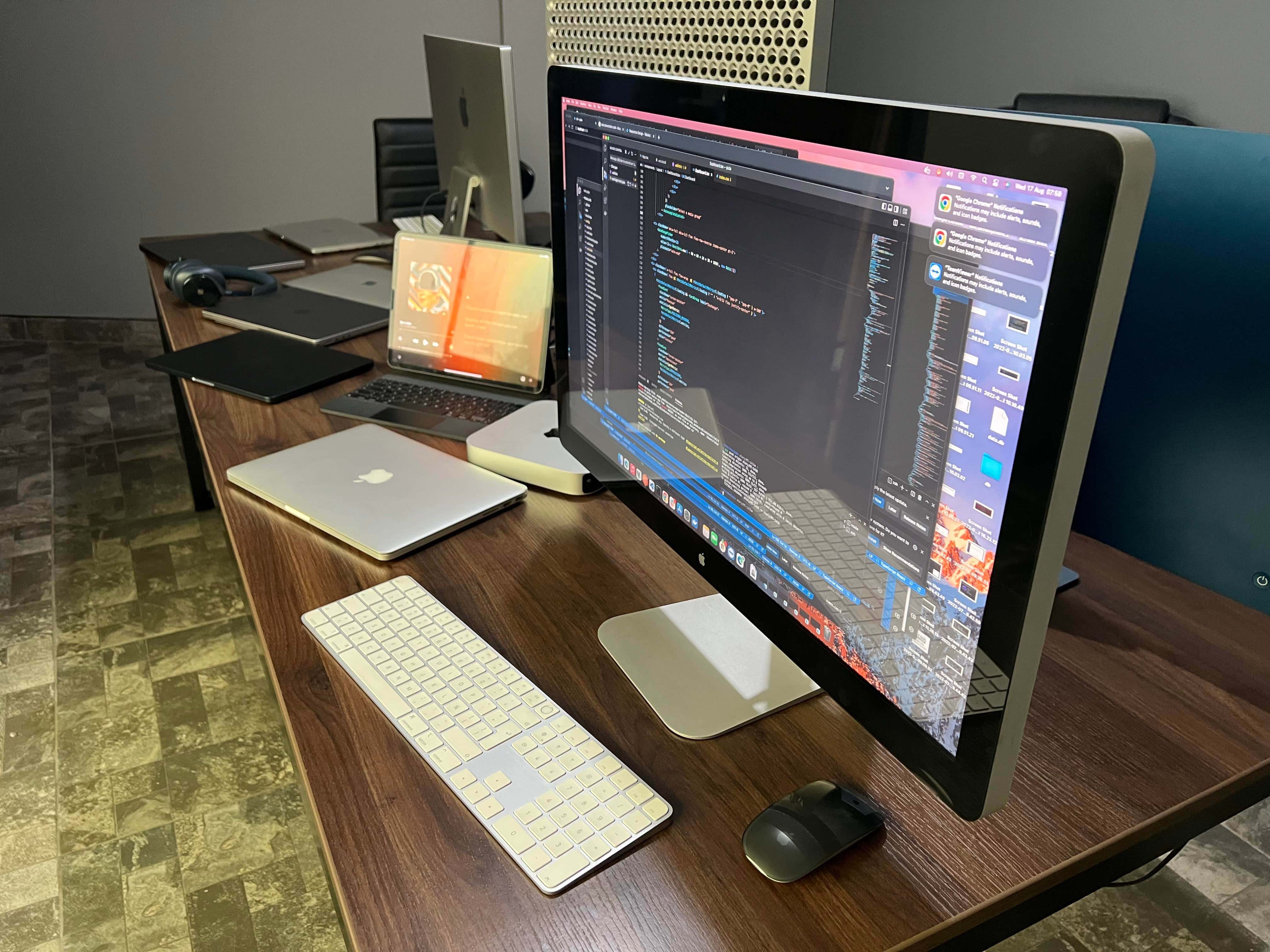
Occasionally a computer setup displayed on social media makes you swoon. Usually it’s a combination of amazing gear, artful arrangement and exceptional photography, like something staged by a pro. But sometimes it’s just a sick amount of awesome Apple computers and displays.
Today’s featured setup, run by a consultant who “works for several companies,” relies on four high-spec Macs, five very-nice-but-not-exceptional Macs and three Apple Displays, including a Pro Display XDR — which goes for $5,000 or more by itself.
Does your wallet hurt yet? We just took ours to the ER.
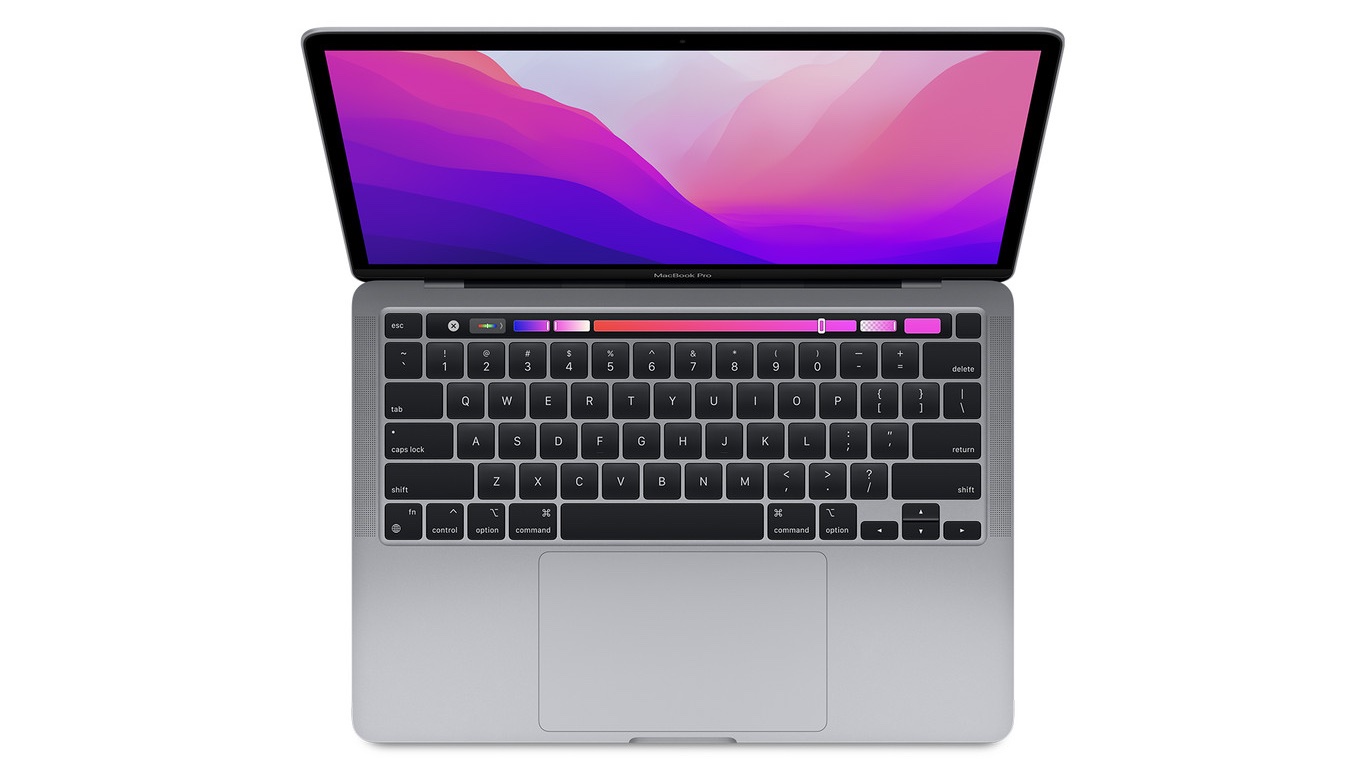
Apple’s powerful new M2 MacBook Pro is down to $1,199 on Amazon after a $100 discount. Considering the machine launched just a couple of months ago, this is a great deal.
The deal is available on the entry-level model in Space Gray shade.
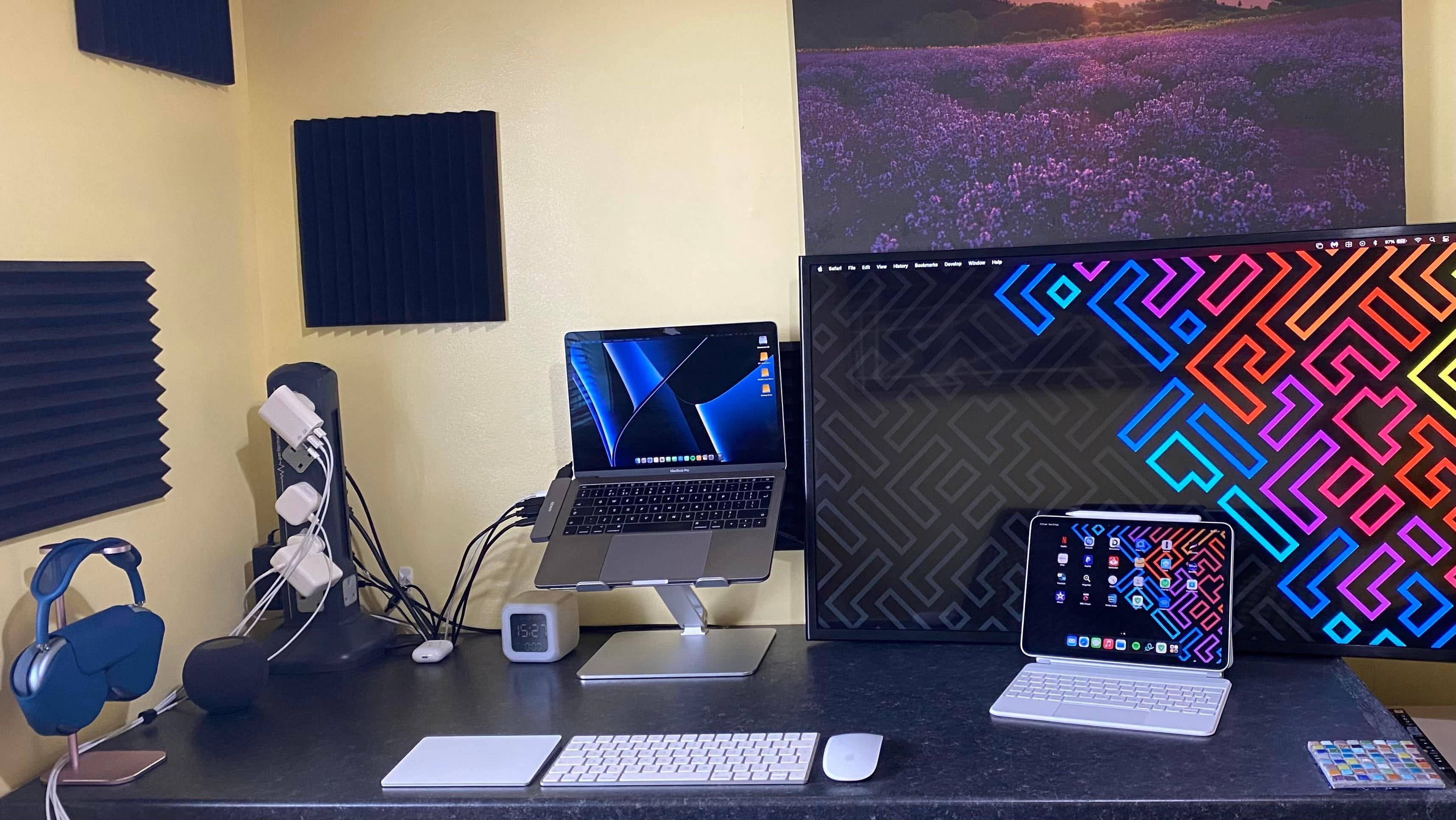
Some people care deeply about cable management, with nary a cord to be seen in their computer setups. Others couldn’t care less about it, leaving wire-spaghetti all over the place. And folks in the middle want to do it right, but meh, maybe next week, and maybe only somewhat.
Today’s featured MacBook Pro and iPad Pro setup stakes out much of the ground described above. Cable management is in play, but it’s done in a way that drove some neatniks crazy while others applauded the controlled mayhem.
Updated versions of the 14- and 16-inch MacBook Pro will go onto production during the last months of 2022, according to a prominent Apple analyst. These will have faster processors.
Another reliable source said essentially the same, making it likely that Apple is about refresh its top-tier notebooks.
Multiple sources say the Apple’s upcoming M2 Pro chip will be made with an enhanced manufacturing process that wasn’t yet available for the recently released M2. That will make Apple’s next processor more efficient than the one in the new MacBook Air.
Even better, the M2 Pro could launch in updated MacBook Pro models before the end of 2022.
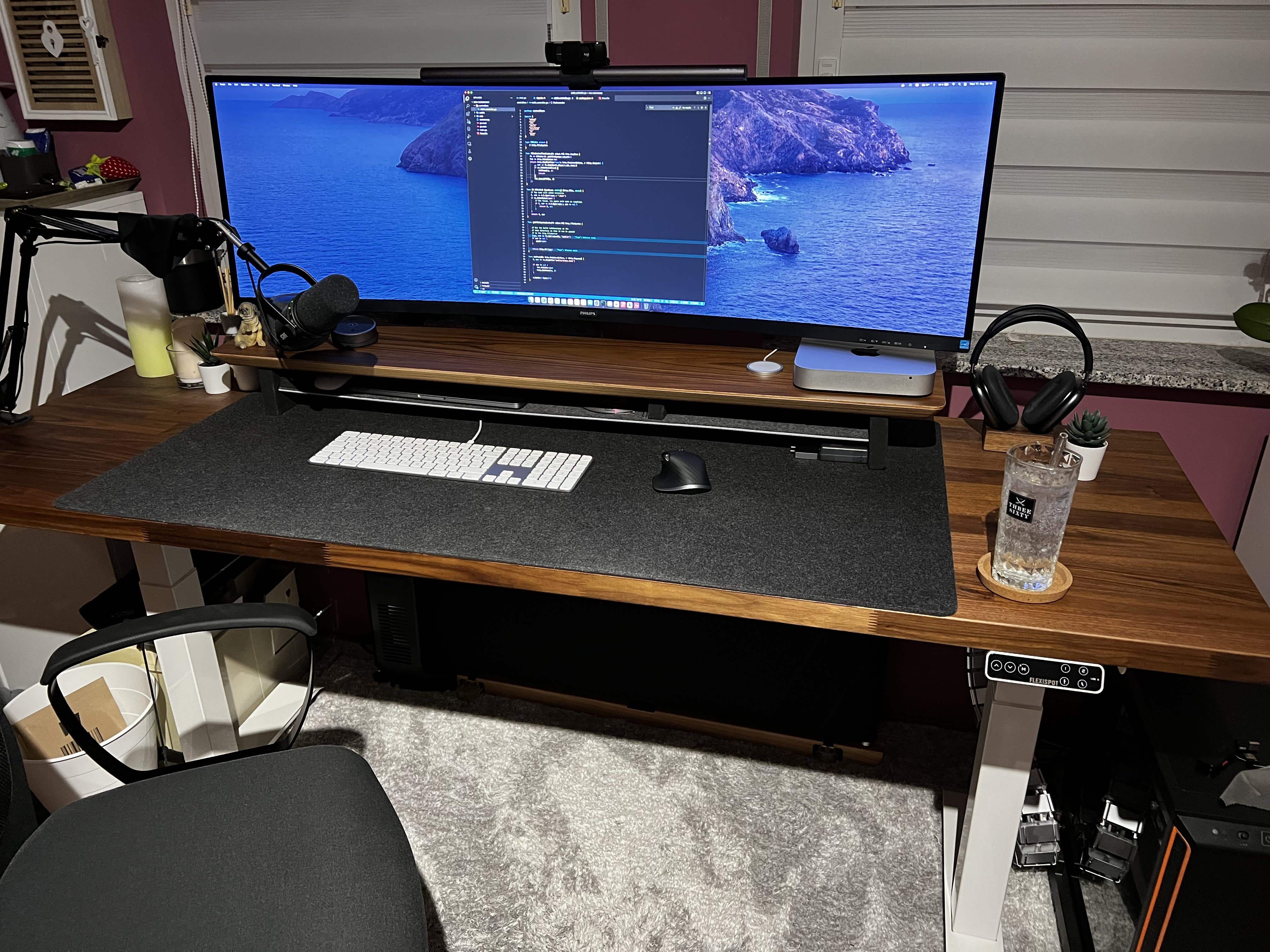
Imagine buying a massive new ultra-wide, curved monitor to display what you do on your Macs in style. But once you get it all set up, the monstrous thing won’t stop wobbling.
Today’s featured M1 MacBook Pro and Mac mini setup suffers just that problem, despite the use of a recommended monitor arm attached to a solid standing desk.
Check out the advice the user got and all the gear in play below.
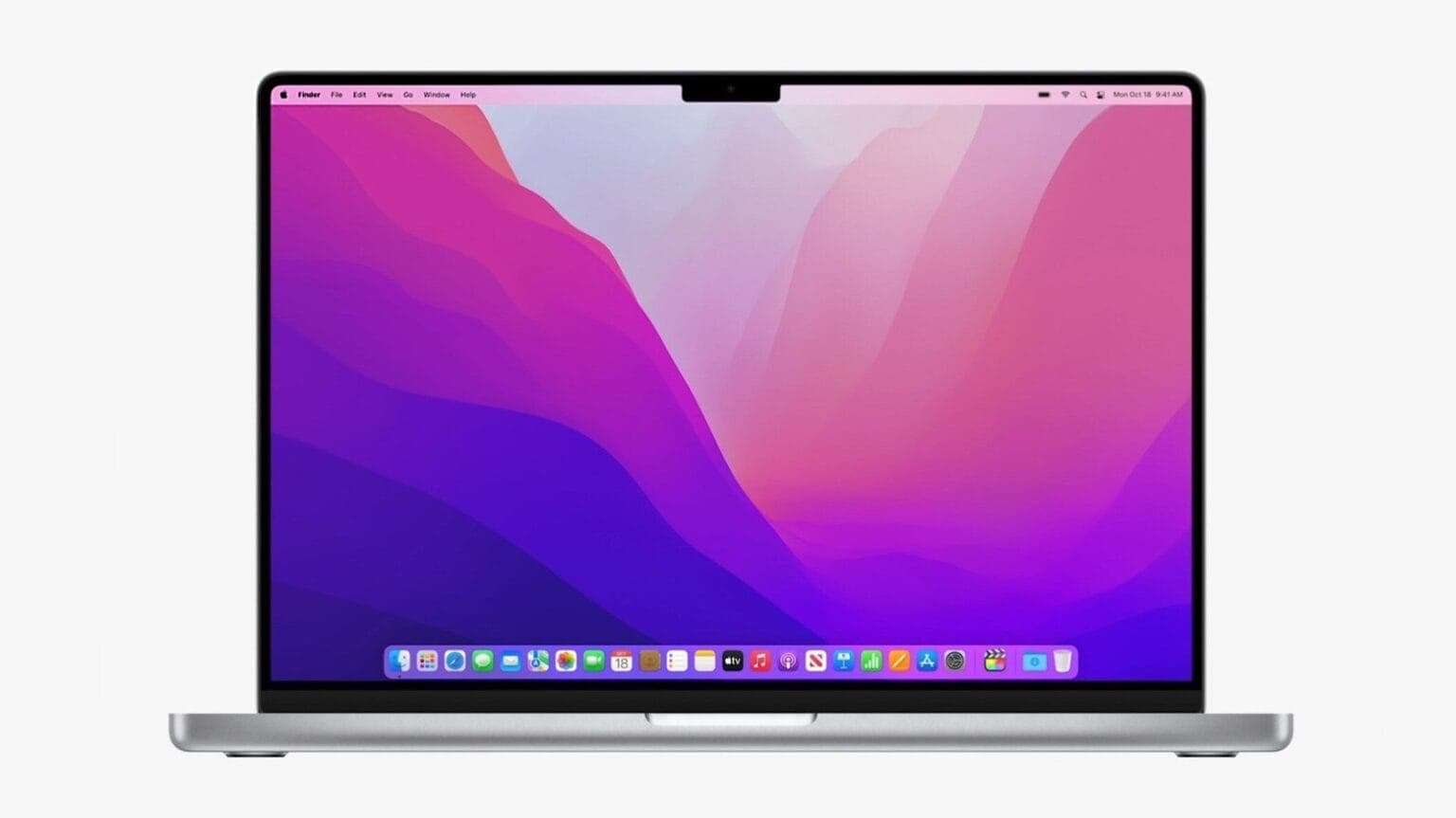
Amazon surfaced the lowest prices ever on certain 2021 MacBook Pro laptops Tuesday, including 14-inch and 16-inch models. Specifically, there are three options featuring the M1 Pro chip and different sizes of solid state drive (SSD).
If you’re in the market for one of those, act fast. Deals where you can lop $300 off the the usual prices don’t usually last long.
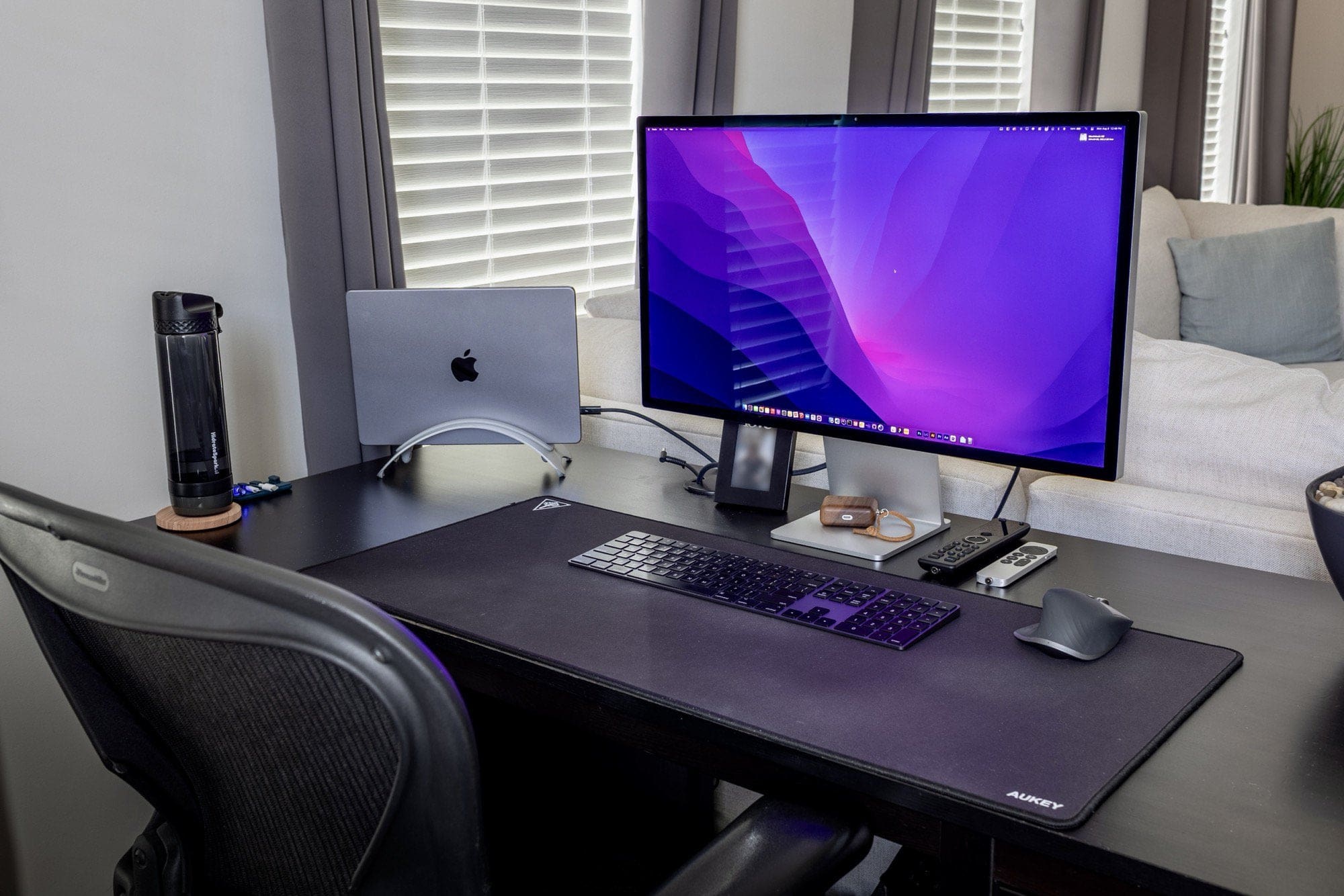
We’ve seen a few computer setups lately where the owner switches from one or more large monitors to something smaller. But they don’t necessarily see losing the screen real estate as a “downgrade.”
That’s the case with today’s featured M1 Pro MacBook-centered setup. It went from a 34-inch ultra-wide 4K monitor to a new 27-inch Studio Display.
Essentially it boils down to “size isn’t everything.” When it comes to displays, there’s actually a lot more to the picture.
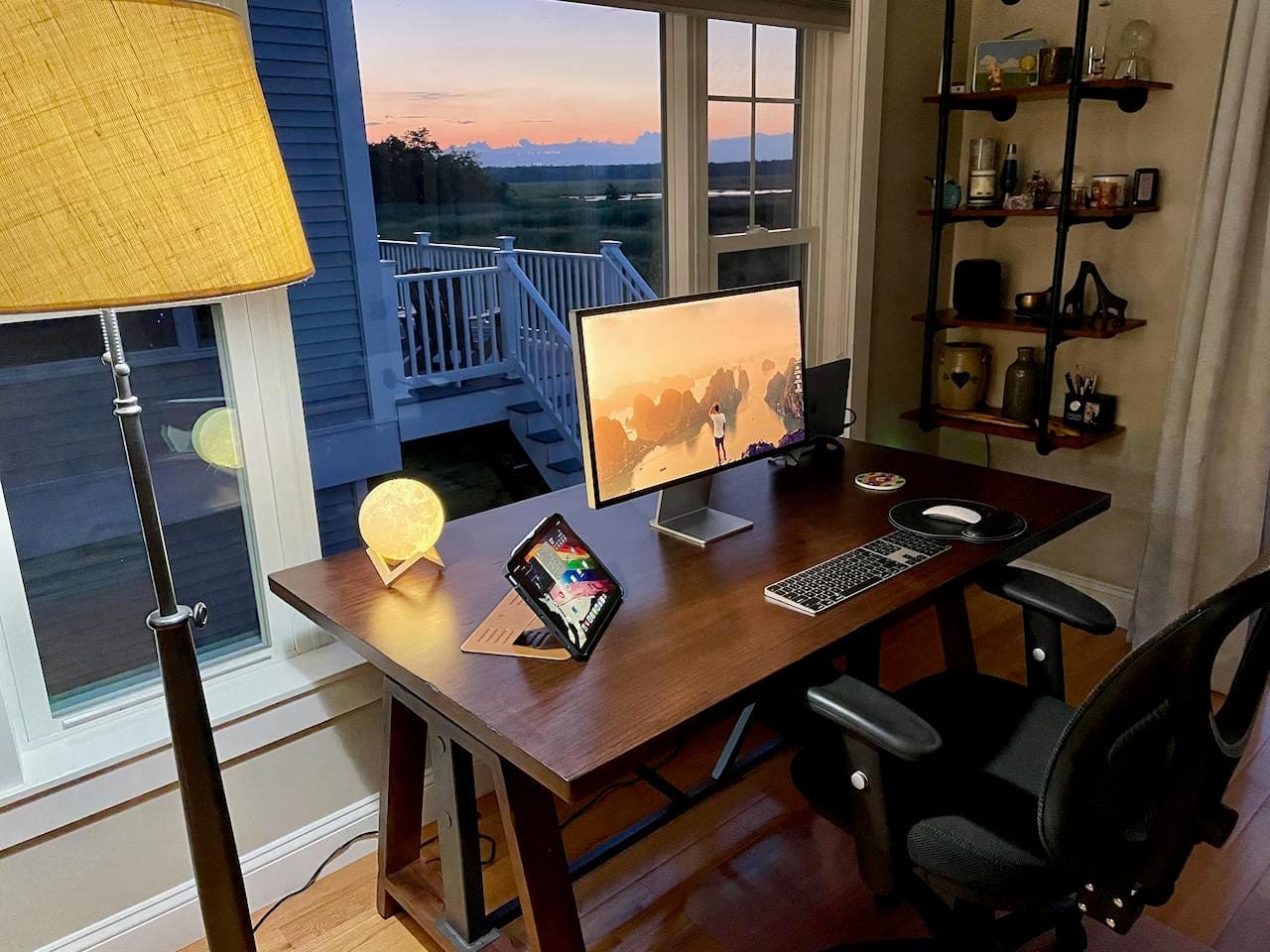
Some older iMacs are being shown the door, giving way to newer Macs paired with Studio Displays. That’s the case with today’s featured computer setup. In it, an iMac gave way recently to a plenty-powerful M1 MacBook Pro paired with a brilliant Studio Display.
And the attractively spare setup, well placed in a beautiful coastal setting, is nearly all Apple — down to the input devices and audio gear.
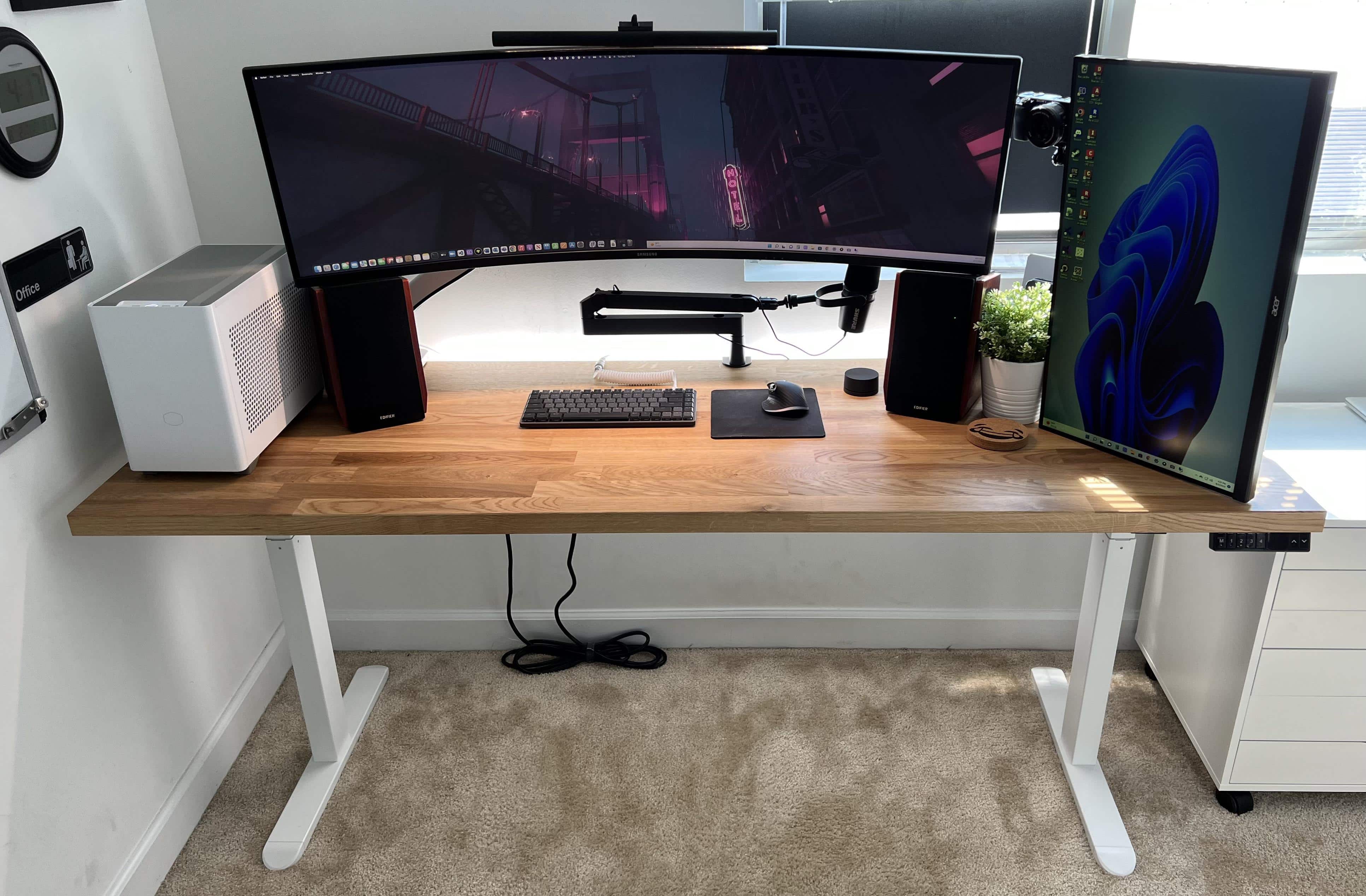
Some computer setups will make you green with envy, considering their gear’s quantity as well as quality. Take today’s featured setup, a delight for both gamers and podcasters.
It sports not just a new M1 MacBook, but also a powerful custom gaming PC. It boasts not just a solid 27-inch full HD display, but a monster 49-inch super-ultra-wide screen. And it relies on not just a good webcam, but a premium mirrorless digital camera.
And the list goes on, extending to audio and even a new mechanical keyboard. Read on.
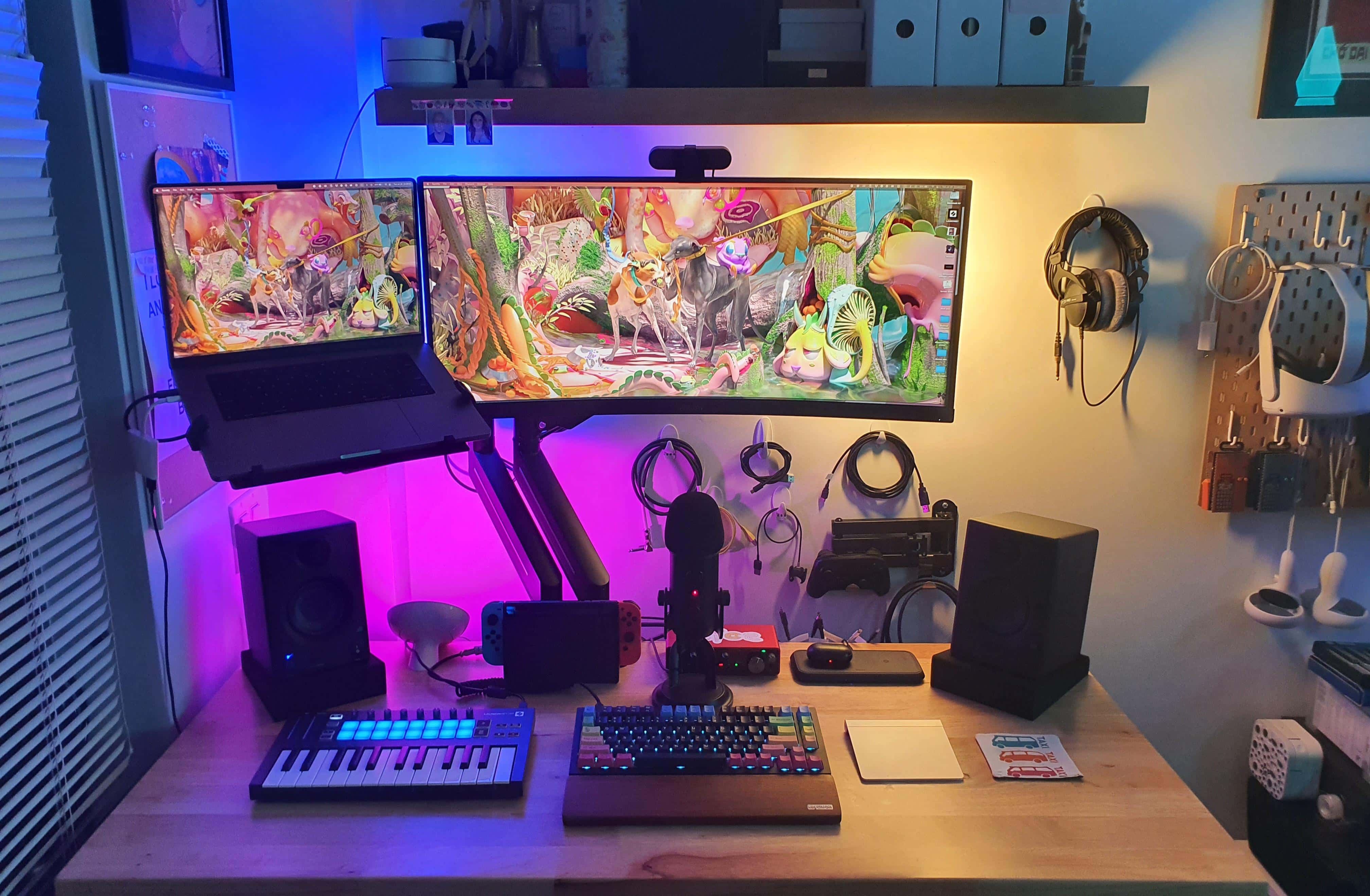
Not everyone has a huge desk with ample room for their computer setup and loads of associated gear. But with a few smart moves, anyone can make the most of a small desk in a cramped space.
Today’s featured setup is a good example. It takes advantage of a standing desk, displays mounted on arms and ample wall-mounted storage to maximize limited space.
And the audio gear and lighting don’t disappoint, either.
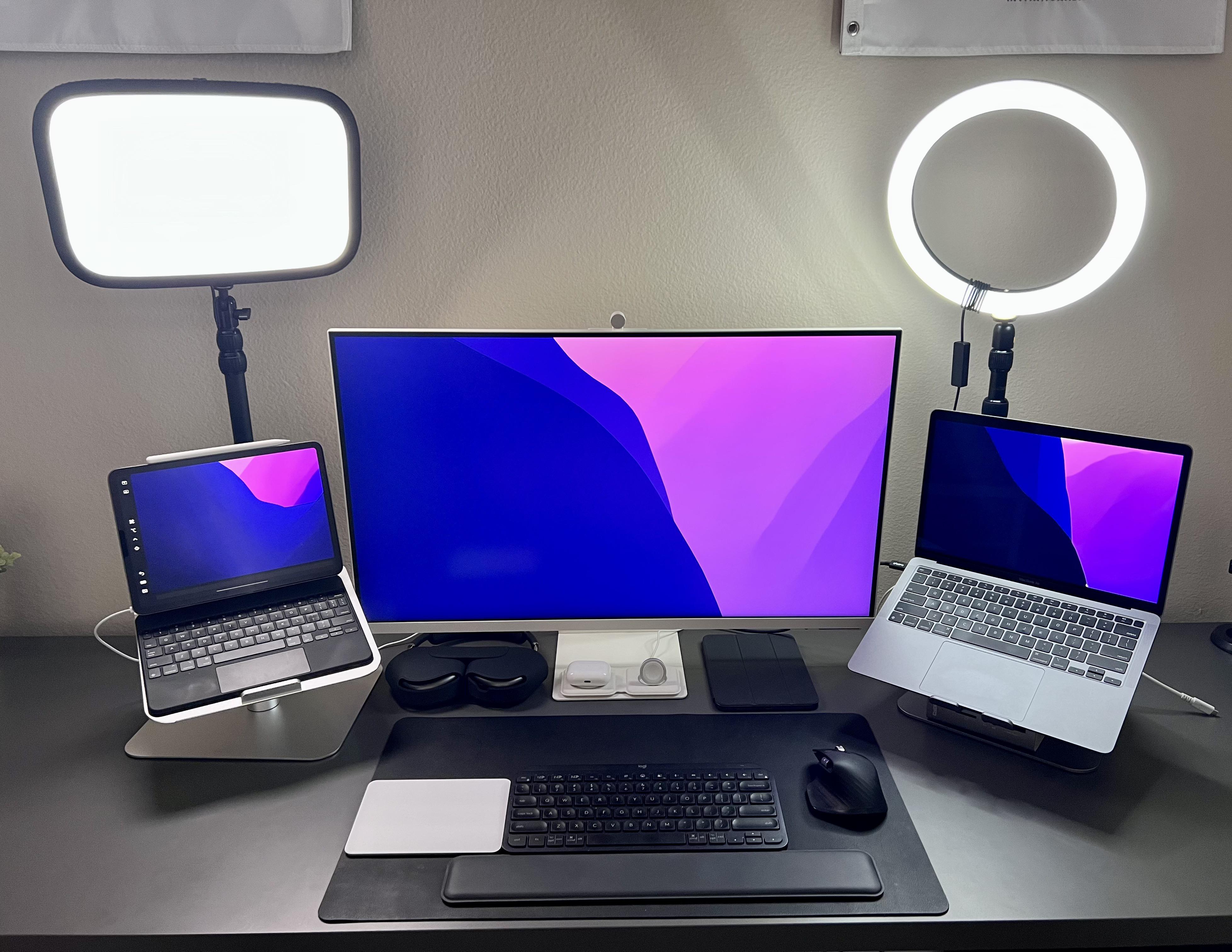
Today’s featured setup looks, at a glance, like it sports dual mounted laptops. But one’s an iPad Pro with a Magic Keyboard and one’s a MacBook Pro, floating on either side of a 32-inch external Samsung display. Universal Control lets the user work across the screens.
His only problem seems to be that silver Magic Trackpad sticking out like a sore thumb in darker surroundings. Naturally, social media came to the rescue with possible fixes.
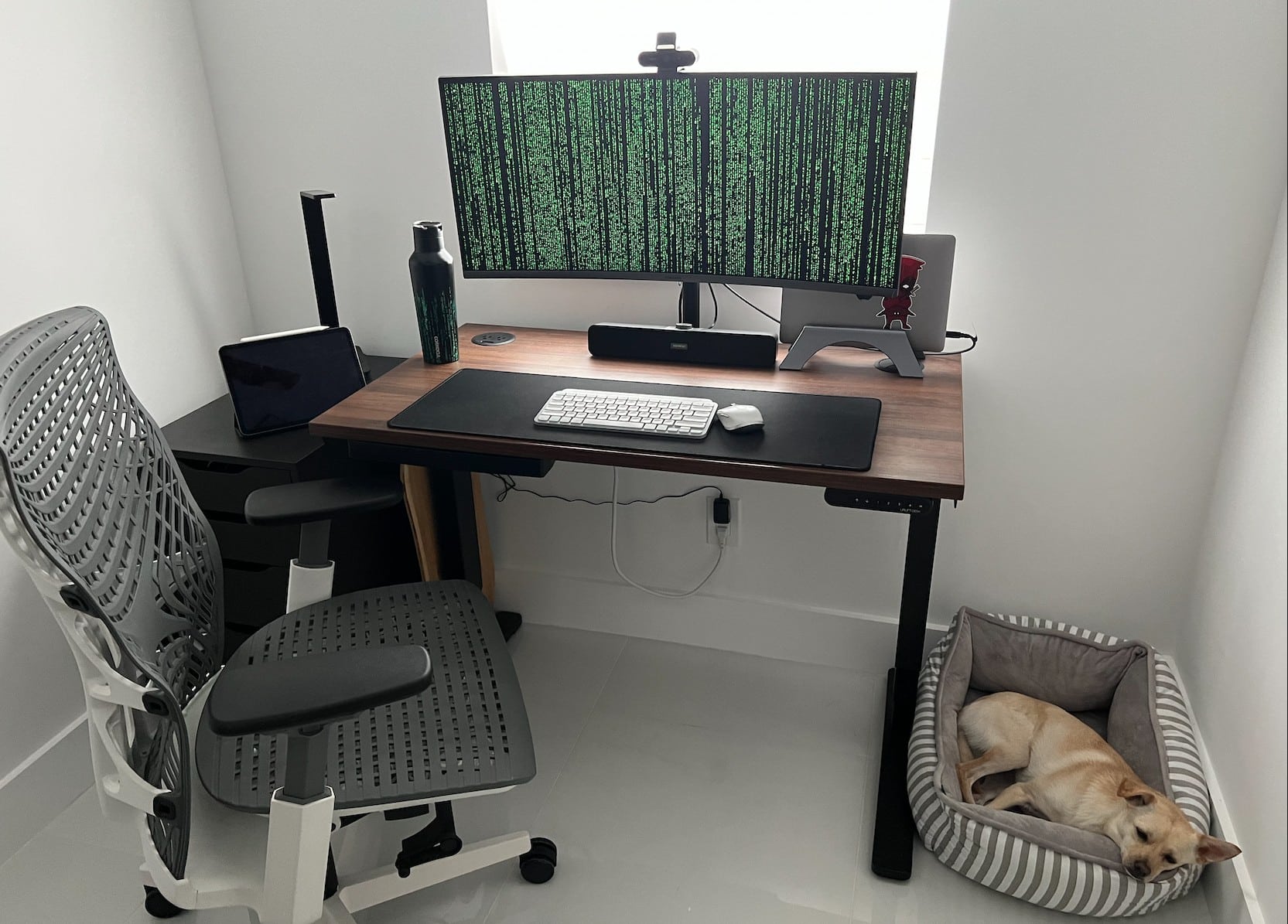
People love posting impressive photographs and descriptions of their computer setups online. And other people love either drooling over them or mercilessly criticizing them.
But no matter what technology appears — lets say a new-ish M1 MacBook Pro, a 4K wide-screen display, an excellent 4K webcam, rock-solid input devices and a reliable standing desk, as in today’s featured setup — it’s all forgotten if there’s a pet in the picture.
This week on Cult of Mac’s podcast: It looks like MacBook Pros with more-powerful M2 series chips will come sooner rather than later. Is Apple going to make this an annual thing? And if so, how will Erfon (and other Mac fans) cope? So many decisions …
Also on The CultCast:
Listen to this week’s episode of The CultCast in the Podcasts app or your favorite podcast app. (Be sure to subscribe and leave us a review if you like it!) Or watch the video livestream, embedded below.
Special thanks to this week’s sponsor, Squarespace. Get all the tools you need to set up your very own website and commence selling anything online. Start your free website trial today at squarespace.com/cultcast (no credit card required). Save 10% off your first purchase of a website or domain with code cultcast at checkout.
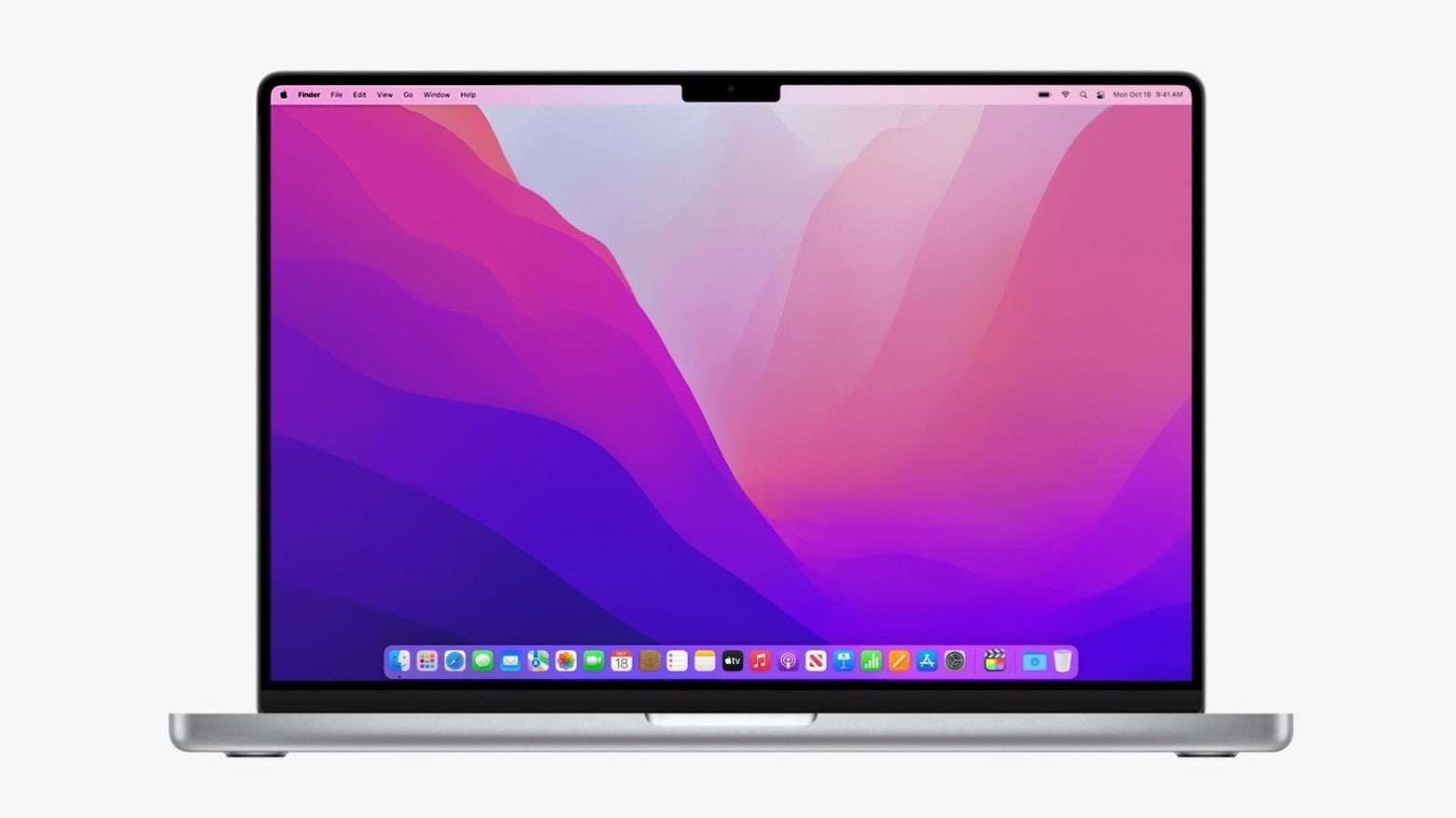
Apple’s 2021 14-inch and 16-inch MacBook Pro are down to their lowest prices on Amazon. You can get the models with a whopping $300 discount.
The entry-level 16-inch MacBook Pro is available for just $2,199, down 12% from its retail price of $2,499.
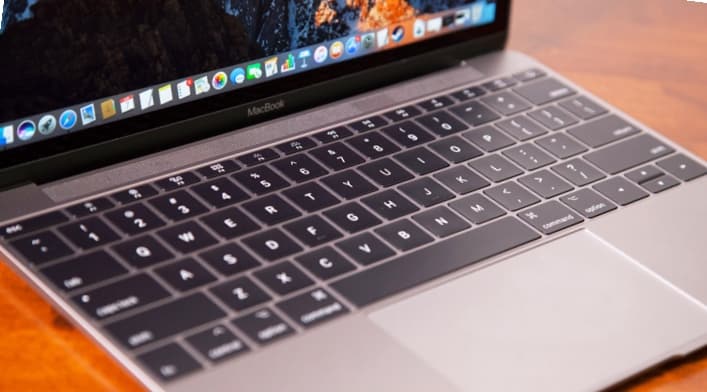
Apple agreed to a preliminary settlement Monday for a class-action lawsuit that claimed the company knew the MacBook’s “butterfly” keyboard was defective but kept selling it. Apple admits no wrongdoing but agreed to pay up to $50 million, most of which will go to customers who had to replace the faulty keyboards.
This is good news for people in seven U.S. states who experienced problems with their MacBook butterfly keyboard.
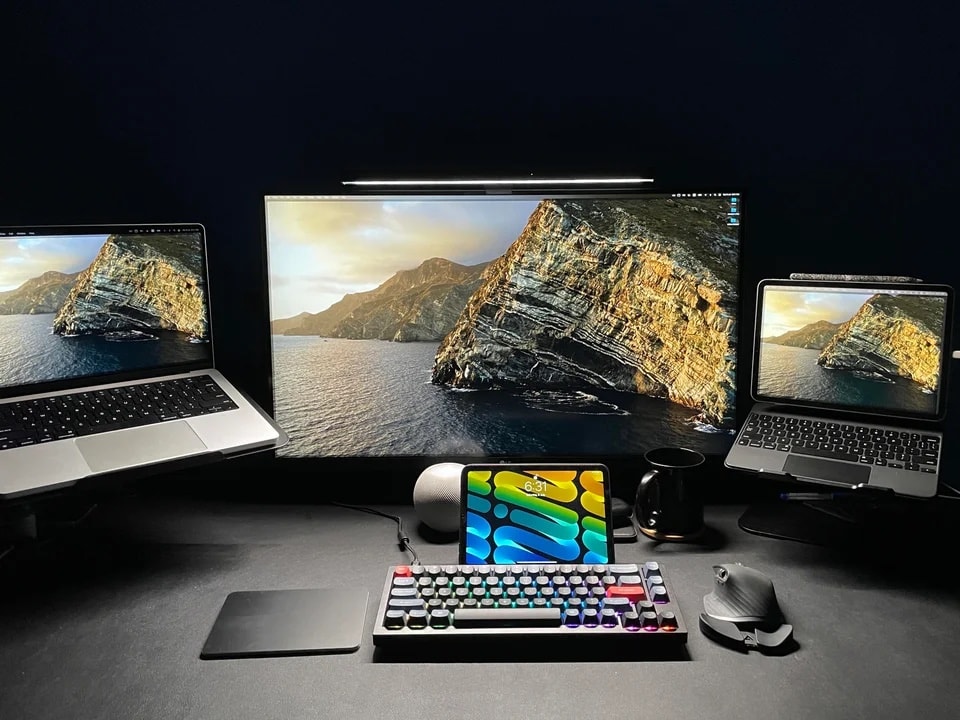
You might think you’d give your right arm for one of those stunning, 49-inch curved ultra-wide monitors to use with your Mac. But then again, you might end up begging for your appendage back, as well as your old display. Or at least something a little less colossal.
Minus the stray arm — as far as we know — that’s more-or-less what happened with today’s featured MacBook Pro-based setup.