Mobile menu toggle

MacBook Pro - page 24

Is a computer workstation ever really finished? [Setups]

By

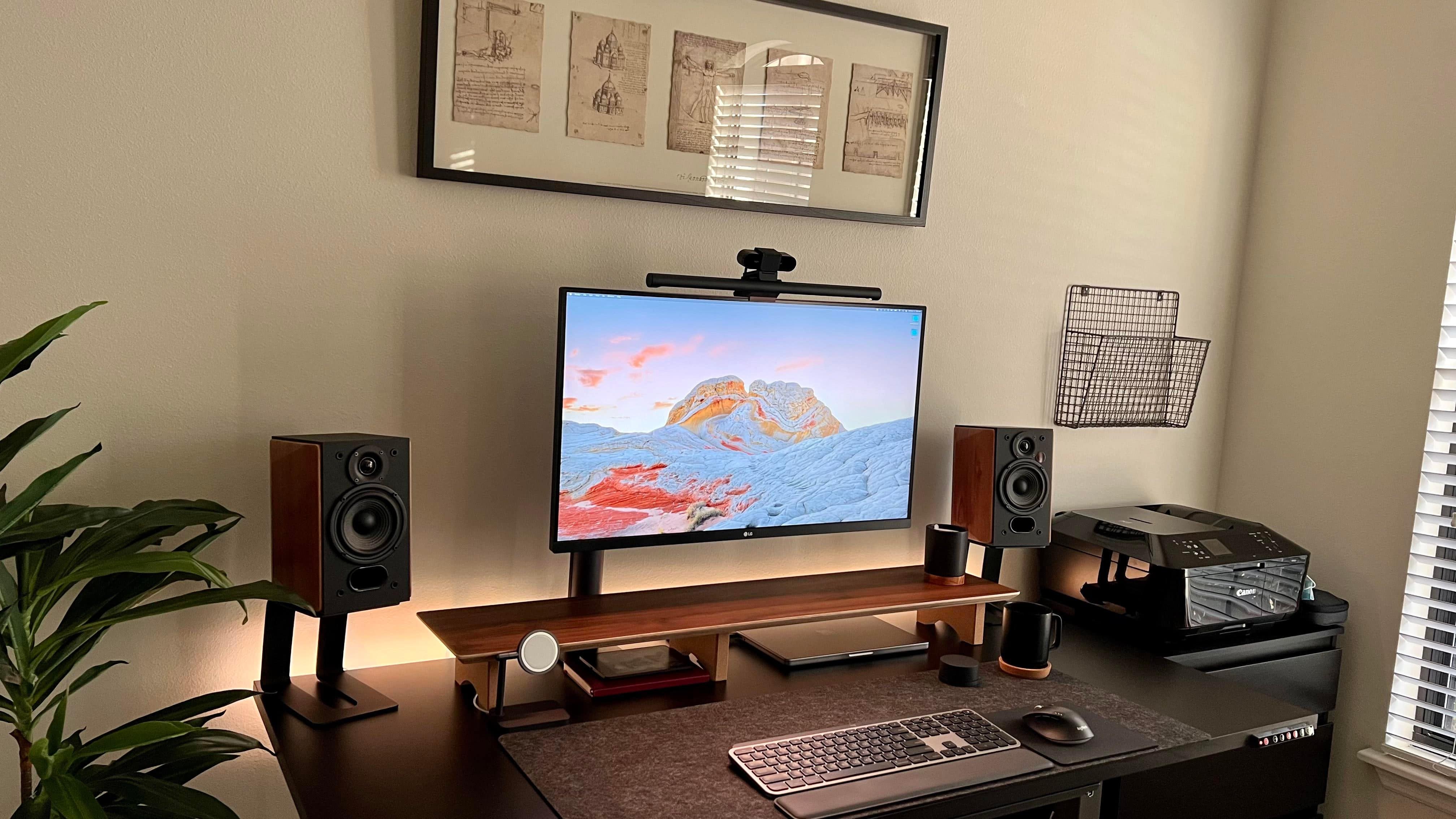
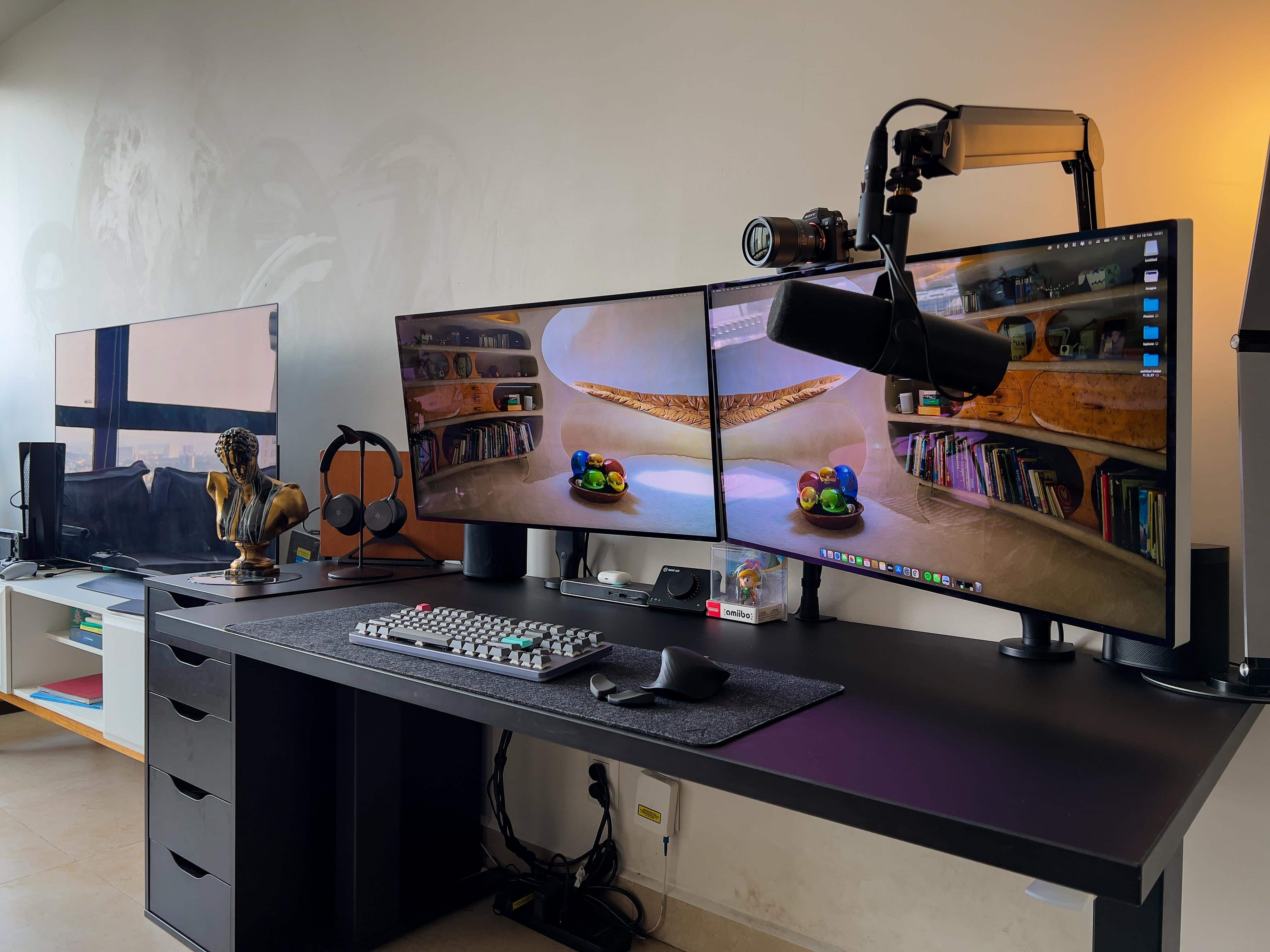
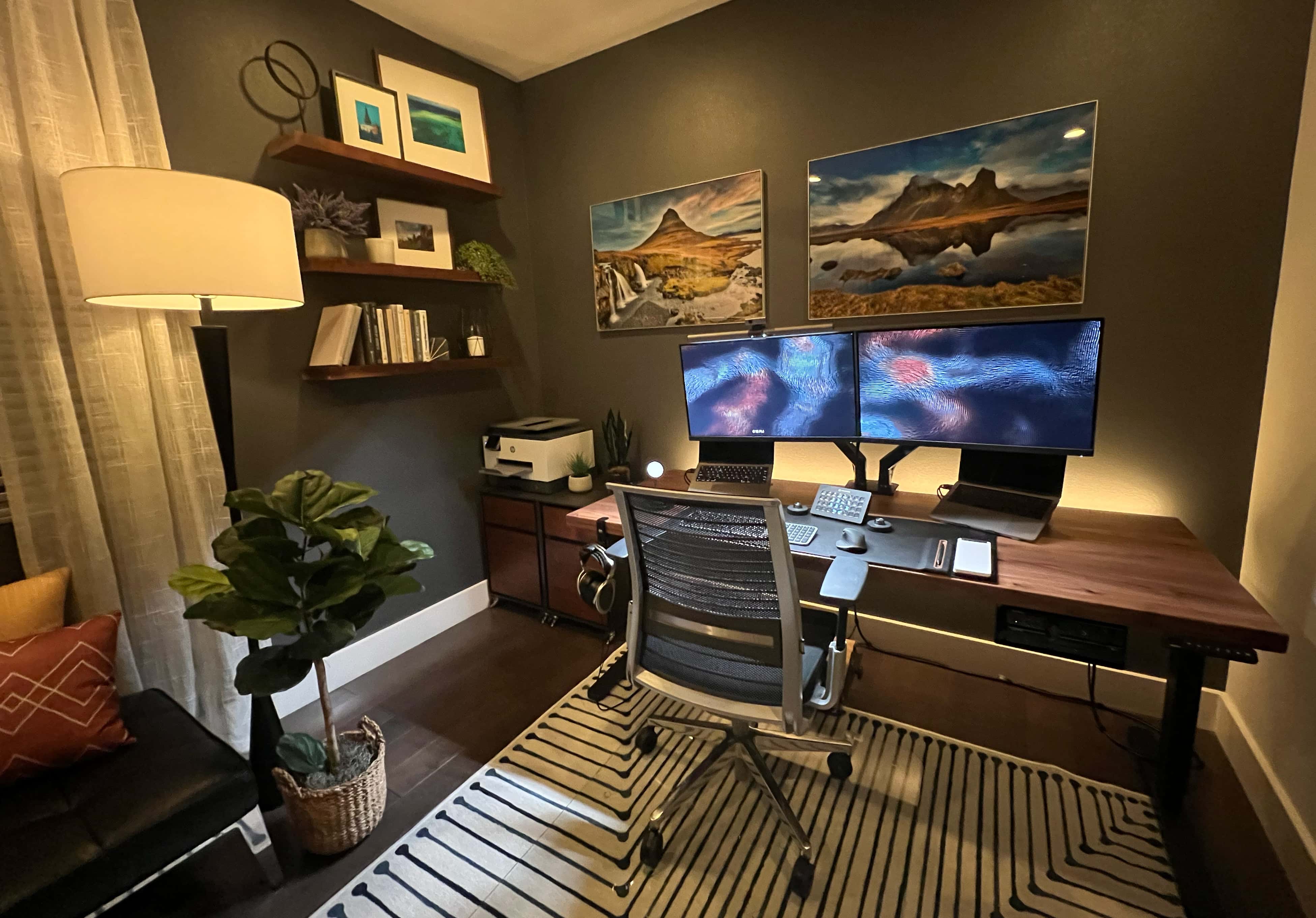
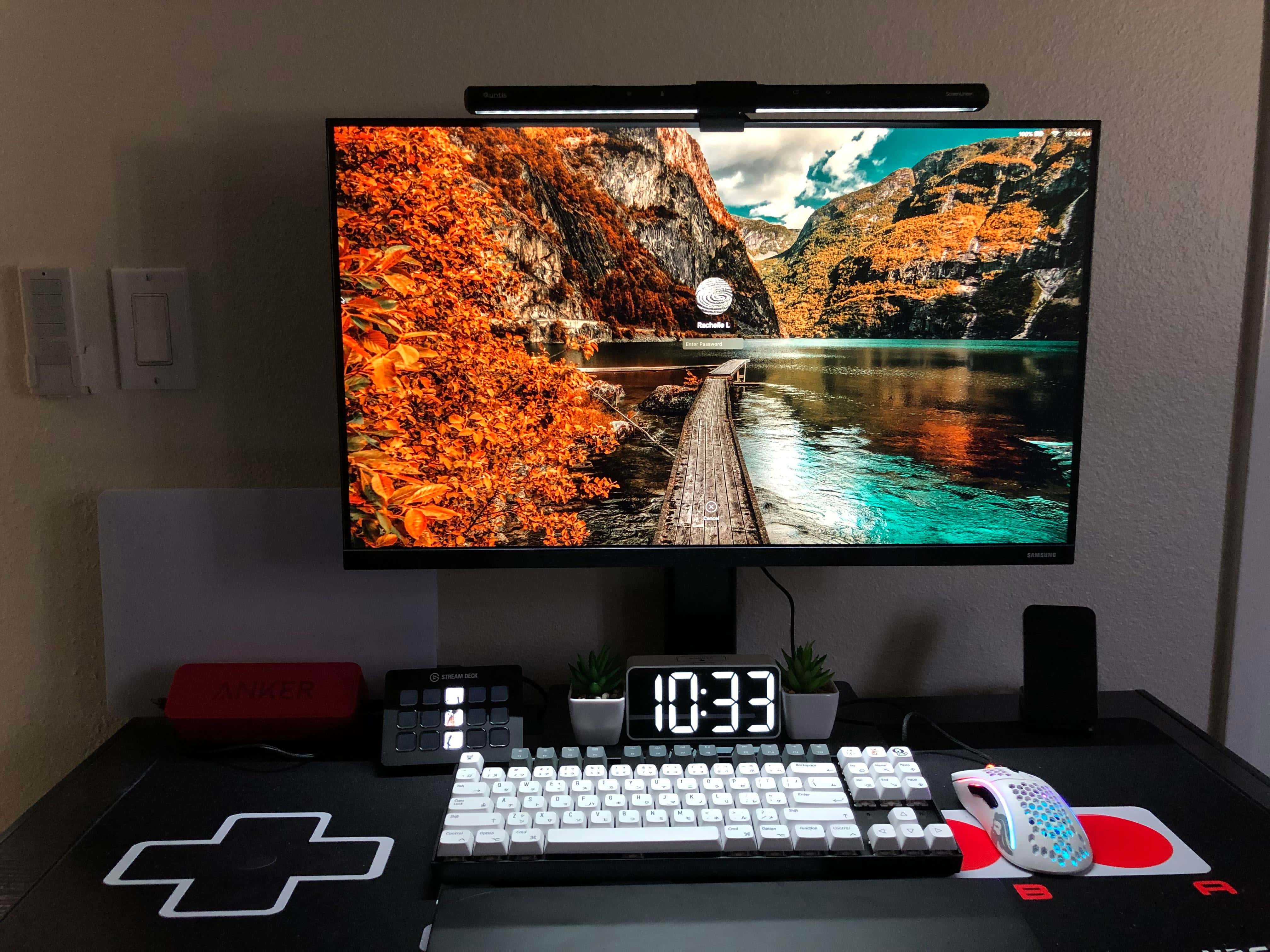
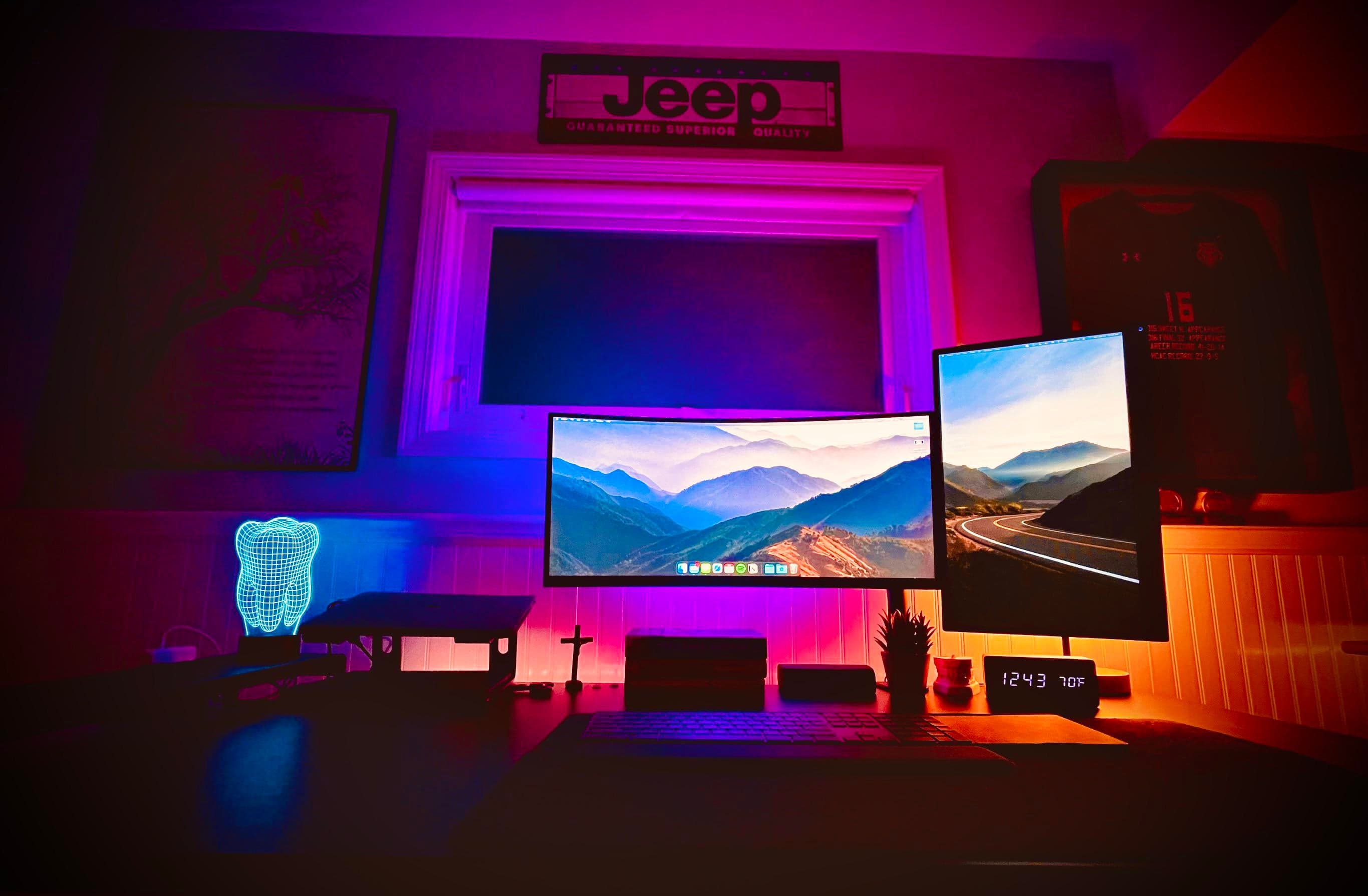
This striking computer setup features very cool wallpaper on the screens.
Photo: vihngu@Reddit.com

People love to put the finishing touches on their computer setups. Some love it so much they just keep doing it. Given the temptations of new gear always coming out and the never-ending allure of the glittering gadgets other people put in their fabulous setups, is the work ever really done?

Nope. For many people, setups are never really finished. People think they’re finished, like the owner of today’s featured MacBook Pro setup. But they usually aren’t.
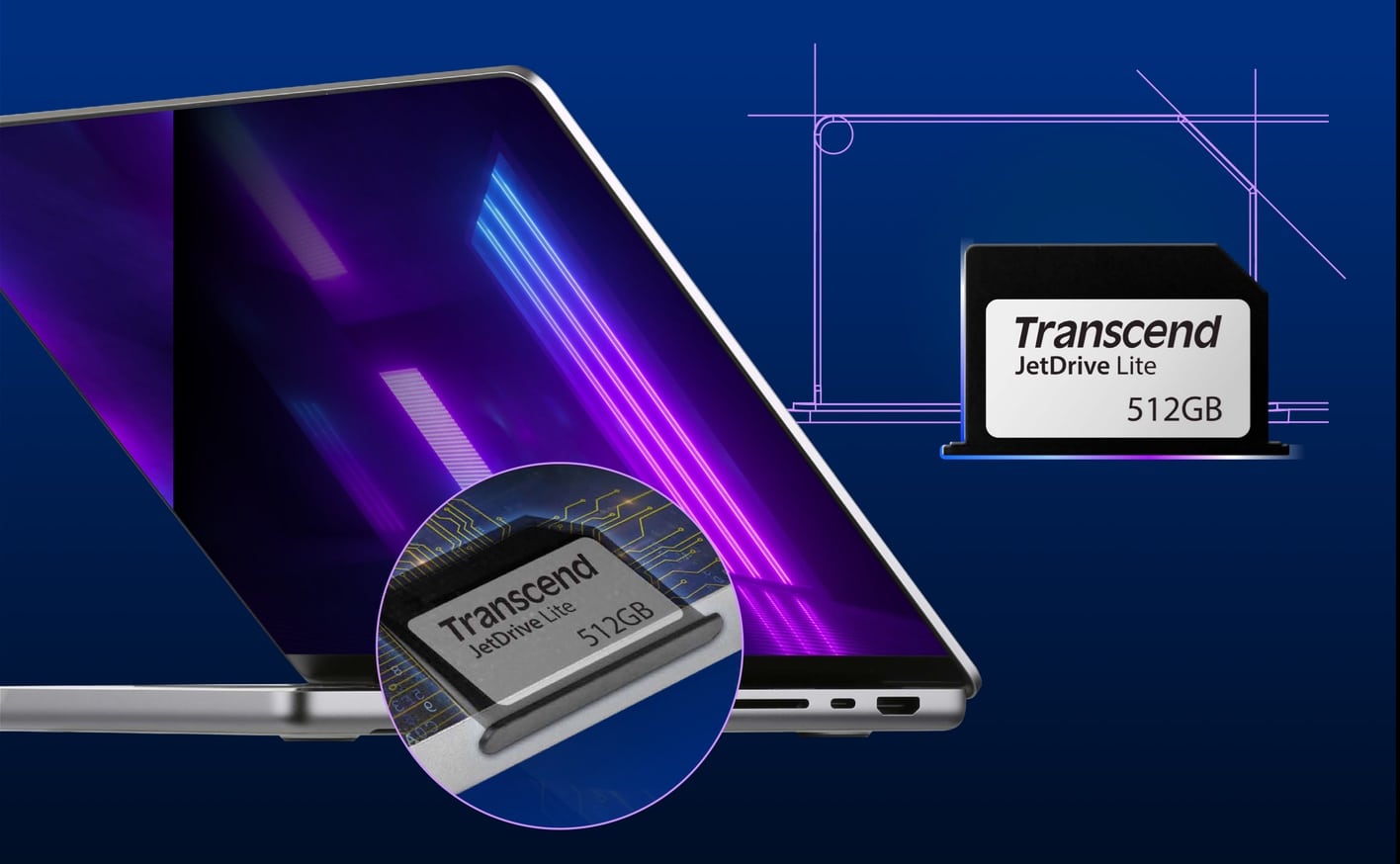
This half-size card makes SD slot in 2021 MacBook Pro useful

By

This half-size card makes SD slot in 2021 MacBook Pro useful
The JetDrive Lite 330 fits flush in the newest MacBook Pro.
Photo: Transcend

The 2021 MacBook Pro includes an SD slot, but cards don’t insert all the way into the notebook. But that’s not a problem with Transcend’s JetDrive Lite 330 — it is smaller than the standard SD card so it sits flush in the slot.

Once inserted, the card acts like any other drive. And data transfers are fast enough for Time Machine backups.

Experience ‘peek performance’ at Apple spring 2022 event set for March 8

By

It's official: Apple 2022 spring event, dubbed
It's official: Apple's spring event, dubbed "Peek Performance," will happen on March 8.
Image: Apple

An Apple VP used Twitter to reveal the date for the company’s much-anticipated product-release event. Apple soon after began issuing invitations. As had been rumored, the streamed event will take place Tuesday, March 8.

While Greg “Joz” Joswiak, global head of marketing, announced the date, he didn’t post an itinerary. Still, leaks and rumors point to an improved 5G iPhone SE and iPad Air. And a new Mac is possible, too.

A place for everything and everything in its place [Setups]

By

Behold a computer setup where everything appears in its proper place. And even the printer works reliably.
Photo: ThrewtheThrow@Reddit.com

Not all “before and after” posts showcasing computer setups on social media are created equal. Sometimes the description and commentary leave out too much information. Sometimes the photographs are inconclusive. And sometimes the improvements just don’t have much “wow” factor.

Today’s featured setup splits the difference. The “before” photo, below, doesn’t offer much to go on. But the “after” photo, above, shows a well-planned setup with a place for everything and everything in its place. And the gear list, below, supports that.

It might not get a “wow” out of you, but it could be instructional.

Can a 16-inch M1 MacBook Pro setup be ‘budget-friendly?’ [Setups]

By

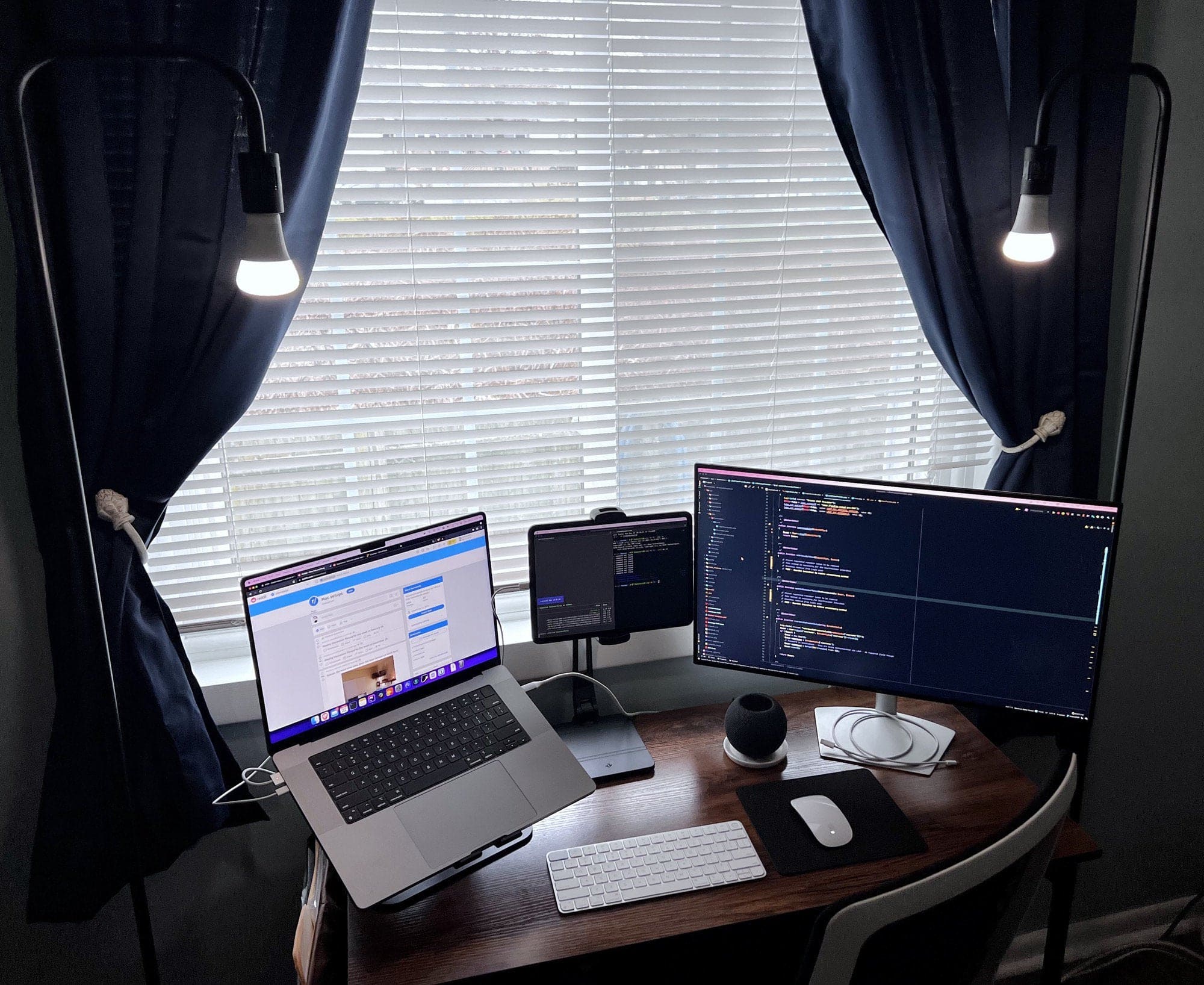
Everything here is budget-friendly, or not too far from it. But not the laptop.
Photo: seanaslam@Reddit.com

Is it reasonable to call a computer setup “budget-friendly” if it includes a new 16-inch M1 MacBook Pro? Well, is there such a thing as an Lamborghini economy car? How about a thrift-store Faberge egg? Or maybe a bargain-basement super yacht?

OK, we exaggerate slightly. You don’t have to be a billionaire to afford a nice Mac. But it helps.

Today’s featured setup makes a go of getting some “budget-friendly” cred despite its high-powered centerpiece — with mixed results.

College gives every student free MacBook Pro, iPad mini and Apple Pencil

By

If you're in college, maybe it's time to transfer?
Photo: Bowdoin College

In 2020, Bowdoin College in Maine launched a $1.7 million program to give students iPads and accessories. It was a response to the COVID-19 pandemic. On Tuesday, the school said it would expand what it calls its Digital Excellence Commitment. Now it will provide every student with a MacBook Pro, an iPad and an Apple Pencil.

Drool-worthy gear: Former PC gamer goes all-in on Mac conversion [Setups]

By

You don't see two Pro Display XDRs in one setup very often.
Photo: UncreativeWhale@Reddit.com

When a software engineering manager who works from home decided to leave PC gaming behind, he went all-in on his Mac conversion. In part he did it for work. He slings a lot of native code for macOS in building HR recruitment software. But, working and playing from home full time, in part he did it for himself.

So why wouldn’t he buy a super-tricked out 16-inch M1 Max MacBook Pro, not one but two Apple Pro Display XDRs and pretty much top-shelf everything else?

Displays: To stack or not to stack? [Setups]

By

Would you put a 28-inch 4K monitor on top of this 35-inch display, or next to it?
Photo: shogoc@Reddit.com

When you see a computer setup with two monitors stacked on top of each other, what do you think? Maybe something like … doesn’t the person have to crane their neck to look at the top one? Isn’t it uncomfortable? Where does the webcam go? What’s wrong with side-by-side, maybe with one in portrait (vertical) mode instead of landscape?

The person behind today’s featured setup is confronting those very questions on the way to deciding a common multi-display conundrum: to stack or not to stack? That is the question.

Chrome OS Flex turns 2009 MacBook into a useful computer again

By

Chrome OS Flex turns 2009 MacBook into a useful computer again
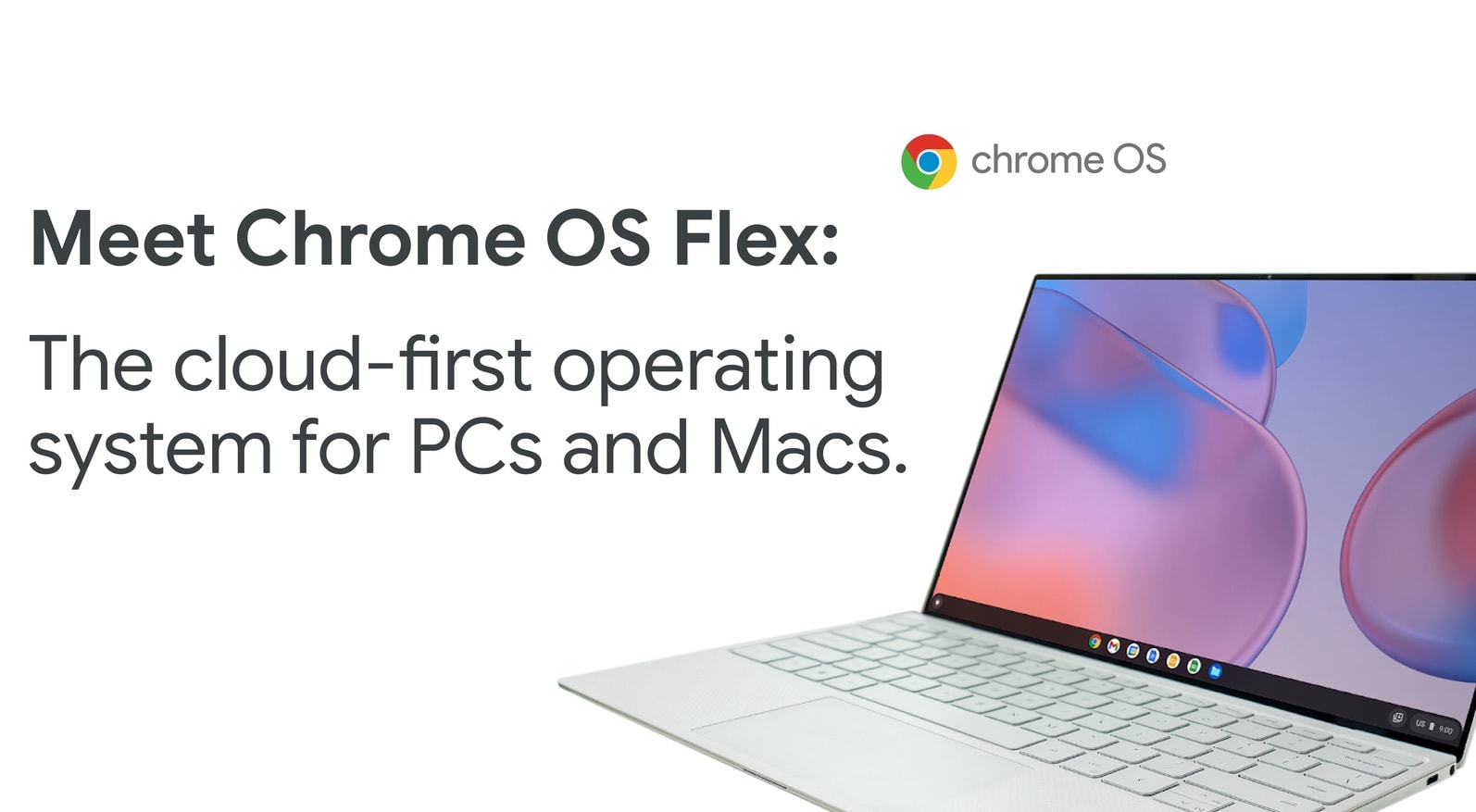
Transform your old Mac into a Chromebook with Chrome OS Flex
Photo: Google

If you have an elderly Mac that’s not up to the demands of the latest macOS version, you can turn it into a Chromebook. All you need is Chrome OS Flex, an operating system Google created for older Macs and PCs.

The OS is still in beta, and targeted at businesses and schools. Nevertheless, it might become a way to bring some new life to your obsolete Mac.

Apple’s first M2 machine could be a 13-inch MacBook Pro with Touch Bar

By

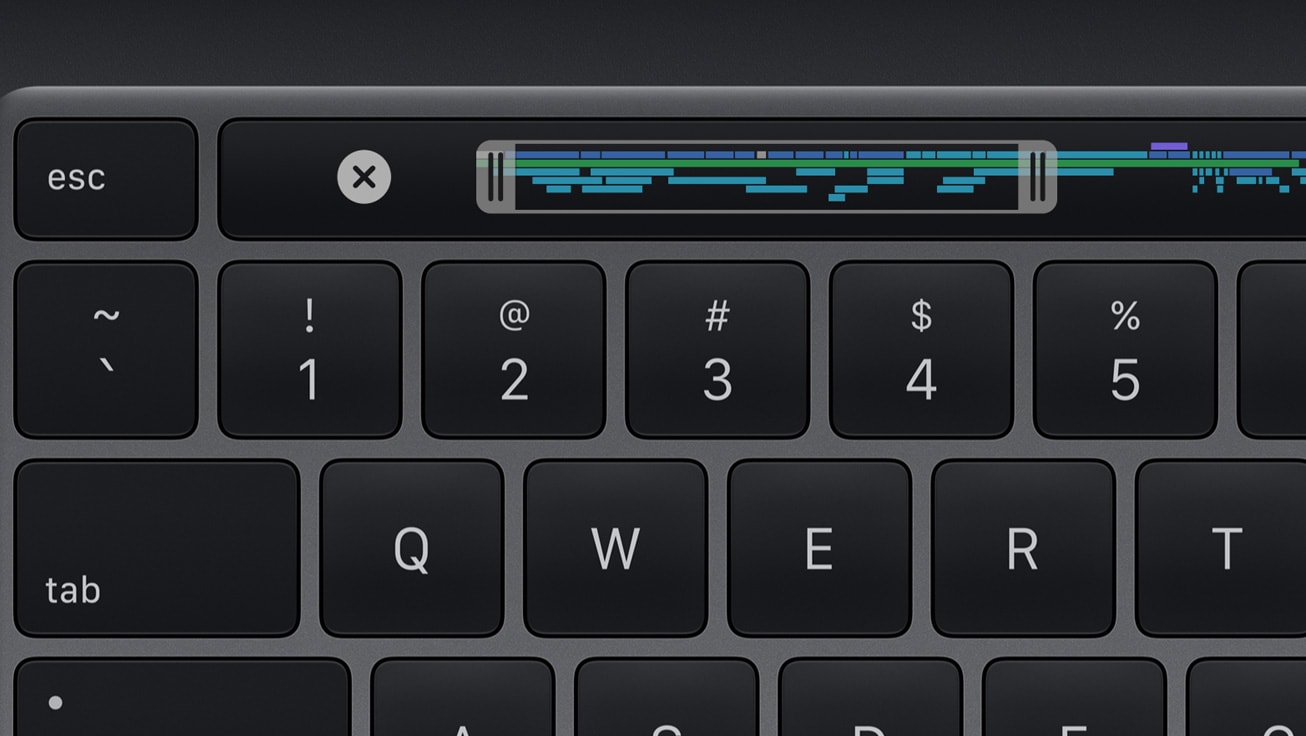
MacBook Pro with Touch Bar
The Touch Bar lives on! Apparently.
Photo: Apple

Apple is expected to introduce its first MacBook Pro with a next-generation M2 chipset in March, but it may not be the upgrade many fans are hoping for.

A new report, citing a “reliable source with close links to Apple’s supply chain,” claims the device will be identical to the 13-inch MacBook Pro — complete with Touch Bar. It is not expected to get a display upgrade.

Running classic Cinema Displays with newer Macs [Setups]

By

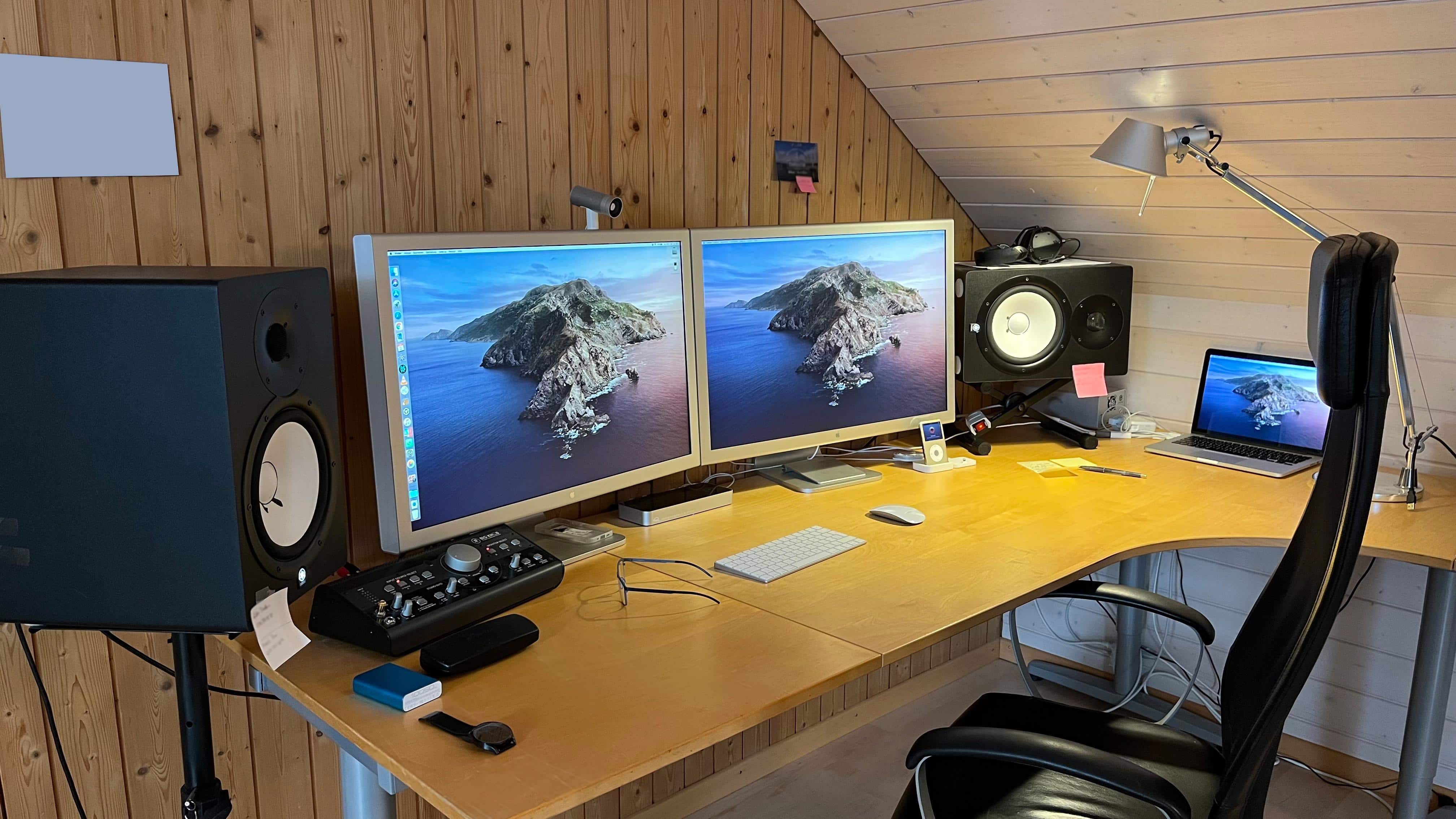
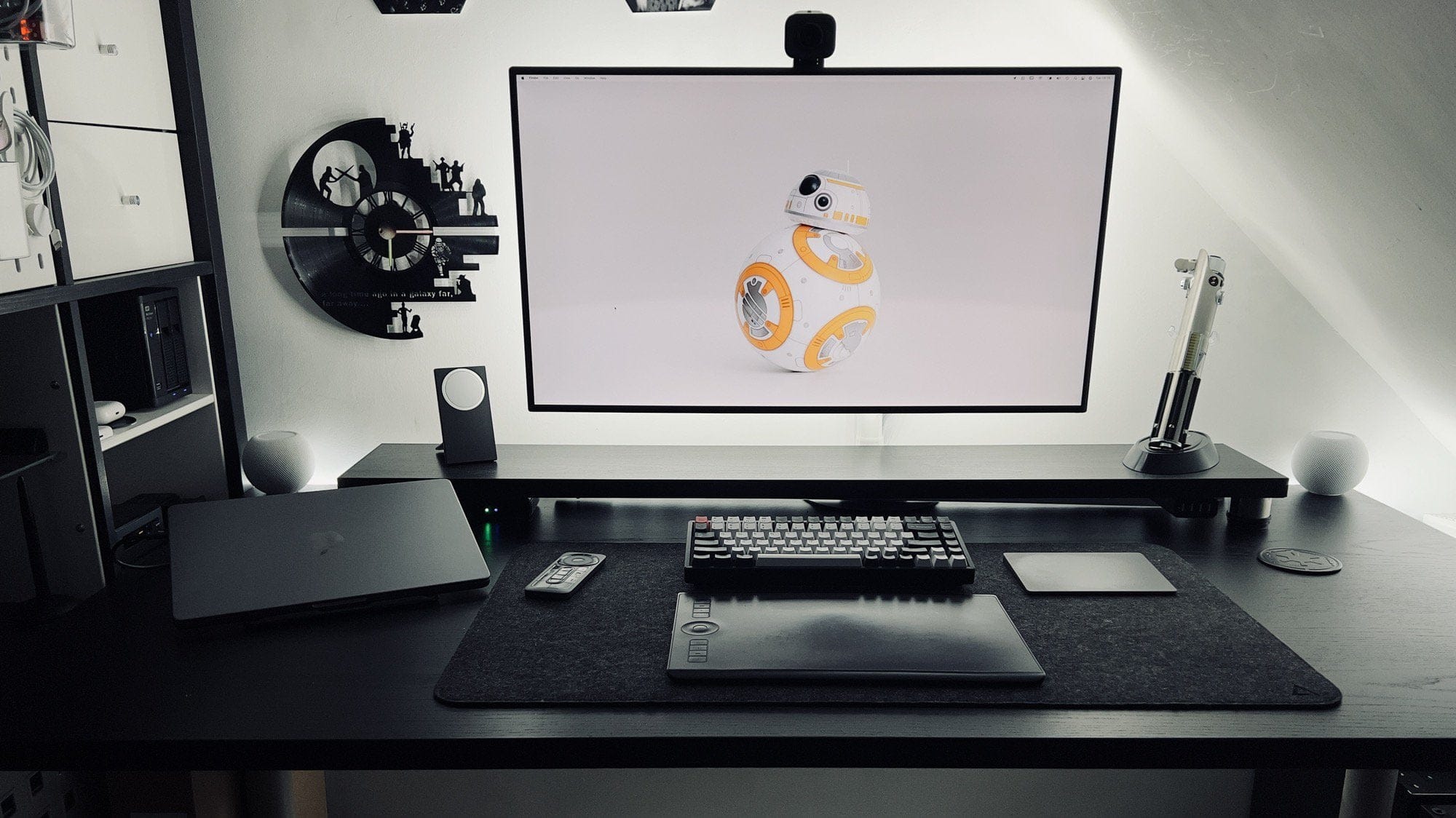
Which makes you swoon more, the 30-inch Cinema Displays or the Yamaha powered speakers?
Which makes you swoon more, the 30-inch Cinema Displays or the mounted Yamaha powered speakers with the Mackie Big Knob controller?
Photo: gagigu1@Reddit.com

There’s something special about old Apple gear. Maybe that’s why it comes up fairly frequently in Cult of Mac‘s Setups coverage. One of the most-beloved classics in Apple’s storied history of beloved products is the Cinema Display. Today’s featured setup sports not one but two 30-inch Cinema Displays, the big stunners Steve Jobs introduced to an absolutely dazzled Worldwide Developers Conference audience in 2004.

So, naturally, questions came up about how to best use them with a newer Mac.

Apple registers 3 new Mac models ahead of rumored spring event

By

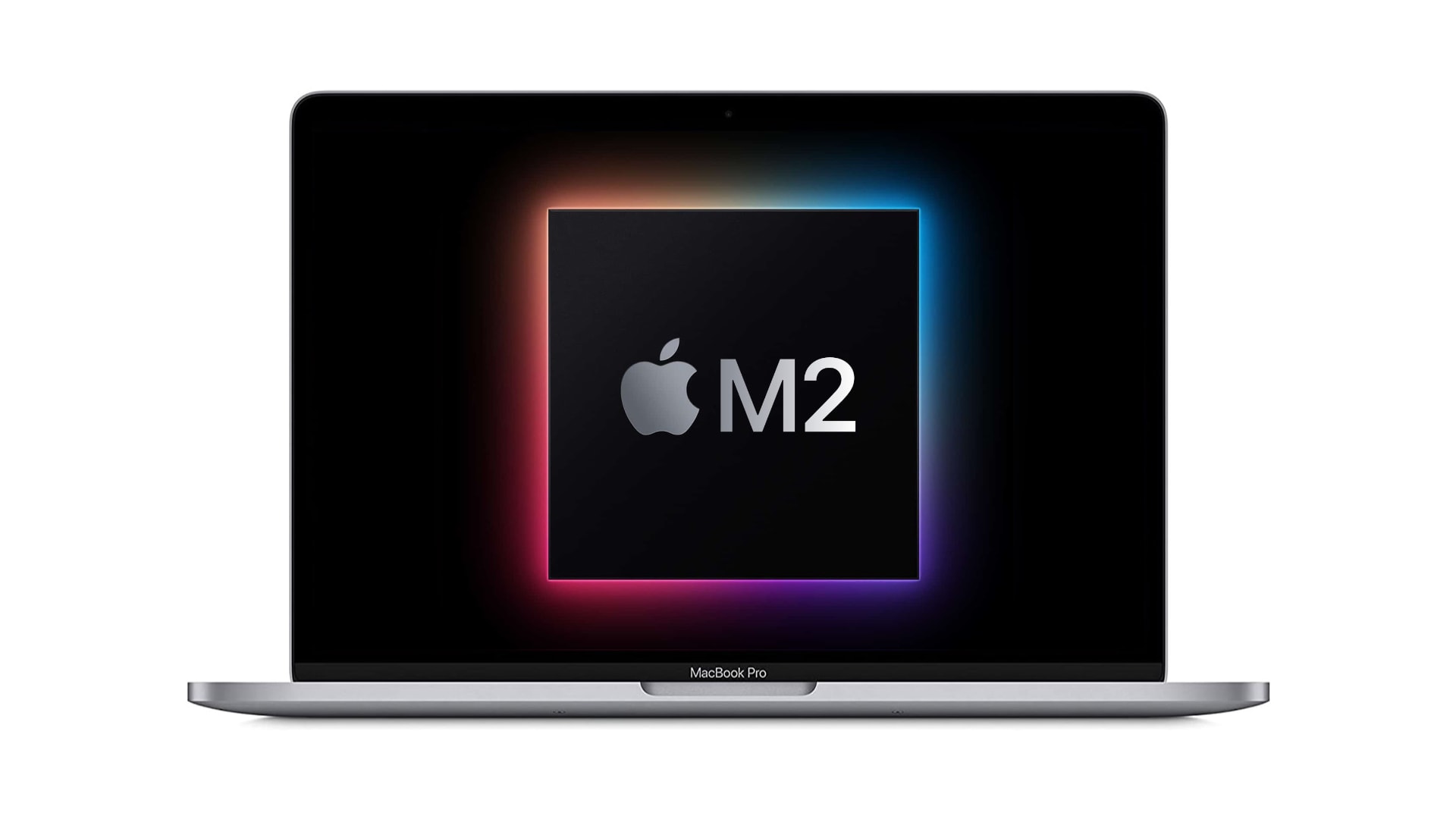
M2 MacBook Pro
Is a new M2 chip right around the corner?
Image: Apple/Cult of Mac

Regulatory filings for three new Mac models have been spotted ahead of Apple’s rumored spring event next month. Recent reports suggest Cupertino could be planning a new MacBook Pro with a next-generation “M2” chipset. Rumors also indicate Apple continues to work on a bigger iMac, a new MacBook Air and a new Mac mini.

The filings come after Apple last month registered a new iPhone and a new iPad — believed to be an upgraded iPhone SE with 5G support and a refreshed iPad Air likely to pack the newest A15 Bionic processor.

Learn to automate your home office like an IT pro [Setups]

By

After seven years working at home, Derek Seaman built this computer setup.
Photo: Derek Seaman

Blogger Derek Seaman may be an IT systems architect in his day job, but he also designs and builds advanced computer setups. That is, if his home office is any indication. Which it is.

He shared his MacBook Pro-driven workstation — actually, the whole room — with Cult of Mac recently.

Can you get work done while using an under-desk treadmill? [Setups]

By

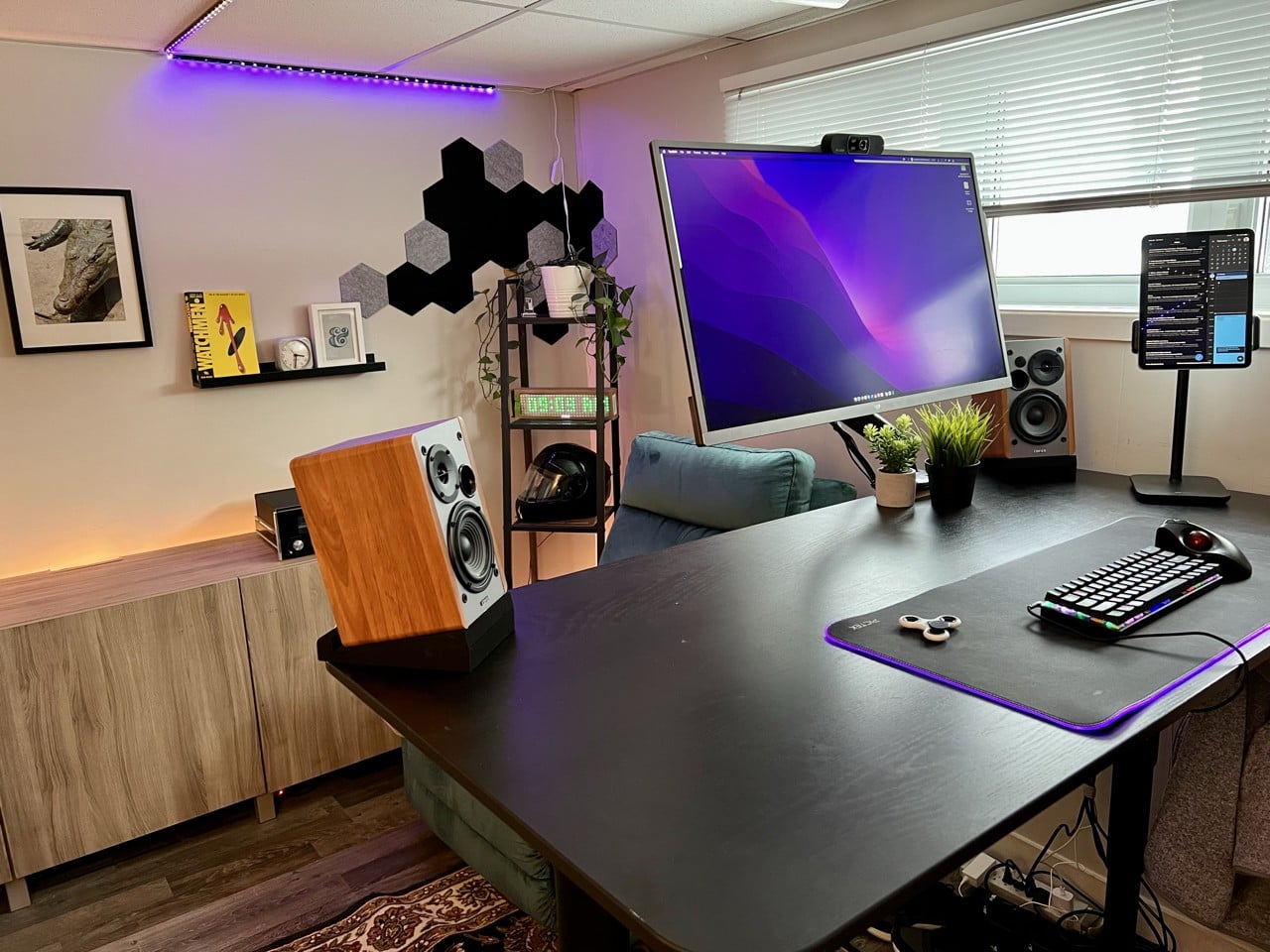
Two items that set this setup apart are the iPad stand and the elevated Edifier speakers.
Photo: ashgotti@Reddit.com

When you spend loads of time at a desk, it’s natural to wonder how you might remain chained to it but still somehow get exercise. That’s why under-desk treadmills exist, of course. But can you really get things done while walking in place?

Today’s featured M1 MacBook Pro setup answers the question and offers up a couple of other tantalizing tidbits, like a killer iPad stand and affordable bookshelf speakers with isolation pads.

New CalDigit Thunderbolt 4 dock boasts record 18 ports

By

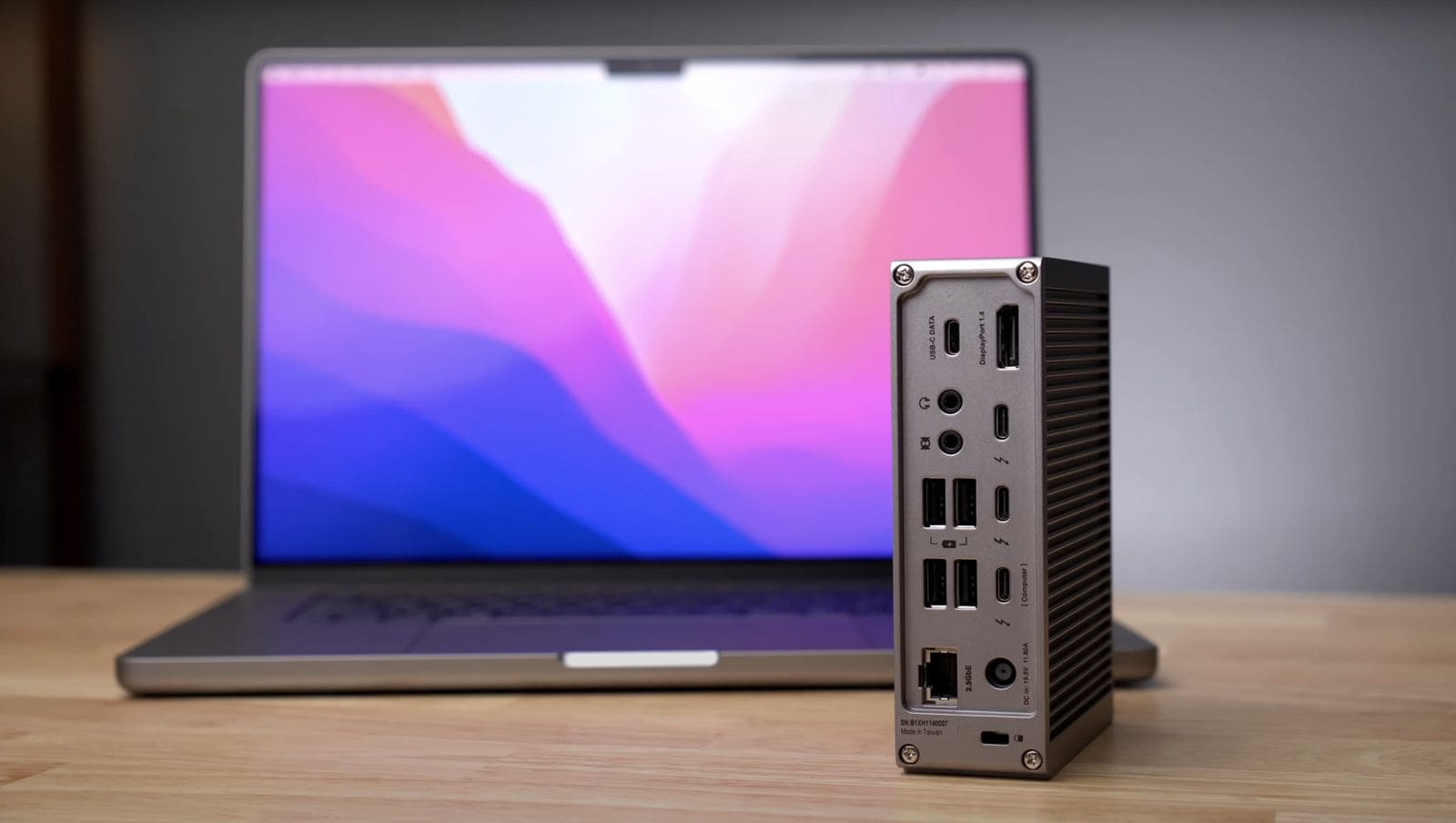
This thing bristles with 18 ports, the most ever on a Thunderbolt 4 dock, CalDigit said.
Photo: CalDigit

CalDigit said Tuesday its newly released Thunderbolt Station 4 dock for MacBook Pro sports 18 ports — the most ever on a Thunderbolt 4 dock. The company said it’s also the only TB4 dock with 2.5 Gigabit Ethernet as well as 98W of charging power.

New MacBook Pro with next-gen M2 chip could land next month

By

MacBook Pro notch won’t hinder mouse cursor movement
Could we get an M2 Mac earlier than expected?
Photo: Apple

Apple’s next MacBook Pro upgrade could be right around the corner. Supply chain sources claim a new model with a next-generation M2 chip will be unveiled during Cupertino’s spring event next month.

Aside from the silicon upgrade, the new MacBook Pro is expected to employ the same internals as existing models. Apple suppliers reportedly kept production going during the Lunar New Year to prepare for the machine’s arrival.

Got pets? Try protecting your peripherals this way. [Setups]

By

This is the desktop in unprotected mode. Down, Fluffy!
Photo: rjk2027@Reddit.com

Anyone with a curious cat knows the desktop can be one of their favorite spots. Sometimes it’s like they’re trying to ensure you can’t work, as they sit or stretch out right on top of the keyboard or in front of the screen. And that’s just when you’re sitting there. Who knows what they do when you’re away. Other than dreaming up other ways to hasten your unemployment.

Lucky for you, today’s featured computer setup shows a simple method for protecting peripherals like input devices — keyboard, mouse, perhaps a trackpad — from pushy pets. And if you’ve got canines, take heart. It also works for dog slobber.

Want to make your monitor float in space? Try this. [Setups]

By

That display is not wall mounted. And it's not levitating, either. It just looks like it is.
Photo: jck1634@Reddit.com

Who doesn’t love good optical illusions? And they’re especially cool when they result from an unexpected action that works as well as the expected action. Today’s featured computer setup surprised us with a floating display.

Thing is, though, the screen is not mounted on the wall. And it’s not levitating, either.

Sonnet’s new adapters run two 4K displays from one port on your M1 Mac

By

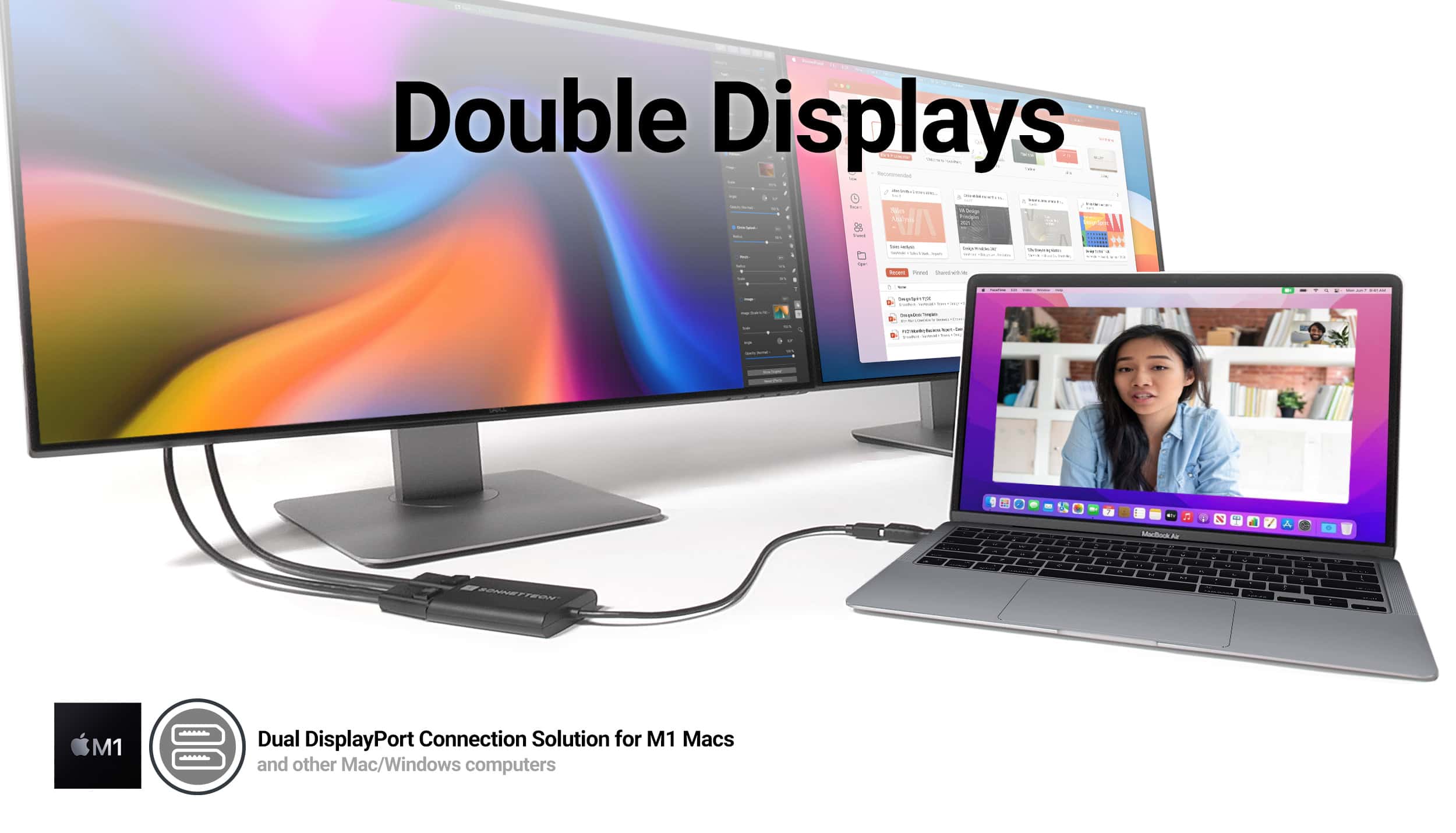
Connect two 4K displays to one port on your Mac with Sonnet's new adapters.
Photo: Sonnet Technologies

If you want to run more than one display with your M1 MacBook Air or M1 MacBook Pro, Sonnet Technologies just made things easier. The company rolled out new dual-display adapters that let you hook up two 4K displays to your laptop using just one of its precious few ports.

Dazzled: A tale of two lighting schemes [Setups]

By

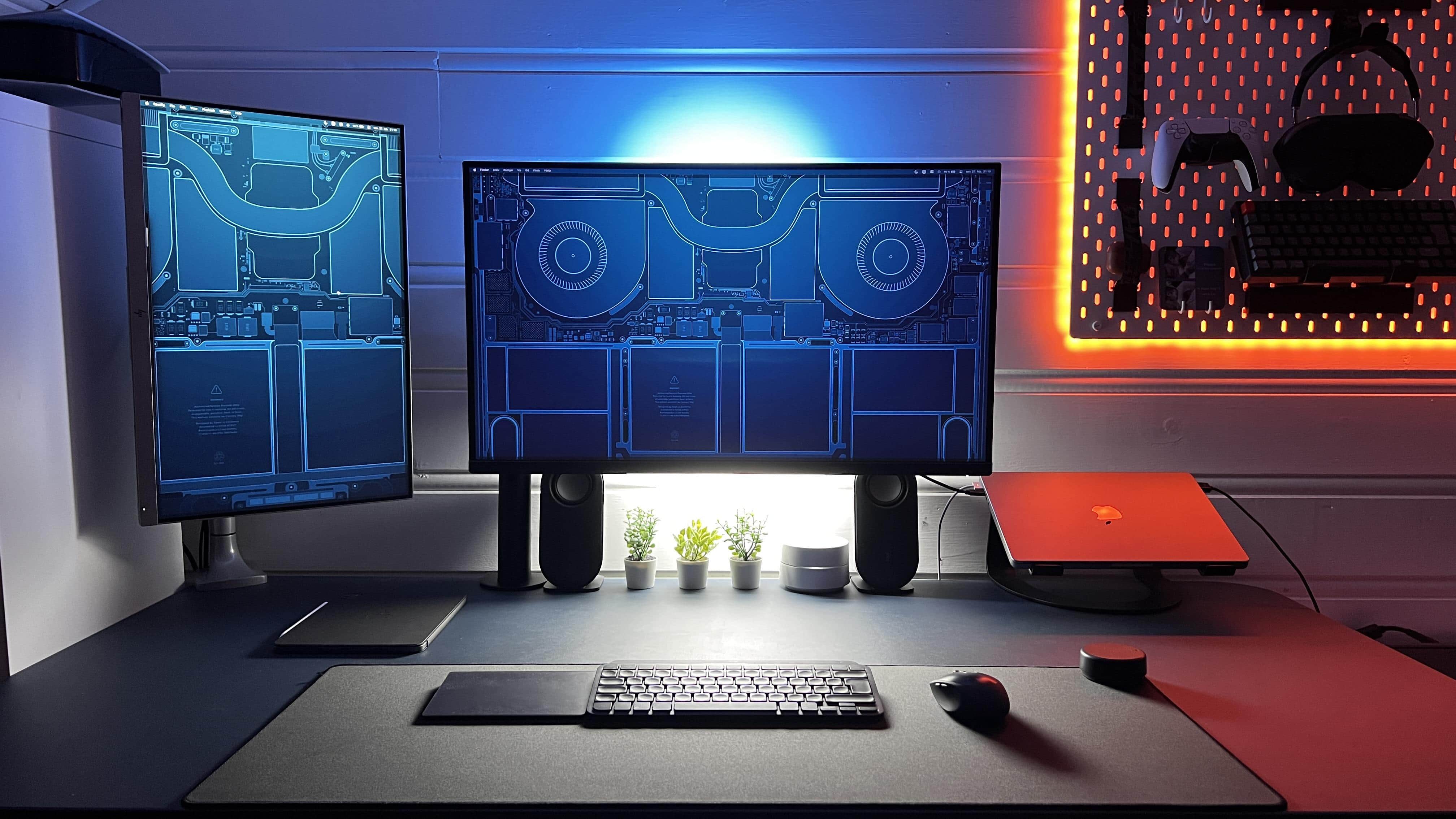
Thanks to Edison bulbs and Govee light strips for all these colors.
Photo: CantEv3n@Reddit.com

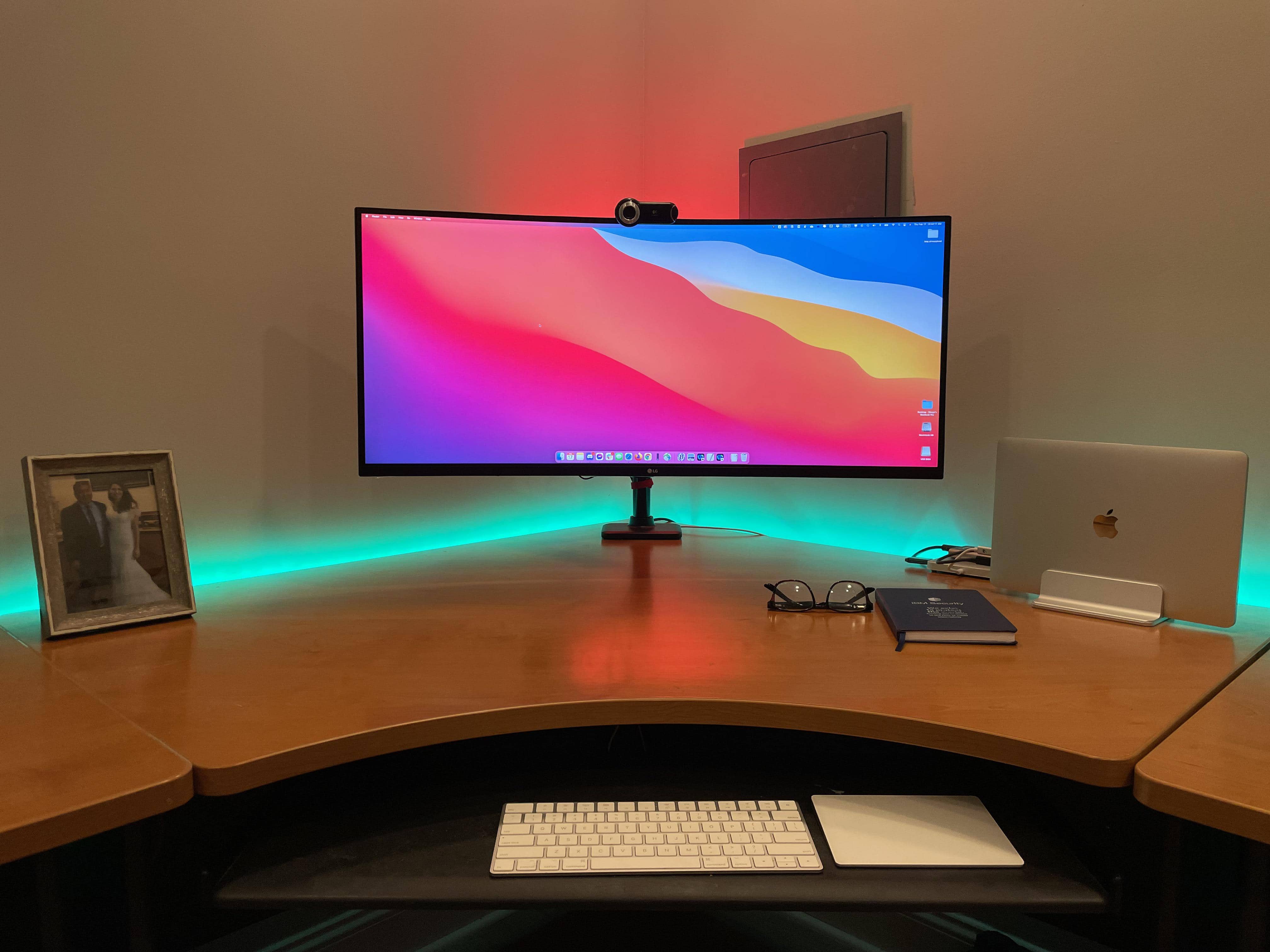
Some computer setups knock your socks off with lighting. It can be tasteful, warm, welcoming and conducive to work without eye strain. It can be bright, inventive and dazzling, like fantastic decorations. Or, as in today’s MacBook Pro-based featured setup, it can be either one of those, depending on both choice of settings and time of day.

The light show in today’s workstation derives from two sources, or schemes. One involves two very different table lamps. The other involves LED light strips.

Pristine design workstation’s keys to clean cable management [Setups]

By

Does this look like a designer's setup, or does this look like a designer's setup.
Photo: jgcarolina@Reddit.com

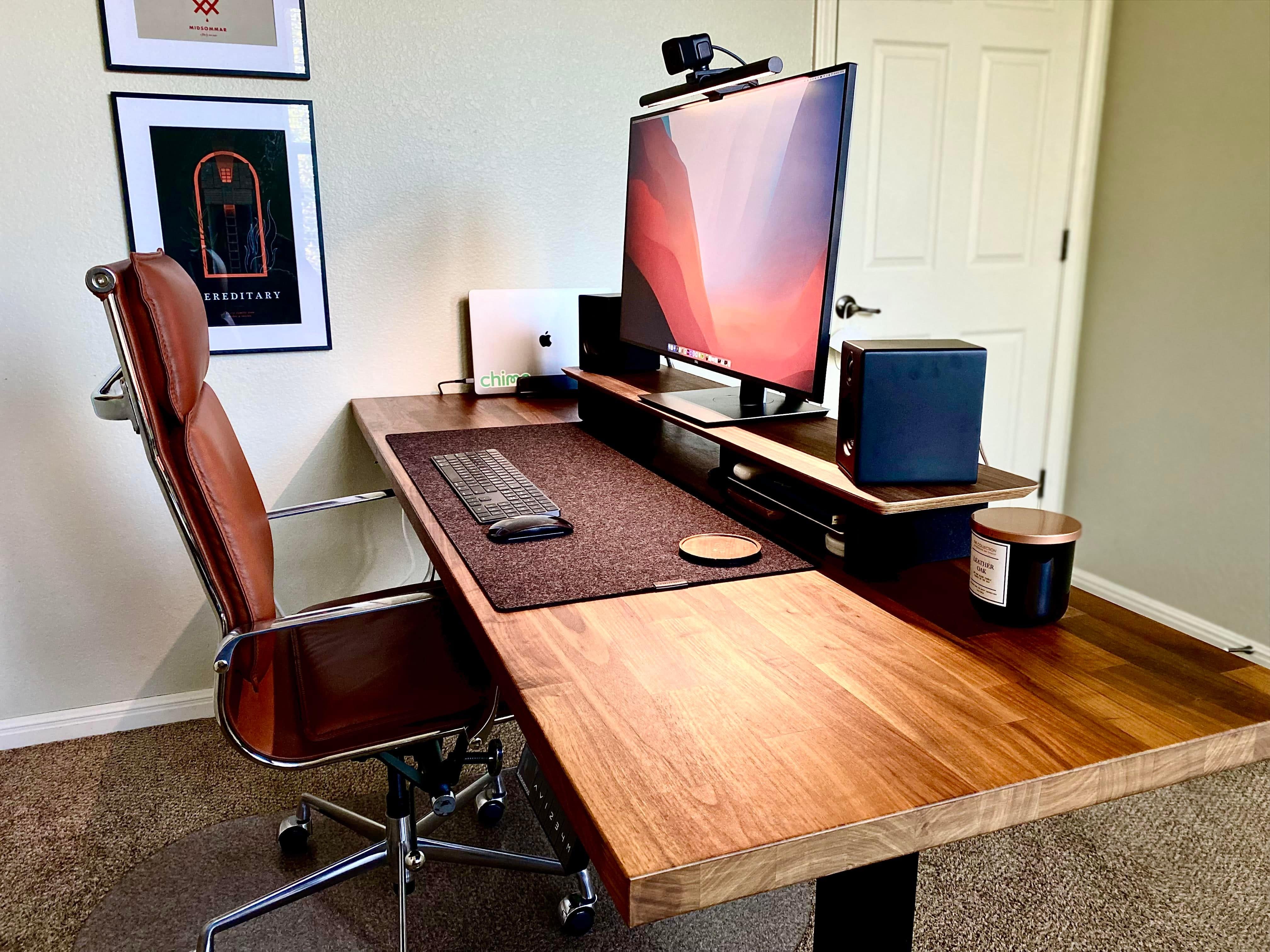
Leave it to a digital product designer to work their magic in a tastefully pristine workstation with an absolute minimum of cable clutter. “Cable management gets a 10 out of 10,” one person said of today’s featured computer setup. And all that walnut wood doesn’t hurt, either.

But how did they manage to tame the cable monster?

Apple readies its ‘widest array’ of new products ever for this fall

By

Tim Cook is keeping quiet about Apple TV+ subscriber numbers for now.
Credit cards at the ready!
Photo: Apple

Apple is preparing to launch the “widest array” of new products in its history, according to a new report. This fall is expected to bring new iPhone models, a more affordable MacBook Pro, and big refreshes for iMac and Mac Pro.

That’s in addition to a “revamped” MacBook Air, new AirPods Pro, and lots more. Apple is also said to be preparing an iPhone SE refresh for this spring.

‘Frankenchip’ and other big changes coming to pro Macs this year [The CultCast]

By

The CultCast: The next Mac Pro might get a monstrous chip.
A "monstrous" chip might power the next Mac Pro.
Image: Killian Bell/Cult of Mac

This week on Cult of Mac’s podcast: Leaks, rumors and government filings give us an even clearer look at what Apple’s product pipeline looks like for 2022. We’re expecting big changes to the pro Mac lineups this year — including a hybrid Apple “Frankenchip” based on the M1 series.

Also on The CultCast:

  • Bye-bye, 13-inch MacBook Pro!
  • See you soon, new iPhone SE and iPad!
  • We’ll miss you, Apple discount “loophole” for teachers and students! (Post-show update: It’s back.)

Listen to this week’s episode of The CultCast in the Podcasts app or your favorite podcast app. (Be sure to subscribe and leave us a review if you like it!) Or watch the video livestream, embedded below.

‘This is what neck pain would look like if it were a setup’ [Setups]

By

In terms of proper ergonomics, the
In terms of proper ergonomics, the "before" photo set off some alarm bells.
Photo: cmcmanus96@Reddit.com

If your computer setup had three screens, including a MacBook Pro, an iPad and a 32-inch external monitor, would you make the iPad the center screen? Would you put your screened devices on stands, or leave them at or near table level? Today’s setup saw a transition that might actually save its owner from years of physical therapy.

“This is what neck pain would look like if it were a setup,” someone said about the “before” photo, above.