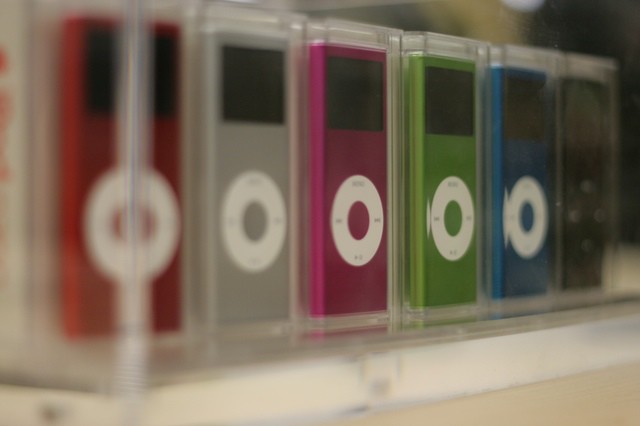
iPods in Rome (Photo/PitsLamp photography - http://flic.kr/p/EVR7x)
You probably throw most product warranties in the trash without reading them. Not so for an Italian antitrust group, which found Apple retailers’ one-year guarantee lacking and fined the Cupertino, Calif. company 900,000 euros or $1.2 million.
We could subtitle this the “Steve Jobs” edition, his death in October gave rise to any number of oddballtributes and events. The most disturbing? The hatefulcrazy congregation of Westboro Baptist Church staged a series of protests in an attempt to mar Jobs memorials held in Apple’s home town on Oct. 19. The Kansas-based group announced via iPhone that they would stage a hate fest. True to form, they held up their nasty banners outside the Apple campus and at Cupertino High but were met with counter protesters determined not to let them ruin the day.
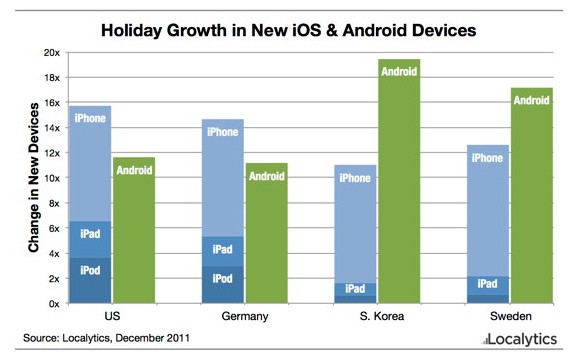
In the war between Apple and Android, there are no holiday breaks. That incessant back-and-forth could be seen in how many devices were activated during the Christmas weekend. According to a mobile analytics firm, Apple destroyed Android in places like the U.S., the U.K. and Germany, often spearheaded by the iPod touch and iPad.
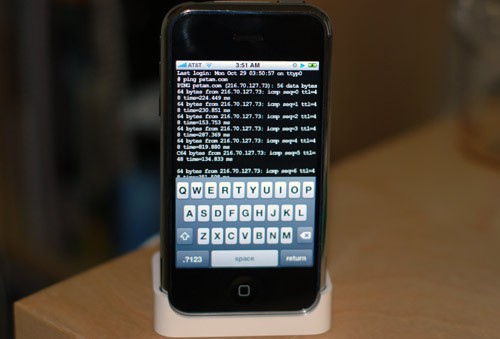
Well, isn’t this a nice little late Christmas gift. Following the last month of updates, pod2g has finally released his untethered iOS 5.01 jailbreak through the iPhone Dev Team and Chronic Dev Team. But sorry chaps, it won’t work on the iPhone 4S or iPad 2. Not yet, anyway.
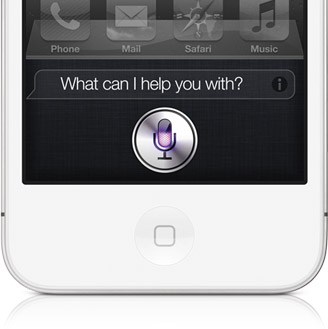
Known developers Grant Paul (a.k.a ‘chpwn’) and Ryan Petrich have released a working Siri port for older, jailbroken iOS devices in Cydia. “Spire” will install Siri on older-generation iOS devices, including the original iPad.
Spire downloads Siri directly from Apple’s servers. The only catch is that you will need access to an iPhone 4S and your own proxy to get the port up and running.
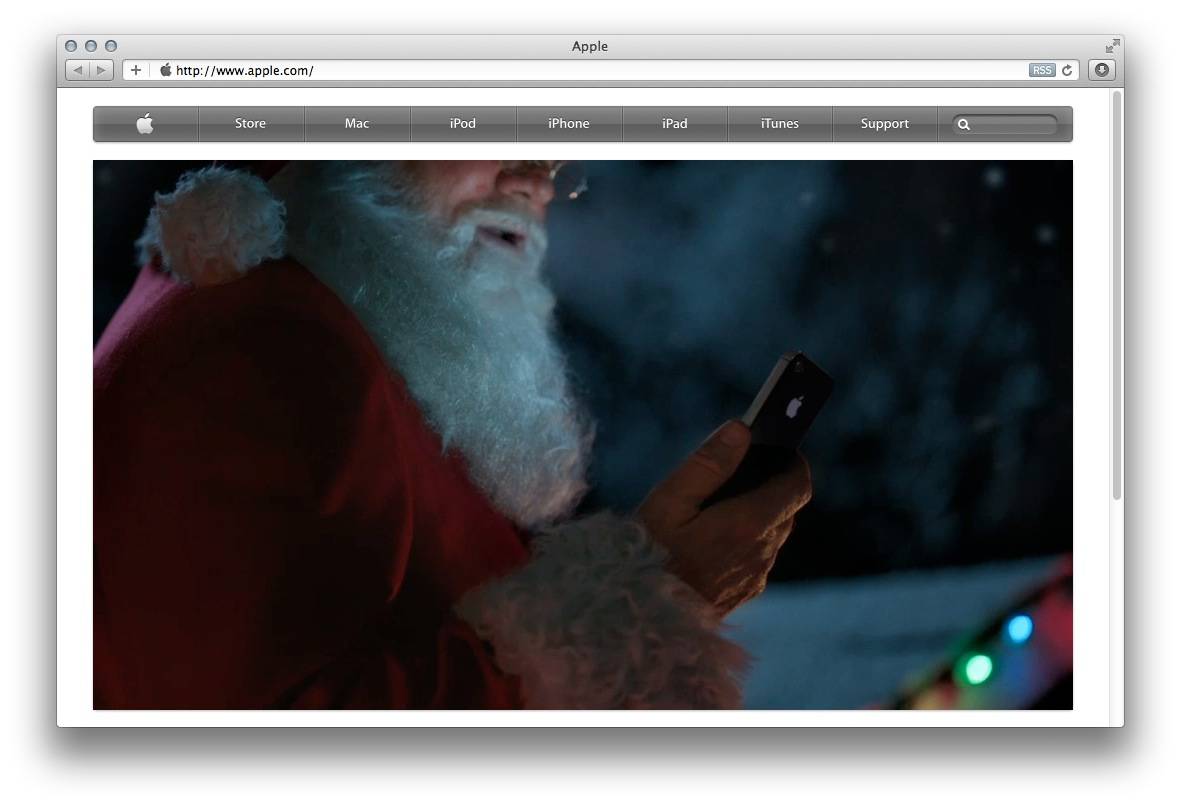
Santa has come and gone on his sleigh, and Apple has profited along the way. A survey from Ace Metrix, a TV ad analysis firm, has revealed that Apple’s Santa Siri commercial beat out 34 other Santa-themed spots to win the crown of most effective ad for the 2011 holiday season.
Apple’s commercial, featuring Santa and the iPhone 4S’s Siri assistant, scored a 652 out of a possible 950 points in Ace Metrix’s survey, topping competitors like Pillsbury, Coca-Cola, and Nintendo.
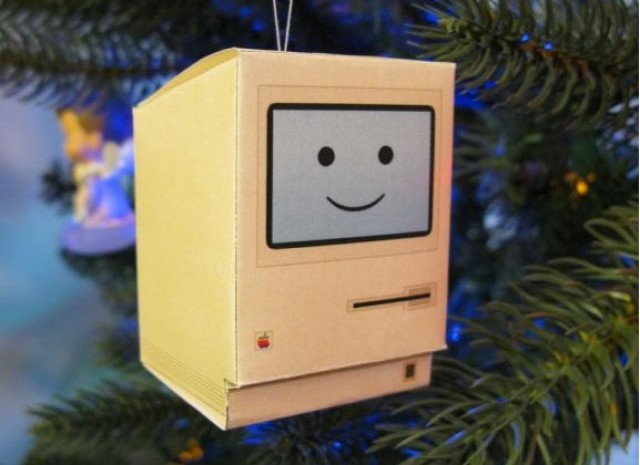
Were you very good this year? Did Santa spoil you, and did you find yourself opening up a brand new Mac under the Christmas tree this morning? Congratulations, we’re jealous… but not so jealous that we aren’t eager to teach you how to get started with your new Mac, so you can enjoy it from day one.
In this handy guide, we’ll take you through initial setup; teach you some awesome tweaks that’ll enhance your OS X experience; introduce you to some of the best apps the Mac has to offer; and tell you about some great accessories that you just shouldn’t be without.
Here’s our guide to setting up your new Mac the right way.
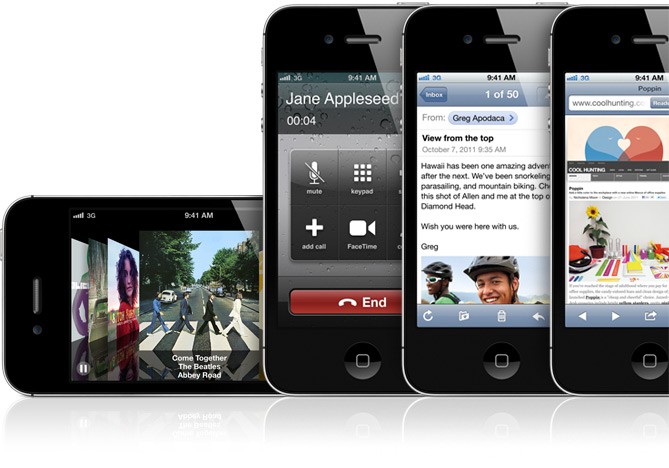
You just got your brand new iPhone 3GS, iPhone 4 or iPhone 4S for Christmas. It’s shiny exterior beckons you to explore your new smartphone. We want to show you how to get started with your new device the right way, so that you can begin enjoying it from day one.
In this handy guide, we’ll take you through initial setup; teach you some awesome tweaks that’ll maximize your battery life and enhance your experience; introduce you to some of the best iOS apps the App Store has to offer; and tell you about some great accessories that you just shouldn’t be without.
Here’s our guide to setting up your new iPhone the right way.
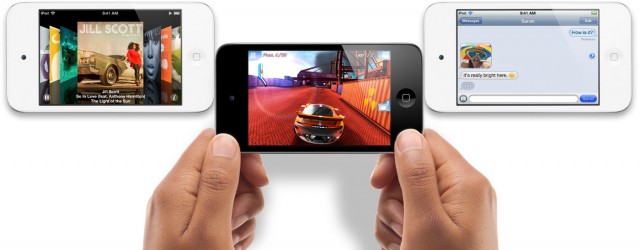
We know many of you lucky so and sos will be unwrapping iPod touches this Christmas, and we want to help you get started with your new device the right way, so that you can begin enjoying it from day one.
In this handy guide, we’ll take you through initial setup; teach you some awesome tweaks that’ll maximize your battery life and enhance your experience; introduce you to some of the best iOS apps the App Store has to offer; and tell you about some great accessories that you just shouldn’t be without.
Here’s our guide to setting up your new iPod touch the right way.
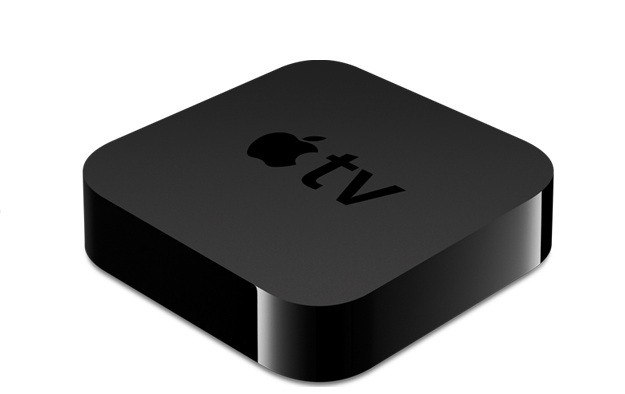
So Santa stuffed an Apple TV in your stocking? That’s pretty freaking awesome. We’re jealous. Well actually, we already had one so I guess we’re not that jealous, but congratulations on joining the club of Apple TV owners. We’re stoked to have you with us, and we want you to get the most from your new gagdget so we’re going to help you get it setup the right way so you can skip through all the menus and side features and dive straight into the good stuff.
In this handy guide, we’ll take you through initial setup; show you the best features of Apple TV and teach you some awesome tweaks that will take your television experience to the next level so you can cuddle up in next to your flatscreen wearing those new pajamas your kids bought you and go into a week-long tv-coma.
Here’s our guide to setting up your new Apple TV the right way.
comScore is reporting that Apple was ranked as the 13th most-trafficked web source during the month of November, attracting more hits than companies like Wal-Mart, eBay, VEVO, and ESPN. Apple saw 79 million unique US visits while Wal-Mart saw almost 59 million.
Apple sat right under New York Times Digital in its web rankings for November.
2011 has been Apple’s most incredible year left. Heck, they’ve released more revolutionary products in this year alone than most companies manage in a generation. So we knew it would be difficult when we asked you to help us choose Apple’s best products of 2011. Now the results are in, and we’ve whittled the list down to just the finalists. Check out the finalists below, then help us choose just one of them that we’ll declare to be the best Apple product of 2011 in next week’s Cult of Mac Best Of 2011 awards.
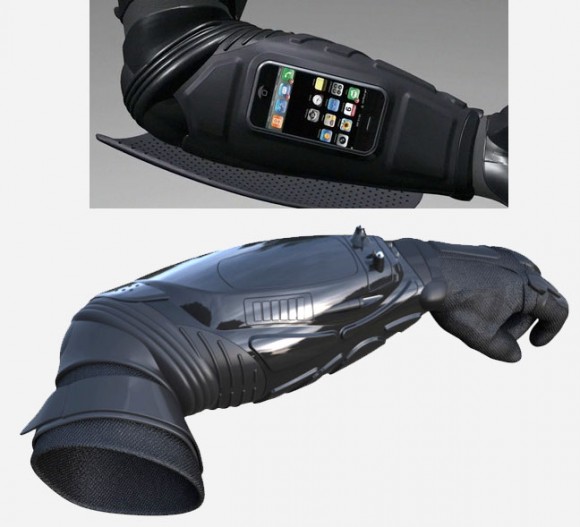
Oh man, it’s too bad it’s too late to add this to my Christmas list. The Armstar is a gauntlet ripped straight from the forearm of Batman himself, featuring a working stun device, camera, flash light and iPhone / iPod dock, all in one piece of Kevlar arm armor. And Kevin Costner helped build it!
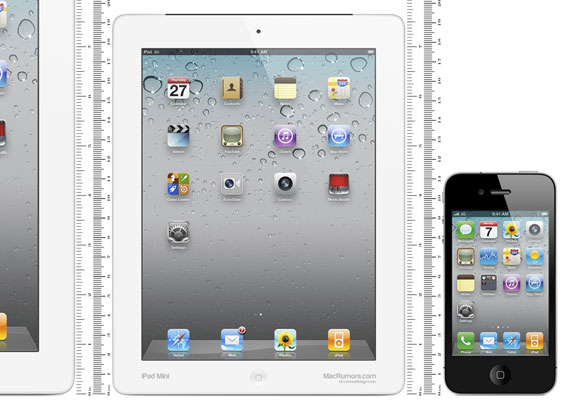
In a collaboration with Macrumors, CiccareseDesign has produced a papercraft mockup of what the rumored 7.85-inch iPad Mini would look like… and you can even print it out and hold it in your hands yourself.
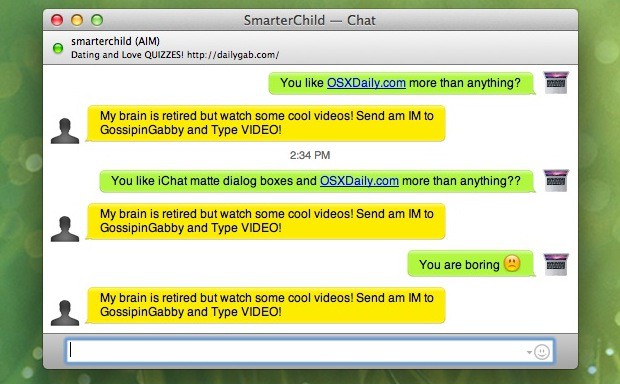
I’ve never particularly cared for iChat. It’s less full-featured than free alternatives like Adium, and since it can’t easily be skinned, if you hate all the bubbles and aqua in the UI, there’s not a lot you can do about it. Luckily, over at OS X Daily, they’ve put together a fantastic and simple way to replace the iChat Aqua Text Bubbles with a flatter, less idiosyncratic matte version. Check it out: this is really the way iChat should look by default.
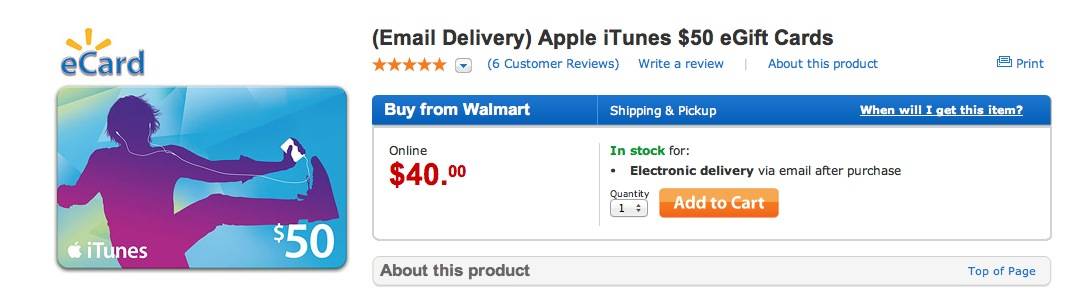
Still don’t have a Christmas present for a loved one? Cash running low, so you need a good deal? You’re not going to beat this: Walmart is offering a $50 iTunes gift card for just $40, essentially giving you an extra $10 in downloads for free. Not only can the card be used on apps, music, ebooks, movies or even television shows, but the code is delivered to you digitally, meaning that you don’t have to wait for the post-office to deliver it to you: it’ll be available instantly. Slap that code into a Christmas card and you’re done!
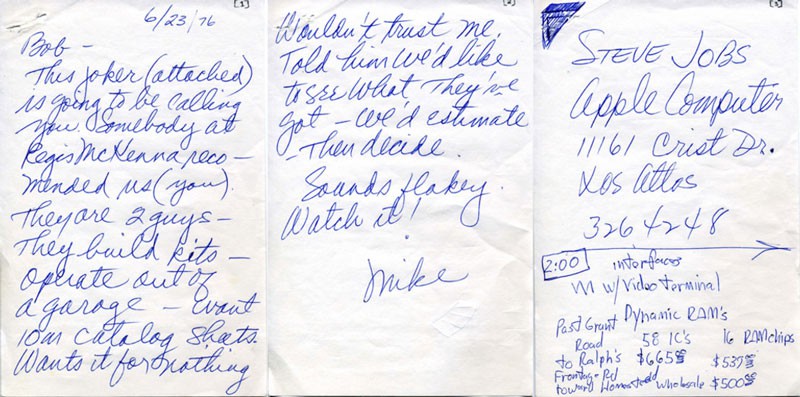
These days, Steve Jobs’s business acumen is legendary, but it wasn’t always that way. In fact, when Steve first went on a fund-raising expedition to get money for the original Apple I in natal Silicon Valley, he was described as a secretive “joker” who couldn’t trust anyone and had a “flakey” partnership with Steve Wozniak.
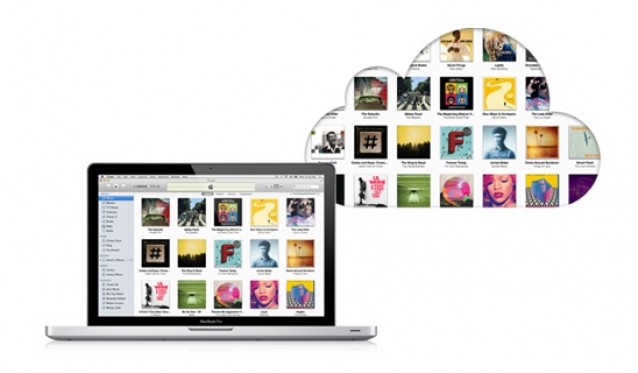
Apple has just posted a new support document outlining everything international customers need to know about iTunes in the Cloud and iTunes Match availability. Customers in the United States were given public access to iTunes Match back in November, and Apple has been rolling out its cloud services for iTunes to international markets since then.
After countries around the world were given access to iTunes Match last week, Apple has officially outlined both iTunes in the Cloud and iTunes Match international availability, including the types of media that are offered to customers in each country.
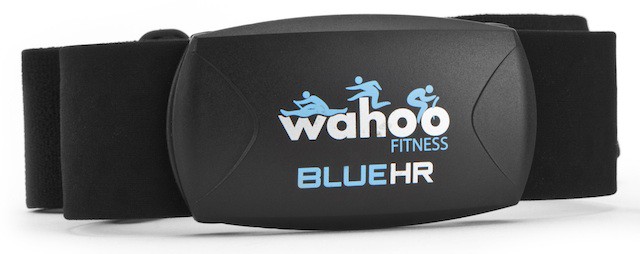
Wahoo’s popular ANT+ Fisica dongle, which allows the iPhone to read signals from fitness gadgets like heart-rate monitors, pedometers and bike sensors, is probably most widely used fitness iPhone accessory since its release a little over a year ago. And today, Wahoo took the first step toward killing it.
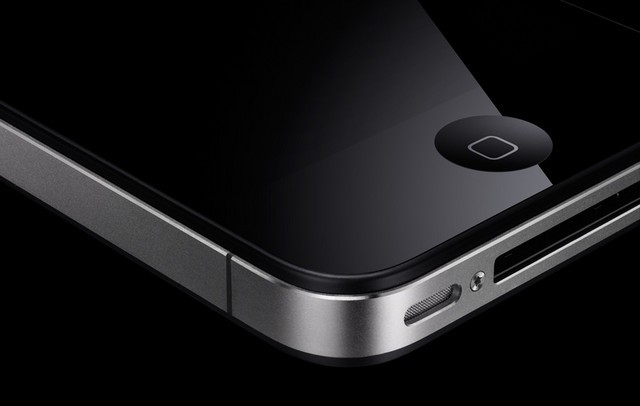
The iPhone 5 probably won't look like this... or arrive in June.
One of the unfortunate byproducts of owning an iOS device is that your Home button can become a little sluggish over time. When you get your new iPhone or iPad and use it initially, the Home button works smoothly, but it can eventually become less responsive.
Fortunately, there’s a subtle trick in iOS for recalibrating your Home button. After performing this tip on your personal iOS device, you should notice that your Home button is considerably more responsive when you’re navigating throughout iOS.
Mercury News is reporting that Apple is preparing construction on a new “prototype” retail store in Palo Alto, California. The store will be built about a block away from an existing Apple Store at 340 University Avenue.
With work set to begin “any day now,” the new store will reportedly feature a glass skylight and plenty of stone and metal. The $3.15 million project received its building permit on December 12th from the city of Palo Alto.
Many have called Steve Jobs the father of modern computing, but some would argue that the true credit goes to Jacob Goldman, founder of Xerox PARC. Under Goldman’s guidance, Xerox become responsible for the technology that inspired Steve Jobs to create computers like the Lisa.
The New York Times is reporting that Jacob Goldman passed away this week at the age of 90. He was Xerox’s chief scientist and founder of the Xerox Corporation’s Palo Alto Research Center — the very place Jobs took his team in December of 1979 to get a demonstration of the technology that drove him to create the first successful personal computer.
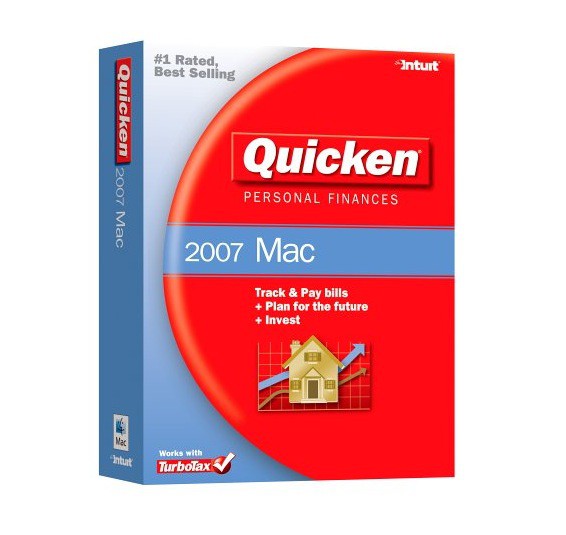
Intuit has announced that its popular finance application, Quicken, will be updated with Lion support in “early spring” of next year. The 2007 version of Quicken for Mac will be updated with Lion compatibility and Intuit promises that it will focus more on Mac development in the future.
Quicken for Mac doesn’t work on Lion because Apple discontinued support for Rosetta apps that are based on PowerPC architecture. The updated version of Quicken for Mac 2007 will finally run natively on Intel hardware.