After a month of solid use, here's my thoughts on iOS 11. Photo: Ste Smith/Cult of Mac
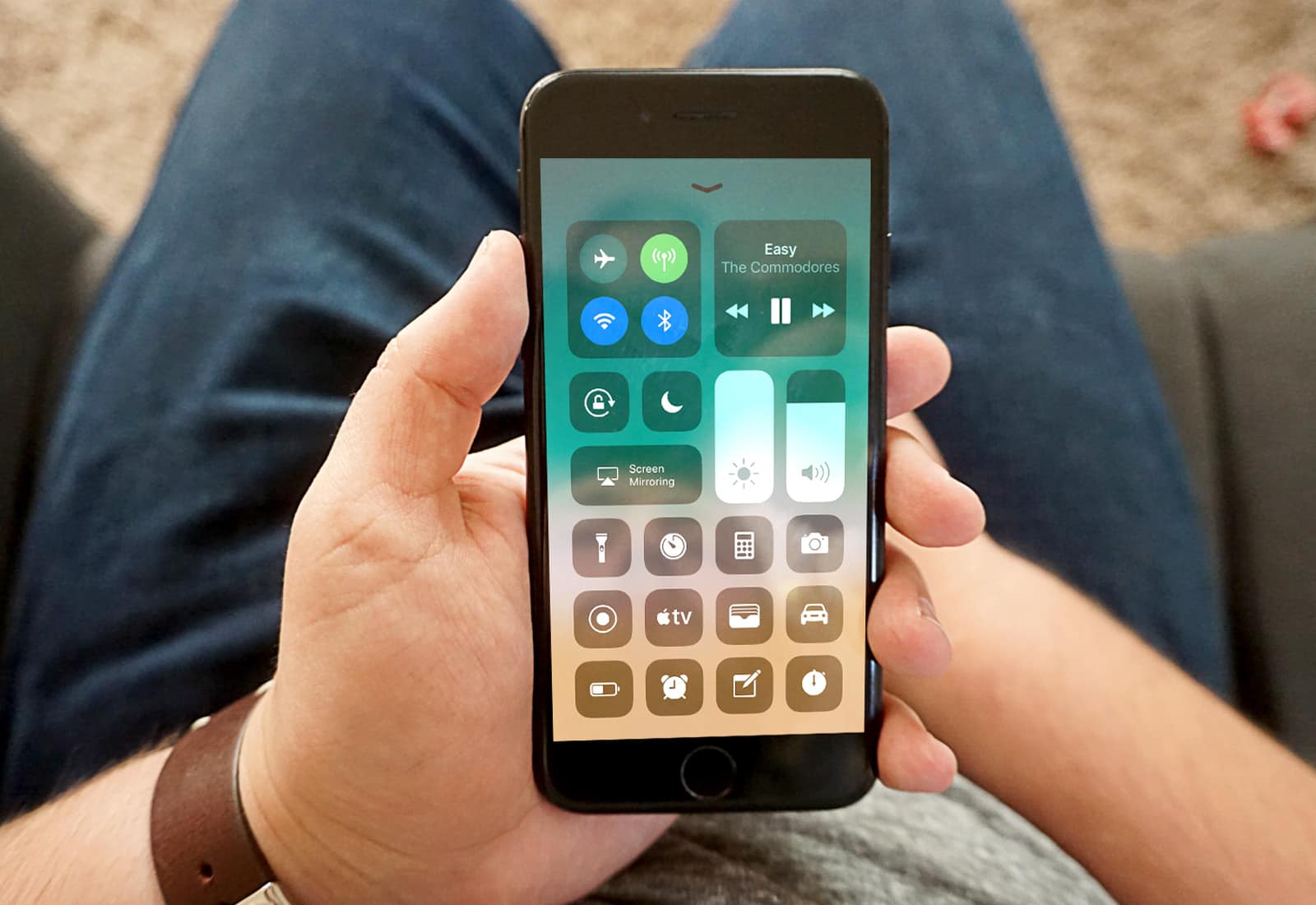
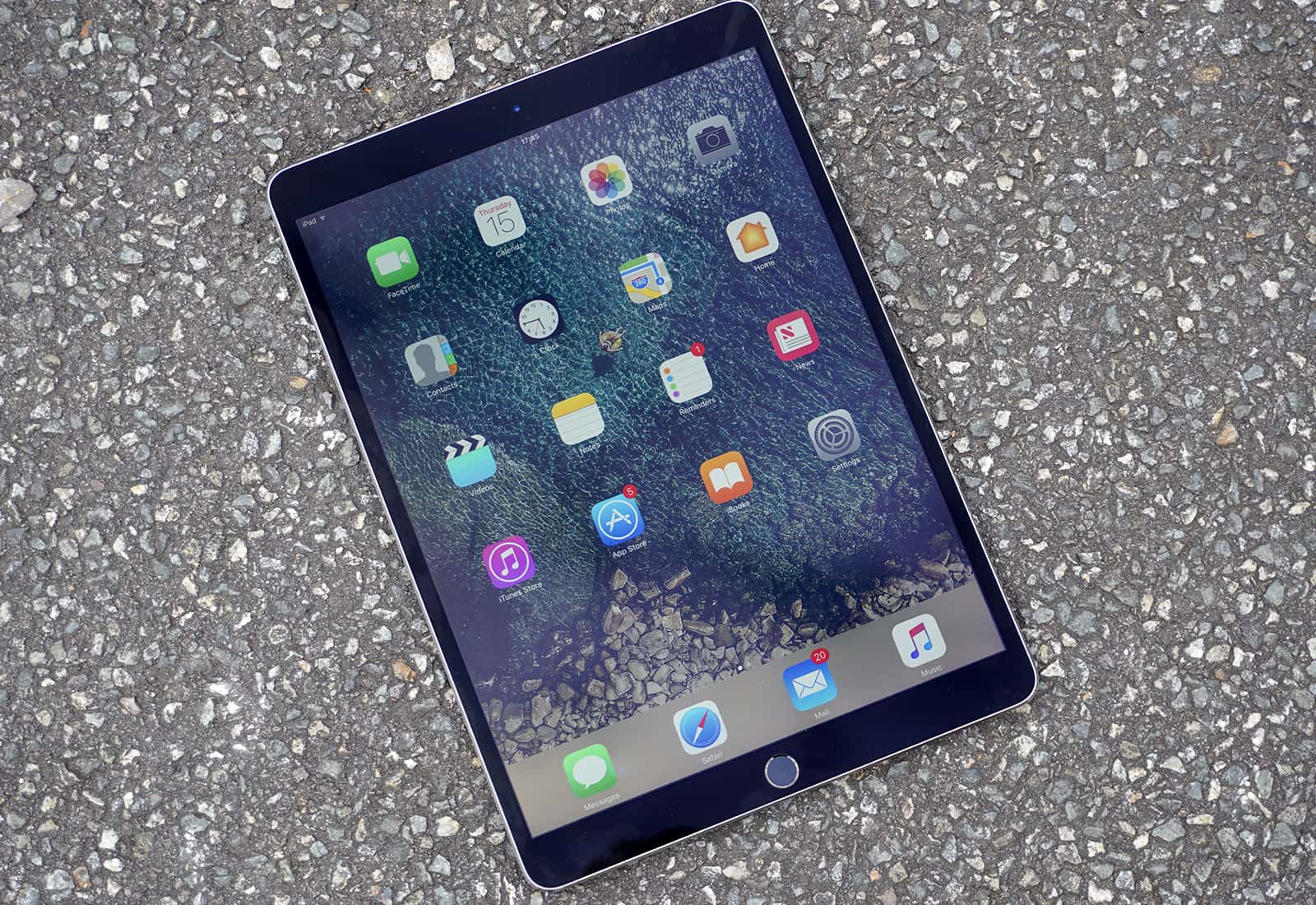
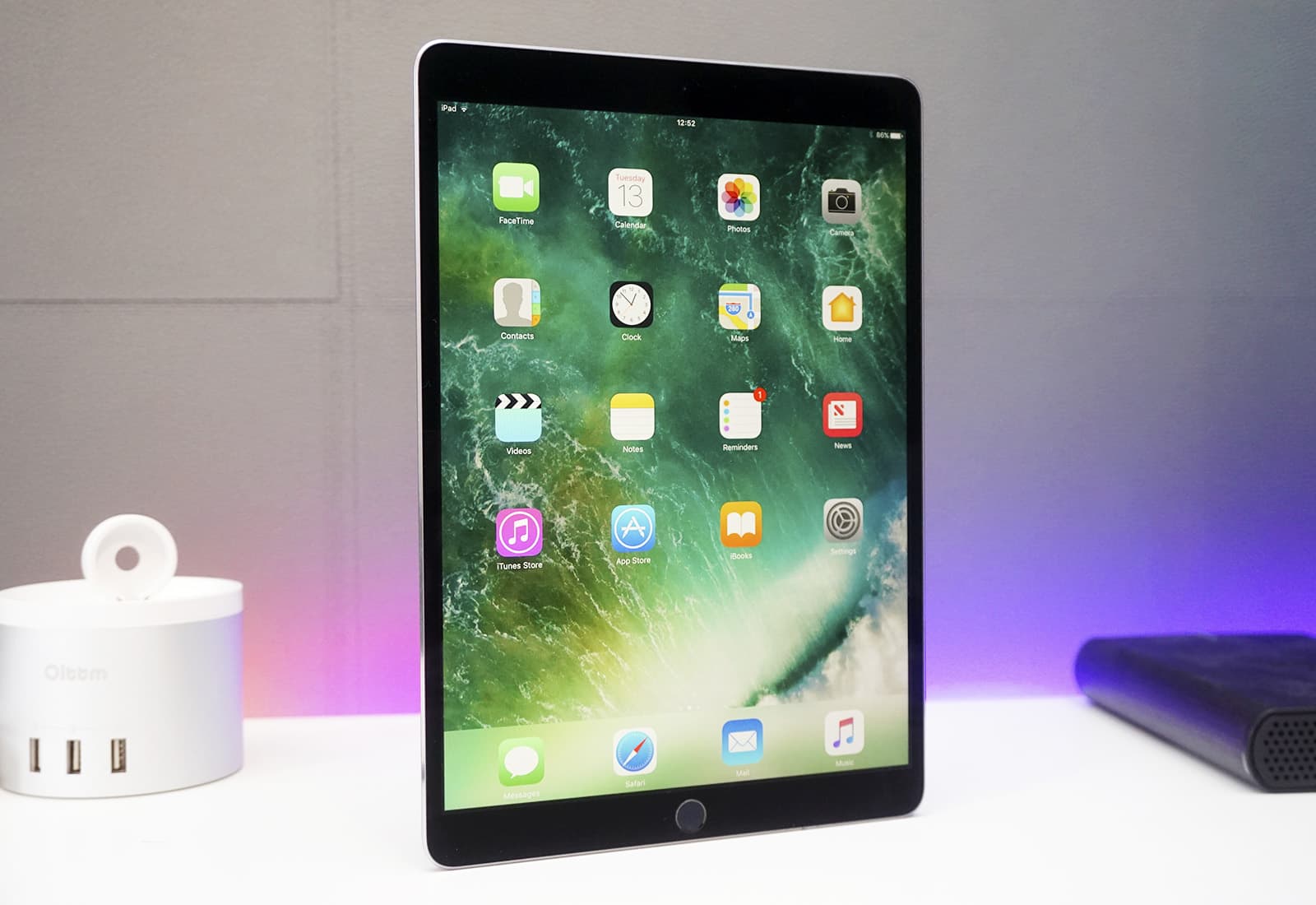
Ever since Apple released the first iOS 11 beta to developers, I’ve run each version on my primary iPhone 7 and my 9.7-inch iPad Pro. While iOS 11 doesn’t bring a radical redesign, it’s been great, with several extremely useful new features (especially for iPad).
To get the full rundown on what I like, what I don’t like, and my general thoughts on iOS 11 after a month’s use, watch the video below.
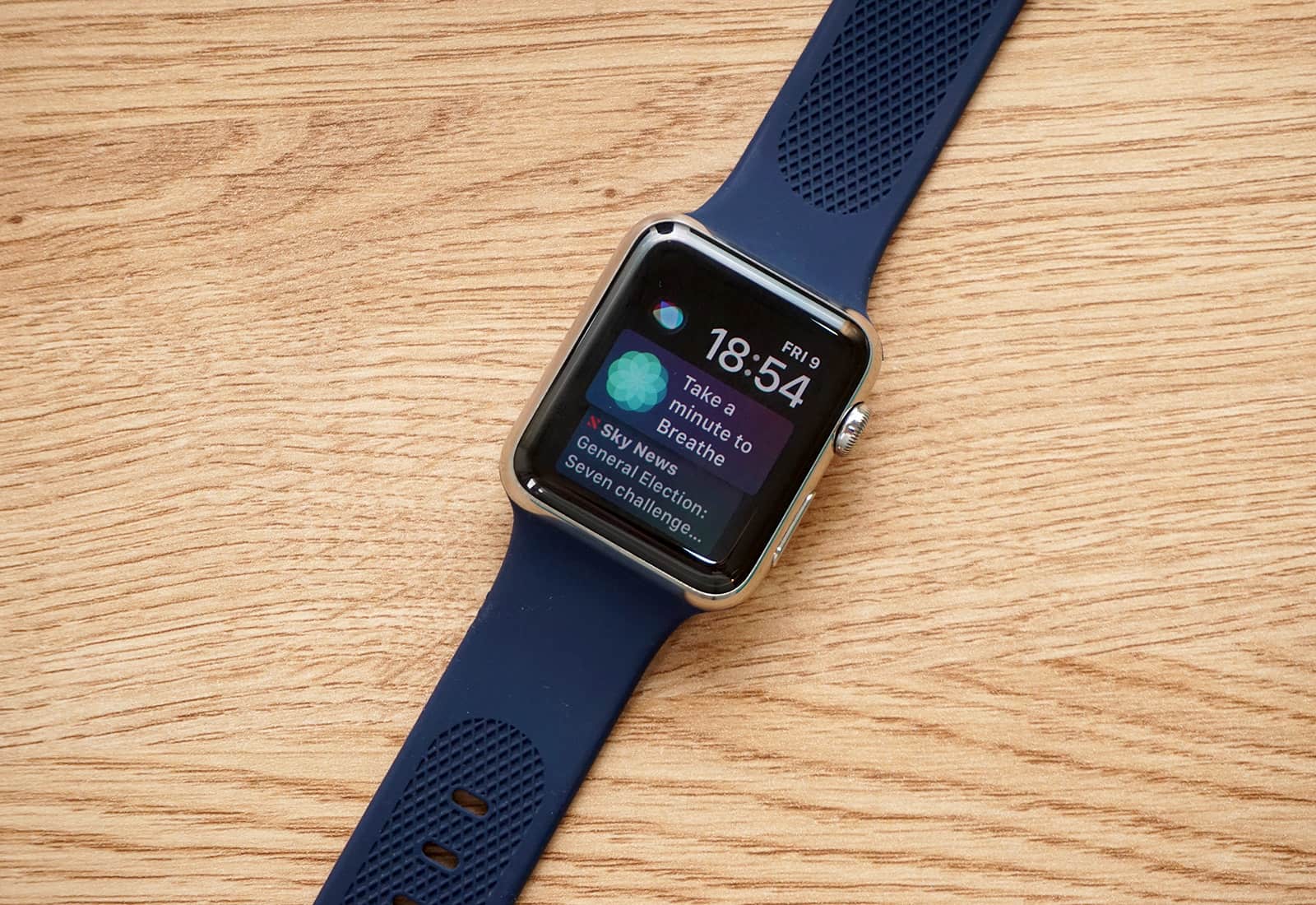
Outfit your Apple Watch Series 4 with our best bands guide! Photo: OleksynPrannyk
A wristwatch is so much more than a means to tell time these days. It’s also the opportunity to accessorize and bump up one’s style with a unique, wonderfully constructed strap.
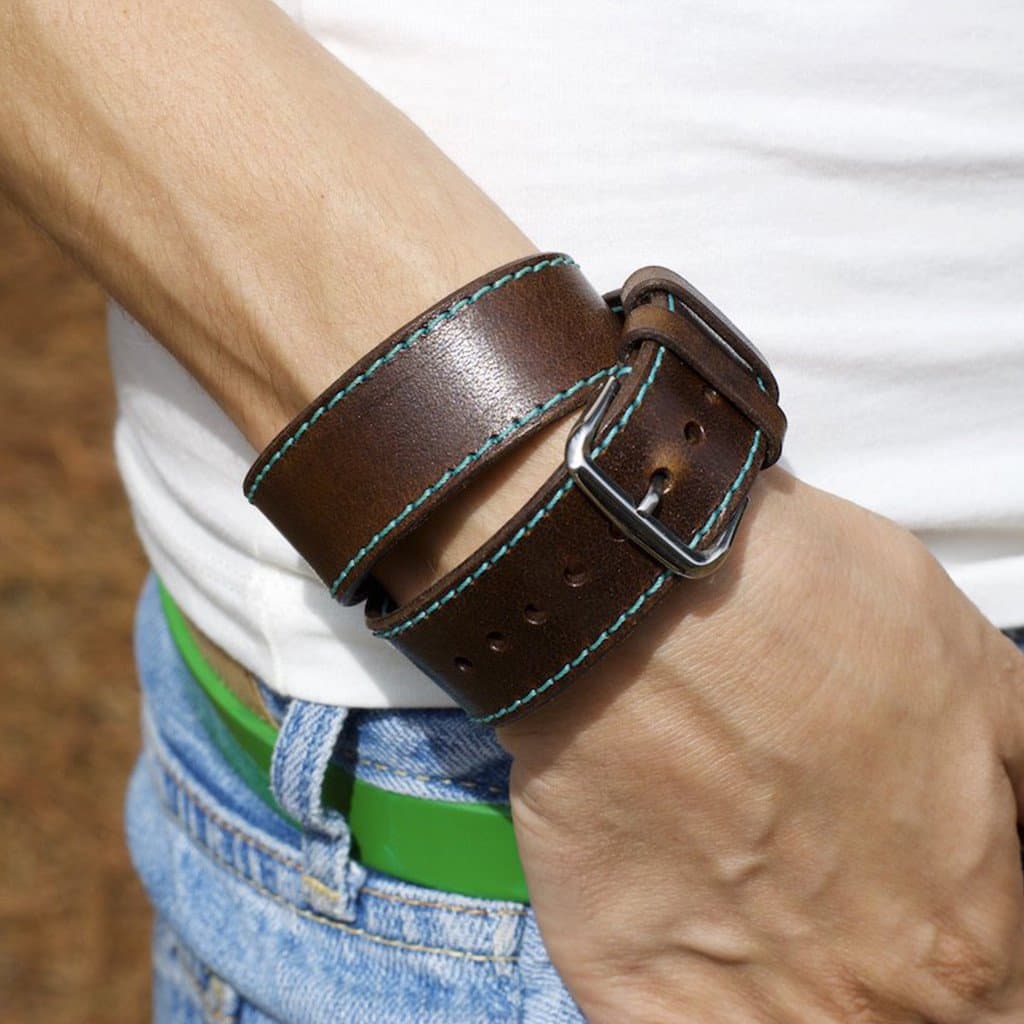
Heeding the call to individual style is OleksynPrannyk’s made-to-order and ultra-sharp Double Tour Apple Watch Band — the reasonably priced alternative to the ridiculously priced Hermès band. The Double Tour and all of OleksynPrannyk’s bands are completely customizable with more than five adapter colors and 14 thread colors from which to choose.
Best yet, the entire collection is available now in Cult of Mac’s Watch Store. Trust me, you will love this band.
And the winner is... Photo: Graham Bower/Cult of Mac
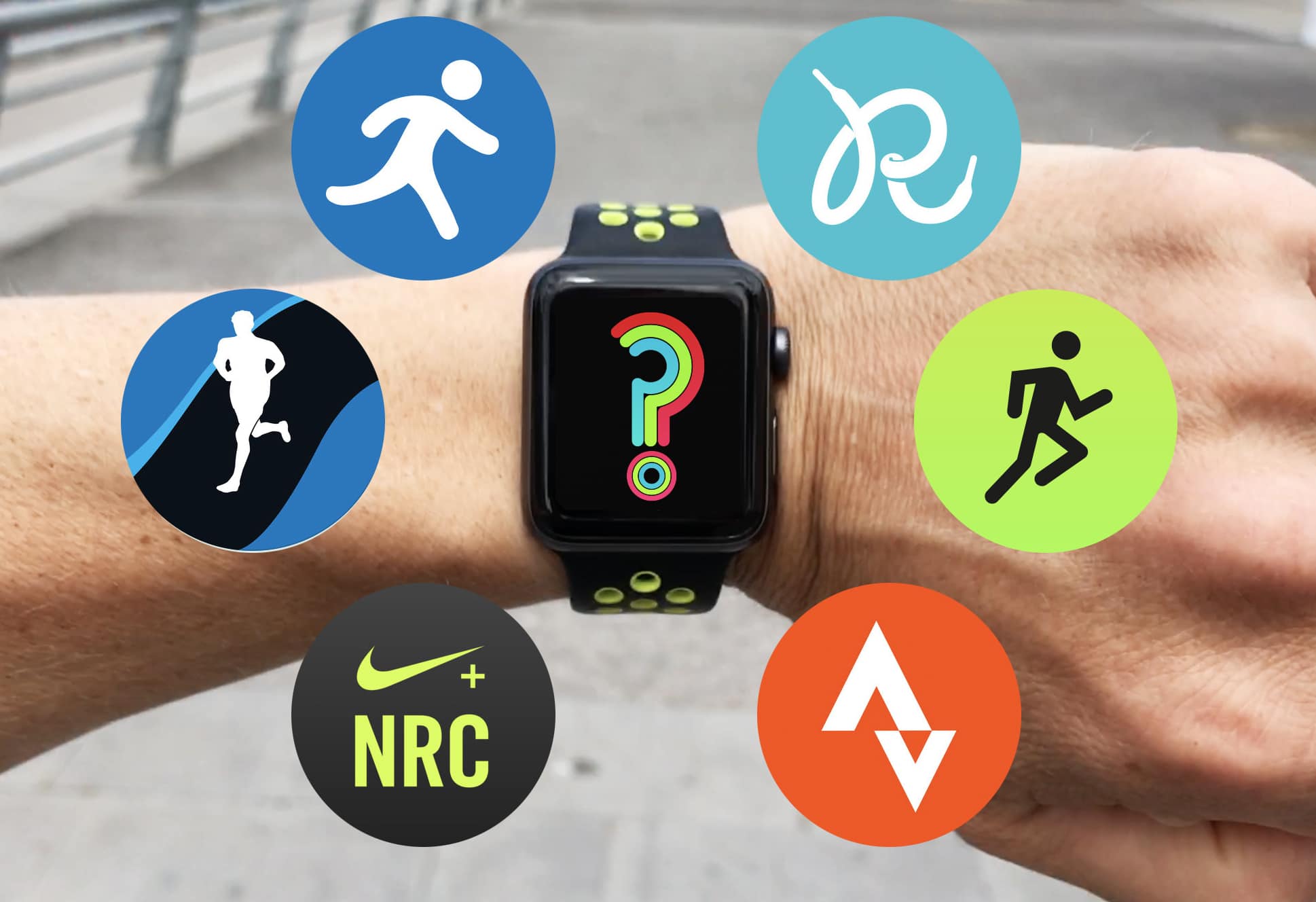
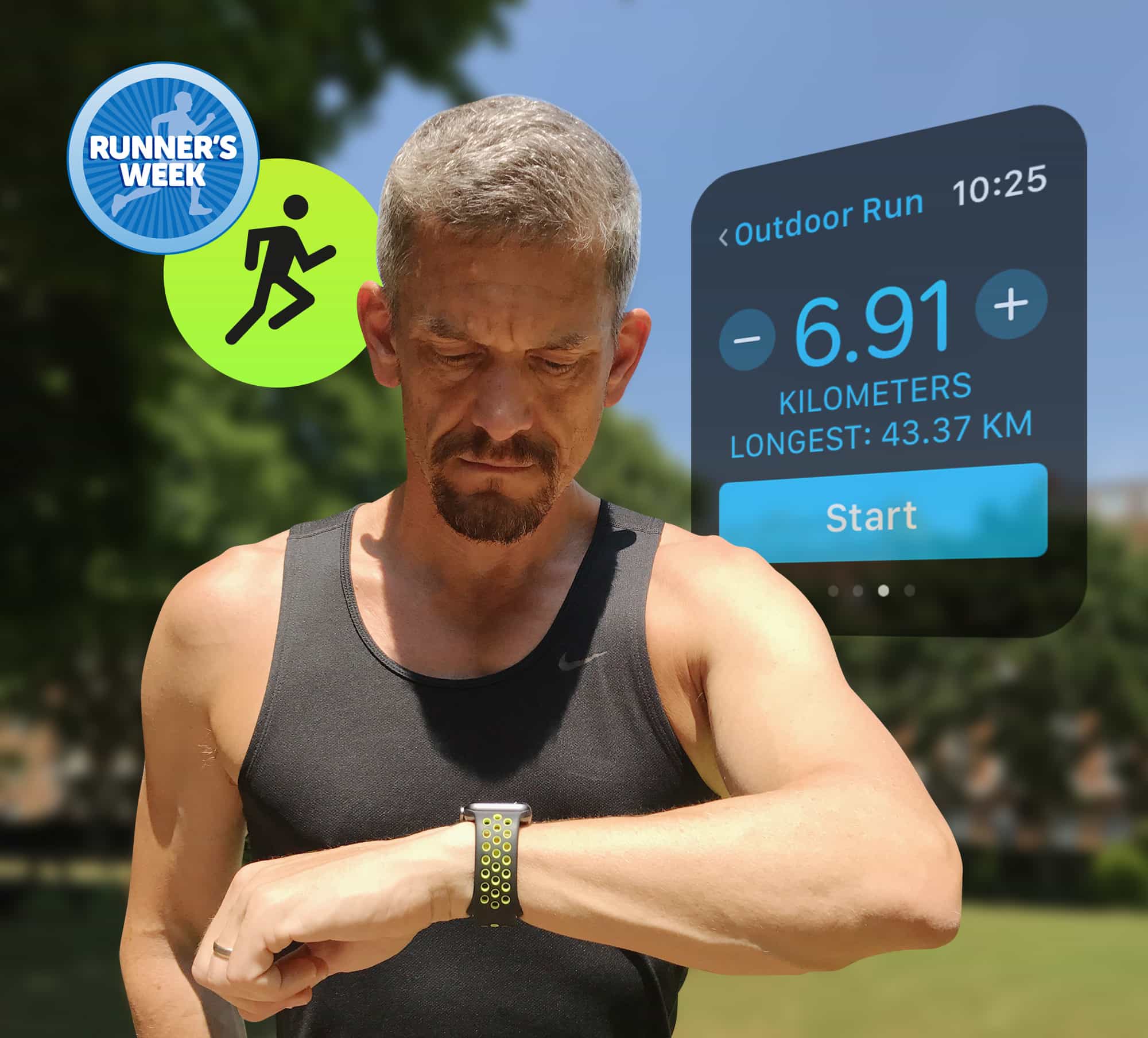
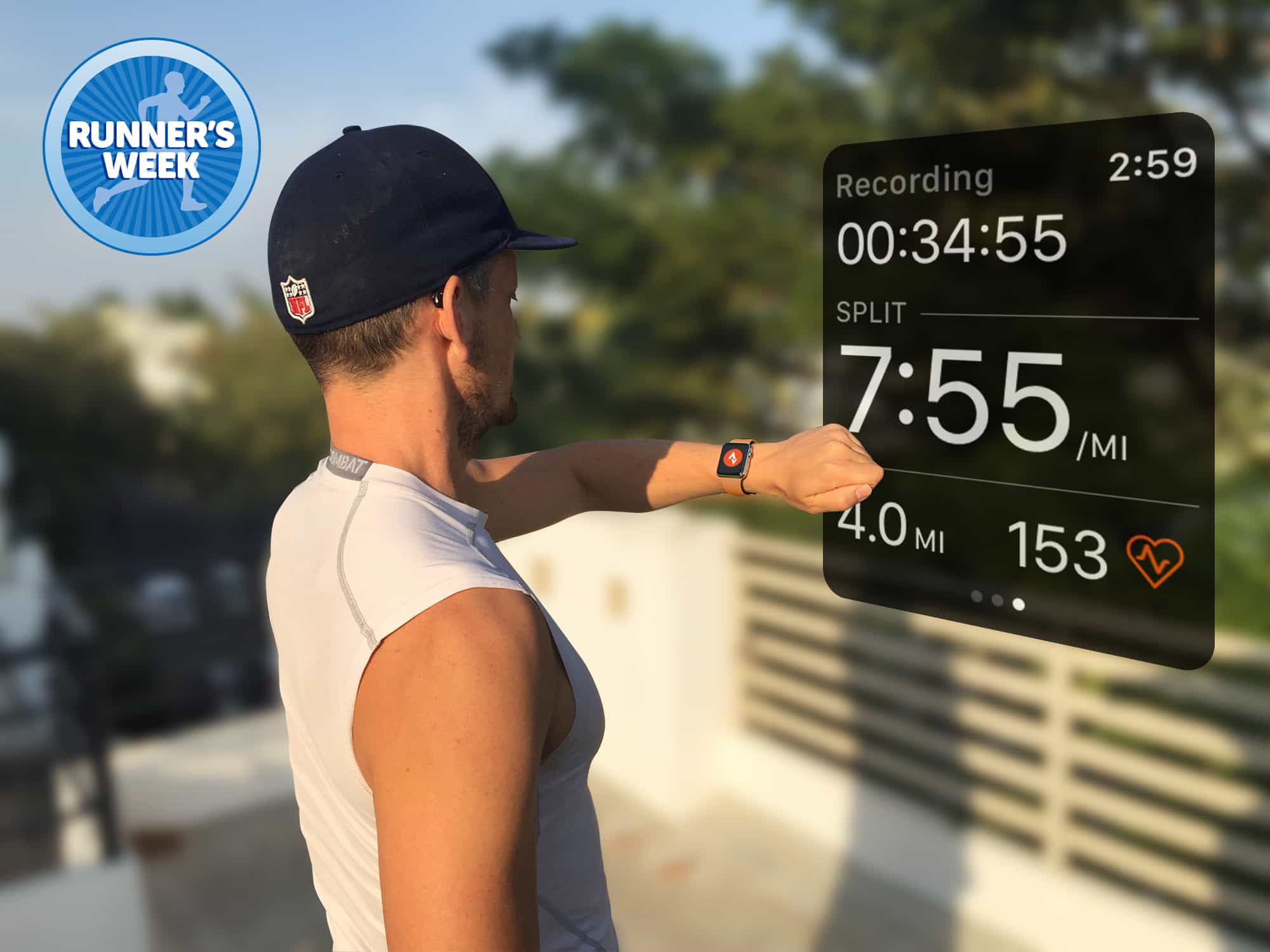
All this week on Cult of Mac, I’ve been reviewing the best running apps for Apple Watch.
Over the past three months, I’ve run more than a thousand kilometers testing these apps in real-world running conditions, and now it’s time to reveal which one earns pride of place on my sweaty wrist.
Leather cases, charging cables, expansion cards and more in this Photo: Ste Smith/Cult of Mac
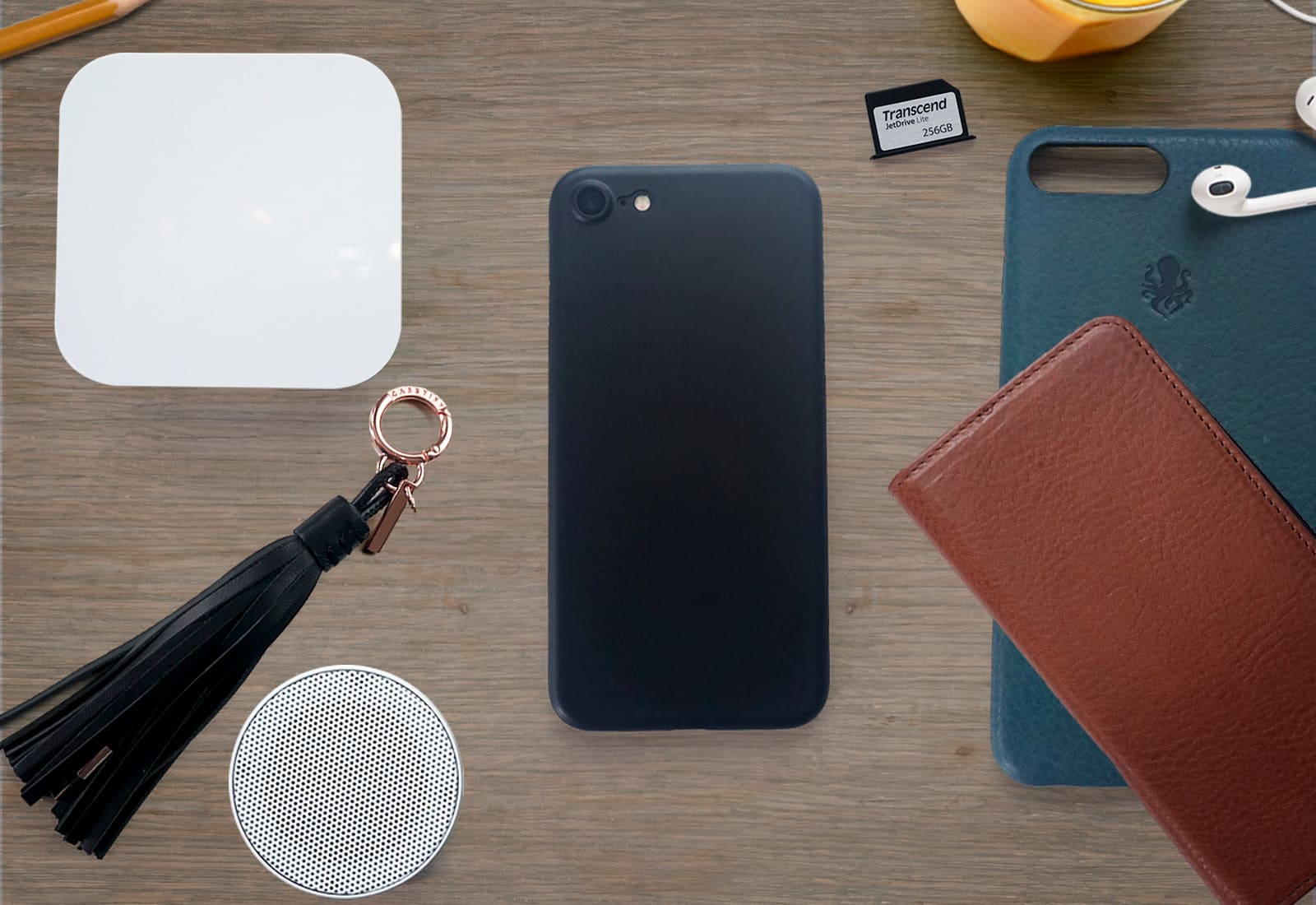
Welcome to Top Tech under $100. Each month, Cult of Mac rounds up some of the best tech products and accessories we come across that cost less than a C-note. This month we’ve got cases, MacBook expansion cards, tech for sleep and much more. Check out the video below to see this month’s selections — and don’t forget to enter our giveaway!
MapMyRun still lacks support for Series 2 built-in GPS Photo: Graham Bower/Cult of Mac
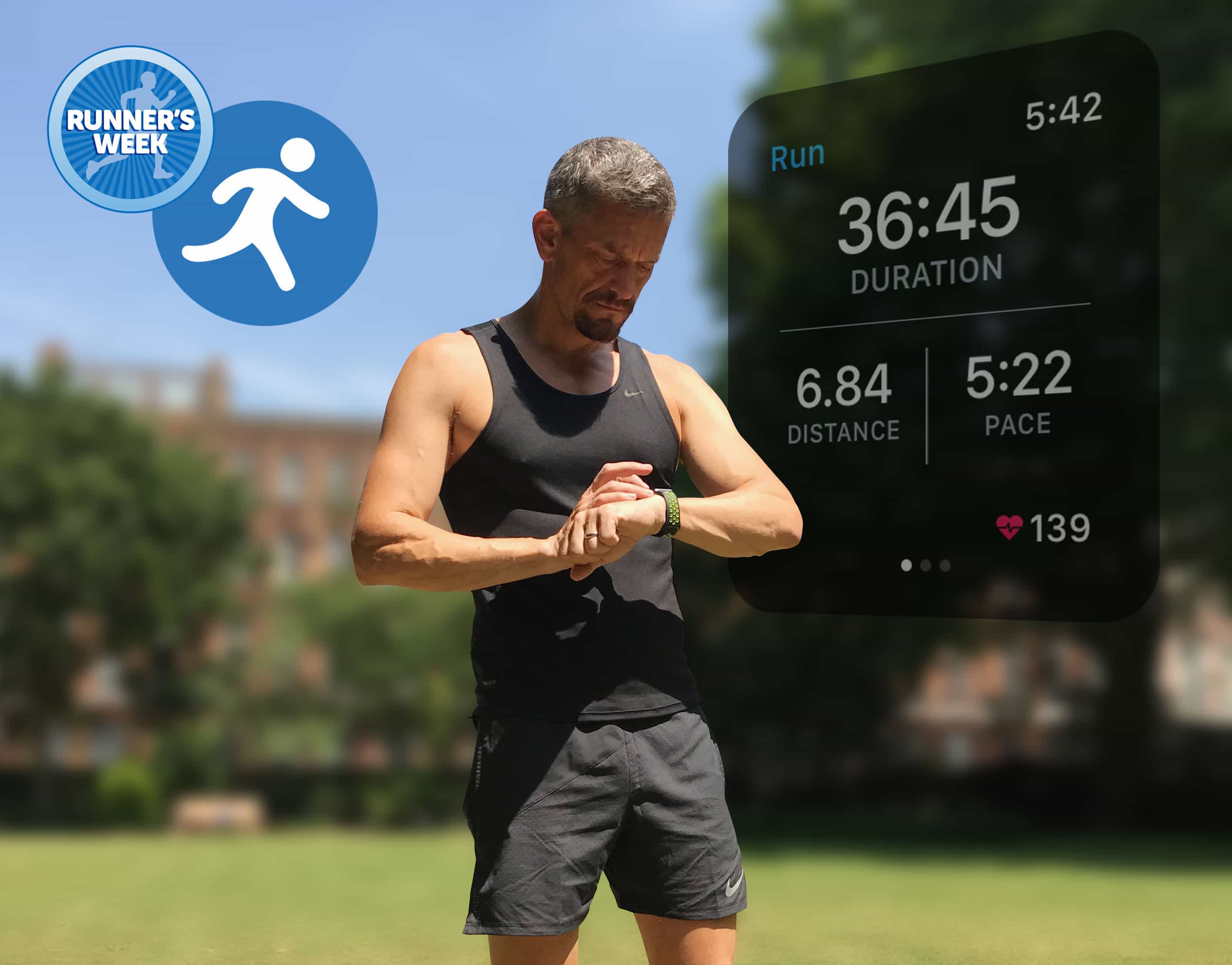
It’s Runner’s Week at Cult of Mac. Every day this week, I’m reviewing a different running app for Apple Watch in an effort to help you decide which one you want to accompany you on your sweaty asphalt-pounding sessions.
Yesterday I reviewed Runtastic. Today, it’s MapMyRun’s turn.
The Runtastic running app uses color to show the intensity of your workout. Photo: Graham Bower/Cult of Mac
It’s Runner’s Week at Cult of Mac. Every day this week, I’m reviewing a different running app for Apple Watch in an effort to help you decide which one belongs on your wrist to log all your sweaty miles.
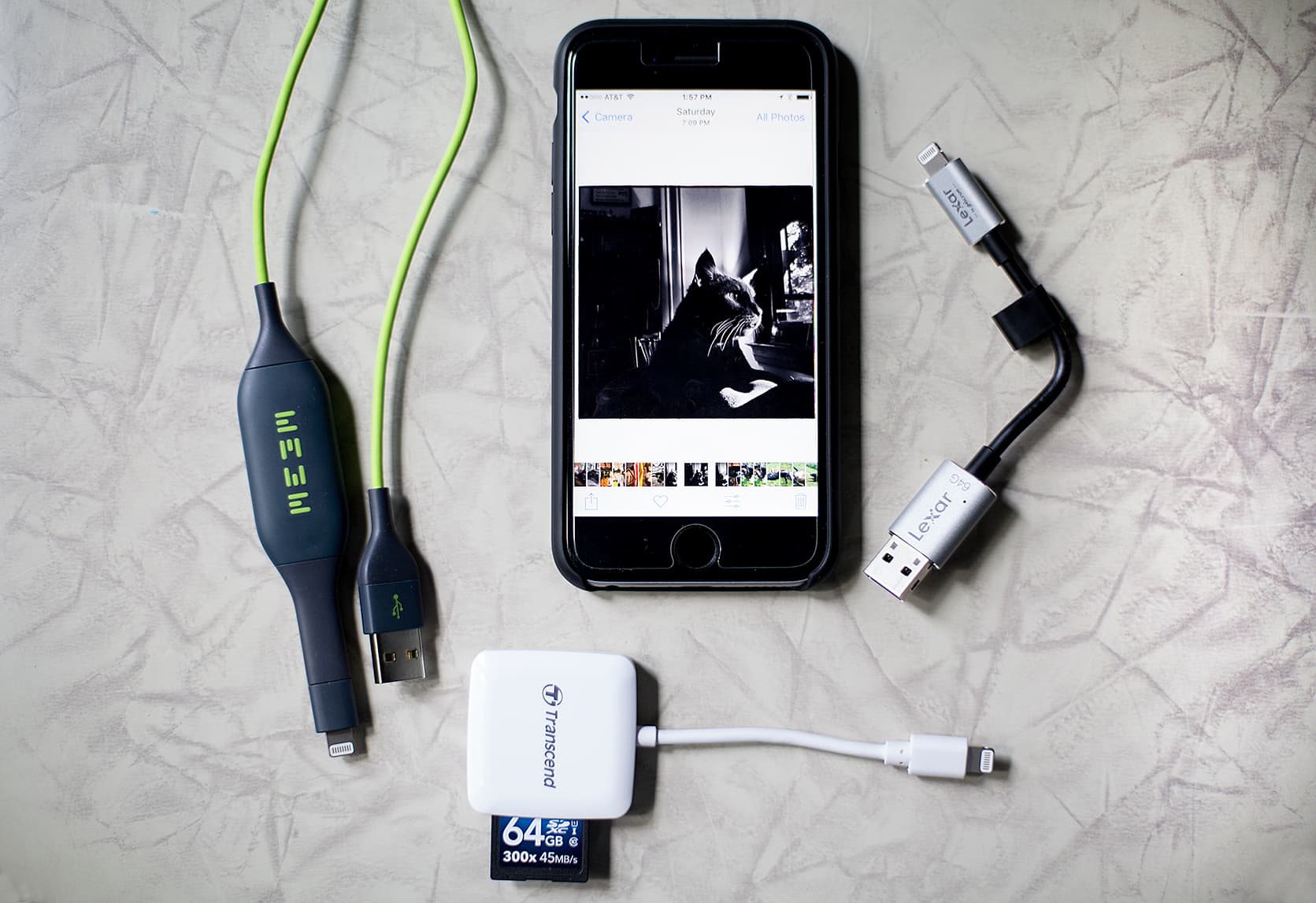
Three great gadgets with different ways to back up your iPhone files. Photo: David Pierini/Cult of Mac
A friend emailed me with an iPhone crisis. The storage capacity on her iPhone 6 was full and she was unable to shoot pictures or videos. She needed space fast.
I walked her through the steps on how to purchase additional space on iCloud. But I also said I had a few devices that plug into the phone and allow her to quickly offload their data. She asked that I stand by.
It’s Runner’s Week at Cult of Mac. Every day this week, I’m reviewing a different running app for Apple Watch in an effort to help you decide which app belongs on your wrist to log all your sweaty miles.
It sounds impossible, but Little Snitch 4 makes network security fun. Photo: Objective Development
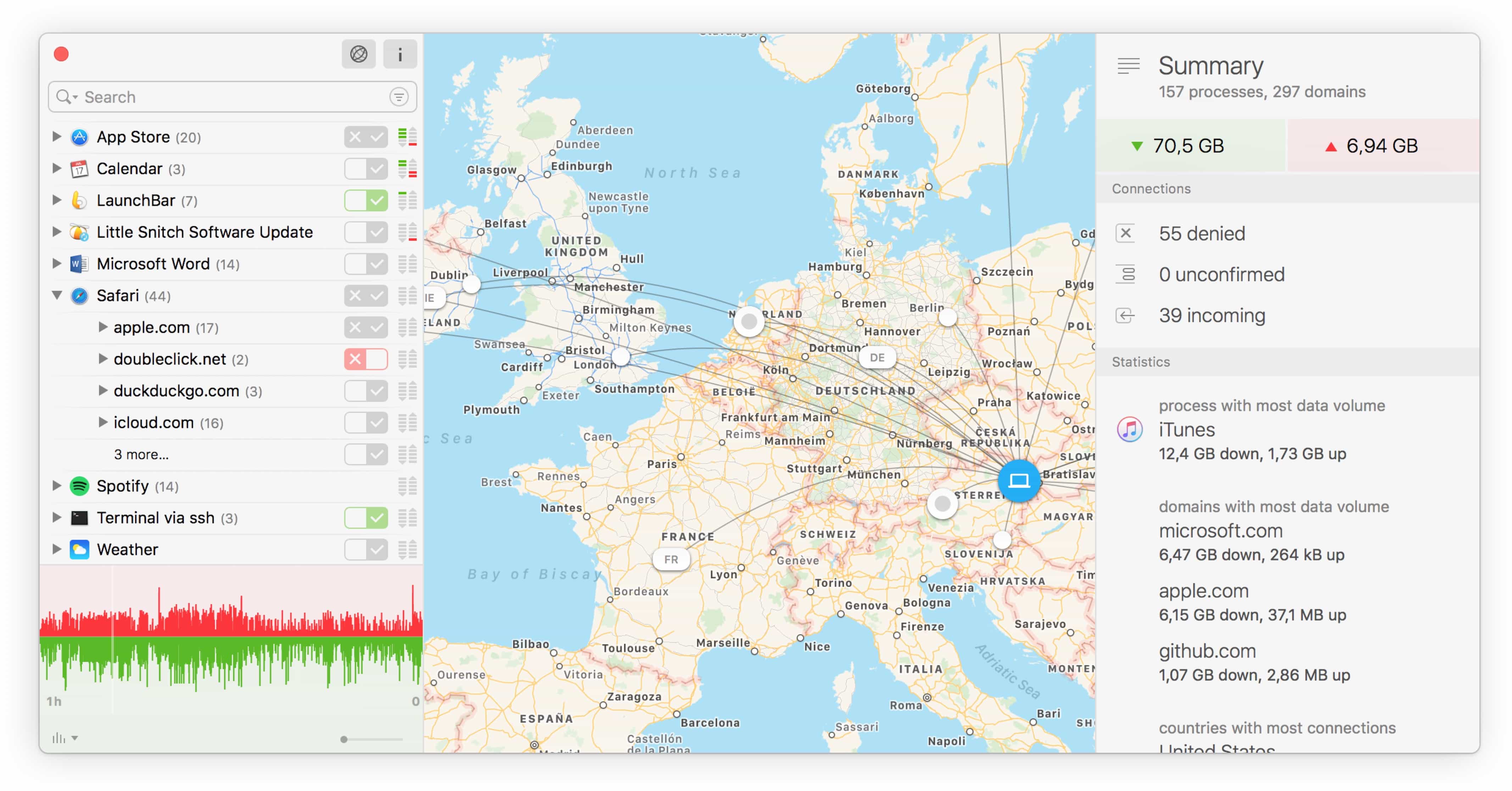
Little Snitch, from the maker of the sublime LaunchBar, just got updated with a new Silent Mode that makes the app about a million times better to use, especially the first time you install it. Little Snitch is a network monitor that tattles on every other bit of software on your Mac, telling you when an app connects to outside servers.
That’s pretty much its only function, but Little Snitch Version 4 packs a ton of neat touches that tell you everything about how your Mac is connecting to the outside world. I’ve been using it for the past week or so, and it makes keeping your Mac safe far less annoying.
It's Runner's Week at Cult of Mac Photo: Graham Bower/Cult of Mac
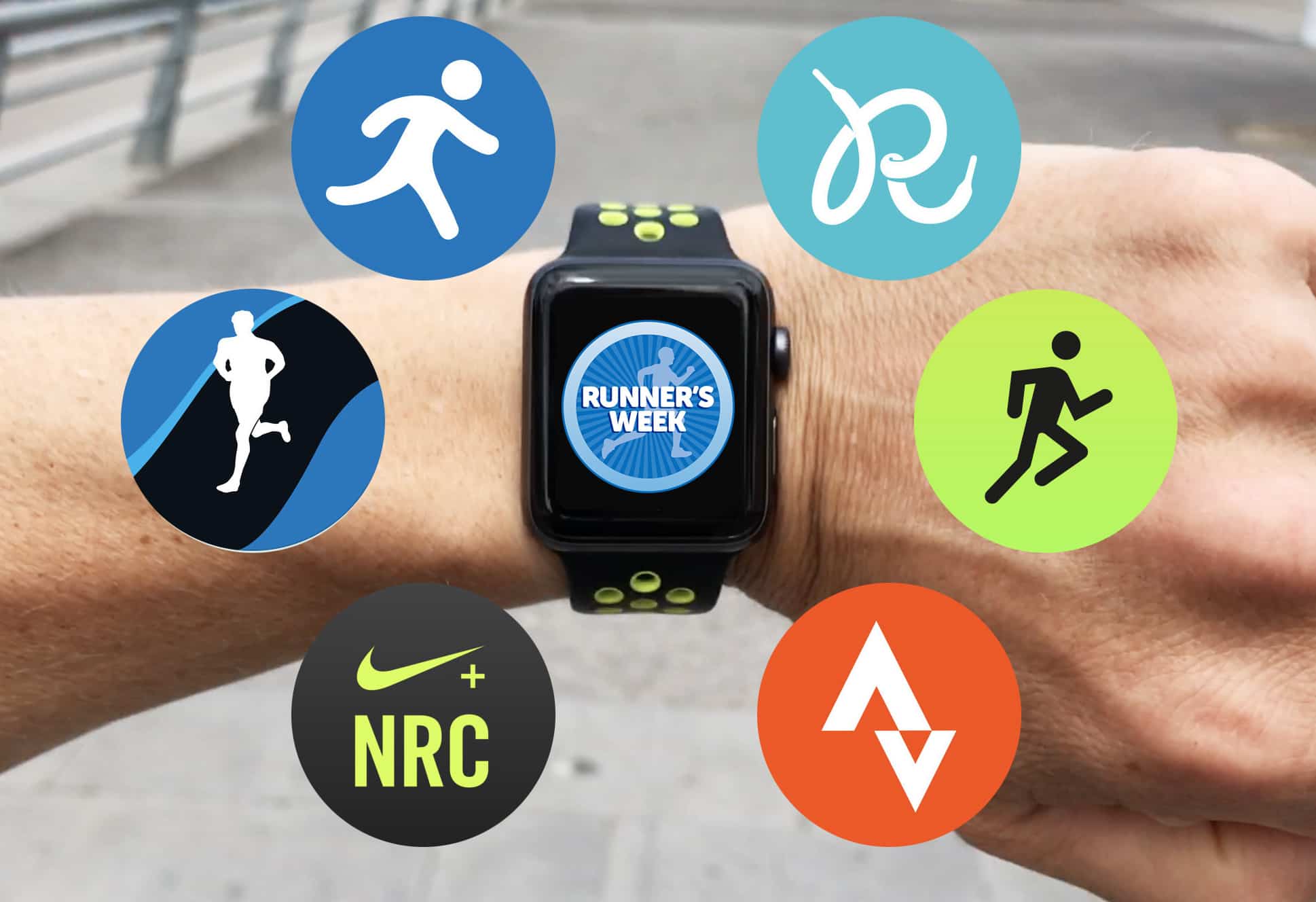
It takes a lot of effort to go running with Apple Watch, and not just because it gets you all sweaty. The hard work starts before you even put on your running shoes. Simply choosing which running app to use is an exhausting task.
Even if you don’t install any of the plethora of third-party running apps, the Apple Watch Nike+ model comes with two preinstalled options to choose from. So this week, to help get you off the starting blocks, we’ll be reviewing six of the best running apps for Apple Watch.
The Shift Pack by Alpaka. Photo: David Pierini/Cult of Mac
My closet floor resembles a bullpen. But instead of pitchers, it houses a rotation of backpacks and bags ready to be activated for work, day-long excursions or extended travel. Depending on the week, I could shift between four or five bags.
But when Shift Pack recently arrived for a tryout, it threatened to retire a couple of my veterans. It is a single backpack that aims to cover all the bases, work, play and travel or all at once if necessary.
Once you've got YouTube Converter set up, you almost don't need to go near the actual app to get your video conversions done. Photo: Softorino
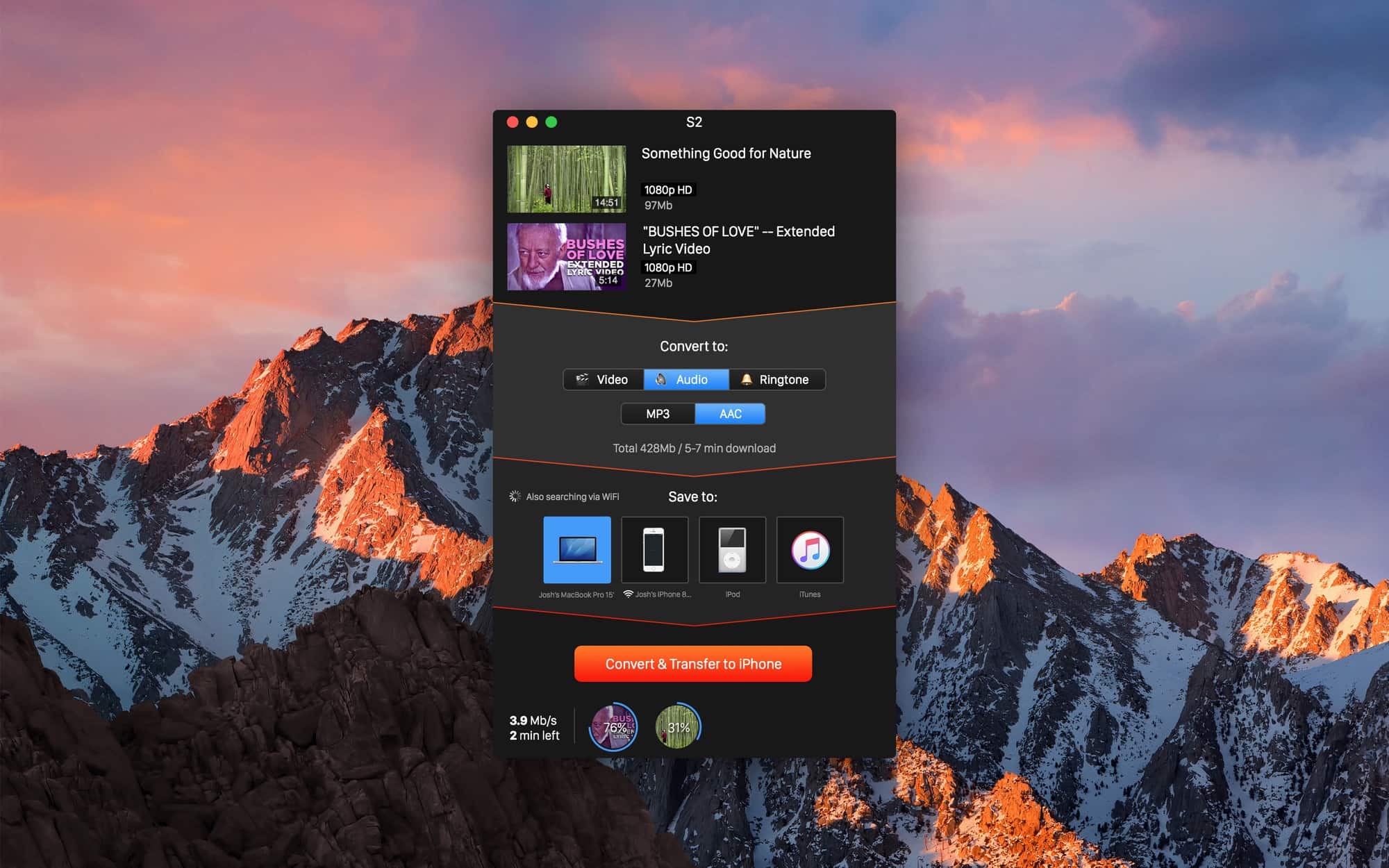
If you ever need to get a video off YouTube and onto your iPad or iPhone, then Softorino’s YouTube Converter 3 should be an insta-buy. It’s a $20 Mac app that grabs YouTube videos, converts them to a Mac- or iOS-friendly format, and then sends those videos wirelessly to your device. I’ve tried it out quickly and it’s actually even easier than it sounds.
Nebo is the best Notes app and not in beta. And maybe even then. Photo: Cult of Mac
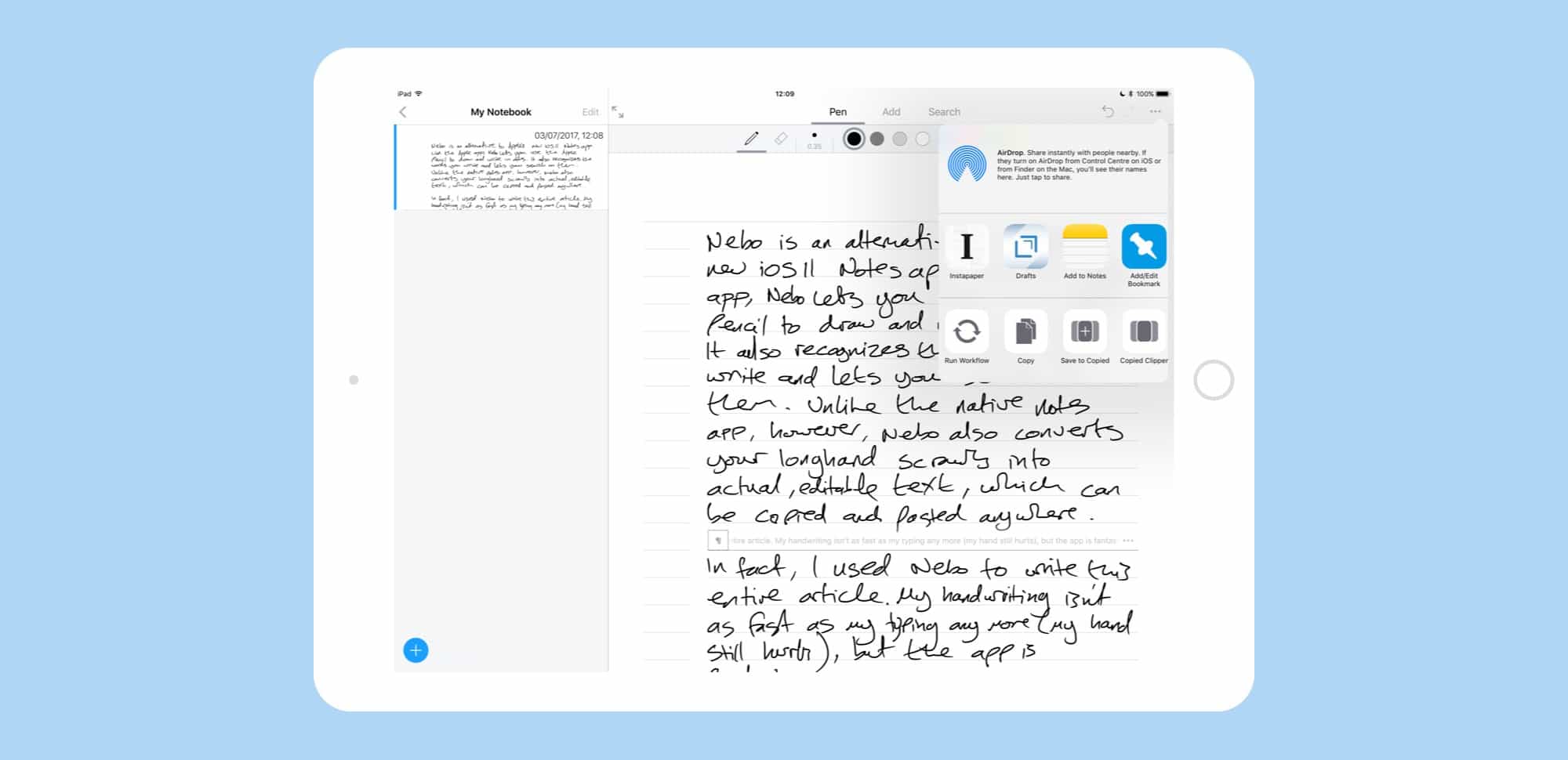
Nebo is an alternative to Apple’s upcoming iOS 11 Notes app. Like the Apple app, Nebo lets you use the Apple Pencil to draw and write in notes. It also recognizes the words you write and lets you search on those terms. Unlike the native Notes app, however, Nebo also converts your longhand scrawls into actual, editable text, which can be copied and pasted anywhere.
In fact, I used Nebo to write this entire article. My handwriting isn’t as fast as my typing any more (my hand still hurts), but the app is fantastic.
Mixing tech and housework should always be this easy. Photo: Ste Smith/Cult of Mac
Housework is by far my least favorite thing to do. So when I was recently asked to do a bit more around the house, I started thinking: Could I mix my love of tech with housework?
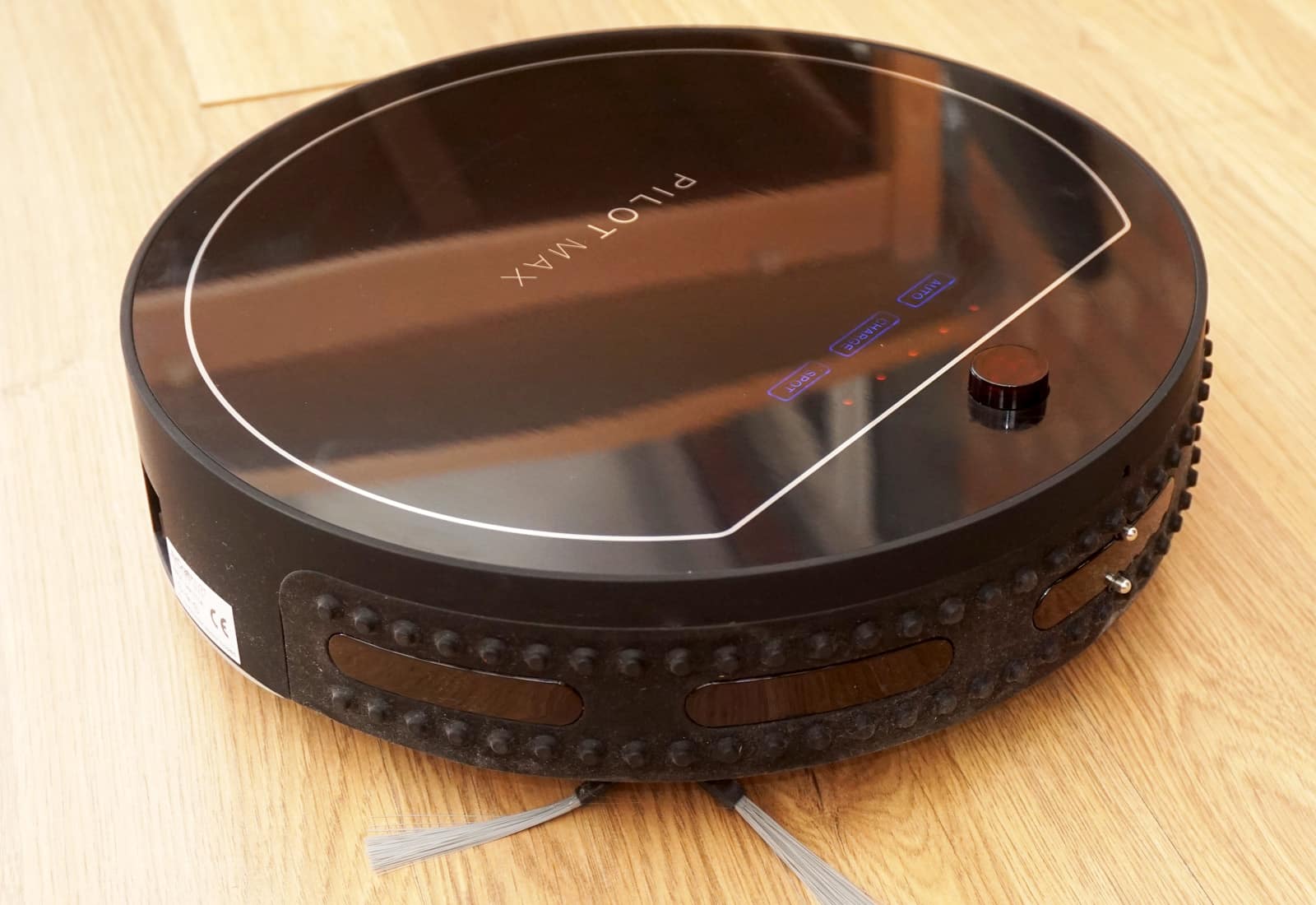
Thankfully there are tons of products, but the one that caught my eye was the Aircraft Pilot Max — a robot vacuum to take the effort out of my most hated chore. Its features, build quality and convenience make it a dirt-busting dream machine. Check out my video review, along with a full write-up below.
iOS 11 for iPad might be Apple's biggest new product this year. Photo: Apple
Updated 27 June, 2017: This post now includes details about the iOS 11 public beta.
Apple’s Worldwide Developers Conference keynote this June was so packed that even two-and-a-half hours didn’t seem like enough time. And yet the biggest announcement wasn’t new hardware, or a new app. It was an update.
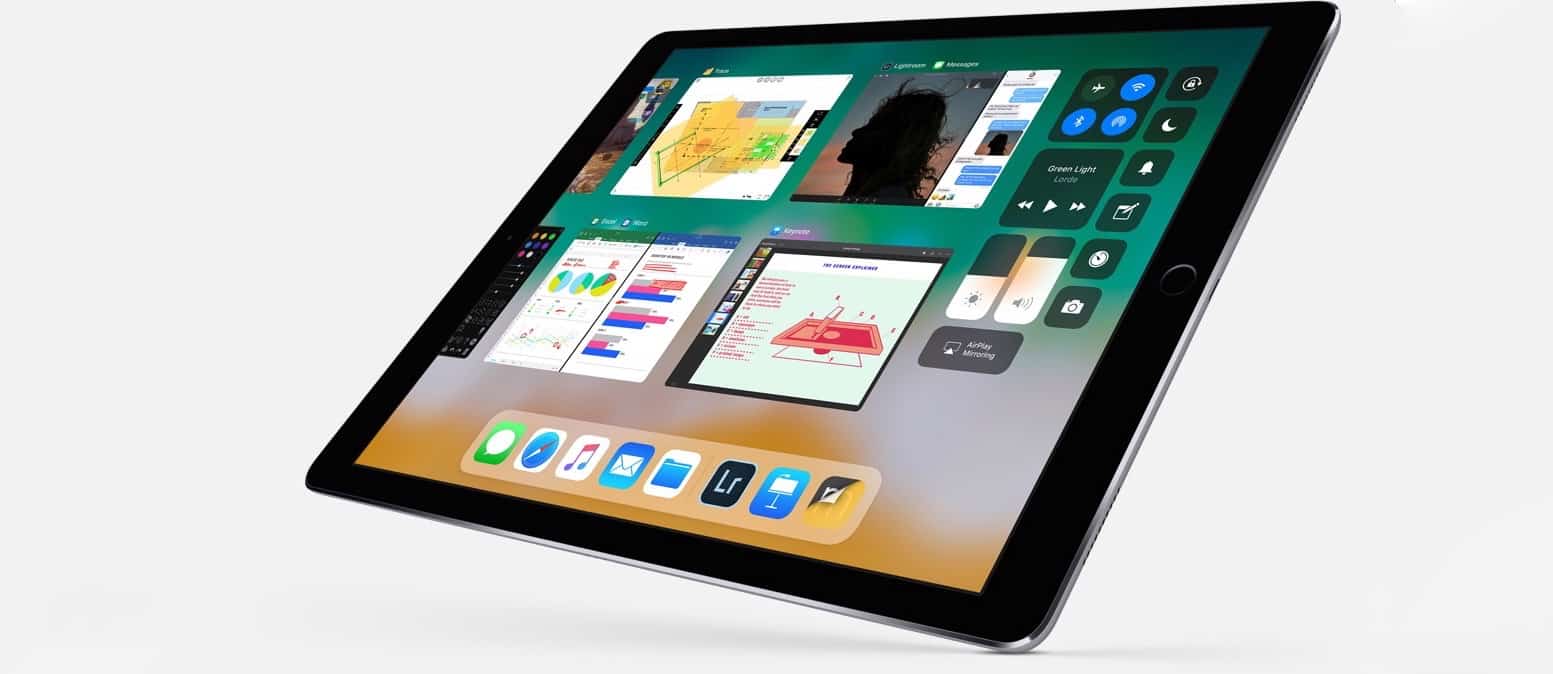
Specifically, the iOS 11 update for the iPad, which turns Apple’s tablet from little more than a big iPhone into a full-featured touchscreen PC. In one go, Apple showed that it is still full-steam behind the iPad, and that a desktop-class touchscreen computer doesn’t have to actually run a desktop OS, like Microsoft’s Surface.
The X1 Pro Rig from Shoulderpod. Photo: Shoulderpod
The more powerful the iPhone camera gets, the less practical the iPhone design is for certain jobs. Holding a thin, pocket-shaped device out in front of your face with your forefingers and thumbs on both ends to view the screen is risky and shaky, especially for video.
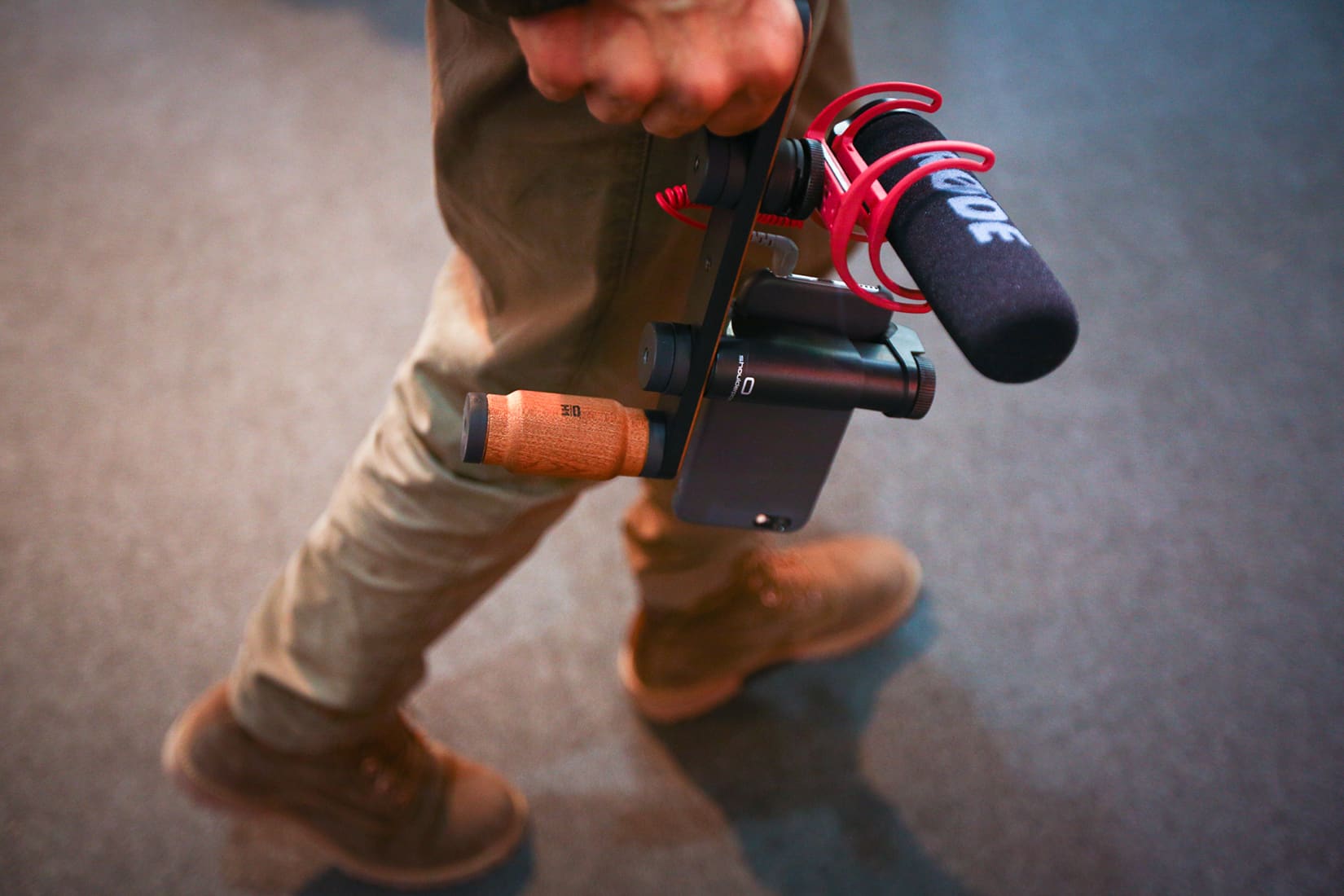
But there are accessories that can give the mobile video shooter a secure and steady grip without adding much weight or bulk in the field. Among the best tools come from a company in Spain called Shoulderpod.
The Espin electric bike is a fun and functional electric bike at an entry-level price. Photo: Leander Kahney/Cult of Mac
Best List: Espin Sport electric bike
I love electric bikes, but a lot of them look butt-ugly. Their batteries and motors are strapped to the frame, ruining their lines. Stromer’s bikes, which integrate motor and battery into the frame, are a notable exception. But the latest Stromers cost an eye-watering $7,000 and up.
Enter Espin’s electric bikes, which look like Stromer’s but cost just $1,888, a steal for an eBike this capable and fun.
Soccer is one of the most popular sports in the world — there are soccer fans everywhere. With all of this popularity comes a ton of potential leagues and tournaments to watch. If you’re a big fan, you’ll be glad to know there are some great ways to watch streaming soccer on Apple TV.
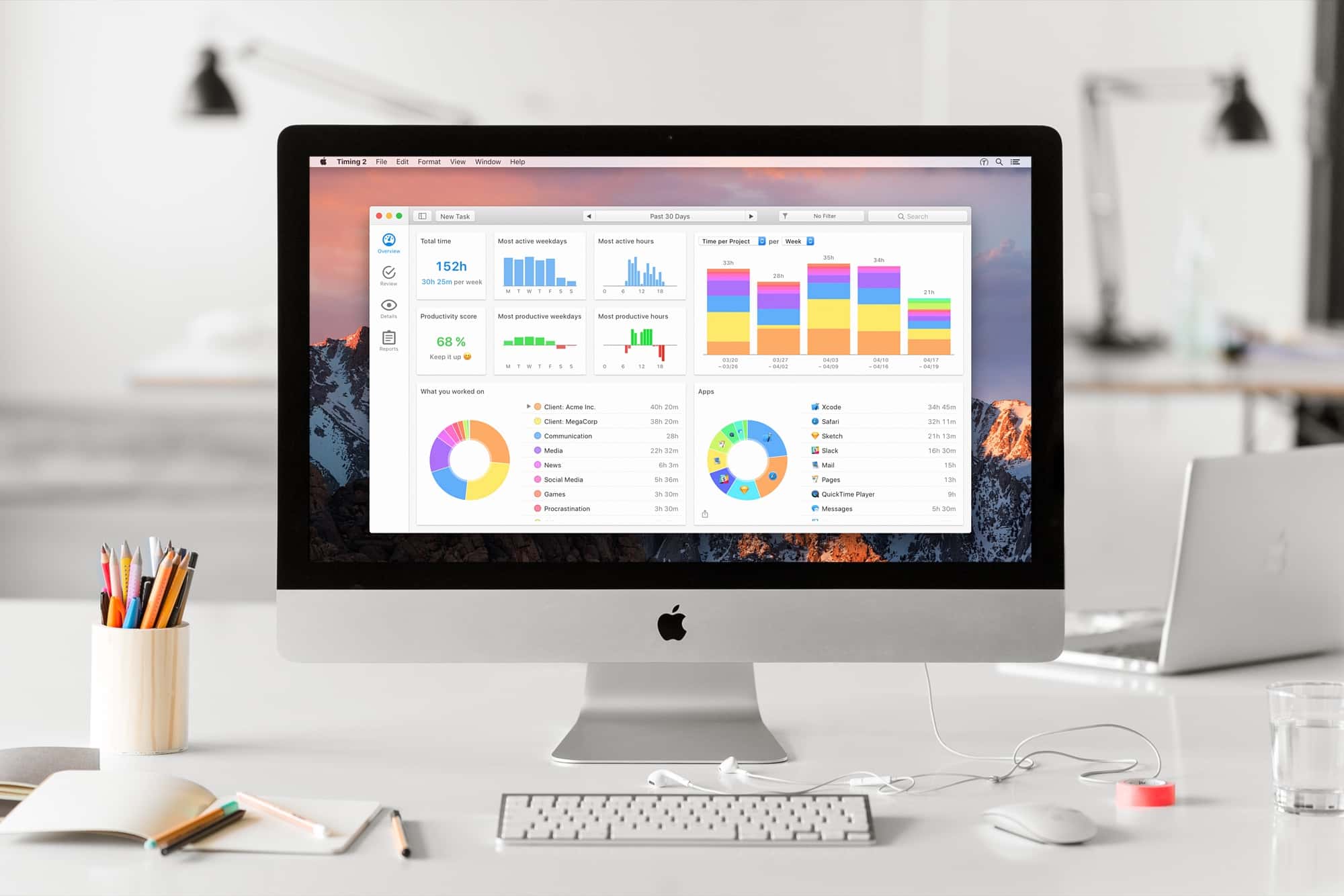
Timing 2 makes time tracking on your Mac easy, not a chore. Photo: Screenshot: Timing / Daniel Alm
I recently switched back to freelancing full-time, and whilst I am lucky enough to have clients who don’t ask for precise hourly breakdowns, I have always been intrigued to know how much time I was spending on work tasks, especially those tasks that I didn’t directly bill for.
Many time trackers rely on you explicitly setting the task you are tracking and remembering to switch to another task when it’s time to track that. This is easy to forget, and for someone like me who switches tasks frequently, it’s hard to always know when one task finishes and another begins.
Timing 2 takes a different perspective. Instead of tracking by task, it tracks by application usage and uses a set of rules to assign activities in those applications to certain projects and tasks. The premise is that after a learning process, you can leave the application running behind the scenes and it’ll track everything for you automatically. You only need audit the results.
Don't pay full price for a 10.5-inch iPad Pro. Photo: Ste Smith/Cult of Mac
I could be the poster boy for Apple’s “iPad problem.”
That problem, in a nutshell, is this: Even long-in-the-tooth iPads several generations old continue to work just fine for many everyday tasks. That, in turn, slows the upgrade cycle. iPad sales drop, and pundits pile on to declare that Apple is doomed. Again.
I’m one of those cheapskates who couldn’t be bothered to shell out for a new iPad over the past few years but a freak accident — and the surprisingly convincing unveiling of the 10.5-inch iPad Pro at last week’s Worldwide Developers Conference — finally coaxed me out of iPad complacency.
I’m thrilled I finally wised up. The new 10.5-inch iPad Pro is a beast of a machine that’s so fast, smooth and responsive that it makes me feel like I’m in a sci-fi movie interacting with a killer device that hasn’t been invented yet. It feels like the future!
Get a first look at the new 10.5-inch iPad Pro! Photo: Ste Smith/Cult of Mac
We finally got our hands on Apple’s new 10.5-inch iPad Pro, which just landed in Apple stores today. Our unboxing video will show you all the ins and outs of the new tablet. Take a look at the packaging, what’s in the box and the device itself before you rush out and pick one up.
Get your (virtual) hands on this sexy new iOS device by watching our 10.5-inch iPad Pro unboxing video below.
watchOS 4 is available to developers, take an early look at what's new with our video! Photo: Ste Smith/Cult of Mac
Along with new versions of iOS and macOS, Apple unveiled its next major update for the Apple Watch at WWDC. The first watchOS 4 beta is now available to developers, and we’ve been trying out all its new features and improvements.
Check out the video below to see watchOS 4 in action.
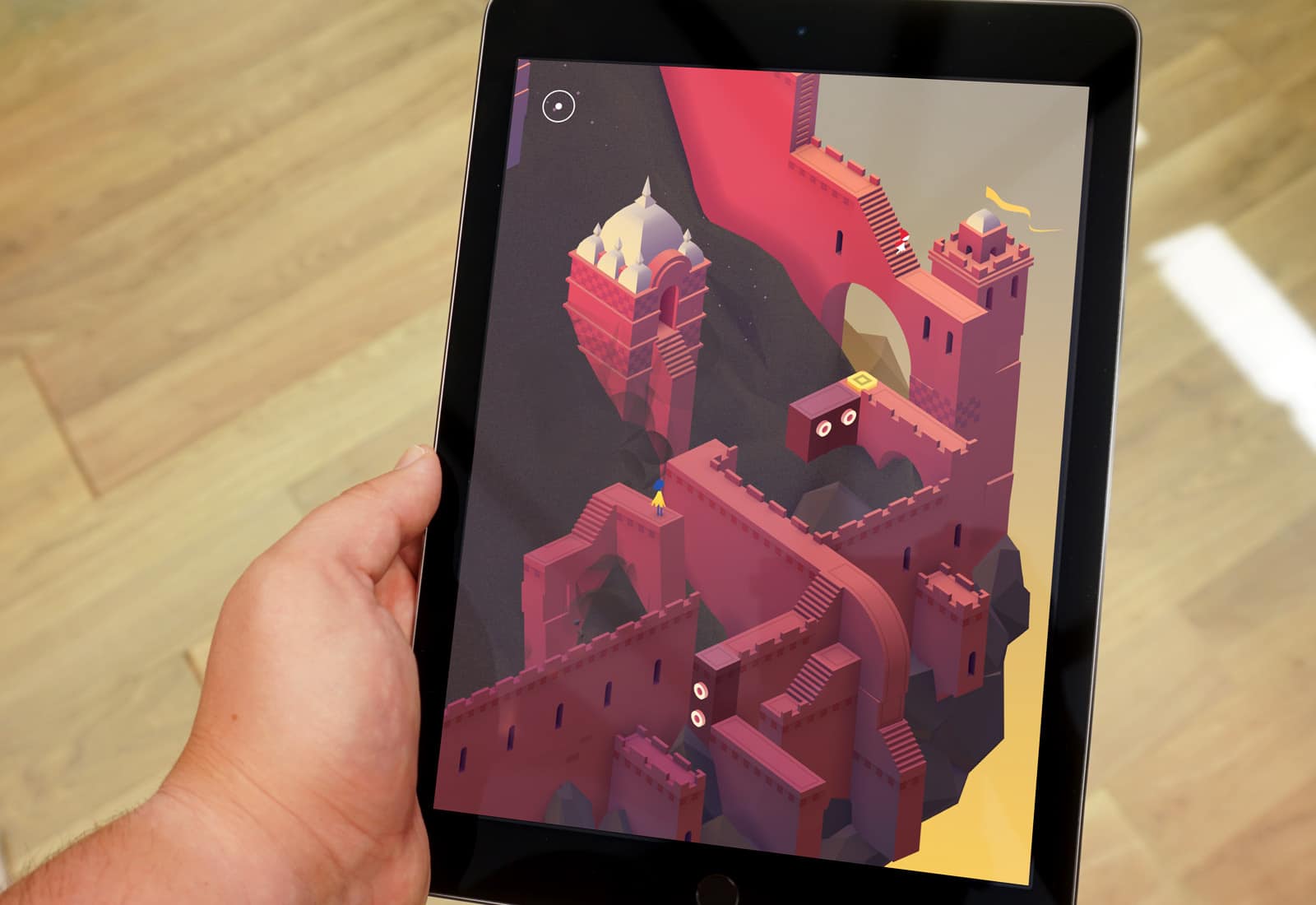
Are you ready for a return to Monument Valley? Photo: Luke Dormehl/Cult of Mac
When I interviewed the creators of smash hit puzzle game Monument Valley back in 2014, producer Dan Gray told me, “Already we’re having people ask us when Monument Valley 2 comes out, which is pretty crazy.”
Well, ask and ye shall receive — albeit three long years later. Arriving as a surprise release on iOS this month, Monument Valley 2 brings more of the M.C. Escher-inspired puzzle action that fans have been craving since the original game arrived in the App Store.
How does it fare? Put it this way: If you loved the original, you should fire up Apple Pay right now and set aside a few hours for more of the same.