Mobile menu toggle

Setups - page 12

Mac Studio hides under Studio Display-laden desk [Setups]

By

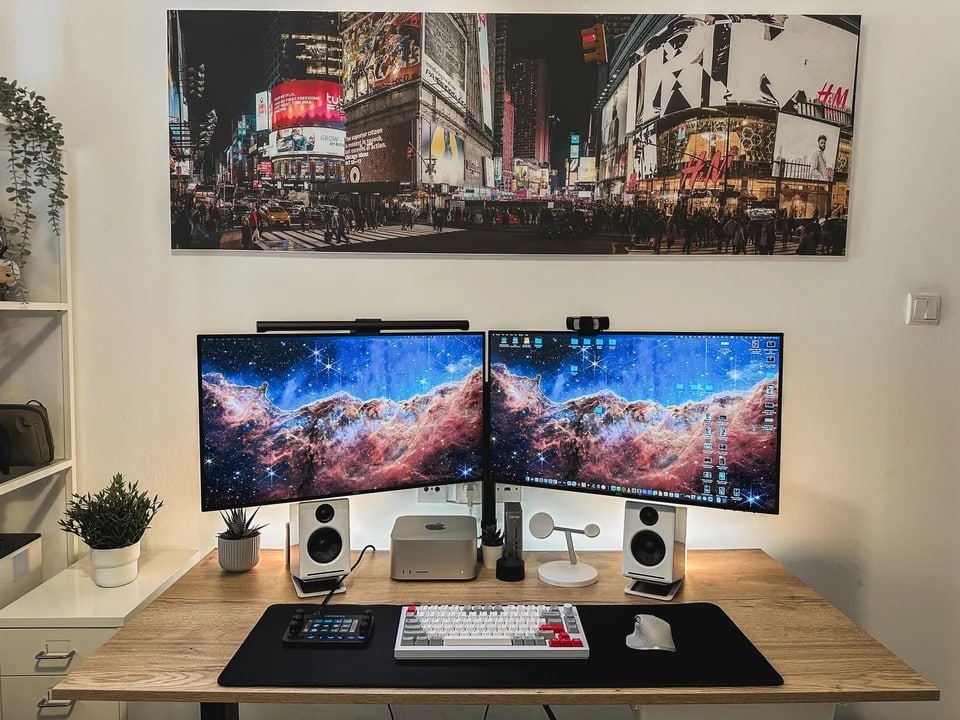
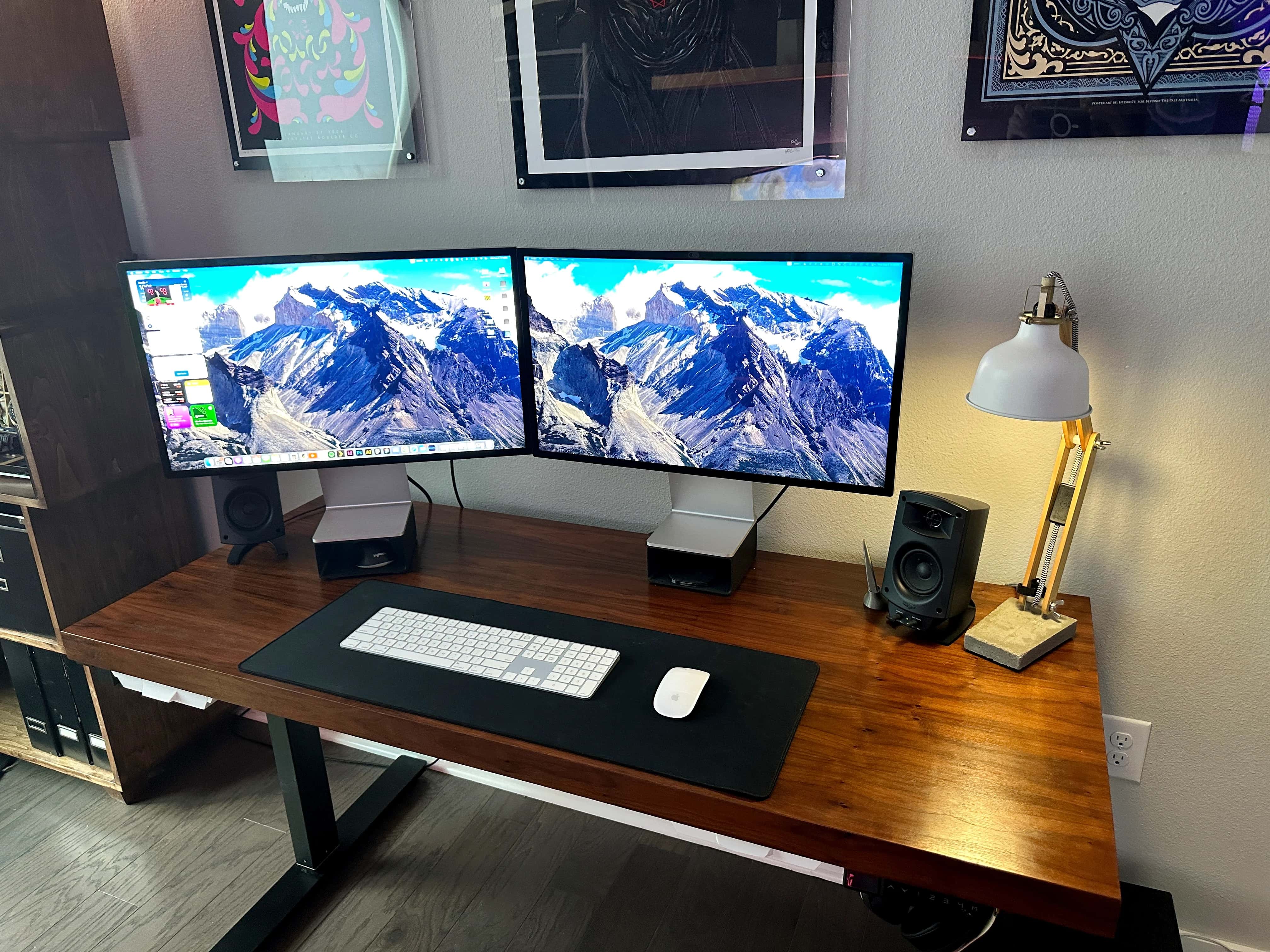
Where's the Mac Studio to go with those Studio Displays? Under the desk.
Photo: MrBone66@Reddit.com

On Friday we mentioned dual-Studio Display setups seem relatively rare, but now we can hardly glance at social media without seeing one, or even several.

Today’s featured Mac Studio setup fits the bill with two Studio Display perched on 3D-printed stands. You can’t see the computer in the photo above. That’s because it’s mounted under the standing desk.
‘So we’re doing dual Studio Display setups?’ [Setups]

By

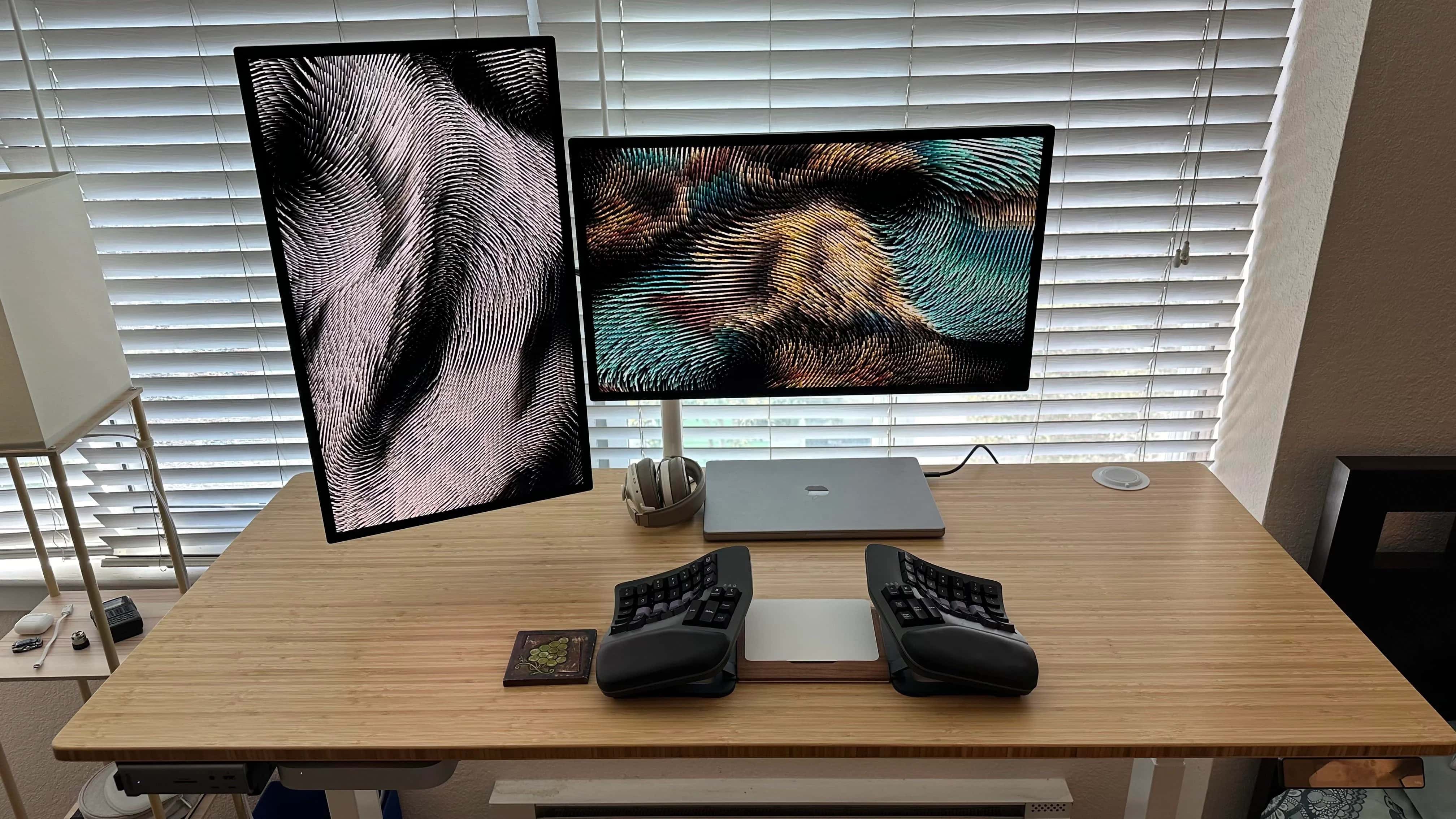
One Studio Display in landscape orientation and one in portrait -- what could be more picture-perfect?
Photo: strangeweather415@Reddit.com

Cult of Mac‘s coverage of user computer setups shows lots and lots of people love Studio Displays. And tons of folks love dual-display setups. But two Studio Displays in a setup? You’d think we’d see more of those.

And today’s featured setup not only boasts dual Studio Displays, it sports two Macs — an M2 Mac mini and an M1 Pro MacBook Pro — in addition to a split mechanical keyboard and some 3D-printed parts.

Big-time gamer’s rig doubles as dream shopping list [Setups]

By

This Mac Studio and Studio Display setup is a gamer's paradise, with six gaming systems.
Photo: BornforOne@Reddit.com

If you’re an avid gamer or you’re shopping for one, you could do worse than to check out today’s featured Mac Studio and Studio Display setup.

The user gets seriously greedy with a peripherals lineup that others might want to emulate, including six gaming systems, four keyboards, four mice and a stellar sound system.

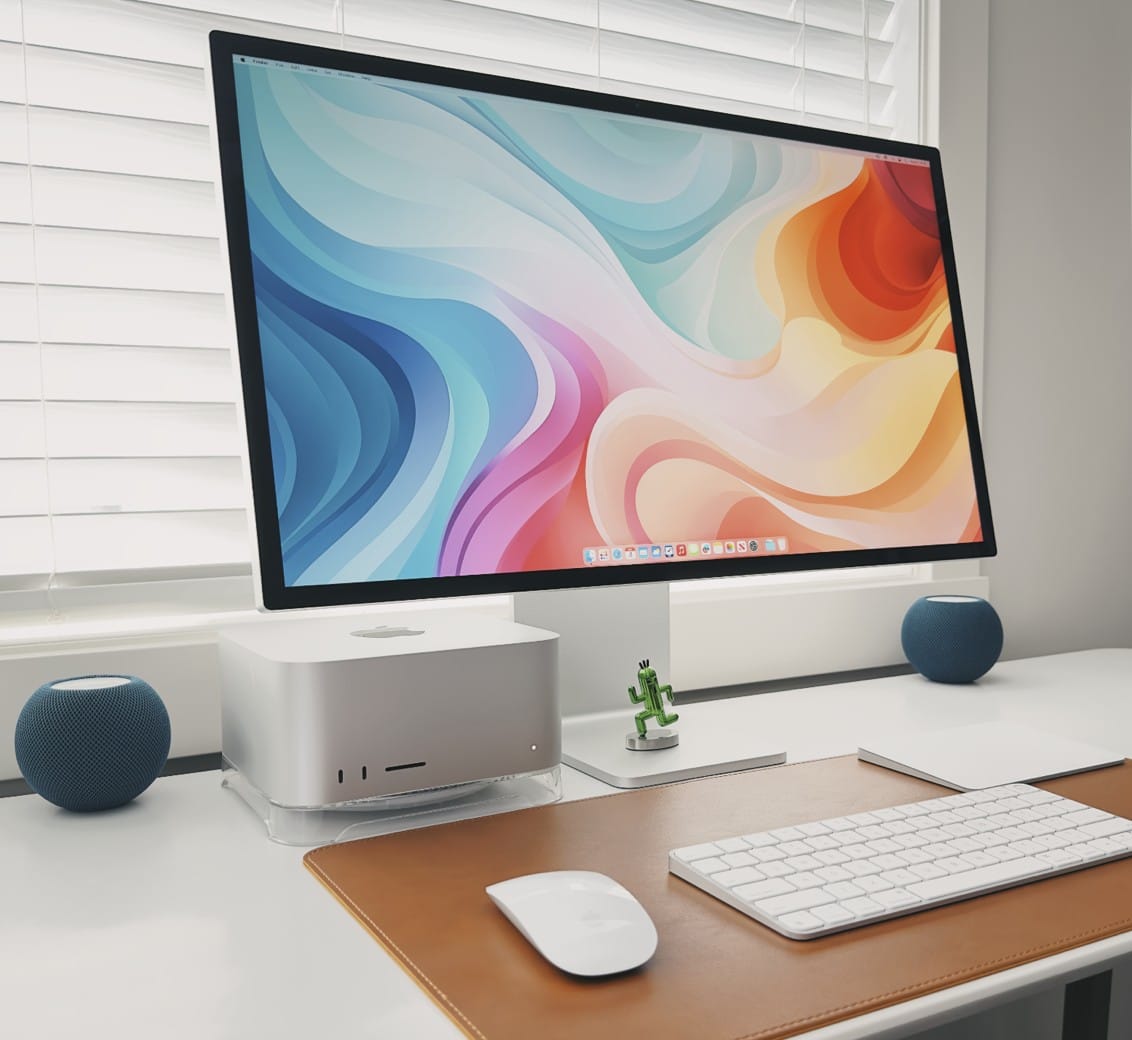
Bright and beautiful Mac Studio rig gets a lot right [Setups]

By

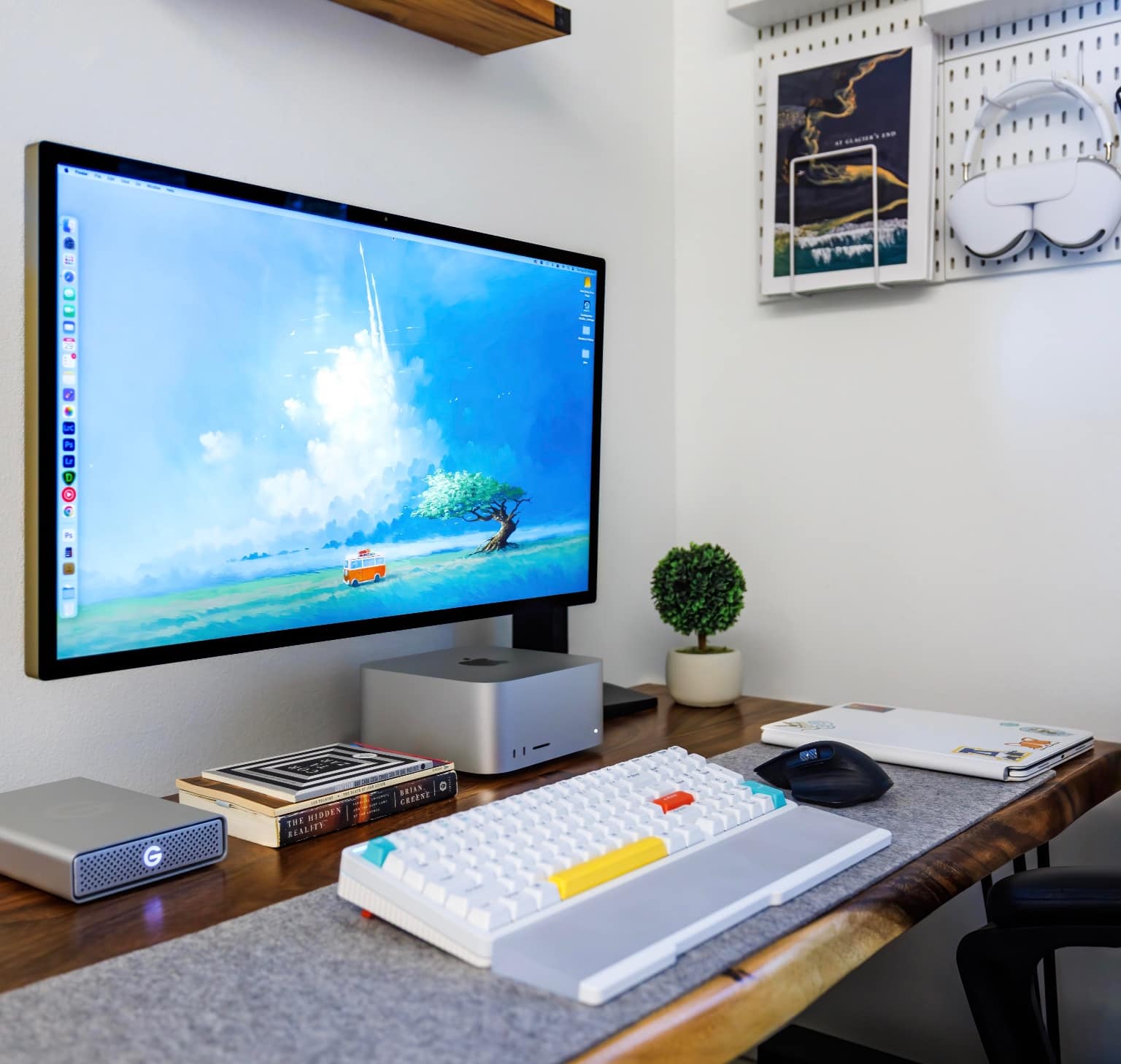
A lot of people want to know what that delightful wallpaper is. See below.
Photo: ursureiks@Reddit.com

A well-lit and well-equipped computer setup can evoke peace and productivity at the same time. Today’s Mac Studio rig exudes a zen-like calm despite being a total powerhouse.

It features a well-mounted Studio Display, a slick mechanical keyboard with wrist rest, a sleek external drive as well as tidy pegboard storage for AirPods Max.

Mac Studio makes most of new super-ultra-wide display [Setups]

By

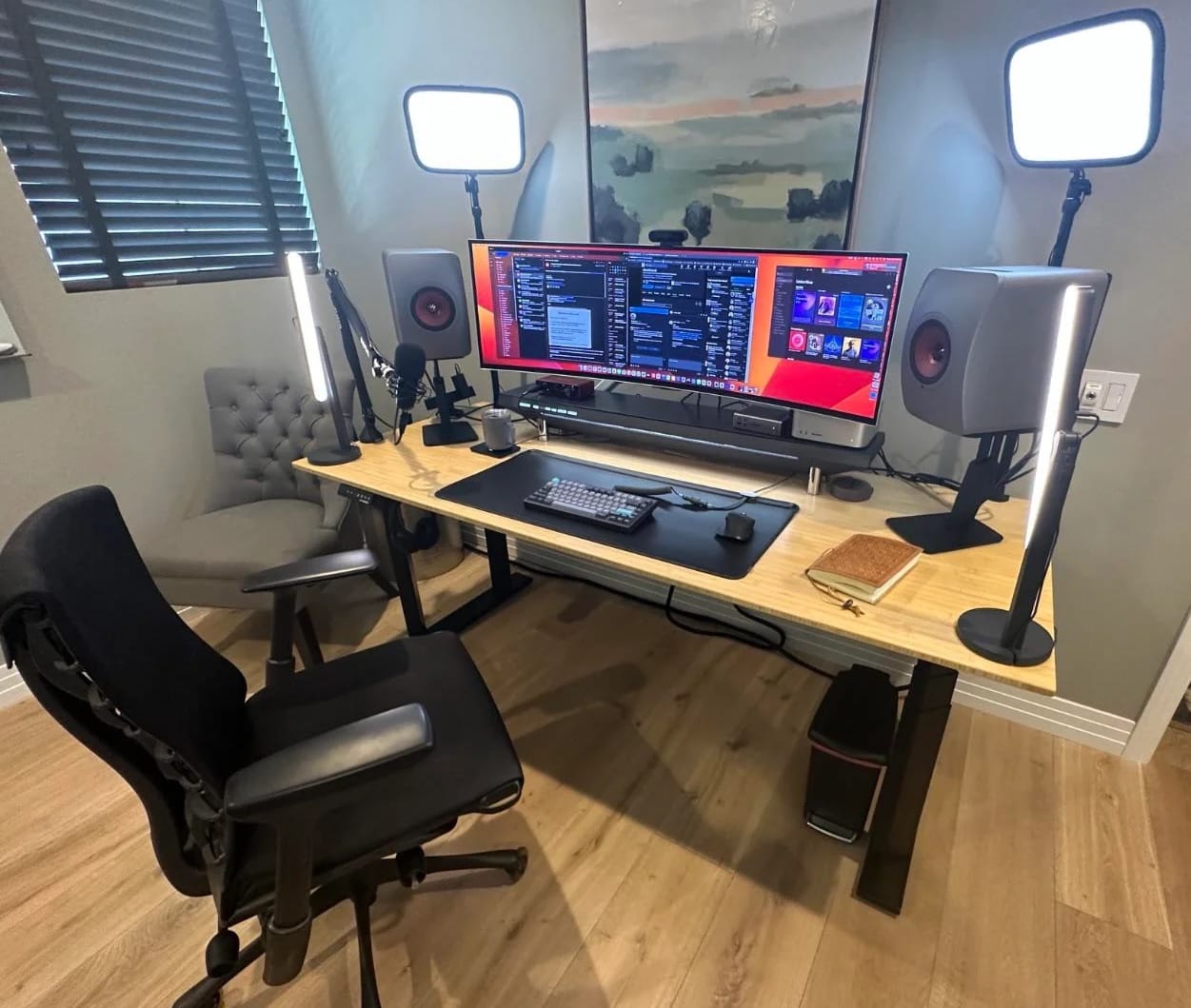
Lights, camera, action! This Mac Studio rig is ready for videoconferencing and more.
Photo: Busy-Telephone-6360@Reddit.com

Version:
Some computer setups are bare-bones but functional, others are swanky as all-get-out. Leaning toward the latter, today’s setup rocks a powerful M2 Ultra Mac Studio desktop computer driving a new, 49-inch Samsung G9 super-ultra-wide display. If you’re looking for a mac mini monitor, check out this impressive Samsung ultra-wide monitor setup.

But that’s not all the finery the solid standing desk supports. Festooned with key lights, it’s also a great videoconferencing station, with a premium webcam, a mounted USB microphone and killer speakers.

For health’s sake, get a standing desk [Setups]

By

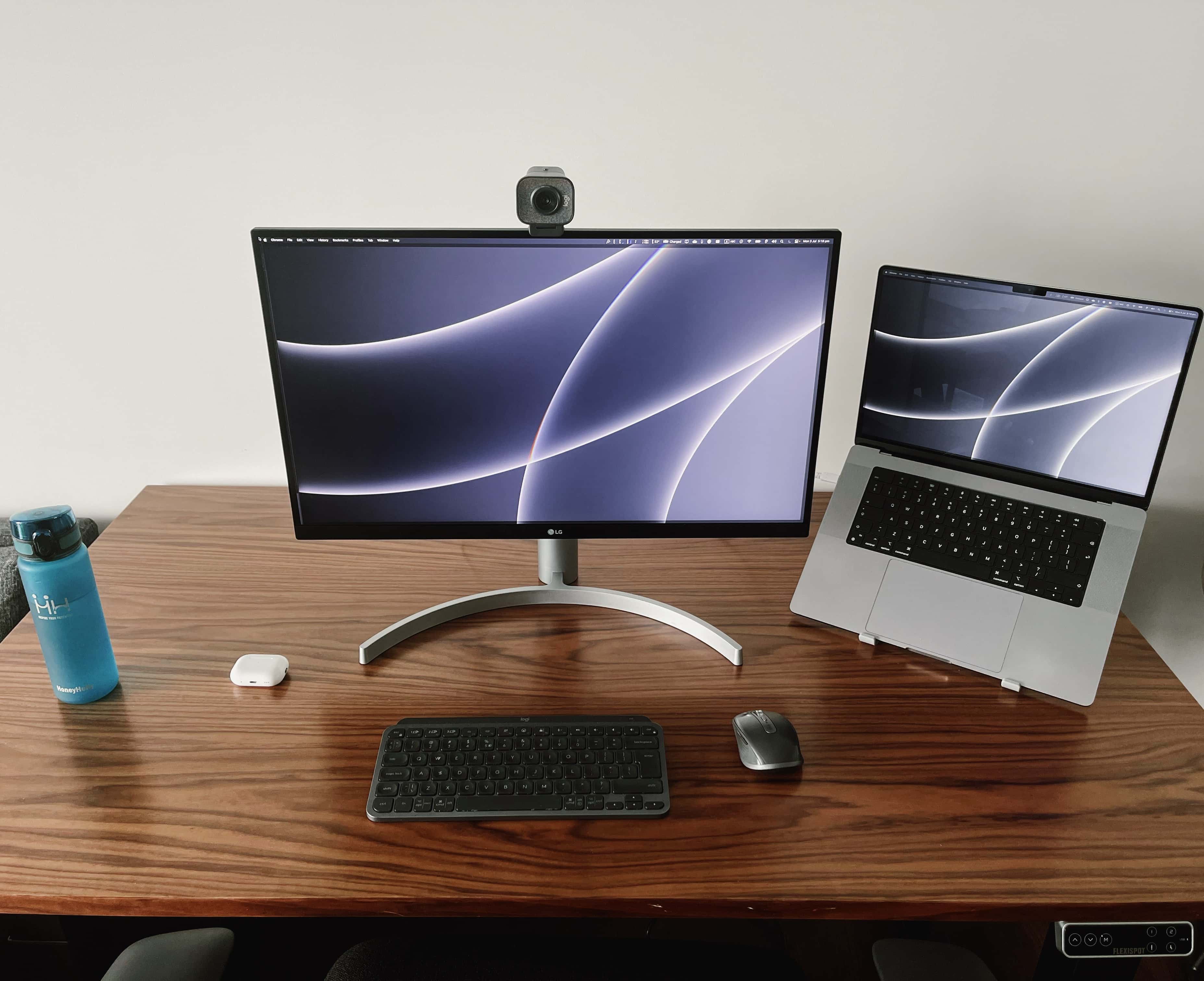
Even if you have a lot more gear than this, a standing desk can make a world of difference.
Photo: NiMa@Reddit.com

Maybe you’ve got back pain, or maybe your rear end falls asleep too much when you sit for long periods. Whatever the case, you, like many Apple fans, can benefit from a standing desk in your computer setup.

Today’s featured MacBook Pro setup features an affordable sit-stand desk, but there are many options. We’ll go over some of them below.

‘Headless’ MacBook Air runs alongside retro Macs [Setups]

By

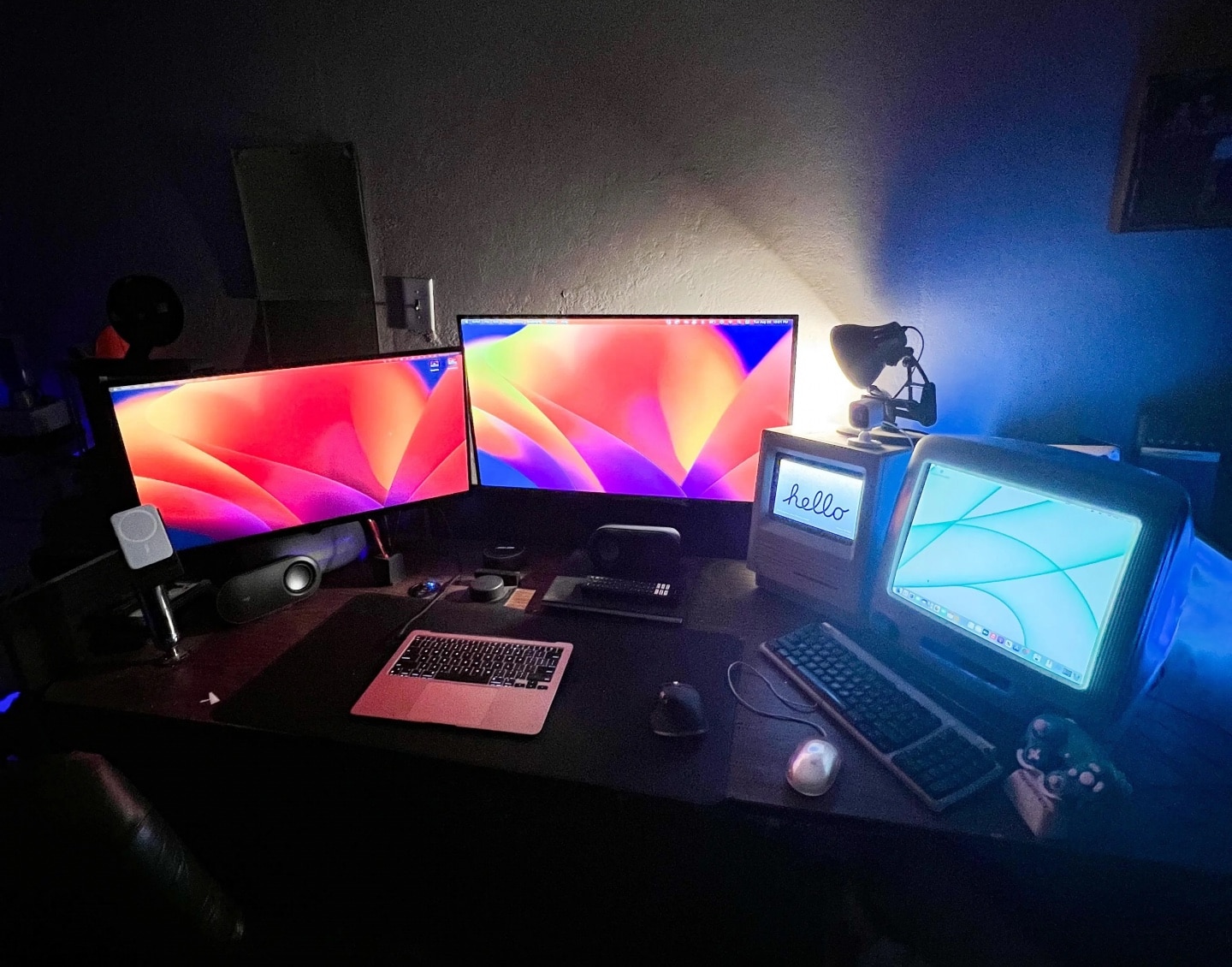
Bask in the warm glow of antique Macs actually being used.
Photo: thatboyrrr@Reddit.com

At Cult of Mac we love vintage Apple gear, of course. But to avoid confusion with what Apple means when it says “vintage,” perhaps we should say “retro” or even “antique.” You know, the old stuff people like to collect and put in computer museums.

Today’s featured setup sports both old and new. An M1 MacBook Air is the main computer, but it’s used as a desktop machine, sans built-in monitor. And right next to it are a working Macintosh SE/30 and an iMac G3.

Why does this MacBook Pro rig need a dock with 14 ports? [Setups]

By

Some setups just look nicely
Some setups just look nicely "lived in."
Photo: Infinite_Somewhere58@Reddit.com

In a world where advancing computer technology often seems like an arms race, with ever-more-powerful processors and compact chargers that pump out hundreds of watts, it’s no surprise docking stations keep boosting their port arrays.

Today’s featured MacBook Pro setup almost seems like it doesn’t have enough gear to merit its Plugable dock’s whopping 14 ports. But it supports multiple external displays for M1 Macs, and that’s why the user loves it.

iPad mini takes center stage in MacBook Air rig [Setups]

By

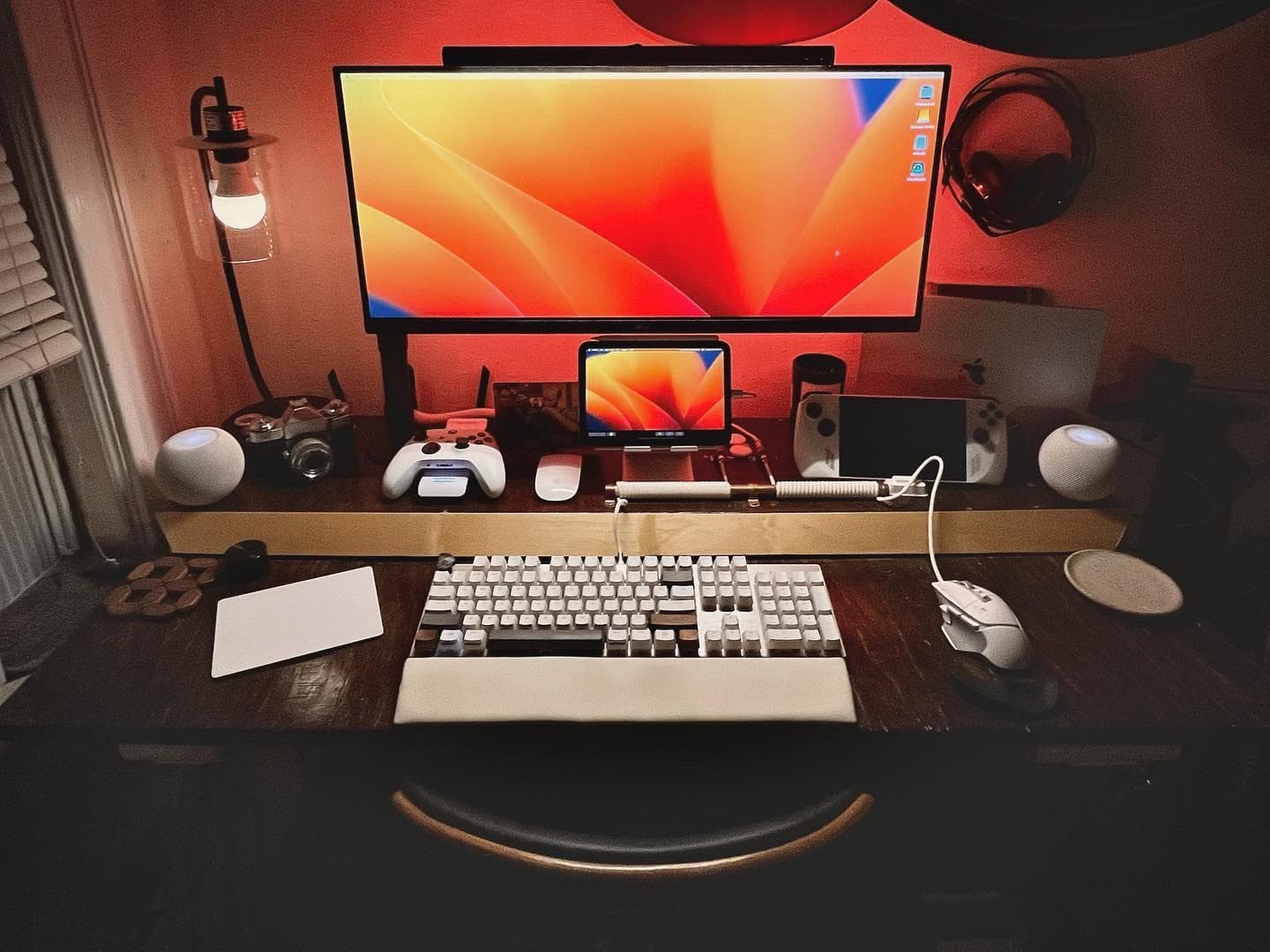
That's a Hexgears mechanical keyboard in tfront of the iPad mini.
Photo: Prestigious_Fox_5531@Reddit.com

It’s not every day you see a teeny, tiny little display under an ultra-wide one. But today’s M2 MacBook Air setup sports its dual screens that way by putting an iPad mini at the center under the big external monitor, flanked by paired HomePod minis.

The setup’s interesting highlights include a gaming handheld and a full-sized mechanical keyboard we rarely see.

Why buy a Touch ID keyboard when you can do this? [Setups]

By

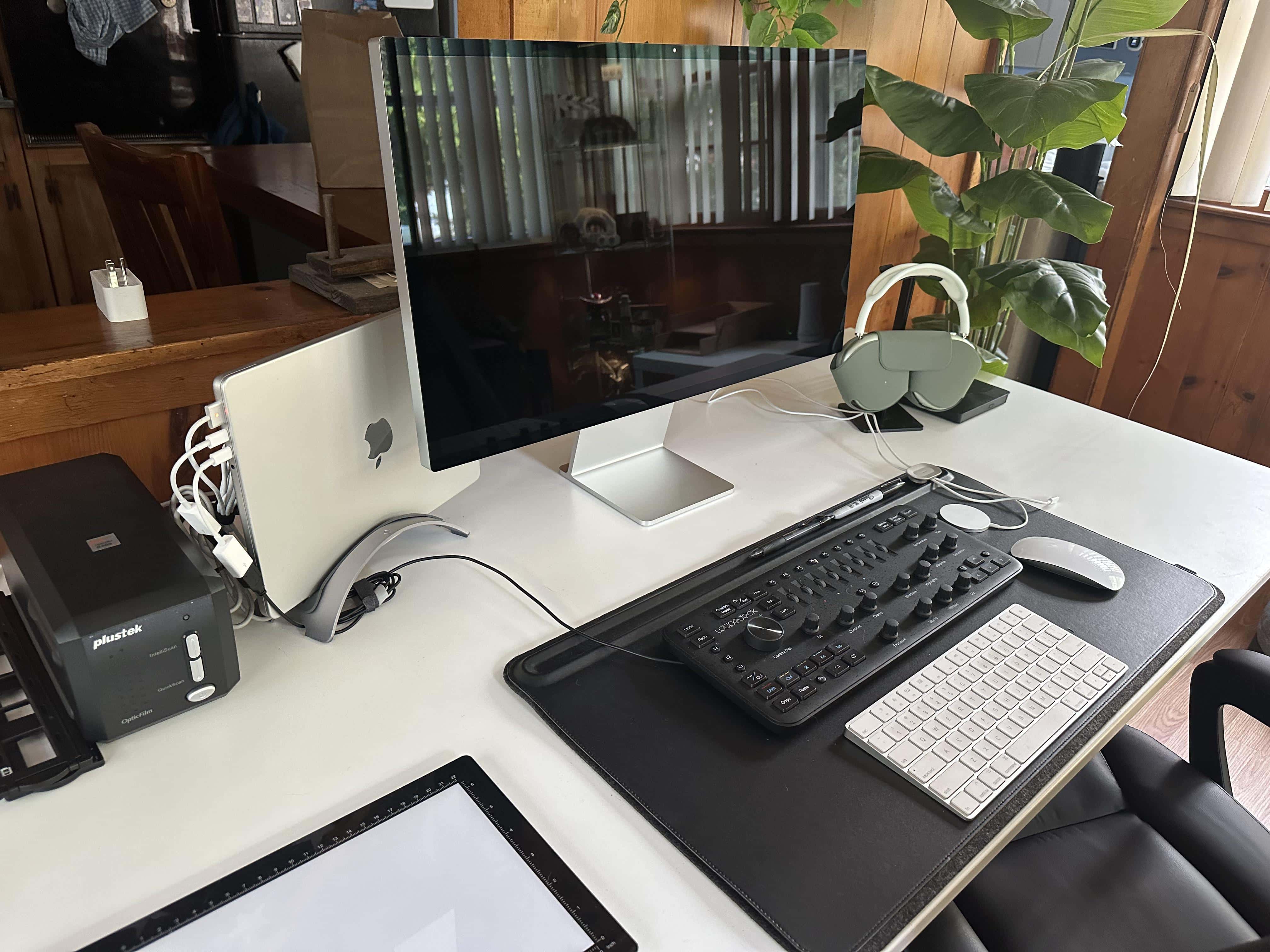
This user is considering a Magic Keyboard with Touch ID, but alternative came up.
This user of this setup was considering a Magic Keyboard with Touch ID, but an alternative came up.
Photo: Ajseps@Reddit.com

Social media is a great place to get ideas for gear to include in your computer setup — or to skip in favor of doing things another way. There are usually other ways to do things, as today’s M2 MacBook Pro user found out regarding password entry and any “need” for a keyboard with Touch ID.

And if you’re into video editing, check out the user’s cool gear — a PlusTek AI film scanner and a Loupedeck+ photo and video editing console with massive programmability.

Try this cool way to mount iPad for use with Sidecar [Setups]

By

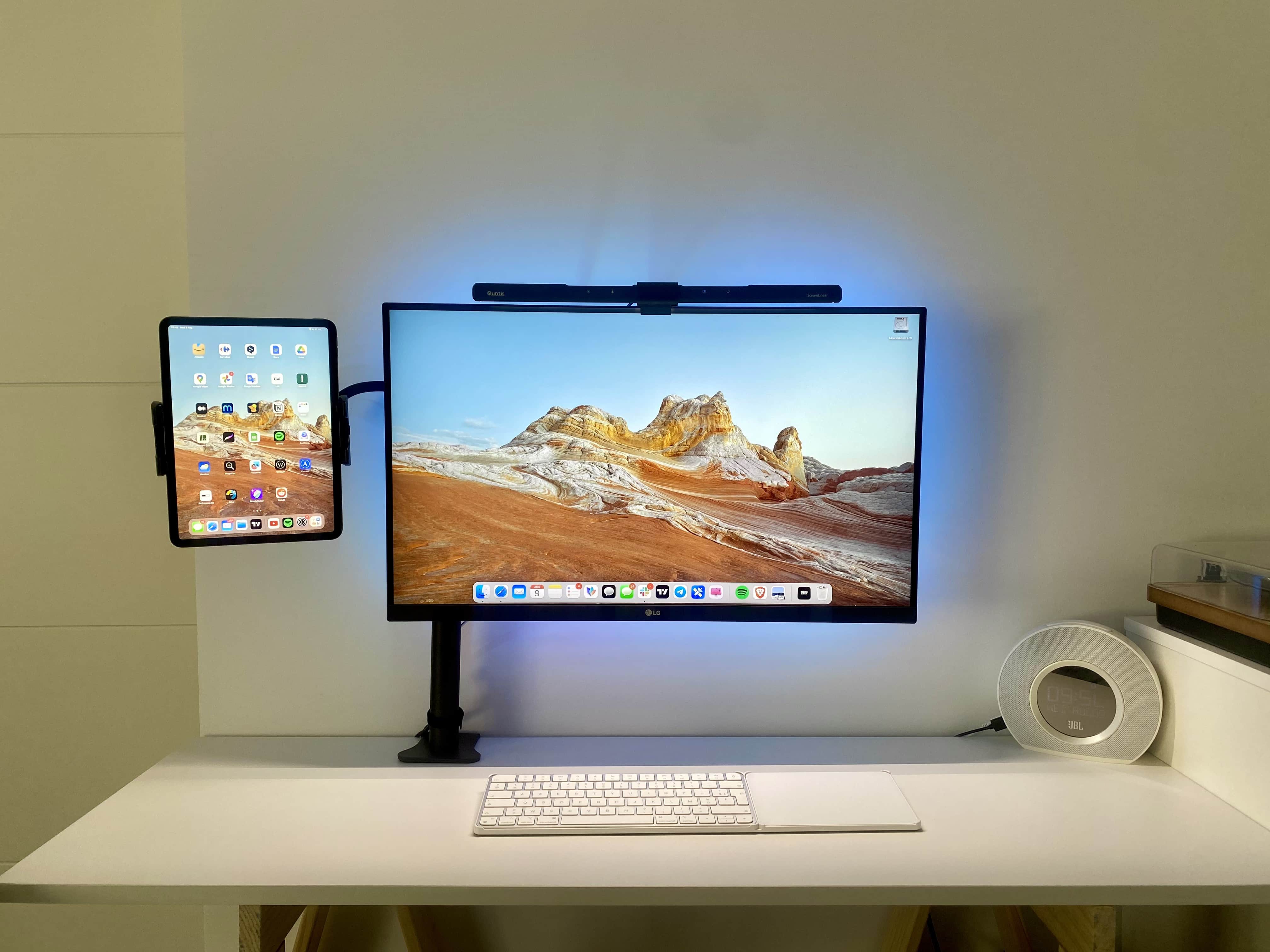
The little iPad holder makes using Sidecar or Universal Control a cinch.
Photo: casualhostile320@Reddit.com

While many folks like to have miles of screen real estate with multiple external monitors, some enjoy simply having their iPad’s screen in tandem with their main screen, especially for use with Sidecar or Universal Control.

Today’s clean and well-lighted MacBook Pro setup mounts an iPad with the main monitor in a neat way while hiding away the laptop. 

Learn to tame cable clutter with Basic Apple Guy [Setups]

By

See any cables here? We didn't think so.
Photo: Basic Apple Guy

Today’s featured computer setup comes from Mac maven and designer Basic Apple Guy. We know him from the free wallpapers he offers for download. Who knew he was such a cable-management Jedi?

We came across his powerful setup with nary an unsightly cable while writing about his new “Flow” wallpaper — which was actually inspired by his fight with cable clutter.

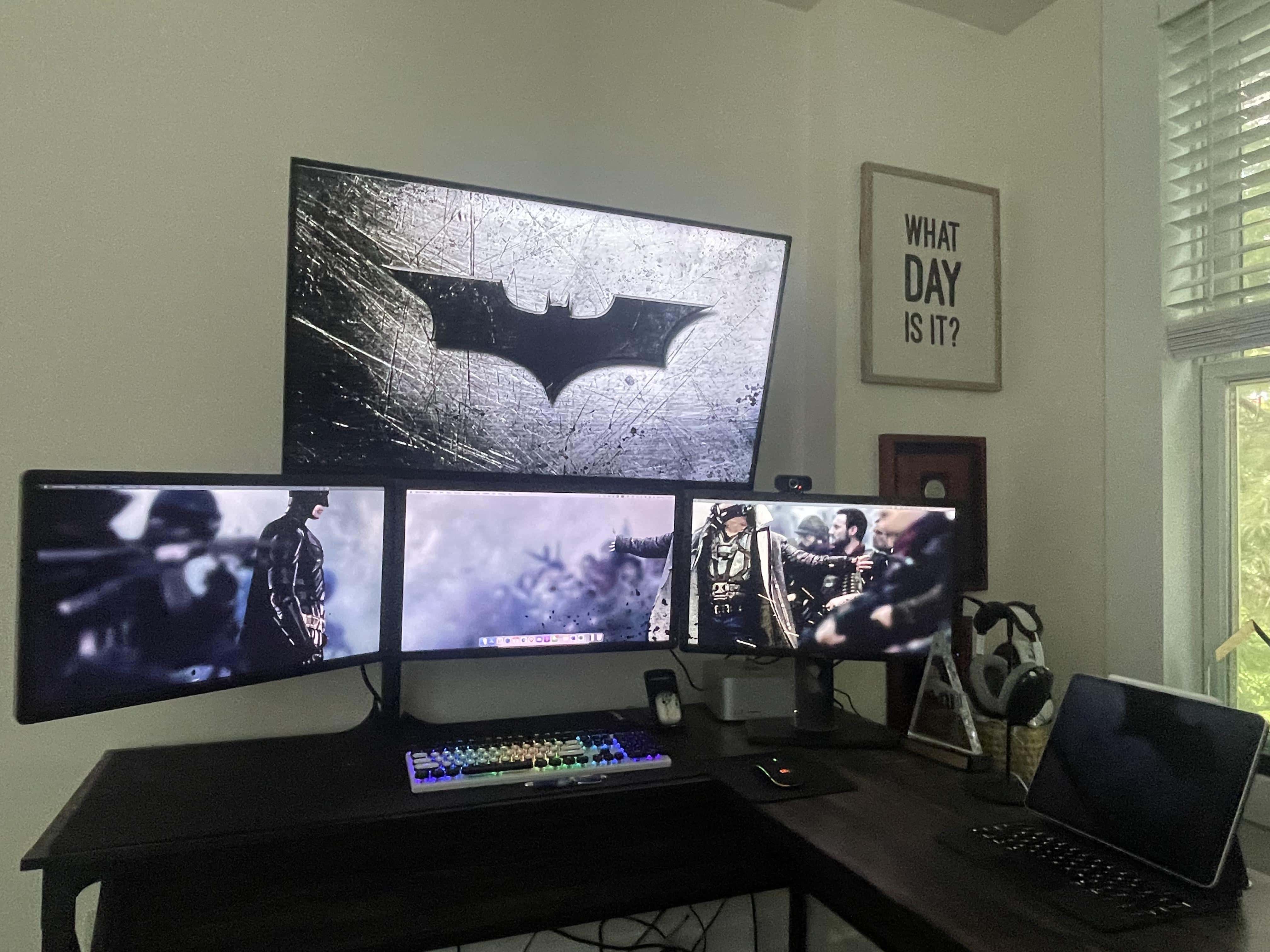
Mac Studio drives wild 4-monitor formation with Bat-Signal [Setups]

By

The Bat-Signal is displayed on a giant screen atop three other monitors in a Batman-themed computer setup.
Gotta love the Bat-Signal.
Photo: Rasputin_mad_monk@Reddit.com

Today’s featured Mac Studio setup found an interesting way to arrange its four displays — three little ones in a row and one huge one broadcasting the Bat-Signal on top.

With Batman undoubtedly on his way (OK, maybe it’s just the logo, not the actual signal), the workstation also boasts a 12.9-inch iPad Pro with Apple’s Smart Folio and a remarkably affordable mechanical keyboard for use with the desktop machine.

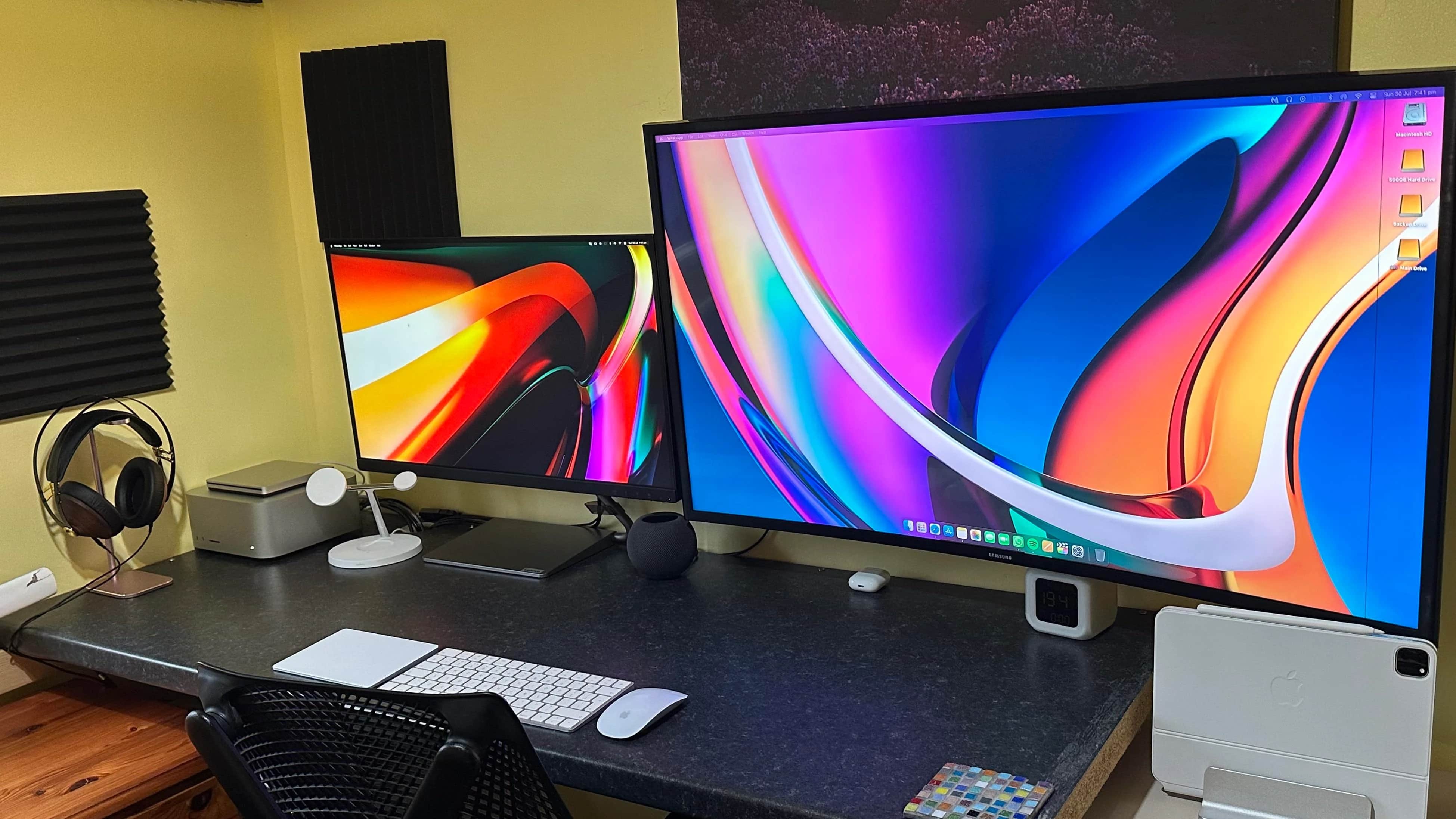
Is Magic Keyboard Folio for iPad too heavy? [Setups]

By

A big Samsung smart TV dominates this Mac Studio rig.
Photo: PlaZma64@Reddit.com

We look at a lot of computer setups on social media, but sometimes what drives conversation among commenters surprises us. With today’s Mac Studio rig with an odd couple of mismatched displays, the main debate concerned … keyboards for iPad.

Specifically, when an iPad is so wonderfully light, what keyboard case doesn’t weight it down too much?

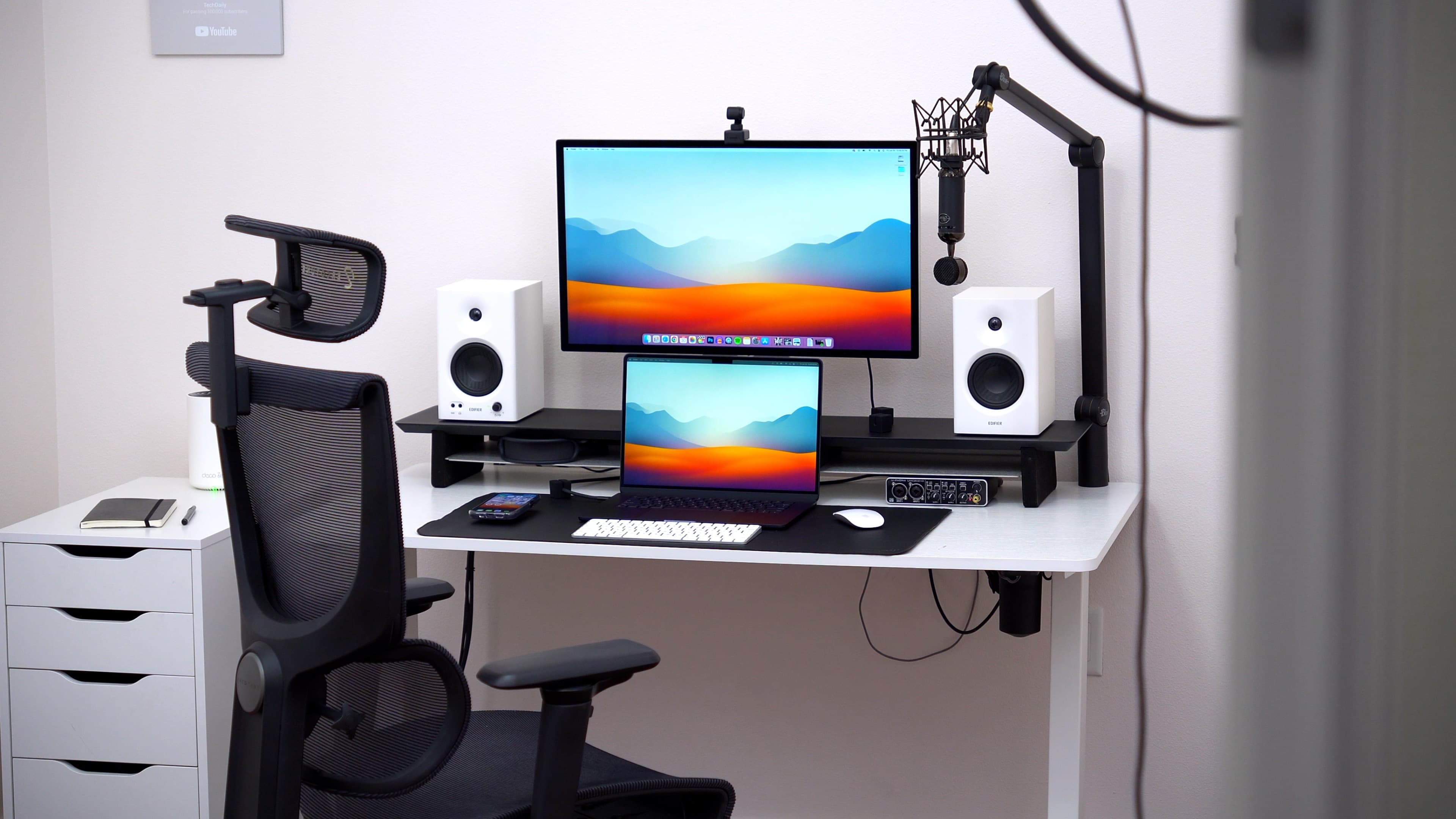
MacBook Air pairs with Studio Display in creator rig [Setups]

By

Wade said his setup is usually a total mess, but he cleaned it up for once.
Photo: Wade B. TechDaily

It’s only natural that a user would clean up his computer setup to show it off to the world, and that’s exactly what TechDaily’s Wade B. did with his MacBook Air and Studio Display setup before sending it to us with a video.

“It’s really the first time I’ve ever had a desk that wasn’t a total disaster area,” he told Cult of Mac.

Fab office remodel suits MacBook Pro and massive display [Setups]

By

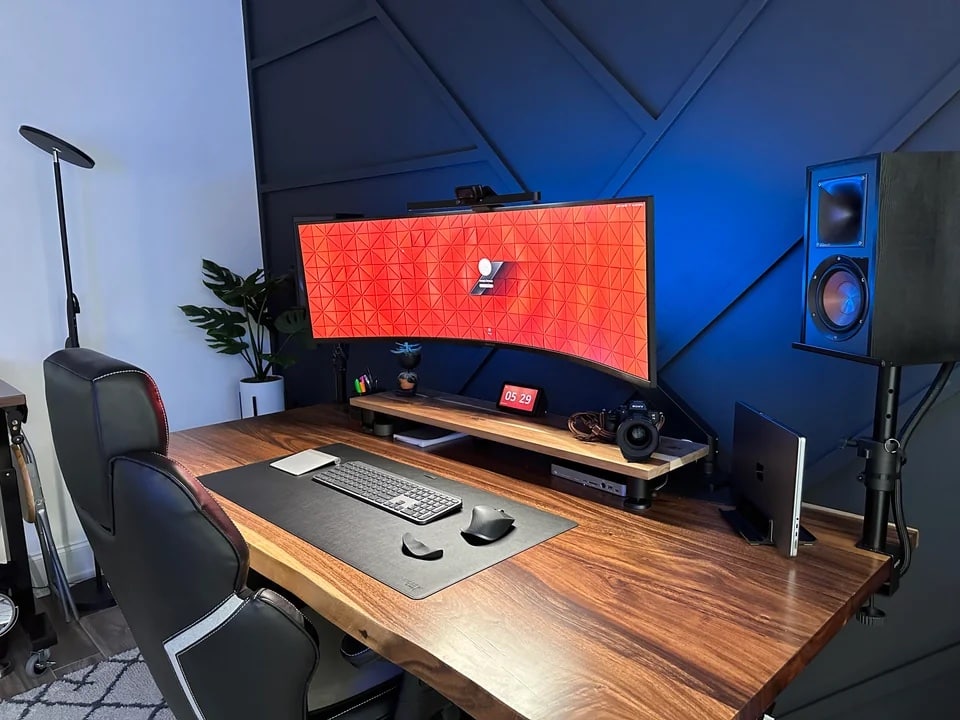
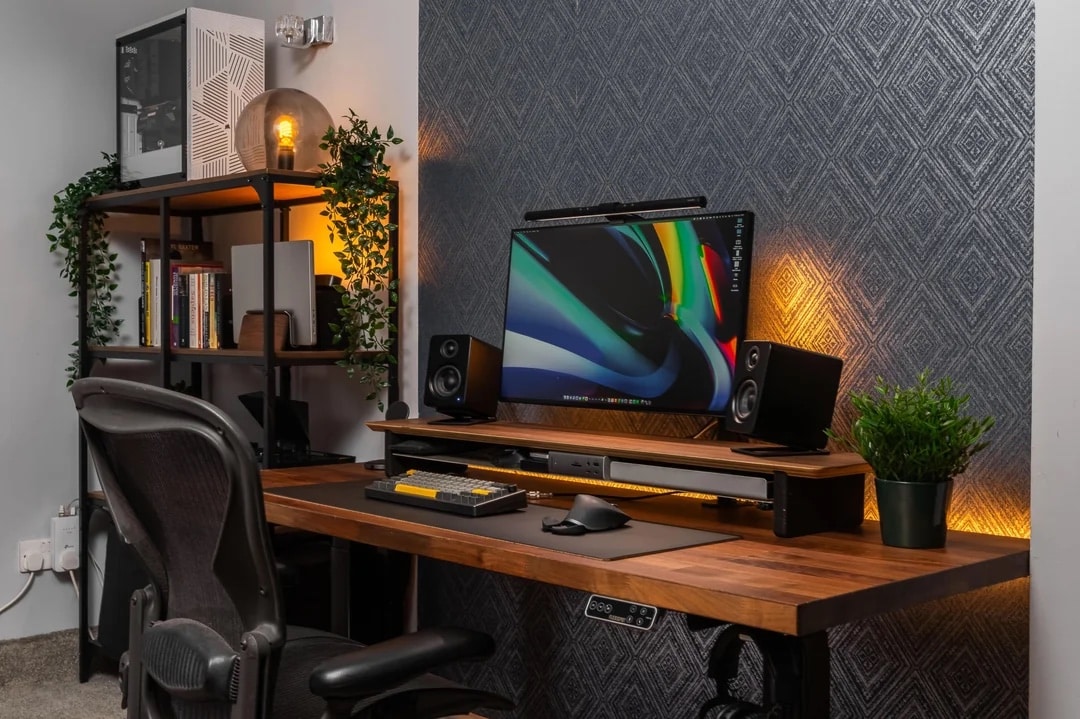
The accent wall and solid-wood DIY standing desk steal the show from the M2 MacBook Pro and 49-inch curved display.
Photo: JZAGA053@Reddit.com

When you remodel your home office, isn’t that a great excuse to revamp the ol’ computer setup? That’s what happened with today’s featured rig, which relies on a new MacBook Pro and a Samsung super-ultra-wide display.

But all commenters wanted to talk about was the accent wall and the solid-wood DIY standing desk. And the killer Klipsch audio got some love, too.

That’s one way to get 50% off a Studio Display [Setups]

By

Can you spot the chip/crack in one of the displays?
Photo: ryopang@Reddit.com

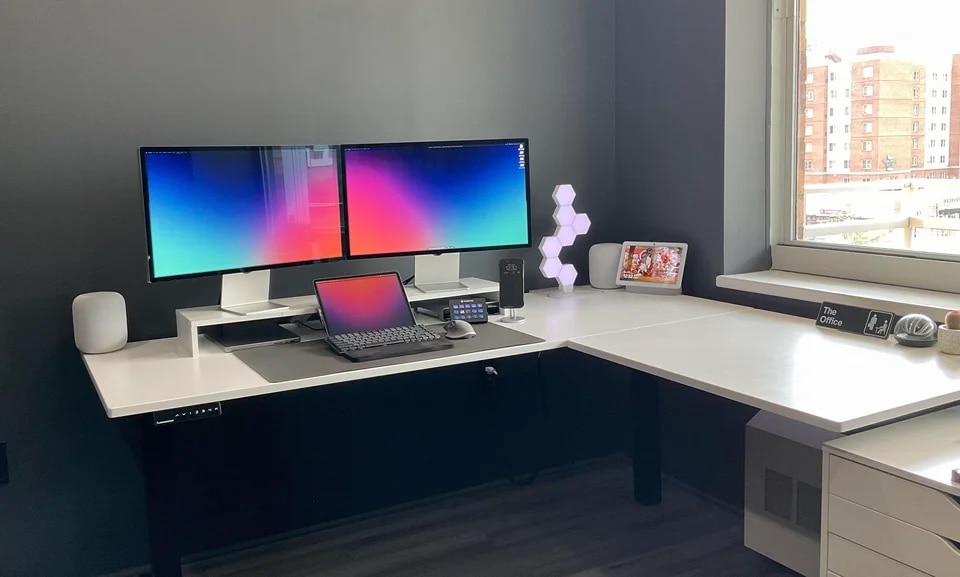
The owner of today’s MacBook Pro setup chose two Studio Displays over one Pro Display XDR to suit his workflow and because he realized he could bag one of the monitors at half price. Lucky him.

Several folks on social media noticed the damage, and some said they’d grab that deal, too, if they could.

Powerful Mac Studio rig brings the symmetry [Setups]

By

An M1 Ultra Mac Studio drives this setup.
Photo: orglickman@Reddit.com

Computer-setup gawkers on social media love their symmetry. It’s really just human nature to prefer those clean lines and even spacing — you know, stopping short of full-blown obsessive compulsive disorder and blowing a gasket if one little cable appears out of place.

Today’s M1 Ultra Mac Studio workstation brings not only powerhouse computing, but a few tricks of the trade when it comes to creating that pleasing symmetry. And it packs an interesting device we don’t see very often.

Getting by with Apple’s not-quite-mechanical keyboard [Setups]

By

That Apple keyboard looks mechanical but it's not.
Photo: Federico_Rosellini@Reddit.com

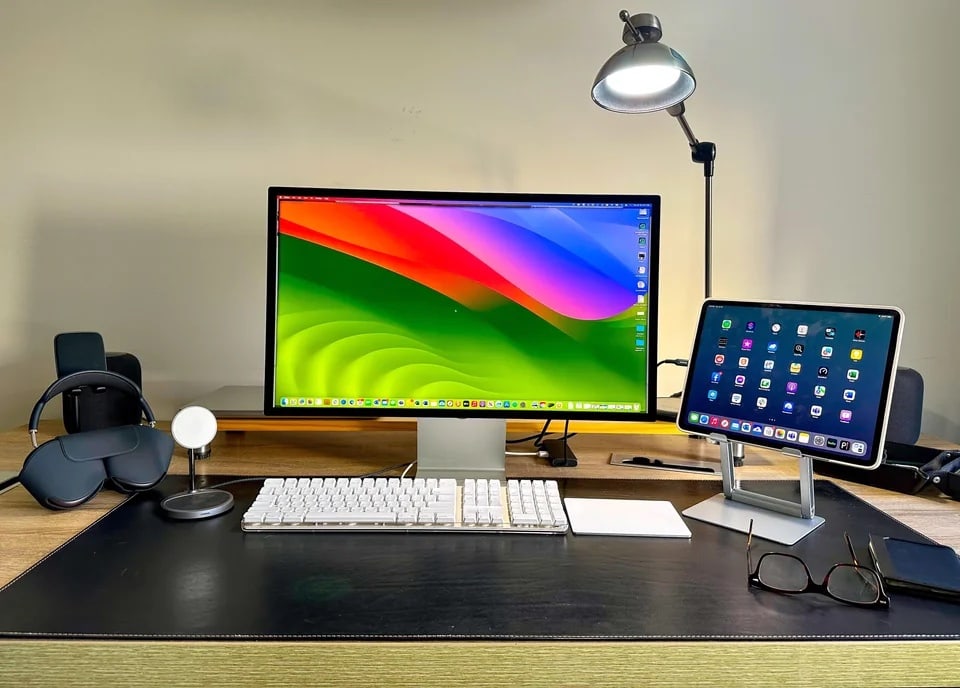
Mechanical keyboards are all the rage for those who love the old-school typing feel and don’t mind the clackety-clacking noise. Today’s featured MacBook Pro and Studio Display setup features an old Apple A1048, which certainly looks the part of a mechanical keeb (but it’s not).

Read on the learn more about Apple’s past keyboards that are mechanical — and some that only look like it.

See, not everyone hates Magic Mouse [Setups]

By

A lot of people hate Magic Mouse. But commenters on this setup sang its praises.
Photo: N99Nassim@Reddit.com

Our travels online among computer setups show that a great many Apple users don’t choose Magic Mouse — and many even detest it. So they select popular products from Logitech and other makers. But some people, like graphic designers, passionately defend Apple’s sleek and slippery mouse, and today’s featured MacBook Pro-and-custom-PC setup is a testament to that. Long live Magic Mouse!

Super-clean MacBook Air setup makes good use of Sidecar [Setups]

By

The MacBook Air could serve as a third screen, but it sounds like the user will stick it in a vertical stand instead.
Photo: SeamustheAmos@Reddit.com

Who doesn’t love a clean, uncluttered computer setup? It doesn’t have to be “minimalist,” like it’s trying to impersonate a Zen rock garden, it just has to be simple and productive.

Today’s featured 15-inch M2 Pro MacBook Air and 11-inch M2 iPad Pro setup gets by quite nicely with one external monitor and the use of Sidecar.

Before and after photos show MacBook Pro rig’s subtle evolution [Setups]

By

See if you can spot the differences between the setup in the photo above and the setup in the photo below.
Photo: wrong24@Reddit.com

We love it when computer setup users show their work as they trudge toward home-office nirvana. Today’s featured MacBook Pro and iPad Pro setup does it in a subtle way, providing “before” and “after” photos showing incremental changes that improved the workstation.

You can see the before photograph below and the after shot above.

Versatile Mac mini powers DIY workstation [Setups]

By

An M1 Mac mini drives a n LG display in this Chicago-area setup.
Photo: Bill Penhale

While Apple is finally putting out an M2 Mac Pro even as its powerful Mac Studio machines conquer most hardcore computing tasks, the truth is most users can more than get by with an M1 or M2 Mac mini. That goes for Bill Penhale, who sent us his setup from Shorewood, Illinois, near Chicago.

“I am pretty techy for 70, ha!,” the retired sales director told Cult of Mac. And judging by his M1 Mac mini-powered setup, with a fine 4K external display, solid audio and loads of external storage, that’s certainly true.

Can using a huge smart TV as a display harm you? [Setups]

By

That 55-inch OLED smart TV may be far enough away because the desk is 40 inches deep and the user said he tends to lean back a bit.
Photo: Altruistic-Yam8224@Reddit.com

Increasingly, gamers and other users replace traditional computer monitors with large smart TVs or ultra-wide monitors that eclipse screens like Apple’s 27-inch Studio Display and 32-inch Pro Display XDR in size. Today’s featured M2 Max Studio Display setup sports a 55-inch Samsung 8K OLED smart TV, for example.

Everybody loves plenty of screen real estate, but ergonomically speaking, is it healthy? Today’s setup represents the debate, offering pros and cons.

This is how you make your computer setup a thing of beauty [Setups]

By

It took months to put together this well-put-together setup.
Photo: Sygnul@Reddit.com

There’s nothing like stained wood to make a computer setup look like a class act. Today’s featured M1 Max MacBook Pro and custom PC workstation places those powerful machines on shelves off to the side that more-or-less match the desk.

Relocating the computers makes more room on the beautiful wooden desktop, which ups the quality even further with a handsome wooden desk shelf for the external display and other items.