A Baltimore-based rapper named HAZMATCAZ has taken the internet by storm. No, it’s not her ability to spit sick bars, but rather her astonishingly on-point Siri impression.
Check it out below.
A Baltimore-based rapper named HAZMATCAZ has taken the internet by storm. No, it’s not her ability to spit sick bars, but rather her astonishingly on-point Siri impression.
Check it out below.
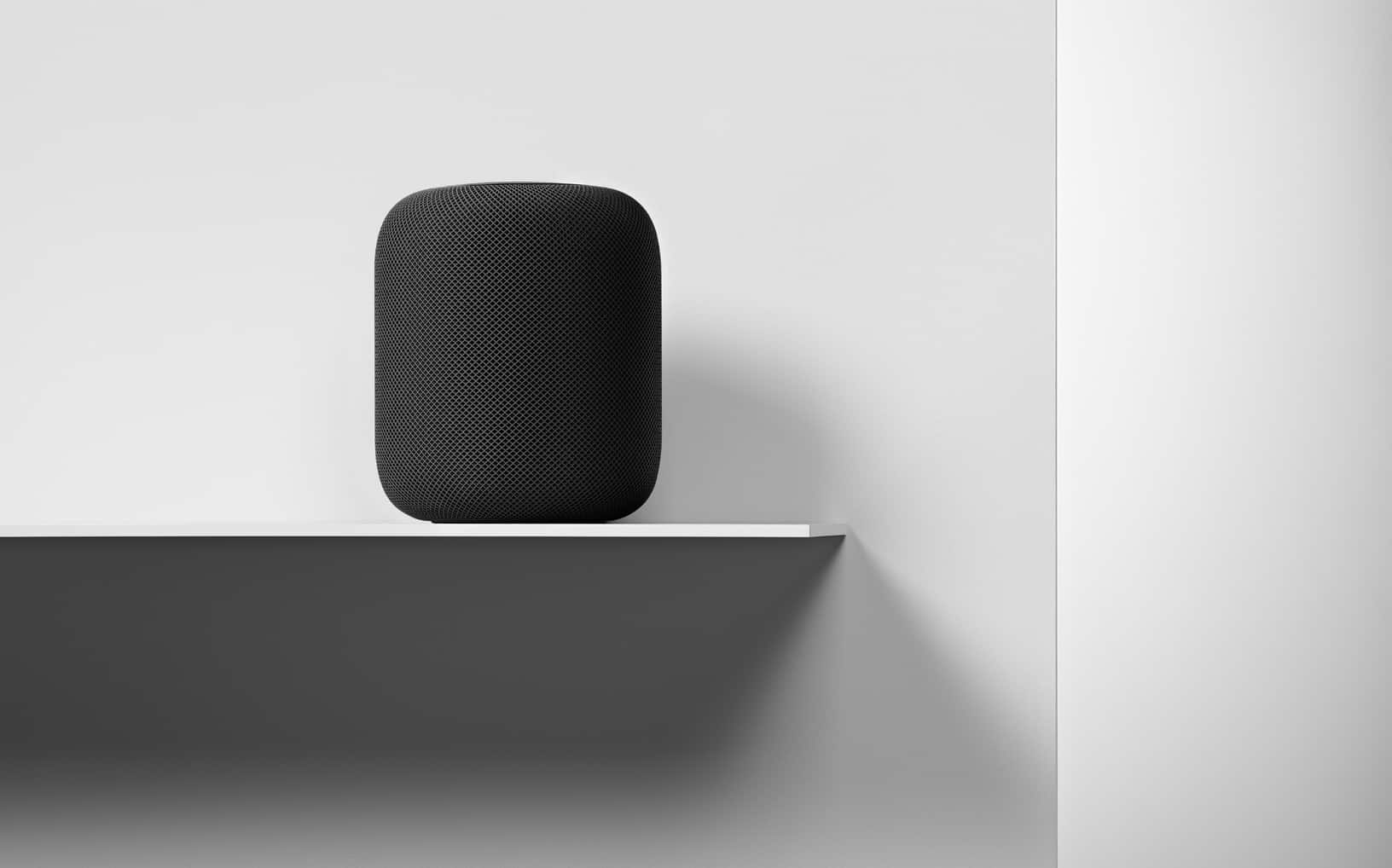
Apple may have been late to the smart speaker game but its HomePod is showing signs it could one day outperform them all.
But only if Apple gives Siri the power.
In Loup Ventures annual smart speaker comparisons, Google Assistant understood all 800 questions and answered nearly 88 percent of them correctly. In its first Loup Ventures test, the HomePod with Siri at the helm misunderstood just three questions and managed to answer correctly nearly 75 percent of its queries.

“Hey Siri, 30-minute timer!” you shout across the kitchen, elbows deep in turkey gizzards. Only Siri isn’t interested. It’s already running that one-hour timer for the roast potatoes. Why would anybody want to run multiple timers at the same time? Silly human.
Thankfully, Shortcuts is here to save your bacon (and your Brussel’s sprouts, sage-and-onion stuffing, and so on). If you’re feeling fancy, you could even set this up to use with Siri, but today we’ll keep it simple. So, no matter how complex your Christmas Day cooking arrangement, Shortcuts will let you know when your goose is cooked.

Apple has promoted John Giannandrea to its executive team as senior vice president of Machine Learning and Artificial Intelligence Strategy.
Giannandrea, who joined Apple back in April of this year after eight years at Google, is responsible for Siri and the Core ML framework. Apple CEO Tim Cook said the company is “fortune to have John … driving our efforts in this critical area.”

A 4-year-old boy in England used Siri to call for help after his pregnant mom collapsed, according to reports.
Beau Austin, who reportedly loved talking to digital assistants on devices, called out to Siri on his mother’s iPhone to dial 999. He then told the operator “my mummy’s sick,” adding they were alone.
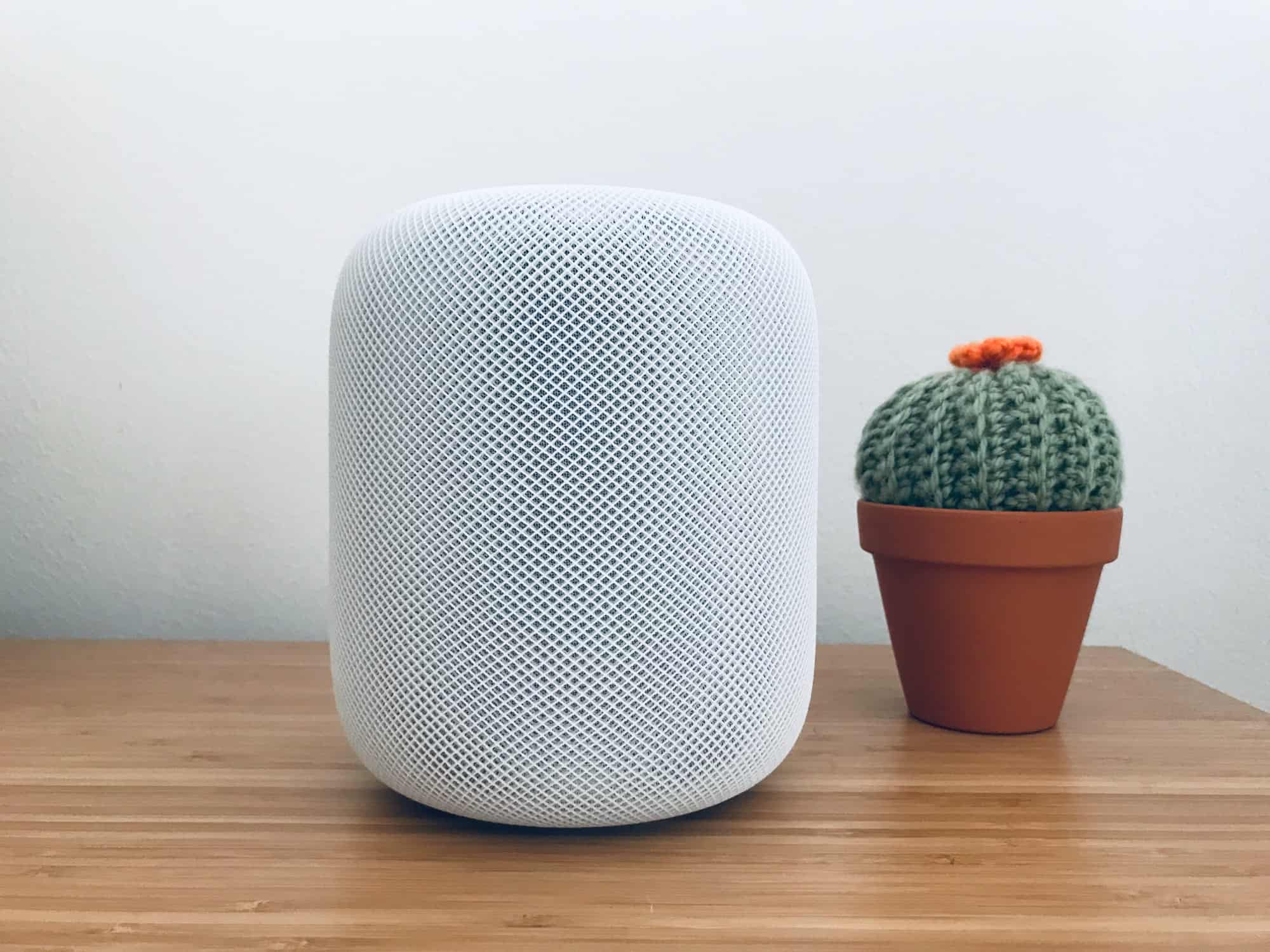
Apple’s HomePod speaker is finally set to launch in the second-most important market for the iPhone maker.
The Chinese version of Apple’s website was updated today announcing that the HomePod will finally land in Greater China during early 2019.
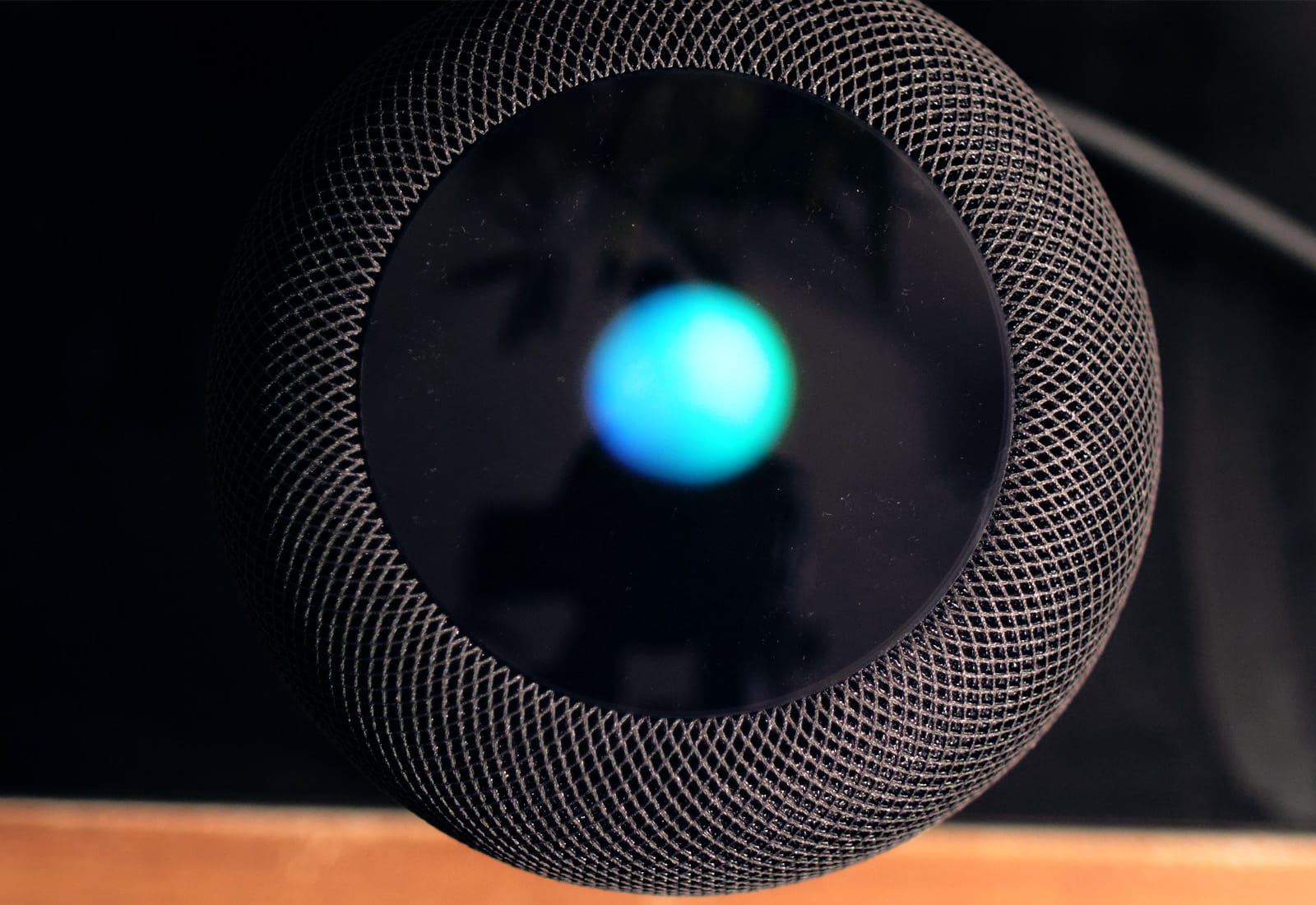
Apple pulled back the curtain on some of the most complicated features of its HomePod smart speaker this morning with a new blog post that details the machine learning tech that goes into its ‘Hey Siri’ detection.
One of the biggest challenges with making a smart speaker is not only figuring out what to listen for but also what sounds to discard in the process. Apple’s engineers have come up with a number of interesting methods to make Siri work even when you’re blasting tunes our of the HomePod’s speakers.

Today we’re going to make a Siri Shortcut that takes any text, converts it into English, and copies it to the clipboard. Never again will you have to struggle with a foreign menu on a web page, or a snippet of text from a non-English news site.
There are a few ways to translate text and websites on iOS, but this shortcut has two big advantages: It’s really, really fast, and it automatically copies the result to the clipboard. If you ever used the otherwise-excellent Microsoft Translate share extension, you will already be sick of having to manually select the result in a tiny window, and then use the share sheet again just to copy it.
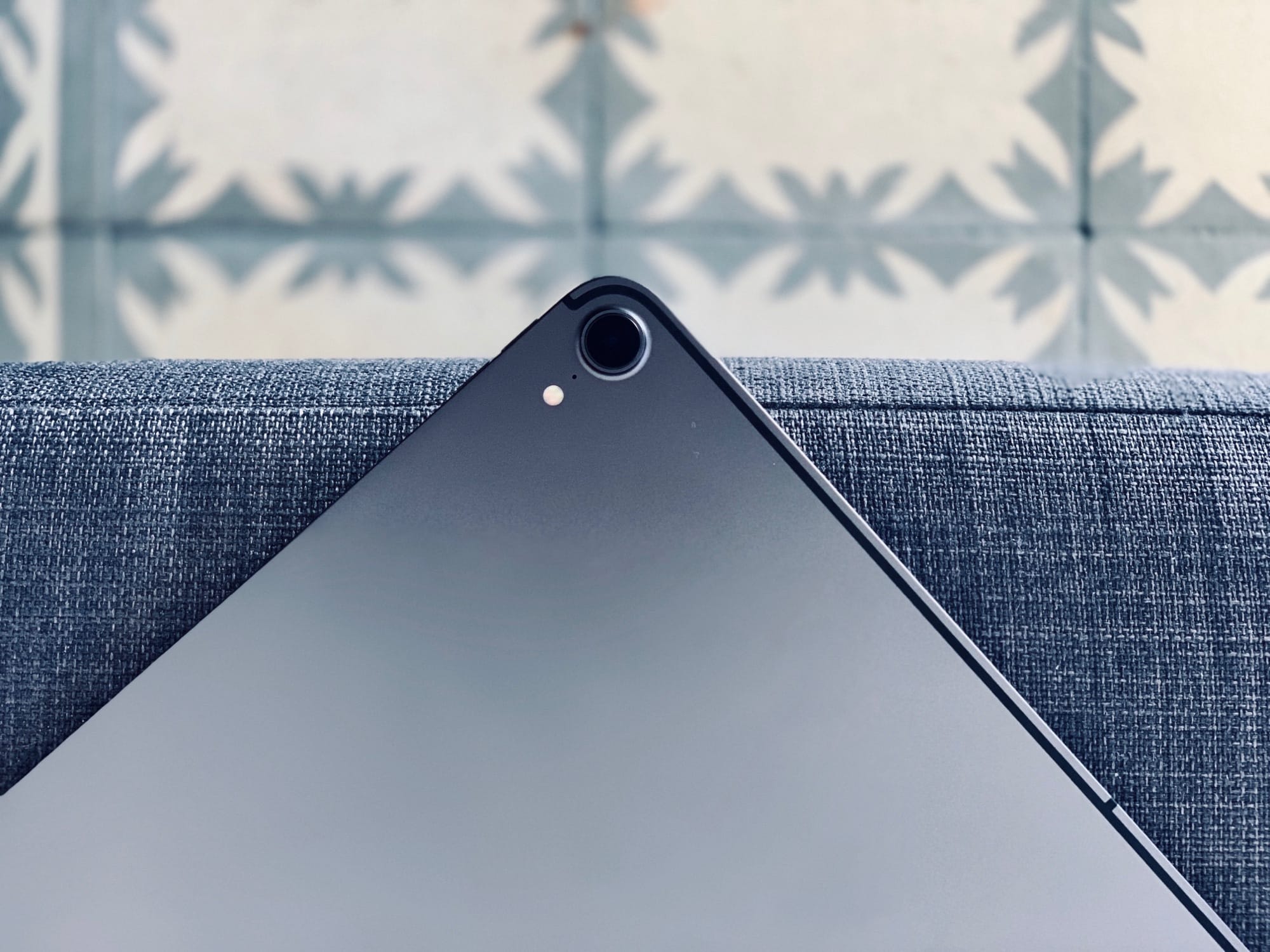
How’s that new iPad Pro? I love mine, apart from the short USB-C cable that won’t stretch to my desk while I’m working. You’ve probably been scouring the web for tips and trick to get more out of your new beast. Well, you’re in luck, because we’ve been doing the same, and gathered all the 2018 iPad Pro tips together here, in one place.
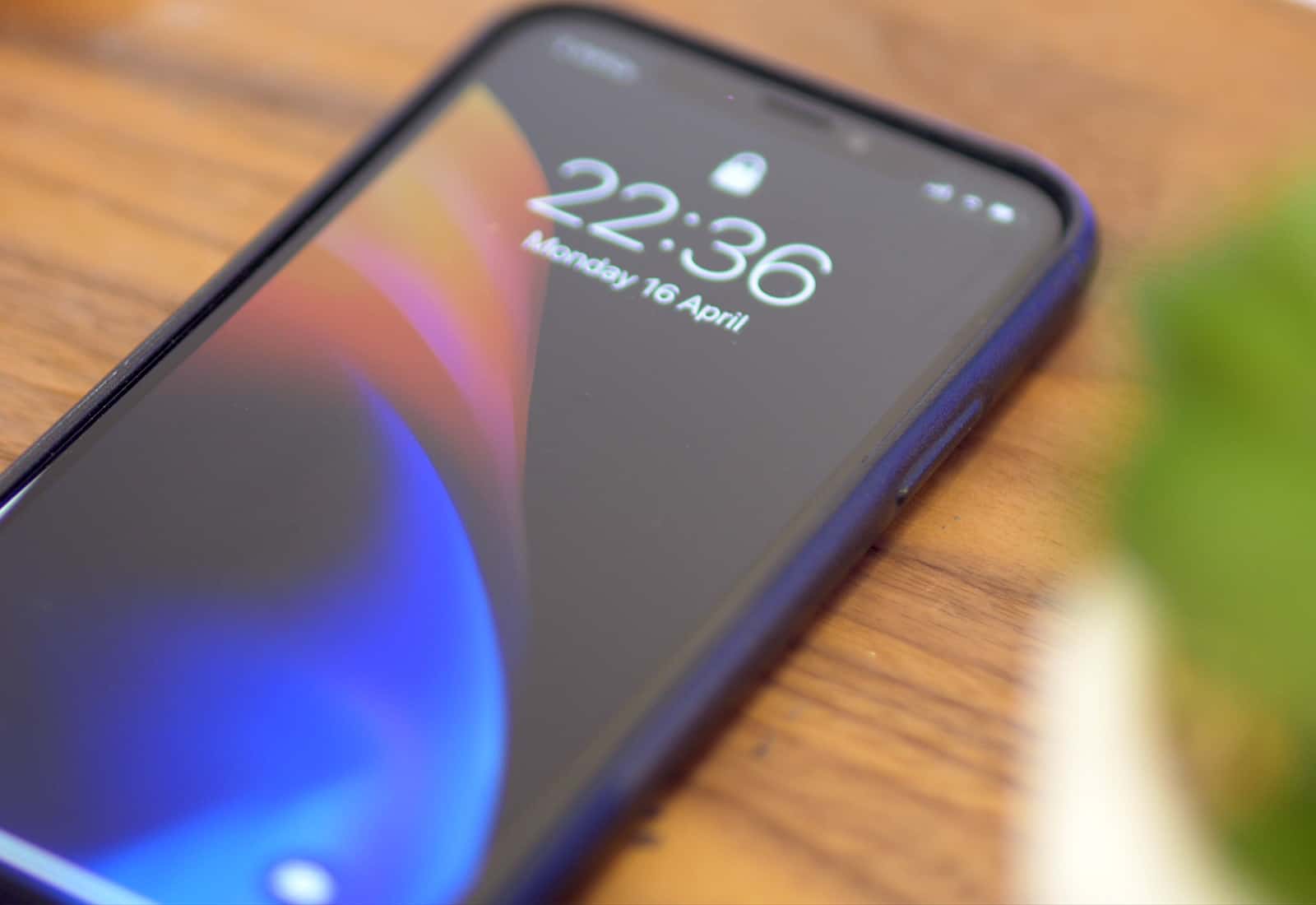
If you’ve upgraded to iOS 12.1 already, you might want to be careful about where you leave your iPhone. It turns out that a new lock screen flaw lets anyone access your contacts without your passcode. The video below shows you how it’s exploited.

Amidst the flurry of iPad and Mac news yesterday, Apple also released the latest version of Shortcuts, the super-cool iOS automation app. The big news is the addition of seven new actions for checking the weather, setting timers and measurement conversions. Let’s take a look at Shortcuts 2.1.
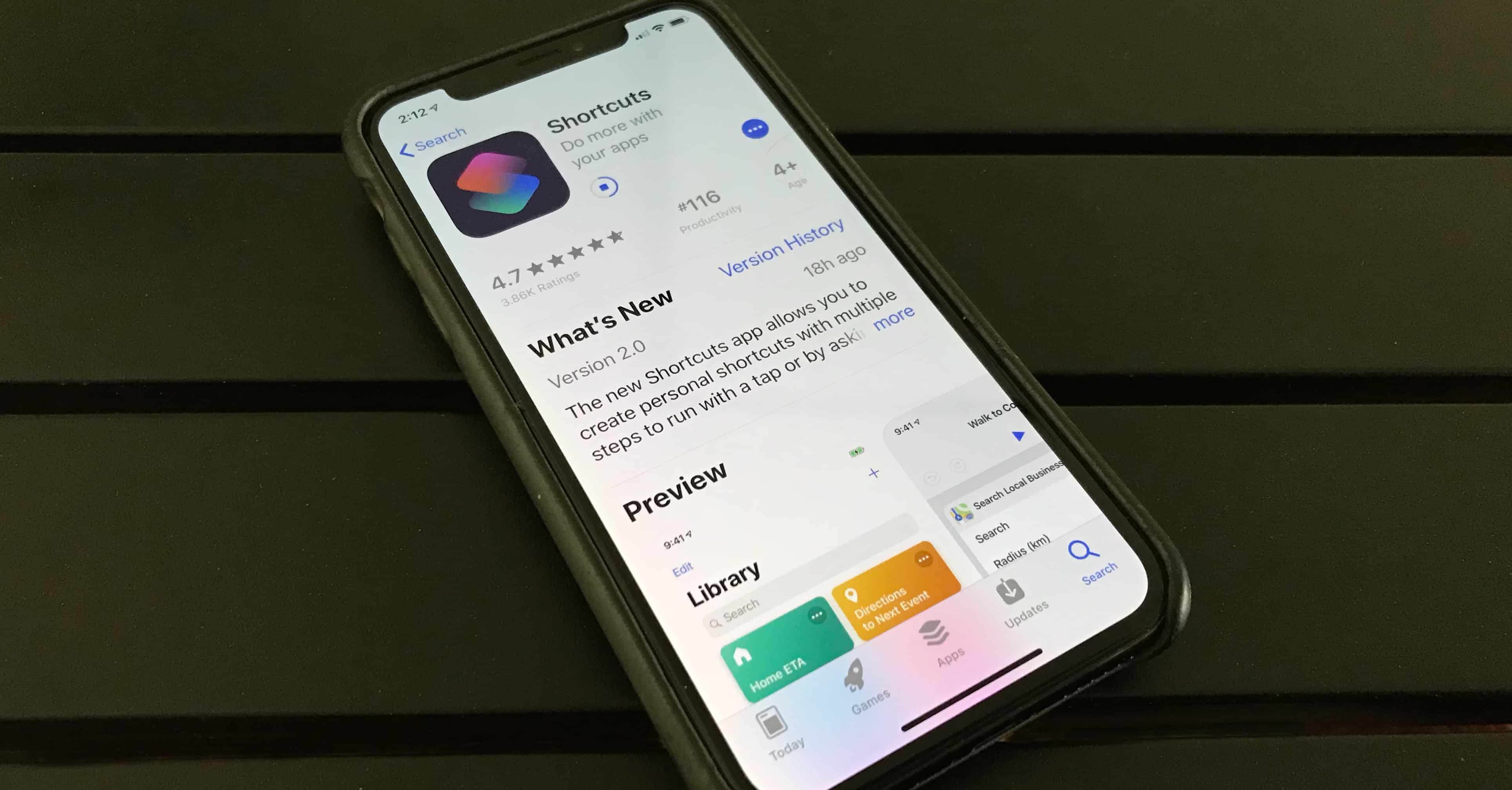
A highlight of iOS 12 is Siri shortcuts, a way to activate frequently-used tasks with voice commands. Software developers can do this too, and today Apple highlighted some popular applications that have embraced Siri.
Increasing numbers of apps have Shortcuts built in, giving users access to special functions with the voice commands of their choice.
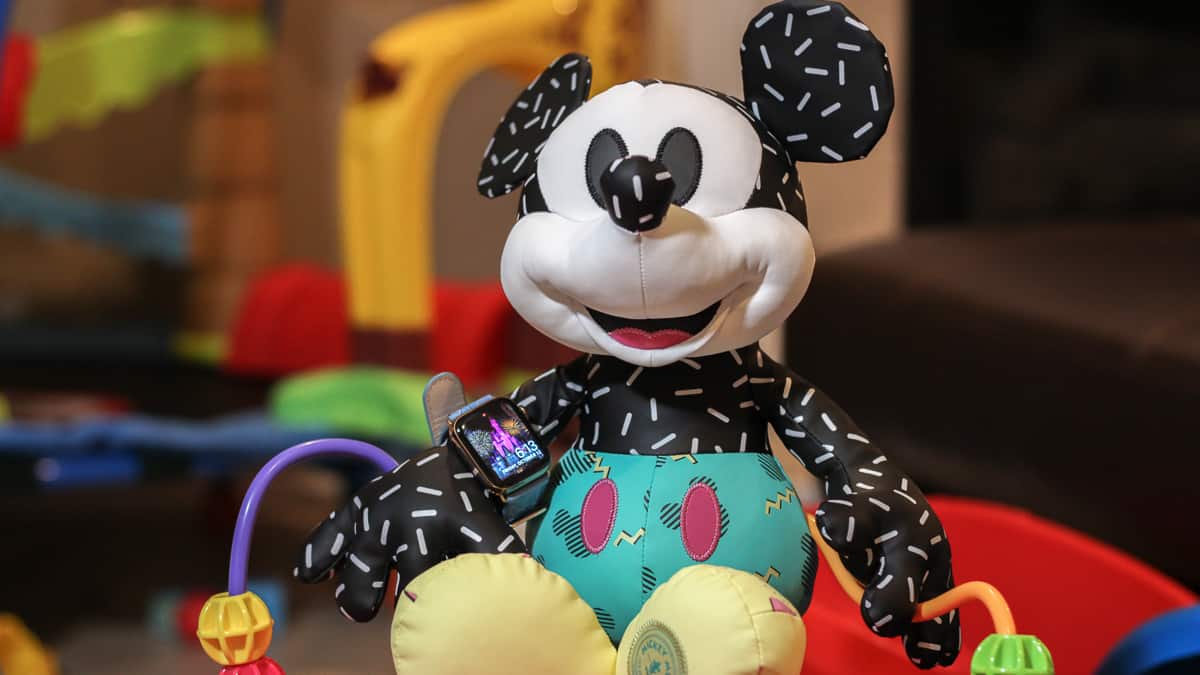
In 2015, I purchased my wife a stainless steel Apple Watch (series 0) for her birthday. Since then, she’s used it to track hundreds of workouts, reply to thousands of texts, and triage countless notifications. She’s also told me nearly every day for the past year that she hates it and it never works right.
While that might be a bit of an exaggeration, she has a point. The original Apple Watch is slow and unresponsive. Plus, some features have become frustratingly unreliable (looking at you, Siri).
This year, we decided to upgrade her Apple Watch in time for our family vacation to Disney World. It was the perfect opportunity to test Apple’s magical wrist communicator at the most magical place on Earth.
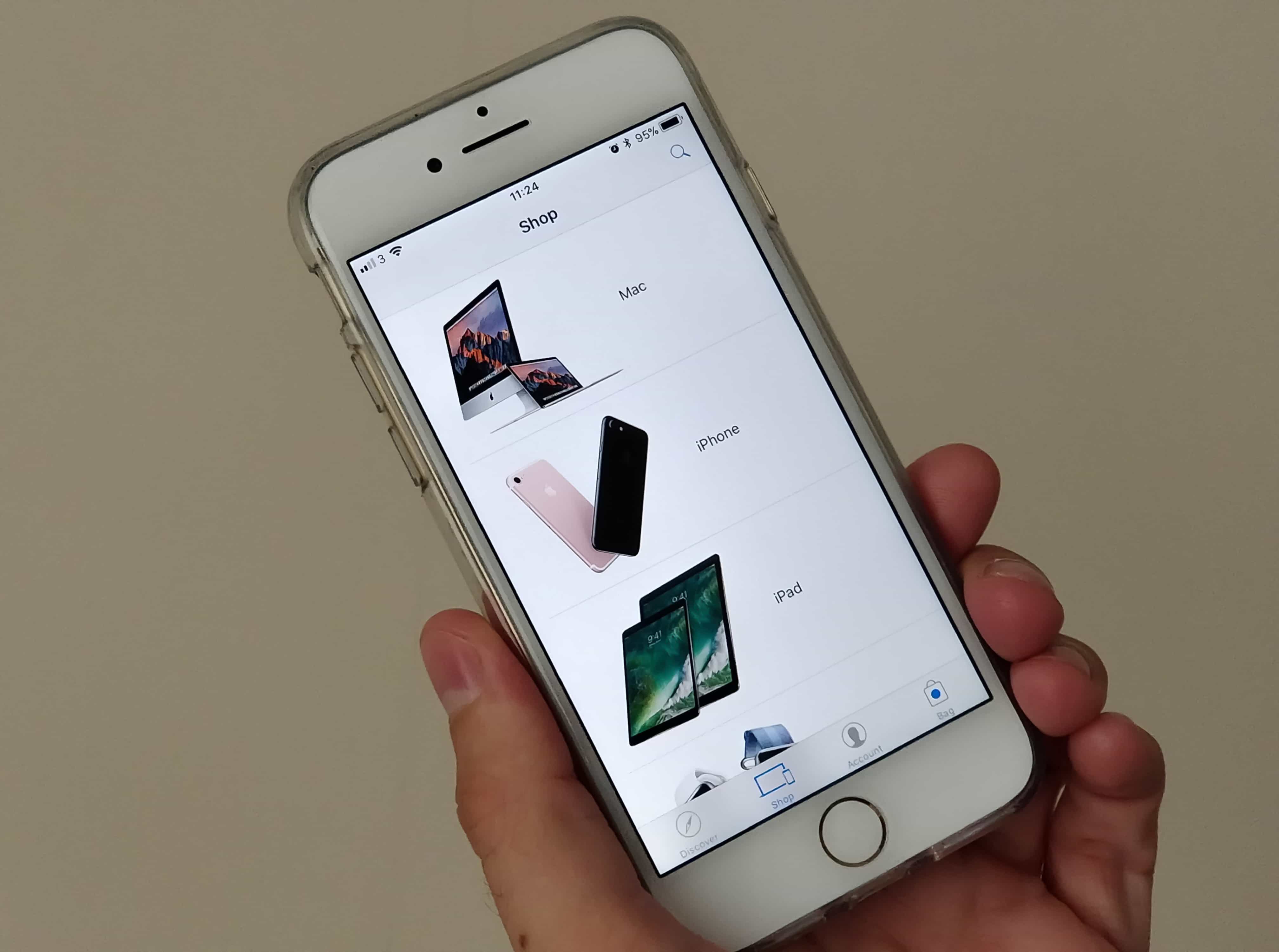
The Apple Store app has been updated to support Siri Shortcuts. It provides shoppers with an “even faster way” to preorder the iPhone XR later this month, Apple says. Here’s what you need to do to get everything set up before October 19.

 Despite its many flaws, Siri is still useful for lots of tasks: Setting a coffee timer, adding a reminder, looking up a fact. But what I almost never want is Siri’s voice feedback.
Usually I’m looking at my iPhone when I use Siri, and I don’t use Hey Siri ever. What I want is to ask Siri a question, and have it answer, without all the usual smart-mouthed nonsense. Thankfully, there’s one setting that does just that: Mute Siri.

Shortcuts is the hot new feature of iOS 12. The Shortcuts app lets you automate some crazy stuff, for instance this shortcut that activates the iPhone’s camera and sends an SMS if the cops pull you over. Thanks to Apple’s terminology, Shortcuts is a little confusing. Is it an automation tool? Does it have something to do with Siri? Why would you use it?
We’ll answer these questions, and then build an awesome shortcut so you can see how the app works.
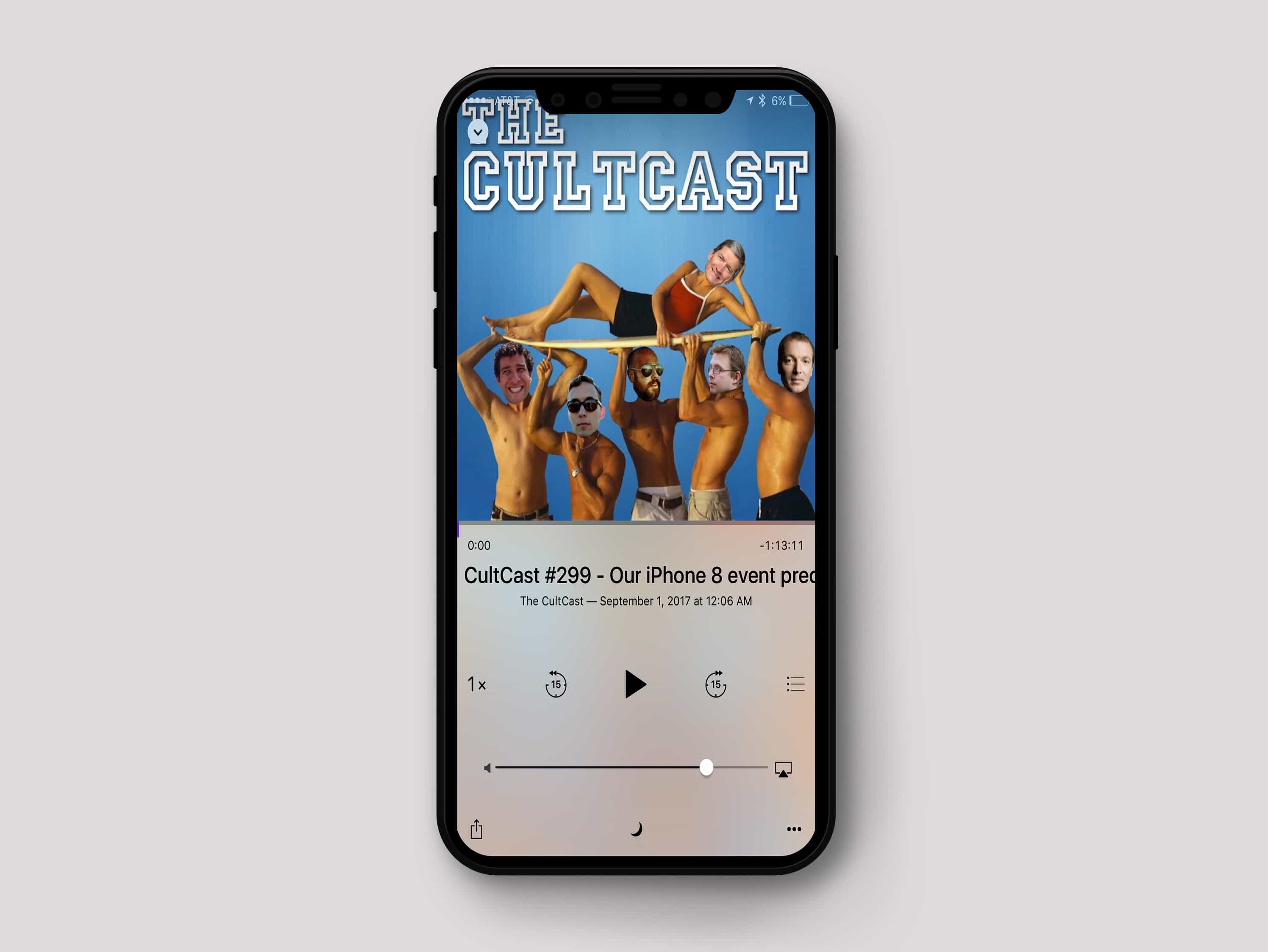
Siri Shortcuts are proving to be one of the most useful new additions in iOS 12. If you’re a fan of Cult of Mac‘s weekly podcast, The CultCast, we’ve got the perfect shortcut that’ll ensure you never miss an episode.
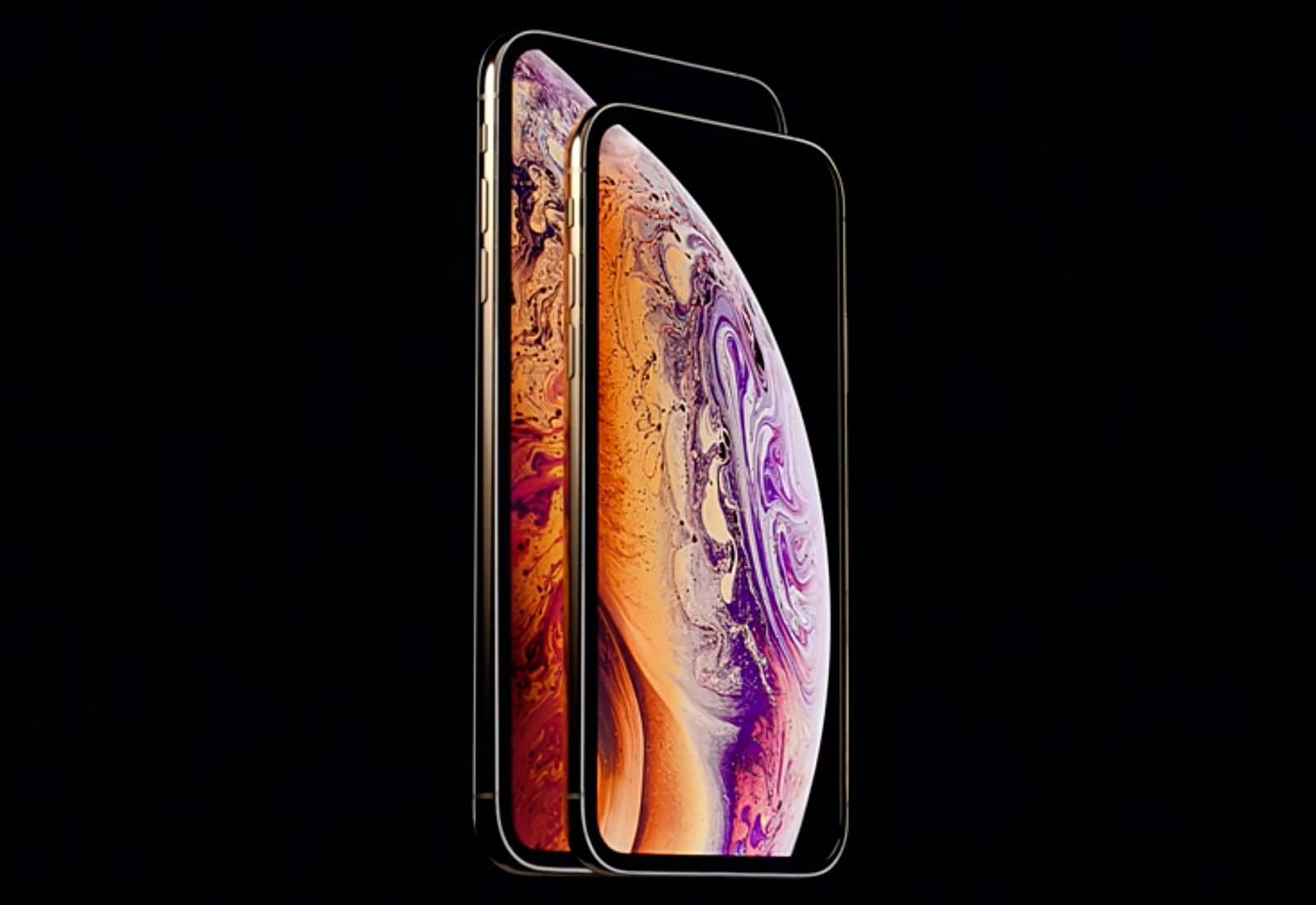
Early reviews for the iPhone XS and iPhone XS Max have already come in and while most of the people that have tested the new device are impresssed, this years models aren’t as big a leap as the iPhone X.
Testers are raving about the camera, A12 processor, big display and faster LTE. The new phones are truly impressive, but if you have an iPhone that came out in the last two years, you might want to see what the experts are saying first.

Shortcuts is Apple’s new automation app for iOS 12. It integrates with Siri and lets you build all kinds of amazing automated workflows, from shutting your house down when you go to sleep, to downloading videos from YouTube and saving the them to iCloud.
Shortcuts is really just the new name for Workflow, an iOS automation app that Apple bought a year or so back. Let’s take a look at what Apple has put in Shortcuts.
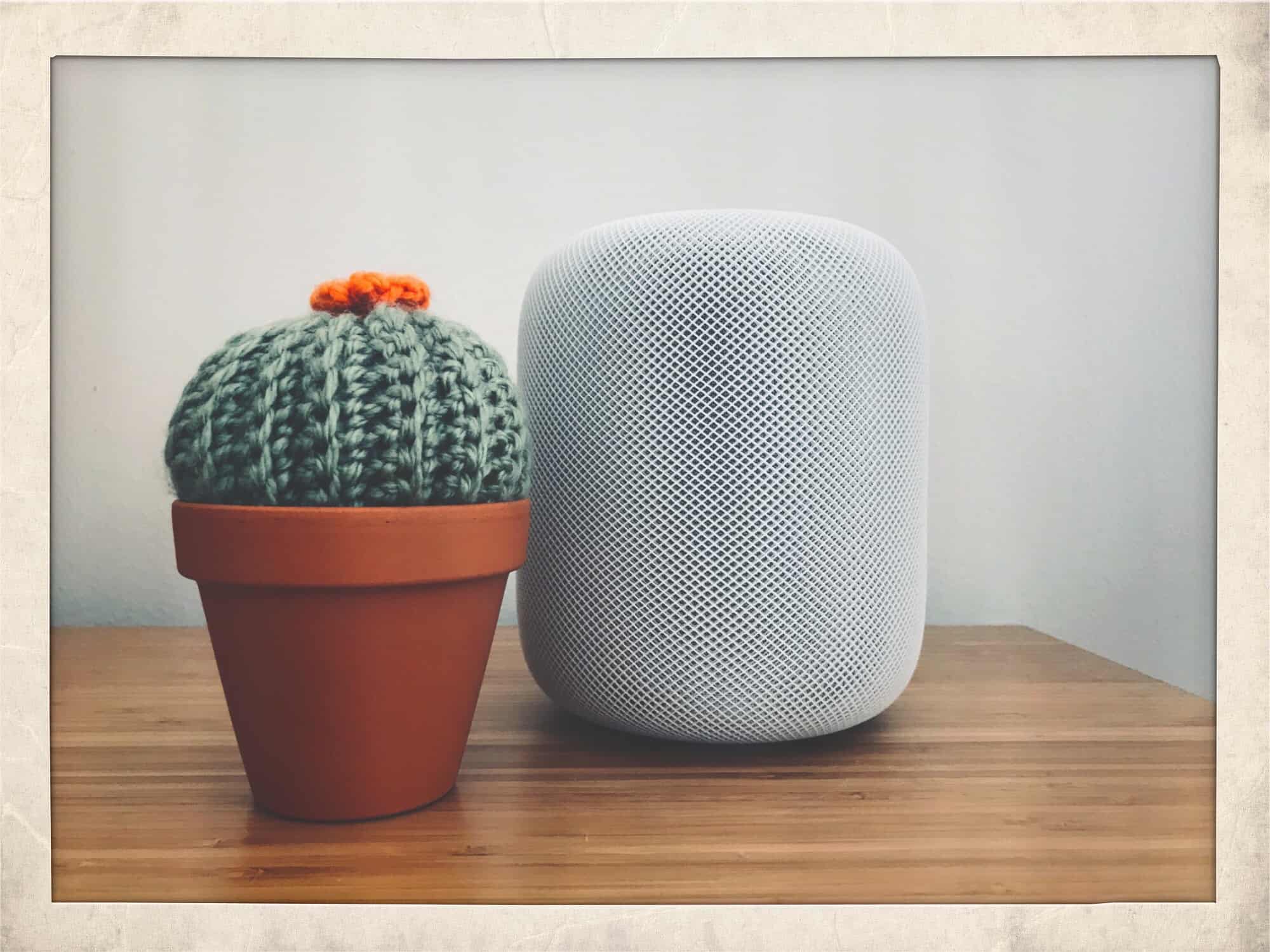
HomePod is finally adding one of the most used features found on the Amazon Echo and Google Home devices: multiple timers.
In his wrap-up to today’s Apple media event, which primarily focused on the new iPhones and Apple Watch, Tim Cook took a second to remind us that the HomePod is alive and kicking. And getting a couple of handy new features, too.
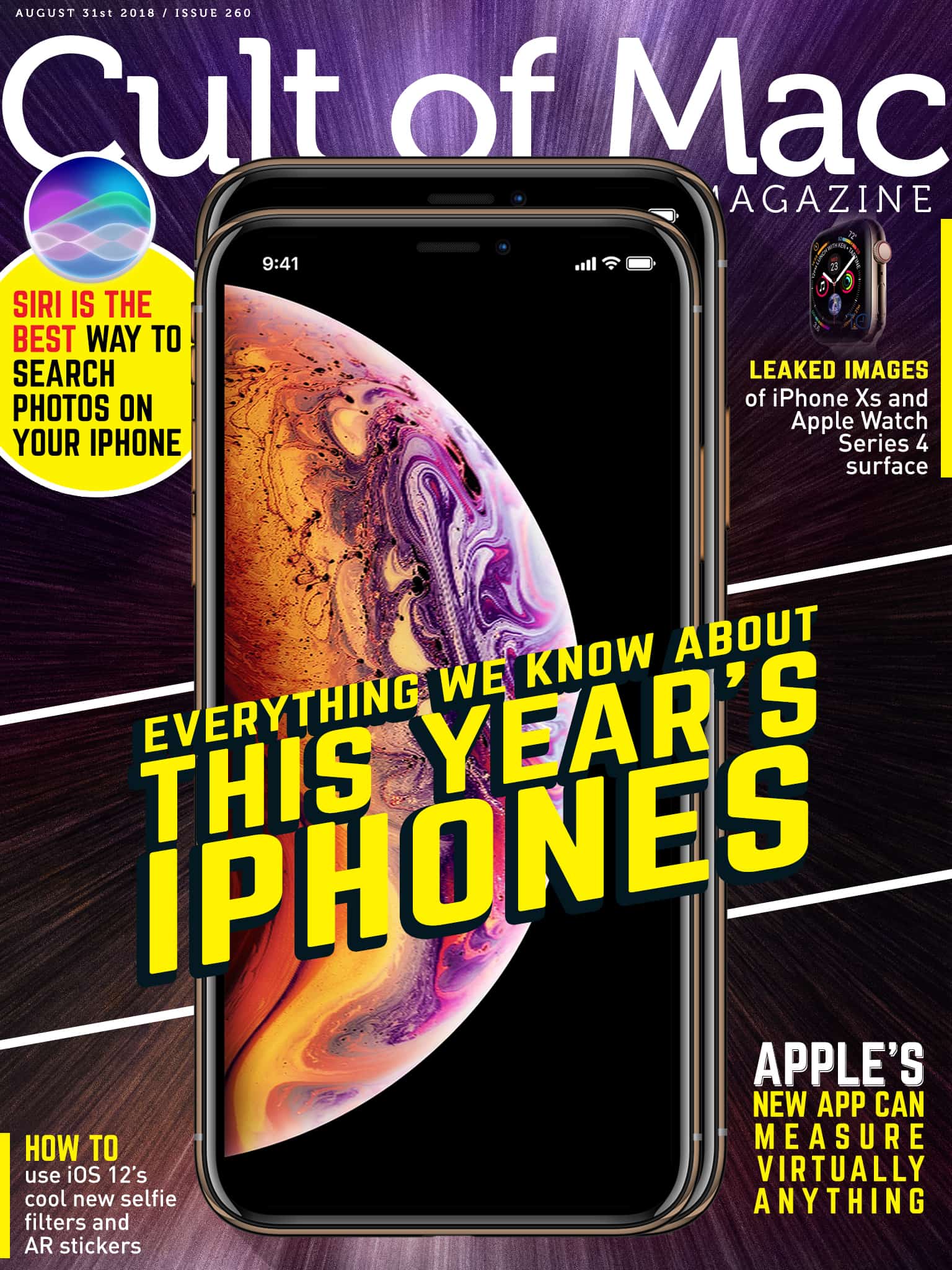
In this week’s Cult of Mac Magazine: Apple is set to unleash its newest iPhones on the world in just a couple weeks and based on the rumors, these will be the most lust-worthy phones to ever come out of Cupertino.
Not only will the 2018 iPhone lineup include the biggest iPhone display Apple’s ever made, it will also be more colorful and more expensive than ever. We’ve been keeping our pulse on all the rumors leading up to Apple’s big September 12 unveiling and have a pretty solid idea on what’s coming through the pipeline.
You’ll find that top story and much more. Get your free subscription to Cult of Mac Magazine from iTunes. Or read on for this week’s top stories.
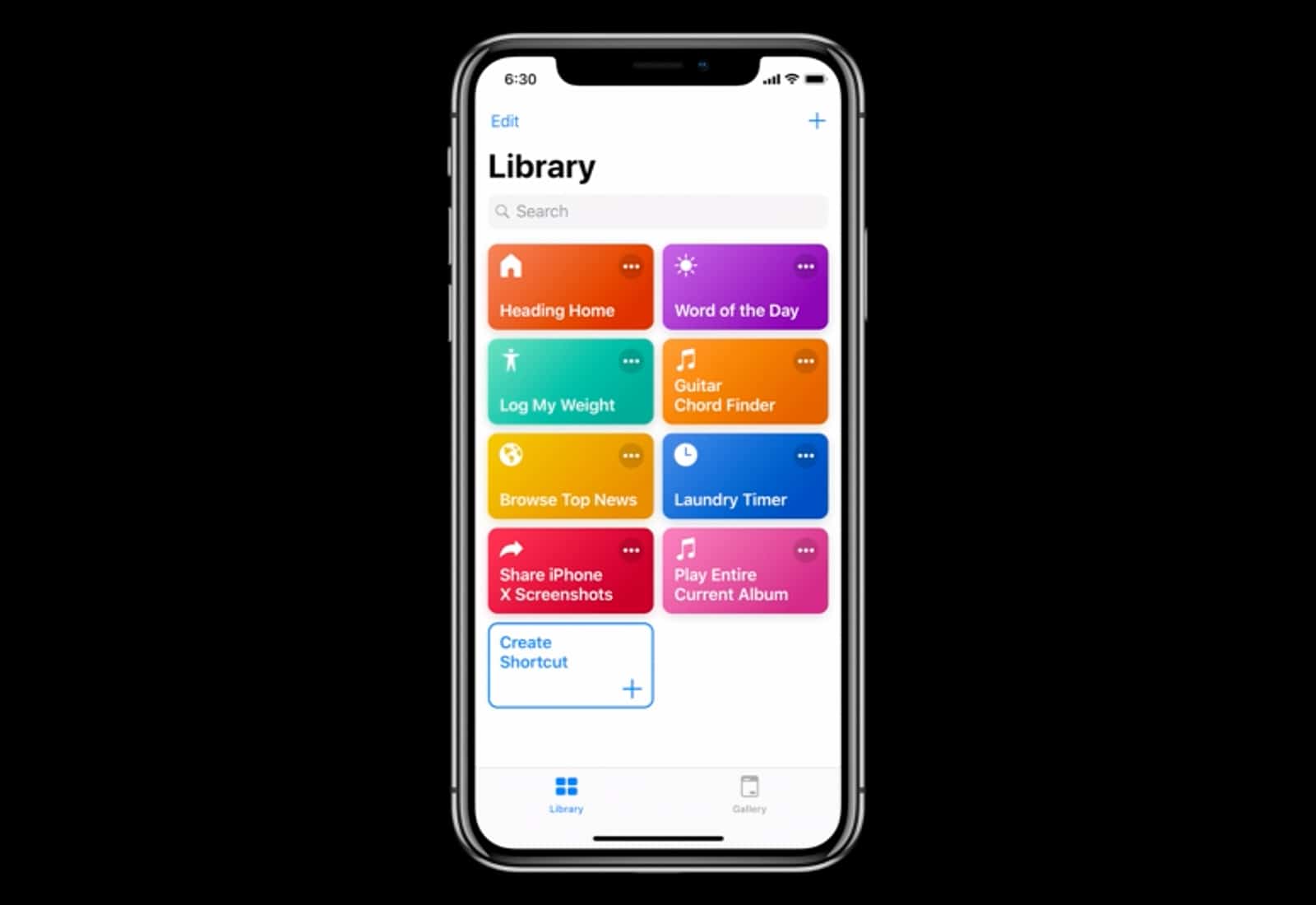
Apple came out with a new beta for its Shortcuts app that will be released to the public as part of iOS 12 and in the latest build, you can finally take advantage of iCloud syncing.
This is the fourth beta build of Shortcuts and it contains some pretty major changes that make it even more useful for iPhone and iPad users.
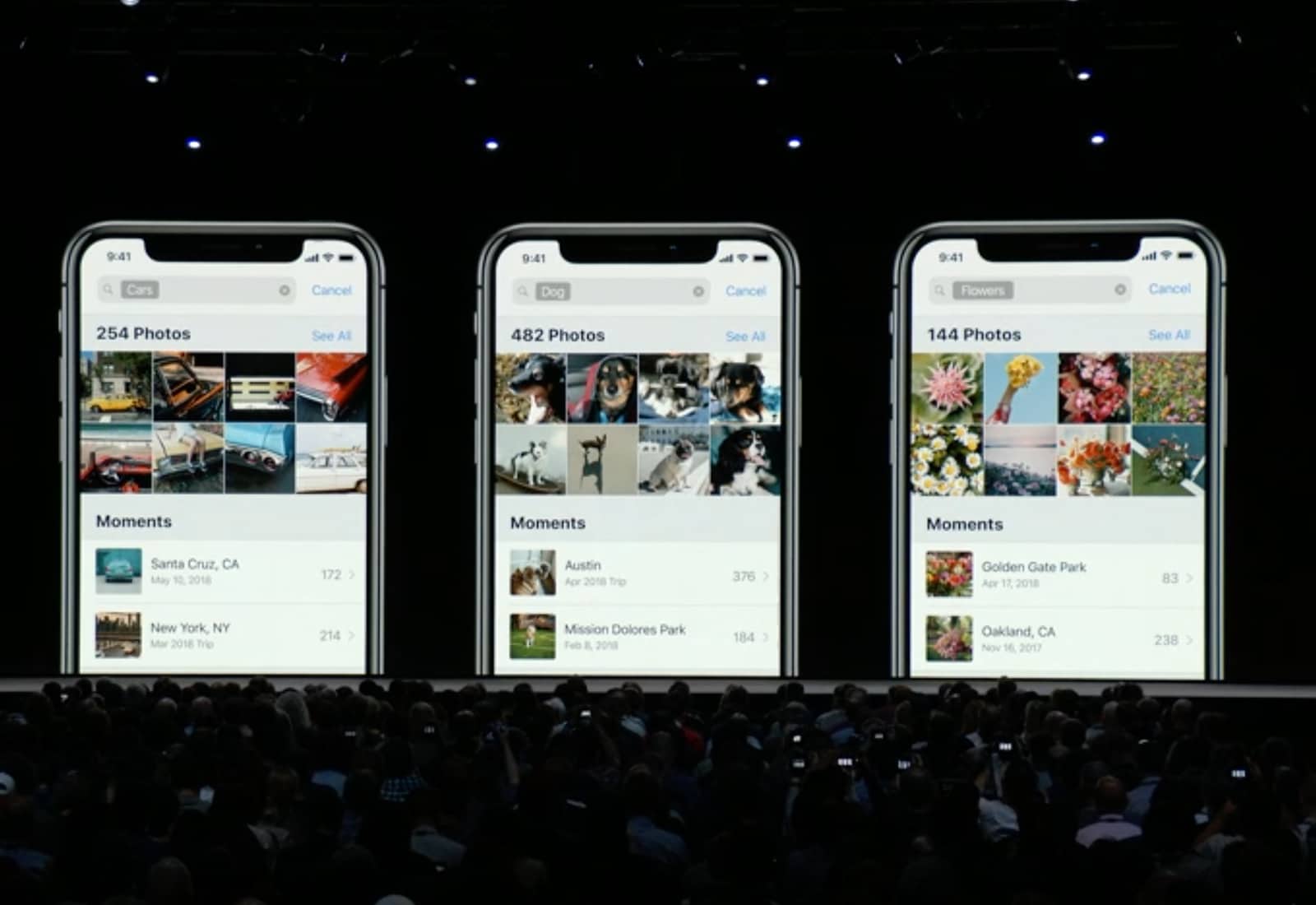
Siri is useless for a lot of things, but when it works, it can be a real timesaver. For instance, you can use Siri to search for photos in your iPhone or iPad photo library. Say something like, “Hey Siri, show me photos of clowns,” and it’ll do just that, opening the Photos app, switching to the search tab, and entering the search term “clowns” for you.
Even if you’re sitting looking at the search tab in the Photos app already, Siri is still way easier to use for search than manually tapping something into the search field, deleting the previous search, and typing a new one.
And that’s just the beginning.
iOS and macOS developers received a fresh batch of new beta updates from Apple this morning as the company prepares to launch its new software this fall. And the general public got a new iOS beta too.
macOS Mojave beta 9 and iOS 12 beta 11 can be downloaded from the Apple developer center immediately. The updates bringing a host of bug fixes and performance improvements to the iPhone and Mac.
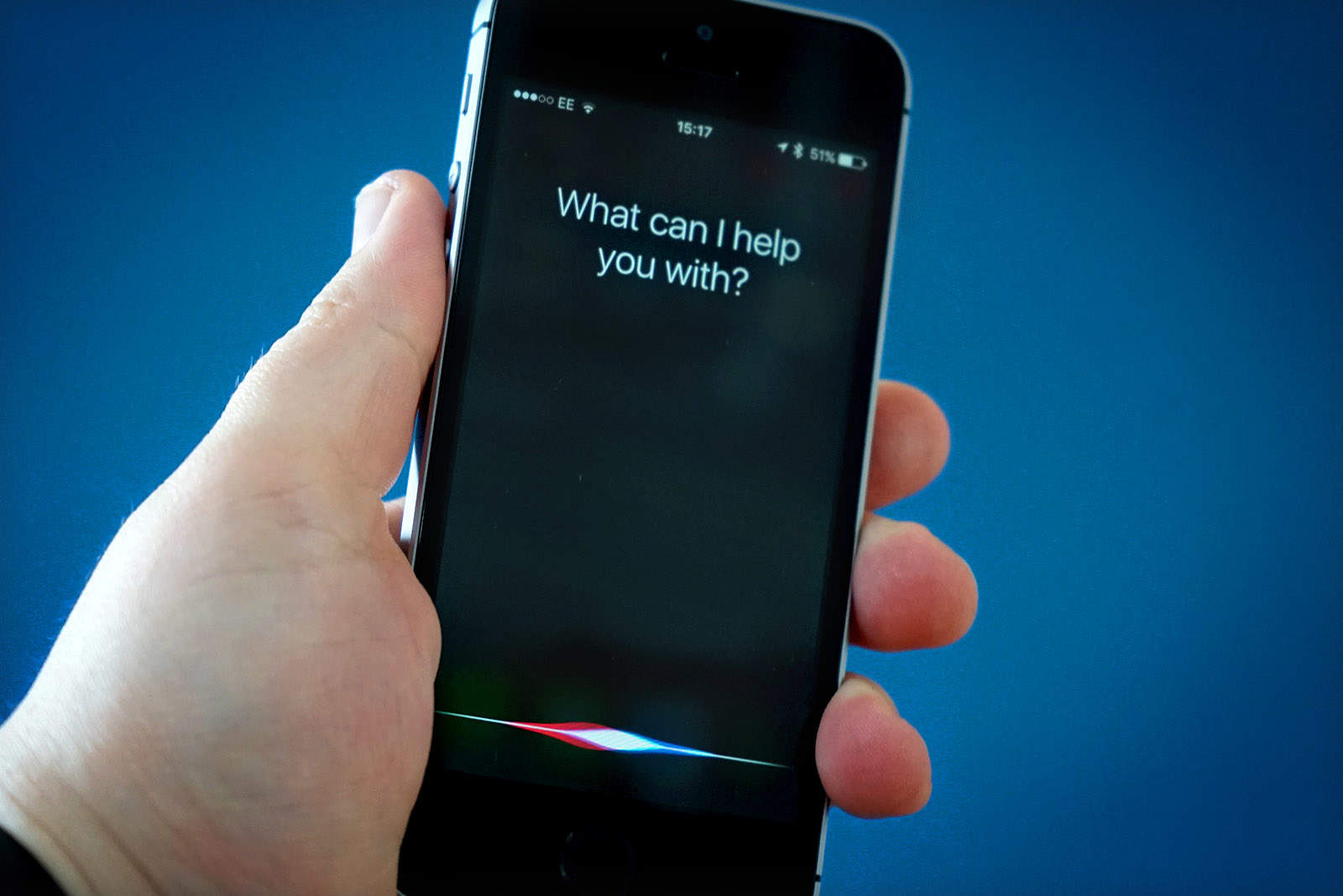
Siri is about to get a huge upgrade in the way it answers users questions and searches.
In a new job listing posted today, Apple says it is seeking a writer and editor who can help evolve Siri from one of the most-criticized digital assistants into a “distinct, recognizable character.”