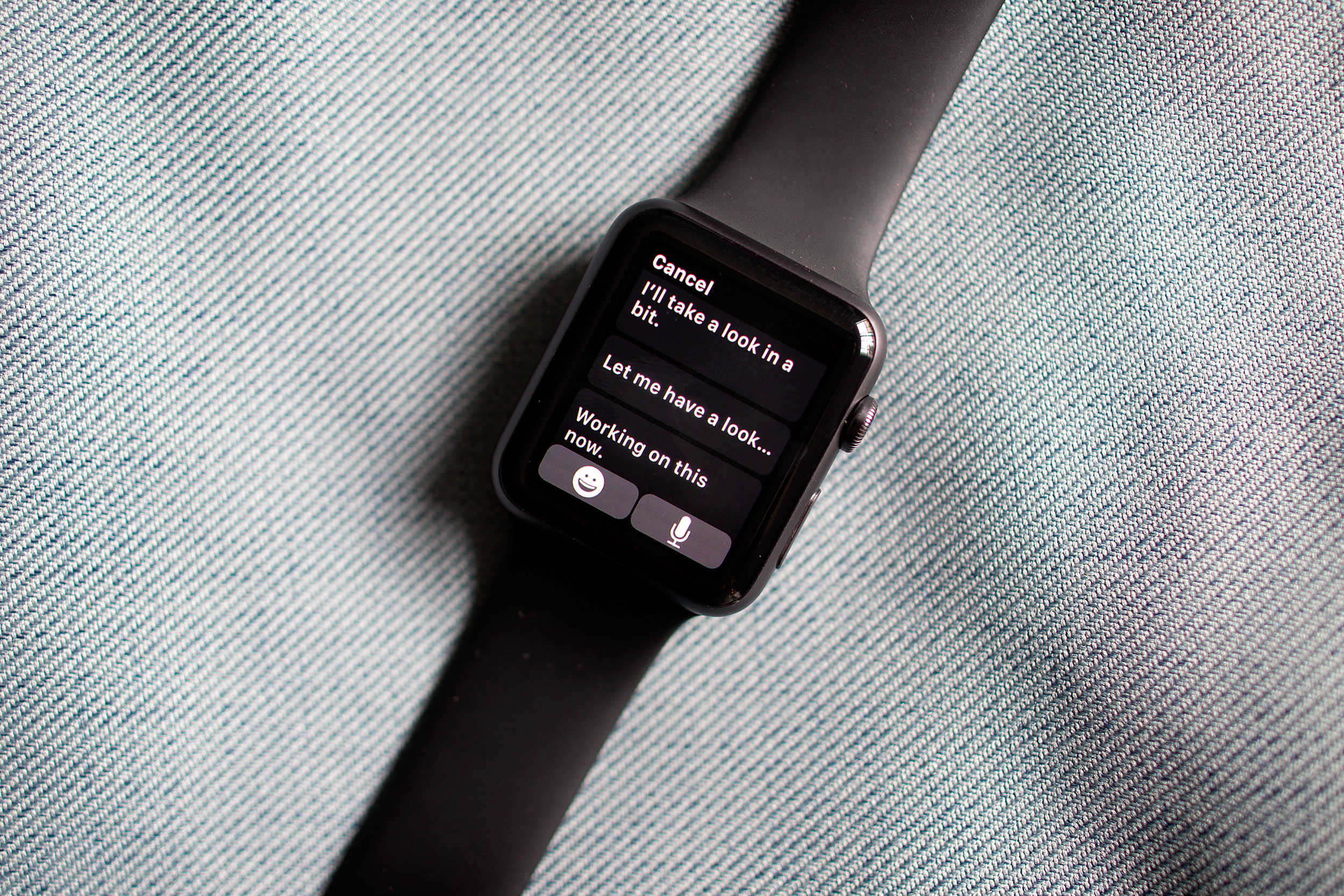
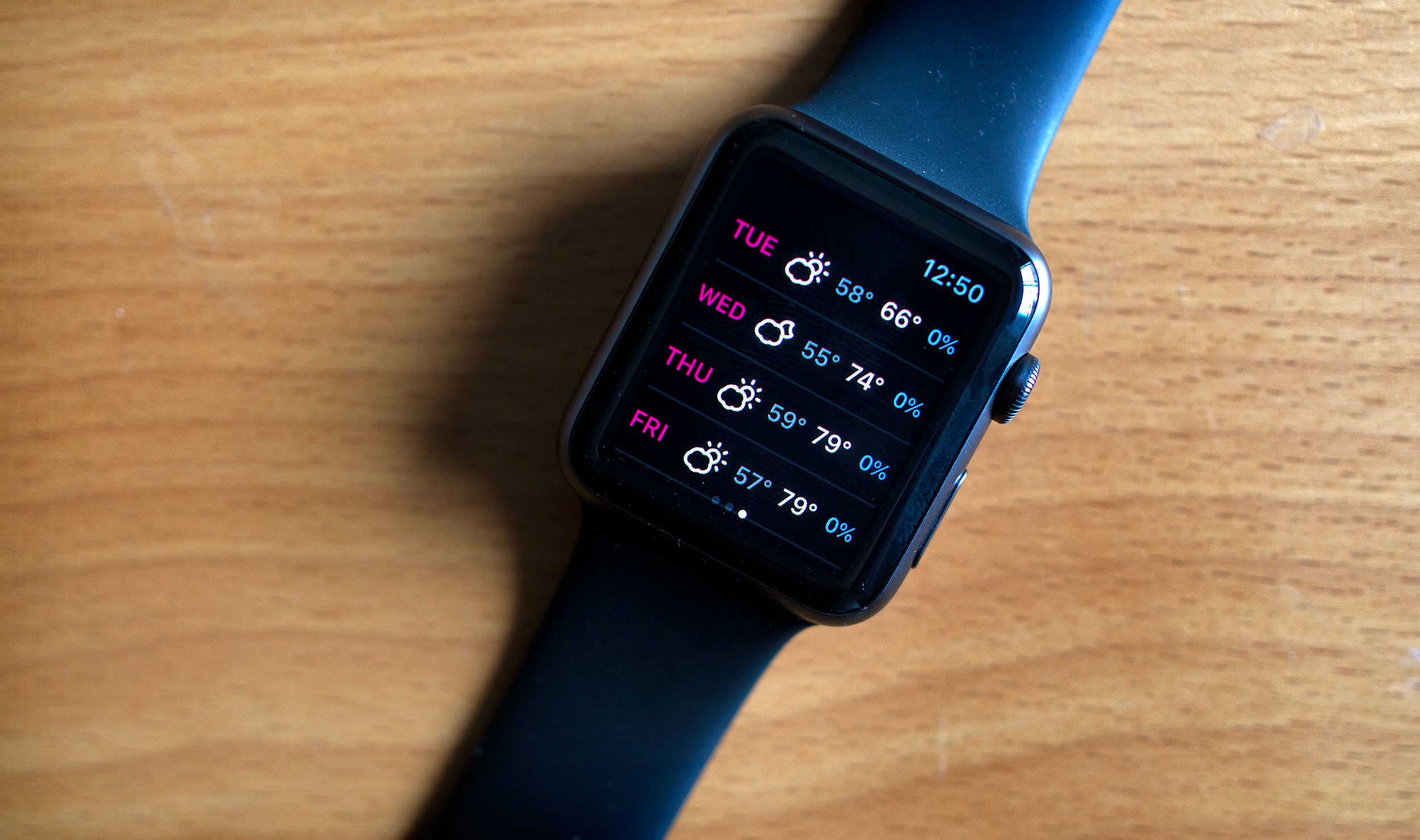
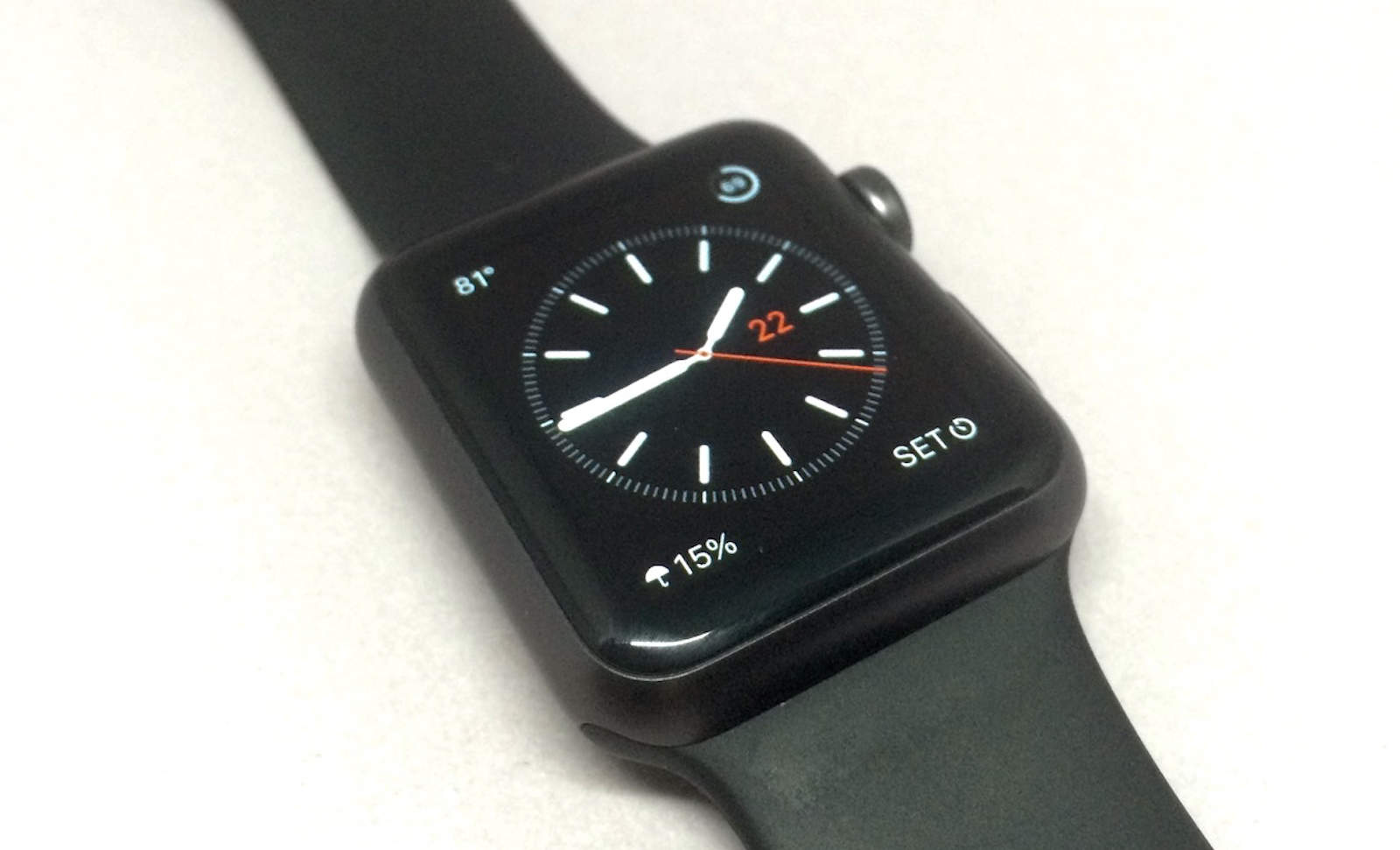
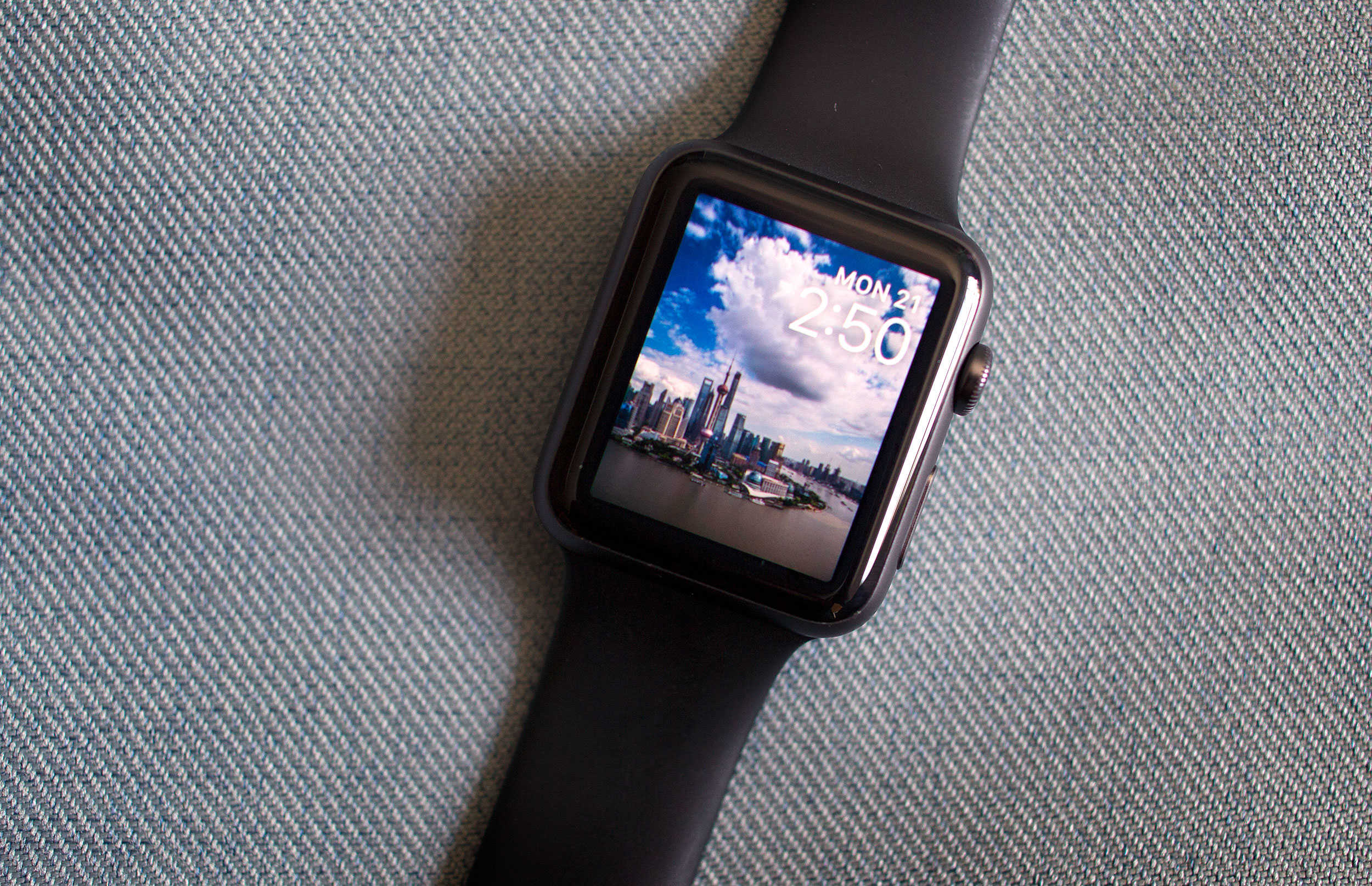
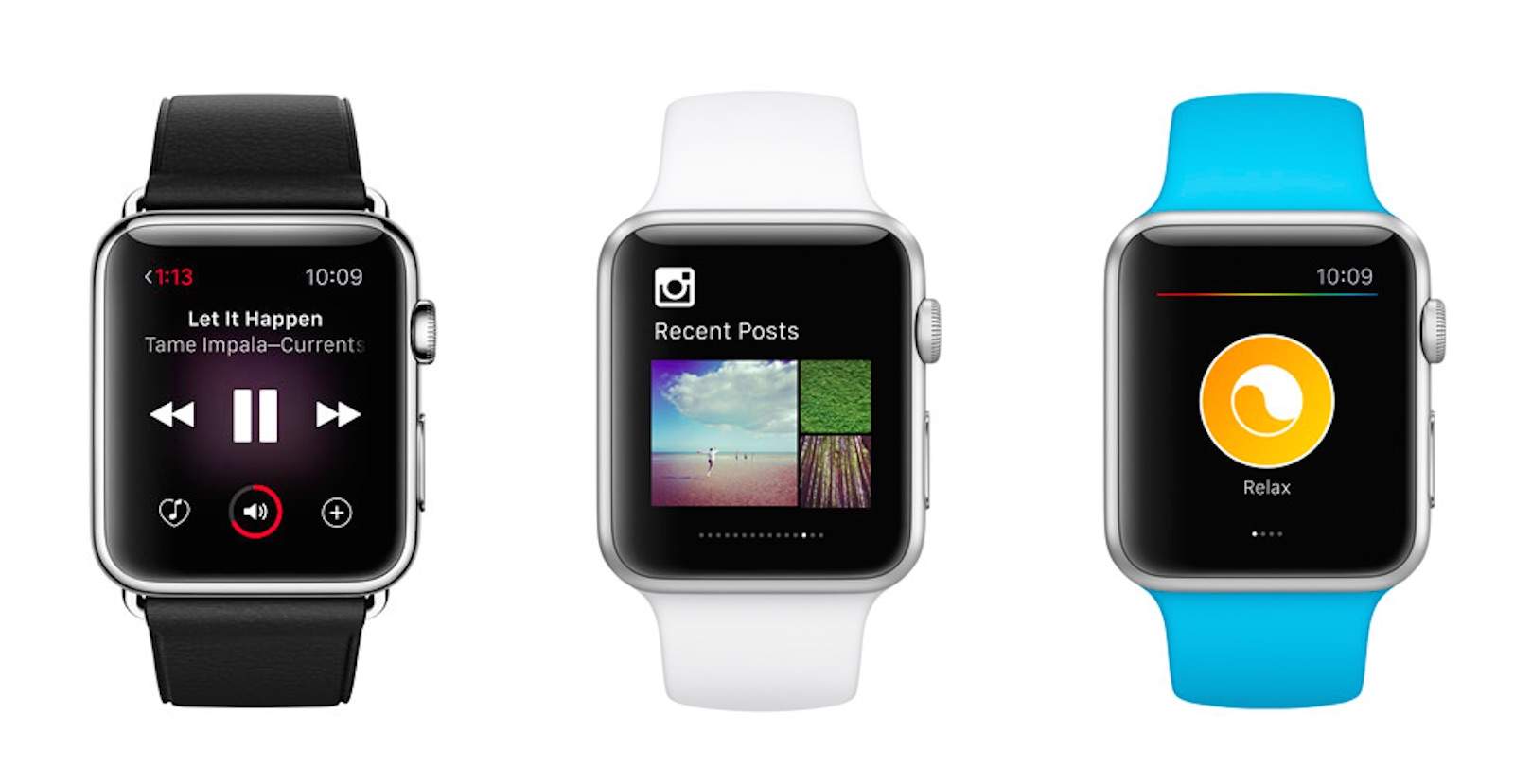
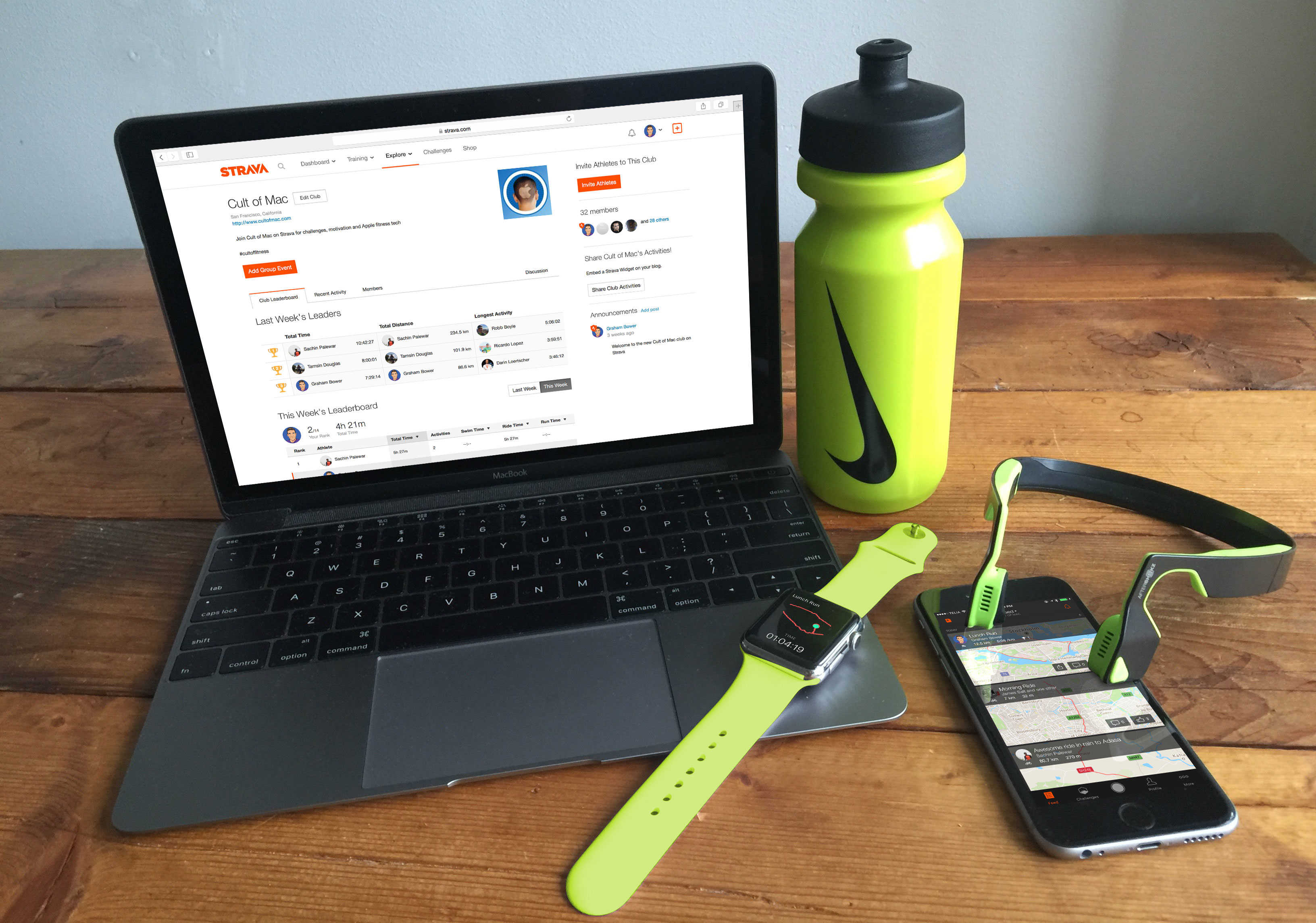
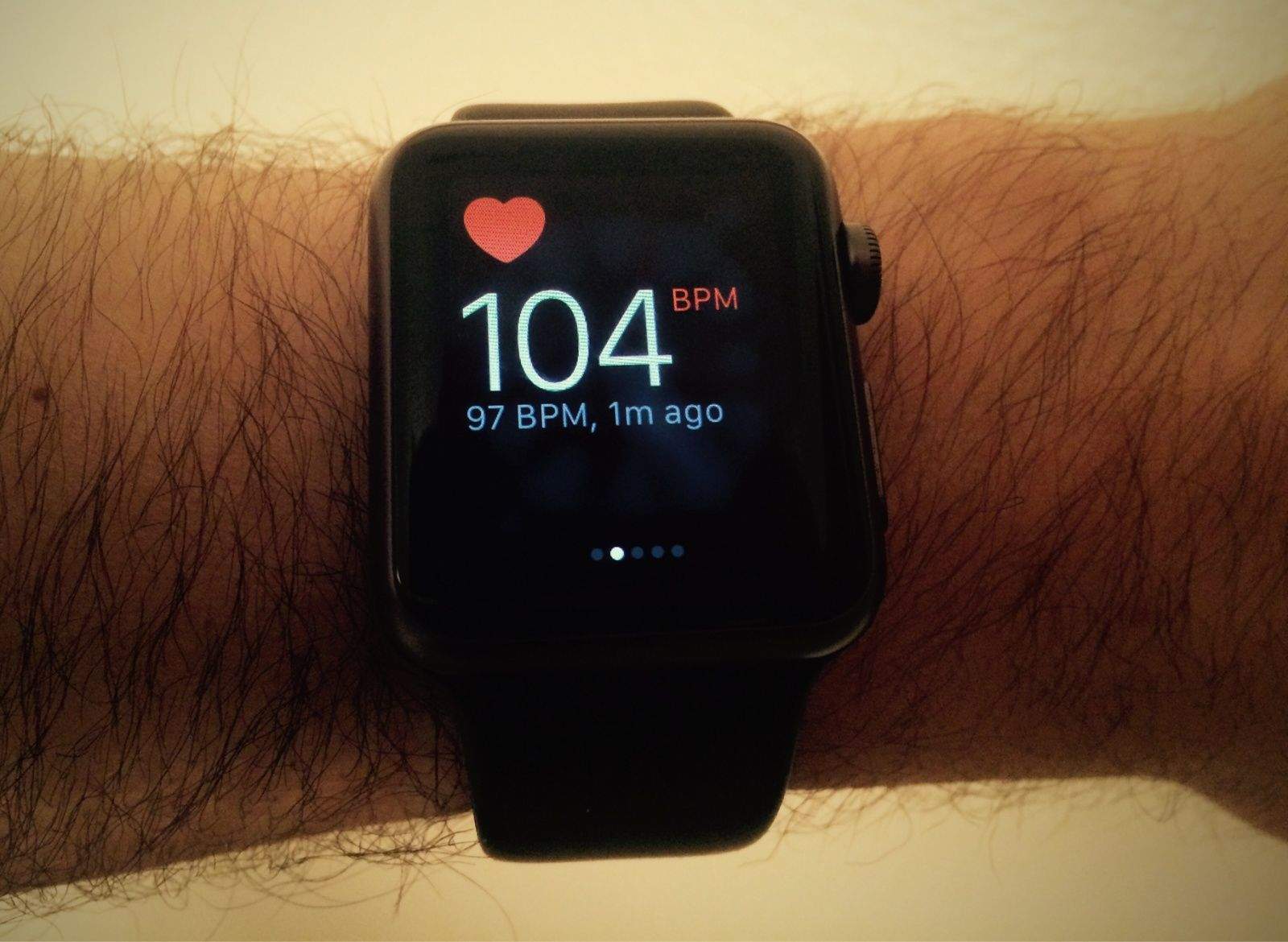
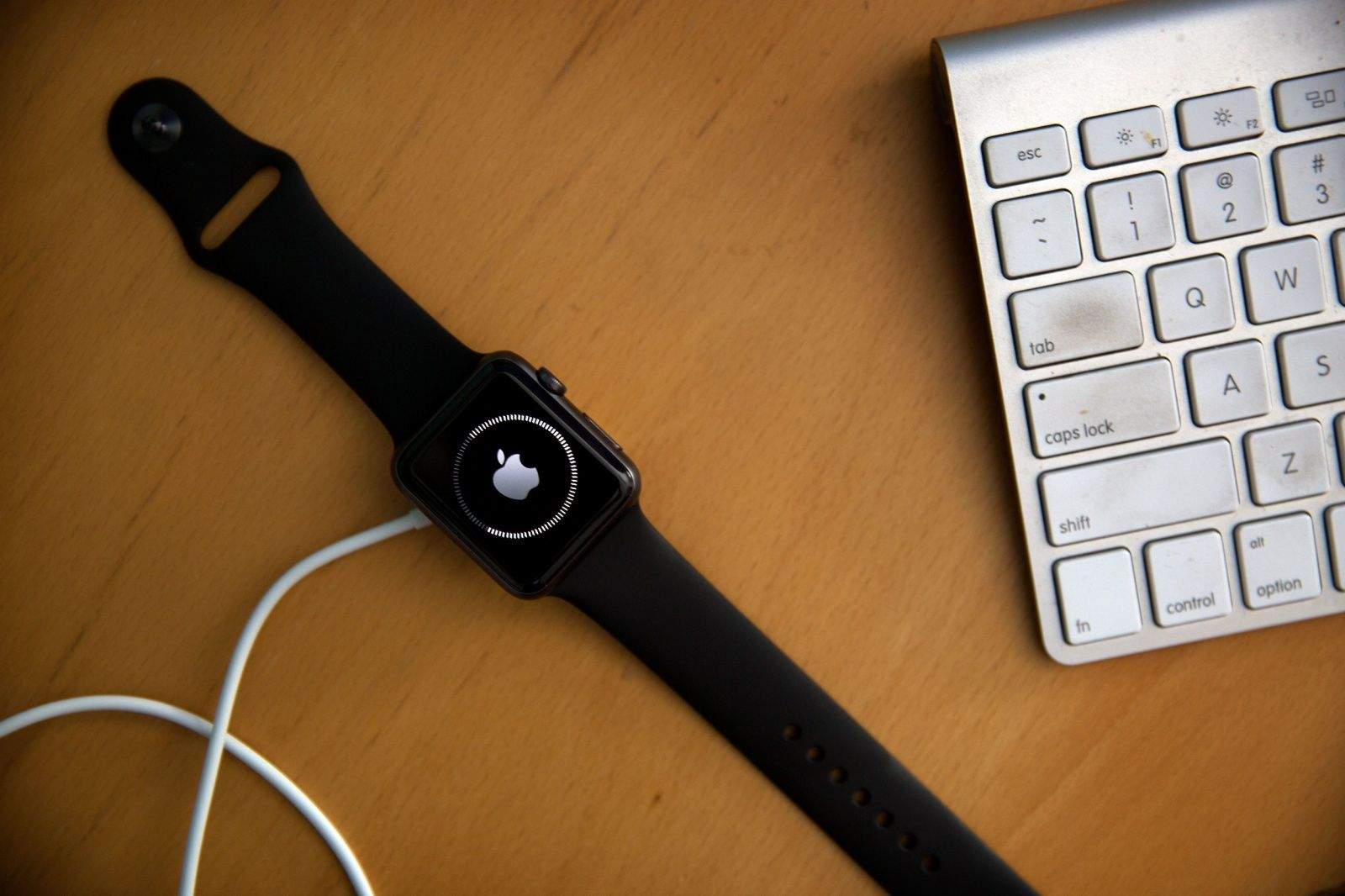
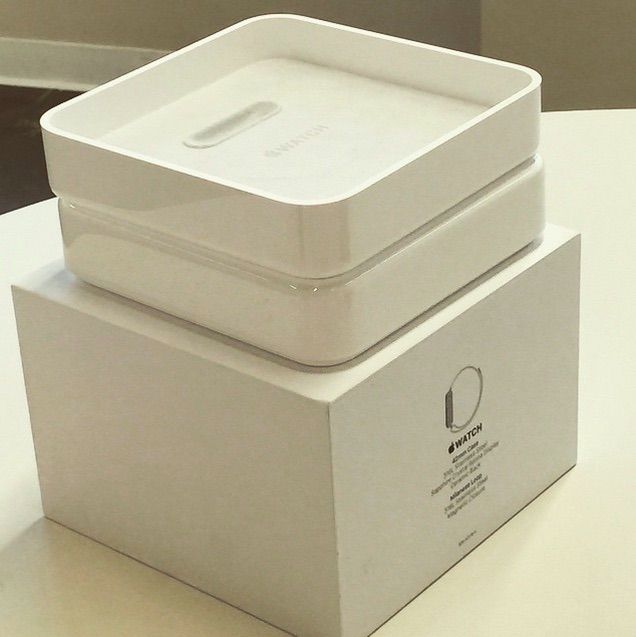
Don't go anywhere, Apple Watch -- we're not finished yet. Photo: Jim Merithew/Cult of Mac
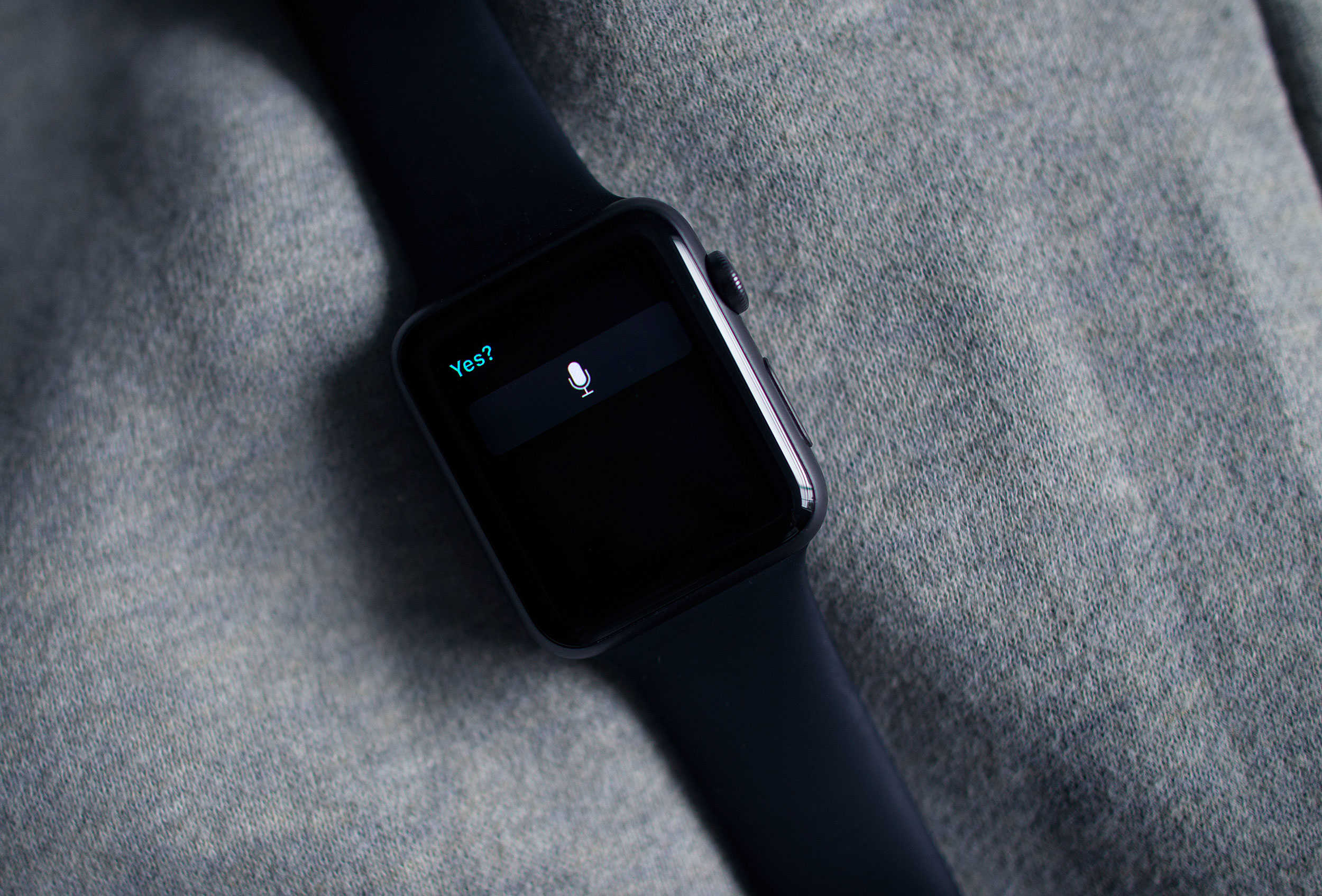
Here’s another tip that’s snuck into watchOS 2: Did you know that you can keep your Apple Watch awake longer now while you’re using it?
Apple hasn’t mentioned this feature much, if at all; we couldn’t even find it on the details screen when we upgraded. But it’s a great addition to the firmware that will save you a little frustration and a lot of wrist-flipping.
Yes, Siri. It's already on. Photo: Jim Merithew/Cult of Mac
This week’s release of watchOS 2 brings a much-needed security update to Apple’s wearable by adding Activation Lock to the device, and the great news is that you may not even have to do anything to add it.
Activation Lock has been around for a while for other Apple devices, and its purpose is to keep thieves from using them even if they manage to get ahold of your preciouses. The first version of watchOS only included basic locking features and a passkey, which wouldn’t keep smart evildoers from gaining access to sensitive data like your Apple Pay data.
Here’s how the feature shows up on the Apple Watch.
Native apps, like Dark Sky, take advantage of the new OS for Apple Watch. Photo: Jim Merithew/Cult of Mac
The future of computing may be sitting on your wrist, but it’s still tethered to something a little old-fashioned. But as of Monday, the Apple Watch’s new operating system allows it to cut a few of the cords that connect it to the iPhone.
Apple’s watchOS 2 debuted, giving the watch new superpowers but also allowing native apps to run independently of the iPhone.
Third-party complications are here in watchOS 2. Photo: Evan Killham/Cult of Mac
Third-party complications have arrived to the Apple Watch in watchOS 2, and setting them up is far from complicated.
The new operating system for Apple’s wearable dropped this week, and this is one of the features the company has talked up the most. And rightly so, because it adds a ton of new functionality to the device.
Here’s how to put a wealth of new information on your watch face.
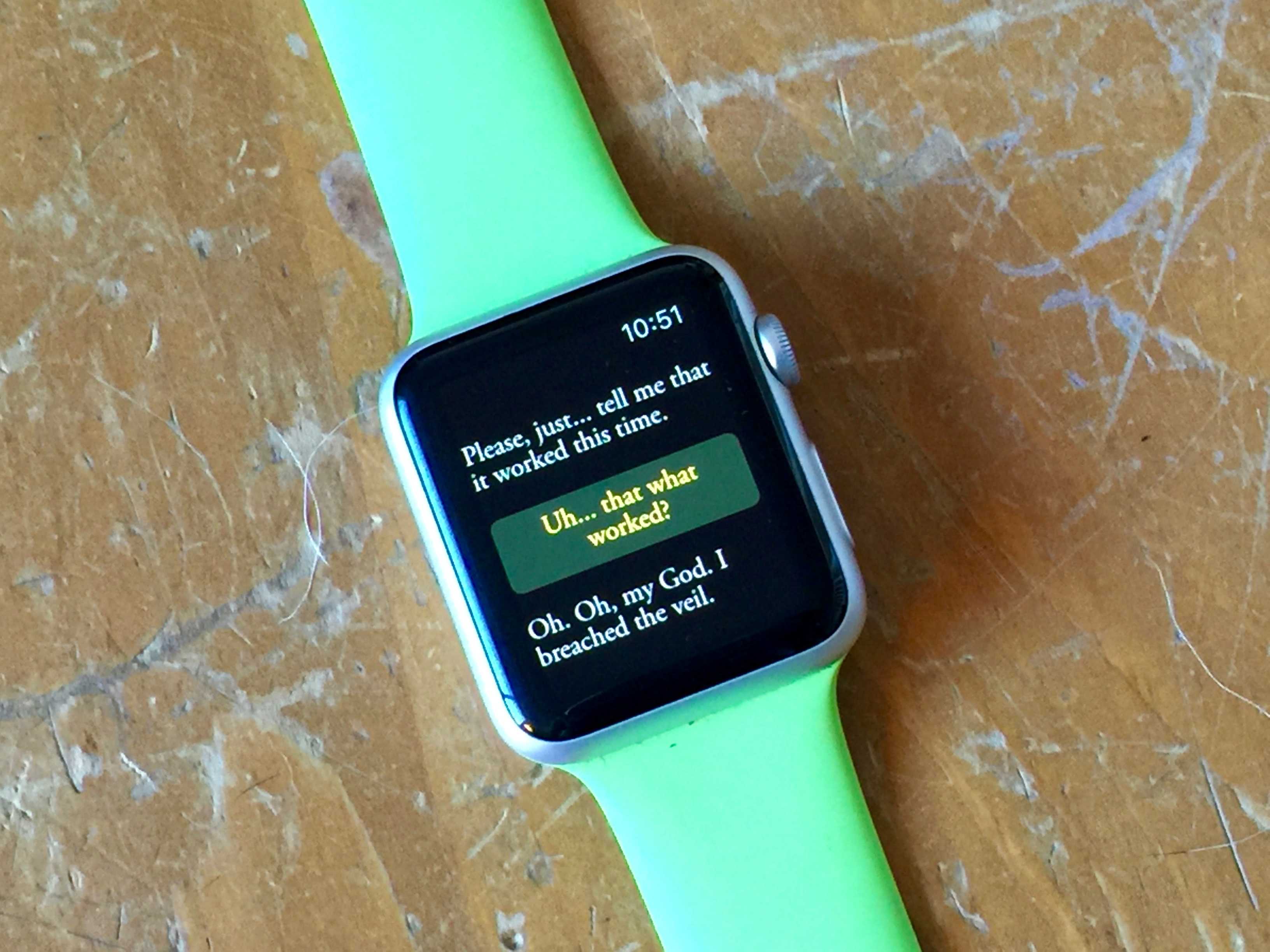
Help Arika avoid mortal danger while she wisecracks at you. Photo: Rob LeFebvre/Cult of Mac
Dave Justus is no stranger to writing video games, having written both Telltale’s The Wolf Among Us adventure game for Mac, PC and console, as well as the original Lifeline, a text-based story game that brought the epic struggles of an astronaut named Taylor to our wrists.
With the help of 3 Minute Games’ lead game designer Mars Jokela, Justus has created another massive adventure that still fits inside your Apple Watch. This time, however, you’ll have a conversation with Arika, a young woman with magical powers who needs your help to escape mortal danger.
Lifeline 2: Bloodline is a funny, moving, and above all human story that really plays to the strengths of the Apple Watch; it’s like having a text conversation (with a cheeky magician) from your wrist.
“We’ve built Lifeline 2 to be a bigger and richer experience,” says Jokela via email, “[but] the story is still focused on a likable, relatable character who desperately needs your help.”
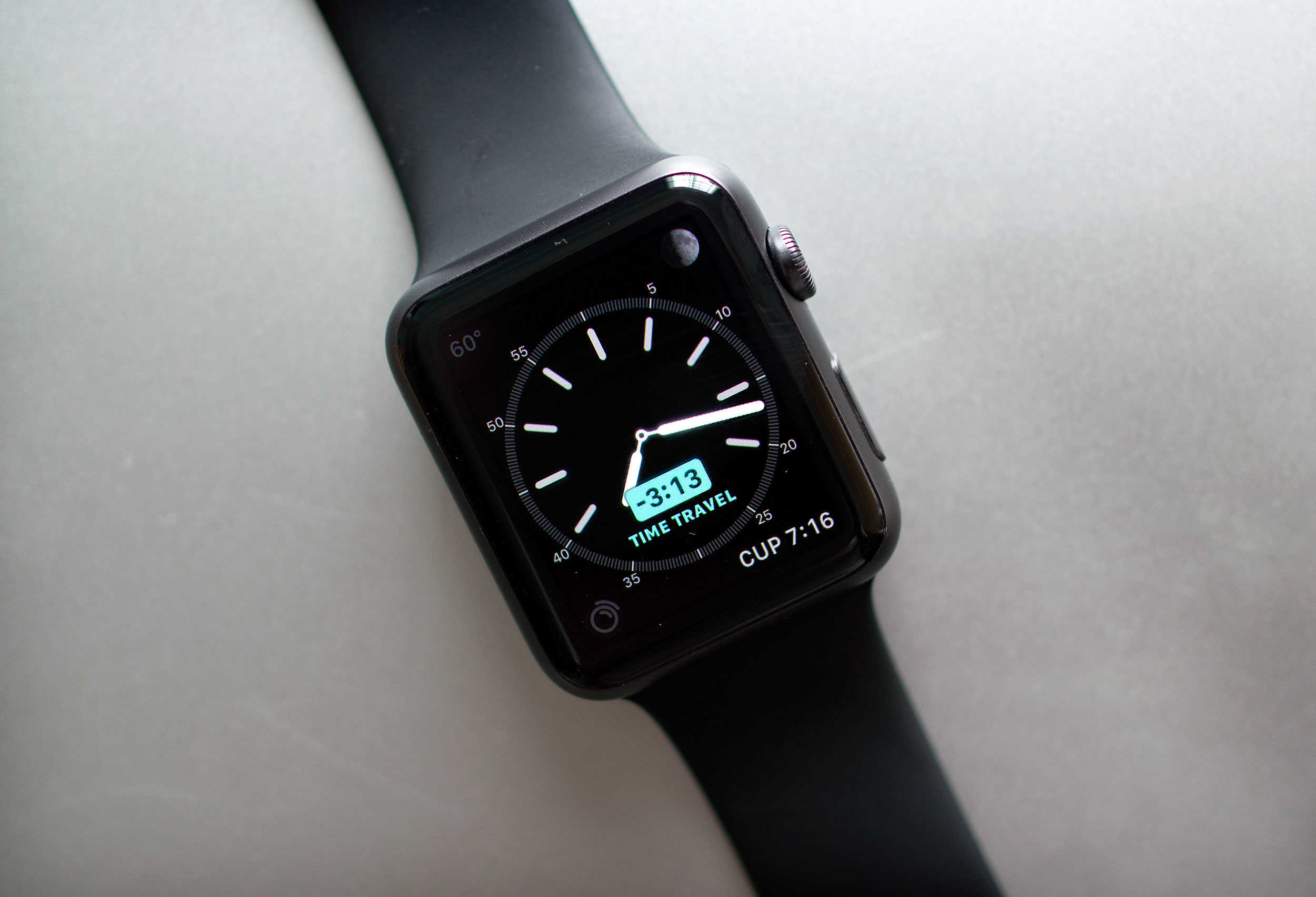
Time travel without a flux capacitor - right on your wrist. Photo: Jim Merithew/Cult of Mac
If there’s one thing we could all benefit from, it’s more time in the day. Unfortunately, Time Travel on the new Apple Watch operating system, watchOS 2, won’t actually let you travel back in time to get a few extra hours of Netflix in, no matter which edition you purchased.
However, watchOS 2 does now include a new feature called Time Travel, which lets you see the past and future right on your wrist. You can check what the weather will be a few hours from now for your drive home, see if you’ve got any appointments later in the day, or just figure out what time the sun set yesterday to prove you were home before it got dark.
Either way, here’s how to Time Travel on your Apple Watch running watchOS 2.
You wouldn't get this from any other company. Photo: Cult of Mac
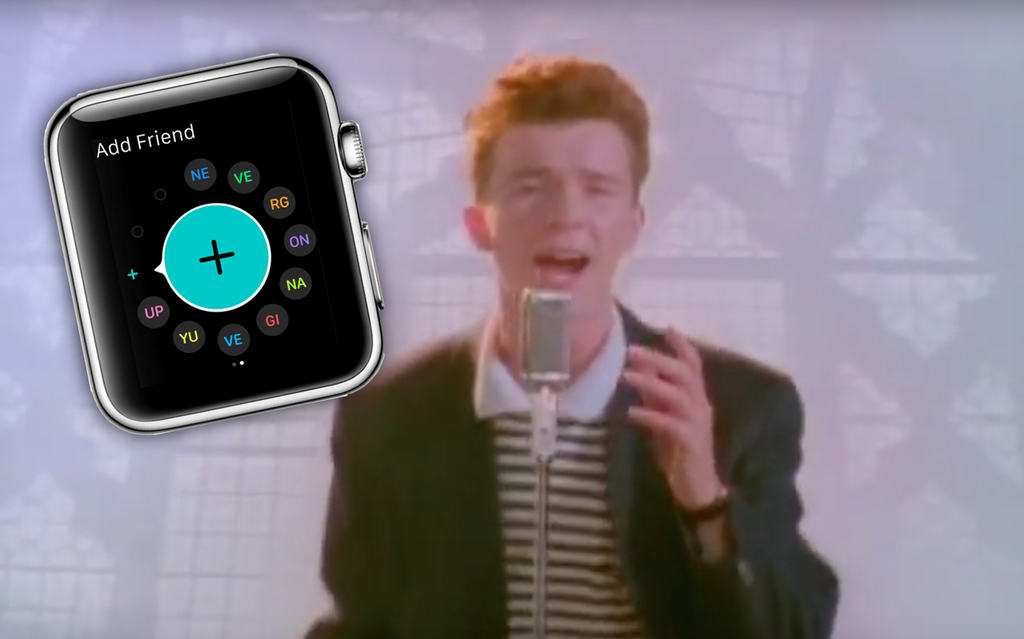
Apple has hidden a Rickroll in plain sight in its latest Apple Watch help page, with a FAQ on how to add friends on your Apple Watch spelling out a very familiar reference.
Sure, it’s all a bit 2008 by now, but there’s still something hilarious about Apple spelling out “NE VE RG ON NA GI VE YU UP” as the initials of your apparent Apple Watch friends.
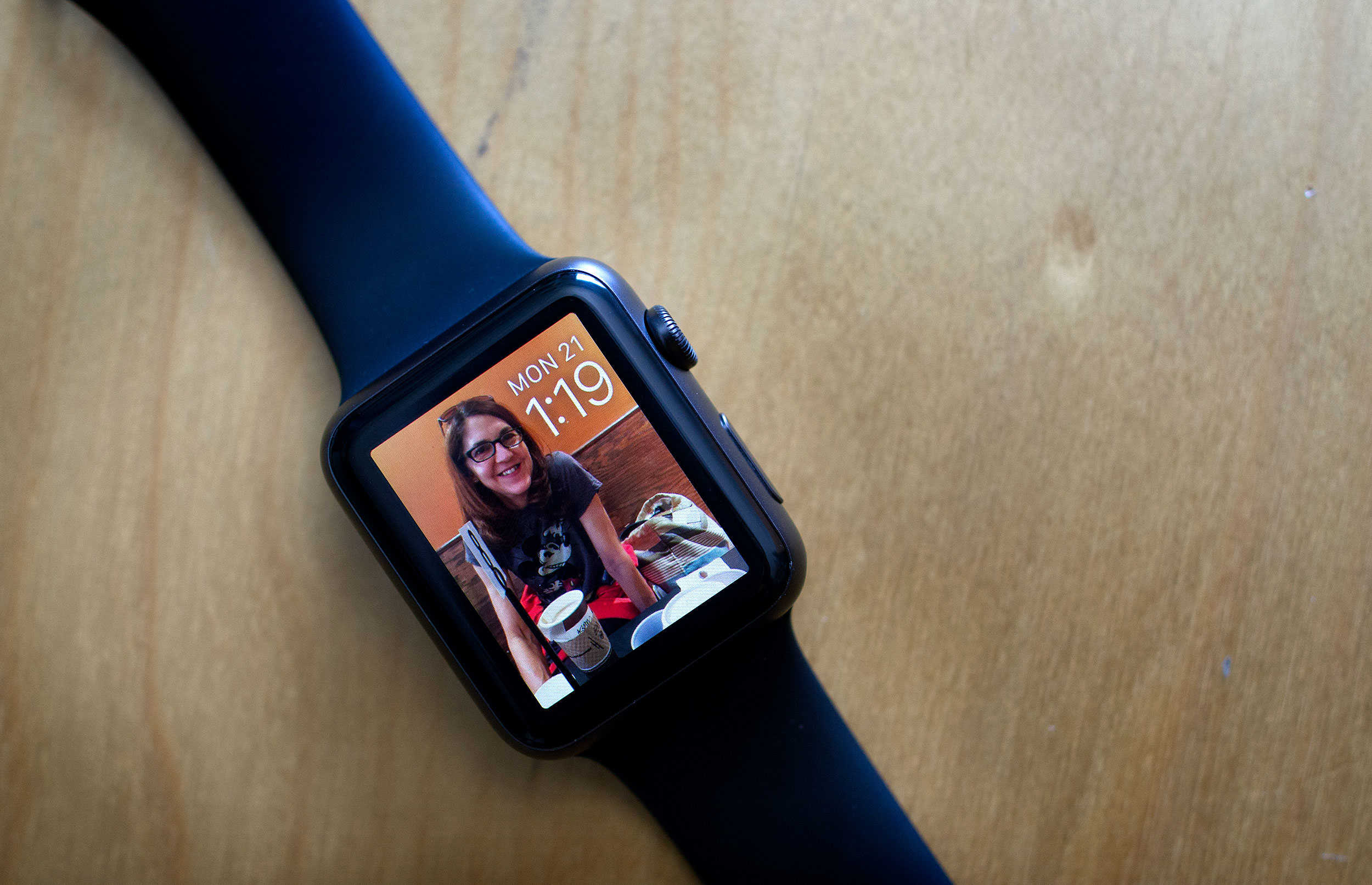
The new custom faces aren't the only great part of watchOS 2. Photo: Jim Merithew/Cult of Mac
Apple’s second major iteration of its wearable firmware, watchOS 2, is finally out today, and it has some extra fun features hiding along with all of the ones the company has been talking about since it first announced the update back in June.
Sure, native apps and custom watch faces are cool, but watchOS 2 also contains some smaller updates that you have to look for. Here are some of the hidden gems.
Apple Watch is a killer device, even without a "killer app." Photo: Jim Merithew/Cult of Mac
I was so excited to have a color screen on my Apple Watch when I picked the Sport up this past April.
When I went through all the watch faces, though, I was rather underwhelmed; really, you have a bright, high-resolution monitor on your wrist and all you can do is put a moving moth or Mickey Mouse on it? Ugh.
Luckily, with watchOS 2, Apple’s made things just a little brighter and a little more animated. Here’s how to get these snappy new watch faces on your own Apple Watch.
Join the Cult of Mac club on Strava and share your fitness story Photo: Graham Bower/Cult of Mac
Apple Watch has been on our wrists for just five months and yet it is already having an amazing impact on many people’s lives.
We want to find out how Cult of Mac readers are using Cupertino’s fitness tech to get in shape, so we’re inviting everyone to share their inspiring stories. Plus, we’ve set up a new Cult of Mac club on Strava so you can connect with other readers who are into fitness.
Keep an eye on this. It might keep you out of the grave. Photo: Evan Killham/Cult of Mac
A teen sought medical attention after his Apple Watch heart monitor gave him persistently high readings, and that decision saved him from an untimely death.
Paul Houle, a 17-year-old football player, bought Apple’s wearable a few days before he started pre-season training at Tabor Academy in Marion, Mass. After two practices in one day, he noticed that his heart rate was sitting around 145 beats per minute, even hours after he’d stopped exercising.
He wouldn’t know until later, but he was experiencing a potentially life-threatening condition.
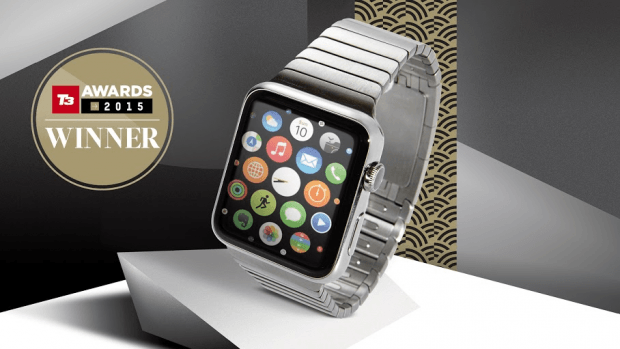
Apple Watch just racked up another well-deserved award win — being named the year’s best gadget at top U.K. consumer technology event, the T3 Awards.
“Once again Apple have produced a product that has galvanized a market,” said T3 editor Rob Carney. “In a year of outstanding new products, this stood out to all of the judges and voting public as THE outstanding tech of 2015. The tech and fashion media have nothing in common, yet both enthused about Apple Watch. That says it all about this high-style, high-tech, highly personal device. It’s a worthy winner of the 2015 Gadget of the Year.”
Is the Apple Watch still searching for that magical "must have" app? Photo: Apple
The Apple Watch is still searching for its “killer app,” claims a new report — arguing that the lack of a “must have” use-case is stopping Apple’s wearable device from achieving its sales potential.
The analysts in question suggest that the Apple Watch will sell between 9-12 million units this year.
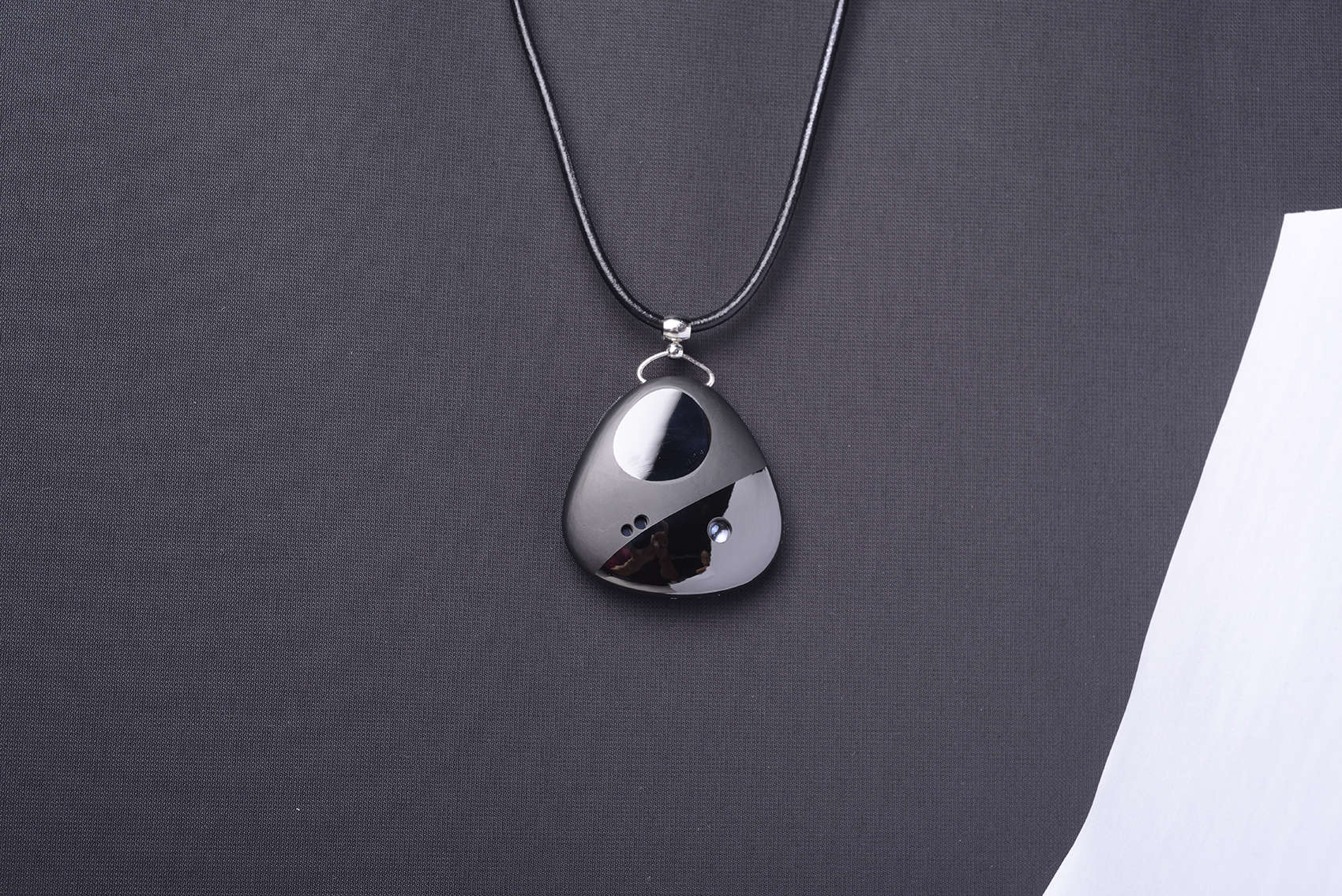
The Miragii pendant can project messages onto your hand and stores an earpiece for calls or music. Photo: Miraggi
Some fashion and tech pundits have written that the Apple Watch is a little industrial looking or too geeky to appeal to women. Why can’t a woman be connected in feminine style?
A startup company says she absolutely can with a smart necklace that looks like a stunning piece of jewelry while equipped with a tiny projector that displays texts and calls onto the hand.
Or the next day. Or the day after that. Photo: Apple
If you’ve been anxiously waiting to upgrade your Apple Watch to watchOS 2 today — well, sadly, you’re out of luck.
Despite announcing last week that watchOS 2 and iOS 9 would be released today, Apple has just dropped the bombshell that Apple Watch users won’t be upgrading their operating systems quite yet, thanks to the discovery of a critical bug.
Can't wait for all the new Watch stuff? Here's how to install watchOS 2. Photo: Jim Merithew/Cult of Mac
Update: Apple has delayed deployment of watchOS 2, possibly for a day or more, after discovering a bug that’s taking longer to fix than expected.
Are you ready? It’s finally time to update your Apple Watch to watchOS 2. The software upgrade will let you run third-party apps right on the Watch without your iPhone, add nightstand mode and new watch faces (including your own photos), and much more.
If you’re ready to make it so, read on and get all these new features on your wrist today.
You never know when that new Apple device will change your life. Photo: Cult of Mac
Talk about finding a unique way to recycle your Apple packaging!
A newly-expecting mother recently broke the news about her pregnancy to the father by hiding the positive pregnancy test in an Apple Watch — prompting a spontaneous heart-warming reaction.
Seriously, the guy couldn’t have been any more chuffed if he had just been handed a $17,000 Apple Watch Edition.
Either that or he’s wondering where the Apple Watch itself went.
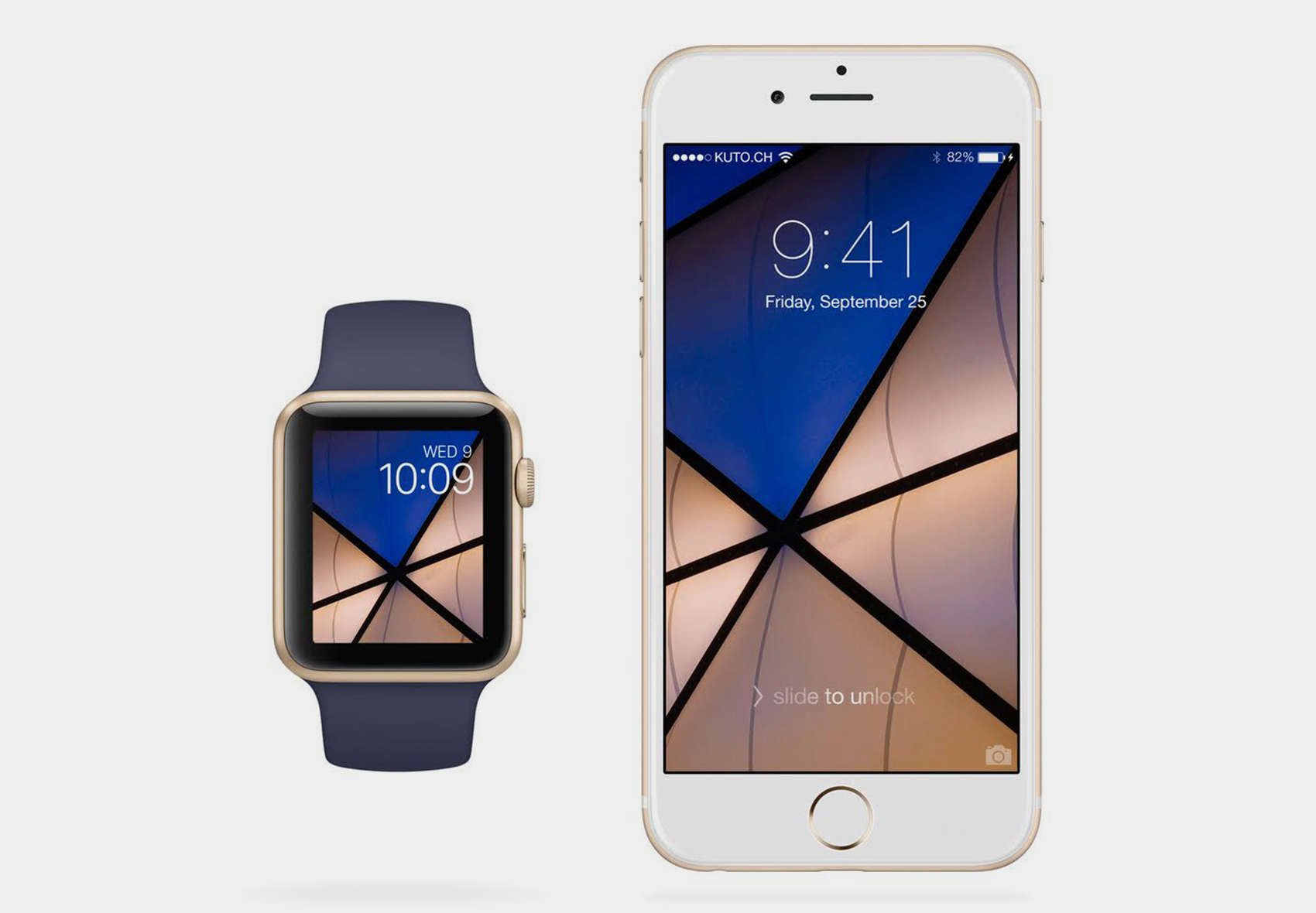
One of 32 matching wallpaper designs by photographer Samuel Zeller. Photo: Samuel Zeller
Since your Apple Watch must be tethered to your iPhone, they might as well match.
So Swiss designer Samuel Zeller has used his personal photography to make wallpaper to match both watch and phone, and it is available Wednesday with the launch of Apple Watch OS 2.
Viper SmartStart comes to your wrist. Photo: ViperViper SmartStart comes to your wrist. Photo: Viper
Remember that Ericsson phone that let James Bond control his BMW 750iL remotely in Tomorrow Never Dies? Now you can have your own… kind of.
Viper SmartStart is a smartwatch app for Android Wear and Apple Watch that puts car controls on your wrist, allowing you to locate, start, and control your vehicle before you even get in it.
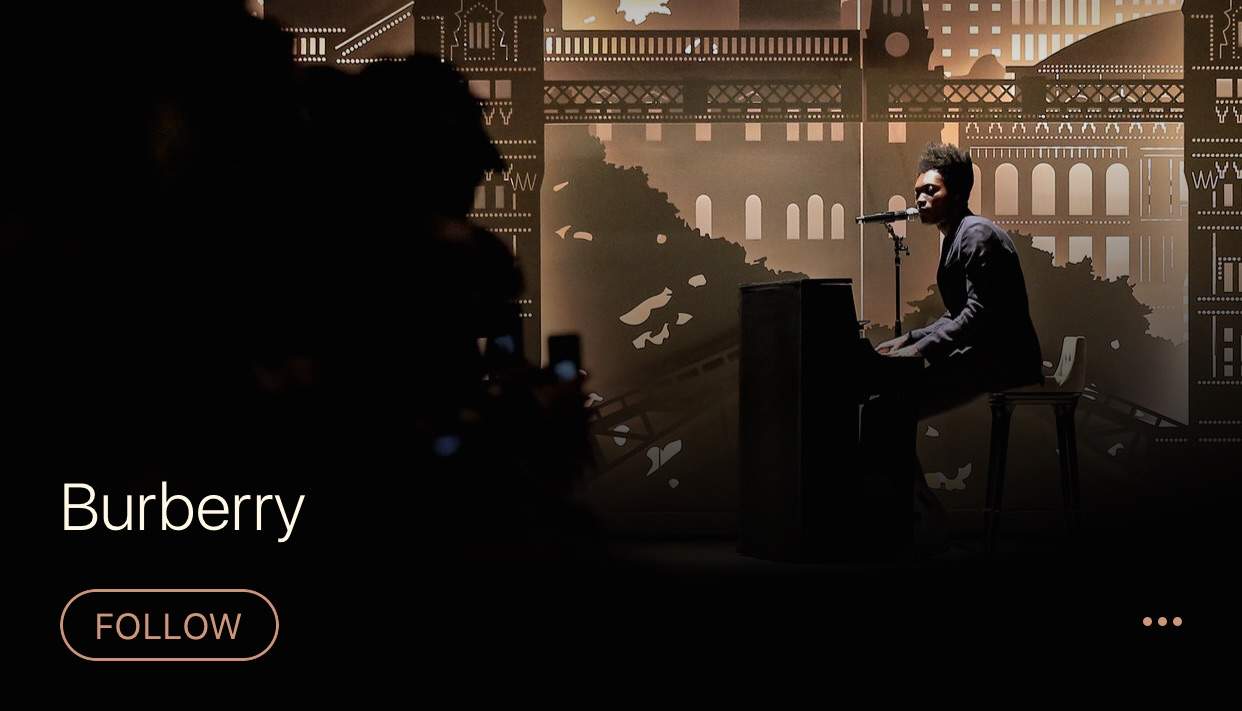
Burberry is now on Apple Music. Photo: Apple Music
Fashion brand Burberry is coming to Apple Music with its own channel, and it plans on bringing a lot of luxury with it.
The company will curate its own channel on Apple Music starting Tuesday, offering listeners a taste of performances, songs and films that have come out of Burberry’s work with British artists.
Apple Watch is expanding its availability. Photo: Apple
The Apple Watch is gradually rolling out to more and more outlets — with British department store John Lewis and electronics retailer Currys saying that they will start selling the wearable devices from 18 September.
"3D Touch is something we’ve been working on for a long time—multi, multi, multi years.” — Jony Ive Photo: Apple
This week on Cult of Mac’s podcast: Our reactions and impressions of all the gadgets unleashed at Apple’s media extravaganza! Plus: Why the 6s is the best “s” yet; a look into Apple’s efforts to architect the 6s’ new 3D Touch technology; why the Apple Pencil is not a stylus; and so. much. MORE…
Our thanks to Squarespace for supporting this episode. Build a beautiful website quick at Squarespace.com, and enter offer code CultCast at checkout to get 10 percent off.
Apple couldn't wait to hop into bed with French luxury house Hermès. Photo: Apple
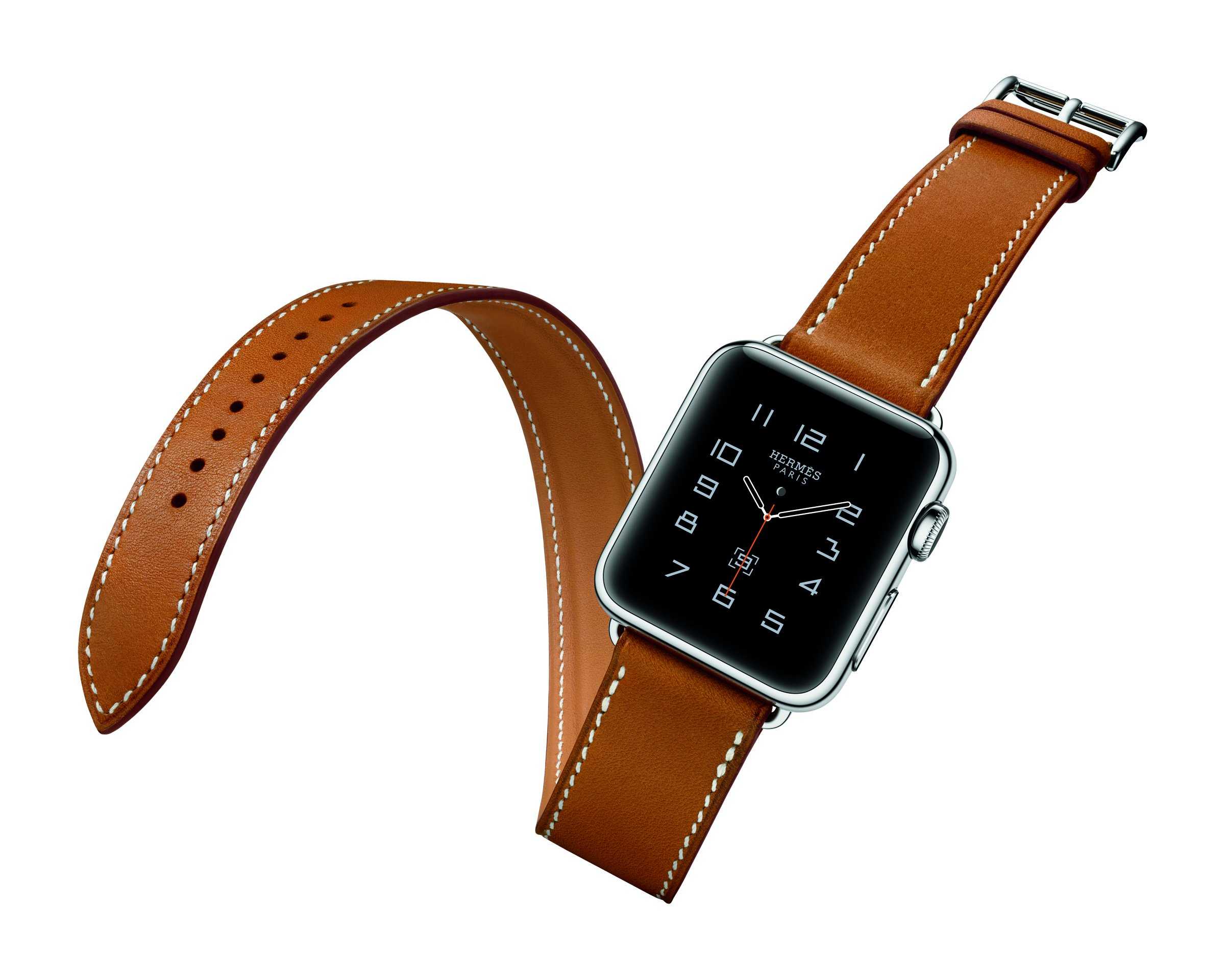
Jony Ive sure loves his designer goods, but don’t suggest to him that products like the new high-end Apple Watch Hermès are turning Apple into a luxury company.
“We don’t think in those terms,” Ive says in a new interview. “I’m not comfortable with words like exclusive.”
You can actually pinpoint the second when Apple announced a stylus. Photo: The Simpsons, Twentieth Century Fox
We’ve seen Wednesday’s Apple keynote dissected every which way, but how about analyzing the moments where viewers’ heart rates jumped at the latest news from the Good Ship Cupertino?
That’s what the developers and beta testers of heart-monitoring Apple Watch app Cardiogram did, as they set their devices to workout mode for the anticipated event to find out what really tugged at their heart strings.