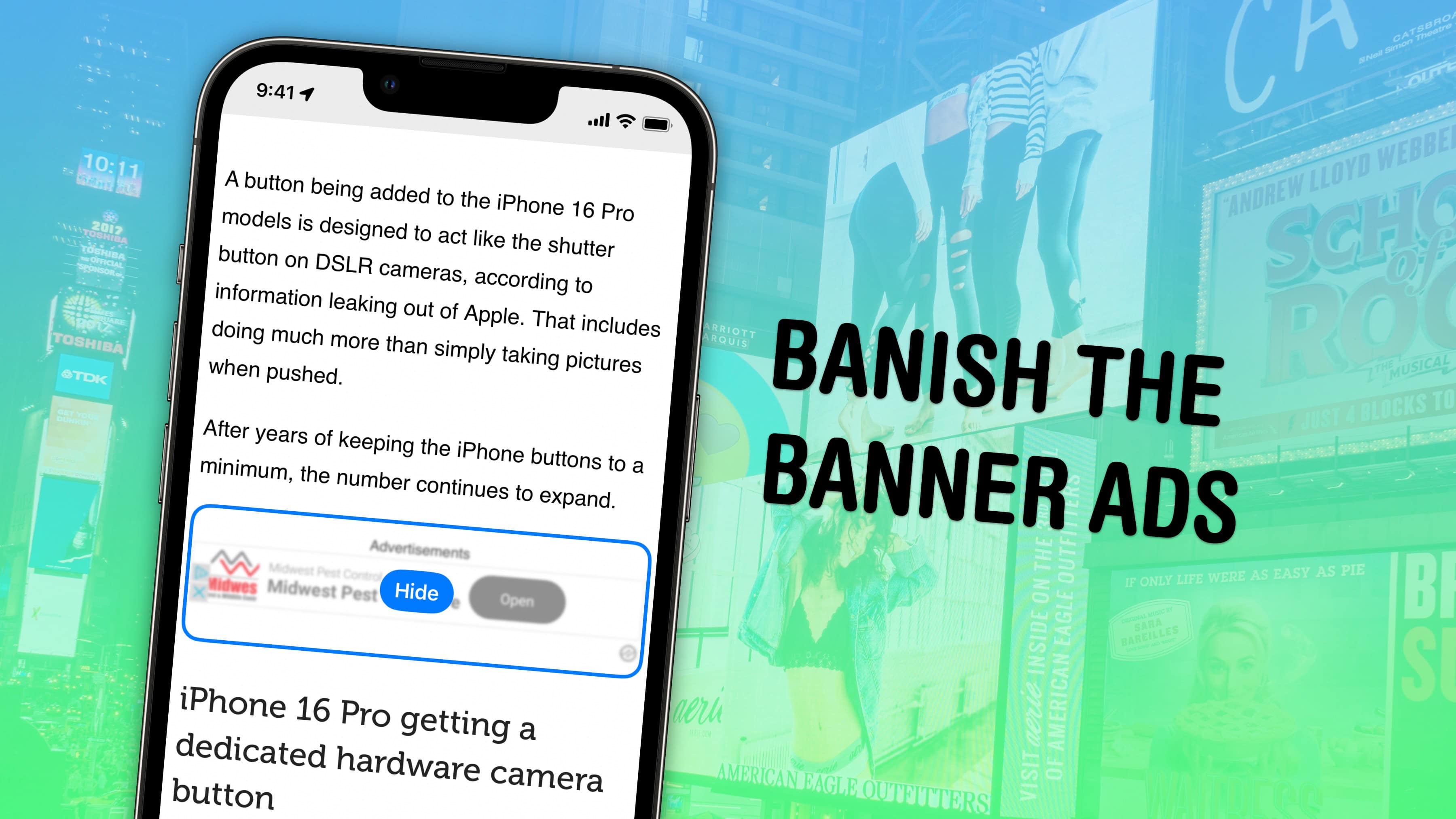
Safari’s Hide Distracting Items feature lets you remove ads from your iPhone, along with other elements on the page that irritate you. It doesn’t require an ad blocker or a paid extension — Apple built it right into the browser in iOS 18.
Hide Distracting Items is not an ad blocker per se, but if you are pestered by pop-ups and other items with no obvious close button, Hide Distracting Items can come to the rescue. Here’s how to use it — keep reading or watch our video.