Apple may silently have discontinued the HomePod mini. The mini smart speaker is out of stock across several retailers in the US.
Apple’s own store lists the speaker for next-day delivery or pickup across most pin codes, though.
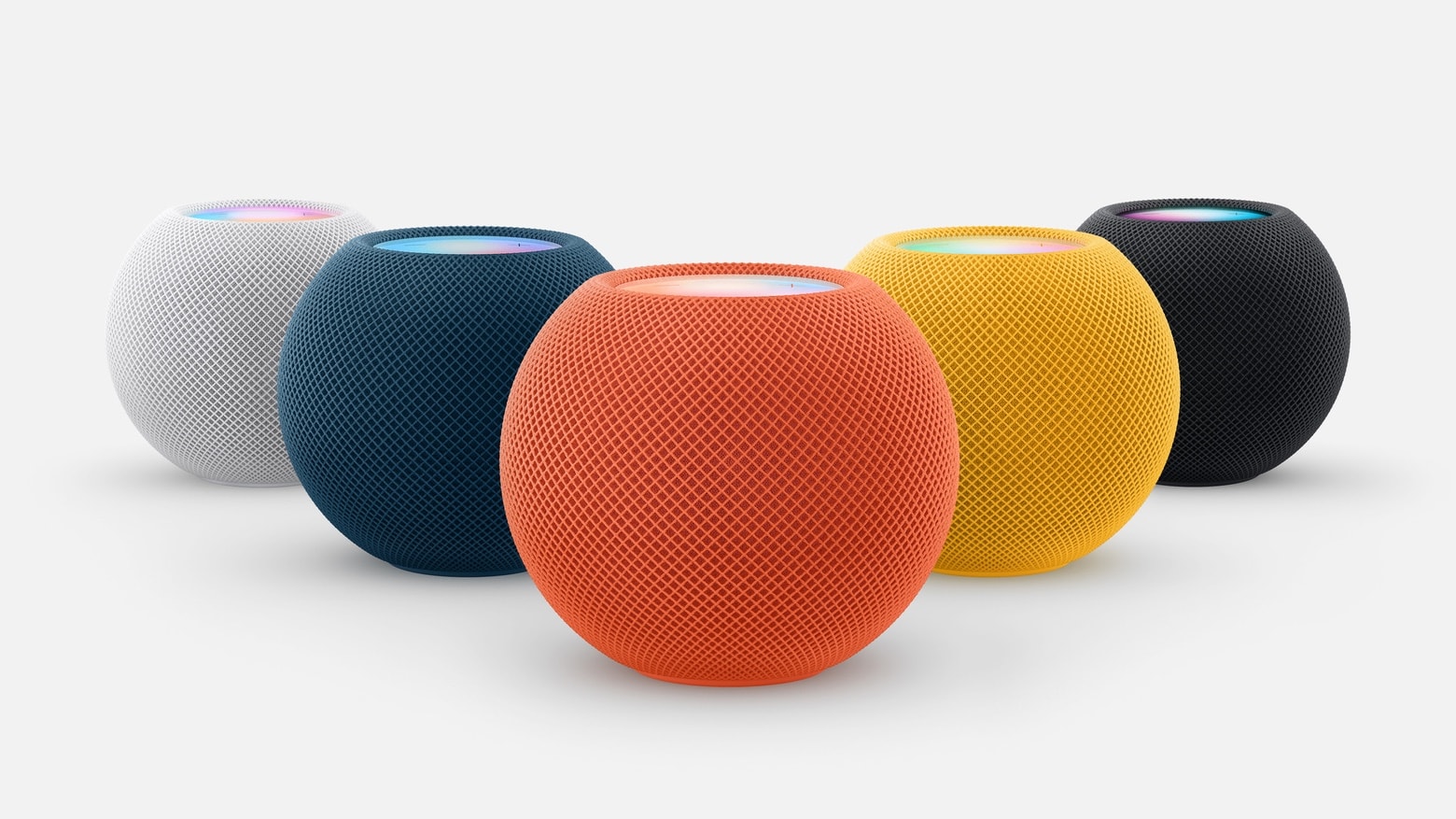
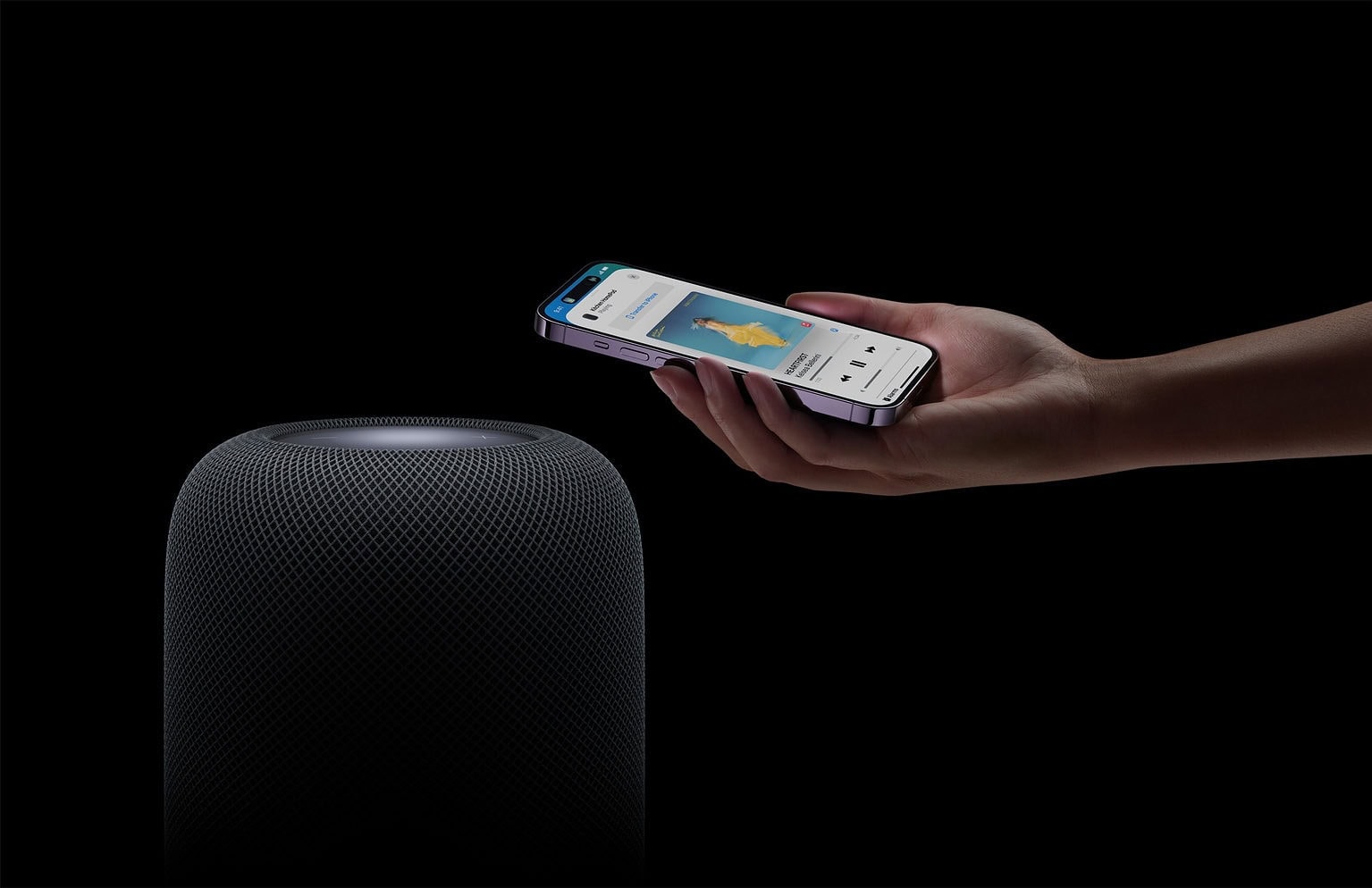
HomePod mini is the cheaper version of Apple’s smart speaker. Despite its smaller size, it packs a full-range driver and dual passive radiators for deep bass and surprising sound quality.
Although small, Apple built plenty of features into this device. Two of the speakers can be paired together for stereo, for example.
Apple’s HomePod mini is designed to deliver surprisingly rich, room-filling sound despite its small size. Standing just over three inches tall, it uses advanced audio technologies like computational audio and a full-range driver to provide clear highs, deep bass, and 360-degree sound.
Another use is as a HomeKit smart home hub, and HomePod mini is designed to be primarily controlled with spoken Siri commands. That’s why it has four far-field microphones to picking up voices from a distance. The device even includes a temperature and humidity sensor.
Apple may silently have discontinued the HomePod mini. The mini smart speaker is out of stock across several retailers in the US.
Apple’s own store lists the speaker for next-day delivery or pickup across most pin codes, though.
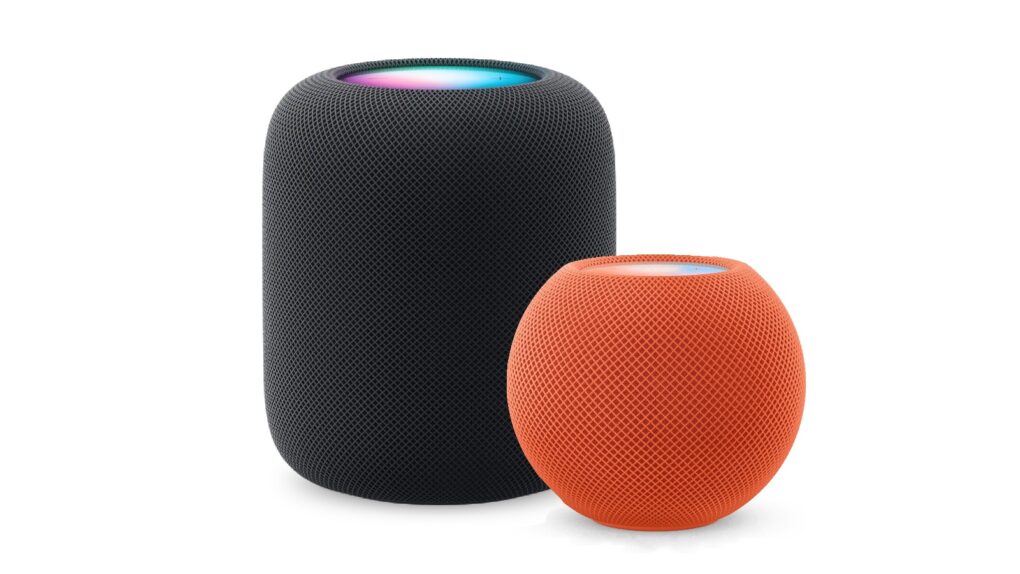
The HomePod operating system occasionally needs updating, because the device is a lot more than a simple speaker — it’s a computer. Here’s how to make sure your Apple smart speaker has the software version released Monday. The new HomePod Software version 26.1 is a simple bug-fix update, but it’s still worth installing. Who wants bugs?
If you depend on automatic updates, it’s possible your smart speaker hasn’t yet installed the update. Here’s how to do so manually.
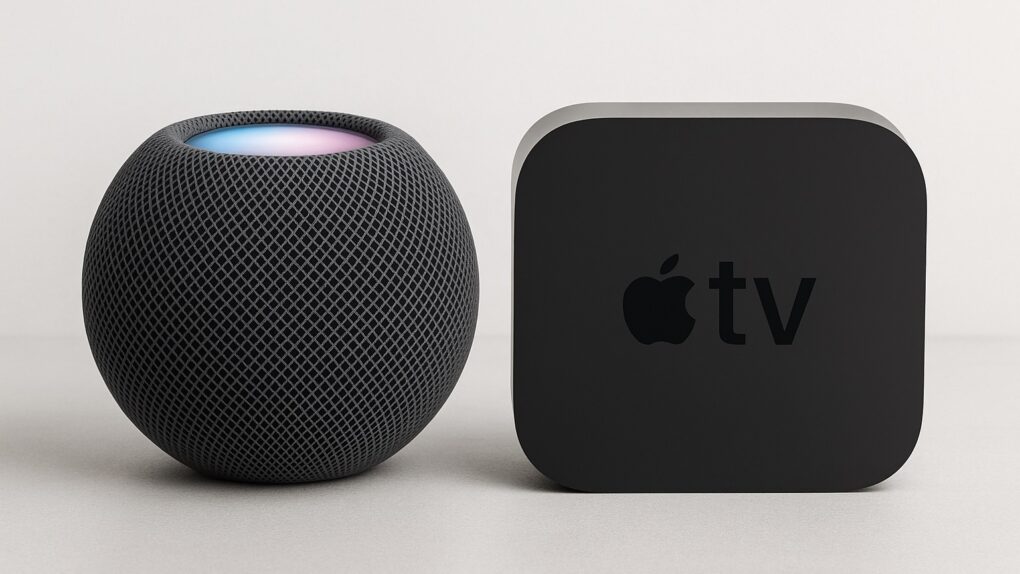
Apple isn’t done launching new products this fall. Rumors point to the much-anticipated HomePod mini 2 finally coming soon, along with a next-gen Apple TV 4K.
Here’s everything we know about these upcoming home-entertainment devices.

Apple is reportedly preparing a new HomePod mini version, the first upgrade to the affordable smart speaker in five years. HomePod mini 2 rumors suggest a considerable jump in features, including support for Apple Intelligence.
Here’s what the rumors say about HomePod mini 2, which is supposedly coming soon.
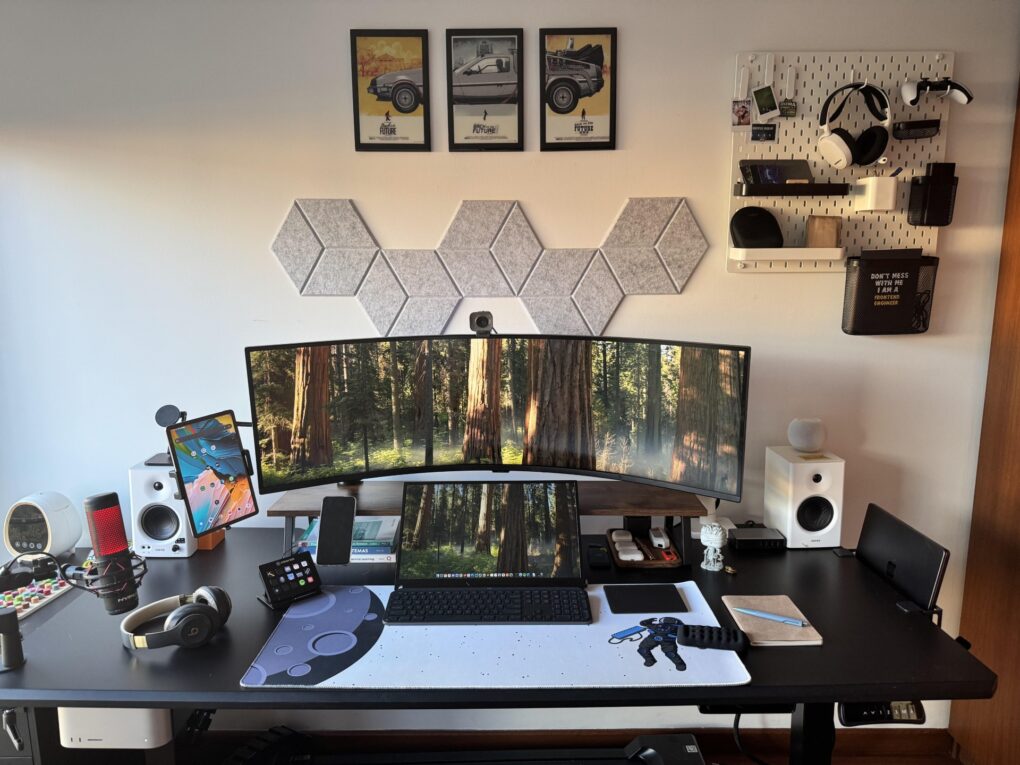
Seems like smallish portable monitors are cropping up more often lately as fixtures in computer setups featuring other display options. Today’s dual-Mac setup sports a massive curved external display with an 18-inch portable just below, front and center.
And those aren’t the only two screens. A tablet mounted on an arm comes into play too, but it’s not an iPad.

Amazon is famous for its Prime Day and Black Friday deals, but it also runs the Amazon Big Spring Sale, on now. It ends Monday, March 31, unless extended. That wouldn’t be too surprising, given that the mega retailer often extends its sales. So it’s another chance for you to score savings on all sorts of Apple gear, including MacBook Pro, MacBook Air, Mac mini, iPad Pro, iPad Air, Apple Watch, AirPods Pro 2 and more. Click on our posts to all the best deals, below.
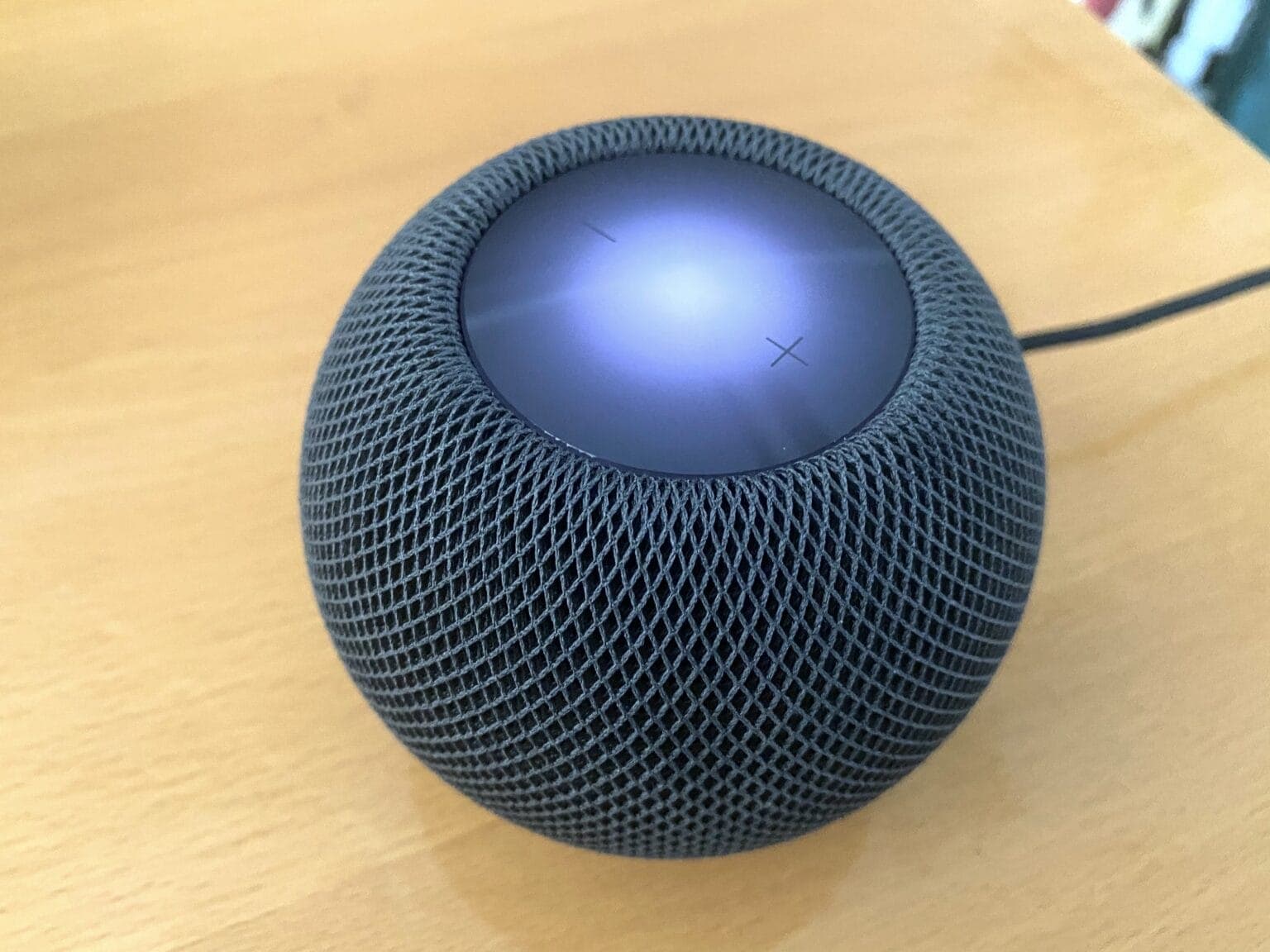
If you’ve been looking to buy a HomePod mini for a while, a new deal makes the rarely discounted smart speaker much more affordable. The HomePod mini discount slashes $15 off the price, dropping it to just $84.99.
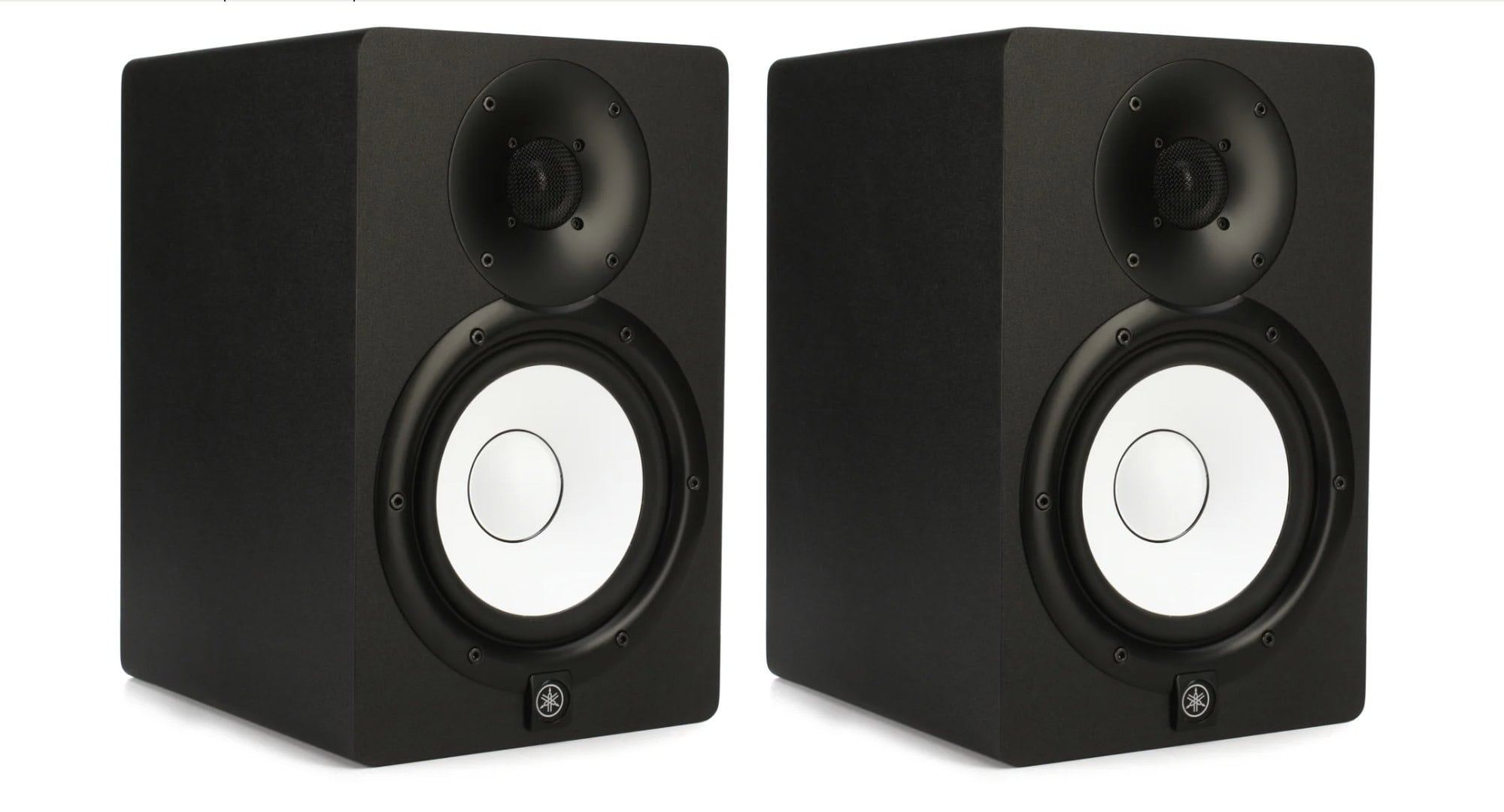
Today’s Mac mini setup really pumps up the clear audio with Yamaha studio monitor speakers, suitable for the user’s music production. They mount the speakers on stands, which is great. But they mount them sideways, which is … odd. And despite having those, they love their HomePod mini for most uses.
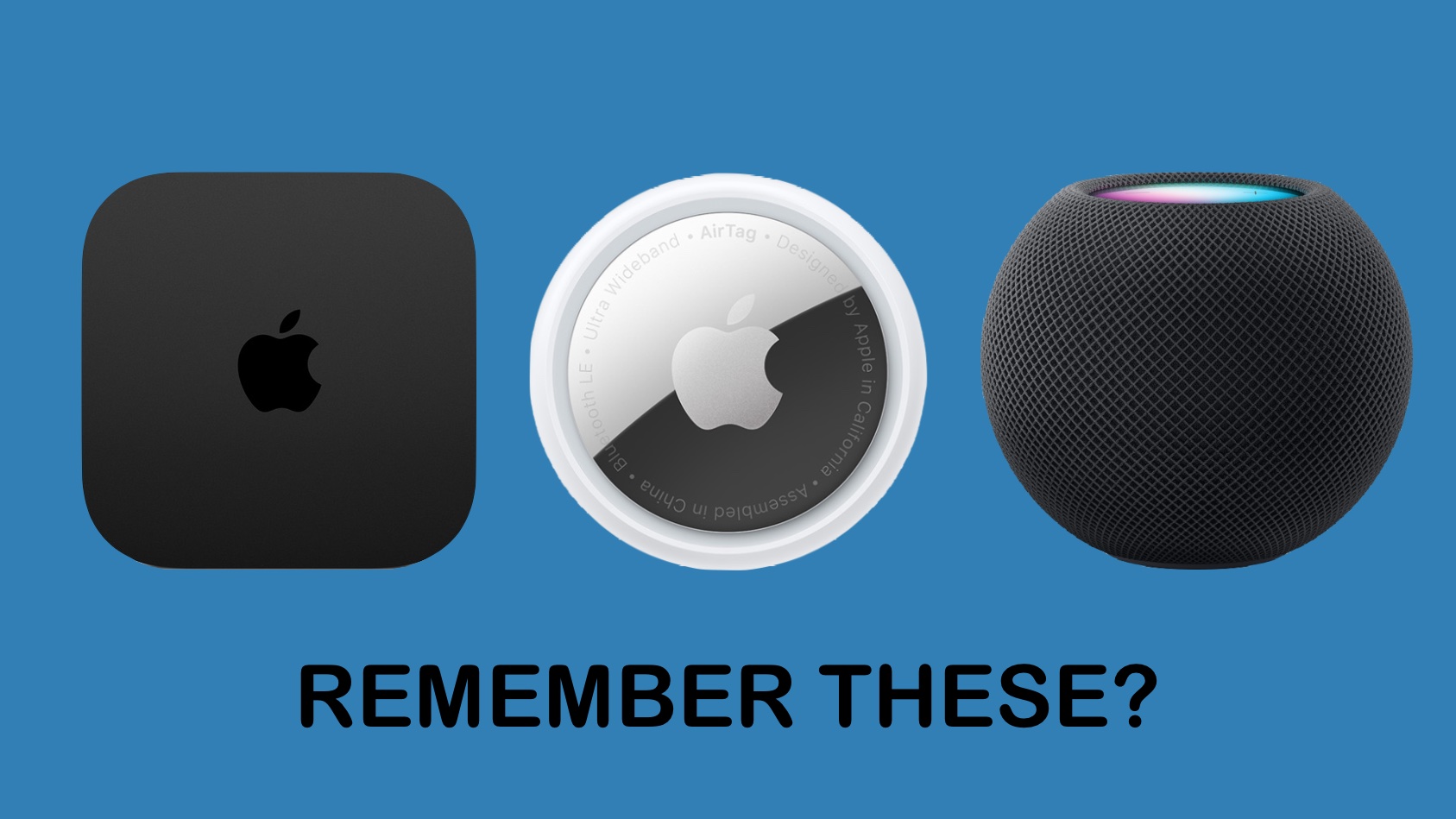
iPhone and Mac get all the attention — and the annual upgrades — but you can expect a trio of Apple products that haven’t been improved in years to get some love from Cupertino in 2025.
Fans of some of Apple’s secondary devices rejoice: Rumors point to new versions of Apple TV, AirTag and HomePod in the coming months. If you’re an AirTag user, it’s important to stay updated with the latest AirTag firmware update to ensure optimal performance.

Apple’s significant expansion of its smart home lineup in 2025 should include new HomePod and HomePod mini models. The company plans to introduce both a display-equipped HomePod and a refreshed HomePod mini amid a renewed focus on the smart home market.
As usual, you can expect Apple to emphasize quality audio as well as airtight security. Here’s what to expect from HomePod and HomePod mini in 2025.
Black Friday and Cyber Monday HomePod deals aren’t as extensive as you might find on other products, but at least you can save a few bucks on Apple’s smart speakers. We found early Black Friday savings at B&H Photo on both HomePod 2 and HomePod mini, and we’ll update this post if sweeter bargains come along.
Currently, the prices are as cheap or cheaper than even major warehouse discounters like Costco and Sam’s Club (which admittedly offers the HomePod mini for a penny less than B&H). Plus, if you’re searching for a Black Friday deal on HomePods at Amazon and coming up blank, you’re not going crazy. The retailer doesn’t stock HomePods, possibly because it’s trying to sell so many of its competing Echo smart speakers.
If you’re looking for deals on other Apple gear, don’t miss our big roundup of Apple Black Friday deals.
Update: These deals are still in effect for Cyber Monday.
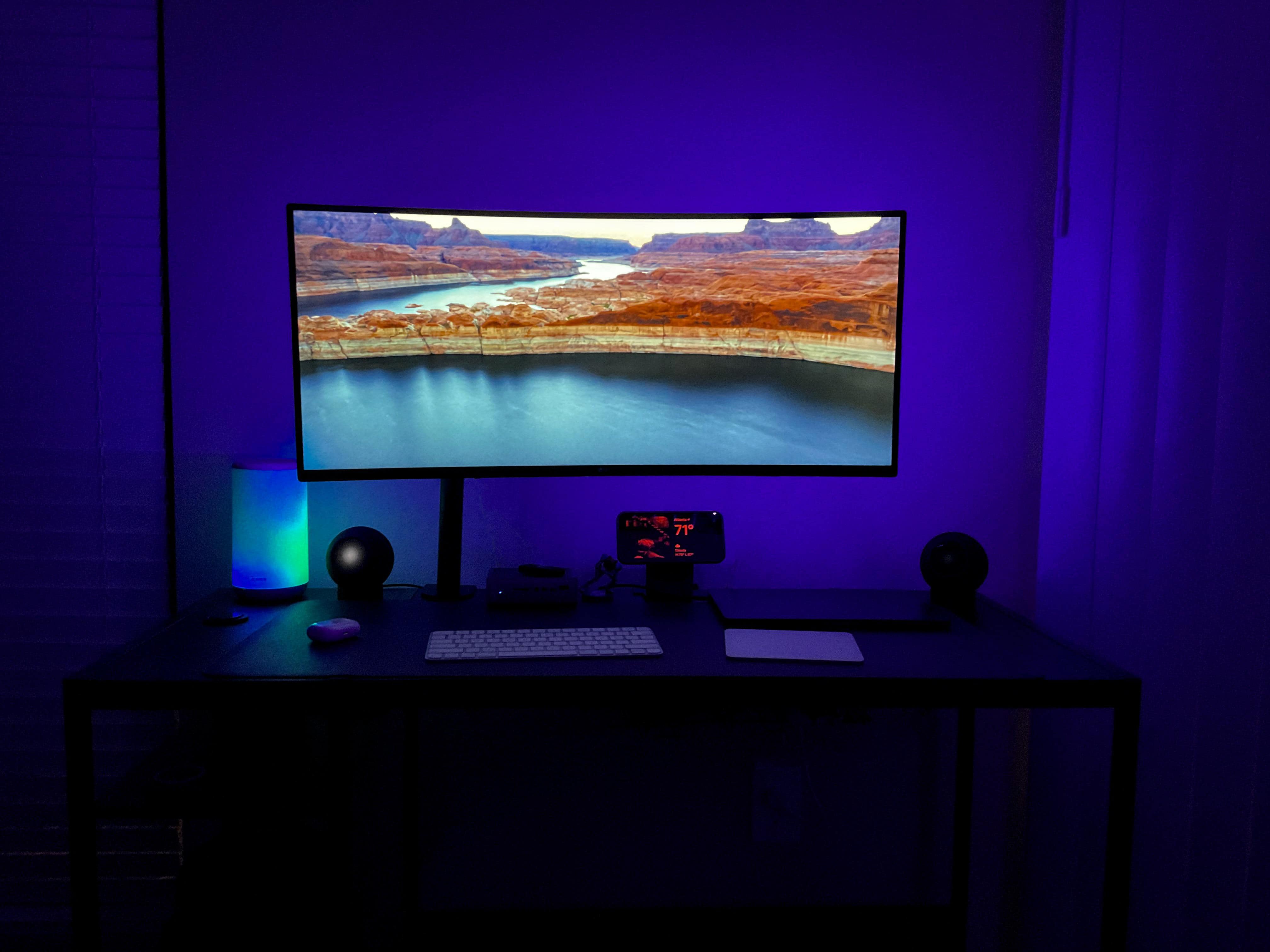
What’s better than a HomePod? Well, two HomePods, obviously — especially if they’re paired for true stereo sound. Today’s MacBook Pro and Xbox setup, under-lit for a dark and moody vibe, includes AirPods Pro 2 but gets its robust in-room audio from a set of paired HomePod minis placed on HomePod mini stands near the back corners of the desk.
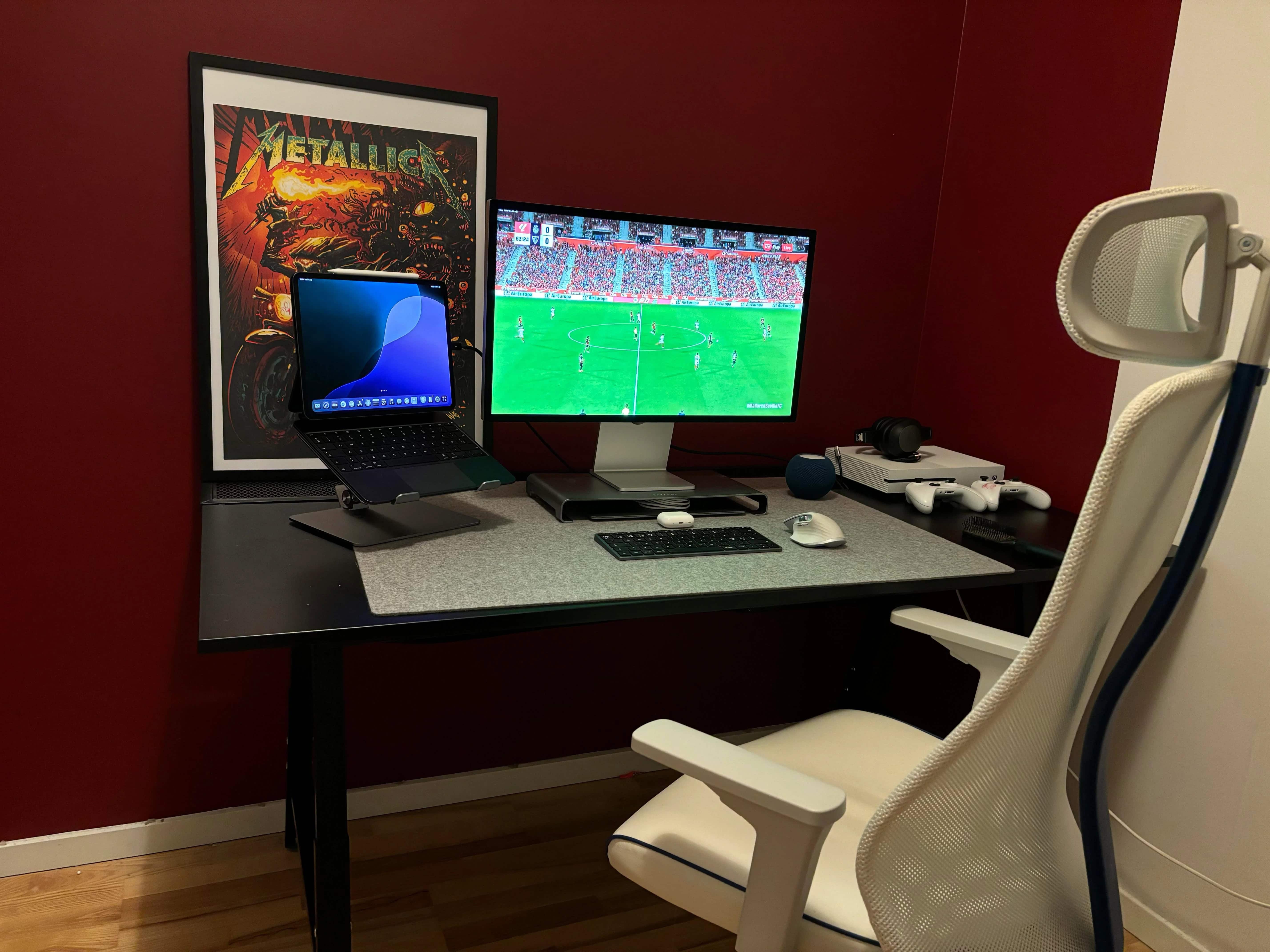
Macs have gained ground in the gaming world with the rise of Apple silicon chips, as those M-series chips massively boost performance. But sometimes you just want to play on a console rather than your computer. Today’s MacBook Air user switches to Xbox One for gaming. And he gave simple advice, below, to curious commenters who wanted to know how he gets the system to work with his Studio Display. He describes his method below.
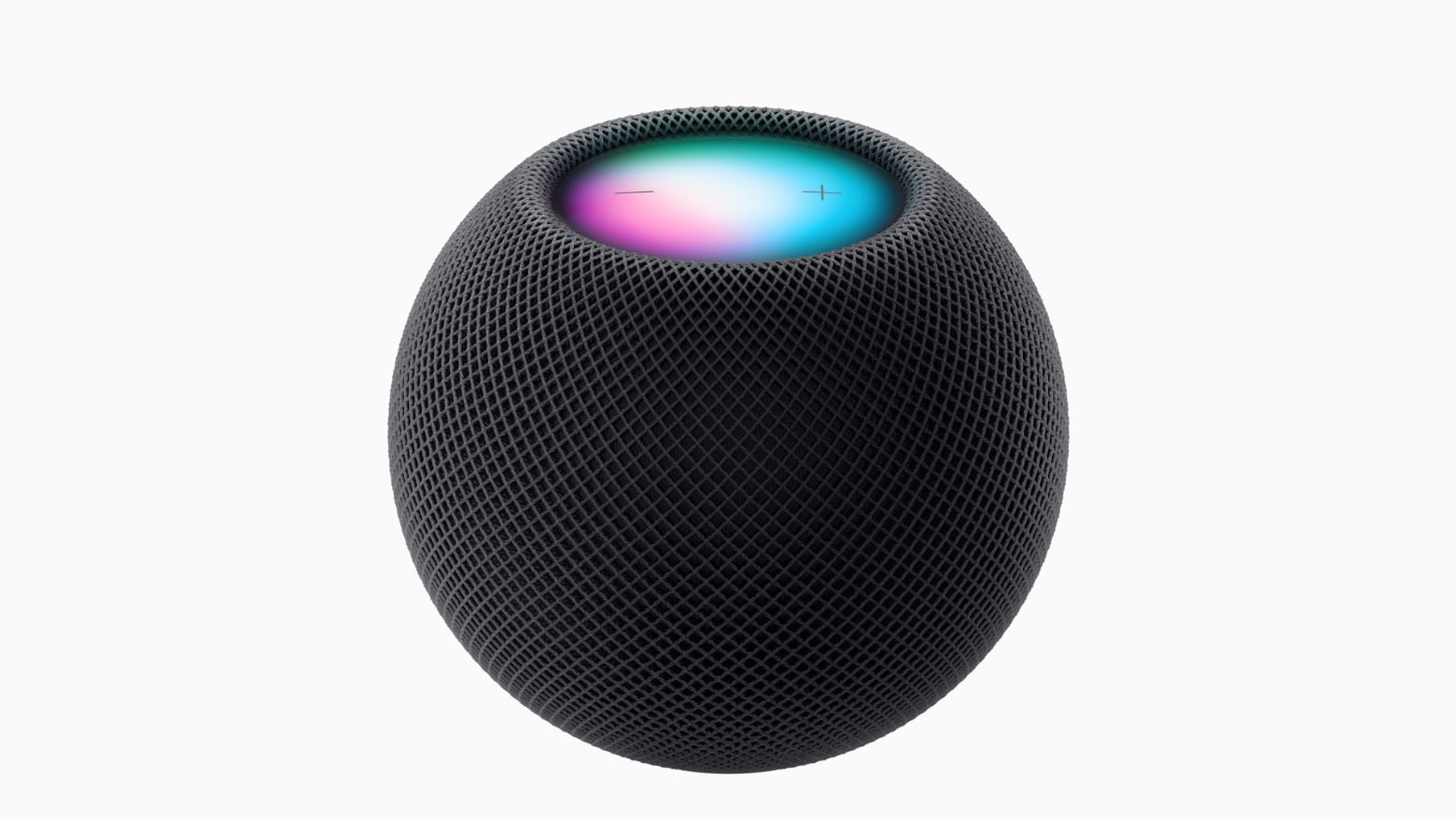
Apple just replaced the space gray HomePod mini with a new midnight color option. Monday’s change to the company’s smart speaker lineup is hardly monumental — you might not even be able to see the difference.
Still, the new midnight HomePod mini is also “green.” Apple made it using 100% recycled mesh fabric.
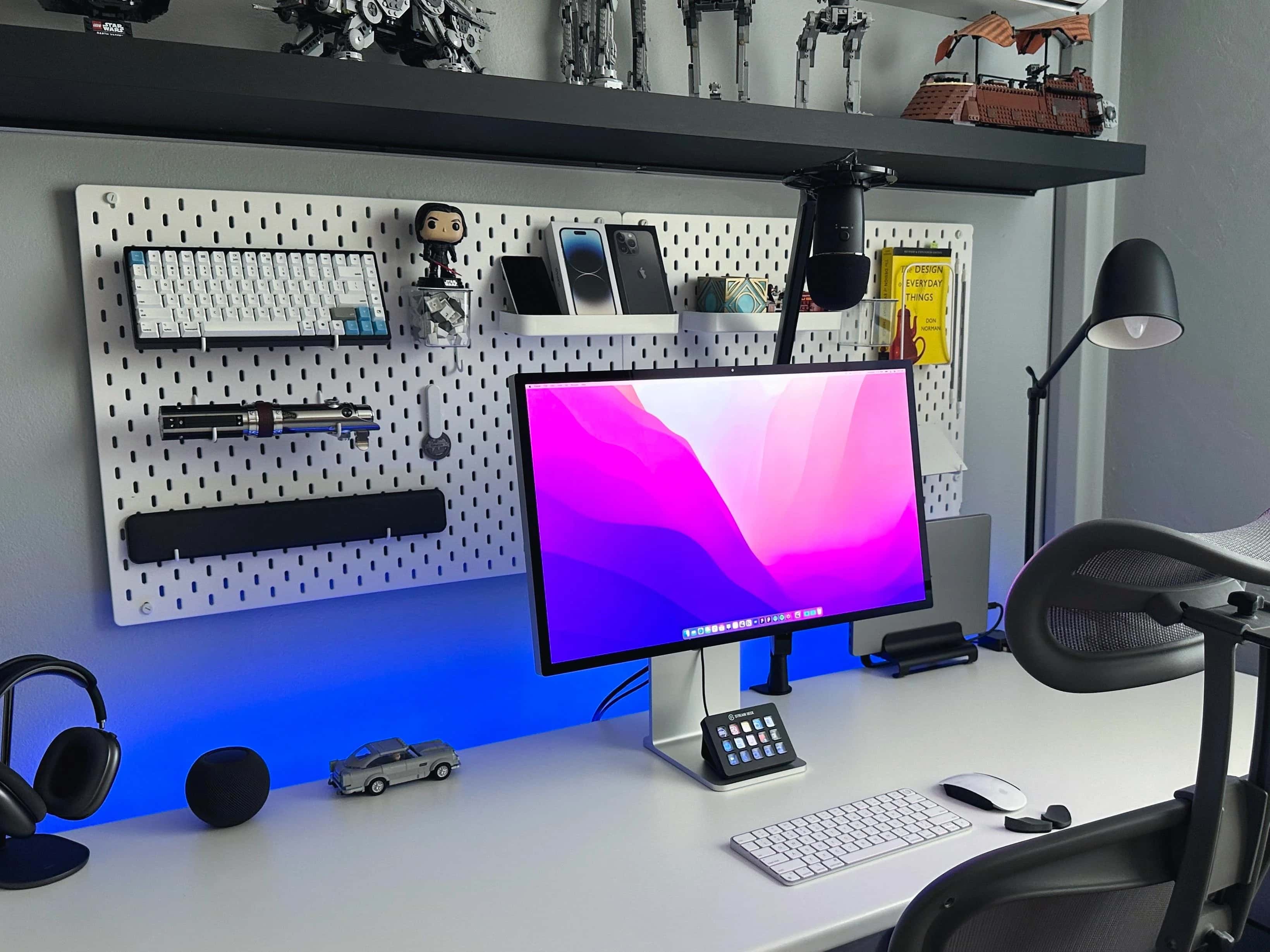
If Apple’s popular but pricey Studio Display is well-suited to anyone, it’s any type of designer because of the monitor’s formidable graphics chops.
In today’s loaded MacBook Pro setup, a designer sets apart his Studio Display for the highest praise among many items in a remarkably well-equipped workstation. And his Lego collection is epic, too.
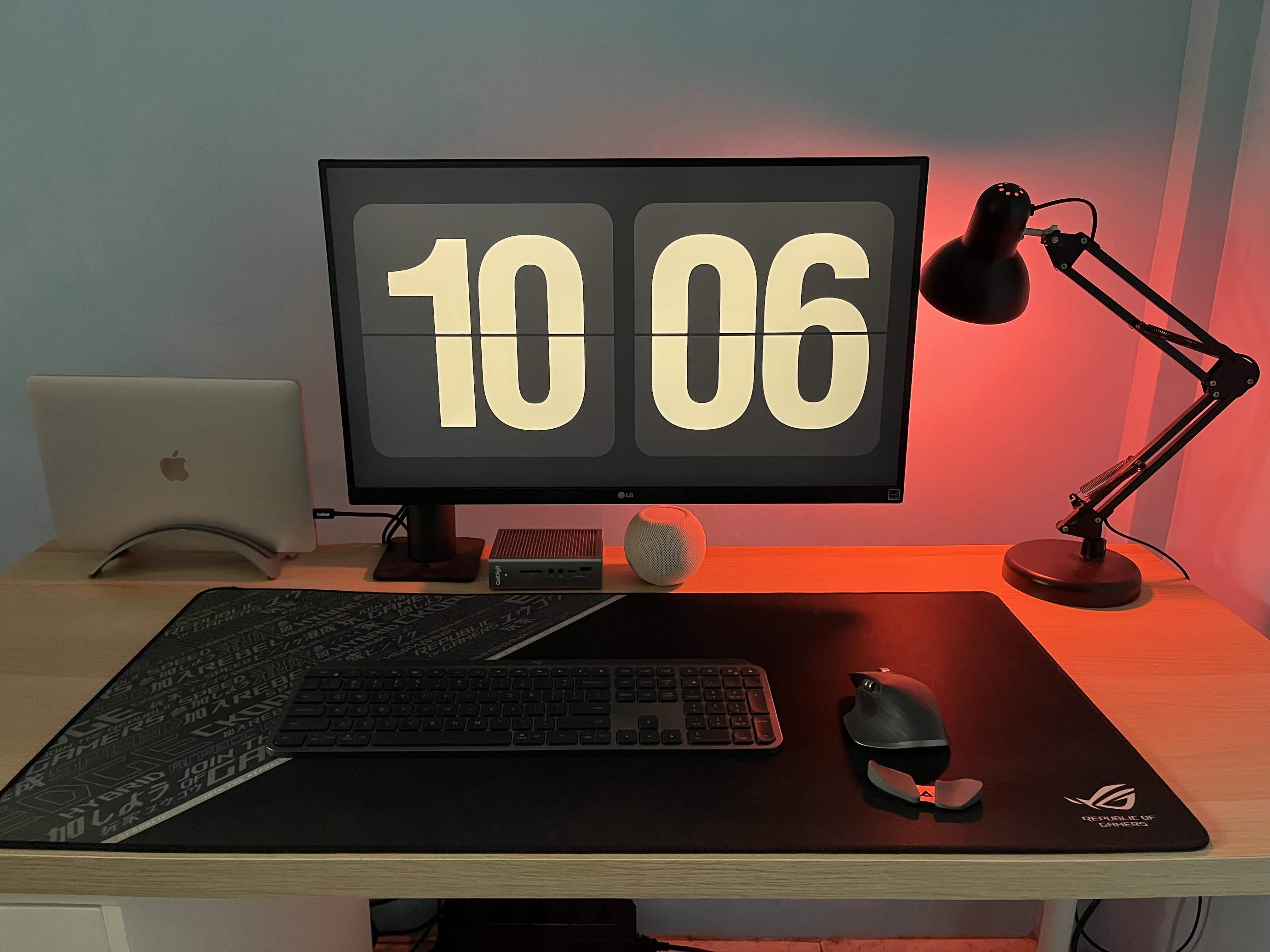
These days, MacBook laptops are more than powerful enough to handle most users’ computing needs. So if you don’t need an even brawnier desktop Mac, why not build your laptop into a full workstation with a few peripherals and accessories?
Today’s setup gets by with a 3-year-old MacBook Pro hooked up to a CalDigit Thunderbolt 3 dock and a nice LG 4K display, plus Logitech input devices and a few other items. It’s a complete workstation whether or not the user ever takes the MacBook Pro to go.
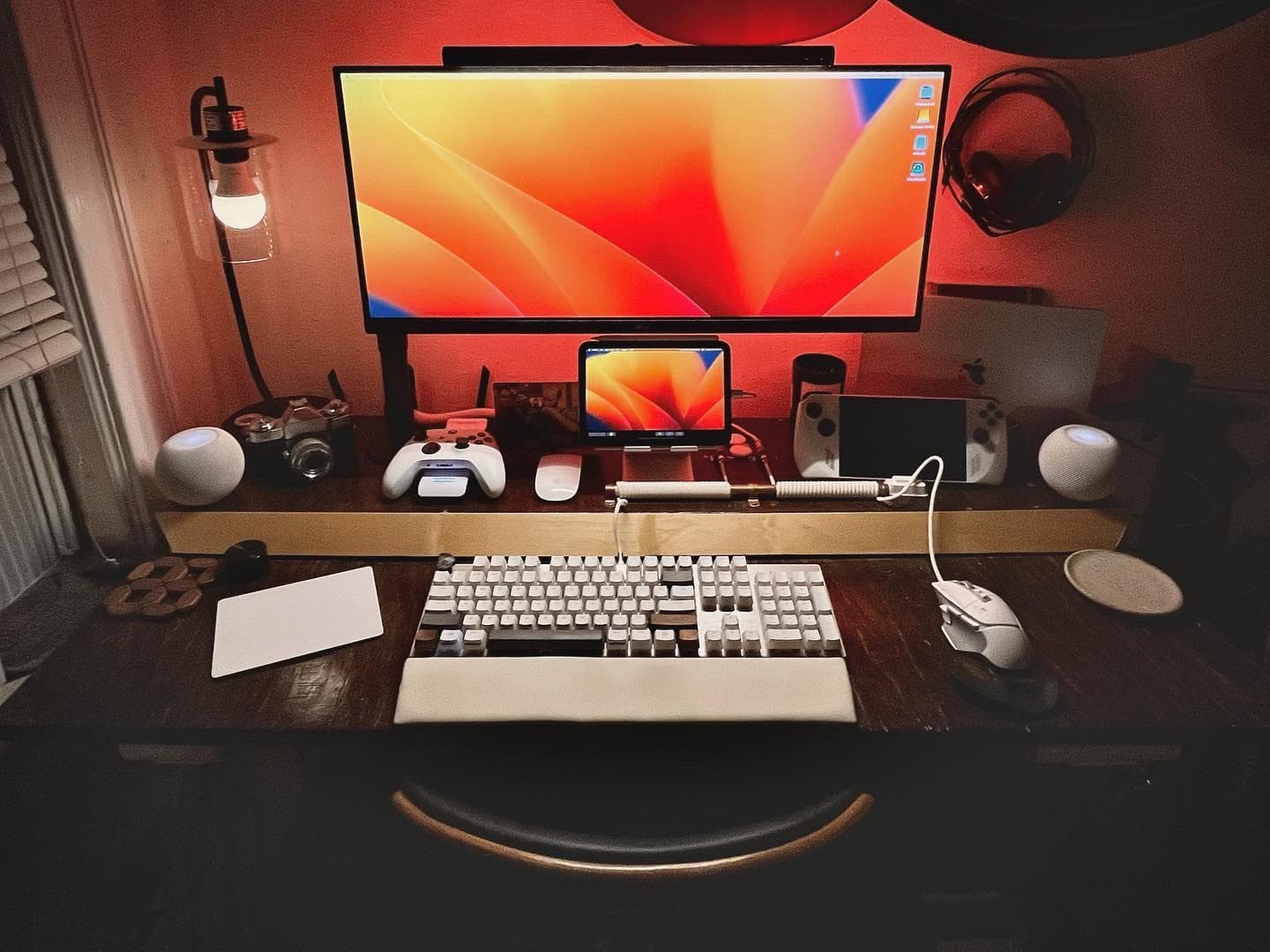
It’s not every day you see a teeny, tiny little display under an ultra-wide one. But today’s M2 MacBook Air setup sports its dual screens that way by putting an iPad mini at the center under the big external monitor, flanked by paired HomePod minis.
The setup’s interesting highlights include a gaming handheld and a full-sized mechanical keyboard we rarely see.
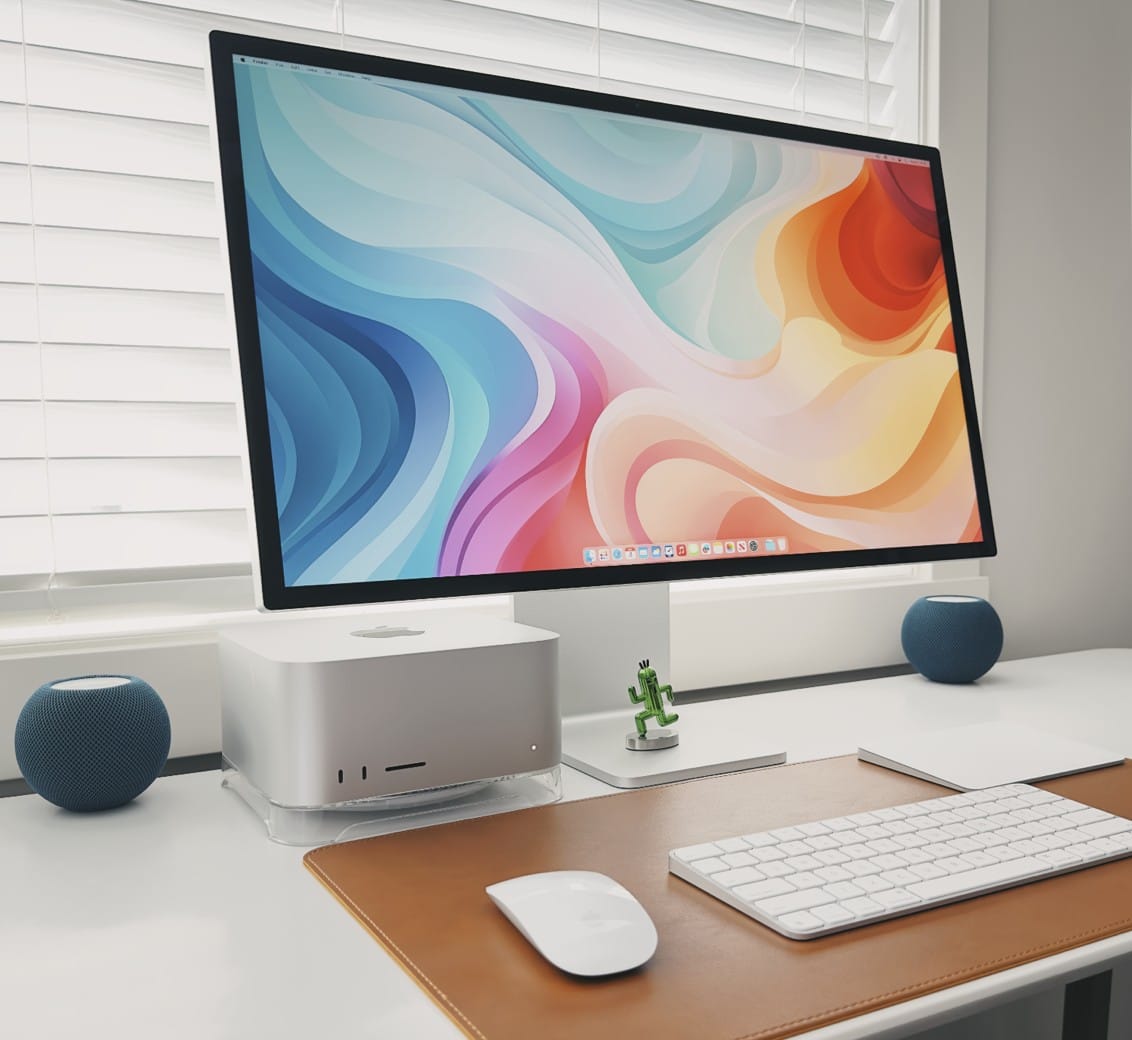
Today’s featured computer setup comes from Mac maven and designer Basic Apple Guy. We know him from the free wallpapers he offers for download. Who knew he was such a cable-management Jedi?
We came across his powerful setup with nary an unsightly cable while writing about his new “Flow” wallpaper — which was actually inspired by his fight with cable clutter.
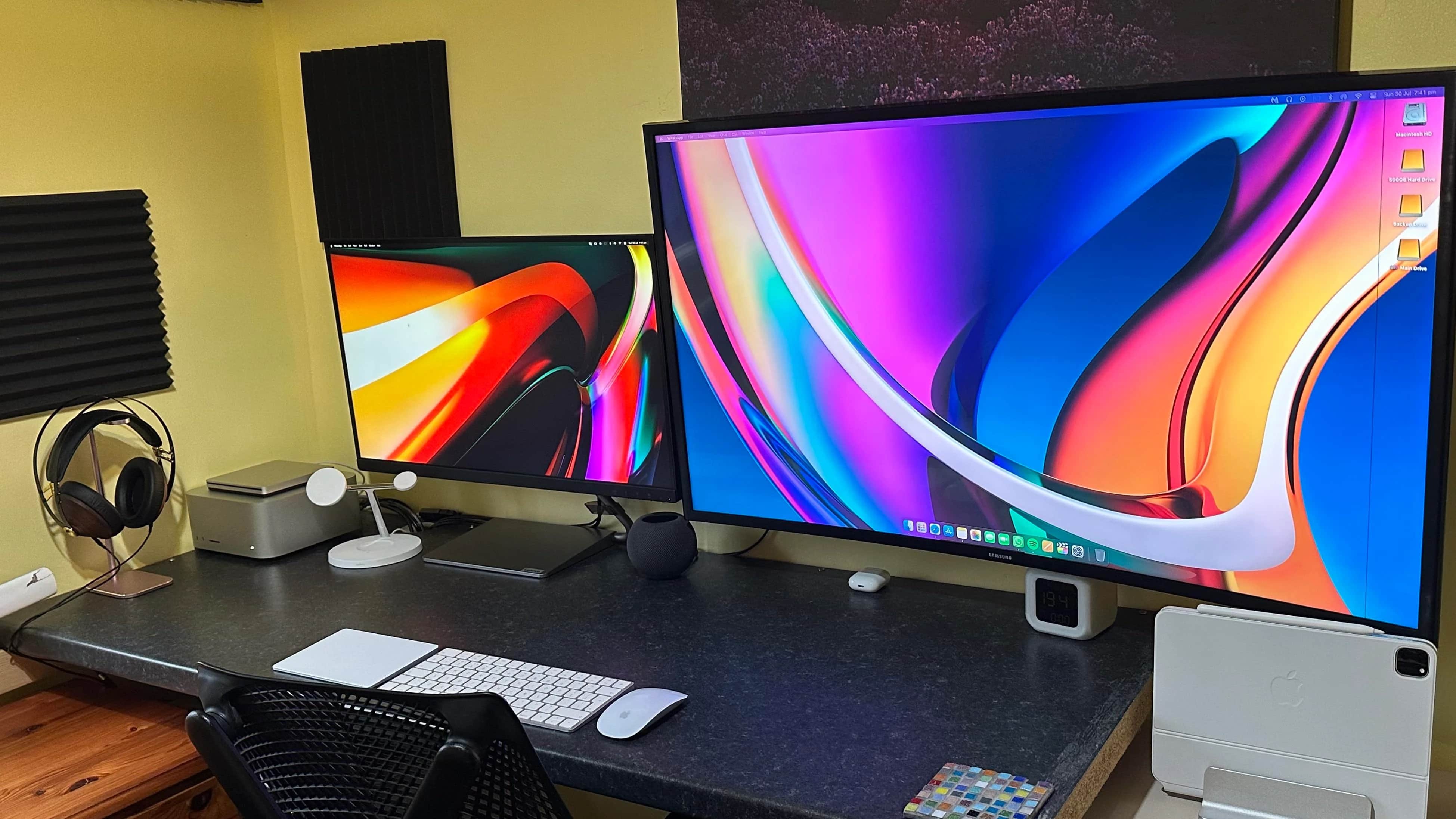
We look at a lot of computer setups on social media, but sometimes what drives conversation among commenters surprises us. With today’s Mac Studio rig with an odd couple of mismatched displays, the main debate concerned … keyboards for iPad.
Specifically, when an iPad is so wonderfully light, what keyboard case doesn’t weight it down too much?
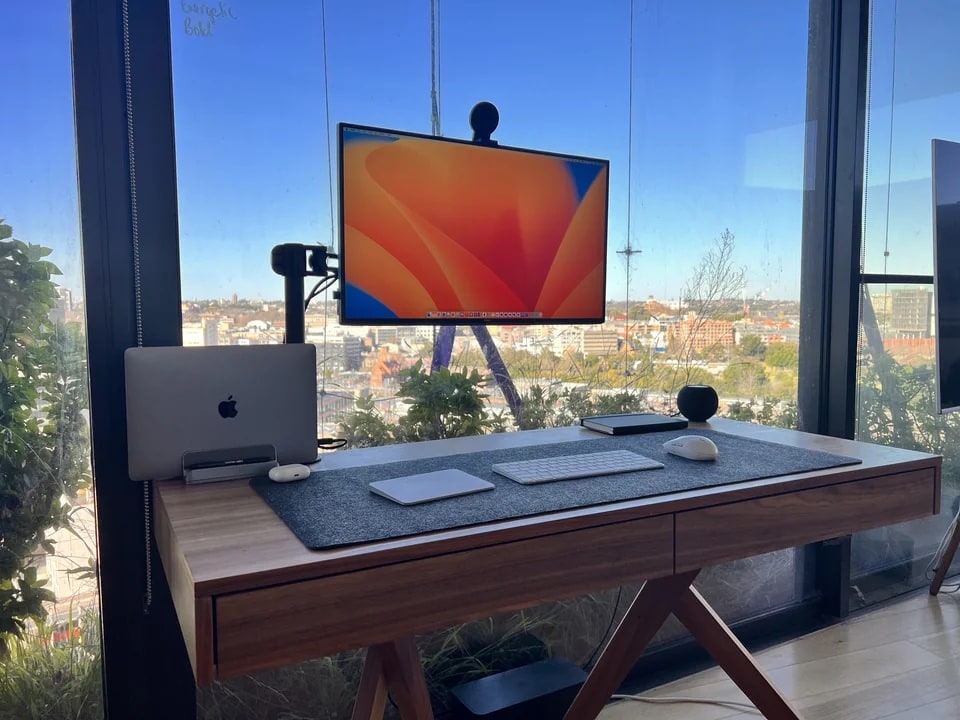
There’s nothing like working with windows — floor-to-ceiling ones with epic views of a world-class city, that is, not Microsoft’s OS software.
In today’s featured computer setup, a MacBook Pro and a Surface 8 laptop vie over a nice Dell 4K display overlooking Sydney, Australia.
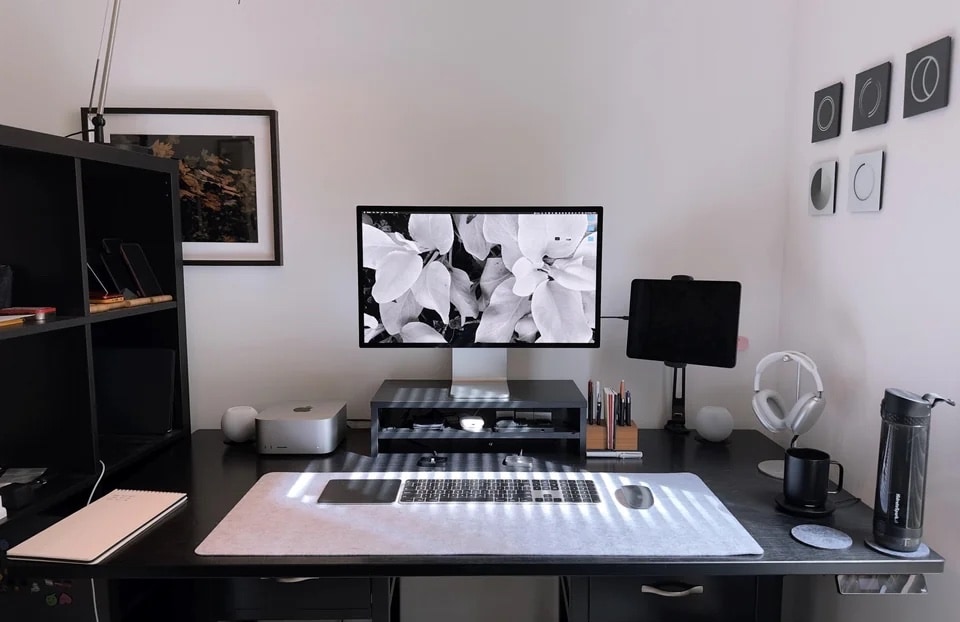
Many computer setups go heavy on the Apple hardware, but not many of them could be mistaken for Apple advertisements. Some, though, like today’s Mac Studio workstation, manage to hit that mark — or close enough.
If the app developer who uses it fancied things up a bit more, the rig might seem too staged and on-the-nose-Apple to feature.
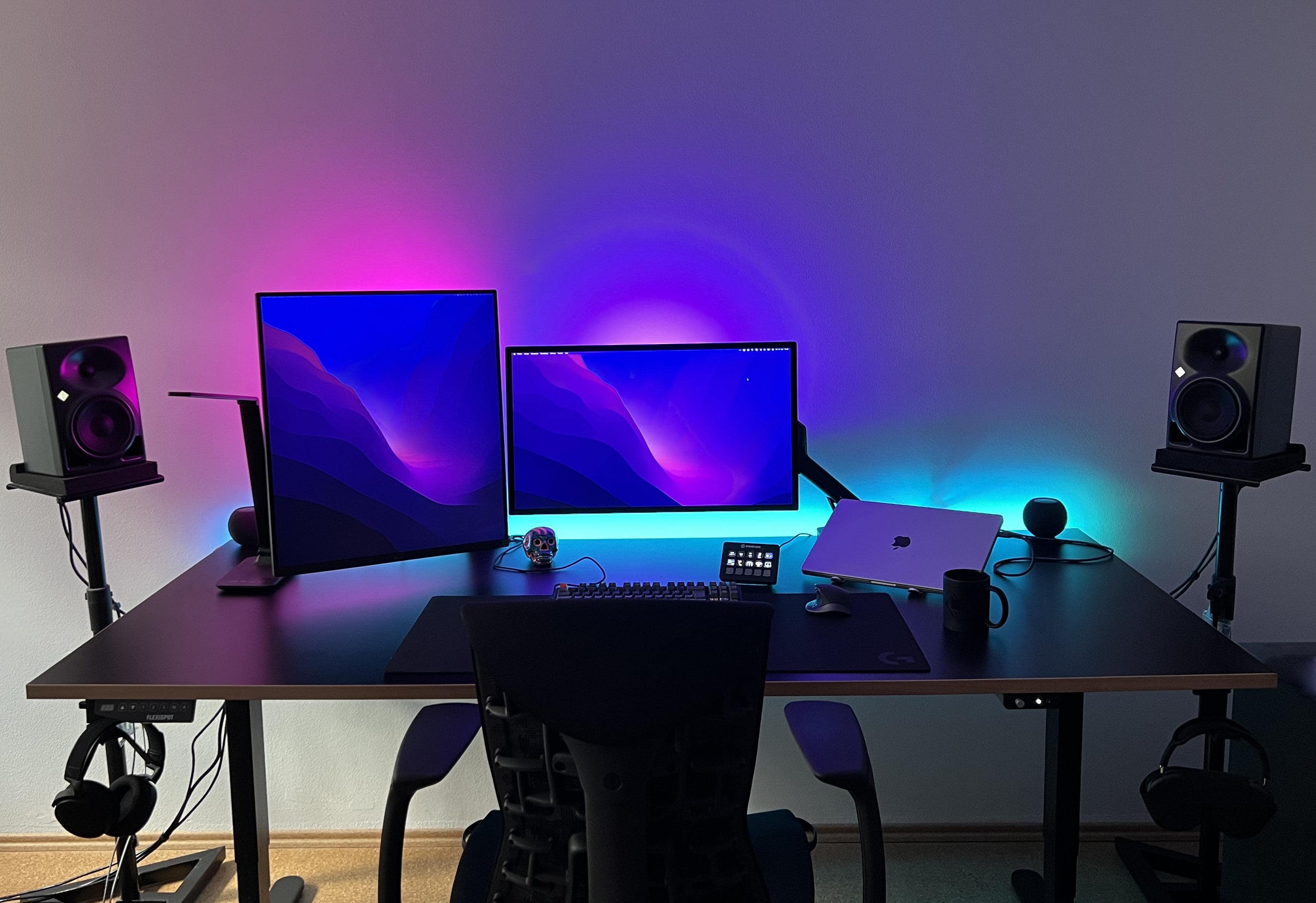
Any conversation about “perfect” displays might just start and end with Apple’s Pro Display XDR. But not everyone is rich enough to buy one of those 6K monitors, which cost $5,000 or more. So the popular 5K Studio Display might have to do, along with something complementary.
One option graces today’s featured MacBook Pro setup. It recently swapped out ultra-wide and 4K monitors for a Studio Display and and the eccentric LG DualUp. They seem especially well-suited to certain types of workers.
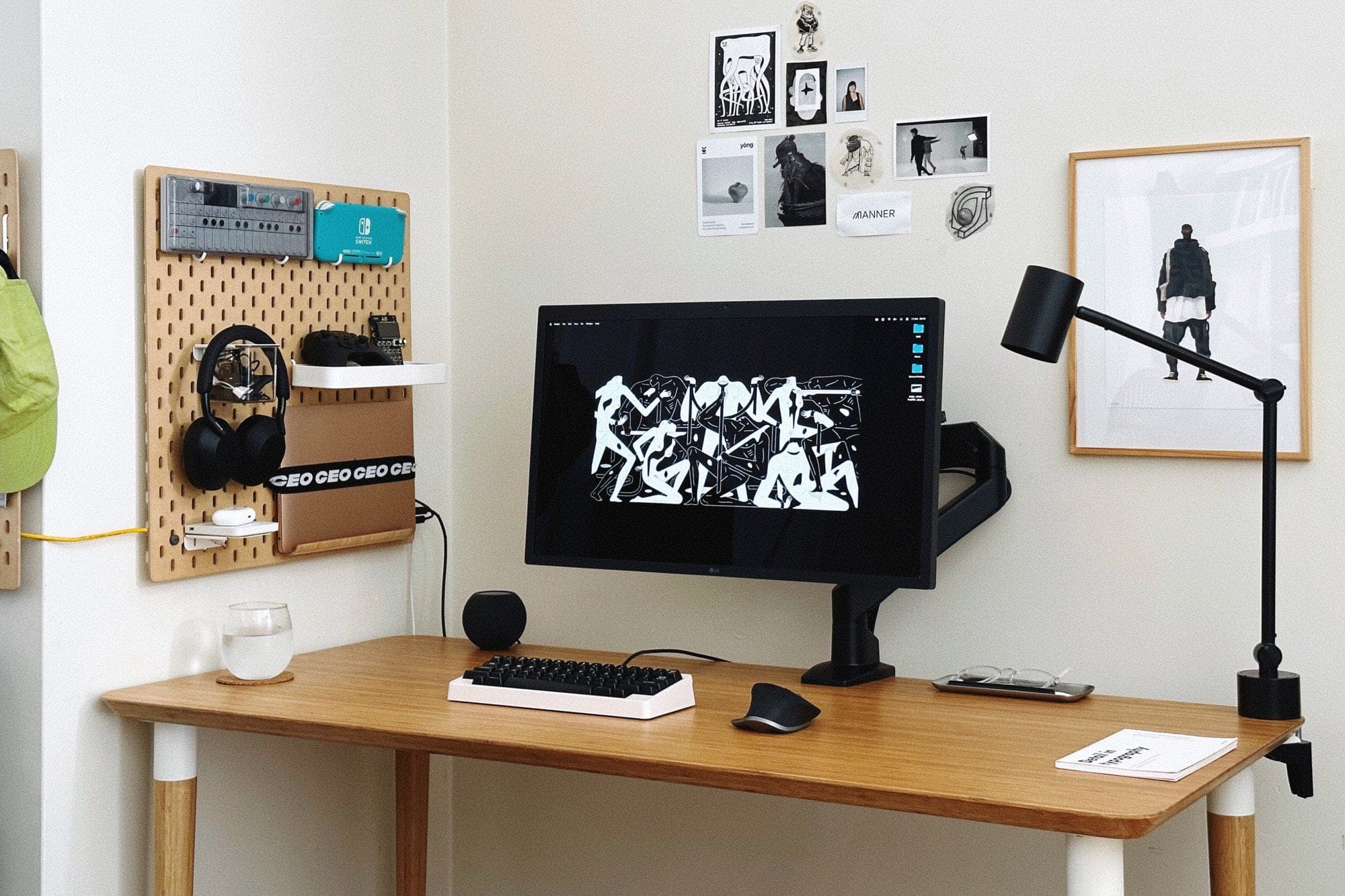
In our never-ending search for interesting computer setups, we love stumbling upon good do-it-yourself (“DIY”) hacks. Today’s featured setup mounts an M1 MacBook Air on the wall in a most-unusual way. It involves a pegboard, a strap and a tablet stand designed for use in the kitchen.
In addition, the setup features a rarely seen mechanical keyboard worth checking out.
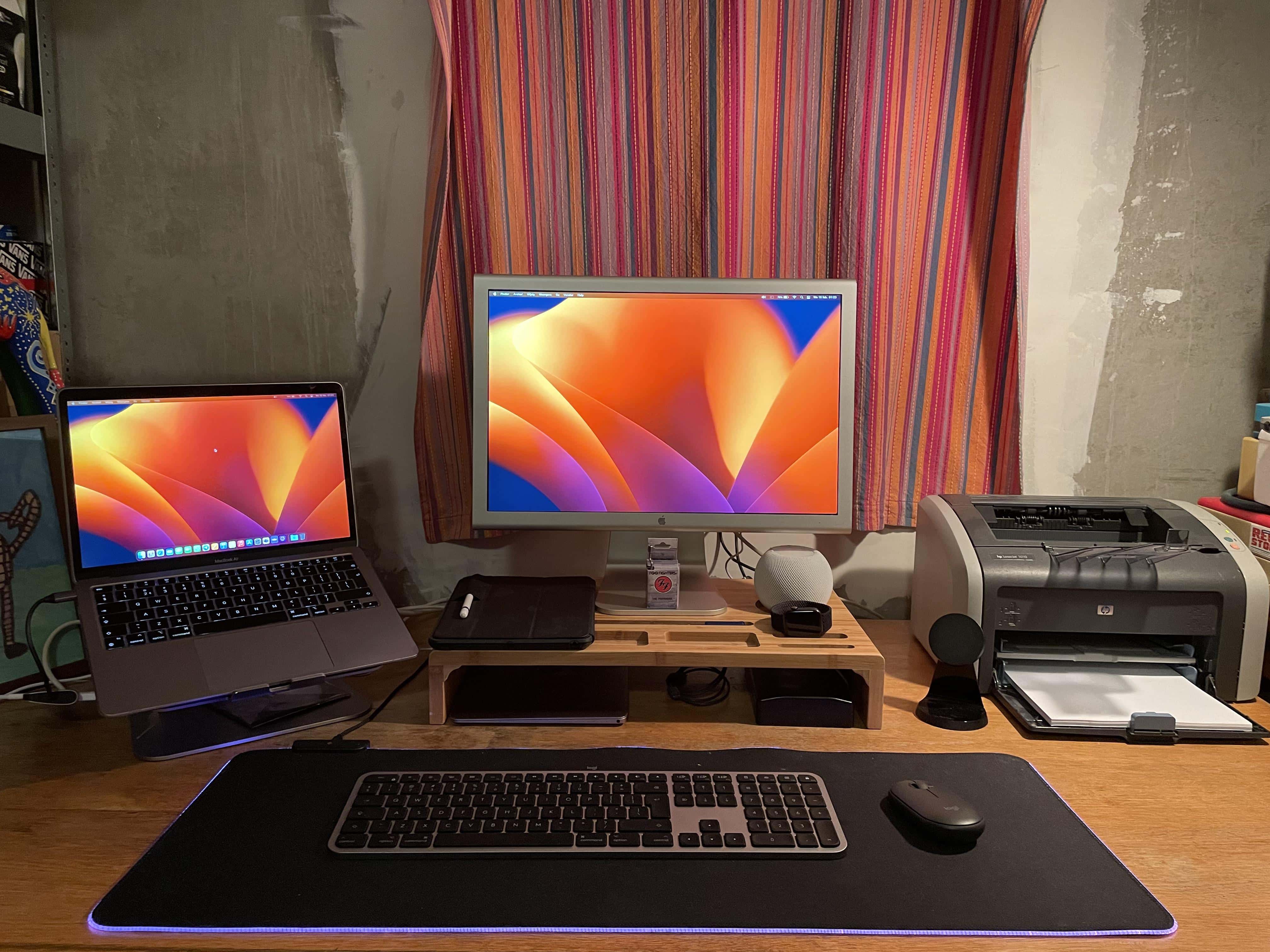
We come across setups with printers from time to time, though they’re usually off to the side and perhaps only occasionally used. But today’s featured setup with a MacBook Air, a 2016 12-inch MacBook and a 20-inch Cinema Display keeps the printer right in the main mix.
This took some commenters by surprise. They noted why they never print anymore and grilled the user about his age, which turned out to be a lot lower number than expected.
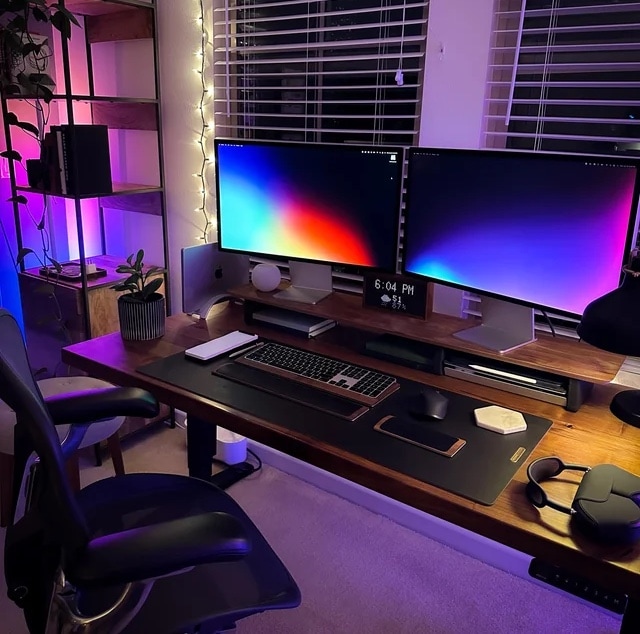
Among the everlasting truths about computer setups, first comes “a setup is never finished.” And the second might be, “A setup can always be improved.” The user behind today’s featured setup certainly found out about No. 2 when he asked for advice on how to improve his M1 Max MacBook Pro and dual-Studio Display workstation.
Find all the advice below — jokes ‘n’ all — as well as all of the setup’s excellent gear.