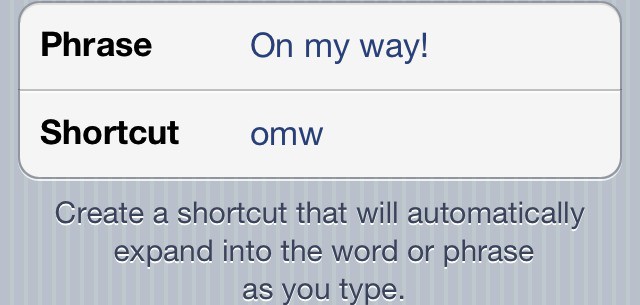
One of iOS 5’s hidden gems is the ability to create custom keyboard shortcuts, a feature that works like TextExpander on the Mac. In this video, I’ll show you how to create and manage keyboard shortcuts from any iOS 5 device.

Michael Steeber is a student who is obsessed with everything Apple. He enjoys making videos and runs the MSComputerVideos YouTube channel in his free time. You can follow him on Twitter as well.




8 responses to “Creating Keyboard Shortcuts In iOS 5 [Video How-To]”
grate video, indeed overlooked option
Been using eml to inset my email address and its been really useful since moving to iOS5
That’s a great tip, Michael. Thanks for taking the time.
Anyone figured out how to embed a carriage return in the “phrase” text? This would make it useful for inserting optional email signatures when composing messages.