Mobile menu toggle

iOS 26

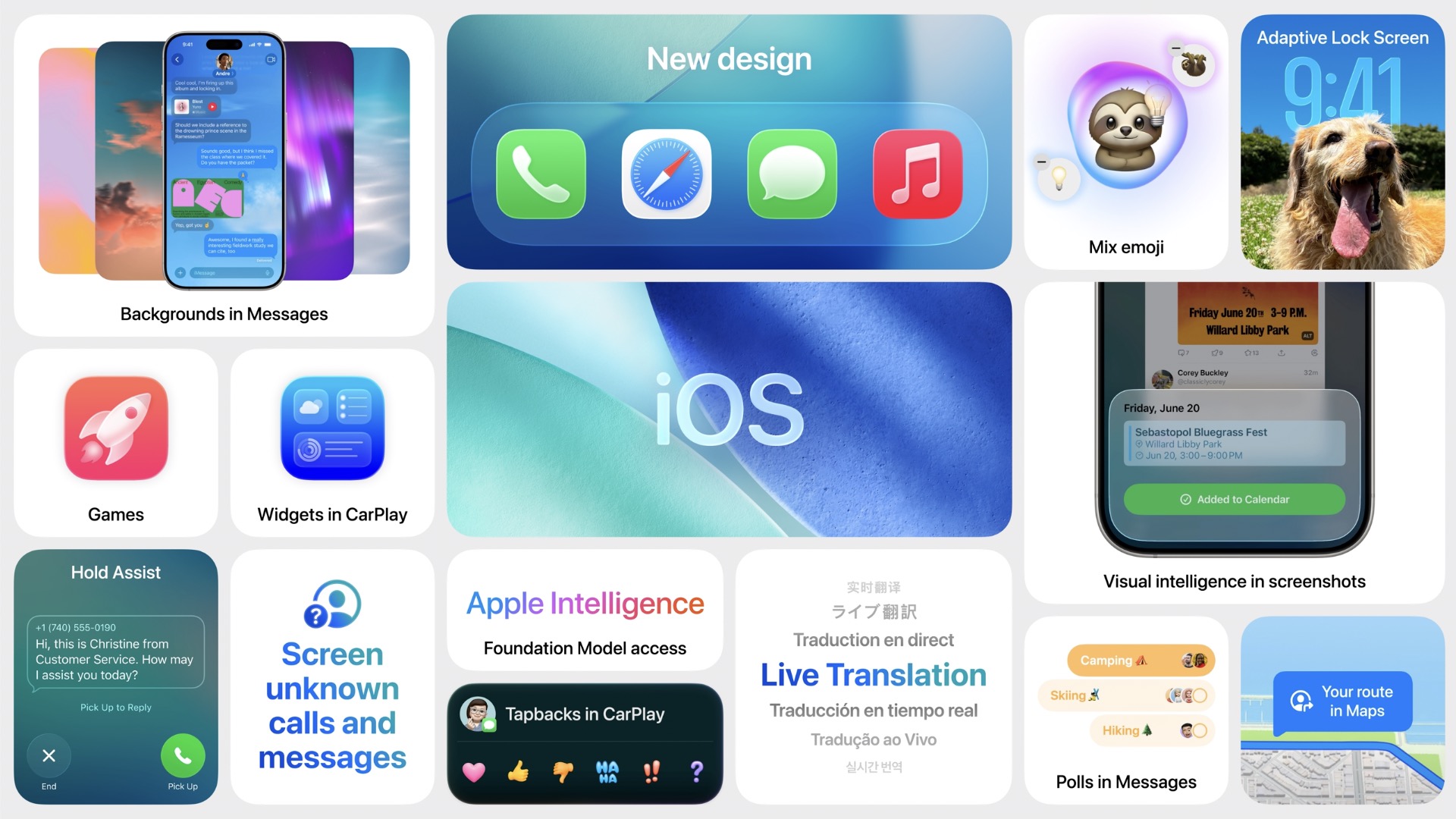
iOS 26 bento box
Here’s a snapshot of the new iOS 26 features for iPhone users.

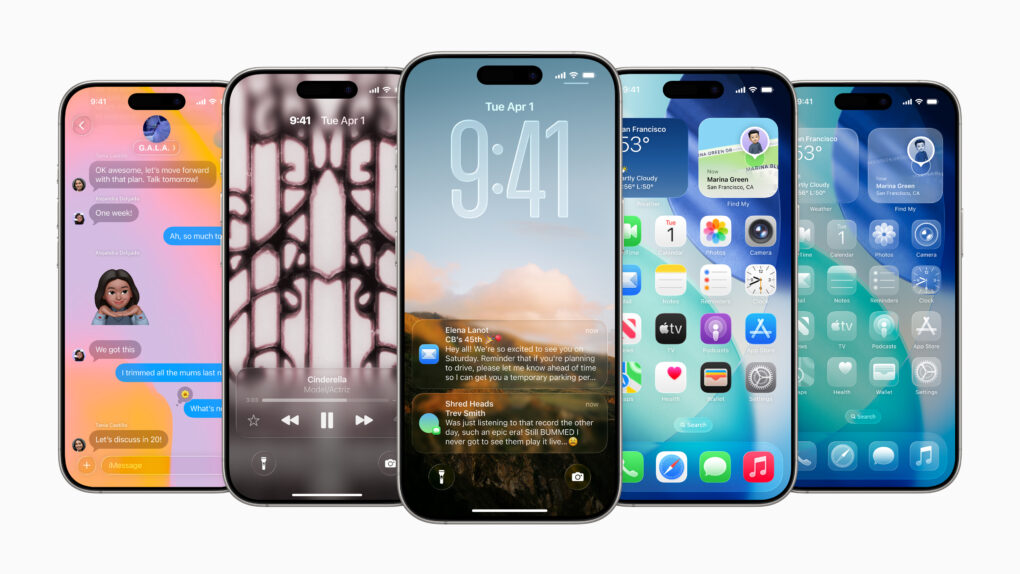
iOS 26 marks a major evolution of Apple’s mobile operating system, distinguished by its striking Liquid Glass design — a translucent, fluid aesthetic that brings expressive, glass-like refractions and dynamic controls to the Lock and Home screens, app icons, widgets, and more.

It features improved Apple Intelligence features such as live translation across Messages, FaceTime, and Phone, AI-powered visual search, Contextual Shortcuts, Genmoji enhancements, and screenshot-based ChatGPT interactions.

iOS 26 also refines communication apps with customizable chat backgrounds, polls, draft filtering, advanced call screening and Hold Assist, introduces a unified Games app, optimizes apps like Music, Maps, Wallet, and Clock, adds broader system-level enhancements like Qi 2.2 support for faster wireless charging, accessibility innovations such as Braille input and head tracking, smarter battery management, and seamless eSIM transfers.

All this combines into a more intuitive, personalized, and visually immersive iPhone experience.

Read Cult of Mac’s latest posts on iOS 26:

Your iPhone and Mac now automatically install security patches

By

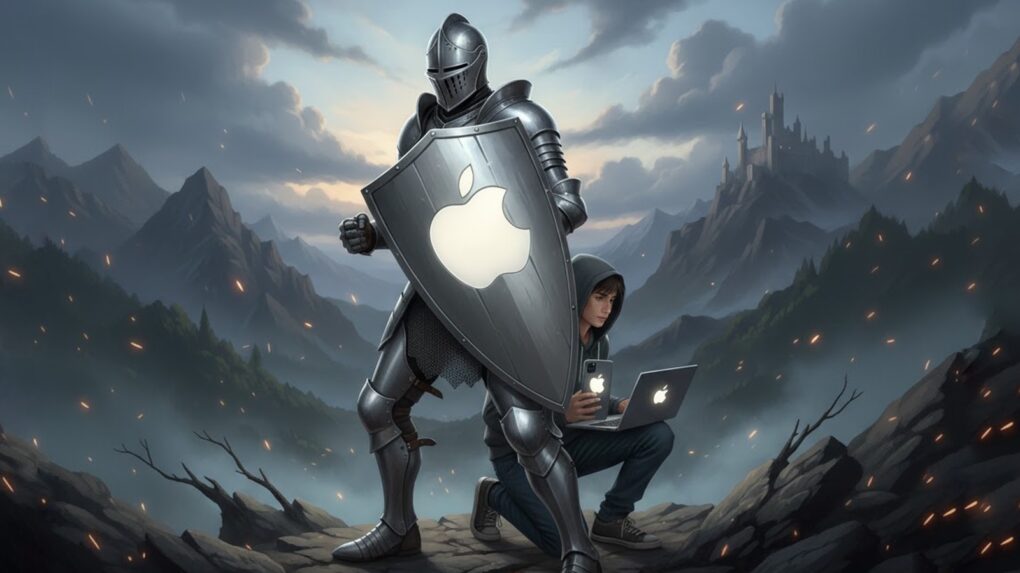
Background Security Improvements protect your Mac, iPhone and iPad
Security patches stand between your Apple devices and danger.
Graphic: Google Gemini

When Apple needs to install a security patch onto an iPhone, iPad or Mac, it now does so without requiring the user to do anything — or even be aware of the update. The new Background Security Improvements feature delivers “additional security protections between software updates,” according to Apple.

It’s a feature of iOS 26.1, iPadOS 26.1 and macOS 26.1, but users have the option to deactivate it.

Hey, Siri — Google’s got the AI upgrade you need! [The CultCast]

By

The CultCast logo with Siri and Google Gemini logos
Can Google AI finally fix Siri? Sounds like Apple's betting on it.
Image: Cult of Mac

This week on Cult of Mac’s podcast: Apple reportedly plans to pay a cool $1 billion a year to use Google Gemini to make Siri smarter. How do we feel about that? Honestly, anything that fixes Siri sooner rather than later would be a big win.

Anybody creeped out about iPhones and Macs with Google inside should rest easy, though. Apple plans to keep everything safe and secure. And Cupertino’s still scrambling to get its own AI up to speed.

Also on The CultCast:

  • Apple plans to build a low-priced laptop that will bring Macs to the masses. We discuss why that has PC makers quaking in their boots.
  • The iPhone Air is reportedly a bust. One big reason is that people love their iPhone cameras — and the Air skimped out on that. The next iPhone Air model might add a second lens, but really fix the problem?
  • Some automakers plan to pull the plug on CarPlay. We’re already plotting our revolt!
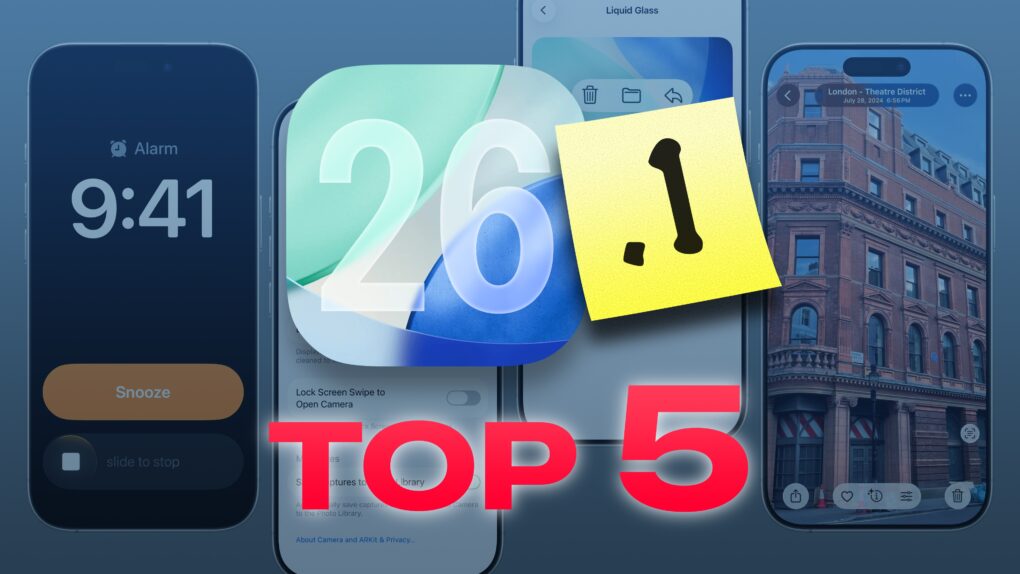
  • Griffin runs down the top five features in iOS 26.1 that you should try immediately, including one important toggle that will keep your iPhone from photographing the luxurious insides of your pocket.
  • And finally, we wrap up with a new game — Apple Mad Libs!

Listen to this week’s episode of The CultCast in the Podcasts app or your favorite podcast app. (Be sure to subscribe and leave us a review if you like it!) Or watch the video live stream, embedded below.

AirPods and Bluetooth speaker fighting? iOS 26.1 makes peace.

By

AirPods and Bluetooth speaker fighting? iOS 26.1 makes peace.
Your AirPods and Bluetooth speaker compete for audio coming from your iPhone. You can settle the fight.
Graphic: ChatGPT

You’re happily listening to music on your AirPods when the audio suddenly gets yanked away by a Bluetooth speaker. Don’t get frustrated. Make a quick tweak to the settings on your iPhone running iOS 26.1, and it’ll never happen again.

Here’s what to do.

How to turn off Liquid Glass in iOS 26.1 if you hate it

By

Turn off Liquid Glass
You can easily deactivate Liquid Glass in iOS 26 and macOS Tahoe if you really can’t tolerate it.
Photo: Gemini/Cult of Mac

Liquid Glass in iOS 26 brings dramatic change to the look of the iPhone user interface, so it’s no surprise that some people hate it. If it’s just not for you, the option to turn off Liquid Glass was added in iOS 26.1. And it’s easy.

The same setting is available in macOS Tahoe 26.1 and iPadOS 26.1, so you can turn off Liquid Glass on all your devices. Here’s how:

Apple quietly added this awesome feature in iOS 26.1

By

The best iOS 26.1 feature you probably haven’t noticed yet
Apple made a simple change in iOS 26.1 that you’ll probably love.
AI image: ChatGPT/Cult of Mac

My favorite change in iOS 26.1 has nothing to do with Liquid Glass, though cosmetic tweaks to the glossy user interface have drawn the most attention in the latest OS update. To me, the biggest improvement is the option to disable the Lock Screen swipe to open the iPhone’s Camera app.

I frequently pull out my iPhone to find the Camera app has been running in my pocket, draining the battery. It’s that damn Lock Screen swipe at fault. If this happens to you, too, here’s how to disable it in iOS 26.1.

iOS 26.2 beta 1 arrives right after iOS 26.1 release

By

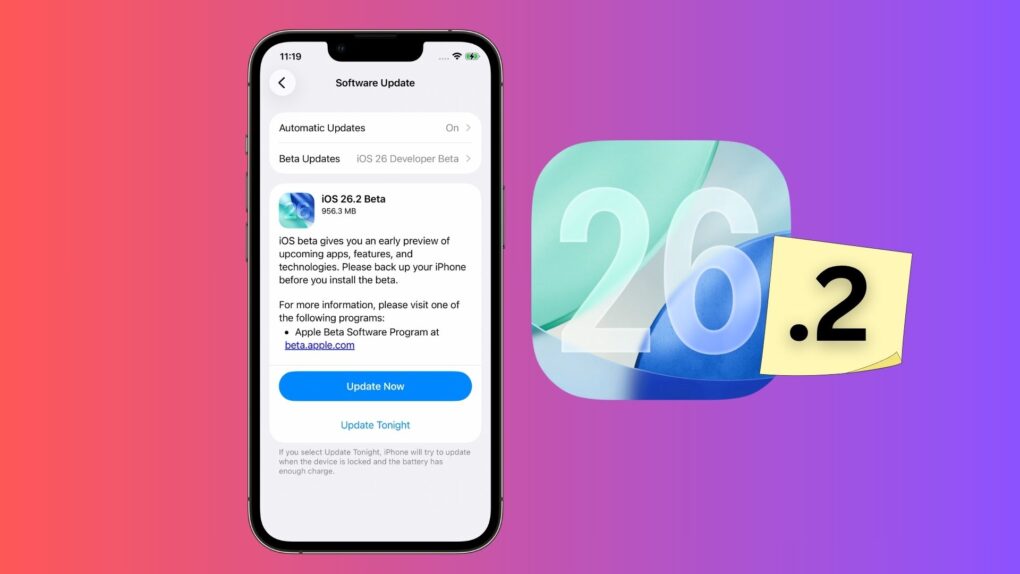
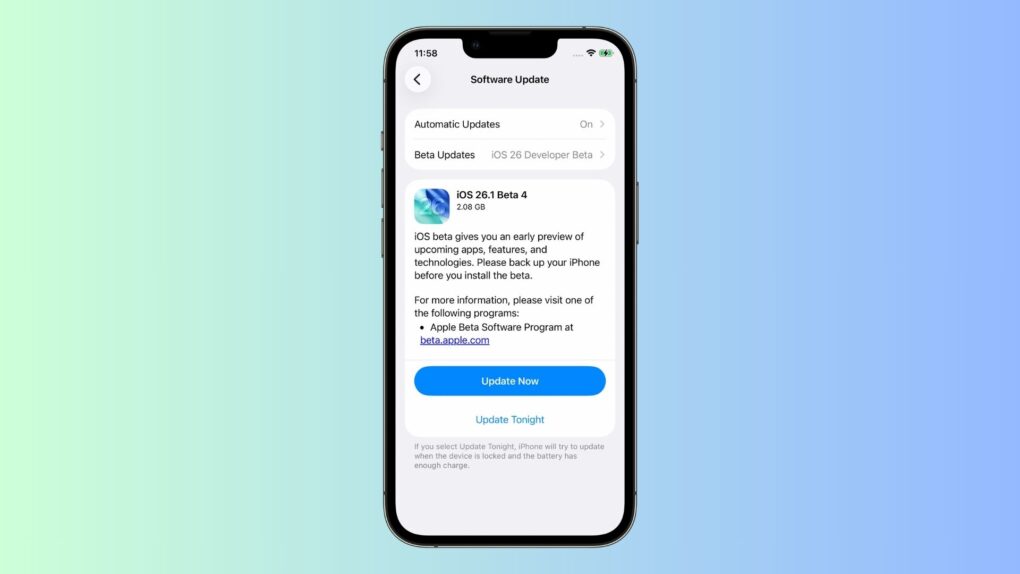
iOS 26.2 beta 1 is here
iOS 26.2 beta 1 is here!
Graphic: Apple/Cult of Mac

iOS 26.1 arrived on Monday, but Apple always keeps pushing ahead. As a result, iOS 26.2 beta 1 reached developers Tuesday.

The same goes for iPadOS 26.2 beta 1, watchOS 26.2 beta 1, tvOS 26.2 beta 1 and visionOS 26.2 beta 1. However, macOS Tahoe 26.2 beta 1 did not arrive with the rest.

5 new features in iOS 26.1 you don’t want to miss

By

iOS 26.1 Update: Top 5 Features
The best new features in the latest update.
Image: D. Griffin Jones/Cult of Mac

iOS 26.1, which Apple released Monday, brings five features you should check out immediately after you install the update.

The biggest change gives you a way to customize the legibility of Liquid Glass, the major user interface overhaul Apple delivered to all its software platforms this year. But there’s plenty of other cool stuff you don’t want to miss.

Other key upgrades come to Apple Music and the iPhone’s alarm clock interface. Plus, there’s a setting that can keep your iPhone battery from draining in your pocket. And for iPad owners, there’s the celebrated return of Slide Over on iPad.

Everything new in iOS 26.1: Tone down Liquid Glass, if you dare

By

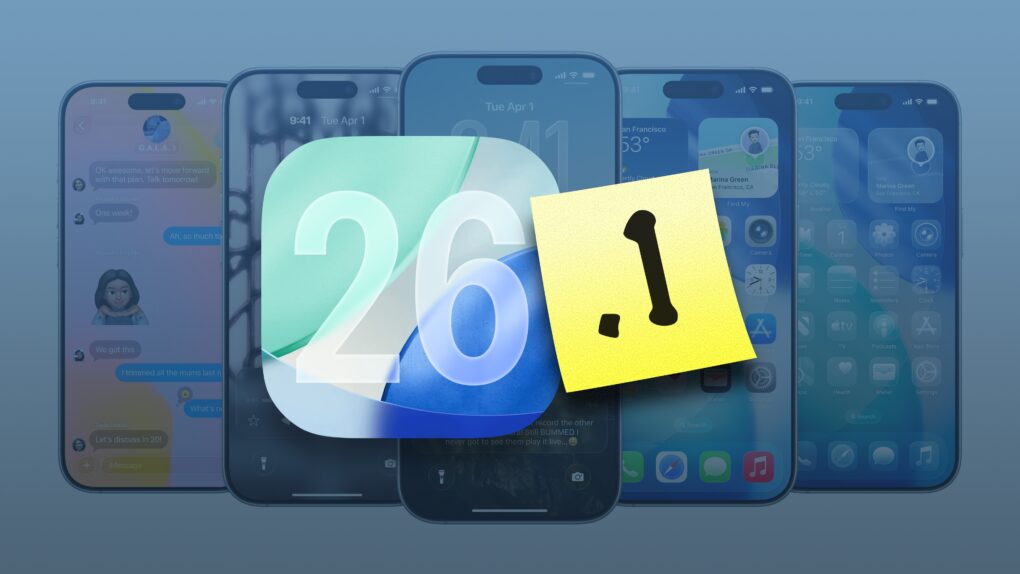
iOS 26.1 graphic
iOS 26.1 is packed with new features.
Image: Apple/D. Griffin Jones/Cult of Mac

In addition to a bunch of much-needed bug fixes, iOS 26.1 brings plenty of new features. Tweaks to Liquid Glass improve its legibility without sacrificing its cool effects. iPad multitaskers can rejoice the return of Slide Over, which returns better than before.

There are 20 new changes: A new user interface for alarms, improvements to Photos, a new gesture for quickly fast-forwarding music, a setting that fixes a long-standing problem with the Lock Screen, and much more.

Here’s the complete list. Read on or watch our hands-on video.

iOS 26.1 and macOS Tahoe 26.1 take their last big step before release

By

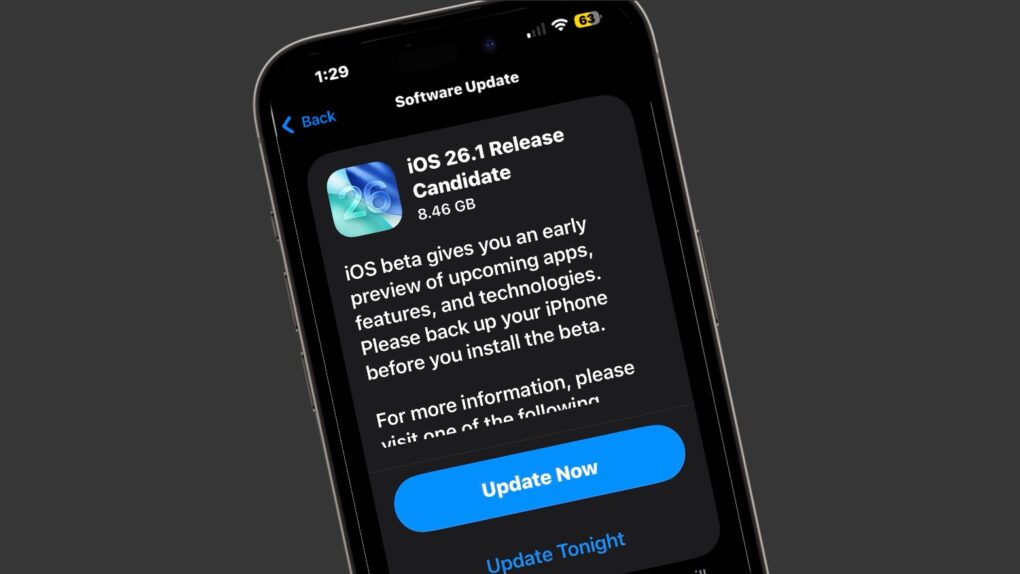
iOS 26.1 release candidate
The iOS 26.1 release candidate means the final version is almost out.
Image: Cult of Mac

Apple seeded the release candidates of iOS 26.1 and macOS Tahoe 26.1 to developers and the public on Tuesday. This is usually the final step before new versions launch — which should happen next week. The highlight is a new setting that makes the controversial Liquid Glass UI less transparent.

Release candidates for iPadOS 26.1, watchOS 26.1, tvOS 26.1 and visionOS 26.1 also went out to on Tuesday.

What controversy? Cult of Mac readers love Apple’s Liquid Glass.

By

Liquid Glass love
There are far more Liquid Glass fans than you might think.
AI image: ChatGPT/Cult of mac

The upcoming iOS 26.1 makes it easy to disable Liquid Glass, the translucent, glasslike user interface recently added to the iPhone (and Apple’s other devices). But judging from the results of a poll of Cult of Mac newsletter readers, a large majority of users are quite happy with Liquid Glass.

There’ve been plenty of complaints about the new look, but it seems these are coming from a vocal minority.

iOS 26.1 will fix one of iPhone’s biggest photo upload pains

By

Close-up photo of iPhone 17 Pro's camera array
Reliable photo uploads to third-party apps is finally coming to the iPhone.
Photo: Lewis Wallace/Cult of Mac

With iOS 26.1, Apple will finally address one of the most annoying issues iPhone users face when uploading photos to third-party apps. They will no longer need to keep the app open for the upload process to complete.

Right now, only Apple’s Photos app can reliably back up your pictures to the cloud even if the app is not in the foreground.

It’s AI madness! [The CultCast]

By

The CultCast logo with image of Pikachu in World War II soldier uniform, created by Sora
Things are getting weird in AI land.
Image: Cult of Mac

This week on Cult of Mac’s podcast: After OpenAI’s Sora app races to the top of the App Store charts, it’s time to consider how fantastic and terrifying it really is.

The iPhone-only app produces startlingly photorealistic videos of wacky things like Pikachu as a World War II soldier and iJustine wrestling an elephant. Will we ever be able to believe our eyes again?

Also on The CultCast:

  • Former Apple design chief Jony Ive and his new BFFs at OpenAI reportedly run into some serious problems as they work to create an AI device to take on the iPhone.
  • iOS 26 lets you screen iPhone calls even more efficiently than before. Griffin shows us how it the upgraded features work.
  • A switcher lands a great deal on a MacBook Air, then goes all in on the Apple ecosystem. Talk about the halo effect!
  • And finally, the latest iOS 26.1 beta brings some interesting new features — Griffin tells us all about them.

Listen to this week’s episode of The CultCast in the Podcasts app or your favorite podcast app. (Be sure to subscribe and leave us a review if you like it!) Or watch the video version, embedded below.

Apple goes on nasty bug hunt with fresh iOS and macOS updates

By

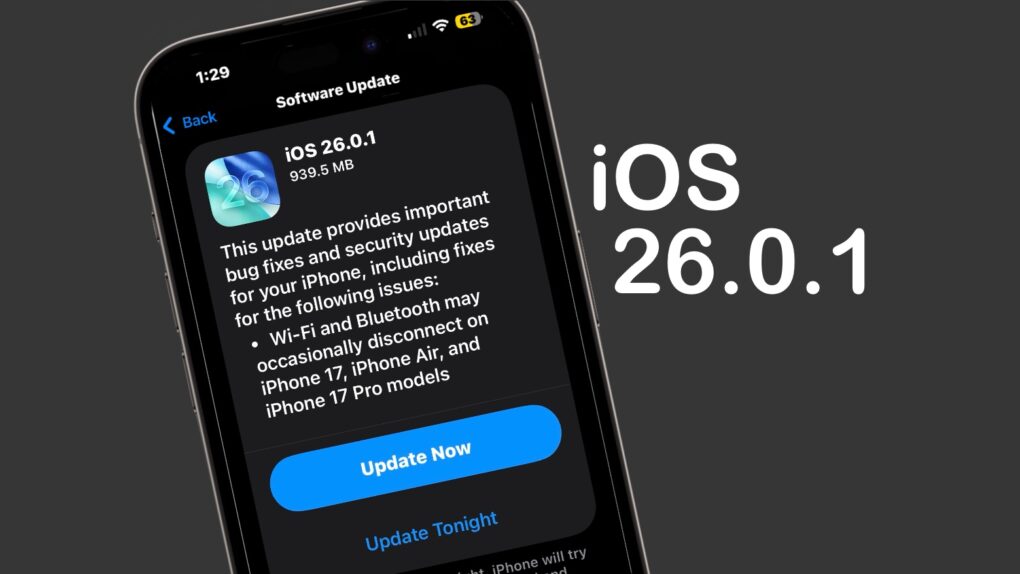
iOS 26.0.1
iOS 26.0.1 includes multiple bug fixes for iPhone 17 users.
Image: Cult of Mac

iOS 26.0.1 and macOS Tahoe 26.0.1 launched on Monday, bringing a range of bug fixes to the major operating system upgrades introduced earlier this month. That includes taking care of multiple issues in the new iPhone 17 series — some quite serious. 

In addition, iPadOS 26.0.1, watchOS 26.0.2, tvOS 26.0.1 and visionOS 26.0.1 all went to users on Monday.

Make your iPhone filter out those damn spam texts

By

How to block spam text messages
Your iPhone can save you from text message spam. You just have to ask it to.
Photo: ChatGPT/Cult of Mac

iOS 26 includes an anti-spam feature that can protect you from getting bombarded with text message spam on your iPhone. You just have to activate it.

It’s easy. Here’s what to do to save yourself from the hassle and potential cost of spam texts.

Apple may soon deliver iPhone security patches in the background

By

Background Security Improvements in iOS 26.1
iOS 26.1 could usher in a new system to install security patches.
Graphic: Cult of Mac

Code found in iOS 26 beta 1 reportedly reveals that Apple is prepping a new feature: Background Security Improvements. These will patch security problems and won’t need the user to be involved or even be aware that a patch is being applied to their iPhone.

This is apparently the replacement for Rapid Security Responses, an iPhone security tool that Apple introduced but then hasn’t used in years.

What’s new in iOS 26 and watchOS 26? [The CultCast]

By

Image of iPhone running iOS 26, with The CultCast podcast logo
Liquid Glass isn't the only thing going on in iOS 26.
Image: Cult of Mac

This week on Cult of Mac’s podcast: Now that we’re all running the latest software versions on our iPhones and Apple Watches, it’s time to go over the coolest new features.

Yes, Apple’s new Liquid Glass user interface takes some getting used to, but it’s pretty sweet in the end. And there are a bunch of other great additions we love. Join us for the conversation!

Also on The CultCast:

  • A MacBook Pro with a touchscreen?!? It might be in the pipeline.
  • The updates in iPadOS 26 finally fix the tablet’s multitasking problem.
  • The Mac App Store is currently broken — but there’s a workaround.
  • Cult of Mac’s buyback program buys everything from AirPods and iPhones to MacBooks and Magic Keyboards, damaged or not. Get your quote now.

Listen to this week’s episode of The CultCast in the Podcasts app or your favorite podcast app. (Be sure to subscribe and leave us a review if you like it!) Or watch the video live stream, embedded below.

iPhone slowdown after installing iOS 26 is temporary

By

iOS 26 slowdown
iOS 26 might temporarily slow down your iPhone because the installation process takes longer than your think.
Photo: Gemini/Cult of Mac

iPhone users who just installed iOS 26 might notice a reduction in their battery life, or that their phone is heating up. The devices might even be running a bit slower. A new Apple support document explains that this is temporary as the iOS update process continues in the background.

How to make your photos 3D in iOS 26

By

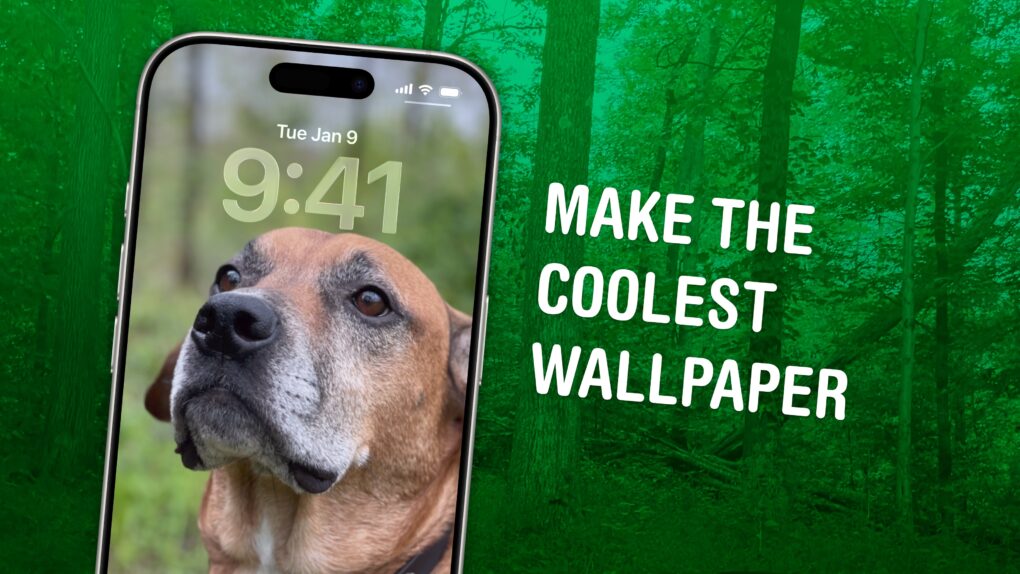
Make the Coolest Wallpaper
Not just of an old dog — a 3D old dog!
Image: D. Griffin Jones/Cult of Mac

In iOS 26, the awesome new Spatial Scenes feature lets you convert an ordinary 2D photo to a 3D scene that moves in your hand. It doesn’t have to be a recent picture or one taken with a special camera, either. You can try out Apple’s new 3D effect on any decent photo, even if it’s from 20 years ago.

You can play with Spatial Scenes in the Photos app, converting images and seeing how the effect works. But the best part is that you can set one as your iPhone’s Lock Screen wallpaper, and see it every time you unlock your phone. It even works with the excellent Photo Shuffle feature, so you’ll keep getting new ones to gawk at.

Check out the GIFs below that show how Spatial Scenes work, or watch our hands-on demo video.

iPhone 17 and iPhone Air come with smarter battery life out of the box

By

iOS 26 hero image
iPhone 17 and Air use Adaptive Power automatically to extend battery life.
Image: Apple

iOS 26 introduces a new Adaptive Power mode to extend your iPhone’s battery under load. And Apple’s newest iPhones — iPhone 17, iPhone 17 Pro and iPhone Air — will ship with this feature enabled by default. 

On older iPhones, you must manually enable Adaptive Power to boost their runtime.

Everything new in iOS 26: Liquid Glass and 70+ new features

By

iOS 26 hero image
Packed with new features.
Image: Apple

iOS 26 is a major new update that brings the biggest visual redesign in 12 years — on top of more than 70 new features. It’s easy to overlook the new goodies that Apple sprinkled throughout the operating system because the shiny Liquid Glass user interface takes center stage.

But iOS 26 brings loads of great enhancements to Apple’s major apps. Group chats in Messages become much more useful. The Phone app gets a fresh design and plenty of smart new features. Other great enhancements level up Safari, Passwords, Maps, Photos, Journal and other Apple apps. And just like previous years, Apple added an expansive list of useful accessibility features you should check out.

iOS 26 is out now. Here’s where to find the good stuff — keep reading or watch our video.

What time will Apple release iOS 26, iPadOS 26 and watchOS 26 on September 15 in your time zone?

By

iOS 26 and iPadOS 26 release time
iOS 26 is finally ready for public release.
Photo: Rajesh Pandey/Cult of Mac

Apple is finally ready to release iOS 26, iPadOS 26, watchOS 26 and macOS Tahoe to the public. After initially showcasing these operating systems at WWDC25 this spring, the company will release the first stable build on September 15.

So when will iOS 26 actually land on your compatible iPhone? With all the new features packed in, you’ll want to be first in line to grab the update. Here’s when iOS 26, iPadOS 26, watchOS 26 and macOS Tahoe go live in your region.