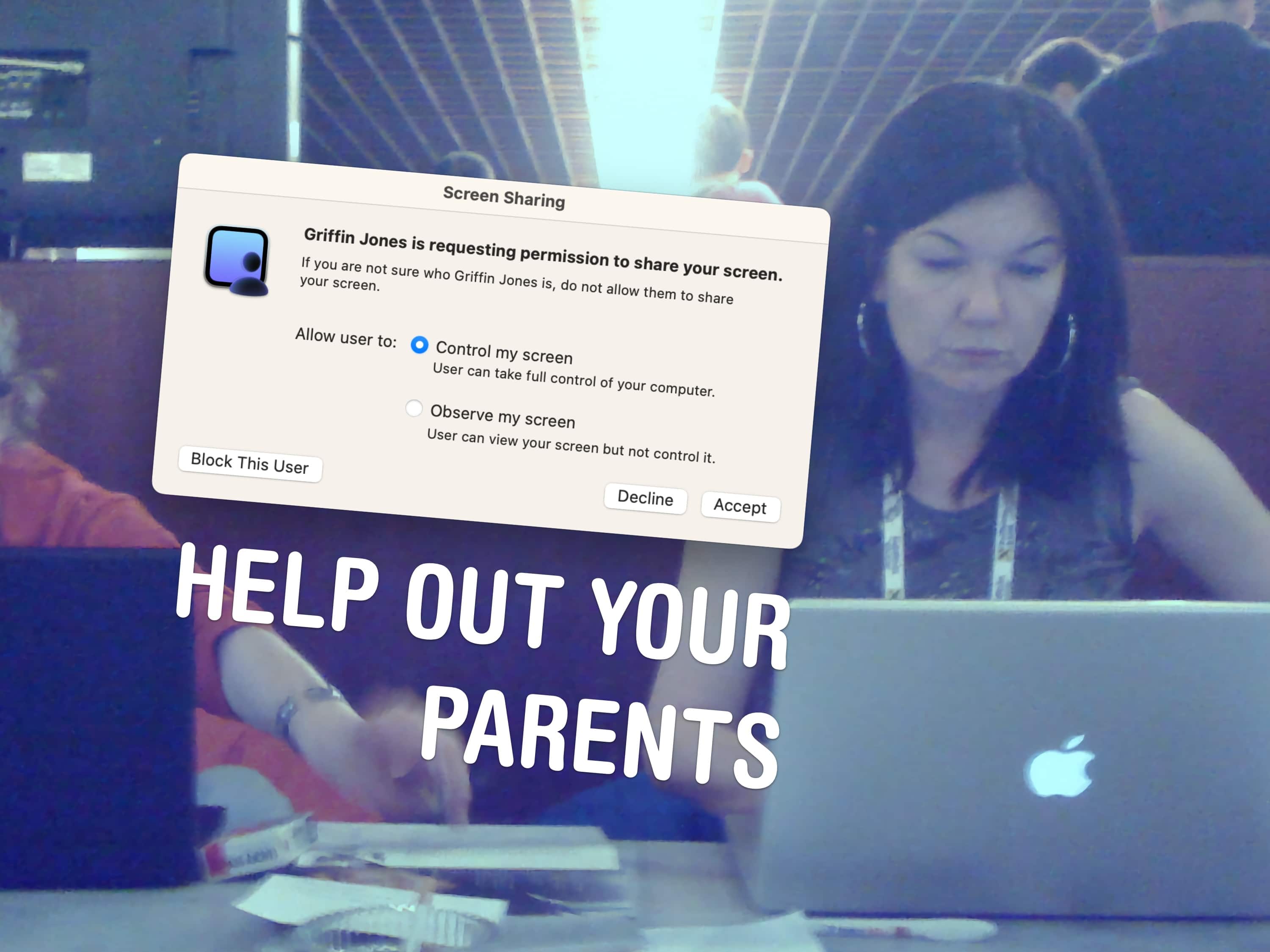
A little-known feature in macOS lets you share your Mac’s screen to someone else’s Mac directly from the Messages app — no third-party apps or downloads required. It’s great if you need to give tech support to a far-off family member in a pinch. Often, you just need to see what’s happening instead of counting on what your dear old father is trying to describe over the phone.
Get him to share his Mac’s screen with you, and you likely can solve his problem quickly. Even better, it’s not complicated setting up screen sharing on a Mac like it is on a PC. It takes only a few clicks in the Messages app. Let me show you all around this awesome hidden feature.
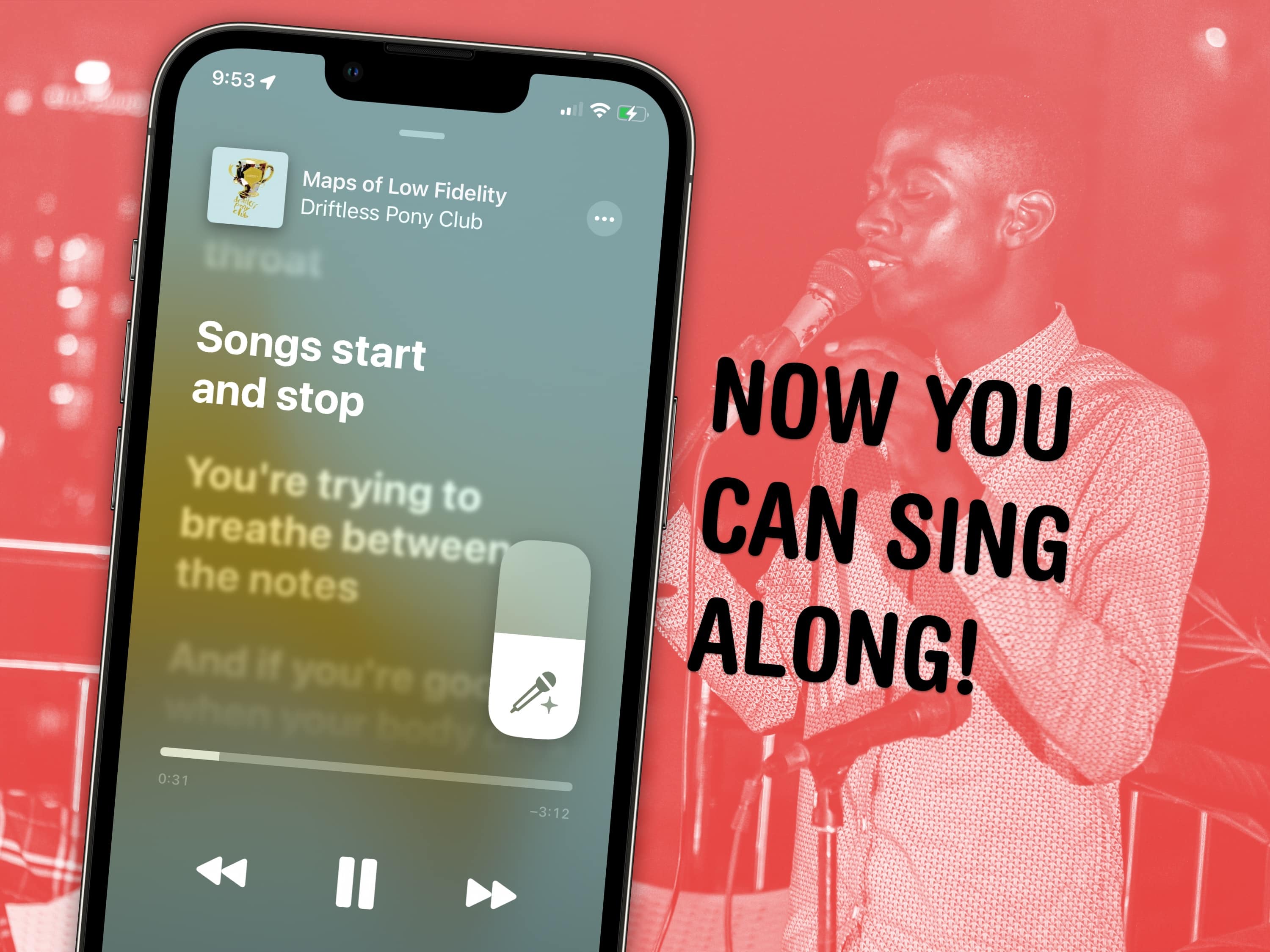



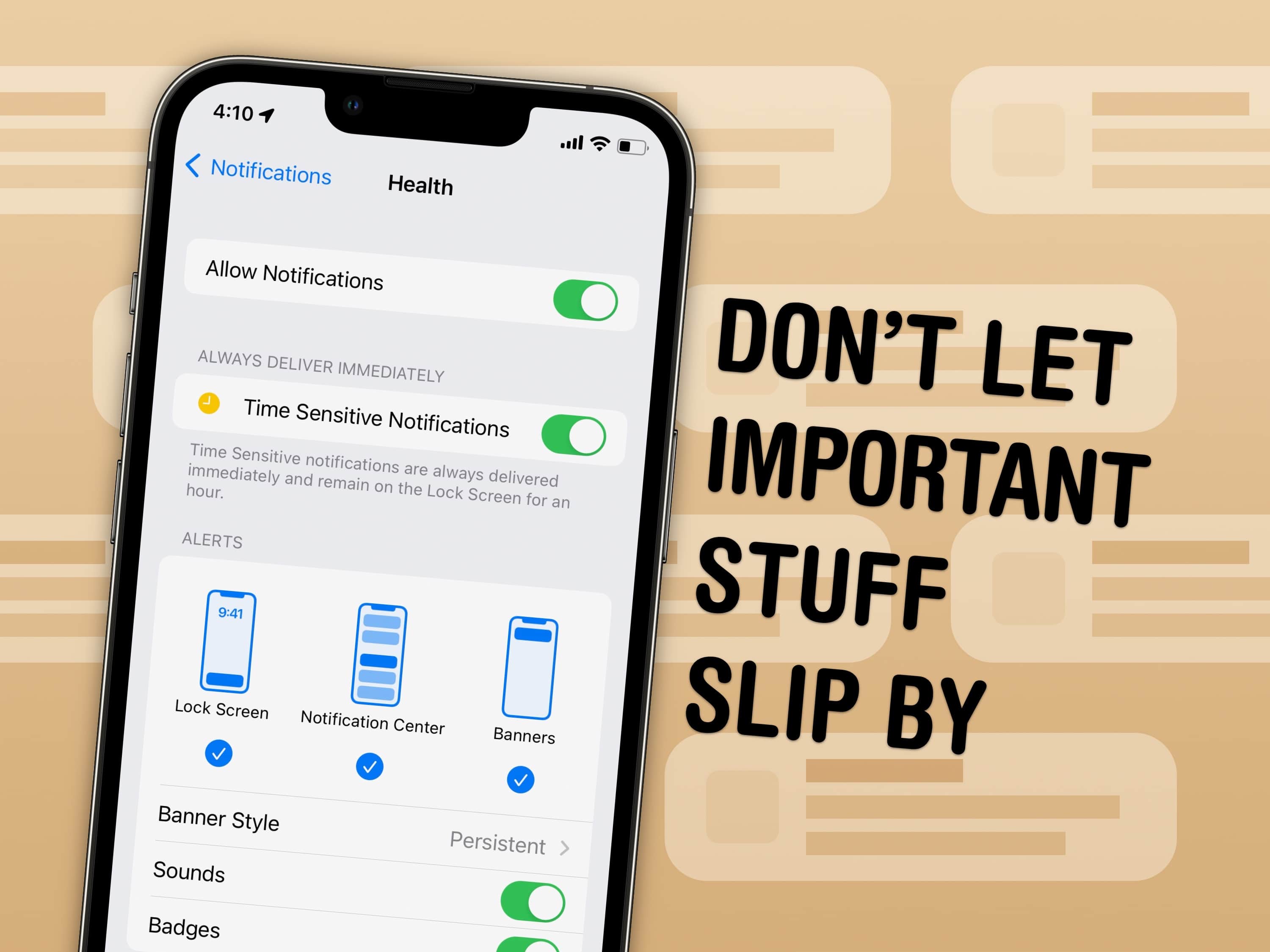
 You can set notifications from specific apps to stick to the top of your iPhone screen. With persistent notifications in iOS, when your phone is unlocked and an important alert comes in, it will stay visible at the top of the screen until you act upon it. It’s an easy way to make sure you don’t miss (or forget about) critical notifications on your iPhone.