★★★★☆
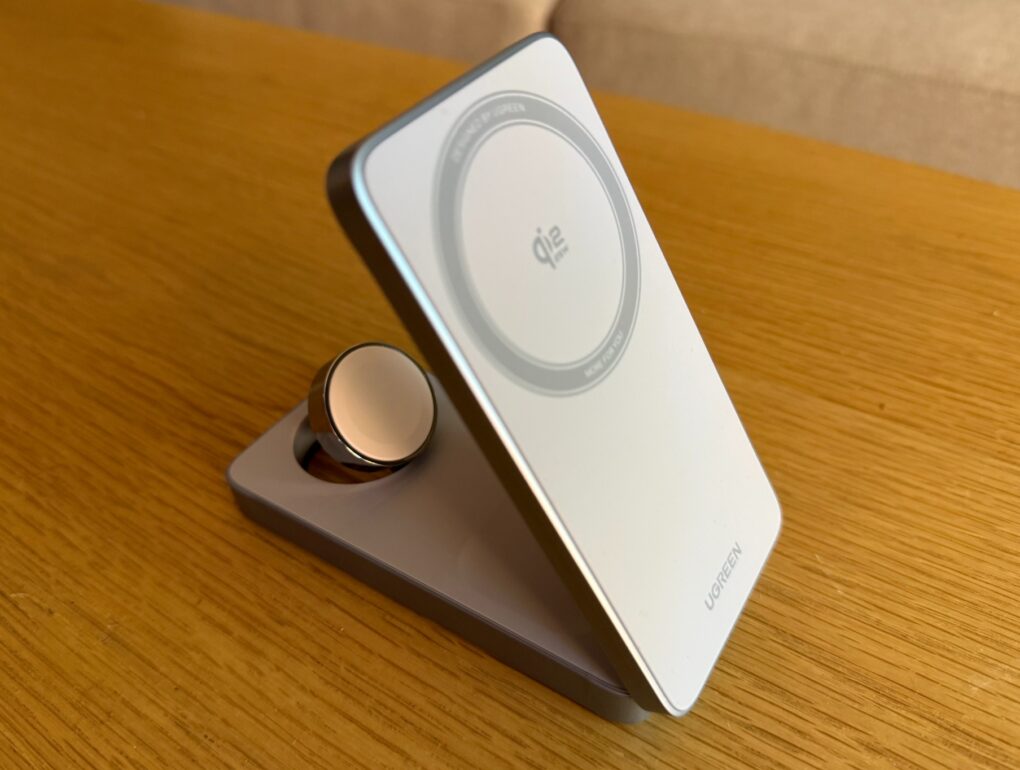
When not unfolded for use like this, the charger folds flat. Photo: David Snow/Cult of Mac
In the evolving landscape of wireless charging, Ugreen has positioned itself at the forefront with the MagFlow 3-in-1 Magnetic Wireless Charger — one of the first products to receive official Qi2.2 certification from the Wireless Power Consortium. With that boost from 15 watts (Qi2) to 25W (Qi2.2) for late-model iPhones, it’s great — but not without some minor problems.
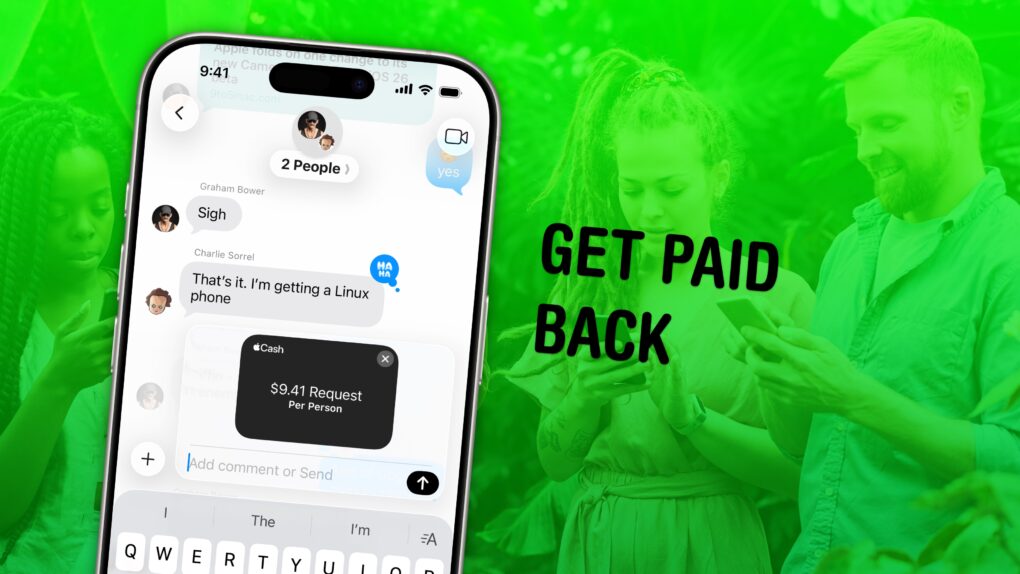
Get money back from the whole group at once. Image: D. Griffin Jones/Cult of Mac
In iOS 26, you can use Apple Cash in a group chat to make it super-easy to split a bill. You won’t need to chase down everyone separately if you use this incredibly convenient feature.
Here’s how to request money and send payments using Apple Cash from a group chat.
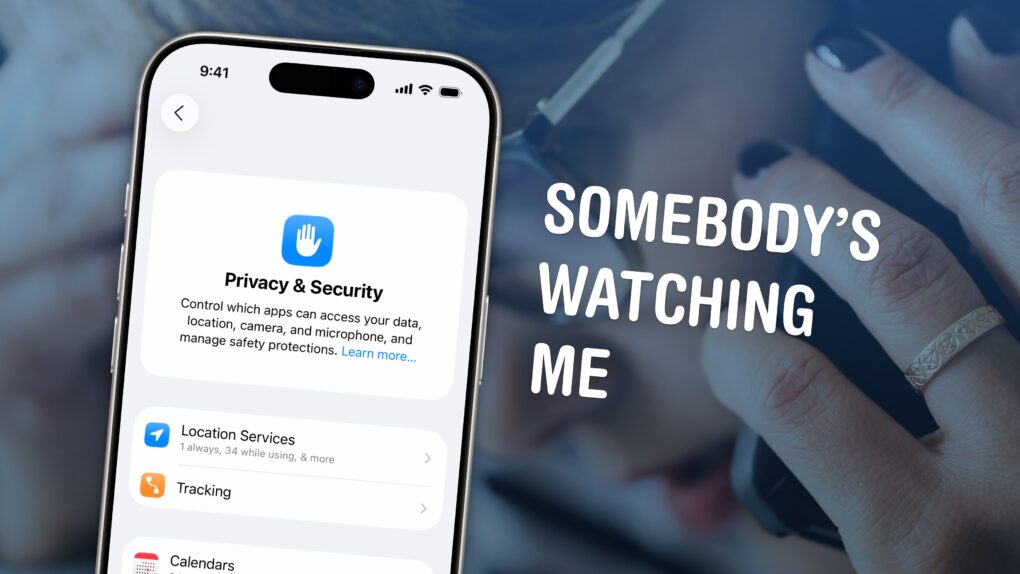
You can see all of the locations your iPhone thinks are significant and turn off the location features in Settings. Image: D. Griffin Jones/Cult of Mac
If you’re uncomfortable with social media apps tracking your movements, or worried about data falling into the wrong hands, here’s how to stop them using your iPhone’s built-in location settings.
If you find yourself traveling to a country with an authoritarian government, clearing your phone’s location history is a safe bet. Or if you’re moving to a different city or to a new job, it can be annoying seeing travel suggestions to the wrong place. Resetting your location history will start from a clean slate.
These moves may also protect you from shady data brokers, who spy on and sell your movements. Here’s how.
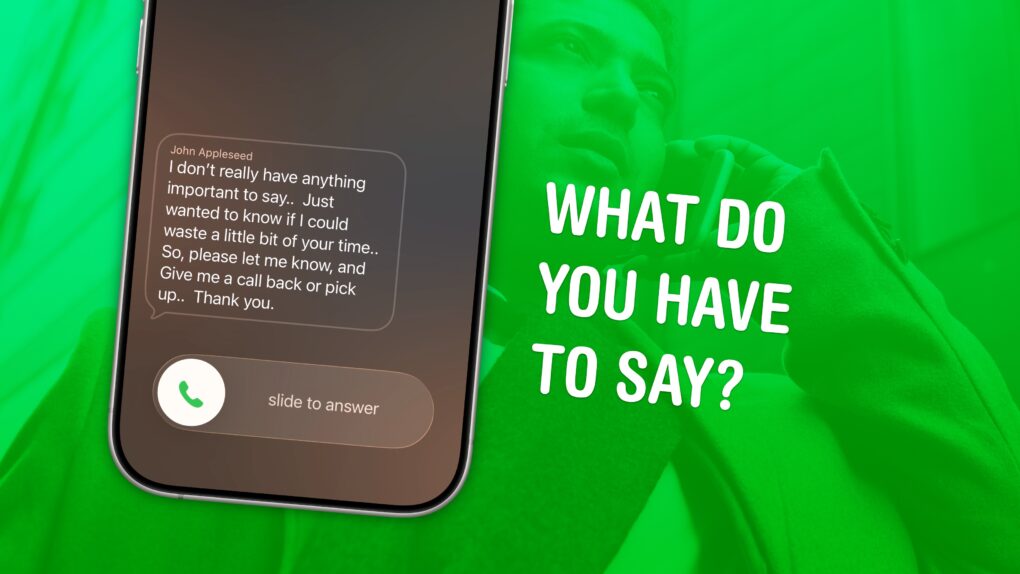
Decide before you waste your time. Image: D. Griffin Jones/Cult of Mac
Screening calls on iPhone has finally gotten good. It’s now possible to block and screen all calls from unknown numbers and lead a life of peaceful zen. Apple has added a trio of features to iPhone to screen calls: one aptly named Call Screening, as well as Live Voicemail and Silence Unknown Callers.
Using these features together gives you a great way to stop unknown callers on iPhone. The Call Screening feature pairs very well with Live Voicemail. With both of these turned on, unwanted calls will be far less intrusive, but you will still be able to pick up important calls as they come in.
Here’s how to screen calls and other annoyances without missing any crucial conversations.
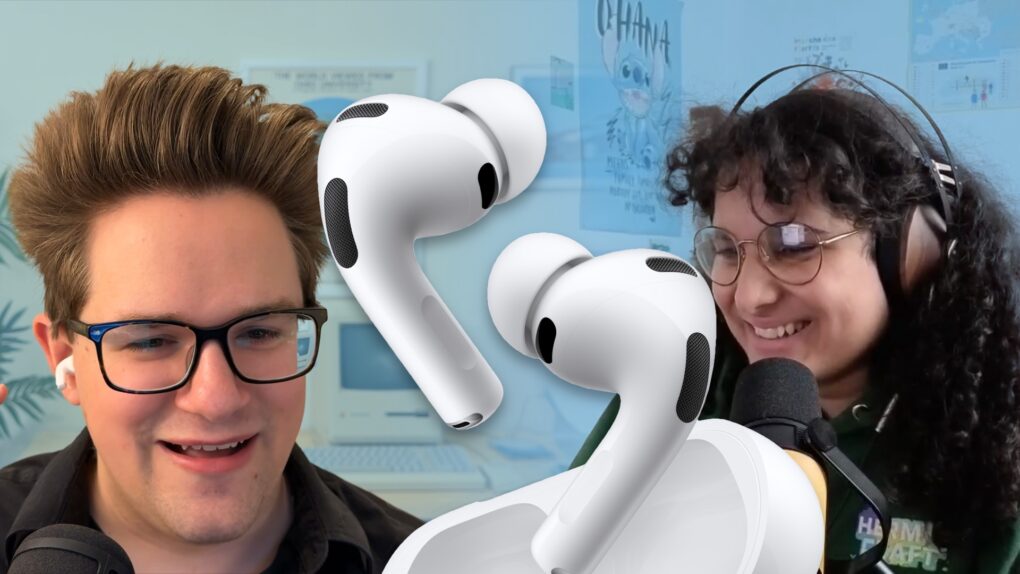
AirPods can now connect you to talk to people who speak other languages. Image: D. Griffin Jones/Cult of Mac
I put AirPods’ new Live Translation feature to the test and came away impressed with the results.
I tested the feature with the help of Niléane, a native French speaker and fellow tech blogger. While we hit a few stumbling blocks in our conversation, we were able to have a perfectly good chat for a solid 10 minutes.
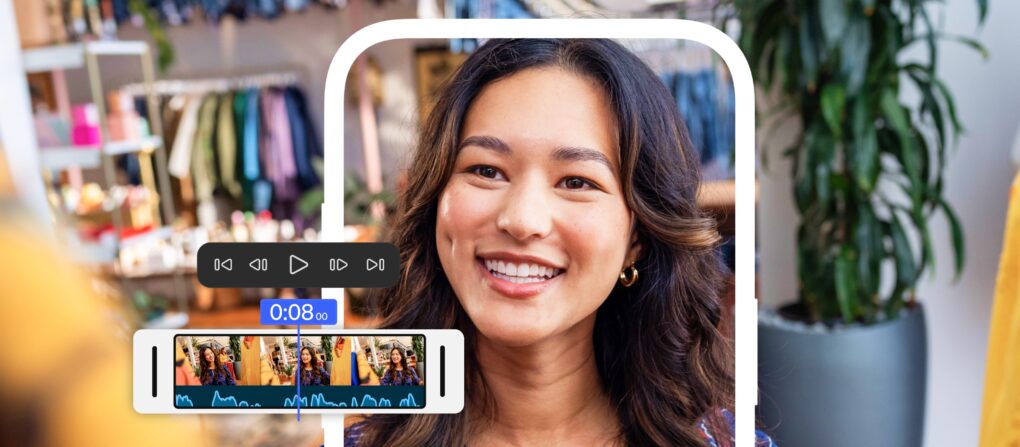
Adobe Premiere, the powerful video editing suite used for years on Macs, just arrived on the iPhone. Now you can cut together your next video using Premiere’s professional tools, right from your phone.
The Adobe Premiere iPhone app, released Tuesday, offers precision editing, automatic captions, stock music and more.
It doesn’t come with the big price tag of the desktop Adobe suite — in fact, it’s free. You only have to pay if you want access to its Firefly AI features, like its generative sound effects and Image Expand tool.
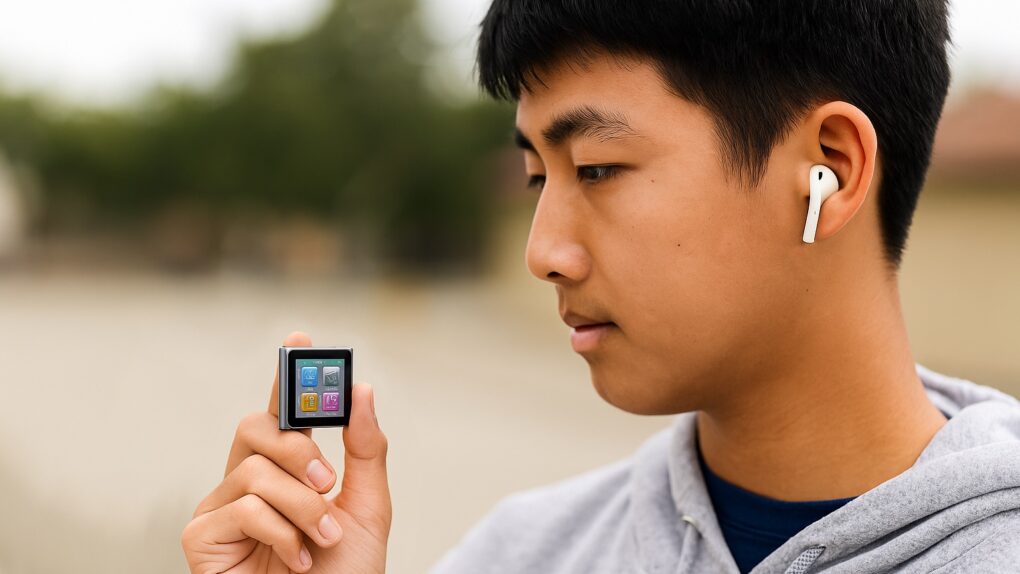
Bring back the iPod! Apple should start manufacturing its dedicated music player again. With iPhones increasingly banned from schools, a simple entertainment device could fill the gap.
That said, creating a new iPod for the streaming era would not be as simple as bringing previous models back to life.
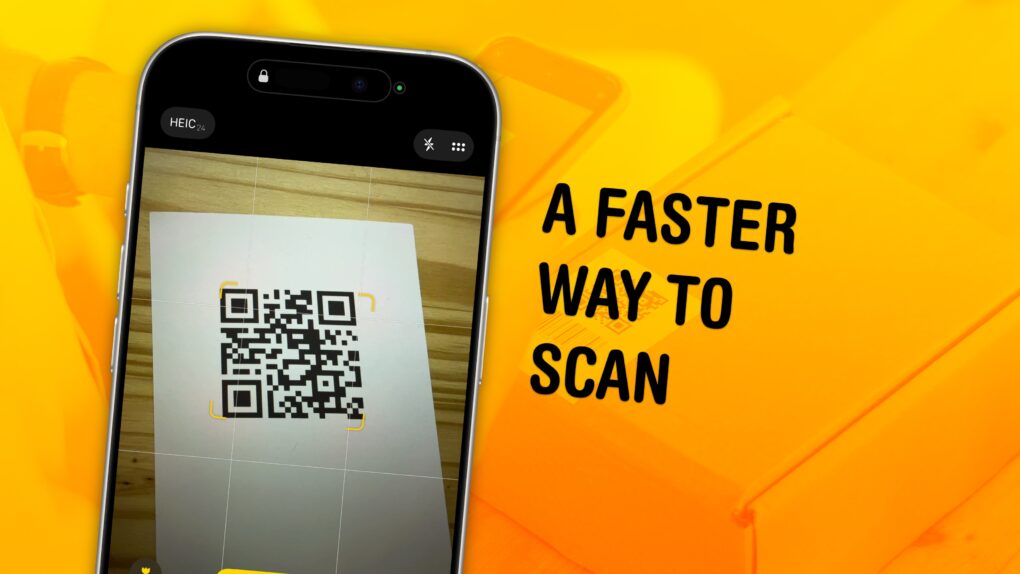
Scan QR codes faster with these tips. Image: D. Griffin Jones/Cult of Mac
You can scan a QR code directly from your iPhone — you don’t need to download a third-party app to get the information you need. Apple even gives you three ways to do it. You can scan a QR code using your iPhone’s camera, using a shortcut in Control Center, or directly from an image in your Photos library
As QR codes become increasingly prevalent, it’s good to know these methods. If you’re in a restaurant and you want to open the digital menu or join the Wi-Fi network, you don’t want to fiddle with installing a third-party app.
To learn three ways you can scan a QR code using your iPhone, keep reading or watch our short video.
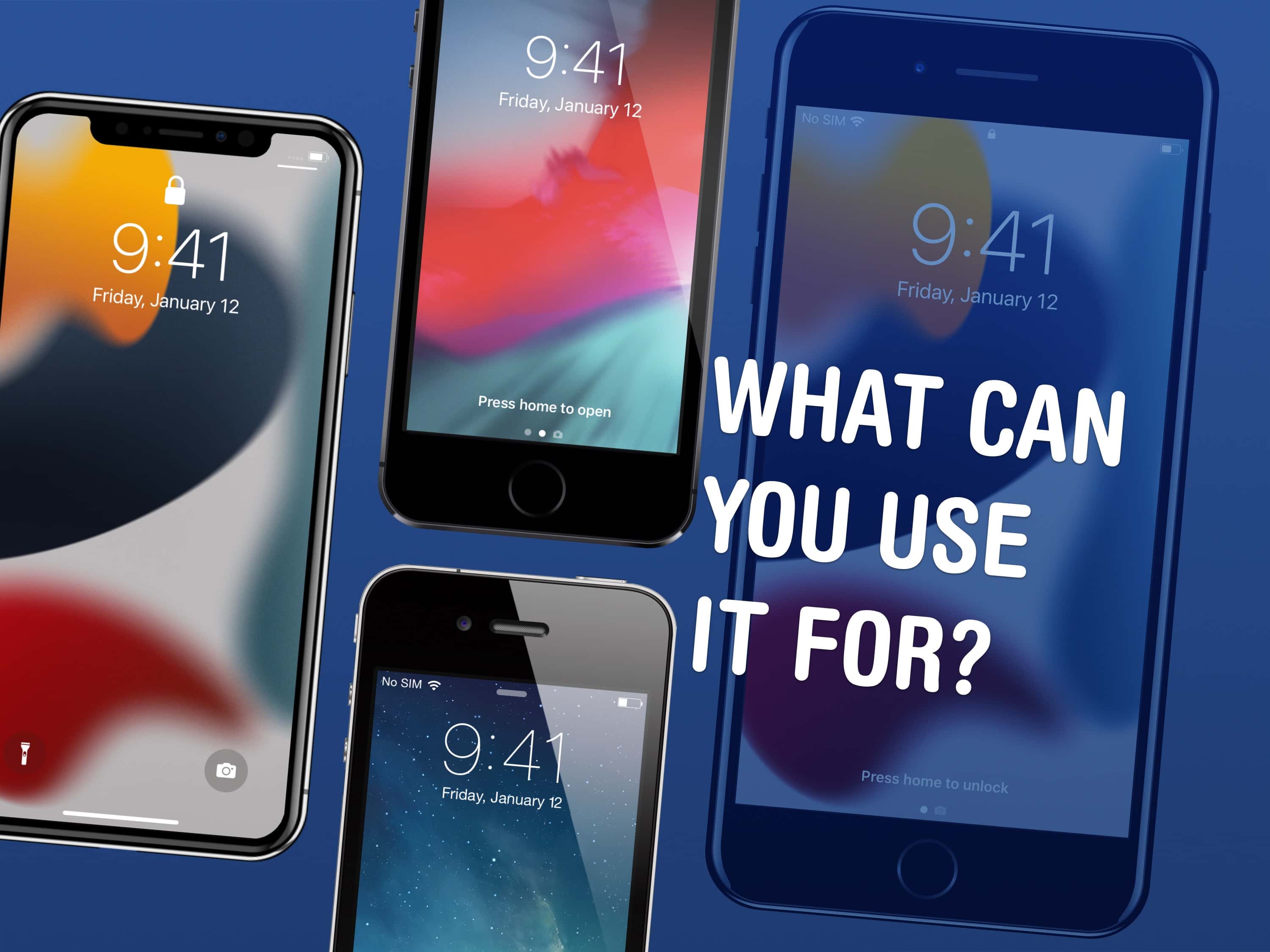
There are a few things you can use an old iPhone for. Image: D. Griffin Jones/Cult of Mac
There are a lot of things you can do with old iPhones. In fact, it might be worth keeping them around rather than trading them in. You can use an old iPhone as a DIY HomePod, a games console, a camera, a weather station, a smart display or a digital clock.
Here are the nine things you can do with an old iPhone. Keep reading or watch our video.
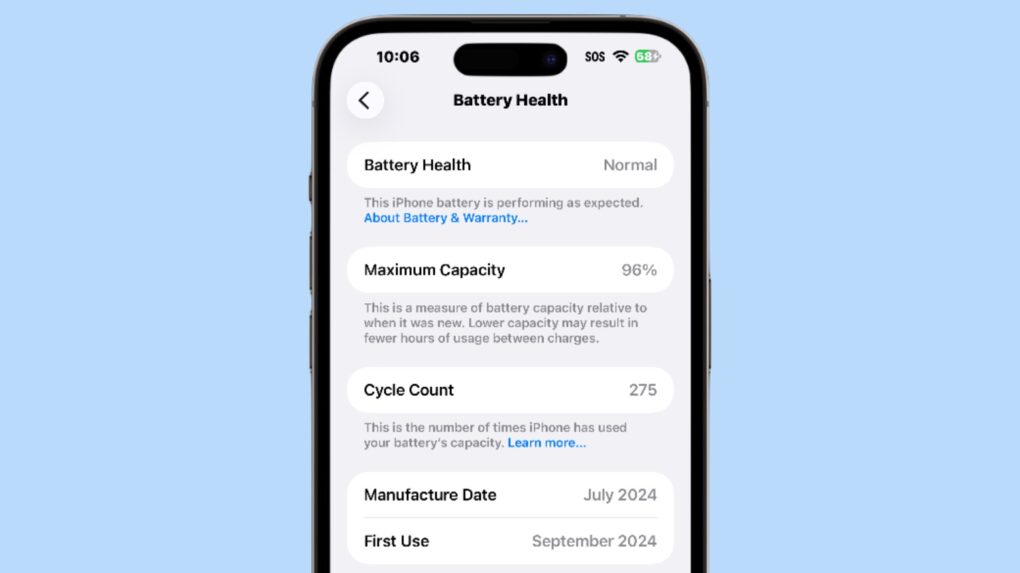
An iPhone battery’s cycle count is an indication of its health. Screenshot: Ed Hardy/Cult of Mac
The latest iPhones show the devices’ battery cycle count, helping users track the long-term “health” of the battery. Displaying this data is simple, though it’s somewhat hidden.
In addition, you can check when the iPhone 15, 16 or 17 was manufactured and first activated. (Note: This does not work with older iPhones.)
Bright and beautiful displays might get even better in the 20th anniversary iPhone, thanks to new Samsung OLED displays. Photo: Apple
Apple plans to adopt Samsung’s cutting-edge OLED display technology for its 20th anniversary iPhone in 2027, marking a significant leap forward in screen brightness, thinness and power efficiency, according to a new report Tuesday.
The move would see Apple implement Color Filter on Encapsulation (COE) technology for the first time in a traditional smartphone, following Samsung’s lead.
★★★★☆
Light as air. Image: D. Griffin Jones/Cult of Mac
The iPhone Air is what the people say they’ve been asking for: something new. This is the first iPhone in a long time that will truly shock you when you take it out of the box and hold it in your hand.
That means cutting a few things you’ve come to expect from the iPhone: the second speaker, the second (and third) rear cameras … but also, the thickness and weight. And the more time I spent with the iPhone Air, the more I appreciated what was still there: the super-bright and big display, the improved front camera and, most surprisingly, the battery life.
Here’s my experience switching from the iPhone 16 Pro to the iPhone Air. It’s a path I think you might enjoy taking, too. Keep reading or watch our video review.
Apple finally cracked the 10 million sales opening weekend benchmark. Photo: Apple
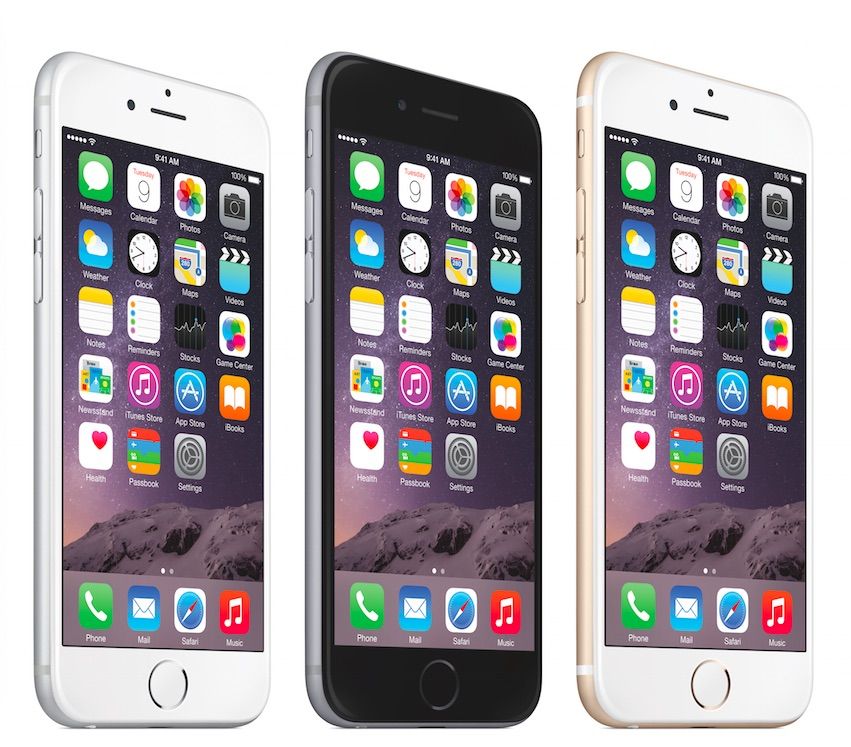
September 22, 2014: Apple notches a new sales record with the iPhone 6 and iPhone 6 Plus launch, selling an astonishing 10 million units in the first weekend the handsets go on sale.
The eagerly anticipated smartphones bring a redesigned form factor that will persist for years. The most obvious change? Larger 4.7-inch and 5.5-inch displays built to lure phablet fans. The iPhone 6 and 6 Plus also boast an A8 chip, improved iSight and FaceTime cameras, and — significantly — Apple Pay for secure mobile payments.
“Sales for iPhone 6 and iPhone 6 Plus exceeded our expectations for the launch weekend, and we couldn’t be happier,” Apple CEO Tim Cook says in a press release. “We would like to thank all of our customers for making this our best launch ever, shattering all previous sell-through records by a large margin.”
Liquid Glass isn't the only thing going on in iOS 26. Image: Cult of Mac
This week on Cult of Mac’s podcast: Now that we’re all running the latest software versions on our iPhones and Apple Watches, it’s time to go over the coolest new features.
Yes, Apple’s new Liquid Glass user interface takes some getting used to, but it’s pretty sweet in the end. And there are a bunch of other great additions we love. Join us for the conversation!
Also on The CultCast:
A MacBook Pro with a touchscreen?!? It might be in the pipeline.
The updates in iPadOS 26 finally fix the tablet’s multitasking problem.
The Mac App Store is currently broken — but there’s a workaround.
Cult of Mac’s buyback program buys everything from AirPods and iPhones to MacBooks and Magic Keyboards, damaged or not. Get your quote now.
Listen to this week’s episode of The CultCast in the Podcasts app or your favorite podcast app. (Be sure to subscribe and leave us a review if you like it!) Or watch the video live stream, embedded below.
★★★★★
The base model iPhone 17 is so good you might forgo the Pro version. Photo: Ed Hardy/Cult of Mac
Apple put an always-on screen in the iPhone 17 and improved the display’s refresh rate to 120 Hz. Plus, the selfie cam got a brilliant new feature. There are plenty of other enhancements too — including double the storage capacity! — which all combine to make Apple’s new base-model iPhone a welcome upgrade for those ready to move up from an aging device.
This is the first time I’ve regularly used a basic iOS model in almost a decade. I’m impressed with what Apple offers for $799. It’s really made me question the need for a Pro model. Here’s why.
Not just of an old dog — a 3D old dog! Image: D. Griffin Jones/Cult of Mac
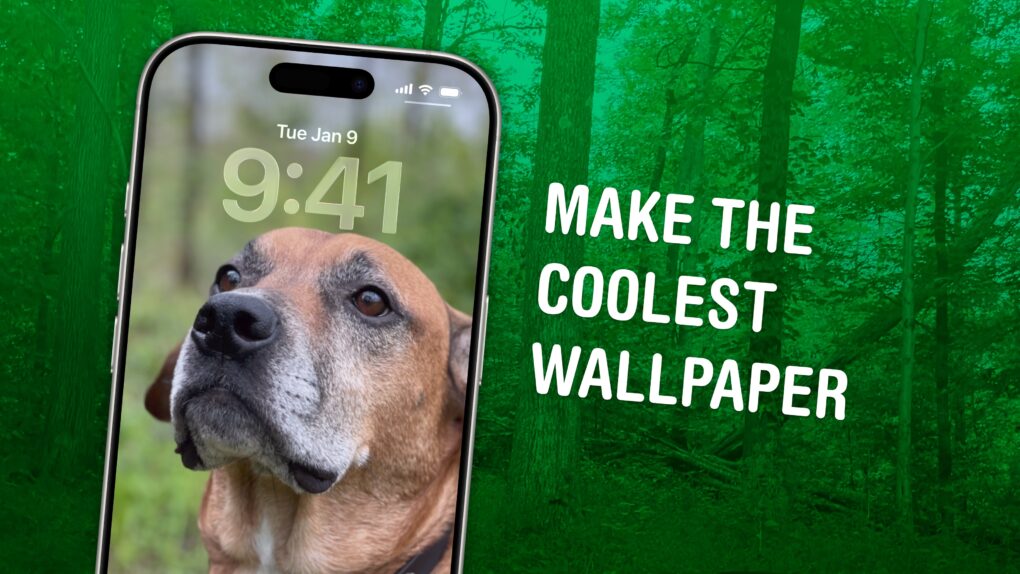
In iOS 26, the awesome new Spatial Scenes feature lets you convert an ordinary 2D photo to a 3D scene that moves in your hand. It doesn’t have to be a recent picture or one taken with a special camera, either. You can try out Apple’s new 3D effect on any decent photo, even if it’s from 20 years ago.
You can play with Spatial Scenes in the Photos app, converting images and seeing how the effect works. But the best part is that you can set one as your iPhone’s Lock Screen wallpaper, and see it every time you unlock your phone. It even works with the excellent Photo Shuffle feature, so you’ll keep getting new ones to gawk at.
Check out the GIFs below that show how Spatial Scenes work, or watch our hands-on demo video.
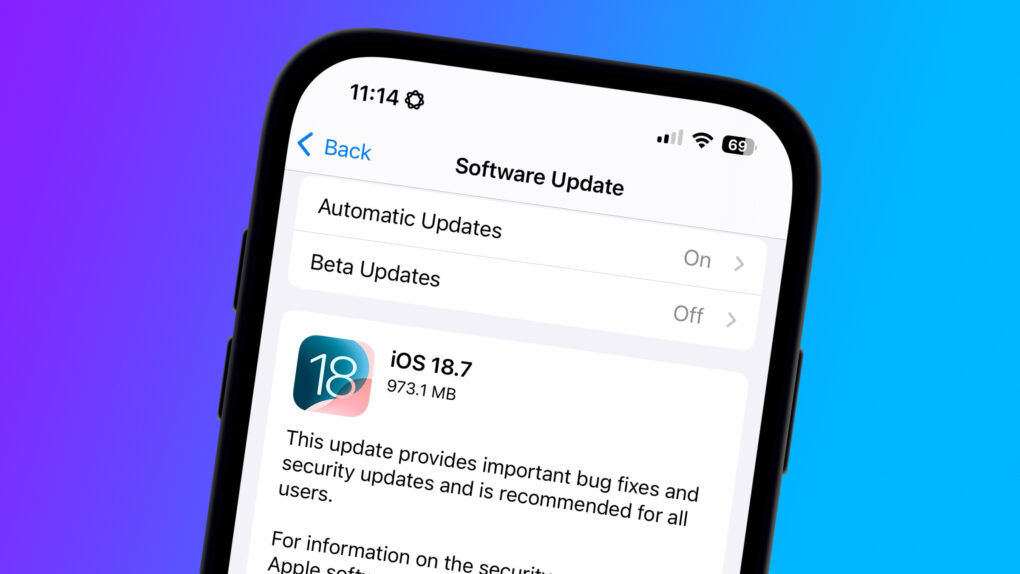
If you're not jumping to iOS 26 today, you need this security update ASAP. Image: Cult of Mac
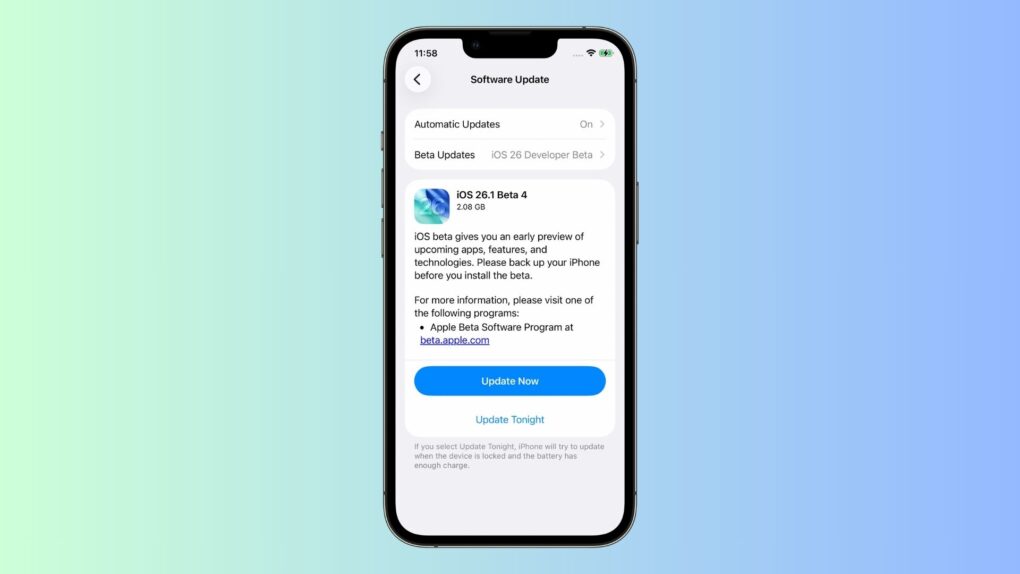
Apple released iOS 18.7 and iPadOS 18.7 on Monday to close a lengthy list of security holes.
The updates address a wide array of threats, from unexpected app or system termination to an app being able to spy on users’ keystrokes. If you’re not updating to iOS 26 or iPadOS 26, which also arrived Monday, you should grab these security updates as soon as possible.
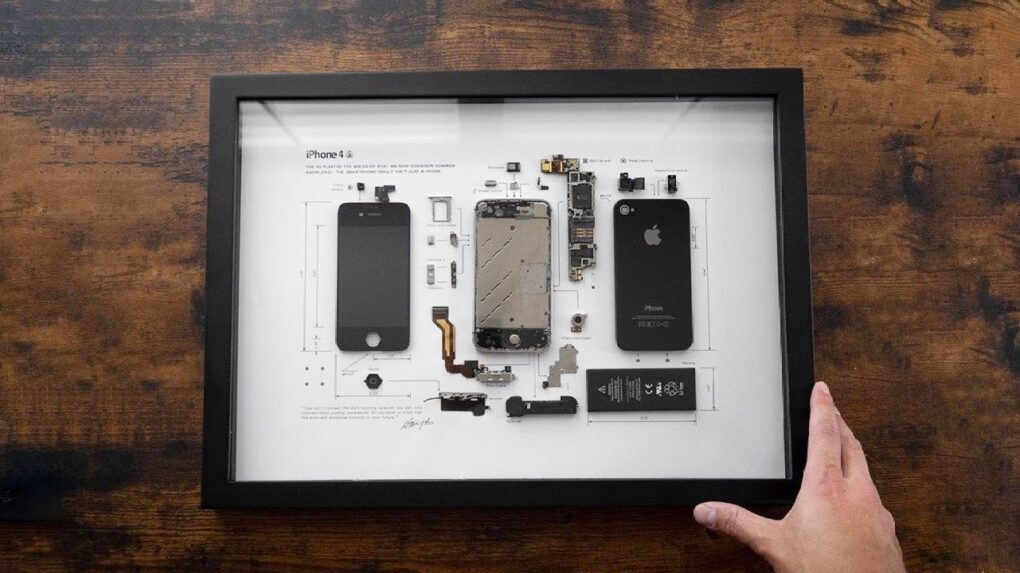
Always thought iPhone belongs in a museum? This is for you. Photo: Grid Studio
Grid Studio creates striking iPhone artwork by carefully deconstructing vintage Apple devices and arranging their components in sleek, museum-style frames. And now a deal knocks up to 57% off the cost of a range of offerings — from an original iPhone to an iPhone 13 — to celebrate the company’s fifth birthday.
But don’t procrastinate. The sale ends in two days.
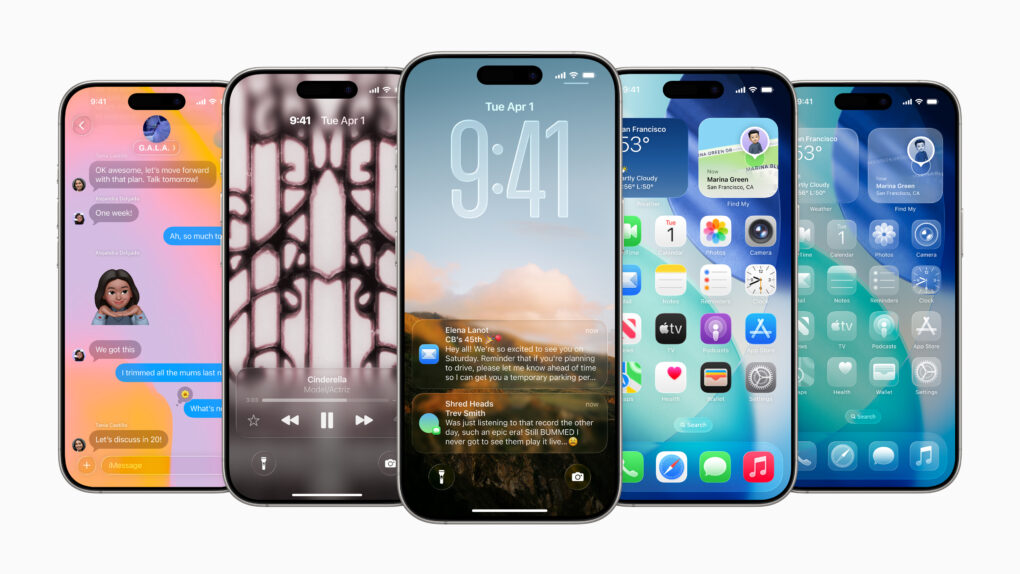
iOS 26 is a major new update that brings the biggest visual redesign in 12 years — on top of more than 70 new features. It’s easy to overlook the new goodies that Apple sprinkled throughout the operating system because the shiny Liquid Glass user interface takes center stage.
But iOS 26 brings loads of great enhancements to Apple’s major apps. Group chats in Messages become much more useful. The Phone app gets a fresh design and plenty of smart new features. Other great enhancements level up Safari, Passwords, Maps, Photos, Journal and other Apple apps. And just like previous years, Apple added an expansive list of useful accessibility features you should check out.
iOS 26 is out now. Here’s where to find the good stuff — keep reading or watch our video.
★★★★★
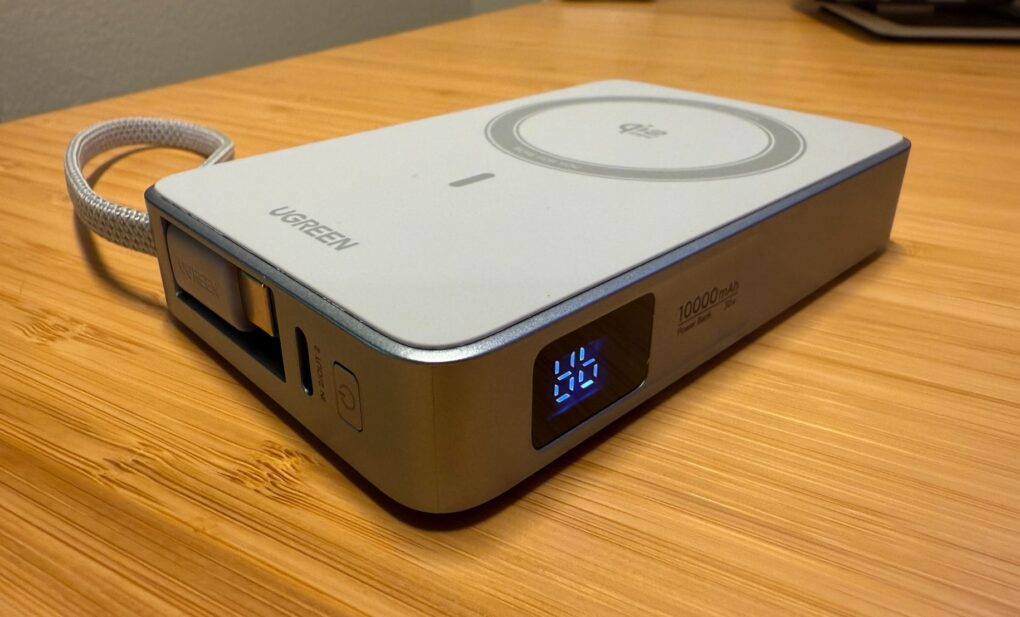
The battery display, built-in USB-C cable/strap and additional USB-C port all come in handy. Photo: David Snow/Cult of Mac
Finding a reliable power bank that actually delivers on its promises isn’t always easy. For this Ugreen MagFlow power bank review, I put the potent, 10,000mAh Qi2.2 power bank through about two weeks of real-world testing with my iPhone and other devices. Whether you’re getting a new iPhone Series 17 model or not, this cutting-edge power bank could be a good choice.
Turns out using an iPhone at a Microsoft event is a bad idea. Photo: Off2riorob/Wikipedia CC
September 11, 2009: Microsoft CEO Steve Ballmer snatches an iPhone from an employee during a meeting and pretends to destroy it.
The iPhone freakout isn’t the first time Ballmer behaves in a wacky way and incurs negative publicity as a result. However, it’s an embarrassing moment for a man who ranks among the tech world’s most powerful people.
Watch the event in just 2.1% of the time. Image: Apple
During Tuesday’s Awe Dropping event, Apple announced AirPods Pro 3, refreshed every model of Apple Watch and unveiled four all-new iPhones, including the first iPhone Air. It’s an impressive set of products in a pretty quick event.
But if you want to watch an even faster event, you can get the gist in 90 seconds with our Awe Dropping event video recap.
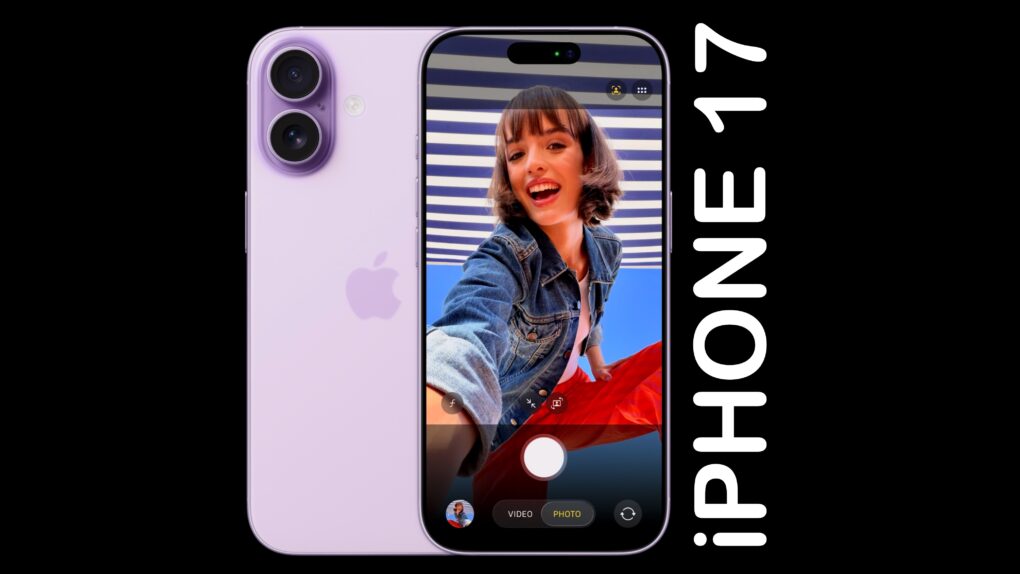
iPhone 17 includes a larger screen and a much better selfie cam. Image: Apple/Cult of Mac
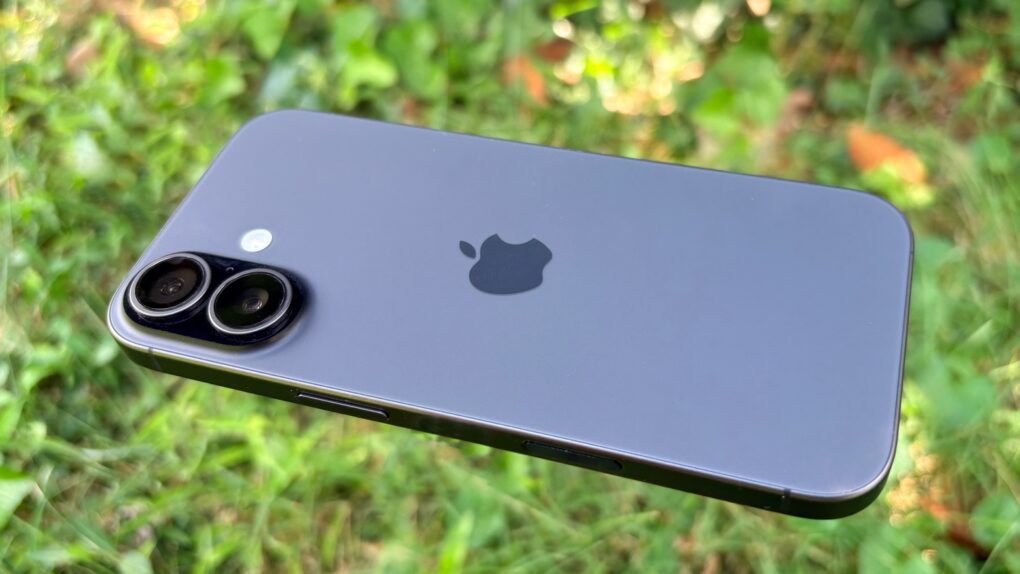
The wait for the iPhone 17 is over. Although it’s Apple’s new base-model handset, the latest version includes features previously preserved for pricier models, including a larger, always-on ProMotion (120Hz) screen. Plus, the front-facing camera got Center Stage and a resolution boost.
“iPhone 17 is a big upgrade with powerful features that make iPhone even more useful in your day-to-day life, from the bigger and brighter ProMotion display with 3x better scratch resistance, to all-day battery life with faster charging, the A19 chip for powerful performance, a fantastic 48MP Dual Fusion camera system, and the innovative Center Stage front camera — our best front camera yet,” said Kaiann Drance, Apple’s vice president of Worldwide iPhone Product Marketing. “iPhone 17 is a fantastic choice for customers looking for the latest features and the confidence in knowing their iPhone is built to last.”
Apple follows a pattern that reveals the most likely iOS 26 launch date. Image: Apple/Cult of Mac
Everyone eager to get their hands on iOS 26 should mark September 15 on their calendar as the launch day. Based on years of previous Apple OS releases, that’s almost certainly when the new Liquid Glass user interface, plus all the other enhancements in the new iPhone operating system, will debut.
The same goes for iPadOS 26, watchOS 26, tvOS 26 and visionOS 26. All of these should go out on September 15.
But macOS Tahoe 26 might be different. There’s evidence to suggest Apple might wait an additional week or even more for that upgrade.
 September 22, 2014: Apple notches a new sales record with the iPhone 6 and iPhone 6 Plus launch, selling an astonishing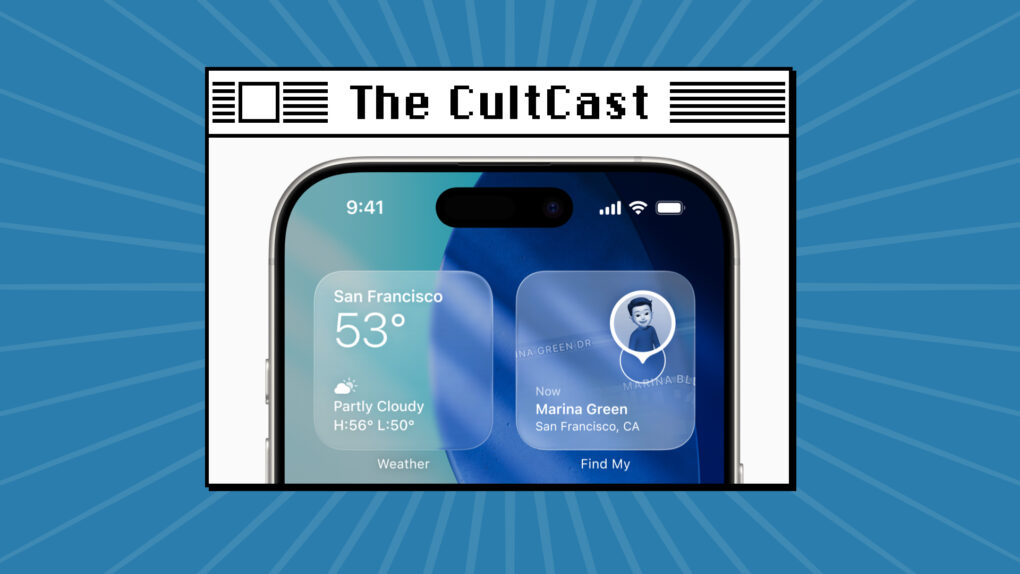

 September 11, 2009: Microsoft CEO Steve Ballmer snatches an iPhone from an employee during a meeting and pretends to destroy it.