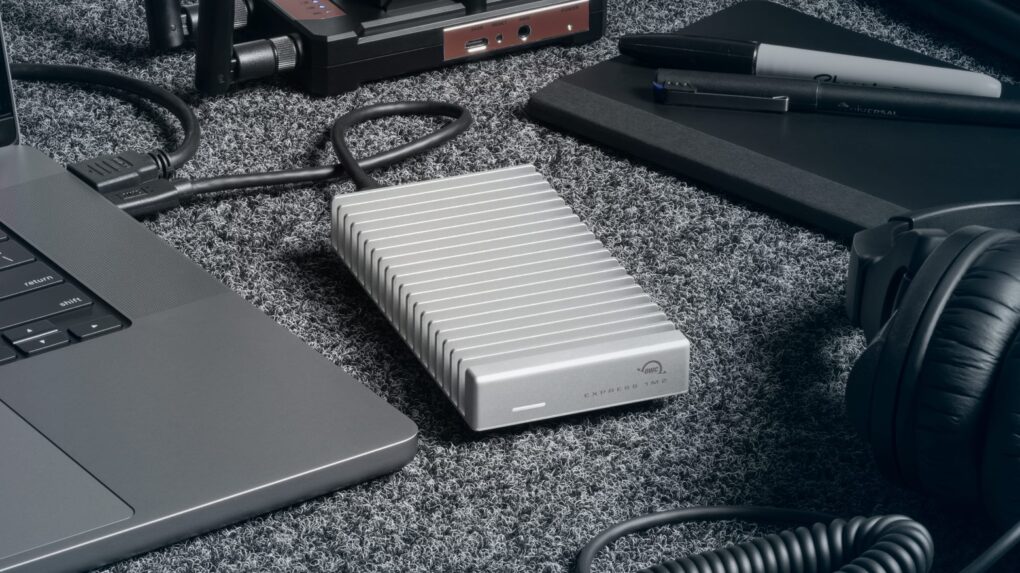
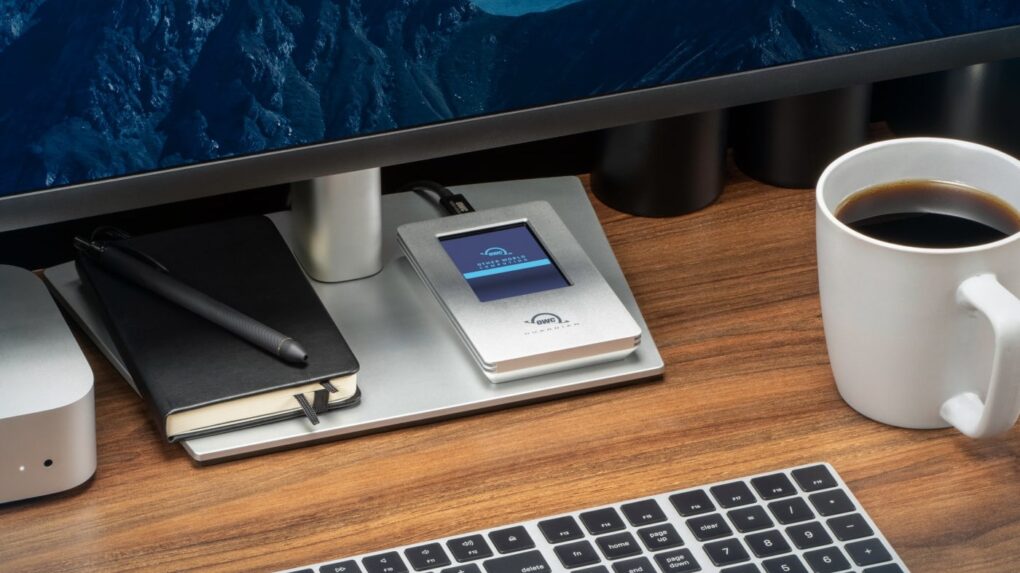
OWC Express 1M2 80G holds up to 8TB, or put in your own NVMe M.2 SSD. Photo: OWC
Professionals who need an SSD with terabytes of storage and crazy-fast data transfers have a new option: the OWC Express 1M2 80G. The drive offers up to 8TB of capacity, and because it uses Thunderbolt 5, the SSD offers 48GBps real-world data transfers.
It’s available in a range of storage capacities, or users can insert their own NVMe M.2 SSD.
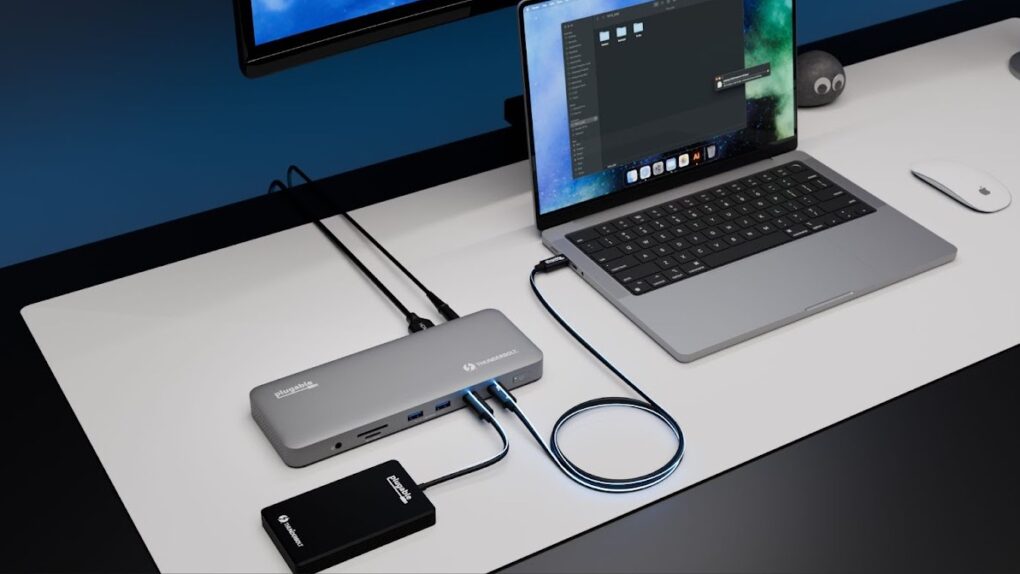
The Plugable TBT-UDM fits with Mac setups while adding 13 ports. Photo: Plugable
Plugable created the TBT-UDM Thunderbolt 4 dock with Apple users in mind. It offers more than a dozen ports — including dual 4K HDMI — in an aluminum chassis intended to blend into Mac setups.
Just as importantly, it launched Tuesday at a price lower than usual for a Thunderbolt dock.
★★★★☆
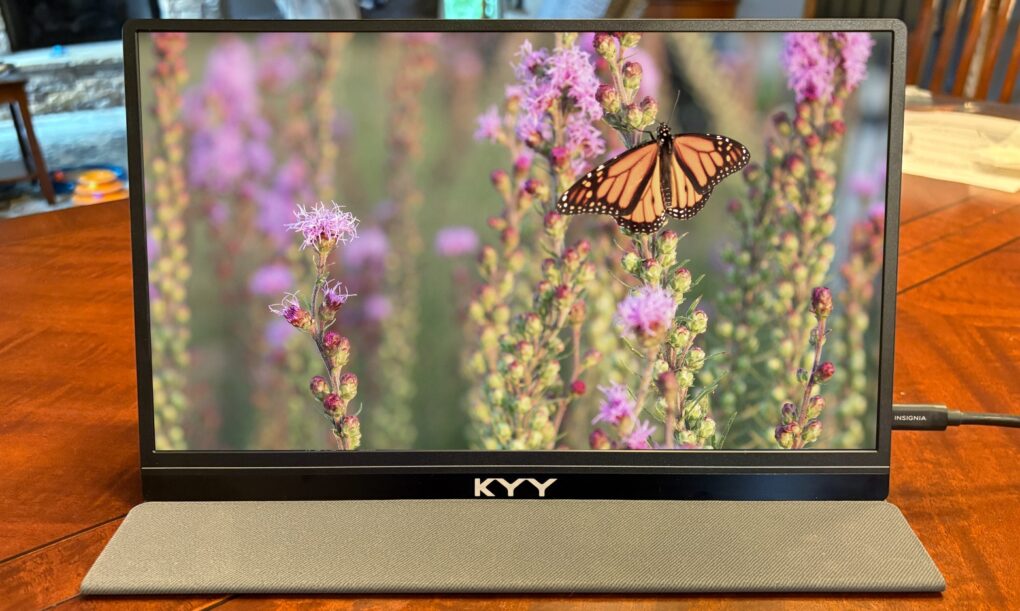
The KYY 14” Portable Monitor pairs well with a 14-inch MacBook or a 13-inch iPad. Photo: Ed Hardy/Cult of Mac
The KYY 14” Portable Monitor challenges the idea that bigger is always better. It’s much smaller than the external display I usually travel with — and that’s exactly why I love it.
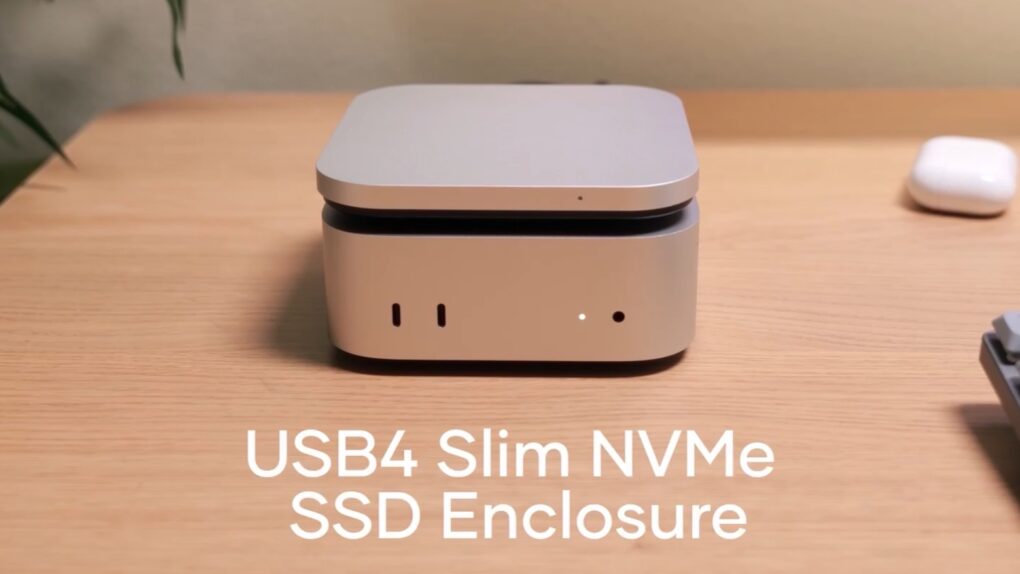
The Satechi USB4 Slim NVMe SSD Enclosure expands Mac mini. Image: Satechi
Adding a high-speed SSD to the Mac mini M4 just got easier with the Satechi USB4 Slim NVMe SSD Enclosure. It can hold up to 8TB drives and transfer data at up to 5 GB per second.
The accessory hit store shelves Tuesday and comes with a 17% launch discount.
Add more ports and storage capacity to your M4 Mac mini with the Macally MminiDock. Image: Macally
Macally designed the new MminiDock with the M4 Mac mini in mind. It sits under the tiny desktop, increasing the selection of available ports with front-facing USB-A, plus 4K HDMI, an audio jack and more without increasing the computer’s footprint. And there’s an SSD enclosure inside for 8TB of additional capacity.
The accessory launched Monday and comes with a 20% off launch coupon.
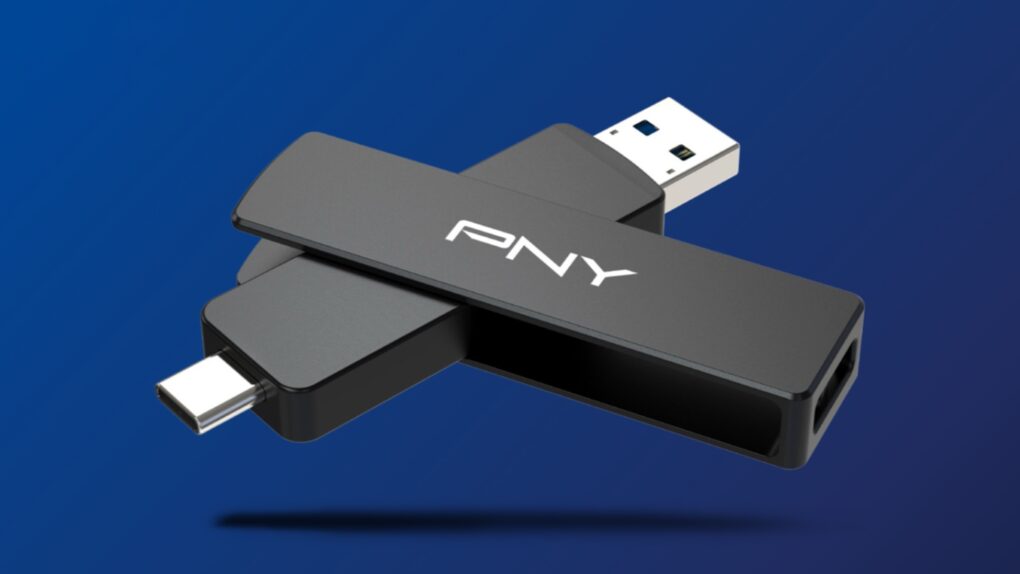
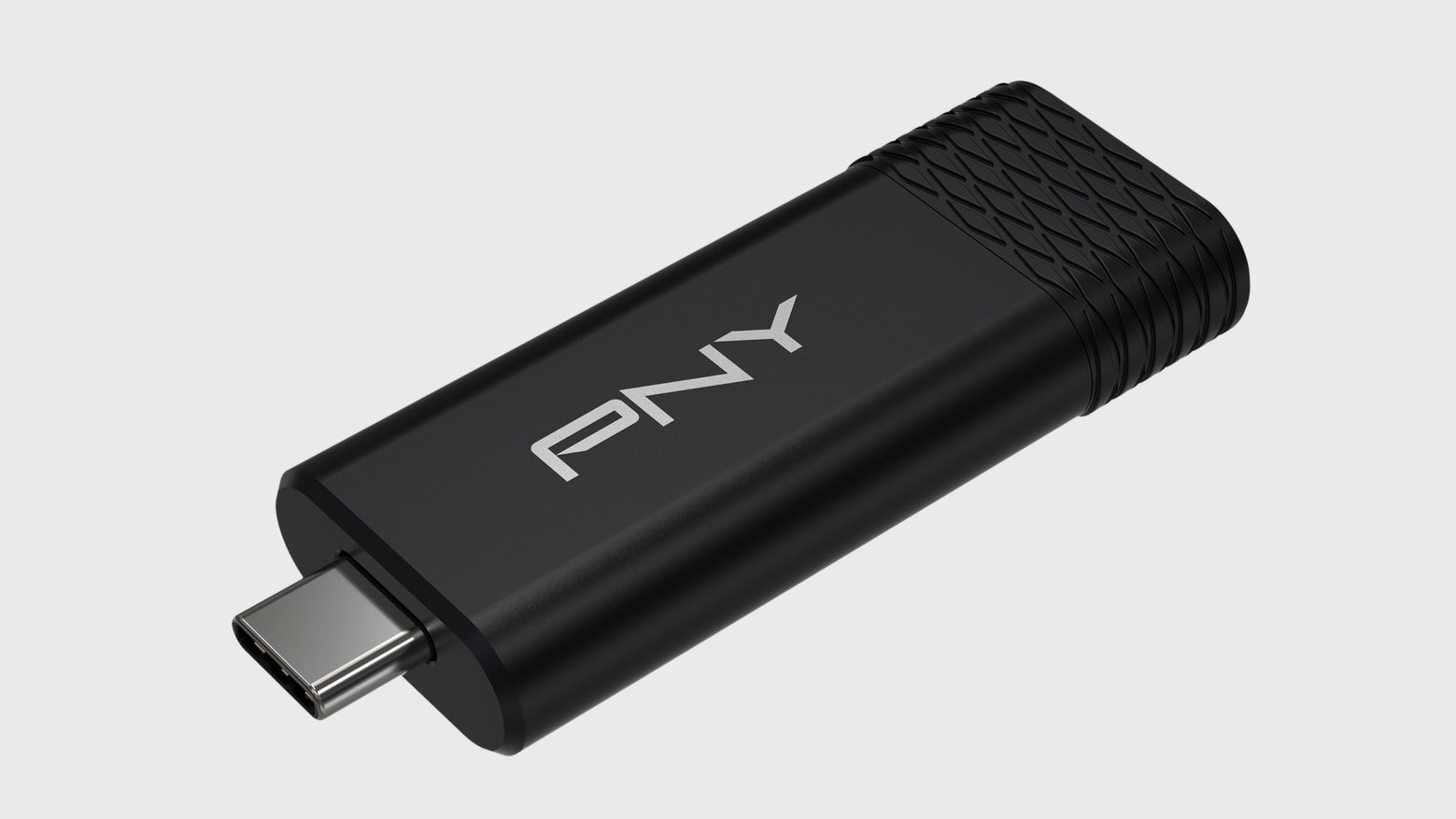
This thumb-size external SSD connects to your Mac or your smartTV, no adapter needed. Image: PNY
The PNY Duo Link V3 external SSD includes both a USB-C and a USB-A connector. That means the flash drive that launched Thursday can plug into any modern Mac, or it can go into a smartTV or other accessory that lacks a USB-C port — no adapter needed.
Even better, it offers 1,000MB/s data transfers, and capacities go up to 2 terabytes. The price is very competitive, too.
★★★★☆
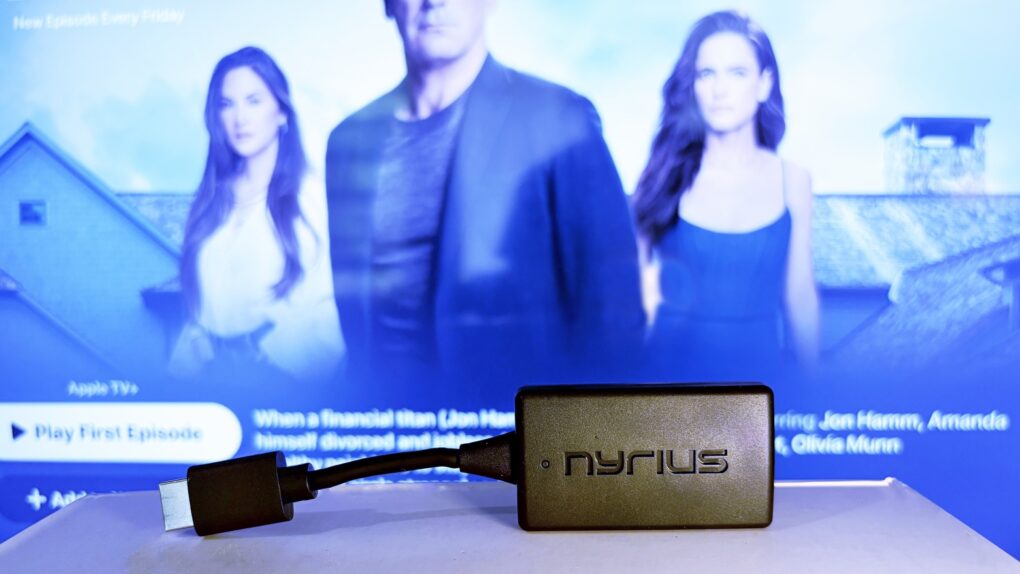
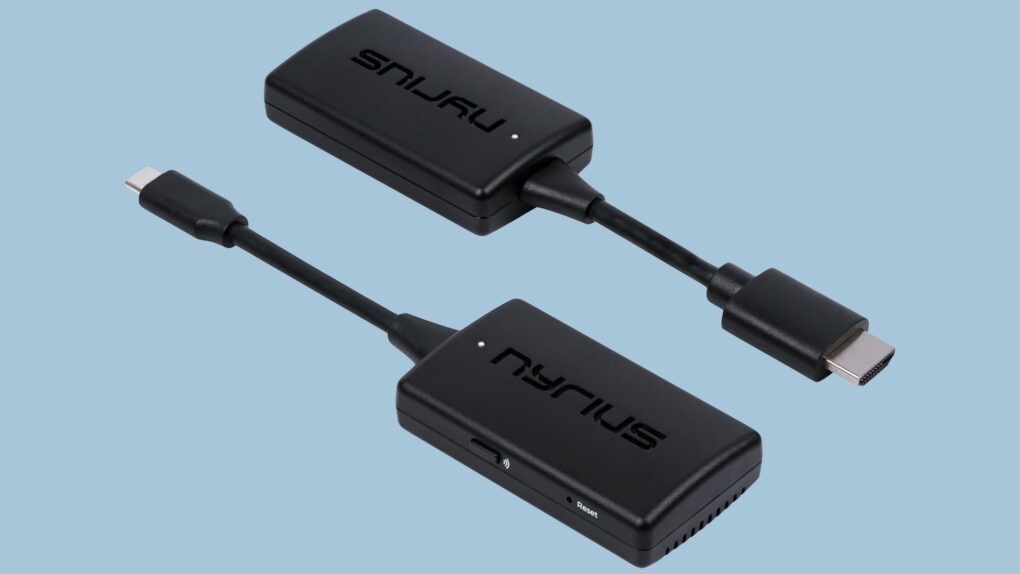
Replace that bulky HDMI cable with a wireless video transmitter. Photo: Ed Hardy/Cult of Mac
The Nyrius Orion Prime Wireless USB-C to HDMI Video Transmitter & Receiver frees you from needing to string an HDMI cable across your office or living room. Plug one gizmo into your MacBook, iPad, or iPhone, and another into your TV, and they’re connected.
The wireless adapter sends HD video a surprising distance and doesn’t require a Wi-Fi network.
I tested the wireless video transmitter out for myself and came away impressed. That said, it does have a limitation that makes it better for entertainment than work.
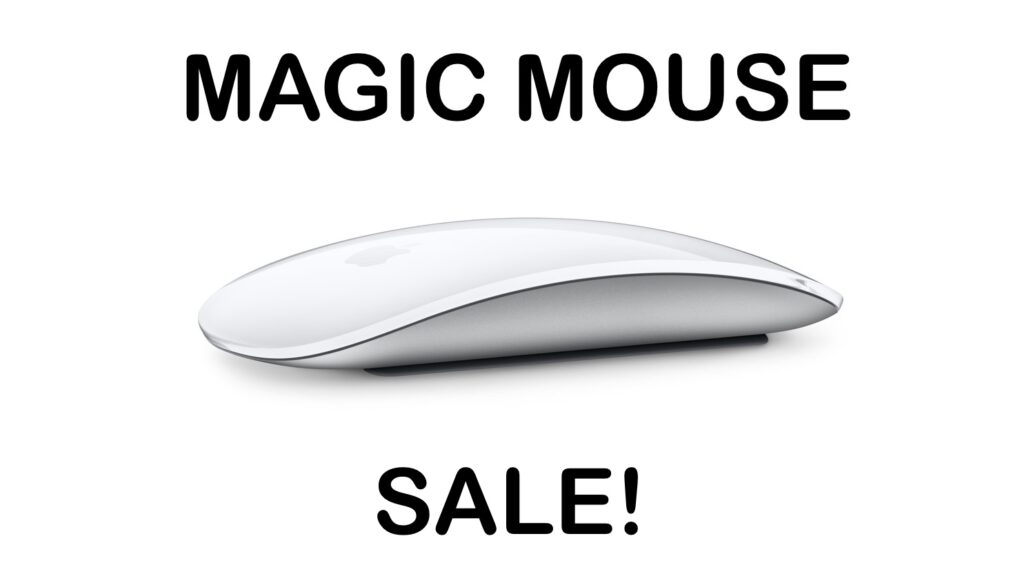
There is a rare chance to save on an official Apple mouse for your Mac or iPad. Image: Apple/CUlt of Mac
The Apple Magic Mouse doesn’t go on sale very often, so don’t miss a rare deal from a pair of retailers that saves you 14% on the svelte input device for your Mac or iPad. This new Apple Magic Mouse Deal drops the price to just $67.99.
The sale is on the recently released USB-C version, not the older Lightning model, so it could be a good opportunity to upgrade.
The Plugable UD-7400PD means your Mac can have five additional screens. Photo: Plugable
If your job or your dream setup requires connecting five external monitors to your Mac, you need Plugable’s UD-7400PD. It supports up to four 4K displays and one 8K display… even on MacBooks that are supposed to be limited to one external screen. No rival dock can match that.
As a bonus, the dock adds USB-A ports, an Ethernet port and more.
★★★★★
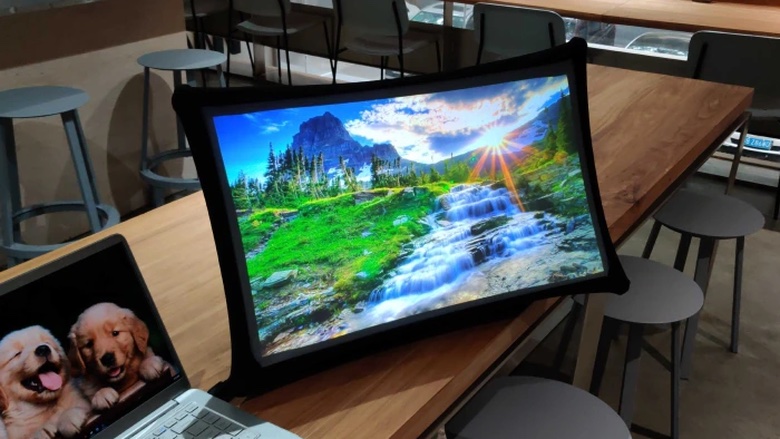
The Arovia Splay puts a beautiful 25-inch screen anywhere you need one. Photo: Arovia
The Arovia Splay Portable Foldable Monitor and Projector is a truly remarkable piece of kit. Not only does it promise a 25-inch, 1080p screen that can fold down to the size of a book, it actually delivers… with a surprisingly bright, clear image that doesn’t need a darkened room.
As the name indicates, it can also be used as a small portable projector.
I watched hours of TV shows on the Splay, and used it for work, too. I’m truly impressed with the performance. I’m less pleased about the price, though.
Replace that bulky HDMI cable with this wireless video transmitter and receiver. Photo: Nyrius
With the Nyrius Orion Prime Wireless USB-C to HDMI Video Transmitter & Receiver, you don’t need a cable to connect your MacBook, iPad or iPhone to your TV. It can send video up to 150 feet, offers HD resolution, and doesn’t require a Wi-Fi network.
★★★★☆
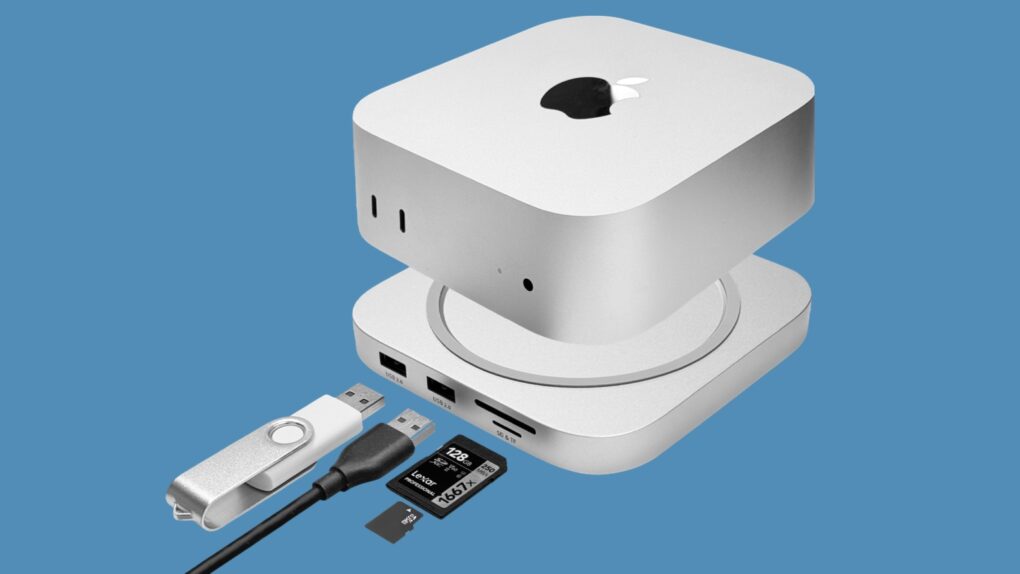
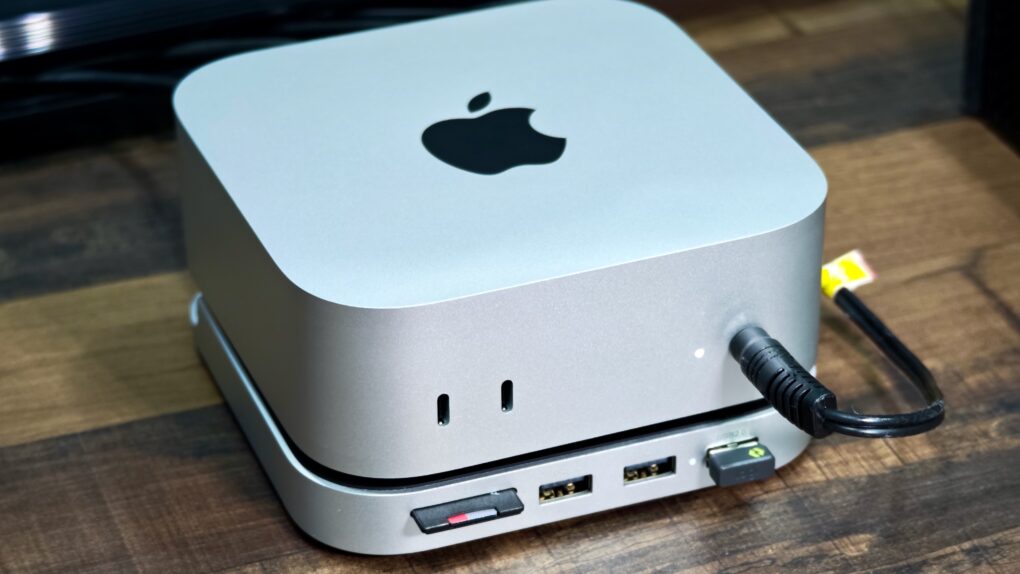
The Satechi Stand & Hub for the M4 Mac mini is a sleek and practical accessory. Photo: Rajesh Pandey/Cult Of Mac
The M4 Mac mini stands out as one of the best value-for-money Macs in Apple’s lineup. But it’s not perfect, with the lack of an SD card slot and USB-A ports being two major annoyances. Satechi’s Mac Mini M4 Stand & Hub with SSD Enclosure aims to address these flaws while offering a way to expand storage on the cheap.
That’s a bold pitch. So, does the accessory deliver? Here’s what I found.
★★★★★
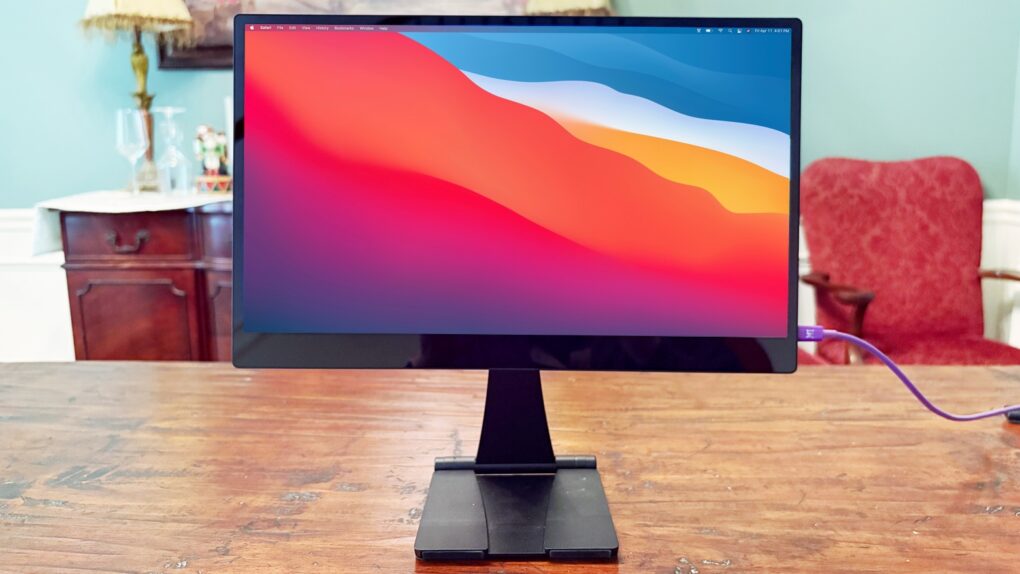
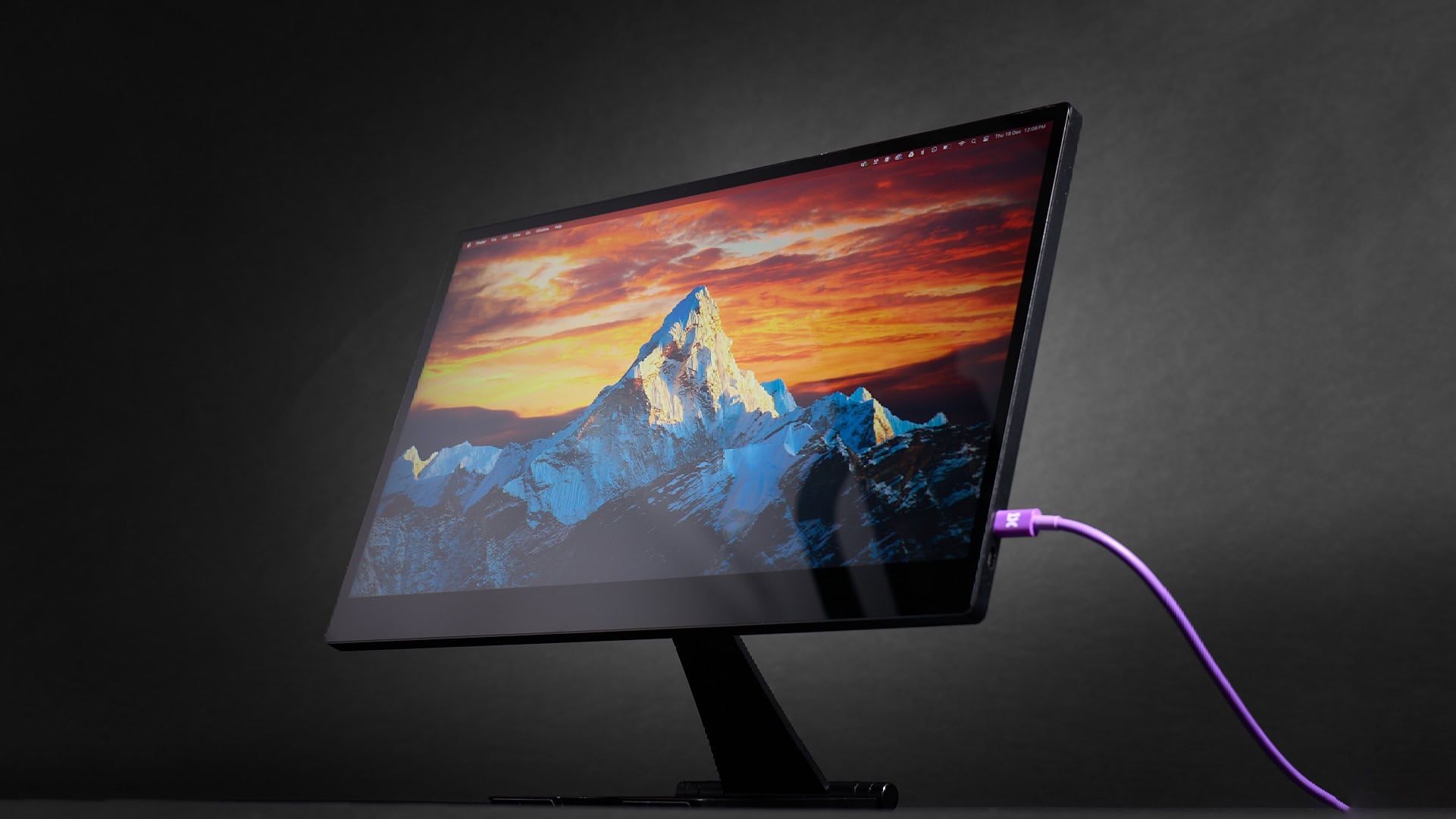
The Espresso 15 Pro looks stunning. Photo: Ed Hardy/Cult of Mac
The Espresso 15 Pro offers everything Apple users want in a high-end portable monitor. 4K? Yes. Gorgeous. Oh, yeah. Touchscreen? Got it. USB-C? Check.
It has an all-aluminum body that makes it look great from any angle. And as a bonus, it comes with an innovative stand that lets you position the screen where you want it, even above your notebook.
I used the Espresso 15 Pro display in my home office and when working remotely, and am simply blown away. Here’s why.
Improve your Mac experience with these accessories. Photo: Rajesh Pandey/CultOfMac
Apple makes the best desktop PCs and laptops. But I cannot say the same for its accessories. While I have been using Macs for more than a decade, I rely on these five Mac accessories made by third parties to enhance my experience.
The list ranges from a wireless keyboard to an ergonomic mouse to headphones that will amaze you with their noise cancellation. Read about my five favorite Mac accessories below.
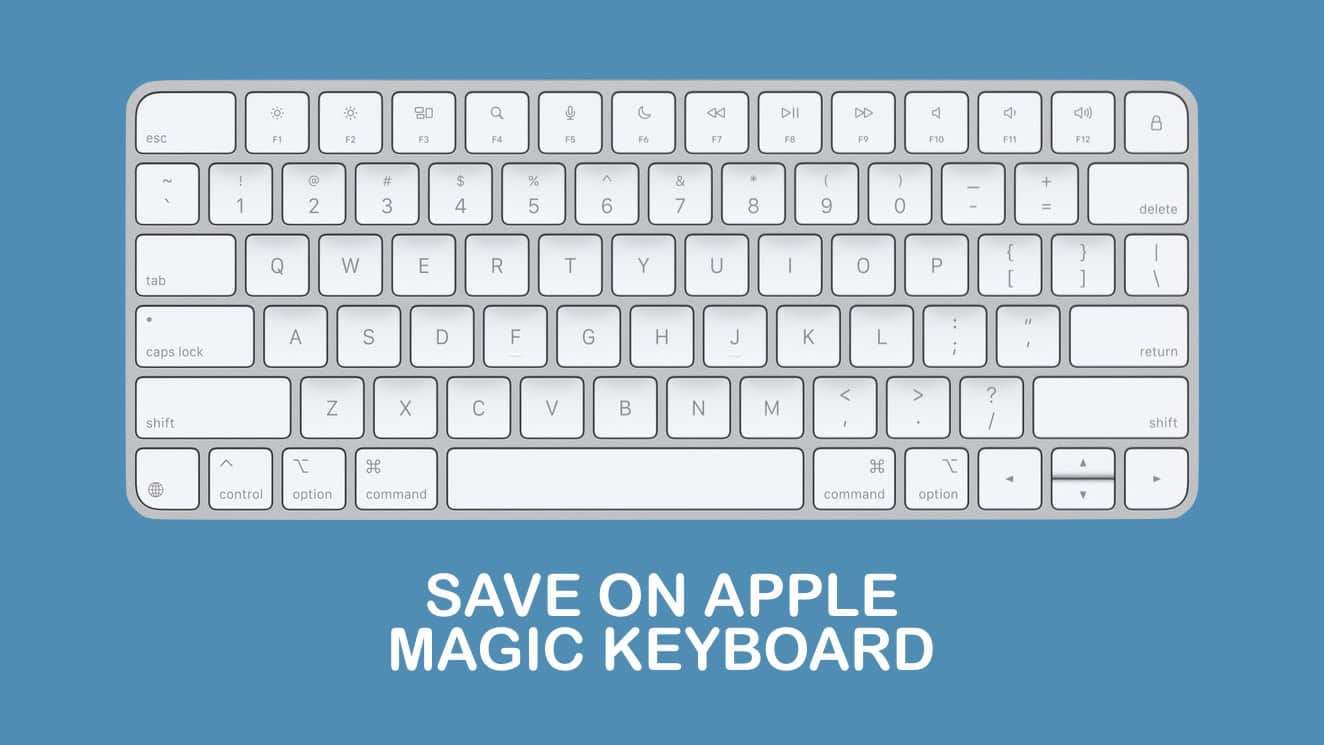
Don’t pay full price for an Apple Magic Keyboard. Image: Cult of Mac
This Apple Magic Keyboard deal means you there’s no reason to use an old-fashioned wired keyboard with your Mac. Not when you can get an Apple Magic Keyboard on sale for 20% off, and say goodbye to cables.
Or maybe you’re using a third-party keyboard you don’t like. Perhaps your Apple keyboard is close to wearing out. Whatever the reason, get a new one at a welcome discount.
Max out your Mac mini with this hub. Photo: Satechi
The wait for the Satechi Mac mini M4 Stand & Hub with SSD Enclosure isn’t as long as expected. The accessory — which adds front-facing ports and more storage — can be ordered now, though quantities are limited.
It seems a nice addition for Apple’s tiny new desktop. It even makes pressing the computer’s hidden power button easier.
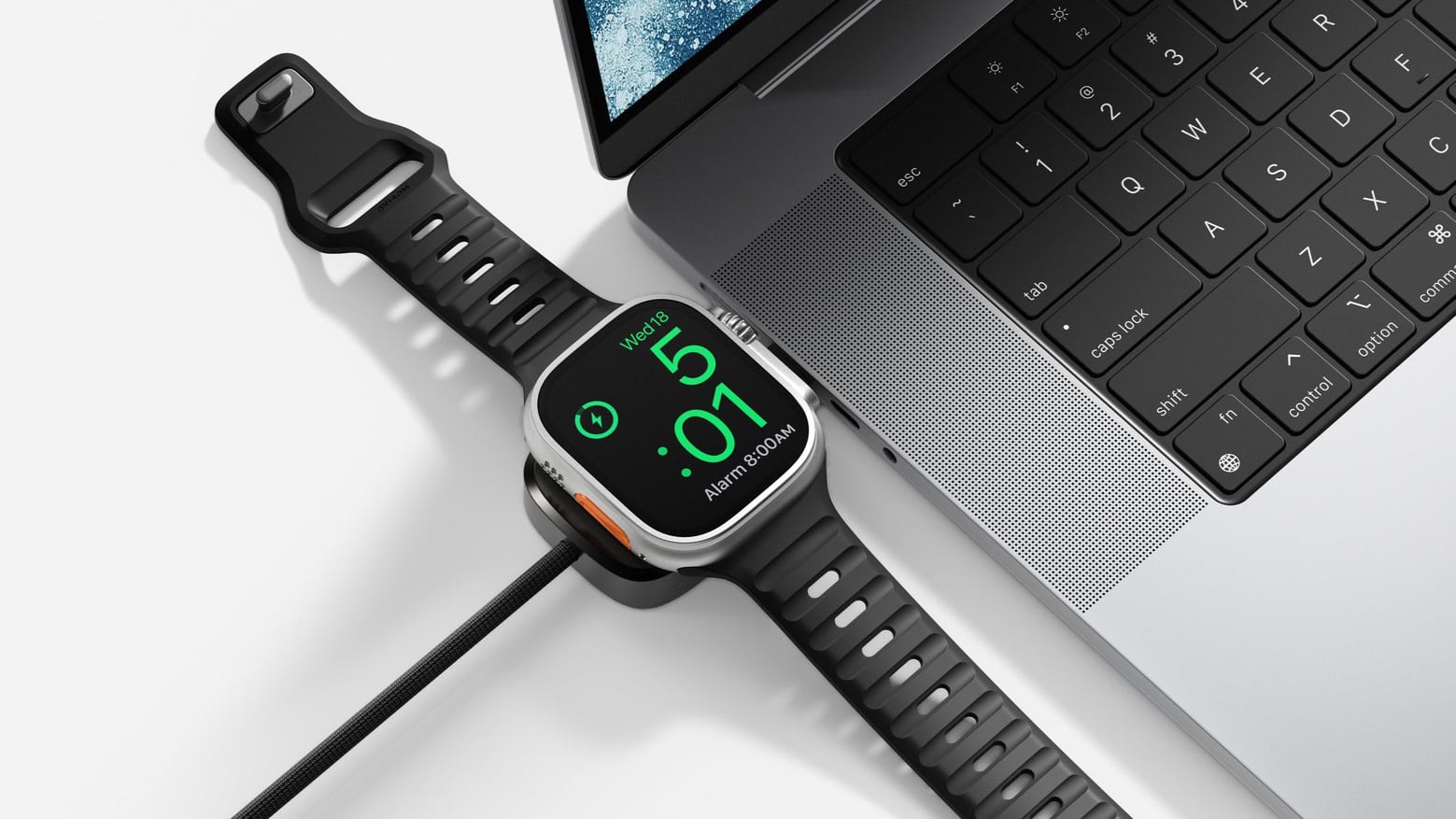
Nomad Universal Cable for Apple Watch charges your wearable and your Mac at once. Photo: Nomad
When you need to juice up your iPhone and Apple Watch, a single cable isn’t going to do you much good… unless it’s the latest innovation from Nomad. The new Universal Cable for Apple Watch charges the wearable while also sending current to another USB-C device, like a MacBook or iPad.
The PNY PRO Elite V3 might be the affordable external storage you’re looking for. Photo: PNY
A new mobile SSD called the PNY Pro Elite V3 holds terabytes of data and can transfer that data at up to 1,000MB/s. But perhaps its standout feature is price: the 2TB variant comes in at just $145.
PNY also just introduced two other speedy USB-C drives that top out at 256GB — but cost less than $25.
★★★★☆
It fits in nicely in any Mac setup. Photo: D. Griffin Jones/Cult of Mac
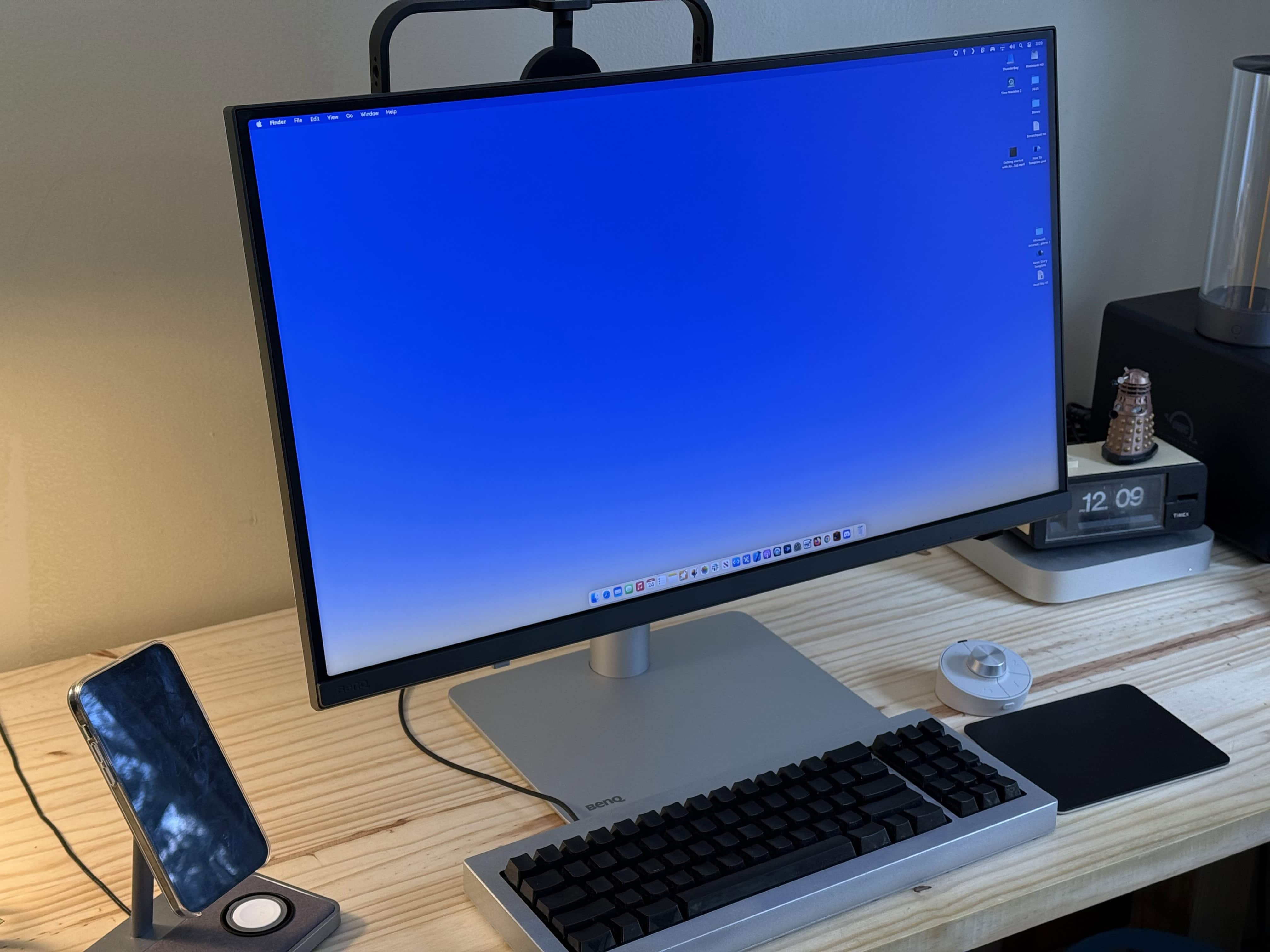
As you’ll read in our hands-on review of the BenQ DesignVue PD2730S, this Apple Studio Display alternative offers similar specs at a lower price. The new BenQ display delivers the same 27-inch screen, 5K Retina resolution, frame rate, color gamut and Thunderbolt connectivity as Apple’s pricey monitor.
This formula might ring a bell — BenQ’s new high-end display is the second Studio Display alternative to hit the market. The BenQ display proves nicer than the Asus ProArt 5K I reviewed two months ago, but it also costs more ($1,199 compared to $799).
One thing is for sure: Both are still a steal compared to the Studio Display, which starts at $1,599. Read on to see how these monitors stack up.
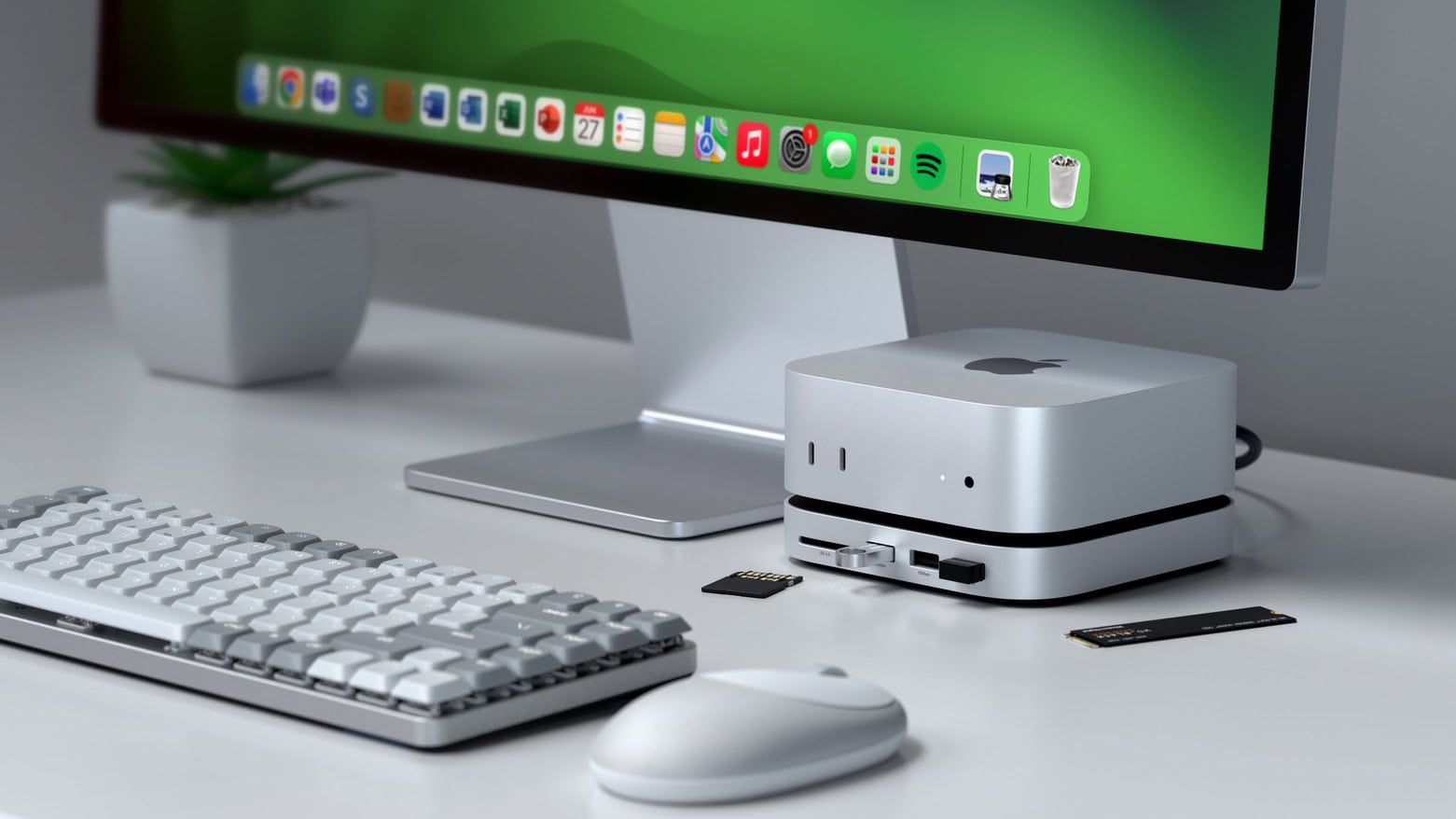
Max out your Mac mini with this hub. Photo: Satechi
The Satechi Mac mini M4 Stand & Hub with SSD Enclosure expands the capabilities of Apple’s tiny new desktop with additional front-facing ports and more storage. It even makes pressing the computer’s hidden power button easier.
Satechi gave a sneak peek of the product in November, but on Monday revealed the full specifications, including a price and release date.
★★★★☆
This display can be the new centerpiece of your Mac setup. Image: D. Griffin Jones/Cult of Mac
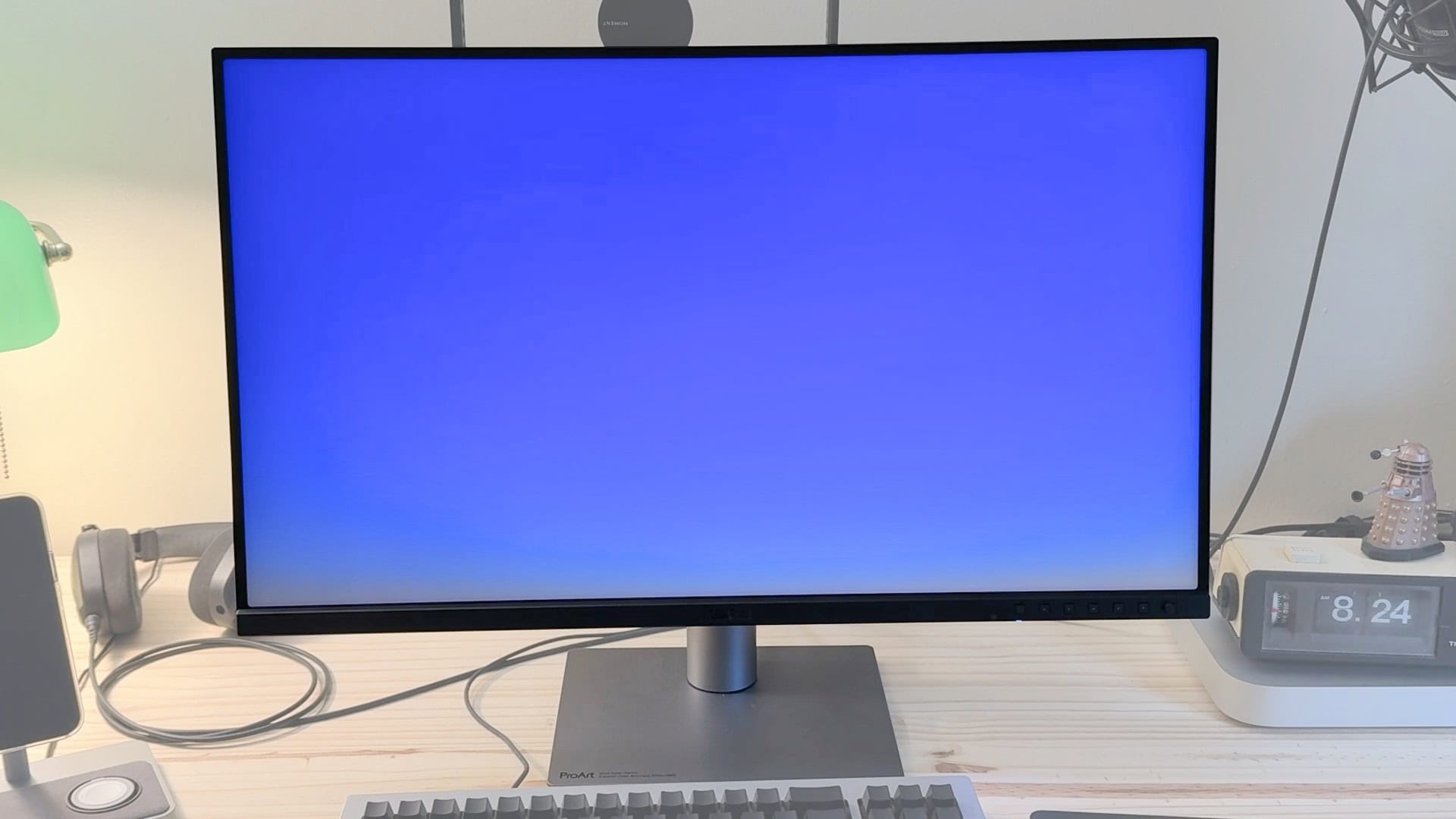
Asus’ new ProArt 5K desktop monitor costs just half of what you’ll pay for Apple’s Studio Display but offers many of the same features. The Asus ProArt 5K PA27JCV boasts the same 27-inch screen, Retina resolution, standard framerate and P3 wide color gamut as Apple’s midrange monitor. It also comes with a built-in USB hub and KVM, which proves great if you still use a few USB-A accessories or flash drives.
Admittedly, Asus’ 5K desktop monitor misses some of the Studio Display’s premium features. The stand wobbles and the body is made of creaky plastic. Plus, the panel isn’t quite as bright as Apple’s display, and it doesn’t come with a webcam.
Still, with very similar specs — and a budget-friendly $799 list price, compared to the Studio Display’s $1,599 (or $1,999 if you dare to desire an adjustable stand) — Asus is making an offer that’s hard to refuse. Keep reading or watch our video review.
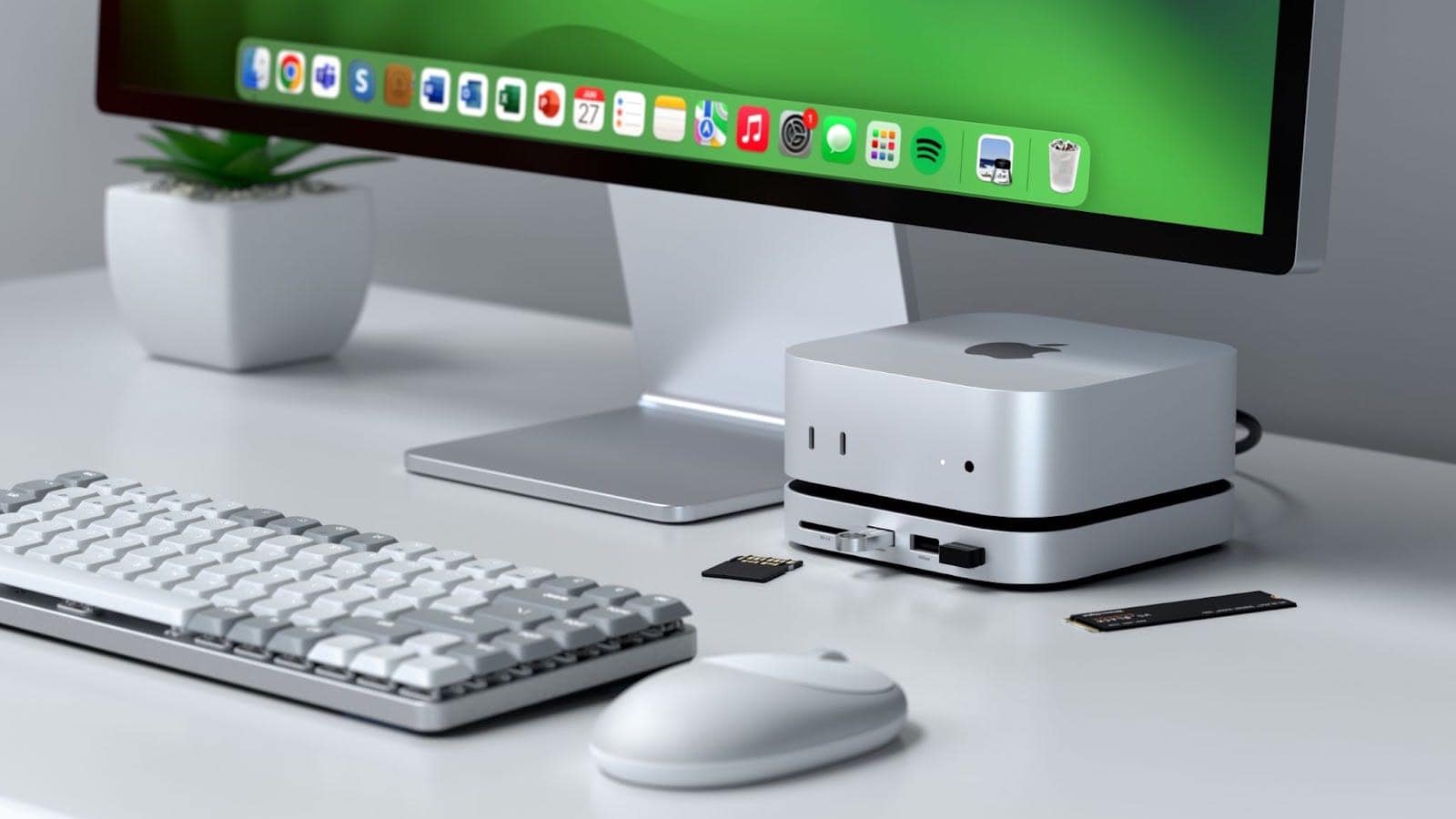
This stand, hub and SSD enclosure might be just the accessory your Mac mini M4 needs. Photo: Satechi
The just-announced Satechi Mac mini M4 Stand & Hub with SSD Enclosure adds an array of front-facing ports to Apple’s slimmed-down desktop. There’s also room inside for an NVMe SSD.
The multi-purpose accessory is designed to match the size and appearance of the Mac.