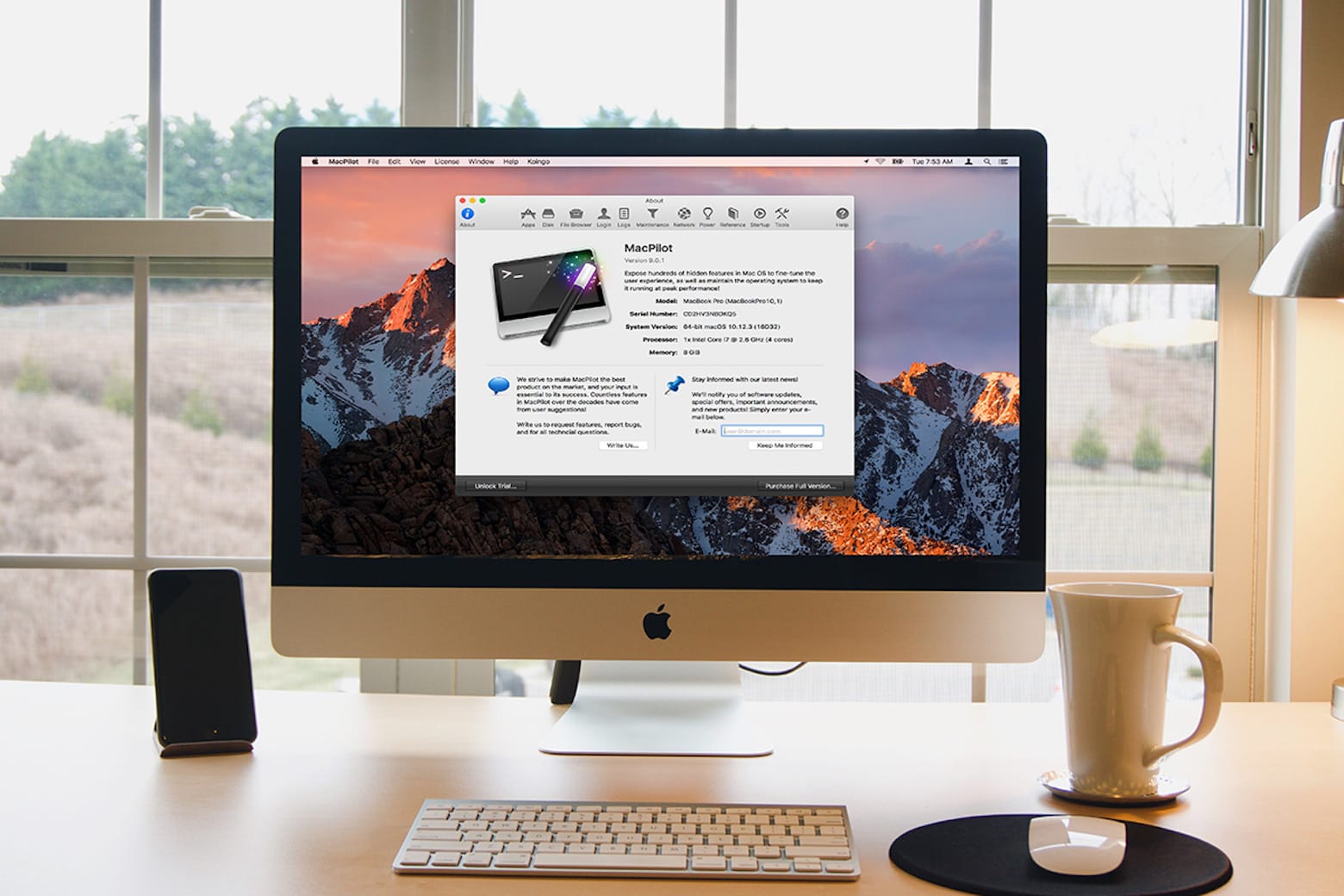
Optimize and supercharge your Mac with MacPilot. Photo: Cult of Mac Deals
Want to customize your Mac? MacPilot shows you how to tap into macOS’s Unix underpinnings to deliver under-the-hood tweaks and customizations that will make your Mac life simpler.
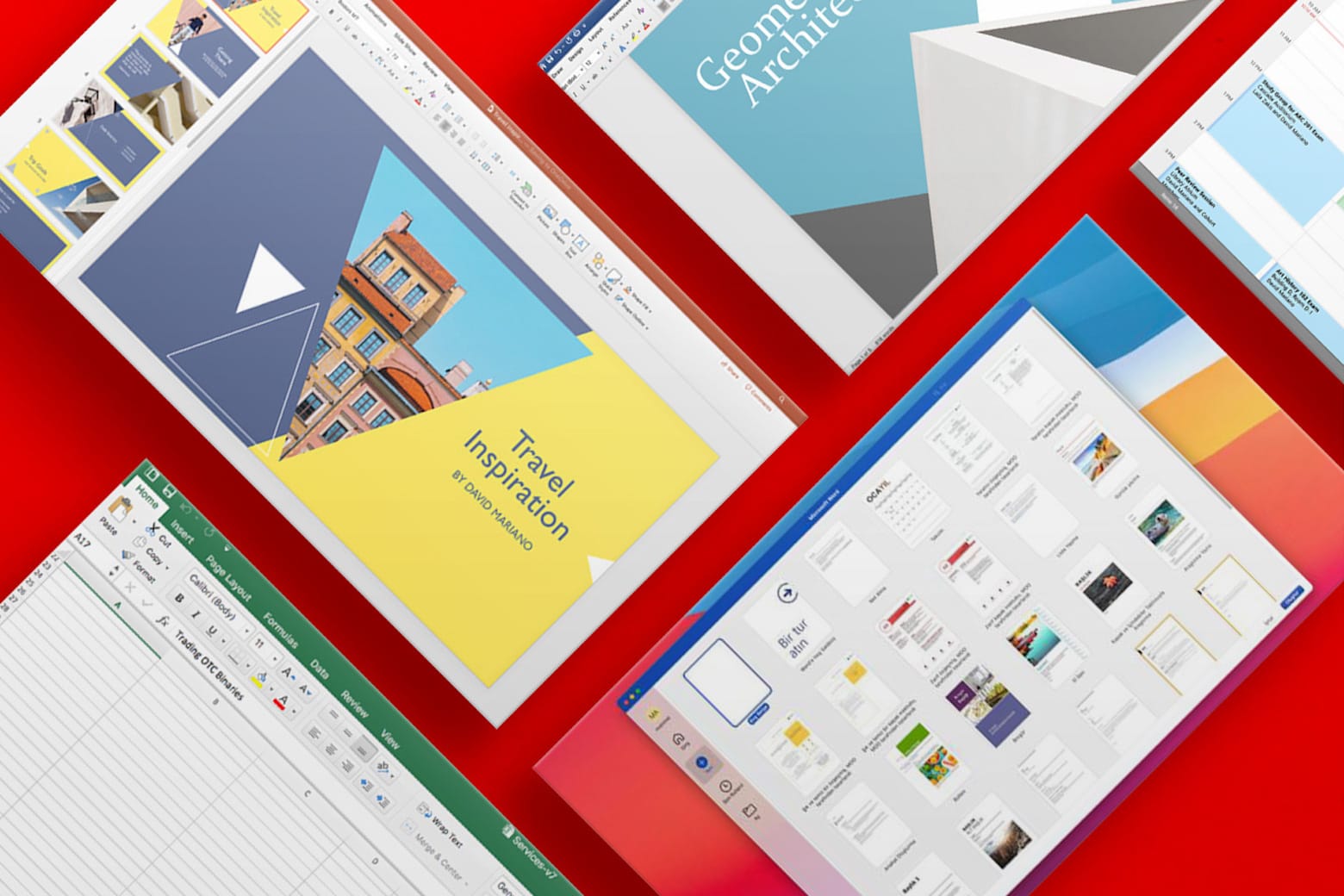
Enjoy lifetime access to Word, Excel, PowerPoint and more. Photo: Cult of Mac Deals
Stuck using an older version of Microsoft Office? This offer gets you a lifetime license to Microsoft Office Home and Business 2021 for Mac for just $59.97. With a low one-time payment, you can bid farewell to Microsoft 365’s pesky recurring subscription fees. You’ll never need to pay again for Microsoft’s widely used software for work and school.
And if you need Microsoft Office Professional 2021 for Windows, you can secure a lifetime license for even less: just $39.97.
The new ChatGPT Atlas app for Mac puts AI right in your web browser. Image: OpenAI
OpenAI released its ChatGPT Atlas browser for Mac on Tuesday, making it easy to use the AI chatbot wherever you go online. When using the free browser to visit a website, you can tap into ChatGPT’s knowledge to provide more information about whatever’s on the page.
For example, after searching for a top Airbnb listing in a certain locale, you could ask ChatGPT for best hikes in the area or tell the chatbot to assemble an itinerary for a three-day trip — right within the browser. An agent mode, available to paid ChatGPT users, can go even further.
However, while OpenAI says it built in safeguards to mitigate the dangers of allowing an AI to act for you on logged-in websites, the company admits that using agent mode carries risks. And there’s still the common AI problem of hallucinations.
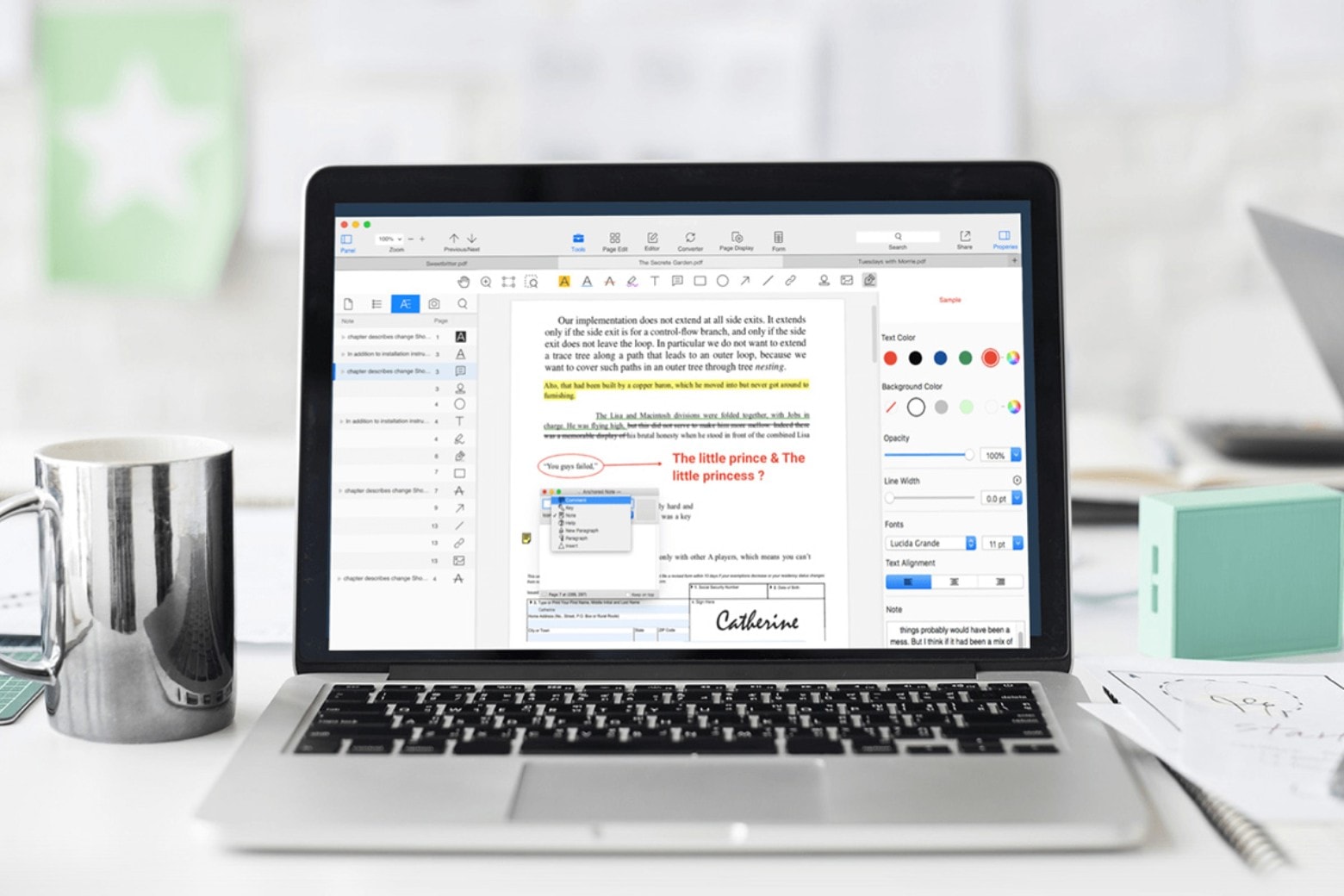
Try out this Mac-compatible PDF editor and converter instead of the pricey Adobe Acrobat Pro. Photo: Cult of Mac Deals
Ever been annoyed when someone sends you a PDF instead of a file you can edit? An all-in-one PDF editor like PDF Converter Pro can help, and it doesn’t need to cost a fortune.
Lifetime licenses for the Mac PDF app are on sale for $24.99 with code PDF15 (regularly $99.99) for a limited time.
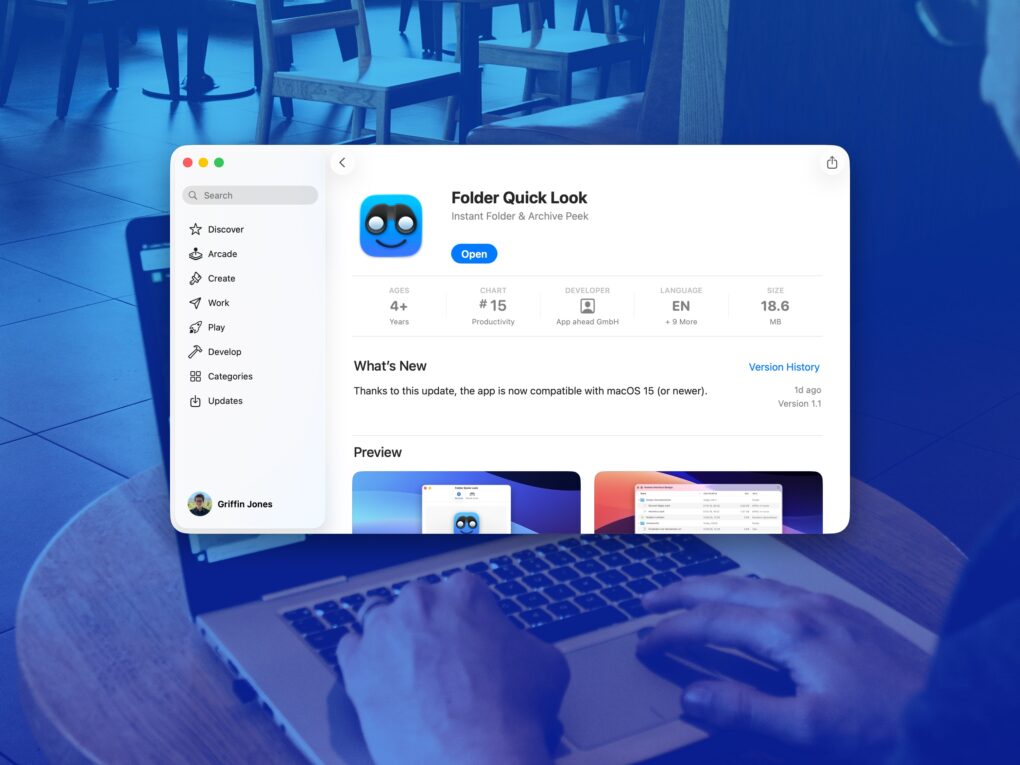
A simple app that solves a big problem. Image: D. Griffin Jones/Cult of Mac
Folder Quick Look is a totally free Mac app that scratches an irritating itch the Mac has had for a long time. It lets you preview the contents of a folder when using Quick Look.
It’s a great utility that does one thing, does it perfectly, and doesn’t cost you a dime — it’s free and collects no data! There’s no reason not to try out Folder Quick Look. Find out why it’s an instant must-have Mac utility in our Awesome Apps review below (or watch our video demo of the app).
I can't use my Mac without these utilities. Photo: Cult of Mac
The best Mac utilities can make a great computer even better. From smarter window management to easier automation and cleaner navigation, a few well-chosen tools can dramatically improve your workflow.
I’m a longtime Mac user, and I can’t do my job without these six essential Mac utilities. In this guide, I’ll show you how they can make everyday tasks faster and simpler.
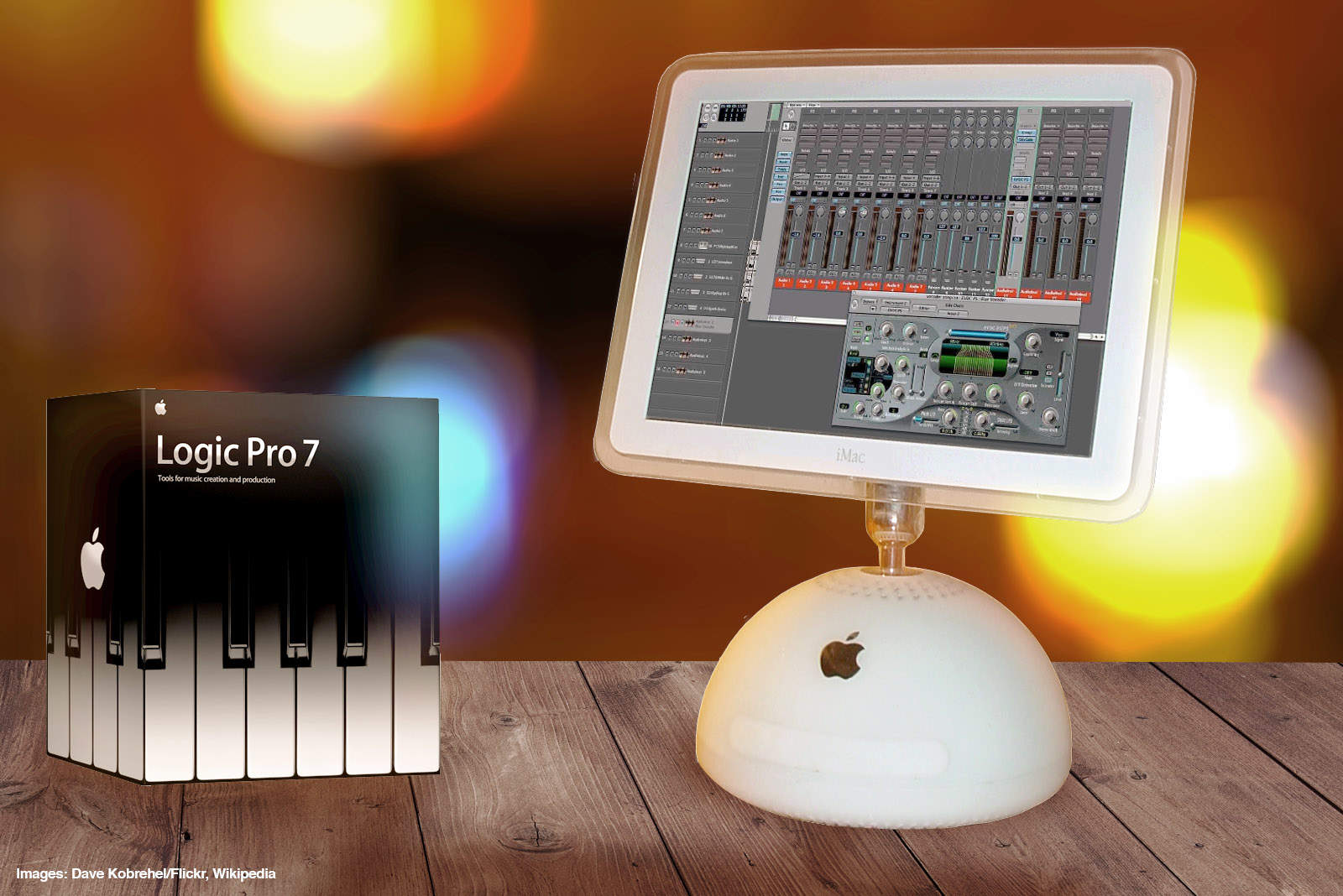
Logic Pro 7 was a great music creation tool for Apple fans. Photo: Ste Smith/Cult of Mac
September 29, 2004: Apple launches Logic Pro 7, its professional music creation and audio production software. The update brings new tools and a streamlined interface in line with other Apple software.
“From beginners to pros, Apple is broadening the market with a complete line of music creation and production tools,” says Rob Schoeben, Apple’s VP of applications marketing, in a press release. “With Logic Pro 7, we’re taking professional music creation to the next level with the industry’s most advanced feature set for pro audio.”
Supercharge your productivity with this $39.99 task-management app for Mac, iOS and other platforms. Photo: Cult of Mac Deals
If you want to stay productive in these chaotic times, you need more than a super-clean setup — you require a task-management app for your Mac (or PC). And Pagico 10 is one of the best task manager apps around.
This multifaceted organizer offers lots of functionality, all in the service of helping you keep your eyes on the prize. Now, new users can get the latest version of this productivity software for Mac and PC for only $39.99 (regularly $137).
Get a great launch discount on software that helps you improve all sorts of video. Photo: Digiarty
Tired of blurry, grainy or low-resolution videos? Whether you’re dealing with low-light night footage, fast-action clips, old camera recordings, drone shots or AI-generated content, Aiarty Video Enhancer brings them to life. It delivers sharp, true 4K videos with natural details right on your Mac or Windows PC.
And better yet, the launch deal going on now will save you a bundle on the software.
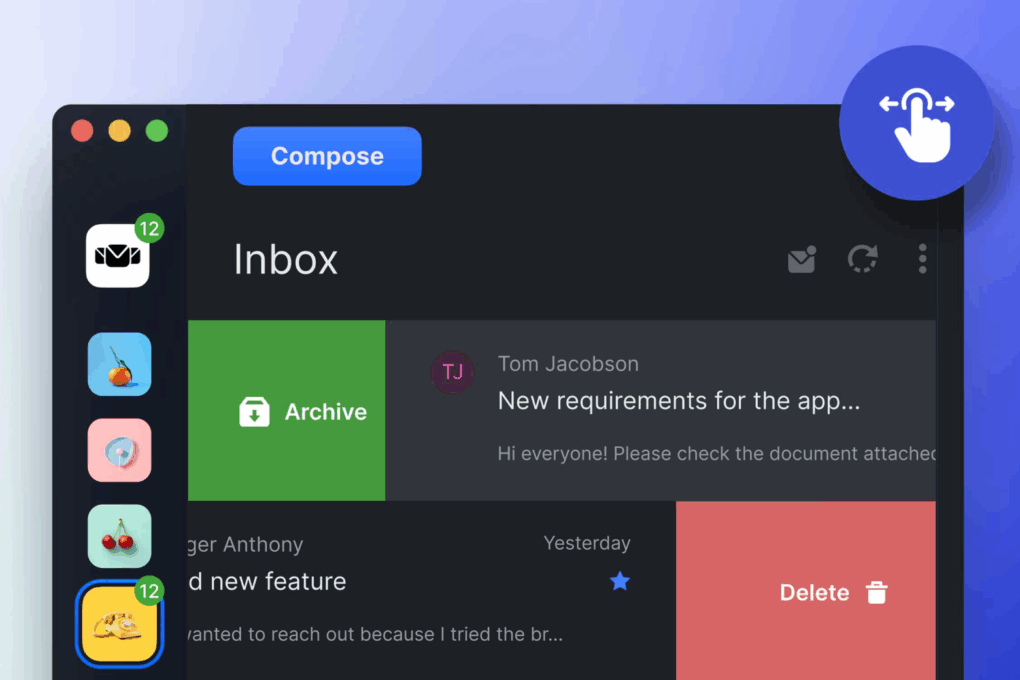
Start organizing your inboxes with Mailbird, now 82% off the retail price. Photo: Cult of Mac Deals
If your inbox feels like a game of Whac-A-Mole, it might be time to level up with a smarter email solution like Mailbird. This sleek, intuitive unified email client lets you manage all your accounts (yes, even that old Yahoo one) from one beautifully designed app.
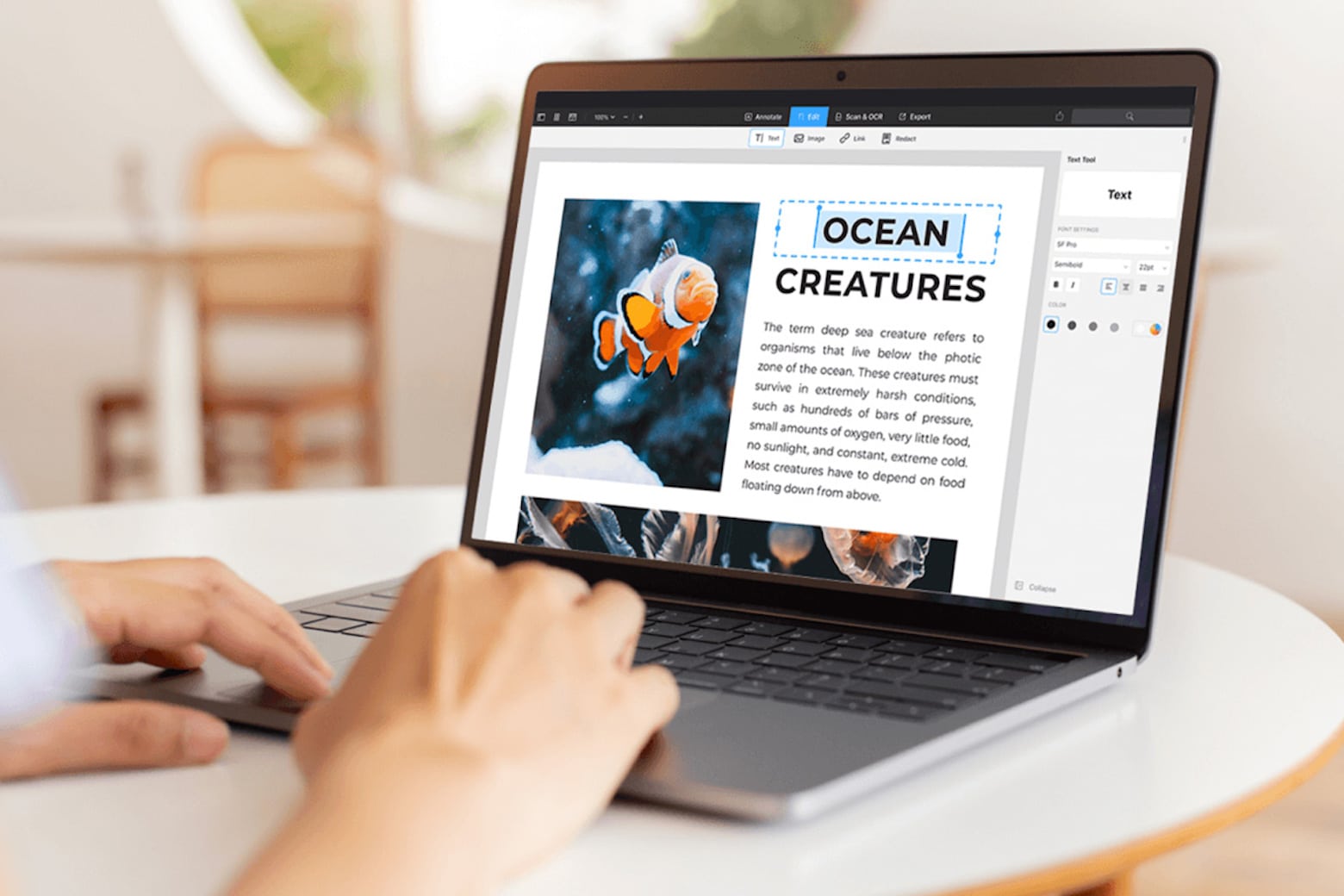
Get PDF Expert, an Apple Editor's Choice winner, for less than $80. Photo: Cult of Mac Deals
PDFs are arguably one of the most-used document formats by professionals, students and casual users alike. However, while they might be the best way to transmit documents, they’re not entirely easy to work with unless you own a capable PDF editor for Mac like PDF Expert.
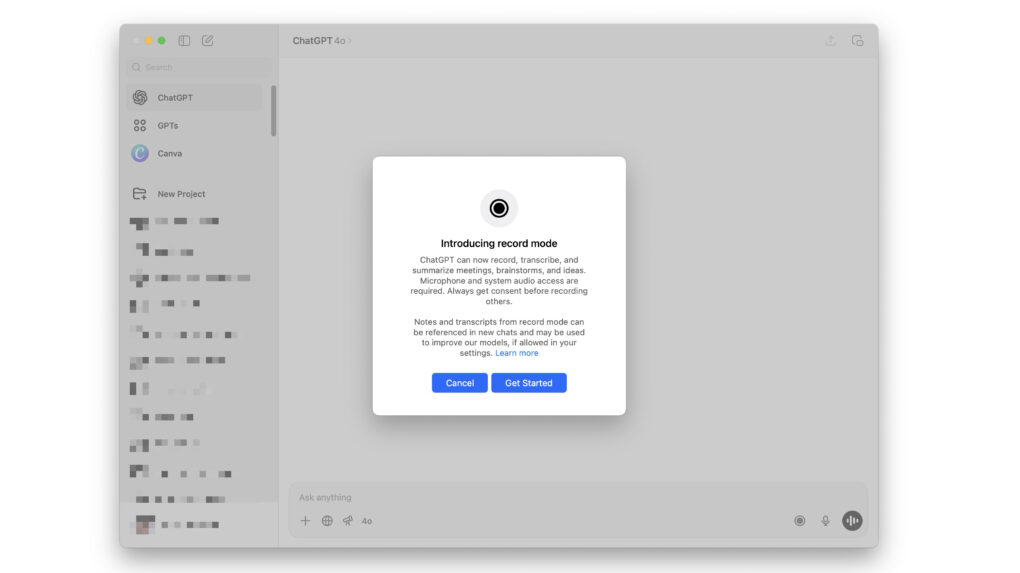
Get a lifetime of unlimited transcriptions and summaries for one low price. Photo: Cult of Mac Deals
If you ever endured a long lecture or an hours-long all-hands meeting, you know this to be true: There’s no way you can jot down every single word your professor or colleague utters. Rather than scramble and stress about missing certain parts of a presentation, you could add an AI note taker like My Notes AI to your productivity tool kit.
This AI-powered note transcription and summarization app works with your iPhone, iPad and Mac to help you catch every single word. Think of it as your very own personal assistant! You can snag a lifetime subscription to My Notes AI for just $29.97 (regularly $299) with code TAKE10. That’s the best price you’ll find online.
Manage your accounting books and finance easily with Intuit QuickBooks Desktop Pro Plus 2024. Photo: Cult of Mac Deals
Whether you’re growing a small business or running an established company, you can benefit from organized, efficient financial management. If you want to track your income, expenses and more with greater ease, consider investing in Intuit QuickBooks Desktop Pro Plus 2024.
This app makes finance tracking easier on both Mac and PC. And that will make tax time a million times easier when it comes around.
Level up your Mac window management like I did. Photo: D. Griffin Jones/Cult of Mac
As a power user, I find Mac window management clunky and broken when using the options built into macOS. Switching between apps, and snapping apps into desired screen locations, should not be so frustrating.
So, I took matters into my own hands — streamlining how I snap, switch and manage windows to finally make macOS work for me, not against me.
1Password's new app unlock presets promise a seamless experience. Photo: 1Password
1Password is testing a new unlock system on Mac, aiming to reduce the need for constant reauthentication. The app introduces three preset modes — Convenient, Balanced and Strict — giving users control over how frequently they unlock the app based on their security preferences.
The changes are currently only available on 1Password’s beta channel for Mac.
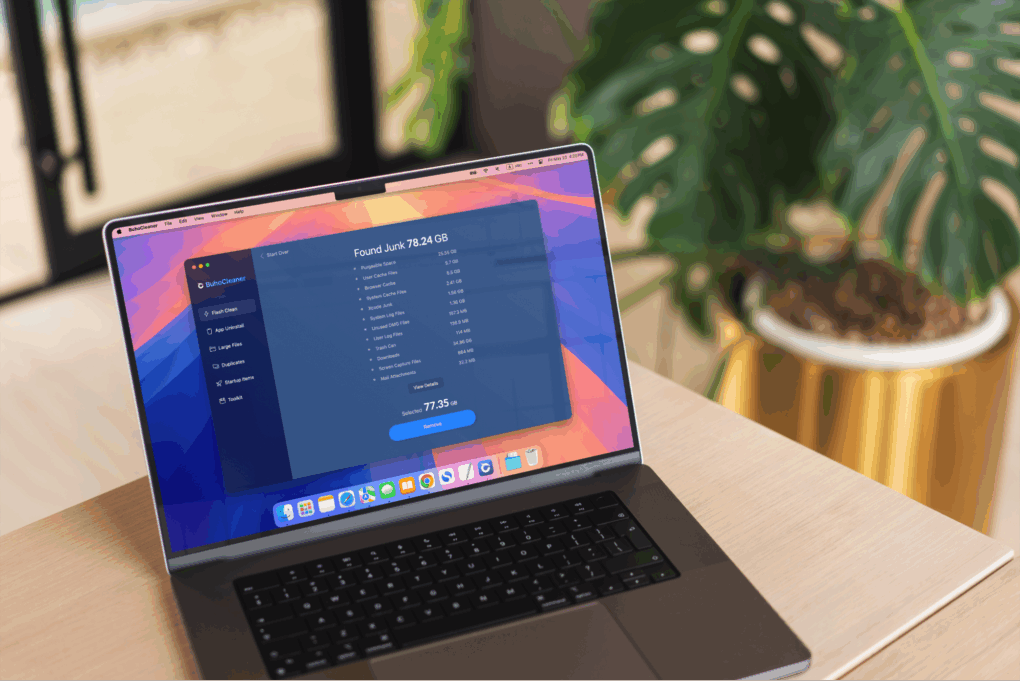
When your Mac shows signs of sluggish performance, BuhoCleaner can speed it up.
Photo: Dr.Buho
Is your Mac’s performance getting a little sluggish? If your machine takes more time to do things than it used to — and that darned spinning beach ball keeps showing up — it’s time for some digital spring cleaning. What’s an effective, intuitive and affordable tool for the job? BuhoCleaner, a Mac maintenance app from Dr.Buho.
BuhoCleaner is available in both free and paid versions. With coupon code CTM25BC05 you can get up to a 70% exclusive discount.
SPONSORED
This post is brought to you by Dr.Buho.
I tested it on my M4 Pro MacBook Pro and noticed a significant performance boost after just a few simple scans. The machine became noticeably more responsive when opening apps and files.
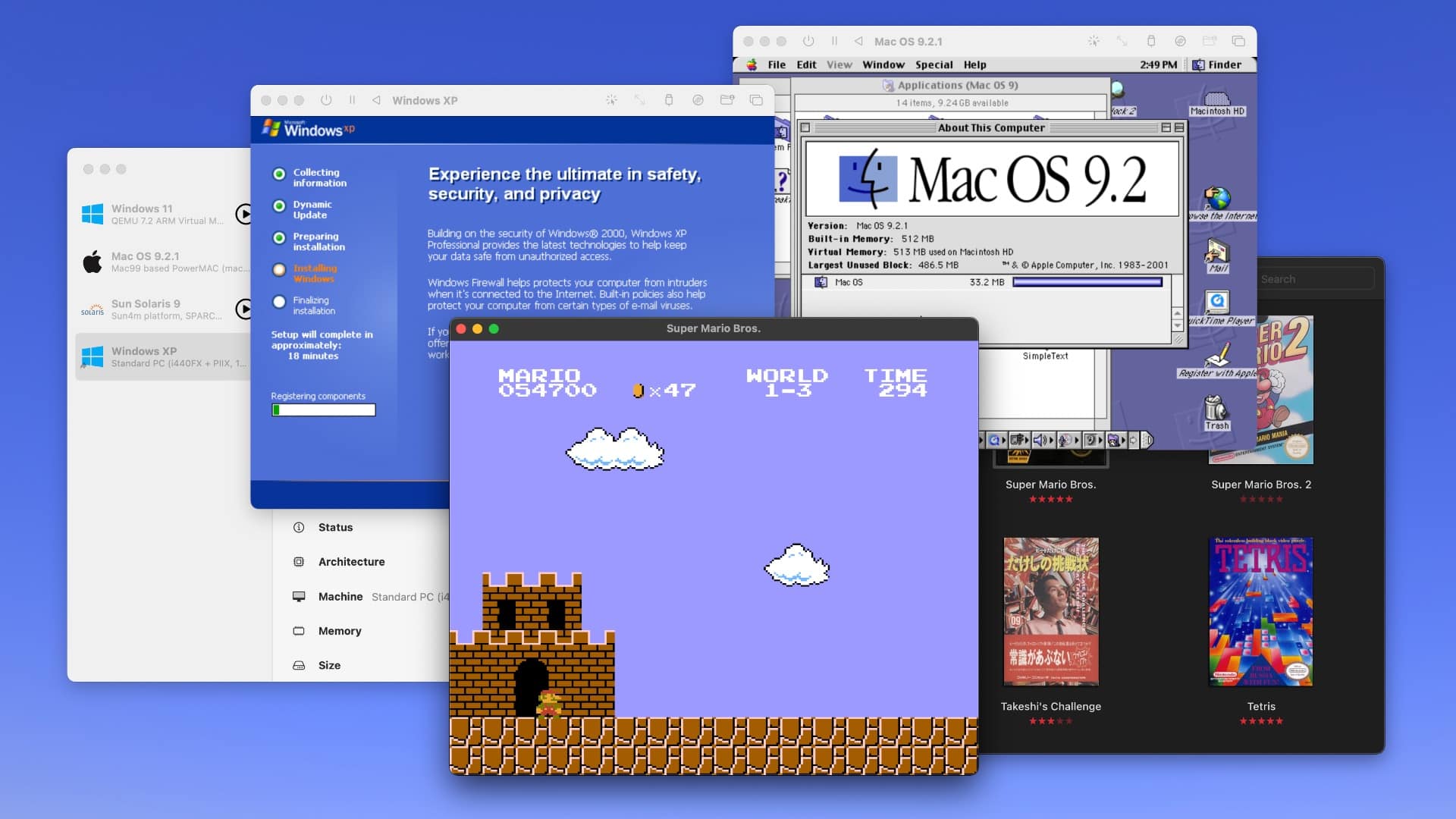
Run Windows XP, Mac OS 9, Windows 11, Super Mario Bros. and more on your Mac. Screenshot: D. Griffin Jones/Cult of Mac
Collecting old video game consoles and vintage computers is a fun hobby, but keeping all that hardware working can quickly become an expensive, never-ending task — not to mention all the space you need just to store the gear. You might instead (wisely) opt to play your favorite games and software using emulators for your Mac.
In this guide to Mac emulation, I’ll walk you through the best apps you can use to accomplish the two most common scenarios: playing old video games, and taking Classic Mac OS for a test drive on a modern Mac. Plus, I’ll wrap up with the easiest way to virtualize modern operating systems like Windows and Linux on your Mac. (This handy virtualization software also works for old and obscure computer operating systems.)
Best of all, each of these Mac emulation methods is free and open source.
Raycast transforms how you get things done on a Mac. Photo: Raycast/Rajesh Pandey/CultOfMac
Anyone who’s used a Mac for years understands the value of Spotlight search, as it can quickly help you search through your Mac, email, apps, and system settings. But if you want to take things to the next level, check out Raycast — a powerful Spotlight alternative that goes beyond simple search.
From setting reminders and tracking flights to running Terminal commands and finding files, Raycast is built for speed and efficiency. It really is a Swiss Army knife for your Mac. Here’s how I use it to supercharge my productivity on the Mac.
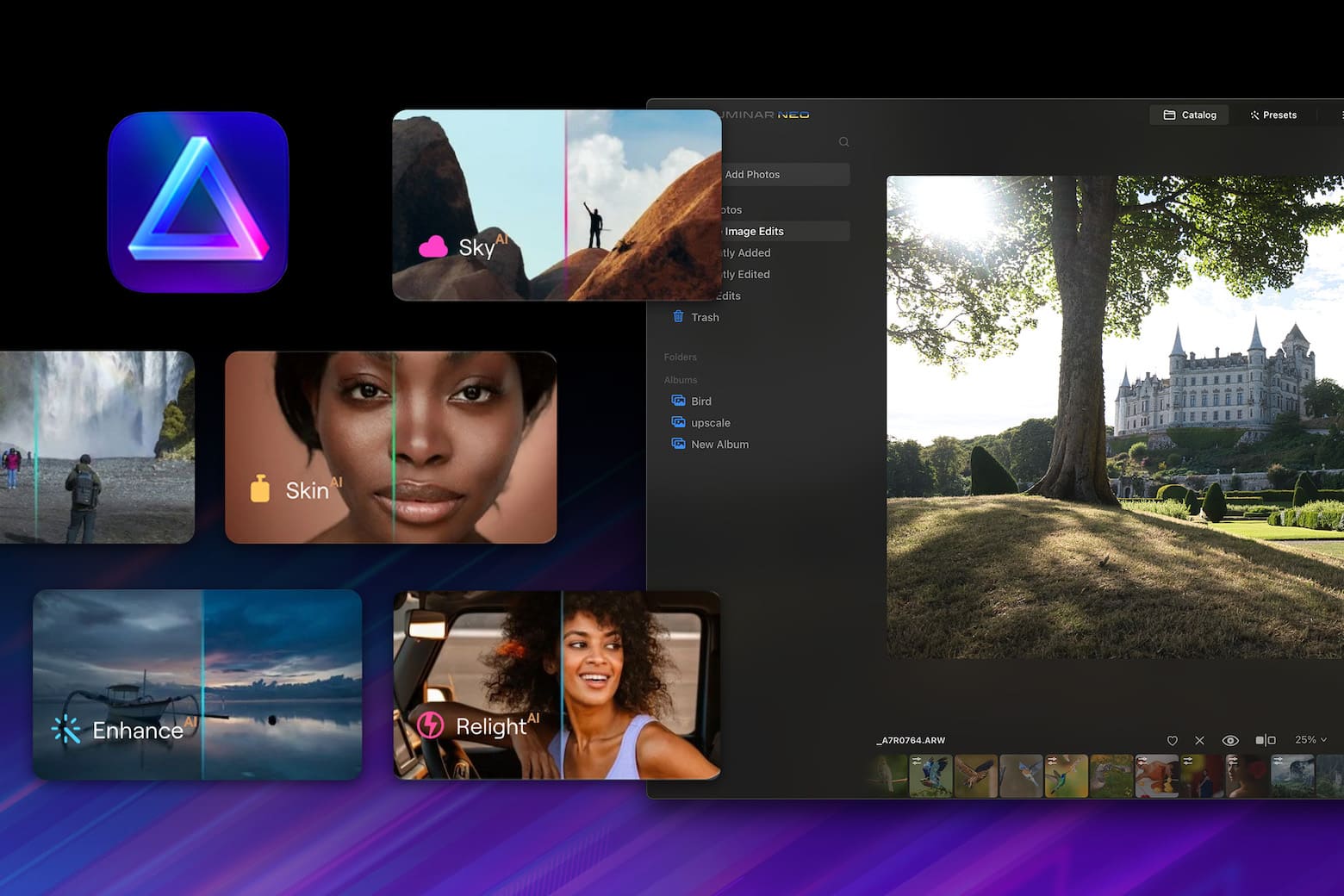
Get an AI-powered photo editor, filters and more for just $159.99. Image: StackSocial
Getting just the right shot is exciting, but any professional photographer will tell you that post-production work separates decent vacation snapshots from magazine-worthy images. That requires powerful photo editing software. And photo apps don’t come much more highly recommended than Luminar Neo, which lets you utilize AI to make your images look amazing.
Now there’s a great opportunity for new users to get this versatile software (for Mac or PC), along with hundreds of dollars worth of add-ons and training. You can get the Award-Winning Luminar Neo Lifetime Bundle for just $89.99. That’s a tremendous discount off the retail price of $682.)
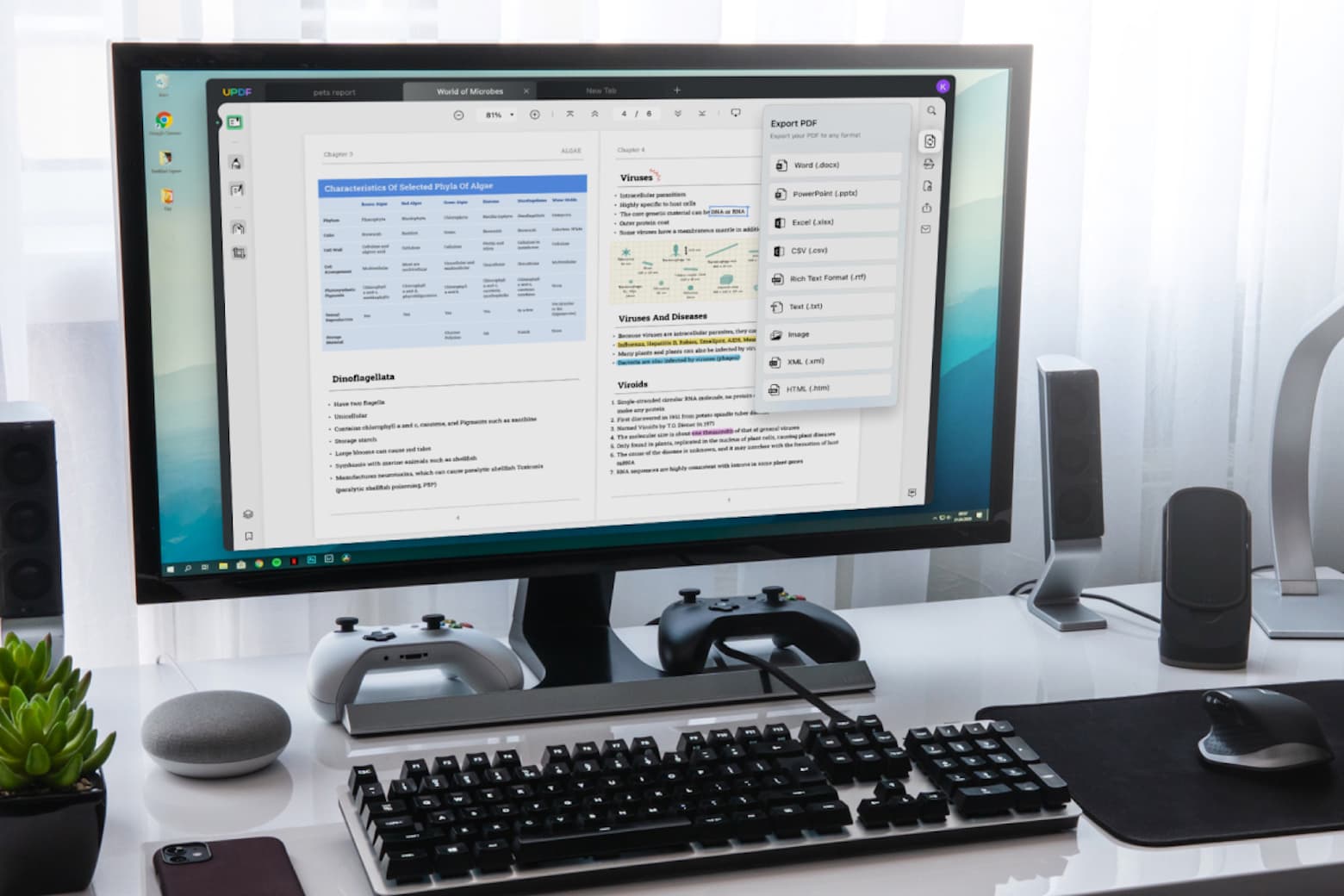
Never struggle to edit a PDF again with this top-rated software. Photo: Cult of Mac Deals
Whether you use a Mac or any other operating system, there is a universal truth we all know: Editing PDFs can be one of the most frustrating tasks on earth. The top-rated UPDF Pro app can make working with the file format easier, and lifetime subscriptions are on sale for just $47.97 (regularly $149.99).
That’s the best price on the web — and more than two-thirds off the regular price of this excellent PDF editor.
Photoshop changed the game for image editing. Photo: Adobe Systems
February 19, 1990: Adobe ships the first commercial version of its soon-to-be-iconic Photoshop photo editing software. The Photoshop launch, exclusively on the Macintosh, gives users powerful new tools for tweaking digital images.
The groundbreaking software debuts for Mac System 6.0.3. Priced at $895, Photoshop will quickly become the standard editing tool for graphics professionals. Whether they work for advertising agencies, news organizations — or, frankly, anywhere else — Photoshop users take advantage of the program’s digital darkroom tools to seamlessly manipulate images.
You should give these powerful Mac apps a try today. Graphics: Rajesh Pandey/CultofMac
As a longtime Mac power user, I’ve come to rely on a handful of essential apps that supercharge my workflow. These Mac productivity apps not only streamline my daily tasks but also simplify complex jobs, making my work faster and more efficient.
Check out my favorite Mac apps that I can’t recommend enough as a power user.
Don't miss this limited-time price cut on PDF Reader Pro for Mac or PC. Get a lifetime license for less than $25. Photo: Cult of Mac Deals
PDFs are supposed to make sharing documents easier, but they are often difficult to manage, edit or annotate. To streamline and improve your things, try PDF Reader Pro for Mac. The software tackles PDFs and empowers Mac users to do virtually whatever they’d like with them.



 September 29, 2004: Apple launches Logic Pro 7, its professional music creation and audio production software. The update brings new tools and a streamlined interface in line with other Apple software.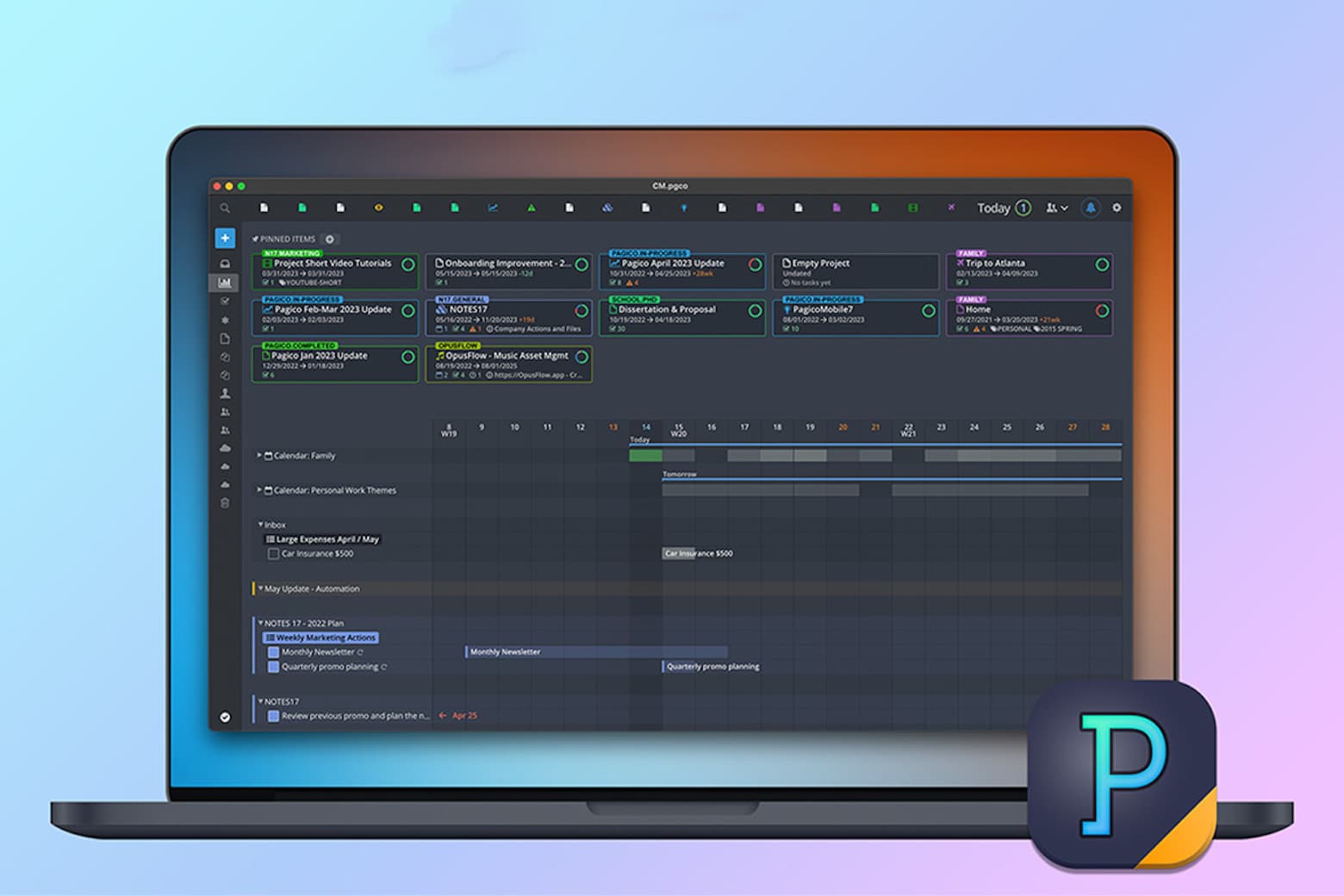






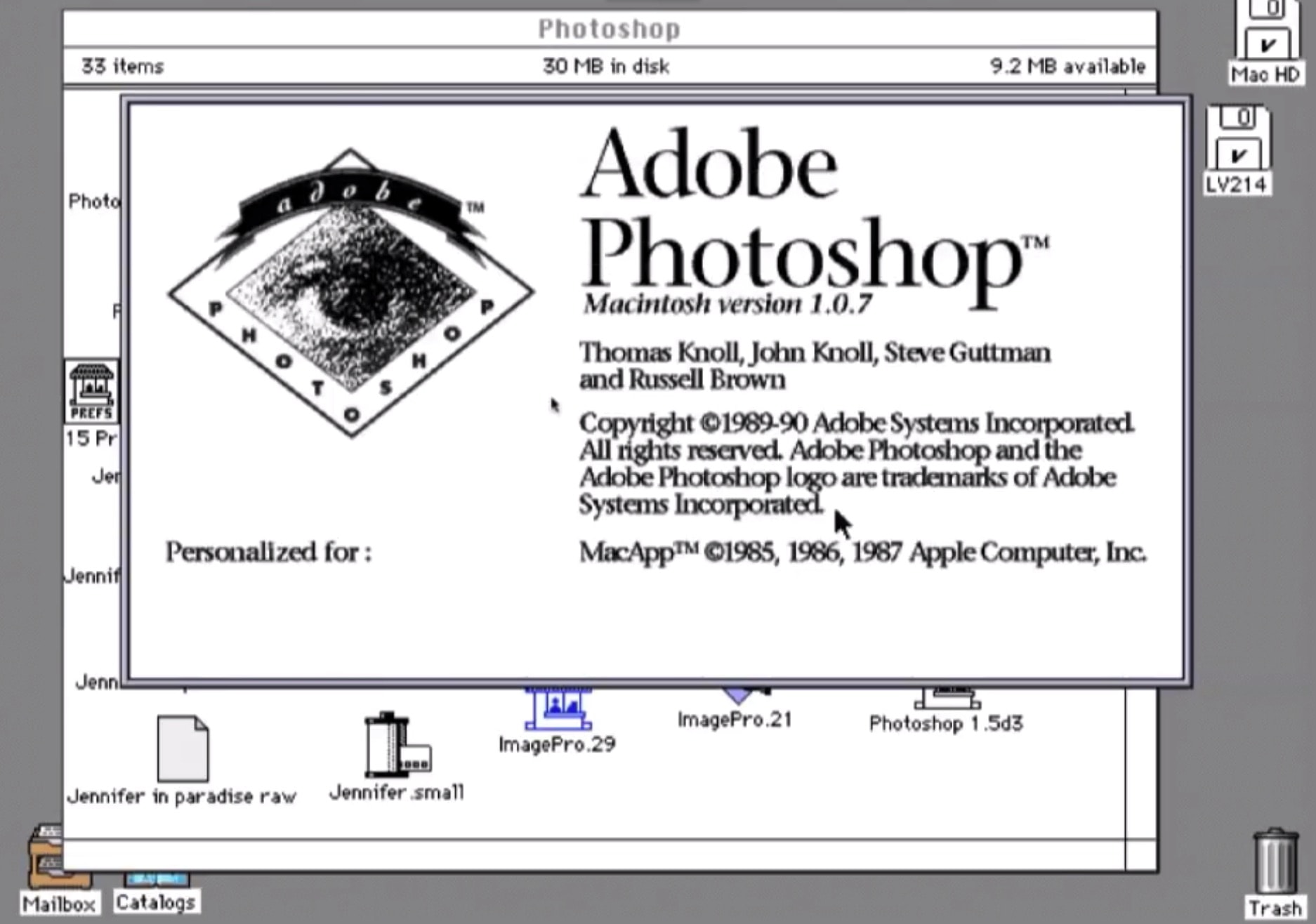
 February 19, 1990: Adobe ships the first commercial version of its soon-to-be-iconic Photoshop photo editing software. The Photoshop launch, exclusively on the Macintosh, gives users powerful new tools for tweaking digital images.