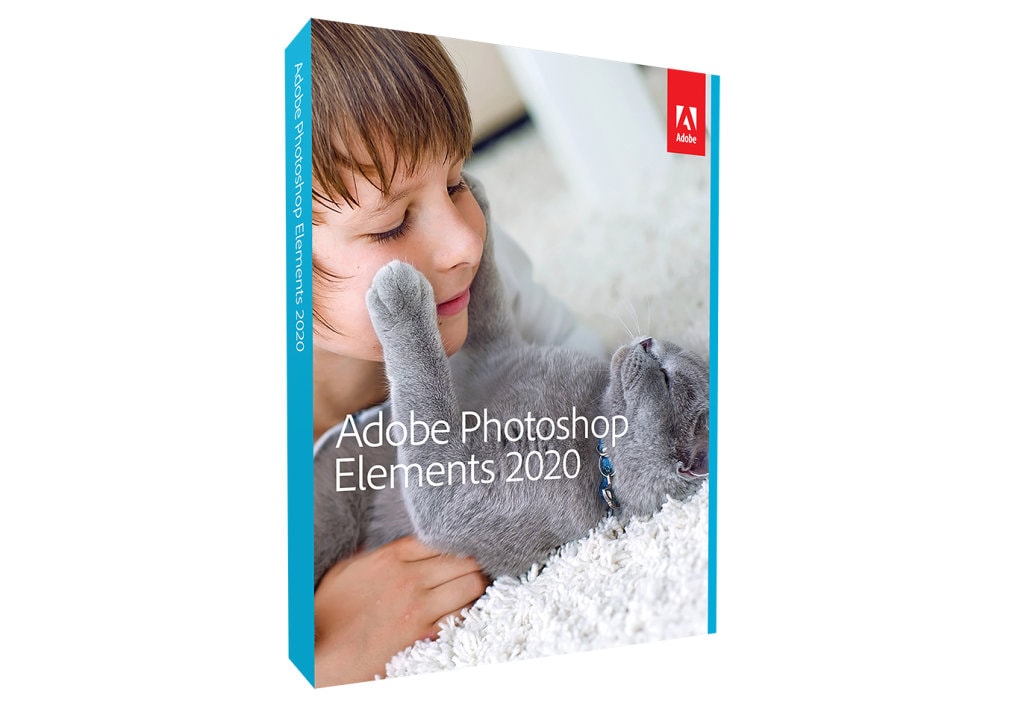
Get your hands on Adobe Photoshop Elements 2020, the most powerful image editing software for Mac and PC, at 68% off its usual price. The deal brings the cost of the full application down to just $39.99 — the lowest we’ve seen anywhere for this release — from the usual $99.99.
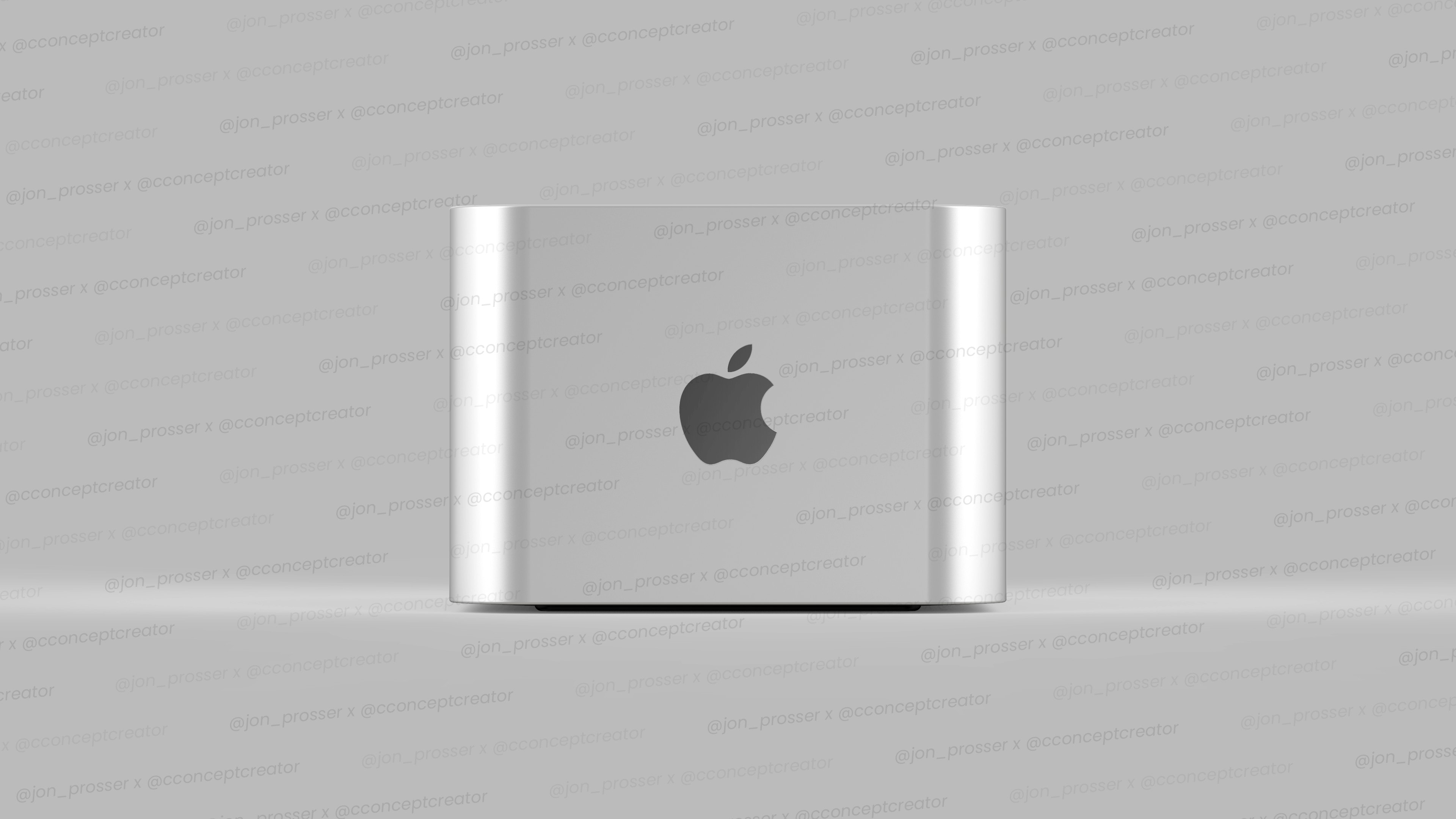
Is metal or plastic really the best material to make computers out of. How about sandstone? Photo: Hank Beyer/Alex Sizemore
Concept designers are supposed to think outside of the box. Hank Beyer and Alex Sizemore created some Mac designs that are so far outside of the box you sometimes can’t tell there ever was a box. Their computers are encased in stone, ice, beeswax and other exotic materials.
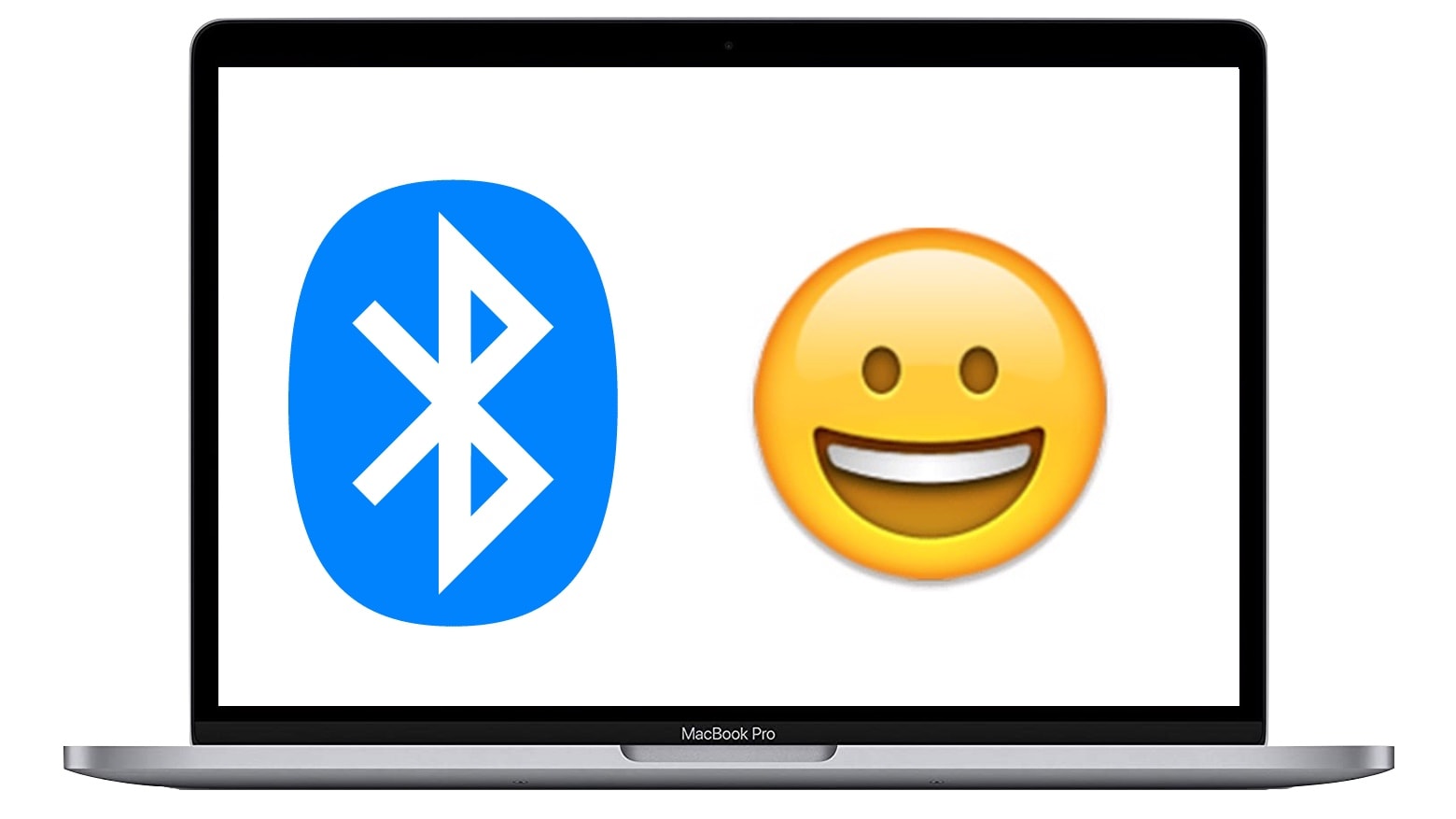
Apple called special attention to a Bluetooth bug fix in its release notes for macOS 11.2. Photo: Cult of Mac
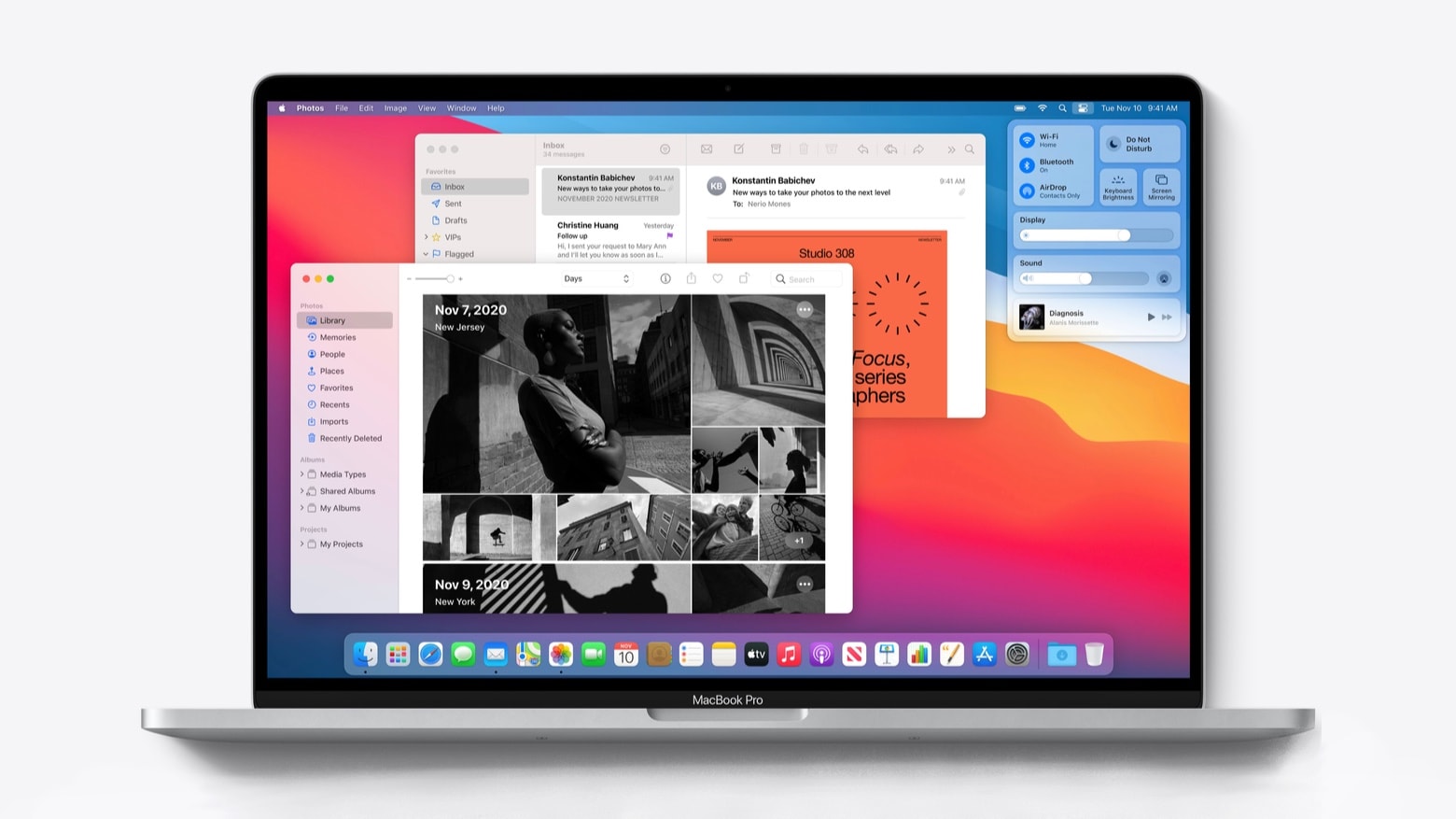
Apple released macOS Big Sur 11.2 to the public Monday, bringing more reliable Bluetooth connections. That should warm the hearts of those using recently released Macs built around Apple’s first-generation M-series processor.
The Mac update brings other bug fixes as well, but the release notes make no mention of new features.
Don't let online bloat weigh you down. Image: Killian Bell/Cult of Mac
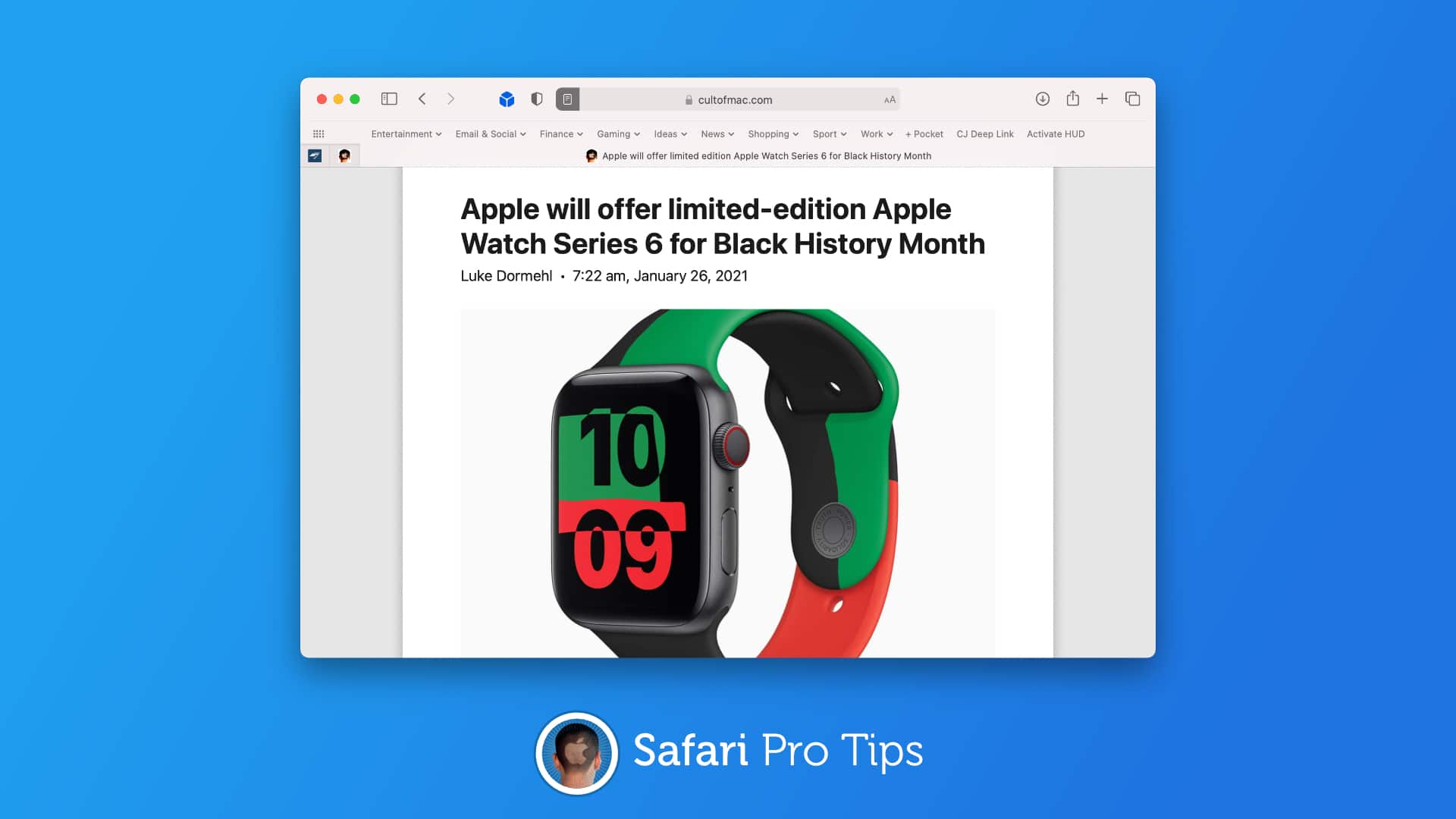
We want to help you master Safari. Cult of Mac’sSafari Pro Tips series will show you how to make the most of Apple’s web browser on iOS and Mac.
Wouldn’t it be nice if you could strip out all the unnecessary bloat from your favorite websites so that they’re easier to read and faster to load? Well with Safari’s built-in Reader mode on Mac, iPhone, and iPad, you can.
What’s more, you can have Reader mode load automatically on every website you visit with a simple settings change. We’ll show you how in this Safari pro tip.
Download all the files you'll need today. Photo: Corellium
It’s now possible to run Ubuntu Linux on an M1 Mac, thanks to an early build made available by Corellium. The operating system is booted from a USB stick, leaving macOS completely unchanged.
All the files you need can be downloaded now from GitHub, and Corellium says an installation tutorial is on the way.
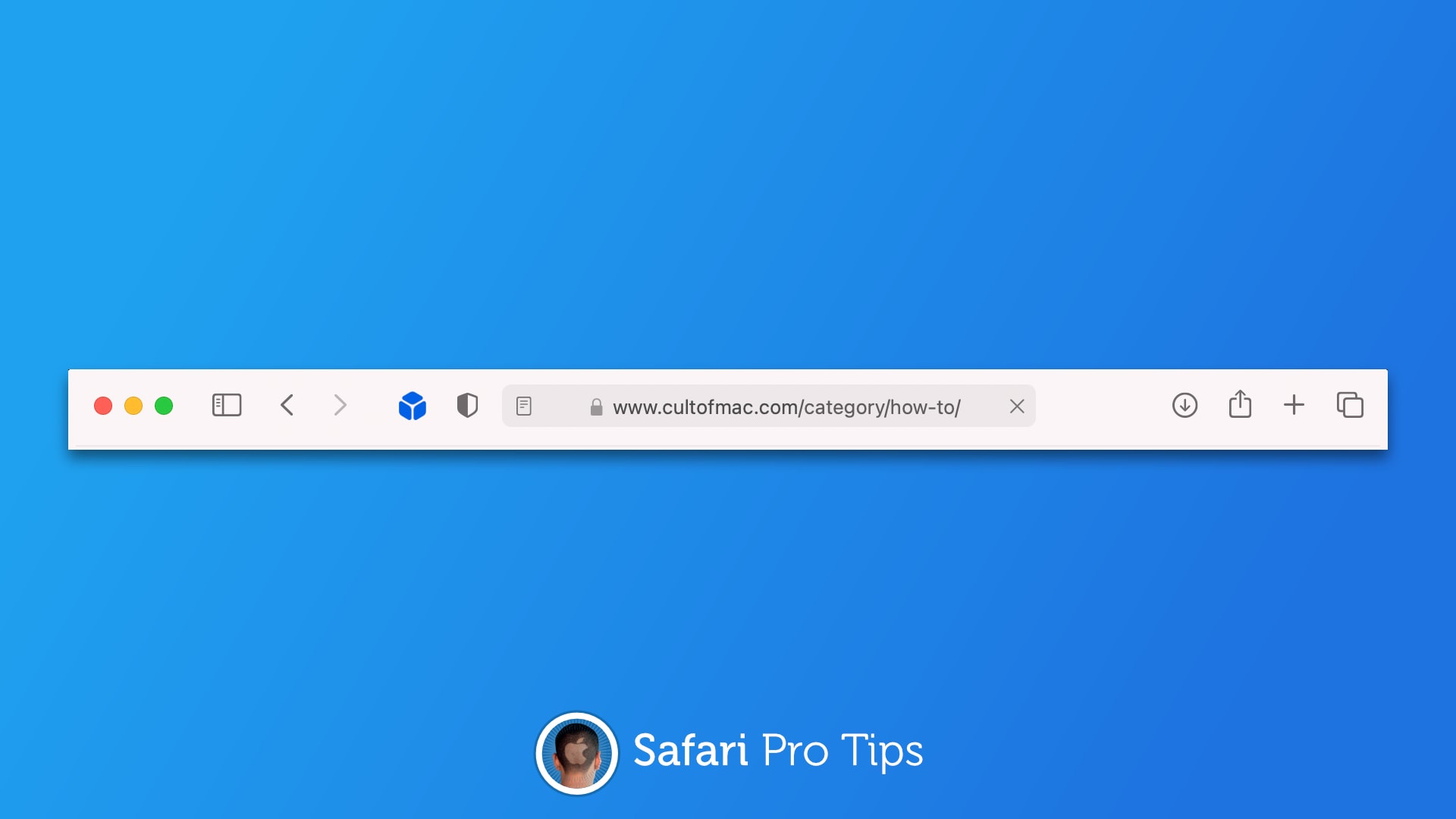
Don't let Safari cut your URLs short. Image: Killian Bell/Cult of Mac
We want to help you master Safari. Cult of Mac’sSafari Pro Tips series will show you how to make the most of Apple’s web browser on iOS and Mac.
Sometimes it’s handy to see complete URLs in Safari’s address bar, but they get shortened automatically for the sake of cleanliness. The good news is there is a way to prevent that from happening in macOS.
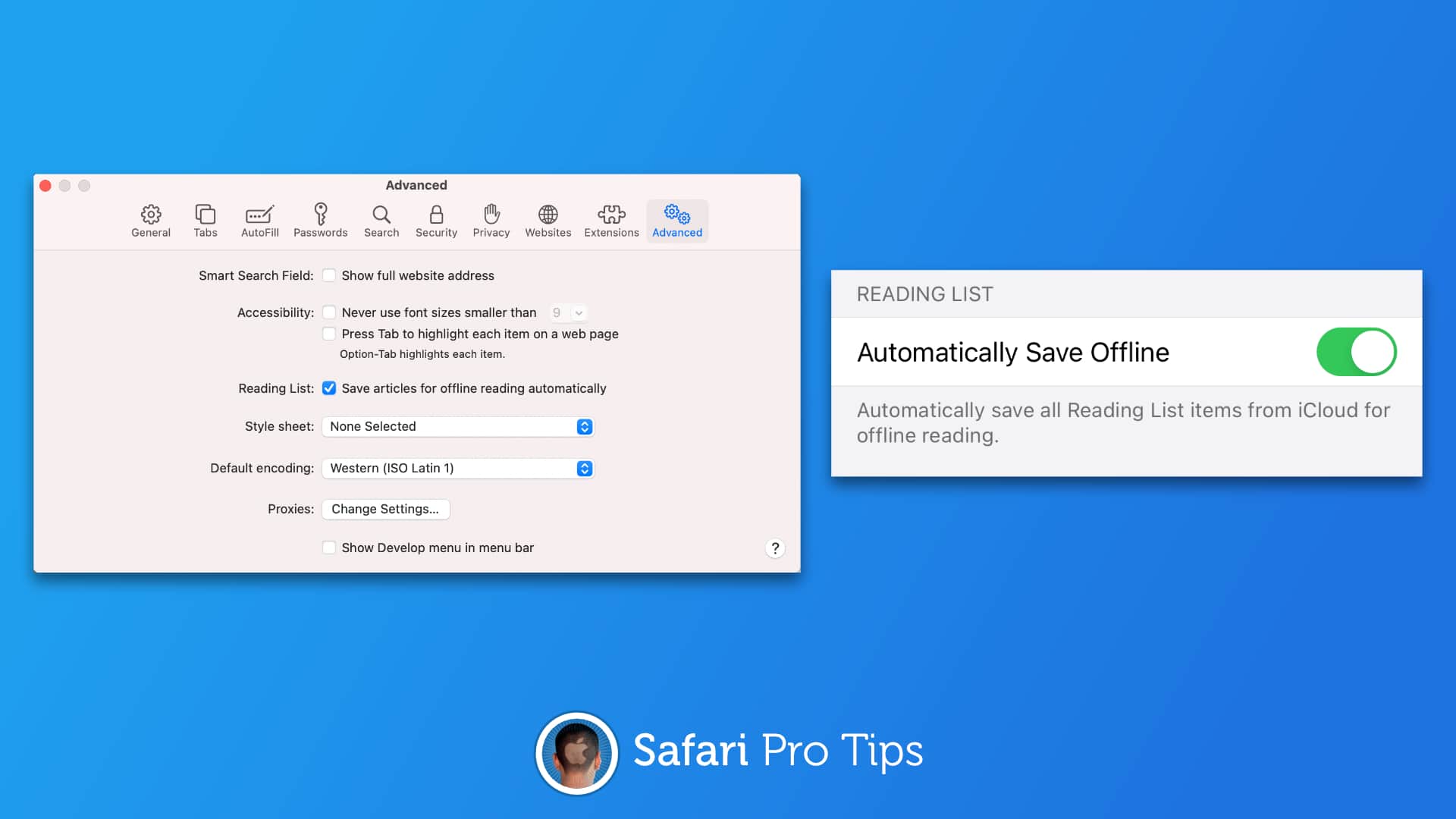
Access your reading list anywhere, anytime. Image: Killian Bell/Cult of Mac
We want to help you master Safari. Cult of Mac’sSafari Pro Tips series will show you how to make the most of Apple’s web browser on iOS and Mac.
Need something to read on the go when you don’t have great data connectivity? Automatically save your Safari reading list to your iPhone, iPad, or Mac so that you can keep up with your favorite sites anytime, anywhere.
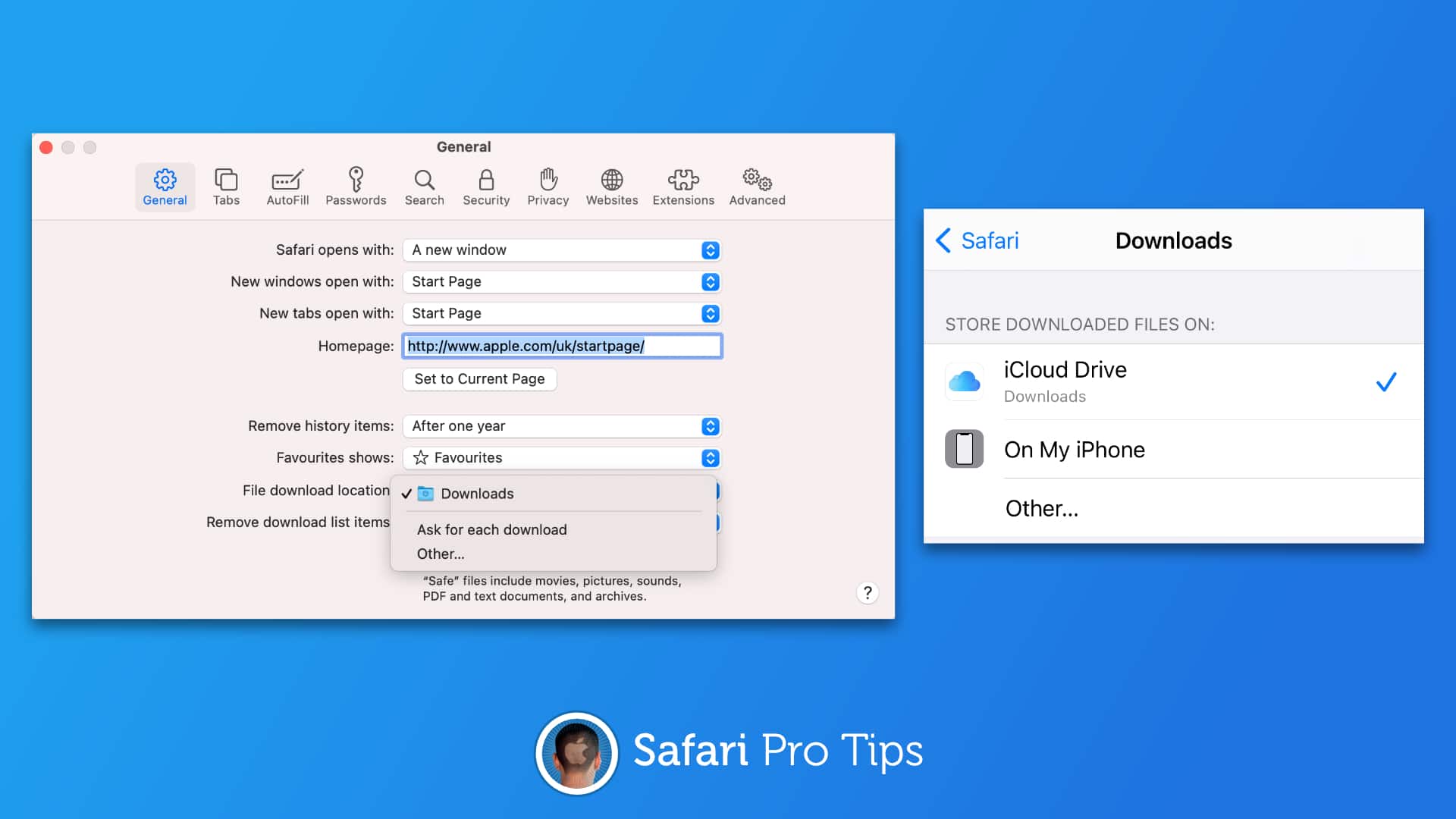
Don't lose your Safari downloads. Image: Killian Bell/Cult of Mac
We want to help you master Safari. Cult of Mac’sSafari Pro Tips series will show you how to make the most of Apple’s web browser on iOS and Mac.
How many times have you downloaded something from the internet and then had to spend way too much time trying to figure out where it was saved? It’s probably a common occurrence — especially on iOS.
But did you know that you can tell Safari exactly where to save your downloads so that you never lose them? We’ll show you how in this Safari pro tip.
Make your favorite websites easier to read. Image: Killian Bell/Cult of Mac
We want to help you master Safari. Cult of Mac’sSafari Pro Tips series will show you how to make the most of Apple’s web browser on iOS and Mac.
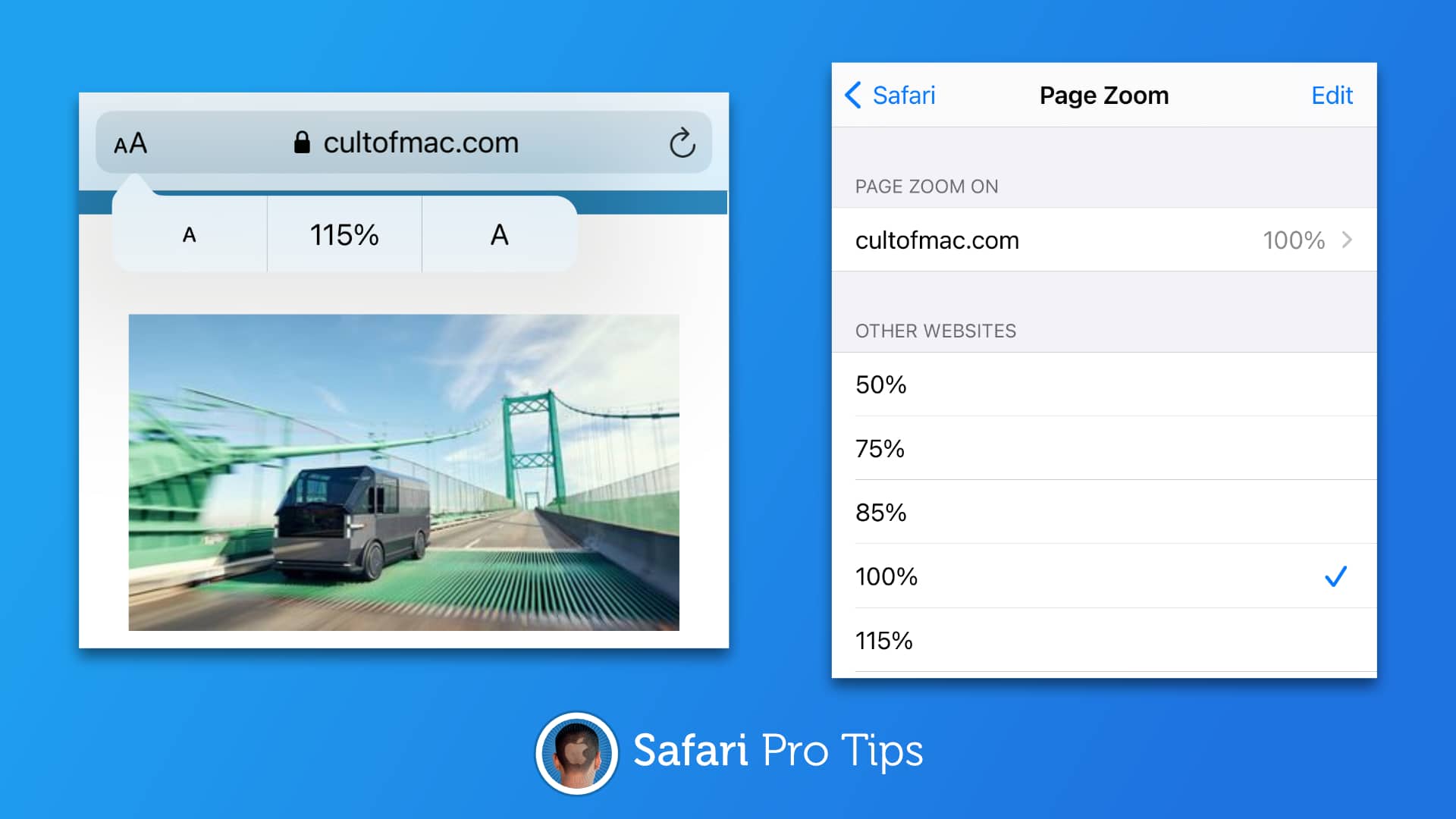
iOS, iPadOS, and macOS allow you to increase font sizes system-wide so that everything you do is easier to see. You can do a similar thing to make your favorite websites easier to read inside Safari.
We’ll show you how to use Page Zoom in this Safari pro tip.
Bing, DuckDuckGo, and others are available. Image: Cult of Mac
We want to help you master Safari. Cult of Mac’s Safari Pro Tips series will show you how to make the most of Apple’s web browser on iOS and Mac.
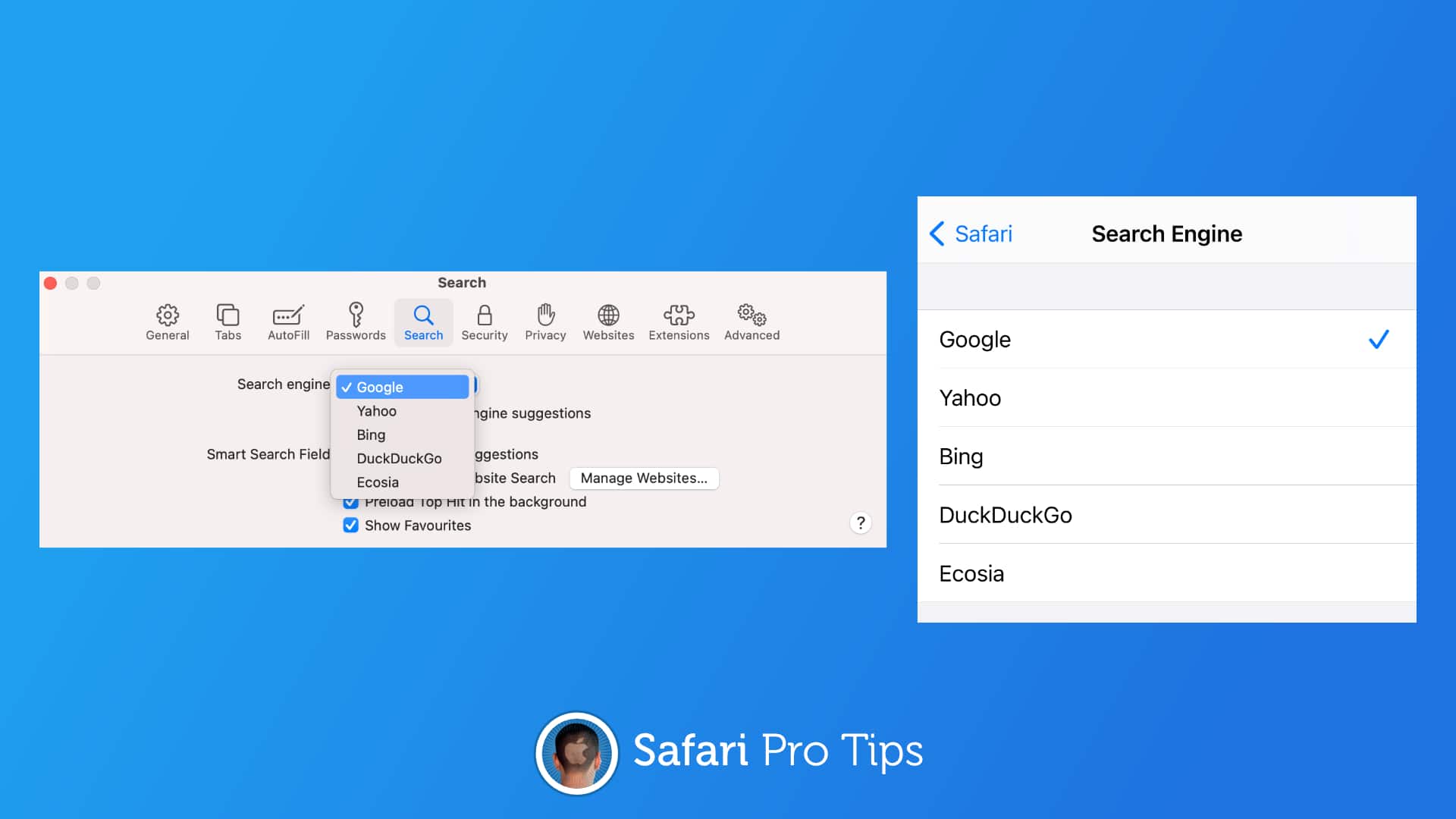
Google has long been the default search engine inside Safari, but it’s not your only option. With a simple settings change, you can find what you’re looking for with Yahoo, Bing, DuckDuckGo or Ecosia instead.
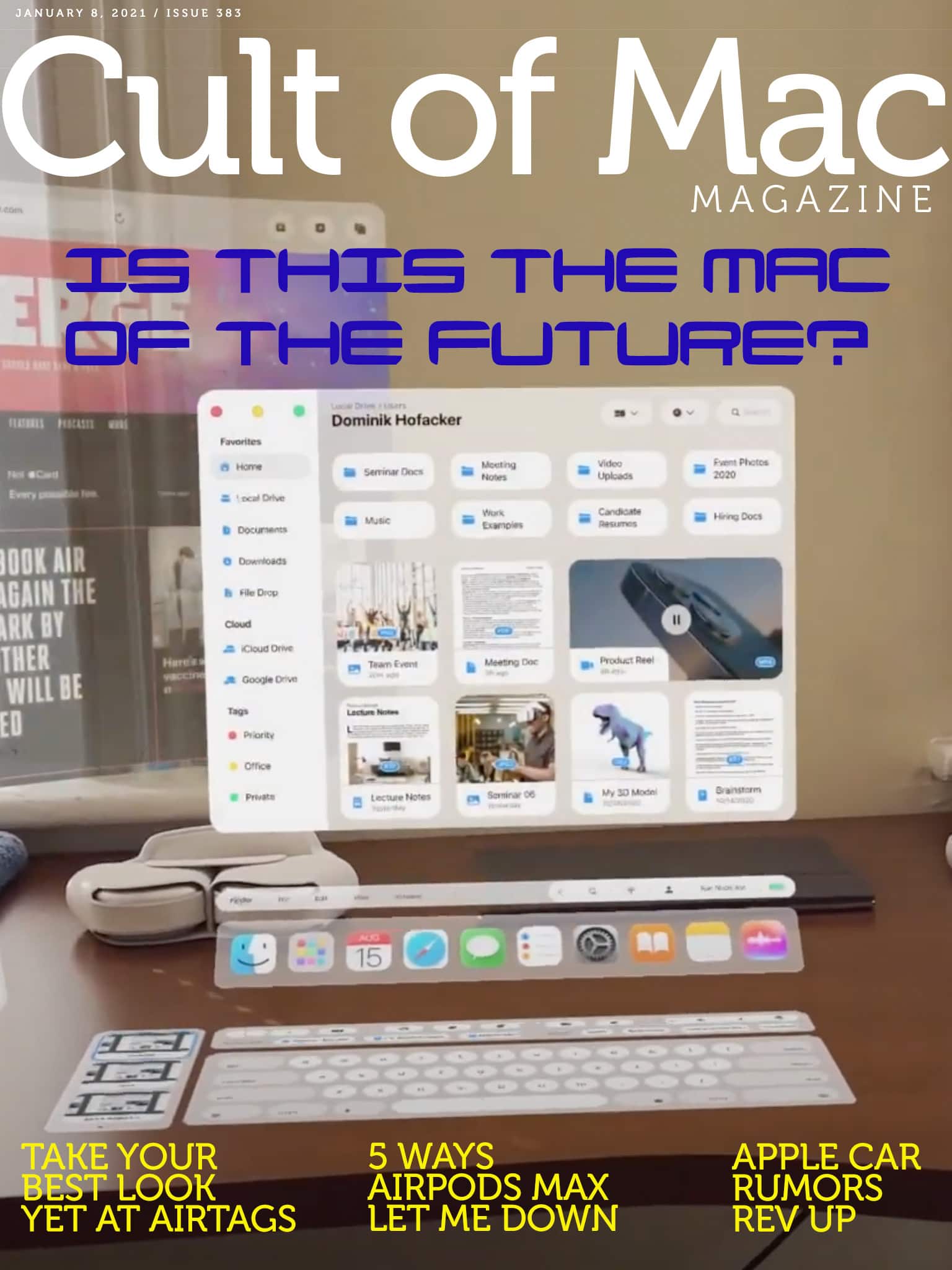
Yes, it’s just a concept. But man, is it gorgeously detailed. We talked with concept designer Dominik Hofacker about his fascinating concept, and you can read all about it in this week’s free issue of Cult of Mac Magazine. Download it now to read on your iOS device, or get the links below.
It's time to give Flash Player the boot. Image: Adobe/Cult of Mac
At long last, Adobe Flash Player is finally dead. Not only do you no longer need to have it installed on your Mac, but as of January 12, Adobe will actually begin blocking Flash Player content from working at all.
We’ll show you how to remove Flash Player from your Mac right away.
Your new Mac deserves these amazing apps. Image: Killian Bell/Cult of Mac
If you were lucky enough to bag a new Mac for the holidays, you’re probably on the hunt for some awesome new apps to use on it. We’ve rounded up five of the best that we think every Mac owner should be using.
These apps will let you play any video, keep a close eye on precious storage space, extract important data from your iPhone and iPad backups, and more!
With VideoProc, your video editing tasks are covered. Image: Digiarty
This VideoProc Mac video editing post is presented by Digiarty.
When the holidays roll around, your impulse to make scads of digital videos and then doctor them up for friends and family may be stronger than ever this year. After all, lots of people will not see as many loved ones in person because of the COVID-19 pandemic. That makes it a good time to invest in fast, capable and easy-to-use video editing software at a great price. So rejoice, because Digiarty is offering Cult of Mac readers lifetime-use licenses for its VideoProc Mac editing and processing software at 60% off for Christmas.
Think twice about playing iOS games on an M1 Mac. Photo: Activision
New M1 Macs let users run iPhone and iPad apps natively for the first time, but gamers should think twice about loading up Call of Duty: Mobile. Playing Activision’s popular shooter on one of the super-fast new computers could get them banned.
Just for Cyber Monday! Photo: Ste Smith/Cult of Mac
Picked up a new Apple device at a big discount this weekend? Now it’s time to sell your old ones and make back some cash for the holidays. Cult of Mac is here to help with a sweet Cyber Monday buyback deal.
Sell your old Apple devices to us today and we’ll give you an extra $15 for each one. This deal ends at 11:59 p.m. on Tuesday, December 1, so take advantage of it while you can
New iPads with mini-LED displays could come even sooner. Photo: Adel Neal/Cult of Mac
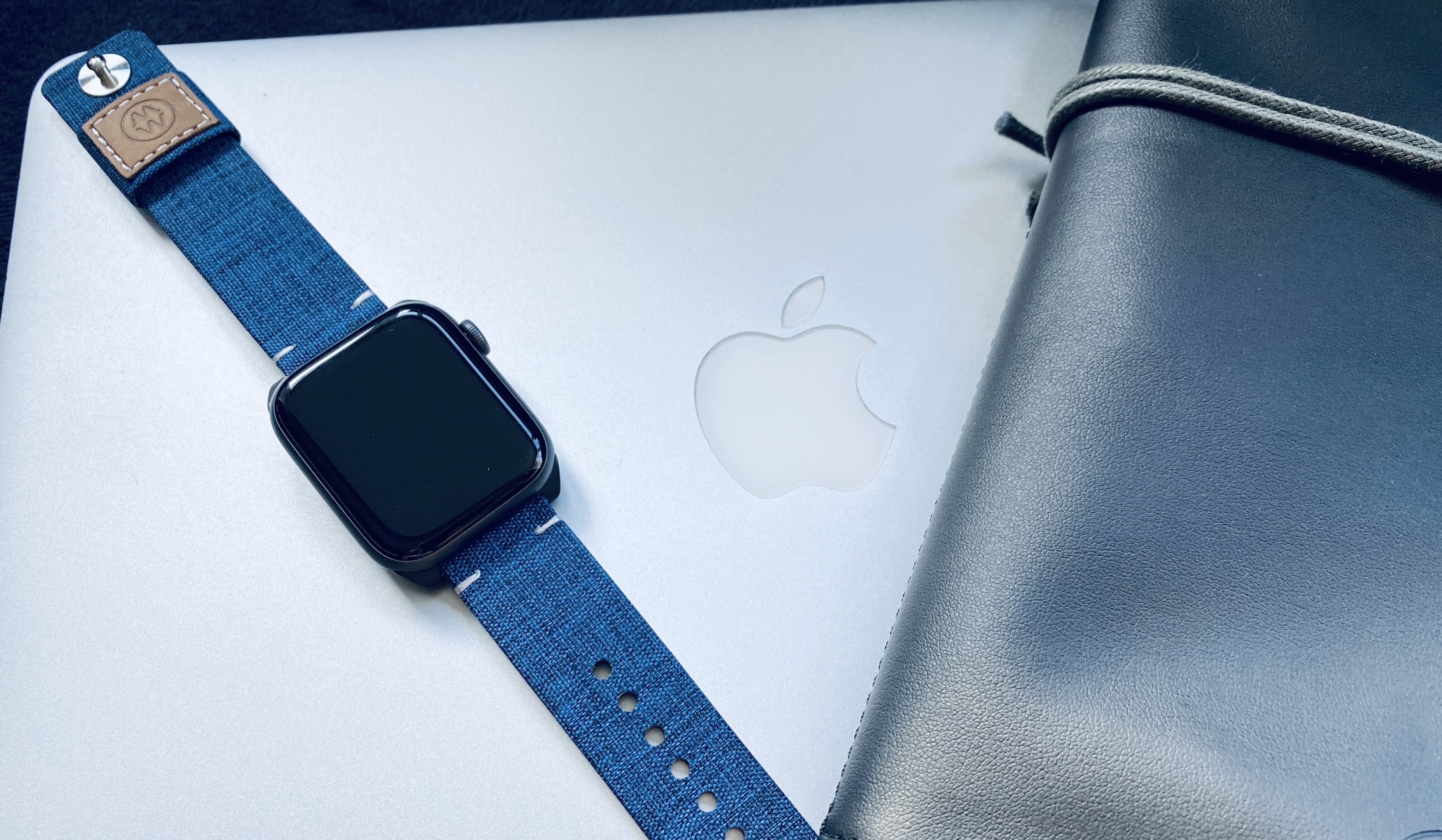
Apple will introduce a redesigned Apple Watch and MacBook lineup in late 2021, according to one reliable analyst.
Ming-Chi Kuo of TF International Securities expects Apple’s next-generation wearable to bring “innovative health management functions.” He also told investors iPhone 12 is off to a strong start.
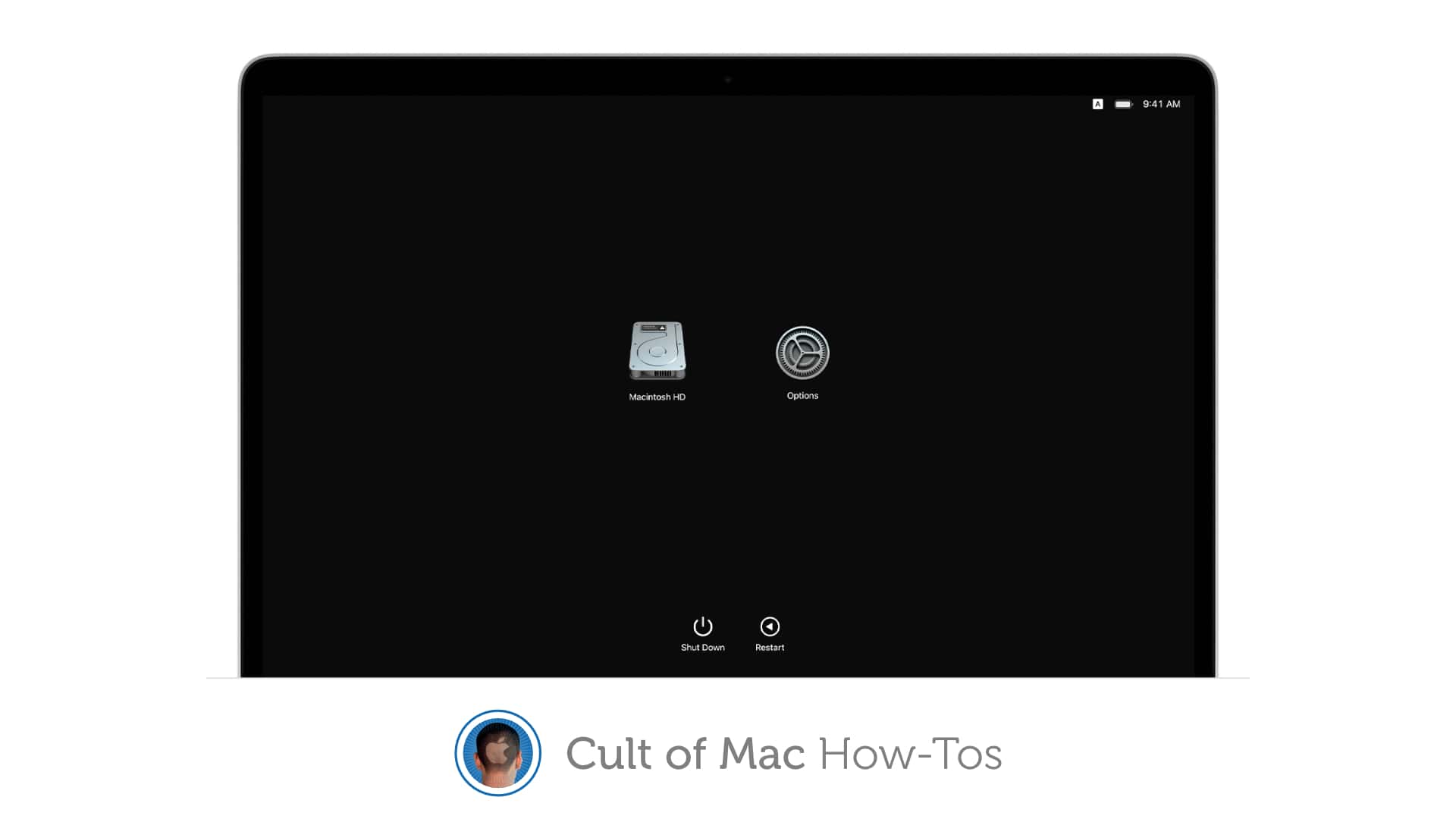
How to reinstall macOS when things go wrong. Image: Apple/Cult of Mac
Apple has confirmed that some M1 Mac owners may run into an error message when attempting to reinstall macOS on their new machine. If you’re one of them, there are some things you can do to avoid it.
These include using a bootable installer, rather than macOS Recovery, or initiating a reinstall from Terminal. We’ll show you how.
Get your Mac up and running again after Big Sur broke it. Photo: Apple
Apple this week published a support guide for those running into installation errors when updating to macOS Big Sur on a 2013 or 2014 MacBook Pro. Its tips may help bring bricked machines back to life.
Get your hands on the newest update today. Photo: Apple
Apple this week rolled out a revised macOS Big Sur update for some Mac users. The version 11.0.1 release likely addresses some minor bugs and performance issues.
Grab the latest release today. Photo: Apple/Google
Google Chrome is today being updated to run natively on Apple Silicon. The newest version of the browser will be optimized for the M1 chip inside the new Mac mini, MacBook Air, and MacBook Pro.
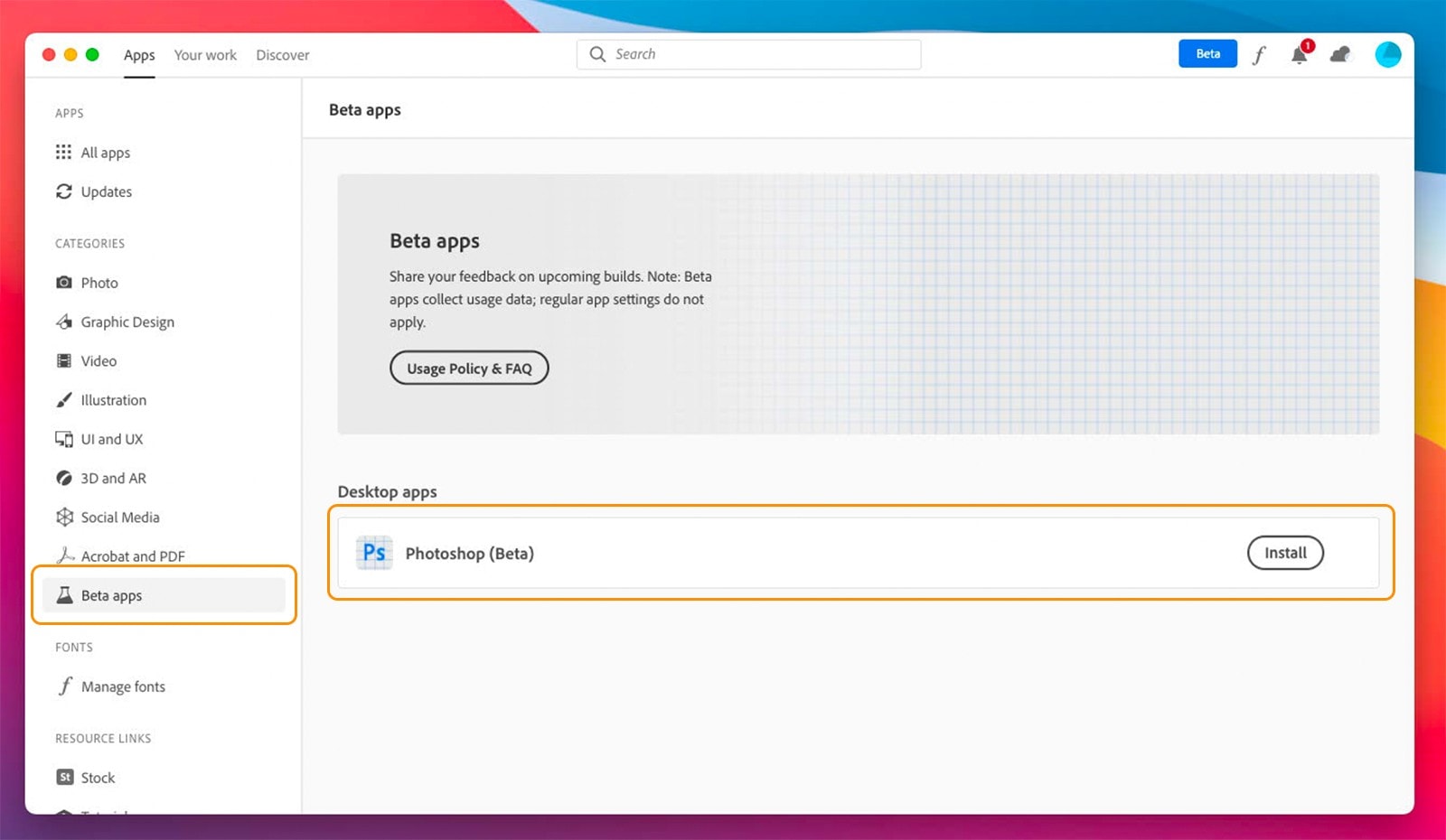
Adobe’s newest Photoshop beta adds support for new Apple Silicon chips for the first time. The update comes on the day Apple’s first M1 machines make their official debuts, with in-store pickup now available.
Gaming is about to get a lot better on Mac. Photo: Apple
Apple’s new M1 chipset has been blowing away rival Intel chips in CPU performance benchmarks, and it doesn’t stop there. It turns out Apple Silicon can give many graphics cards a run for their money, too.
New tests reveal the M1 easily outperforms the Nvidia GeForce GTX 1050 Ti and AMD Radeon RX 560 in graphics benchmarks. It could make gaming on a Mac better than ever.