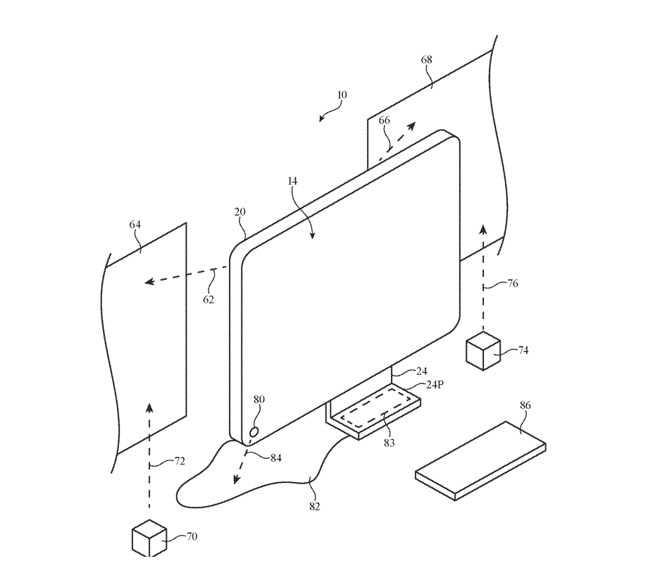
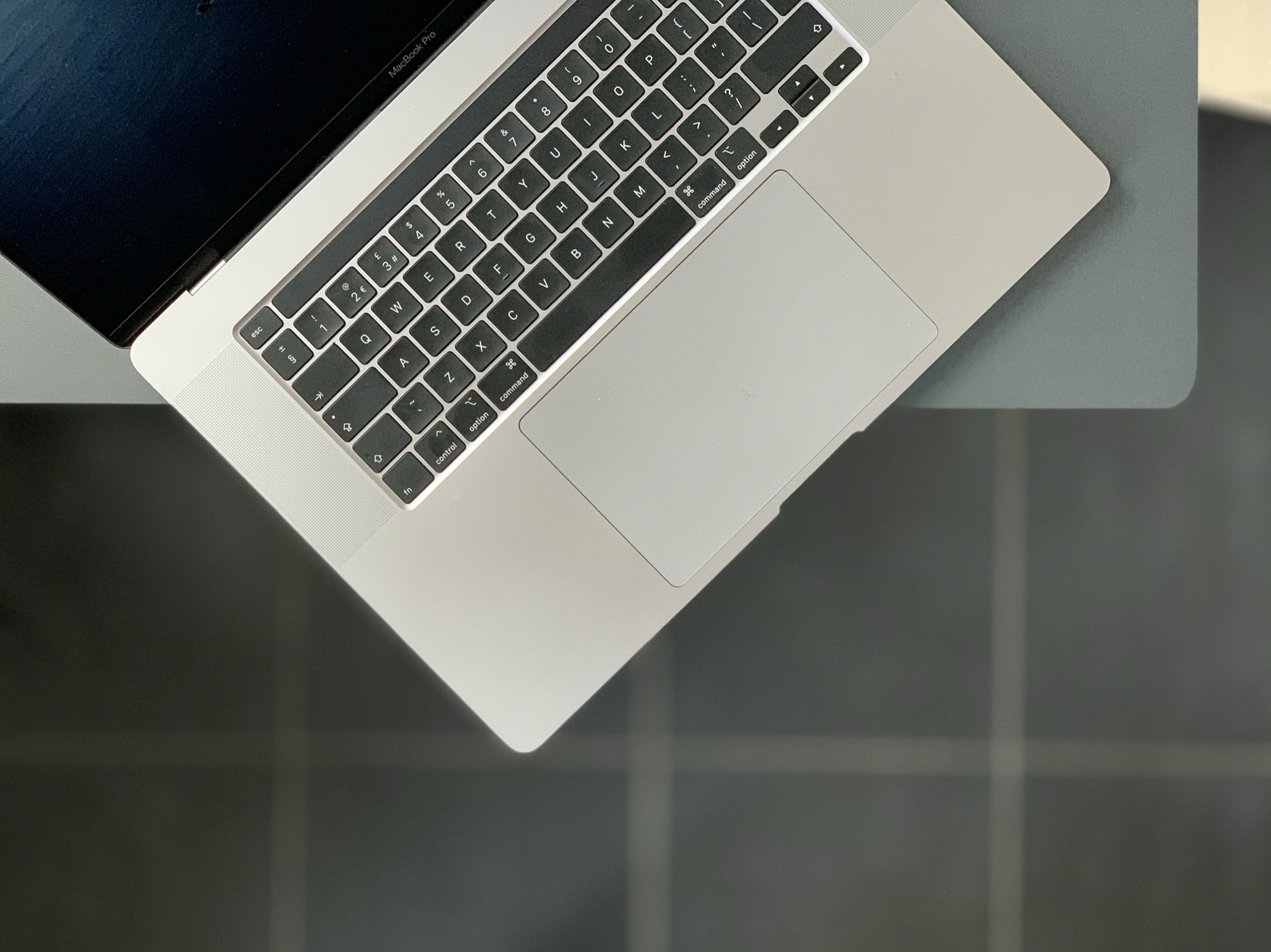
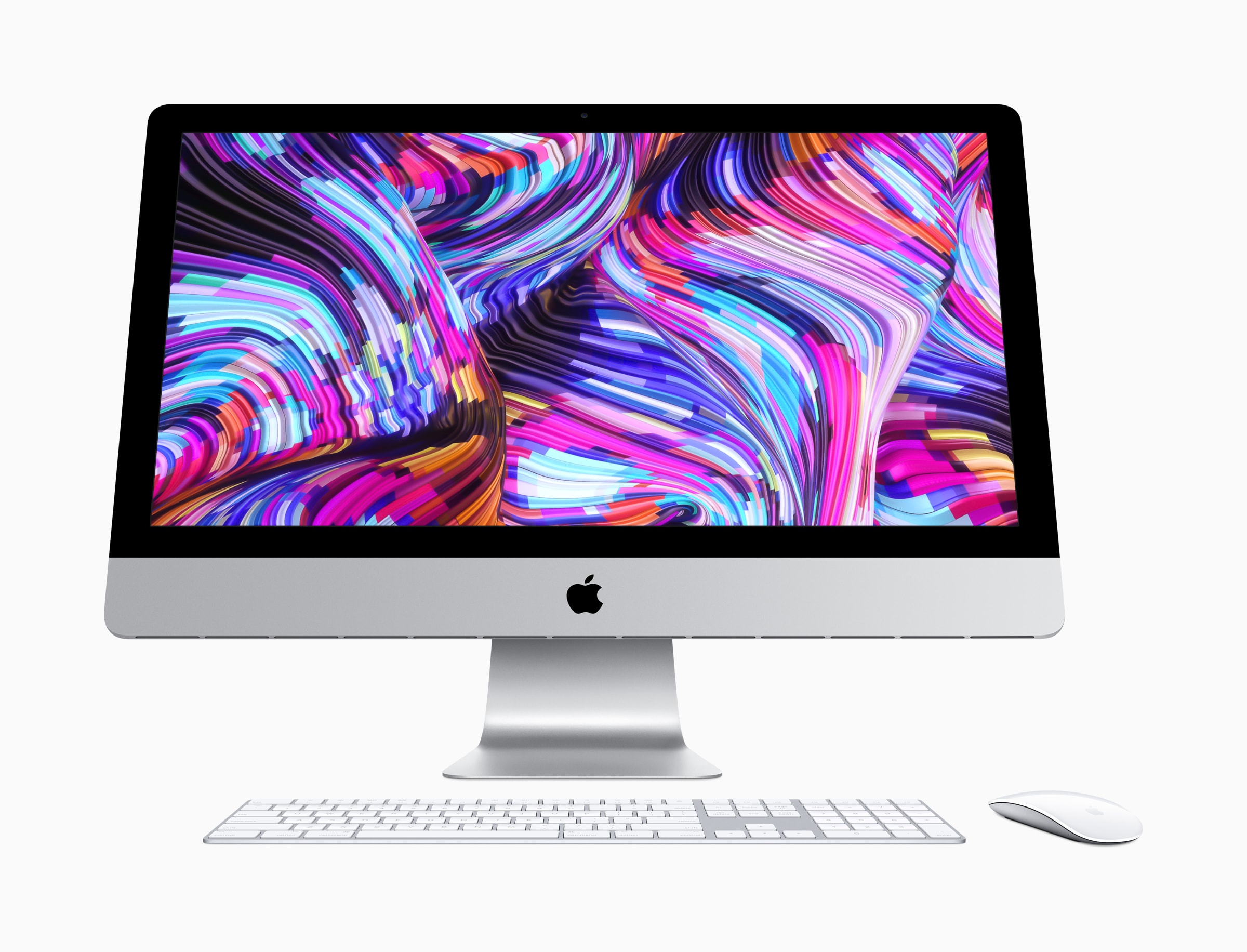
Imagine an iMac that can extend its display onto the walls around it. That could be possible in the future according to a new Apple patent, published on Thursday, that details an all-in-one with built-in projectors.
Apple could deliver its first Macs powered by ARM chips before the end of 2020. Reliable TF International Securities analyst Ming-Chi Kuo on Thursday said he expects the machines to begin shipping during the fourth quarter, or in early 2021 at the latest.
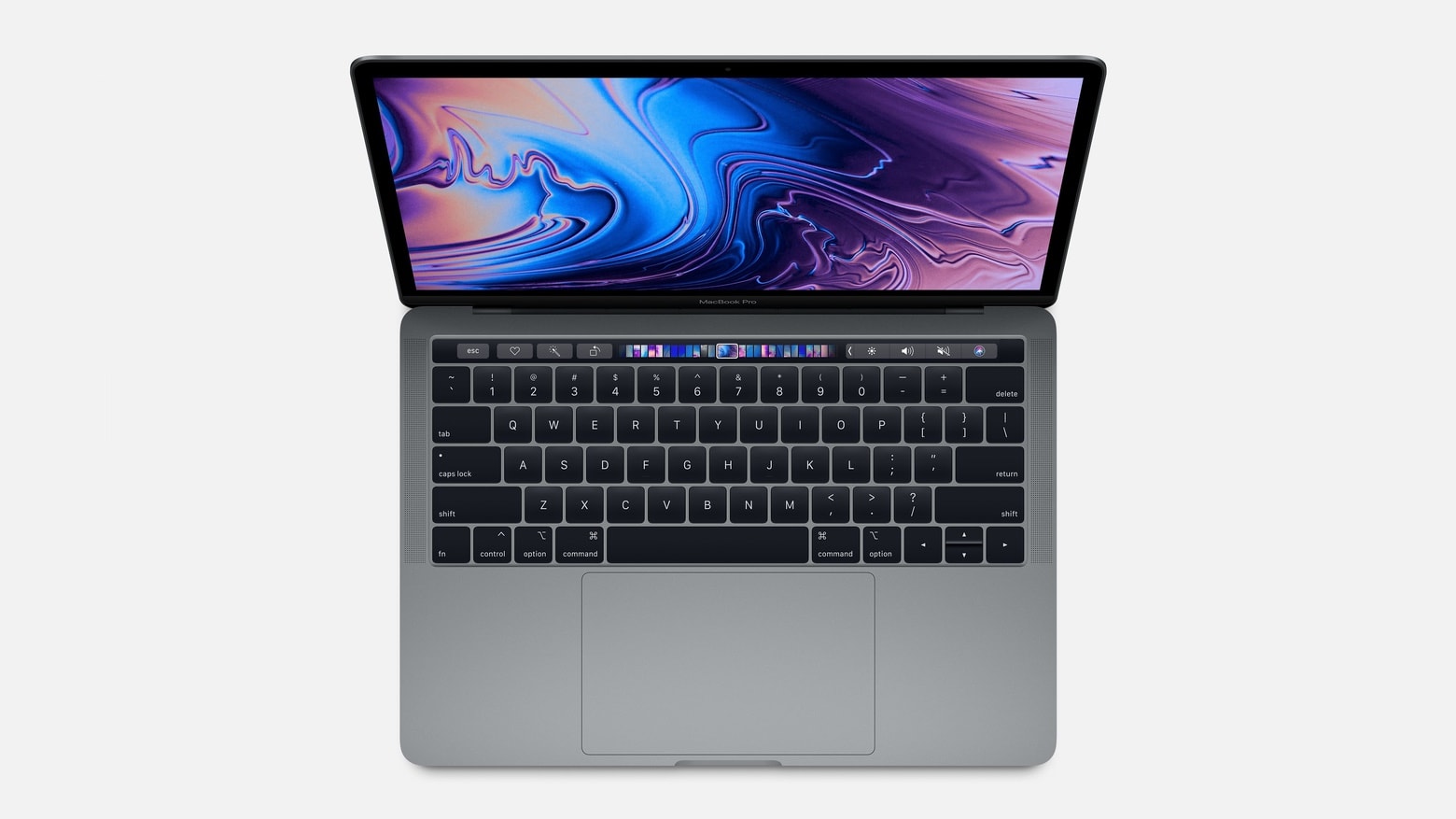
The transition will come ahead of a major MacBook redesign next year.
Exciting news for full-time iPad users. Photo: Apple
Apple is planning huge improvements to mouse support on iPhone and iPad for its iOS 14 update, a new report claims.
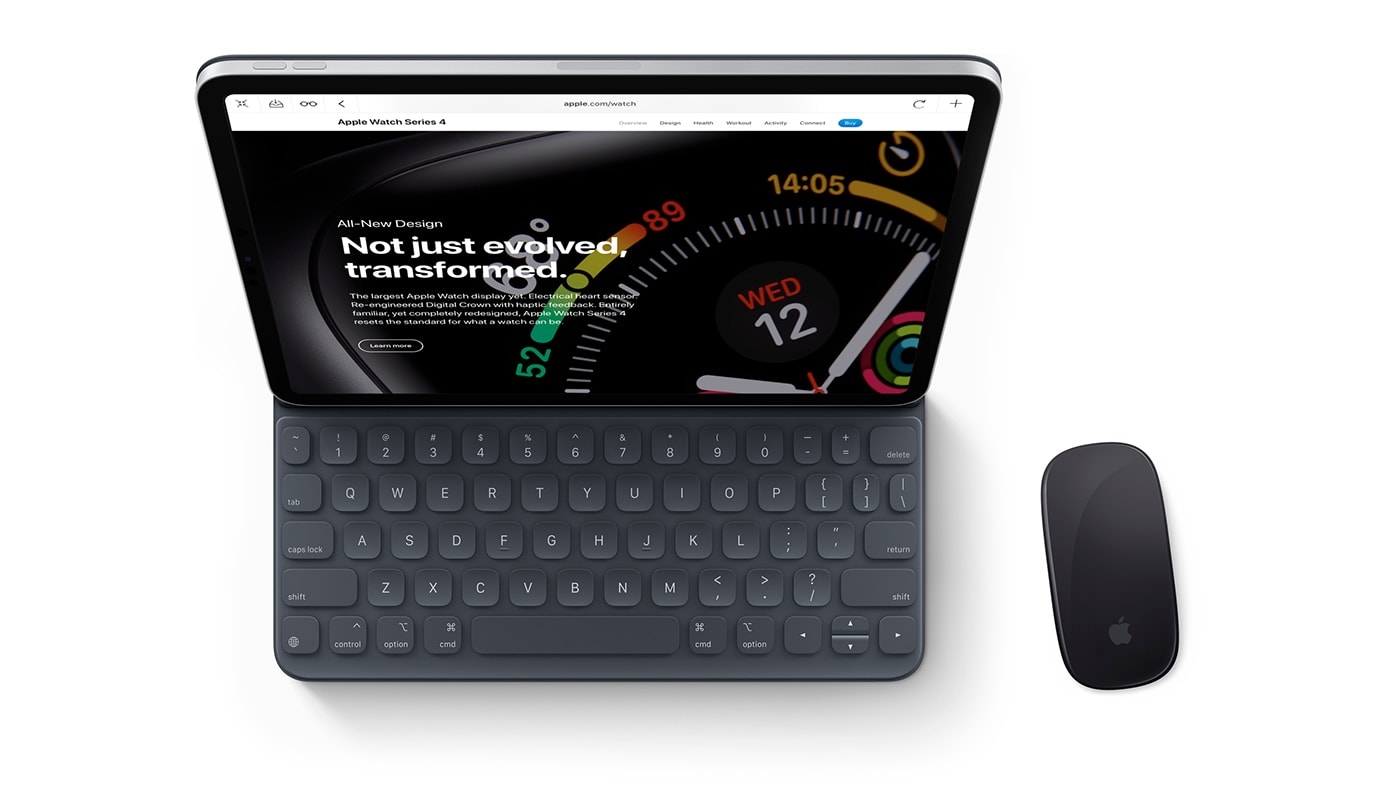
It is believed users will see more traditional cursor options — like those you’re used to seeing on desktops. Apple is also expected to add new gestures that will work alongside a new Smart Keyboard with built-in trackpad.
Nvidia's big advantage will soon disappear. Photo: AMD
AMD’s next-generation graphics cards could bring ray tracing capabilities to Mac.
The company’s new Navi 2X architecture, coming later this year, will be the first to catch up with Nvidia’s GeForce RTX cards in the ray tracing department. It also promises 3D audio, faster load times, and “a new generation of games.”
Did you delete an old version of an important Mac document? All is not lost. Photo: Şahin Sezer Dinçer/Pexels CC
Have you ever ruined an essay by over-editing it? Did you ever mistakenly delete a huge chunk of a report, and not realize it until days later? Maybe you thought you’d saved another copy of that important document, but your Mac seems to have swallowed it. No problem, because your Mac saves versions of your documents as you go, and lets you browse and restore them. And it’s all built in to — yes — Time Machine.
And get Apple's official Clear Case for iPhone 11 at 18% less. Photos: Apple, Twelve South
Apple’s brilliant HomePod speaker is back to its lowest price yet. Best Buy is matching its big Black Friday discount by slashing $100 off the usual price for a limited time only.
That’s just one of the awesome offers in today’s Deals & Steals roundup. Other highlights include:
Apple created a special new ad for customers in Japan that highlights the different ways the Mac has been showcased on some of the most popular anime shows in the country.
Cut together with scenes from shows like Mr. Osomatsu, NEW GAME!!, your name., Weathering with You and more, the brilliant ad encourages anime fans to embrace their creativity and create a new generation of anime stories.
Writing this AppleScript is as easy as writing your shopping list. Photo: David Ballew/Unsplash
Every morning when I sit at my Mac to start writing, I open the same apps and start the same iTunes playlist. This repetitive, tedious task is what computers are supposed to do for us, so I figured I’d make my Mac open up those apps, and start that music playing, all without me having to do anything.
That dream was quickly quashed — the Mac isn’t quite able to read my mind yet. So I settled for the next best thing: An AppleScript that I can leave in the Dock, and then click once to open everything. The best part is, it’s absurdly easy to make your own.
The 'She Creates' sessions will be available all of March. Photo: Apple
Apple plans to celebrate International Women’s Day throughout the entire month of March with some special Today at Apple sessions that encourage women to explore their creativity.
The new ‘She Creates’ series of sessions will be available at Apple Stores from March 1 to March 31, giving visitors hands-on training for coding, photography, augmented reality and more.
When you start up a Mac, it goes “bong,” and that’s the way the world should be. Unless, that is, you bought a Mac in 2016 or later, when Apple removed the Mac startup chime. These days, a Mac starts up silently, with only a whisper of fan noise (or the din of a whirring, clicking hard drive on an iMac) to let you know something is happening.
But what if you miss the good old Mac startup chime? Or — if you’re new to Macs — you just fancy a bit of retro charm? Today we’ll see how to bring back the bong.
Apple is believed to have aggressively increased its orders for the new processors, which will power this year’s iPhone and iPad Pro — as well as Apple’s first Arm-powered Mac that is said to be scheduled for early 2021.
It's about time! Photo: Charlie Sorrel/Cult of Mac
Apple’s first Mac with a custom processor is expected to make its debut in the first half of 2021, according to one reliable analyst.
Ming-Chi Kuo of TF International Securities reports it will be a 5-nanometer chipset — like the upcoming A14 SoC that will power the next iPhone and iPad Pro. Apple is said to be increasing its orders after the coronavirus outbreak.
And it's still in preview for now. Photo: @imbushuo
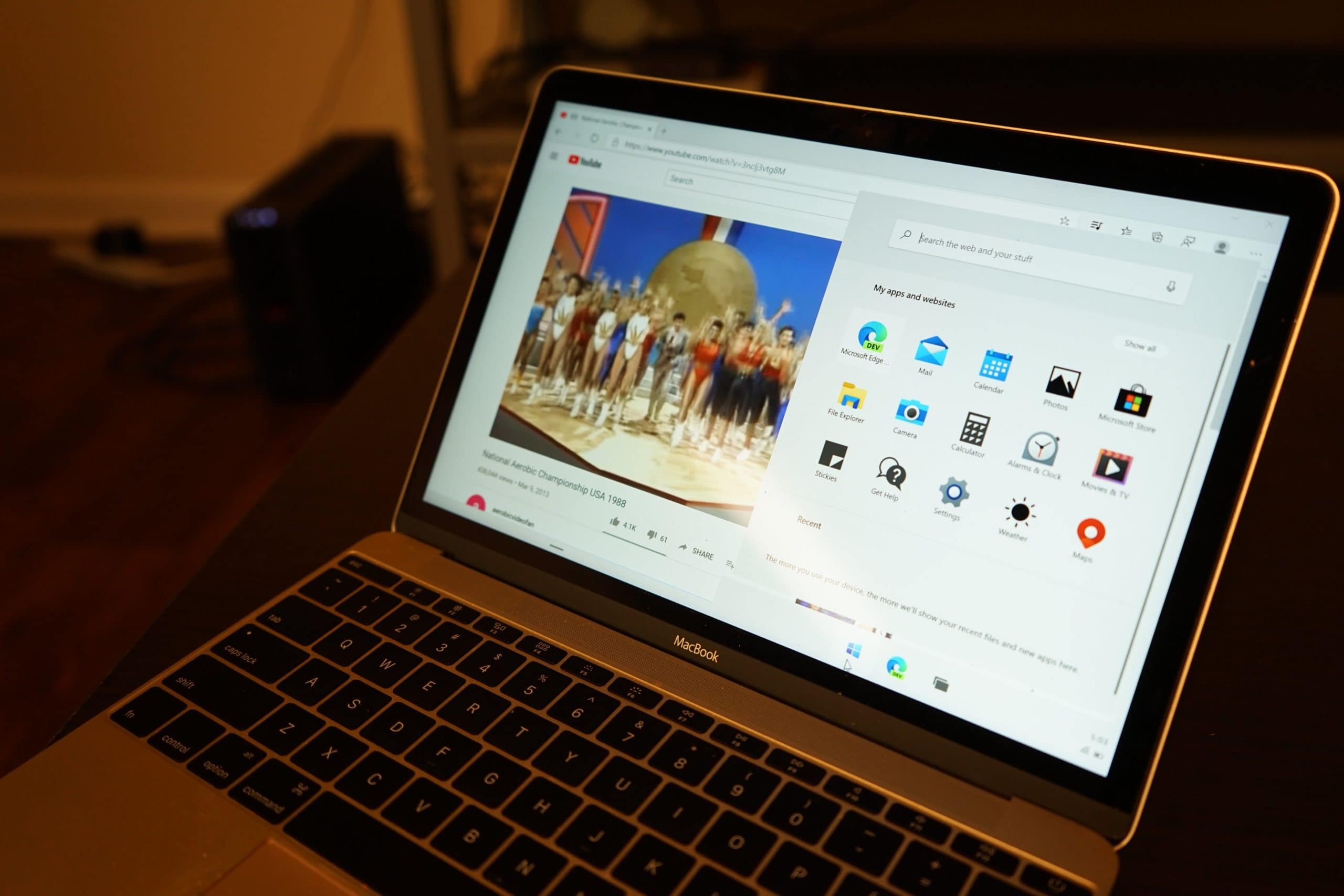
Microsoft is working hard on a new version of Windows that promises to be faster, more efficient, and more secure. Windows 10X is available only in preview form for now, and it already runs surprisingly well on a MacBook.
One developer installed an early version of the software on an Apple machine, and it is proving to be “very smooth” so far.
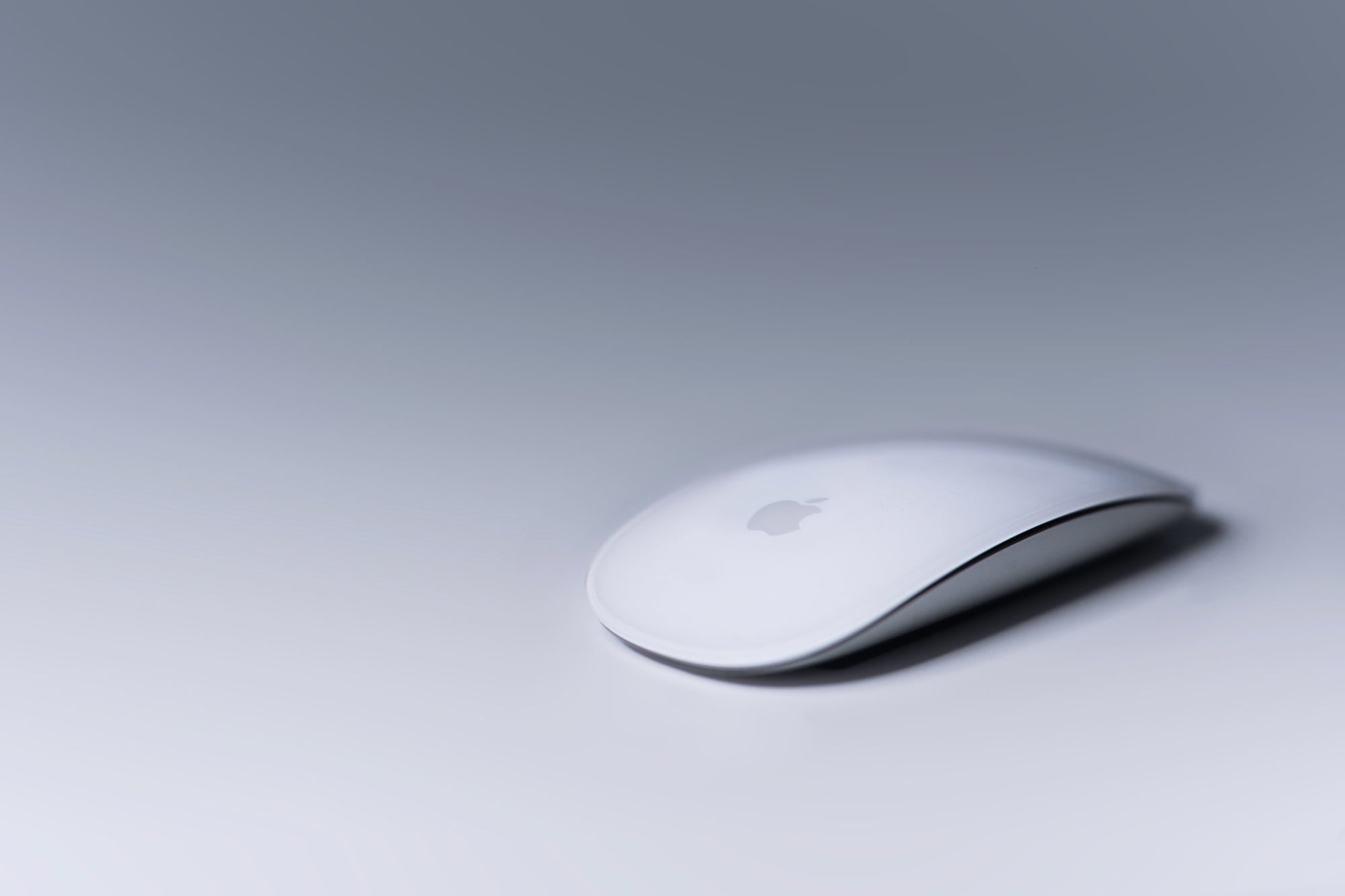
Even the Magic Mouse combines touch, drag and drop better than the iPad. Photo: Harpal Singh/Unsplash
The iPad added drag and drop in iOS 11. We’re now on the third version of iOS to support this potentially super-useful feature, and yet it still doesn’t work. Third-party app support remains spotty and inconsistent. And, worse, drag and drop doesn’t work properly even in some of Apple’s own apps.
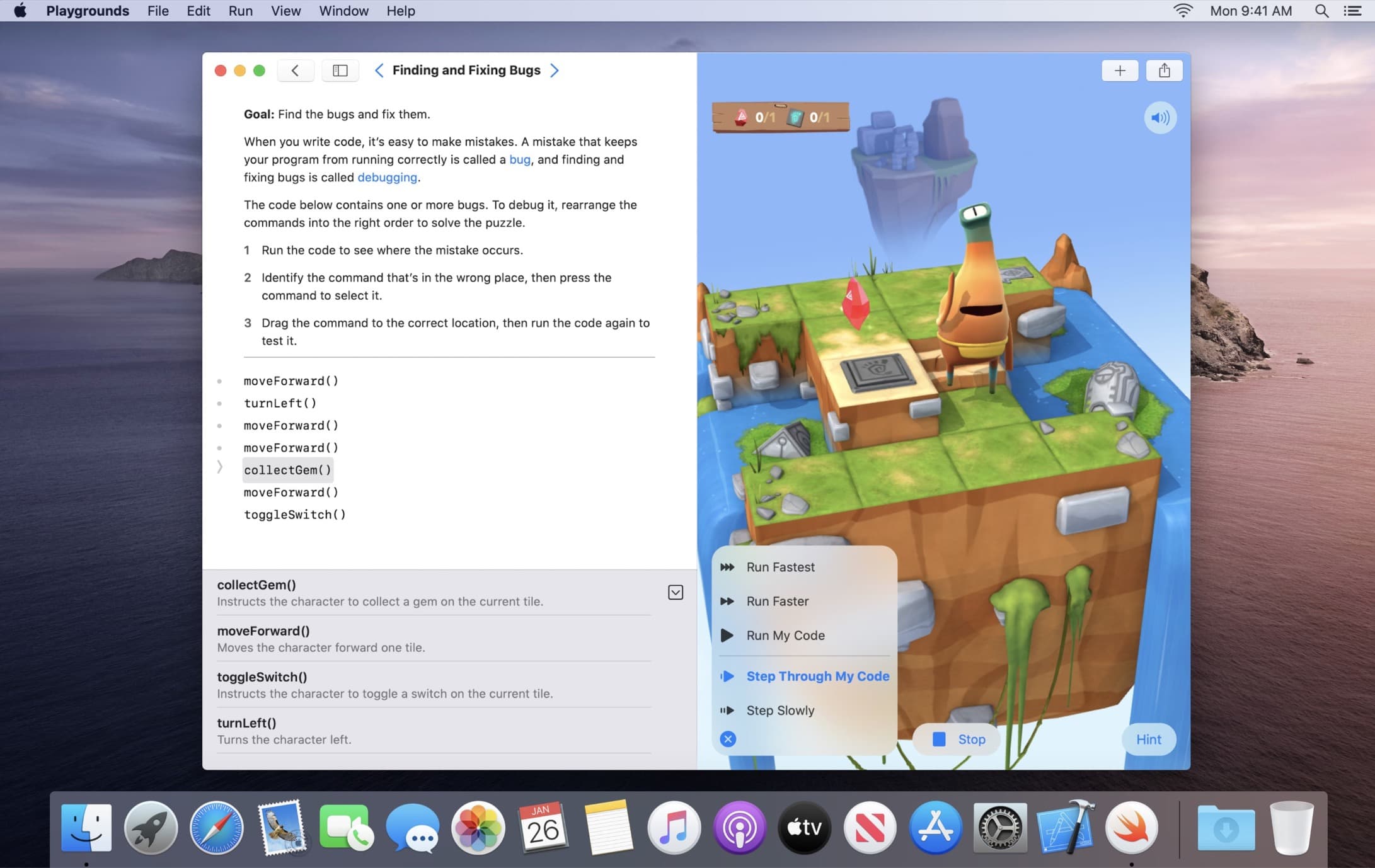
Swift Playgrounds' coding lessons are now on Mac. Photo: Apple
Apple’s educational coding app, Swift Playgrounds, has finally made its way to the Mac.
After landing on the iPad in 2016, Apple has created a Catalyst version of Swift Playgrounds for Mac, making it easier for anyone to dive into the interactive lessons, no matter which platform you prefer most.
Finally, you can remap that stupid globe to an escape key. Photo: Charlie Sorrel/Cult of Mac
Using a keyboard with your iPad is a beautiful thing. It seems like every iOS update brings more and more keyboard shortcuts. But until now, you’ve been stuck using Mac-compatible keyboards only. If you hooked up a PC keyboard to your iPad, then the ⌘ and ⌥ keys would be the wrong way around.
On the Mac, thats always been easy to fix, thanks to a preference screen for switching these keys via software. And now, in iOS 13.4 beta, you can finally remaps modifier keys, too. And, yes, you can even remap the stupid globe icon on Apple’s Smart Folio Keyboard.
The modern iMac is a stunner... and last on our list. Photo: Apple
Could Apple be preparing to make a surprise switch to AMD processors in a future Mac? References to a number of new AMD microprocessors have been spotted in the latest macOS 10.15.4 beta, which rolled out to developers Wednesday.
The clues hidden in Mac code suggest Apple’s lengthy relationship with Intel could be on the rocks.
Apple devices are now even more useful in schools. Photo: Apple
Apple School Manager now gives developers the ability to distribute custom apps to schools for the first time.
The change will allow app-makers to better meet the individual needs of educational institutions, Apple said. It paves the way for new software that offers specific functionality for certain organizations.
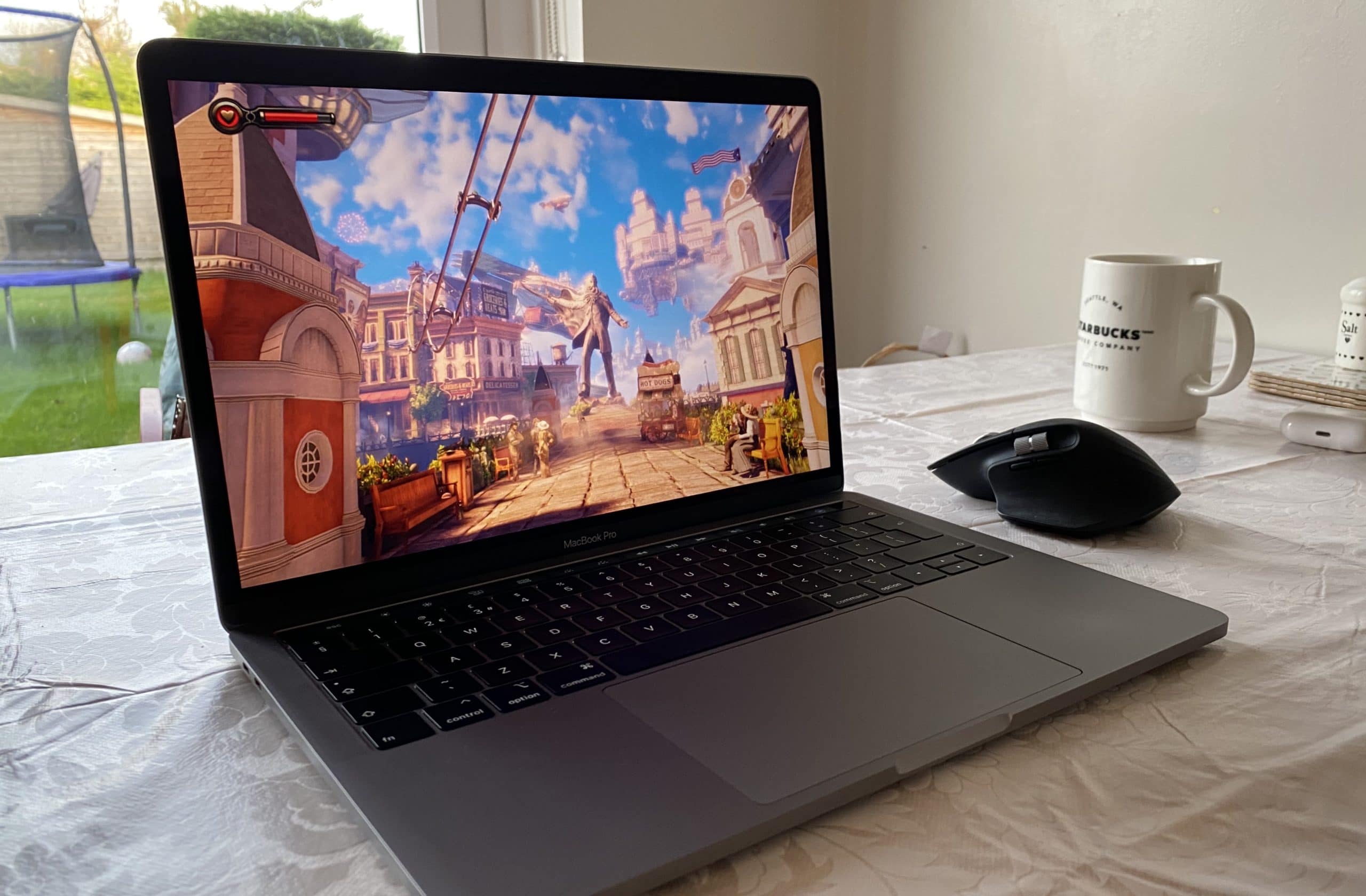
BioShock Infinite looks gorgeous on a MacBook Pro. Photo: Killian Bell/Cult of Mac
Nvidia GeForce Now is ready to stream the latest PC games to your Mac. It sells us a dream that sounds too good to be true, a future that macOS fans gave up wishing for a long time ago. And most importantly, it actually delivers it.
I’ve been playing games on GeForce Now for several days (I love my job!) so that I can tell you whether it’s worth your hard-earned cash. And although I’ve run into a few teething troubles that I can’t ignore, I’ve been blown away by what it can do.
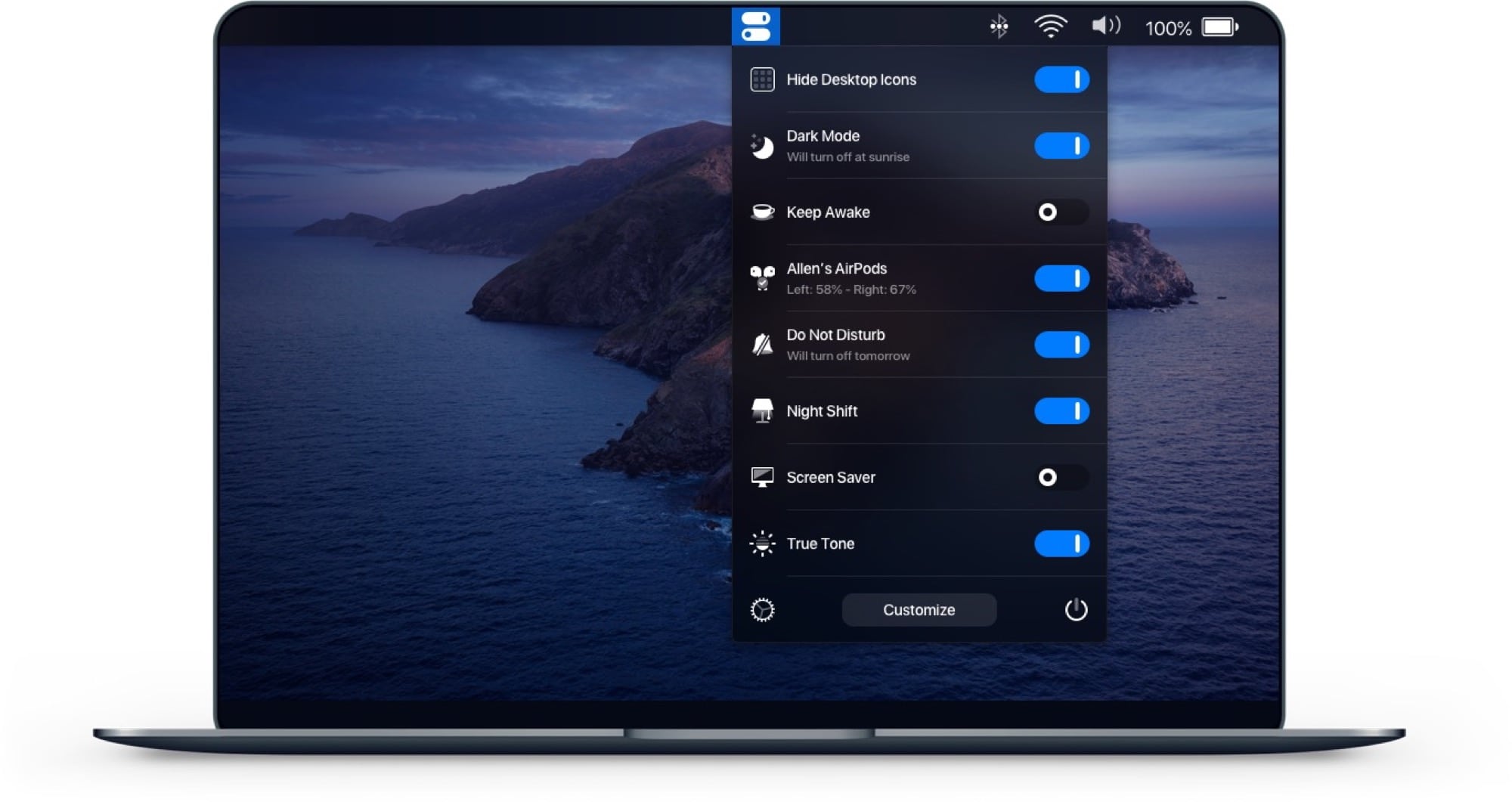
One Switch: One switch for your Mac's menu bar.
Image: Fireball
One Switch isn’t a new app, but it does look like one of the handiest Mac apps for anyone who follows our Cult of Mac how-tos. The app puts a drop-down list in your Mac’s menu bar, offering instant access to all kinds of great hacks and tweaks, from toggling Dark Mode to connecting AirPods.
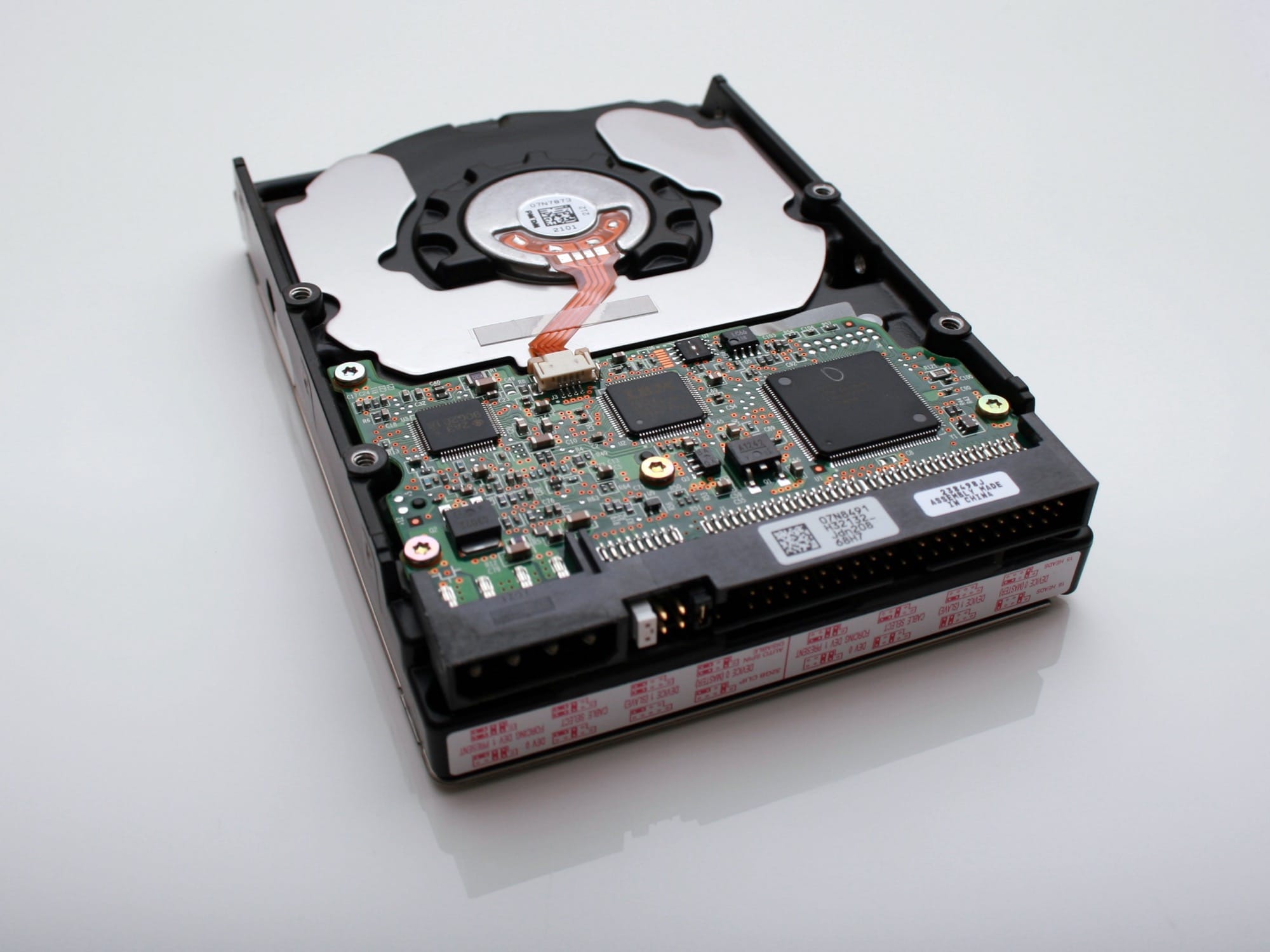
If the main disk in your Mac is a spinning hard drive, you should probably upgrade to a solid state drive. Swapping in an SSD is the cheapest way to make your old computer feel like a brand-new Mac. But for backups, and for lesser-used internal storage in a Mac Pro or iMac, a hard drive still gives you the best value. You will pay far less per megabyte of storage.
The problem is that hard drives are noisy as well as slow. If you’re used to enjoying the silence of an SSD-based computer environment, then those whirrs, whines clicks and pops will drive you nuts. Which is why you should unmount your noisy hard drives. That way they’re still available to the apps that need them, but otherwise they’re sleeping.
There’s nothing a Mac nerd likes more than using keyboard shortcuts. Actually, there’s one thing — telling people about Mac keyboard shortcuts. Either way, you’re going to love this tip, which lets you access the menu bar menus of any and all Mac apps, using just the keyboard.
Hit the magic key combo, and you can quickly type to find any menu command by name.
Temtem is the closest you'll get to a Pokémon game built for PC. Photo: Crema
Sorry, Pokémon fans, but hot new role-playing game Temtem isn’t coming to your Apple devices.
Publisher Humble Bundle today confirmed to Cult of Mac that there are currently no plans to bring the online creature-catching title to macOS. And it’s not looking good for iPhone and iPad, either.
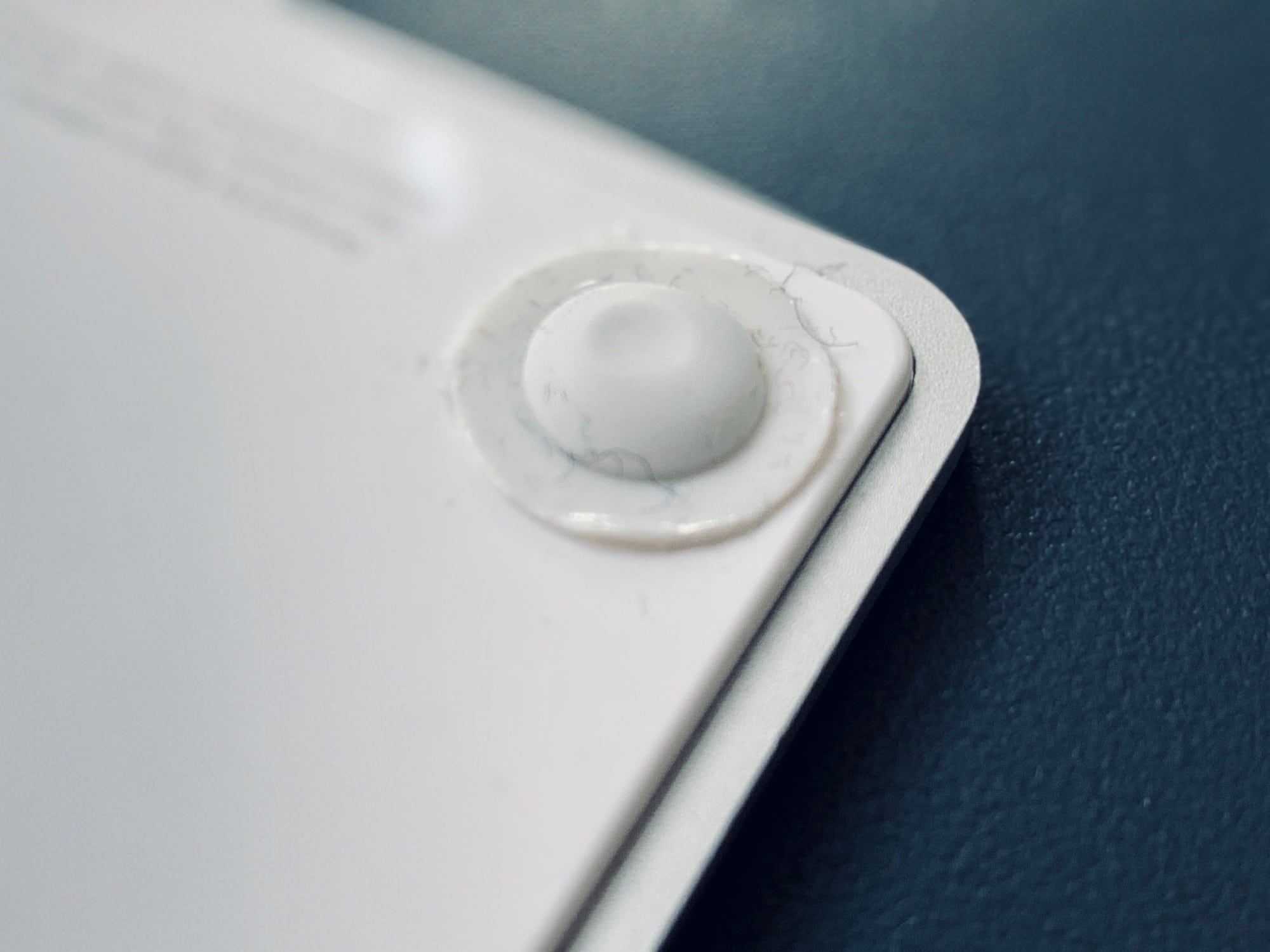
It's old and battered, but it still works. Even upside-down. Photo: Charlie Sorrel/Cult of Mac
If you have a low desk, or you just hate bending your wrists back, then you might consider turning your Magic Trackpad upside down, and using it with the lower end of its wedge away from you. With the trackpad upside-down, its slope will better watch your hand’s natural shape and position.
But flipping the trackpad also flips the direction of the mouse pointer, right? Up is down, down is up, and left and right don’t know where they are any more. Wrong! If you have an older Mac, you can just type a command into the Terminal to allow automatic orientation detection. And on newer Macs — from Sierra onward, I believe — there’s an equally easy trick.
Clicking can be a drag. Photo: Charlie Sorrel/Cult of Mac
I prefer the Mac’s trackpad to a mouse in every way but one. It’s more comfortable, it relieves RSI, it can be used equally easily by the left or right hand, and it does scrolling and multitouch. But the one thing it’s terrible at is actually clicking. Specifically, clicking and dragging to move a window, or to make a selection. And I’m still using the original Magic Trackpad, the one that runs on AA batteries. It has physical switches in its feet, so clicking is a lot harder at its top edge.
Enter the three-finger drag. This Mac accessibility setting lets you tap with three fingers to simulate a click and drag. And it does a lot more than just making it easier to move windows around the screen.