You’ll be one happy duck with your new AirPods. Photo: Apple
If you’re a super lucky duck, then Santa may have left you a pair of AirPods. They are truly one of the best products Apple ever made, because they really do offer a huge upgrade on all previous headphones. Here’s how to set up your new AirPods.
How do you set up a new Apple Watch? Whether you got the Series 10 with its thin design and advanced sensors or leapt for the rugged Apple Watch Ultra 2, you might be wondering how to get started. After all, the Watch is unlike any other Apple device, both in its dependence on an iPhone and in the way it works.
The good thing is, Apple has made it really, really easy to get things up and running. Let’s take a look.
Stick an AirTag in your car in case it's stolen. Photo: Mark Chan/Unsplash
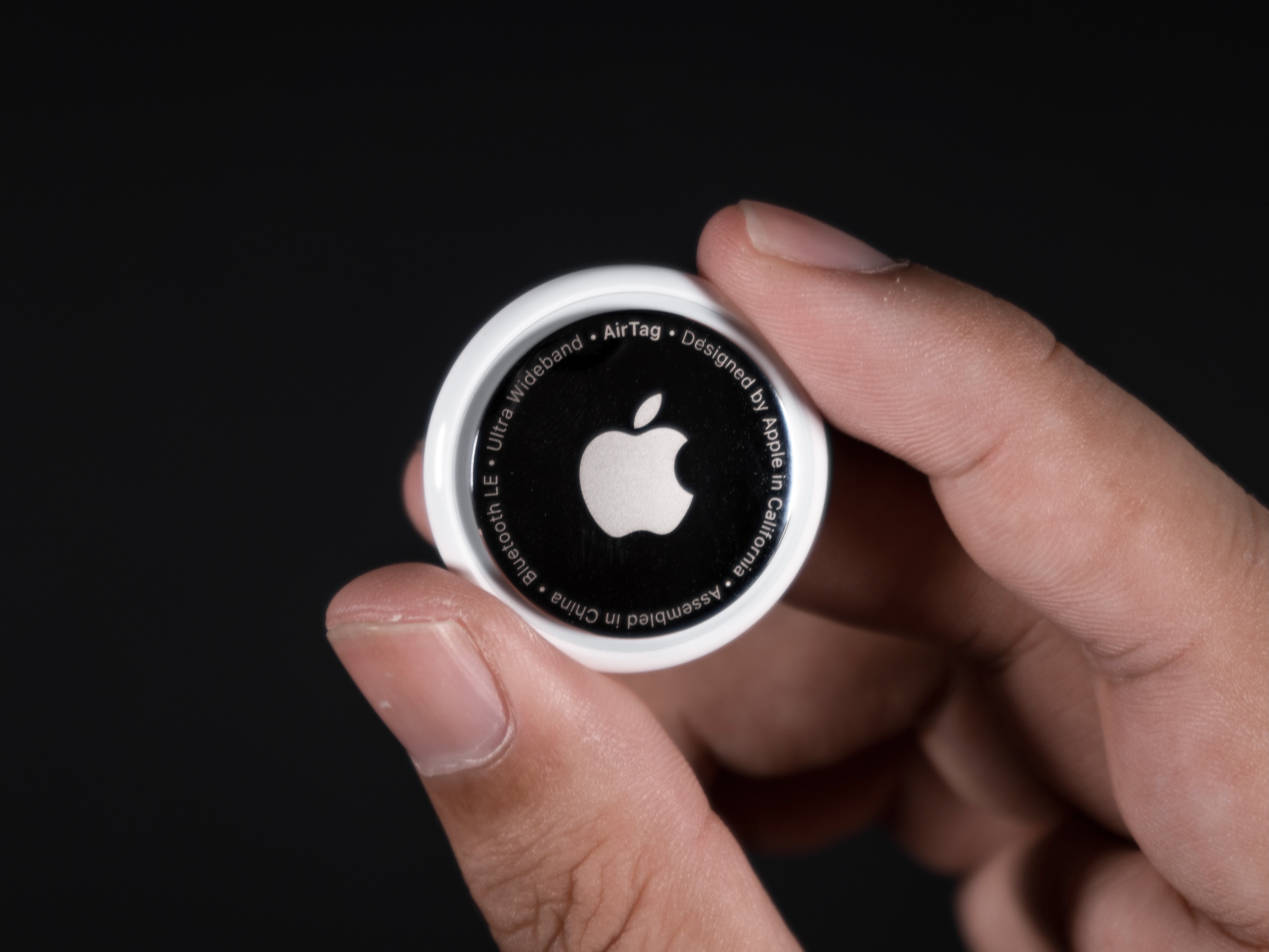
The Apple AirTag is arguably among the company’s most useful product releases in recent years. Once you set up an AirTag, it gives you powerful options for locating it (and whatever you attach it to). Put one of Apple’s tracking tags on an item like a keychain or luggage, and you can easily track its location from your iPhone, Mac, or iPad. If you’re wondering,do AirTags make noise, the answer is yes, but only in specific circumstances.
Since AirTag’s launch, numerous reports have detailed how the tracking tag helped owners find lost items. If you recently acquired an AirTag, here’s how you can set it up the right way and use it properly.
Let's get that nice new Mac set up, shall we? Image: Apple
It’s a great season to get a new Mac. Every Mac today is a great buy. If you’re one of the lucky people to get one this year, here’s how to set up your Mac like a pro.
So rip open that box, tear off that plastic and get to the good stuff.
Here is Cult of Mac’s guide to setting up your new Mac the right way.
Mac users can grab this 13-in-1 docking station to add the ports they need. Photo: Cult of Mac Deals
Need more ports for your MacBook? This affordable docking station for MacBook Pro or MacBook Air packs a whole desktop’s worth of ports into a compact form that connects with a single USB-C cable.
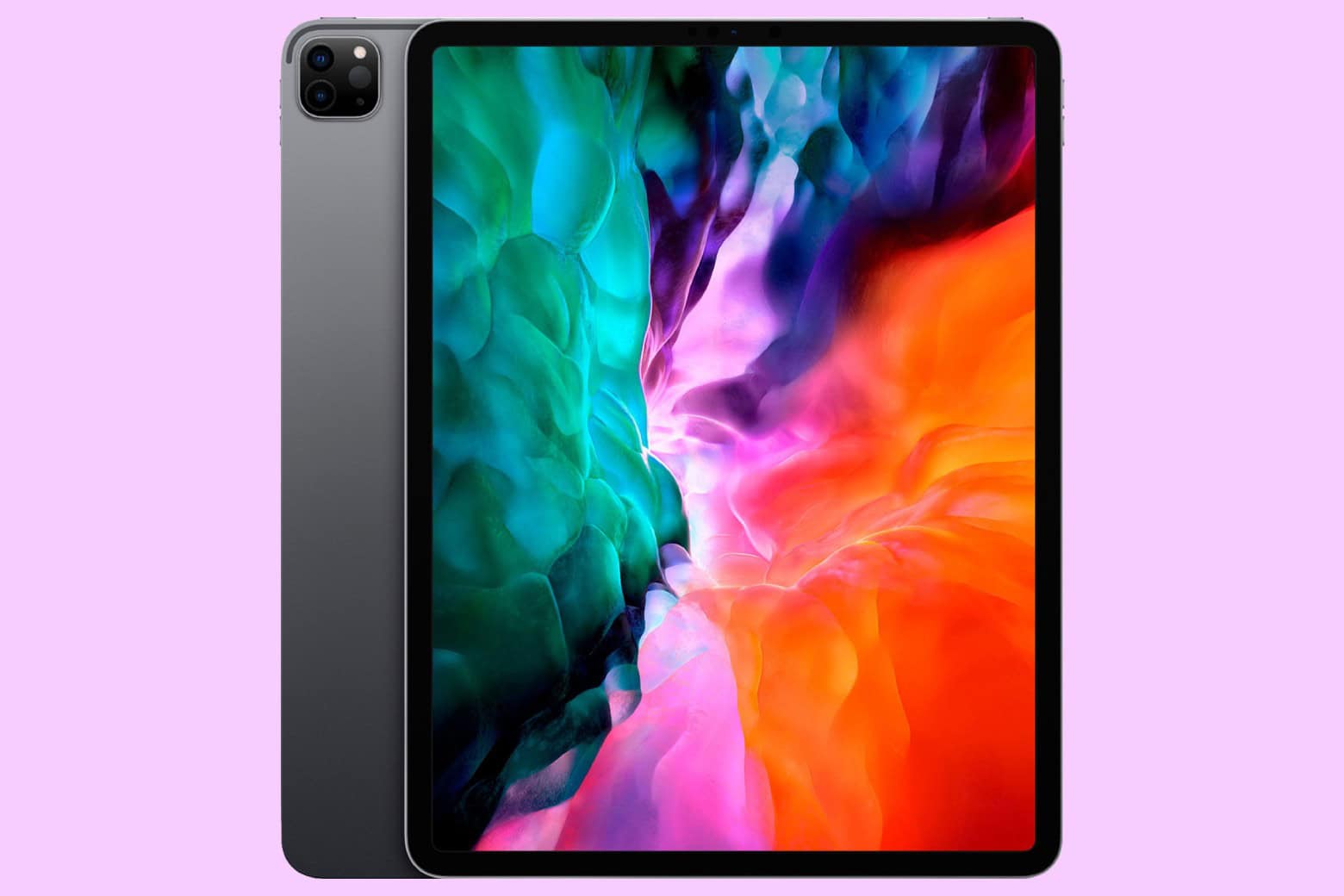
We’re here to help you do just that with a ton of little tips and tweaks that will make sure you’re off and using that new iPad as quickly as possible. From backing up your old iPad (if you had one already) to getting up and running with a brand-new iPad from scratch, we’ve got you covered.
NORAD’s Santa tracker app is available for iPhone and iPad. And there’s a website for Macs. Photo: NORAD
It’s Christmas Eve, and Santa Claus is on his way. You can find out exactly where he is with the help of the NORAD Santa tracker and your Mac or iPhone. You can even track Jolly Old Saint Nick’s progress in real time.
Here’s how to keep an eye on Kris Kringle‘s progress.
Pre-iPad rumors indicate Apple will call its tablet the "iSlate." Illustration: Apple/Cult of Mac
December 24, 2009: As rumors of a possible Apple tablet reach the boiling point, word spreads online that the new device will be called the iSlate.
The news is based on the fact that Apple quietly acquired the domain name iSlate.com a few years earlier. Since Apple did the same thing for the iPhone back in the late 1990s, years before the iPhone actually debuted, it makes total sense that the company would follow suit with the naming of its tablet.
It's not like it's going to get any less weird, right? Photo: Apple TV+
Watching the new Severance season two trailer, below — and the new sneak peek at the first eight minutes of episode one Apple TV+ dropped Monday — my excitement for the new episodes became one with my grim determination to watch the entire first season again before the undoubtedly bizarre new scenes of workplace hell start streaming on January 17, 2025.
Never before have I force-marched myself through a whole TV series season as a matter of preparation. But this funny-yet-unnerving workplace psycho-thriller deserves and demands it. If you’re preparing for season three and catching up on all things Apple, you might also want to check out how to activate Apple AirTag—and while you’re at it, read up on Apple TV+ renewing Severance for a third season.
Update: As a twisted sort of holiday gift, Apple TV+ posted a sneak peek at the first eight minutes of Severance season two on Monday, December 23. It’s safe to say the main character is very much on the run through Lumon Industries sterile yet deeply alienating hallways until he comes face to face with a team of direct reports he doesn’t recognize. And he ends up with more questions than answers in a one-on-one with Mr. Milchik. Watch the sneak peek at the link above and the trailer below.
We can get your new iPhone set up easily — no need to phone it in. Image: Apple
The new iPhone setup process gets easier every year. Apple continuously improves the steps needed to set up an iPhone. These days, you only need to do a few things to transfer all your old iPhone data to a new one. Still, certain tips and tricks can smooth the way.
The hot new tip this year is that you can directly transfer data from your old iPhone to your new one using a cable. Plus, other time-honored iPhone setup tricks will help things run smoothly. Here’s how to set up your new iPhone the right way.
Work smarter with a lifetime of MS Project for just $19.97. Photo: Cult of Mac Deals
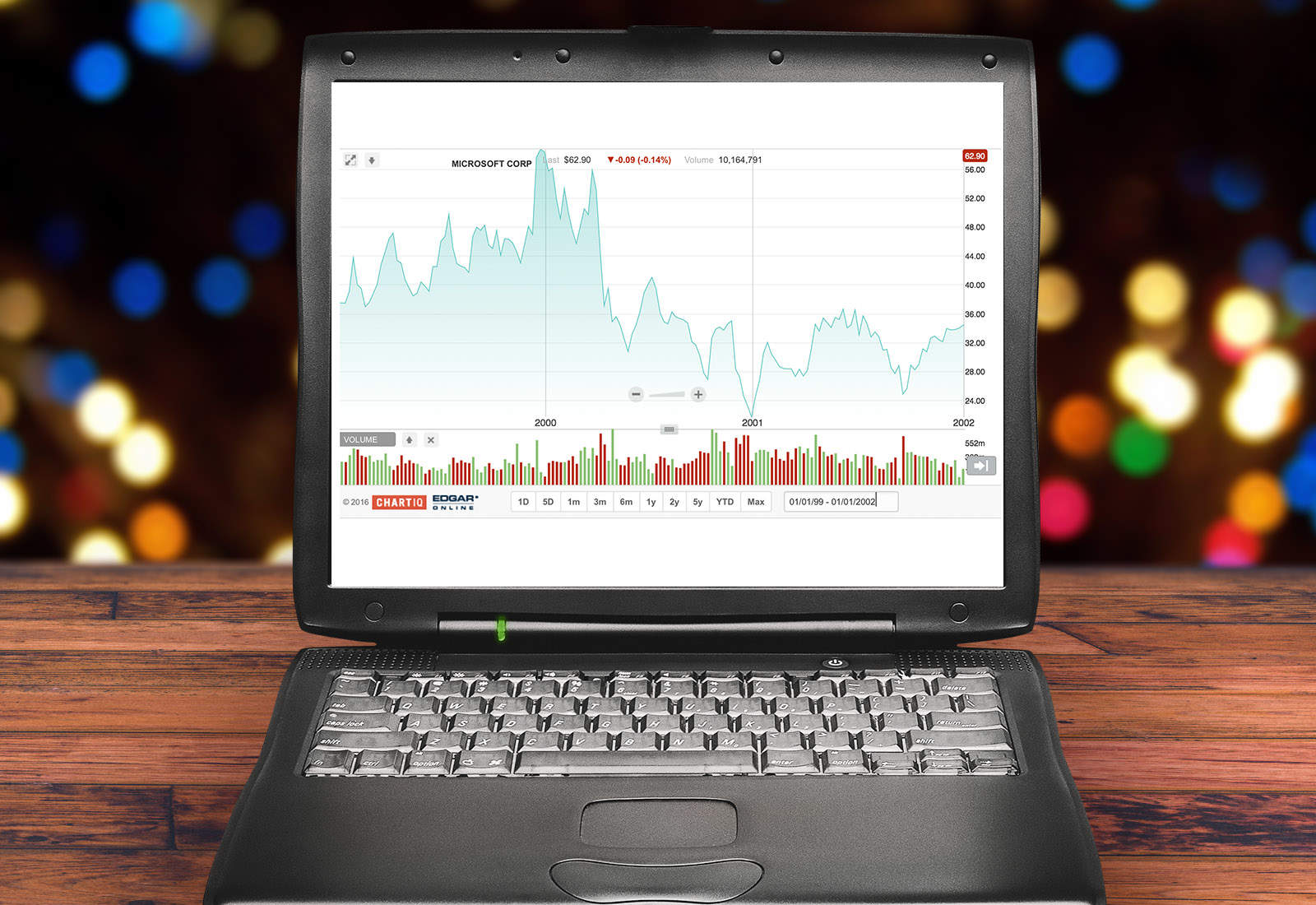
Every project needs a good team, but even the best personnel can get tangled when the job sprawls into different areas. That’s when the right software isn’t just a help — it’s a necessity. Microsoft has been helping workers boost productivity for decades with critical software (including early Mac apps). But there’s one tool you won’t find bundled with Microsoft 365, and you can get it in our Microsoft Project sale.
Thanks to this deal, new users can now get a lifetime license to Microsoft Project Professional 2021 for PC for less than $20. That’s an 92% discount off the usual price of $249.99 … and our lowest price ever!
Will there be any big Vision Pro news next year? Surprisingly so. Image: D. Griffin Jones/Cult of Mac
Will 2025 be a big year for Apple’s exciting new Vision Pro platform? With a fast new chip, a major software upgrade and more jaw-dropping content, there could be a lot in store for the AR/VR headset next year.
The fledgling device is likely to get worthy new hardware upgrades — and maybe even a price drop. visionOS 3, the next major software update, will have had a full 12 months in the oven. That means it could be a substantial release. And as production of 3D immersive content continues to get easier, there may finally be a lot more spatial video to watch on the headset. In fact, that could turn out to be the device’s killer app.
The iPhone 18 Pro may introduce a groundbreaking feature inspired by professional-grade cameras. Photo: Lyle Kahney/Cult of Mac
Apple could adopt a variable aperture system for the iPhone 18 Pro’s main camera that would enable the device to adjust the aperture size and light intake depending on surroundings.
DLSRs typically use a variable aperture lens system. Samsung and some Chinese Android manufacturers have also used the technology on their phones, albeit on a limited scale.
Finally, an Apple TV remote that isn't all talk.
Photo: Cult of Mac Deals
The Apple TV has a lot going for it, but the Siri Remote is pretty divisive, to say the least. If you like telling a half-smart robot what to do, you’re going to be hard-pressed to find a better remote. However, if you want a traditional TV-watching experience, the voice controls might not be your cup of tea. And this alternative Apple TV remote gives you all the buttons you might miss from the good old days.
The Function101 Button Remote was designed as a replacement remote for Apple TV and Apple TV 4K, and it makes it easier for you to use all the features built into your set-top streamer. For a limited time, you can get the Function101 Button Remote on sale for $19.97 (regularly $29.95).
You can share an Apple AirTag with up to five people. Here’s how. Photo: Apple
When Apple launched the AirTag, you could link the tracking tags to only one person. Luckily, Apple expanded that. Now you can share an AirTag with up to five other people, so each one can see where it is.
Here’s how to share an AirTag with family members or friends.
It's amazing what a difference a 90-degree cable connector can make in a the look of a computer setup. See the "before" photo below. Photo: ReimanRealm@Reddit.com
This holiday season, give yourself or someone else the timeless gift of better cable management. Today’s MacBook Pro and LG DualUp display user shows us one way to make a small but significant improvement in the look of a computer setup. You can use cables with 90-degree connectors rather than straight ones for a cleaner look (or get USB-C cable adapters with right-angle or vertical ends for your straight cables). Check out the “after” photo above and the “before” photo below.
And seriously, if you’re hard up for stocking-stuffer ideas, a USB-C adapter kit might be just the thing. See below.
"Slide to unlock" drew audible gasps from the audience when Steve Jobs first showed it off. Photo: Jared Earle/Flickr CC
December 23, 2005: Apple files a patent application for its iconic “slide to unlock” gesture for the iPhone.
At this point, the iPhone remains a secret research project. However, the ability to unlock the device by sliding your finger across it signifies Apple’s big ambitions for its smartphone. Cupertino wants the iPhone it’s racing to develop to be easy to use, intuitive and miles ahead of the competition technologically.
Expect the M5, M5 Pro and M5 Max processors in 2025. Photo: Apple/Cult of Mac
It’s a safe bet that the Apple M5 processor will start replacing the current M4 in 2025, and it might even happen in the first half of the year.
That’s according to a roadmap of when the various versions of the chip will go into production leaked Monday by a reliable source of insider Apple information.
A lot of Macs are coming next year. Image: Apple/D. Griffin Jones/Cult of Mac
What does Apple have planned for the Mac in 2025? For the last couple of years, Apple’s been killing it with its desktop and laptop computers. The chips scream, the industrial design has never been better, and the Mac lineup is undoubtedly the best in Apple’s history. Just look at the amazing new Mac mini.
China is a massive market for Apple. Photo: Weibo/Tim Cook
December 22, 2013: After months of false starts, Apple finally secures a deal with China Mobile to bring the iPhone to the world’s largest telecom company.
With 760 million potential iPhone customers in the offing, the deal shapes up as Apple’s most important yet for growing its brand in China. In fact, Apple CEO Tim Cook says the country soon will become the company’s biggest market.
A smart home doorbell from Apple with Face ID could become a reality. Photo: Apple
Apple is reportedly working on a smart doorbell with Face ID-like facial recognition.
The device, still in its early development stages, seems unlikely to reach the market before late 2025 at the earliest. This timeline presumes Apple encounters no significant obstacles during development.
This week on Cult of Mac’s podcast: Some new iPhone 17 Pro renders make us ponder whether Apple will (or should) create such a device. We discuss the pros, cons and alternative theories.
Also on The CultCast:
An update on when we might see the very first folding iPhone.
A ridiculous Apple Intelligence screwup lands Apple in hot water.
We wrap up with round two of our picks for best and worst of 2024.
Listen to this week’s episode of The CultCast in the Podcasts app or your favorite podcast app. (Be sure to subscribe and leave us a review if you like it!) Or watch the video live stream, embedded below.
Get some space back on your phone. Image: D. Griffin Jones/Cult of Mac
If your iPhone storage is full, you’ll need to quickly clear up space. You don’t need to panic and delete all your pictures, though. There are easy ways to free up iPhone storage without losing any precious data forever.
Apple put a convenient screen in Settings that can walk you through non-destructive ways to clear up space on your phone. Apps that you don’t use frequently can be temporarily uninstalled (and instantly redownloaded when you need them again). If you sync data to iCloud, like photos and music, your phone can automatically offload some of that data. You also can limit the number of podcasts your phone keeps, if you’re falling behind on your listening.
Here are the easiest steps you can take if your iPhone storage gets too full.