★★★★☆
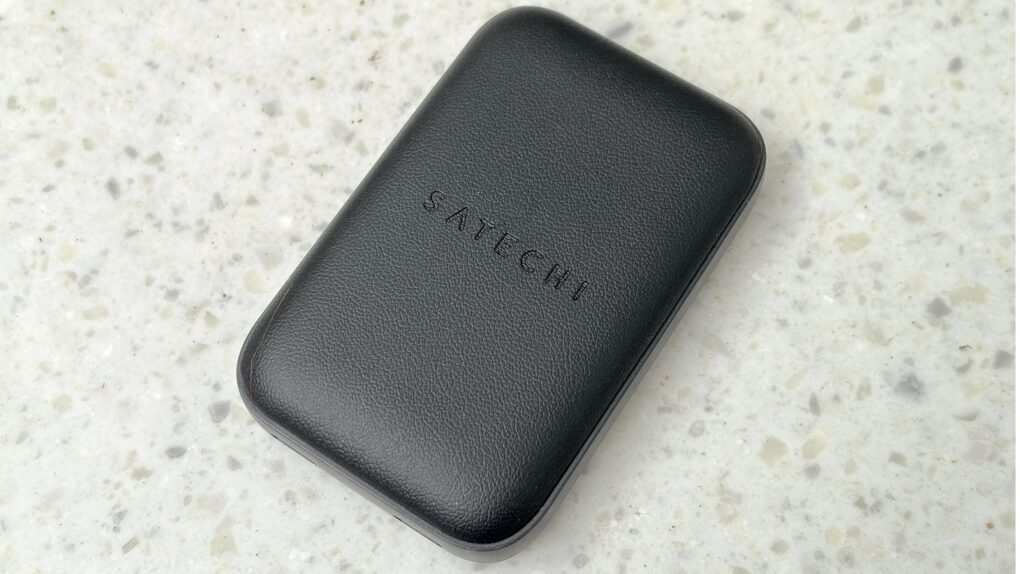
The Satechi On-the-Go 67W Slim Wall Charger packs outsized power. Photo: Ed Hardy/Cult of Mac
The Satechi OntheGo 67W Slim Wall Charger lives up to its name. It’s sleek and very portable, but can pump out enough power to juice up a MacBook. It makes anything from Apple seem bulky, slow and limited.
I tested out its capabilities for this hands-on review.
★★★★☆
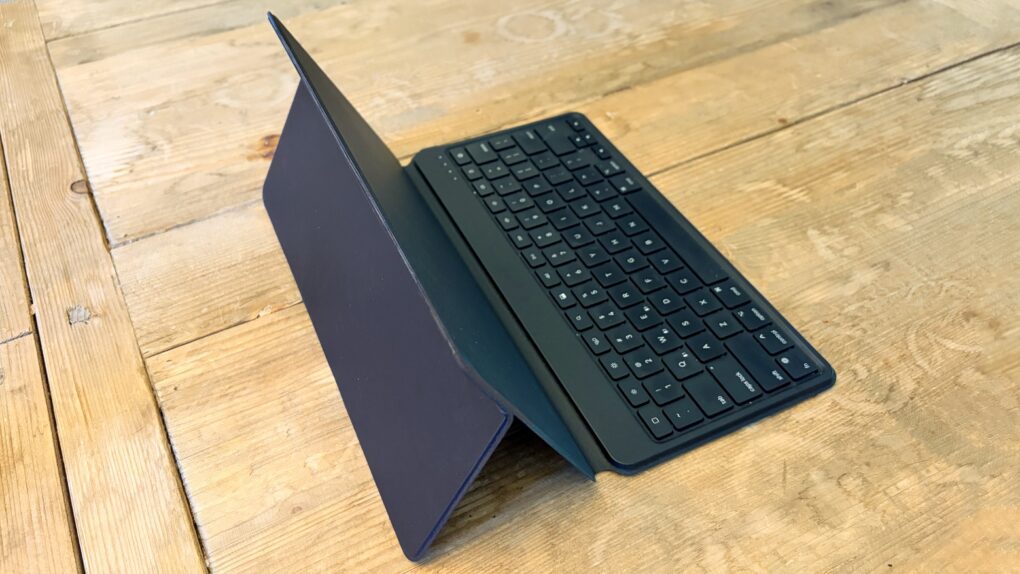
The Satechi OntheGo Bluetooth Keyboard with Stand works with any current or future iPad. Photo: Ed Hardy/Cult of Mac
The Satechi OntheGo Bluetooth Keyboard with Stand is an ideal option for those who need to add a travel keyboard to their iPad and don’t want to limit the accessory to only one tablet. Or want to add a portable keyboard to their iPad without giving up the case they like.
It can switch between computers with a simple push of a button. Plus, it’s not limited to tablets.
I’ve tested the multi-device input device with my iPad and iPhone, and came away quite pleased.
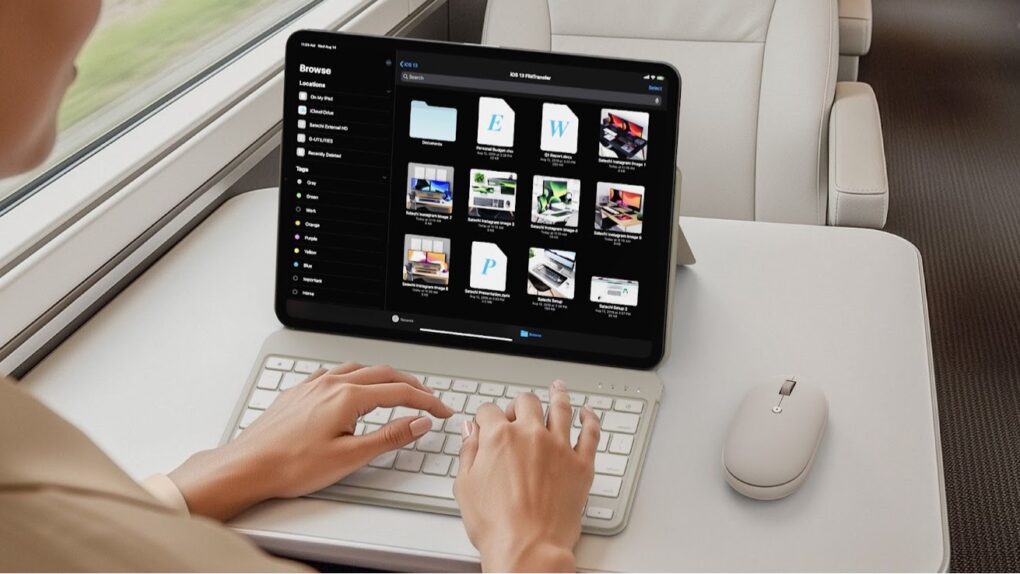
Satechi’s new Bluetooth keyboard with stand can be used with nearly any tablet. Photo: Satechi
The just-launched Satechi OntheGo Bluetooth Keyboard with Stand is for those who need a travel keyboard for their iPad and don’t want to limit the accessory to just one tablet.
Plus, Satechi launched a new OntheGo Bluetooth Mouse at the same time.
Sure, you can give them a no-brainer gift like an AirTag, but that's just the tip of the iceberg. Photo: Grok/Cult of Mac
Tech travel accessories have become essential companions for modern travelers who rely on their Apple and other devices for everything from navigation to entertainment. Ever found yourself with a dead iPhone in a foreign country or frantically searching for your AirPods before boarding a flight? These scenarios can quickly stress-bomb an exciting trip. Peruse our guide to learn about the best tech gifts for travelers (whether that’s you or someone else in your life!)
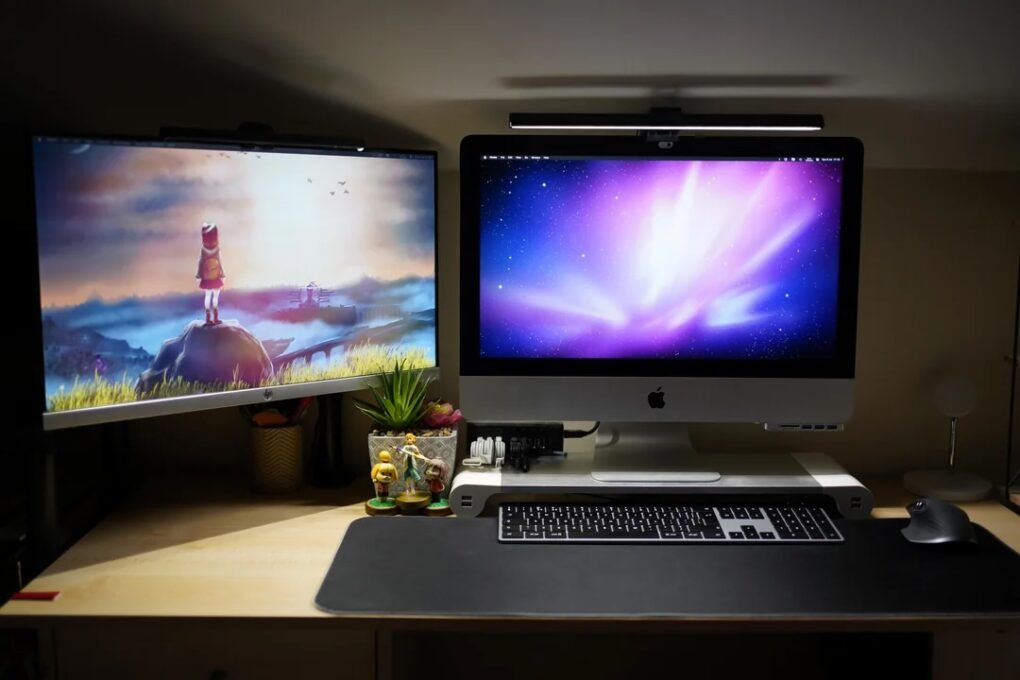
This is the user's "before" picture, with 2017 iMac. See the "after" picture below. Photo: nekomichi@Reddit.com
I love the “before” and “after” setups posts with photos on social media. Today’s is on the basic side, but it’s always fun to see clear visuals of what people do. In this one, an iMac toiling away for eight years gets judged into well-deserved retirement by Apple’s hot little M4 desktop machine on a Satechi Mac mini hub that greatly expands connectivity and storage. With the iMac’s lovely screen gone, the new rig is a Dell-4K-display-Mac-mini combo.
This lanyard can also charge your iPhone. Photo: Satechi
The Satechi OntheGo USB-C Lanyard Cable makes carrying around an iPhone easy, and charging it, too. That’s because it’s both a lanyard and a USB-C charging cable in one accessory.
In addition, the accessory maker also just launched the Satechi OntheGo 67W Slim Wall Charger to power up an iPhone or MacBook when and where needed.
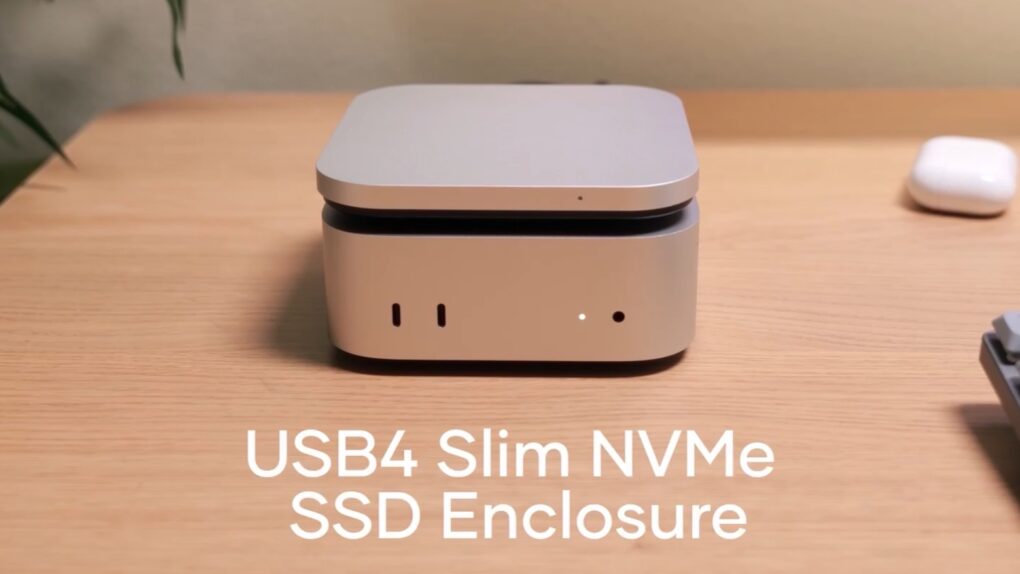
The Satechi USB4 Slim NVMe SSD Enclosure expands Mac mini. Image: Satechi
Adding a high-speed SSD to the Mac mini M4 just got easier with the Satechi USB4 Slim NVMe SSD Enclosure. It can hold up to 8TB drives and transfer data at up to 5 GB per second.
The accessory hit store shelves Tuesday and comes with a 17% launch discount.
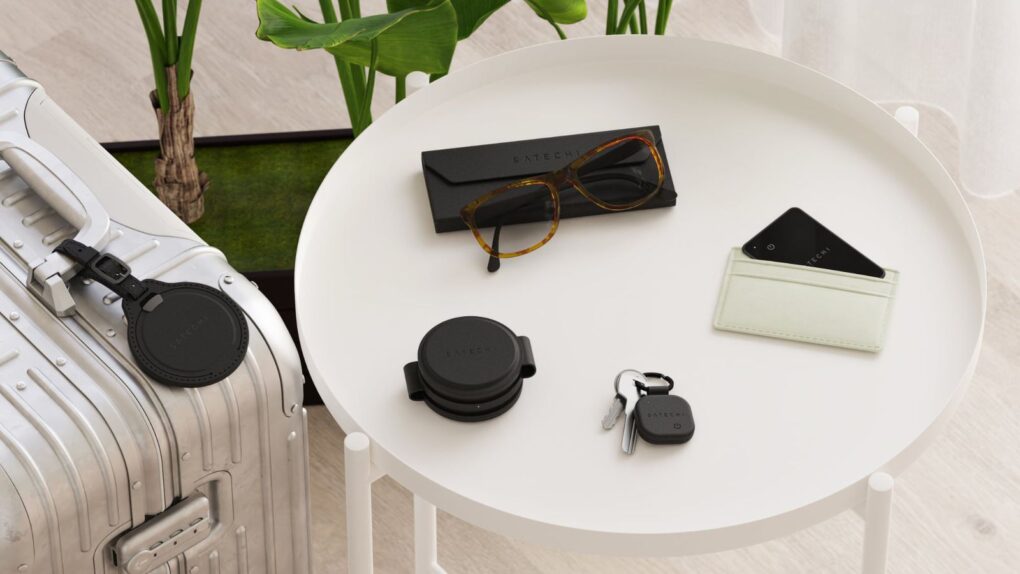
Four new accessories, including eyeglasses case and wallet tracker, bring the FindAll lineup to five items. Photo: Satechi
Satechi expanded its FindAll lineup Wednesday, adding four new trackable accessories that seamlessly integrate with Apple’s Find My network. The new items — an eyeglasses case, a wallet tracker, a luggage tag and a keychain — join Satechi’s passport holder.
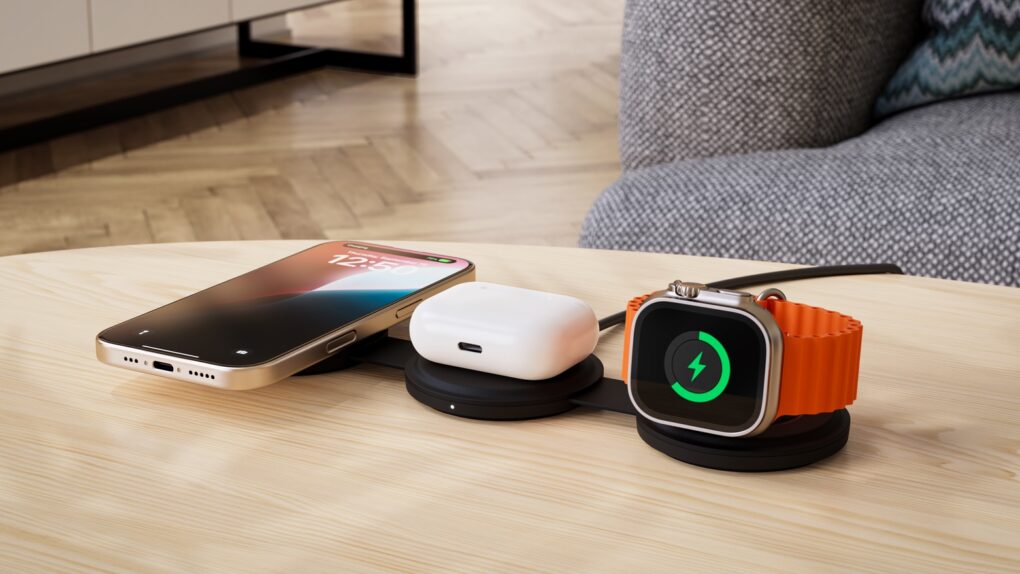
The Satechi OntheGo 3-in-1 Charger is ready for your next vacation. Photo: Satechi
Put a Satechi OntheGo 3-in-1 Charger on a hotel nightstand and it’s ready to juice up your iPhone, Apple Watch and AirPods all at once. When it’s time to go, it folds up into a travel-friendly shape.
There’s also a 2-in-1 version, and both hit store shelves on Tuesday.
★★★★☆
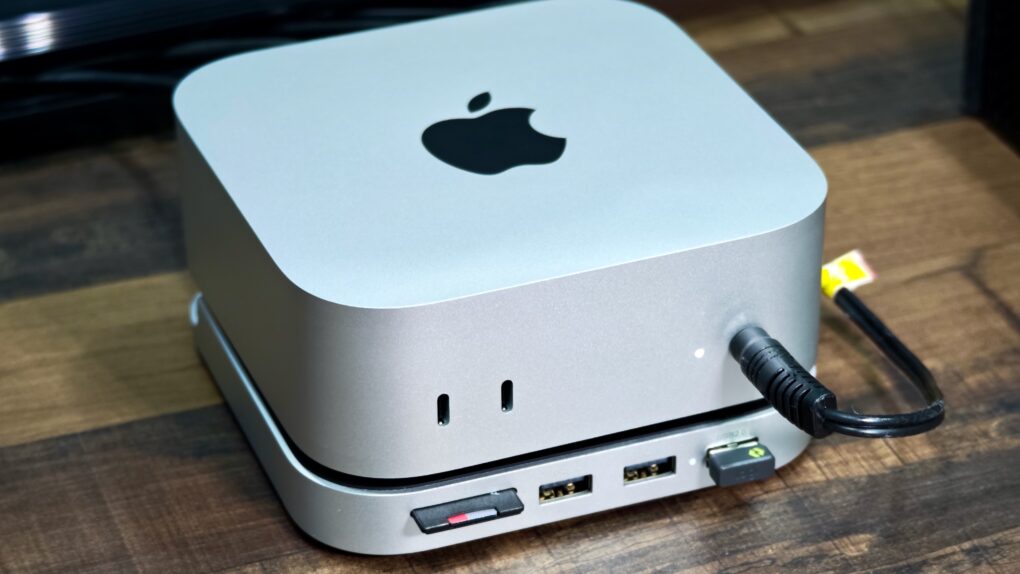
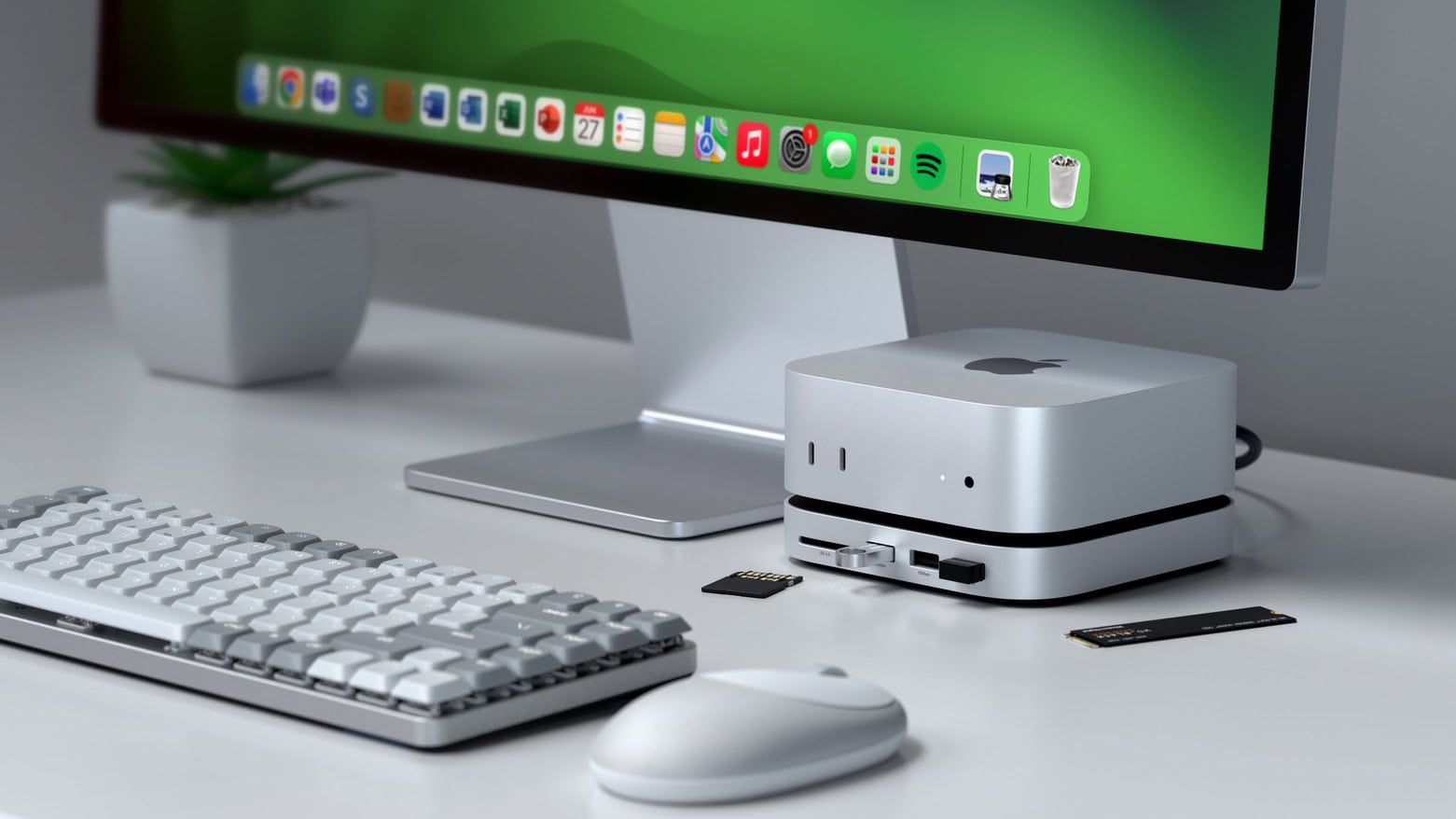
The Satechi Stand & Hub for the M4 Mac mini is a sleek and practical accessory. Photo: Rajesh Pandey/Cult Of Mac
The M4 Mac mini stands out as one of the best value-for-money Macs in Apple’s lineup. But it’s not perfect, with the lack of an SD card slot and USB-A ports being two major annoyances. Satechi’s Mac Mini M4 Stand & Hub with SSD Enclosure aims to address these flaws while offering a way to expand storage on the cheap.
That’s a bold pitch. So, does the accessory deliver? Here’s what I found.
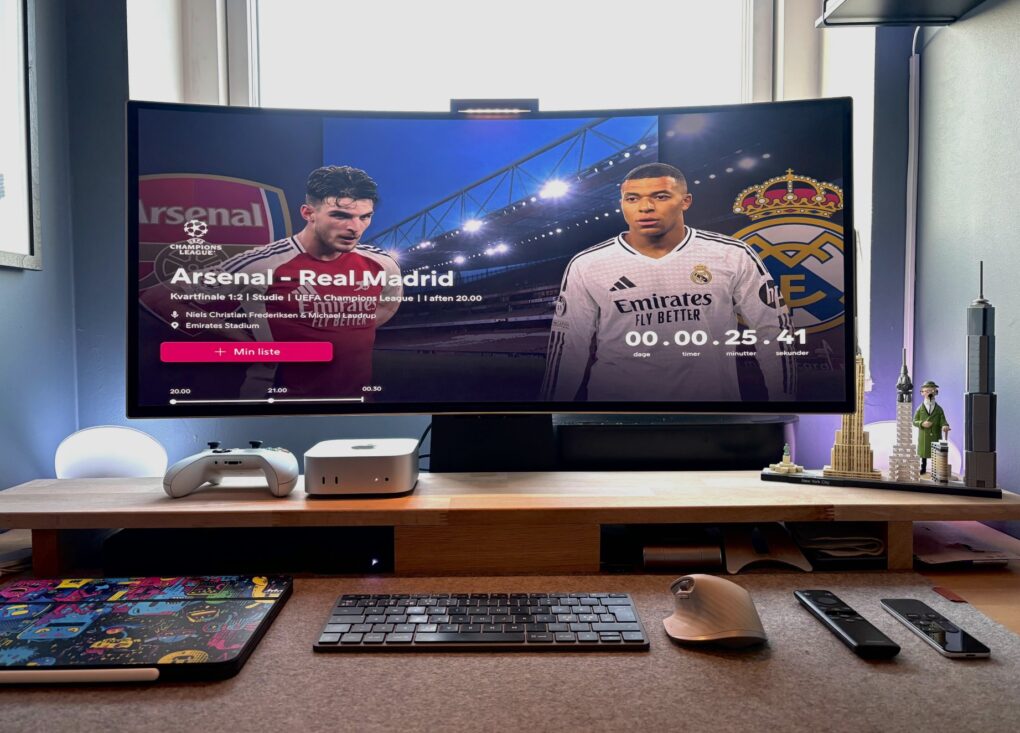
In a back-and-forth battle, Studio Display ultimately lost out to a Samsung G8 OLED ultra-wide monitor. Photo: Ok-Mulberry6597@Reddit.com
The turf war between standard displays and ultra-wide monitors continues — sometimes within one computer setup. Today’s M4 Mac mini user went back and forth multiple times before their Samsung ultra-wide OLED display retook the crown from their Studio Display, which is now “gone.” And that’s the case despite their acknowledgement that “Studio Display is the best monitor for Mac, no discussion.”
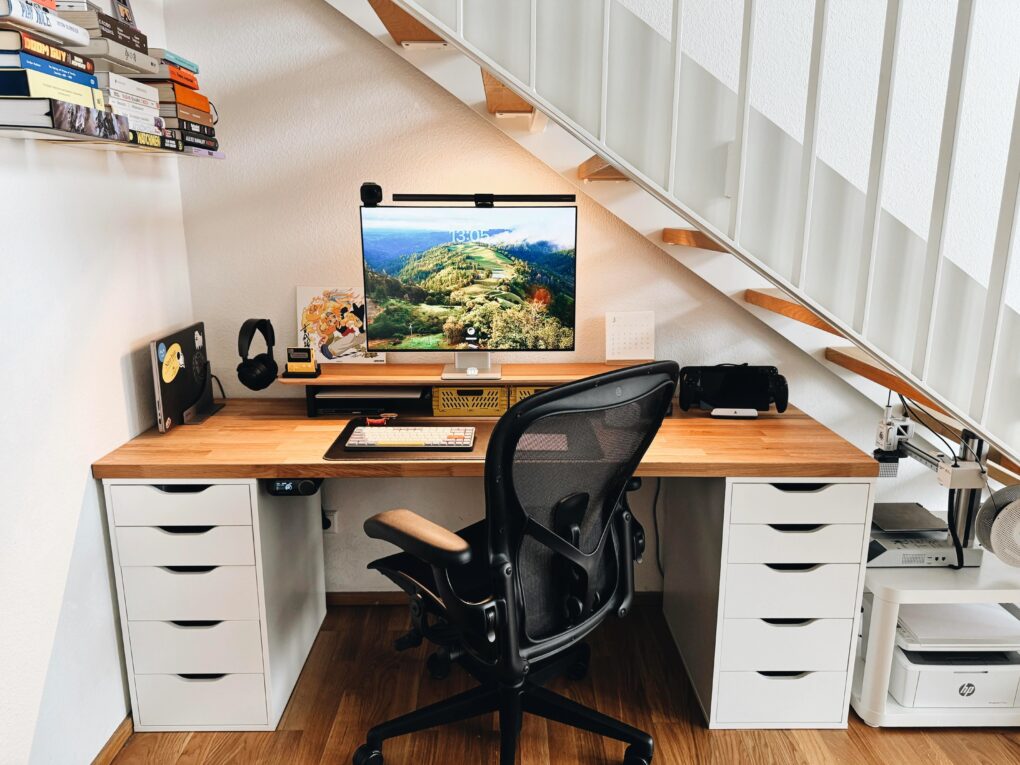
It's not like it's an incomplete setup, either. Photo: valent_ex@Reddit.com
Today’s MacBook Pro setup so excels at saving space it fits more into its little nook under a staircase than many people, including me, fit in setups without that constraint. In addition to the usual, they’ve even got multiple game systems, two printers and a book collection in there. And the user still rocks a version of my previous laptop, the great M1 Pro MacBook Pro. No doubt it’s still good for a few more years.
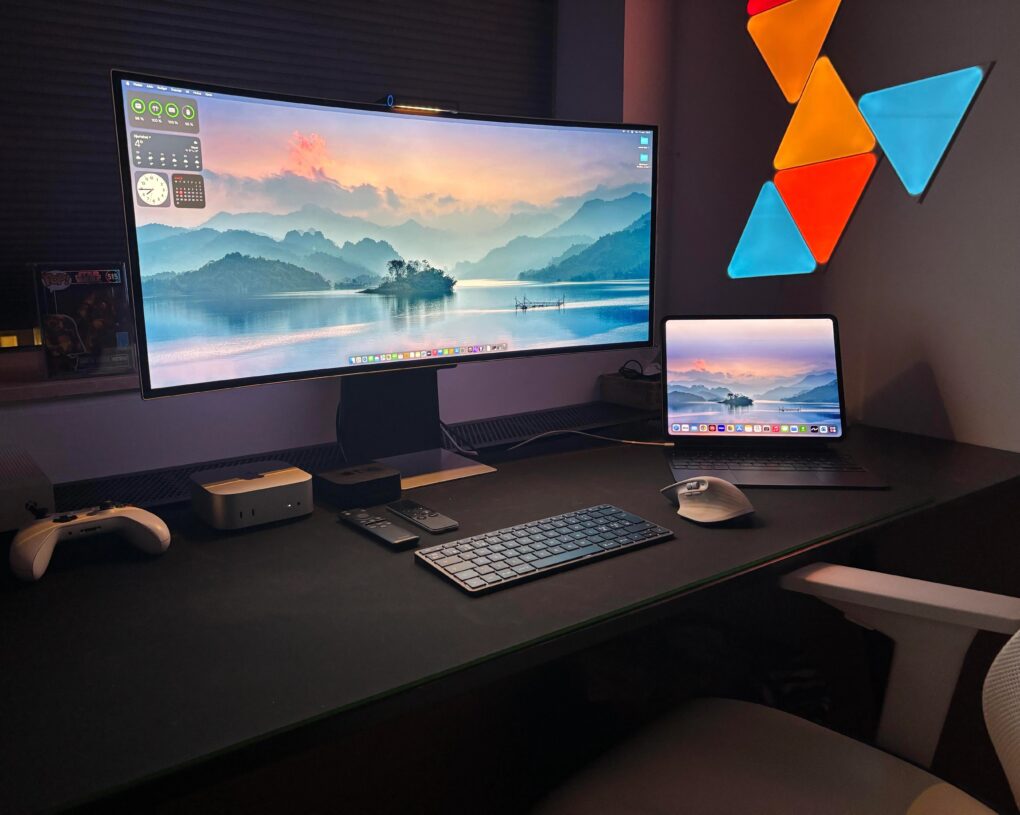
Here's the ultra-wide Samsung 1440p monitor used with Mac Mini. Photo: Ok-Mulberry6597@Reddit.com
Apple’s 27-inch 5K Studio Display continues to impress users — aside from its steep price tag. Lots of folks look for affordable alternatives. Today’s Mac mini user owns a Studio Display, but he wanted to try an ultra-wide Samsung Odyssey G8 OLED display. Well, guess what. He keeps going back to the Studio Display. See below for all the reasons why.
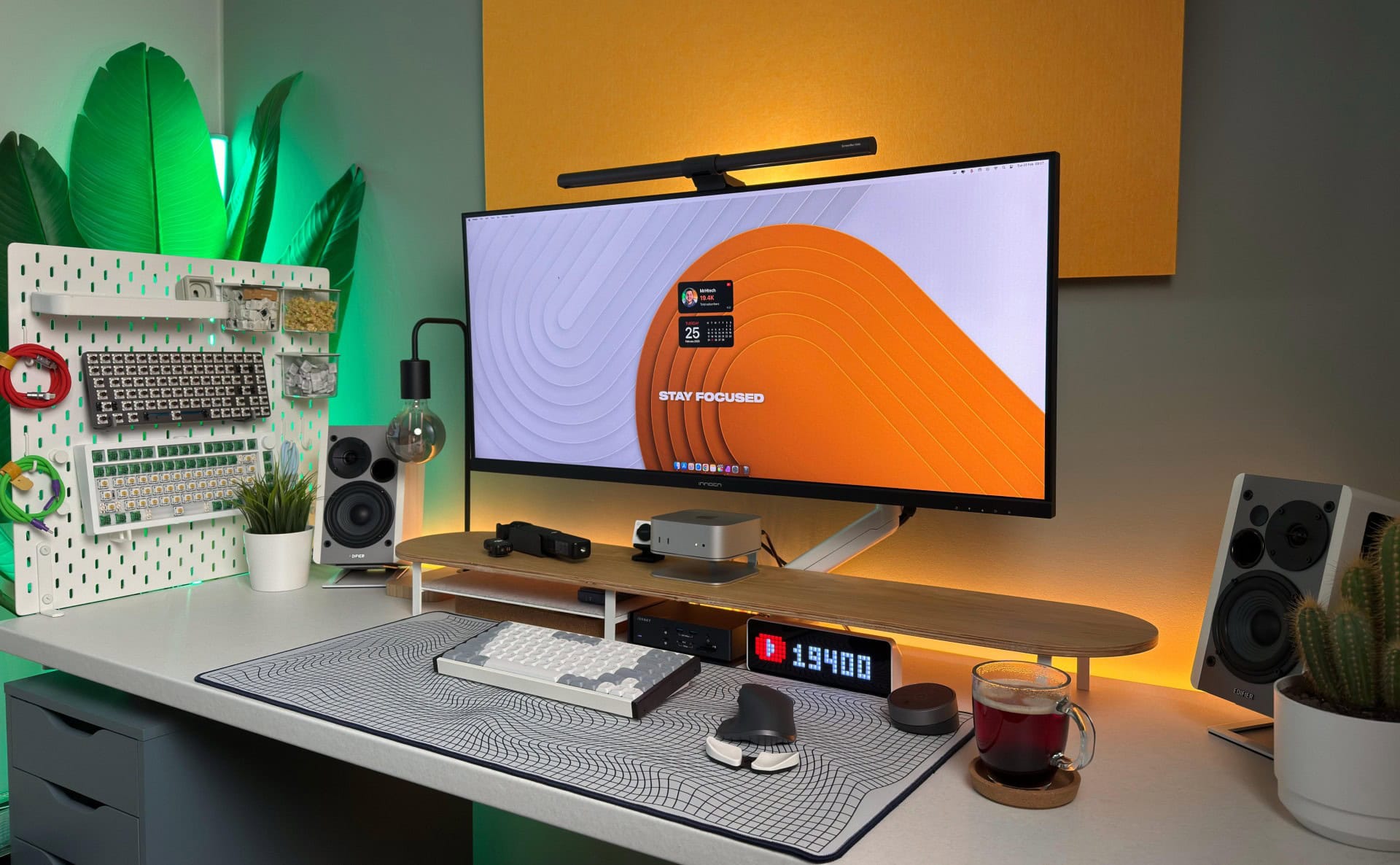
A powerful and well-equipped M4 Pro Mac mini and iVanky Thunderbolt 4 dock power this great setup. Photo: MrHtech18@Reddit.com
These days, a well-equipped new Mac mini and a good docking station buy you loads of computing power and connectivity to plenty of peripherals for years to come. Today’s M4 Pro Mac mini workstation features a fine dock for Mac mini in the iVanky FusionDock Max 1 (even though the Thunderbolt 4 dock with a whopping 20 connection options was designed for MacBooks).
Max out your Mac mini with this hub. Photo: Satechi
The wait for the Satechi Mac mini M4 Stand & Hub with SSD Enclosure isn’t as long as expected. The accessory — which adds front-facing ports and more storage — can be ordered now, though quantities are limited.
It seems a nice addition for Apple’s tiny new desktop. It even makes pressing the computer’s hidden power button easier.
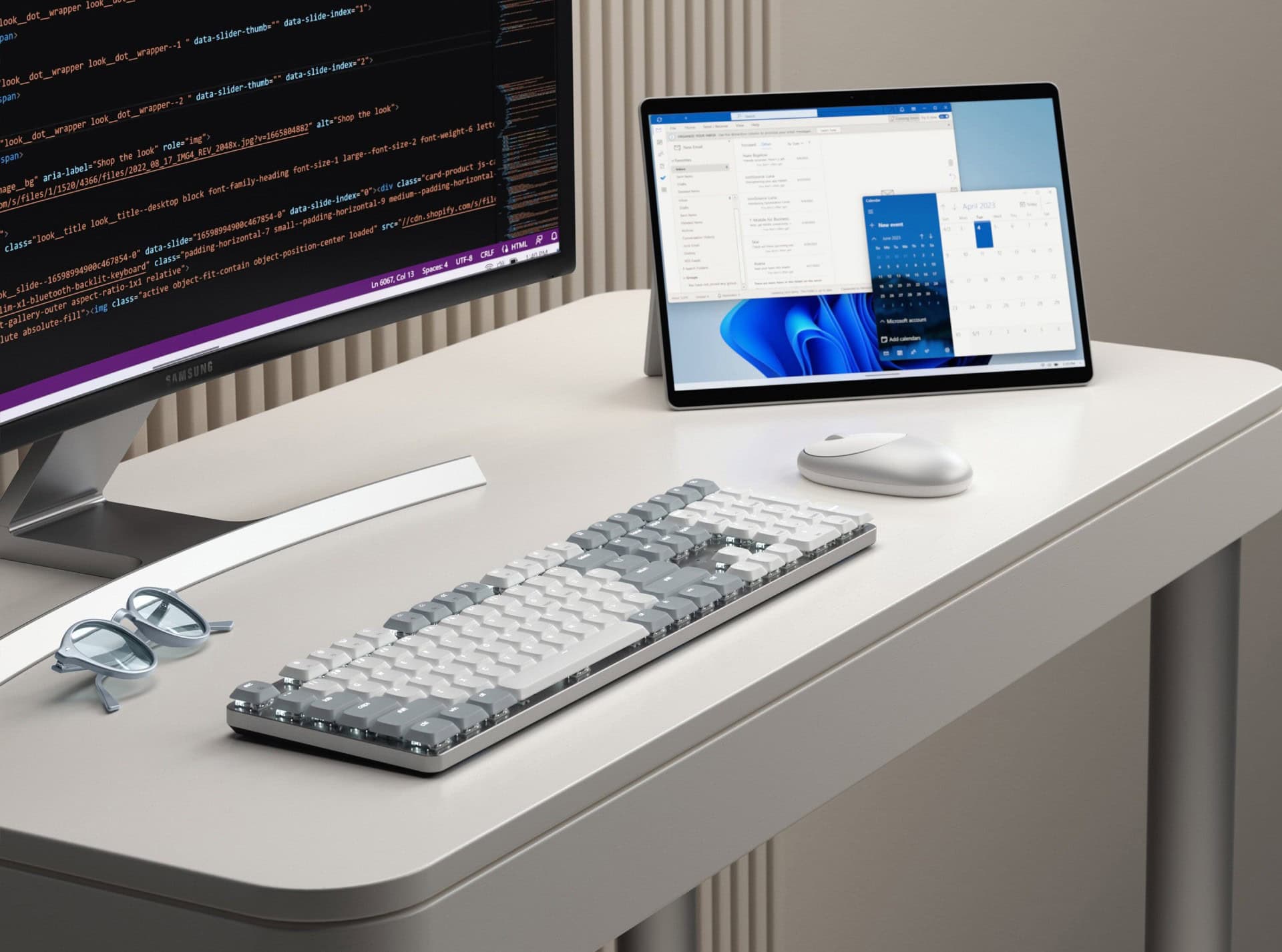
Satechi's new SM3 is low-profile but full-sized, larger than the popular SM1. Photo: Satechi
The new full-size Satechi SM3 Slim Mechanical Backlit Bluetooth Keyboard builds upon the success of its compact predecessor, the SM1. But it offers Mac and Windows users enhanced functionality through a complete 108-key layout including a numeric keypad, Satechi said upon unveiling the new keeb at CES 2025.
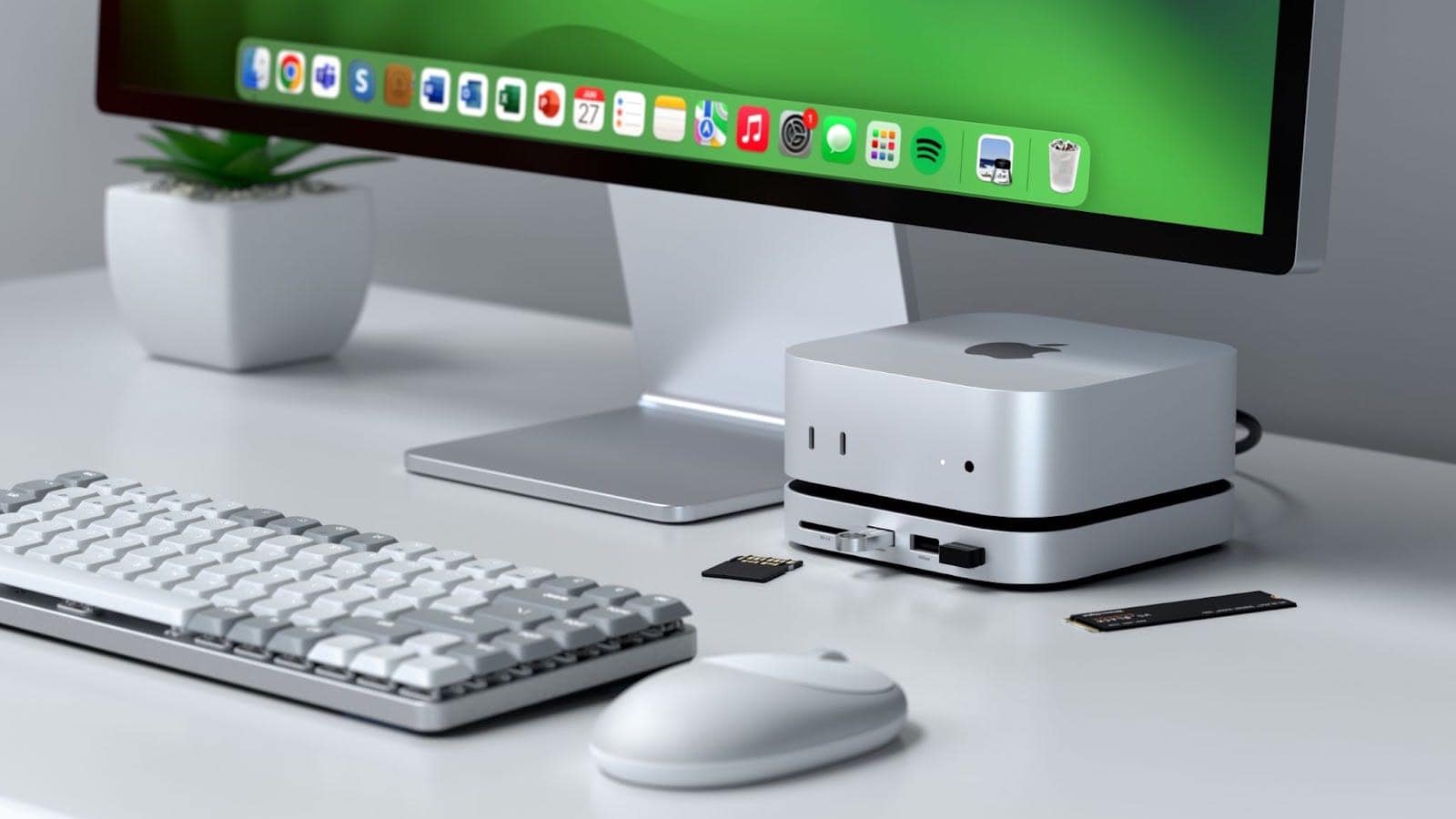
Max out your Mac mini with this hub. Photo: Satechi
The Satechi Mac mini M4 Stand & Hub with SSD Enclosure expands the capabilities of Apple’s tiny new desktop with additional front-facing ports and more storage. It even makes pressing the computer’s hidden power button easier.
Satechi gave a sneak peek of the product in November, but on Monday revealed the full specifications, including a price and release date.
This stand, hub and SSD enclosure might be just the accessory your Mac mini M4 needs. Photo: Satechi
The just-announced Satechi Mac mini M4 Stand & Hub with SSD Enclosure adds an array of front-facing ports to Apple’s slimmed-down desktop. There’s also room inside for an NVMe SSD.
The multi-purpose accessory is designed to match the size and appearance of the Mac.
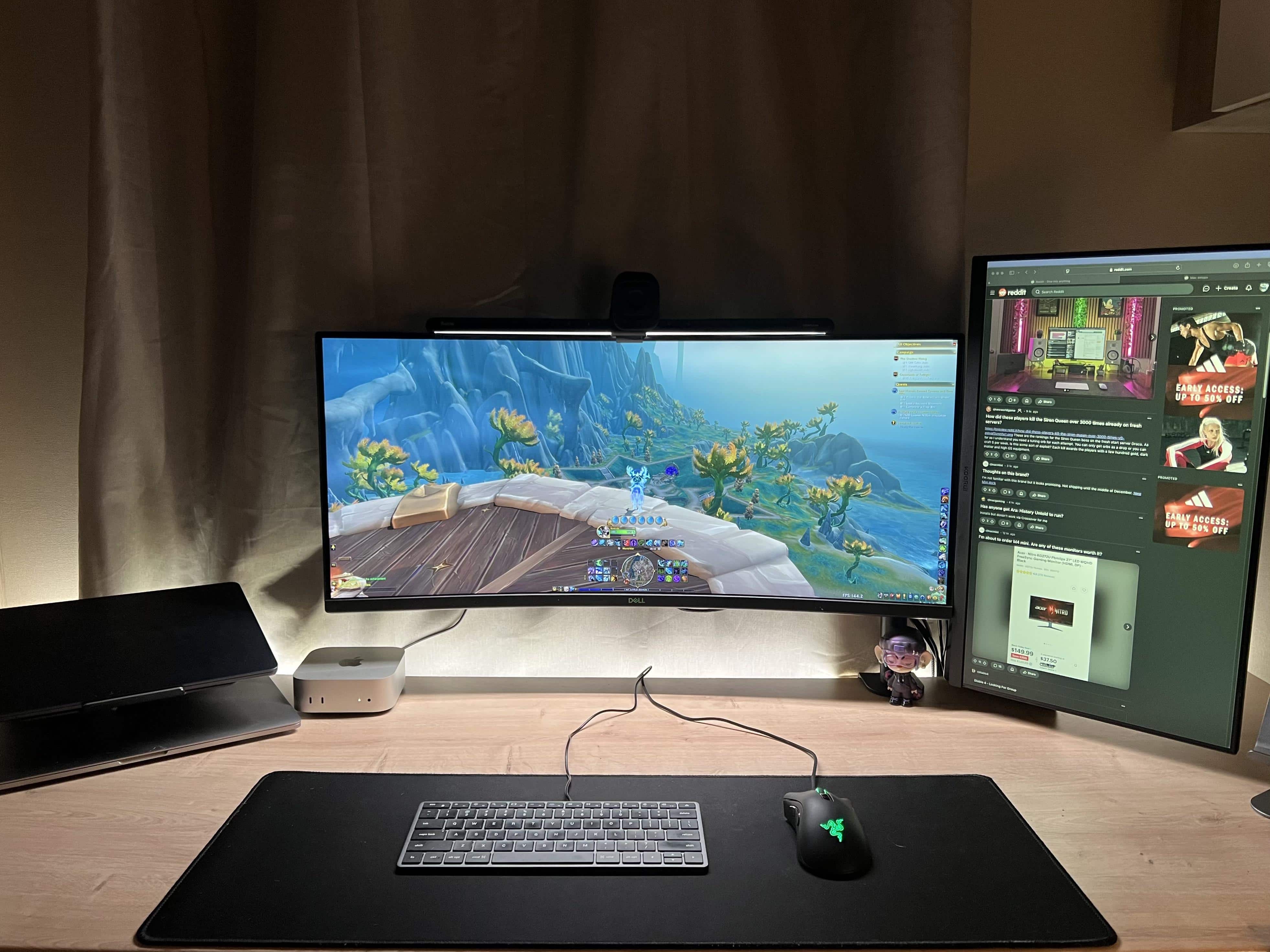
This user says he's loving M4 Pro Mac mini gaming. Photo: A-Basic-Gamer@Reddit.com
Recently, the phrase “Mac mini gaming” took on a whole new meaning. That’s because Apple released the M4 and M4 Pro Mac mini desktop computers in a much smaller form factor and with unprecedented performance. Today’s MacBook Air and MacBook Pro user is over the moon about what his new M4 Pro Mac mini can do with World of Warcraft and other games.
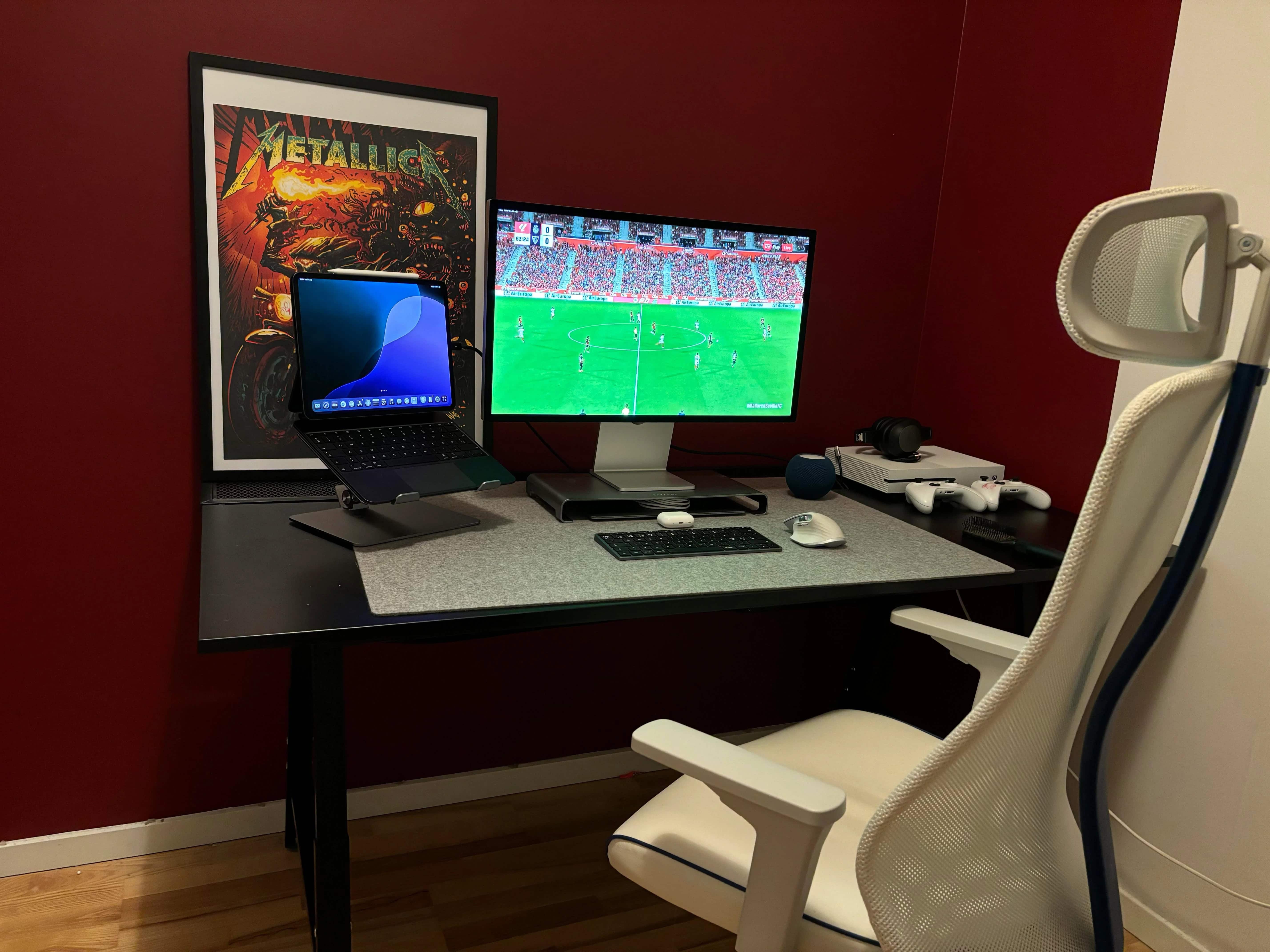
This MacBook Air users loves using his 13-inch M4 iPad Pro as a second external display. His Studio Display displays his iPad screen in the photo above. Photo: Ok-Mulberry6597@Reddit.com
Many users out there on social media can’t seem to get enough external displays into their computer setups. Sometimes we see as many as six big screens. But don’t forget a simple way you can always add another small screen. Namely, don’t just add your MacBook open on the desk or on a stand. Include your iPad, too. Today’s M1 MacBook Air user proudly has his M4 iPad Pro mirror on Studio Display as it sits in the mix on a Twelve South stand.
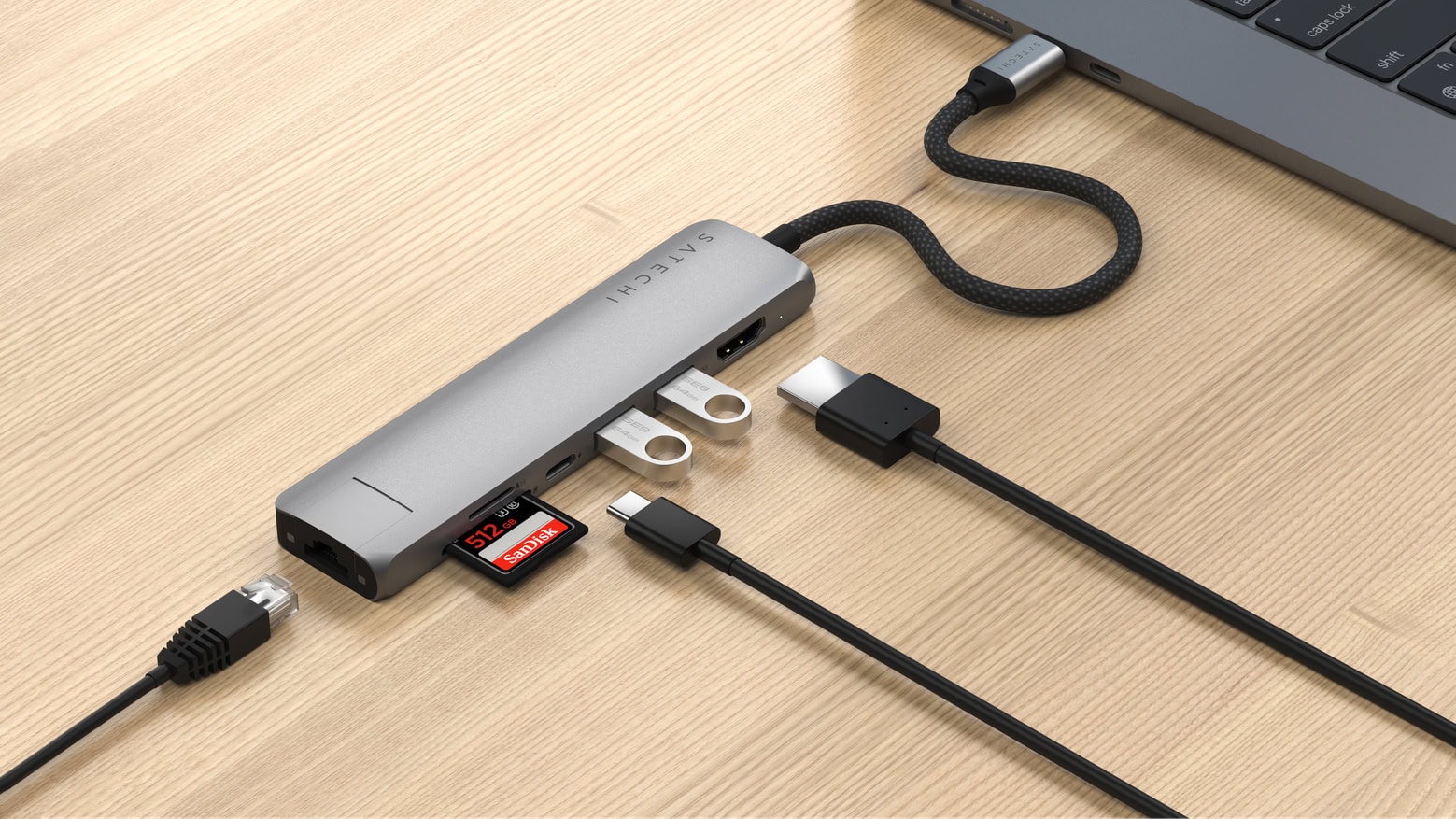
Satechi packed a lot of ports into its latest adapter. Photo: Satechi
The Satechi 7-in-1 USB-C Slim Multi-Port Adapter unveiled Friday lets travelers connect a wide range of accessories to their computer, including Ethernet, HDMI, USB-A and more. Two additional versions offer fewer ports at lower prices.
Satechi also introduced a passport cover that’s findable with Apple’s Find My technology.
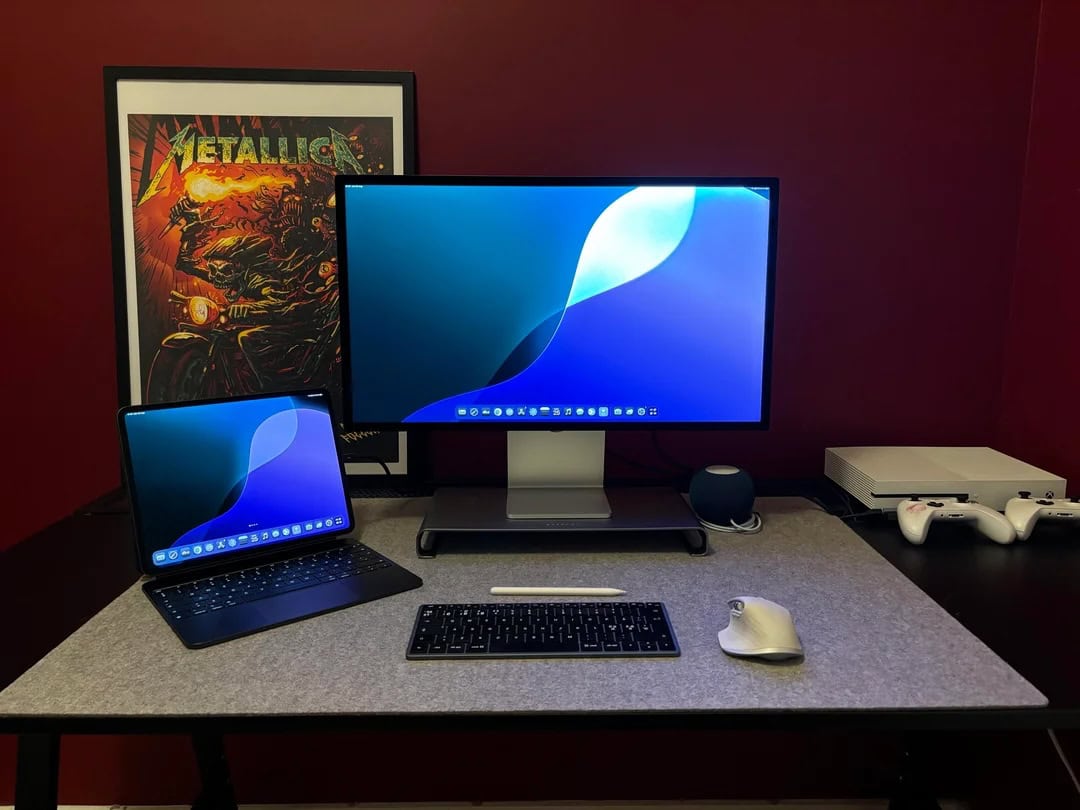
This MacBook Air user found an easy way to use Xbox with Studio Display. Photo: Ok-Mulberry6597@Reddit.com
Macs have gained ground in the gaming world with the rise of Apple silicon chips, as those M-series chips massively boost performance. But sometimes you just want to play on a console rather than your computer. Today’s MacBook Air user switches to Xbox One for gaming. And he gave simple advice, below, to curious commenters who wanted to know how he gets the system to work with his Studio Display. He describes his method below.
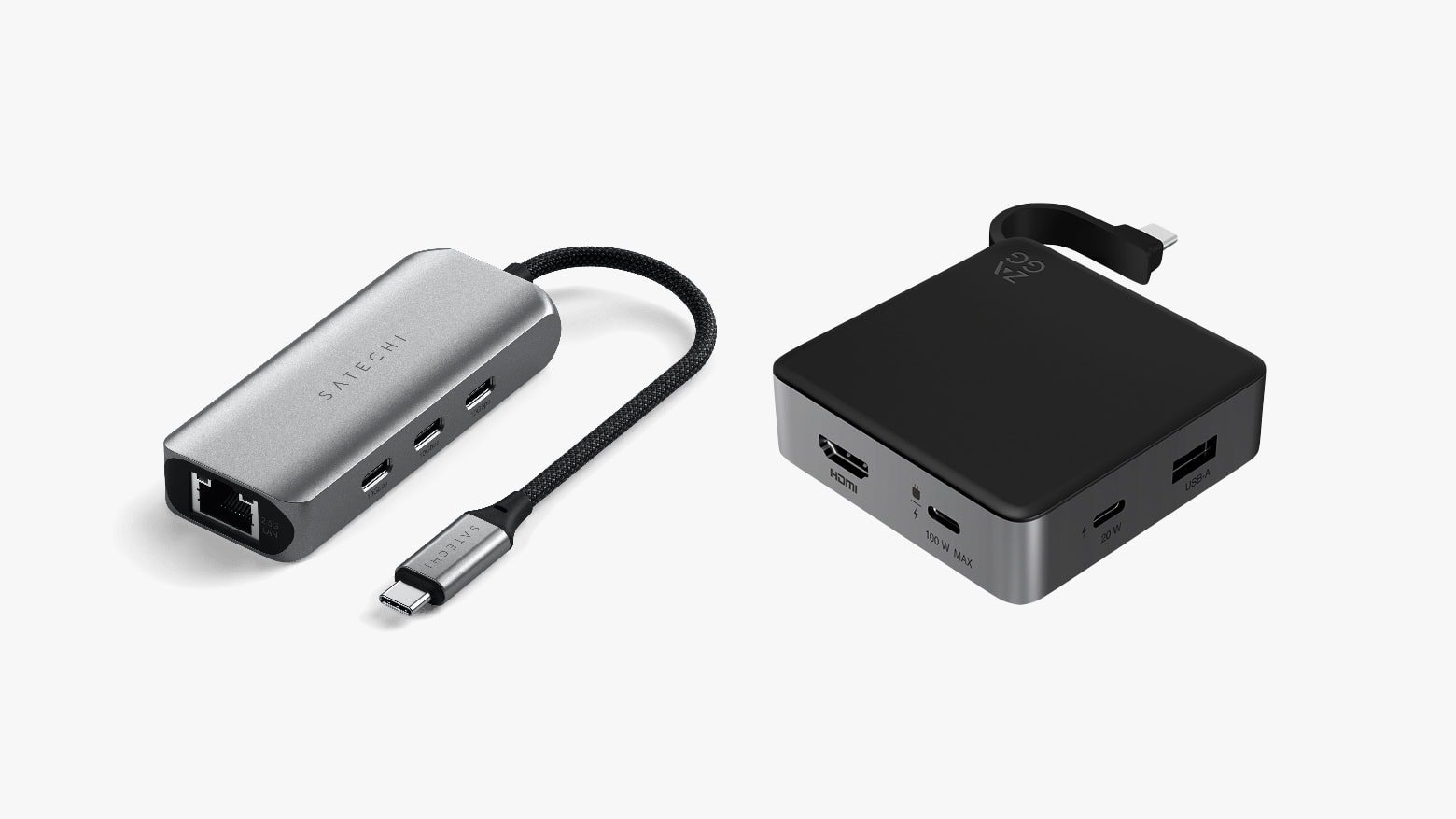
Both Satechi (left) and Zagg (right) offer small travel hubs with additional USB-C ports. Photo: Satechi/Zagg
The new Satechi 4-in-1 USB-C Hub With 2.5 Gigabit Ethernet expands a Mac with a trio of high-speed USB-C ports and fast networking. It launched Thursday at an affordable price. Alternatively, there’s the Zagg 4-Port Hub, which offers a pair of USB-C ports, USB-A and HDMI.
Either of these hubs can make a MacBook into the center of an extensive office setup on the go.
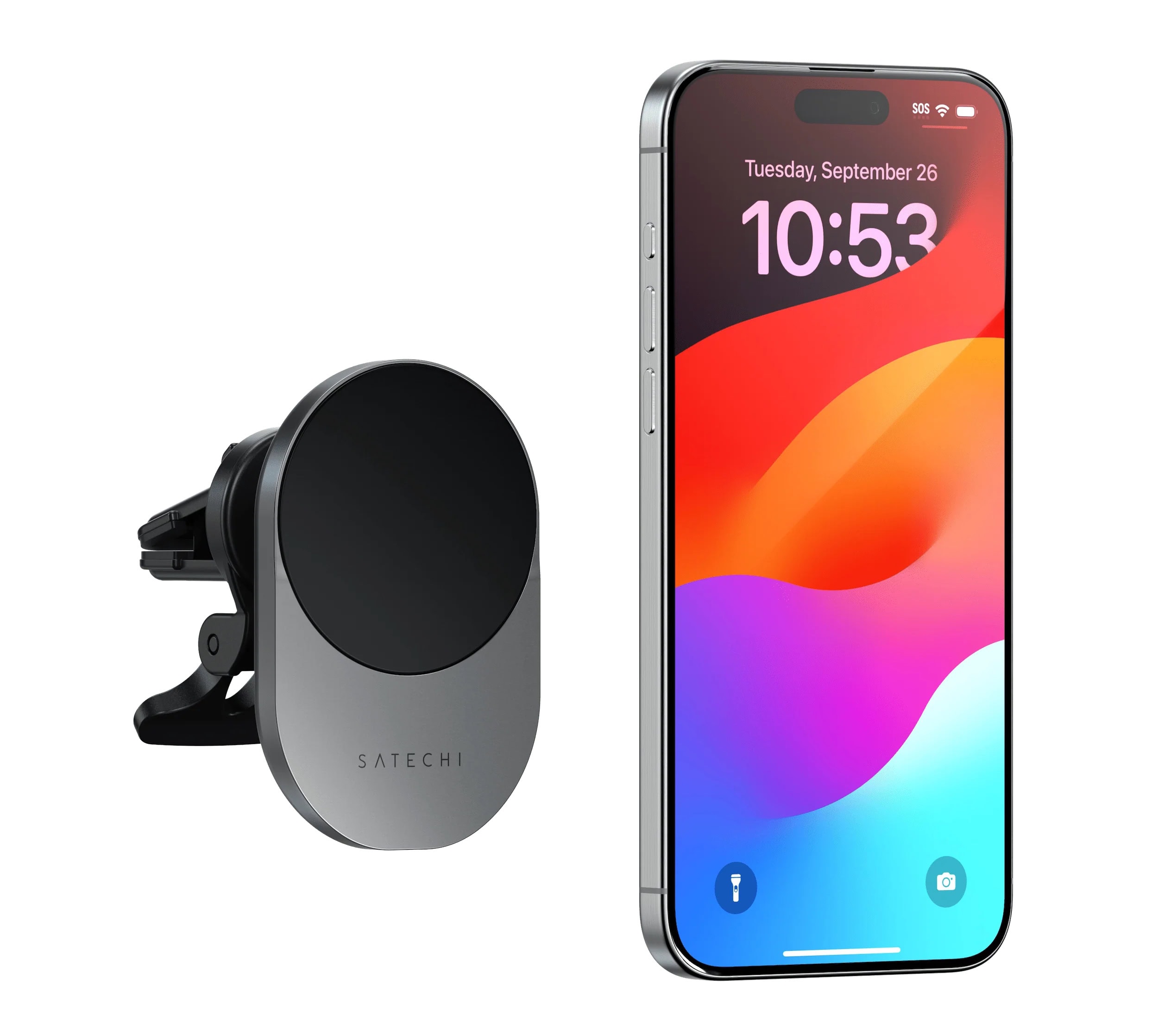
Satechi's new Qi2 wireless car charger will top your iPhone or Android device with speed. Photo: Satechi
The new Satechi Qi2 Wireless Car Charger will replenish your iPhone or Android handset battery fast on the road, the well-known tech accessories company said Thursday. That’s because the compact, space-gray Qi2 charger packs a full 15 watts of charging power, MagSafe-style, rather than the routine 7.5 many older chargers bring.
So if you have an iPhone 12 series handset or newer, or a Qi2-enabled Android phone, it can get a nice extra energy boost in the car.
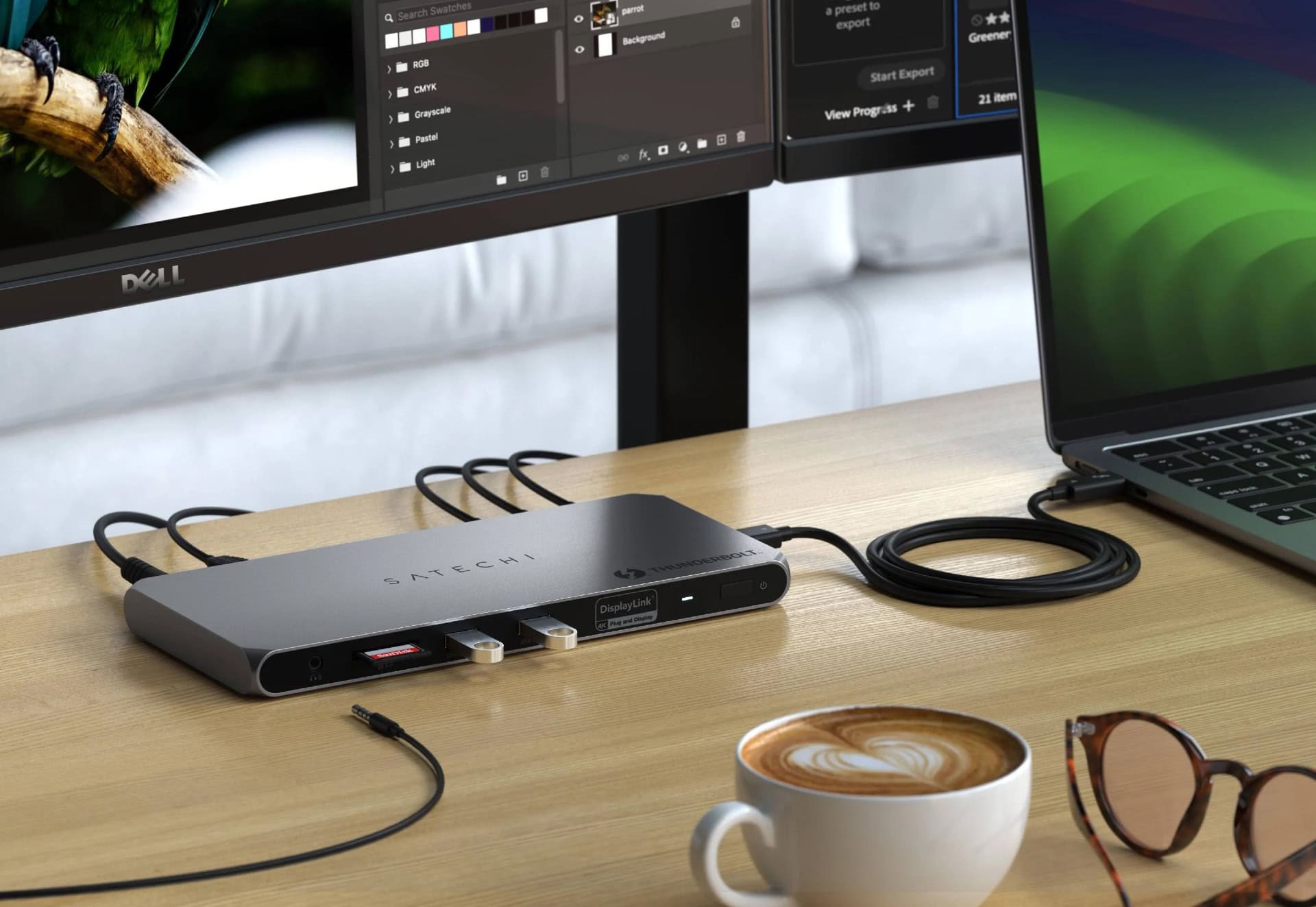
Finally, you can overcrowd your setup with tons of external displays! Photo: Satechi
The new Satechi Thunderbolt 4 Docking Station with DisplayLink uses DisplayLink software to enable Mac users to connect with up to four external monitors, in addition to accessing 96W power delivery for a MacBook and realizing blazing-fast Thunderbolt 4 data transfer speeds, the company said Thursday. If you’re looking for a versatile port hub to expand your Mac’s connectivity, check out this 6-port hub from Zagg.