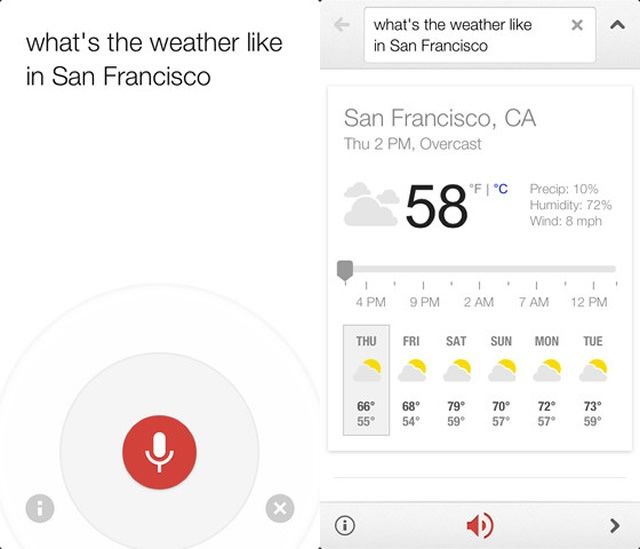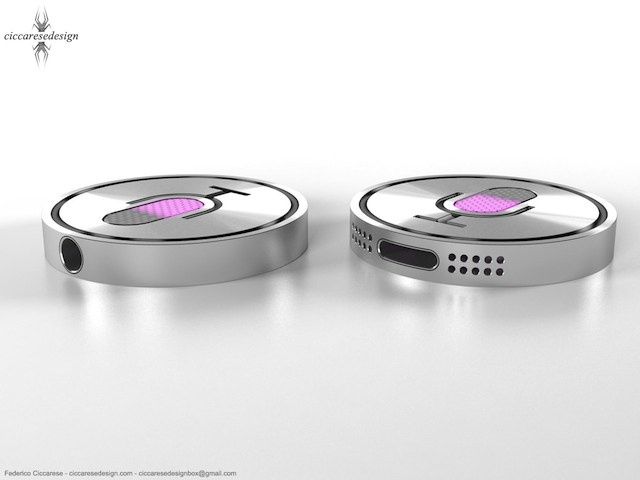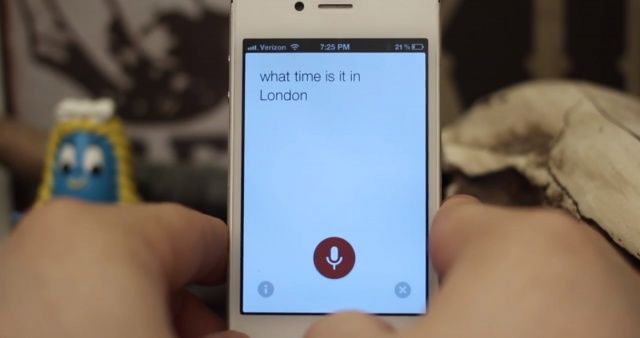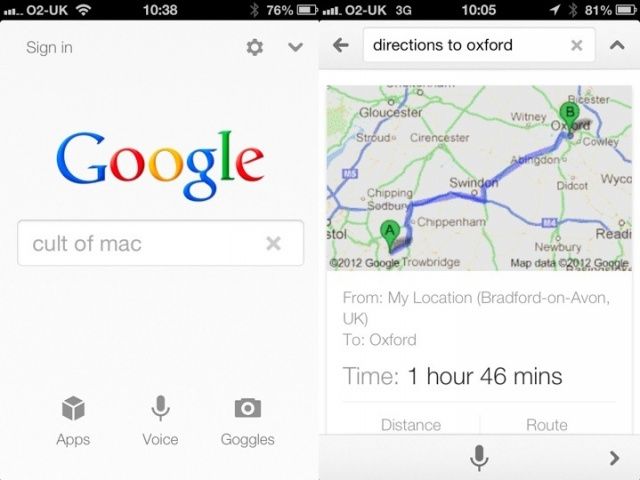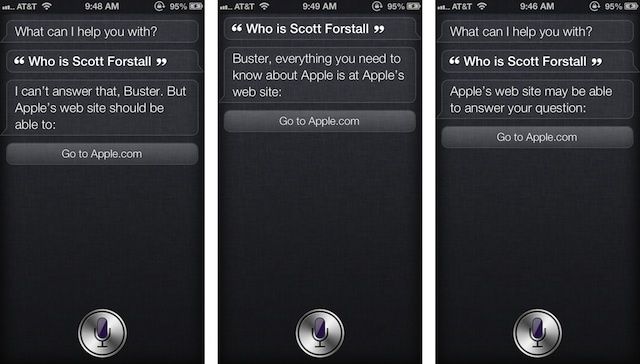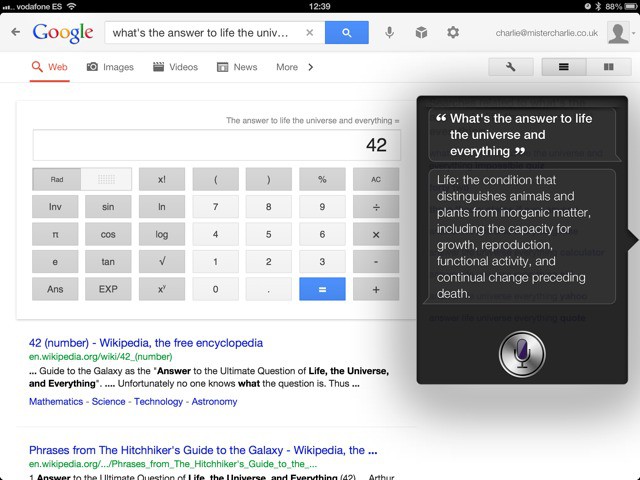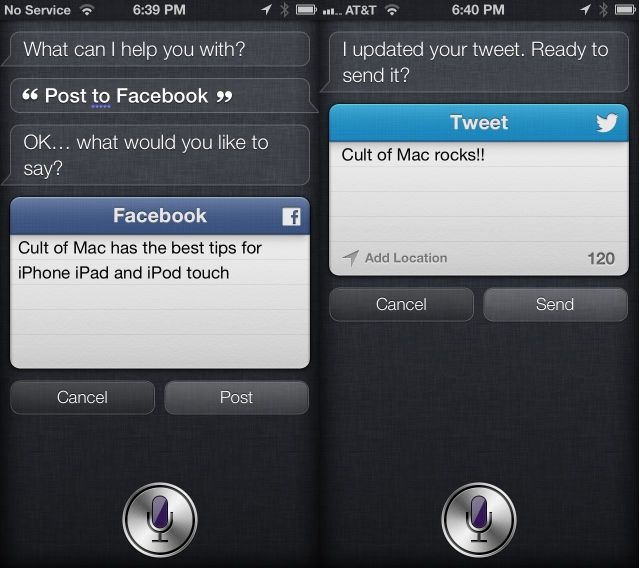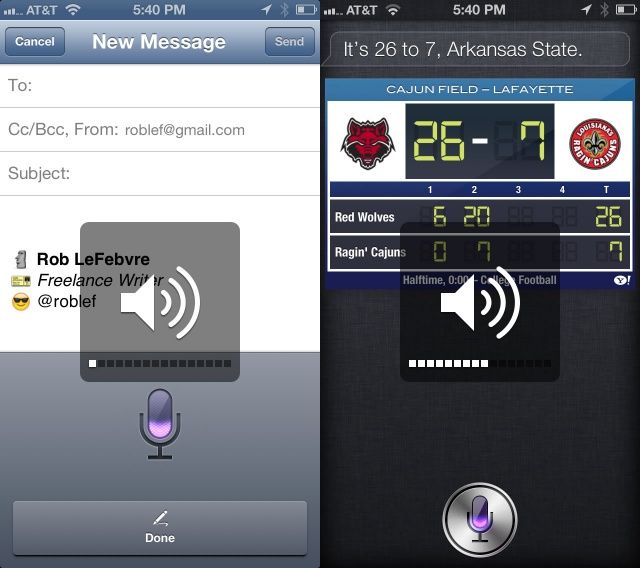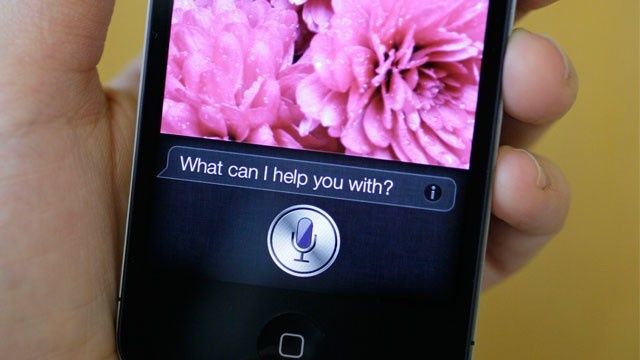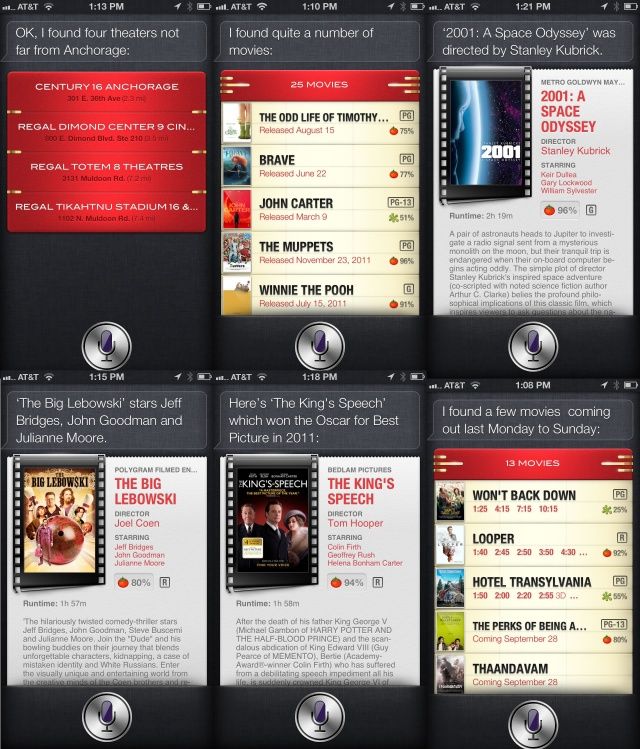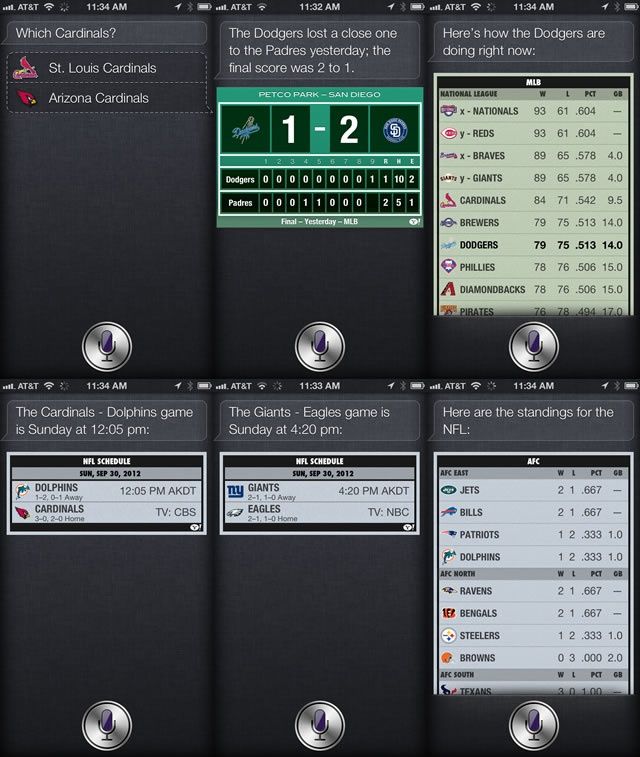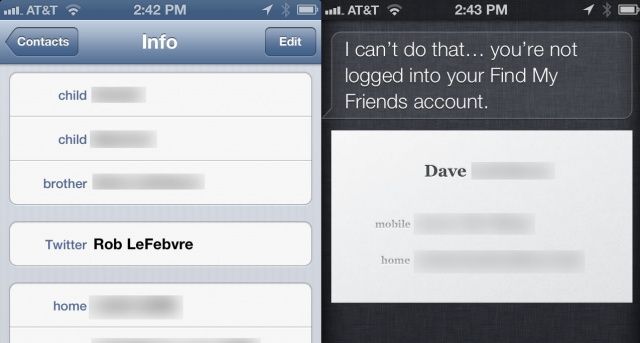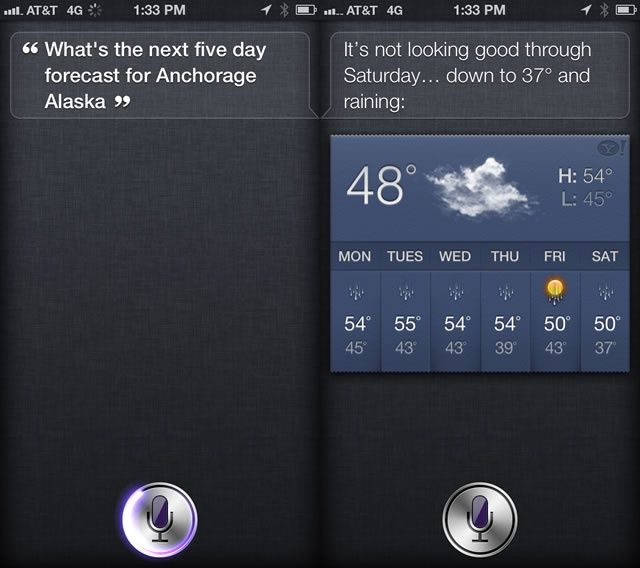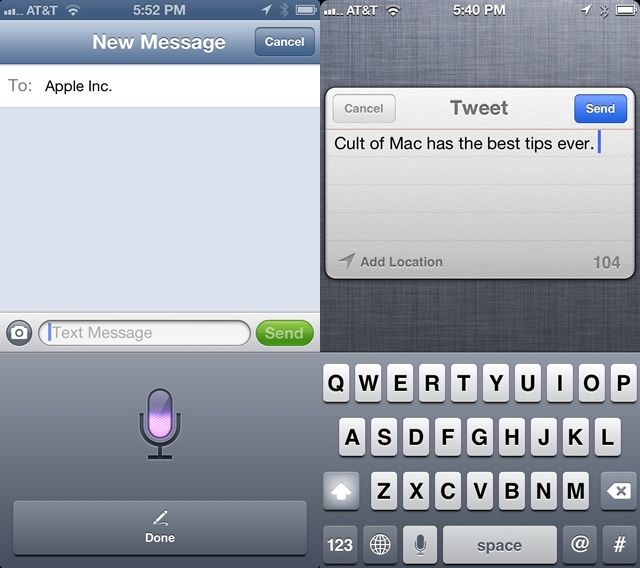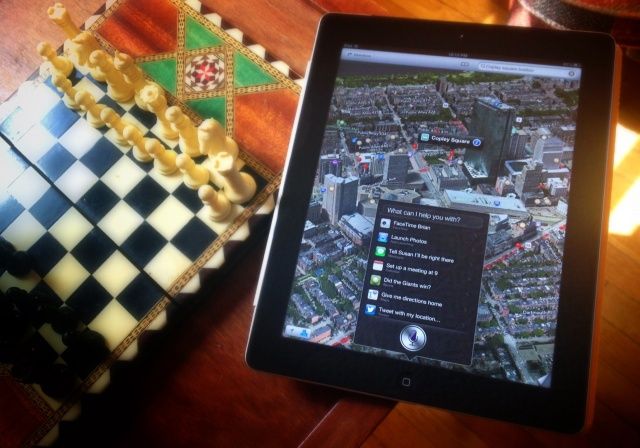
Did you know you could use Siri, Apple’s personal voice assistant, without unlocking your iPhone? Well, you can. Hold the Home button for the few seconds it takes for Siri’s purple microphone icon to show up, and you can ask it to do anything you like, like making a phone call, composing a Tweet, or sending an iMessage. This is a great feature for the person who owns the iPhone, but what about someone who finds your iPhone, or that one friend who can’t keep from messing with your stuff?
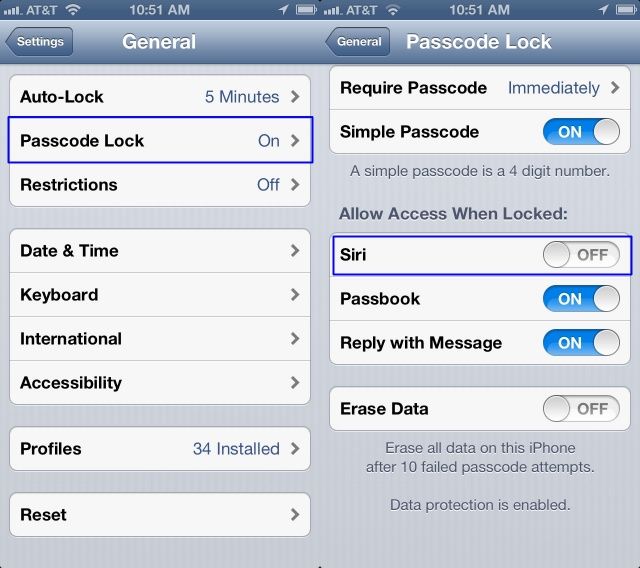
Luckily, you can turn this “feature” off, thereby preventing this from happening. Here’s how.