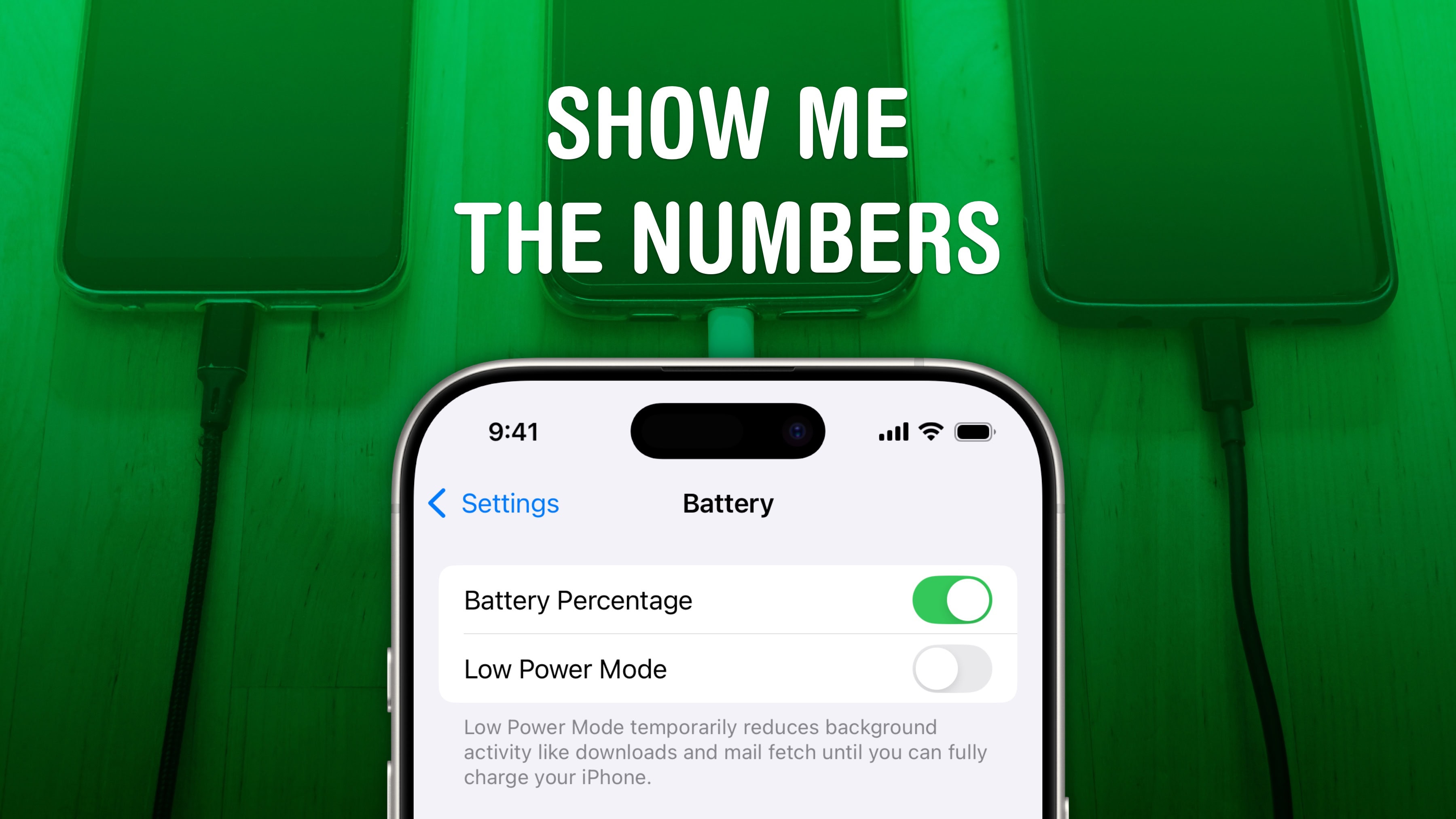
Being able to see your iPhone battery percentage right in the status bar is incredibly useful. You can keep an eye on it throughout the day if you’re getting low and need to top up.
The standard battery icon gives you a rough idea of where your iPhone stands. But instantly seeing the exact battery percentage number can give you peace of mind. It’s useful seeing the precise number without pulling down Control Center or checking a battery widget, wherever you are.
For those of you with real battery anxiety, you can even add a widget to your Lock Screen and Home Screen. I’ll show you how.









![How to set AirDrop to exchange pictures with anyone's iPhone [Pro Tip]](https://cultofmac.lh2.online/wp-content/uploads/2023/12/AirDrop-To-Everyone.jpg "How to set AirDrop to share iPhone photos with anyone [Pro Tip]")