Find My is built into most Apple devices, and helps you locate them if they go missing. It can be used with MacBook, iPad, AirPods and more.
If you haven’t been taking advantage of Apple’s free device-tracking system, here’s how to get started.
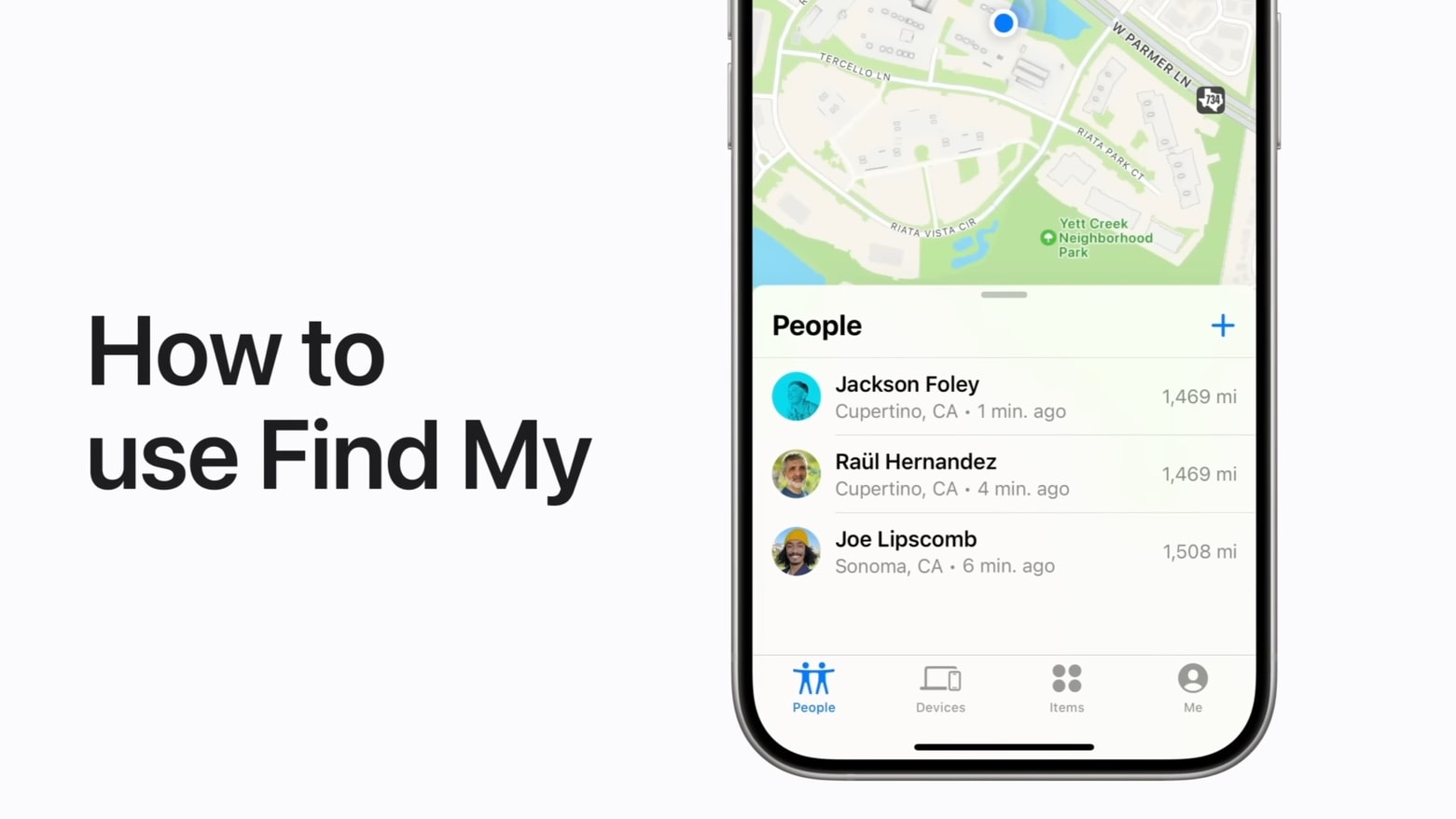
Find My is built into most Apple devices, and helps you locate them if they go missing. It can be used with MacBook, iPad, AirPods and more.
If you haven’t been taking advantage of Apple’s free device-tracking system, here’s how to get started.
Google plans to purge old accounts starting in December. However, you can keep your Google account active and prevent it from being deleted. You have until the first day of December to save any inactive Google accounts.
What’s being cleaned out? Any Google account that’s been inactive for two years. If you received an email about a dormant account, you know for sure that you need to take action. However, that’s not foolproof. If your dormant account doesn’t have a recovery email set up, you’d never be notified in the first place.
If you have a bunch of alternate, backup Google accounts — as many do — here’s what you need to do.
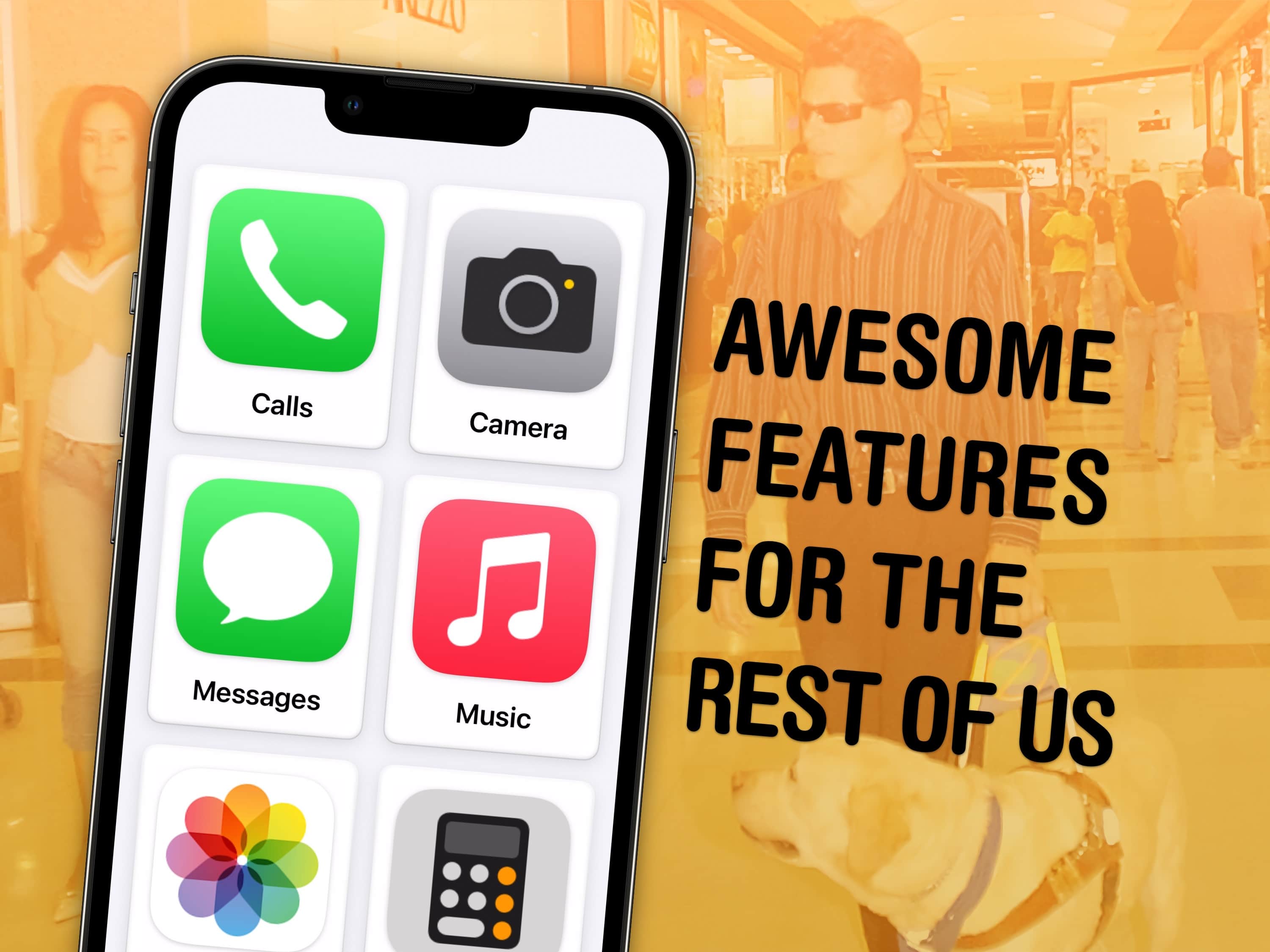
If you haven’t looked at any of Apple’s accessibility features because you’re not blind or deaf, and don’t think they would make your life easier, you might be surprised.
Apple built a handful of accessibility features into iOS 17 that let people with various disabilities use the iPhone in new and unexpected ways. However, absolutely anyone can take advantage of these tools, which prove surprisingly helpful in certain situations.
You can already get live captions to watch videos silently, lock your phone into one app to keep people from snooping around, play soothing ocean or forest sounds and more.
In iOS 17, five accessibility features take things even further. Assistive Access simplifies your phone to its bare features to make it easier to use; Live Speech and Personal Voice let you type on the keyboard to speak using your own voice; Detection Mode and Point and Speak help you get around using your iPhone camera.
Our hands-on demo will show you what these features can do for you.
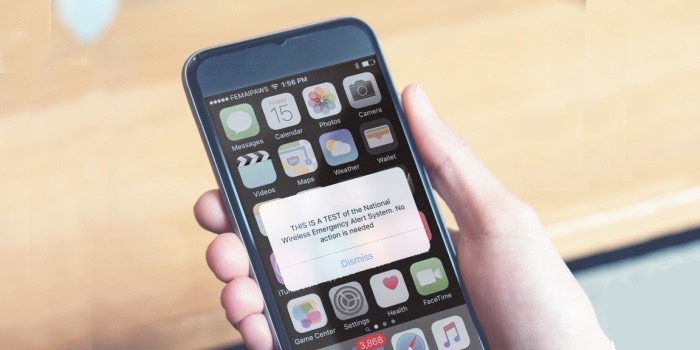
There’s a way to prevent your iPhone from blaring out a loud alarm whenever the feds or local governments use the Wireless Emergency Alerts system. Setting your device so it ignores these alerts is actually quite easy, though it is more complicated than putting your iPhone in Silent mode.
Here’s how.
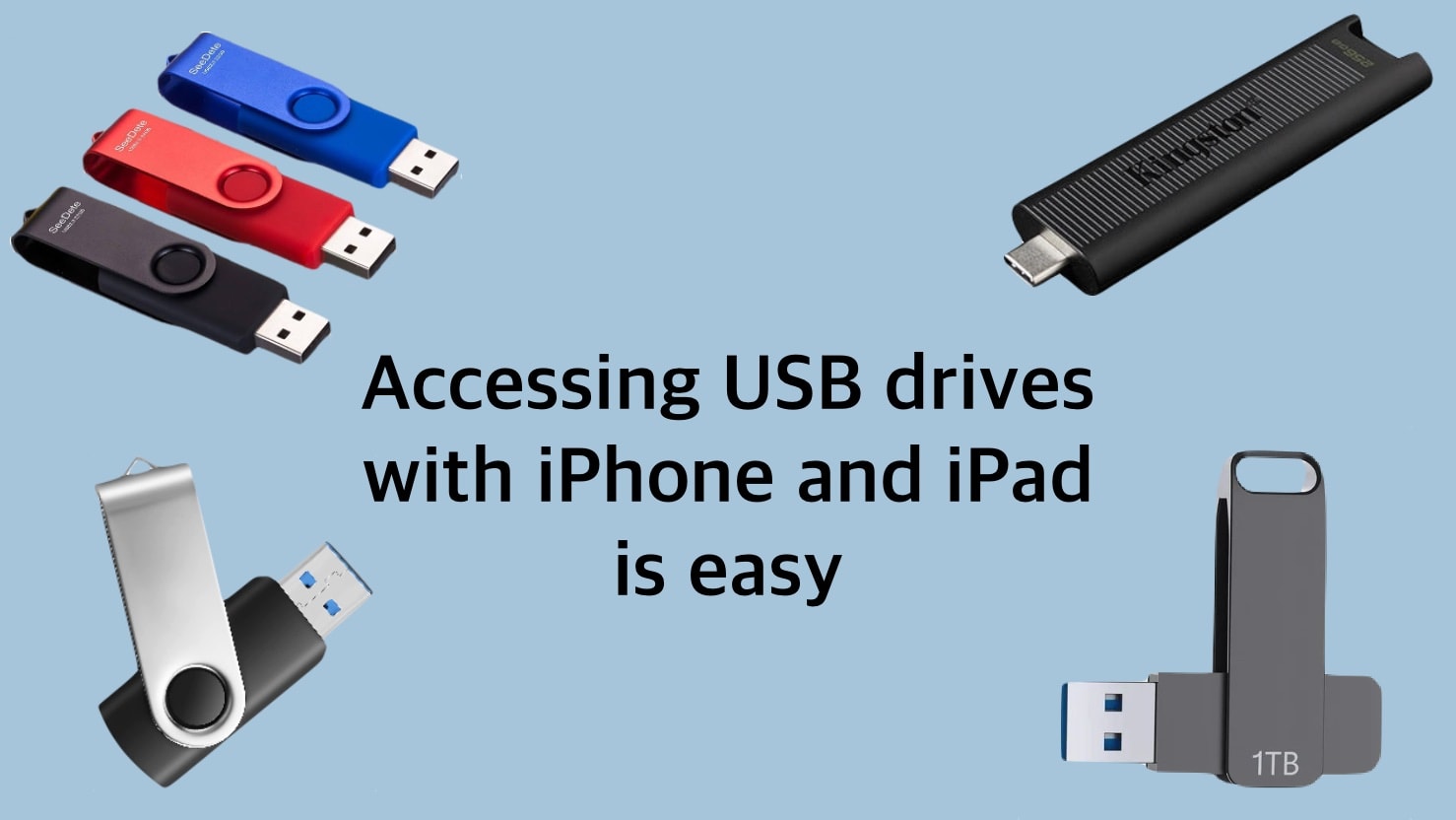
The world is full of USB drives, from portable thumbdrives to full external SSDs. Happily, you’re not closed off from these just because you use an iPhone or iPad. Connecting to external drives has gotten much easier than it used to be.
And you’ll have full read/write access to everything on the drive. You won’t even need to install any software, as the app you need comes preinstalled on your device.
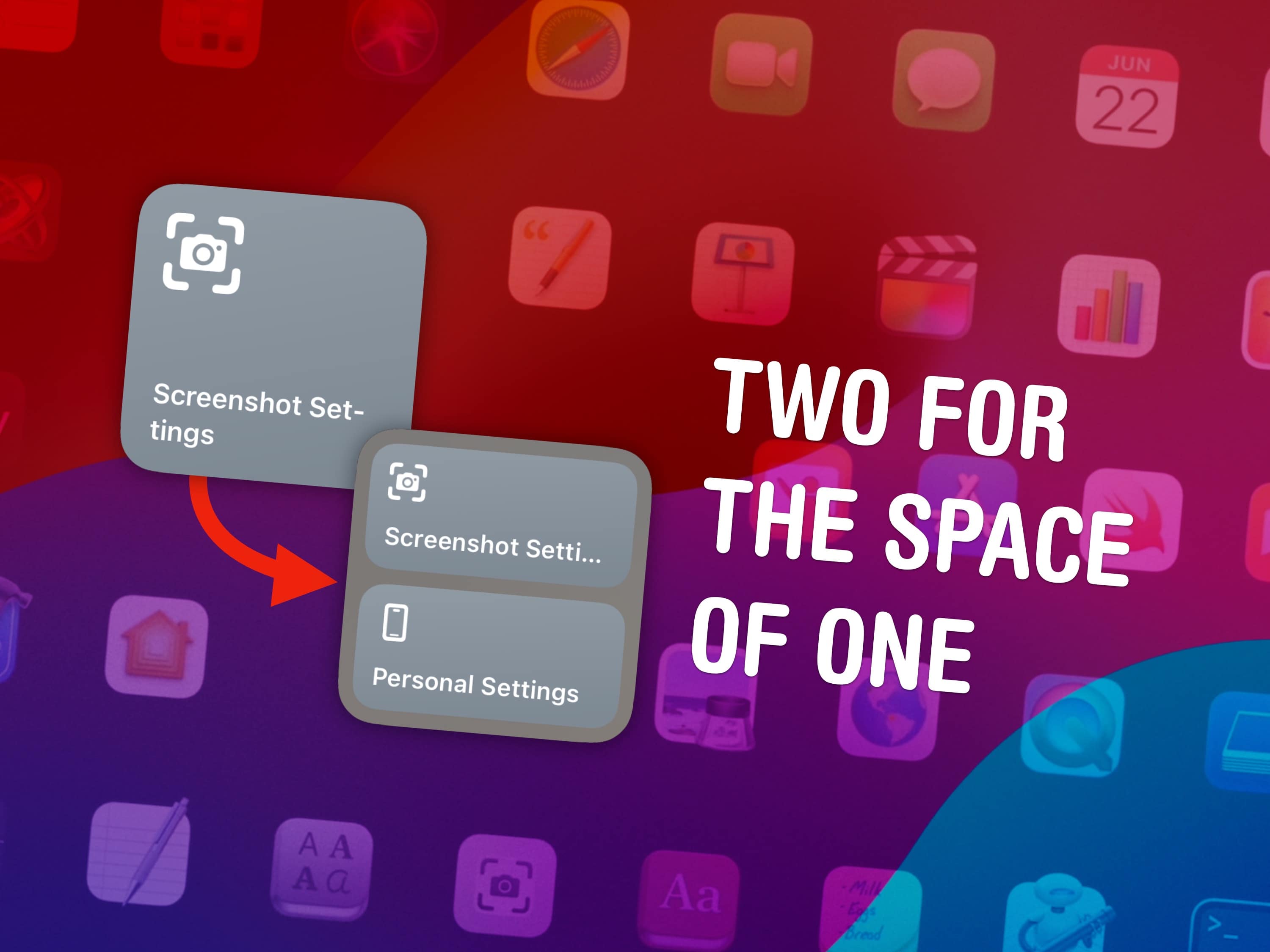

You can fit two shortcuts into one small widget in iOS 17, a significant change for power users of Apple’s time-saving Shortcuts app. A lot of shortcuts I make are in pairs — and now, you can put two shortcuts of a kind in one small space on your Home Screen.
Shortcuts, if you’re not aware, let you automate the things you do most often on your iPhone, Mac, iPad or Apple Watch. For instance, you can create a shortcut that sets a Focus mode when you get to work, one that suggests easy-to-remember passwords, one for converting units — the possibilities are endless. (Read Apple’s helpful Shortcuts guide if you want to familiarize yourself with the powerful app.)
Home Screen widgets are a great way to launch the shortcuts you use every day. On the iPhone, where space is limited, fitting twice as many shortcuts without losing any icons could be a game changer for your Home Screen. Let me show you how to set it up.
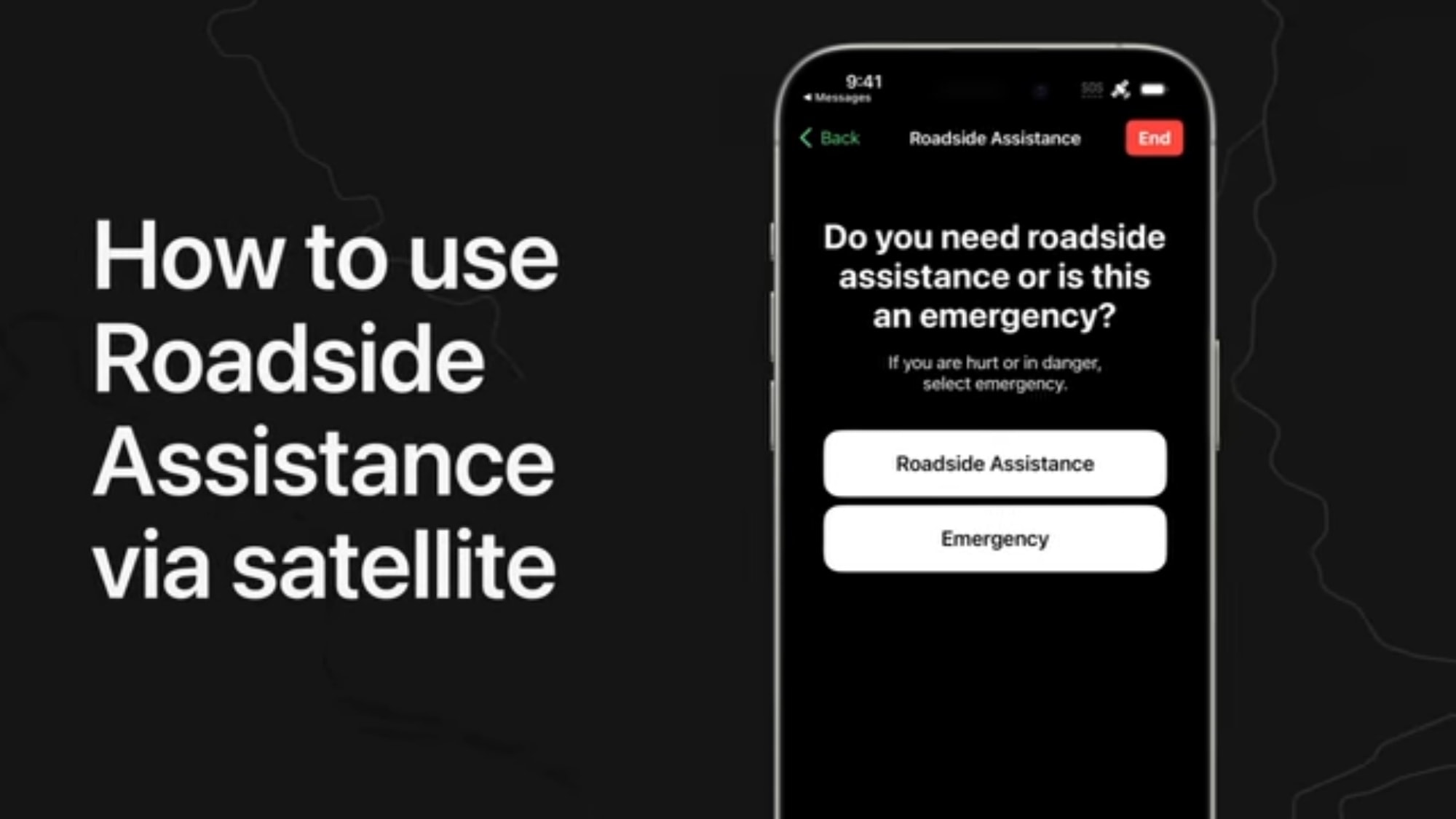
Recent iPhones offer Emergency SOS via satellite, but not every mishap is life threatening. When non-emergency help is needed, Roadside Assistance via satellite is available. It’s a feature that debuted with the new iPhone 15 series but the iPhone 14 series can use it, too.
A video from Apple Support demonstrates how to use it.
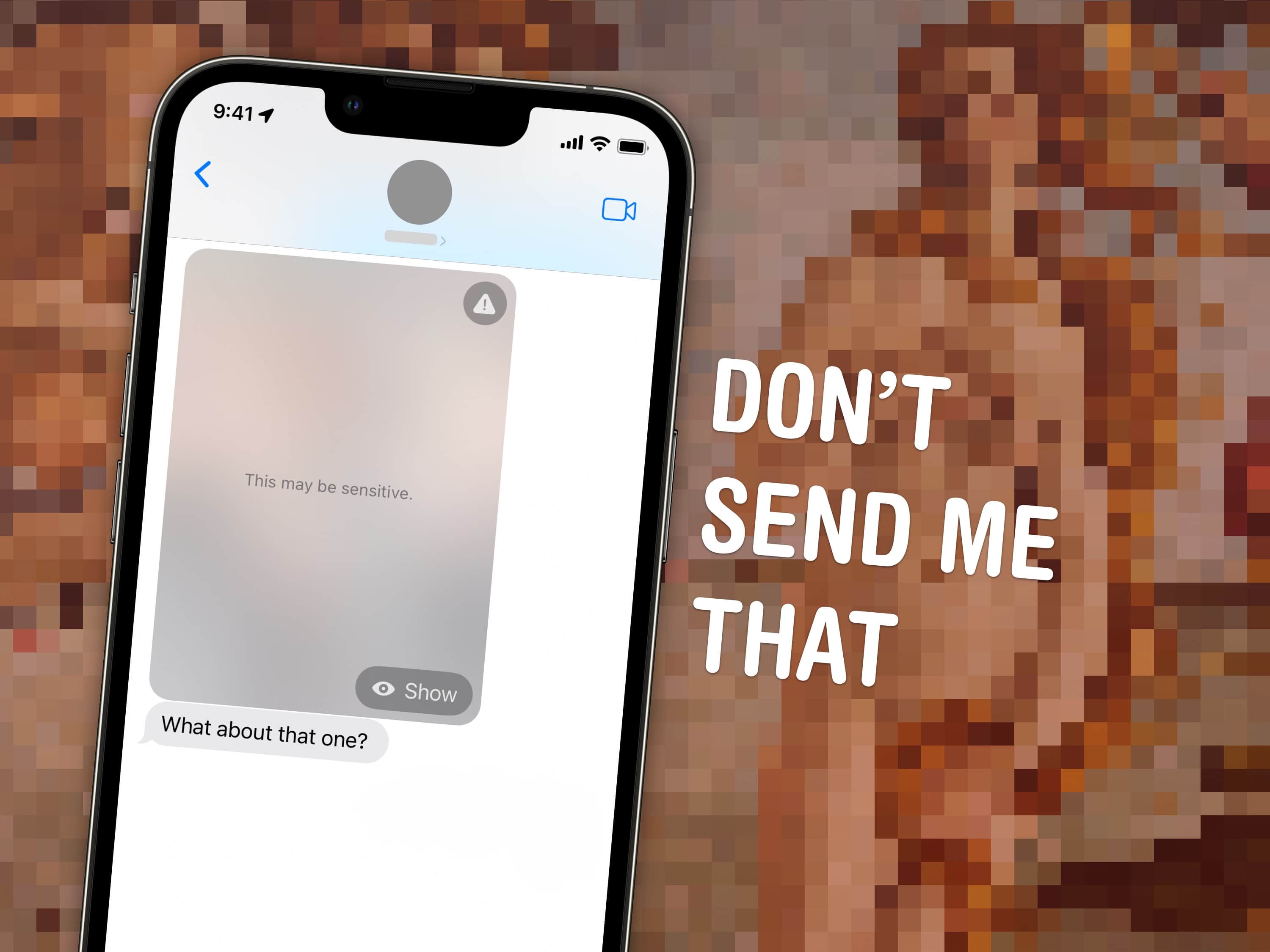
If you’ve ever been the victim of unsolicited dick pics, or “cyberflashing,” you can now automatically hide obscene images in iOS 17. Censoring NSFW sexts can give you an extra line of defense against unwanted, creepy texts. This feature, new in iOS 17, puts suspected nude images and videos behind a blurred gray background.
Unsolicited dick pics are a widespread problem. Among adults who reported receiving nude images, 91% of respondents say they were sent without their consent, according to Indiana University research. And one shocking study published in the Journal of Sex Research found 50% of heterosexual men admitted to sending them!
This new Sensitive Content Warning feature in iOS 17 isn’t just for protecting children. A lot of people likely will find it useful.
With iOS 17 now available to all, you no longer need to be enrolled in Apple’s beta program to get your hands on it. There are good reasons why you might not want to run prerelease software on your iPhone any more.
Here’s how to pull your iPhone out. It’s easy and only takes a minute. Maybe less
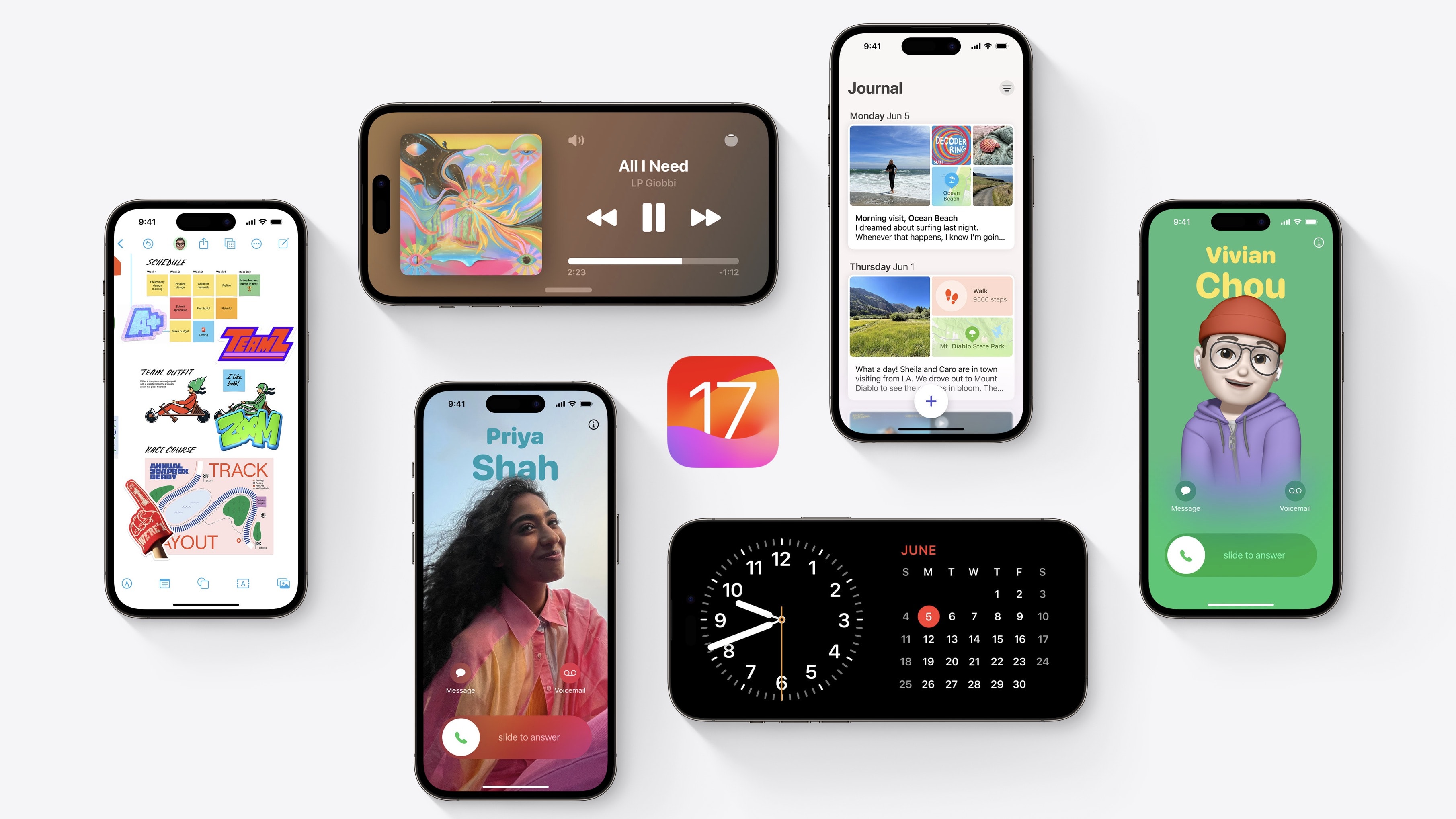
What’s new in iOS 17? This is a big year for iPhone and iPad. You should definitely check out the biggest new features — Contact Posters and Standby — first. But there are dozens of other great features for you to learn, explore and take advantage of, too.
iOS 17 is out now. I have all the 50 best tweaks and changes organized in this overview.
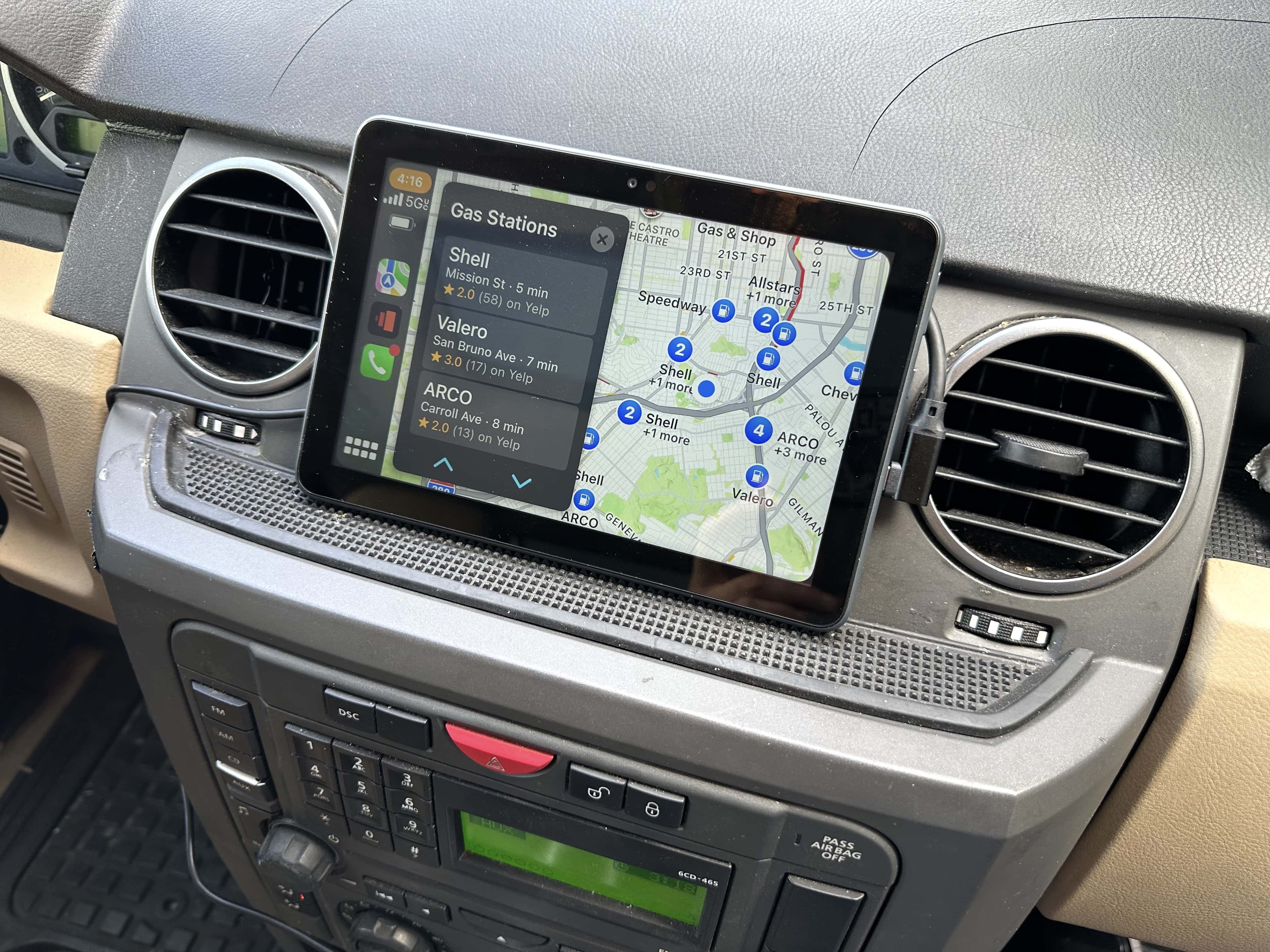
The easiest and cheapest way to add Apple’s CarPlay to any vehicle is with a cheap Amazon Fire tablet and a USB CarPlay dongle.
You don’t need to buy an expensive new car stereo, nor spend the weekend ripping out your dash and fiddling with wiring. Adding a Fire tablet is very plug-and-play, and instantly makes a big difference. It cost me less than $100 and gave my old pre-Bluetooth stereo a new breath of life. Now I have a big, beautiful, 8-inch screen for maps and directions.
However, it took me a while to find the right combination of gear. Plus, you should consider a few things before taking the plunge with this DIY wireless CarPlay hack.
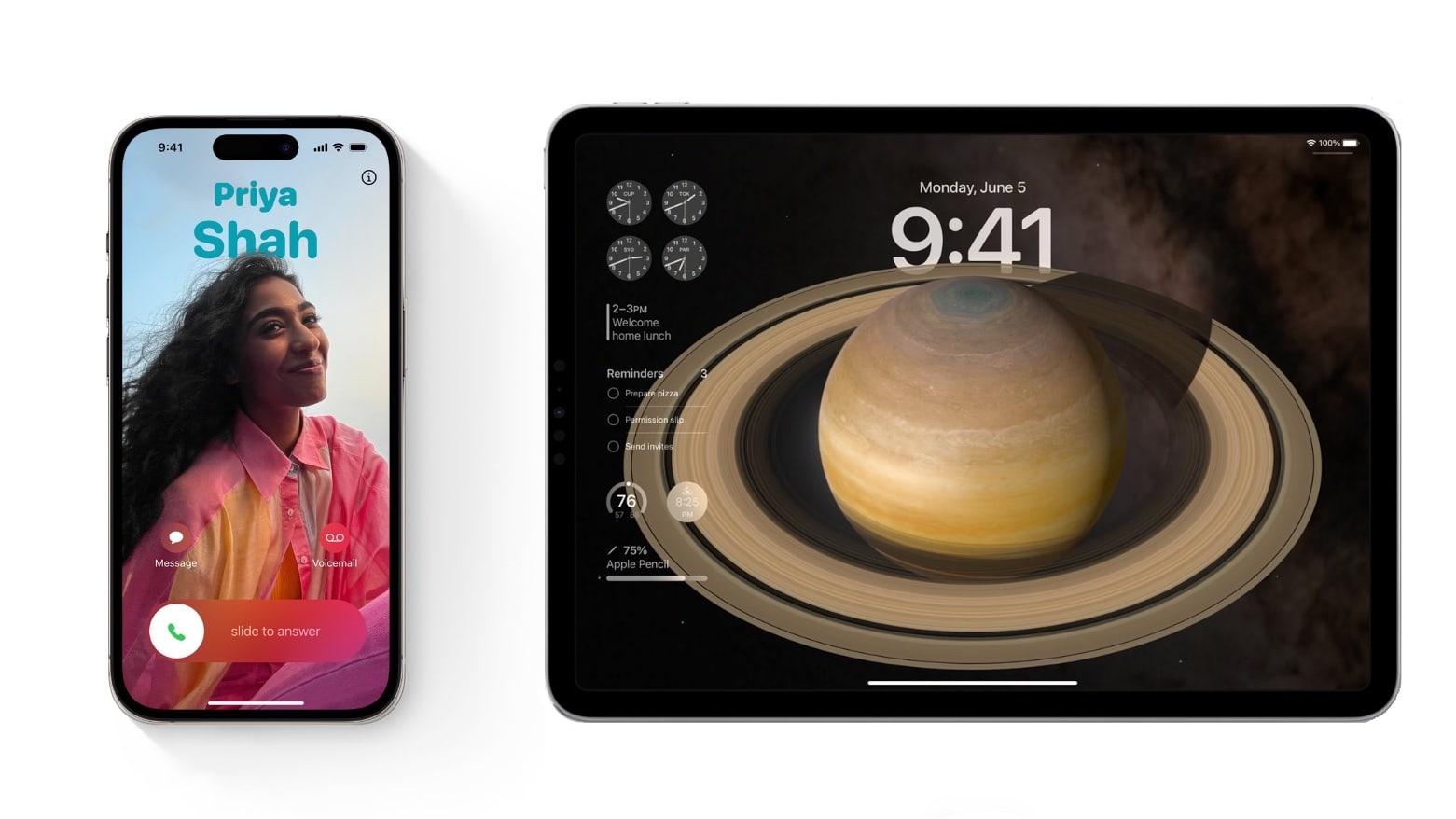
The second iOS 17 and iPadOS 17 public betas became available Monday so anyone who wants to start tinkering with the new features can try these well before the autumn release.
Among the more significant changes in iOS are personalized contact posters in the Phone app, home screen widgets go interactive, and autocorrect is smarter. iPadOS gets many of those same features, as well as signifi can’t Lock screen improvements.
Want to try the changes out for yourself? We’ll show you how.
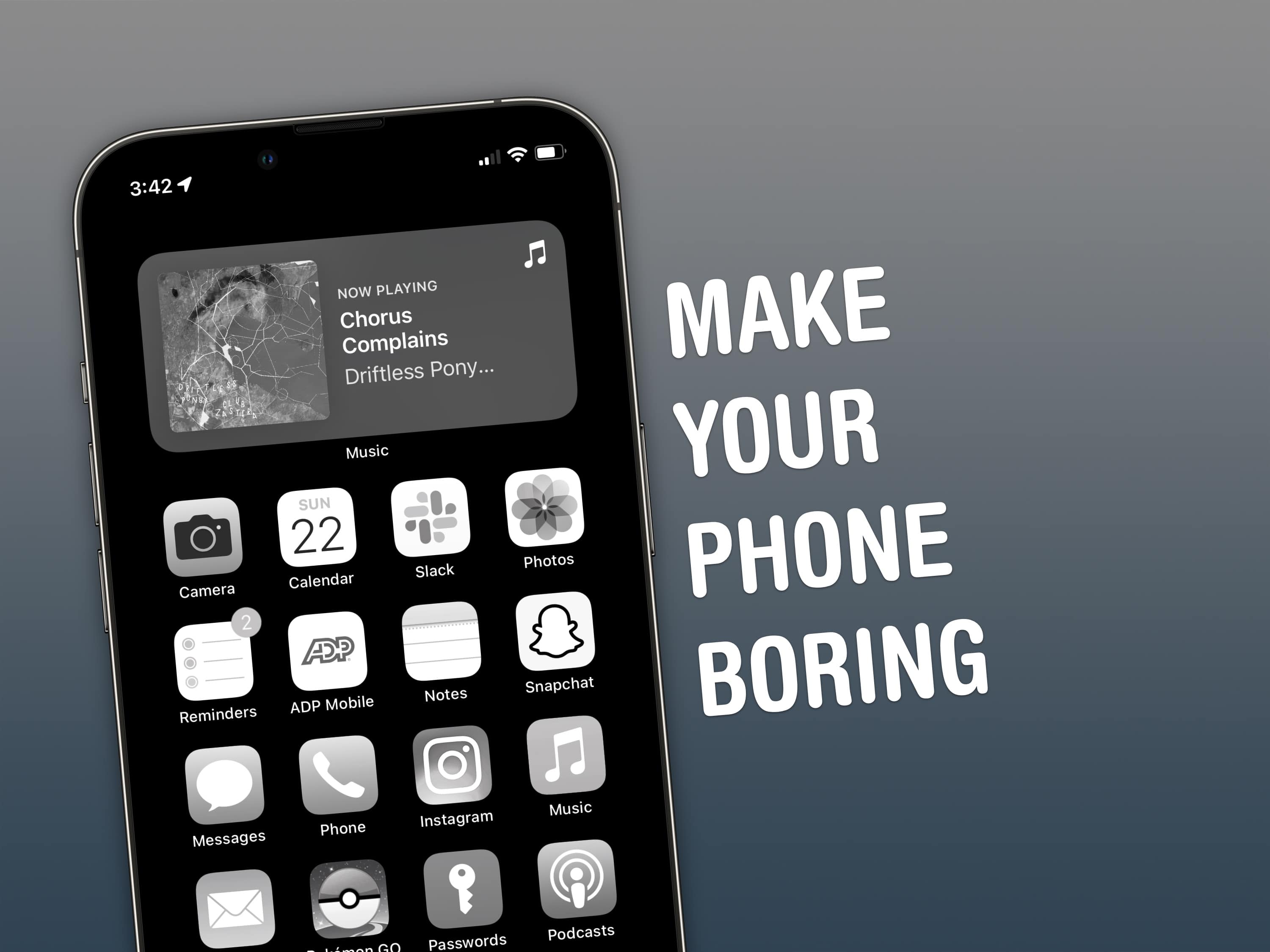
How can you make your iPhone less addictive? Constant iPhone use can literally change the makeup of your brain. Sure, people waved similar panic flags about the television, the radio and even the novel, but those were easily left at home. You carry the internet with you, and it’s constantly blasting a firehose of content, everywhere you go.
If you feel the impulse to unlock your iPhone at every empty moment, or scroll through an app when you feel like you should be getting to bed, here are my tips for making your phone a bit more boring.
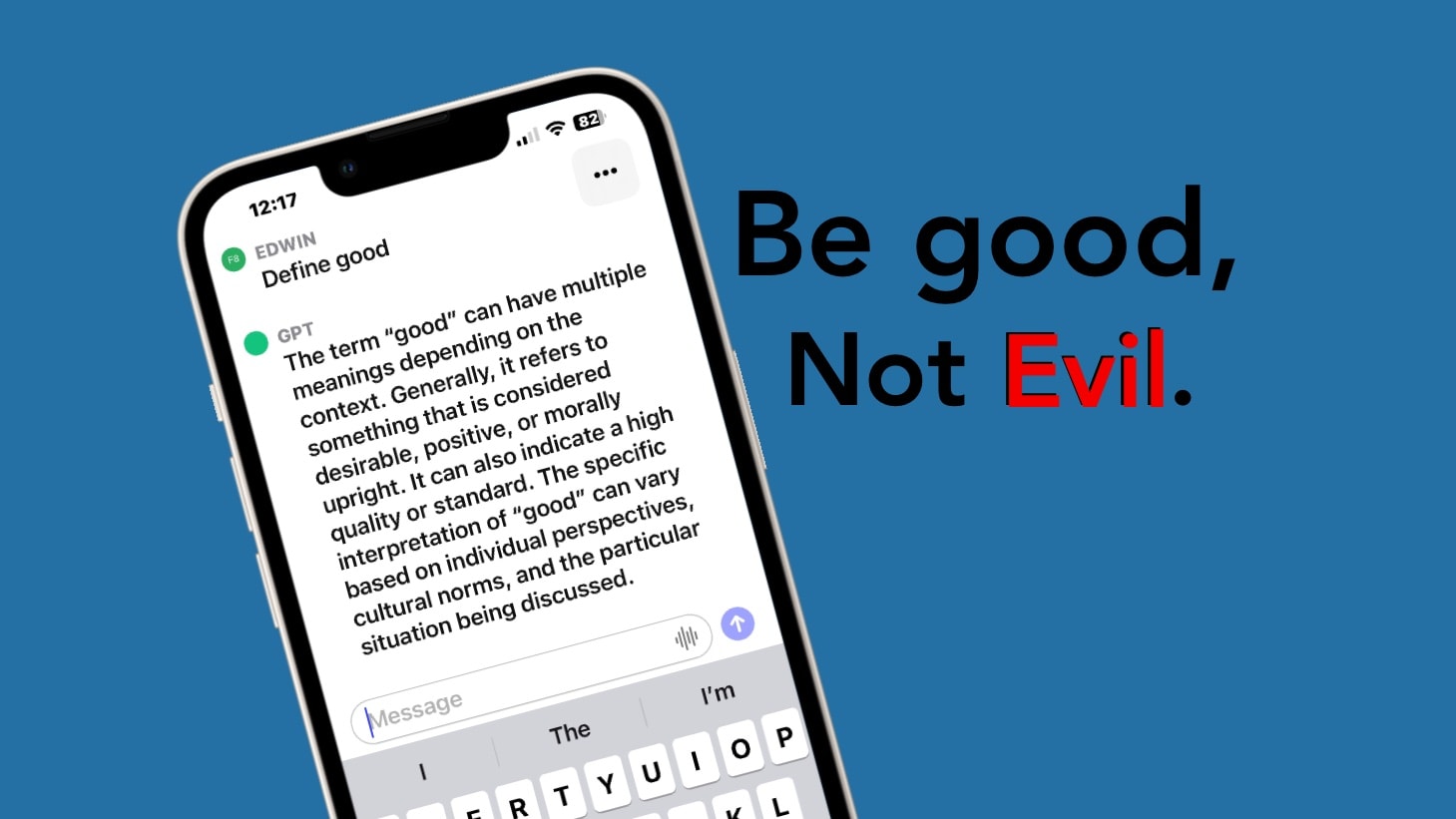
OpenAI’s ChatGPT for iOS makes the much-hyped chatbot easy to use on an iPhone. It’s powered by the same artificial intelligence as the web version, so it’s useful in many ways for people on the go. Plus, the app has its own voice-recognition system. And the basic version is free.
The ChatGPT AI already stirred up enormous controversy. But here are some suggestions for how to use the new iPhone application in positive ways.
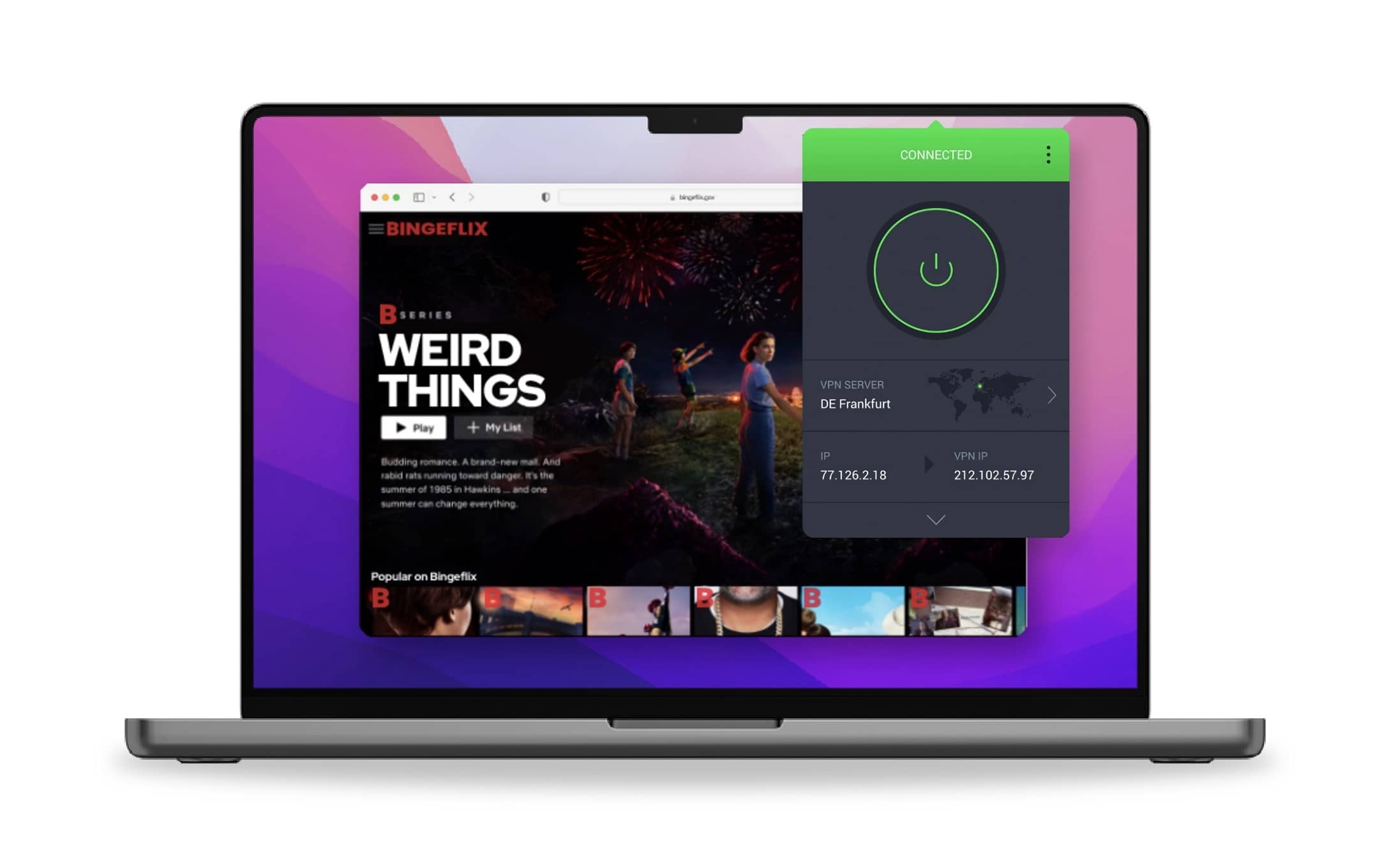
What’s the best VPN to use on a Mac, and how do you use a VPN for data privacy? With Intego Privacy Protection, you can instantly connect to servers all around the world, including ones specially optimized for streaming. This advanced VPN comes with plenty of options for keeping your data secure and private.
You can set it to automatically open when you start your Mac, so you don’t have to worry about forgetting to launch it. Intego’s international servers, which are optimized for streaming services, worked perfectly in my testing. I’ll show you how to get started with one of the best VPNs for Mac.
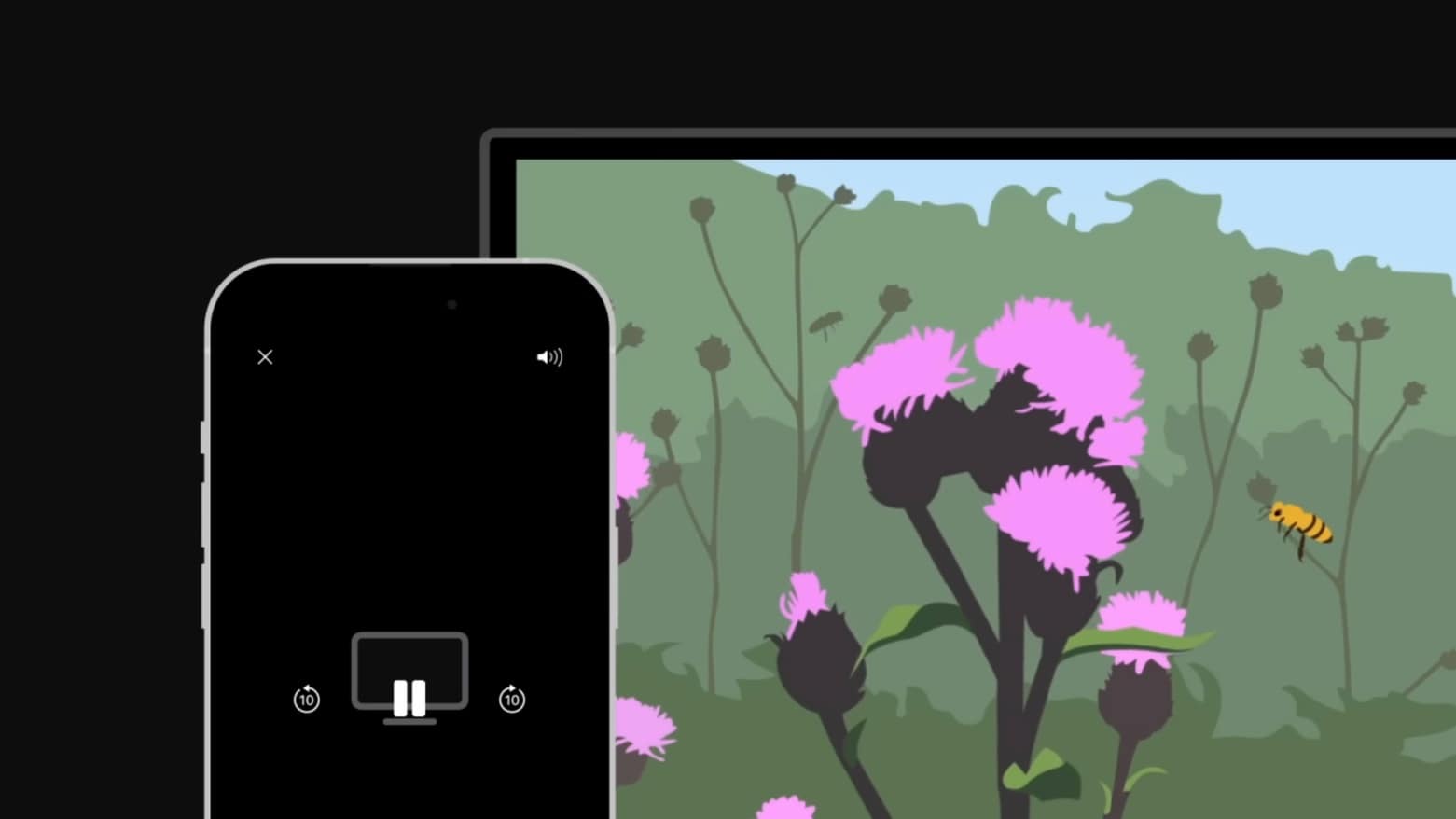
With AirPlay, you can wirelessly stream video from your Apple devices to a large-screen TV. It’ll let you enjoy Ted Lasso or share a TikTok video with a group of friends on a big screen, not your iPhone’s relatively small one.
If this handy option is new to you, Apple made an explainer video. Watch it now.
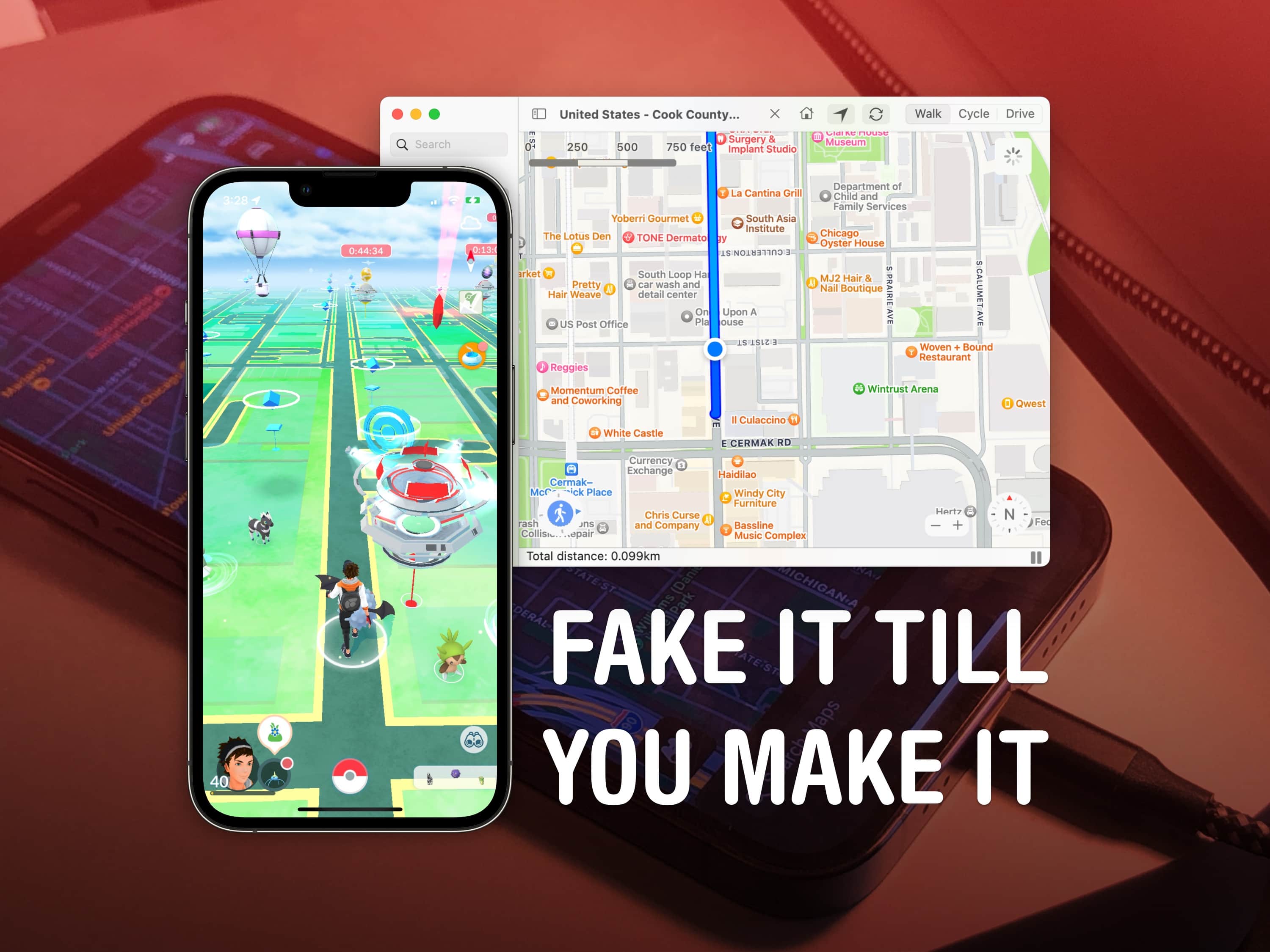
You can use a free Mac app called LocationSimulator to hide your real location on your iPhone. It works great as a Pokémon Go spoofer. Just set it up, then plug your phone into a Mac and tell it where you want to “be.” You don’t need to jailbreak your phone or install anything on it.
When using LocationSimulator, every app on your iPhone will use this new GPS location. It’s useful for maintaining privacy — for instance, if you’re posting screenshots online, it’ll mask your real home address. Developers can use it, too, for testing location features in their apps.
Best of all, you just need a Mac. LocationSimulator is free and open-source.
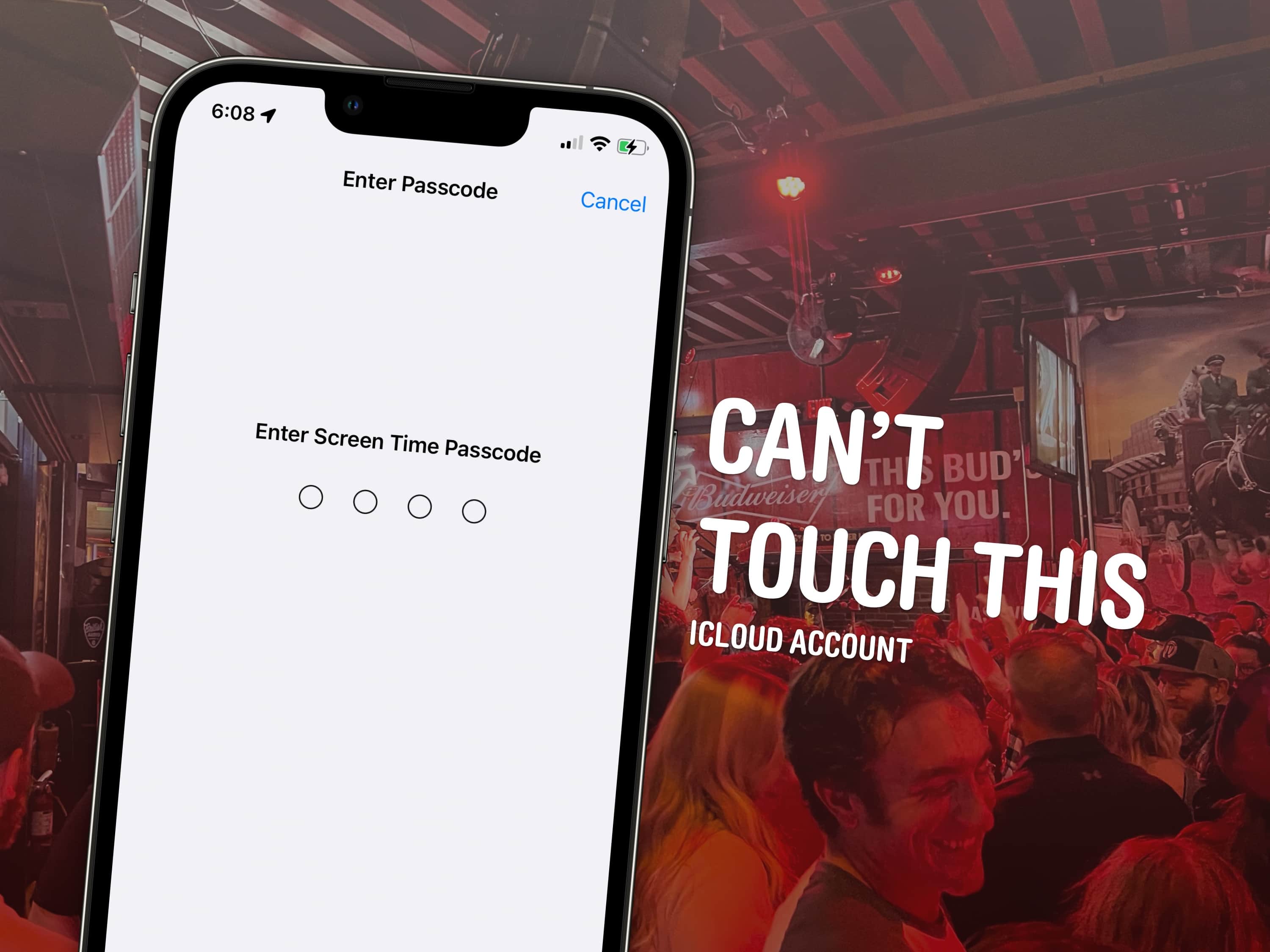
Taking a moment to add an extra passcode to your iCloud account might save your skin if your iPhone is ever stolen by a shady character who’s eyeing you like a hawk. By default, your iPhone passcode is all someone needs to lock you out of your devices and wreak financial havoc on your life. And it’s not that difficult to capture your passcode if you tap into your phone in a public place.
In fact, a recent spate of coordinated scams have played out like this: A spy watches for anyone entering their iPhone passcode in a bar or other public place. Then, the device is yoinked out of the victim’s hands. And before they can do anything, they find themselves locked out of their own iCloud account. Soon, the criminals who stole the iPhone proceed to make unauthorized purchases, empty bank accounts and generally wreak havoc on the victim’s finances and personal life.
Luckily, setting up a second passcode just for iCloud can protect you from this type of criminal operation. I’ll show you how to keep these thieves at bay — and offer some additional advice for keeping your account secure.
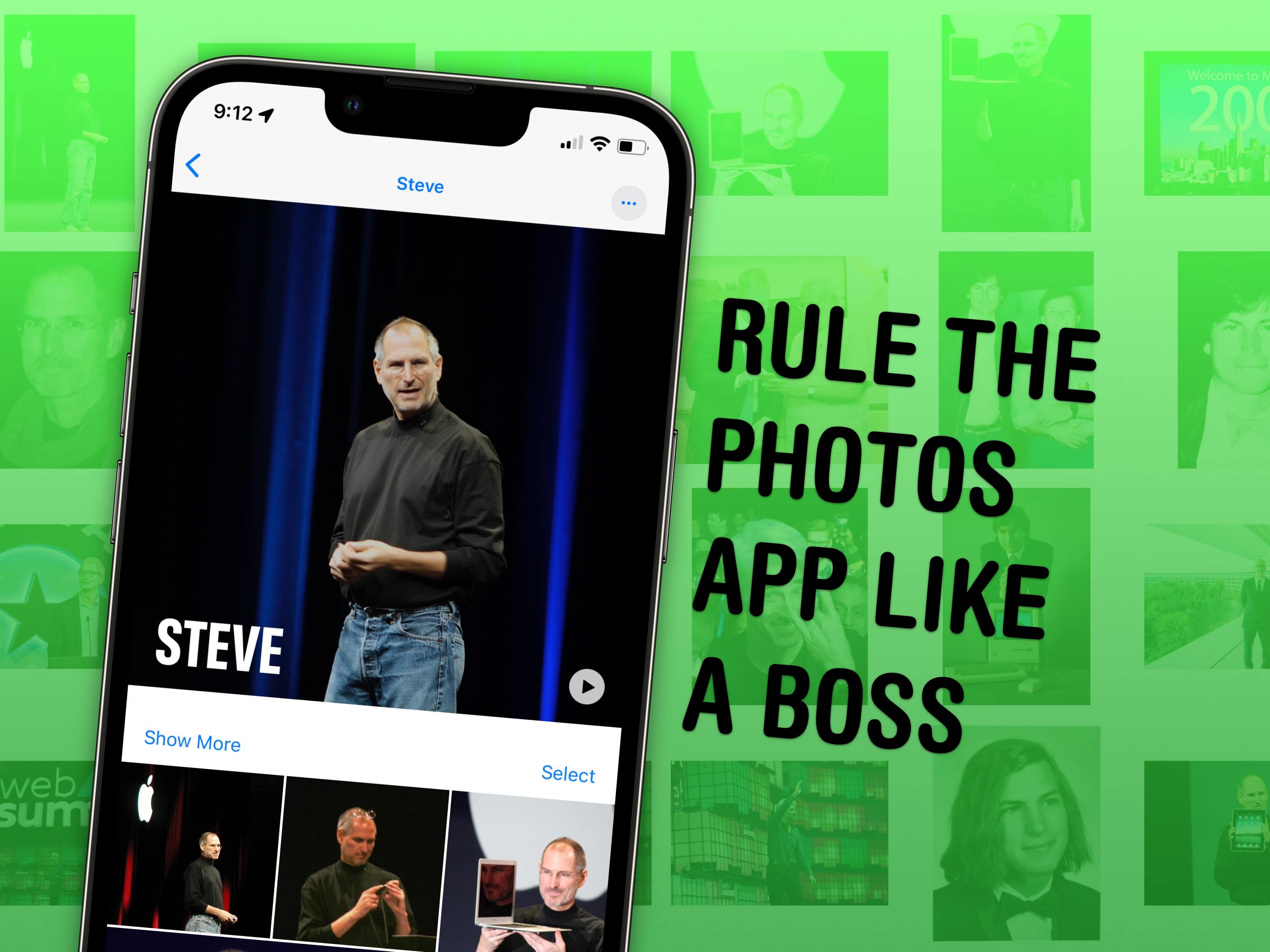
It might not be apparent at first, but Apple’s Photos app gives you plenty of ways to manage your photo library and tweak the images in it.
If you have tens of thousands of photos like I do, your photo library is probably a big mess. You could spend hundreds of hours meticulously sorting images into albums, and tweaking settings to get everything just right. Or you can use some of the features Apple offers to make things easy.
I’ve already covered my top tips for taking photos. Here are my top five tips for managing and manipulating the great photos you took, using tools in Apple’s Photos app.
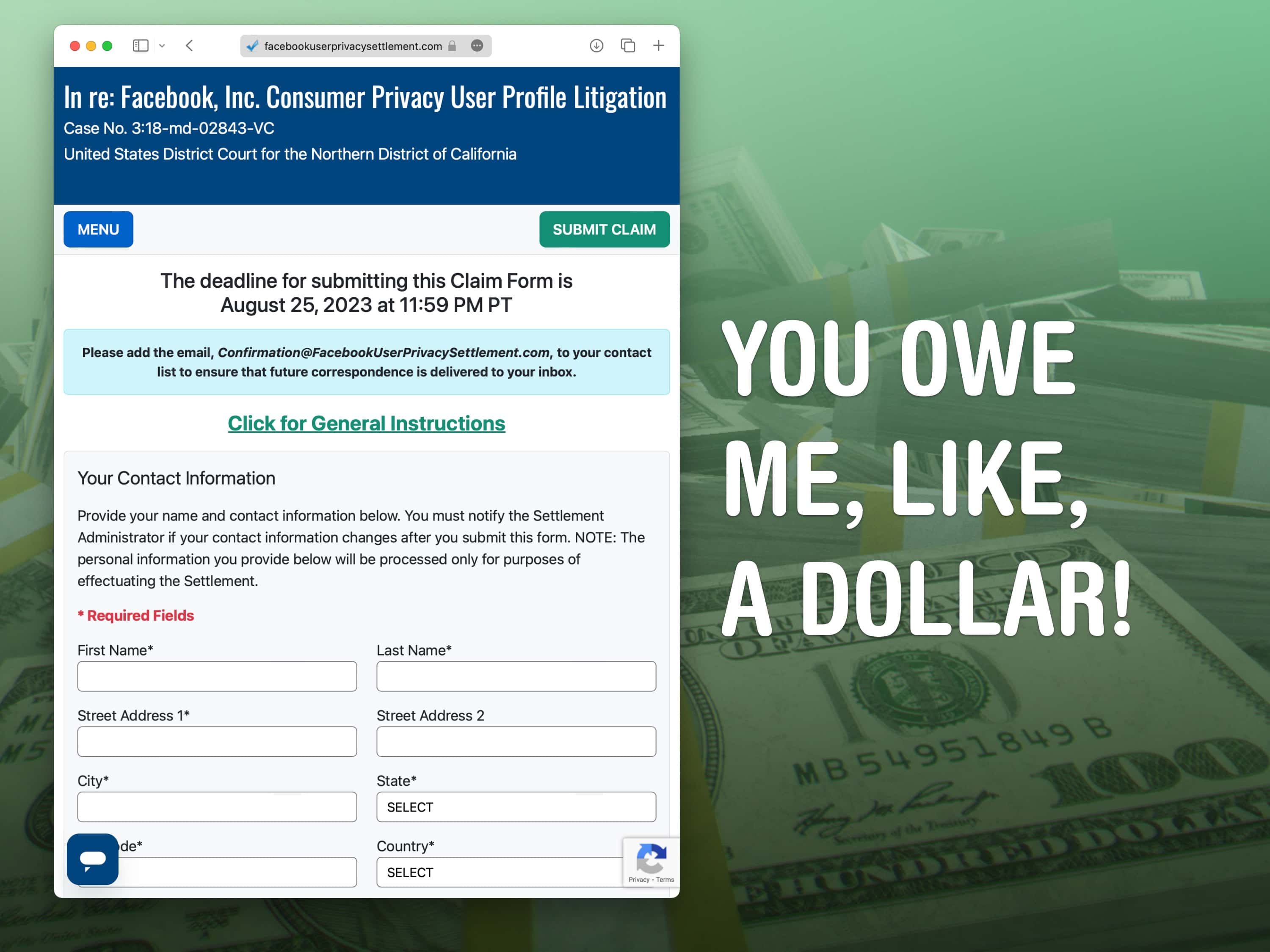
If you lived in the United States in the last 15 years and you used Facebook, you can fill out a brief form and claim your part of a $725 million privacy settlement. This marks the end of a class-action lawsuit wherein the company admitted that U.K. data mining company Cambridge Analytica accessed Facebook users’ data without their consent.
You have until Friday, August 25, to file a claim. It only takes a few minutes. How much you get depends on how many people take the payment — it could be as low as $1.50 if every person in the United States fills it out.
Making a claim also stops you from pursuing a separate claim against Meta, Facebook’s parent company. However, if you take no action, you won’t get anything as a result of the Facebook data scandal.
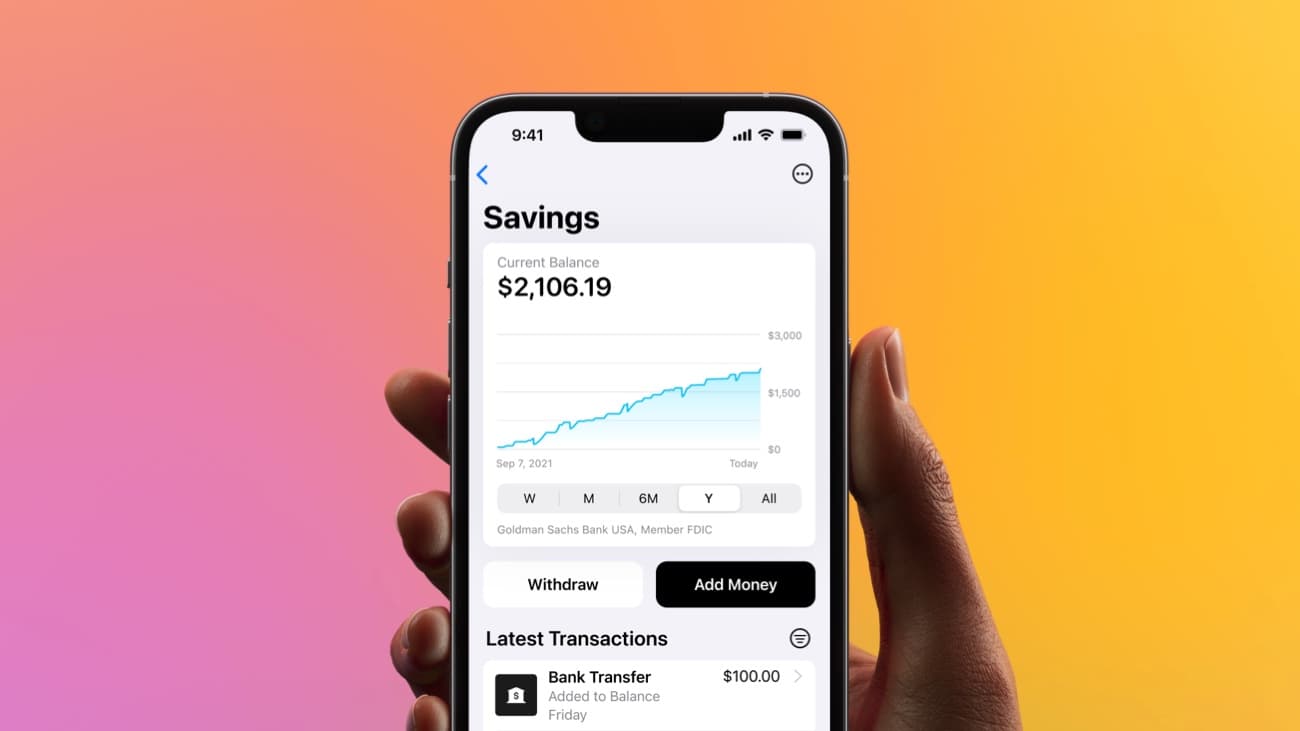
Apple Card Savings allows you to earn a high rate of interest on money you might have been storing in Apple Cash. As the name indicates, it’s a savings account especially for Apple Card users.
Daily Cash earned from using the credit card flows automatically into the account where it (currently) earns 4.15% annually — that’s far more than the national average. And you can bring in cash from your other banks that offer lower interest rates.
I’ll walk you through the process of setting up an Apple Card Savings account.
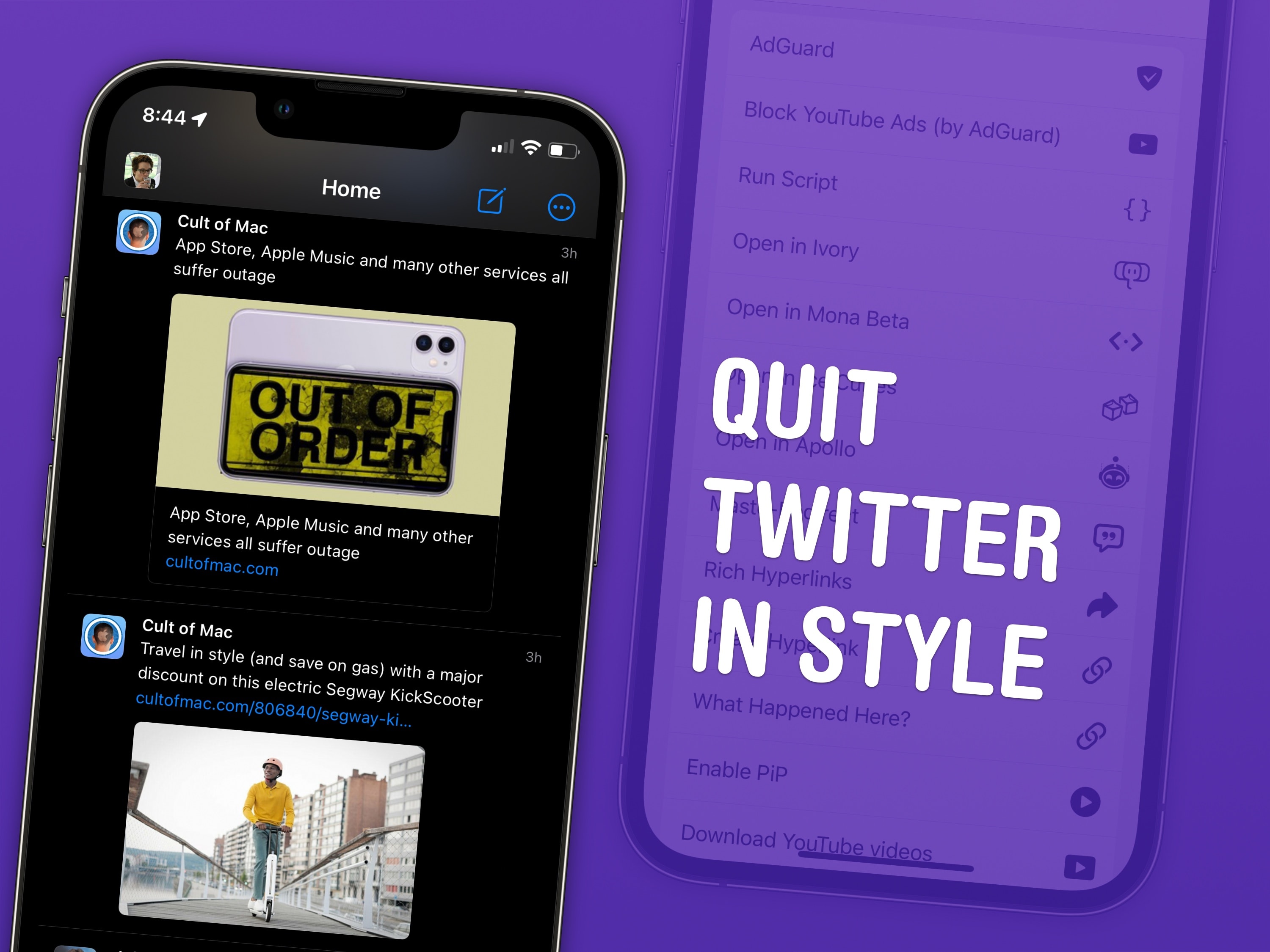
I have four top tips for Mastodon users after spending a few months on the hot new social media platform. There’s a healthy community of Apple writers, developers, creators and fans — even Phil Schiller — who have all jumped ship from Twitter.
I’ve previously written a detailed guide to getting started. I’ll start with some brief advice on picking an instance and move on to the pro tips I’ve picked up.
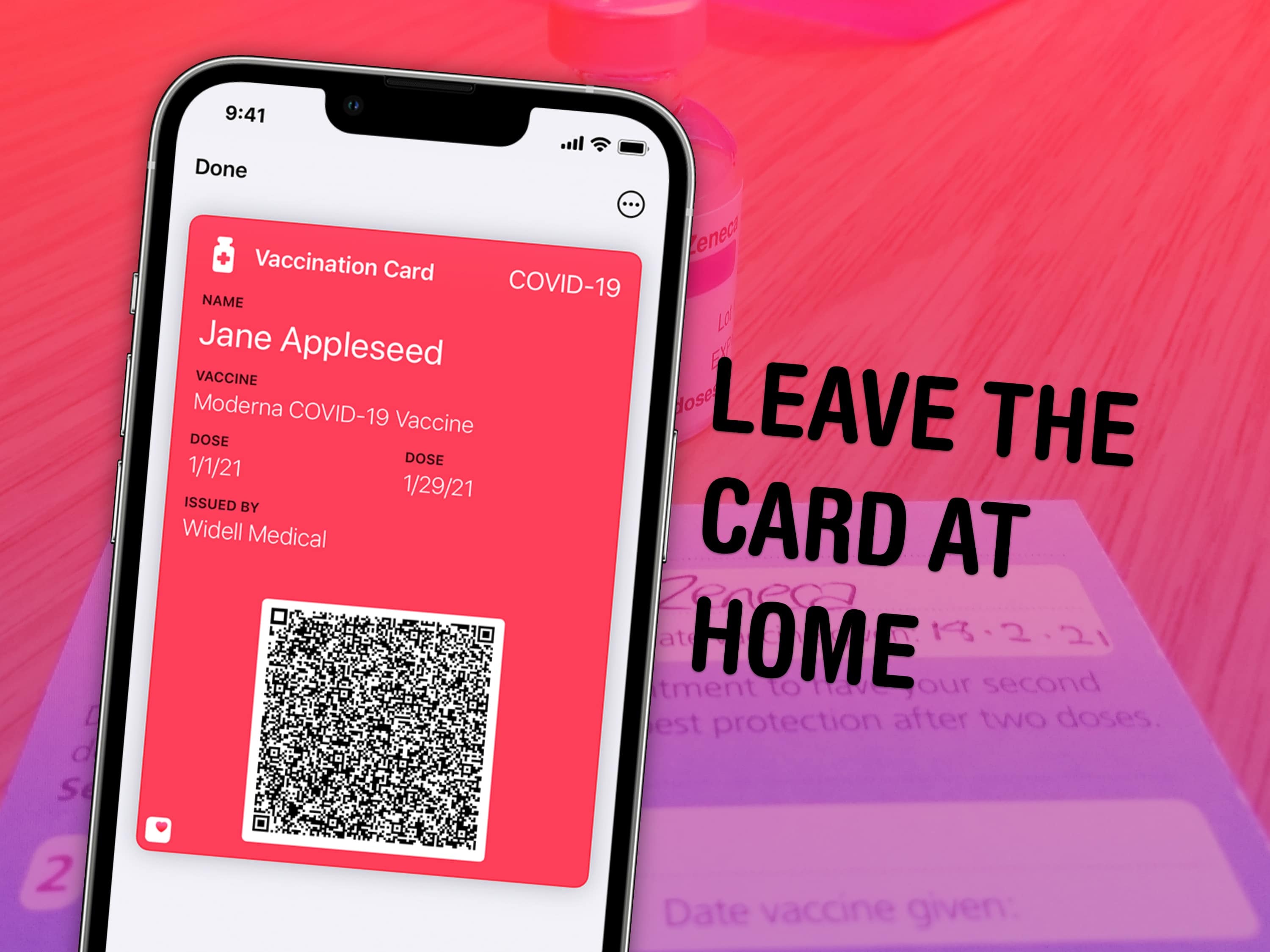
Add your COVID-19 vaccine card to Apple Wallet on your iPhone, and you can leave your physical card safe at home. Some places may require proof of vaccination to enter, like international airports, concert venues and cruise ships.
If your health care provider can share data with the Apple Health app, and if digital cards are considered valid proof of vaccination where you’re going, and if the stars are in the right place, too, you just might be able to go all-in on Apple Wallet. Let me show you how.
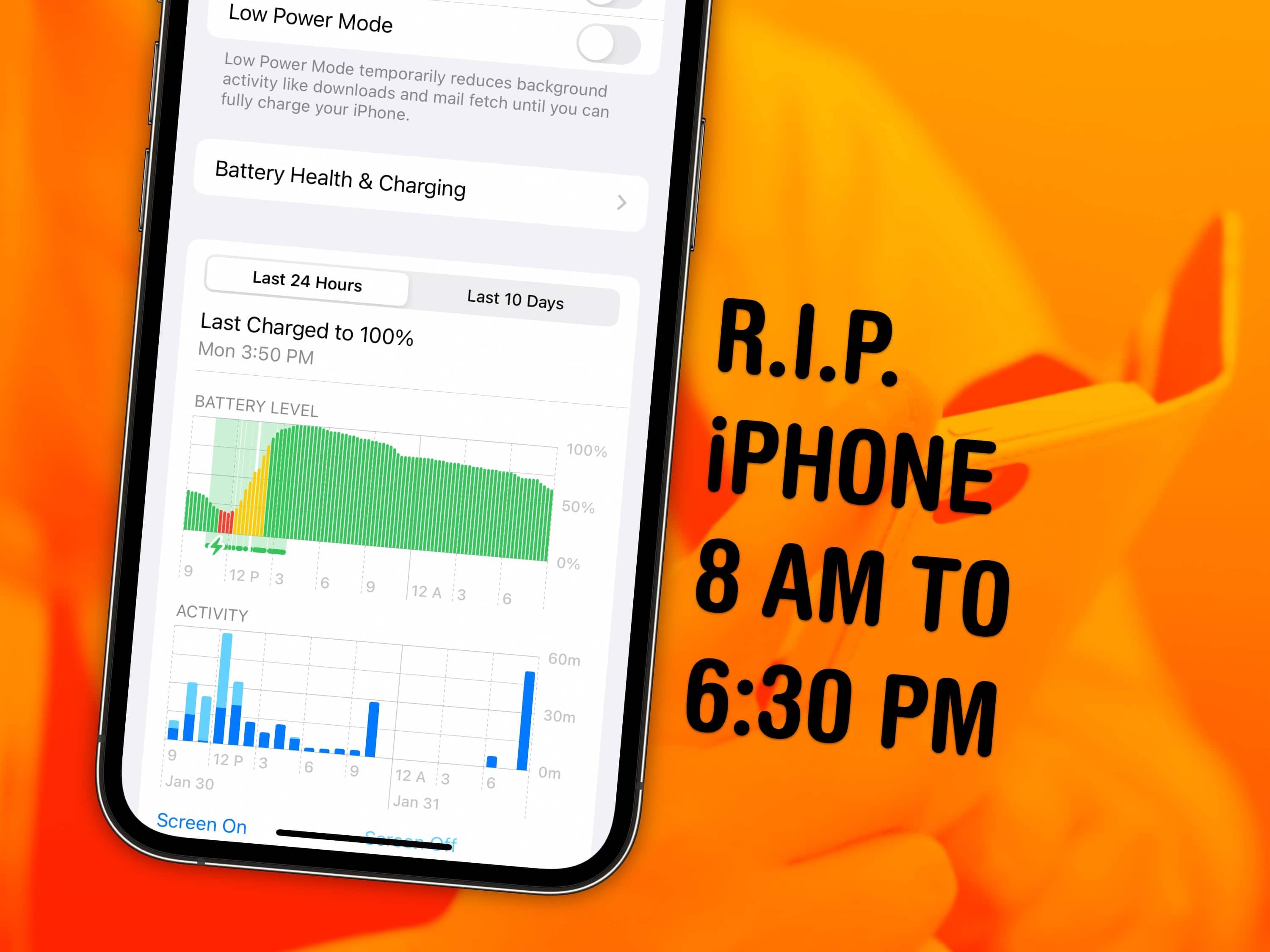
iPhone battery dying faster than you’d like? You can see exactly what’s using up your iPhone battery in the Settings app. It will show you which apps use more power than others, what services run in the background, and what drains your battery most over the course of the week.
If you suspect your phone doesn’t last as long as it used to, or notice that it’s charging very slowly, this will help you diagnose the problem.
Keep reading to find out whether you should quit all your iPhone apps when you’re done using them (you shouldn’t) and how you can keep apps and email from running in the background.
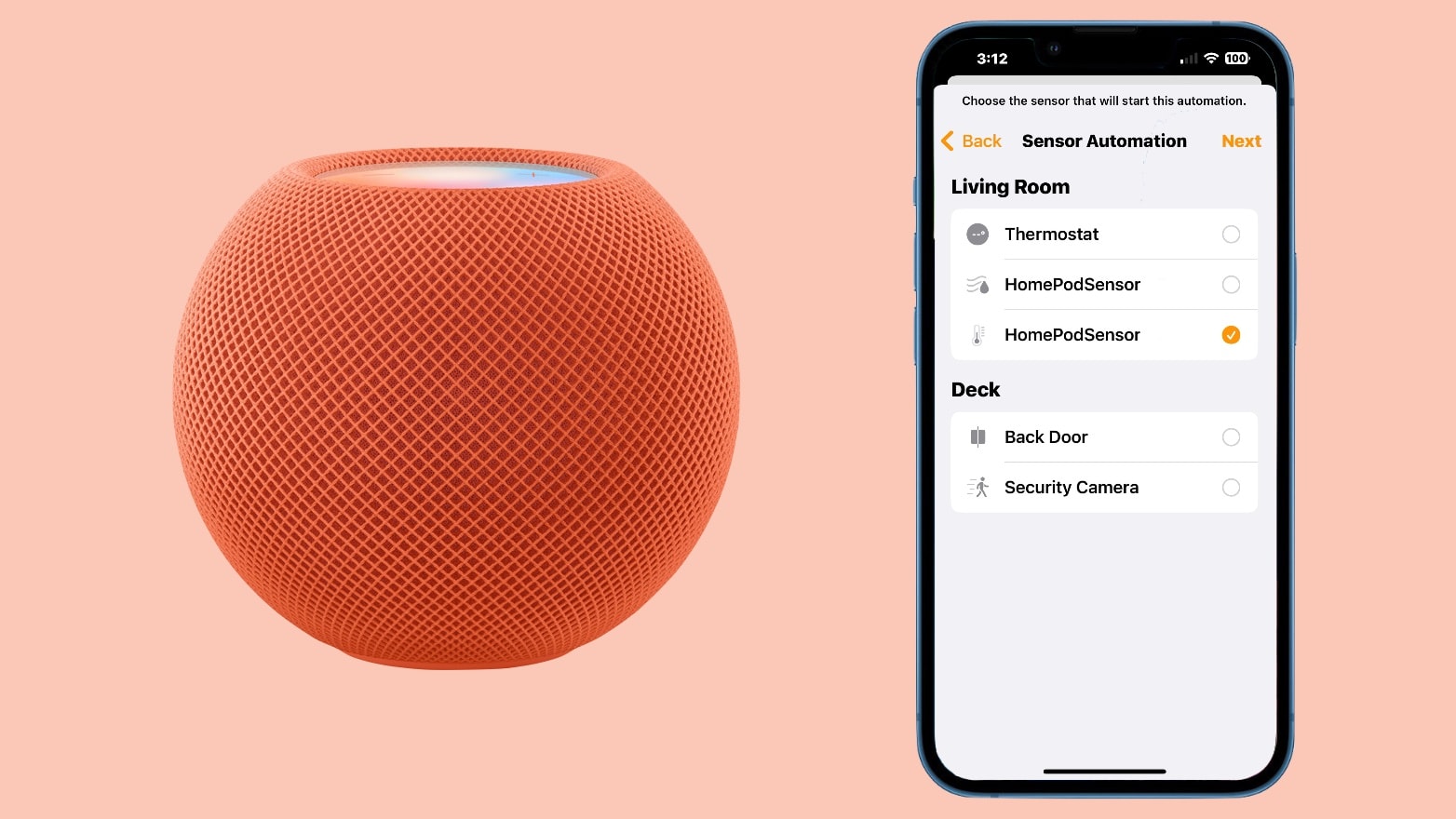
HomePod 2 and (surprise!) HomePod mini both include temperature and humidity sensors. These can be used by Apple’s Home app to control HomeKit accessories. Or just tell you how hot or cold it is in your living room.
Here’s how to use the sensors in Apple’s large and small smart speakers.