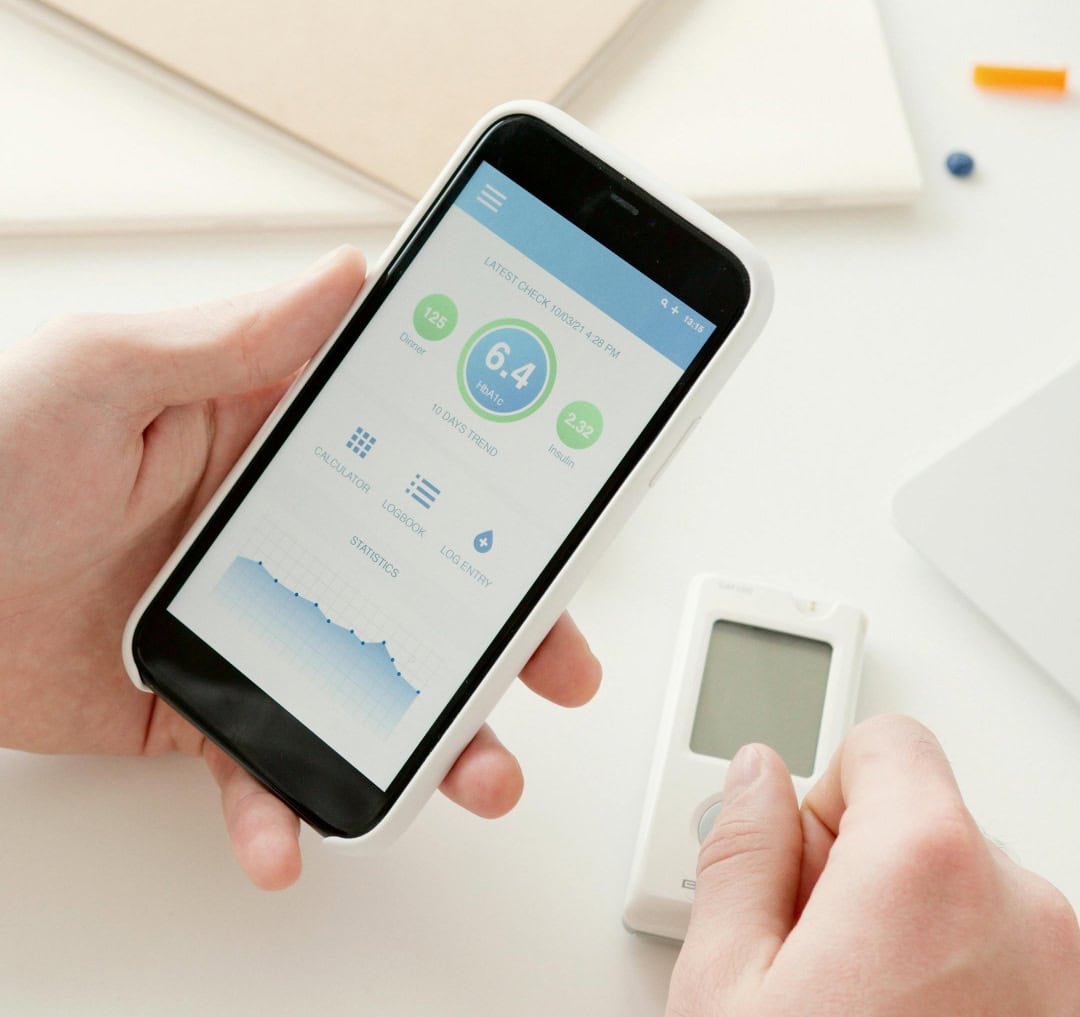
The app under development is separate from plans for a noninvasive blood sugar monitor. Photo: Pexels
Apple is secretly testing a new health app designed to help individuals with prediabetes manage their diet and lifestyle choices, according to a new report. The experimental app, tested with select employees earlier this year, focuses on helping users understand how different foods affect their blood sugar levels. That might help stave off Type 2 diabetes for some.
Some might use it just to marvel at how that cookie is spiking their blood sugar and choose an apple next time, instead.
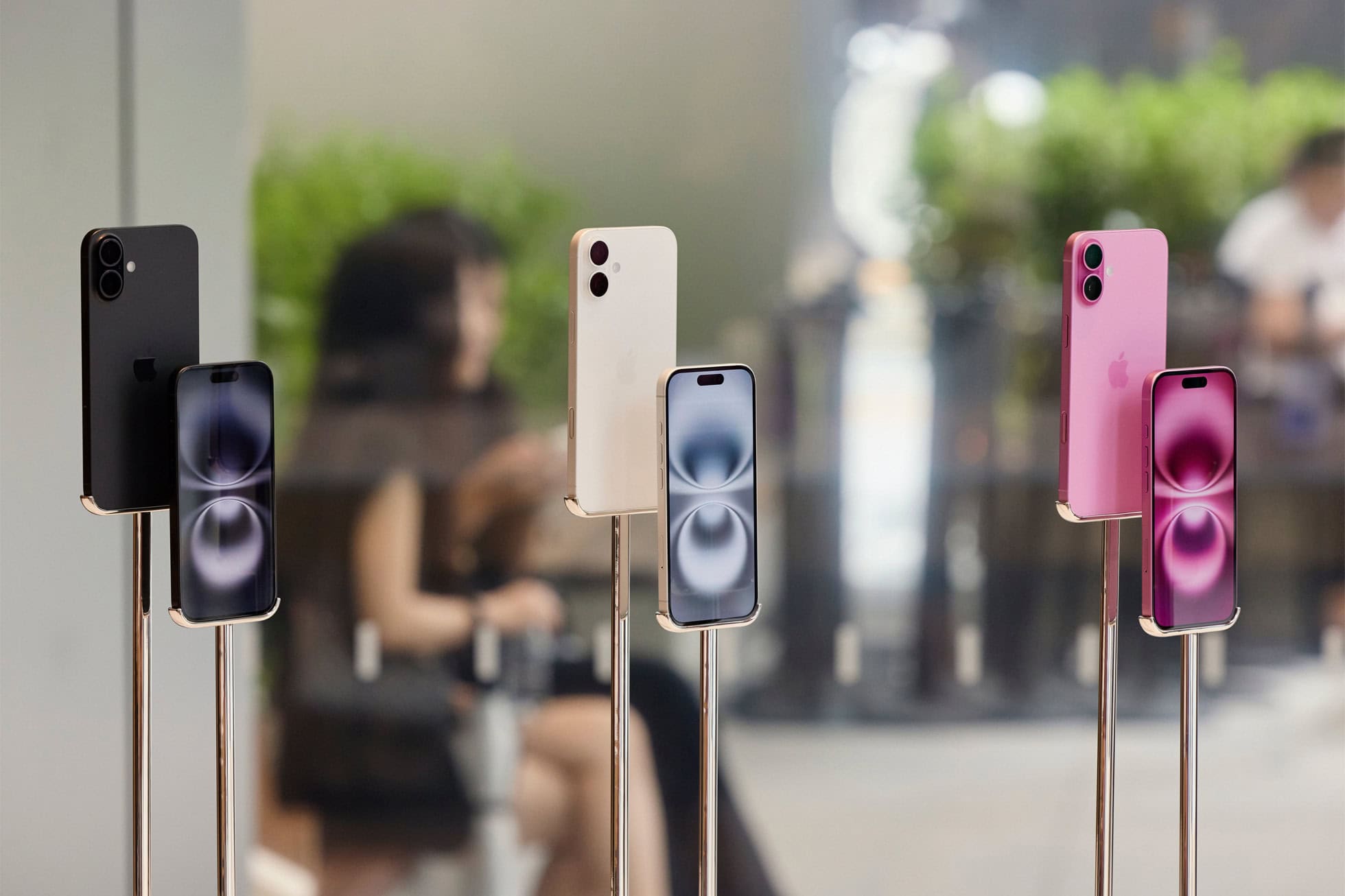
iPhone and other smartphone shoppers may not have AI at top of mind. Photo: Apple
With Apple Intelligence features coming out to much fanfare, it seems smartphone users don’t actually rank AI very high on their wishlists when considering smartphone upgrades, according to a new survey out Friday. With AI low on smartphone upgrade wishlists, what do they crave? Much higher among their hopes are longer battery life, more storage and better cameras. You know, the “classics.”
Trying grabbing that as you race past on your scooter. Photo: The Unsnatchable
In central London, thieves snatch an iPhone out of someone’s hand every 6 minutes, often via passing moped. The problem is so pervasive someone came up with a new line of comically intimidating iPhone cases as part of an awareness campaign called “The Unsnatchable.”
One case bristles with silver spikes. Another looks like an angry electric eel. A third conveys a curse within. And a fourth takes the form of a gauntlet you wear to clutch the handset in an iron grip.
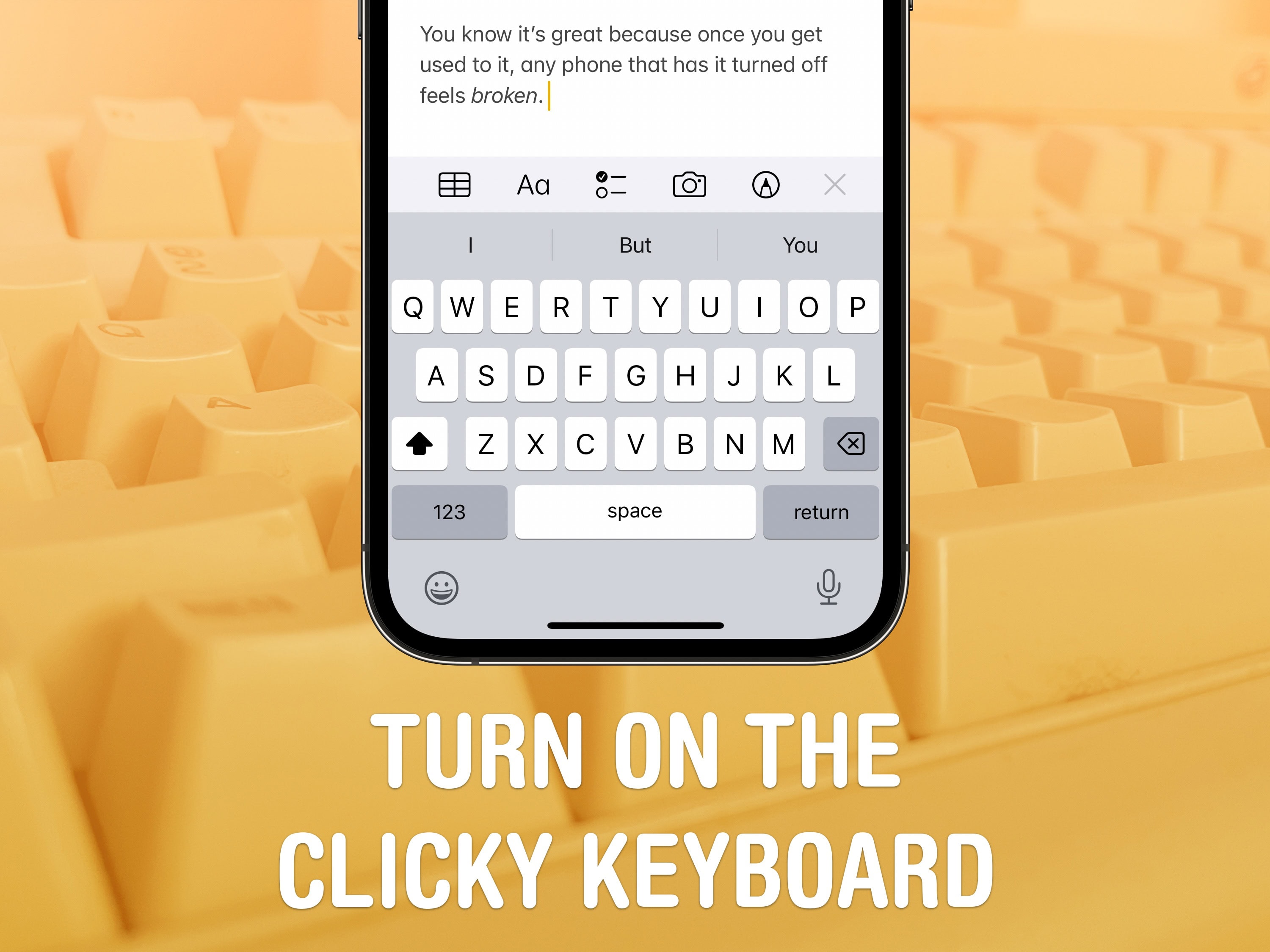
Get a clicky keyboard on your phone, too. Image: D. Griffin Jones/Cult of Mac
Studies show that a haptic keyboard improves touchscreen typing speed and input accuracy, but very few people know you can enable it on your iPhone.
Android phones years ago had haptic keyboards, but without a precision vibration motor, the haptic feedback was too slow to complete the illusion. With the Taptic Engine — hardware in every iPhone since the iPhone 6s that can simulate all kinds of vibrating textures — Apple created a perfectly convincing effect to enable the haptic keyboard way back in iOS 16.
Leaving the keyboard click sounds on in public is a minor social faux pas, but you really do type better when you have some sort of feedback for hitting the keys. It feels incredible. I turned it on years ago, and every time I type something in on a friend’s phone without it enabled, it feels broken. You can’t go back once you turn it on — it’s that great.
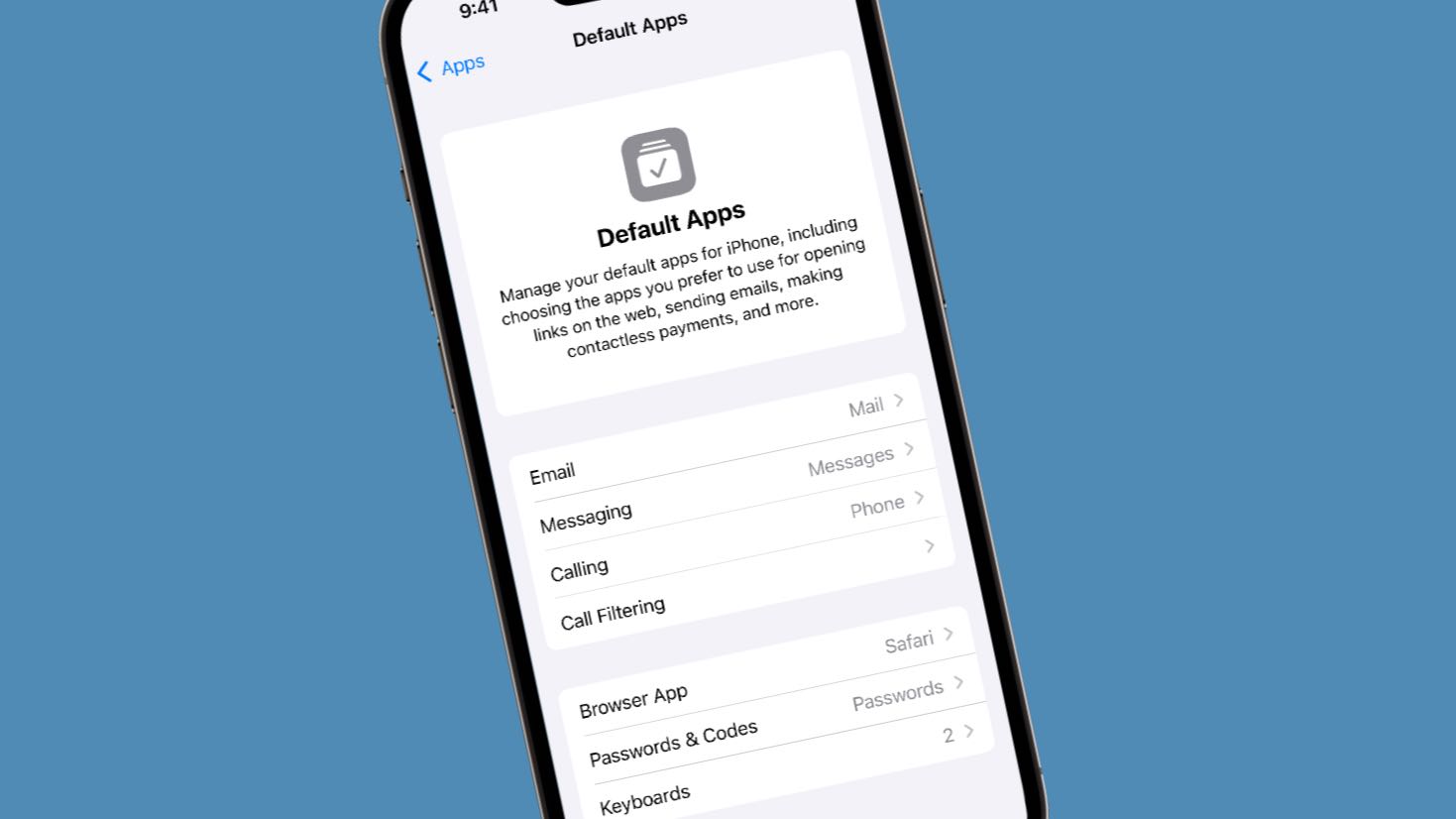
iOS 18.2 beta 1 lets iPhone users change additional default apps. Photo: Apple/Cult of Mac
iOS 18.2 beta 1, which went to developers on Wednesday, includes a new section in Settings that lets users specify which applications to set as their defaults for handling email, messages, phone calls and more. In some cases, setting this simply gets easier. In others, changing the default app previously wasn’t possible at all.
We already knew this change would happen in Europe, but Apple made it clear Wednesday that it’ll be available worldwide.
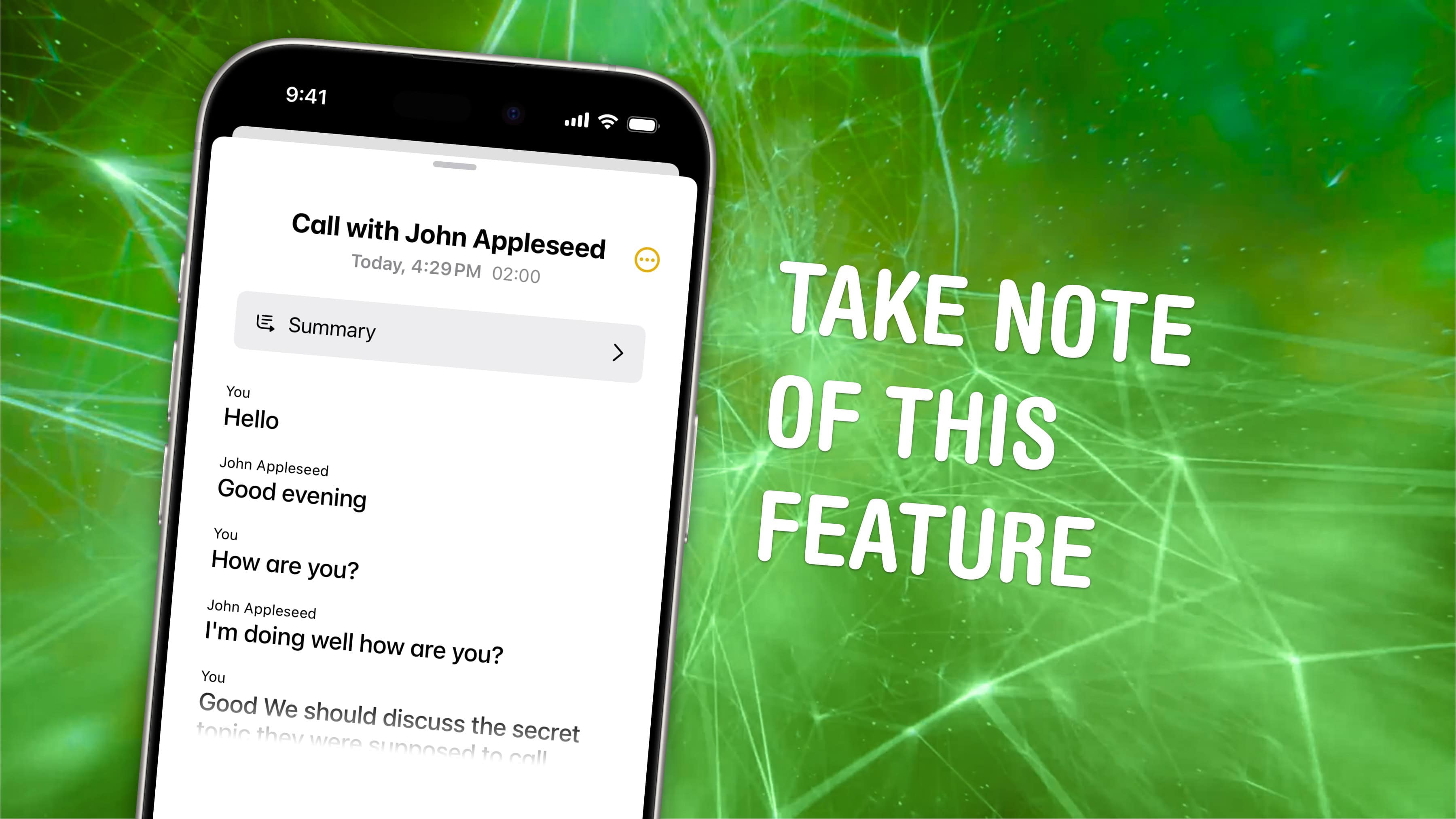
Native call recording has been a long time coming. Image: D. Griffin Jones/Cult of Mac
It’s only taken 17 years, but iPhone call recording is finally here. In iOS 18.1, you can record a phone call on your iPhone for future reference. If your device supports Apple Intelligence, you’ll get transcriptions of the phone calls, too.
This feature is a great way to refer back to a previous conversation. Who said what? What date did they say? What exactly did you agree to?
If you used a shady call recording app before, you can bid it adieu. There’s a convenient button built right into the Phone app; and you can refer back to your recordings in Notes. Here’s how it all works.
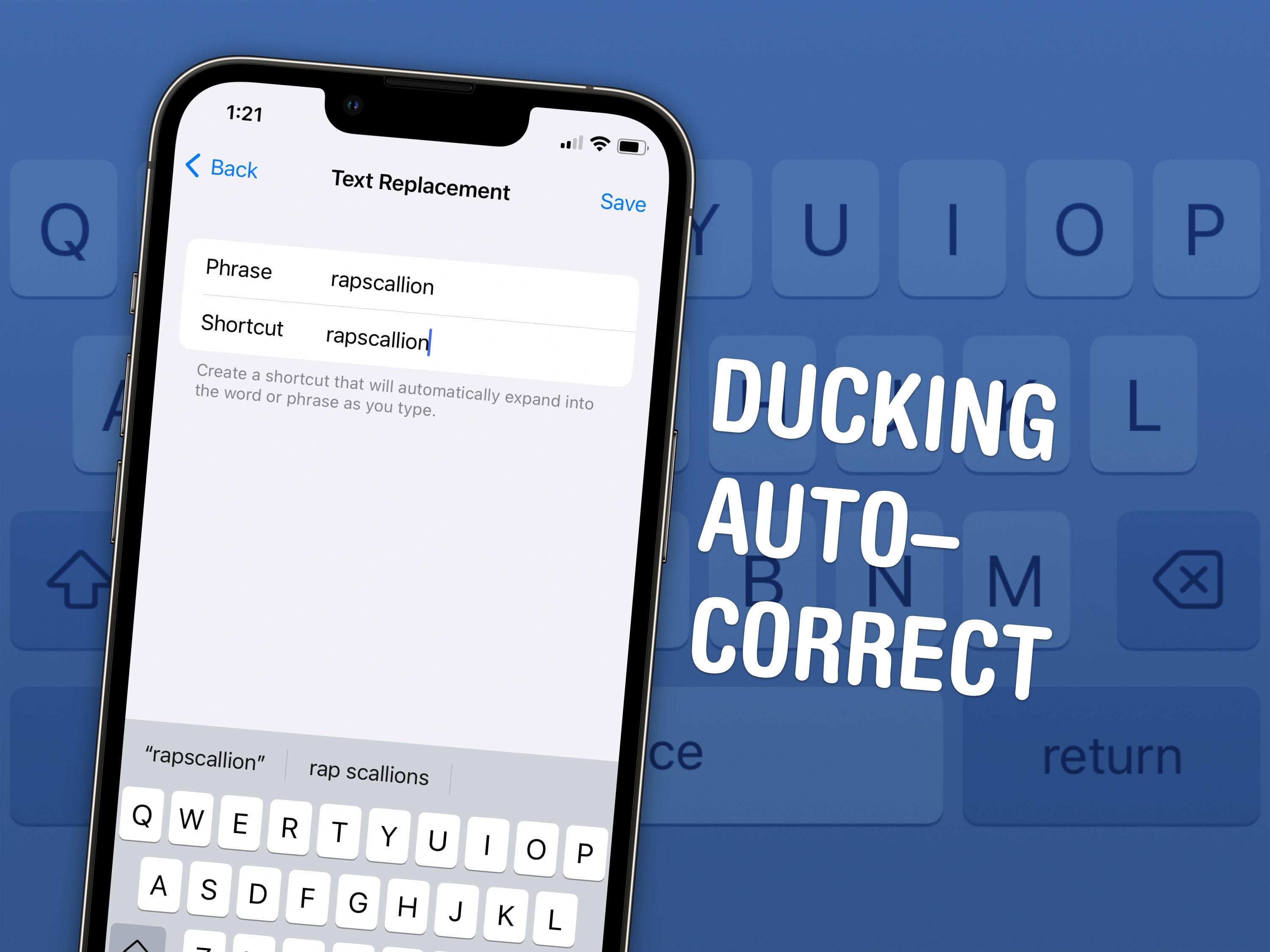
Ducking autocorrect. What a shot piece of software. It’s such an overcorrecting dock. Image: D. Griffin Jones/Cult of Mac
Here is how to stop your iPhone from autocorrecting swear words. It’s not a simple toggle switch in Settings, unfortunately — but it’ll only take you a few minutes to fix it once and for all.
Apple presents an annoyingly family-friendly image. It doesn’t want the iPhone to autocorrect a swear word to protect the innocence of children. It doesn’t want porn on the App Store (even if it’s a tap away in Safari).
Luckily, for the adults in the room, it’s all surface-level means of protection. Here’s how you can get your iPhone to let you swear again.
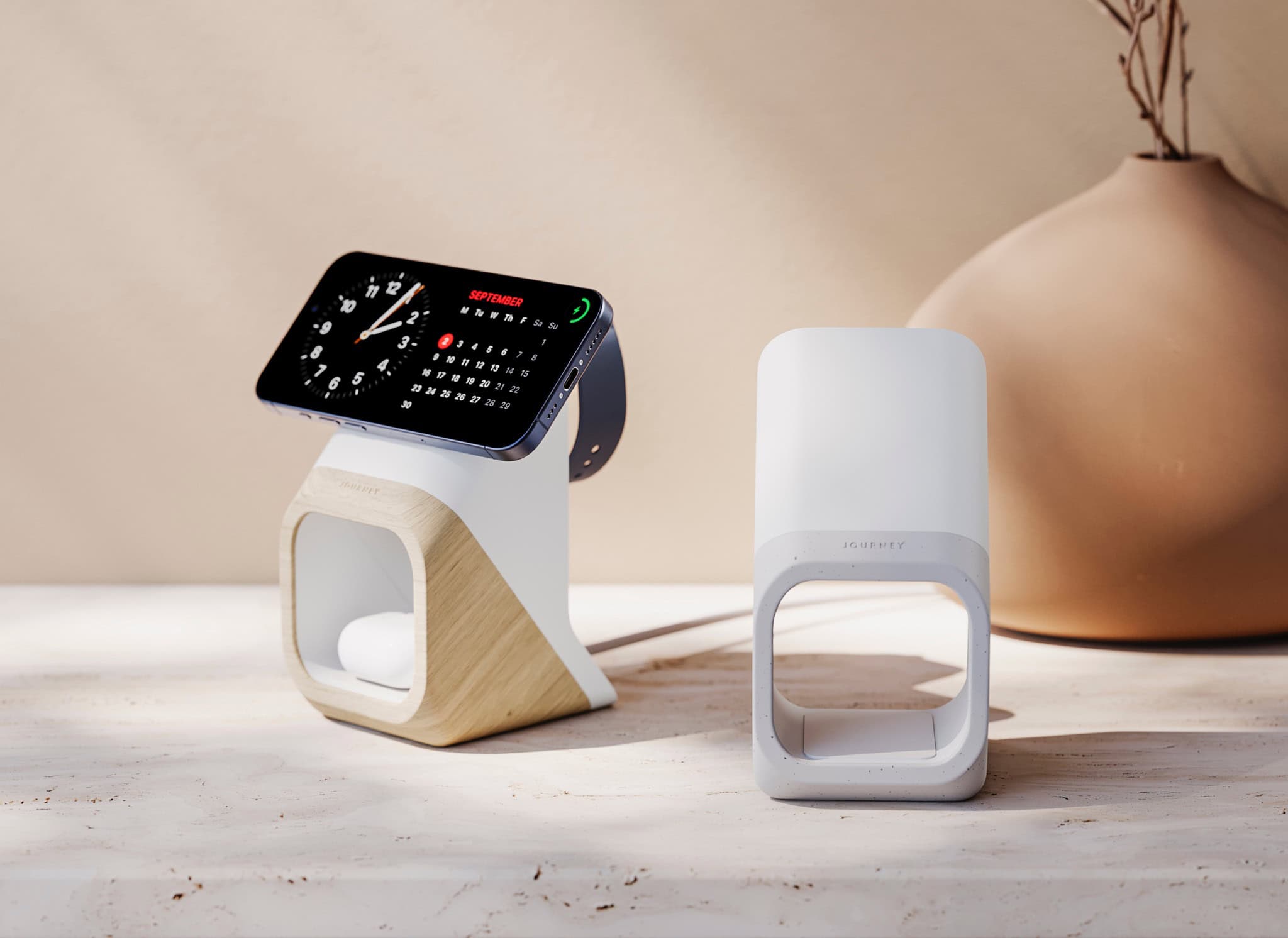
The new Journey Nova 3-in-1 fast charger carries a distinctive look. Photo: Journey
Multi-device chargers for iPhone, AirPods and Apple Watch come and go, but Journey just rolled one out that really catches the eye: the Journey Nova 3-in-1 Fast Charging Station. It’s available for preorder now.
“Our designers envisaged an anti-tech aesthetic for Nova,” said a Journey spokesperson. “The exterior complements decors much like a vase, chair or pot plant might.”
A pot plant, they say! Well, that is a good aesthetic model to emulate, although it being on the “anti-tech” side seems debatable.
The vast majority of teen selfies are taken with an iPhone. Photo: Antoni Shkraba/Pexels
The cool kids own an iPhone. And the non-cool kids. Really, nearly all U.S. teens own one. That’s according to new data from a market analysis that found that 87% of teenagers in the United States use an iPhone.
That’s likely to continue with more than 20% of teens planning to upgrade to an iPhone 16.
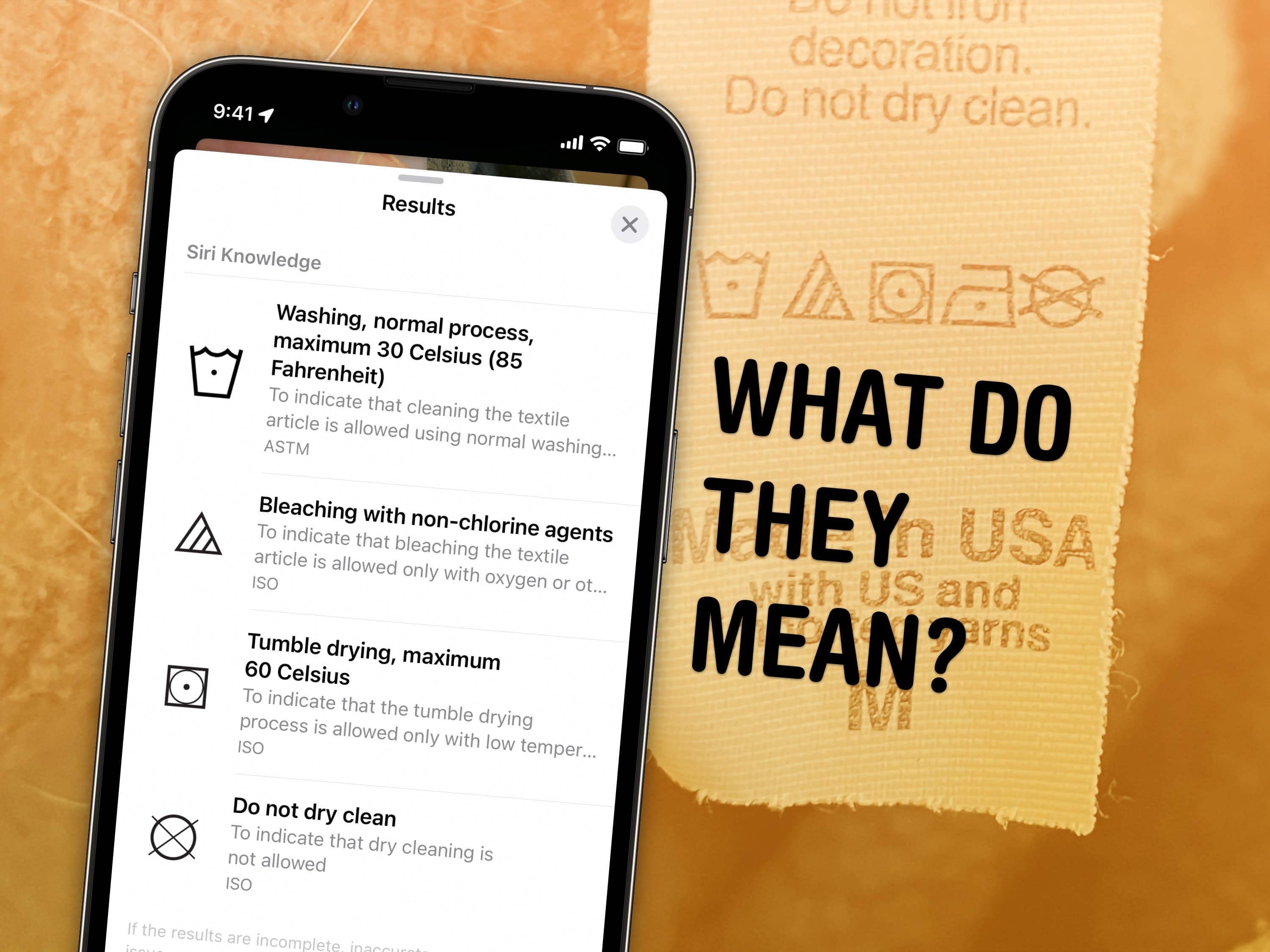
Ever wonder what these symbols mean? Image: D. Griffin Jones/Cult of Mac
Those tiny, cryptic symbols on clothing tags and car dashboards can confuse anyone. However, your iPhone camera can quickly decipher the meaning of laundry symbols and dashboard icons. You don’t need to look up a guide or Google their meaning. Just take a picture and your iPhone will tell you.
While in my testing the iPhone didn’t identify every single symbol, the feature will do in a pinch. And if you want to use a third-party app for the best possible results, I can recommend two that I found on the App Store that can help you.
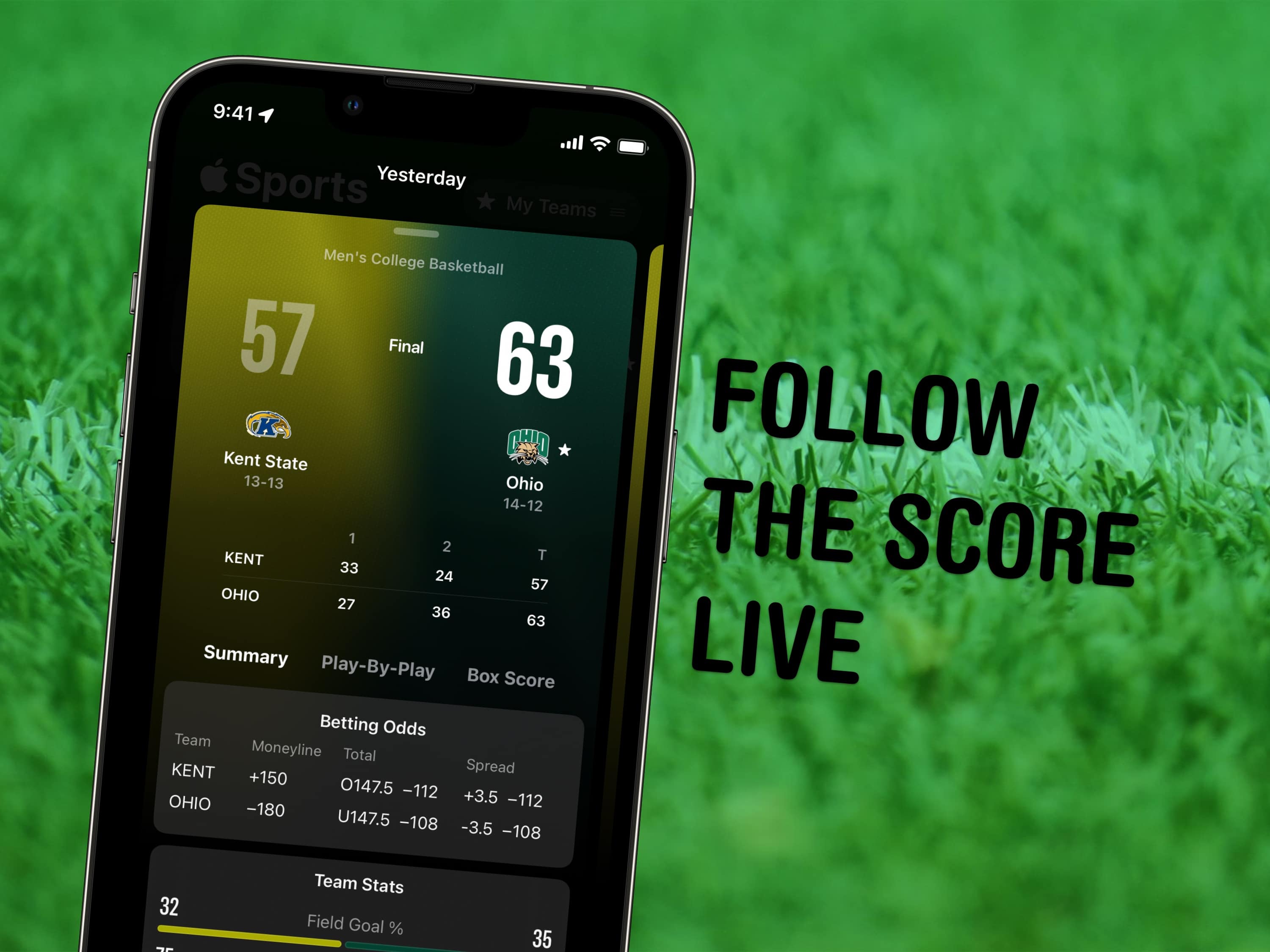
Apple Sports is easy to use, and packed with detailed information on upcoming games and yesterday’s scores. Image: D. Griffin Jones/Cult of Mac
The new Apple Sports app gives iPhone users a handy tool for tracking sports scores and stats. Previously buried inside Apple News, the constantly updated sports data becomes much more accessible when delivered via a dedicated iPhone sports app.
You can choose which teams and leagues you follow, get live updates on scores (and betting odds), and tap to open live coverage of the game in a streaming app.
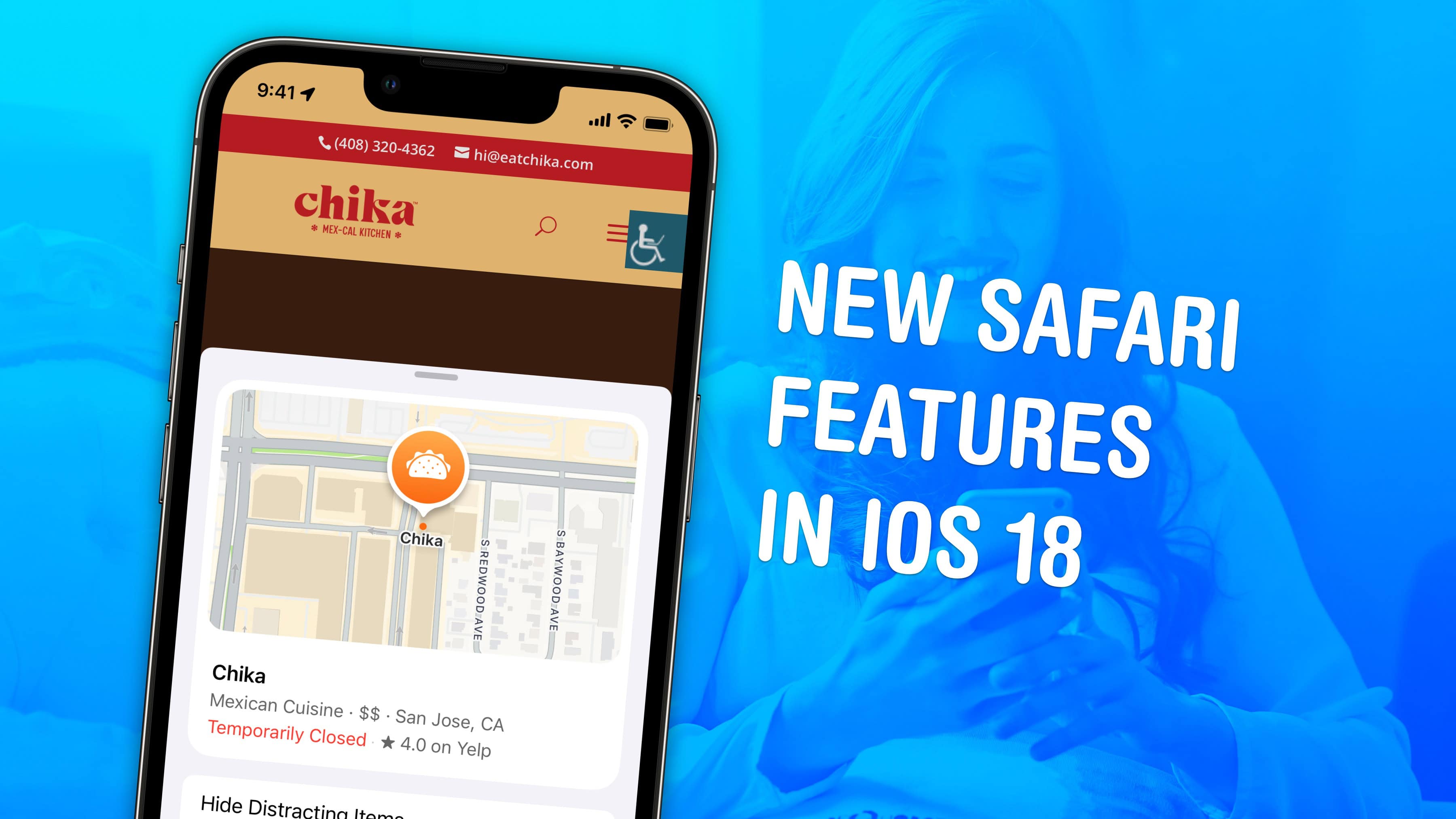
Safari on iPhone gets some much-needed attention in iOS 18 with a few great features. Image: D. Griffin Jones/Cult of Mac
Apple added several nifty new features to Safari in iOS 18. The iPhone’s redesigned web browser boasts an all-new Page Menu. Plus, two big new features help surface what you’re looking for on the web.
The last big Safari redesign for iPhone, which arrived three years ago, moved the address bar to the bottom of the screen by default. It also shoved several useful features into a menu in the address bar, which made it difficult to discover them. Apple tries to reverse that second problem in the new Safari.
Here’s what’s new in iOS 18 in Safari on iPhone — keep reading or watch our video.
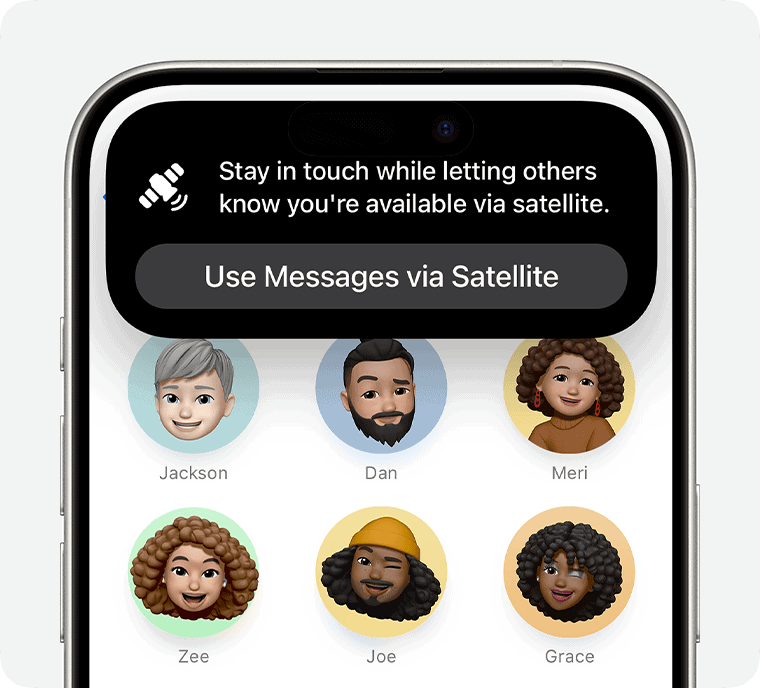
Messages via satellite can help you stay in touch with loved ones even when power and other services are knocked out. Photo: Apple
With Hurricane Milton taking aim at nearly the entire Gulf Coast of Florida, with a probable late Wednesday landfall, evacuees and others might want to make sure they download iOS 18 — specifically to get the new Messages via satellite capability.
That way, if power, Wi-Fi and cellular coverage all get knocked out, you can still communicate via satellite on your iPhone with family and friends. And of course you’ll also have the option of using the related Emergency SOS via satellite if you need to reach emergency services.
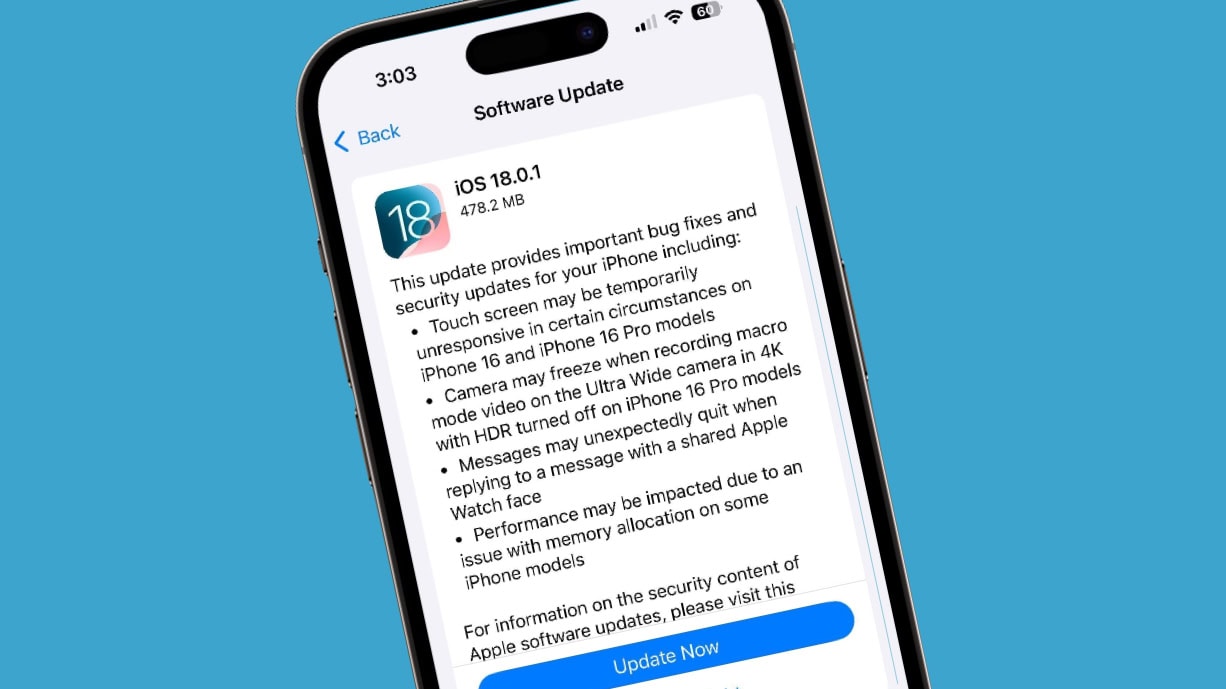
iOS 18.0.1 removes a bug that irritated many iPhone 16 users. Photo: Lewis Wallace/Cult of Mac
Apple released iOS 18.0.1 on Thursday to fix an annoying bug that made the touchscreen unresponsive on iPhone 16 and iPhone 16 Pro. The new iPadOS 18.0.1 corrects several problems, too, including one that bricked some M4 iPad Pro units when installing the original iPadOS 18 version.
In addition, macOS Sequoia 15.0.1 and visionOS 2.0.1 also arrived Thursday with minor bug fixes.
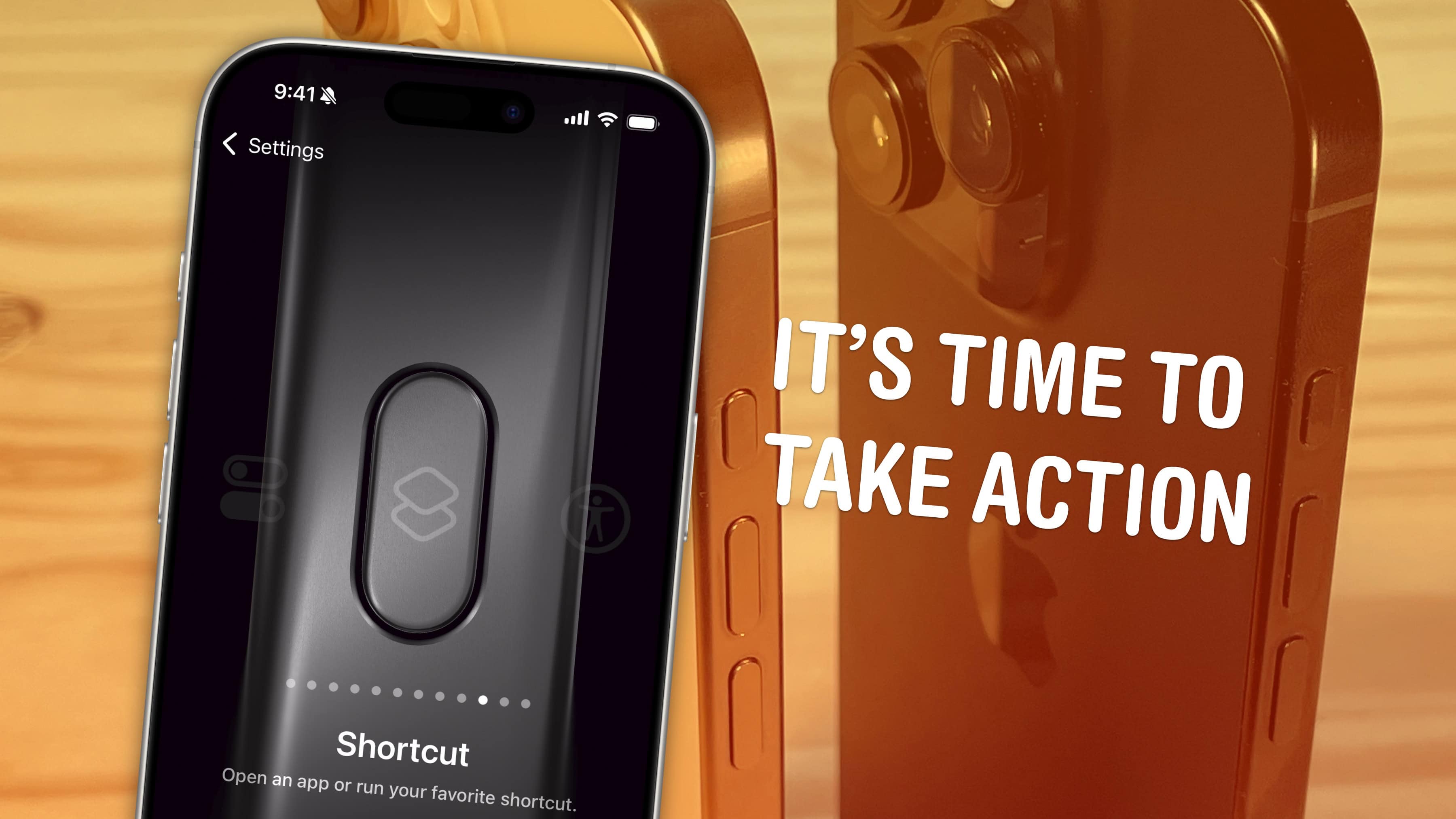
It’s not just ring/mute — it can do whatever you want. Image: D. Griffin Jones/Cult of Mac
The iPhone’s Action button replaces the former ring/mute switch, and while it can fulfill the same purpose, there’s much more you can do with it. Apple gives you a bunch of options out of the box if you want instant access to your flashlight, camera, Shazam and more.
You pick the function, and it’s just a button push away. You can even turbo-charge the Action button by running a shortcut.
Setting up the Action button to do your bidding is easy. And once you do, you’ll undoubtedly enjoy quick access to your favorite feature.
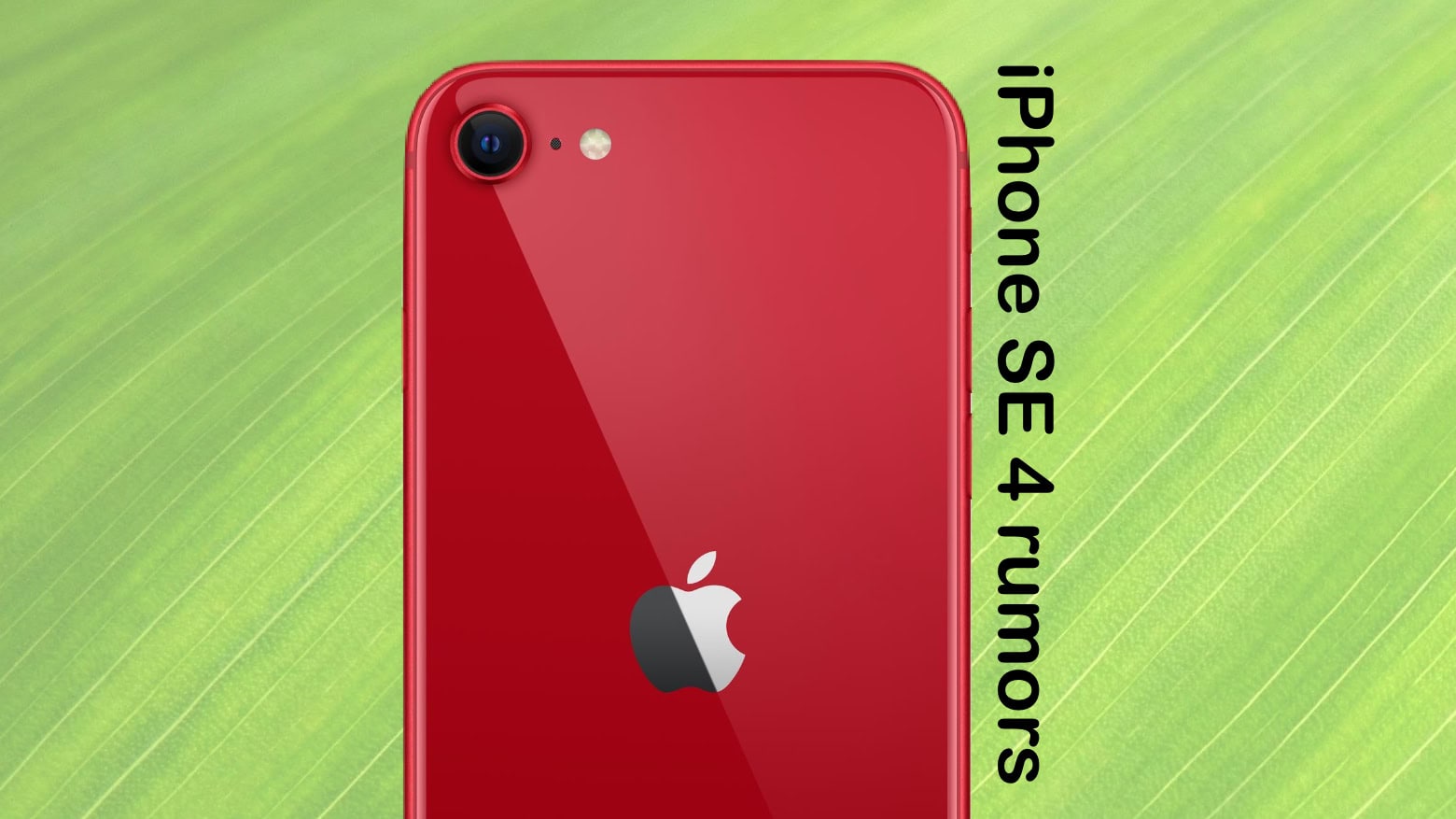
iPhone SE 4 could get an intelligence boost. Photo: Cult of Mac
iPhone SE 4 will debut early next year, according to a reliable source, and supposedly will support Apple Intelligence, the AI-powered features coming soon to iOS, macOS, and iPadOS. The previous iPhone SE 2022 model didn’t perform as well as expected, which may have led Apple to rethink its strategy. Learn more about why Apple created the iPhone 16E in response to the SE’s shortcomings here.
Apple’s 2025 budget handset reportedly will receive a significant redesign. And previous rumors suggest the handset will come with an upgraded display, too.
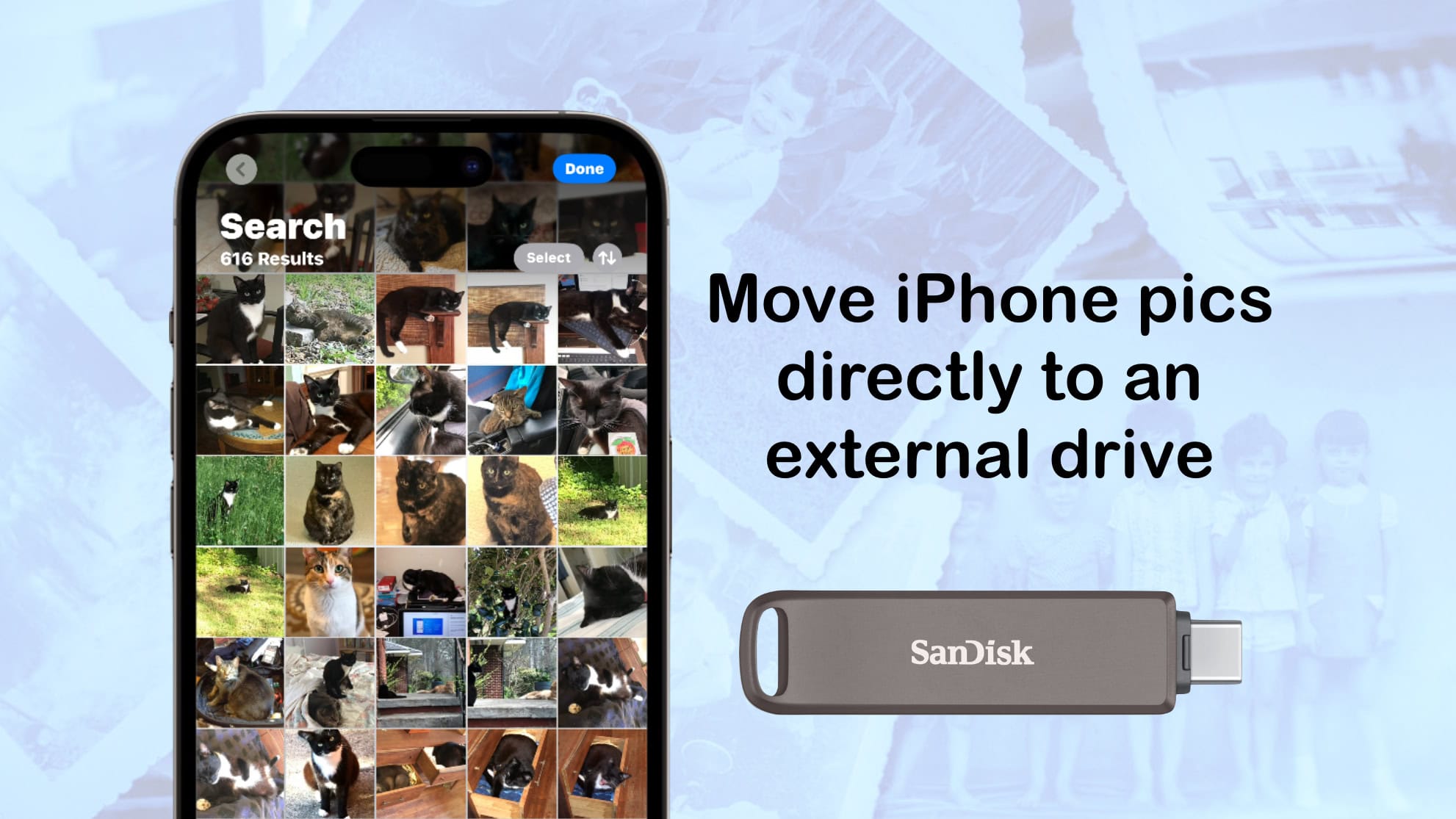
Here's how to move images from your iPhone directly to an external drive. Photo: Ed Hardy/Cult of Mac
Most of us store thousands of pictures and videos on our iPhones. If you want to create a bulletproof backup, you need to know how to transfer photos from iPhone to an external hard drive, SSD or flash drive. It’s easy, assuming you have the right software and (and possibly an adapter).
Apple efforts to increase iPhone production in India might have hit a snag. Photo: Cult of Mac
A Tata Electronics plant in Chennai, India, that makes components for iPhones reportedly caught fire on Saturday, halting production.
It’s not clear yet how this will affect iPhone assembly in the country. It’s certainly not good news for Apple’s efforts to become less dependent on China.
These are the hottest features coming in Messages. Image: D. Griffin Jones/Cult of Mac
In iOS 18, Apple’s Messages app gains five great new features that will make texting all the more fun. New message effects let you bold text in iMessage and animate it for extra emphasis. If you’re the forgetful type, you can schedule your messages to send later — automatically. You can reply to a message using any emoji you like. Finally, texting will get easier with your friends on Android — and in the middle of the Gobi desert.
Watch our video or keep reading to see the best new Messages features after you upgrade to iOS 18. (You can find the new iPhone operating in Settings > General > Software Update.)
Apple can’t bypass the encryption on iPhones, not even when they belong to criminals. Image: Apple
A request by former President Donald Trump that Apple help law enforcement access the contents of iPhones owned by men who tried to assassinate him is apparently based on a mistaken idea about how encryption works.
If the contents of the devices are secured by encryption, there’s nothing Apple can do to access them. That’s the very nature of encryption.
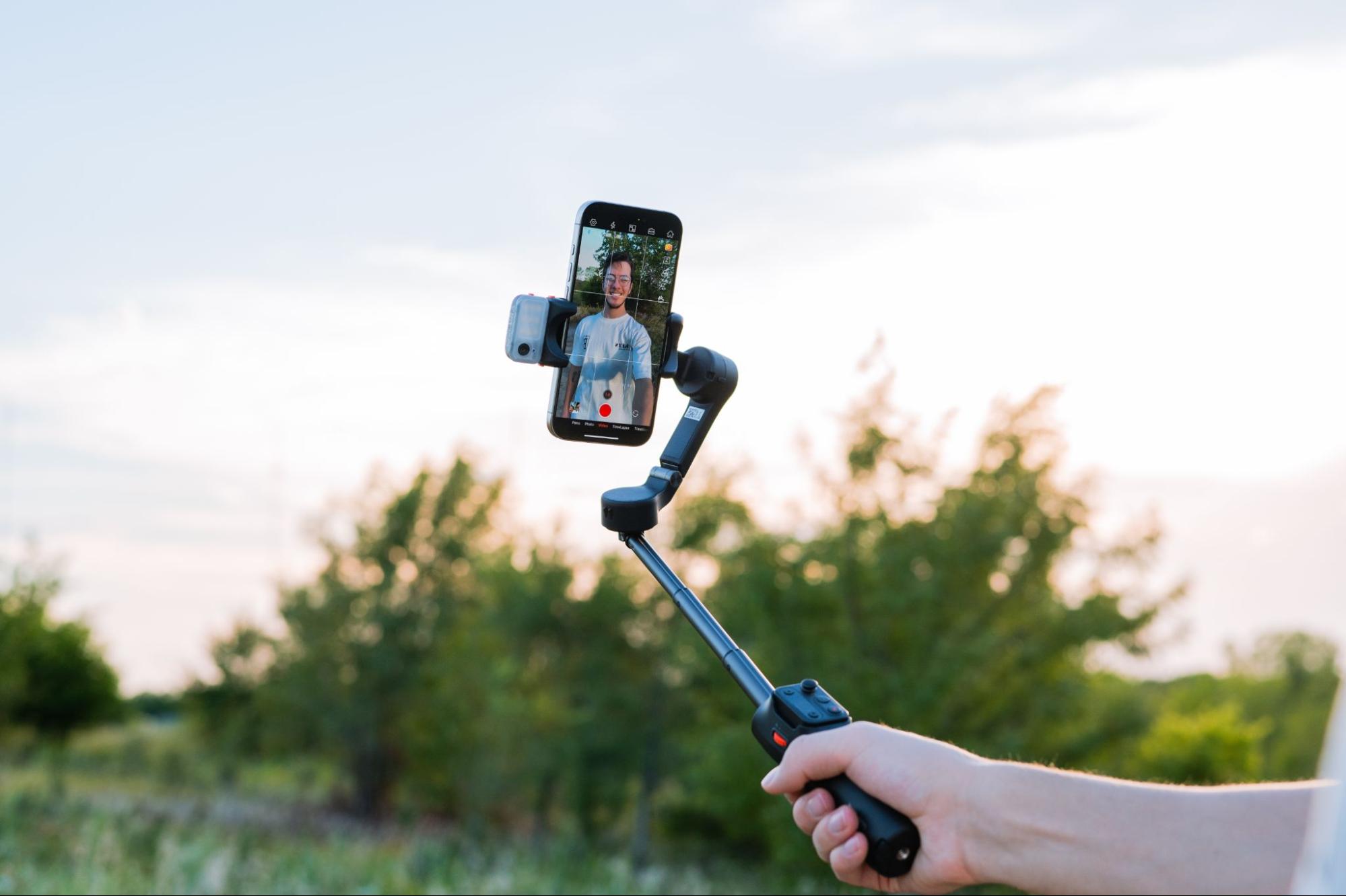
Create great videos with the Hohem iSteady v3 Gimbal Stabilizer for iPhone. Photo: Hohem
Whether you’re shooting an iPhone video of a breaking news event, chronicling your global travels for your vlog, or capturing a particularly choice dance move to show off on TikTok, certain tools can help you boost your video quality as well as your creativity. For example, the Hohem iSteady V3 Gimbal Stabilizer is a great tool to steady and extend your shots.
It’s a three-axis iPhone gimbal with a magnetic AI tracker and fill light, a built-in extendable rod and tripod, and a detachable remote control. We explain how this must-have video tool can help below. And what’s more, you can get it now for 20% off at Amazon.
★★★★☆
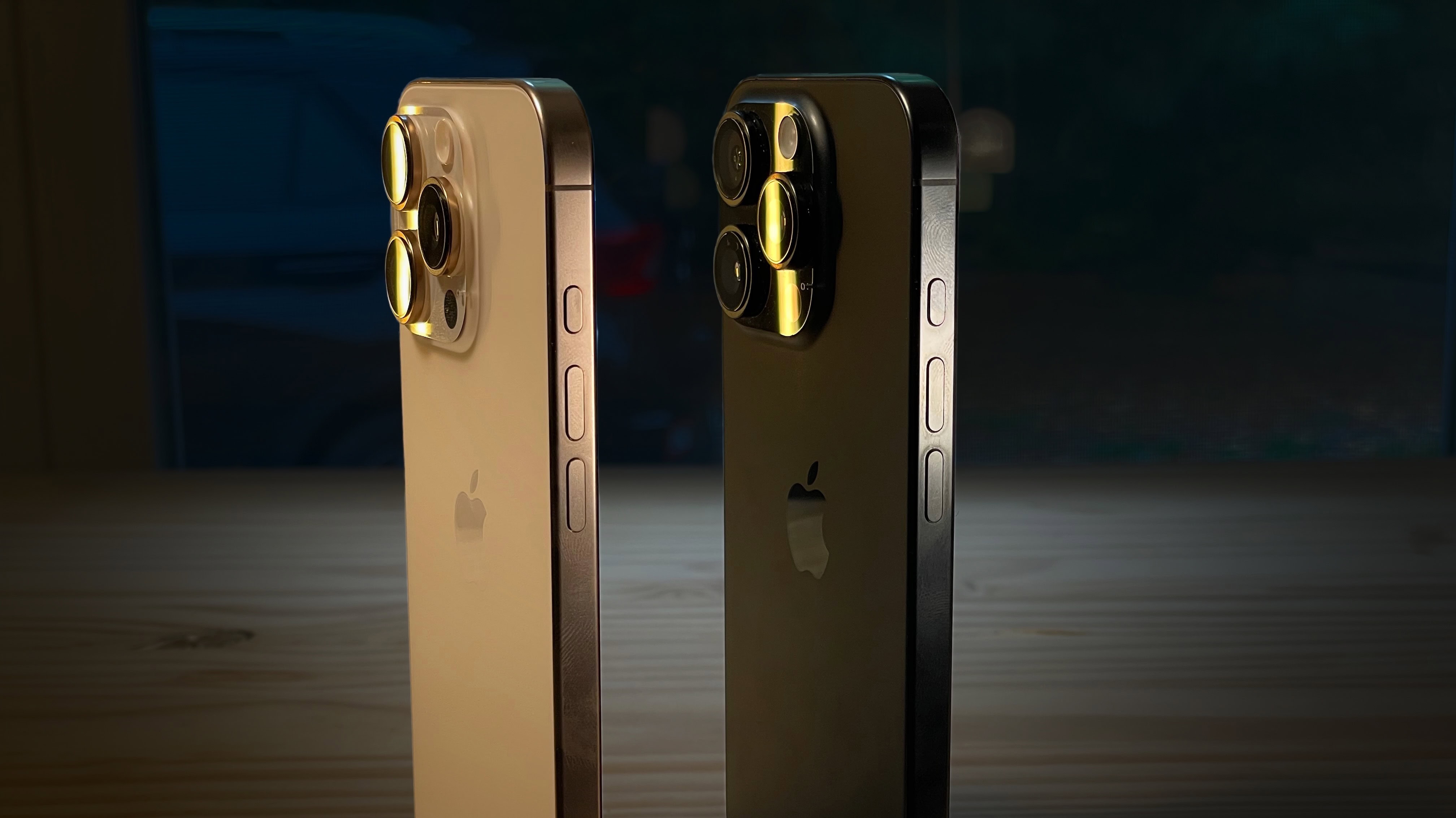
Desert Titanium and Black Titanium. Image: D. Griffin Jones/Cult of Mac
The iPhone 16 Pro is a much-refined iPhone. All the features that make the it pro have been improved. The cameras are better, faster and higher-resolution. The screens are bigger, the bezels smaller, the chips faster. Even Siri works better!
But the bright colors of the iPhone 16 are swaying a lot of people back to the entry-level models, and I don’t blame them. The iPhone 16 Pro is for those who want the top 10%, the uncompromising best-of-the-best — if you can live with a gray phone.
This year, the best gets a little better all around. Keep reading or watch the video.
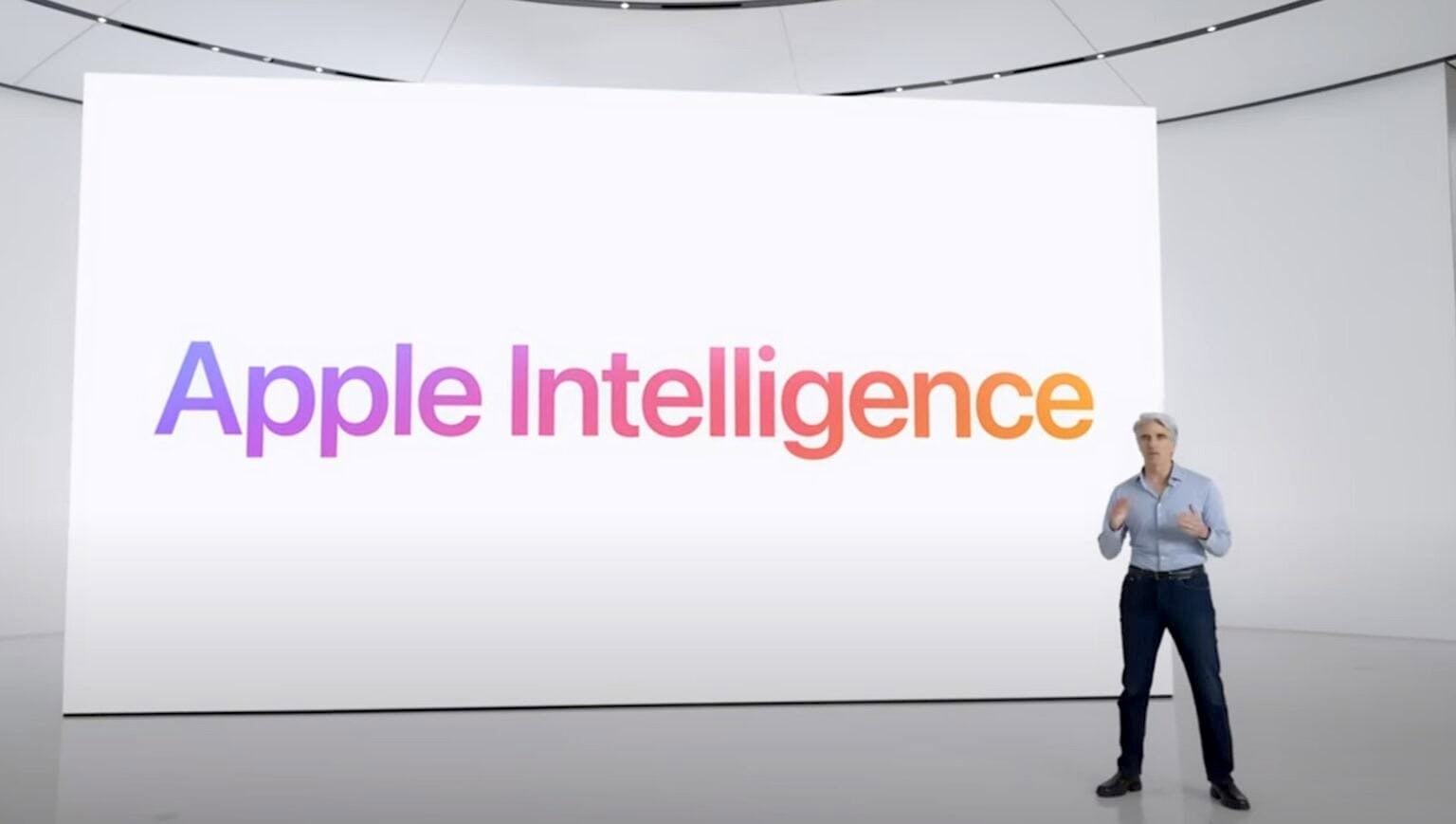
You will have to wait until iOS 18.4 to try out all the Apple Intelligence features. Photo: Apple
Apple Intelligence is not a part of iOS 18’s initial public release. Apple plans to debut its AI features with iOS 18.1 sometime in October and continue improving them with subsequent releases.
With iOS 18.2, Apple Intelligence will gain features like Genmoji, Image Playground app, and optional ChatGPT integration.
Fix the worst sins of the Photos app. Image: D. Griffin Jones/Cult of Mac
If you’re one of the many people frustrated by the Photos app redesign in iOS 18, you can fix it to make it easier to use again. Apple’s updated design replaces the Photos app’s tab bar for navigation with a single, scrollable list view.
You scroll up for your photo library, and scroll down to browse your collections, people and albums. But its default layout makes it hard to find a few useful features, like Hidden and Recently Deleted. There’s only one library view now, but it’s sorted by Date Captured by default — a lot of people prefer to sort by Recents.
It’s possible to revert some these changes to “fix” the Photos app in iOS 18 and make it easier — or at least more comfortable — to navigate. However, the changes aren’t obvious. Here’s how to restore your sanity.
2nm processors made by TSMC will be faster while using less power than today's 3nm iPhone and Mac chips. Image: Ed Hardy/Cult of Mac
Although Apple’s chip maker TSMC is moving toward 2nm processors, the technology will not be ready in time for to go into the iPhone 17 series next year, according to a noted analyst.
That means iPhone will use 3nm chips for three years running, though the process for making these gets improved annually.