Mobile menu toggle

Mac - page 35

Only a small number of Macs will support Sidecar in macOS Catalina

By

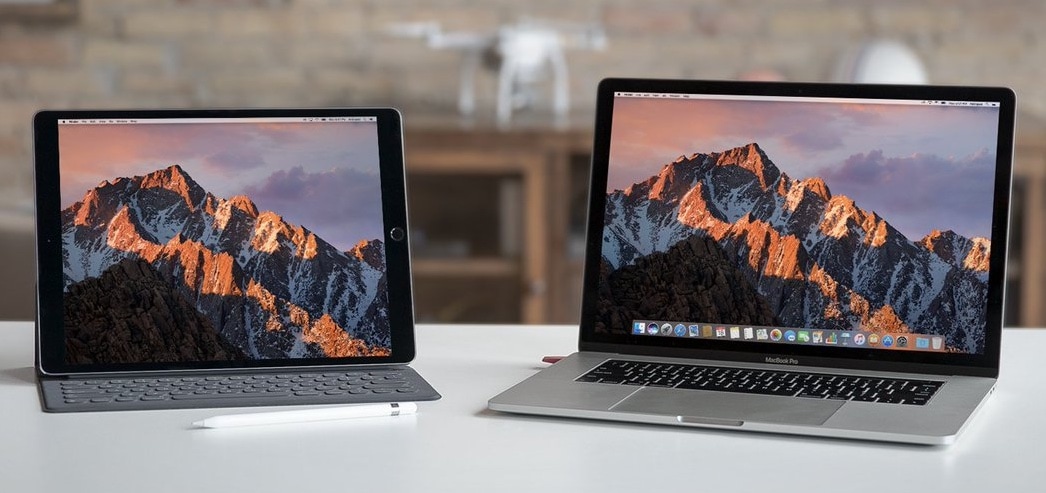
Luna Display easily converts an iPad into a second screen for your MacBook Pro.
Third-party solutions are far from dead.
Photo: Astro HQ

Not many Apple computers will be left out in the cold when its big macOS Catalina upgrade rolls out this fall. But even if your Mac is compatible, it might not be able to take advantage of every feature.

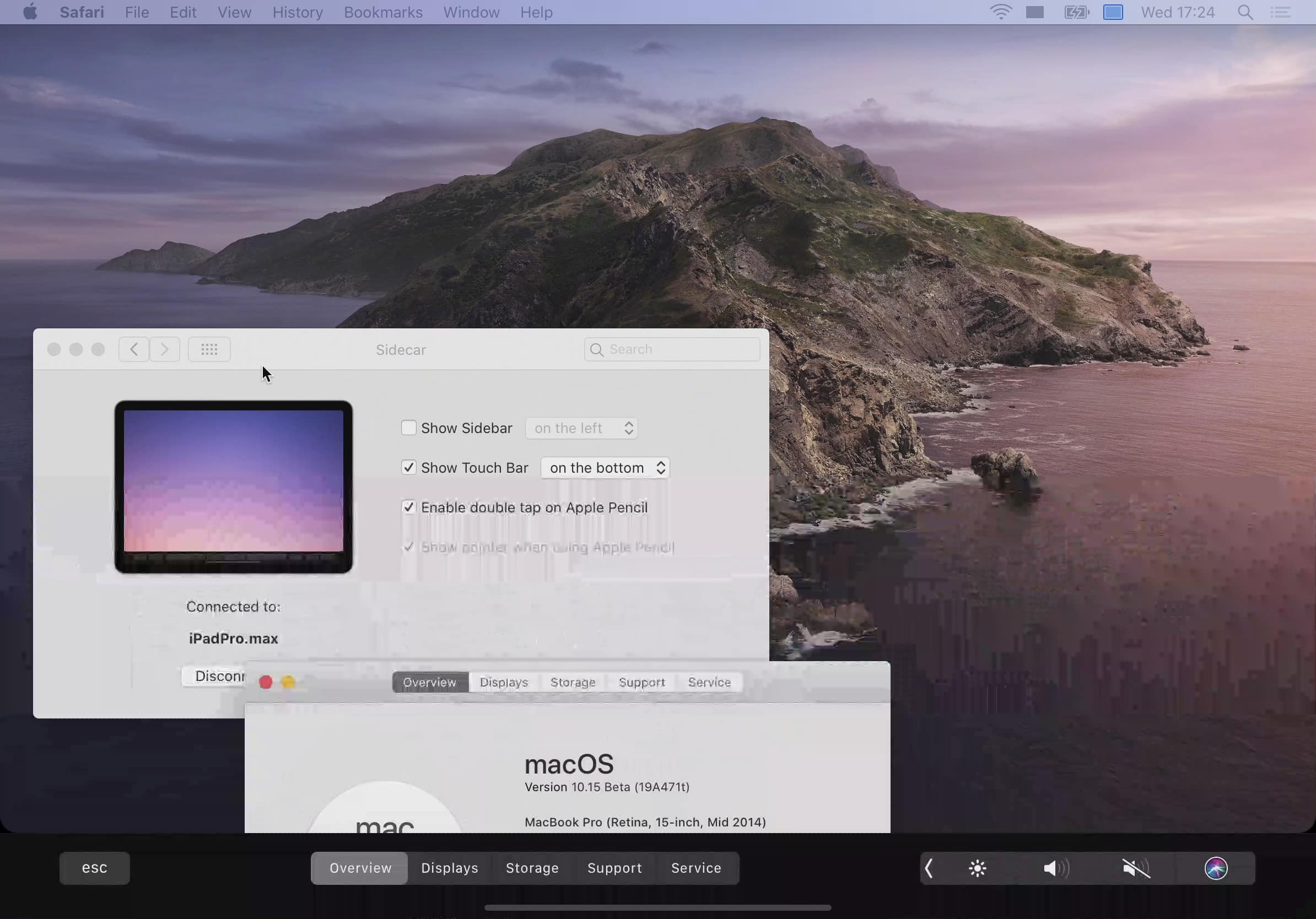
Sidecar, which lets you use an iPad as a second screen, will only support a limited number of machines. If your Mac is getting a little long in the tooth, you’re probably going to be out of luck.

Apple explains iTunes changes in macOS Catalina

By

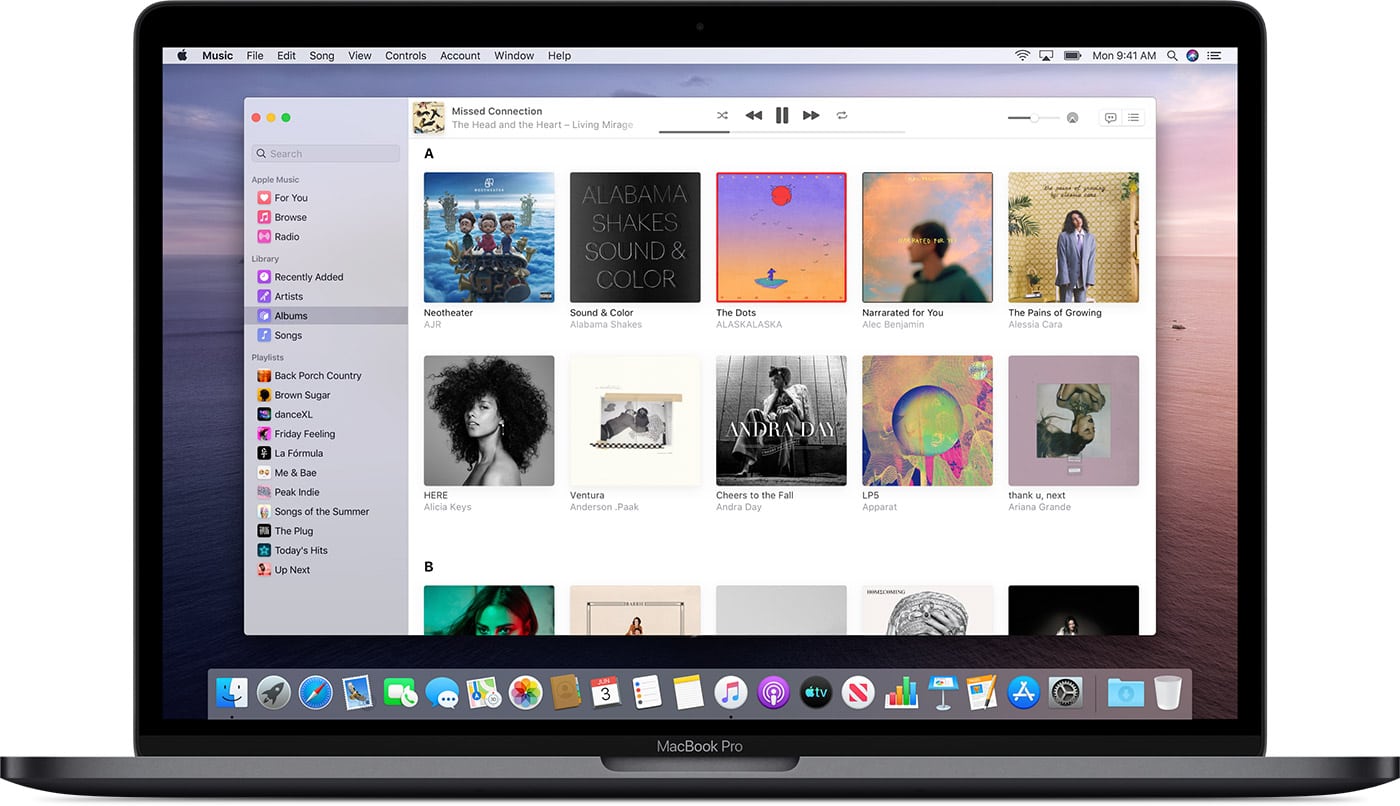
Apple Music in macOS Catalina
So long, iTunes!
Photo: Apple

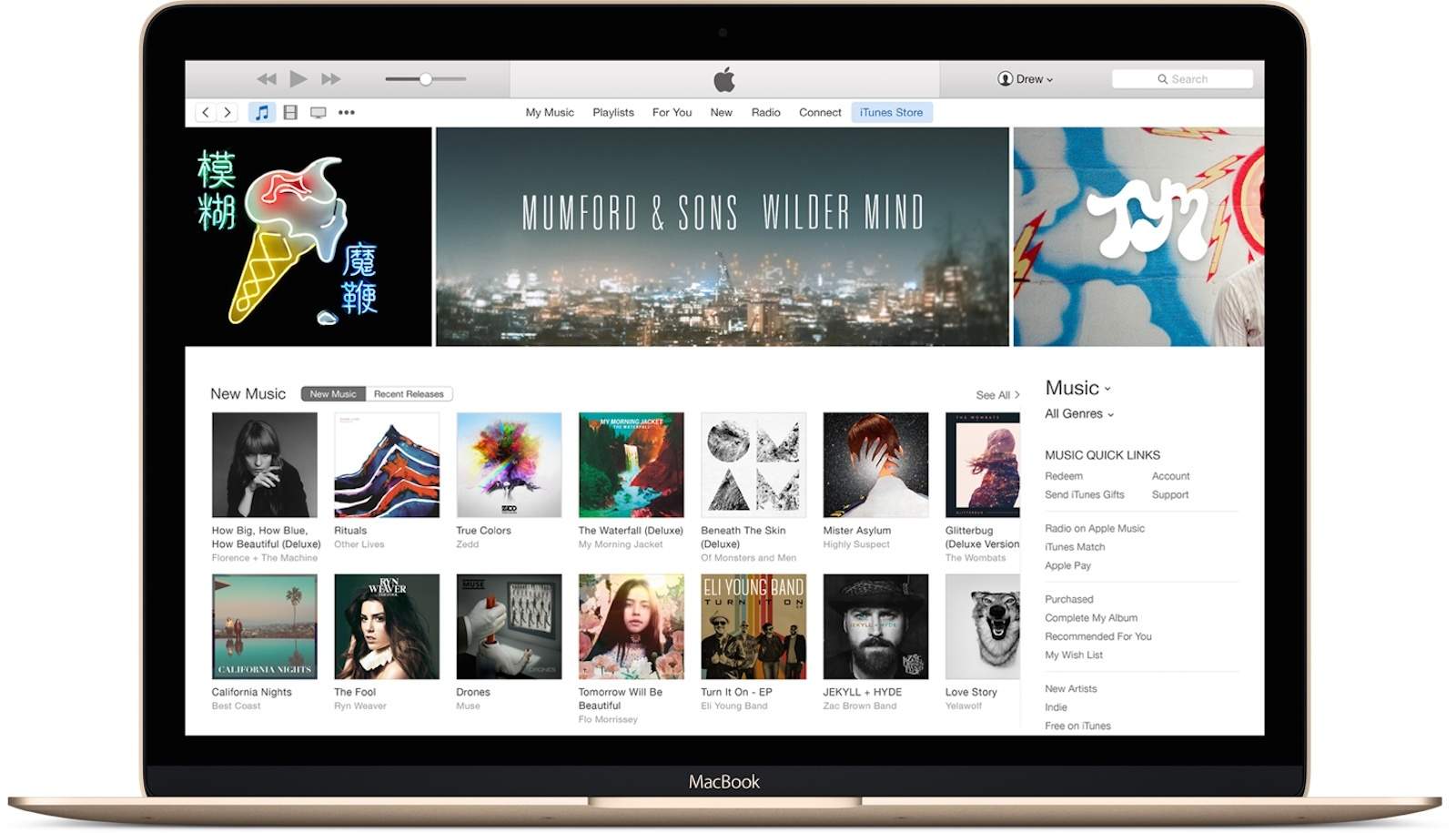
Apple’s plan to ditch iTunes starts this fall with the release of macOS Catalina, which will offer standalone apps for Music, Podcasts, and TV.

WWDC offered a brief glimpse at how other things — like syncing iOS devices — would work after the update. Now Apple has published a new support document that explains everything for those who are still confused.

The document promises that “all of your favorite iTunes features” will still be available in Catalina. And it tells you where they will be.

You won’t need iTunes to install the iOS 13, iPadOS public betas

By

iPadOS-multitasking
Awesome news for public testers.
Photo: Apple

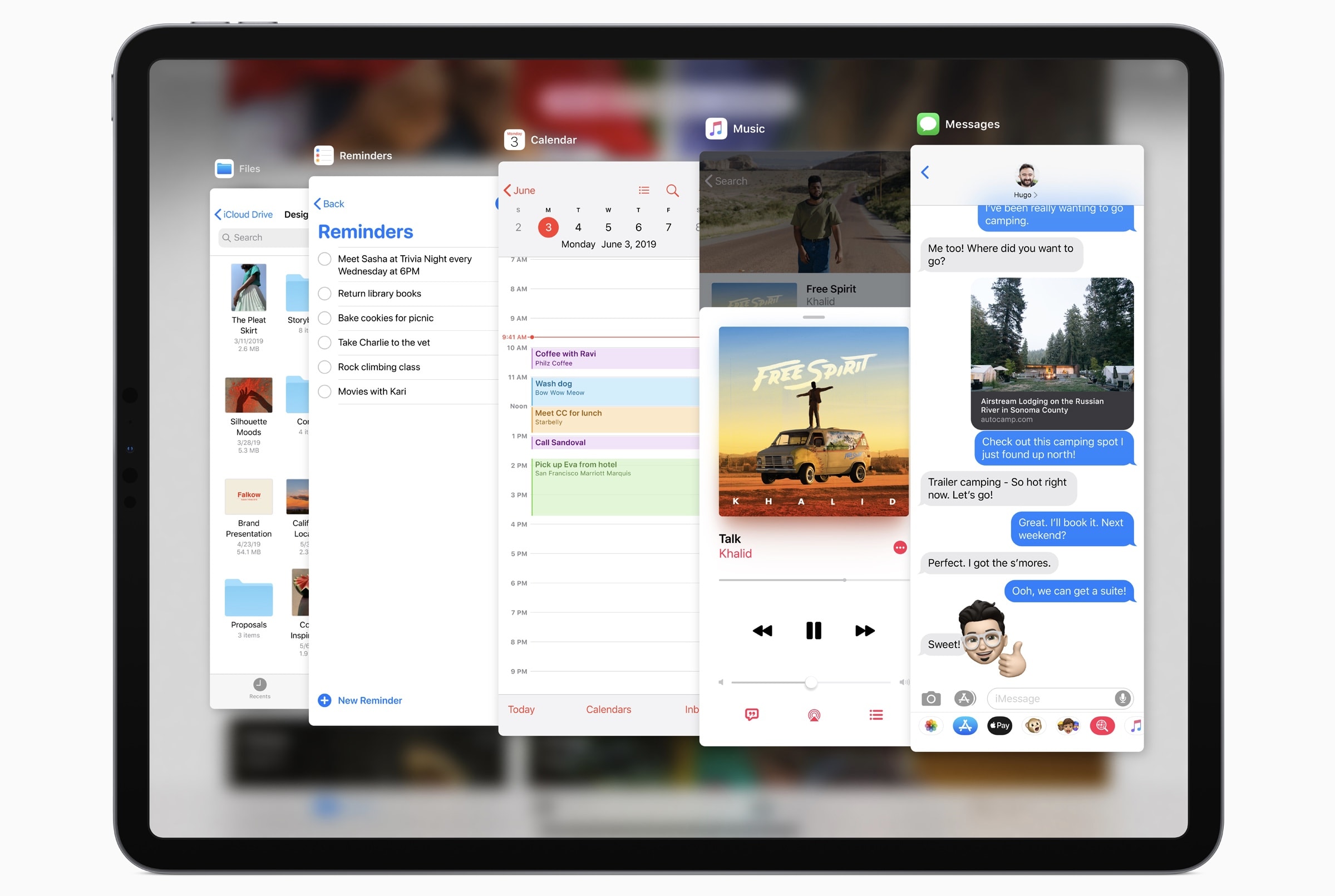
You won’t need iTunes to install the iOS 13 and iPadOS betas when they go public, Apple’s Craig Federighi has confirmed.

Registered developers who want to get their hands on the software now must download the update package and restore their device through iTunes. They must also have the new Xcode 11 beta installed.

That won’t be the case when Apple expands the reach of its betas next month.

References to Apple ‘tag’ item trackers spotted in iOS 13

By

Tile bluetooth tracker
Apple wants to take on Tile.
Photo: Ste Smith/Cult of Mac

References in iOS 13 all but corroborate earlier reports that Apple is working on its own item-tracking accessories.

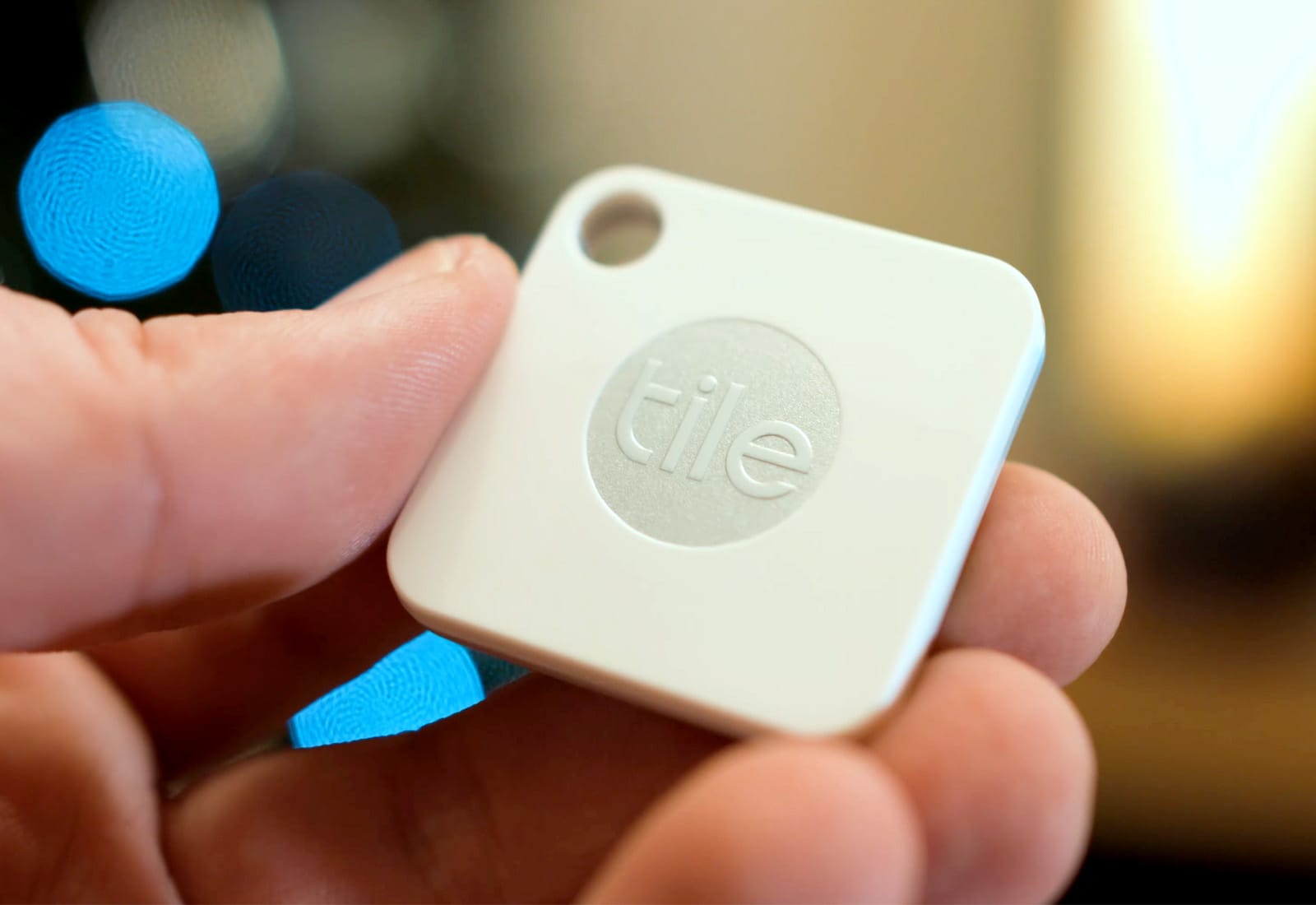
It is thought Apple plans to compete with Tile by offering “tags” that can be attached to bags, keys, and other valuables. You will then be able to track them using the new Find My app coming this fall.

What to expect from WWDC 2019

By

WWDC 2019
It’s going to be big!
Photo: Apple

Apple’s annual Worldwide Developers Conference is just days away and it’s shaping up to be one of the most software-packed events in the company’s history.

New software for the iPhone, iPad, Mac and more will be shown off for the first time when Tim Cook takes the stage on June 3rd. Most of the event will be focused solely on Apple’s biggest software updates of the year, but there’s a chance we could see some new hardware too.

Get half off a Smart Keyboard, $470 off Mac mini [Deals & Steals]

By

The new 2019 iPad Air, with its 10.5-inch screen, works with Apple's existing Smart Keyboard.
Contact Apple today to claim your free fix.
Photo: Apple

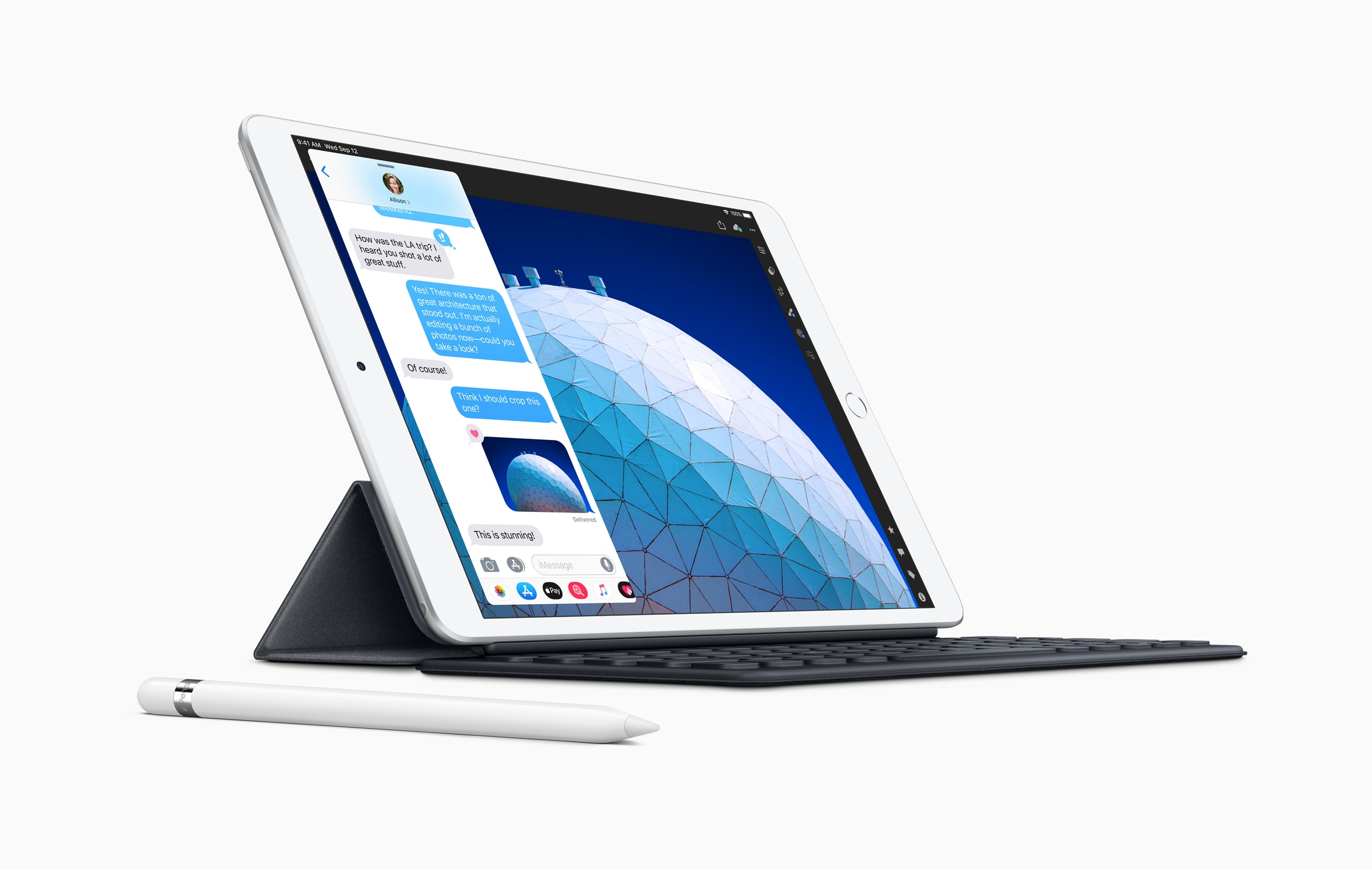
Apple’s own Smart Keyboard is one of the best keyboards you can buy for iPad. It snaps on in an instant, doesn’t require pairing, and never needs charging. It’s even better when it’s half price. Get yours today for just $79.50.

That’s just one of the awesome offers in today’s Deals & Steals roundup. You can also save a whopping $470 on the Mac mini, and $600 on the 27-inch iMac with Retina 5K display. Plus, you can get the Netgear Orbi while home Wi-Fi system for under $200.

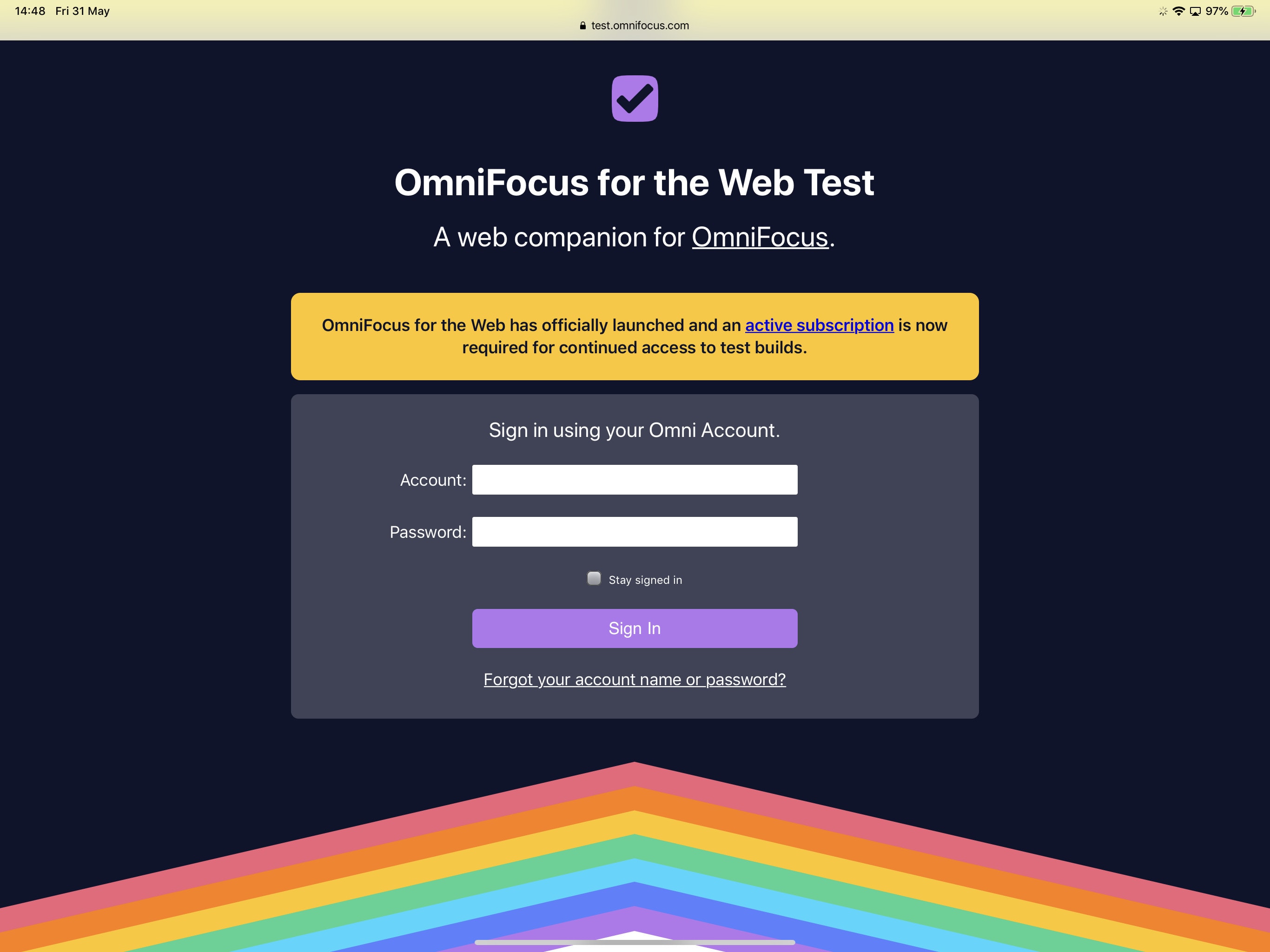
You can now access OmniFocus anywhere in your browser

By

OmniFocus for the Web
OmniFocus for the Web is live.
Screenshot: Killian Bell/Cult of Mac

OmniFocus is now available anywhere in your web browser.

The new web app makes it possible to access your tasks on Windows and other operating systems for the first time. It is designed to work alongside OmniFocus for Mac and iOS.

Sadly, it doesn’t allow you to use OmniFocus if you don’t own an Apple device at all.

Apple unleashes its fastest ever MacBook Pro

By

2019 MacBook Pro Fortnite
It's not clear what is causing the problem.
Photo: Apple

Apple just brought Intel’s latest eighth- and ninth-generation chips to the MacBook Pro, making it the company’s fastest ever laptop.

The newest 8-core models deliver up to twice the performance of a quad-core MacBook Pro, and up to 40% more than a 6-core model. They also promise powerful graphics, a T2 Security Chip, super-fast SSDs, and “all-day” battery life.

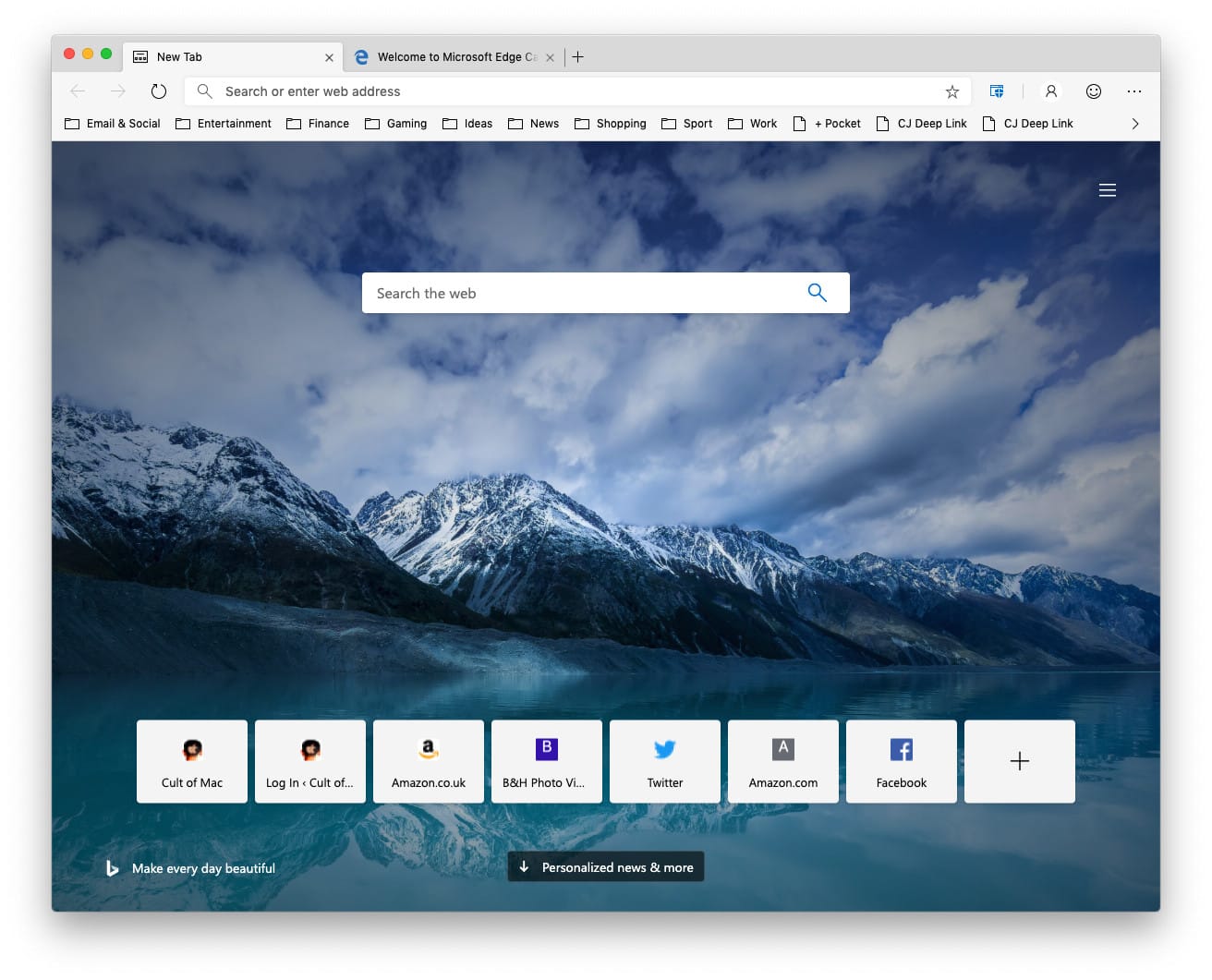
Download the first Microsoft Edge preview for macOS

By

Microsoft Edge for macOS
See what Microsoft is working on for macOS.
Screenshot: Cult of Mac

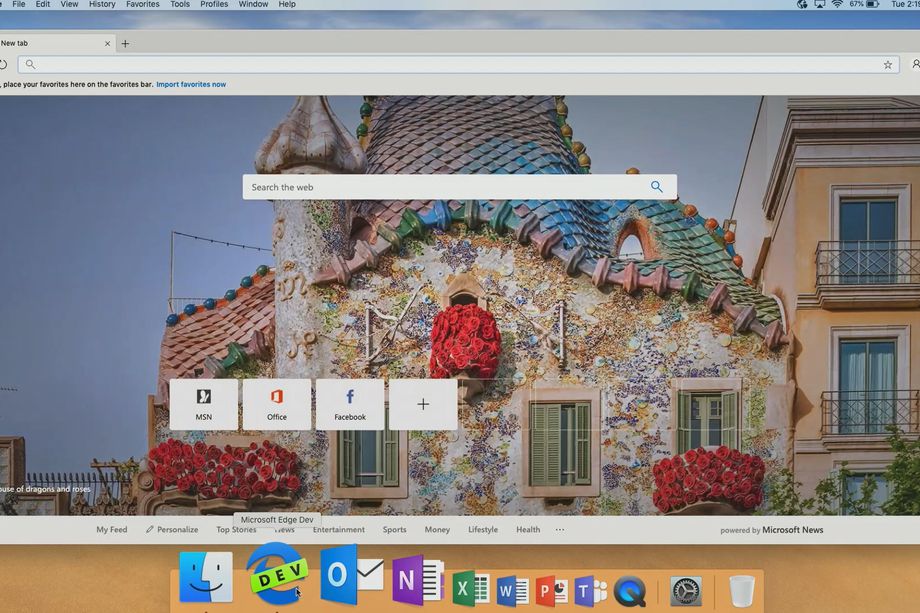
Microsoft has officially offered up its first Edge preview build for macOS.

The early release gives users a chance to see what Microsoft is working on for the Mac. It will be updated daily, so you’ll get to enjoy the changes and improvements as they happen (almost).

Apple lists Macs it can’t patch against ‘ZombieLoad’ exploits

By

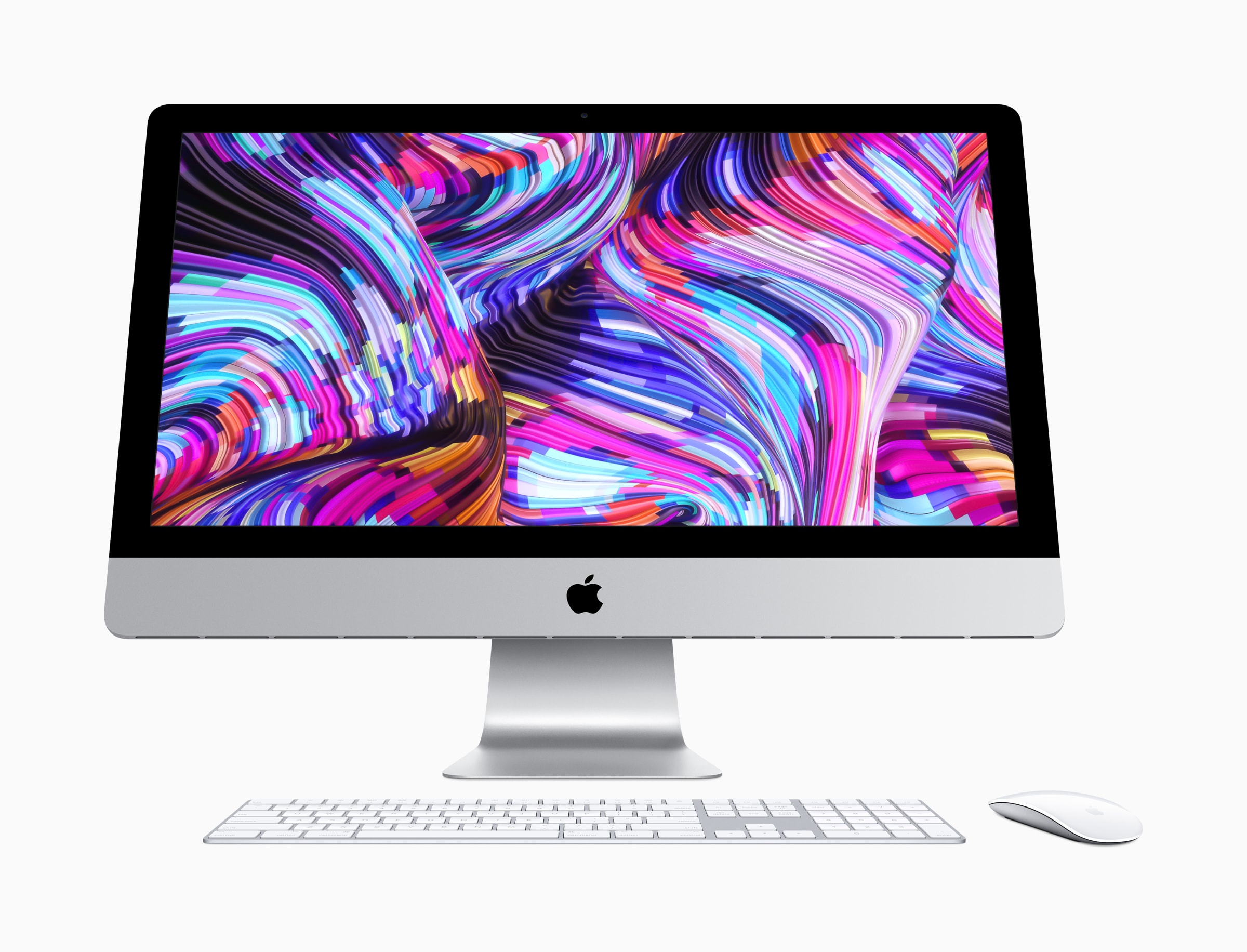
Apple iMac 2019
The modern iMac is a stunner... and last on our list.
Photo: Apple

Apple has published a list of Macs that are still vulnerable to “ZombieLoad” exploits because they cannot be patched.

The older machines — all made before 2011 — may receive security updates, Apple says. But a proper fix won’t be available because Intel won’t release the necessary microcode updates.

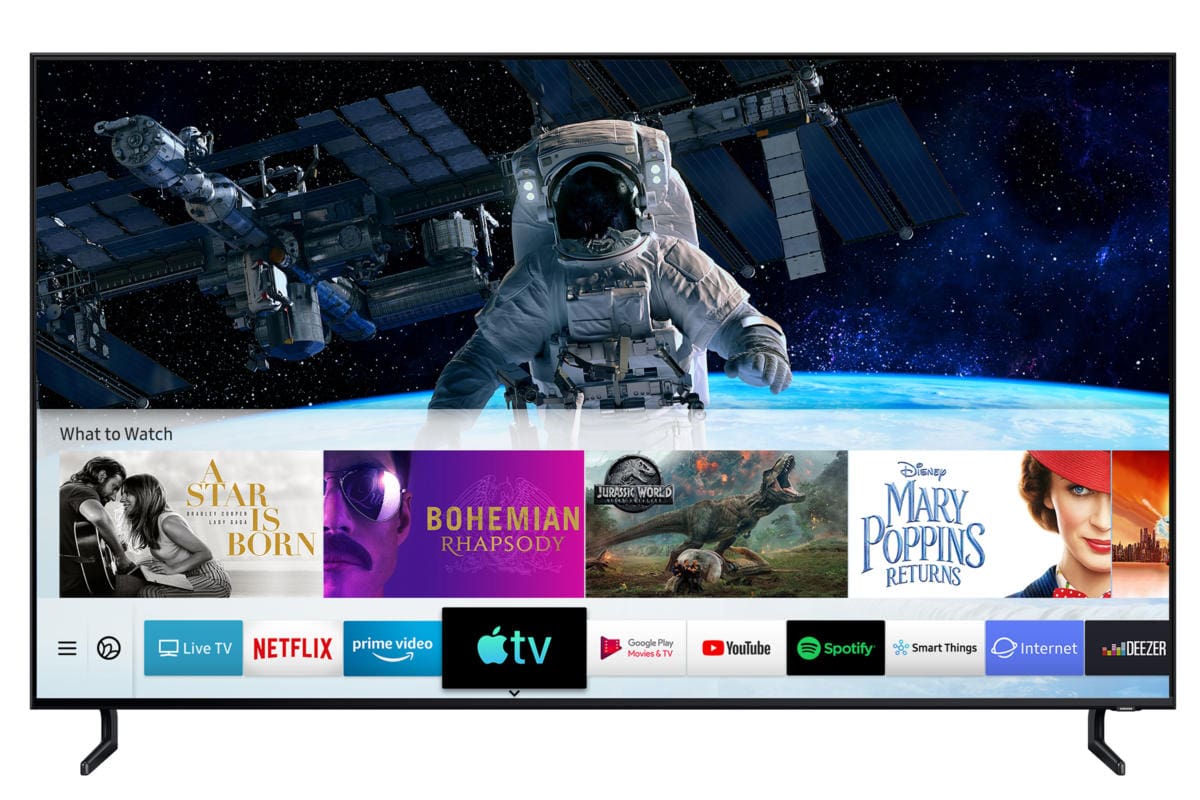
Apple’s new TV app arrives with iOS 12.3

By

The Apple TV app gets a raft of new features in iOS 12.3.
Photo: Ed Hardy/Cult of Mac

Apple’s updated TV app is finally ready for the public to dive into.

iOS 12.3 was released to the public today, adding the new Apple TV app to iPhones and iPads as Apple prepares to launch its streaming TV service this fall. The update also adds AirPlay 2.0 and Apple TV support to compatible Samsung smart TVs.

Mac’s new Music app won’t be ported from iOS

By

iTunes on Mac
iTunes ain’t dead yet.
Photo: Apple

The Mac’s next-generation Music app will be based on iTunes, not ported over from iOS.

Some sources previously stated that the app would be made using Marzipan, which lets developers easily port iPad apps to the desktop. But new information reveals that won’t be the case.

You can now try out Microsoft’s new Edge browser for macOS

By

Microsoft
Get your hands on it today.
Photo: Microsoft

Microsoft is bringing its brand new Edge browser to macOS “soon,” but you don’t have to wait any longer to get your hands on an early version.

Both Canary and Developer builds are now available to Mac users. You won’t want to use them for everyday browsing, but they’re great for getting an early taste of Edge ahead of its official debut.

Wildly customizable keyboard unleashes iPad creativity

By

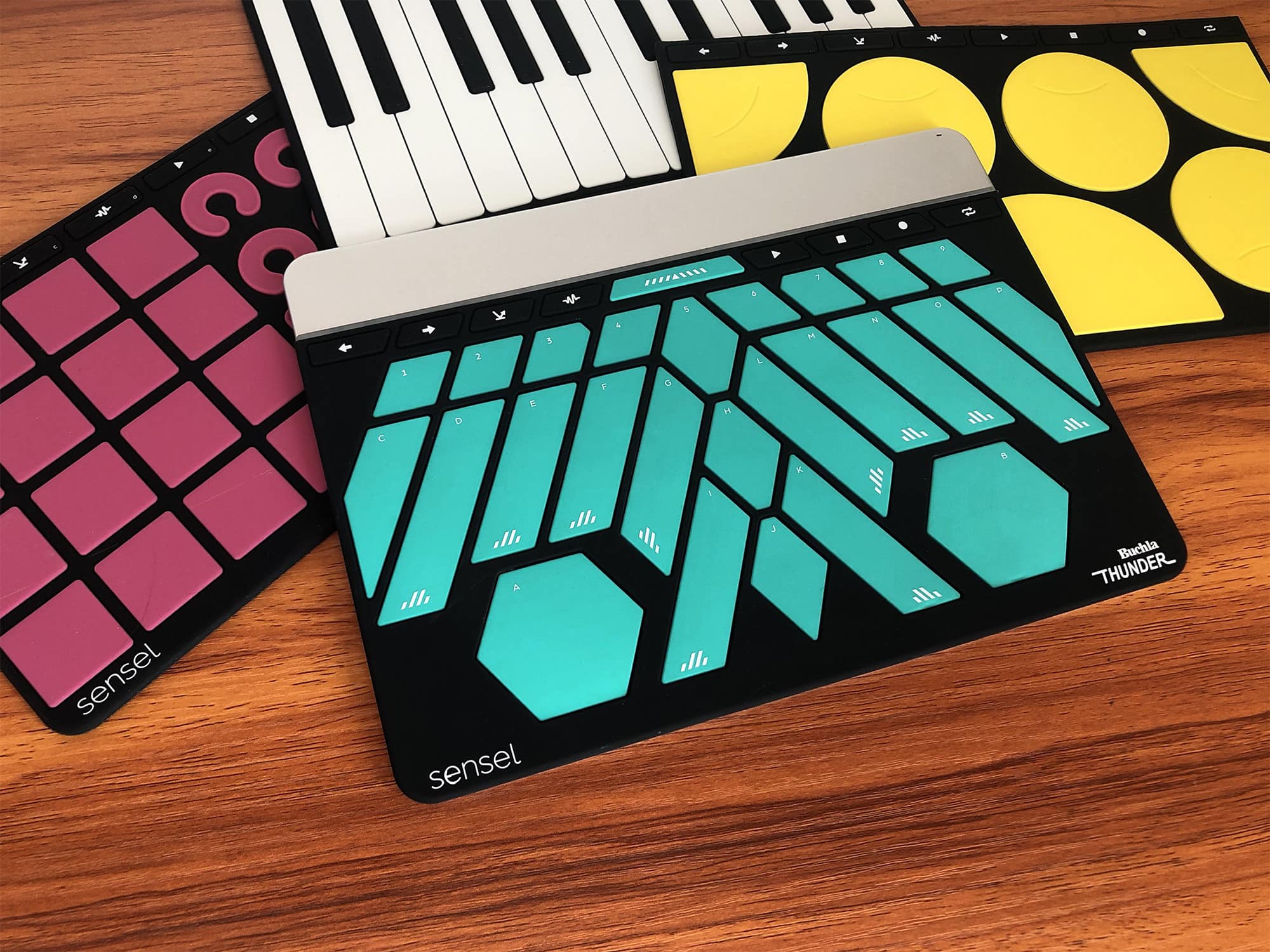
The new Buchla Thunder layout for the Sensel Morph.
Photo: Sensel

The Sensel Morph is a different kind of “keyboard” for the iPad or Mac. It’s a pressure-sensitive panel onto which you can slap various silicone overlays, turning it from a QWERTY keyboard into a piano, a movie-editing controller or many other specialized interfaces.

It’s a customizable, wildly imaginative input device designed for musicians, video editors, illustrators, writers and other creative types.

Microsoft’s Edge browser is coming to the Mac ‘soon’

By

Microsoft
Get your hands on it today.
Photo: Microsoft

Microsoft kicked off its annual Build 2019 developer conference this morning and to the surprise of Apple fans, the Windows-maker showed off some new software that runs on Mac.

Windows 10 users have been able to test early builds of Microsoft’s Edge Chromium browsers since last month, but it looks like Mac users won’t have to wait long to test out Edge. Microsoft doesn’t have a launch date yet, however, it briefly teased Edge running on macOS in a new video.