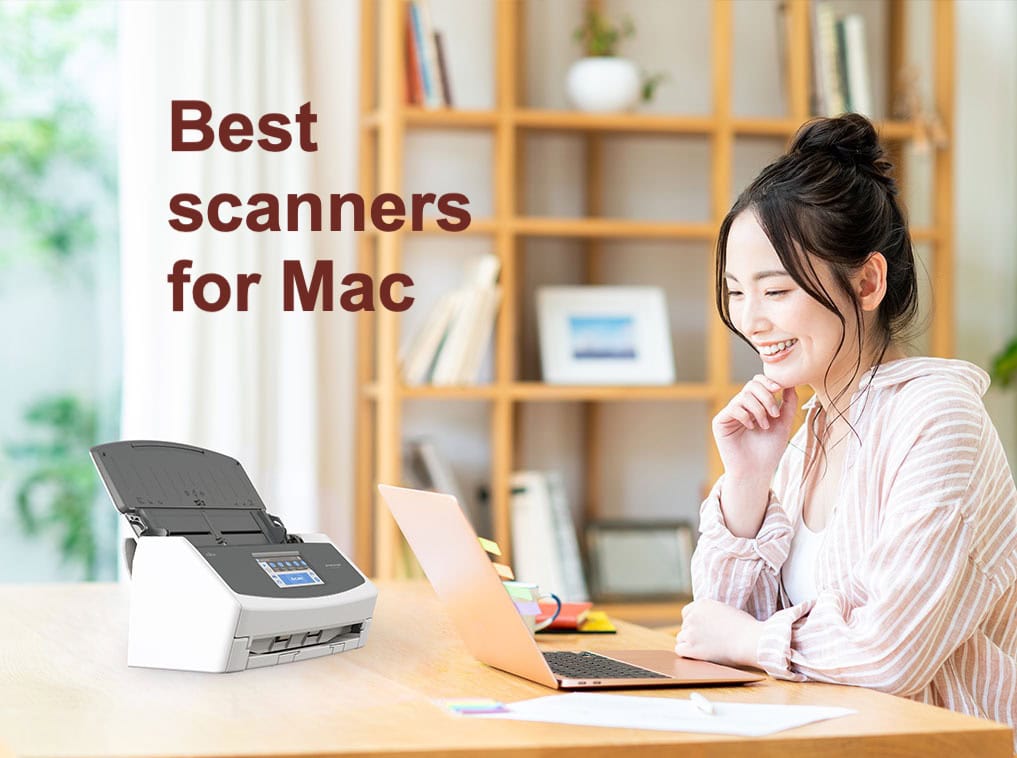
In an increasingly digital world, scanners remain crucial tools for digitizing hard-copy documents, receipts, photos and more. For Mac users, whether at home or on the go, finding the best scanners for Mac can really boost your productivity.
Choosing the best scanner for Mac depends on your specific needs and budget. Whether you need a portable scanner for use anywhere, a high-speed scanner for tons of documents or a versatile scanner for various document types like receipts and ID cards, there’s one out there for you.
These days, most scanners are compatible with Mac and Windows, as are all of our choices below. This guide focuses on helping you find the best scanner for your Mac, considering factors like resolution, speed, cost and additional features.
This post contains affiliate links. Cult of Mac may earn a commission when you use our links to buy items.
Best scanners for Mac for home use and on the go
Table of contents: Best scanners for Mac
- What to look for in a scanner for Mac
- Top Pick: Fujitsu/Ricoh ScanSnap iX1600
- Best document scanners for Mac
- Best specialized document scanners for Mac (book/magazine; receipt/invoice)
- Best photo scanners for Mac
- Best portable scanners for Mac
- Frequently asked questions (FAQs) about scanners for Mac
What to look for in a scanner for Mac
Before we dive into the list of the best scanners for Mac for use at home or on the go, let’s discuss key factors to consider when buying a scanner.
- Resolution and color fidelity: The higher a scanner’s resolution, the better the image quality. That’s especially important in color scanning and photo scanning. Pixel density of 300ppi might be good for office documents, but if you want high-quality color reproduction and photo scanning that captures every detail, you might go for 600ppi or higher.
- PPI and DPI: PPI refers to digital resolution in pixels per inch. DPI stands for dots per inch in printed images. They are essentially interchangeable. A higher number means higher image quality.
- Need a flatbed scanner? Flatbed scanners often feature high-resolution performance and can handle different types of documents in various sizes, including photos, books and even 3D objects. But flatbed scanners tend to cost more.
- Scanning speed: If you scan a high volume of documents regularly, consider a scanner with a high pages-per-minute (ppm) rate, such as 40ppm or higher.
- Connectivity options: Most scanners support USB connectivity. However, some high-end models also feature Wi-Fi connectivity, making it possible to use them with iPads and iPhones.
- Duplex scanning: Duplex, or double-sized, scanning is common in scanners today. They can scan both sides of a document simultaneously, which can save time and paper.
- Price: Portable scanners are generally more affordable and are suitable for individual use, while high-end models with advanced features are more expensive. It depends on what you’re scanning and the quality of reproduction you need.
- Warranty: Ensure the scanner comes with a warranty. This is especially important for portable scanners, which are prone to wear and tear.
Top Pick: Fujitsu/Ricoh ScanSnap iX1600
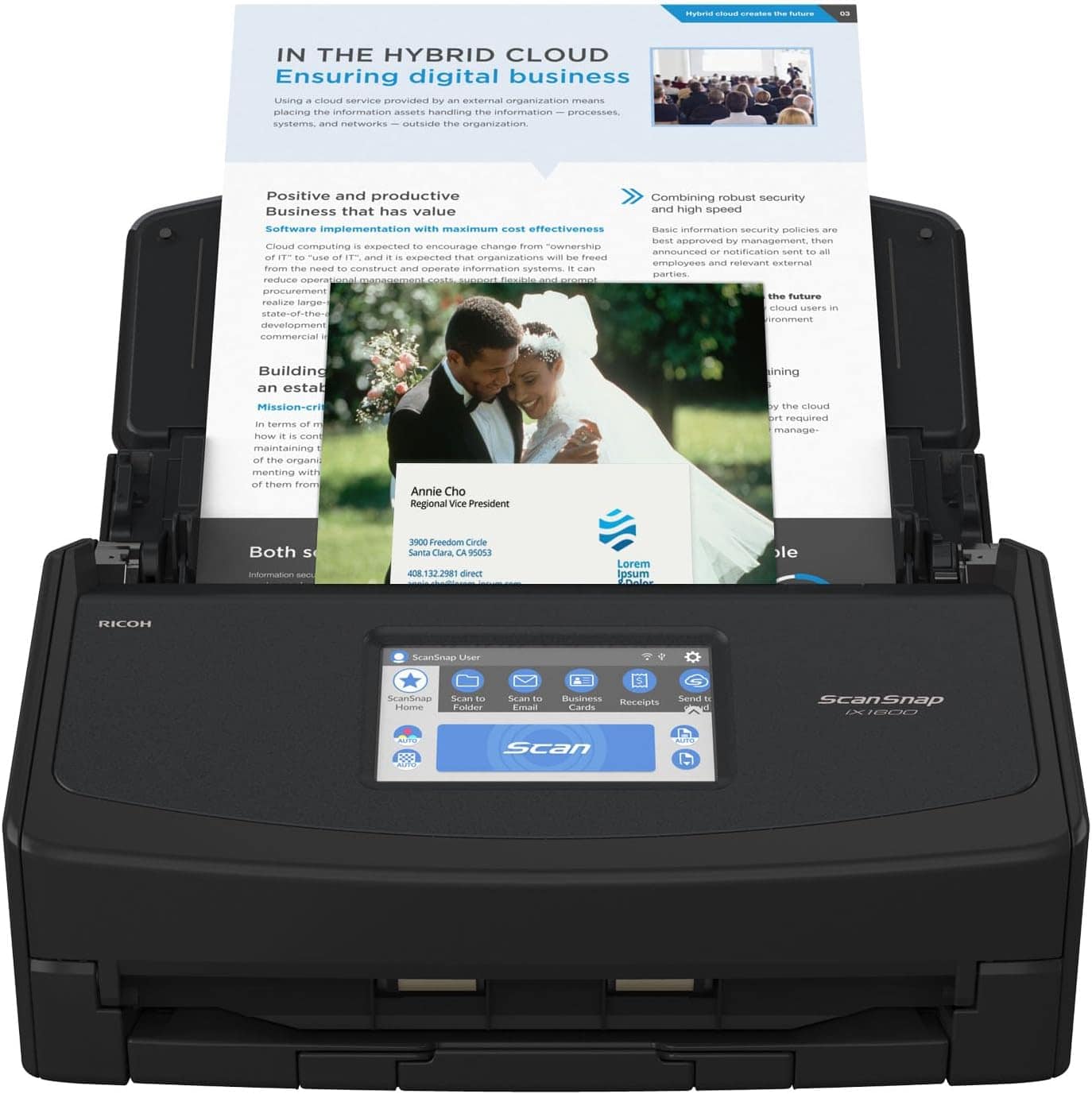
Photo: Fujitsu
The Fujitsu/Ricoh ScanSnap iX1600 tops is the one scanner to rule them all. It’s a highly versatile scanner that can capture almost anything, making it perfect for home-office use.
It’s a duplex scanner, offering speed and convenience by scanning both sides of a document simultaneously. It also has a touch screen panel and Wi-Fi compatibility.
The iX1600 is lightweight and compact. The scanner can handle various types of documents, everything from A3-sized documents to receipts, ID cards, business cards and photos.
One of its standout features is the 4.3-inch color touch panel, which provides easy control of all functions. It offers 30 customization options, from Scan to Folder to Scan to E-mail, with a single touch.
The iX1600’s speed sets it apart from many other scanners — it can scan around 40ppm, making it a workhorse in the office. One of the biggest complaints about scanners is slow speed: not the iX1600. It also supports different document sizes, including A3 documents, envelopes and photos, thanks to its Manual Scan Mode.
You can buy the ScanSnap iX1600 on Amazon or B&H Photo for $399.99.
Where to buy: Amazon or B&H Photo
Best document scanners for Mac
1. HP ScanJet Pro 3600 f1 flatbed scanner
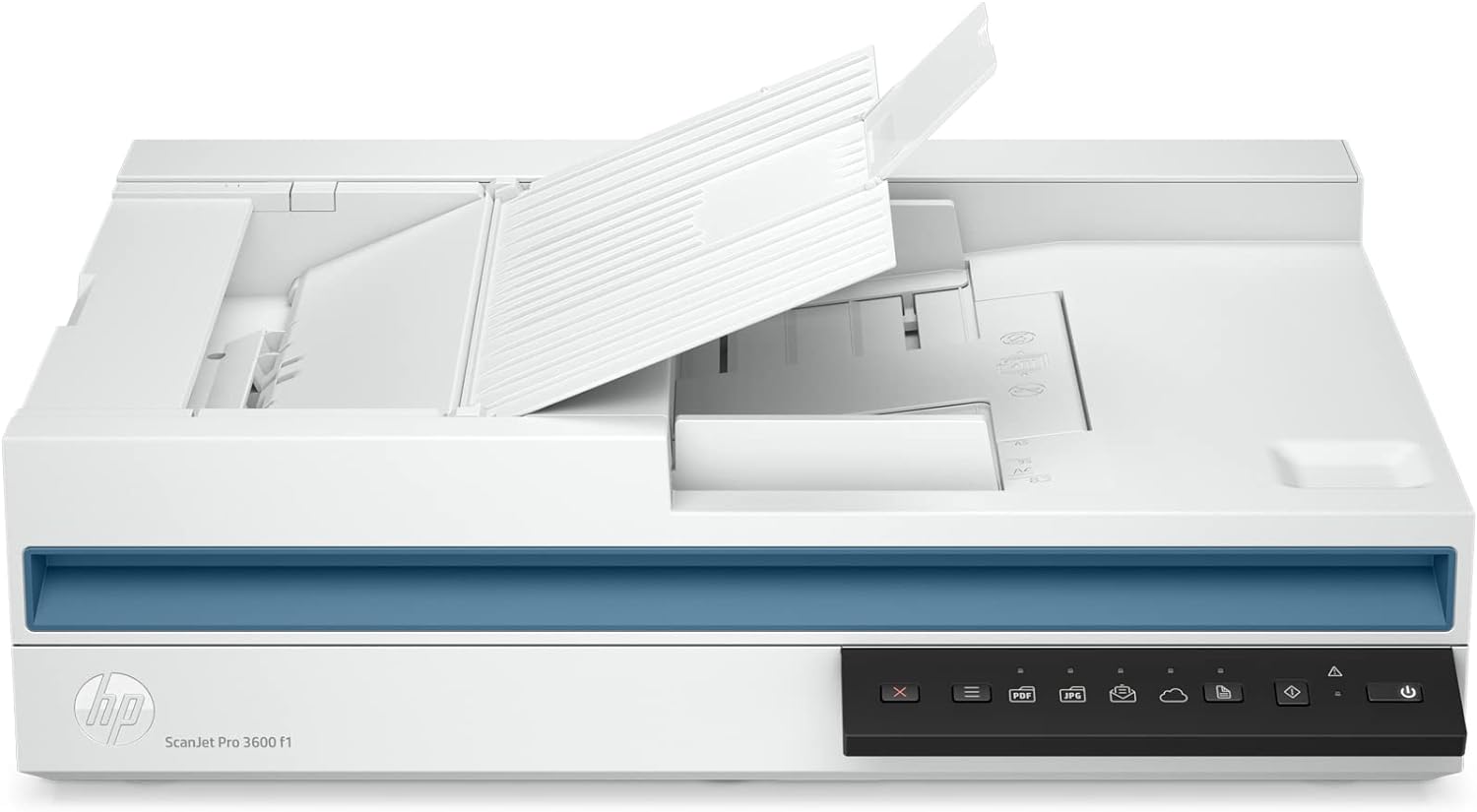
Photo: HP
Here’s your splurge pick. Though this guide is aimed mainly at home and mobile users, we included this enterprise-worthy flatbed scanner for all-around use. It will give you picture-perfect scans of documents, photographs, ID cards and more with up to 1200dpi resolution.
And HP says you can scan 3,000 pages a day with it, if your scanning needs are high.
The scanner features duplex scanning at 30ppm from a robust 60-page auto document feeder. And with USB functionality, it’s easy to set up and start scanning. The scanner’s HP ScanPro software works with most document-management software, too.
Though top-quality flatbed scanners can cost $2,500, this one goes for $599.
Where to buy: Amazon
2. Fujitsu/Ricoh fi-800R Ultra-Compact Document Scanner
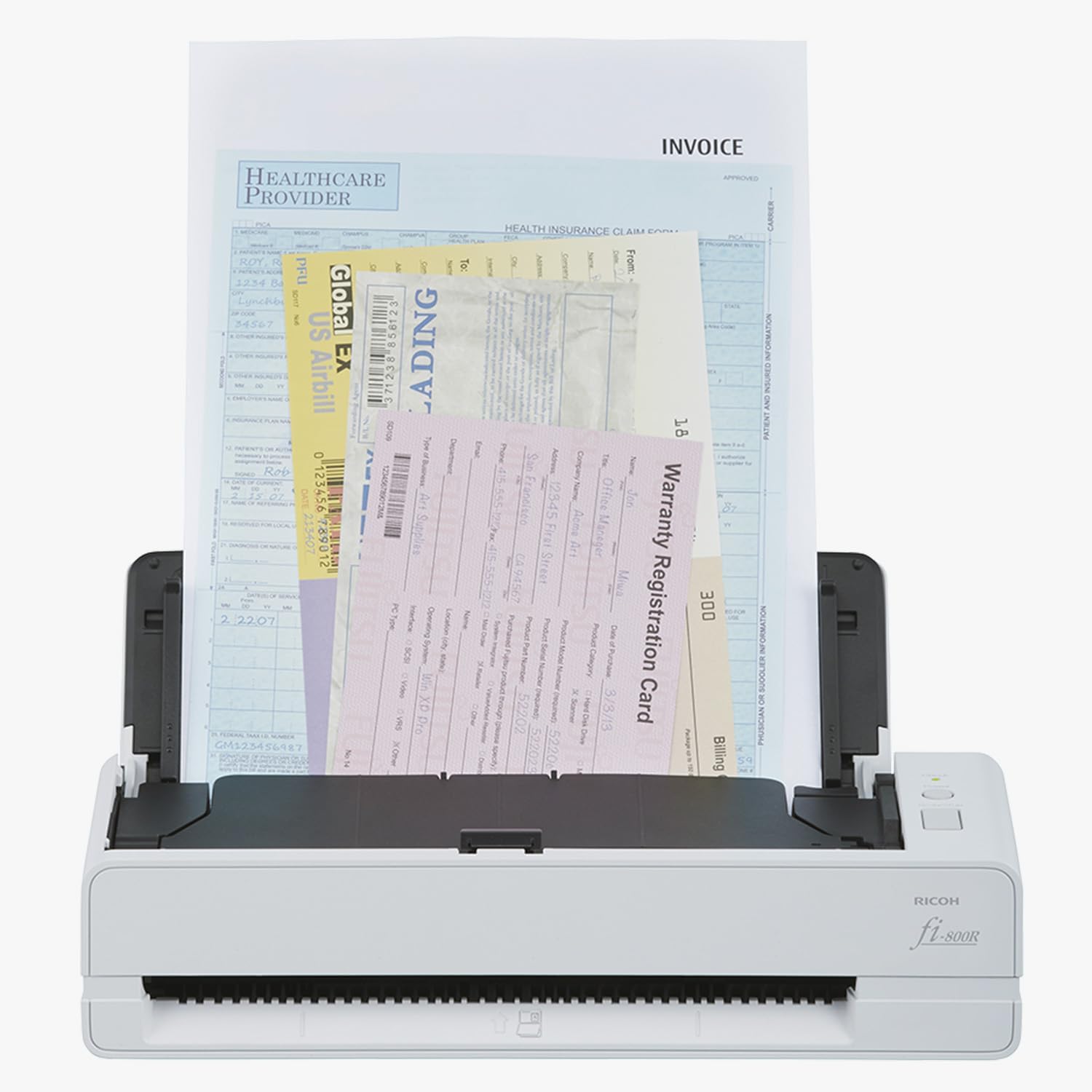
Photo: Ricoh
This one’s also a splurge pick, though in the small-but-mighty department. This is a heavy-duty yet amazingly compact scanner designed for high-volume batch scanning up to a blazing-fast 40ppm.
The scanner features ultrasonic sensors to detect double-feeds and prevent lost pages. It features automatic skew correction and document separation.
And it handles virtually all documents, including envelopes, passports and IDs, all without a carrier sheet. It’ll scan one sheet in 3.5 seconds at 300dpi.
With its remarkable features, you pay more. This one costs about $650.
Where to buy: Amazon or B&H Photo
3. Brother ADS-3300 Desktop Scanner
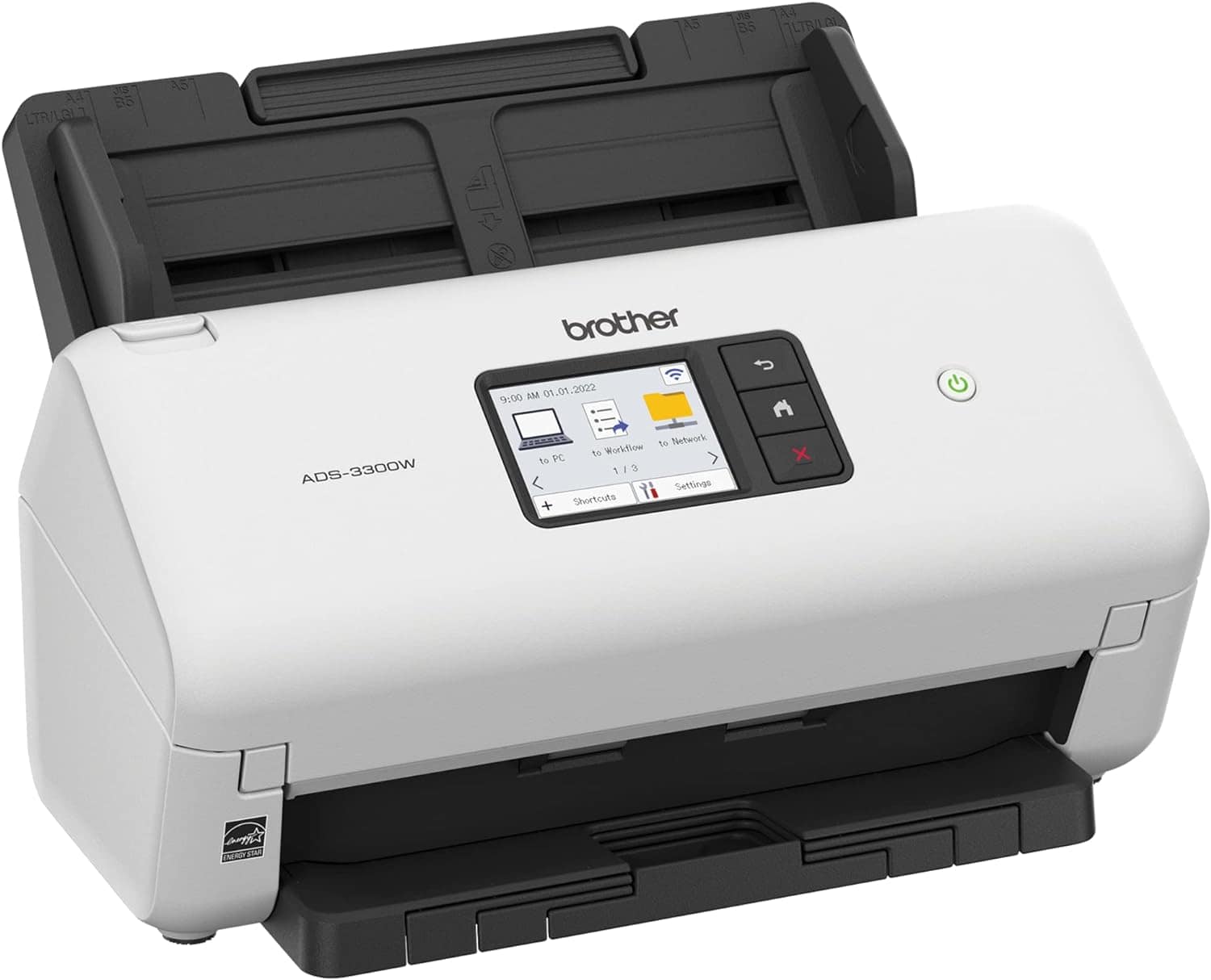
Photo: Brother
This compact, wireless document scanner is great for home offices, with its high-volume paper feeder, duplex scanning and fast speed at an affordable price.
You can load up to 60 sheets of paper into the automatic document feeder for single- and dual-sided scanning at up to 45ppm with 300dpi resolution.
Its robust software bundle works well with macOS. The touchscreen on the front of the scanner is pretty big at 2.8 inches.
You can pick up Brother’s machine for $339.99.
Where to buy: Amazon or B&H Photo
4. Epson WorkForce ES-500W Wireless Duplex Document Scanner
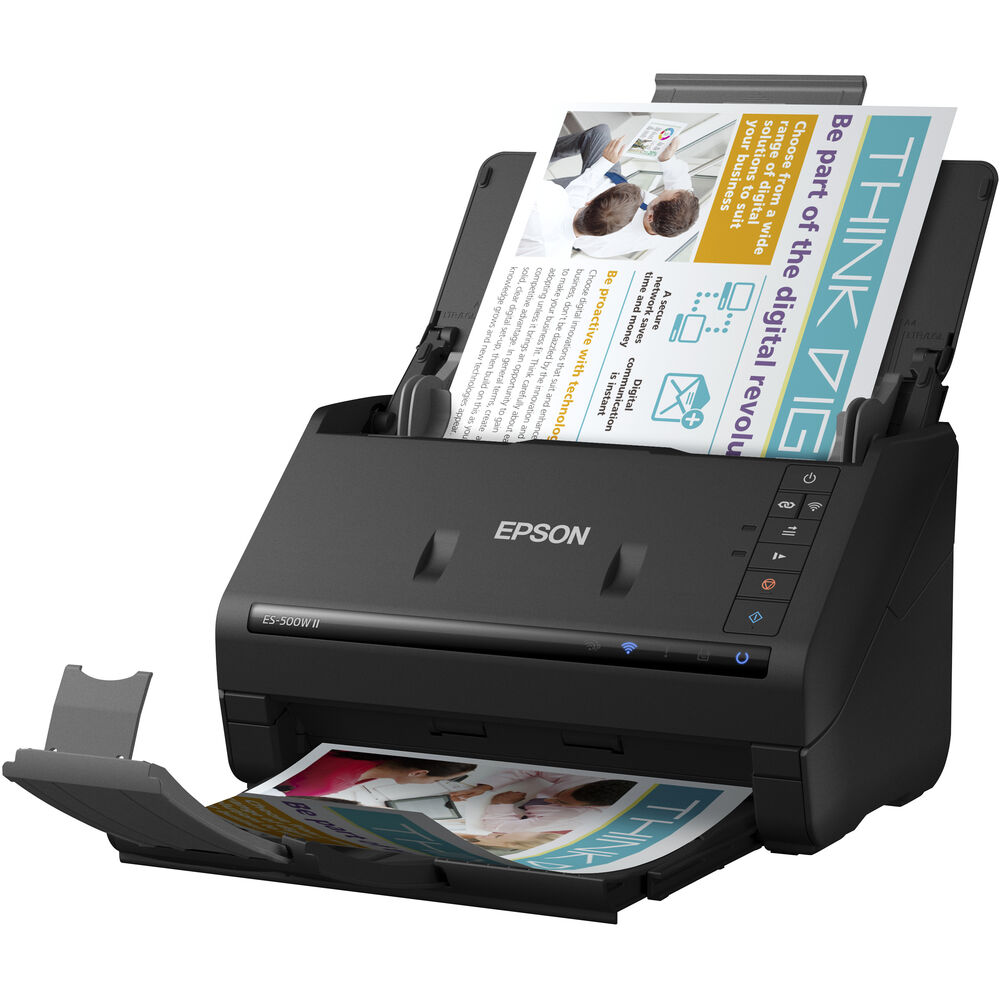
Photo: Epson
This compact wireless scanner covers the basics in solid fashion. It can handle up to 35ppm at 300dpi loading from a 50-page auto feeder, scanning single- or double-sided.
One of its distinguishing features is that you can scan to smartphones, tablets, computers and online cloud storage accounts from your desktop, smartphone or tablet using the Epson Smart Panel mobile app right from the scanner panel. It works with most document-management software.
This Epson WorkForce scanner goes for a relatively affordable $319.99.
Where to buy: Amazon or B&H Photo
Best specialized document scanners for Mac (book/magazine; receipt/invoice)
1. CZUR ET24 Pro overhead scanner
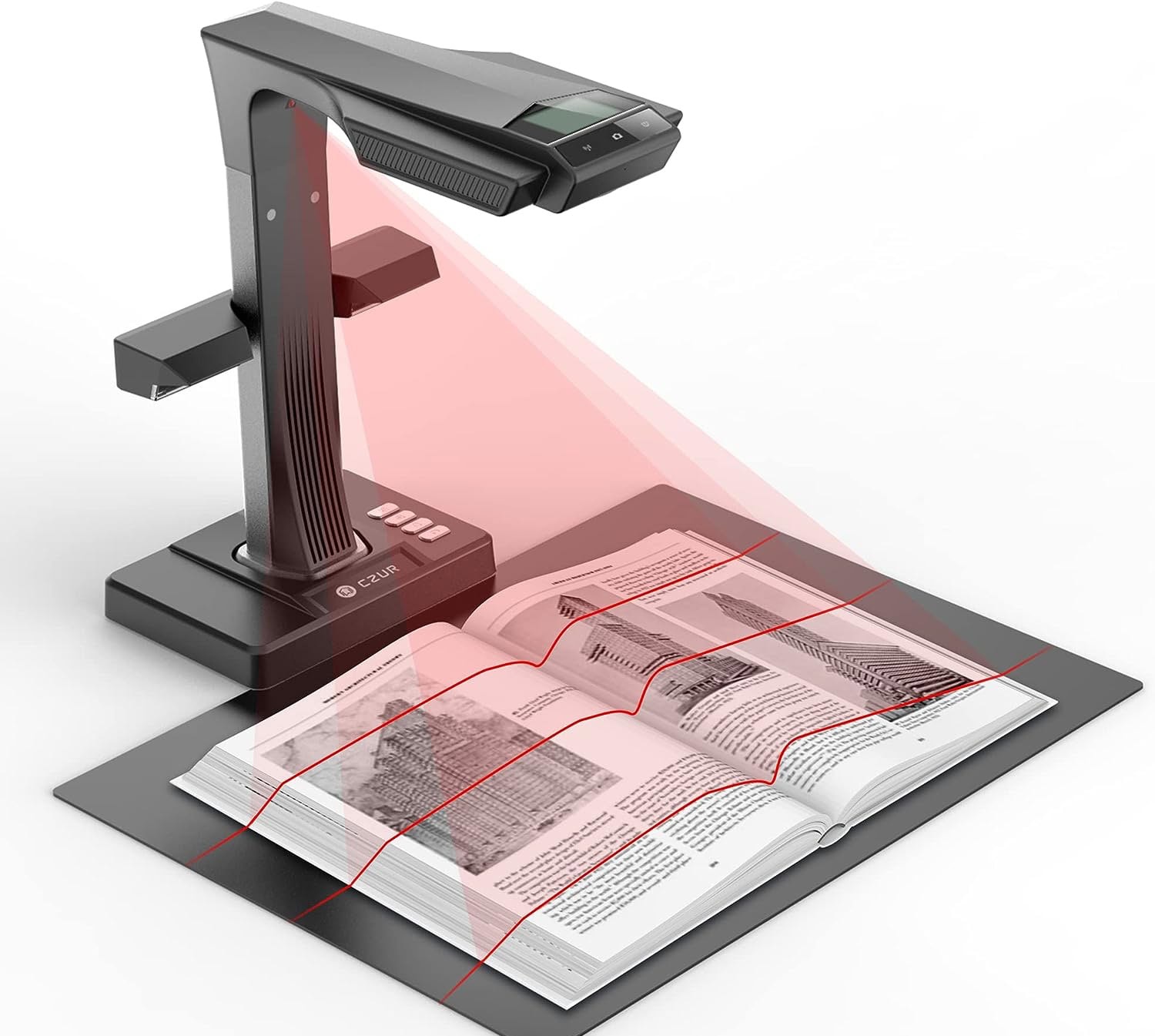
Photo: CZUR
An overhead scanner like the CZUR ET24 Pro elevates its cameras so you scan bigger items, like books, magazines and even objects. The 320ppi device takes flat-looking images of curved pages.
It even comes with a foot petal (or desktop button) to help you turn pages, plus built-in auto-focus and business-card archiving. You can place items up to 16.5in x 11.7in on the platform.
And here’s a cool use: A Visual Presenter mode transmits video via HDMI port from the CZUR’s cameras straight to a monitor, smart TV or livestream for sharing scanned materials.
Note that this scanner does not offer wireless connectivity, networking, support for handheld-device support or a battery for unplugged use.
This specialized scanner goes for about $650.
Where to buy: Amazon
2. Epson RapidReceipt RR-600W scanner
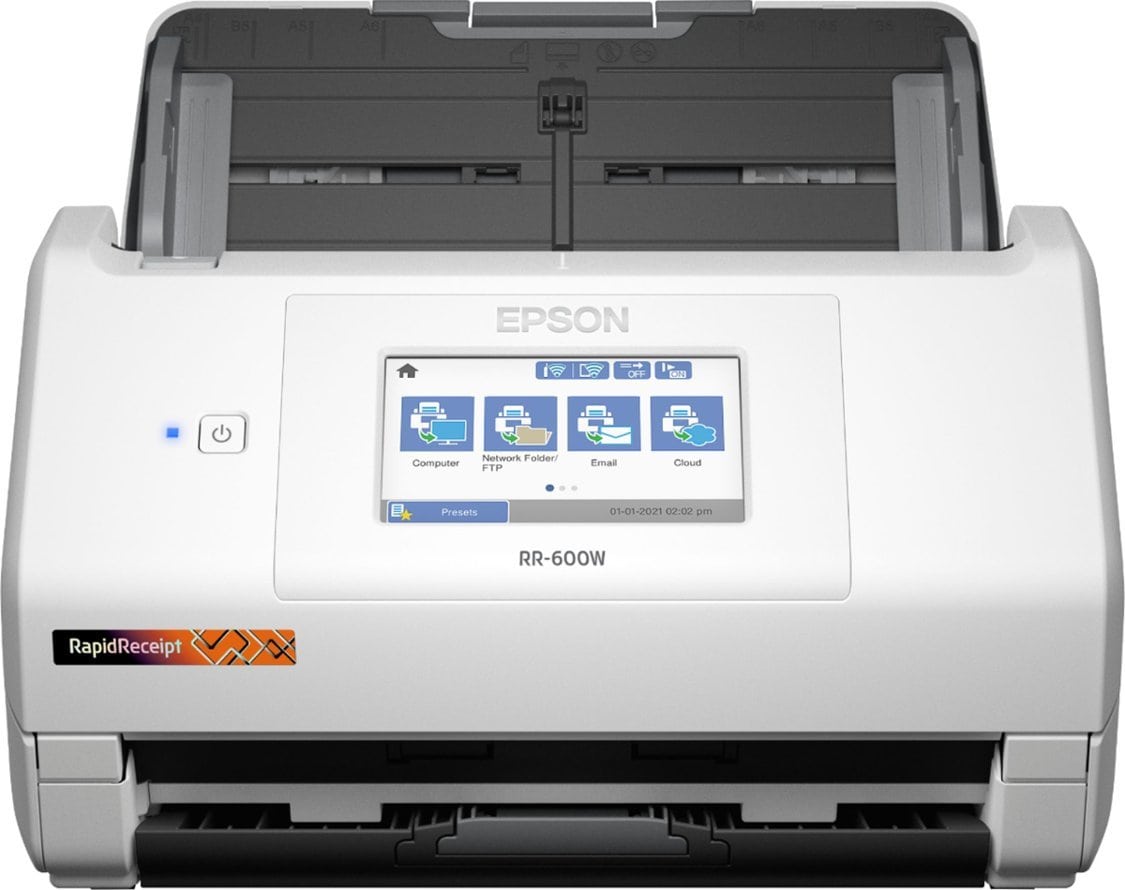
Photo: Epson
This excellent all-around document scanner puts its special super-power right in the name: RapidReceipt. If you run a small business and you’re always dealing with receipts and invoices, this one could be a crucial tool for you.
The device comes with ScanSmart Accounting Edition software that learns to identify recurring information like vendor names and monthly expenses. It saves data to fields in a database, and exports to services or places like TurboTax, QuickBooks or Excel-compatible CSV files.
The scanner also boasts a 100-page feeder for single or duplex scanning. It supports USB and Wi-Fi. And it features a 4.3 inch touch screen so you can make easy selections. Its 600ppi is good, but it also supports maximum optical resolution at 1200ppi.
Of course, it’s not cheap at a price around $500.
Where to buy: Amazon or Best Buy
Best photo scanners for Mac
1. Canon ImageFORMULA R40 scanner
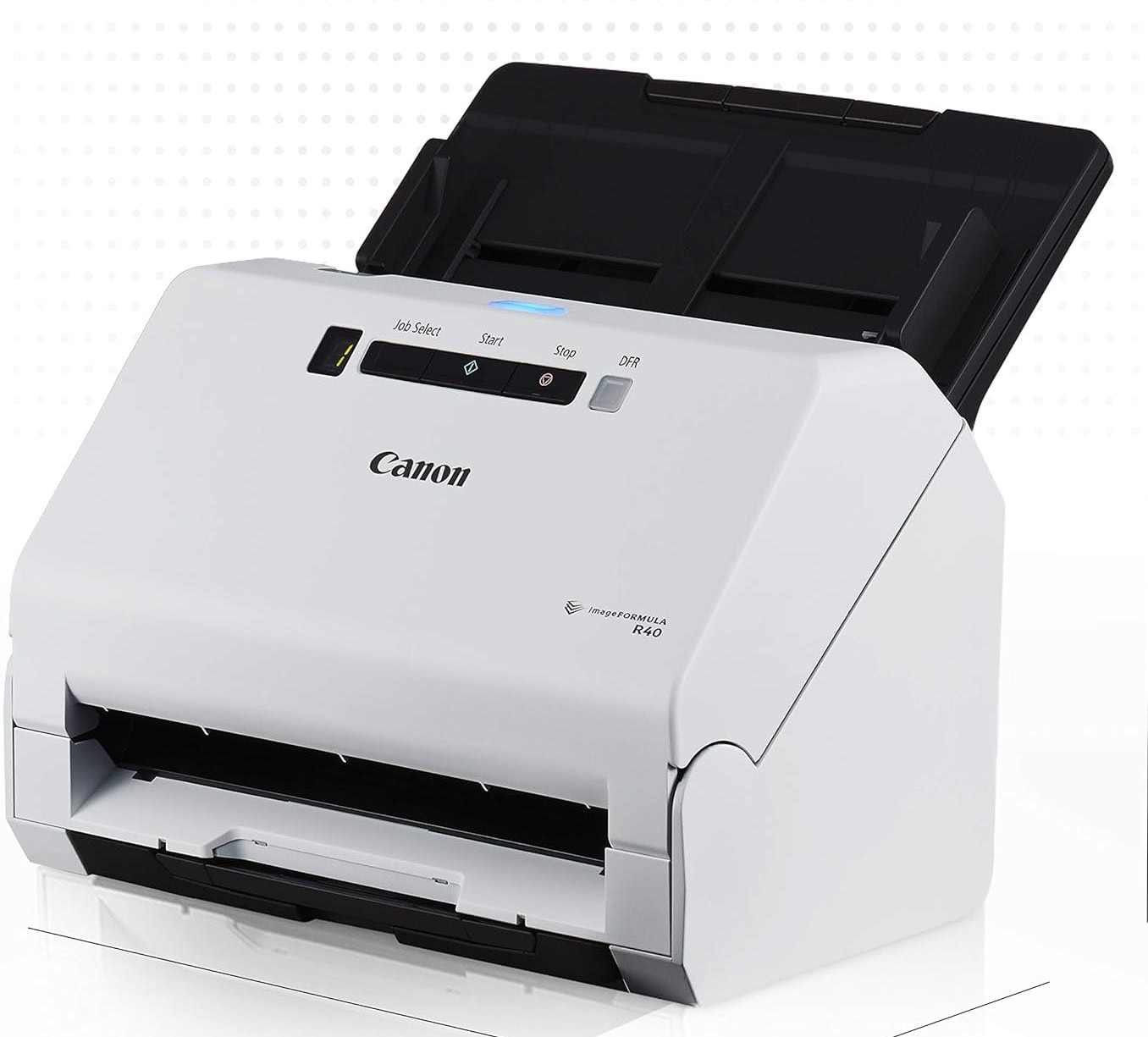
Photo: Canon
The Canon ImageFORMULA R40, a good all-around scanner for documents, photos, receipts and more, is known for OCR accuracy. So it does a nicer-than-average job with photos. But if you’re a serious photographer, don’t miss the two items below in this photo-scanner section.
The R40 is a high-speed machine, scanning up to 40ppm, and it includes a large touchscreen display. It’s durable and can handle documents of sizes up to 8.5in × 72in, along with ID cards and receipts. It includes an automatic feeding mode that enables you to scan all documents into a single file without interruptions. It scans a single page in 5.5 seconds.
You can grab the Canon ImageFORMULA 40 for $259.00. And if you want more, you can get it in the Canon ImageFORMULA DR-C240 (for about $475).
Where to buy: Amazon or B&H Photo
2. Epson Perfection V600 Photo Scanner
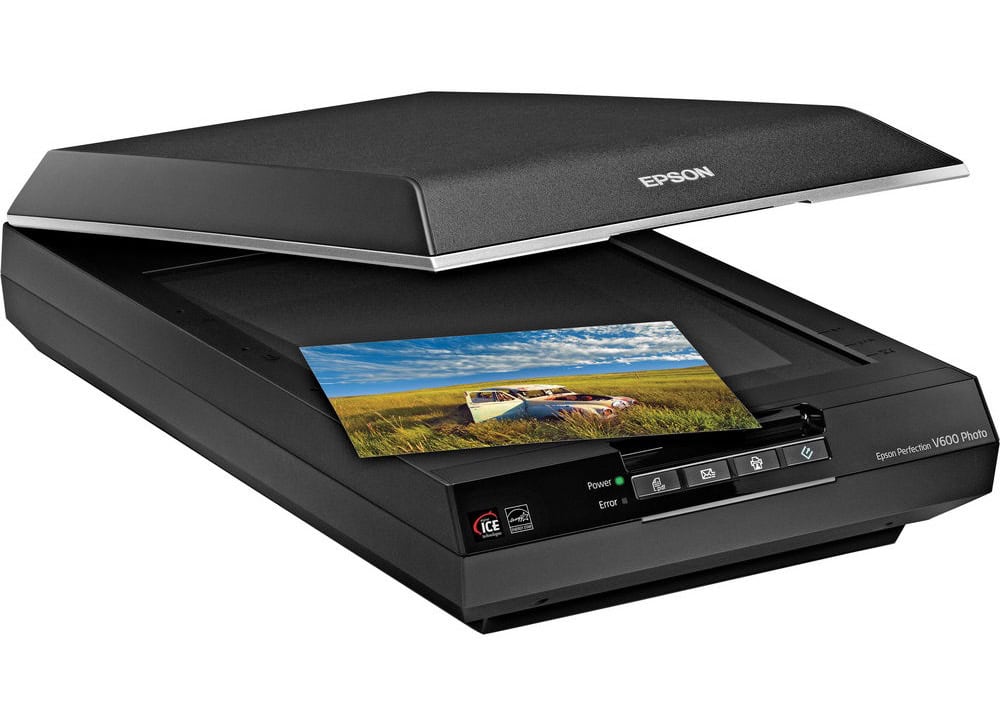
This flatbed color image scanner offers 6400dpi resolution and can scan slides, negatives and medium format panoramic films, as well as regular documents. So if you need to do basic scanning but also high-quality photo scanning, this one could be for you.
Its high resolution and excellent color fidelity make it a top choice for photo scanning. It’s great for converting 35mm and medium-format film slides and prints high-quality digital files. And its max resolution of 6400 x 9600 dpi lets you enlarge scans up to 17 in x 22in.
The scanner comes with software for editing and restoring old photos. By the way, another good choice if you’re looking for speedy snapshot scanning is the Epson FastFoto FF-680W (though pricier at $529). Or, if you’re on a budget but want a flatbed scanner, the Epson Perfection V39 II could be a good choice at about $110.
The price for this one? $349.99.
Where to buy: B&H Photo or Best Buy
3. Plustek OpticFilm 8200i SE scanner
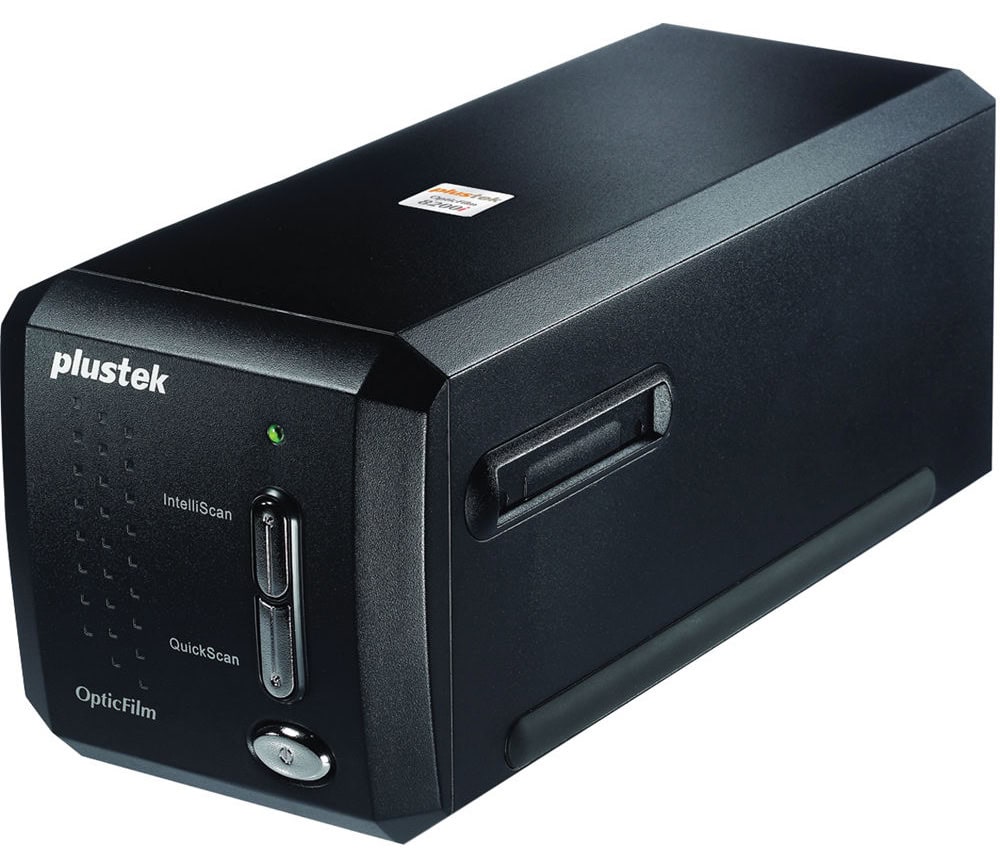
Photo: Plustek
Here’s one for pro photographers. Designed specifically for scanning negatives and slides up to a very high 7200dpi, OpticFilm 8200i SE features a bulk film holder for high-volume scanning of 35mm negatives and slides.
A built-in infrared channel can detect dust and scratches on the surface of the original negatives and slides. It is highly useful for defect removal without retouching the images.
Photographers can nab this film scanner for $399.00.
Where to buy: Amazon or B&H Photo
Best portable scanners for Mac
1. Fujitsu/Ricoh ScanSnap iX100 scanner
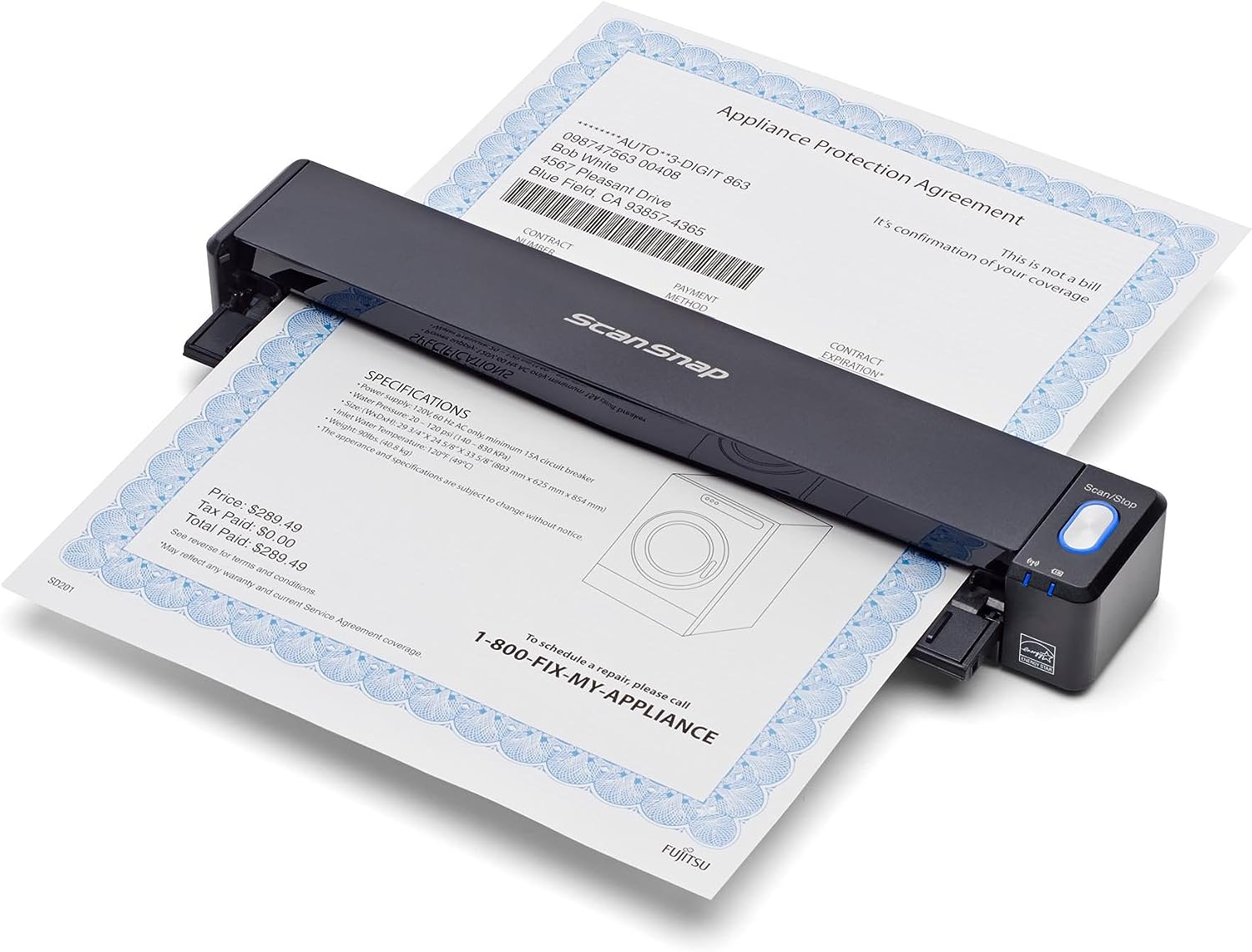
Photo: Fujitsu/Ricoh
This is one of the most popular and highly rated wireless portable scanners. It’s compact, scans at a high-quality 600dpi, can scan directly to cloud services, and has great bundled software for Mac. It can handle various documents, including pages, receipts, business cards or photos.
On battery power, it will scan a color A4 document at 300 dpi in 5.2 seconds. It will scan a total of 260 documents on a full charge.
What’s the price for all this? About $200.
Where to buy: B&H Photo or Amazon
2. Epson WorkForce ES-55R scanner
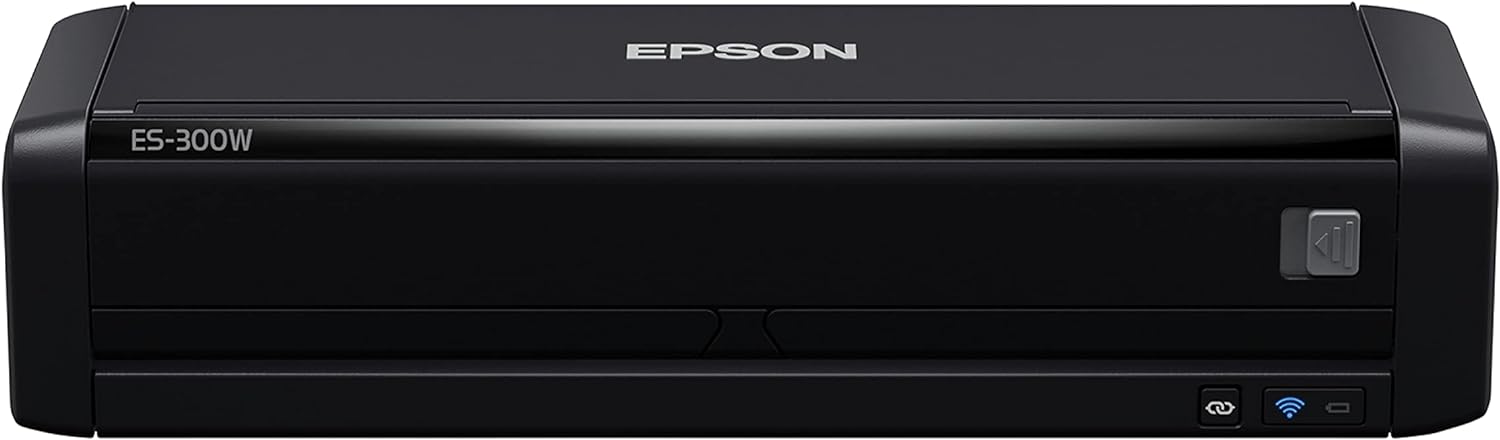
Photo: Epson
The Epson WorkForce ES-55R is a portable scanner with excellent performance. It’s small, fast and USB-powered, making it ideal for on-the-go scanning. You can wirelessly scan to your smartphone, tablet or computer plus online cloud storage accounts.
It does duplex scanning and can handle items like receipts, business cards and plastic ID cards.
This portable scanner offers exceptional resolution (1200dpi) and speed (25ppm) for its size. It includes special financial software that extracts data from bills and receipts for easy tracking and reporting.
You can grab it for $299.99 $229.99.
Where to buy: Amazon
3. Brother DS-640 Compact Mobile Document Scanner
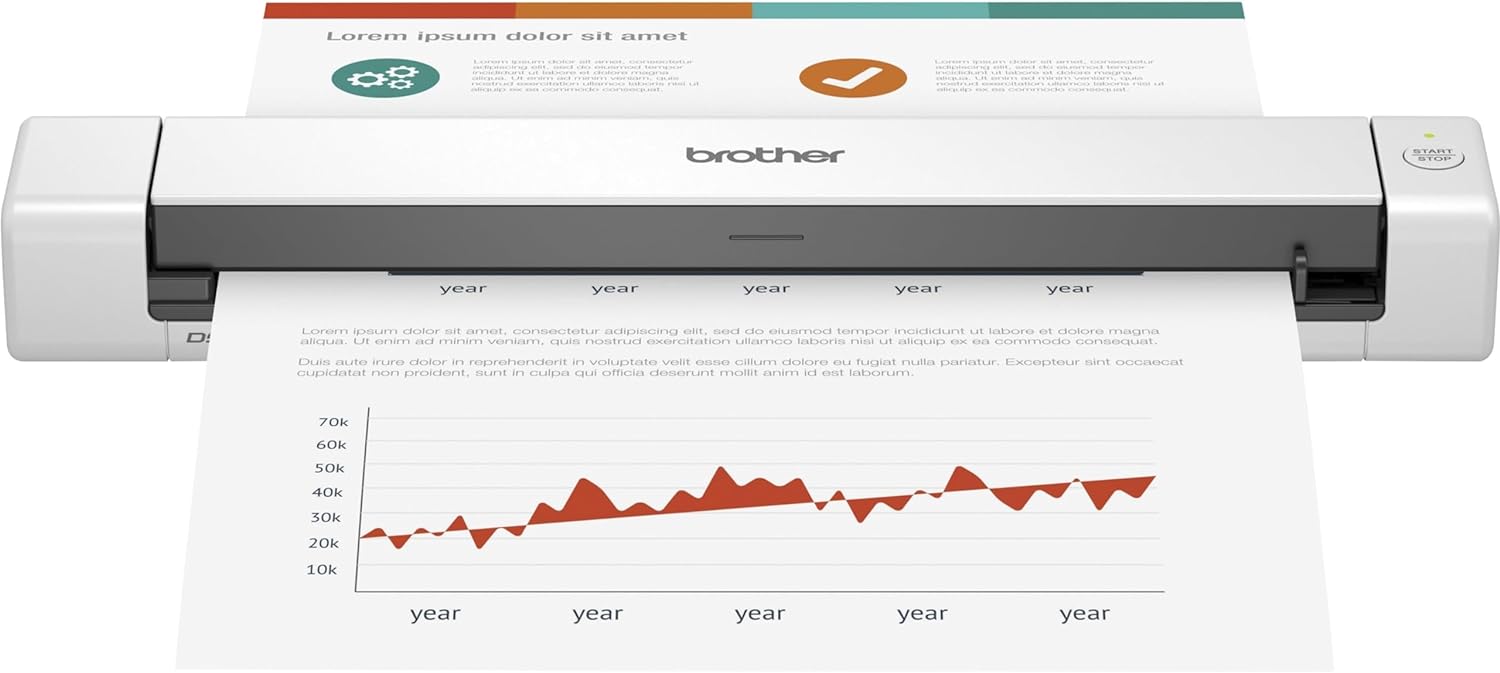
Photo: Brother
Our budget pick in compact mobile scanners is Brother’s DS-64o. It’s a compact mobile color scanner with speeds up to 16ppm with 300dpi resolution. It scans in color at the same speed it scans in black and white.
It connects via USB, so you don’t need a power outlet for it to work. Just plug it into your laptop. It scans to different destinations, including cloud services, and works seamlessly with macOS, Windows and Linux.
And it’s only a foot long and 1.5 pounds.
At about $120 (currently marked down from $149.99), it’s a good choice if you don’t have a ton of dough to spend.
Where to buy: Amazon
Frequently asked questions (FAQs) about scanners for Mac
Q: What is the best flatbed scanner for Mac?
A: There are many great choices. For example, the Epson WorkForce ES series scanners are great and affordable flatbed scanners compatible with Mac. They tend to offer excellent resolution and speed, making them ideal for various scanning needs.
Q: Can you connect a scanner to a Mac?
A: Yes, you can connect a scanner to a Mac using either a USB cable or Wi-Fi, depending on the scanner’s features.
Q: What scanners are compatible with macOS Monterey?
A: Most modern scanners, such as the Fujitsu ScanSnap iX1600 and the Canon ImageFORMULA R40, are compatible with macOS Monterey.
Q: Do Canon scanners work with Mac?
A: Yes, Canon scanners usually work with Mac. However, it’s best to check the specific model’s compatibility before purchasing.

David Snow, an expert on Apple hardware and software, writes on a variety of technological and cultural topics for Cult of Mac. They include Apple news, technology buying guides, and features about computer setups and Apple TV shows and movies.
With 30 years of experience covering technology and other subjects, he has written and edited for numerous print and online publications, including CMP Media, TechTV.com, CNET, Wired News, Red Herring magazine, Law.com, The National Law Journal and Law Technology News magazine. Among other roles, he served as executive editor of the Law.com network of websites and editorial director, technology, for ALM Media.
Snow graduated with a B.A. from Syracuse University with majors in magazine journalism and psychology. While there, he worked as a reporter for The Daily Orange newspaper and associate editor of Equal Time magazine.
Founder of the blog At the Waterline, he can be reached on X (formerly Twitter) via @atthewaterline and on Mastodon via @dsnow.