Want a capable Apple laptop at a super-affordable price? This sale from Cult of Mac Deals means you can land a refurbished M1 MacBook Air for only $429.99.
That’s a crazy-good price for an Apple laptop that’s perfect for most people’s needs.
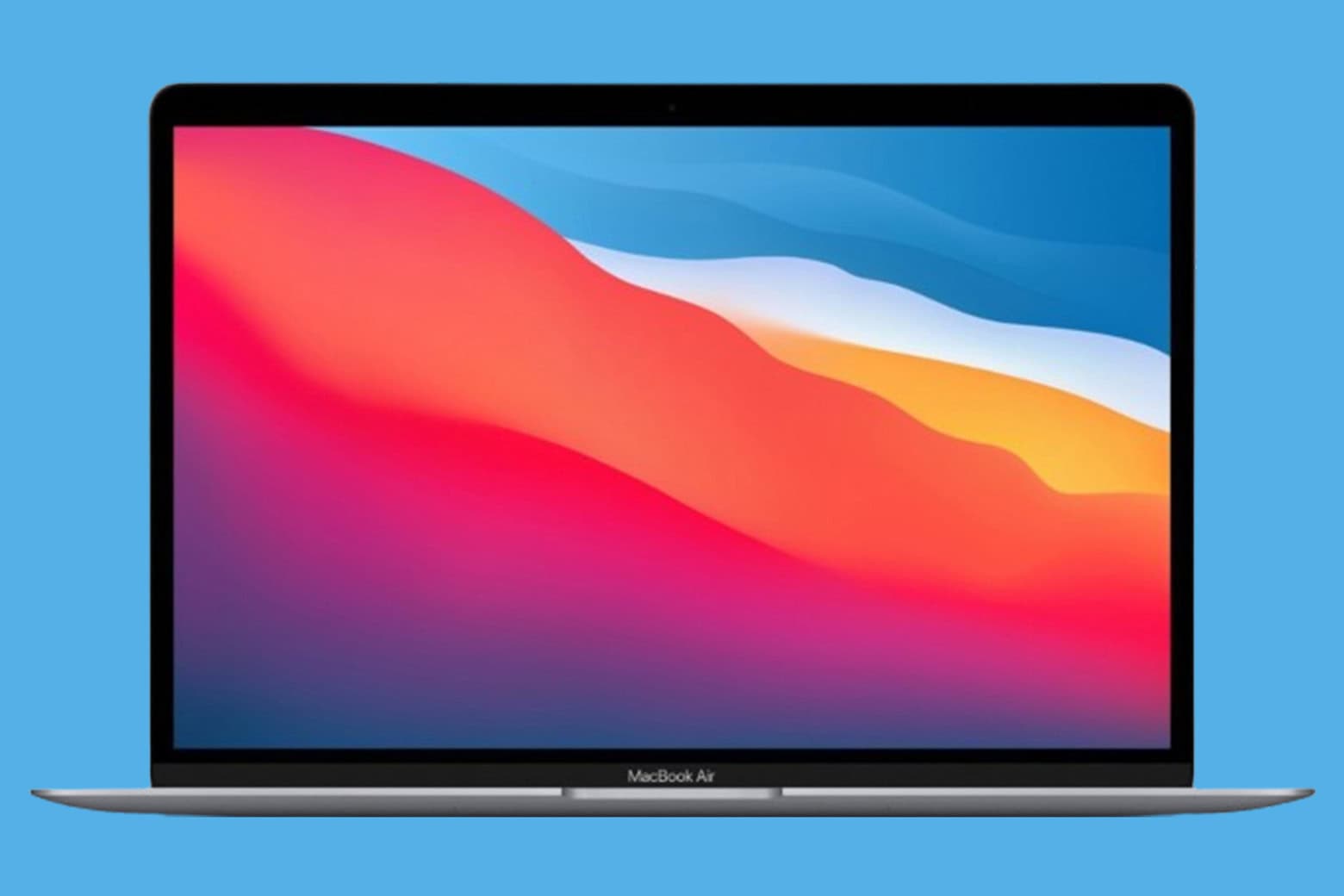
Want a capable Apple laptop at a super-affordable price? This sale from Cult of Mac Deals means you can land a refurbished M1 MacBook Air for only $429.99.
That’s a crazy-good price for an Apple laptop that’s perfect for most people’s needs.
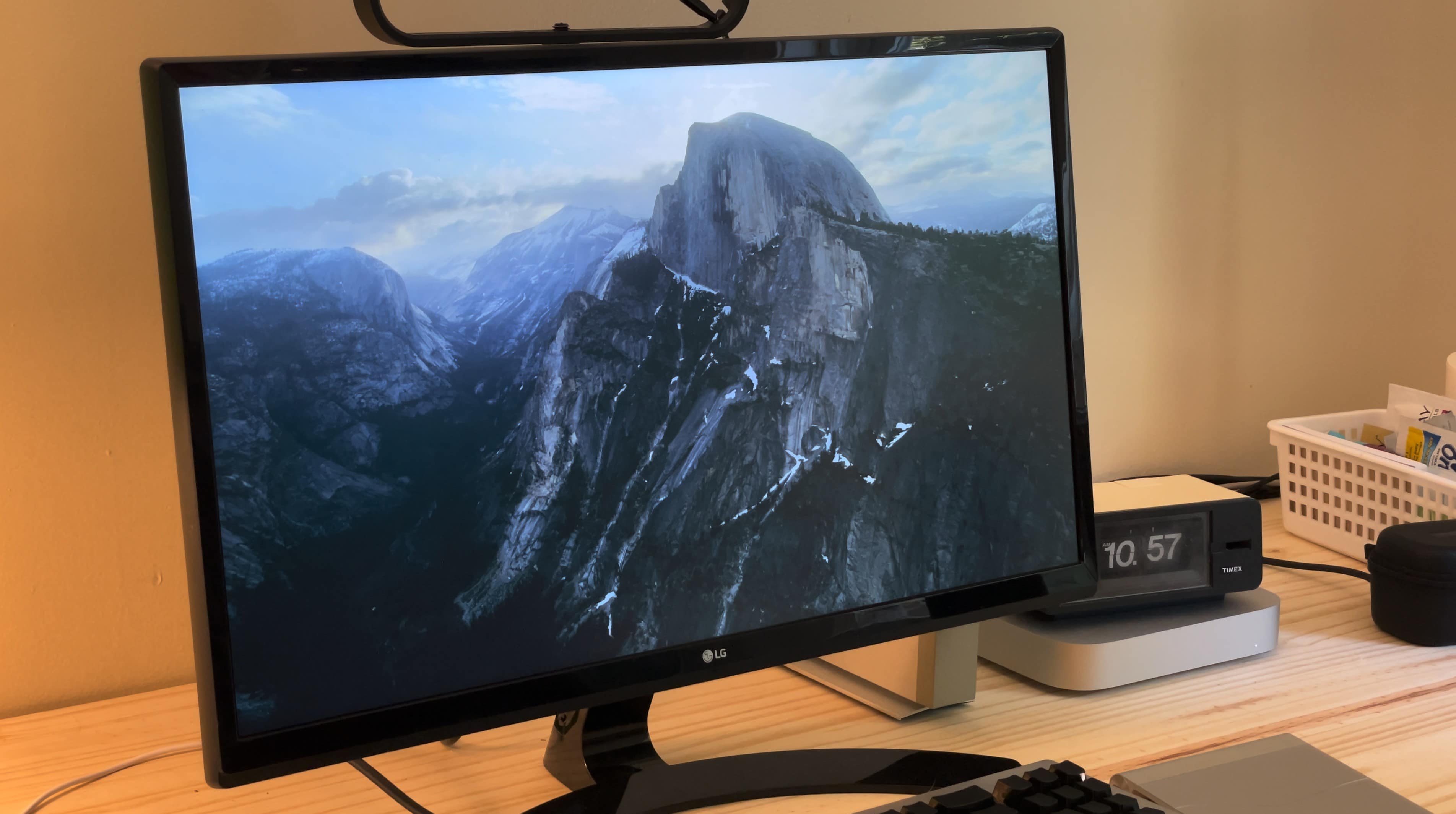
Screensavers fell out of fashion a long time ago, but Apple’s Aerial screensaver looks so beautiful, it just might make you reconsider. In fact, with its stunning visuals, it might just be the best Mac screensaver around.
The Aerial screensaver started on the Apple TV, showing gorgeous, sweeping helicopter photography of the world’s greatest natural landscapes, underwater sights and cityscapes — even shots from space. Now, if you have a desktop display set up somewhere prominently in your house, you can get the same beautiful vistas on your computer with the Aerial screensaver for Mac.
Here’s where to find this beautiful Mac screensaver, plus some setup tips that will really help it shine.

You want to get faster at typing? Sure, you can hold down the Backspace key or mash it really fast. But there’s a better and more precise way to backspace and delete text on the Mac, using the Option (⌥) and Command (⌘) keys. These Mac typing shortcuts can make editing text lightning-fast and seamless. Here’s how you can be a keyboard wizard.
All of these work on the iPad, too, if you have a physical keyboard connected.
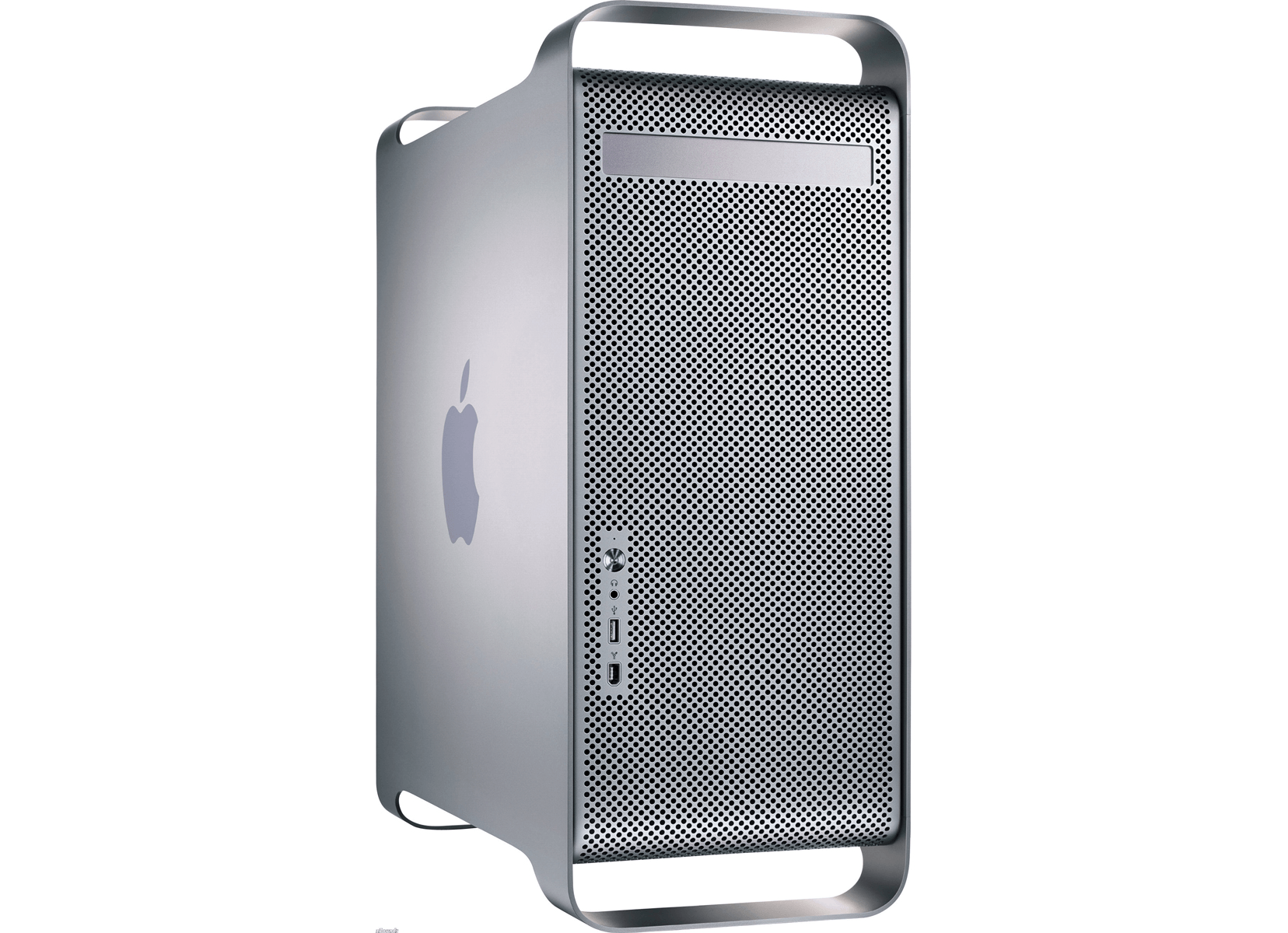
 June 23, 2003: Apple launches its gorgeous Power Mac G5, a powerhouse desktop computer with a perforated aluminum chassis that earns it the affectionate nickname “the cheese grater.”
Starting at an affordable $1,999 (nearly $3,500 in today’s money, adjusted for inflation), the Power Mac G5 is the world’s first 64-bit personal computer. It’s also Apple’s fastest machine yet.
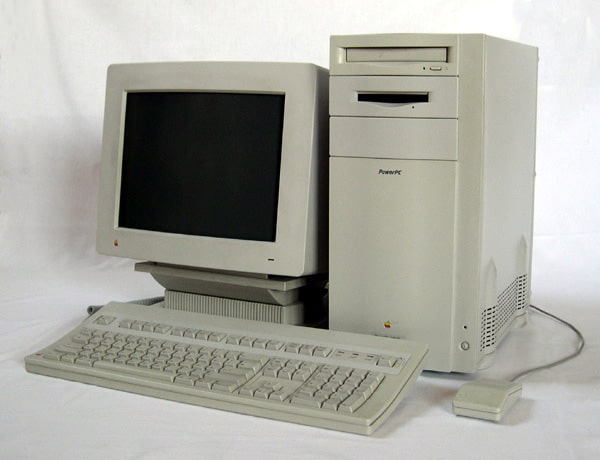
 June 19, 1995: Apple releases the Power Macintosh 9500, a high-end Mac that boasts a second-generation PowerPC chip that’s much faster than its predecessor.
The Power Mac 9500 is also significant for having six Peripheral Component Interconnect, or PCI, slots. They allow owners to attach hardware using Intel’s industry-standard connection. Along with seven bays for internal drives and a swappable daughterboard, this makes the 9500 the most expandable Power Mac ever produced.
By Alex from Planet Free VPN
Long a VPN professional and Apple ecosystem enthusiast, I have seen a marked shift in Mac users’ perspective of online privacy and security. Though macOS is frequently hailed for its built-in protections and user-oriented design, it does not mean Mac users are free from tracking, monitoring or data leaks. The increase in privacy incursions at the network level emphasizes the need for considering your connection to the web, rather than only the device you use.
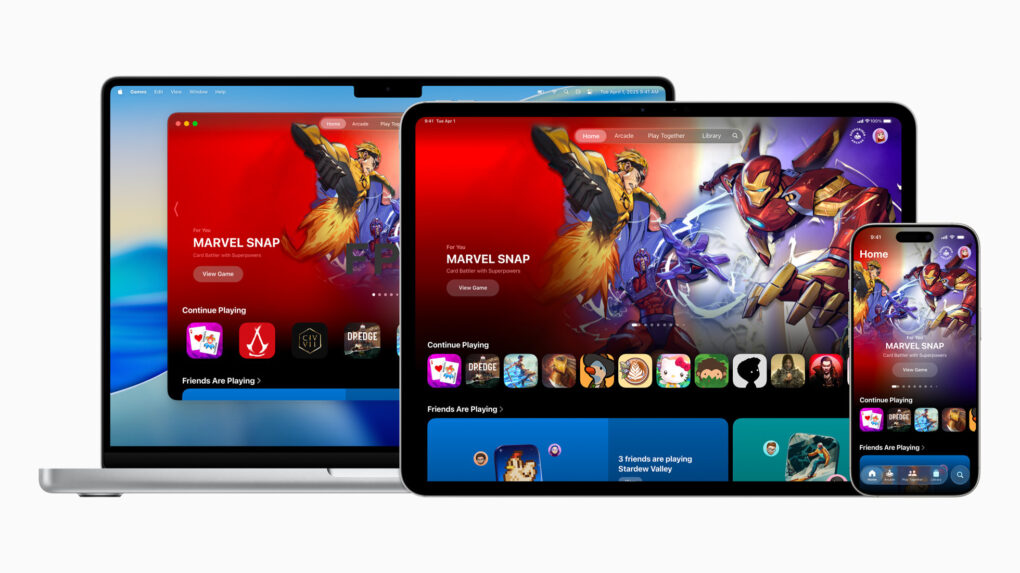
A major new addition to Apple’s software lineup at WWDC25, the Games app, centralizes gaming experiences across all Apple devices, the iPhone giant said Monday. And it adds powerful social features that turn even single-player games into shared experiences with friends.
“The Games app is going to be a game changer for playing on iPhone, iPad and Mac,” said Tim Garbos, creative director and cofounder of game brand Triband. “The app makes it easy for us to create moments just for groups of friends. The new challenges feature works great and feels natural for our games on Apple Arcade, including our latest release, What the Clash?, and we’ve been having a lot of fun with it!”
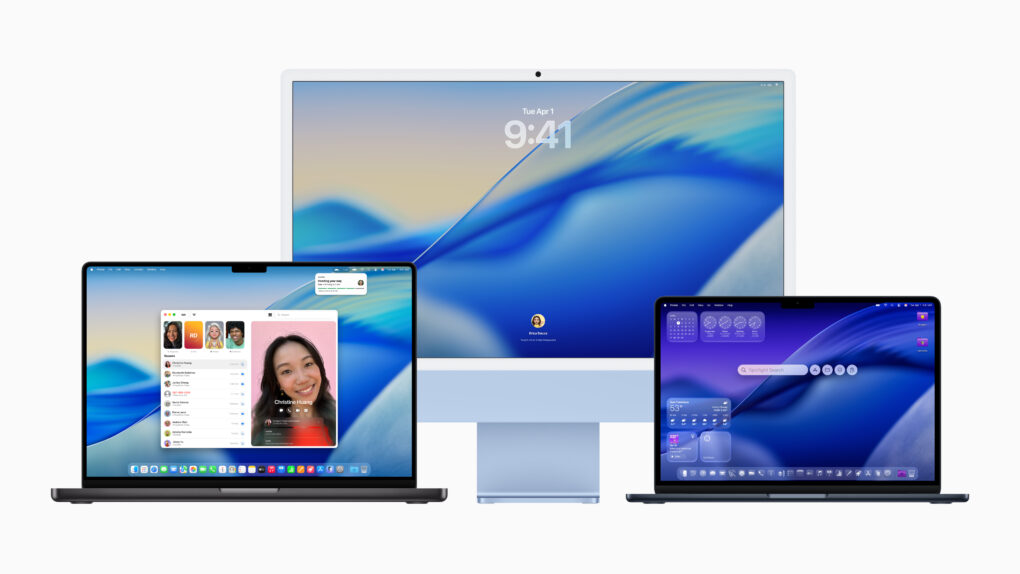
Like iOS 26 and iPadOS 26, macOS Tahoe follows Apple’s new yearly naming scheme. It also adapts the new Liquid Glass design, using glassy UI elements and updated system icons.
But that’s not it. macOS 26 Tahoe includes a redesigned Control Centre, a revamped Spotlight, and, for the first time ever, brings the Phone app to the Mac.
“macOS is the heart and soul of the Mac, and with Tahoe, we’re building on what users love most. Whether you’re a power user or just getting started on Mac, there’s something for everyone, with even more features to turbocharge productivity and make working across Mac and iPhone more seamless than ever before,” said Craig Federighi, Apple’s SVP of Software Engineering.
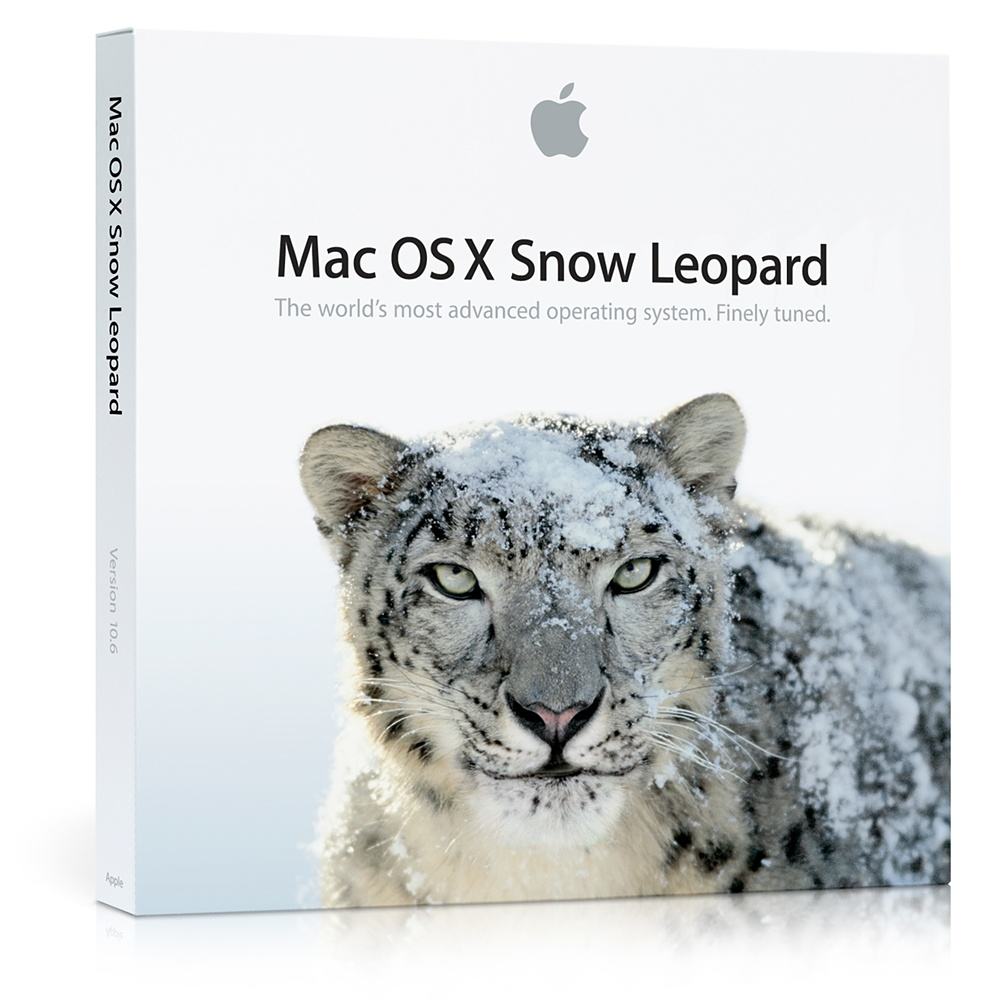
 June 8, 2009: Apple introduces OS X Snow Leopard, a version of its Mac operating system that ranks among the company’s finest desktop updates.
Showcased at Apple’s Worldwide Developers Conference in San Francisco, Snow Leopard doesn’t seem as flashy as some other Mac operating system upgrades. In fact, Apple famously includes a slide in its WWDC presentation touting “0 new features.” However, OS X Snow Leopard more than delivers on Apple’s core values, paving a path to a bright future for the Mac.

Apple won’t show off any new hardware at its developers conference this week, according to a reliable source. There are apparently no Macs or other products ready to launch.
Instead, WWDC25 will focus entirely on operating system upgrades and other software.
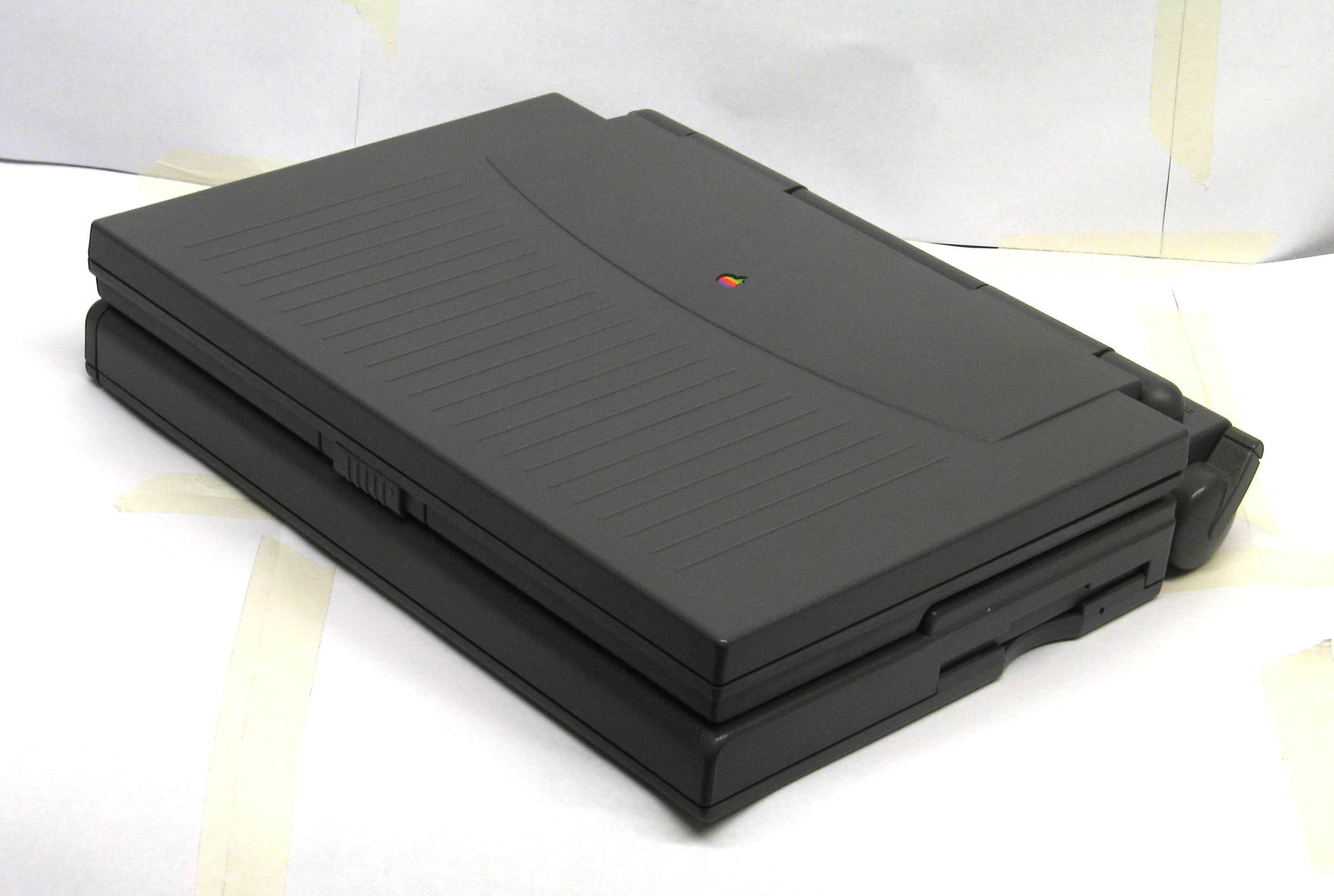
 June 7, 1993: Apple debuts the PowerBook 180c, a solid upgrade that brings a world of dazzling colors to the company’s laptop line.
The 180c’s big improvement over the grayscale PowerBook 180, which launched the previous October, is its active-matrix, 256-color screen. Such a screen is something of a novelty for laptops in the early 1990s.
 June 6, 2005: Steve Jobs reveals that Apple will switch the Mac from PowerPC processors to Intel.
Speaking at Apple’s Worldwide Developers Conference, Jobs’ revelation reminds the tech world that he is a leader who can get things done. Given Intel’s focus on mobile computing, the move also offers a hint at what Apple’s CEO has planned for the second half of his reign.
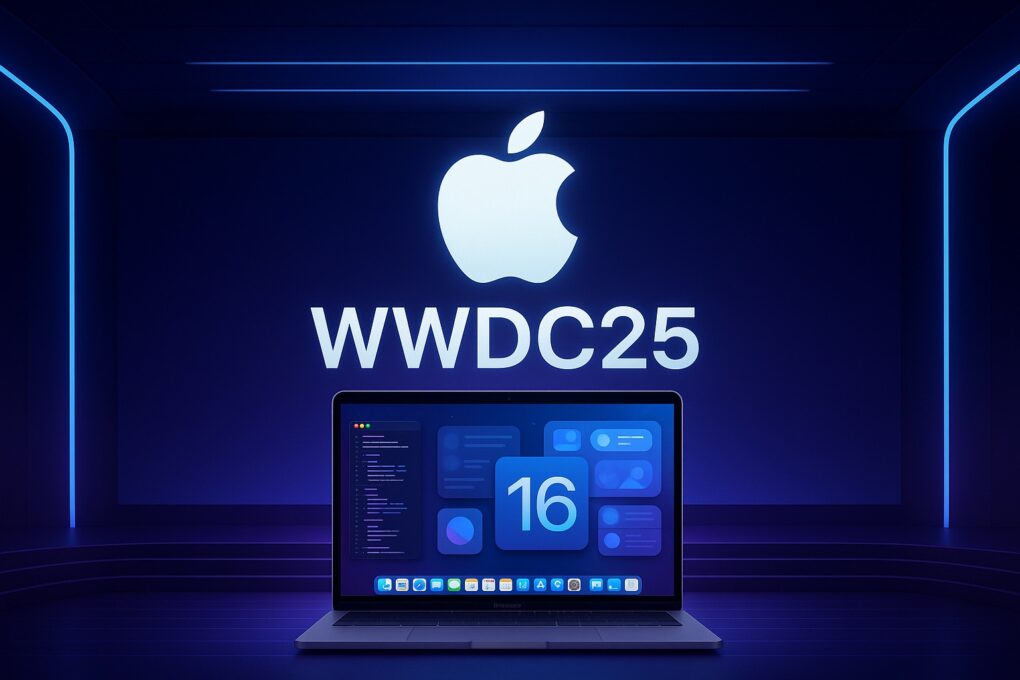
WWDC25 is nearly here, with iOS 19 and iPadOS 19 possibly set to steal the spotlight. However, the latest rumors indicate you shouldn’t count macOS 16 out just yet, as it might bring more upgrades than expected. It might not even be called macOS 16, if Apple’s rumored switch to year-based release names happens. (We’ll refer to it as macOS 16 until the big switch happens.)
With June 9 fast approaching, here’s a breakdown of what macOS 16 could bring to the table.
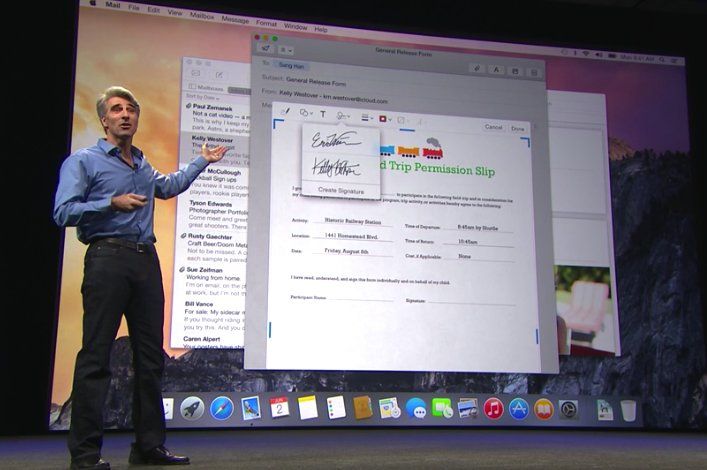
 June 2, 2014: Apple shows off Mac OS X 10.10 Yosemite for the first time at its Worldwide Developers Conference in San Francisco. Following the Jony Ive-redesigned iOS 7, Yosemite boasts an aesthetic change that brings Apple’s desktop computers closer than ever to the look of the company’s mobile software.
Named after Yosemite National Park, the update follows the previous year’s Mavericks as the second Mac operating system named after a California landmark.
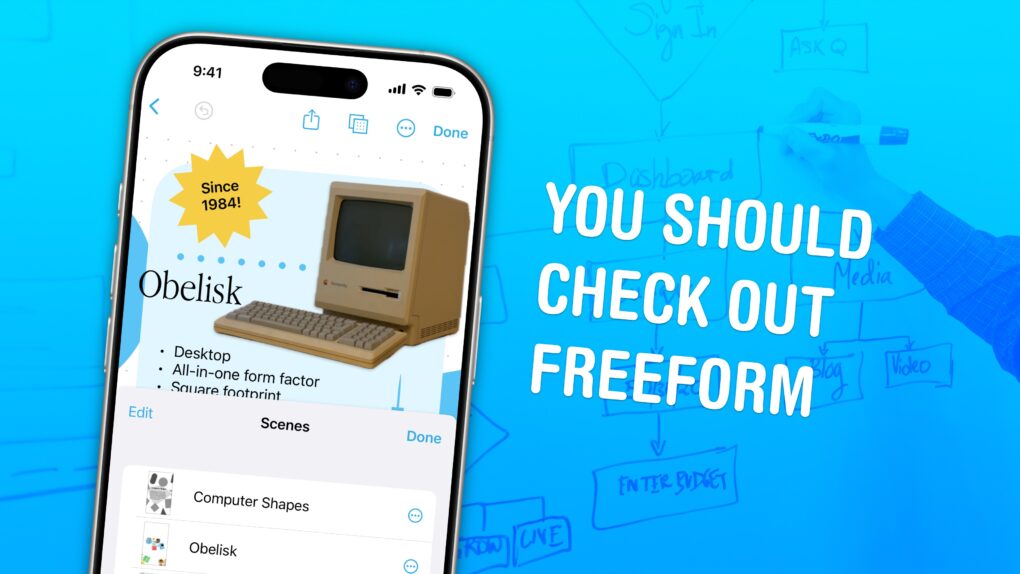
Apple’s Freeform app for iPhone, iPad, Mac and Vision Pro is a digital whiteboard you can use to brainstorm or gather ideas in one infinitely scrolling canvas.
You can use Freeform to throw together ideas with a colleague. You could build a presentation using Freeform’s scenes, kind of like using Prezi. Or, you can use Freeform as a drawing app with your iPad and Apple Pencil.
Freeform comes with all kinds of features for adding text boxes, rich links, drawings, clip art, sticky notes, files, photos, videos and more. It’s a great way to build a mood board or connect big ideas.
Keep reading below or watch our video guide to find out how to use Freeform.
There are a bunch of not-great apps like Spotify and Slack that suck battery life, because they basically run a full copy of Google Chrome inside each window. Chrome is a notorious energy hog, and running multiple copies of its Blink engine inside four different apps can take unnecessary memory and resources.
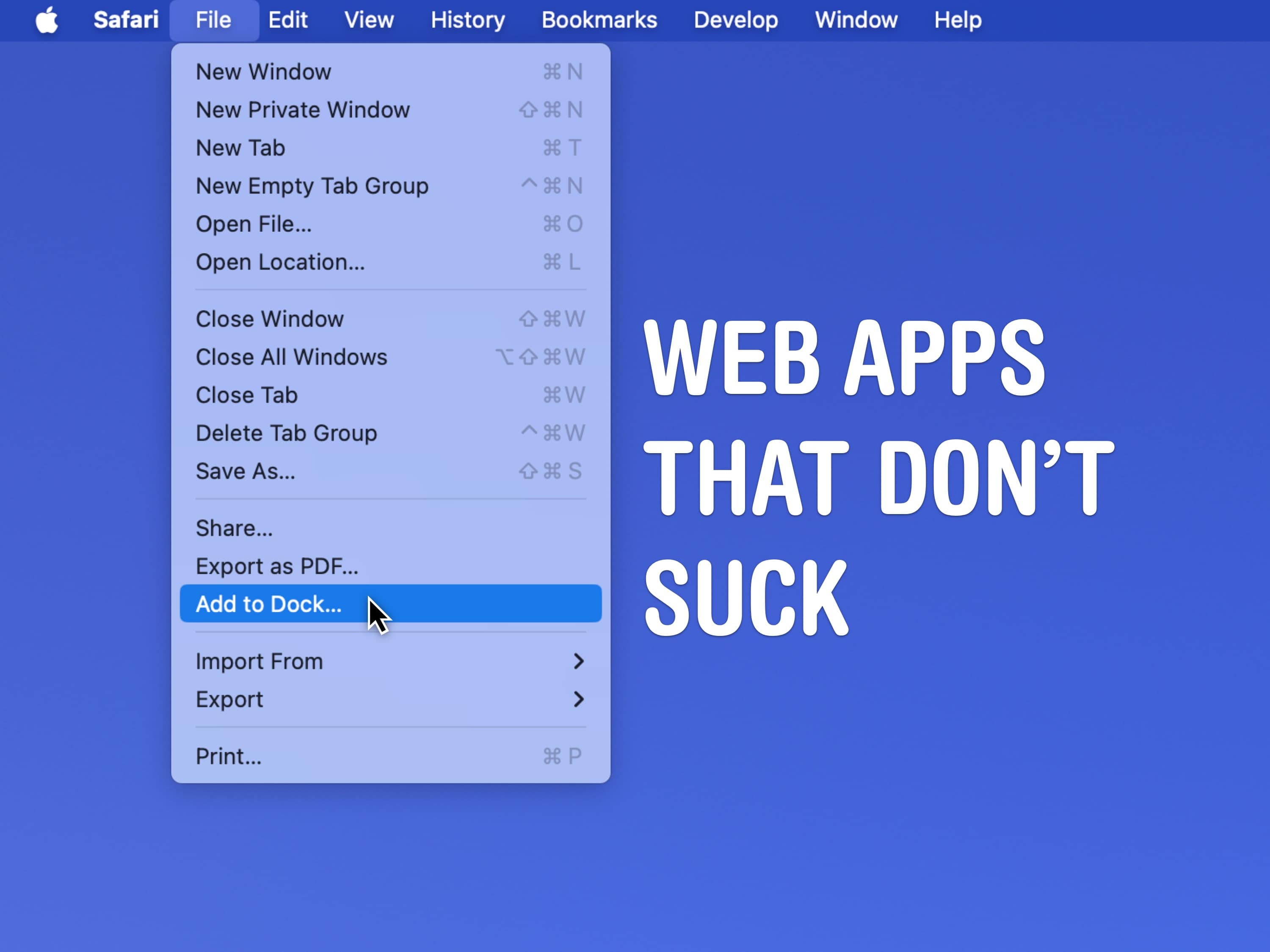
But you can create your own, much better versions using web apps based on Safari. Web apps are easily made in Safari and live in your Mac’s Dock.
For apps that you use every day, like Spotify, Discord and Slack, it’s easier to launch them from the Dock and move them around separately from your browser tabs. Let me show you how they work.
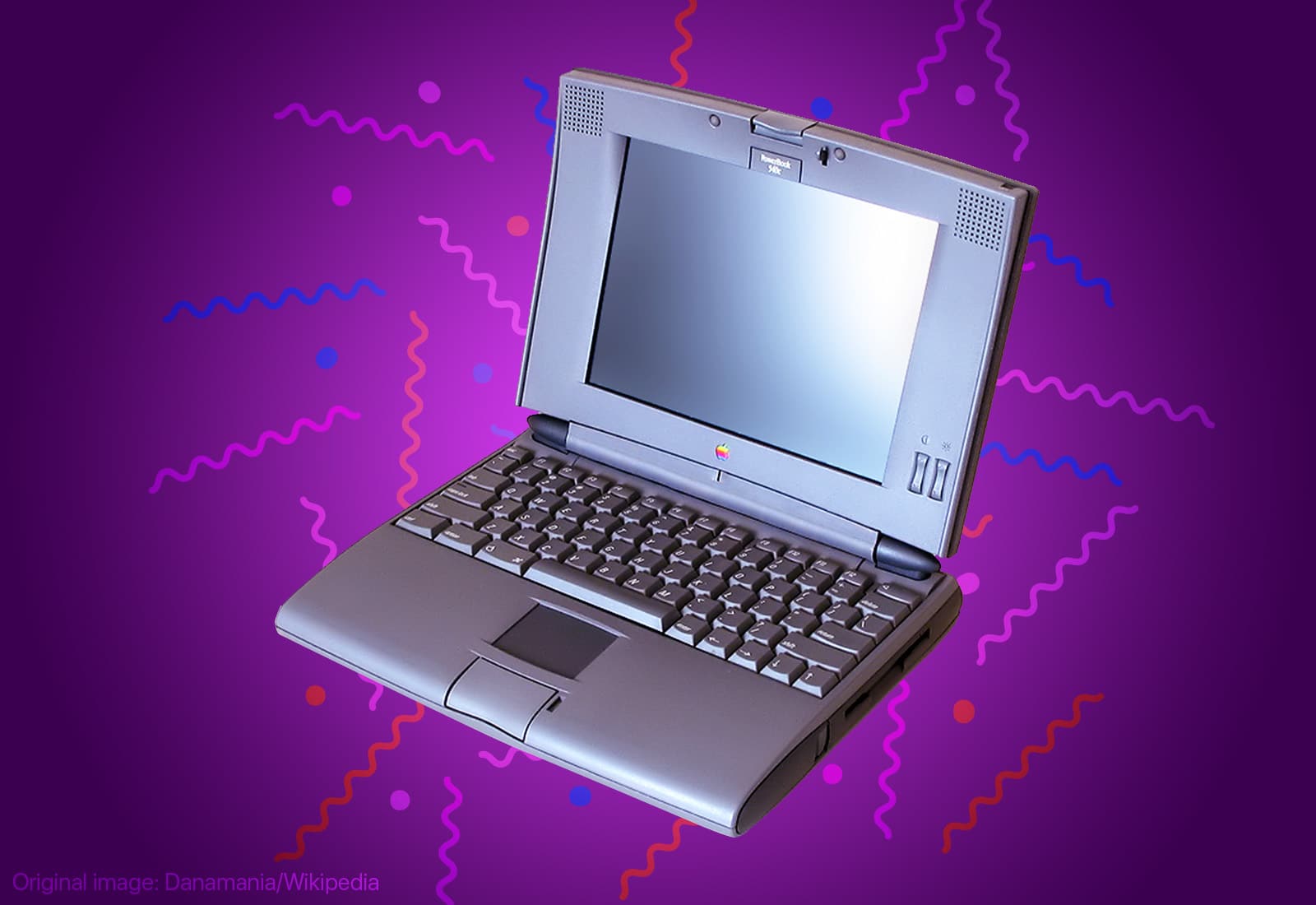
 May 16, 1994: Apple launches the PowerBook 540c, one of the best laptops in the company’s history.
Part of the innovative 500 series of PowerBooks, the 540c is the laptop to own in 1994. Blisteringly fast, packed with innovative features, and offering the best notebook display on the market, it’s a triumph on every level. Although for $5,539 (over $11,900 in today’s money), it had better be…
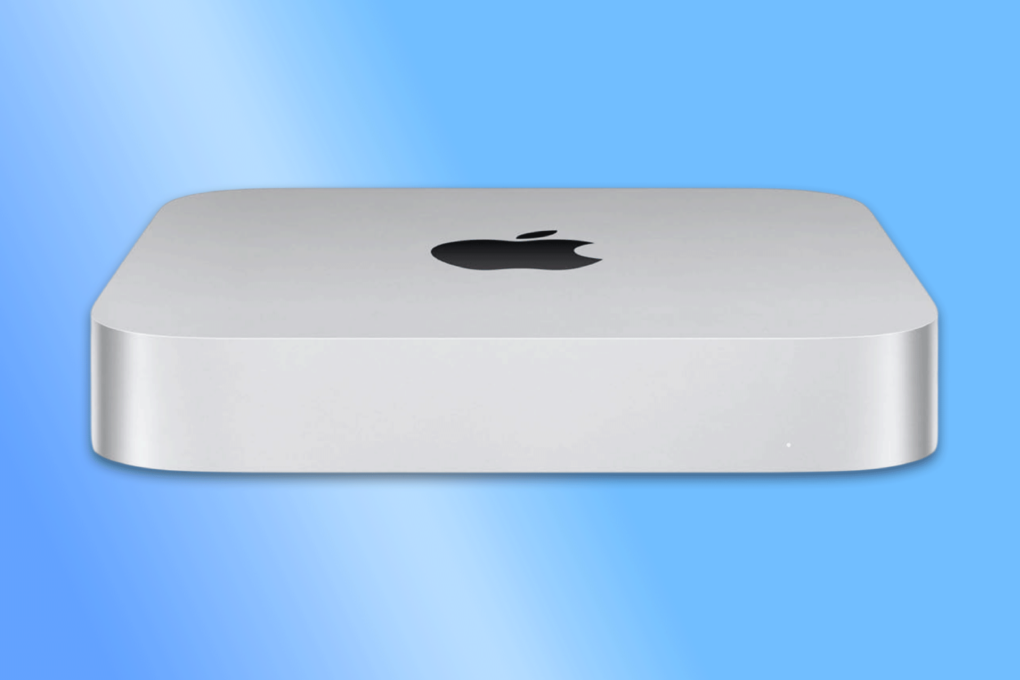
The Mac mini is already a great deal, but this grade-A refurbished model drops the price of a 2023 model to just $359.99 with free shipping. Apple’s M2 chip powers the small desktop computer, delivering excellent performance in a sleek, compact design.
This deal offers exceptional value for both professionals and casual home users. But if you want one, act fast — stock is limited.
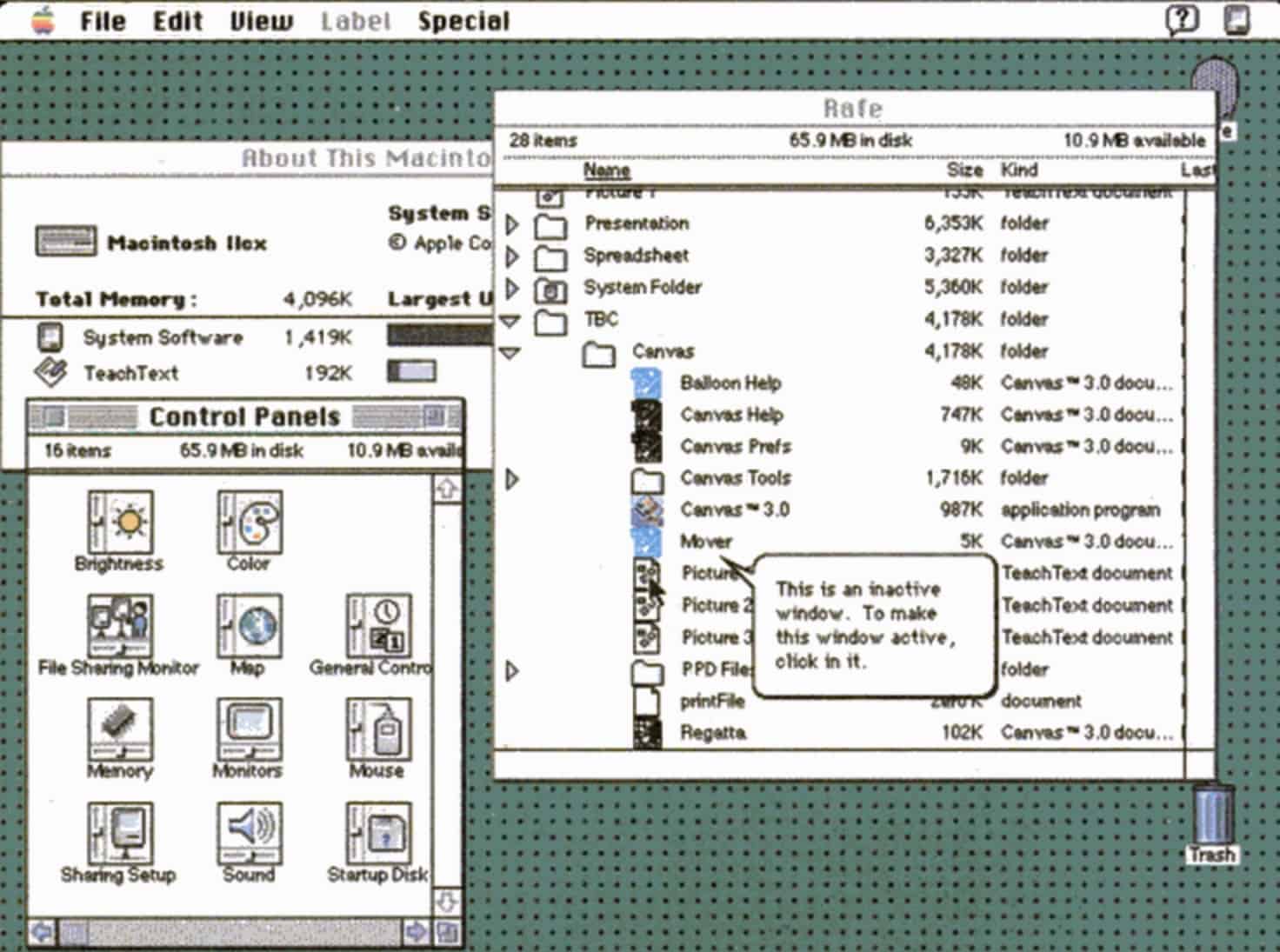
 May 13, 1991: Apple releases System 7, the biggest upgrade to the Mac operating system since the original Mac shipped in 1984. The new Mac OS is whip-fast, beautiful to look at, and boasts a bevy of innovative features.
The longest-lasting of Apple’s classic Mac operating systems, it will remain current until System 8 replaces it in 1997.

 May 11, 1998: As part of his mission to turn Apple around, CEO Steve Jobs spells out the company’s strategy for the Mac operating system going forward. The big news is that Apple is hard at work creating a major new operating system called OS X, he says at Apple’s Worldwide Developers Conference in San Jose, California.
However, first the company will ship Mac OS 8.5 and the first customer release of an OS called Rhapsody that fall.
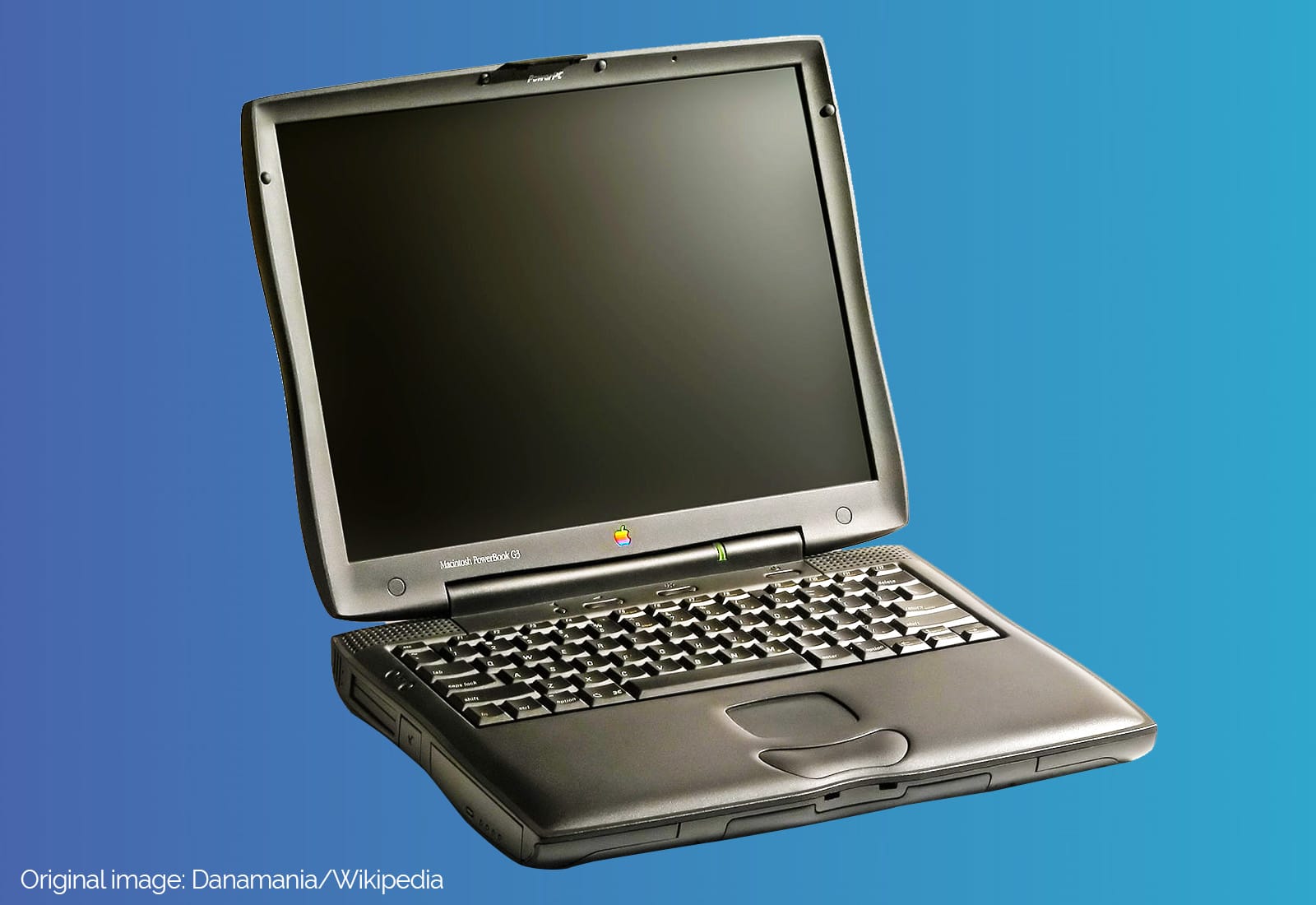
 May 10, 1999: The third-generation PowerBook G3 comes in 20% slimmer and 2 pounds lighter than its predecessor, but most people remember the laptop for its “bronze” keyboard. Although it doesn’t get a new name to distinguish it from previous laptops in the lineup, fans call it “Lombard” after Apple’s internal code name (or simply the “PowerBook G3 Bronze Keyboard”).
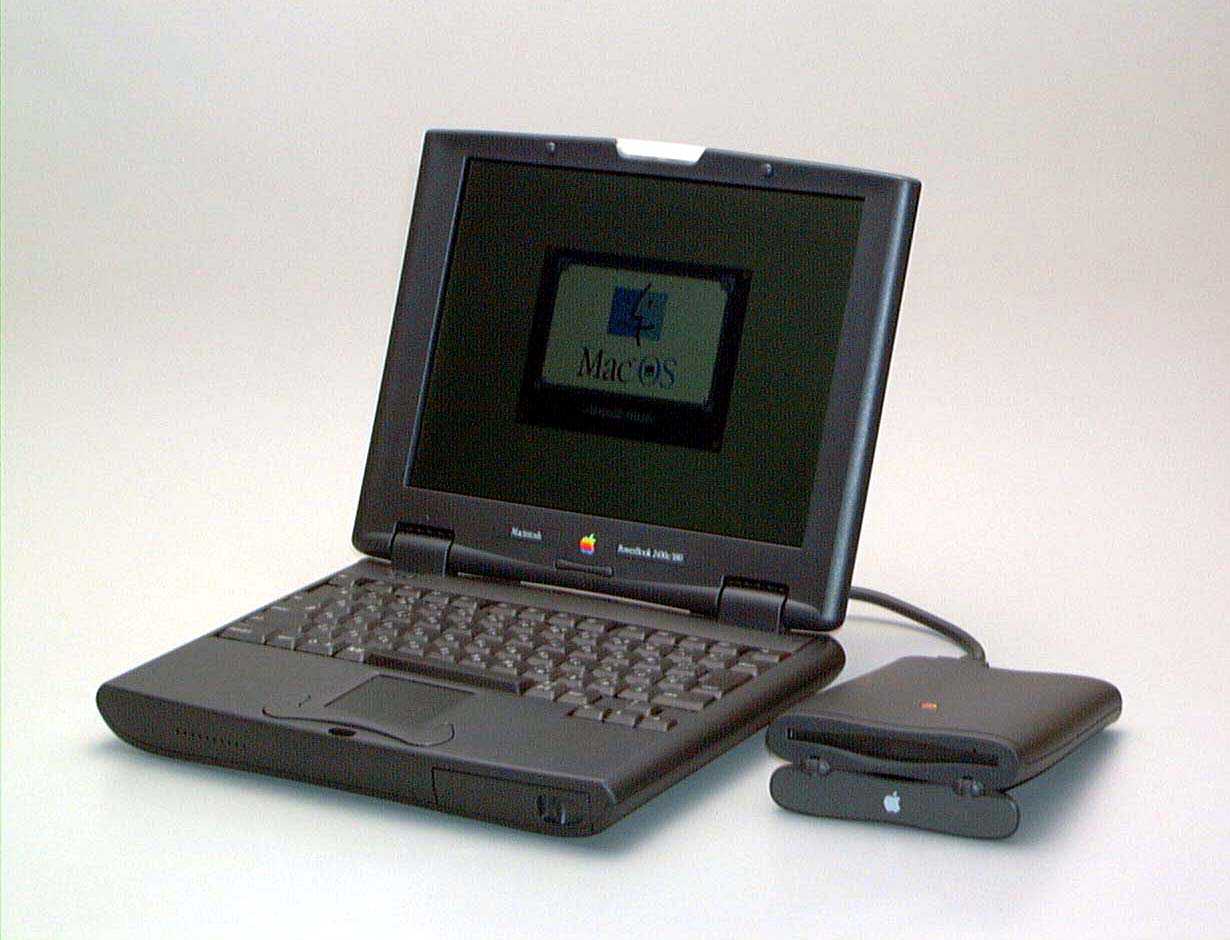
 May 8, 1997: Apple launches the PowerBook 2400c laptop, a 4.4-pound “subnotebook” that’s the MacBook Air of its day.
The PowerBook 2400c predicts the rise of speedy, lightweight notebooks, while also paying tribute to Apple’s past. Its design echoes the original PowerBook 100. Even years later, it remains a cult favorite among many Mac users.
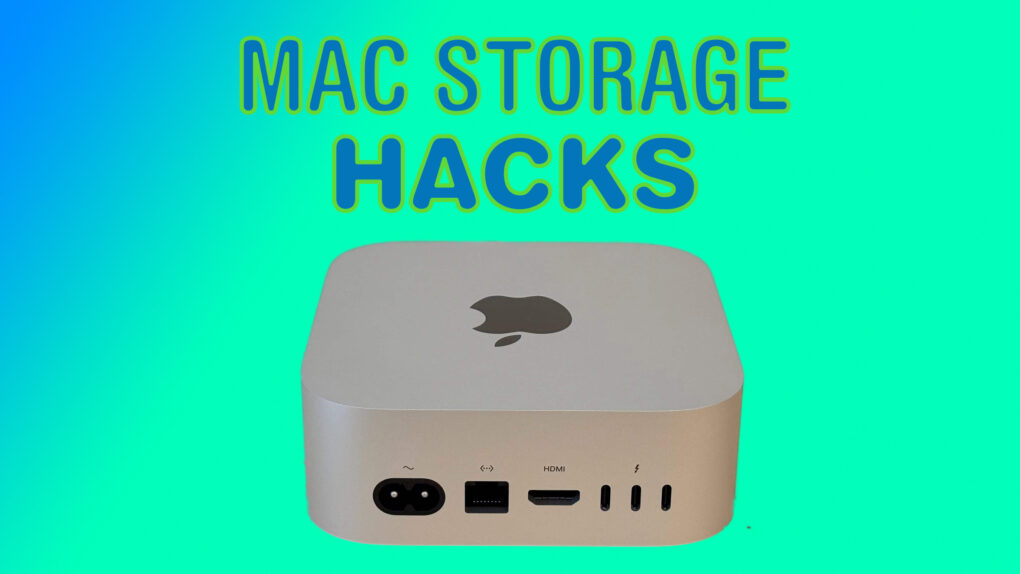
Apple charges a ton for storage upgrades on Macs. Worse, you cannot extend the built-in storage after buying the Mac. Thankfully, smarter solutions exist, as long as you don’t mind plugging an external disk into your Mac.
Here’s a breakdown of the best ways to expand your Mac’s storage, along with ideal solutions based on particular needs.
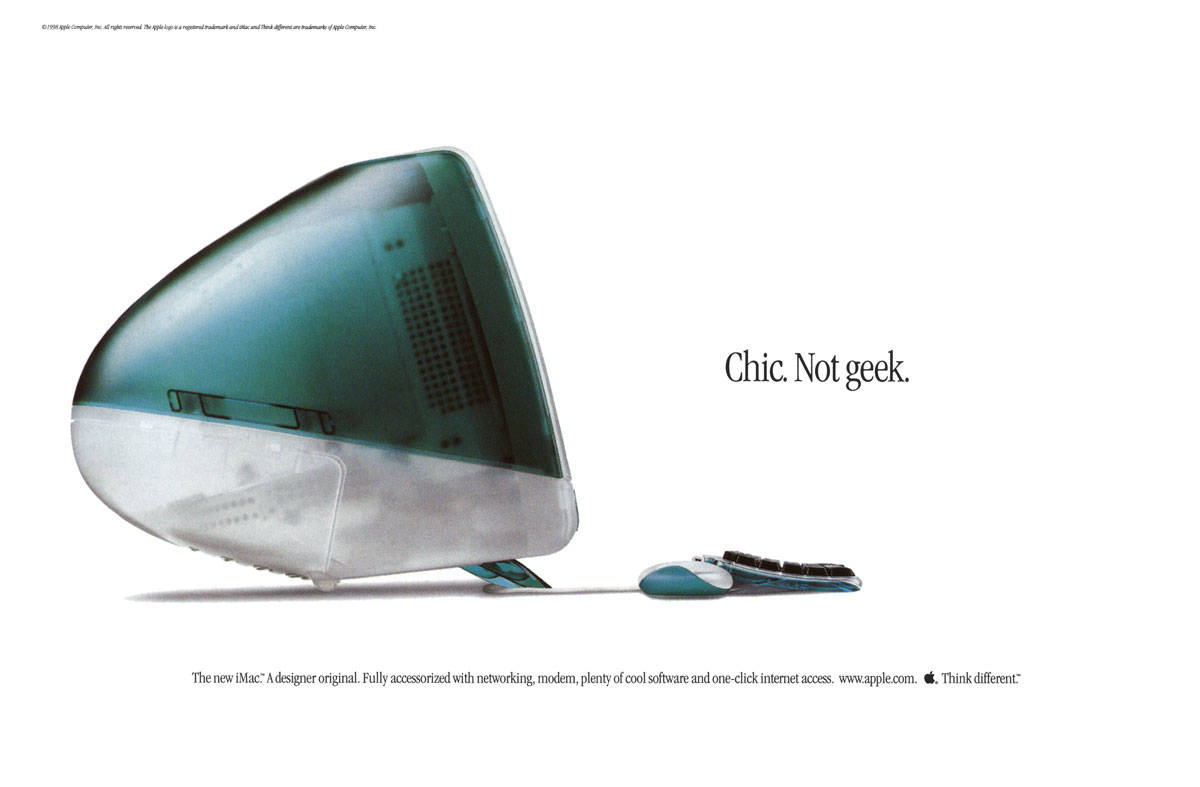
 May 6, 1998: Apple CEO Steve Jobs unveils the original iMac, a brightly colored, translucent computer that will help save the company. Coming just 10 months after Jobs’ new management team takes over, the iMac G3 loudly announces that the days of Apple quietly fading into the background are over.
The colorful computer marks the start of a very successful run for Cupertino.

You can save time — and make sure your messages always go out when they’re supposed to — when you schedule email from the Apple Mail app. You can set your mail to deliver at any date or time in the future, whether it’s next Monday at 9 a.m. sharp, in two weeks’ time or even years from now.
If you work with someone in a different time zone, you can schedule messages to arrive just when they start their workday, which is especially helpful if the allotted time is in the middle of the night for you. You can schedule a series of reminders for that one irritatingly forgetful client of yours. Or, if you work remotely, you can try (and risk) prewriting messages to your boss to maintain the illusion of regular work. You can even schedule emails to remind you of an important anniversary, years down the line.
It’s easy to set up. Keep reading or watch our short video.