Mobile menu toggle

Mac - page 5

Tim Cook dazzles us with new Macs and iPads [The CultCast]

By

AI-generated cartoon image of Apple CEO Tim Cook holding a three-eared rabbit and a magic wand, with the logo
Nevermind that rabbit's third ear. Tim Cook is a product magician!
AI image: Midjourney/Cult of Mac

This week on Cult of Mac’s podcast: There’s plenty to talk about after an absolutely magical barrage of new Apple products unveiled this week. We discuss the highlights (and lowlights) of all the new Macs and iPads.

Also on The CultCast:

  • What’s in the latest iOS 18.4 and visionOS 2.4 betas? Griffin gives us an overview of new features.
  • Erfon struggles with yet another Apple buying decision.
  • Griffin gives the iPhone 16e a surprise rave review.

Listen to this week’s episode of The CultCast in the Podcasts app or your favorite podcast app. (Be sure to subscribe and leave us a review if you like it!) Or watch the video live stream, embedded below.

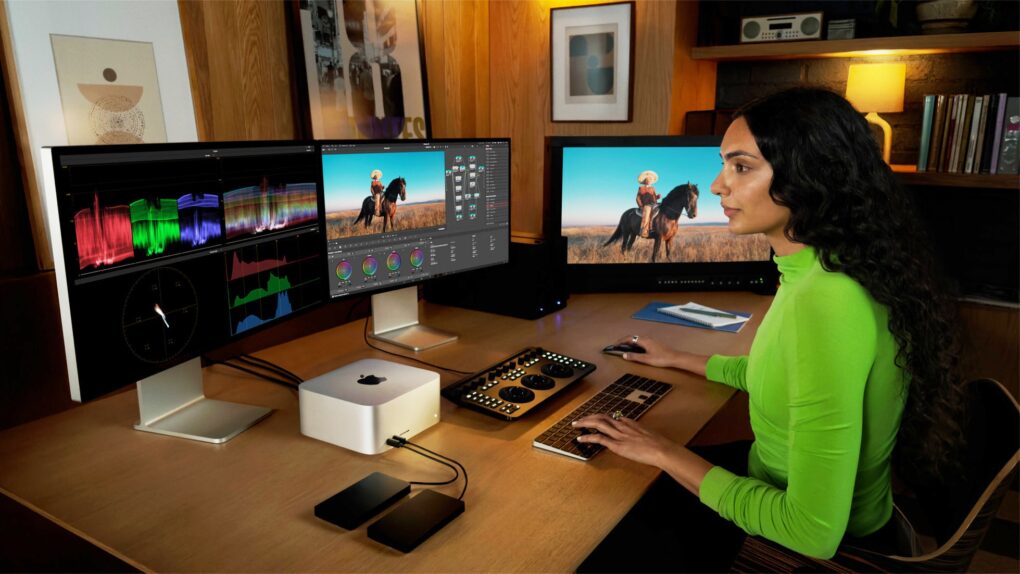
Should you buy the 2025 Mac Studio with M3 Ultra or M4 Max?

By

Should you upgrade to the Mac Studio (M3 Ultra or M4 Max)?
This guide will tell you if it’s worth an upgrade.
Image: Apple/D. Griffin Jones/Cult of Mac

Is it worth it to buy the new Mac Studio with an M3 Ultra or M4 Max? Apple’s latest desktop Macs are the most powerful ever — and that’s not hyperbole. And updates to the Mac Studio don’t come by too often.

If you have an old pro Mac with an Intel chip, it’s a no-brainer. It’s definitely time to move on — no matter which model you have. However, if you’re already on a Mac Studio, you may not need to update quite yet.

Is it worthwhile to upgrade? We have a guide below with helpful charts and a video to help you decide.

Should you buy the 2025 M4 MacBook Air?

By

Should you upgrade to the MacBook Air (M4)?
This guide will tell you if it’s worth an upgrade.
Image: Apple/D. Griffin Jones/Cult of Mac

Is it worth it to buy the M4 MacBook Air? This machine has got to be the best value in all computing right now. The latest model brings a big boost in performance, and comes in a stunning new sky blue color — at an even-lower price. The new MacBook Air is one of Apple’s best laptops ever.

If you’re still using the Intel MacBook Air you bought in early 2020 during COVID-19, now is the golden time for you to upgrade. You’ll be getting a fantastically powerful laptop that can handle it all.

Is it worthwhile to upgrade? We have a guide below with helpful charts and a video to help you decide.

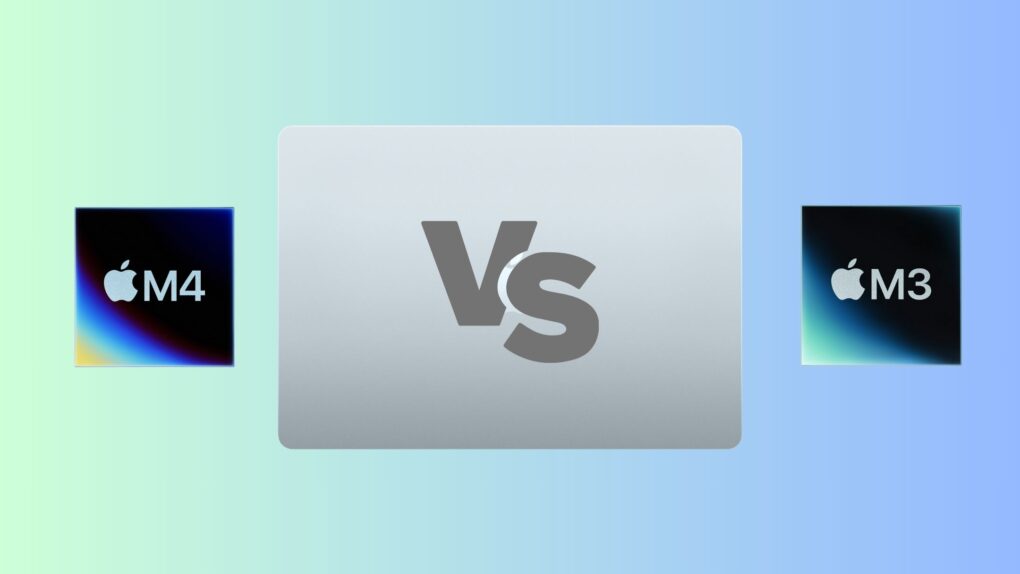
M3 vs. M4 MacBook Air: Are subtle refinements worth the upgrade?

By

M3 vs M4 MacBook Air comparison
The M4 MacBook Air is all about small refinements.
Photo/Graphics: Apple/Rajesh Pandey/CultOfMac

How do Apple’s latest laptops stack up? Our M3 vs. M4 MacBook Air comparison shows the differences between the two models. Spoiler alert: Adding the new M4 chip steals the spotlight, although a lower starting price tag comes as a welcome change.

So, how does the M4 MacBook Air stack up against its M3 predecessor? Are the upgrades game-changing or just incremental? Find out in our in-depth comparison.

2025 Mac Studio launches as ‘the most powerful Mac ever’

By

2025 Mac Studio
The 2025 Mac Studio is here, with either M4 Max and M3 Ultra processors.
Photo: Apple

The long wait for an upgraded Mac Studio finally ended. A version with an M4 Max processor and (surprise!) an M3 Ultra chip launched Wednesday.

“The new Mac Studio is the most powerful Mac we’ve ever made,” said John Ternus, Apple’s senior vice president of Hardware Engineering. “A complete game-changer for pros around the world — powering both home and pro studios — Mac Studio sits in a class of its own, offering a staggering amount of performance in a compact, quiet design that fits beautifully on your desk. With this new Mac Studio, we’re delivering even more extreme performance with M4 Max and M3 Ultra, support for half a terabyte of unified memory, up to 16TB of superfast storage, and Thunderbolt 5 connectivity. Mac Studio truly is the ultimate pro desktop.”

MacBook Air gets the M4 treatment, lower price and stunning new color

By

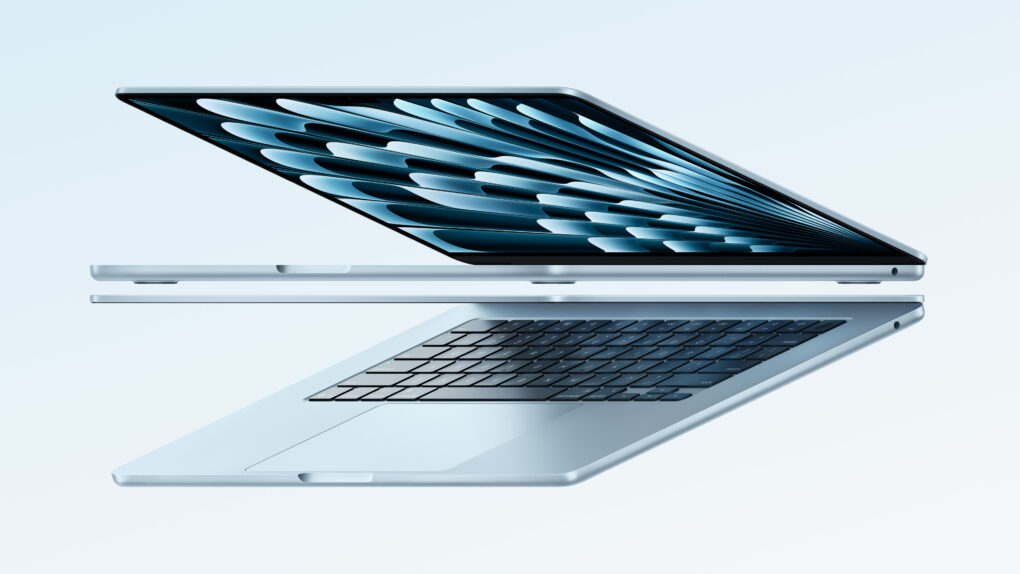
Sky blue M4 MacBook Air promotional image
The M4 MacBook Air in the new sky blue color.
Image: Apple

Apple unveiled a revised MacBook Air with an M4 chip inside Wednesday. It comes in a beautiful new sky blue color, at an even lower price point — with the same incredible 18 hours of battery life.

“MacBook Air is by far the world’s most popular laptop,” said Greg Joswiak, Apple’s senior vice president of worldwide marketing, said in a press release, “and today we’re giving everyone even more reasons to love it, including a big boost in performance with the M4 chip, a new Center Stage camera, and a beautiful new sky blue color.”

The M4 MacBook Air starts at $999 and will become available on March 12.

Today in Apple history: Here comes the Macintosh II

By

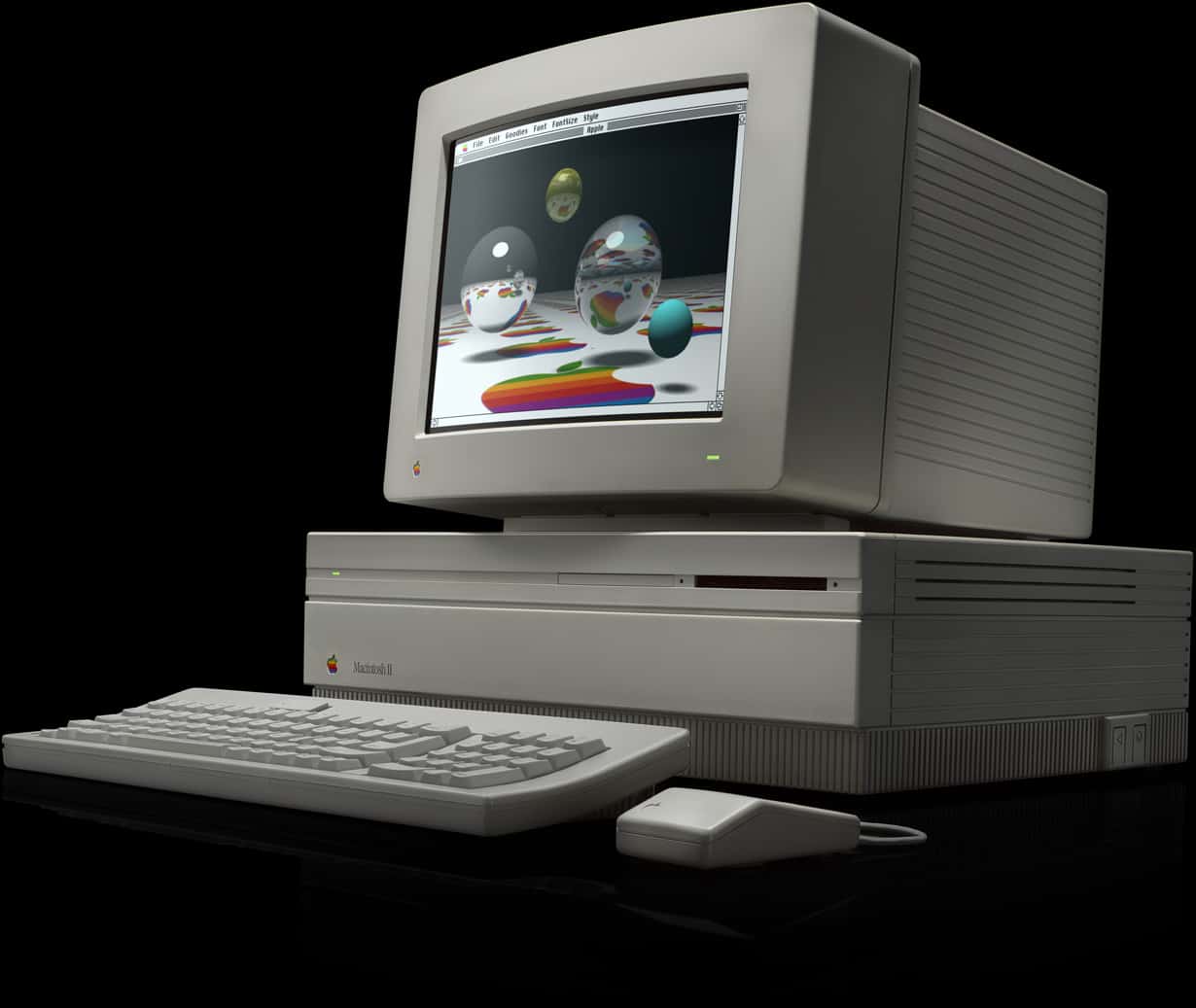
The Mac II was an enormously impressive machine for its day.
Photo: Apple

March 2: Today in Apple history: Macintosh II launches March 2, 1987: Three years after releasing the original Macintosh 128K, Apple launches a proper sequel, the almighty Macintosh II.

Although four Mac models already have been released, the definitive, full-number name of the Macintosh II makes clear that this is a major upgrade for the product line. With a massive hardware boost, optional color display (!) and a new open architecture, it does not disappoint!

Today in Apple history: New card runs Apple II software on Macs

By

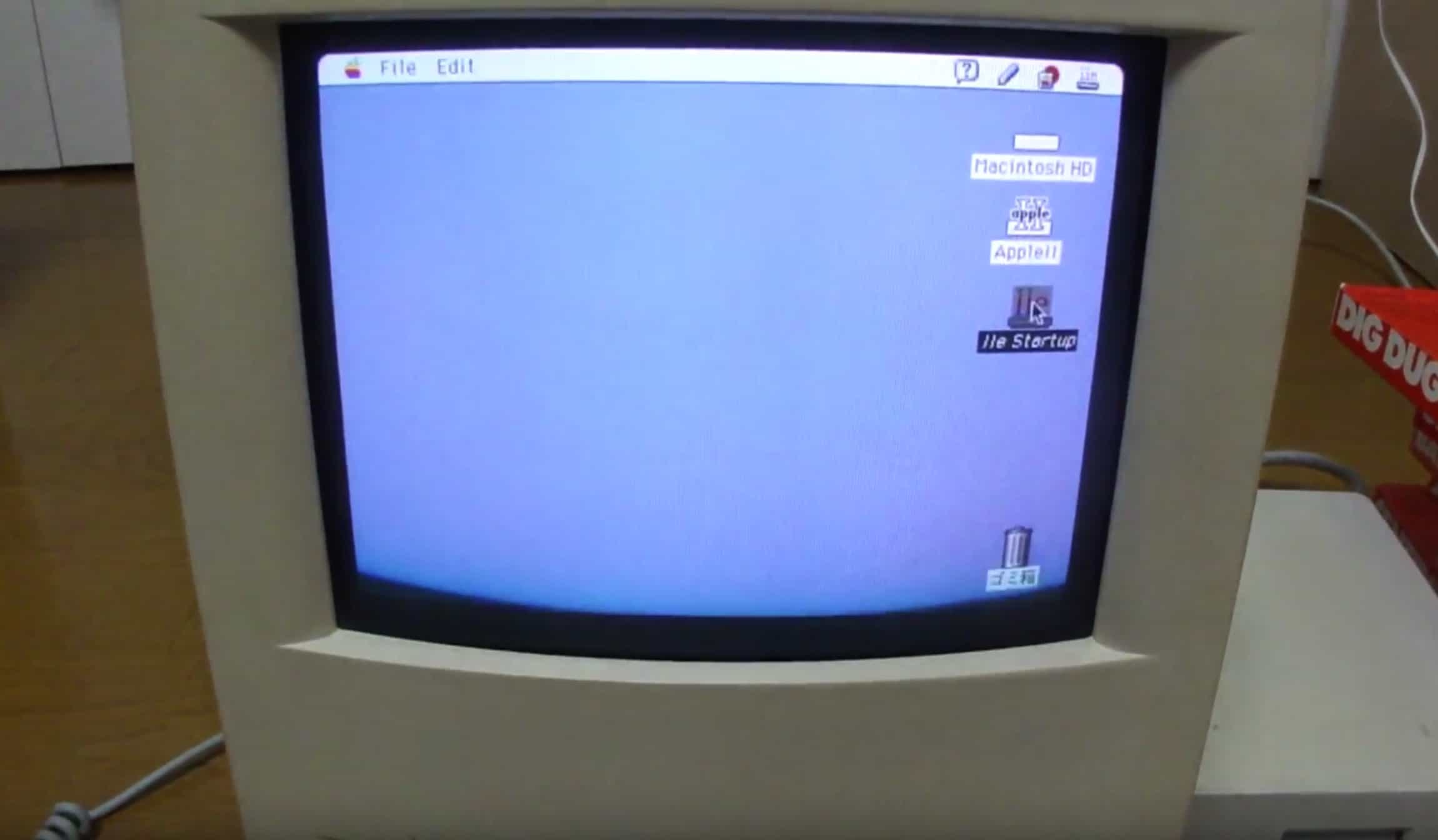
Running Apple II programs on a Mac with an Apple IIe Card was pretty darn awesome.
Running Apple II programs on your Mac was pretty darn awesome.
Photo: Microwavemont/YouTube

March 1: Today in Apple history: Apple IIe Card lets users run Apple II software on Macs March 1, 1991: Apple introduces the Apple IIe Card, a $199 peripheral that lets users turn Macs into fully functioning Apple IIe computers.
The ability to emulate the popular Apple IIe on a Mac brings Apple’s two operating systems side by side for the first time. While not quite the equivalent of Apple letting you run iOS on a Mac today, it’s not a world away.

Today in Apple history: Mac mini arrives with Intel inside

By

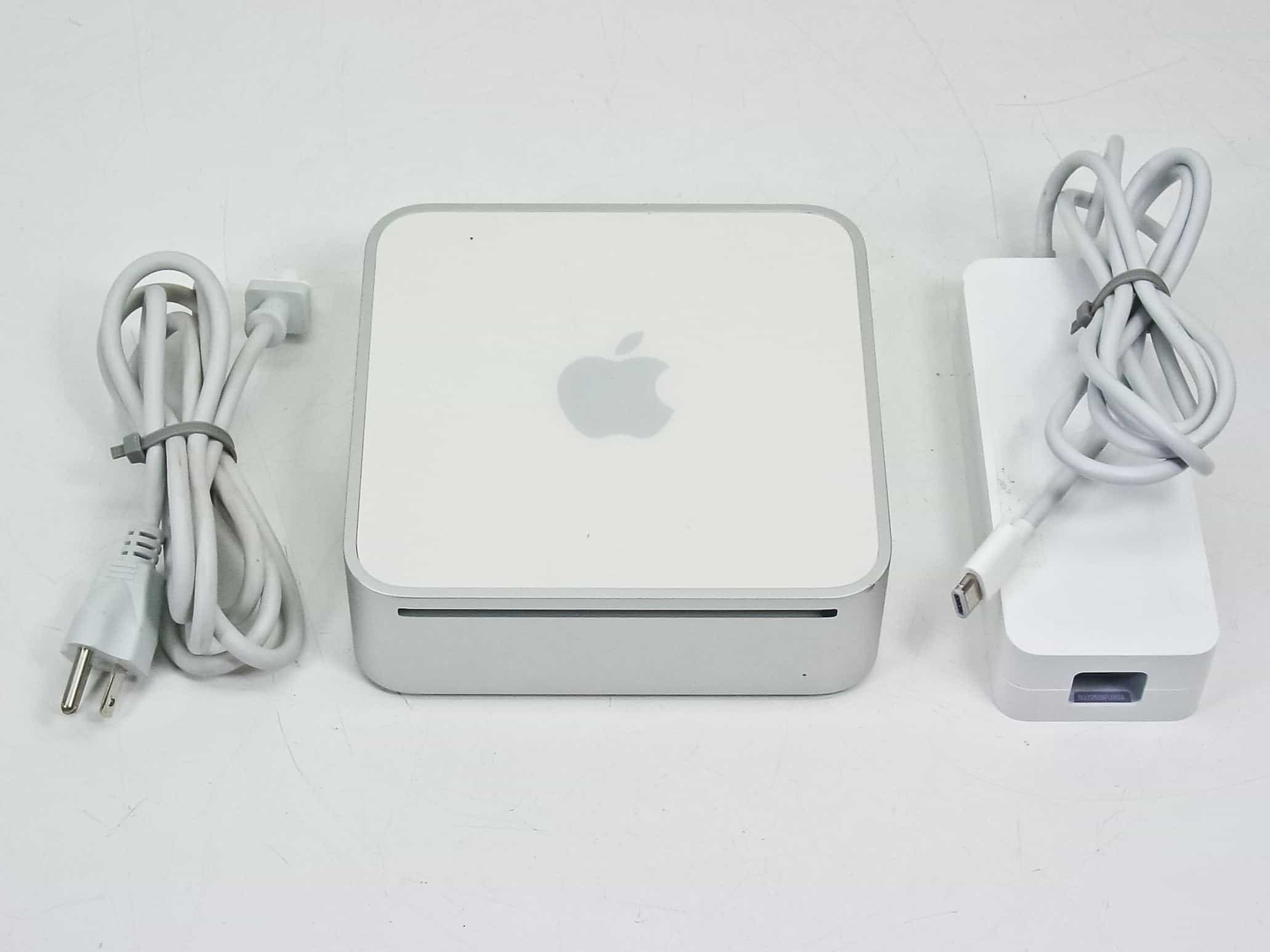
With a powerful Intel chip inside, the new Mac mini made big of waves.
With a powerful Intel chip inside, the 2006 Mac mini made big waves.
Photo: RecycledGoods

February 28: Today in Apple history: Mac mini arrives with Intel inside February 28, 2006: Apple introduces an upgraded Mac mini, an affordable computer powered by an Intel processor.

A “headless” Mac for entry-level users, it’s the third Apple computer to switch to Intel chips. Oh, and it makes one heckuva media player when plugged into a television set.

Always squinting? There’s more than one way to zoom in on your Mac screen.

By

What Does That Say?
Sometimes it can be hard reading your screen.
Image: D. Griffin Jones/Cult of Mac

It’s easy to zoom in on your Mac screen and get a closer look at your display. If the text is just too small to read, or perhaps you’re making some graphics and you need pixel-perfect alignment, a simple tweak to your Mac settings is all you need.

Using your Mac’s zoom feature, you can hit a keyboard shortcut or use a multitouch gesture on your trackpad to zoom in on your screen. I’ll show you how to use this handy feature. Plus, I’ll cover Hover Text and Display Scaling, two more features that help you embiggen the words on your Mac screen.

Today in Apple history: Hippie-themed iMacs fuel Cupertino flashback

By

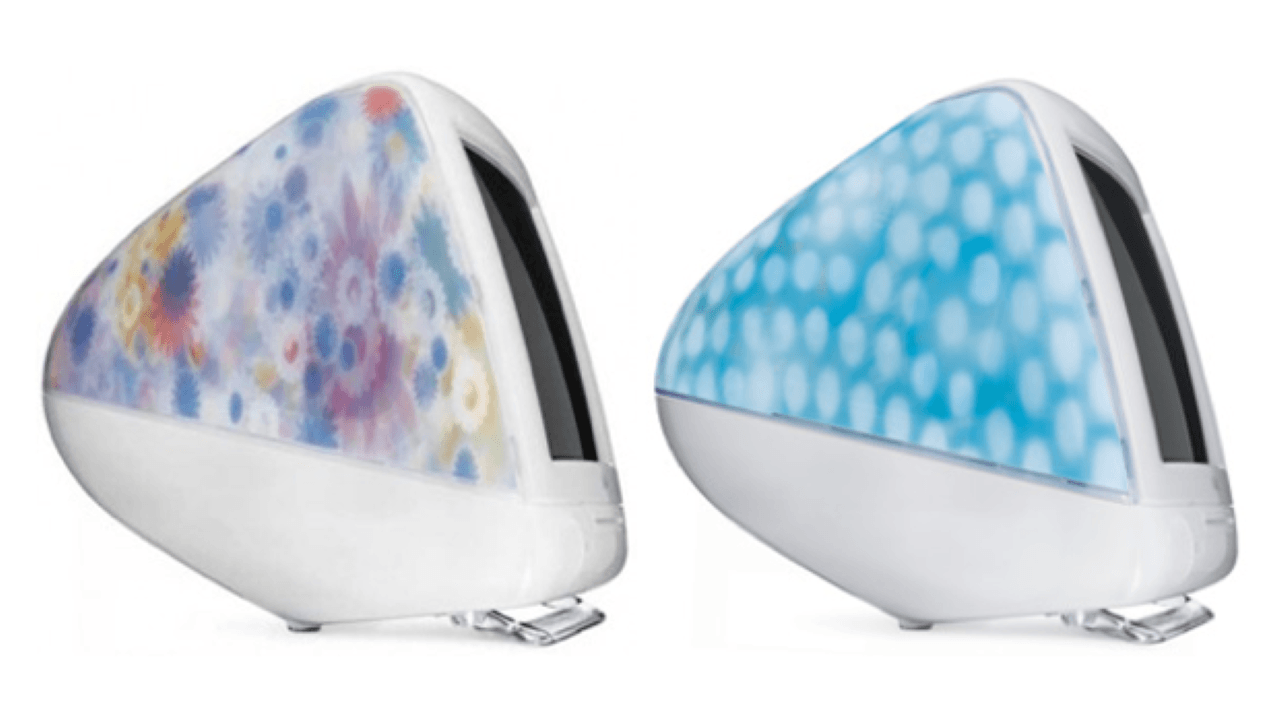
The Flower Power iMac G3 and Blue Dalmatian iMac G3 were two of the wackier Macs in history.
These were two of the wackier Macs ever.
Photo: Apple

February 22: Today in Apple history: Hippie-themed Flower Power and Blue Dalmatian iMacs fuel Cupertino flashback February 22, 2001: The iMac Special Edition, sporting wild designs that would make a hippie happy, puts a wacky face on the computer that saved Apple’s bacon at the turn of the century. The Flower Power iMac and Blue Dalmatian iMac evoke tie-dye shirts or other unconventional ’60s-era imagery.
A far cry from the super-serious, aluminum-heavy industrial design that will come to define Apple in coming years, these colorfully patterned iMacs stand out as some of the most irreverent computers Cupertino ever dreamed up. (C’mon, when was a real Dalmatian blue?)

Under the consciously tacky exteriors, a pretty darn great iMac G3 hums along.

Today in Apple history: Photoshop debuts as a Mac exclusive

By

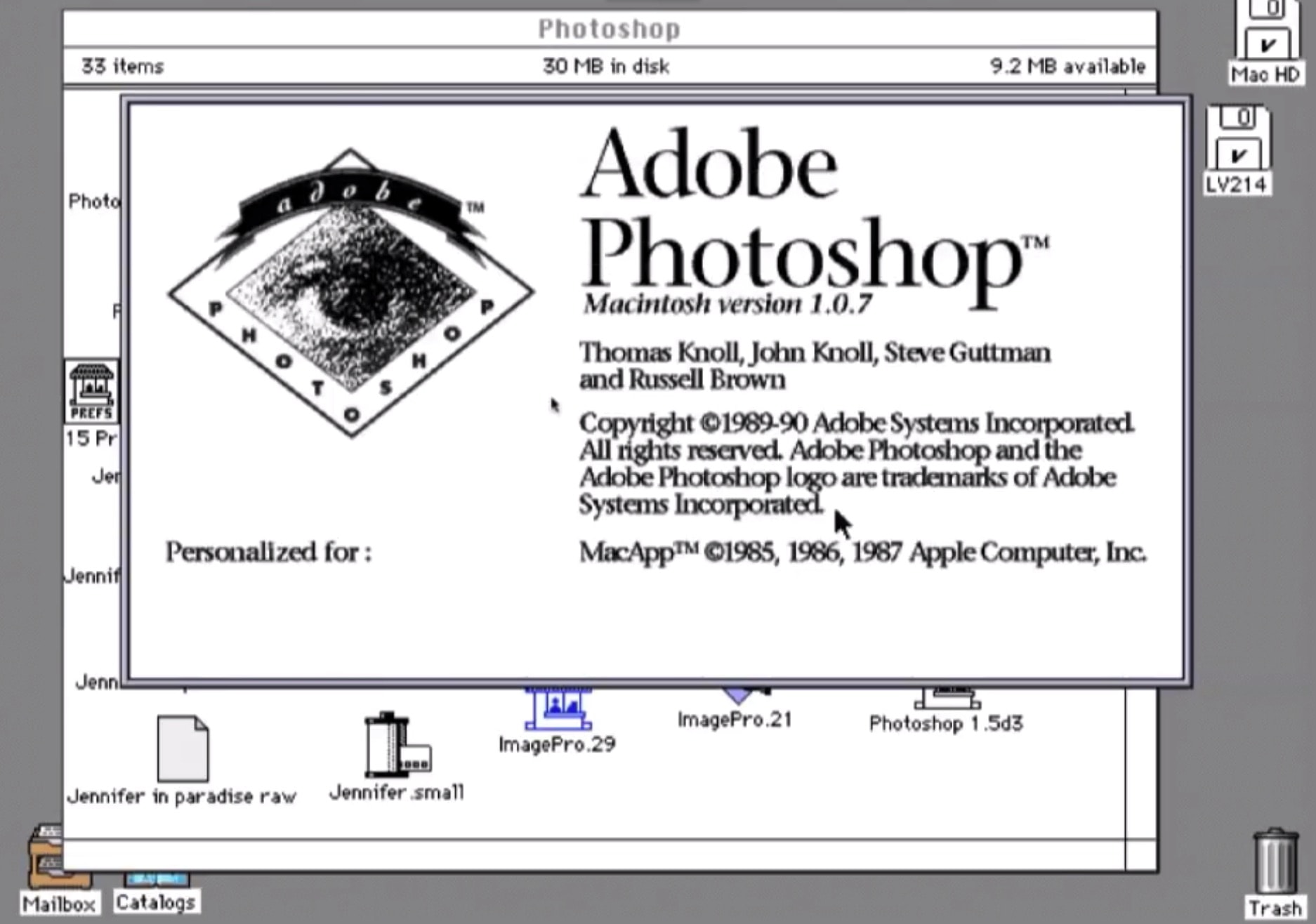
Adobe Systems' Photoshop launch changed the game for image editing.
Photoshop changed the game for image editing.
Photo: Adobe Systems

February 19 Today in Apple history: Photoshop debuts as a Mac exclusive February 19, 1990: Adobe ships the first commercial version of its soon-to-be-iconic Photoshop photo editing software. The Photoshop launch, exclusively on the Macintosh, gives users powerful new tools for tweaking digital images.
The groundbreaking software debuts for Mac System 6.0.3. Priced at $895, Photoshop will quickly become the standard editing tool for graphics professionals. Whether they work for advertising agencies, news organizations — or, frankly, anywhere else — Photoshop users take advantage of the program’s digital darkroom tools to seamlessly manipulate images.

Photography will never be the same.

Today in Apple history: Apple introduces ‘world’s fastest’ PowerBook

By

The PowerBook 3400 certainly lived up to its name.
Photo: Apple

February 17: Today in Apple history: Apple introduces 'world's fastest' PowerBook February 17, 1997: Apple launches the PowerBook 3400, a laptop the company claims is the fastest portable computer in the world.
After a rough few years for the PowerBook, this model throws down the gauntlet to rivals. It packs a PowerPC 603e processor capable of running at speeds up to 240MHz. While speedier Apple laptops will quickly overtake the PowerBook 3400, at the time it can keep up with some impressive desktop Macs.

Today in Apple history: Pismo PowerBook is a multimedia powerhouse

By

Apple Pismo PowerBook raised the bar for laptops.
The "Pismo" PowerBook was a brilliant early Steve Jobs-era laptop.
Photo: CG Hughes/Flickr CC

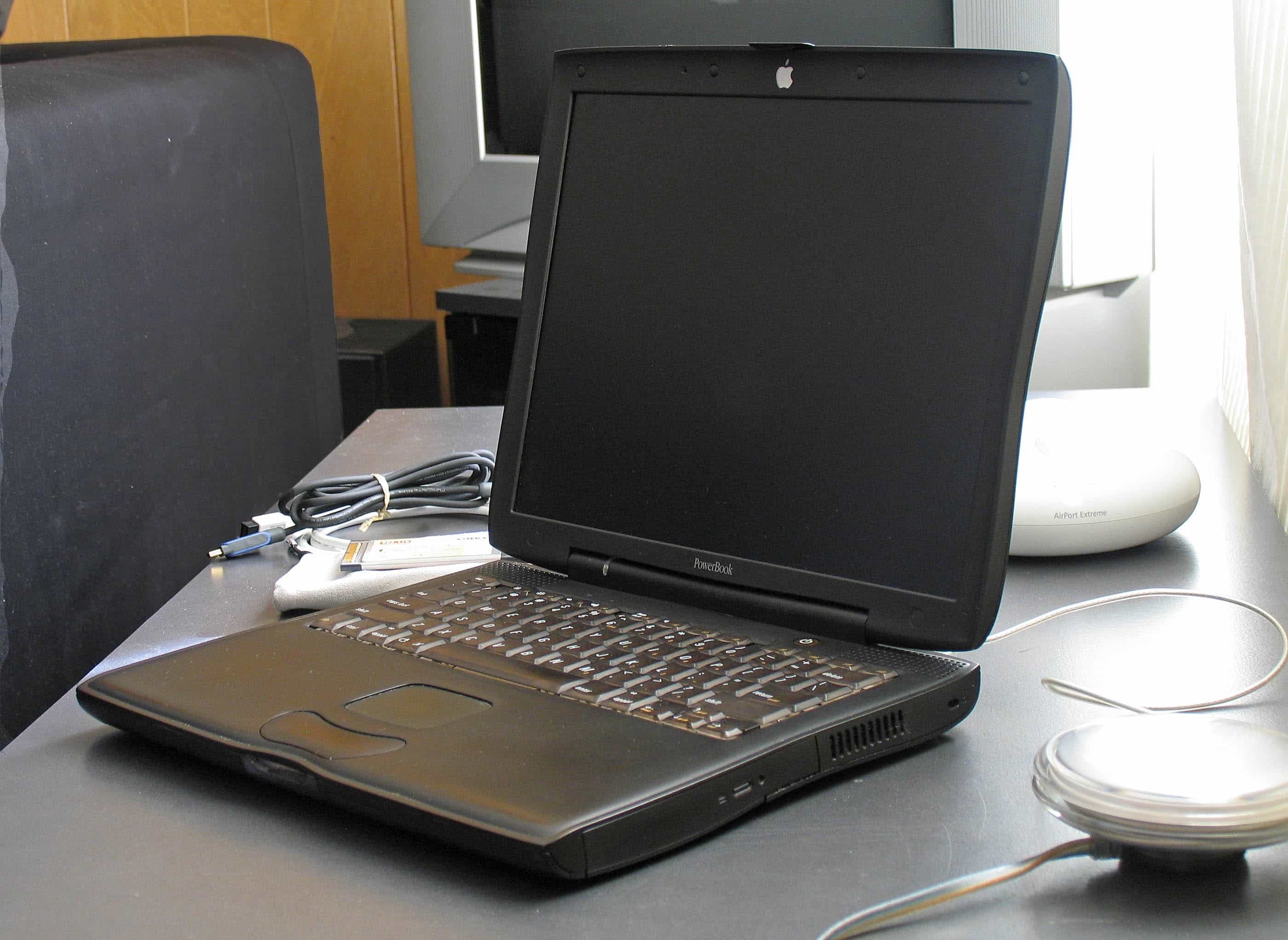
February 16: Today in Apple history: Apple introduces the February 16, 2000: Apple introduces the “Pismo” PowerBook, the finest of its G3 laptops. In the view of many, it’s one of the best Apple laptops ever.
The Pismo PowerBook is the first model without either SCSI or an Apple Desktop Bus connector. Instead, it utilizes a USB port and Apple’s Emmy Award-winning FireWire. Optional AirPort wireless support, tremendous battery life, and a gorgeous, curvy design just make this laptop better.

Today in Apple history: Mac mania sweeps magazine racks

By

The Macintosh? It'll never catch on!
Image: Cult of Mac/Ste Smith

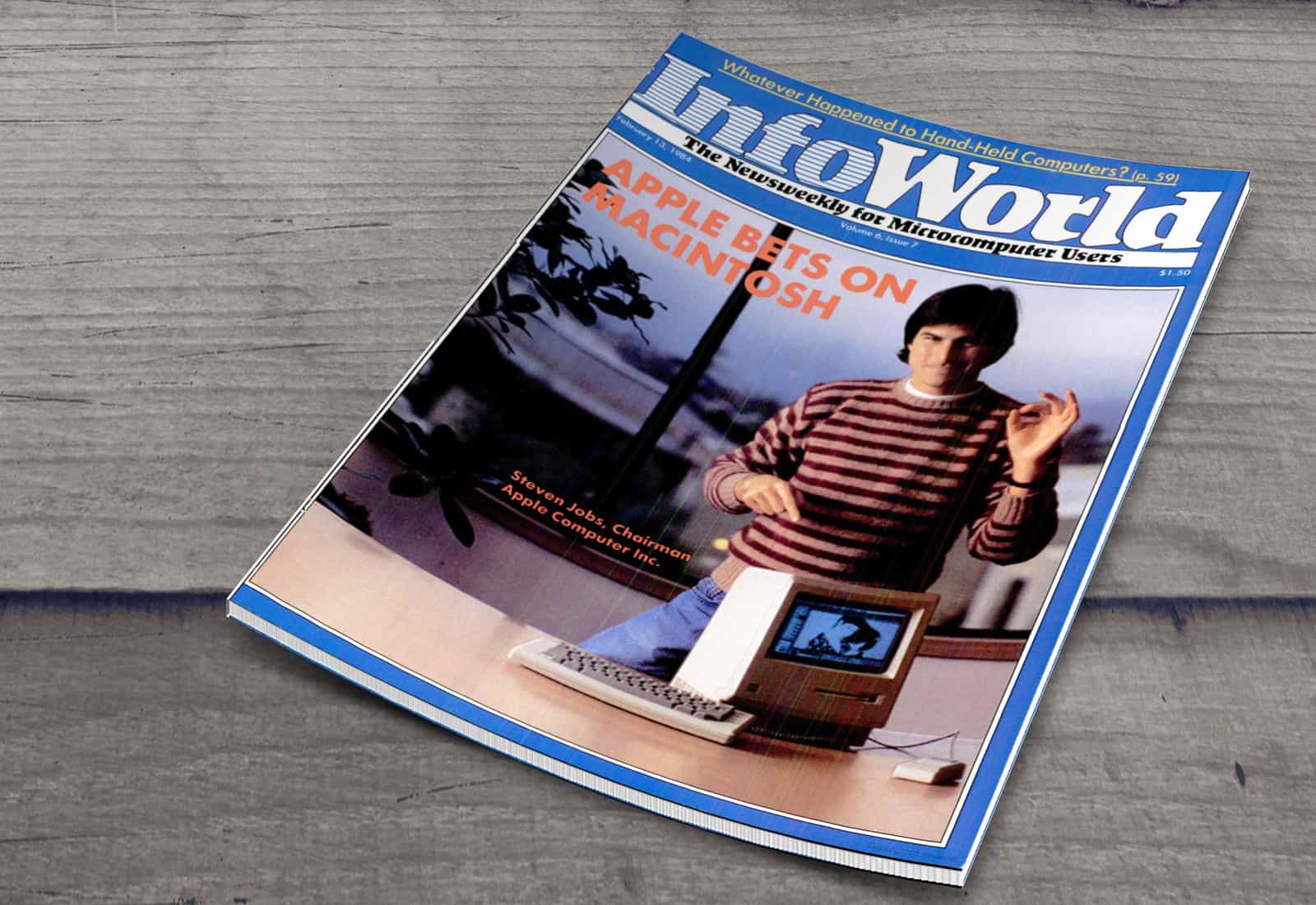
February 13: Today in Apple history: Mac mania sweeps magazine racks February 13, 1984: The first Mac’s launch generates enormous excitement from the tech press, as epitomized by an InfoWorld cover story about the Macintosh 128K.
The wave of coverage comes a few weeks after the January 24 release of the Macintosh. But when the press blitz finally arrives, it becomes clear the Mac is a hit.

Today in Apple history: Mac Color Classic ditches monochrome

By

The Macintosh Color Classic is the Mac everybody had been waiting for.
The Macintosh Color Classic was the Mac the world had been waiting for.
Photo: Chung Chu/Flickr CC

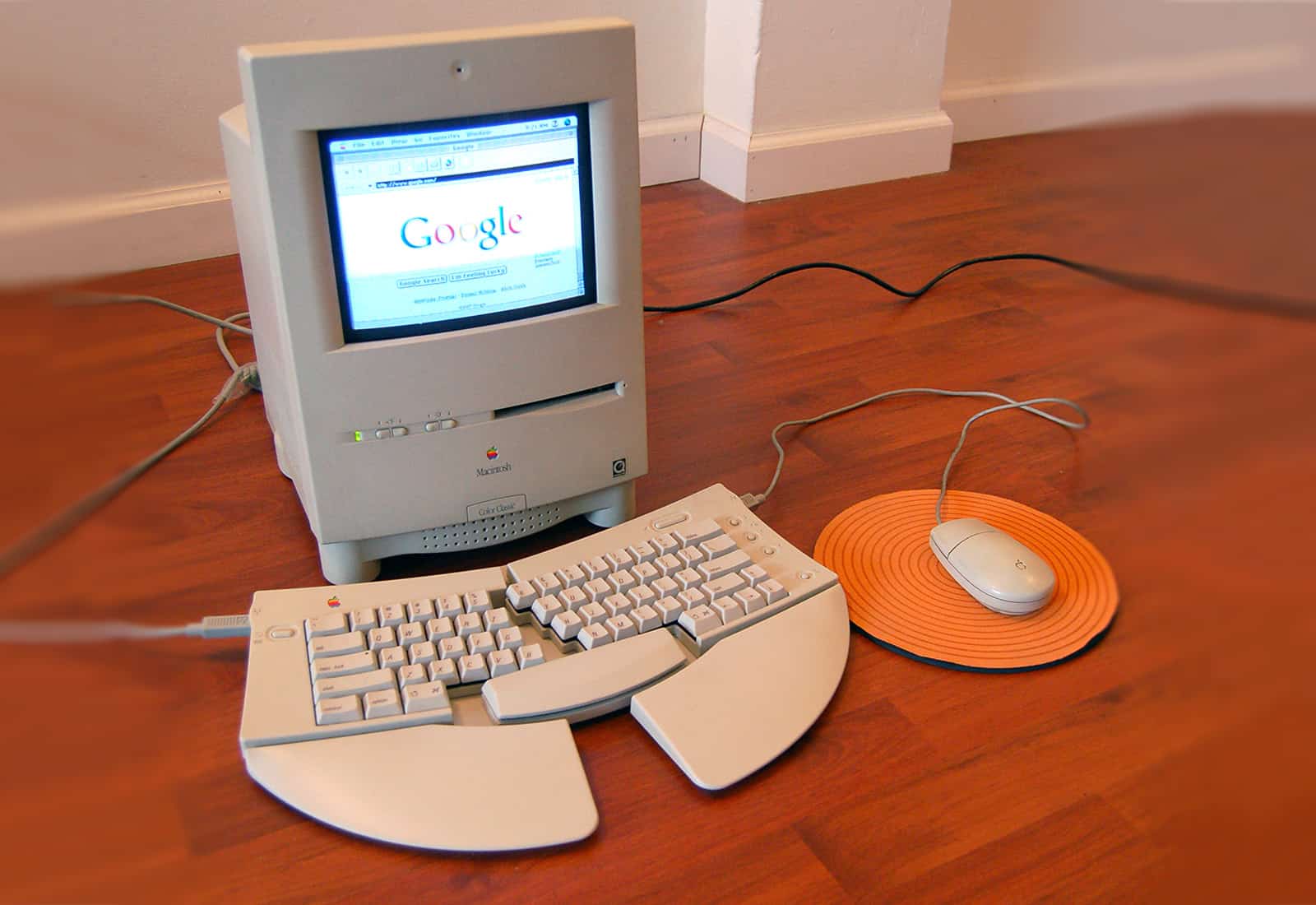
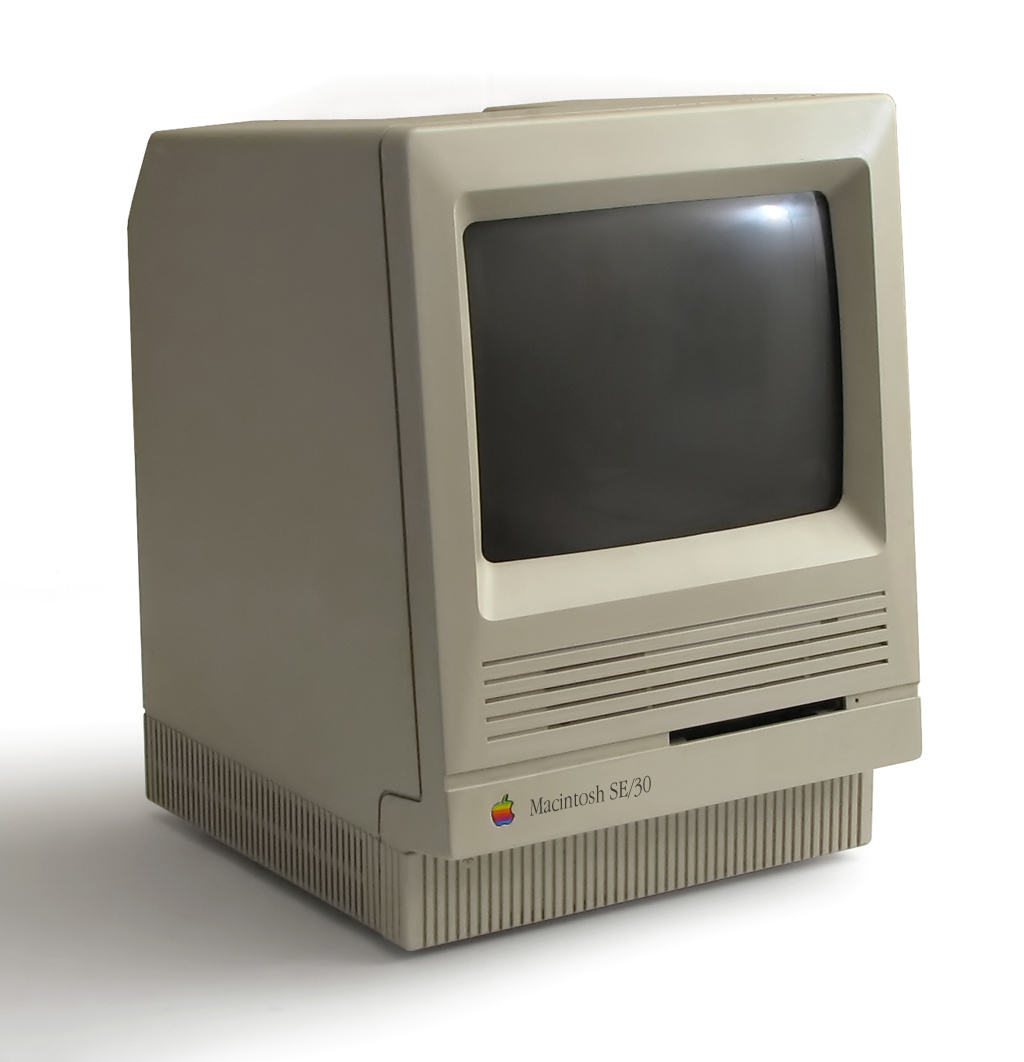
February 10: Today in Apple history: Macintosh Color Classic ditches monochrome February 10, 1993: Apple launches the Macintosh Color Classic, the company’s first compact Mac with a color screen.

As the first all-in-one Mac with an integrated color display, and the last U.S. Mac to offer the original model’s compact form factor, this model represents a landmark in the evolution of the Macintosh. A Color Classic unit also happens to become the 10 millionth Macintosh that Apple ships.

5 Mac apps that supercharge my productivity

By

Powerful Mac apps
You should give these powerful Mac apps a try today.
Graphics: Rajesh Pandey/CultofMac

As a longtime Mac power user, I’ve come to rely on a handful of essential apps that supercharge my workflow. These Mac productivity apps not only streamline my daily tasks but also simplify complex jobs, making my work faster and more efficient.

Check out my favorite Mac apps that I can’t recommend enough as a power user.

How to make iCloud more secure with Advanced Data Protection

By

You now have the option to have more of your iCloud files encrypted, including images. Here's how.
Apple's operating systems give you the option to encrypt much of the data stored on iCloud.
Photo: Cult of Mac

Apple offers end-to-end encryption for many more types of iCloud data than it once did. Advanced Data Protection encrypts iCloud Photos, Notes, iCloud Backup and more. But you have to activate the feature to take advantage of the data protection. It is easy … once you find the switch buried in Settings.

We can save you some time. Here’s how and why you should activate it.

Next-gen Apple M5 chip already in mass production

By

Apple M5
Apple M5 is ready to replace the M4.
Photo: Cult of Mac

The Apple M5 processor is reportedly now in mass production in Korea, ready to improve the performance of Macs and iPads later this year.

With production already taking place, it’s possible the M5 will launch as an Apple product in the middle of the year, and not wait until autumn. As Apple continues to integrate AI capabilities into its chips, many users are looking for insights on how to use Apple AI to enhance their workflows.

Mind-melting stats from Apple’s profitable earnings call

By

AI-generated image of Apple logo apparently made of silver-colored liquid metal, with the words
Some of Apple's impressive numbers are so large, it's hard to wrap your head around them.
AI image: Midjourney/Cult of Mac

We went through Apple CEO Tim Cook’s earnings call with investors on Thursday, and found some genuine surprises during the discussion of the financial results of the holiday 2024 quarter. We also turned up impressive figures showing just how well the company is doing.

Financial details don’t have to be boring. Here are the high points from the call as quickly and as interesting as we can make them.

Everything you need to know about iPhone Mirroring on the Mac

By

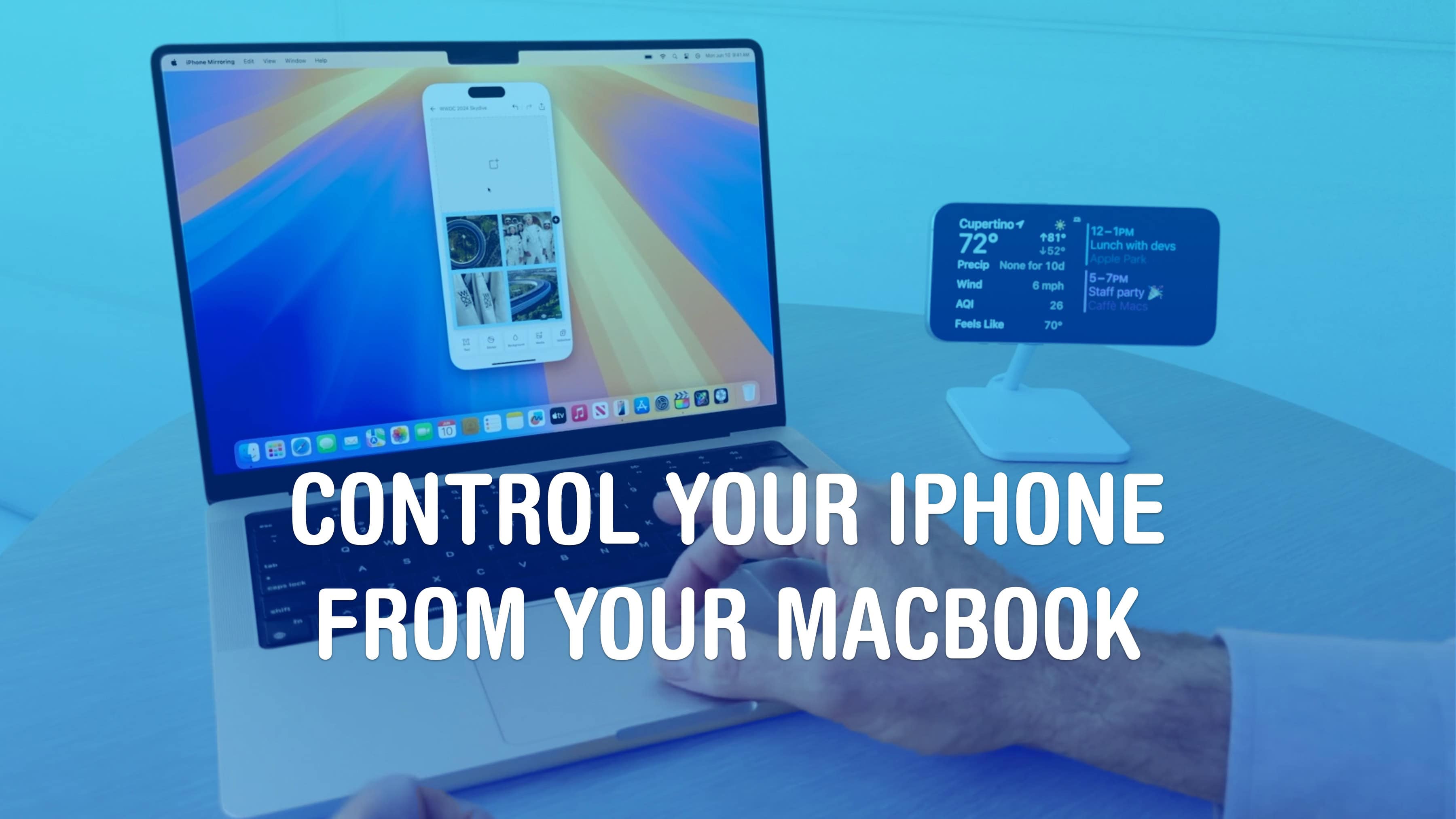
Control Your iPhone From Your MacBook
Save yourself the pain of getting your phone out of your pocket.
Image: Apple/D. Griffin Jones/Cult of Mac

iPhone Mirroring on the Mac lets you control your phone using your computer — a handy convenience when your iPhone is in your pocket, purse or backpack. All your iPhone notifications can be mirrored onto your Mac as well, letting you triage them and take care of business without touching your phone and interrupting your workflow.

This feature also could come in handy if you shatter your iPhone screen. You can mirror an otherwise unusable iPhone to your Mac to make sure it’s backed up. You could even factory-reset your broken phone before sending it in for repair or replacement.

Here’s how iPhone mirroring works. Keep reading or watch our video.

Today in Apple history: Apple ships the first Mac

By

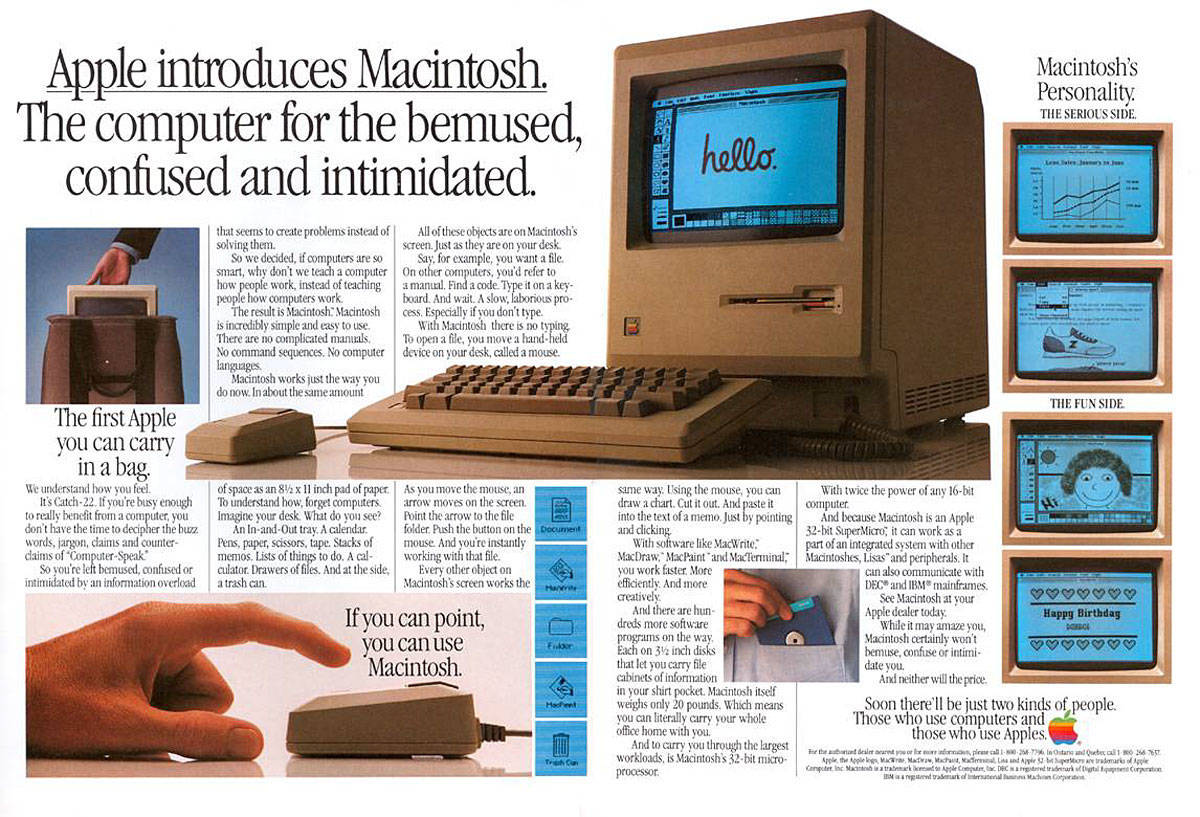
Apple lays out the strengths of the revolutionary Macintosh 128K in an original Mac ad.
Apple lays out the strengths of the revolutionary Macintosh 128K.
Photo: Apple

January 24: Today in Apple history: Apple ships the first Mac January 24, 1984: Apple ships its first Mac, the mighty Macintosh 128K.
Bringing a mouse and graphical user interface to the masses, and heralded by an acclaimed Super Bowl commercial that’s still talked about today, the first-gen Mac will quickly become one of the most important personal computers ever released.

Today in Apple history: Macintosh Office gets down to business

By

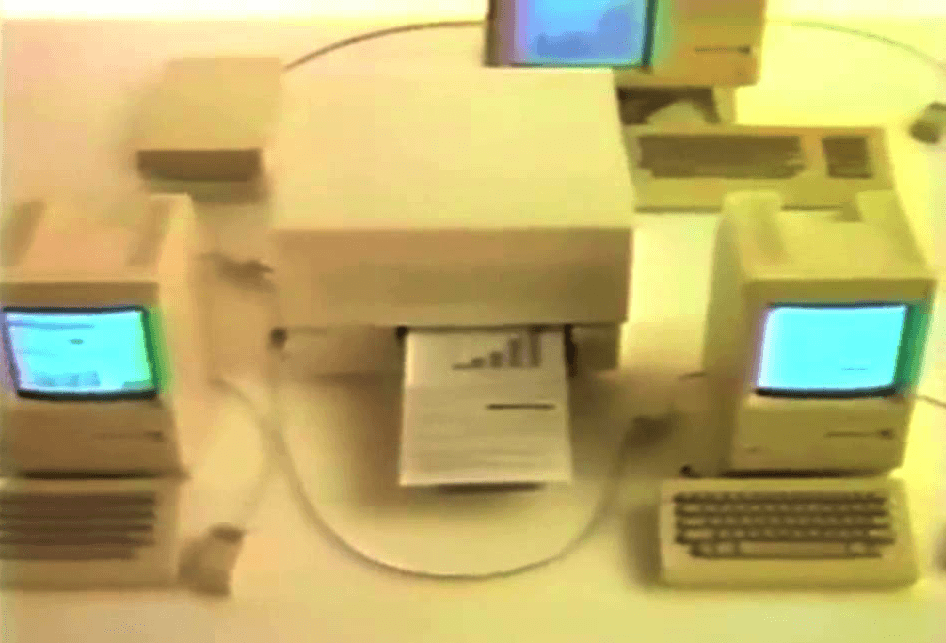
Macintosh Office delivered on the dream of Macs that could talk to one another.
Photo: Apple

January 23: Today in Apple history: Macintosh Office gets down to business January 23, 1985: Apple introduces The Macintosh Office, a combination of hardware and software that represents the company’s first real attempt at cracking the business market dominated by IBM.

Macintosh Office allows Macs to talk to one another. And Apple introduces amazing new devices like the LaserWriter printer that work with the business-oriented platform. Sadly, things won’t work out quite as Apple hopes.

Today in Apple history: Super Bowl Mac ad airs against the odds

By

A still from the classic Apple
Apple's greatest commercial in history.
Photo: Apple

January 22: Today in Apple history: Super Bowl Mac ad airs against the odds January 22, 1984: Apple’s stunning “1984” commercial for the Macintosh 128K airs on CBS during the third quarter of Super Bowl XVIII. Its dystopian theme and epic visuals pitch the Mac as a revolutionary computer coming to smash the status quo.
Probably the most famous TV ad for a computer in history, the commercial is directed by Alien and Blade Runner helmer Ridley Scott. It reaches millions of viewers during the big game. However, it very nearly didn’t air at all.