Mobile menu toggle

Mac - page 41

How to master Split View on the Mac

By

Split View on the Mac
This is how they did Split View on the olden days.
Photo: Charlie Sorrel/Cult of Mac

Split view on the iPad is amazing. Two apps, side-by-side, open up all kinds of neat shortcuts. You can drag text, links, and pictures from Safari into notes apps, emails, Pages documents and so on. The Mac is less in need of such a mode, because screens are bigger, and you can already place two windows side-by-side, but on a little MacBook, where every 1/64th inch counts, Split View is a great feature. Here’s how to use it.

Steam adds support for the Nintendo Switch Pro Controller

By

Switch Pro Controller Steam
Use your Pro Controller to play your favorite Mac and PC games.
Photo: Valve

Steam has added official support for the Switch Pro Controller in its latest client beta.

Players no longer have to use fiddly third-party workarounds to enjoy Nintendo’s best controller in their favorite games. All of its buttons and even its motion controls are now fully supported.

Here’s how to find which apps are about to stop working on your Mac

By

drill bits
Imagine 64 of these drill bits all working together.
Photo: Steven Depolo/Flickr CC

Sometime, probably quite soon, your Mac will stop running 32-bit apps. All new Macs have 64-bit processors, and Apple wants to phase out older 32-bit apps in order to “enable faster system performance” for your Mac as a whole. What this means is that, in an as-yet-unspecified future version on macOS, 32-bit apps will stop running altogether.

If you’re running macOS High Sierra 10.13.4, then you may already have seen a warning pop up onto the screen when you launch older apps. Today we’ll see how to view a list of all the 32-bit apps on your Mac, so you can either harass the developer to update them, look for a better-supported alternative, or just delete them.

Intel speeds up chips by offloading virus scans

By

Intel-Kaby-Lake
Intel will task GPUs with antivirus scanning.
Photo: Intel

Intel plans to offload virus scanning to improve the performance of its processors.

It will allow antivirus programs to use its integrated graphics chipsets when scanning for attacks, which will reduce processor and power consumption on some machines. It could mean that you’ll get more use out of your MacBook in between charges.

Pro Tip: Pin Safari’s tabs so you can find them faster

By

pin safari tabs
Apple seemingly has a new relationship with Tencent.
Photo: Cult of Mac

Pro Tip Cult of Mac bugEver lost a tab in Safari? You have like a million of the things open, and you end up scrubbing a two-finger trackpad swirl over the entire tab bar, shifting those things around so that you can read their labels, and you still can’t track down the Cult of Mac website in there. Well here’s good news: you can just pin that tab to the edge of the tab bar, so you’ll never lose it again.

The next Mac Pro won’t arrive until 2019

By

The Mac Pro is being
Turn your dusty old Mac into a fat stack of cash.
Photo: Ste Smith/Cult of Mac

Professional Mac users holding out for the next Mac Pro are going to have to wait at least another year.

After revealing in 2017 that it was completely redesigning the Mac Pro, some fans held out hope that the new Mac Pro would come out by 2018. That’s not going to happen though. In a series of interviews, Apple executives revealed that the new Mac Pro will be a 2019 product.

Apple plans to ditch Intel processors on the Mac

By

intel
Intel and Apple have formalized a deal that has the iPhone maker producing its own smartphone modem.
Photo: Thomas Hawk/Flickr

The next Mac you buy may not have Intel inside.

Apple is pushing forward with plans to ditch Intel’s processors in favor of its own chips, according to a new report that claims the transition away from Intel CPUs will likely take multiple steps.

Jony Ive is so design obsessed he sleeps on iPhone factory floors

By

Apple Industrial Design Book
Apple’s chief design officer says secrecy is critical to creating great products.
Photo: YouTube

Jony Ive designs all iPhones, iPads, and Macs, and he says in a new interview that he’s a hands-on part of the creation process all the way through, not just a guy who makes sketches. Apple’s top designer also talks about his relationship with former Apple CEO Steve Jobs.

macOS 10.13.4 lands with eGPU support and business chat in iMessage

By

iMac
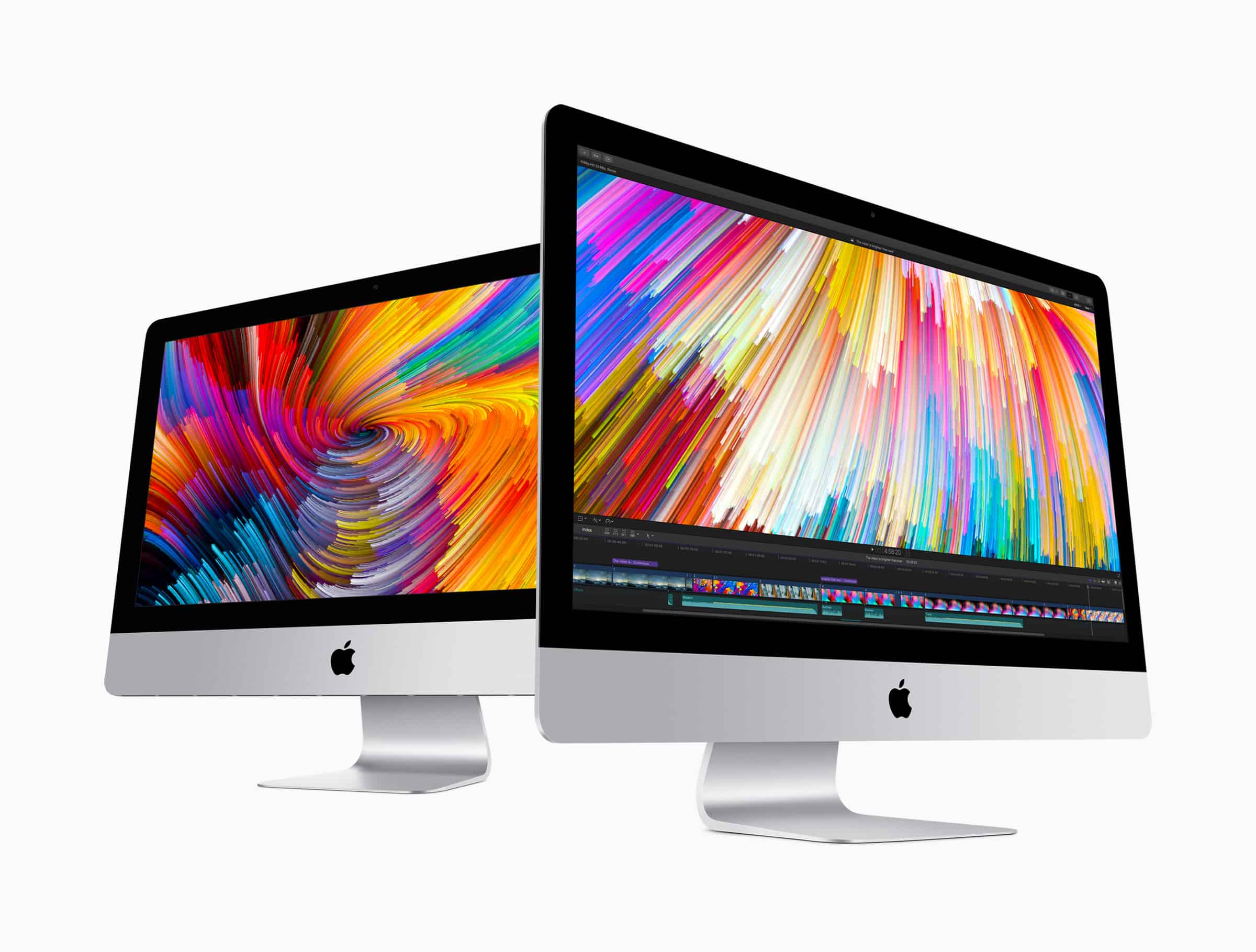
A new update is out for the Mac.
Photo: Apple

Mac owners can finally use an external GPU to boost their computing power now that Apple has released macOS 10.13.4 to the public.

The software update has been in beta testing with developers for months and is now available to everyone for the first time. macOS 10.13.4 brings a number of improvements to the Mac, including some updates to iMessages, Safari and more.

Stylish poster shows the evolution of Apple computers over the years

By

Moonimal
Wouldn't this look awesome in your study?
Photo: Moonimal

So you’ve got your iMac, iPad and iPhone at the ready. Your bookshelves are heaving under the weight of all the Steve Jobs biographies, and you’ve got a cabinet containing various rare vintage Apple products, like the ill-fated Pippin games console and that weird vertical Mac display from back in the day.

Now all you’re searching for is a little Apple-themed something for the wall to say to visitors “I’m a little bit too into this Cupertino-based tech company.” Well, look no further — because we’ve got the poster for you!

Apple’s new ‘Families’ page puts parental controls in one place

By

parental controls
Apple is responding to concerns from investors and the general public.
Photo: Apple

Responding to concerns about smartphone addiction among younger users, Apple rolled out a new “Families” page to describe the parental controls and safety features currently available on the company’s devices.

The page reveals how parents can track their kids’ location, monitor purchases, and filter what their children can see on their devices. It also reviews Apple’s privacy and health-related features, along with sharing among family members, and Apple’s focus on education.

How to get the iPad’s keyboard shortcut cheat sheet on Mac

By

CheatSheet
Press and hold…
Photo: Charlie Sorrel/Cult of Mac

One of the iPad’s handiest features is its keyboard-shortcut cheatsheet. Whenever you have a USB or Bluetooth keyboard attached to your iPad, just hold down the Command key and wait for a second. An overlay will pop up showing you all the keyboard shortcuts available for the current app.

Did you ever wish you could do the same with the Mac? After all, you always have a keyboard connected the Mac, so a cheatsheet overlay should be even more useful. Then you need CheatSheet, an app that does exactly that.

Bidding for rare Mac prototype starts at 99 cents

By

Hap Plain
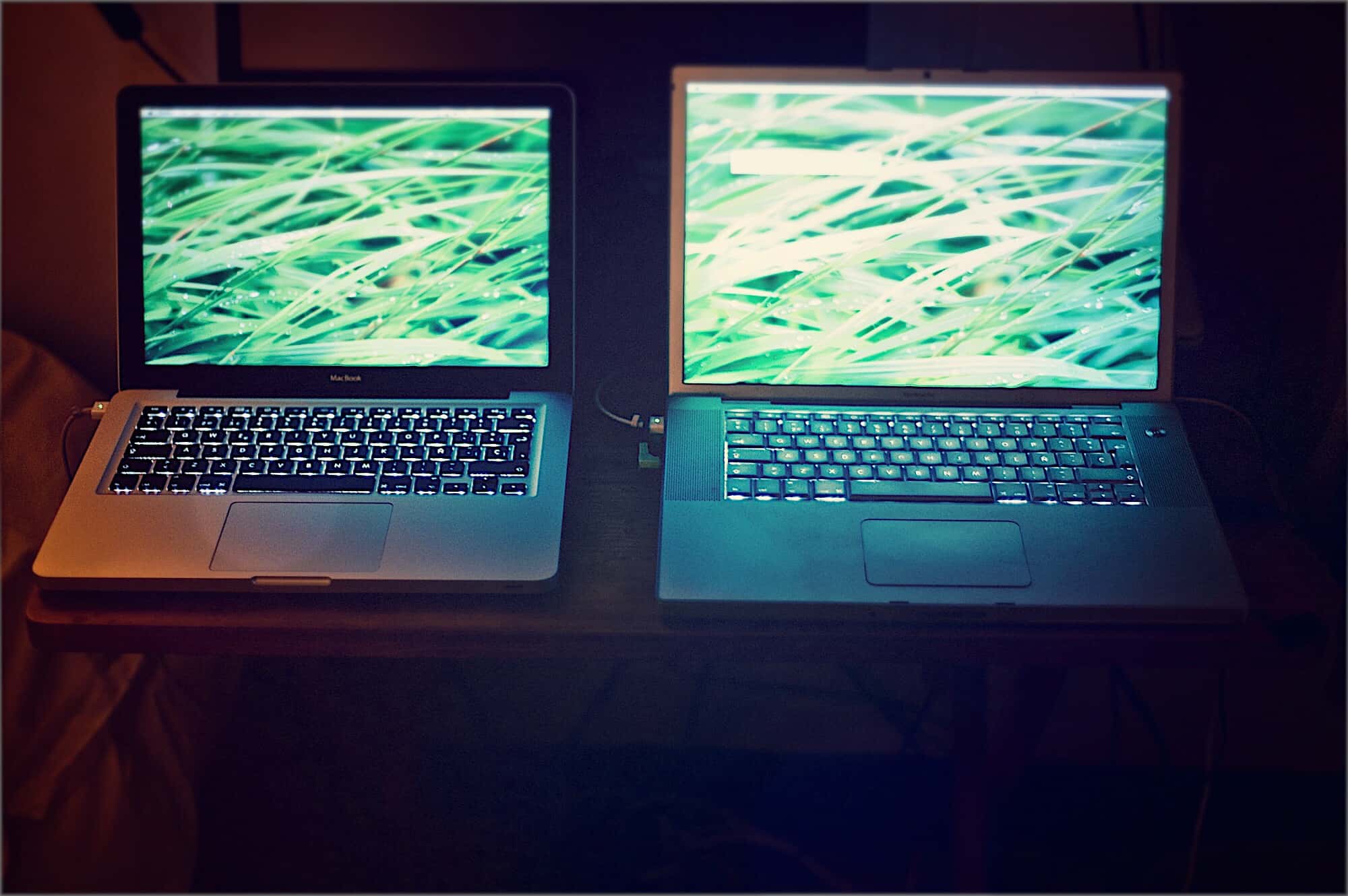
This early backlit Mac laptop sold on eBay for more than $16,000.
Photo: Hap Plain

A rare Macintosh prototype that was once rescued from the trash recently sold for more than $10,000 on eBay.

But the winning bidder backed out and now, the clear-plastic Macintosh Portable M5126 laptop is back on the auction site. Bidding started at 99 cents with no reserve.

How to use iCloud Drive to free up storage on your Mac

By

clouds
Clouds. Perfect for the storage of information.
Photo: Charlie Sorrel/Cult of Mac

Is your Mac stuffed fit to burst? Do you look at the Finder’s Status Bar, see “1GB available,” and then give up what you were doing and go check Twitter instead? What if I told you that you could offload much of the junk/important data on your Mac to iCloud, just like you do with your iCloud Photo Library? Well, you can, and it’s easy. It’s called Optimized Storage.

A stunning 2/3 of Apple devices ever sold remain in use

By

Apple Customer Satisfaction
Customers keep using Mac, iPad, iPhone, and Apple Watch
Photo: Cult of Mac

Apple’s devices don’t end up in the rubbish bin very often. In fact, an analyst determined that about 64 percent of iPhones, iPads, Macs and Apple Watches ever sold remain in active use.

This might be the most accurate way of measuring just how satisfied people are with Apple’s products. Far better than customer surveys!

Vintage computer museum on sale with 80 classic Macs

By

Benj Edwards Computer Collection
This is about half of Benj Edwards‘ computer collection
Photo: Benj Edwards

Many people can’t bear to part with their old computers, and slowly build a collection of aging models in their basement. Benj Edwards took that impulse to the next level: He owns at least 228 unique devices, many of them classic Apple products going back to the 1980s.

Now he’s put them all up for sale. Ready to start your own computer museum?

How to stream Xbox One games to your Mac

By

OneCast Xbox One for Mac
OneCast in action on macOS.
Photo: OneCast

Microsoft lets Windows 10 users stream Xbox One games to their PC, but it doesn’t support Mac. Now there’s a third-party solution that lets Apple fans get in on the action.

Here’s how to stream Xbox One games to your Mac using OneCast.

20 HomePod tips you need to know

By

The HomePod is a lot smarter than you might think. Just take a look at these tips!
The HomePod is a smarter speaker than you might think.
Photo: Ste Smith/Cult of Mac

The HomePod takes a lot of flak for being the dumbest smart speaker around, but it can do more than you might think. In today’s video, I’ll show you 20 HomePod tips you need to know.

(Just a quick heads-up: I’m going to be saying “Hey Siri” a few times in this video.)

How to use Type to Siri on your Mac

By

HomePod siri
Siri -- not just good to talk to.
Photo: Charlie Sorrel/Cult of Mac
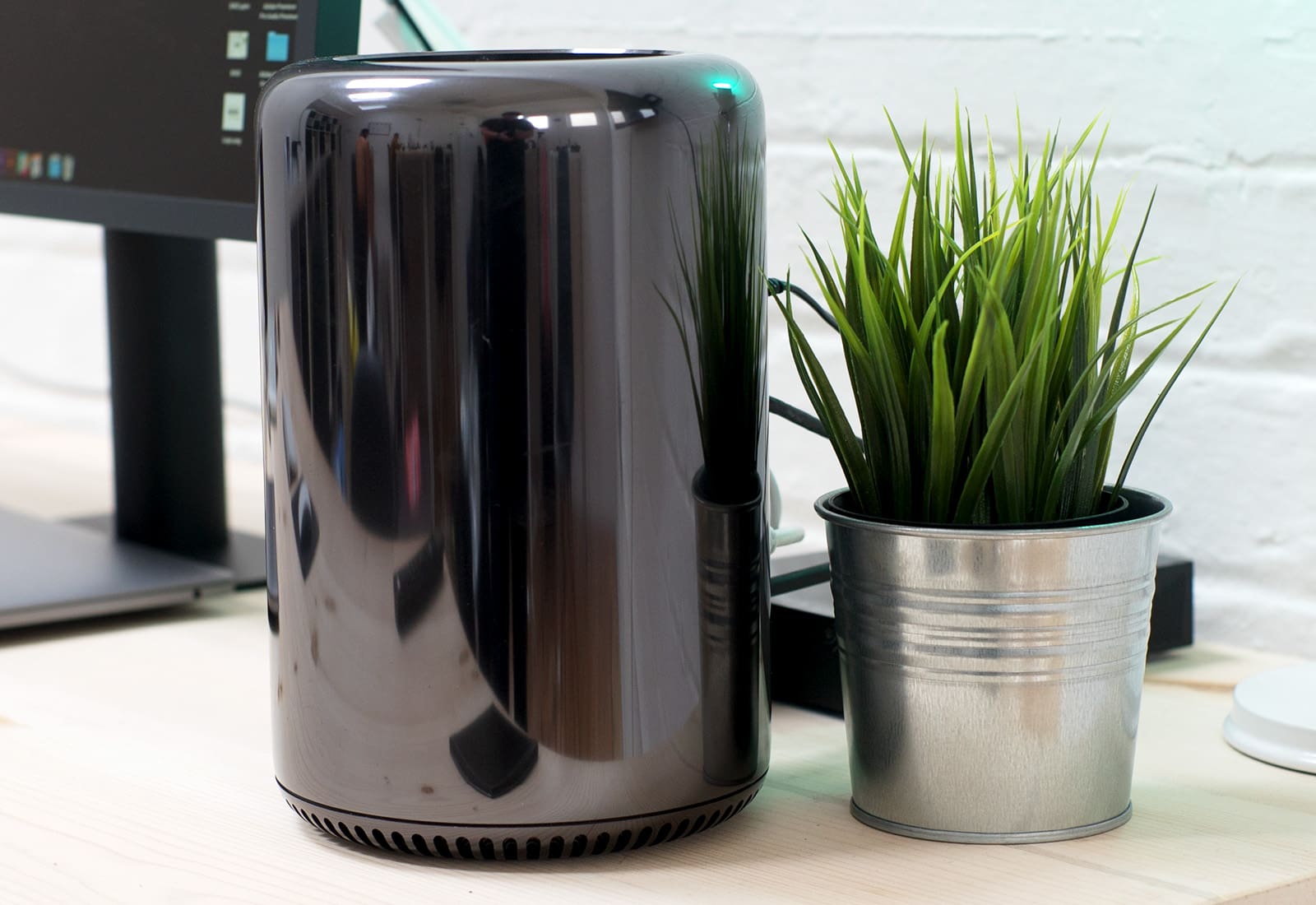
Type to Siri isn’t just for iOS 11. You can also turn on this super-useful feature on your Mac if it’s running macOS High Sierra. Type to Siri lets you do everything you can with normal Siri — call people, send iMessages, look stuff up on the web, do math, set reminders, and so on — only you type the command into a box instead of saying it. Type to Siri is classified as an accessibility feature, but it’s useful for anyone who works in a busy office, or just feels like a dork when they talk to their Mac.

Apple seeds third betas of iOS 11.3 and macOS 10.13.4

By

iOS 11.3 Beta 1
iOS 11.3 adds Messages on iCloud, new animojis and more.
Photo: Ste Smith/Cult of Mac

Apple developers received a fresh batch of new beta builds this morning, including the third beta of iOS 11.3, which is set to bring a host of new features and emoji to the public later this year.

Other new beta builds seeded today includes macOS High Sierra 10.13.4 beta 3 and tvOS 11.3 beta 3, both contain a number of bug fixes, under-the-hood improvements and other changes for the Mac and Apple TV.

Twitter just killed off its official Mac app

By

Twitter has changed its mind on deleting inactive user accounts (for now)
Twitter is crushing dreams in 2020.
Photo: Jim Merithew/Cult of Mac

Twitter just killed off its official app for Mac.

The company says it is focusing its efforts on an experience that is consistent across platforms, so users on macOS will be forced to use Twitter in their web browsers.

These wild inkjet-printed outfits make tie-dyes look tame

By

This dress was created with an Epson printer.
Photo: Epson

Epson held a fashion show in New York City this week to showcase its crazy fabric printing technology.

With the help of 13 designers, and its special SureColor F-Series printers, the company put together a huge range of wild and lively outfits that could soon be available on a high street near you.

If not, you could print them yourself.