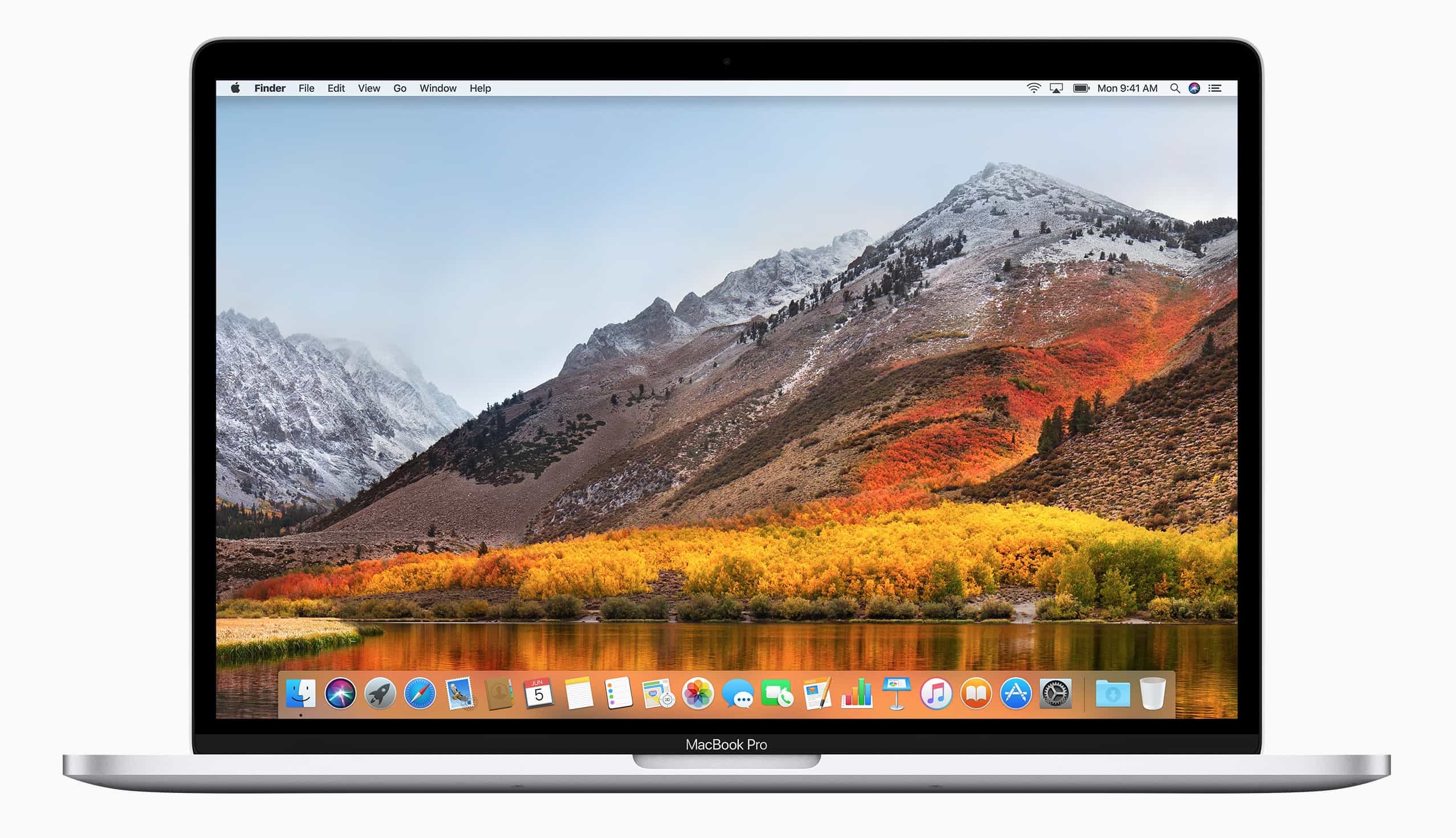
2017 brought us some terrific games for macOS. Image: Ste Smith/Cult of Mac
Game developers are embracing macOS like never before, which means Windows isn’t the only place to get the greatest titles anymore. The past year brought us a ton of terrific Mac games, from intense first-person shooters to gorgeous platformers filled with charm.
If you have a spare Mac, you could turn it into a local iCloud cache. Photo: Dean Hochman/Flickr CC
When iOS update time rolls round, you probably run through all the devices in your home, downloading those multi-gigabyte updates over and over. If you have a few iPhones, plus a couple of iPads, it all adds to a lot of data, and a lot of waiting. New in macOS 10.13 High Sierra is Content Caching, which stores these downloads on a Mac, so they only have to be downloaded once.
This doesn’t only save on internet data usage. It also makes it way faster to update several devices. And it’s not just updates either. Content caching can also cache iCloud documents, your photo library, and app updates.
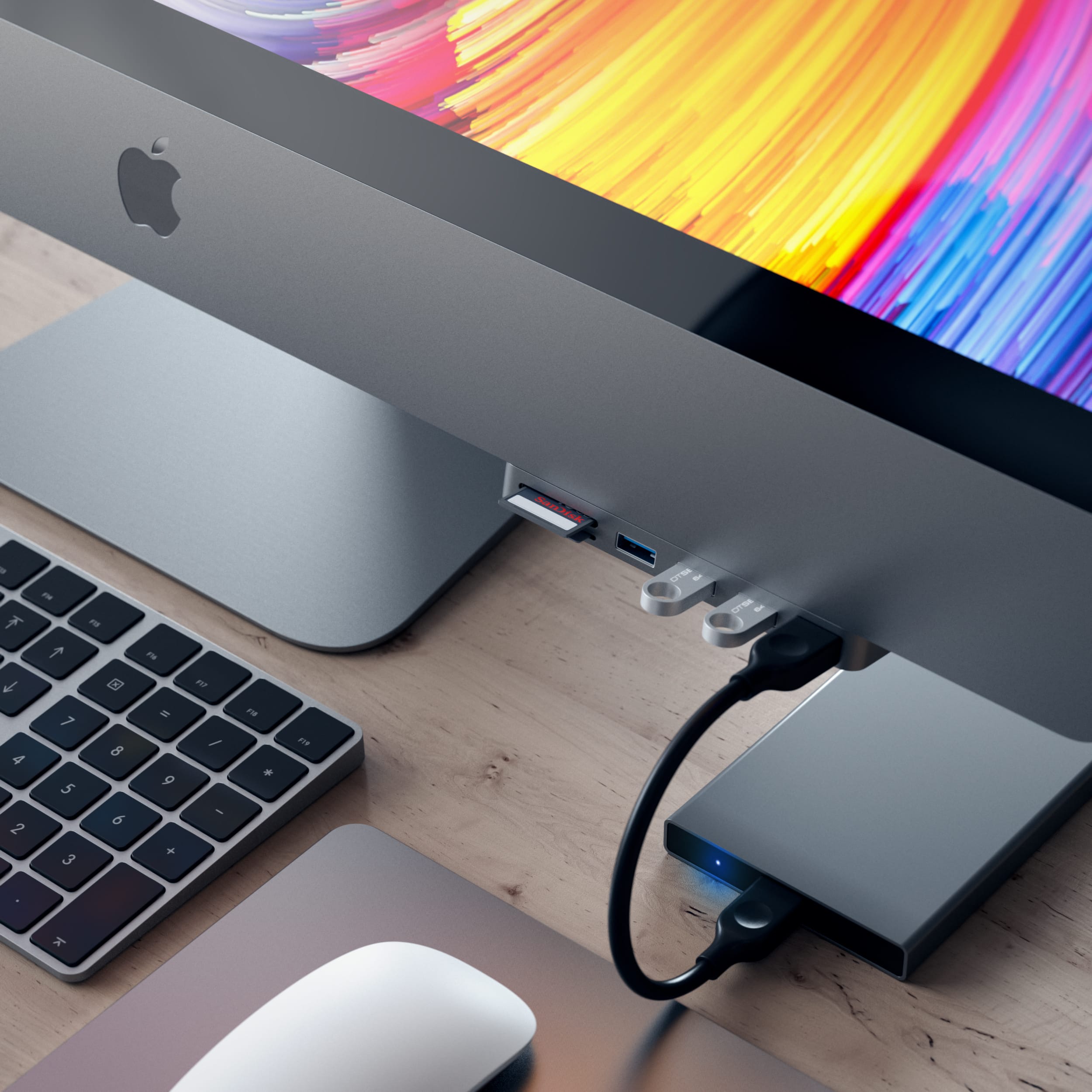
The Satechi hub looks like part of the iMac it serves. Photo: Satechi
Once you’ve dropped almost $14k on a new iMac Pro, what’s another $50 to add some extra ports to the front of it? Satechi’s Aluminum Type-C Clamp Hub Pro might be one of the most awkwardly-named gadget this year, but it may also prove to be one of the most useful.
Apple has increased its trade-in values for a bunch of old Mac models. Machines released in 2009 and later could now earn you up to $2,500. That’s a generous $1,000 more than the previous limit.
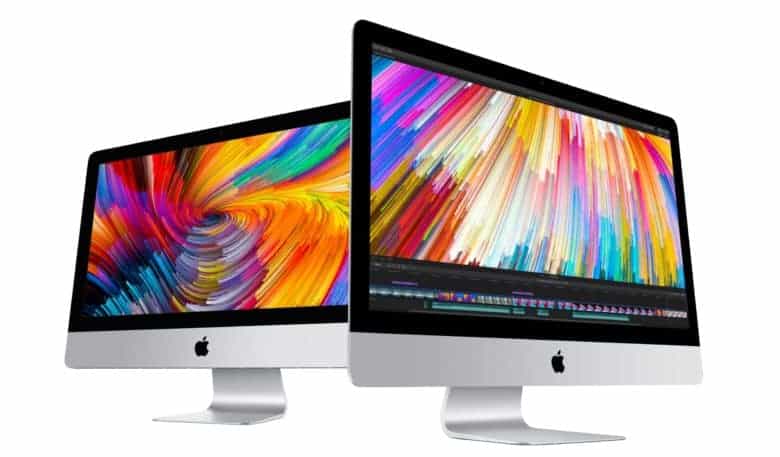
This is the best iMac Apple's ever made. Photo: Apple
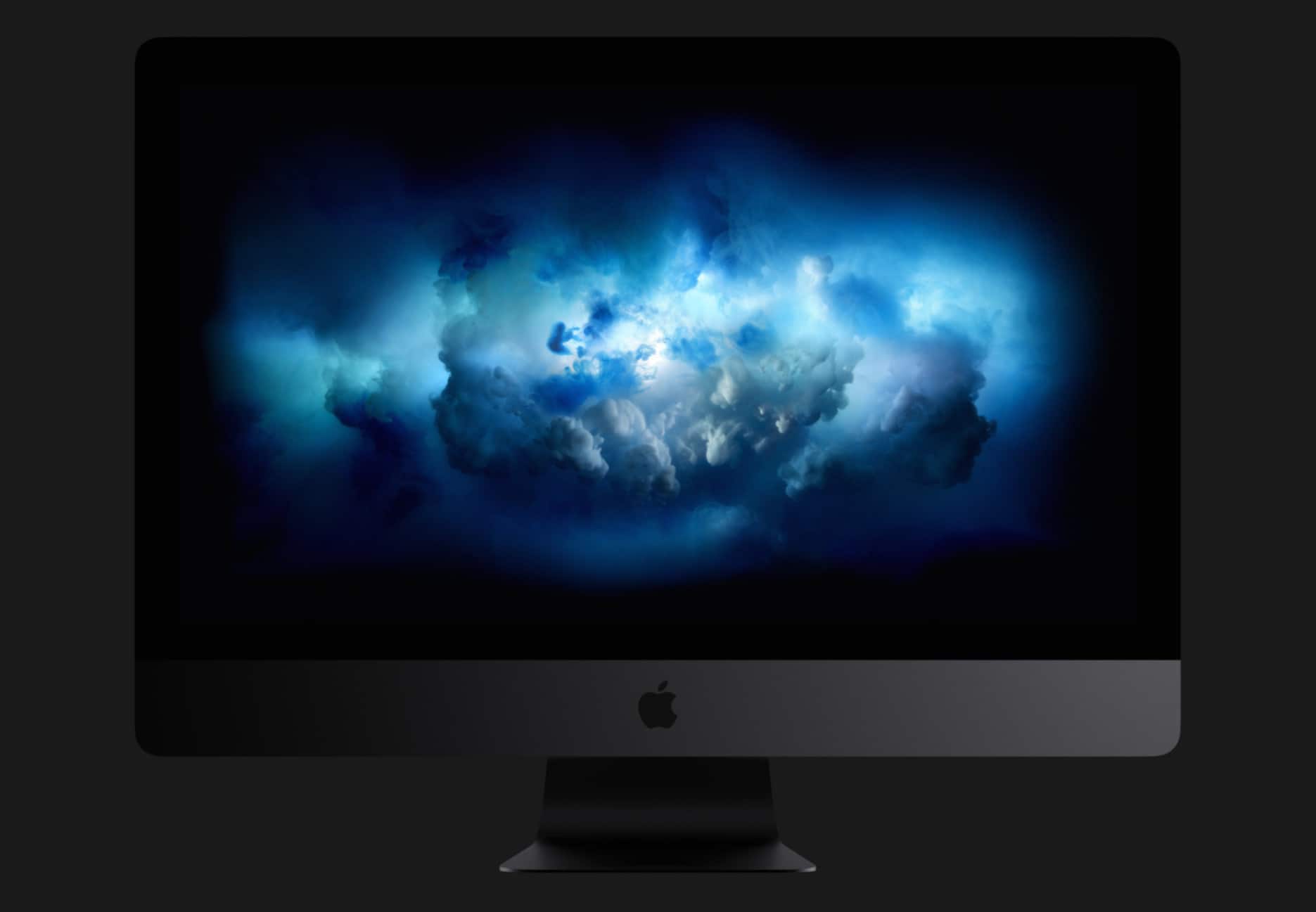
Apple surprised us this morning by finally revealing the launch date of the iMac Pro, but a few lucky tech reviewers have already gotten their hands on the slick new machine.
The first hands-on reviews of the iMac Pro confirm a lot of what we already knew about Apple’s machine: it’s gorgeous and insanely fast. But according to those that have tested it, the iMac Pro actually blows past the hype of being the perfect iMac for professionals.
New beta software is here for the Mac. Photo: Apple
Registered Apple developers just got a brand new beta build of macOS today after Apple seeded the first beta of macOS 10.13.3.
The new update comes less than a week after Apple released macOS 10.13.2 to the public bringing a host of bug fixes and performance improvements. Like the update before it, macOS 10.13.3 appears to mostly focus on under-the-hood improvements.
Apple is said to be working on a fix. Photo: Apple
The second big update for macOS High Sierra has finally arrived.
Just a few days after launching iOS 11.2, tvOS 11.2 and watchOS 4.2, Apple has now made macOS 10.13.2 available to the public following months of beta testing.
Raadition is a dream for long-time Apple fans. Photo: Zhuofei Wang
If you want to give your Hackintosh a genuine Apple feel, you have to checkout this awesome PC case. Raadition is designed to look exactly like the iconic Apple II, but it has space for the latest PC components, including an ATX motherboard and a full-size graphics card.
Clean Text does what it say on the... name. Photo: Apimac
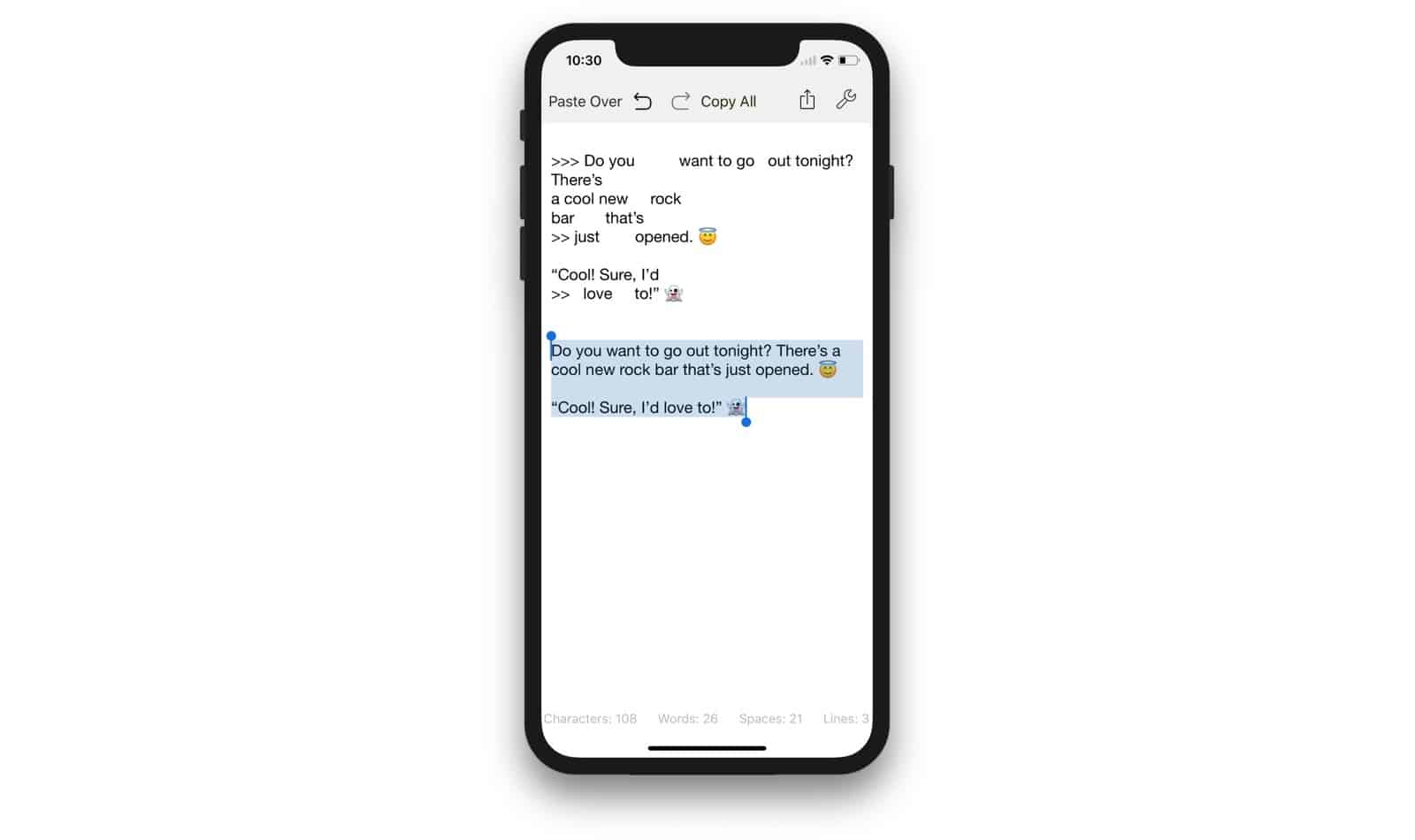
Don’t you just hate messy text? Text with extra spaces between words. Text with carriage returns inserted in the middles of lines. Text with lots of %-encodes and %nbsp mixed in. Text with > symbols at the beginning of every line. Filthy, dirty, unclean text? What you need is Clean Text, the smiter of hinky formatting, and quasher of non-smart punctuation.
Keyboard snippets make your life way easier. Photo: Ste Smith/Cult of Mac
Text snippets are one of the most useful “unknown” features on Mac and iOS. They let you type a few letters, and have them expand into a whole word, sentence or paragraph. You can use them to type, say, aadd and have it turn into your office address, for example. Or you might set up a shortcut to generate a symbol usually hidden on the iOS keyboard: xx to type a #, for example.
Until now, though, Apple’s Text Replacement function proved a royal pain to use. It never synced properly between devices, and it didn’t support multiple-line snippets. But in an update last week, Apple fixed both those problems.
A macOS update adds support for Messages in iCloud. Photo: Ste Smith/Cult of Mac
Apple has rolled out a fix for a massive security flaw in macOS High Sierra.
The issue, disclosed on Tuesday, allows anyone to gain administrator access to your Mac without your login password. Apple asks users to install its latest update “as soon as possible.”
Apple let a major security flaw slip through the cracks. Photo: Apple
A serious security flaw in macOS High Sierra has been exposed that allows anyone to gain full access to affected Macs without knowing the computer’s administrative password.
The bug appears to let someone log into the admin account on a Mac by simply typing “root” as the username while leaving the password field blank. Attackers could potentially exploit the bug to access locked Macs and gain access to personal information.
'Appy weekend everyone! Photo: Ste Smith/Cult of Mac
The long-awaited arrival of beloved Nintendo franchise Animal Crossing on iOS is just of one of the picks for this week’s “Awesome Apps of the Week.”
In addition, we’ve got a great writing app for Mac (perfect if you’re writing a book!), a popular ARPG, and a brilliant point-and-click adventure game. Check out our picks below.
iMac Pro packs an A10 Fusion processor with 512MB of RAM, according to Apple software. The chip will likely be dedicated to handling things like macOS boot, as well as always-on “Hey Siri.”
This Mac Mini concept is pretty crazy. Photo: Louis Berger
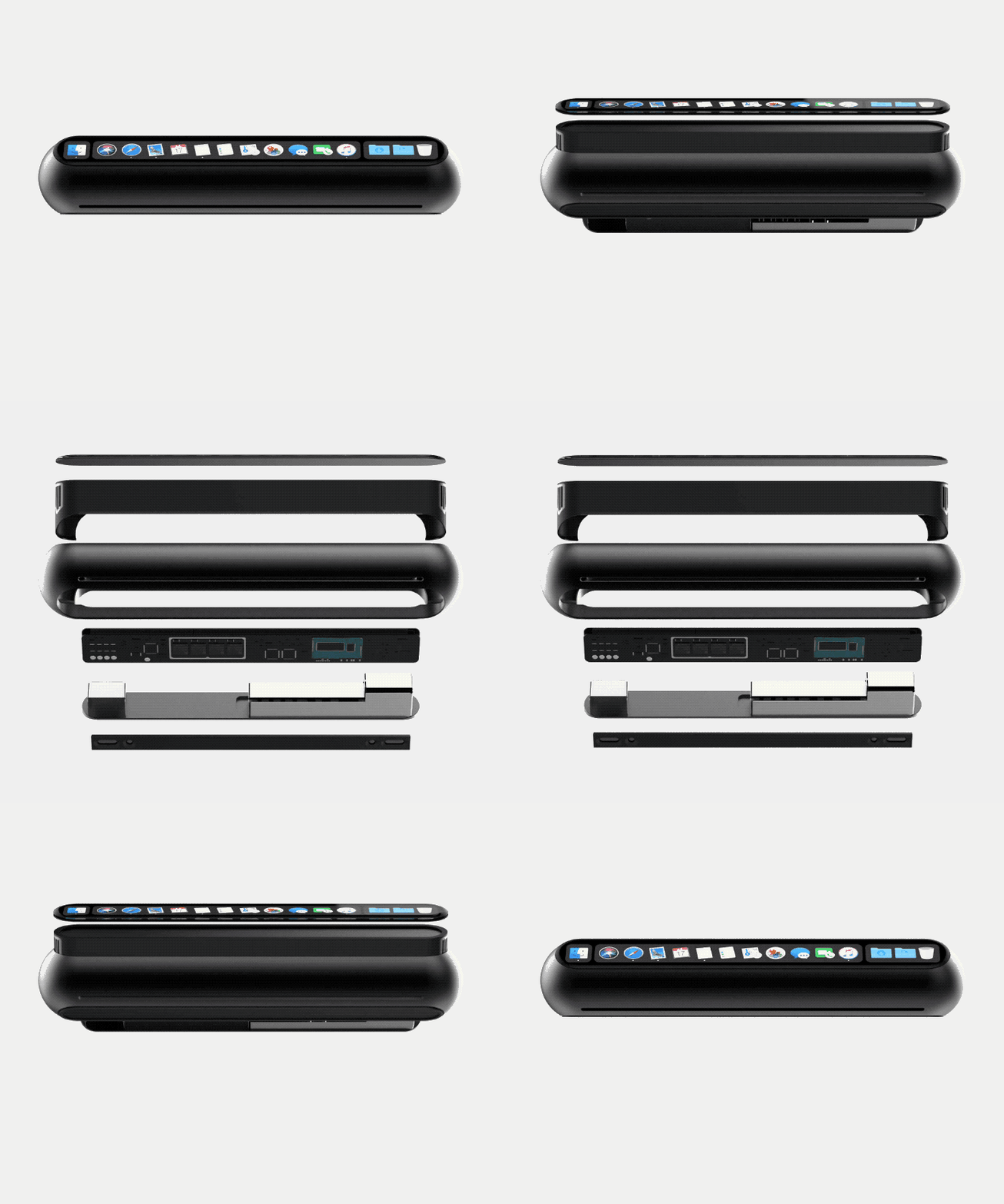
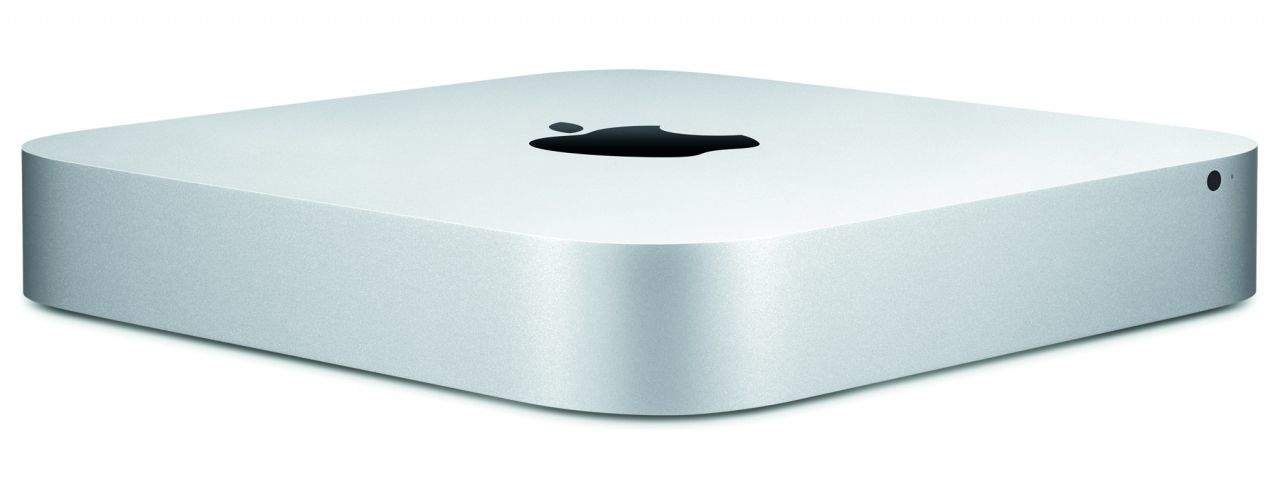
It’s time for Apple to think different when it comes to the Mac mini.
Even though it’s been over 1,000 days since Apple last updated its smallest Mac machine, Tim Cook insists it’s still an important part of Apple’s product line. Apple fans are desperate for an update, but if it looks anything like this concept it’ll have been well worth the wait.
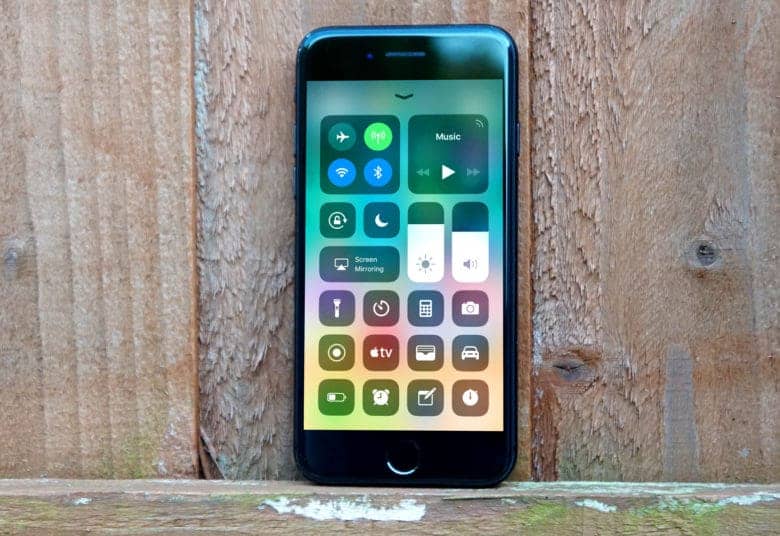
iOS 11.2 brings Apple TV support to Control Center. Photo: Ste Smith/Cult of Mac
Developers received a bunch of new beta software updates from Apple today that included the third beta of iOS 11.2 and macOS 10.13.3 beta 3 as well.
The new betas contain a number of bug fixes and performance improvements as Apple prepares to launch Apple Pay cash and other new additions to the public later this year.
A new iOS beta has arrived. Photo: Ste Smith/Cult of Mac
Developers received a fresh of beta updates from Apple today, including the second build of iOS 11.2.
The new beta build comes just one week after Apple dropped the last version of iOS 11.2. Apple also just released the second beta builds for tvOS 11.2, watchOS 4.2 and macOS 10.13.2.
AAPL shares are on the rise. Photo: Ste Smith/Cult of Mac
Apple surprised investors with its best Q4 earnings report ever today. The outrageous numbers dispelled doubts about the iPhone-maker’s strategy — and pushed Apple closer to becoming the world’s first trillion-dollar company.
With the launch of the iPhone X just hours away, Apple CEO Tim Cook had a lot to be happy about during the earnings call with investors. Analysts quizzed Cook and Apple CFO Luca Maestri on everything from iPhone 8 sales to how Apple plans to monetize its augmented reality efforts.
Apple is worth more than the entire US energy sector combined Photo: Ste Smith/Cult of Mac
Apple will give investors their first insight into iPhone 8 sales, right on the eve of the iPhone X launch.
The final Apple earnings call of 2017 takes place Thursday, November 2, at 2 p.m. Pacific. Apple’s fourth fiscal quarter ended right after the iPhone 8 started shipping. The results aren’t expected to be record-breaking, but this first glimpse should give us a better idea of how monstrous Apple’s holiday season will be.
Did you know that your Mac keeps older versions of the documents you work on, auto-saving them in the background so you can go back to a previous revision, any time you like? It’s just like Time Machine, Apple’s Mac backup feature, only it’s for individual files. It even lets you compare old and current versions of your file, side-by-side. It’s called file versioning, and it’s pretty rad.
Don't expect anymore Apple keynotes this year. Photo: Apple
Hoping for that long-overdue Mac mini refresh to arrive this year? Don’t count on it. Don’t count on any further product unveilings. Apple executive Craig Federighi has indicated that there will be no more special events this year.
Bag a Mac mini now for half the usual price. Photo: Apple
The Mac mini is still an “important part” of Apple’s lineup, according to CEO Tim Cook. The most affordable macOS machine has gone without an update for three years, but fans should not be worried about it getting the chop.
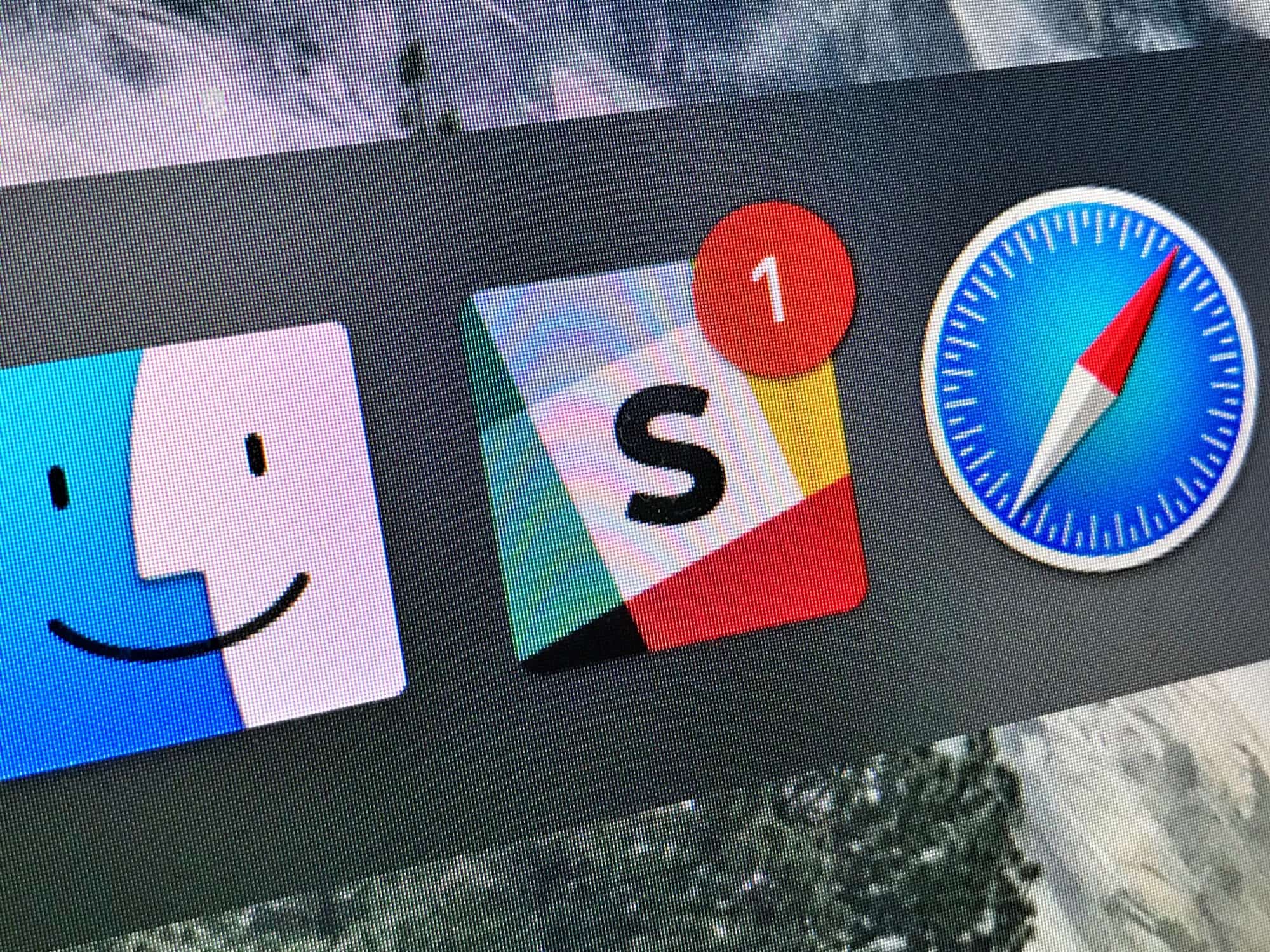
Undisturbed turns off those annoying red badges. Photo: Cult of Mac
Do you know how to turn on your Mac’s Do Not Disturb mode? That’s right, you open up the Notification sidebar, pull down, and toggle the switch. It works great. Right up until you look at the Dock, or the app switcher, and see a bunch of big red badges hassling you to read your email or check your boss’ Slack messages.
That’s where Undisturbed comes in. It’s an app that improves Do Not Disturb, so you really don’t get disturbed.
Cardhop was created by the stellar team behind Fantastical. Photo: Flexibits
Remember how Flexibits made managing your calendar incredibly easy with Fantastical? Now it is doing the same for your contacts with a brand new app called Cardhop.
Cardhop makes keeping your address book up to date and staying in touch with friends and colleagues quick and easy. It uses the same great natural language recognition found in Fantastical, and it’s available today on macOS.

 Game developers are embracing macOS like never before, which means Windows isn’t the only place to get the greatest titles anymore. The past year brought us a ton of terrific Mac games, from intense first-person shooters to gorgeous platformers filled with charm.