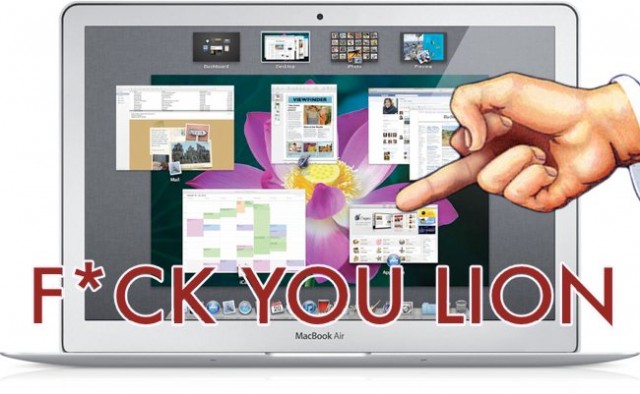
It seems as if I’m the only person having issues with Lion–it’s like I am trapped in Brain Candy and I’m the only one not taking the happy pill. I’ve been a Mac user for a long time, and every new upgrade brought butterflies to my stomach. This time around I was so excited I thought I was going to have a heart attack, but the excitement wore off quite quickly. Since then I have turned into a ranting bitch.
Apple is allegedly investigating complaints from some Mac OS X Lion users about system crashes related to graphics or sleep/wake issues on various Macs. Users that complain about the problem say that a person will see their Mac suddenly crash and display a black screen or a kernel panic. One common situation surrounding the problem is that some sort of graphics event is taking place or that the crash may take place when the computer wakes from sleep.
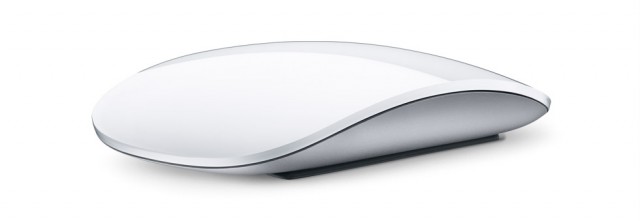
OS X Lion includes a plethora of new gestures to enhance the user experience. While the majority of these gestures are based around the trackpad, the Magic Mouse still has more than a few new gestures. In this video, I’ll show you how you can use Lion’s new gestures to make the most of your Magic Mouse.
One of my favorite improvements that shipped with Mac OS X Lion is Mail 5.0 and its new Conversations view. This new view allows you to view message threads by combining messages into a chronological timeline. It has one drawback, since by default, any messages that you sent don’t show up in the timeline. That makes it hard to read and make sense of the thread. Here is a tip on how to fix it.
Thanks to the massive stock selloff today, Apple is within $16 billion of displacing Exxon Mobil as the the world’s most valuable company.
At market close, Exxon Mobil’s stock fell $3.88 (4.9 percent) giving it a market cap of $366 billion. Apple’s stock fell too, but only $15.20 (3.87 percent) for a market cap of $350 billion. That puts Apple within $16 billion of Exxon. Two weeks ago, the gap was $50 billion. Any day now…
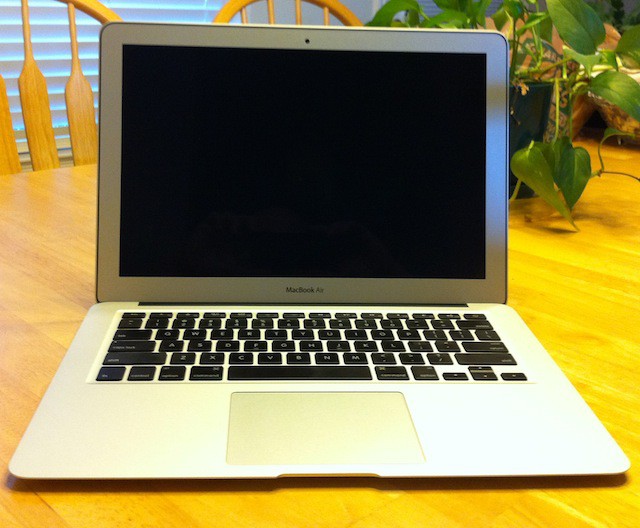
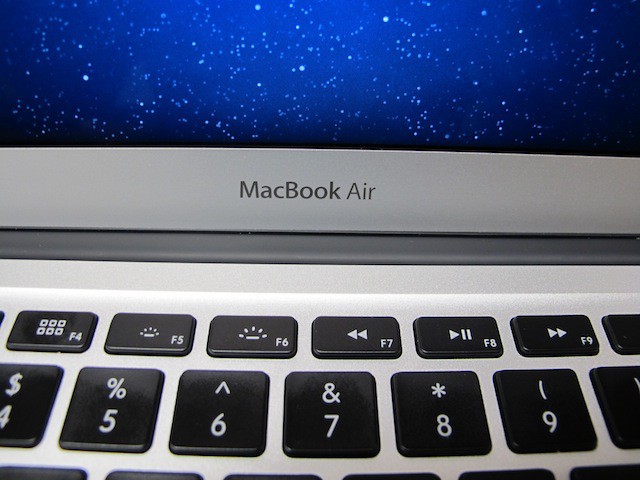
Apple’s new 13-inch MacBook Air might look just like last years model, but don’t let that fool you the insides have been almost completely replaced. Powerful new processors and upgraded internal components make Apple’s powerful and ultra-portable notebook computer even better than last years model. I called it blazing fast last year, but this year I have to say it’s smoking fast. Its performance leaves some MacBook Pros in the dust.
I’ve spent two weeks with my new 13-inch MacBook Air putting it through all kinds of real world tests, using it daily for a variety of tasks like word processing, web surfing, image manipulation, and running various applications including Windows 7 Ultimate 64-bit and Mac OS X Lion virtualization.
I’d like to share with you what I experienced during the first 14 days I used this new 13-inch mid-2011 MacBook Air.
Mac OS X Lion looks a lot different from its predecessor Mac OS X Snow Leopard and one of those differences is the sidebar in Finder and Mail. The sidebar looks a lot different because it displays different elements in Lion and the icon it displays aren’t even in color now.
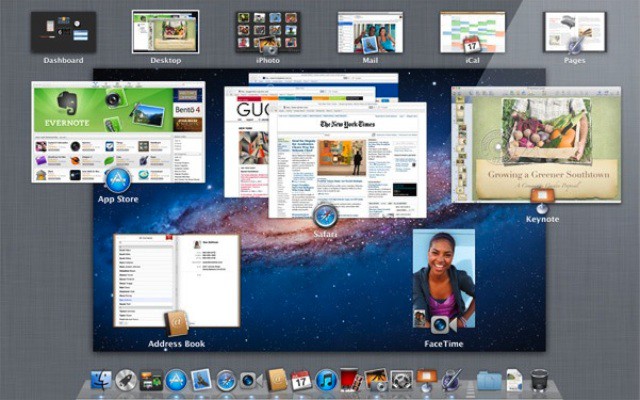
In Mac OS X Lion, Mission Control unifies Spaces and Exposé. Along with this unification comes changes to how Spaces and Exposé work. In this video, I’ll show you the changes with Mission Control and how to use them to your benefit.
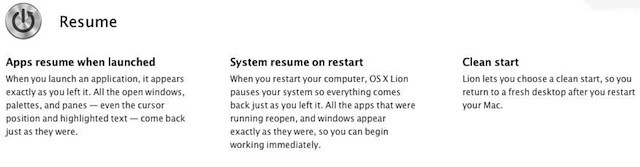
Apple has introduced a new feature in Mac OS X Lion called Resume. Resume will automatically reopen all the windows you had open the last time you used an app after you relaunch it.
Not a bad trick for some apps, but for some others it can quickly be really annoying. Here’s a tip on how you can permanently avoid it altogether.
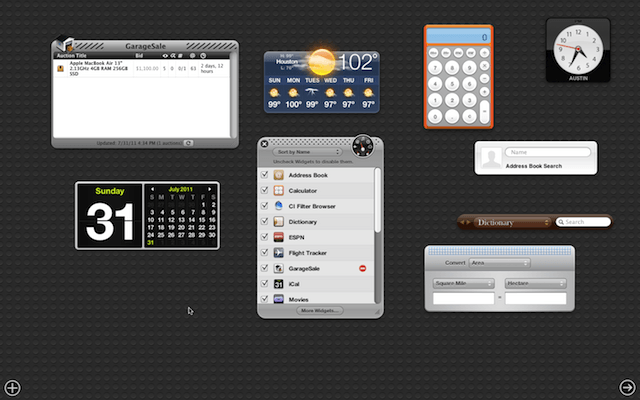
Many of the complaints I’ve heard about Mac OS X Lion is about Dashboard. It now has its own space (virtual desktop) where all your Dashboard Widgets live. Well those living arrangements aren’t as permanent as one would think. Here is a tip on how you can set your Widgets free!
One of the biggest changes that Apple has implemented in Mac OS X Lion is Mail version 5.0. The new version of Mail has a whole new look and feel to it that I’ve heard a few of you complain about. Well good news this tip will show you how to reverse the new modern look that Mail is sporting these days into something a bit more classical.
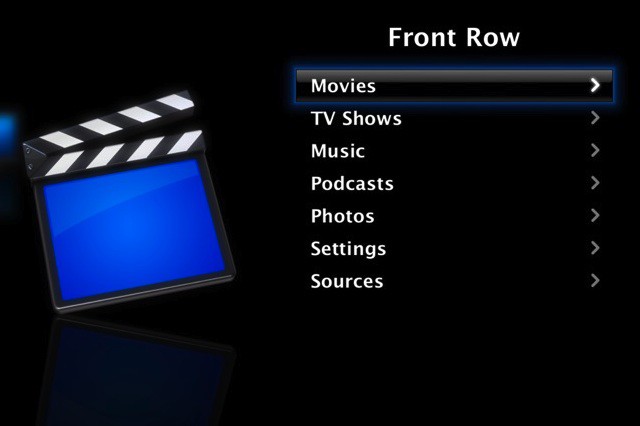
One of the subtle changes in Mac OS X Lion was the removal of Front Row, Apple’s media center application. While not an incredibly important loss, it may frustrate some users who enjoyed using the application. Fortunately, it’s rather simple to get Front Row working on Lion, as I’ll show you in this video.
Apple has introduced a new feature in Mac OS X Lion called Resume. Resume will automatically reopen all the windows you had open the last time you used an app after you relaunch it.
Not a bad trick for some apps, but for some others it can quickly be really annoying. Here’s a tip on how you can avoid it altogether.
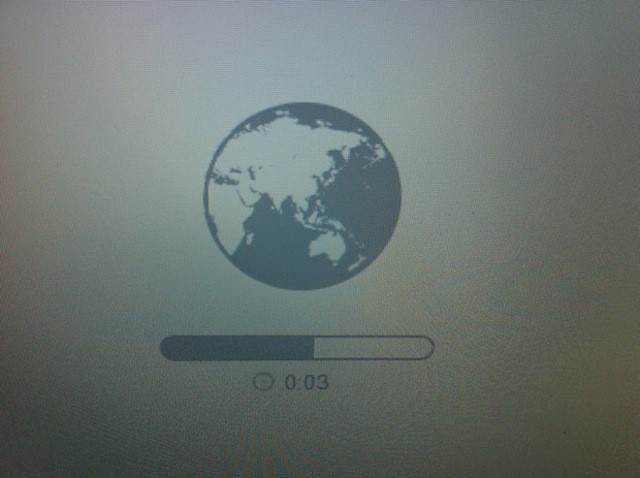
Apple has introduced new recovery features available through a combination of new hardware and software. One of these new features is called Lion Internet Recovery which will allow you to start your 2011 MacBook Air or Mac Mini directly from Apple’s servers.
The recovery process starts when the Command+R option doesn’t work or when you install a brand new blank hard drive.
Here is a tip that will let you force your 2011 or later Mac to launch Internet Recovery on startup.
Apple’s new MacBook Air models don’t ship with OS X Lion on a USB thumb drive like they used to. That diminutive little white wedge of flash storage is gone, no where to be found inside of the box that these computers ship in. If you want one, you’ll need to pay Apple $69 for the privilege in August.
That’s a potentially big problem for some users. Yesterday, I found this out the hard way after an attempt to install Mac OS X Lion onto a 32GB Class 10 SDHC card failed. Apple’s failure to ship their new Macs with any media can leave you with a hosed Recovery HD partition, and a potentially lengthy fix may be the only way to get it back.
While OS X Lion offers many improvements and new features, it also takes some away. One that jumped out to me right away was the missing Library folder. By default, Apple now hides this folder to prevent users from messing up their system. While this might not seem substantial to the average user, more advanced users might not like this change. Fortunately, this change can be reversed, as I’ll show you in this video.
OS X Lion is being hailed by many as the most secure operating system yet, not just from Apple, but in total. In particular, its FileVault encryption rewrite is being widely hailed as one of the most secure, low-overhead ways yet to keep your data safe.
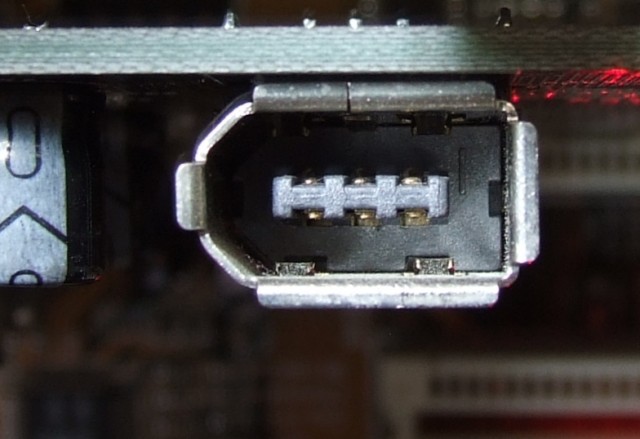
But behind all the talk, there’s a huge security hole in OS X Lion that has been present at least since Snow Leopard. Any Mac with a Firewire port is vulnerable to it, and it’s so easy to exploit that any hacker with physical access to your computer can get your password within minutes.
Apple will build its biggest store yet in Grand Central Terminal, in the space currently occupied by Charlie Palmer's Metrazur restaurant on the upper balcony.
Just as we exclusively reported last year (and no one believed us), Apple will build one of its biggest retail stores yet in New York City’s Grand Central Terminal.
Apple signed a 10-year lease with New York’s Metropolitan Transportation Authority to build a whopping 23,000-square-foot store on the upper balcony of the iconic train station, the New York Post reports.
The store will fill Grand Central’s north and northeastern balconies, displacing Charlie Palmer’s Metrazur restaurant. It will be among Apple’s largest stores, about 3,000 to 5,000 square feet larger smaller than Apple’s biggest stores in London and on New York’s West 14th Street.
The MTA is offering Apple a special move-in rent of $800,000 (a cool half-mill more than Charlie Palmer’s restaurant is currently paying). Then it will up the rent to $1 million annually. Apple will pay to refurbish the space, and the MTA estimates it will make $5 million profit on the deal, and revitalize retail at the popular station.
Migration assistant is one of Apple’s most valuable utilities. I’ve used it frequently over the years to migrate my user accounts, applications, etc. between two Macs and I’ve never had any problems with it until now.
I picked up a new 13-inch MacBook Air this week and tried to migrate my data from my 2010 13-inch MacBook Air to the new one. Both of my MacBook Airs were running Mac OS X Lion. I wasn’t able to get Migration Assistant to work over a Wi-Fi connection. It just flat-out refused to work, but here is the work around that finally got my data moved to the new MacBook Air.
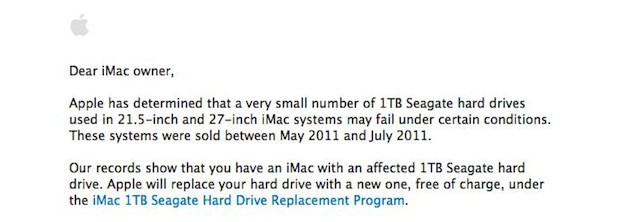
Apple has announced that a “very small number” of 1TB Seagate hard drives used in 21.5-inch and 27-inch iMac systems may fail under certain conditions. The problem only applies to systems that were sold between May 2011 and July 2011. My own 27-inch iMac purchased in June 2011 is affected by this recall.
For complete information about the recall click the read link.
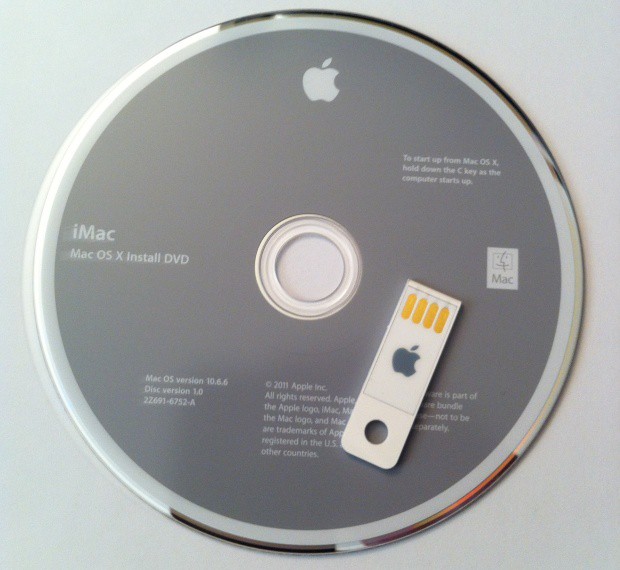
Apple’s line of MacBook Airs never shipped with an optical drive and now the Mac Mini has joined the party. The new Mac Mini, released this week, no longer includes one of these drives either. If you want an optical drive to use with these Macs you have to purchase an external USB SuperDrive. Now the arrival of the new MacBook Air and Mac Mini herald the death of the USB thumb drive.
You might be surprised to find out that neither these systems ship with a set of DVDs or a USB thumb drive that you can use to restore, repair or reinstall Mac OS X.
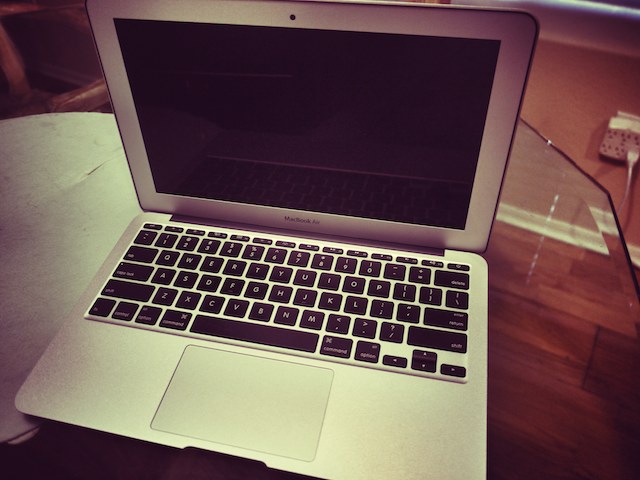
Apple’s new 11-inch MacBook Air is simply incredible. Of course you probably already knew this puppy was light, and gorgeous, but the power that this tiny machine packs is truly breathtaking. Optimized for speed and portability, the new MacBook Air improves on its predecessor to prove that it’s the best notebook computer Apple’s ever made.
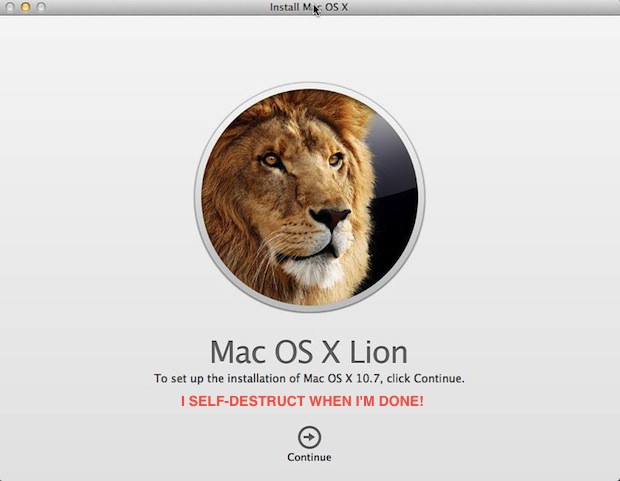
Here’s a little known fact about the OS X Lion installer — it self-destructs after it completes the OS X Lion installation and if you are on a limited or capped ISP data plan that sucks. Especially if you plan on upgrading more than one Mac in your home or office. Luckily, you don’t need to download the OS X Lion installer on each computer and waste precious data or time.
You only need to download it once if you follow this quick and easy tip before installing OS X Lion the first time.
Apple’s development tools for OS X and iOS are joining the OS X Lion launch party today with the release of Xcode 4.1. The new version of Xcode is now available as a free download in the Mac App Store or through the regular Apple developer website.
Apple announced Mac OS X 10.7 Lion on June 6th and shortly there after renamed it to OS X Lion. If you are using either the client or server version of OS X Snow Leopard and you purchased a Mac on or after June 6th you are eligible for a free OS X Lion update under specific circumstances.