Mobile menu toggle

Mac - page 69

Downgrade OS X Lion To Snow Leopard [Video How-To]
By

Lion2SL

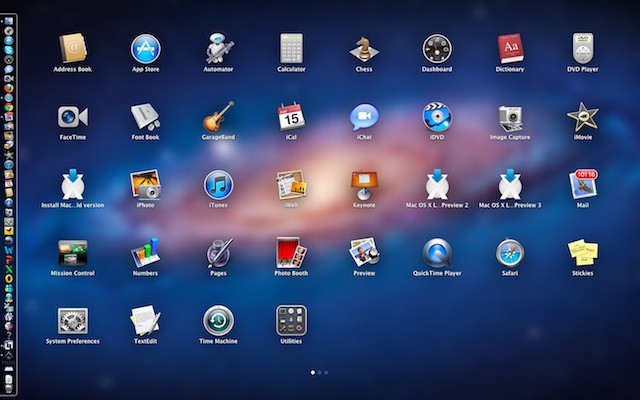
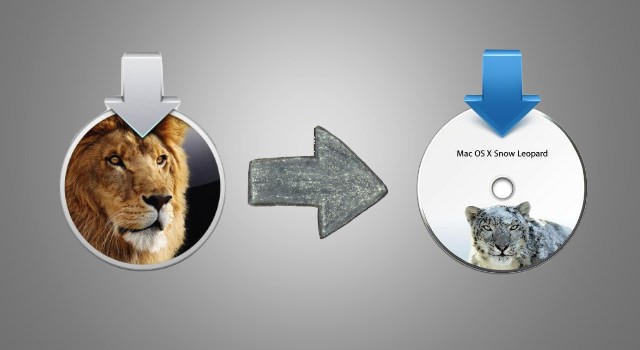
While OS X Lion is an excellent operating system, it may not be perfect for some people. Since some applications haven’t been updated to run on Lion yet, some users may need to downgrade to Snow Leopard in order to keep using the applications they need on a regular basis. In this video, I’ll show the best ways to downgrade from Lion to Snow Leopard.

Win a $400 Mobile Cinematography Kit From Cult of Mac and FiLMiC Pro [Giveaway]

By

FiLMiCPromo

You probably don’t need to hear it from us that the iPhone 4 is one hell of a video camera and that Final Cut Pro X is awesome in its own right. However, we do want to make sure our readers have access to all the best tools to fullfil their directoral dreams, so if you’re one of those with the burning desire to create the next viral video shot entirely on your iPhone 4, but lack all the tools to get said video made, here’s your chance to unleash your hidden cinematographic potential by winning a Mobile Cinematography Kit from Cult of Mac and FiLMiC Pro. Entering the contest is ridiculously simple. Here’s how to give yourself the chance to win the $400 Grand Prize Package:

Quickly Switch Between Dashboard, Spaces & Full-Screen Apps in Lion [OS X Tips]

By

Mission Control

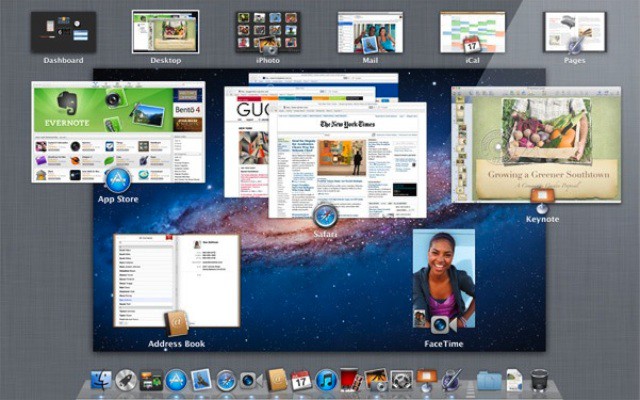
I don’t know about the rest of you, but I’m in love with Mission Control. I am especially fond of how easily it makes using spaces (virtual desktops) a part of my everyday work flow. Throw in a few full-screen applications like Mail or Safari and I’m happily zipping back and forth between them all. Now I’ve found a keyboard trick that allows me to move around my spaces zippy fast without taking my hands off of the keyboard.

Buyers Beware! Mac App Store Purchases Might Not Be What You Expect!

By

bbeditappstore2

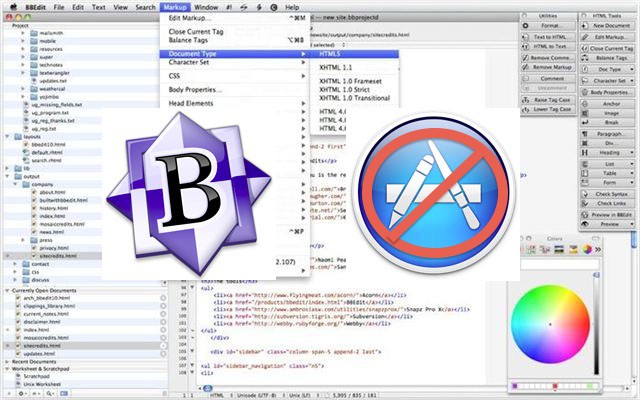
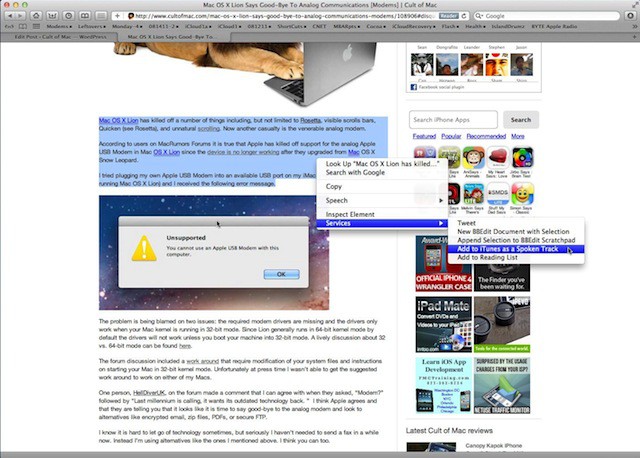
For all the convenience of the Mac App Store, sometimes buying your software directly from Apple isn’t the best choice if you want to get all the features and functionality an app is capable of.

Why? As the case of Bare Bone Software’s popular text editing program BBEdit makes clear, the devs of some of the best software on OS X have been forced to cripple their apps in order to comply with Apple’s Mac App Store developer guidelines.

Learn The Difference Between Finder Clean Up By & Arrange By On Lion [OS X Tips]

By

FinderLionDocs

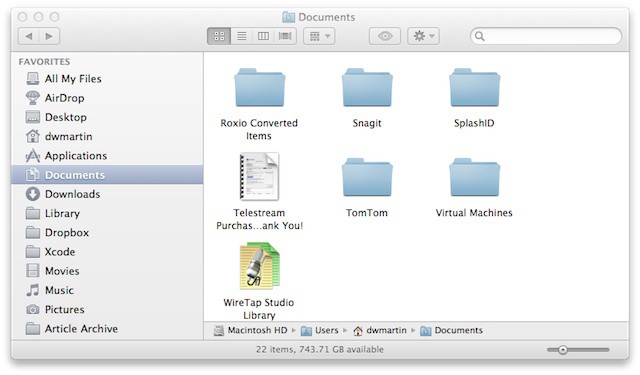
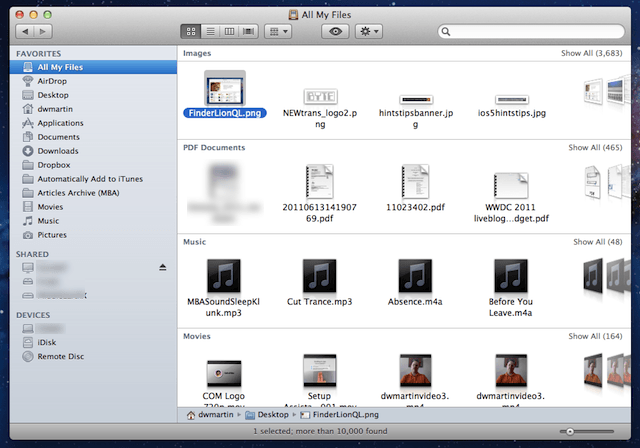
I like to keep my computer organized and this means that I like to keep my files and folders sorted alphabetically by name. Occasionally I might want to sort them temporarily by kind (i.e. PDF, JPEG, etc.) and afterwards I would sort them again by name. In Mac OS X Snow Leopard you had to toggle between one or the other manually and Leopard would only remember your last sort method selected.

Now Mac OS X Lion will let you decide how you want your files arranged and it remembers that arrangement, but it will also let you temporarily view them sorted in a different order. The next time you view the files they are sorted in the original method you selected, but in order to get this to work properly you need to know the difference between an old and new Finder view in Mac OS X Lion.

Get The Most Out Of Lions Expanded Spotlight Searches [OS X Tips]

By

SpotlightLion

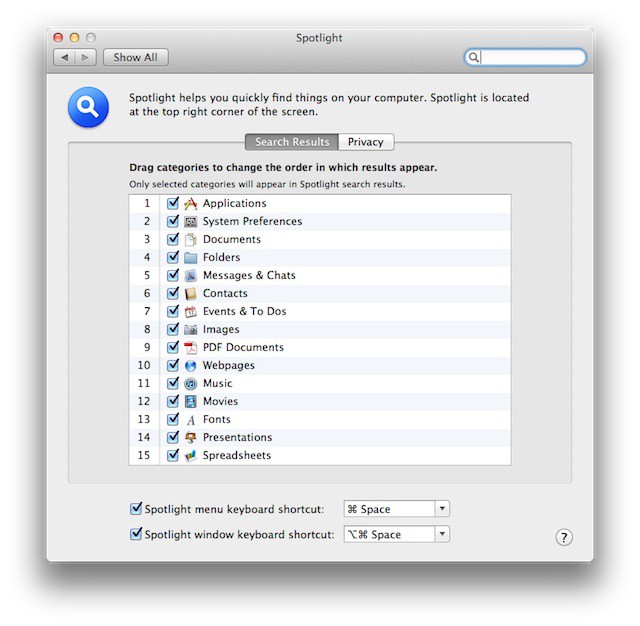
Here is a tip that will show you how to get the most out of two new Spotlight search features that expand that utilities reach quiet a bit. The version of Spotlight that ships with Mac OS X Lion now includes Web and Wikipedia searches just like the ones we are used to seeing on iOS.

Now Mac OS X Lion can not only search your Mac, but its reach has now expanded out to the internet with the ability to perform Google and Wikipedia searches.

Apple Is Emptying Some UK Stores In Case Of Riots

By

manchester_arndale

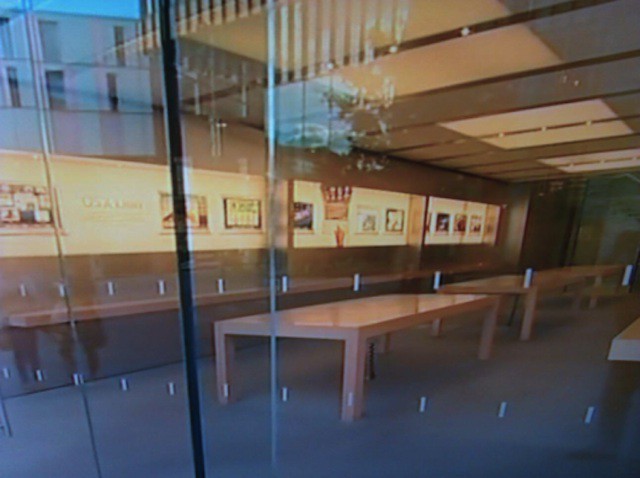
Several Apple stores in the U.K. are clearing their show floors in case of a fourth night of rioting.

Stores in Manchester, Liverpool and Kent have been emptied, while police have taken up a heavy presence on Regent Street, a popular shopping street and location of Apple’s biggest flagship store in the U.K.

Apple Releases Lion Recovery Disk Assistant

By

LionRecovery

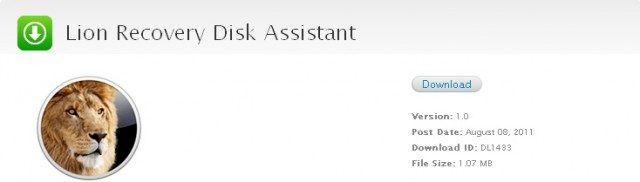
On Monday Apple released a new utility called the Lion Recovery Disk Assistant. The new utility is designed to help Mac users running Mac OS X Lion get up and running again if they encounter problems with their boot drive.

Although this is a step in the right direction it still doesn’t resolve the concerns people have about having the entire Mac OS X Lion operating system on media that you can reinstall it from.