Mobile menu toggle

Mac - page 72

Here Is What’s New In The Latest Lion Update [Screenshots]

By

new_lion_login

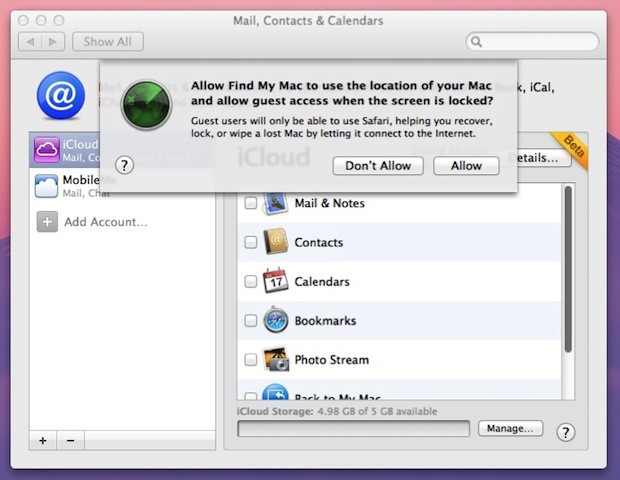
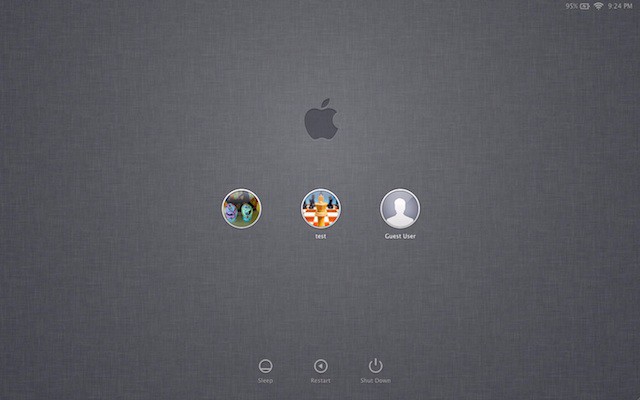
Here’s the handsome new login screen in the update to OS X Lion Developer Preview 4, that Apple released on Wednesday afternoon.

It’s a dark linen motif, and it’s used in several places in the Lion and iOS 5. We got  sneak peek of this color scheme during Steve Jobs’ presentation at WWDC. Now it has been rolled out to developers, and soon to the public. Who’s excited?

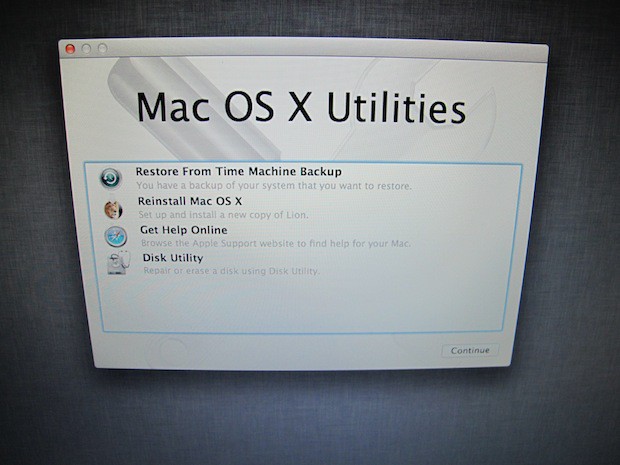
Here’s screenshots of some other new stuff in the update (Build number 11A494A). Lion is shaping up nicely:


Win $333 of Mac Software Today From StackSocial & Cult of Mac [Twitter Giveaway]

By

StackSocial


We went bonkers last week and gave out more free hardware in seven days than we ever have before. To mix things up this week we’re going to be giving out some beautiful software to enhance your Apple experience. Today we’re teaming up with the great people behind StackSocial who have given us three promo codes for their latest Mac Essentials Bundle. With eleven Mac apps worth $333 that we’re giving away for free, this is one of the best software giveaways we’ve ever had. You’ve got to play to win though, so here are the details on what you’ll win and how to qualify for the giveaway:

Steve Jobs and Ron Johnson On Apple’s Retail Success [Quotes]

By

Ron Johnson when he was with Apple
Ron Johnson and Steve Jobs at the grand opening of Apple's 5th Ave. store.
Photo: Richard Agullar

When Steve Jobs unveiled Apple’s first retail stores in 2001, pundits said they were a costly mistake and he’d be closing them within a year. A decade later, Apple has reinvented retailing with a chain of 300 shops that make more money per square foot than Tiffany & Co.

Here are some of the best quotes from Jobs and the chief architect of the stores, Ron Johnson, about their retail philosophy, strategy, and execution.

Steve Jobs Wanted To Build Spaceship Campus 30 Years Ago

By

spaceshipapple

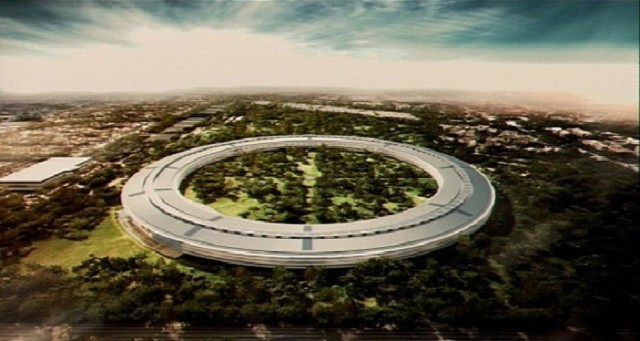
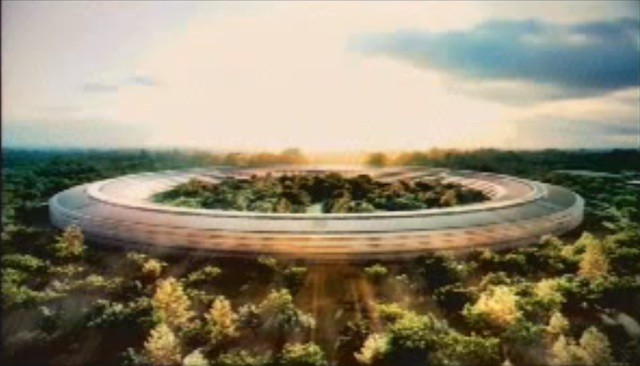
Steve Jobs wanted to build his futuristic spaceship campus thirty years ago, reports the San Jose Mercury News.

Jobs wanted a “shimmery glass structure” surrounded by trees in rural San Jose. He had purchased the land and had lined up world-class architect I.M. Pei to design it.

“To me, it’s as if time hasn’t shifted — 30 years, same vision, same scope, same dream,” said real estate consultant Bob Feld, who worked with Jobs at the time.

So what happened?

I’m the Computer Man – Old Video Parodies Mac Support Techs

By

post-100529-image-dce08ab377ca050012a1900816e7b32e-jpg

Well here’s something you don’t see every day. I’m the Computer Man is a bizarre, funny parody of Apple Macintosh tech support services. Shot with a 70s disco flavor and sung in Scatman John style, this is one unique Mac related video. Entertaining, in a cloyingly sweet way.

I’m the Macintosh man with the virus scan

Moving your files all across the land

Some Photoshop photos and After Dark

Get your Microsoft Office, XPress your Quark
Millions of colors with a VRAM chip
How about a system crash that will make you flip?

A reader comment on YouTube notes that the video was created by the McCann Erickson Agency IT staff back around 1997. I hope they gave these guys some time off…

Steve Jobs’ Mega Mothership Shows Building Planning Is Broken [Opinion]

By

apple_spaceship_campus_13

This is a guest post by Adel Zakout, CEO and co-founder of OpenBuildings.com, a crowd-sourced architecture portal for building geeks.

The video of Steve Jobs presenting Apple’s plans to build a new “mothership” in Cupertino to the local council was absolutely hilarious! Not just because of the absurd questions the councillors asked but their obvious lack of professionalism, understanding of architecture and ridiculous fanboy-ism.

We love Apple too – but think that the planning process is really broken. The fact that Steve can clearly threaten to move his tax dollars elsewhere if the new campus doesn’t get approved shows that.

Steve Job’s Mega Mothership Apple HQ Is Bigger Than Pentagon [Pic]

By

pentagon_v_apple_hq

This is the size of Steve Jobs’ new Apple spaceship campus — compared to the massive Pentagon building. You can imagine the scale of the complex Steve Jobs is planning to build.

The Pentagon building, btw, is the world’s largest office building (by floor size). It houses about 26,000 people. Steve Jobs’ new HQ will house 13,000 — but it’s parkland in the middle. We imagine it’ll have similar security though.

Thanks Se Mo!

Don’t Miss: Pictures of Apple’s New Mega Mothership Campus

Pictures of Apple’s New Mega Mothership Campus

By

apple_spaceship_campus_4

At Apple’s HQ there’s a shop that sells t-shirts, pens, mugs and other logo goods. One is a t-shirt that says, “I visited the mothership.”

Here’s the new mothership: a mega campus that Steve Jobs is proposing to build in the heart of Cupertino, the town he went to school in as a boy. It’s also where he and Wozniak founded Apple in the mid-70s.

Here are some pictures of the massive new building to house 13,000 Apple employees:

Steve Jobs Pitches New Spaceship-Like Campus to Cupertino City Council

By

post-99447-image-a0af052458ff1bacfee16454c81eef3b-jpg

httpvhd://www.youtube.com/watch?v=gtuz5OmOh_M

Steve Jobs has been keeping extremely busy this week. One day after delivering his WWDC Keynote address, Steve headed back to Cupertino to appear before the city council to discuss Apple’s new plans for their campus. While pitching the construction and design of the mega-structure, Jobs commented that the building will look ‘a little like a spaceship.’

iMessage is Going to Be Huge! Here’s Our Hands-on Look at How it Works

By

iMessage iPhone iPod iPad

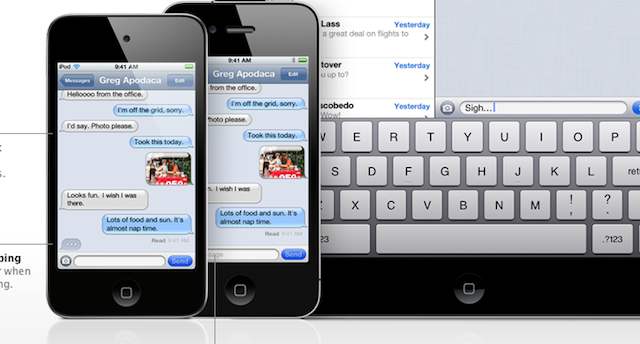
Apple’s new iMessage app was one of the biggest surprises at WWDC yesterday. Once I got iOS 5 and Lion installed on my devices, I asked our Twitter followers what they wanted to know about the new OSes and we got a lot of questions about iMessage and how it works. There seems to have been a bit of confusion regarding the new service, so let me help explain how iMessage works on iOS 5.

Apple’s New iCloud Page Just Went Live

By

icloud web

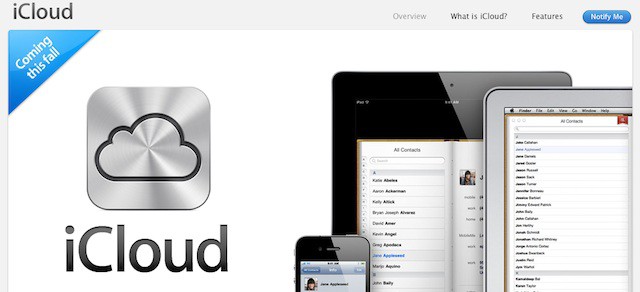
Is your head still spinning from the smackdown of new details Steve Jobs and the Apple crew just slammed you with? Apple’s iCloud page just went live so you can get all the details on the new software that Apple is bringing to you for free later this fall. Of course, Cult of Mac will be posting all new material throughout the day breaking down iCloud and it’s features, so don’t stray too far.

What If iOS 5 Were Truly Magical? Watch These Incredible iOS 5 Magic Tricks

By

post-98761-image-6b053bb62f3a33faae721c09e1ce7396-jpg

httpvhd://www.youtube.com/watch?v=LAhP-yLJJ9s

When Steve takes the stage tomorrow morning, it’s pretty much a sure bet that he will use the words, magical, amazing, beautiful, and extraordinary a few dozen times each as he introduces the new iOS 5, iCloud and OS X Lion. We’re sure that iOS 5 is going to be great, but the iOSMagic Team has dreamed up something more amazing than even Steve Jobs can deliver.

How Will Apple Bring iOS to the Desktop?

By

ioslion

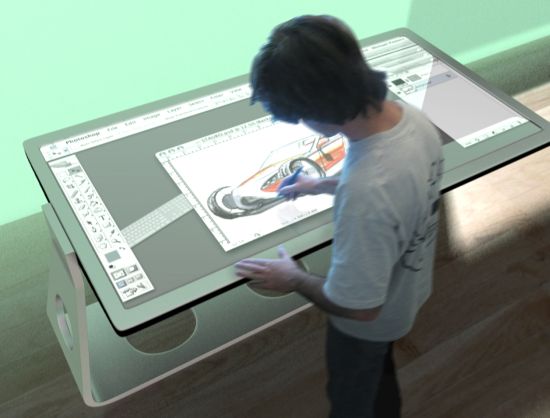
I’ve been asking for four years who would be first to ship the future of computing, a real desktop tablet: Apple, Microsoft or Google?

The WIMP (windows, icons, menus and pointing devices) interface you’re using right now was invented during the Nixon administration. It’s old.

With the incredible success of the iPad, the world is definitely ready for the next evolutionary leap into the future, which will of course be desktop touch tablets. Google and Microsoft have already revealed how they’ll make their transitions. Yet Apple has revealed nothing. Will tomorrow be the day?

Watch Steve Jobs Describe iCloud Back In 1997 [Video]

By

post-98702-image-6dbe6956fec5b86b8e95fec68a5b99a8-jpg

Here’s a fascinating description of the iCloud/Time Capsule remote computing system Apple may reveal on Monday described by Steve Jobs himself — back in 1997.

“I have computers at Apple, at NeXT, at Pixar and at home. I walk up to any of them and log in as myself, it goes over the network and finds my home directory on the server and… I’ve got my stuff wherever I am…”

“…we were able to take all of our personal data, our home directories we call them, off of our local machines and put them on a server, and the software made that completely transparent…”

“…so in the last seven years, do you know how many times I have lost any personal data? Zero. Do you know how many times I have backed up my computer? Zero.”

Via MyService and MacRumors.

Transform Mac OS X Snow Leopard Into Lion [Video How-To]

By

Lion

As the impending launch of Mac OS X Lion creeps closer and closer, it’s getting harder and harder to wait for all of the new features Apple has promised, like Launchpad and AirDrop, just to name a couple. Well, if you want to get a taste of Mac OS X Lion before it’s here, there are a few quick things you can do to transform your aging install of Snow Leopard into a Lion like experience. In this video, I’ll show you what to do.

Developing a New iOS App and Need Mockup Tools? App Cooker to the Rescue!

By

AppCooker


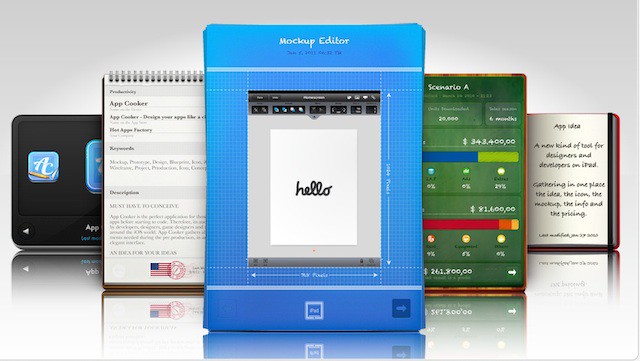
Creating a new iOS app can be a daunting task. Keeping track of all the ideas, pricing schemes, graphics, and collaborations can leave a developer feel swamped. The guys behind App Cooker hope to solve all those problems by providing the most advanced iOS mockup tool made exclusively for the iPad.

Jam packed with incredible features, App Cooker aims to be a must-have tool for all app developers and designers. Here’s a quick video of some of the things App Cooker can do for you: