iTunes is often called Apple’s worst piece of software. It’s criticized for being a bloated and slow way to manage music and sync iOS devices. This becomes especially apparent if you store a lot of content on your device or have a large iTunes library. iTunes doesn’t have to be so painful to use though. In this video, you’ll see a few ways you can make iTunes speedier and more responsive.
As any fan-boy (myself included) will testify, Macs don’t get viruses – or rather, that’s what we used to say…
With the popularity of the Macintosh platform at the highest it’s ever been, we are no longer as immune to cyber attacks as we could once claim. Only last week the ill intentioned ‘Mac Defender’ virus raged chaos on Macs the world over. The question of Mac security has raised its head once again – and this time, we might actually need to pay attention…
Business mag Fast Company had funnyman Conan O’Brien pose as eight of history’s greatest innovators for its latest issue on the 100 most creative people in business.
For the cover, Conan dressed as Ben Franklin, Albert Einstein, Frida Kahlo, Steve Jobs, Madonna, Moses, Socrates and Teddy Roosevelt. Weirdly, Jobs doesn’t make Fast Company‘s 2011 list, but his software lieutenant Scott Forstall does.
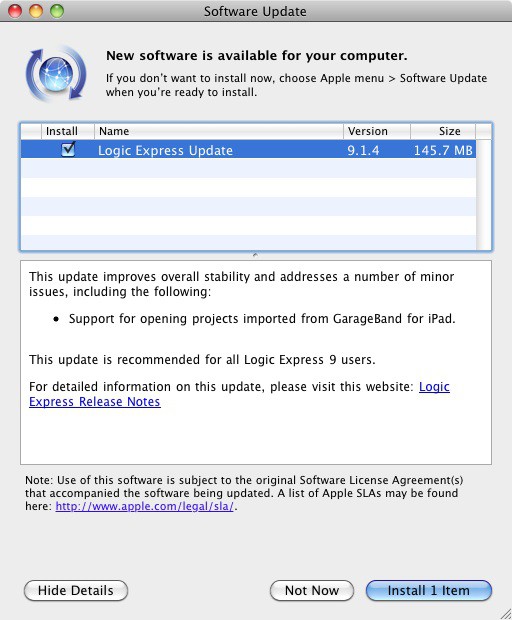
Apple has released an update to Logic Express and Pro so that both applications support the ability to open projects that users create on an iPad using GarageBand on that platform.
When Apple released QuickTime X with Mac OS X Snow Leopard, it seemed like little more than another version of QuickTime with a new User Interface. In reality though, there are quite a few features either new to QuickTime X, or previously only available in the Professional version, that make it much more than just a media player. In this video, you’ll see how you can get more use out of QuickTime X.
Rumors have been circulating for the last week or so about changes to Apple’s online and retail stores. Now a new one has cropped up about the Apple Store iOS app.
Intel’s family of Sandy Bridge processors is about to get a whole lot bigger as the chip manufacturing company ramps up production of new ultra-low voltage (ULV) processors that would be a perfect fit for my favorite portable computer — the MacBook Air.
The newest Mac OS X Malware, MACDefender, has taken the Apple community by storm. Some are claiming that Mac Malware is getting worse, and even Apple won’t help you with this one. Fortunately, if you’ve been infected with this pesky new malware, the solution to uninstalling it is quite simple. It only takes a minute or two, and if you follow the steps outline in this video, your Mac should be back to normal in no time. Alternatively, here’s a text guide if you’d prefer that.
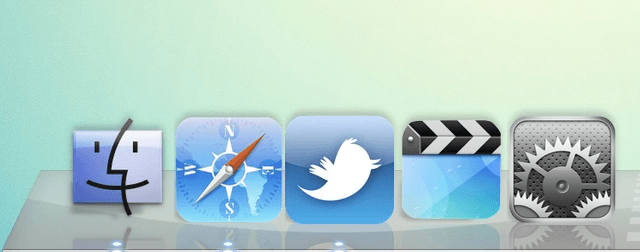
Have you ever had the desire to change how your applications look your Mac? Perhaps you want them to look like the icons found in iOS, as seen in the picture above? Although fairly unknown, it is possible in Mac OS X. All you’ll need to get started is img2icns. While there is no plain and obvious way to go about it, it’s actually fairly simple once you know what to do, as demonstrated in this video.
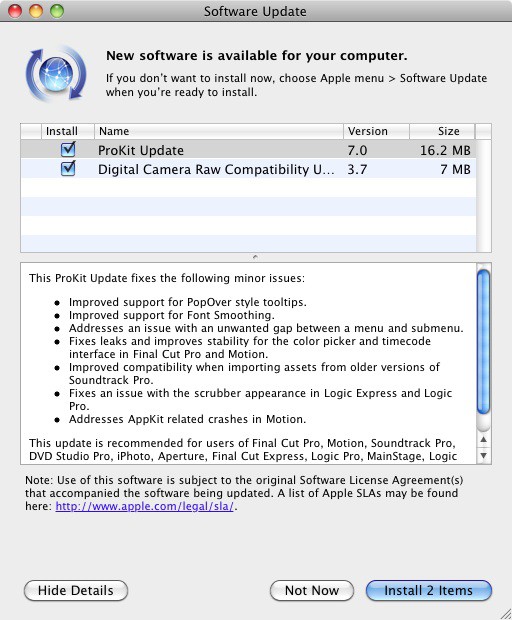
Apple has released two new updates today that improve support for processing raw image files from recently released digital cameras and provide enhancements and bug fixes for Apple’s audio/video production tools for professionals.
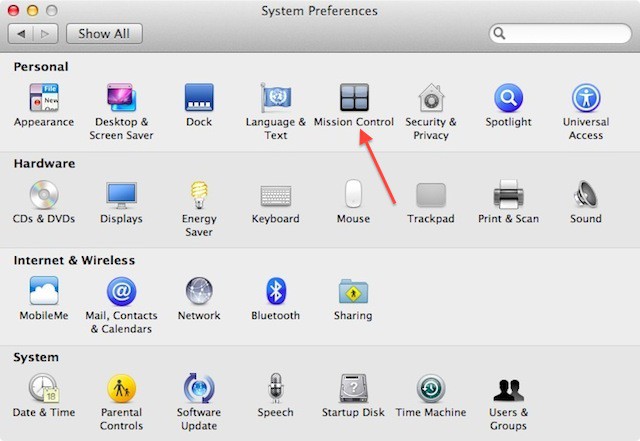
My most favorite feature of Mac OS X Lion, Mission Control, now has a separate control panel in System Preferences in Mac OS X Lion Developer Preview 3. However, this isn’t the only new thing you’ll find in the latest release of Mac OS X Lion.
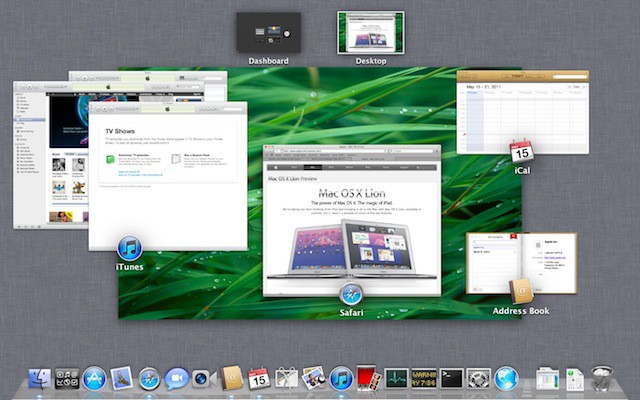
Apple is reinventing the way we think about accessing application windows, organization of those windows, and the way we access running applications. A new feature called Mission Control in Mac OS X 10.7 lion makes it all easy.
Sometimes, even Macs get laggy. Logging in can be sluggish, and even just routine tasks can start to crawl. Whether you know it or not, resource hogs can be lurking in your system and slowing down your work. After following these five simple steps though, your Mac can be almost as good as new.
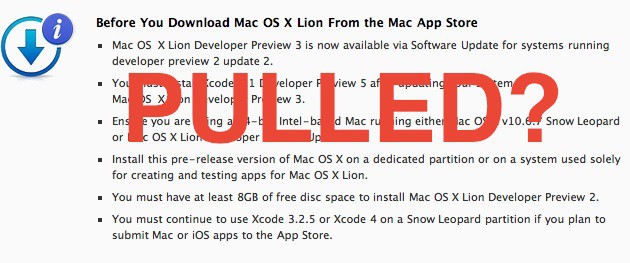
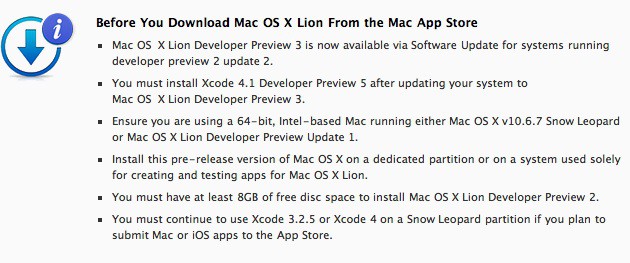
We’ve received various reports from developers testing Lion Developer Preview 2 that the Preview 3 update is no longer appearing in Software Update on machines running Lion Developer Preview 2 released on March 30th.
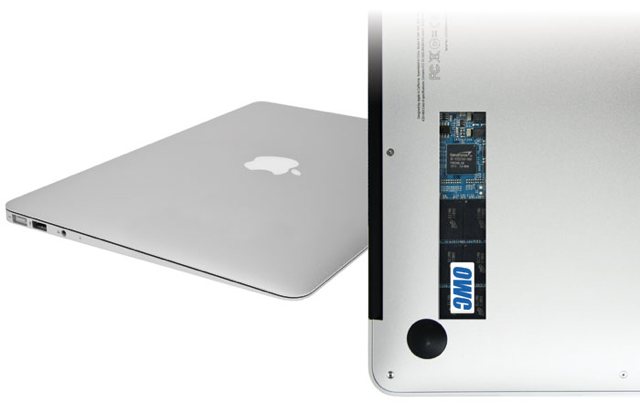
When I first got my Macbook Air, I fell in love with its diminutive profile, speedy boot times and incredible portability, but after living with it for a few months, one thing became glaringly apparent – 128GB was simply not enough room. Having convinced myself it would be at the time or purchase – I have recently found myself umbilically attached to a 500GB USB hard drive for music and photos.
Now, 6 months in, I was faced with two choices – stick the current MBA on eBay and stump up the extra cash for a larger capacity Air – or invest in a 3rd party storage solution. The first option is just stupid, so an upgrade was on the cards.
While the iPad has seemingly countless uses, one fairly uncommon one is the ability to use it as an external display for your Mac. iDisplay, a simple little app from the App Store, lets you achieve this. After all, if you already have the iPad, why not use it to your advantage? This video will show you how to set up iDisplay and tweak it to your liking.
Karelia Software announced a major upgrade to the company’s flagship Sandvox product Tuesday, making it possible even for CEOs to quickly and easily build a website.
Far simpler than Dreamweaver yet more flexible and robust than iWeb, Sandvox 2.0 is designed for Mac and brings fully competent web design within the realm of possibility for those with nothing more than a desire for presence on the Internet and a vague idea of what it should look like.
Its palette of stock site designs aren’t especially cutting-edge but what Sandvox does offer is clean and uncluttered, with a range of inoffensive color themes that should appeal to the wide audience of individuals and small business owners who may be flummoxed by an infinite variety of web-publishing platforms — and don’t want to pay an actual web designer to build an attractive, functional website.
Apple has invested a considerable amount of time and money on iOS, the mobile version of Mac OS X, that powers the iPhone, iPod touch, iPad, and Apple TV. So it just makes sense that Apple would re-invest iOS technology into the Mac version of OS X. Steve Jobs has pretty much said so himself and we’ll start to see this happen with the release of Mac OS X 10.7 bearing the code name Lion.
First of all it is no secret that Apple plans on bringing a number of features to the Mac from iOS. These features include the following:
Resuming Applications
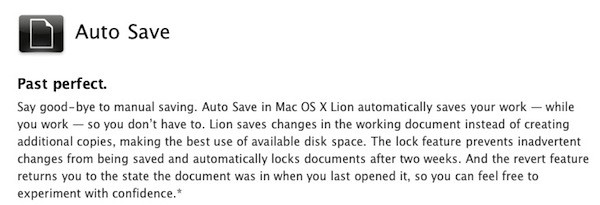
Mac OS X will allow applications to remember open windows, etc. similar to resuming apps when launched on iOS. Automatically saving application documents will also be an integrated feature similar to what happens on iOS when you suspend or quit an app.