Mobile menu toggle

Mac - page 54

Liveblog: Apple’s toughest earnings call in a decade

By

Earnings_Call_2
How bad is peak iPhone?
Photo: Ste Smith

Apple earnings calls are usually a time for celebration and gloating, but for the first time in over a decade the company is poised to post declining profits.

Tim Cook warned Wall Street that this would likely happen due to declining iPhone sales. Have we really reached “peak iPhone”?

Analysts and reporters will be grilling Cook and Apple CFO Luca Maestri during today’s Q2 2016 earnings call. Investors will be looking for signs that Apple still has room to grow. And Cult of Mac will be right here, liveblogging the entire Apple earnings call — and translating the financial gibberish — when the big event starts at 2 p.m. Pacific.

Get in on the action below:

Apple adds Box veteran to boost enterprise efforts

By

img_3363.jpg
Kate Appleton will be in charge of getting more businesses to use iPhones and Macs.
Photo: BlackBerry

Apple’s push to become a great company for large companies as well as consumers is getting a big boost this week with the hiring of former Box employee Karen Appleton who has joined the company in an enterprise-focused role.

Appleton revealed last week that she was leaving Box after working with the company since 2007 as employee number 8, but she hasn’t said what exactly she will be doing for Apple.

Will WWDC 2016 be another Apple snooze-fest? [Friday Night Fights]

By

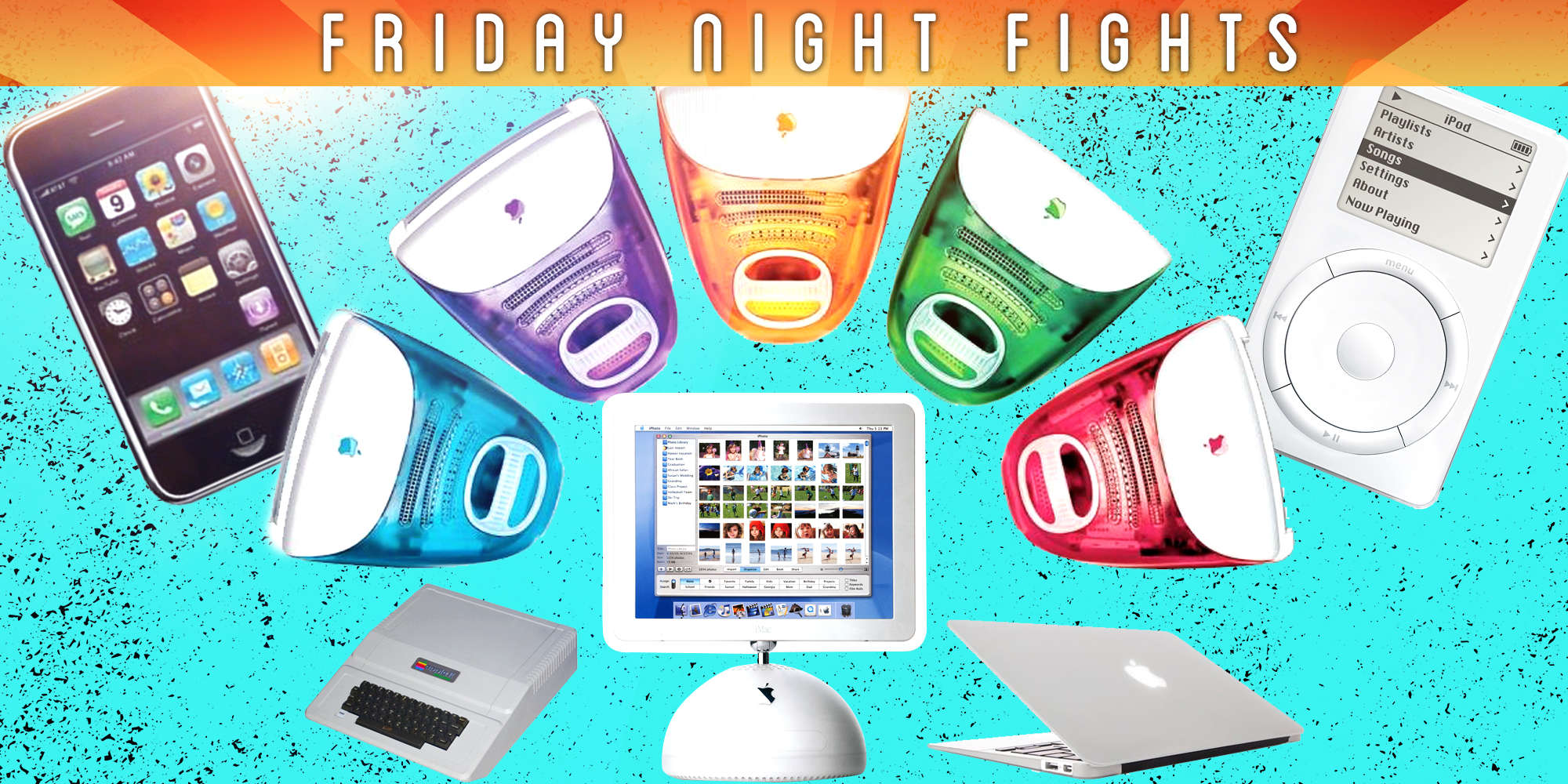
fnf
Are you excited?
Photo: Ste Smith/Cult of Mac

Apple’s most recent keynotes have been a little… boring. Even die-hard fans have been left disappointed by the lack of action and surprises, but with WWDC 2016 right around the corner, many have high hopes that Apple’s about to buck that trend.

FNF-bugApple’s keynote will offer our first sneak peeks at iOS 10 and the next big upgrades to OS X, watchOS, and tvOS — plus possible refreshes for Apple Watch and various Macs. Will these things make up for the lack of excitement?

Join us in this week’s Friday Night Fight between Cult of Android and Cult of Mac as we talk about (argue over) all things WWDC!

Apple drops new batch of betas for every platform

By

ios-9-3-notes
IOS 9.3.2 beta 2 is here.
Photo: Apple

A fresh new batch of Apple beta software is now available for developers two weeks after the company dropped its last big set of new software.

New beta builds of iOS 9.3.2, watchOS 2.2.1, tvOS 9.2.1 and OS X 10.11.5 can be found in the Apple developer center, bringing a bunch of new bug fixes, and hopefully some feature improvements as well. 

Does Apple’s design team need some fresh blood? [Friday Night Fights]

By

fnf1
Or is its best yet to come?
Photo: Ste Smith/Cult of Mac

You can’t think about Apple without thinking about great design. The two go hand-in-hand, thanks to the company’s incredible ability to churn out hit products that make billions of dollars one after the other, year after year.

FNF-bugBut Apple’s design team isn’t perfect. There have been some missteps over the years, and it seems like they’ve become more common under Tim Cook. Its design has also become predictable; even before we get a new product, we have a good idea what it will look like.

Are we worrying about nothing, or is it time Apple invited some fresh blood into Jony Ive’s lair? Join us in this week’s Friday Night Fight between Cult of Android and Cult of Mac as we fight it out over this and more!

Apple reveals how long its devices typically last

By

tomb_sunny
How long do you keep your Apple devices?
Photo: Cult of Mac/Ken Marshall CC

How many years do you use your iPhone, iPad, Apple TV or Mac before shutting it down for the last time and sending it to the big Apple Store in the sky?

While Apple products are typically far more solid and long-lasting than those made by rivals, the company offers a clue in a newly released document concerning Apple and its commitment to the environment.

Turn your iPad into a control center for your Mac with Quadro

By

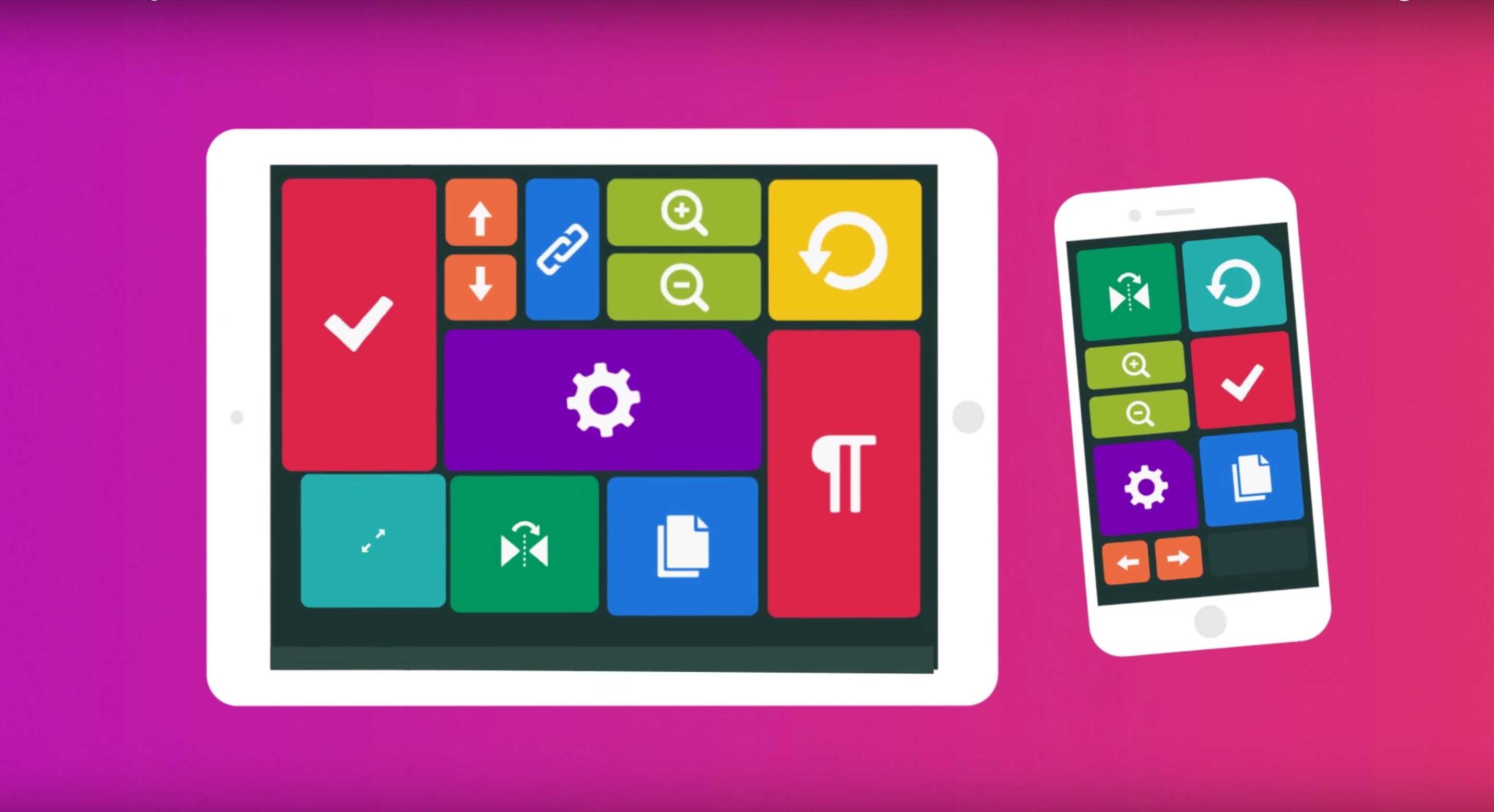
Control your Mac (or PC) from your iOS device with this slick new system.
Photo: Quadro

I just used my iPad to control my MacBook Pro. I watched a video on YouTube, did some image manipulation with Lightroom and edited an essay in Microsoft Word, all without touching my laptop.

Sounds like something you’d expect with a screen sharing app, but Quadro makes it even simpler with a new iOS app that will let you connect to and control your Mac or PC with a grid of commands that look like something out of Star Trek.

Check out the video below to see how it works.

iOS-friendly flash drive makes sharing data simple [Reviews]

By

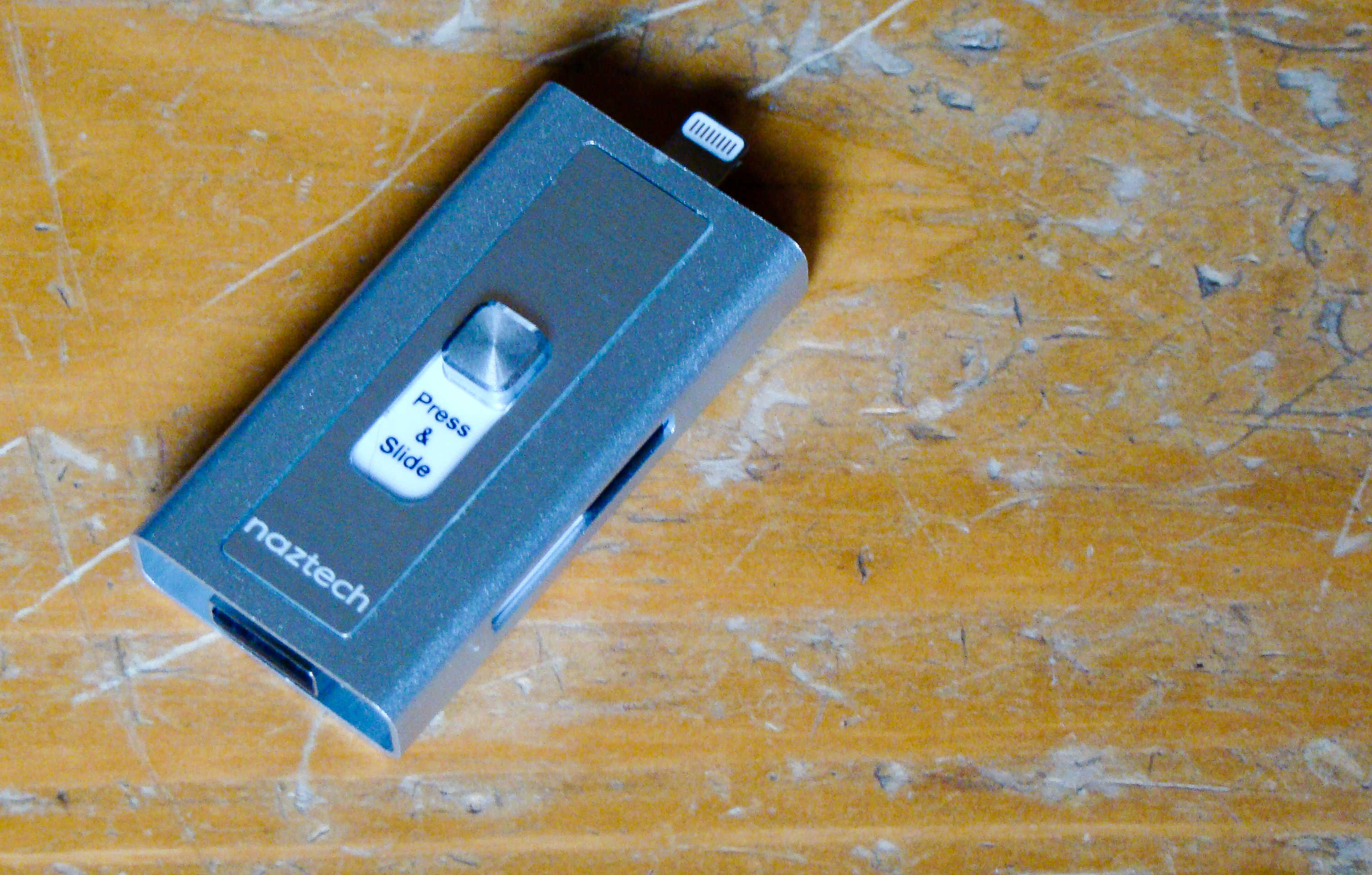
This flash drive will connect to your Mac and your iPhone.
Photo: Rob LeFebvre/Cult of Mac

Best List: Xtra Drive by Naztech

We’ve all been using flash drives on our Macs for ages, ever since Apple dropped the disk drives from its computer lineup.

iPhones and iPads don’t have a USB port, so it’s hard to use the same external thumb drives on the go.

The new Xtra Drive from Naztech is the best of both worlds, providing a single microSD card-based solution that has both a USB and a Lightning connector that will let me back up and transfer files from my iOS device to any computer.

Think outside the box for super-fast iPad Pro charging

By

iPad Pro
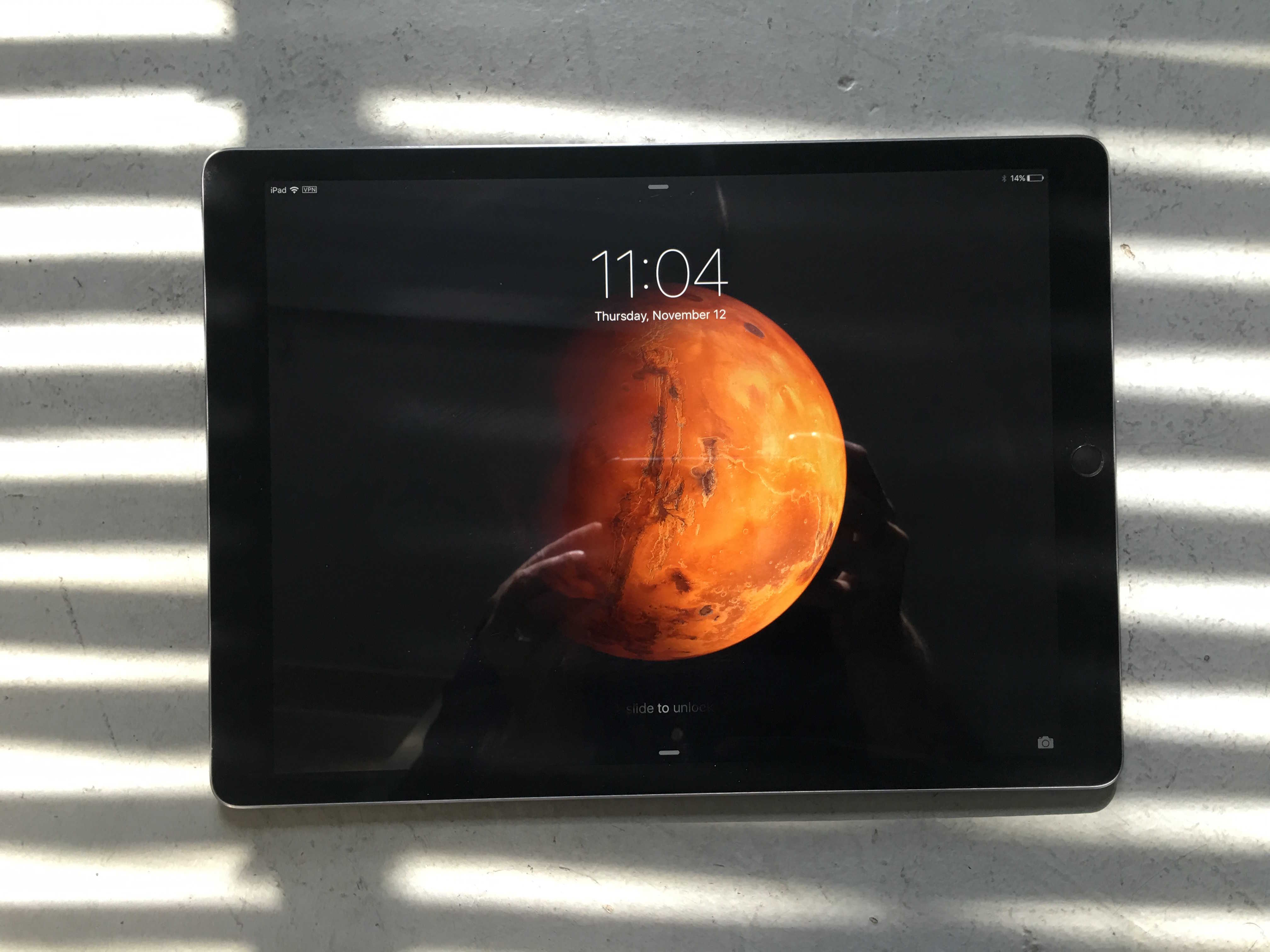
Have you picked up a cheap iPad Pro yet?
Photo: Leander Kahney/Cult of Mac

When it comes to charging 12.9-inch iPad Pro, you’re going to be better off thinking outside the box (it came in).

The larger, 29-watt USB-C charger is the one that should have come with the iPad Pro in the first place. It blows the 12-watt included charger out of the water so hard, you’re going to want to get one right now.

Apple’s dev edition Safari brings future WebKit to your Mac

By

Safari will be kinder to MacBook Pro battery life.
Photo: Apple

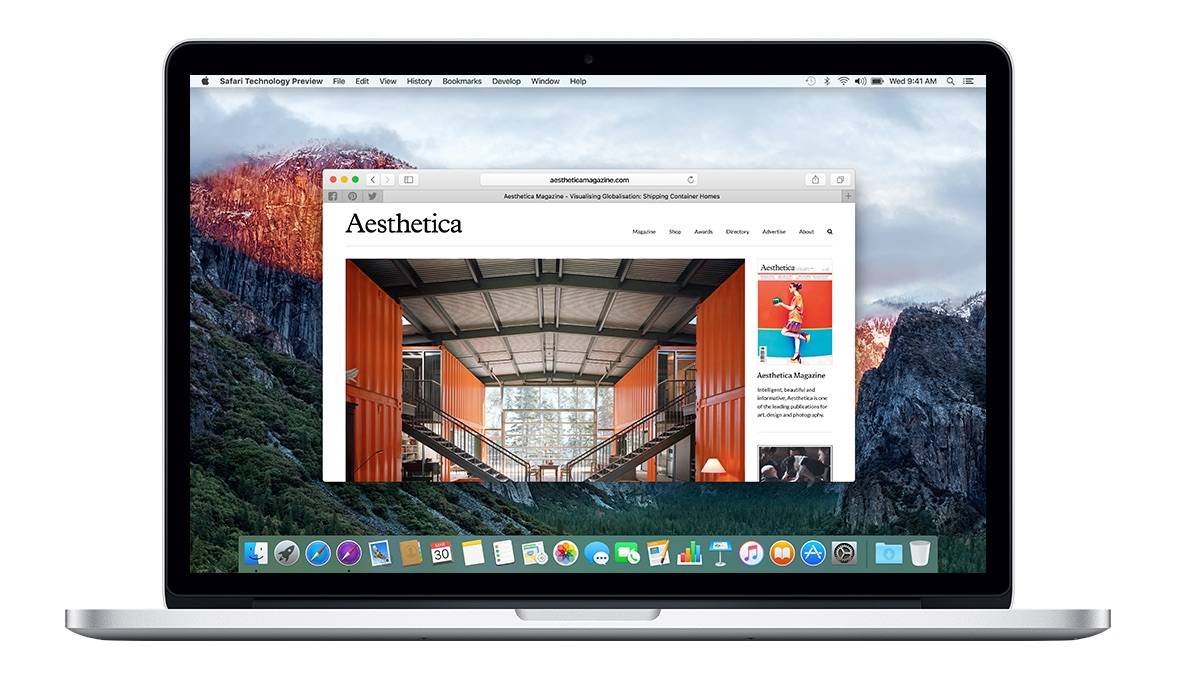
You can get a taste of the future of Safari on the Mac today, thanks to the release of the new Safari Technology Preview from Apple that gives regular users and developers an easy way to test new features and improvements that are coming soon to the web browser.

The new stand-alone app for OS X can be downloaded and used for free by anyone, and includes a cutting-edge version of the WebKit browser engine that is still in development. It’s a great way for web developers to get ahead on new features by testing them before they’re public.

Safari Technology Preview can be used side-by-side with the regular version of Safari to test for behavioral issues. It also includes new improvements for Web Inspector.

Here’s a list of the new features:

The seventh OS X 10.11.4 beta is here

By

el-capitan-beta
New El Capitan beta is here.
Photo: Apple

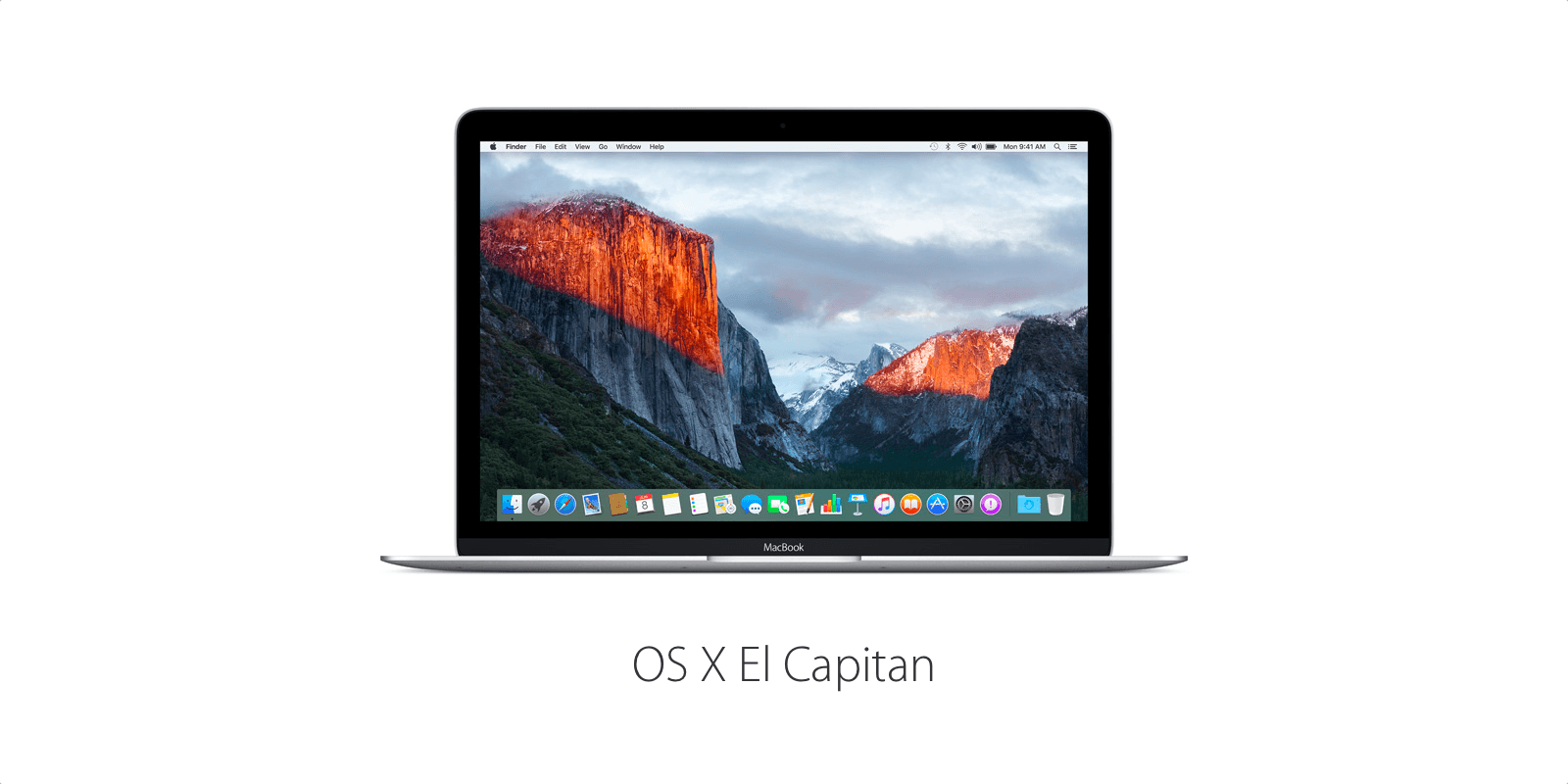
Apple is not quite done tinkering with OS X 10.11.4 before its public release.

The company seeded the seventh beta of OS X 10.11.4 to developers this morning, a little over a week after Apple released the last beta for the desktop operating system.

Why won’t Apple build a game-worthy Mac? [Friday Night Fights]

By

fnf
Tell us, Apple!
Photo: Ste Smith/Cult of Mac

Mac users needn’t bother pre-ordering an Oculus Rift headset because they can’t use it. According to Oculus founder Palmer Luckey, that’s because none of the machines Apple offers are powerful enough to meet its recommended specifications.

Friday-Night-Fights-bug-2They’re not powerful enough to play the latest games at high-settings, either. Even if you spend thousands on a high-end Mac Pro, you’re going to be disappointed with its gaming prowess — especially if you want to drink in some of those sweet, sweet 4K graphics.

So, is it about time Apple built a Mac that’s good for gaming?

Join us in this week’s Friday Night Fight between Cult of Android and Cult of Mac as we battle it out over this and more!

Microsoft skewers Mac with new Surface Book ads

By

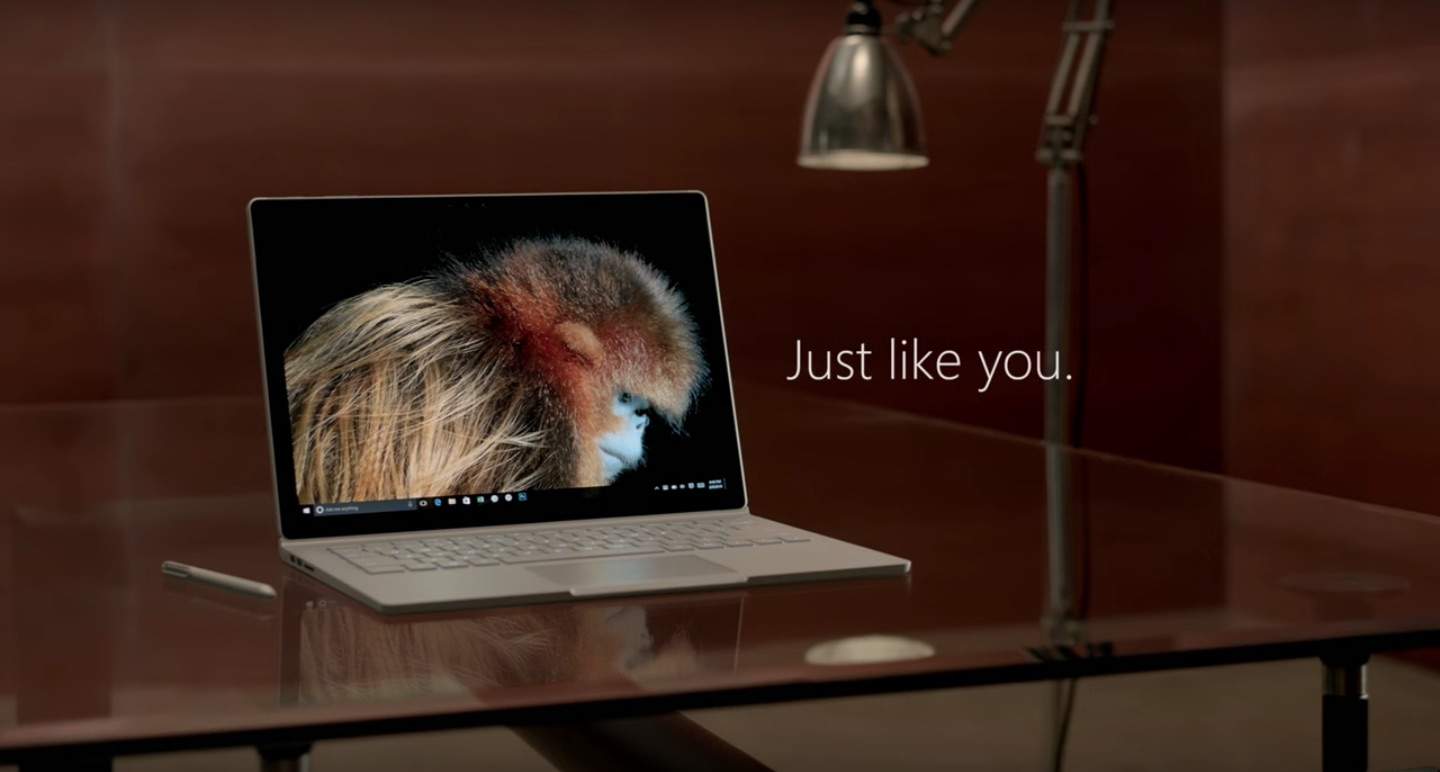
The Microsoft Surface Book  is a tablet and laptop in one.
The Microsoft Surface Book is a tablet and laptop in one.
Photo: Microsoft.

Microsoft is taking a page out of Apple’s marketing playbook for its newest ads promoting the Surface Book, and the company threw in a few digs at the Mac while they were at it.

Rather than just focusing on the product, Microsoft’s new ads add a human touch by focusing on how the device has changed some professionals’ workflow. First up is photography Tim Flach, who uses a Surface Book and Surface Pen to precisely edit his incredible animal photography. If owning a Surface Book gave me killer shots just like Flach, I’d ditch my Mac too.

“Being able to use a pen like this on the screen directly with the image gives me a different relationship to it,” says Flach. “And I just can’t do that on my Mac.”

Check it out:

5 Netflix keyboard shortcuts that put you in charge

By

Netflix on a MacBook
You now have to pay more for the best Netflix package.
Photo: Stephen Smith/Cult of Mac

When you’re binge-watching a show like Walking Dead or Person of Interest on Netflix, you may at times need to get up for a snack or bathroom break (or both).

Fumbling around for the mouse to bring up the playback overlay is fine, but using the keyboard to pause your streaming media is much faster. Here are five hidden keyboard shortcuts that will put you in charge of your Netflix experience.

Stealthy malware will hold your Mac ransom

By

Apple takes a hacksaw to estimated trade-in values for its devices
A rare security threat aimed at Mac users.
Photo: Pictures of Money/Flickr CC

Torrenters beware! The first ransomware attack on Mac users in the wild has been discovered, “courtesy” of Transmission, a BitTorrent client for Mac.

The torrent service received a major update last week, but it unfortunately the new software happened to be infected with ransomware, which went on to quietly install itself on the the Macs of everyone who downloaded the update from Transmission’s website.

Thinner iPhones, Mac malware and 10 mobile Safari tips you need to know

By

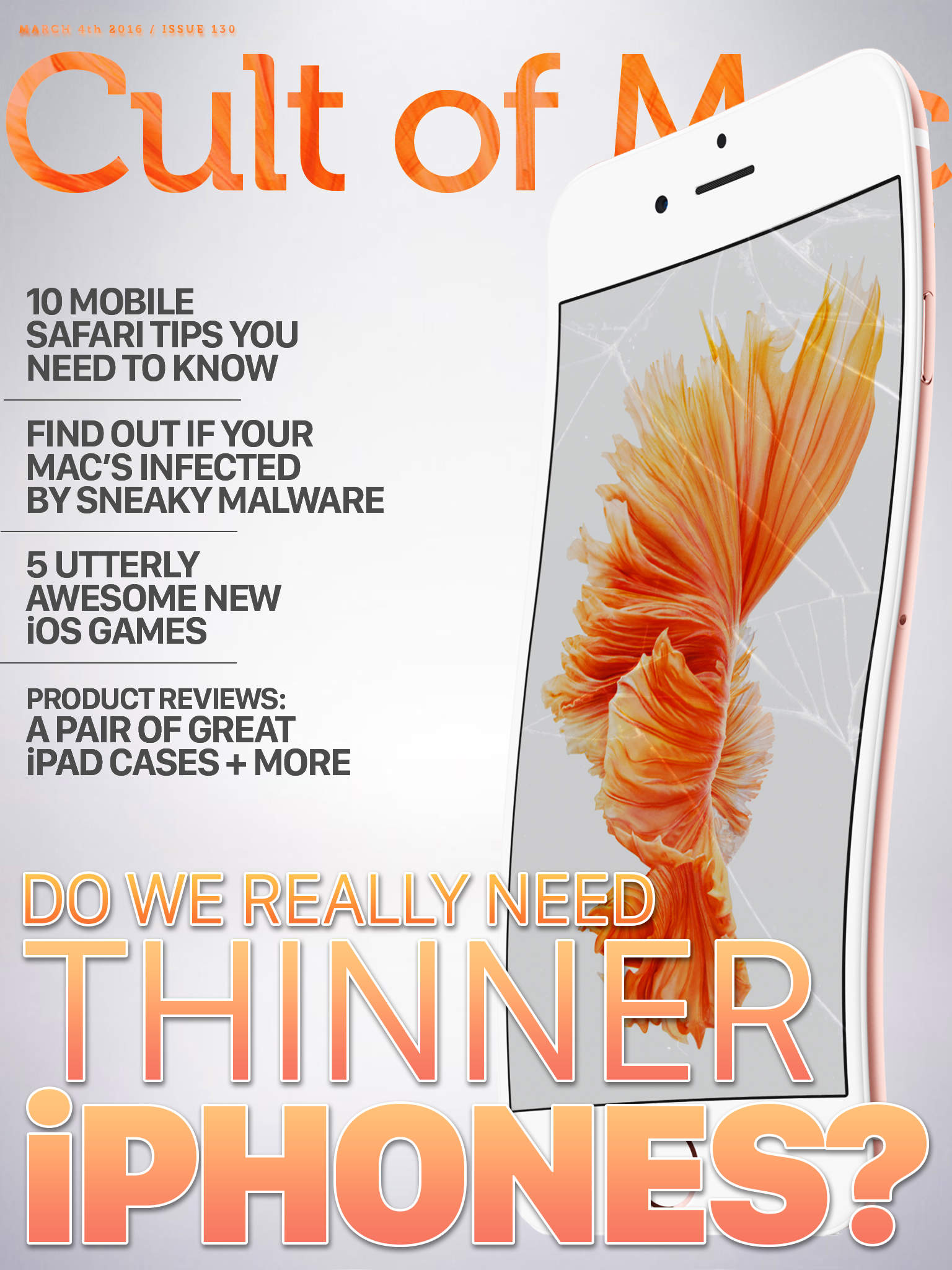
Thin is in, baby.
Thin is in, baby.
Cover Design: Stephen Smith/Cult of Mac

With Bendgate not that far behind us, is it really wise for Apple to contemplate an even thinner iPhone?

Sure, it’s an easy selling point for new iPhones, but thinner can also mean more bendable. Take a look at this age-old Apple theme in this week’s Cult of Mac Magazine, along with 10 fantastically useful mobile Safari tips, a way to find out if you’ve been infected by sneaky adware, five amazingly great new iOS games, and some awesome product reviews to help inform your purchasing plans.

All this, and much much more, in Cult of Mac Magazine, free for your perusal right now.

Here are the top stories of the week:

Microsoft takes aim at Macs in latest Windows 10 ads

By

Screen Shot 2016-02-29 at 15.00.01
As this, err, slow-moving creepy crawly shows.
Photo: Microsoft

The rivalry between Apple and Microsoft may not be as fierce as it once was, but that’s not stopped the long-time Apple frenemy from firing shots in Cupertino’s direction in its latest series of ads for Windows 10.

Presented by two insect educators called “The Bug Chicks” (because, obviously, Windows and bugs go together perfectly!), the ads look at various features that Apple computers just don’t offer yet. You know, like that whole “blue screen of death” lark.

Siri-ously? Apple’s virtual assistant finally coming to Mac

By

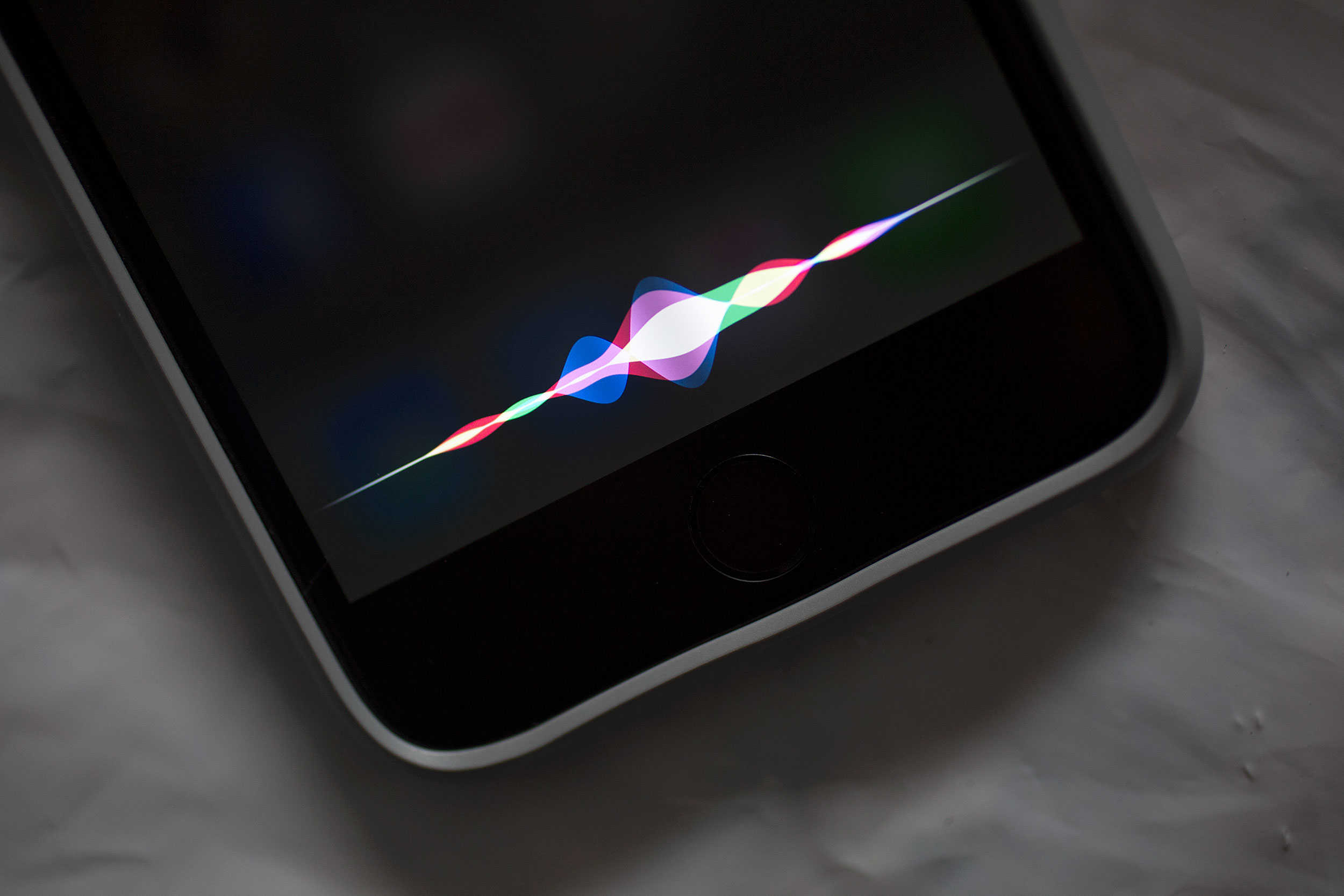
Siri
Your Mac is about to get a new virtual assistant.
Photo: Jim Merithew/Cult of Mac

Siri spread from the iPhone to the Apple Watch and Apple TV in 2015, but this may finally be the year Apple’s virtual assistant lands on Mac.

Apple is planning to make Siri this year’s big OS X feature, according to a new report that claims Siri integration into OS X 10.12 will be unveiled at the Worldwide Developers Conference in June.

Clever translation, a great tennis game, and other apps of the week

By

appsoftheweek_1024
'Appy weekend everyone!
Photo: Ste Smith/Cult of Mac

The weekend is halfway over and — if the weather in your area is anything as dismal as it is in mine — thoughts naturally turn to amusing ourselves with the latest apps.

But which ones to sample? Whether you’re looking for a clever translation app, one of the best games of the year so far, or a nifty tool for blasting music from any Bluetooth speaker in your house, we’ve got something for you.

Check out our picks below.

Apple fights the FBI, get more HD space, secret iPhone emoticons and more

By

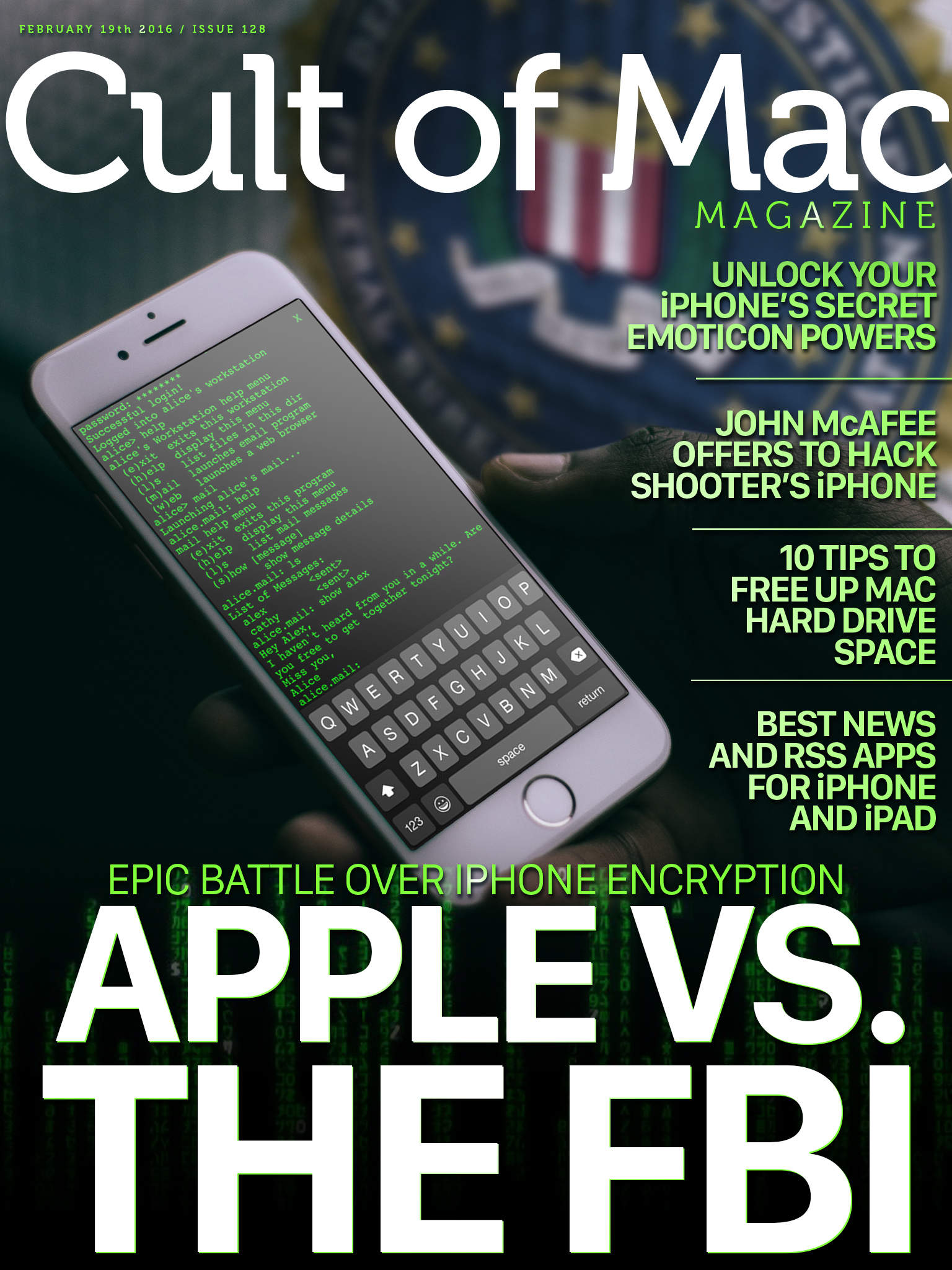
Apple takes on the FBI.
Cover Design: Stephen Smith/Cult of Mac

Tim Cook sparked an internet controversy when he penned his open letter to Apple customers about why the tech giant was pushing back against a court order to create an FBI-friendly version of its iOS software.

Find out more about Apple’s epic battle over iPhone encryption, along with how to unlock your iPhones secret emoticons, 10 hard drive space-saving tips, the best news and RSS apps for your iOS devices, and a bit about John McAfee’s bid to hack the iPhone for the FBI.

All that and much more in this week’s Cult of Mac Magazine. Here are the top stories this week.

New browser brings picture-in-picture to Mac [Reviews]

By

fluid-header - 2
Fluid Browser comes in handy for graphic design. And workplace distraction.
Photo: George Tinari/Cult of Mac

With iOS 9, Apple introduced a whole slew of multitasking features including picture-in-picture, so I can watch a video while using another app. Even though this was technically already possible on the Mac, there hasn’t been an easy way to get a video to overlay another window so I can focus on both at the same time. Well the new Fluid Browser solves that problem, quite magnificently I might add.

Fluid is its own web browser, but it’s not meant to replace Safari or Chrome for my main usage. Instead, I open up Fluid and go to a website where I want to play video, like YouTube or Netflix. The video itself will enlarge to fit the width of the browser window. Then magically, if I click somewhere else on my desktop, Fluid will float above the other windows and even has adjustable opacity so I can make the video as prominent on screen as I want.